• Regeln für den Video-Bereich:

    In den Börsenbereich gehören nur Angebote die bereits den Allgemeinen Regeln entsprechen.

    Einteilung

    - Folgende Formate gehören in die angegeben Bereiche:
    - Filme: Encodierte Filme von BluRay, DVD, R5, TV, Screener sowie Telesyncs im Format DivX, XviD und x264.
    - DVD: Filme im Format DVD5, DVD9 und HD2DVD.
    - HD: Encodierte Filme mit der Auflösung 720p oder darüber von BluRay, DVD, R5, TV, Screener sowie Telesyncs im Format x264.
    - 3D: Encodierte Filme von BluRay, die in einem 3D Format vorliegen. Dies gilt auch für Dokus, Animation usw.
    - Serien: Cartoon/Zeichentrick, Anime, Tutorials, Dokumentationen, Konzerte/Musik, Sonstiges sind demnach in die entsprechenden Bereiche einzuordnen, auch wenn sie beispielsweise im High Definition-Format oder als DVD5/DVD9/HD2DVD vorliegen. Ausnahme 3D.
    - Bereich Englisch: Englische Releases gehören immer in diesen Bereich.
    - Bereich Talk: Der Bereich, in dem über die Releases diskutiert werden kann, darf, soll und erwünscht ist.


    Angebot/Beitrag erstellen

    - Ein Beitrag darf erst dann erstellt werden, wenn der Upload bei mindestens einem OCH komplett ist. Platzhalter sind untersagt.
    - Bei einem Scenerelease hat der Threadtitel ausschließlich aus dem originalen, unveränderten Releasenamen zu bestehen. Es dürfen keine Veränderungen wie z.B. Sterne, kleine Buchstaben o.ä. vorgenommen werden. Ausnahme Serienbörse:
    - Bei einem Sammelthread für eine Staffel entfällt aus dem Releasename natürlich der Name der Folge. Beispiel: Die Simpsons S21 German DVDRip XviD - ITG
    - Dementsprechend sind also u.a. verboten: Erweiterungen wie "Tipp", "empfehlenswert", "only", "reup", usw. / jegliche andere Zusatzinformation oder Ergänzung, welche nicht in obiger Beschreibung zu finden ist.

    Aufbau des Angebots und Threadtitel

    Der Titel nach folgendem Muster erstellt zu werden. <Name> [3D] [Staffel] [German] <Jahr> <Tonspur> [DL] [Auflösung] <Quelle> <Codec> - <Group>
    Beispiel: The Dark Knight German 2008 AC3 DVDRip XviD - iND
    Beispiel: The Dark Knight 2008 DTS DL BDRip x264 - iND
    Beispiel: The Dark Knight 2008 AC3 DL BDRip XviD - iND
    Beispiel: The Dark Knight German 2008 AC3 720p BluRay x264 iND
    Beispiel: The Dark Knight 2008 DTS DL 1080p BluRay x264 iND
    Beispiel: Die Simpsons S01 German AC3 DVDRip XviD iND
    Beispiel: Die Simpsons S20 German AC3 720p BluRay x264 iND
    Beispiel: Sword Art Online II Ger Sub 2014 AAC 1080p WEBRip x264 - peppermint
    Entsprechend sind also u.a. verboten: Sonderzeichen wie Klammern, Sterne, Ausrufezeichen, Unterstriche, Anführungszeichen / Erweiterungen wie "Tipp", "empfehlenswert", "only", "reup", usw. / jegliche andere Zusatzinformation oder Ergänzung, welche nicht in obiger Beschreibung zu finden ist
    Ausnahmen hiervon können in den Bereichen geregelt sein.

    Die Beiträge sollen wie folgt aufgebaut werden:
    Überschrift entspricht dem Threadtitel
    Cover
    kurze Inhaltsbeschreibung
    Format, Größe, Dauer sind gut lesbar für Downloader außerhalb des Spoilers zu vermerken
    Nfo sind immer Anzugeben und selbige immer im Spoiler in Textform.
    Sind keine Nfo vorhanden z.B. Eigenpublikationen, sind im Spoiler folgende Dateiinformationen zusätzlich anzugeben :
    Quelle
    Video (Auflösung und Bitrate)
    Ton (Sprache, Format und Bitrate der einzelnen Spuren)
    Untertitel (sofern vorhanden)
    Hosterangabe in Textform außerhalb eines Spoiler mit allen enthaltenen Hostern.
    Bei SD kann auf diese zusätzlichen Dateiinformationen verzichtet werden.

    Alle benötigten Passwörter sind, sofern vorhanden, in Textform im Angebot anzugeben.
    Spoiler im Spoiler mit Kommentaren :"Schon Bedankt?" sind unerwünscht.


    Releases

    - Sind Retail-Release verfügbar, sind alle anderen Variationen untersagt. Ausnahmen: Alle deutschen Retail-Release sind CUT, in diesem Fall sind dubbed UNCUT-Release zulässig.
    - Im Serien-Bereich gilt speziell: Wenn ein Retail vor Abschluss einer laufenden Staffel erscheint, darf diese Staffel noch zu Ende gebracht werden.62
    - Gleiche Releases sind unbedingt zusammenzufassen. Das bedeutet, es ist zwingend erforderlich, vor dem Erstellen eines Themas per Suchfunktion zu überprüfen, ob bereits ein Beitrag mit demselben Release besteht. Ist dies der Fall, ist der bereits vorhandene Beitrag zu verwenden.
    - P2P und Scene Releases dürfen nicht verändert oder gar unter einem iND Tag eingestellt werden.


    Support, Diskussionen und Suche

    - Supportanfragen sind entweder per PN oder im Bereich Talk zu stellen.
    - Diskussionen und Bewertungen sind im Talk Bereich zu führen. Fragen an die Uploader haben ausschließlich via PN zu erfolgen, und sind in den Angeboten untersagt.
    - Anfragen zu Upload-Wünschen sind nur im Bereich Suche Video erlaubt. Antworten dürfen nur auf Angebote von MyBoerse.bz verlinkt werden.


    Verbote

    - Untersagt sind mehrere Formate in einem einzigen Angebotsthread, wie beispielsweise das gleichzeitige Anbieten von DivX/XviD, 720p und 1080p in einem Thread. Pro Format, Release und Auflösung ist ein eigener Thread zu eröffnen.
    - Grundsätzlich ebenso verboten sind Dupes. Uploader haben sich an geeigneter Stelle darüber zu informieren, ob es sich bei einem Release um ein Dupe handelt.
    - Gefakte, nur teilweise lauffähige oder unvollständige Angebote sind untersagt. Dies gilt auch für eigene Publikationen, die augenscheinlich nicht selbst von z.B. einer DVD gerippt wurden. Laufende Serien, bei denen noch nicht alle Folgen verfügbar sind, dürfen erstellt und regelmäßig geupdatet werden.
    - Untersagt sind Angebote, welche nur und ausschließlich in einer anderen Sprache als deutsch oder englisch vorliegen. Ausnahmen sind VORHER mit den Moderatoren zu klären.


    Verstoß gegen die Regeln

    - Angebote oder Beiträge, die gegen die Forenregeln verstoßen, sind über den "Melden"-Button im Beitrag zu melden.
  • Bitte registriere dich zunächst um Beiträge zu verfassen und externe Links aufzurufen.


Englische Tutorials

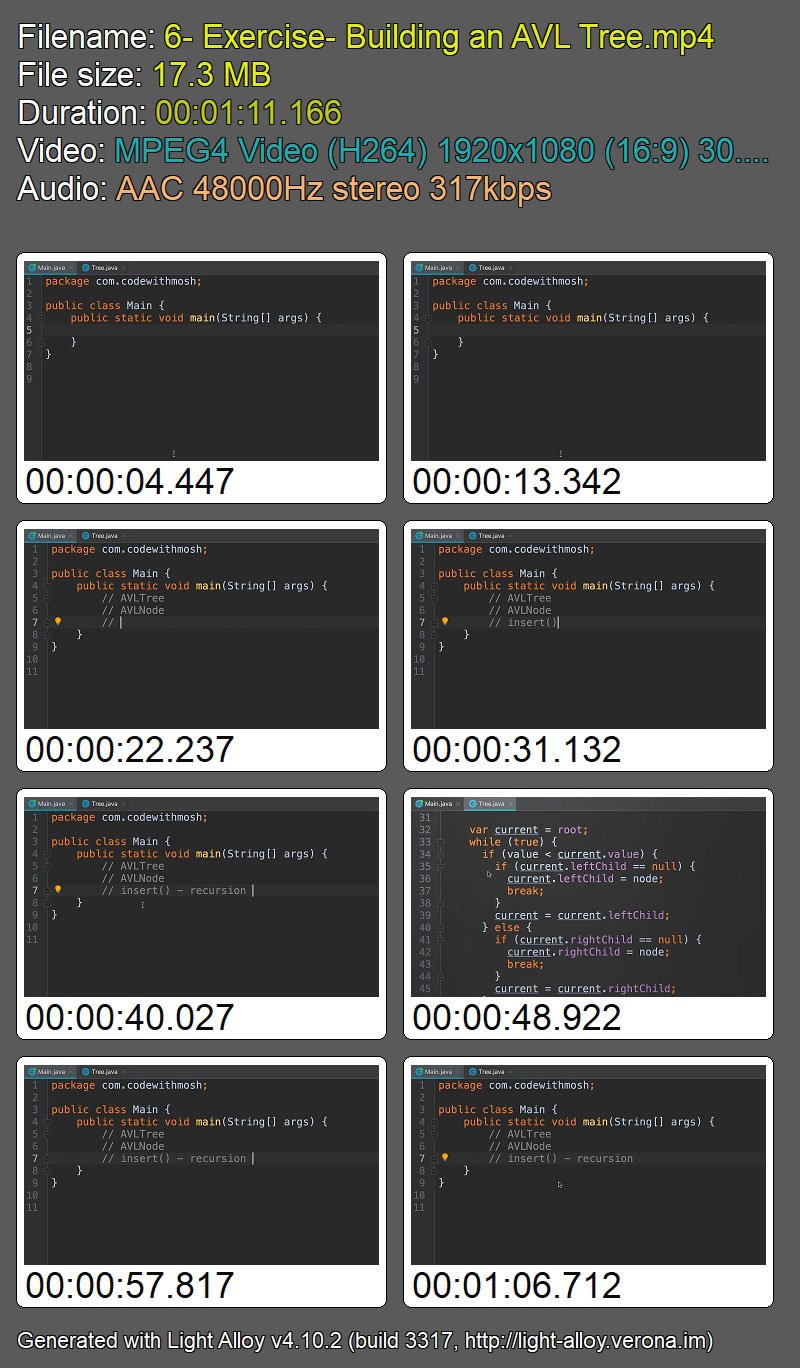
The Ultimate Data Structures & Algorithms: Part 2

e-EE85-Ku-VTa3x6-DJffo-Rib4-Zvp-KBJo7-Wt.jpg


The Ultimate Data Structures & Algorithms: Part 2
Mosh Hamedani | Duration: 5h+ | Video: H264 1920x1080 | Audio: AAC 48 kHz 2ch | 7,53 GB | Language: English

Ace your coding job interview. Learn to write better and faster code

Studied Computer Science - but never really understood the complex topic of data structures and algorithms? Or maybe you're a self-taught programmer, with little to no knowledge of this important topic. Or perhaps you failed a job interview because you couldn't answer basic data structure and algorithm questions.

Data structures and algorithms are patterns for solving problems. Developers who know more about data structures and algorithms are better at solving problems.

That's why companies like Google, Microsoft and Amazon, always include interview questions on data structures and algorithms. They want to assess your problem-solving skills. They don't care how many programming languages and frameworks you're familiar with.

This course is the second of a series. In the first part, we covered the linear data structures (Arrays, Linked Lists, Stacks, Queues and Hash Tables). In this part, we'll be focusing on non-linear data structures. Part 3 is about searching, sorting and string manipulation algorithms.

Here's what you're going to learn in this part:

• Binary Trees
• AVL Trees
• Heaps
• Tries
• Graphs

i-Izepbd-TJSBj-ZWe-TVW0-ZPiqne-Xwky6-VB.jpg


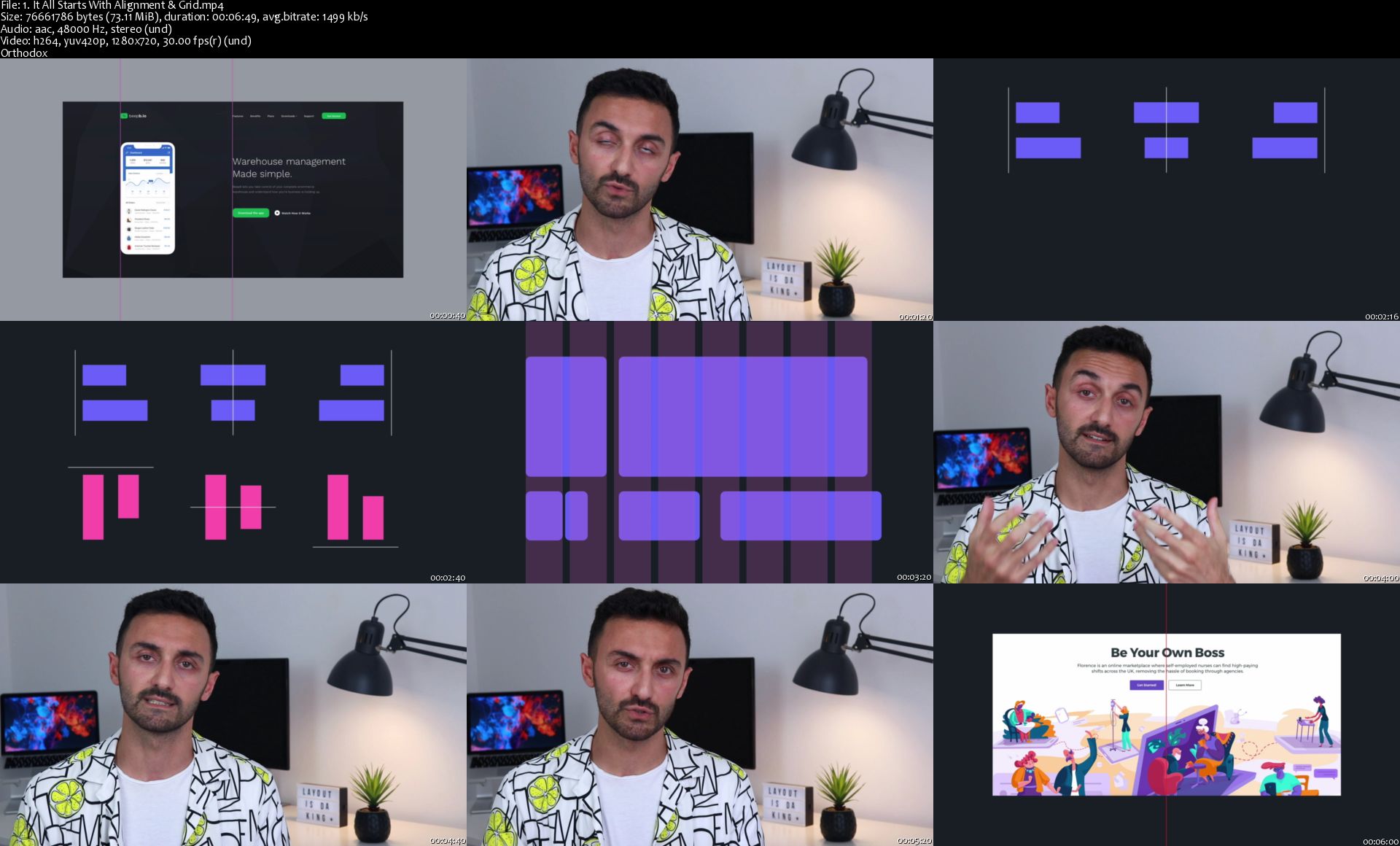
Complete Web Design: from Figma to Webflow to Freelancing

U5-KS7-Ud-CS7-Yj-Ij-Iwra-Kinq-Lwb-RS5ue-LR.jpg


Complete Web Design: from Figma to Webflow to Freelancing
Bestseller | h264, yuv420p, 1280x720|ENGLISH, aac, 48000 Hz, 2channels | 18h 21 mn | 10.48 GB
Created by: Vako Shvili

3 in 1 Course: Learn to design websites with Figma, build with Webflow, and make a living freelancing.
What you'll learn

You will learn how to design beautiful websites using Figma, an interface design tool used by designers at Uber, Airbnb and Microsoft.
You will learn how to take your designs and build them into powerful websites using Webflow, a state-of-the-art site builder used by teams at Adobe, Dell, NASA and more.
You will learn secret tips of Freelance Web Designers and how they make great money freelancing online.

Requirements

No requirements. You don't have to be creative or good with math. Those are Design and Development myths.

Description

Web Design is fun. It's creative.

It gives you a huge self-satisfaction when you look at your work and say, "I made this!". I love that feeling after I'm done working on something. When I lean back in my chair, look at the final result with a smile, and have this little "spark joy" moment.

It's especially satisfying when I know I just made $5,000.

Wouldn't you want to have that?

Wouldn't you want to be your own boss?

Working 2-3 hours per day and making more than what people make working full-time?

Waking up whenever you want?

Working from home? Or Starbucks? Or bathtub? If that's your thing. Or from some awesome place like Bali?

I do! And that's why I got into this field. Not for the love of Web Design, which I do now. But for the LIFESTYLE!

There are many ways one can achieve this lifestyle. This is my way. This is how I achieved a lifestyle I've been fantasizing about for five years. And I'm going to teach you the same.

Often people think Web Design is complicated. That it needs some creative talent or knack for computers. Sure, a lot of people make it very complicated. People make the simplest things complicated. Like most subjects taught in the universities.

But I don't like complicated. I like easy. I like life hacks. I like to take the shortest and simplest route to my destination. I haven't gone to an art school or have a computer science degree. I'm an outsider to this field who hacked himself into it, somehow ending up being a sought-after professional.

That's how I'm going to teach you Web Design. So you're not demotivated on your way with needless complexity. So you enjoy the process because it's simple and fun. So you can become a Freelance Web Designer in no time.

For example, this is a Design course but I don't teach you Photoshop. Because Photoshop is needlessly complicated for Web Design. But people still teach it to web designers. I don't. I teach Figma - a simple tool that is taking over the design world. You will be designing a complete website within a week while others are still learning how to create basic layouts in Photoshop.

Second, this is a Development course. But I don't teach you how to code. Because for Web Design coding is needlessly complicated and takes too long to learn. Instead, I teach Webflow - a tool that is taking over the web design world. You will be building complex websites within two weeks while others are still learning the basics of HTML & CSS.

Third, this is a Freelancing course. But I don't just teach you how to write great proposals. I give you a winning proposal template. When you're done with the course, you will have a stunning portfolio website with portfolio pieces already in it.

Buy this course now and take it whenever the time is right for you.
Who this course is for:

This course is for those who want to launch a Freelance Web Design career.
Those who are looking to reboot their work life and try a new profession that is fun, rewarding and highly in-demand.

Homepage

1-It-All-Starts-With-Alignment-Grid-s.jpg


Complete Modern C++ (C++11/14/17)

nfnvtqcaq-Lh-Xyew-JPMmq5-Ih-UQfv1g-XOv.jpg


Complete Modern C++ (C++11/14/17)
MP4 | Video: h264, 1280x720 | Audio: AAC, 44.1 KHz, 2 Ch
Genre: eLearning | Language: English + .srt | Duration: 217 lectures (18h 17m) | Size: 5.7 GB

The most comprehensive C++ tutorial with C++11/14/17 features
What you'll learn:
Use C++ as an object-oriented language
Demystify function & class templates
Use STL components in your applications
Write real-world applications in C++
Apply Modern C++ (C++11/14/17) in programs

Requirements
Basic programming knowledge in any computer language
Some experience of writing programs in any language
Modern C++ compiler, preferably Visual Studio 2015/17/19 Community (or XCode, Clang, g++, Cevelop, Eclipse CDT, Code::Blocks)

Description
Learn C++ in depth with modern features introduced with C++11/14/17

Updated with C++17 features!

C++ is a general purpose programming language invented by Bjarne Stroustrup. It is still one of the more popular programming languages, used for creating high performance applications across a wide variety of domains & platforms.

In 2011, C++11 was born. This revision added lot of new features to the language and it got a new name, Modern C++. This emphasizes writing C++ code using modern features of the language such as move semantics, automatic type inference, threading, lambda expressions, smart pointers and a lot more. C++11 was followed by C++14, that added even more features and enhanced existing onces. In 2017, we may see a new release called C++17, that will add a filesystem library (covered in the course), parallel versions of STL algorithms, new library types such as std::eek:ptional, std::any and more.

This course teaches C++ as an object oriented language with modern features. It focuses on teaching C++ concepts, both old and new, with clear examples. It builds upon the basic language facilities that are then used to build more complex programs with classes, operator overloading, composition, inheritance, polymorphism, templates, concurrency, etc. It even digs deep into assembly to understand few concepts better. After every few topics, a quiz is presented that tests your understanding of the previous topics. Have fun learning Modern C++.

Note that this course is not for you if

You have never programmed before

You don't know ANY programming language

You want to learn basics of programming

Who this course is for
College students who want to learn Modern C++
Expert C++ developers who want to migrate to Modern C++
C++ developers with varying level of experience, who want to refresh basics of the C++ language and get acquainted with the new features
Software professionals who want to learn & implement Modern C++
Anyone who is comfortable with other languages like C, Java, C#, Python, etc, and wants to learn & apply Modern C++
Anyone interested in learning C++

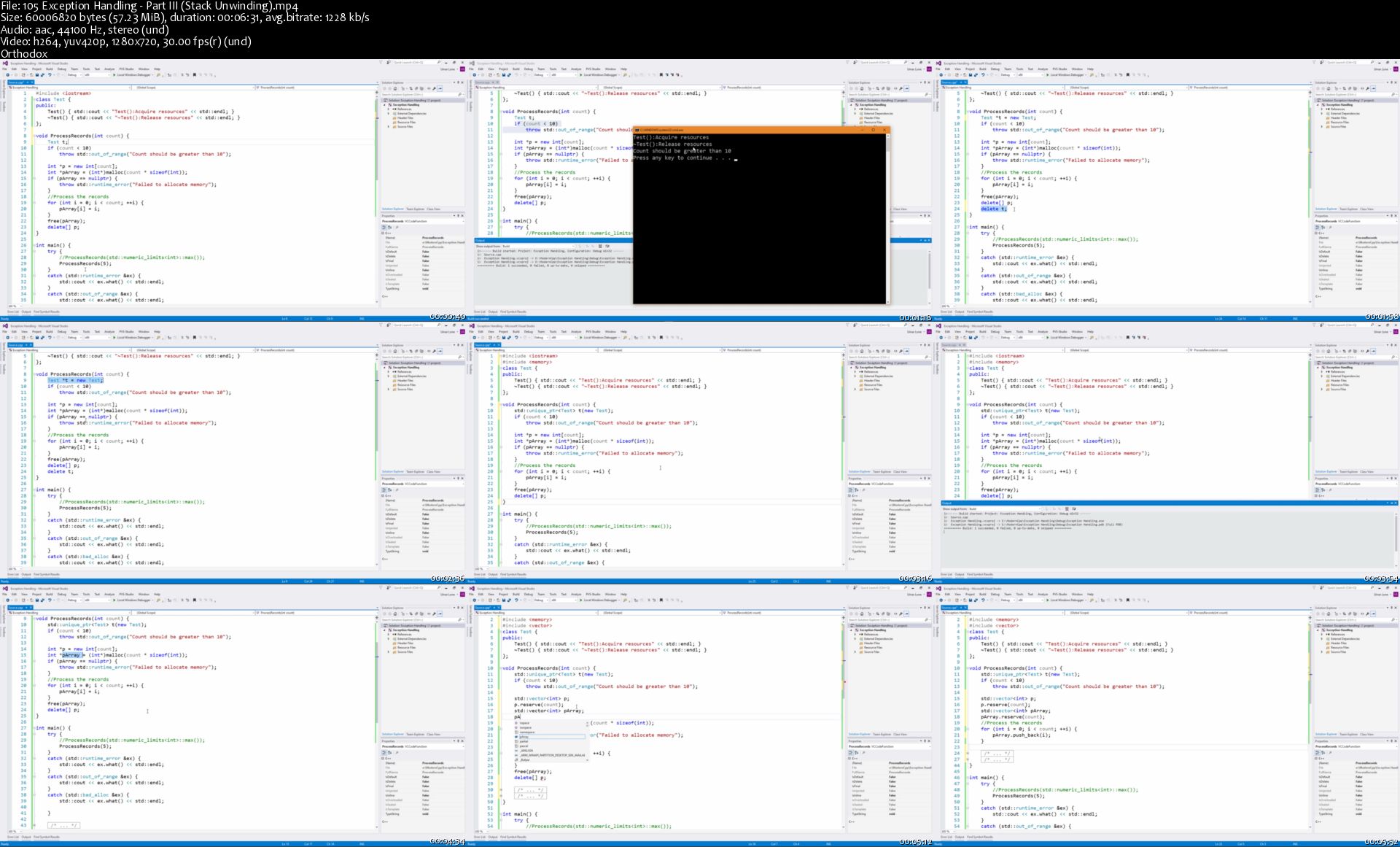
105-Exception-Handling-Part-III-Stack-Unwinding-s.jpg


Adobe Premiere Pro CC - Essentials Training Course

KQW84-Pa-W3-Qf842t4a-M5-Nsa4cgh-VQPpj-S.jpg


Adobe Premiere Pro CC - Essentials Training Course
MP4 | Video: h264, 1280x720 | Audio: AAC, 44.1 KHz, 2 Ch
Genre: eLearning | Language: English + .srt | Duration: 138 lectures (15h 38m) | Size: 9.6 GB

Start your Premiere Pro training now and fast track your career as a video editor
What you'll learn:
Learn how to edit a video interview
Learn how to edit a wedding video
Learn how to edit a short documentary
Learn how to edit social media advertising videos for Instagram, Facebook, Twitter & Youtube Stories
Learn how to edit YouTube 'how to' videos
Learn how to edit talking head footage mixed with screencasts and voiceovers
Learn the difference between After Effects & Premiere Pro
How to add import video your Premiere Pro Project
Color grading video using LUTs & Looks
Create video transitions
Add animated text & lower thirds
How to export video for social media, Youtube & film.
How to organize your video editing footage like a Pro
Where to find free music & video
Video effects like Cinema effects, Black & White, Film Grain, Vignettes, Orange & Teal effect.
How to speed up Premiere Pro so it doesn't run slow while editing.
Work with transition & video effects presets and templates.
Master Lumerti Color
Removing echo, background noise like fans, aircon & fridge hum
Looping background music
Syncing aligning video & audio automatically
Animating using keyframes
Mastering the Essentials Graphics panel
How to work with HD & 4K video
Understanding of Frames per second (FPS), aspect ratios & codecs
How to create motion graphic
How to work with high frame rates
How to work with B-Roll
Zooming in & out with screen capture video & voice over audio
Green Screen
Change images into videos
The ULTIMATE Premiere Pro shortcuts

Requirements
No video editing or Premiere Pro knowledge is necessary
You will need the latest version of Adobe Premiere Pro installed on your computer.

Description
Hi there, my name is Daniel Walter Scott and I am an Adobe Certified Instructor.

I am here to help you learn Adobe Premiere Pro and to show you the tools you need to become a successful video editor.

Premiere Pro is the industry standard used by professional designers to create stunning, high class videos and, after completing this course, you too can become a confident, skilful and efficient creator of stunning videos.

This course is aimed at people who are completely new to Premiere Pro.

"I've purchased some of Daniel's courses in the past. I like his teaching style. This course is excellent so far. I've taken a number of Premiere Pro courses and this one is the best so far. - Larry Farr"

If you are self taught using Premiere, this course will show you techniques you never dreamed were necessary or possible and will show you efficiencies to help speed up your workflow.

The course covers many topics - all of them on a step-by-step basis. We will use real world video editing examples to work through:

An interview

A wedding video

A short documentary

Social media advertising videos

YouTube 'how to' videos

Talking head footage mixed with screencasts and voiceovers

We will work with text, animation, motion gfx, special effects and we will add music to our video.

"The flow, pace and direction of this course are exactly what I'm looking for. I've taken other courses that left me lost, or weren't going in the direction in terms of learning that I wanted to go. This course is exactly what I'm looking for, and Dan is the best instructor I've experienced. A bit of humor, easy to follow, easy to learn. - Tim Weatherall"

We will learn how to do colour correction, colour balancing and also how to create amazing video transitions within our movie.

Technical 'guru' topics such as HD v 4K, frames per second, exporting work, fixing up bad audio, balancing and synching audio will all become manageable tasks for you.

Best of all...I will show you amazing shortcuts and techniques to speed up your workflow.

"I absolutely love this class from Daniel Walter Scott! If you haven't figured it out yet, Daniel is the best instructor on Udemy and instructor on the internet. I couldn't recommend this course and all his courses enough. - Brad Boggs"

Throughout the course we will work on mini projects and I will be suggesting assignments which will add value to your portfolio.

Start your Premiere Pro training now and fast track your career as a video editor.

Who this course is for
This course is suited for people that don't have any experience with editing video or Premiere Pro. We start right at the beginning.
Anyone who wants to start using Premiere Pro in their career or as a hobbie.
Youtubers
Social media marketers
Total beginners
If you are self taught using Premiere Pro this course is perfect for you too. You'll learn the 'right way' of working.

111-Finding-appropriate-mood-for-music-in-Premiere-Pro-s.jpg


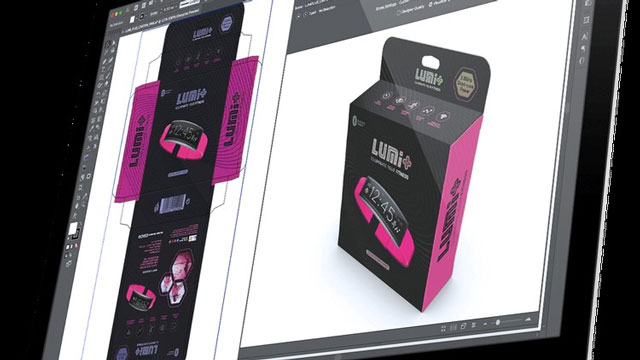
Packaging Design and 3D Mock-up Using Adobe Illustrator 2020

007841e4.jpg


Packaging Design and 3D Mock-up Using Adobe Illustrator 2020
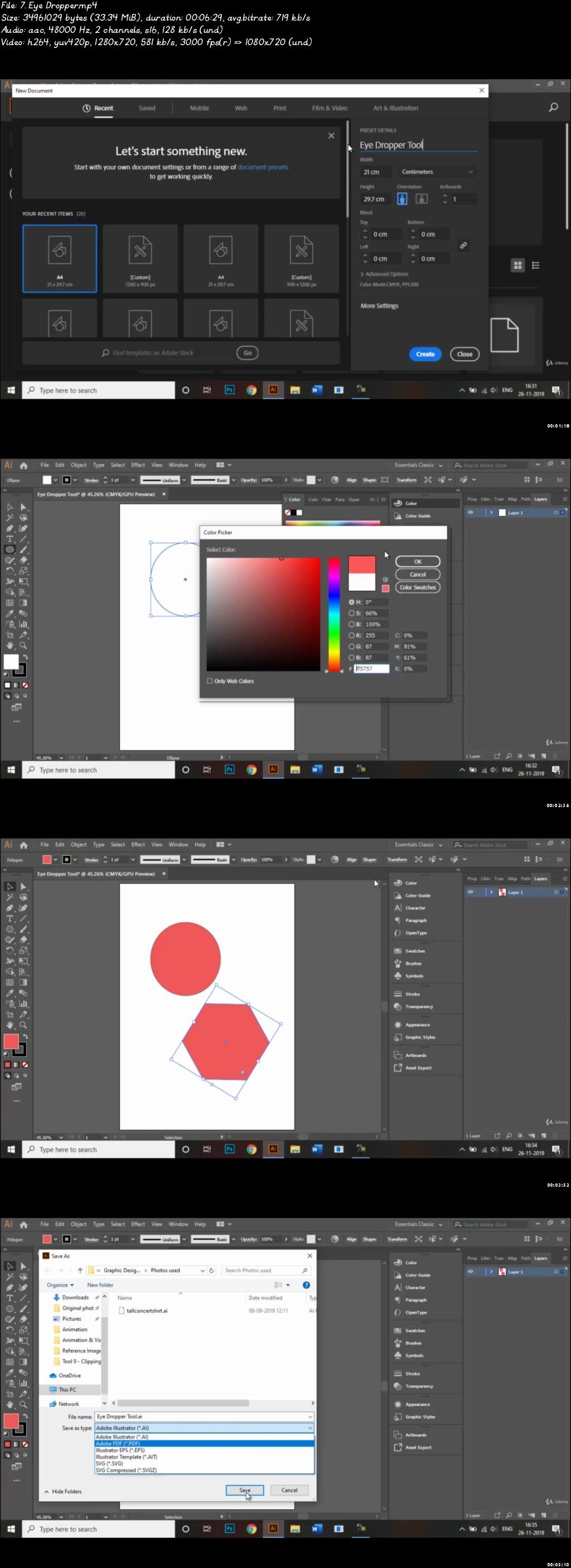
Video: .mp4 (1280x720, 30 fps(r)) | Audio: aac, 48000 Hz, 2ch | Size: 6.77 GB
Genre: eLearning Video | Duration: 77 lectures (16 hour, 37 mins) | Language: English

For Basic and Intermediate Users


What you'll learn

The students will learn the basics of Adobe Illustrator software tools used in Packaging design. Also, they will be able to create their own packaging design and 3D Mock-ups after going through this course.

Requirements

This course starts teaching you from scratch so there are no prerequisites.

Description

Product packaging design refers to the creation of the exterior of a product. That includes choices in material and form as well as graphics, colors and fonts that are used on wrapping, a box, a can, a bottle or any kind of container. Packaging keeps the world organized. Whether it's a packet for your M&Ms, a hamper for your dirty laundry or the bottle that holds the delicious liquid particles of your beer together, the things we put things in are important.

This course will help you to get your packaging design tell the story you want. Also, special emphasis has been laid on practical applications and usage of Adobe Illustrator tools used in Packaging Design so that it serves students as well as professionals to understand the functions of the tools and their applications in the Packaging Design. The course is divided into four sections:

1. Introduction

2. Tools - This section will help you in getting a thorough understanding of tools in Adobe Illustrator that are helpful in creating Packaging Designs.

3. Packaging Design - This section will help you in making your packaging designs.

4. 3D Mock-up - After going through this section, you will be able to create 3D Mock-ups.

Salient Features of this Course:

A comprehensive course consisting of 77 video lectures that are organized in a pedagogical sequence.

Detailed explanation of all tools and commands used in the course.

Step-by-step instructions to guide the users through the learning process.

Practice Test

You will get a Certificate of Completion after completing the course.


Who this course is for:

Professional Graphic Designers, Professional Packaging Designers, school and college students who are interested in Graphic and Packaging Design.

007841e5.jpg


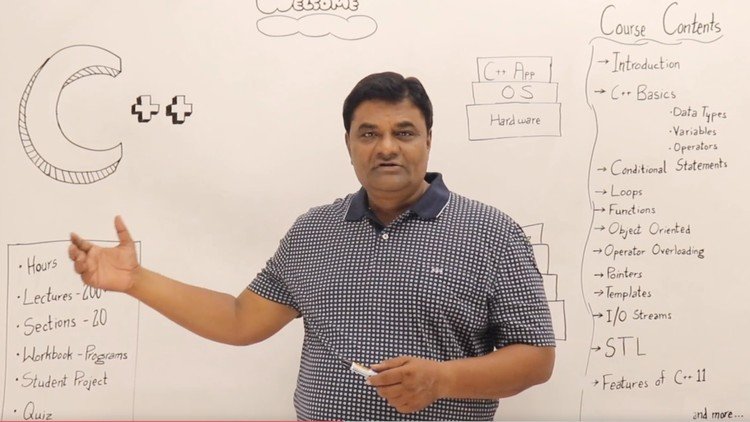
Learn C++ Programming -Beginner to Advance- Deep Dive in C++ (Update)

Lj-N6h45n-GG5e-D8-GIc-N8l-Az-M0b-As-ATsml.jpg


Learn C++ Programming -Beginner to Advance- Deep Dive in C++ (Update)
h264, yuv420p, 1280x720|ENGLISH, aac, 48000 Hz, stereo | 30h 33 mn | 29.08 GB
Created by: Abdul Bari

Classroom and Hands-on sessions- Features of C++ 11 , Exception Handling and STL - for Both Academics and Industry
What you'll learn

Learn Basic concepts of Programming C++, OOPs,Exception Handling, STL, Features of C++ 11
Learn Object-Oriented Programming Design Concept in C++ Perfectly with Examples
Learn How to Develop an Application (Student Project in C++ )

Requirements

C++ Compiler and IDE, Like CodeBlocks , Eclipse , Xcode etc.
No Programming knowledge required. Course covers C and C++ programming concepts in detail.

Description

This course covers C++ from very basic to more advanced features.

Concepts of C++ programming are made very simple and easy.

Every topic is covered in greater detail.

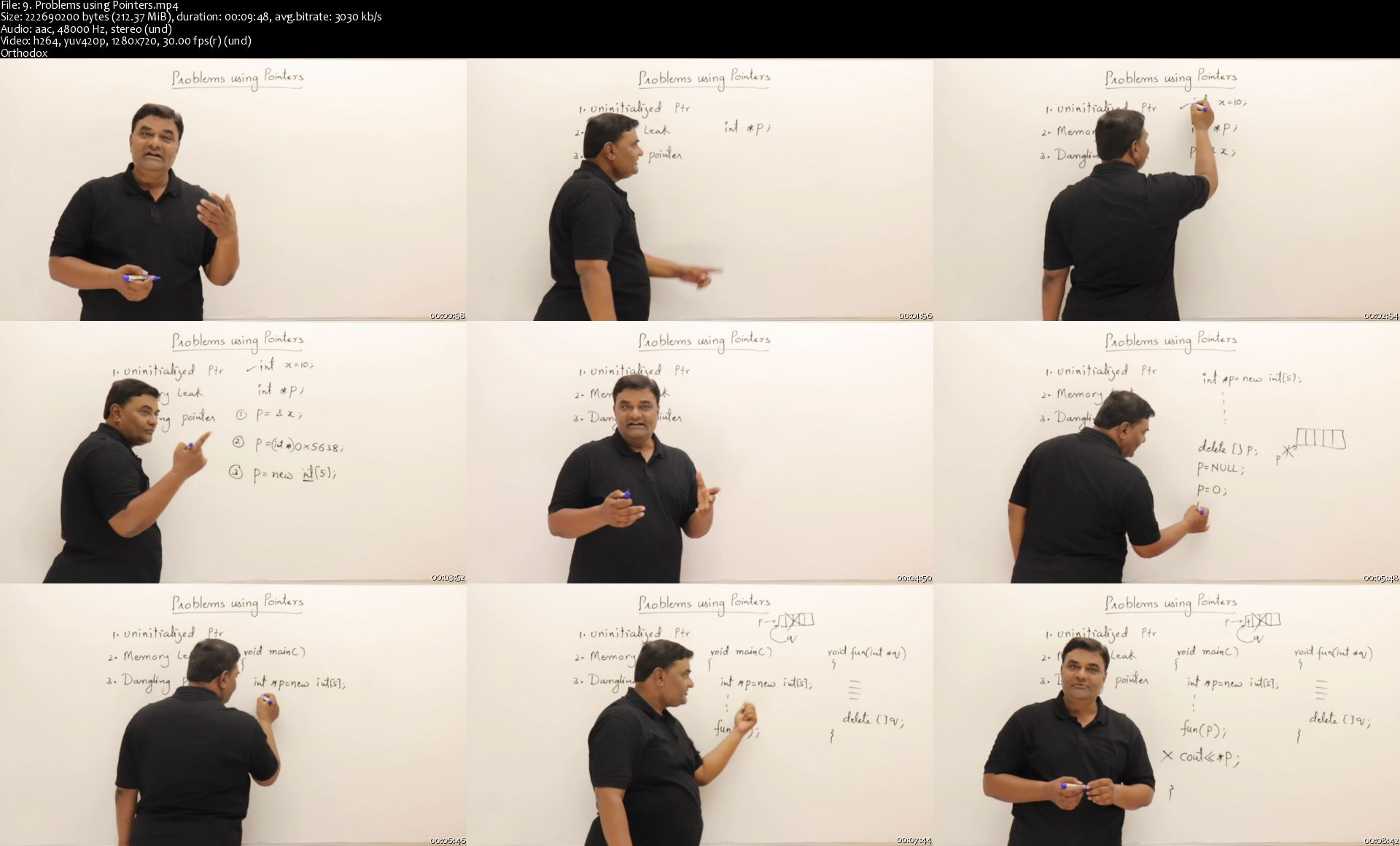
All Lecture are discussed both on white board like a classroom session and practical demo.

Programs and Bullet points are provided as resource.

Every Topic is Explained with Real life Examples

This course also covers features of modern C++ 11.

Student Project at the end of Course

Course Highlights

Every Topic is covered on White Board

Pratical Session for each Topic

Section wise Quiz

Section wise Workbook Programs

Student Project

You will be learning concepts perfectly and also learn how to perfectly utilise features of C++. you will be confident to develop any type of Application using C++.

What I will learn ?

Basics - Datatypes and Variables

Operators and Expressions

Conditional Statements

Loops

Pointers

Functions

Function Overloading

Oops Concepts

Classes and Objects

Constructors

Destructors

Operator Overloading

Inheritance

Polymorphism

Abstract Classes

Function Overriding

Friend Members

Static Members

Inner Classes

Templates

Exception Handling

I/O Streams

STL

Lambda Expressions

Features on Modern C++ 11

Student Project

Who this course is for:

Beginners - (Concepts are Covered from Basics to Advance)
Course Covers more than University Syllabus.
If you already know C++ then you will definitely improve your understanding of programming and OOPs concepts.

Homepage

9-Problems-using-Pointers-s.jpg


Kafka & Kafka Stream With Java Spring Boot - Hands-on Coding

6p-D1-TYu-J6-TZoy-YCr0-Ju59-WHRczq5s-Im-X.jpg


Kafka & Kafka Stream With Java Spring Boot - Hands-on Coding
h264, yuv420p, 1280x720 |ENGLISH, aac, 44100 Hz, 2channels | 13h 38mn | 6.57 GB
Created by: Timotius Pamungkas

Learn Apache Kafka and Kafka Stream & Java Spring Boot for asynchronous messaging & data transformation in real time.
What you'll learn

Setup a basic Kafka development environment
Learn & implement Apache Kafka concepts : topic, partition, publish / consume
Basic error handling in Kafka
Learn & implement Java programs to handle asynchronous data integration among multiple systems using Apache Kafka
How Kafka fit on microservice architecture

Requirements

Understand basic algorithm and programming language
Basic Java programming language (especially with Spring) will helps

Description

New Update :

Find out how Kafka fit on microservice architecture.

How to use Kafka along with REST API & Database transaction

Learn Spring for Kafka Stream for real-time data transformation within Apache Kafka. 5 hours video (and more in progress) dedicated for Kafka Stream.

---------------------------------------

Messaging System

Nowadays, we work with multiple systems and data that runs among them. It's a common thing that one system triggers another system(s) process, or data needs to be transferred among systems. Whether your systems built on monolith or microservice, whatever database you use, you need those data moving from one point to another. And you need those movement FAST to be processed immediately (otherwise your life will be ruined).

That kind of demand is so common, and fortunately today's technology has an answer for that. Say hello to messaging system, where you can send message easily from one system to another system(s) asynchronously, in almost-real-time interval. There are some popular messaging system in the market, and in this course we will be talking about one of the most popular : Apache Kafka.

Apache Kafka

Apache Kafka is like central hub where you place all data from source system(s), and the other corresponding systems takes the data, and process it. Apache Kafka is open-source, reliable, and able to works on cluster. It has small learning curve to get started, yet powerful enough for system integrations.

This course includes everything you need to know about basic Apache Kafka, and implementation using Java (Spring Framework). After finishing this course, you should be able to install, configure and use Apache Kafka from Java Program. In this course, we will walk through detailed step-by-step from concept to hands-on Java coding. Given such way, you will learn have the understanding of logic behind and experience how things are done using Apache Kafka and Java source codes.

Java and Spring Boot

Java itself has been a popular language for years. Java is recognized as world's most used programming language by several programming language index. Due it's popularity and long history, Java has a lot of open source projects or framework to helps developer works more efficient.

One of the popular Java framework is Spring Framework. Over years, Spring Framework has grown substantially among Java community. Almost all software components required by a Java application is available within Spring Framework. However, configuring Spring requires some effort. This involves setting up library dependencies, then configuring the required Java Spring beans using XML or annotations in Java code. Spring developers soon realized that it is possible to automate much of this work.

So in 2014, Spring Boot 1.0 released for Java community. Spring Boot gives Java programmers a lot of automatic helpers, and lead to quick large scale adoption of the project by Java developers.

Spring provides good support for Kafka and provides the abstraction layers to work with over the native Kafka Java clients. With Spring, develop application to interact with Apache Kafka is becoming easier.

What You Will Get

After finishing the course, you will learn:

Installation of Apache Kafka and Java, for development environment

Apache Kafka key concepts

Create publisher and consumer using Java (Spring Boot)

Basic error handler if there is a failure during processing Apache Kafka message

Basic understanding how Kafka fit on Microservice Architecture

The course will explains to you not only the theory of Apache Kafka, but also a lot of hands-on coding to get your hands dirty and your brain working. Whether you are a hobbyist, beginner, or experienced developer, this course will surely brings added value for you!

Road to Microservices

Message broker is one important pillar of microservice architecture. In micro service, we use asynchronous messaging for inter-service communication. Services communicating by exchanging messages over messaging channels like Apache Kafka.

In this course, you will learn the theory and hand-code of messaging with Apache Kafka, which is a communication pillar of microservice architecture.

Later on, you can learn further about Microservice Architecture & Pattern with Kafka as it's important component.
Who this course is for:

Developers who want to learn how Apache Kafka can fit into their enterprise systems, especially when integrating data among multiple systems, in near-real-time fashion
Anyone who wants to know the basic ways of messaging system, or publish-subscribe pattern
Technical Manager / Architect that find a way to integrate data from one system to another

Homepage

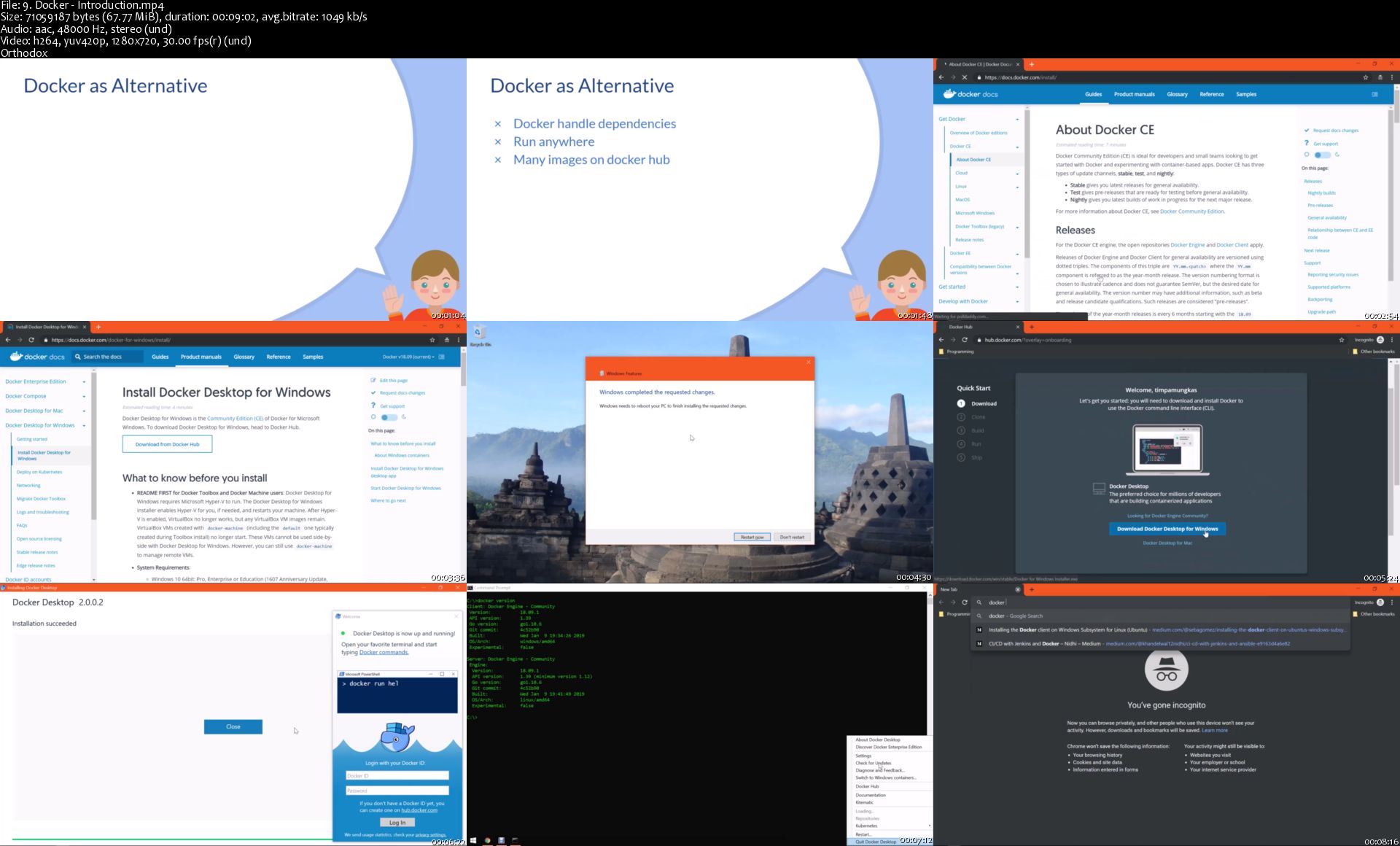
9-Docker-Introduction-s.jpg


Environment Creation for Film

x-Ygd-MYo-Fe9-AMs2-Gfw-Qdrv-Fx-QTa7-ZWIap.jpg


Environment Creation for Film
Genre: eLearning | MP4 | Video: h264, 1280x720 | Audio: AAC, 48.0 KHz
Language: English | VTT | Size: 20.7 GB | Duration: 23.5 hours

In depth course to create realistic exterior environment using Maya, Zbrush, Substance Painter for Intermediate students
Description
Hi Guys, do you want to create a realistic 3D scene for a commercial or a film but don't know how to start? If that is the case then I welcome you to Nexttut Education´s Environment Creation for Film. My name is Abraham Leal, I am a 3D Artist and producer, I have 8 years of experience in the industry. Currently I lead my own studio Critical Hit where we design and produce projects for the entertainment Industry.

Why you should enroll: At the end of this course, you will able to recreate a 3D environment from a concept. You will understand all the necessary steps to create the different props, sections, lights and textures needed to get the best possible result for your portfolio.

In this Course, you will be learning

Camera Matching

Prop Modelling

Sculpting

UV Mapping

Texturing

Rendering with Arnold

Cinematic Lighting

Post Production

I will start the course by blocking in the scene and getting the proportions right. After that we will start modelling all the different props and getting them ready for textures. Once all the props are ready we will Uv map them and we will start building the lights of our scene. Finally we will texture the whole scene and make sure it looks the best before we jump into Photoshop for the final touches of our image.

Who should enroll: I have designed this course for intermediate level students and artists who want to improve their skills as environment artists in order create their own scenes from scratch. In this course I will be using Maya, Zbrush, Substance Painter, Photoshop and Arnold Renderer, so be sure to have all of them installed to follow properly.


What you'll learn
Environment Modeling
Texturing
Rendering with Arnold
Cinematic Lighting

Homepage

16-Uving-the-Balcony-Wall-s.jpg


Udemy: Docker for Beginners

007840d9.jpg


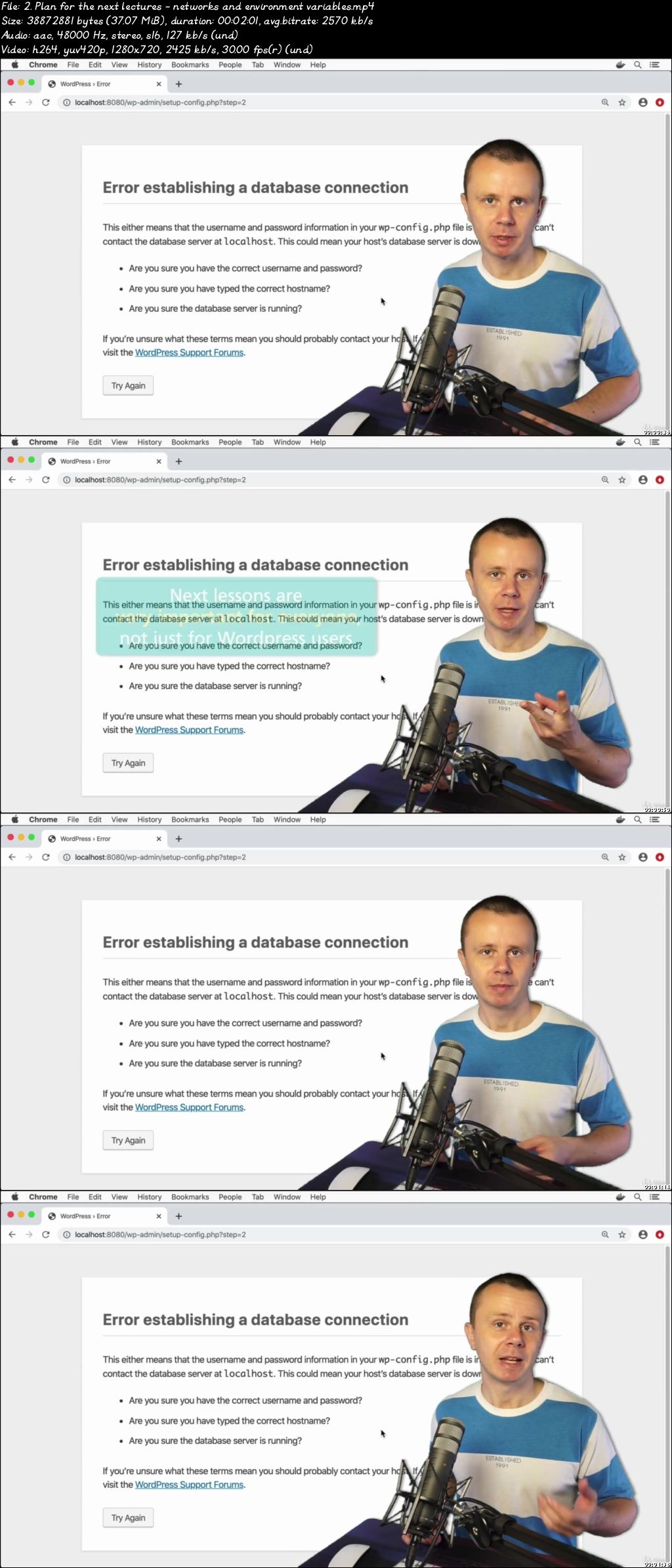
Docker for Beginners
Video: .mp4 (1280x720, 30 fps(r)) | Audio: aac, 48000 Hz, 2ch | Size: 7.01 GB
Genre: eLearning Video | Duration: 80 lectures (7 hour, 29 mins) | Language: English

Learn Docker with multiple hands-on activities. Networking, volumes, environment variables and running apps in docker.


What you'll learn

How to use Docker images and create Containers
Manage Docker containers: start, stop, prune, restart
Enable port mapping and expose container ports to outside
Run Node and Python applications using Docker Containers
Create environment variables for Docker containers
Use volumes mapping and use specific working directories in the Docker containers
Create custom bridge networks and run multiple containers
Communicate between containers by container name in the custom bridge network


Requirements

No specific requirements, just desire to make your hands dirty and learn Docker by doing
Any computer - Mac, Windows or Linux

Description

This course is all about Docker

Understand HOW Docker works and learn its core features ON PRACTICE. This is 90% practice course without no useless demos!

Learn how to create different containers like Node.js, Python, Wordpress, MongoDB, MySQL, Redis, Elasticsearch and much more.

Become a master of Docker by understanding and practicing its main features.

All project files are available in the GitHub repository.

We will start by installing Docker on your computer - MacOS, Windows or Linux. On MacOS and Windows you will install Docker Desktop, on Linux you will install Docker Engine.

Afterwards we will jump into tons of practice activities and use different Docker features. You will pull different docker images and run multiple containers using them.

In practice sections you will perform multiple practice Docker activities:

Run Docker containers in foreground and background

Connect to certain process in the Docker from the Terminal

Expose internal container ports to outside

Add environment variable for container

Create custom names and hostnames for container

Create custom bridge network and run multiple containers inside of it

Communicate between containers

Persist containers folders using volumes mapping

You will also learn and practice how to use following Docker images

Ubuntu

Alpine, Busybox

Node.js

Python

MongoDB

MySQL, phpMyAdmin

NGINX

Wordpress

Elasticsearch

Redis

Httpd

During the course you will need to view and edit text files. For that you will NOT use terminal. Instead you will use GUI application VisualStudio Code. Also all project files are available in the GitHub repository. This means that during this course you will also learn how to use

Git and GitHub

VisualStudio Code

With this course you will get lifetime-long access to more than 50 lectures and tens of practical exercises. After the course you will get fundamental practical knowledge of Docker and be able to easily use it for development and testing of your applications.

But most important is that you will UNDERSTAND Docker main features like

Docker Volumes

Docker Networking

Environment Variables

Don't wait and join the course now!

Who this course is for:

Any software developers

007840d8.jpg


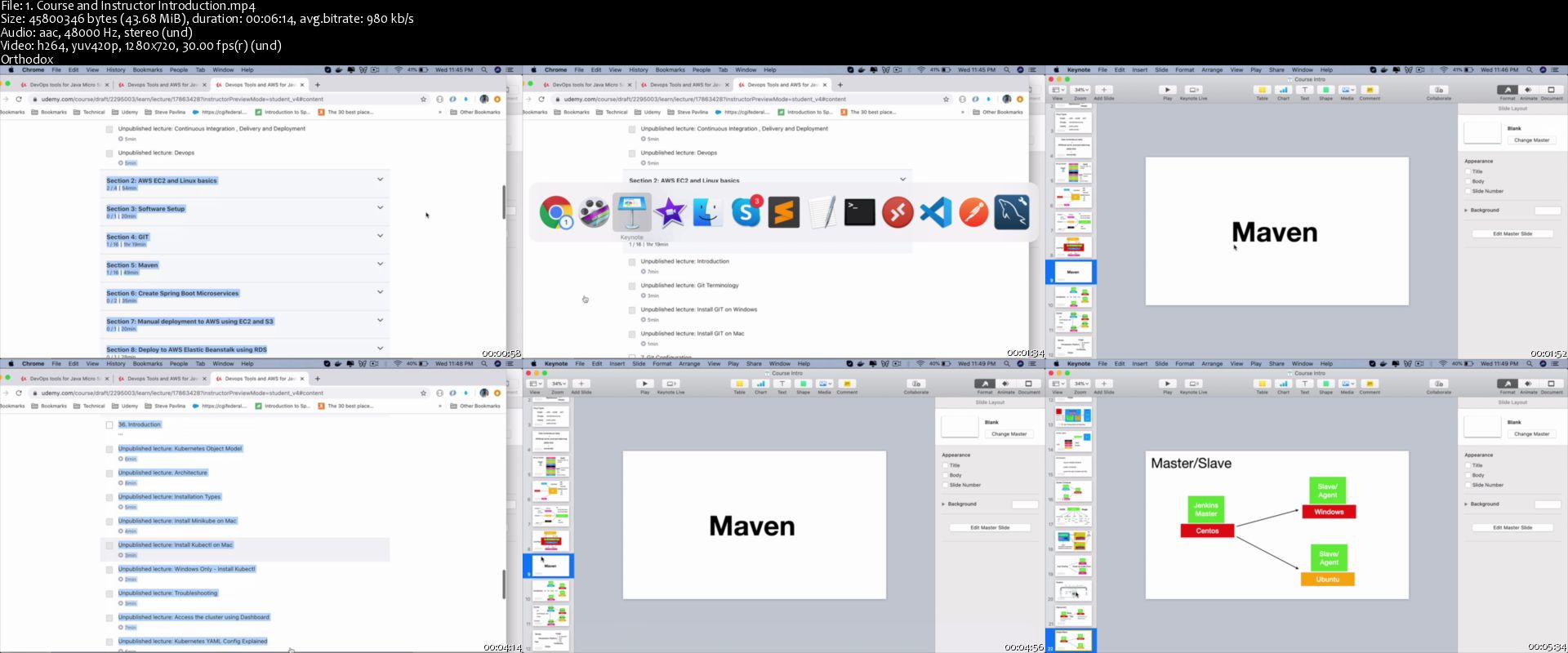
Devops Tools and AWS for Java Microservice Developers

wn6-Qqwyls-Z5-Gj-Ag44c-MAn-BPi-R7db-Hidv.jpg


Devops Tools and AWS for Java Microservice Developers
Hot & New | h264, yuv420p, 1280x720 |ENGLISH, aac, 48000 Hz, stereo | 16h 24mn | 6.61 GB
Created by: Bharath Thippireddy

Master Docker , Kubernetes, Maven, Jenkins ,GIT , AWS EC2 ,Elastic Beanstalk,ELB,Auto Scaling and more in easy steps
What you'll learn

You will learn The concepts of cloud, continuous delivery and Devops
You will then be introduced to AWS where you will setup your AWS Cloud account
Learn how to launch AWS instances and learn a few linux basic commands
You will learn how to install and use GIT locally
Perform operations on remote Git Repositories as well
You will also learn how to resolve code conflicts ,branching and more
You will master all the fundamentals of maven and create and build standalone and java web applications
You will then create two micro service projects using spring boot
You will deploy and test your Micro Service applications manually to AWS by setting up java, mysql on a EC2 Instance on the cloud
Using AWS Elastic bean Stalk Service we can quickly deploy our applications and it will provide our application the environment that is required to run
You will use EBS with RDS (Relational Database Service) to deploy and test your micro services
You will use various docker commands to pull images and launch containers, mount volumes and even working with docker networks
You will use Visual Studio Code IDE which will make Docker File Creation super simple
Docker-Compose is a very powerful tool using which you will launch multiple docker containers in one shot
You will learn what Kubernetes is ,various components in the Kubernetes cluster
You will setup Minikube which is a super easy way to explore Kubernetes cluster on your laptop
You will then come back to AWS and master services such as IAM , Auto Scaling,Elastic Load Balancer, Cloud Watch
You will learn how to use jenkins to configure you project builds , web hooks ,pipelines and automate the complete deployment process
You will also be introduced to Ansible which is a configuration management tool for Devops

Requirements

Basic knowledge of programming
Spring Boot Knowledge is required to work on the Micro Service project or the completed projects can be downloaded

Description

Look at any developer job opening out there, the knowledge of Cloud like AWS and experience with Devops tools like Docker, Kubernetes, Jenkins is a must.In this All In One course you will master all the Devops Tools from GIT all the way to Kubernetes and also AWS Services from EC2 to CloudWatch to make your MicroService applications Continuous Deployment and Production Ready.

Are you a Developer with Microservices background ? Are you a developer who is just getting started with your career? then this course is for you .You will quickly master the fundamentals of Devops Tools(Docker, Kubernetes, Jenkins etc) and AWS Services a developer uses.Enroll now and

You will learn the concepts of cloud, continuous delivery and Devops in the context of micro services development and how they all fit together to be cloud and continuous deployment ready

You will then be introduced to AWS where you will setup your AWS Cloud account

Learn how to launch AWS instances and learn a few linux basic commands required to work on the cloud and Devops

You will learn how to install and use GIT locally and to push your project and perform operations on remote Git Repositories as well

You will also learn how to resolve code conflicts ,branching and more

Maven is one of the most used build and dependency management tool in the java world

You will master all the fundamentals of maven and create and build standalone and java web applications

You will then create two micro service projects using spring boot

You will deploy and test your Micro Service applications manually to AWS by setting up java, mysql on a EC2 Instance on the cloud

Using AWS Elastic bean Stalk Service we can quickly deploy our applications and it will provide our application the environment that is required to run .You will use EBS with RDS (Relational Database Service) to deploy and test your micro services

Docker is an open-source tool to package your applications and everything they need as containers.You can then uses these containers on your laptop , in testing, stage and all the way to production which could be on the cloud or servers with in your organization

You will use various docker commands to pull images and launch containers, mount volumes and even working with docker networks and see how simple they are

You will use Visual Studio Code IDE which will make that task super simple

Docker-Compose is a very powerful tool using which we can launch multiple docker containers in one shot

Kubernetes is drastically changing the application deployment process, making it possible to roll out new releases with no downtime

You will learn what Kubernetes is ,various components in the Kubernetes cluster

The Object Model what deployments, services ,pods are and how they work with each other

You will setup Minikube which is a super easy way to explore Kubernetes cluster on your laptop

You will deploy containerized applications to Kubernetes cluster

You will then come back to AWS and master services such as IAM , Auto Scaling,Elastic Load Balancer, Cloud Watch to monitor the health of the machines and send out notifications

You will learn how to use Jenkins to configure you project builds , web hooks ,pipelines and automate the complete deployment process

You will also be introduced to Ansible which is a configuration management tool for Devops

You can learn them all or pick a topic and master it as required for your interviews and projects.Check Out the course content and free preview lectures and enroll.See you on the course

Who this course is for:

Java Developers who are just getting started
Experienced Java Developers
Automations Testers
DevOps Beginners
Any one who wants to master DevOps tools and AWS Cloud in simple steps

Homepage

1-Course-and-Instructor-Introduction-s.jpg


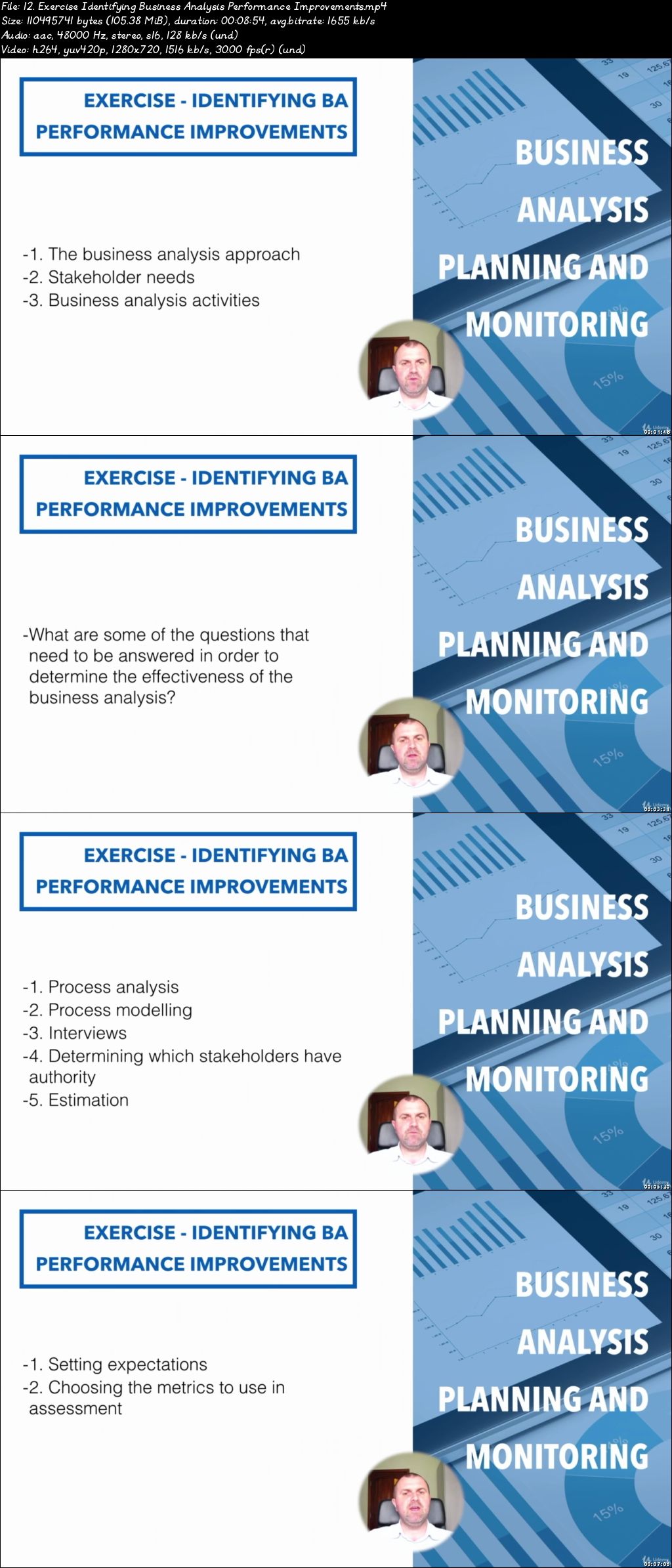
Business Analysis Certification Program - Exam Questions

007845ee.jpg


Business Analysis Certification Program - Exam Questions
Video: .mp4 (1280x720, 30 fps(r)) | Audio: aac, 48000 Hz, 2ch | Size: 7.01 GB
Genre: eLearning Video | Duration: 59 lectures (10 hour) | Language: English

Business Analysis Certification Program (IIBA - ECBA Certification)


What you'll learn

Introduction to Business Analysis
Business Analysis Planning and Monitoring
Business Analysis Elicitation and Collaboration
Business Analysis and Requirements Life Cycle Management
Business Analysis and Strategy Analysis
Business Analysis and RADD: Requirements Definition
Requirements Analysis and Design Definition
Business Analysis and Solution Evaluation
Analytical Techniques Used for Business Analysis
Activities and Tools Used for Business Analysis
Documentation and Criteria Used for Business Analysis
Business Analysis Competencies: Personal Skills
Business Analysis Competencies: Professional Effectiveness

Requirements

No special requirements or prerequisites, but general knowledge about business would facilitate learning.

Description

The Business Analysis Certification Program - Exam Questions course is aligned with the (Business Analysis Body of Knowledge Guide) BABOK v3 and includes the exercises of the Business Analysis Certification Program, which includes a total of 14 courses:

Introduction to Business Analysis

Business Analysis Planning and Monitoring

Business Analysis Elicitation and Collaboration

Business Analysis and Requirements Life Cycle Management

Business Analysis and Strategy Analysis

Business Analysis and RADD: Requirements Definition

Requirements Analysis and Design Definition

Business Analysis and Solution Evaluation

Analytical Techniques Used for Business Analysis

Activities and Tools Used for Business Analysis

Documentation and Criteria Used for Business Analysis

Business Analysis Competencies: Personal Skills

Business Analysis Competencies: Professional Effectiveness

Business Analysis Perspectives

You can use this course to improve your business analysis knowledge and abilities and to obtain the certifications provided by the International Institute of Business Analysis. That's it! Now go ahead and push that "Take this course" button and see you on the inside!

Who this course is for:

Individuals ready to develop their business analysis skills, knowledge and behaviours as practicing business analysis professionals.

007845ef.jpg


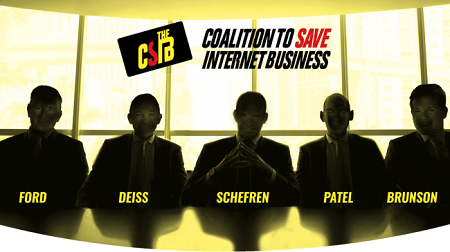
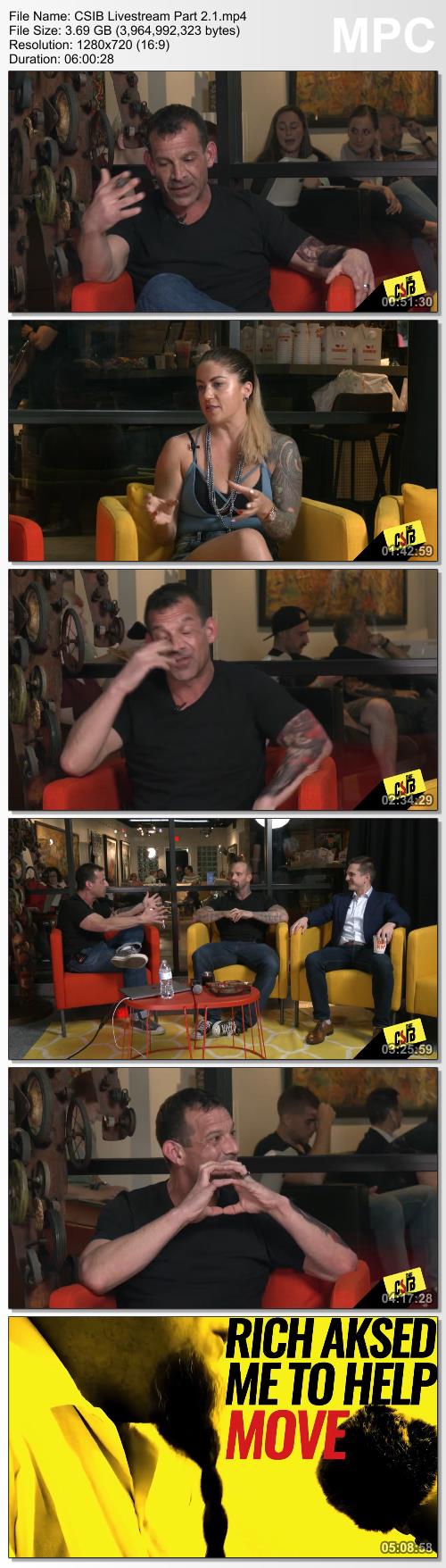
Rich Schefren - Coalition To Save Internet Business

0cb966310028ddaec348d878f5b6a154.png

Rich Schefren - Coalition To Save Internet Business | 17.84 GB
What You Get:
EACH GUEST'S TOP Q1 2020 SECRET + THE 3 P'S - POKER, POOL & PHYSICAL COMBAT!
This coalition of "A" list influencers has gathered to help internet business owners defend against the "secret war" being waged against them by Big Tech.

Each of the biggest names in internet business and Marketing share their most powerful secret to creating massive traffic, cashflow and business growth.
On top of that you're going to get a FRONT ROW SEAT to watch the inter-coalition poker game & pool tournament.

THE 17 HOTTEST MARKETING MOVES FOR Q1, 2020!
FRESH FROM THE LABS - THE MOVES THAT ARE WORKING RIGHT NOW!
You get the 17 hottest marketing moves the industry's marketing giant is using for Q1 of 2020 and beyond.
10 Easy Ways to Increase Conversions without changing a word of copy.
7 Simple Strategies to multiply email sales and boost cart value in ways that only a company with millions of subscribers can find out for you.
Plus 3 BONUS clips from the Covert Castle Cam Rich snuck into the elite castle mastermind in France!

THE 'COALITION': EACH SWORN TO REVEAL THEIR MOST POWERFUL SECRET FOR 2020, PLUS THEIR MARKETING AND BUSINESS INSIGHTS INTO THE NEXT DECADE!

RICH SCHEFREN:
Author of the Internet Business Manifesto, plus A.I. marketing, online advertising, entrepreneurship and strategic planning expert.

RYAN DEISS:
One of the world's leading digital marketers; owner of Digital Marketer, inc. and host of the Traffic & Conversion Summit.

RUSSELL BRUNSON:
ClickFunnels founder with a following of 2 million+ entrepreneurs, sold over 450,000 copies of his marketing books.

DEAN GRAZIOSI:
Multiple NYT Best Selling Author, creator of multiple 9-figure companies and one of the world's best real estate educators and marketers.

KATRINA RUTH:
Believes you can have it all, and more, in business, with your body, with your whole freaking LIFE, and that you can start now.

NEIL PATEL:
World renown blogger, NYT bestselling author, recognized as a top 100 entrepreneur under the age of 30 by President Obama.

JOHN LEE DUMAS:
Founder & host of the award-winning Entrepreneurs On Fire podcast that helps YOU on your Entrepreneurial journey

MIKE DILLARD:
Host of the Mike Dillard Podcast, has boot-strapped 3 companies to more than $60 Million across multiple industries.

MOLLY MAHONEY:
FB Live and Messenger ninja who helps online business owners increase their visibility and bottom line with clarity, confidence, and joy.

TODD BROWN:
Founder of MarketingFunnelAutomation, considered the foremost authority on engineering high-conversion customer acquisition.

JEFF WALKER:
Legendary OG Internet marketer and creator of the Product Launch Formula and author of The #1 New York Times Bestseller "Launch".

MIKE FILSAIME:
I.M. legend and co-founder of Marketing Genesis who's been described as the "Michael Jordan of Internet Marketing".

KIM WALSH PHILLIPS:
#1 Direct Response Social Media Marketer in the World. Fueled by faith, love, laughter & lots and lots (and lots) of coffee.

DENNIS YU:
BlitzMetrics CEO, internationally recognized FB Marketer who's spoken in 17 countries, including L2E, Gultaggen and Marketo Summit.

MAXWELL FINN:
E-comm & FB marketing master who co-founded Quantum Media, with 'Shark Tank' sharks Kevin Harrington and Jeremy Adams.

ALEX JEFFREYS:
Has helped 100's of coaches, consultants and entrepreneurs, worldwide, unlock their highest self and scale their businesses online.

SONIA RICOTTI:
#1 bestselling author of Unsinkable and leading personal transformation expert, known around the world as a "Bounce Back" expert.

JAMES VAN ELSWYK:
Founder of Purple Leads, marketing, media buying, and growth optimization expert who has driven millions in profit.

ERIC SIU:
CEO of the Single Grain. agency who has worked with companies like Amazon, Uber and Salesforce to help them acquire more customers.

NICK SHACKELFORD:
Led large teams and small in paid media, for brands like PepsiCo, Apple, Ministry of Supply and Diff Eyewear.

SCOTT OLDFORD:
Creator of The R.O.I. Method and 6 Pillar Framework, help entrepreneurs scale their businesses and create sustainable business models.

FIER & WOLFE:
OG podcasters and internet marketers, who've built a beautiful, and profitable, lifestyle empire that allows them to take off most Fridays!

EVALDO ALBUQUERQUE:
The "English as a second language" copysmith who created a system that turned him into the #1 copywriter on Earth!

ANTHONY MORRISON:
CEO of Morrison Publishing, one of the internet's and television's most well known internet marketing gurus.

FELICIA PAGESH:
Sales automation/promo-partner goddess - pulled big numbers for Tracy, Ricotti, Filsaime, Morrissey and many more

JORDAN MENARD:
Facebook ads prodigy responsible for campaigns that CRUSH all previous records. Nobody buys media like this guy!

JEREMY BLOSSOM:
Co-Founder of Strikepoint Media, a leading ad agency specializing in driving revenue for businesses with aggressive growth initiatives

TODD HERMAN:
Helped tens of thousands of people achieve their most ambitious goals by becoming more resilient, creative and courageous.

Here's a sneak peak of just a handful of the golden nuggets you'll discover.
- Russell Brunson reveals the #1 biggest challenge he had scaling Clickfunnels and what he did to overcome it [5:35]
- How to instantly outspend your competitors and leave them in the dust WITHOUT creating any new products [12:05]
- The single best funnel you can implement into your business today [21:45]
- The 4 words that took Scott Oldford from a Million dollars in debt to a thriving internet marketing Rockstar in just 6 months [26:50]
- The top 9 processes to create intimacy between you and your reader in an age where attention is so scarce [49:05]
- The fastest, easiest, most inexpensive way to build an online coaching business even if you have never jumped online, have a big budget, or have any tech skills. [1:09:40]
- 3 simple questions to ask your prospects that will have them spewing out your sales copy for you [1:11:01]
- The single biggest mistake internet marketers are making in 2020 from Digital Marketers Ryan Deiss [1:28:10]
- How to tap into the massive millennial market in 2020 (HINT: it's NOT social media.) [1:40:35]
- How is voice search changing the state of internet marketing and how to profit from it going forward [1:44:45]
- The biggest growth hack to scale your business FAST in Q1 2020 and beyond from Roland Frasier [1:54:40]
- Jeff Walker shares a simple 5 minute hack that will increase your open rates. engagement. and bottom line [2:12:55]
- What internet marketing will look like in February of 2021 from Ryan Deiss, Roland Frasier, and Jeff Walker. [2:16:45]
- The best "bang for your buck" platform to market on RIGHT NOW and how to take advantage of it [2:35:05]
- What Facebook is doing behind closed doors that could completely change the way you market on their platform in the next few months [2:41:10]
And much, much more!

You'll Also Get 4 FREE Bonuses:
BONUS #1: The 12-Month Marketing Blueprint
BONUS #2: The Million Dollar Report Writing Presentation
BONUS #3: Create Demand Out Of Thin Air
BONUS #4: The "Millionaire Four"

Screenshots
209e1cd935891fd59758c1dcdf5dd5c2.jpg


Link Download
Extract files with WinRar 5 or Latest !

 
Zurück
Oben Unten