• Regeln für den Video-Bereich:

    In den Börsenbereich gehören nur Angebote die bereits den Allgemeinen Regeln entsprechen.

    Einteilung

    - Folgende Formate gehören in die angegeben Bereiche:
    - Filme: Encodierte Filme von BluRay, DVD, R5, TV, Screener sowie Telesyncs im Format DivX, XviD und x264.
    - DVD: Filme im Format DVD5, DVD9 und HD2DVD.
    - HD: Encodierte Filme mit der Auflösung 720p oder darüber von BluRay, DVD, R5, TV, Screener sowie Telesyncs im Format x264.
    - 3D: Encodierte Filme von BluRay, die in einem 3D Format vorliegen. Dies gilt auch für Dokus, Animation usw.
    - Serien: Cartoon/Zeichentrick, Anime, Tutorials, Dokumentationen, Konzerte/Musik, Sonstiges sind demnach in die entsprechenden Bereiche einzuordnen, auch wenn sie beispielsweise im High Definition-Format oder als DVD5/DVD9/HD2DVD vorliegen. Ausnahme 3D.
    - Bereich Englisch: Englische Releases gehören immer in diesen Bereich.
    - Bereich Talk: Der Bereich, in dem über die Releases diskutiert werden kann, darf, soll und erwünscht ist.


    Angebot/Beitrag erstellen

    - Ein Beitrag darf erst dann erstellt werden, wenn der Upload bei mindestens einem OCH komplett ist. Platzhalter sind untersagt.
    - Bei einem Scenerelease hat der Threadtitel ausschließlich aus dem originalen, unveränderten Releasenamen zu bestehen. Es dürfen keine Veränderungen wie z.B. Sterne, kleine Buchstaben o.ä. vorgenommen werden. Ausnahme Serienbörse:
    - Bei einem Sammelthread für eine Staffel entfällt aus dem Releasename natürlich der Name der Folge. Beispiel: Die Simpsons S21 German DVDRip XviD - ITG
    - Dementsprechend sind also u.a. verboten: Erweiterungen wie "Tipp", "empfehlenswert", "only", "reup", usw. / jegliche andere Zusatzinformation oder Ergänzung, welche nicht in obiger Beschreibung zu finden ist.

    Aufbau des Angebots und Threadtitel

    Der Titel nach folgendem Muster erstellt zu werden. <Name> [3D] [Staffel] [German] <Jahr> <Tonspur> [DL] [Auflösung] <Quelle> <Codec> - <Group>
    Beispiel: The Dark Knight German 2008 AC3 DVDRip XviD - iND
    Beispiel: The Dark Knight 2008 DTS DL BDRip x264 - iND
    Beispiel: The Dark Knight 2008 AC3 DL BDRip XviD - iND
    Beispiel: The Dark Knight German 2008 AC3 720p BluRay x264 iND
    Beispiel: The Dark Knight 2008 DTS DL 1080p BluRay x264 iND
    Beispiel: Die Simpsons S01 German AC3 DVDRip XviD iND
    Beispiel: Die Simpsons S20 German AC3 720p BluRay x264 iND
    Beispiel: Sword Art Online II Ger Sub 2014 AAC 1080p WEBRip x264 - peppermint
    Entsprechend sind also u.a. verboten: Sonderzeichen wie Klammern, Sterne, Ausrufezeichen, Unterstriche, Anführungszeichen / Erweiterungen wie "Tipp", "empfehlenswert", "only", "reup", usw. / jegliche andere Zusatzinformation oder Ergänzung, welche nicht in obiger Beschreibung zu finden ist
    Ausnahmen hiervon können in den Bereichen geregelt sein.

    Die Beiträge sollen wie folgt aufgebaut werden:
    Überschrift entspricht dem Threadtitel
    Cover
    kurze Inhaltsbeschreibung
    Format, Größe, Dauer sind gut lesbar für Downloader außerhalb des Spoilers zu vermerken
    Nfo sind immer Anzugeben und selbige immer im Spoiler in Textform.
    Sind keine Nfo vorhanden z.B. Eigenpublikationen, sind im Spoiler folgende Dateiinformationen zusätzlich anzugeben :
    Quelle
    Video (Auflösung und Bitrate)
    Ton (Sprache, Format und Bitrate der einzelnen Spuren)
    Untertitel (sofern vorhanden)
    Hosterangabe in Textform außerhalb eines Spoiler mit allen enthaltenen Hostern.
    Bei SD kann auf diese zusätzlichen Dateiinformationen verzichtet werden.

    Alle benötigten Passwörter sind, sofern vorhanden, in Textform im Angebot anzugeben.
    Spoiler im Spoiler mit Kommentaren :"Schon Bedankt?" sind unerwünscht.


    Releases

    - Sind Retail-Release verfügbar, sind alle anderen Variationen untersagt. Ausnahmen: Alle deutschen Retail-Release sind CUT, in diesem Fall sind dubbed UNCUT-Release zulässig.
    - Im Serien-Bereich gilt speziell: Wenn ein Retail vor Abschluss einer laufenden Staffel erscheint, darf diese Staffel noch zu Ende gebracht werden.62
    - Gleiche Releases sind unbedingt zusammenzufassen. Das bedeutet, es ist zwingend erforderlich, vor dem Erstellen eines Themas per Suchfunktion zu überprüfen, ob bereits ein Beitrag mit demselben Release besteht. Ist dies der Fall, ist der bereits vorhandene Beitrag zu verwenden.
    - P2P und Scene Releases dürfen nicht verändert oder gar unter einem iND Tag eingestellt werden.


    Support, Diskussionen und Suche

    - Supportanfragen sind entweder per PN oder im Bereich Talk zu stellen.
    - Diskussionen und Bewertungen sind im Talk Bereich zu führen. Fragen an die Uploader haben ausschließlich via PN zu erfolgen, und sind in den Angeboten untersagt.
    - Anfragen zu Upload-Wünschen sind nur im Bereich Suche Video erlaubt. Antworten dürfen nur auf Angebote von MyBoerse.bz verlinkt werden.


    Verbote

    - Untersagt sind mehrere Formate in einem einzigen Angebotsthread, wie beispielsweise das gleichzeitige Anbieten von DivX/XviD, 720p und 1080p in einem Thread. Pro Format, Release und Auflösung ist ein eigener Thread zu eröffnen.
    - Grundsätzlich ebenso verboten sind Dupes. Uploader haben sich an geeigneter Stelle darüber zu informieren, ob es sich bei einem Release um ein Dupe handelt.
    - Gefakte, nur teilweise lauffähige oder unvollständige Angebote sind untersagt. Dies gilt auch für eigene Publikationen, die augenscheinlich nicht selbst von z.B. einer DVD gerippt wurden. Laufende Serien, bei denen noch nicht alle Folgen verfügbar sind, dürfen erstellt und regelmäßig geupdatet werden.
    - Untersagt sind Angebote, welche nur und ausschließlich in einer anderen Sprache als deutsch oder englisch vorliegen. Ausnahmen sind VORHER mit den Moderatoren zu klären.


    Verstoß gegen die Regeln

    - Angebote oder Beiträge, die gegen die Forenregeln verstoßen, sind über den "Melden"-Button im Beitrag zu melden.
  • Bitte registriere dich zunächst um Beiträge zu verfassen und externe Links aufzurufen.


Englische Tutorials

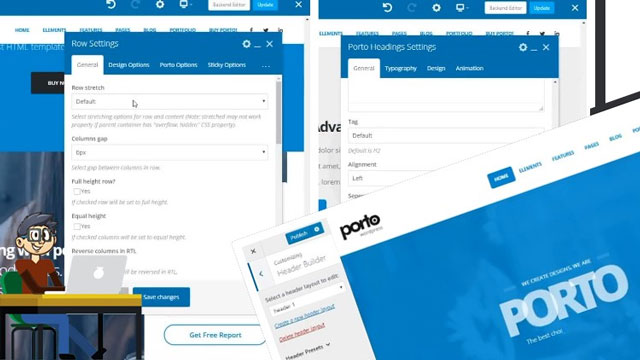
Porto Visual Composer CSS Woocommerce Zero to Hero 2020
007826b3.jpg


Porto Visual Composer CSS Woocommerce Zero to Hero 2020
Video: .mp4 (1280x720, 30 fps(r)) | Audio: aac, 48000 Hz, 2ch | Size: 5.14 GB
Genre: eLearning Video | Duration: 10 lectures (7 hour, 28 mins) | Language: English

Porto Visual Composer Advanced CSS Woocommerce and Visual composer Custom field Custom post types.


What you'll learn

Porto Visual Composer


Requirements

Visual Composer Advanced Css

Description

The Class is from zero to hero everything will be explained

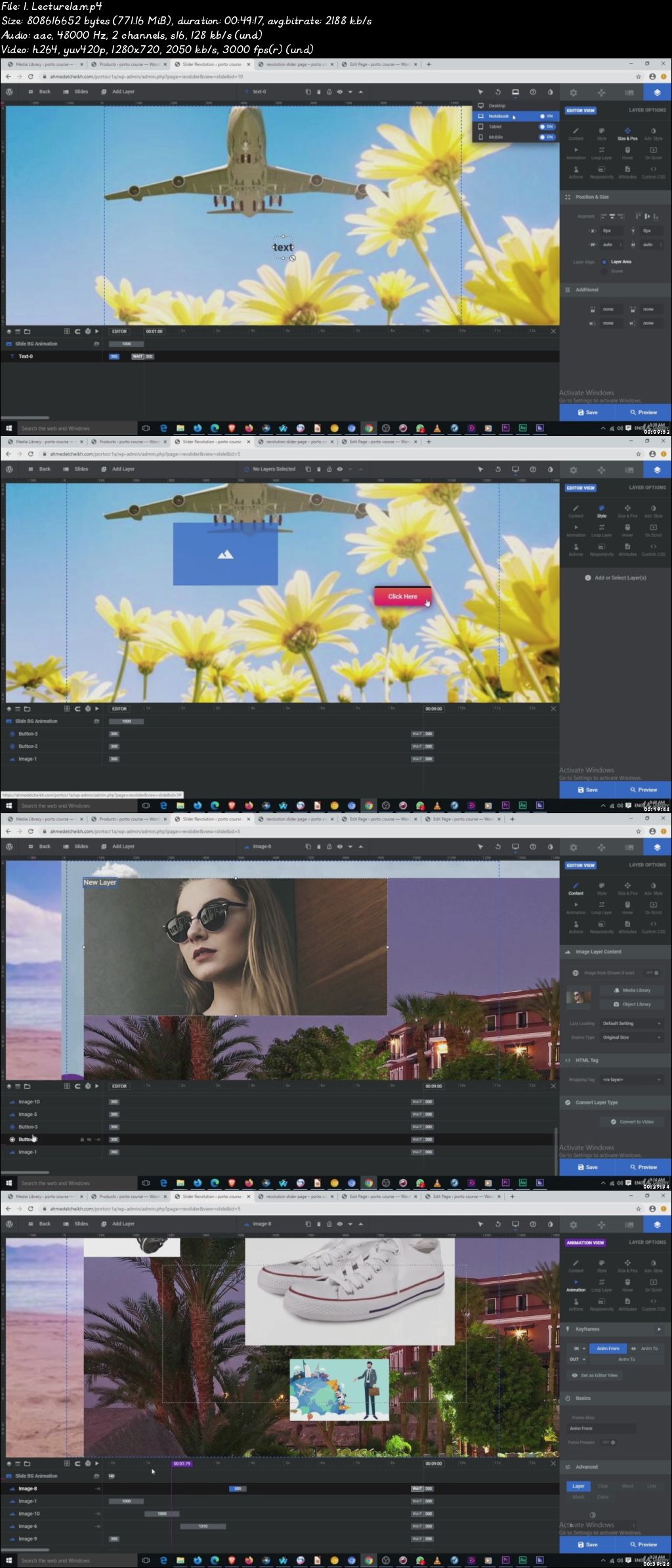
I will Teach you how to install porto theme and how to use Visual Composer with very advanced way and add Css to rows and classes

and use essential plugins for your wordpress website and make your custom header and footer with visual composer and insert header and footer free plugin use royal css plugin for posts and pages add back up for your wordpress website master slider and how to make beautiful images slider

///Revolution slider /// Master Slider/// Smart Slider /// Layer Slider /// Nex Forms

Porto Theme installation

Logo

Theme Components

Extra Plugins

1-Custom css js

2- Smush

3-Insert Header and footer

4-Royal Css

5-all migration back up

6-Master slider

7-Custom post types

8-Advanced Custom field

Visual Composer

1-Elements

2-Advanced CSS

Elements

1-Row

2-Text

3- Single image

4-Image gallery

5-Tabs

6-Accordion

7-Post Grid

8-ACF and custom post types

Woo Commerce

1-Products

2-Orders

3-Visual composer

4- Woo Commerce and visual composer


Who this course is for:

Wordpress Visual Composer Woocommerce advanced css 3
Visual Composer
Woocommerce
advanced
css
007826b4.jpg


Mean Stack & NodeJs for Web Developers Course Certified 2020

0078221e.jpg


Mean Stack & NodeJs for Web Developers Course Certified 2020
Video: .mp4 (1280x720, 30 fps(r)) | Audio: aac, 44100 Hz, 2ch | Size: 5.21 GB
Genre: eLearning Video | Duration: 20 lectures (10 hour, 9 mins) | Language: English

Create a MEAN Stack Application step by step from scratch


What you'll learn

Build a MEAN Stack application
Develop MEAN REST API's with Node and Express
Work efficiently with amazing MEAN dev tools


Requirements

No Prior Knowledge Or Work Is Necessary To Take This Course.
Pen And Paper For Precious Notes

Description

Except if you're an expert at NodeJS, create express web servers and APIs, understand Buffers, Streams, and Pipes, store data with Mongoose and MongoDB, use JavaScript, use npm and manage node packages, you are going to lose many job/career opportunities as a developer or even miss great applications to develop.

As what Robert Duchnik, an experienced full stack web developer says "jQuery is by far the most widely used library for JavaScript. It is used on more than 50% of websites. Many frameworks, such as Backbone and Twitter's Bootstrap, are built on top of jQuery. Being able to extend and write plugins for jQuery can not only save lots of time, but also makes code much cleaner and easier to maintain."

You can try it with no financial risk.

In This NodeJS Training, You'll Learn:

Understanding about Node.js

Understand the core concepts and objects

Build, test, and launch Node apps

Structuring Node app

Web server and web application

Create Express web servers and APIs

Understand the JavaScript and technical concepts behind NodeJS

Understand the Event Emitter

Understand Buffers, Streams, and Pipes

Understand how the MEAN stack works

Store data with Mongoose and MongoDB

Use cutting-edge ES6/ES7 JavaScript

Use npm and manage node packages

Node.js development

WordPress Development With NodeJS

---------------------------------------------------

Is This For You?

Do you want to build share code between the browser and the backend?

Are you wondering how to do several things at the same time?

Do you think you will feel proud using many APIs suitable for backend development

Who this course is for:

All Nodejs Developer, MEAN Stack Developers, Web Developers

0078221f.jpg


English|Intermediate-Advanced intensive spoken English

icf5-MEXM1-CGc-NDqtn-Pfk-Tkka-Mh-OW6j9d.jpg


English|Intermediate-Advanced intensive spoken English
Genre: eLearning | MP4 | Video: h264, 1280x720 | Audio: aac, 48000 Hz
Language: English | VTT | Size: 34.2 GB | Duration: 57.5 hours


What you'll learn
You will learn to think in English language and to speak English language fluently (at an advanced level)
You will learn over 5000 amazing English language words and idioms
You will start feeling English grammar like native
You will learn to understand movies and TV shows in English language.
After the course, you can start preparing for English language tests like TOEFL, IELTS, GMAT etc.

Requirements
low-intermediate English
A computer, or a tablet, or a phone with good speakers or headphones. (So you can hear the pronunciation very clearly).
at least 4 hours a week when you won't be disturbed
Very positive attitude :)
Description
Introducing LOGUS: intermediate - advanced intensive spoken English language course

Your most powerful and most intensive online spoken English language course.

It is a must-have Spoken English language course for those who want to reach the advanced level of spoken English language in the shortest time possible and to practice English language conversations as much as possible

The killer advantages of the spoken English language course LOGUS that blow the competition out of the water:

It is not a short basic course of spoken English language. It is a full intermediate to advanced course of spoken English with tons of English conversations. It is specifically designed to help you build all the necessary skills for the real life day-to-day English conversations.

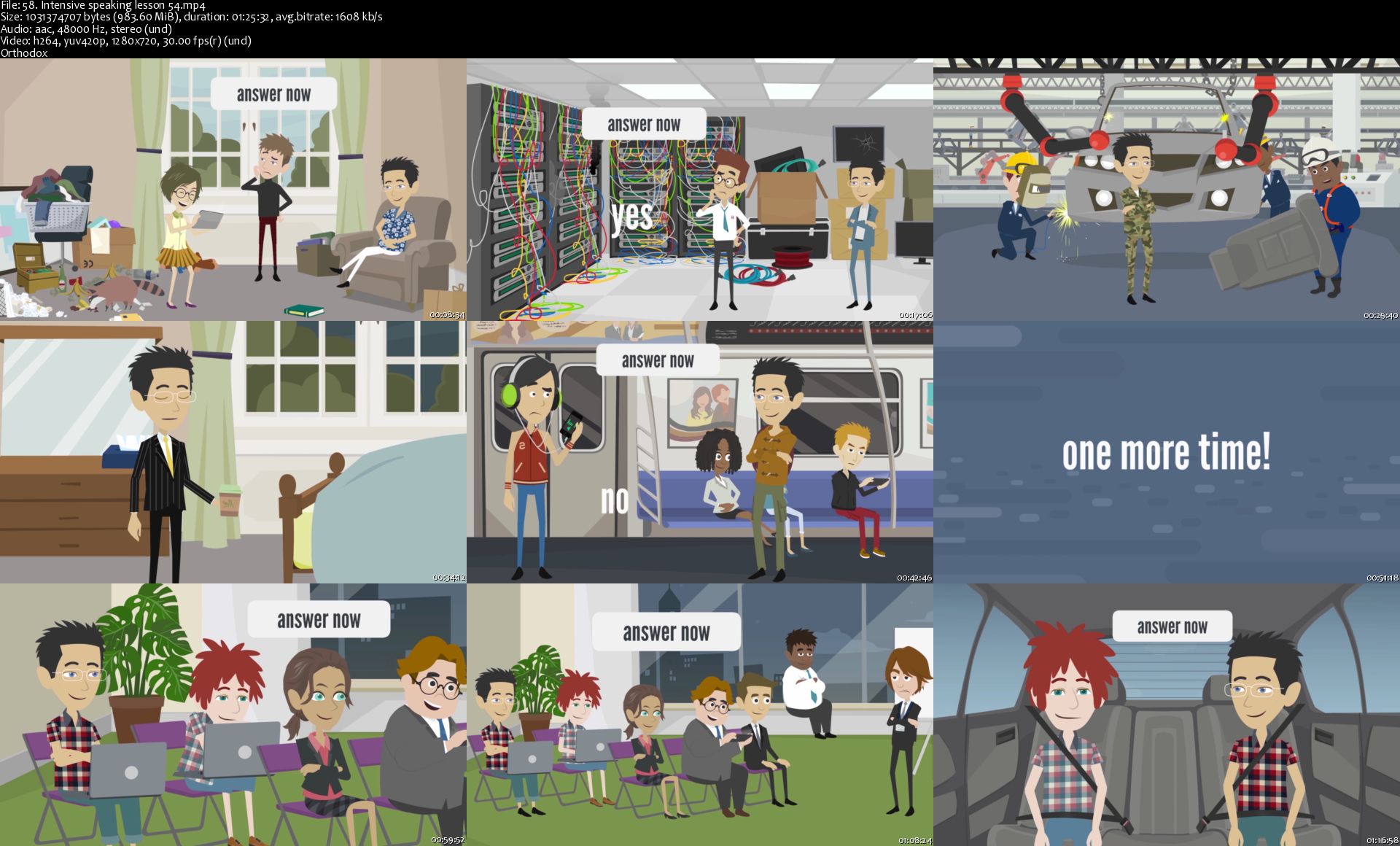
It is a 100% animated and interactive spoken English language course with lots of conversations, which makes it very fun to use.

You get over 57 hours of intensive spoken English language practice. Each English language lesson lasts about 1 hour.

It is 100% communicative intensive spoken English language course. You speak English language all the time and you say over 2000 English words in each lesson.

LOGUS doesn't teach you separate English language words. You learn everything only in the context, you practice everything in English conversation.

LOGUS is the only online English language video course obsessed with perfecting your speech fluency. What good is your knowledge of English grammar and words if you can't speak English fluently? Your fluency is our number 1 priority.

English grammar is explained in extremely simple and intuitive way, with tons of examples and many hours of listening and speaking practice.

What is included in this course:

Over 57 hours (!) of intensive English language speaking practice. All lessons are 100% animated and really fun.

Needless to say, all English vocabulary and English grammar are translated into your native language.

Who this course is for:
It is a must-have English language course for intermediate level ESL students who want to reach the advanced level of spoken English in the shortest time possible.

Homepage

58-Intensive-speaking-lesson-54-s.jpg


Data Visualization in Python Masterclass: Beginners to Pro

q89x78f-PJbfx-I8-VYUn-JZ4-Ju-Om-FVLRGO0.jpg


Data Visualization in Python Masterclass: Beginners to Pro
Genre: eLearning | MP4 | Video: h264, 1280x720 | Audio: aac, 44100 Hz
Language: English | VTT | Size: 5.94 GB | Duration: 20 hours


What you'll learn
Learn complete Exploratory Data Analysis on latest Covid-19 Dataset
Learn EDA on Kaggle's Boston Housing and Titanic Datasets
Learn IPL Cricket Matches and FIFA World Cup Matches Analysis and Visualization
Learn Data Visualization by Plotly and Cufflinks, Seaborn, matplotlib, Pandas
Learn Interactive plots and visualization
Installation of python and related libraries.
Covid-19 Data Visualization
Covid-19 Dataset Analysis and Visualization in Python
Data Science Visualization with Covid-19
Use the Numpy and Pandas in data manipulation
Learn Complete Text Data EDA
Create a variety of charts, Bar Charts, Line Charts, Stacked Charts, Pie Charts, Histograms, KDE plots, Violinplots, Boxplots, Auto Correlation plots, Scatter Plots, Heatmaps
Learn Data Analysis by Pandas.
Use the Pandas module with Python to create and structure data.
Customize graphs, modifying colors, lines, fonts, and more

Requirements
No introductory skill level of Python programming required
Have a computer (either Mac, Windows, or Linux)
Desire to learn!
Description
Are you ready to start your path to becoming a Data Scientist!

This comprehensive course will be your guide to learning how to use the power of Python to analyze data, create beautiful visualizations!

This is a very unique course where you will learn EDA on Kaggle's Boston Housing, Titanic and Latest Covid-19 Datasets with real and practical examples.

Data Scientist has been ranked the number one job on Glassdoor and the average salary of a data scientist is over $110,000 in the United States and all over the World according to Indeed! Data Science is a rewarding career that allows you to solve some of the world's most interesting problems!

This course is designed for both beginners with some programming experience or experienced developers looking to make the jump to Data Science!

This comprehensive course is comparable to other Data Science bootcamps that usually cost thousands of dollars, but now you can learn all that information at a fraction of the cost! With over 167 Full HD video lectures and detailed code notebooks for every lecture this is one of the most comprehensive courses!

We'll teach you how to program with Python, how to create amazing data visualizations with Python!

Here just a few of the topics we will be learning:

Programming with Python

NumPy with Python

Using Pandas Data Frames to solve complex tasks

Use Pandas to Files

Use matplotlib and Seaborn for data visualizations

Use Plotly and Cufflinks for interactive visualizations

Exploratory Data Analysis (EDA) of Boston Housing Dataset

Exploratory Data Analysis (EDA) of Titanic Dataset

Exploratory Data Analysis (EDA) of Latest Covid-19 Dataset

and much, much more!

By the end of this course you will:

Have an understanding of how to program in Python.

Know how to create and manipulate arrays using numpy and Python.

Know how to use pandas to create and analyze data sets.

Know how to use matplotlib and seaborn libraries to create beautiful data visualization.

Have an amazing portfolio of python data analysis skills!

Have an experience of creating visualization of real life projects

Enroll in the course and become a data scientist today!

Who this course is for:

Anyone interested in learning more about python, data science, or data visualizations.

Anyone interested in the rapidly expanding world of data science!

Developers who want to work in analytics and visualization projects.

Anyone interested in real life and practical cases data visualization

Who this course is for:
Beginners python programmers.
Beginners Data Science programmers.
Students of Data Science and Machine Learning.
Anyone interested in learning more about python, data science, or data visualizations.
Anyone interested about the rapidly expanding world of data science!
Developers who want to work in analytics and visualization project.
Anyone who wants to explore and understand data before applying machine learning.

Homepage

4-Anaconda-Installation-for-Mac-OS-s.jpg


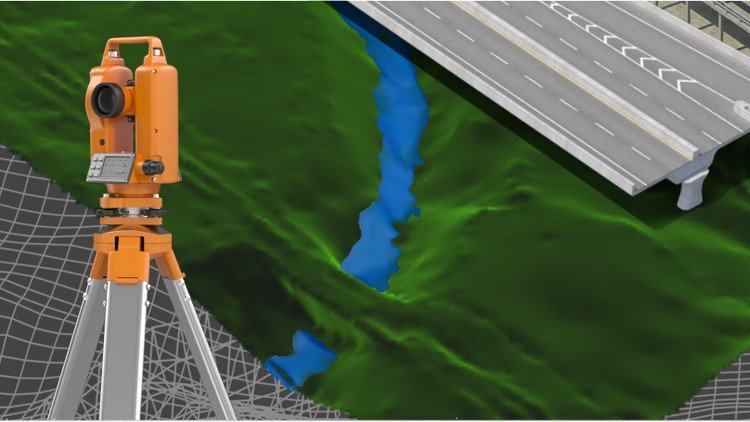
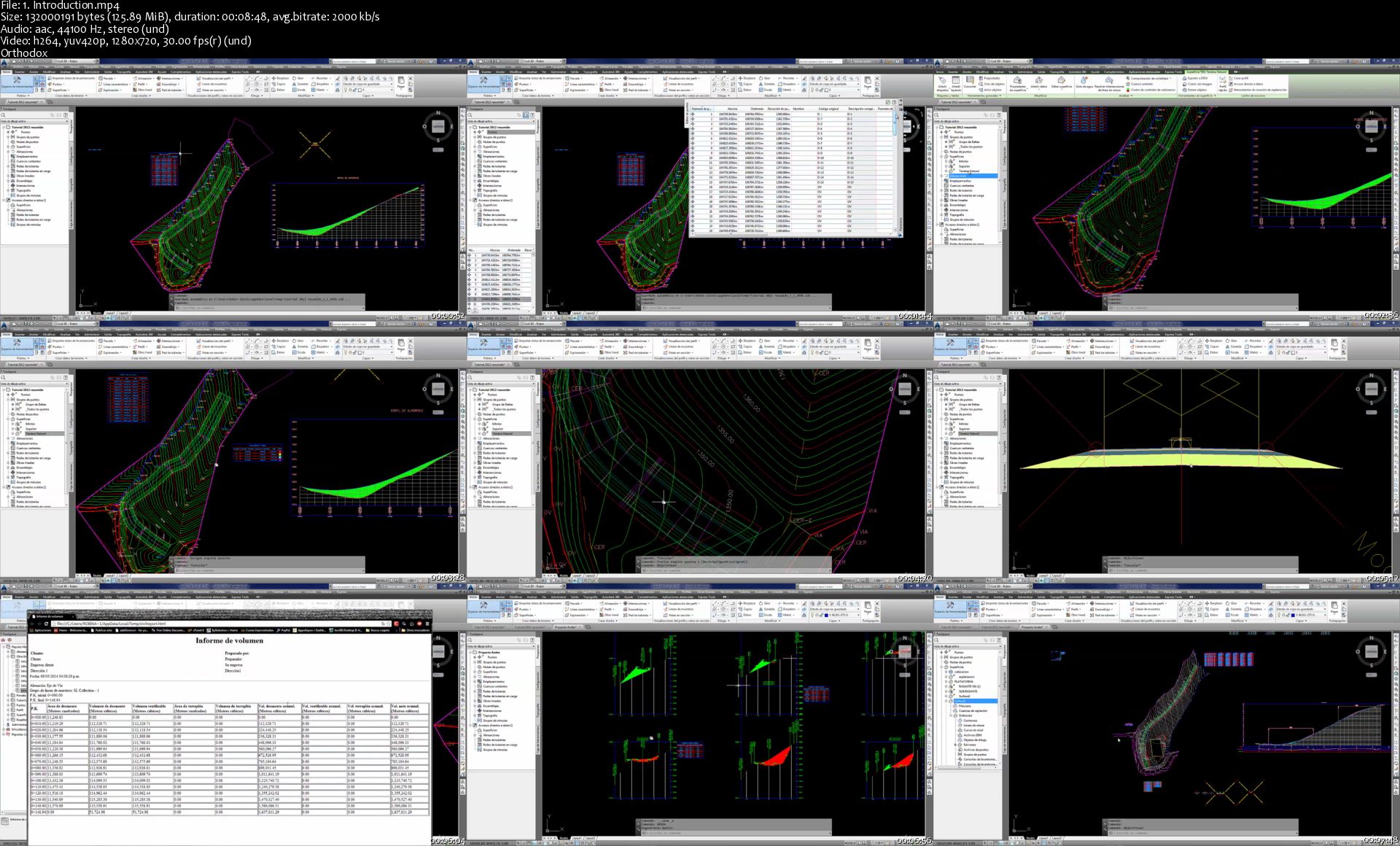
Civil 3D - Civil works specialization

mka-LBiu-Yf-Wqg-Mjth3d-ILl3n67lsk7-LQK.jpg


Civil 3D - Civil works specialization
h264, yuv420p, 1280x720|ENGLISH, aac, 44100 Hz, 2channels | 32h 43 mn | 22.1 GB
Created by: Golgi Alvarez, Robin Alexis Olaya

Learn all Civil 3D in a complete course from zero
What you'll learn

Participate in the design of roads and civil and topographic projects.
When conducting a topographic survey in the field, you can import these land points to Civil3D and save a lot of time in drawing.
Create land surfaces in 2 and 3 dimensions and generate calculations such as area, volume and earth movement
Build horizontal and vertical alignments that allow the design of a linear work such as roads, canals, bridges, railways, high voltage lines, among others.
Prepare professional plans to present works both in plan and in profile.

Requirements

A computer with basic requirements of Hard Disk, RAM (minimum 2GB) and Intel Processor, AMD
Very basic knowledge of Surveying, Civil or related
Autocad Civil 3D software any version

Description

Disclaimer:

We have selected this course to offer it in English for its high pedagogical quality and user acceptance.

The version of the software used is in Spanish, but the whole explanation of the instructor is narrated in English.

---------------------------------------

This is a set of 4 courses called "Autocad Civil3D for Surveying and Civil Works" that will allow you to learn how to handle this fabulous Autodesk software and apply it to different projects and construction sites. Become an expert in the software and you can generate earthworks, calculate materials and construction prices and create great designs of roads, bridges, sewerage among others.

This set of courses has been the product of hours of dedication, work and effort, compiling the most important data on the subject of Civil and Topographic Engineering, summarizing large amounts of theory and making them practical, so that you can learn in an easy and easy way. Fast with short but specific classes for each topic and practice with all the (real) data and examples we provide here.

If you want to start managing this software, participating in this course will save you weeks of work by investigating on your own what we have already investigated, doing the tests we have done, and making the mistakes we have already made.

--------------------------------------------------------

CONTENT OF THE BASIC SECTION (LEVEL 1)

INTRODUCTION TO SOFTWARE:

Description of the software interface.

Summary and list of commands and main functions.

Project configuration in Civil3D.

POINTS

Import terrain points from a text file.

Definition of styles of points, texts and descriptors.

Configuration, editing and management of terrain points.

SURFACES

Creation and definition of TIN land surfaces.

Definition of styles and presentation (level curves, slope map, address map, thermal floors).

Editing and configuration of surfaces.

HORIZONTAL ALIGNMENTS

Creation and configuration of horizontal alignment (axis via).

VERTICAL ALIGNMENTS

Creation and configuration of the longitudinal profile of the terrain (vertical alignment).

Vertical alignment design (project grade).

--------------------------------------------------------

CONTENT OF THE MIDDLE SECTION (LEVEL 2)

ASSEMBLIES AND SUB-ASSEMBLIES

Typical section

Definition of assemblies (structure).

Configuration of sub-assemblies (type objects: terrace, lane, sardinel, canal, gutter, bridge, intersection, etc.).

LINEAR WORK, SURFACES AND MATERIALS:

Definition and construction of the linear work.

Linear work surfaces and limits.

CROSS SECTIONS OF SURFACES

Sampling lines

Section views

CUBICATION AND EARTH MOVEMENT:

Cubing and reports.

Surface comparison

Volume surfaces

--------------------------------------------------------

CONTENT OF THE MIDDLE SECTION (LEVEL 3)

SURFACES II

Surface model editing, interpolation, improvements, export.

Styles of surface models, presentations, map analysis.

Model overlay.

Cubing, volume reports between various surfaces.

HORIZONTAL ALIGNMENTS II

Advanced style management

Editing and construction of design criteria and tables.

Graphic, geometric and tabular edition (advanced).

Parallel axes and over-widths.

Definition and diagrams of cant.

VERTICAL ALIGNMENTS II

Construction with design tables.

Profile overlay.

Projection of objects from plant to profile.

Graphic, geometric and tabular edition (advanced).

Advanced handling of styles, bands.

TYPICAL SECTION II

Definition of assemblies (structure). Advanced.

Creation and configuration of sub-assemblies, codes and links.

Definition of horizontal and vertical transitions

LINEAR WORK II

Linear work with several alignments.

Linear work with different regions and structures.

Advanced edition of linear work, sections, frequency, regions, surfaces.

CROSS SECTIONS II

Advanced handling of styles, tables, objects to be displayed.

Editing sampling lines.

Advanced configuration of materials and prices.

Mass diagram and reports.

--------------------------------------------------------

CONTENT OF THE ADVANCED SECTION (LEVEL 4)

PLAN SETTINGS

Template building.

Automatic generation of floor plans.

Automatic generation of planes in profile.

Automatic generation of floor plans-profile.

Automatic generation of cross section planes.

EXPLANATIONS (GRADING)

Definition and configuration.

Sloping and transition of slopes.

Volume balance.

Surface generation.

INTERSECTIONS

Cross intersection construction.

Adding branches

Linear work design from intersection

Construction of a roundabout or roundabout.

PLOT CONSTRUCTION

Calculation of areas and perimeters

Alignment

Topology

Locations

Englobes and desenglobe

CALCULATION OF SURFACE ESCORRENTY

Surface design

Basin analysis

Drains and hydrological sub-basins

DRAWING OF SANITARY NETWORKS AND PIPES

Object projection

Profiles

Material calculations

Who this course is for:

This course is built for anyone who wants to learn how to handle the software.
Technicians, Technologists or Professionals in Surveying, Civil or related who want to improve their productivity and skill with the software.
Anyone who wants to learn to make designs of linear works and topography projects.

Homepage

1-Introduction-s.jpg


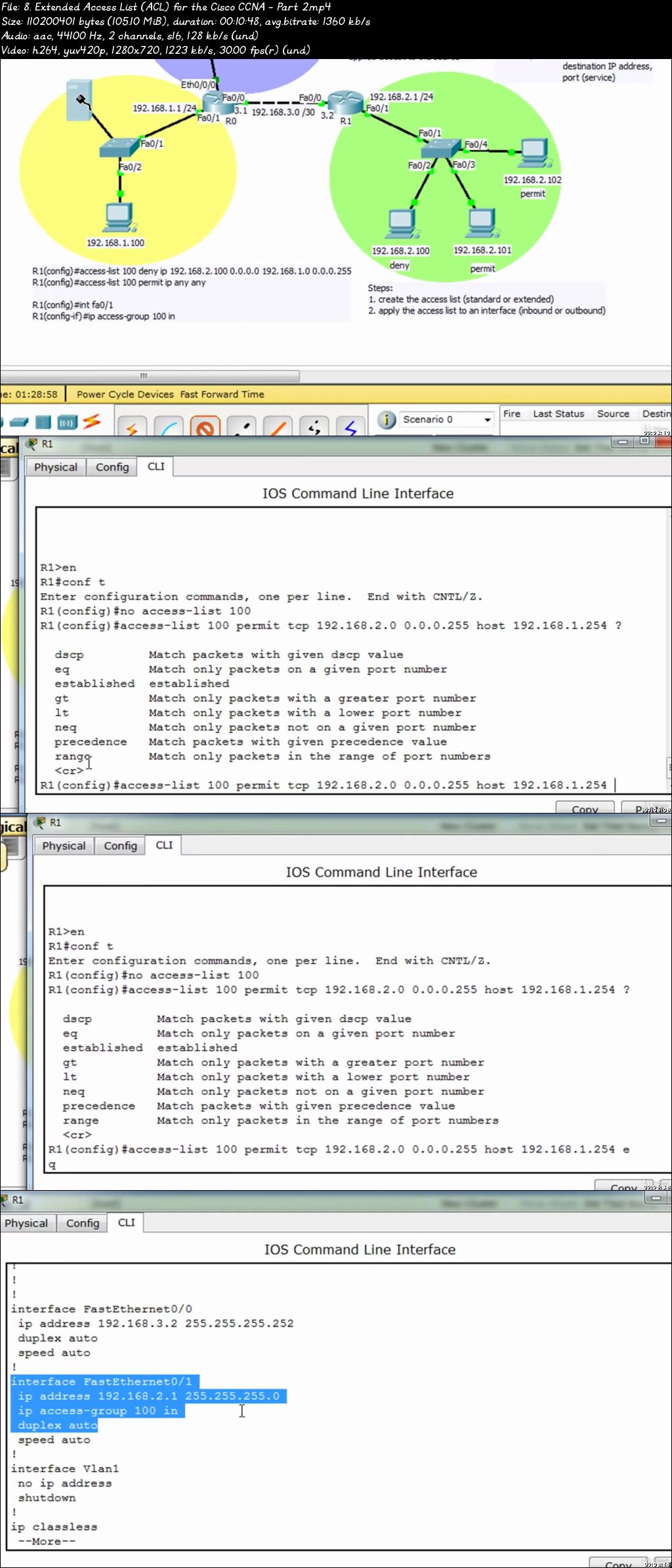
Cisco CCNA 2 - Routing and Switching Essentials

00781b13.jpg


Cisco CCNA 2 - Routing and Switching Essentials
Video: .mp4 (1280x720, 30 fps(r)) | Audio: aac, 44100 Hz, 2ch | Size: 7.02 GB
Genre: eLearning Video | Duration:78 lectures (13 hour, 29 mins) | Language: English

This course is geared for Cisco's, CCNA 2 certification . It will cover the Switching portion of the CCNA


What you'll learn

you will have a strong grasp on the switching concepts and the methods to use in different networking environments.
You will learn how to improve the performance of the switches by turning off services on certain ports so information can start transmitting much quicker.
You will be able to configure the cisco switch with all its administrative tasks, STP, RSTP, VTP and switch port security.

Requirements

Students should have an understanding of basic networking.

Description

We all know that the Cisco CCNA is one of the most sought after certifications in IT. It's also one of the hardest testing your knowledge and hands-on experience configuring and troubleshooting topics such as:

IPv6 addressing

Configuring VLANs

Applying IPv4 and IPv6 access lists

Configuring BGP, EIGRP, OSPF and RIP

Understanding Cloud Computing models

Securing routers and switches

Configuring DHCP, DNS and NTP

Understanding WAN technologies (PPP, HDLC, MPLS)


In order to pass the exam you must know the theory very well but also have high level hands-on skills. The element most students forget it drilling their knowledge with a ton of practice exams. Practice exams help you learn to apply theory to questions as well as expose weak areas in your knowledge.


Students will get a thorough understanding of switching and how we would implement it in a real world environment.

We will discuss the following concepts switching services and rules we should follow when segmenting networks. We will also compare bridging vs. LAN switching focusing in great detail on the Spanning-tree protocol. We will look at the switch Functions at layer two, such as how a switch learns about the nodes on the network and how it makes its decisions to forward the information and most definitely how to secure our ports on the switches.

Once get an understanding of how switches work and their administrative configurations we will then go into explain and creating vlans and inter-vlan connectivity and what would be the benefits of using VLANs on our network. You will learn the different port types and encapsulation methods we use when using vlans, and will fully understand the difference between trunking a port and the VTP protocol.

This is a lecture based course using the Touch-IT Technology Smart board, which will make learning very interactive and engaging. Hands on labs will be used to drill down the concepts learned in each lecture using Cisco's Packet Tracer.

Who this course is for:

Students who want to assess their exam readiness

00781b14.jpg


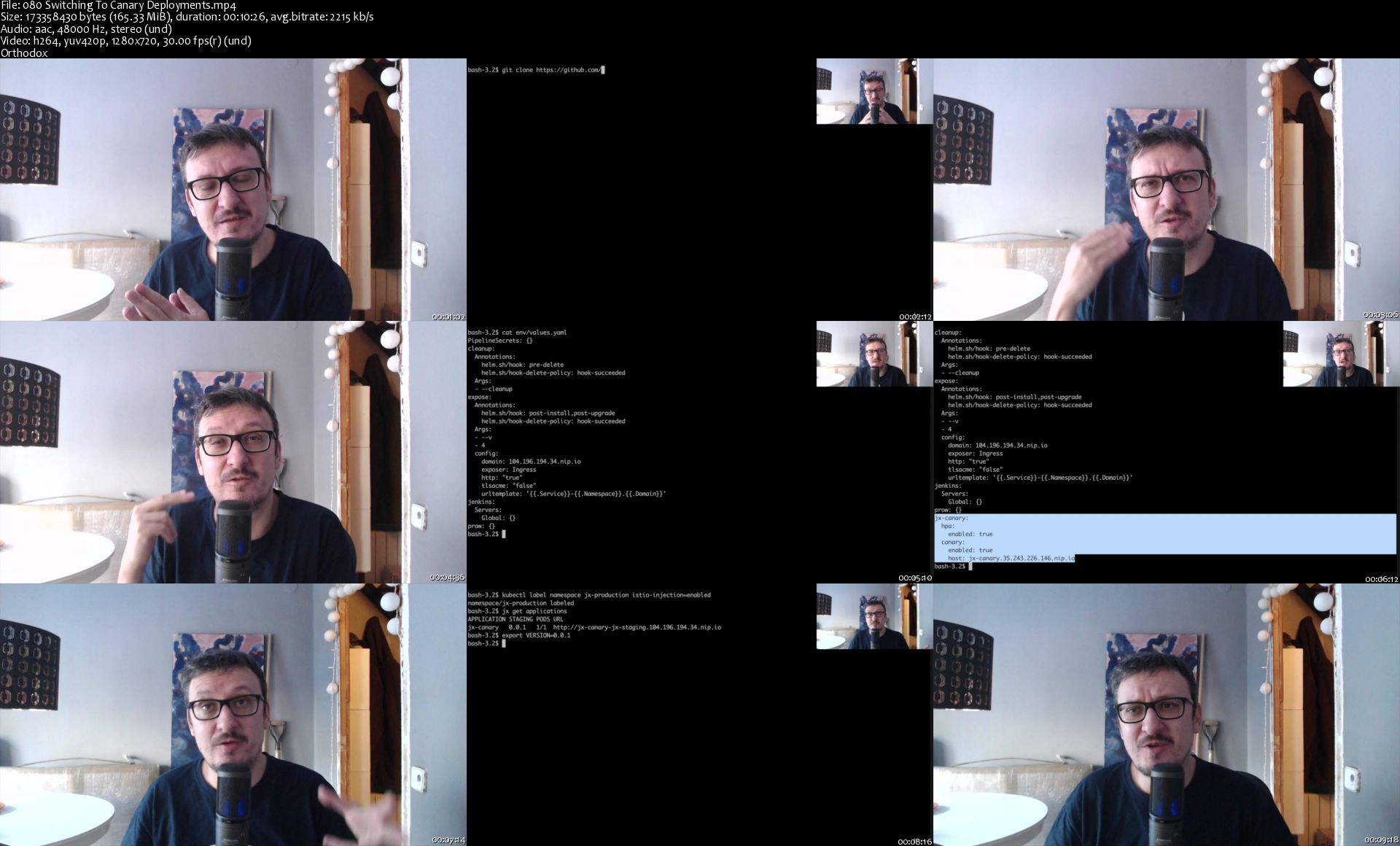
Canary Deployments To Kubernetes Using Istio and Friends

JLTHn5pi5tt0-W3-HDln-L1-Ph-Bh-NGMk6r-VM.jpg


Canary Deployments To Kubernetes Using Istio and Friends
MP4 | Video: h264, 1280x720 | Audio: AAC, 44.1 KHz, 2 Ch
Genre: eLearning | Language: English + .srt | Duration: 85 lectures (6h 27m) | Size: 6.1 GB

The DevOps Toolkit Series
What you'll learn:
Canary deployments
Using service mesh to define and run canary deployments
Using Istio to define canary deployments
Using metrics in Prometheus to decide whether to roll forward or roll back
Automating canary deployments with Flagger
Creating a script for canary deployments running in continuous delivery tools

Requirements
A Kubernetes cluster and a few CLIs. Detailed requirements are provided inside the course and available as a free preview.

Description
Kubernetes provides a few "decent" deployment strategies out of the box. However, they might not be enough. Canary is missing.

What is the canary deployments process? How should we implement it in Kubernetes? Which tools should we use? We'll try to answer those and quite a few other questions.

This course will guide you through the journey of practical implementation of canary deployments. We'll use Kubernetes because it makes many things easier than any other platform before it. We'll need service mesh because, after all, most of the canary process is controlled through networking and changes to Kubernetes definitions. We'll need a few other tools, and we might even need to write our own scripts to glue everything into a cohesive process.

The end result will be a set of instructions and a live demo of a fully operational canary deployment process that can be plugged into any continuous delivery tool. We'll define the process, and we'll choose some tools. Nevertheless, we'll do all that while making the process agnostic and applicable to any toolset you might pick.

Who this course is for
Engineers interested in defining and running canaries as a way to have more reliable deployments with zero-downtime

080-Sw-itching-To-Canary-Deployments-s.jpg


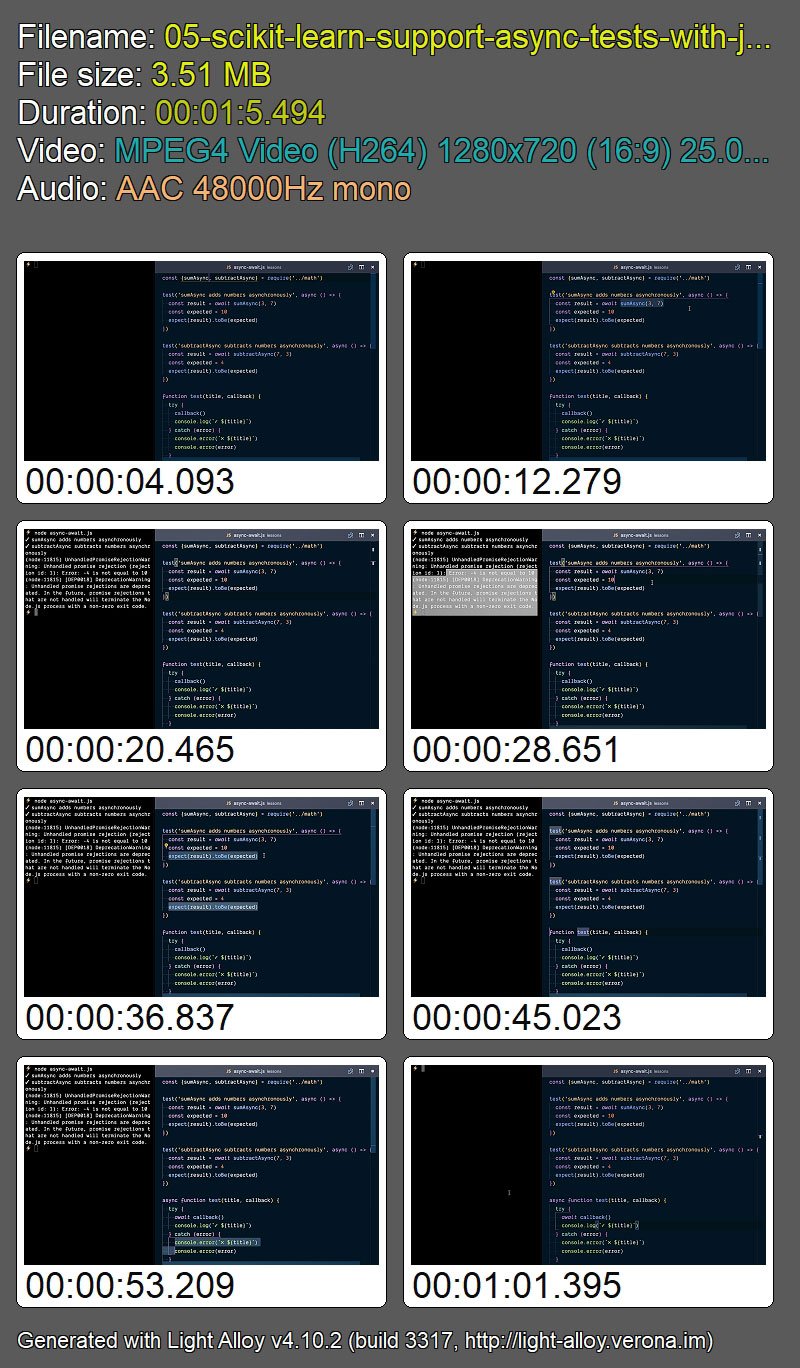
Testing Javascript with Kent C. Dodds

Zy-D20-KXZ03-AX5-Qzd-YPYg-JXDl5-Iy-Fn-LEN.jpg


Testing Javascript with Kent C. Dodds
Kent C. Dodds | Duration: 8h 33m | Video: H264 1280x720 | Audio: AAC 48 kHz 2ch | 5,99 GB | Language: English

Learn the smart, efficient way to test any JavaScript application

This course will apply the four-layer testing method to a React application, but this foundational strategy can be applied across any JavaScript framework: Angular, Vue, legacy Backbone apps, even frameworks and libraries we haven't met yet.

Following this course, you'll be equipped to:

• deliver solid features that work for users as expected
• choose the best tools for the job
• communicate more effectively with your coworkers
• be a more confident, professional JavaScript developer

Learn the professional method for JavaScript testing and always ship high quality software like the professional you are.

WEBk1t-Uz-Tqyhxvkz-Ky-Cxs-Kp9h-MCgb3-Eb.jpg


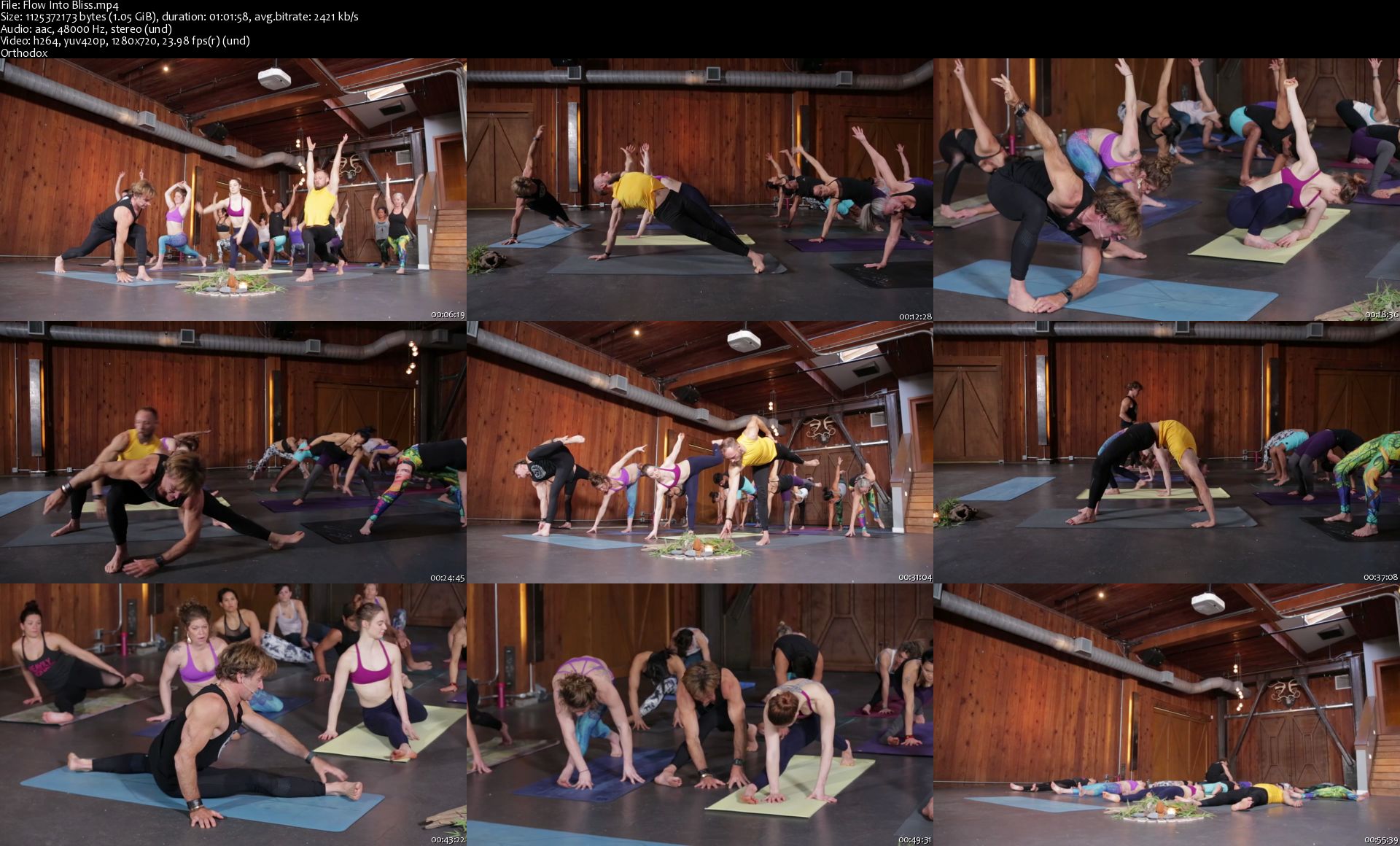
AloMoves - Super Flows

0v-Vtkay5jlmmz-G8-LMETy-XRsb-Hiy1-EVkl.jpg


AloMoves - Super Flows
MP4 | Video: h264, 1280x720 | Audio: AAC, 44.1 KHz, 2 Ch
Level: Intermediate | Genre: eLearning | Language: English | Duration: 5 Videos ( 4h 24m) | Size: 5.44 GB

Instructor : Eoin Finn A super flow is a joyous movement practice that pulls from yoga, tai chi, and surfing. This powerful yet calming trinity intentionally mimics the rhythm of nature and flow of the oceans, opening you to a higher state of bliss in both body and mind.

This collection of five 45-60 minute classes uses strong, fluid sequencing to help you fully connect to the motion of your body as your mind plays within the present moment. Each super flow highlights specific movements and emphasizes a different discipline, making every practice a truly unique experience.

On a physical level, these practices increase agility, coordination, and strength; mentally they evoke positive energy and clarity. Yogis will find these flows more circular and less confined to a grid than a traditional yoga practice. Fitness enthusiasts will love the physical challenge and creativity within each sequence. Expect a whole new level of mind-body harmony. Exist in bliss!

BODY PARTS
Hips
Hamstrings
Arms
Core
Shoulders

Homepage

Flow-Into-Bliss-s.jpg


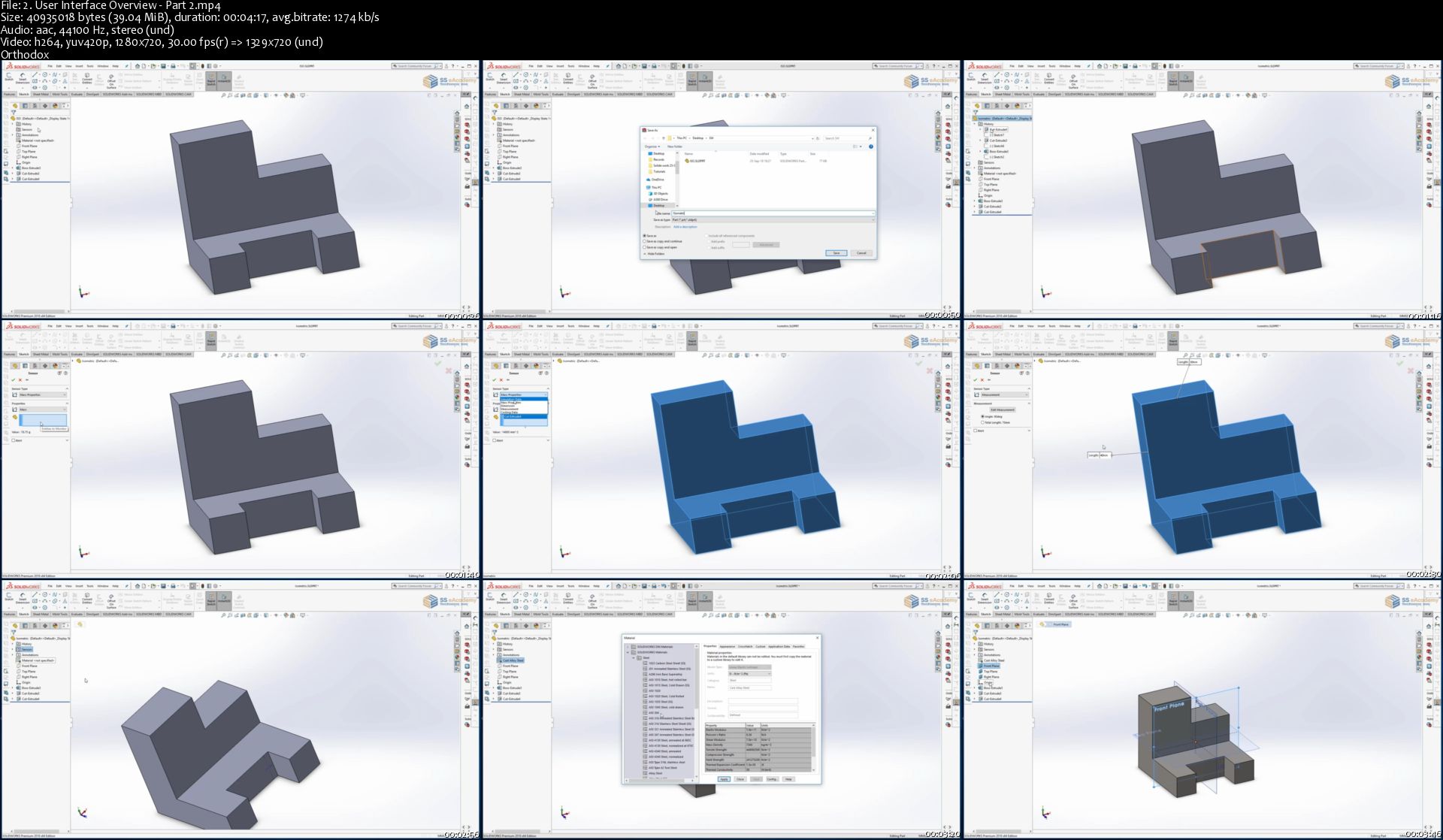
SOLIDWORKS 2018 - Basic to Advanced Guide

QPXUQT4-H4293-R8s-Tc1u-GWGso5b3vo-S0-S.jpg


SOLIDWORKS 2018 - Basic to Advanced Guide
h264, yuv420p, 1280x720|ENGLISH, aac, 44100 Hz, 2channels | 9h 35 mn | 6.63 GB
Created by: SS eAcademy

Become a SOLIDWORKS professional by learn Master Model and Analysis Technique
What you'll learn

Learn Interface and effective use of Software
Be able to create Sketch using 2D Commands. i.e Line, Polygon, Arc etc..
Learn to model Part using basic and advance 2D/3D tools
Learn to Create and Modify model by effective commands
Learn to create whole 3D object by professional
Be able to use effective way to create model by Sheet metal
Learn to create even complex model by surface modelling
Learn Drawing view and Layout model
Be able to create Mechanism and Animation motion

Requirements

Basic understanding of Engineering Design and Analysis
Simple Mathematics
Computer Knowledge
PC and Desire for Learning

Description

SOLIDWORKS is a complete 3D Modeling Software and CAD Product Design solution. Find out why you should design with SOLIDWORKS. SolidWorks is a solid modeler and utilizes a parametric feature-based approach which was initially developed by Dassault Systemes to create models and assemblies.

Use of SOLIDWORKS:

SOLIDWORKS is easy to use parametric design modular, meaning you can easily edit the design at any stage in the design process. Real View graphics allow you to visualize your design in real-time whilst Photo View 360 can create sophisticated photorealistic renderings and animations. Choosing a CAD system that is widely recognized is very important. Due to the popularity of SOLIDWORKS, it is highly likely that a competitor, supplier or customer will be using it, therefore eliminating the need to translate files from one system to another, reducing time and minimizing the chance of errors. SOLIDWORKS is a very productive 3D CAD software tool, with its integrated analytical tools and design automation to help stimulate physical behavior such as kinematics, dynamics, stress, deflection, vibration, temperatures or fluid flow to suit all types of design.

An in-depth explanation of concepts

Every new topic of this Course starts with an explanation of the basic concepts. In this way, the user becomes capable of relating the things with the real world.

Topics Covered

Every chapter starts with a list of topics being covered in that Tutorial. In this way, the user can easily find the topic of his/her interest easily

Tutorial point of view

At the end of the concept's explanation, the tutorial makes the understanding of users firm and long-lasting. Almost every chapter of the course has tutorials that are real-world projects.

Project

Free projects and exercises are provided to students for practicing.

For Faculty

If you are a faculty member, then you can ask for video tutorials on any of the topics, exercises, tutorials, or concepts.

Why Solidworks 2018?

Use SOLIDWORKS to design/draft your next innovation.

Demonstrate competency with multiple drawing and modification commands in SolidWorks.

Create three-dimensional solid models.

Create three-dimensional assemblies incorporating multiple solid models.

Apply industry standards in the preparation of technical mechanical drawings.

SS eAcademy Provide step by step guide to learn Solidworks 2018.
Who this course is for:

Mechanical Engineer
Design Engineer
Production Engineer
Aeronautical Engineer

Homepage

2-User-Interface-Overview-Part-2-s.jpg


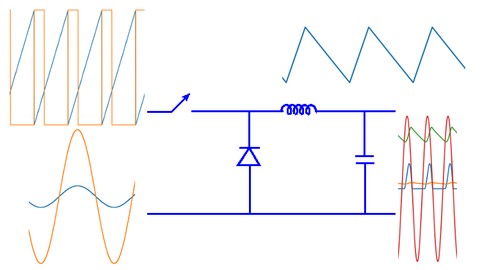
Simulating Power Electronic Circuits using Python

00782cb2.jpg


Simulating Power Electronic Circuits using Python
Video: .mp4 (1280x720, 30 fps(r)) | Audio: aac, 48000 Hz, 2ch | Size: 5.8 GB
Genre: eLearning Video | Duration: 106 lectures (18 hour, 26 mins) | Language: English

A beginner's guide to simulations with theory and example


What you'll learn

Installing and setting up Python
Installing Python Power Electronics - an open source circuit simulator
Simulating a basic resistive circuit
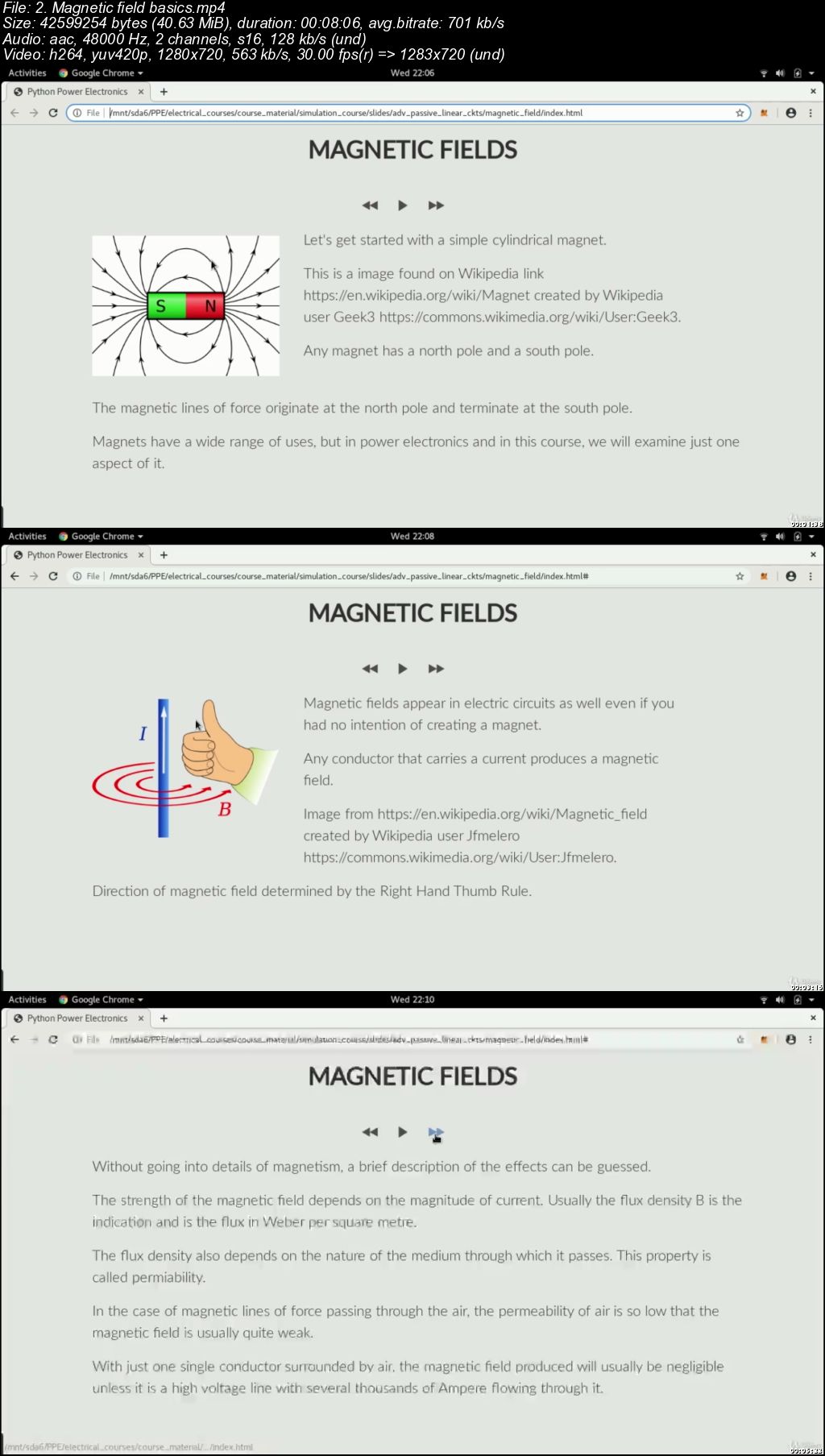
Basics of magnetic and electric fields from a power engineering perspective
How inductors and capacitors form energy storage elements in power electronic circuits
The use of diodes in power electronic circuits
The working of a diode using simulations
The concept of rectification and how a rectifier can be built using diodes
Building a rectifier step by step using simulations
Writing control functions using Python
Simulating a buck converter

Requirements

Basic electrical engineering, basic programming in any high level language

Description

For a student of electrical engineering or for a practicing electrical technician, getting started with simulating electrical circuits can be challenging. Even more so in the case of power electronics where circuits are non-linear. This course introduces the process of simulation and also provides basic theory lectures to help you understand how simulations can be used to learn how power converters work.

This course uses only free and open source software. The course will have lectures to show you how to download and install each software. All software are compatible with Windows, Linux and Mac OS and you can follow this course whatever operating system you prefer to use. The course also has a basic tutorial on Python programming to help you with writing control code for electrical circuits. The course uses the free and open source circuit simulator Python Power Electronics. You can use other simulators if you are already using them. However, all examples in this course will use Python Power Electronics as I would like all students registered for the course to be able to access a circuit simulator and not all simulators are free to use.

This course is not a comprehensive course on power electronics. I will not be covering a vast number of power converters. Instead, this course focuses on depth. The lectures will have code along sessions where I will be building simulations from scratch and will be switching back and forth between theory presentations and simulation results to understand how circuits work. The course will not be heavily mathematical but on the contrary will use fundamental concepts of Physics to understand how power converter circuits.

In order to successfully complete this course, a student is required to have some basic electrical knowledge. This implies basic network laws - Kirchoff's Voltage Law, Kirchoff's Current Law, Ohm's Law. These would be taught in first year of electrical engineering. Other than that, you do not need to have prior knowledge of power electronics or analog electronics. A student will also be required to have some basic knowledge of programming. This course uses Python. However, if a student has used any other high level language such as C, C++, Java etc, that would do as well. Expert knowledge of programming is not necessary. This course however, should not be a student's very first time coding.

Who this course is for:

Students of electrical engineering, practicing engineers and electrical technicians

00782cb3.jpg


React For The Rest Of Us

Xega-Ds9-Bv-GDEQtiw-BEBqb-Bo7t-Ds-T0-BAX.jpg


React For The Rest Of Us
Highest Rated | h264, yuv420p, 1280x720|ENGLISH, aac, 44100 Hz, 2channels | 15h 48 mn | 6.62 GB
Created by: Brad Schiff

Learn React JS to create Single Page Applications (SPA) using modern practices like Context, Reducer, Suspense and more
What you'll learn

The problem React solves and *why* we should use it (aside from "because it's popular")
How to create Single Page Applications with React
The ability to keep your code organized and manageable
How to seamlessly pull real and dynamic data into your front-end

Requirements

A basic understanding of HTML (e.g. "p" is for paragraph, "h1" is for headline, etc...)
You could likely work through this course even without any JavaScript experience given the reasonable pace of lessons, but at least a tiny bit of JavaScript familiarity is recommended and will result in a much more enjoyable experience
No CSS knowledge required (although it helps to understand that CSS is used to add style & design to a page)

Description

Learn the world's most popular library for creating user interfaces!

What makes this course different is we take the time to understand *why* we're doing what we're doing. We begin by asking an important question that so many other React courses skip entirely; What problem does React solve?

Once we understand what React is and isn't, we spend the remainder of the course together building the front-end for a real world social media app where you can post, follow other users and even hop into a live chatroom. Along the way we will:

Understand what "state" is in React and how to bring our interfaces to life

Use the modern "hook" approach with Function Components

Leverage React Router to create a Single Page Application with shareable URLs

See the power of Context, Reducer, and Immer and create an ideal way of working with state

Run code at the perfect moments by understanding the power of useEffect()

Use async HTTP requests to communicate with APIs so that our app feels meaningful by working with real data

Deploy our app up onto the web so you can share it with your friends and family

This course may be brand new, but this isn't my first time teaching. I've led training sessions for Fortune 500 companies and I've already helped over 98,000 people on Udemy and received the following feedback:

"Brad definitely has some of the best techniques to embed the lesson into your mind. hands down these are the best tutorials I have had the opportunity to view."

"Presentation is concise without being tedious. you honestly feel that you have a thorough understanding of the subject."

".[Brad] explained the process. Not memorize this or that, he explained the process. If you're looking to take a course to understand the foundations of creating websites, look no further."

Become highly valuable and relevant to the companies that are hiring front-end developers; in one convenient place alongside one instructor. If you're ready to begin building with React - I'll see you on the inside!
Who this course is for:

Anyone who wants to create user interfaces using the most popular and in-demand library in the world today.

Homepage

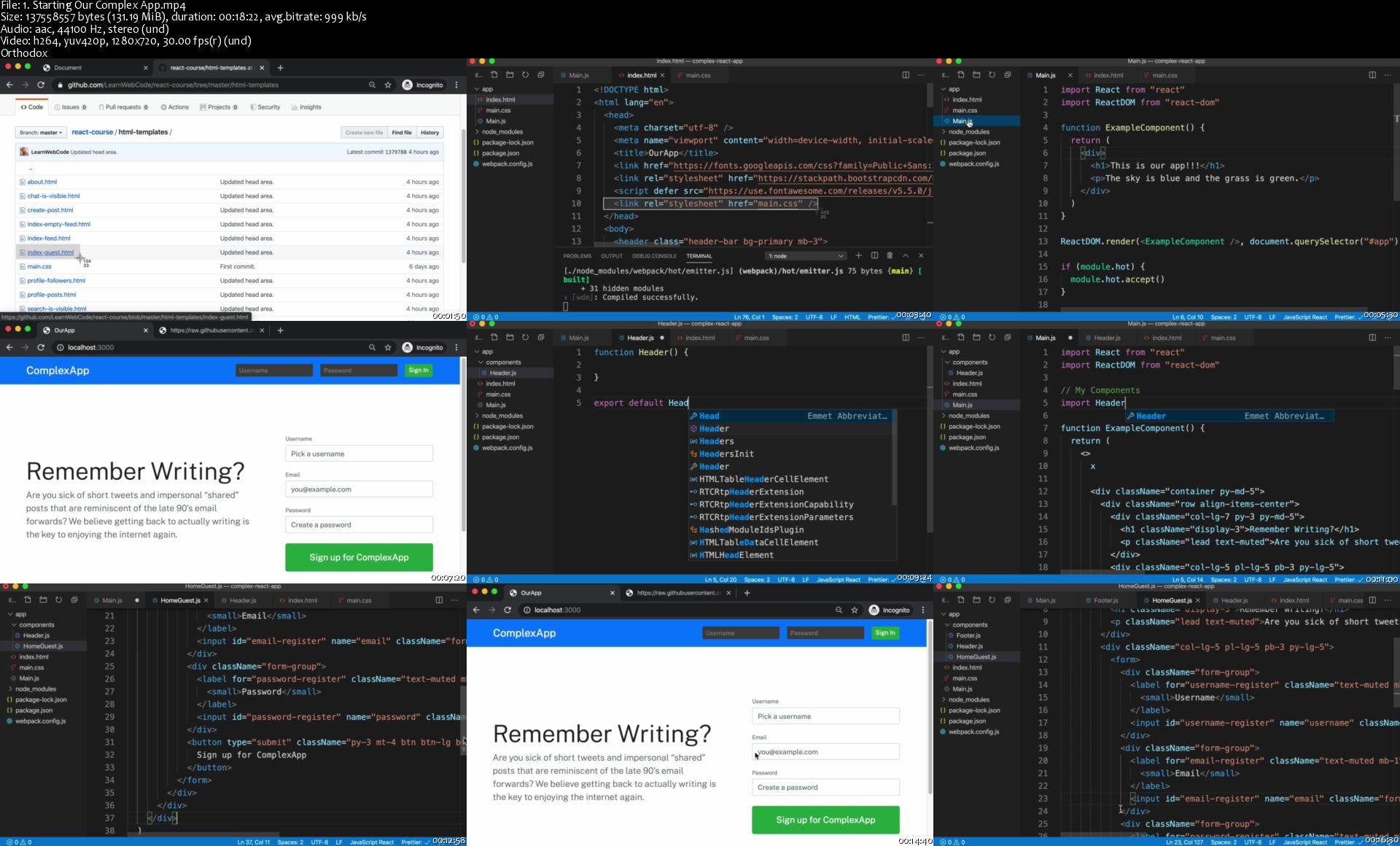
1-Starting-Our-Complex-App-s.jpg


Zurück
Oben Unten