• Regeln für den Video-Bereich:

    In den Börsenbereich gehören nur Angebote die bereits den Allgemeinen Regeln entsprechen.

    Einteilung

    - Folgende Formate gehören in die angegeben Bereiche:
    - Filme: Encodierte Filme von BluRay, DVD, R5, TV, Screener sowie Telesyncs im Format DivX, XviD und x264.
    - DVD: Filme im Format DVD5, DVD9 und HD2DVD.
    - HD: Encodierte Filme mit der Auflösung 720p oder darüber von BluRay, DVD, R5, TV, Screener sowie Telesyncs im Format x264.
    - 3D: Encodierte Filme von BluRay, die in einem 3D Format vorliegen. Dies gilt auch für Dokus, Animation usw.
    - Serien: Cartoon/Zeichentrick, Anime, Tutorials, Dokumentationen, Konzerte/Musik, Sonstiges sind demnach in die entsprechenden Bereiche einzuordnen, auch wenn sie beispielsweise im High Definition-Format oder als DVD5/DVD9/HD2DVD vorliegen. Ausnahme 3D.
    - Bereich Englisch: Englische Releases gehören immer in diesen Bereich.
    - Bereich Talk: Der Bereich, in dem über die Releases diskutiert werden kann, darf, soll und erwünscht ist.


    Angebot/Beitrag erstellen

    - Ein Beitrag darf erst dann erstellt werden, wenn der Upload bei mindestens einem OCH komplett ist. Platzhalter sind untersagt.
    - Bei einem Scenerelease hat der Threadtitel ausschließlich aus dem originalen, unveränderten Releasenamen zu bestehen. Es dürfen keine Veränderungen wie z.B. Sterne, kleine Buchstaben o.ä. vorgenommen werden. Ausnahme Serienbörse:
    - Bei einem Sammelthread für eine Staffel entfällt aus dem Releasename natürlich der Name der Folge. Beispiel: Die Simpsons S21 German DVDRip XviD - ITG
    - Dementsprechend sind also u.a. verboten: Erweiterungen wie "Tipp", "empfehlenswert", "only", "reup", usw. / jegliche andere Zusatzinformation oder Ergänzung, welche nicht in obiger Beschreibung zu finden ist.

    Aufbau des Angebots und Threadtitel

    Der Titel nach folgendem Muster erstellt zu werden. <Name> [3D] [Staffel] [German] <Jahr> <Tonspur> [DL] [Auflösung] <Quelle> <Codec> - <Group>
    Beispiel: The Dark Knight German 2008 AC3 DVDRip XviD - iND
    Beispiel: The Dark Knight 2008 DTS DL BDRip x264 - iND
    Beispiel: The Dark Knight 2008 AC3 DL BDRip XviD - iND
    Beispiel: The Dark Knight German 2008 AC3 720p BluRay x264 iND
    Beispiel: The Dark Knight 2008 DTS DL 1080p BluRay x264 iND
    Beispiel: Die Simpsons S01 German AC3 DVDRip XviD iND
    Beispiel: Die Simpsons S20 German AC3 720p BluRay x264 iND
    Beispiel: Sword Art Online II Ger Sub 2014 AAC 1080p WEBRip x264 - peppermint
    Entsprechend sind also u.a. verboten: Sonderzeichen wie Klammern, Sterne, Ausrufezeichen, Unterstriche, Anführungszeichen / Erweiterungen wie "Tipp", "empfehlenswert", "only", "reup", usw. / jegliche andere Zusatzinformation oder Ergänzung, welche nicht in obiger Beschreibung zu finden ist
    Ausnahmen hiervon können in den Bereichen geregelt sein.

    Die Beiträge sollen wie folgt aufgebaut werden:
    Überschrift entspricht dem Threadtitel
    Cover
    kurze Inhaltsbeschreibung
    Format, Größe, Dauer sind gut lesbar für Downloader außerhalb des Spoilers zu vermerken
    Nfo sind immer Anzugeben und selbige immer im Spoiler in Textform.
    Sind keine Nfo vorhanden z.B. Eigenpublikationen, sind im Spoiler folgende Dateiinformationen zusätzlich anzugeben :
    Quelle
    Video (Auflösung und Bitrate)
    Ton (Sprache, Format und Bitrate der einzelnen Spuren)
    Untertitel (sofern vorhanden)
    Hosterangabe in Textform außerhalb eines Spoiler mit allen enthaltenen Hostern.
    Bei SD kann auf diese zusätzlichen Dateiinformationen verzichtet werden.

    Alle benötigten Passwörter sind, sofern vorhanden, in Textform im Angebot anzugeben.
    Spoiler im Spoiler mit Kommentaren :"Schon Bedankt?" sind unerwünscht.


    Releases

    - Sind Retail-Release verfügbar, sind alle anderen Variationen untersagt. Ausnahmen: Alle deutschen Retail-Release sind CUT, in diesem Fall sind dubbed UNCUT-Release zulässig.
    - Im Serien-Bereich gilt speziell: Wenn ein Retail vor Abschluss einer laufenden Staffel erscheint, darf diese Staffel noch zu Ende gebracht werden.62
    - Gleiche Releases sind unbedingt zusammenzufassen. Das bedeutet, es ist zwingend erforderlich, vor dem Erstellen eines Themas per Suchfunktion zu überprüfen, ob bereits ein Beitrag mit demselben Release besteht. Ist dies der Fall, ist der bereits vorhandene Beitrag zu verwenden.
    - P2P und Scene Releases dürfen nicht verändert oder gar unter einem iND Tag eingestellt werden.


    Support, Diskussionen und Suche

    - Supportanfragen sind entweder per PN oder im Bereich Talk zu stellen.
    - Diskussionen und Bewertungen sind im Talk Bereich zu führen. Fragen an die Uploader haben ausschließlich via PN zu erfolgen, und sind in den Angeboten untersagt.
    - Anfragen zu Upload-Wünschen sind nur im Bereich Suche Video erlaubt. Antworten dürfen nur auf Angebote von MyBoerse.bz verlinkt werden.


    Verbote

    - Untersagt sind mehrere Formate in einem einzigen Angebotsthread, wie beispielsweise das gleichzeitige Anbieten von DivX/XviD, 720p und 1080p in einem Thread. Pro Format, Release und Auflösung ist ein eigener Thread zu eröffnen.
    - Grundsätzlich ebenso verboten sind Dupes. Uploader haben sich an geeigneter Stelle darüber zu informieren, ob es sich bei einem Release um ein Dupe handelt.
    - Gefakte, nur teilweise lauffähige oder unvollständige Angebote sind untersagt. Dies gilt auch für eigene Publikationen, die augenscheinlich nicht selbst von z.B. einer DVD gerippt wurden. Laufende Serien, bei denen noch nicht alle Folgen verfügbar sind, dürfen erstellt und regelmäßig geupdatet werden.
    - Untersagt sind Angebote, welche nur und ausschließlich in einer anderen Sprache als deutsch oder englisch vorliegen. Ausnahmen sind VORHER mit den Moderatoren zu klären.


    Verstoß gegen die Regeln

    - Angebote oder Beiträge, die gegen die Forenregeln verstoßen, sind über den "Melden"-Button im Beitrag zu melden.
  • Bitte registriere dich zunächst um Beiträge zu verfassen und externe Links aufzurufen.


Englische Tutorials

Skillshare AWS Certified Cloud Practitioner 2020-ViGOROUS

149419997_47-46-aws-storage-gateway_c.jpg


Skillshare AWS Certified Cloud Practitioner 2020-ViGOROUS | MP4 | 2.50 GiB

608 kb/s 1920x1080 | AAC 180 kb/s 2 CH


NFO:
File List:

File: 01 - course-introduction.mp4
Size: 9565646 bytes (9.12 MiB), duration: 00:02:05, avg.bitrate: 612 kb/s
Audio: aac, 44100 Hz, stereo (und)
Video: h264, yuv420p, 1920x1080, 30.00 fps(r) (und)


Download ( Size: 2.50 GiB ):


oHeopzn.png

3 Link/s
F9F574C017.png


5hSo1Ay.png

3 Link/s
93C5492D81.png


Skillshare Build A Restaurant Site With Python and Django-ViGOROUS

149420018_23-023-adding-about-us-templates_c.jpg


Skillshare Build A Restaurant Site With Python and Django-ViGOROUS | MP4 | 3.56 GiB

1 560 kb/s 1728x1080 | AAC 192 kb/s 2 CH


NFO:
File List:

File: 01 - 001-intro.mp4
Size: 67106565 bytes (64.00 MiB), duration: 00:05:44, avg.bitrate: 1561 kb/s
Audio: aac, 44100 Hz, stereo (und)
Video: h264, yuv420p, 1728x1080, 30.00 fps(r) (und)


Download ( Size: 3.56 GiB ):


oHeopzn.png

4 Link/s
0B5607DF73.png


5hSo1Ay.png

4 Link/s
0D3EDC7F1C.png


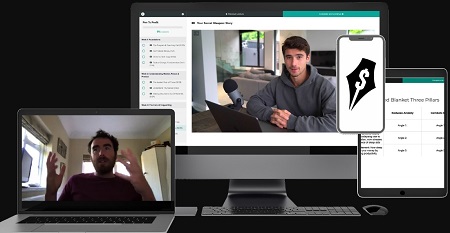
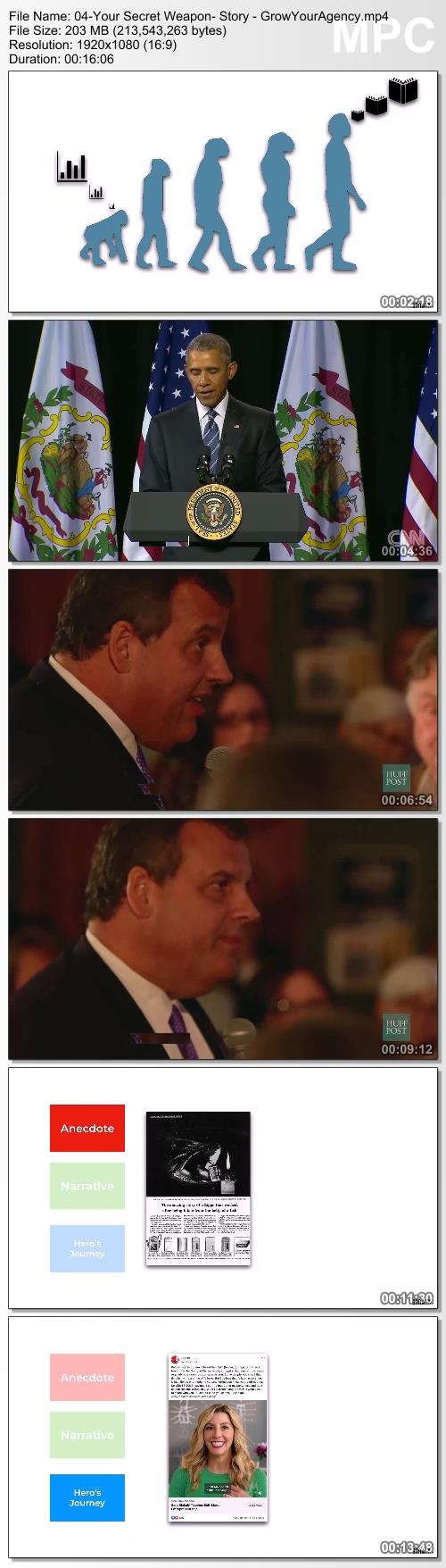
Iman Gadzhi - Pen To Profit Membership

ad8be563ee2ae3c4db5b318cf477cd60.jpg

Iman Gadzhi - Pen To Profit Membership | 1.72 GB
How I Write Copy That's Generated My Agency Clients & I Millions of Dollars.

Pen To Profit Mentorship
- How I sign, deliver & retain to such a high degree using the power of copywriting.
- 60 minute coaching session with Ciaran, our in-house copywriter for our clients of the past 2 years.
- The exact step by step framework I use to write my emails & ads that have generated millions.
- 5 Full sections breaking this down in excruciating detail.

When You Join Pen To Profit,
You Get Full & Immediate Access To:
5 Sections of Step By Step Training: (£2,997 Value)
Over the space of 5 sections and 25+ modules, you'll learn the ins and outs of my copywriting framework I use at both IAG Media for our clients as well as GrowYourAgency for my own education business. This is the first (& ONLY) time I'll be revealing this.

Our Internal Plug N Plays: (£997 Value)
I'm going to be giving you the exact framework that we use as an agency when we're on-boarding a client, creating their copy, as well as creating new exciting angles every month to keep campaign ROIs shockingly high.

60m Coaching Call With Ciaran: (£997 Value)
I personally do not offer 1 on 1, full stop. We don't as a company either. The only time we work 1 on 1 with someone is our IAG Media clients when they pay us £25k for a 2-day in person training. You'll get once in a lifetime access to a 1 hour private coaching session with Ciaran. The man behind all of our client email & ad copy here at IAG Media.

Ecomm, Info-Product, Gym, Historical & More Case Studies: (£497 Value)
We've compiled the most thorough case studies of our own clients, mock examples of clients in different niches as well as historical copywriting case studies. This takes all of the technical knowledge and gives you real world application for it.

HOmepage:

Screenshots
963b0c5059b23d2c2451b7022465ceae.jpg


Link Download
Extract files with WinRar 5 or Latest !
 
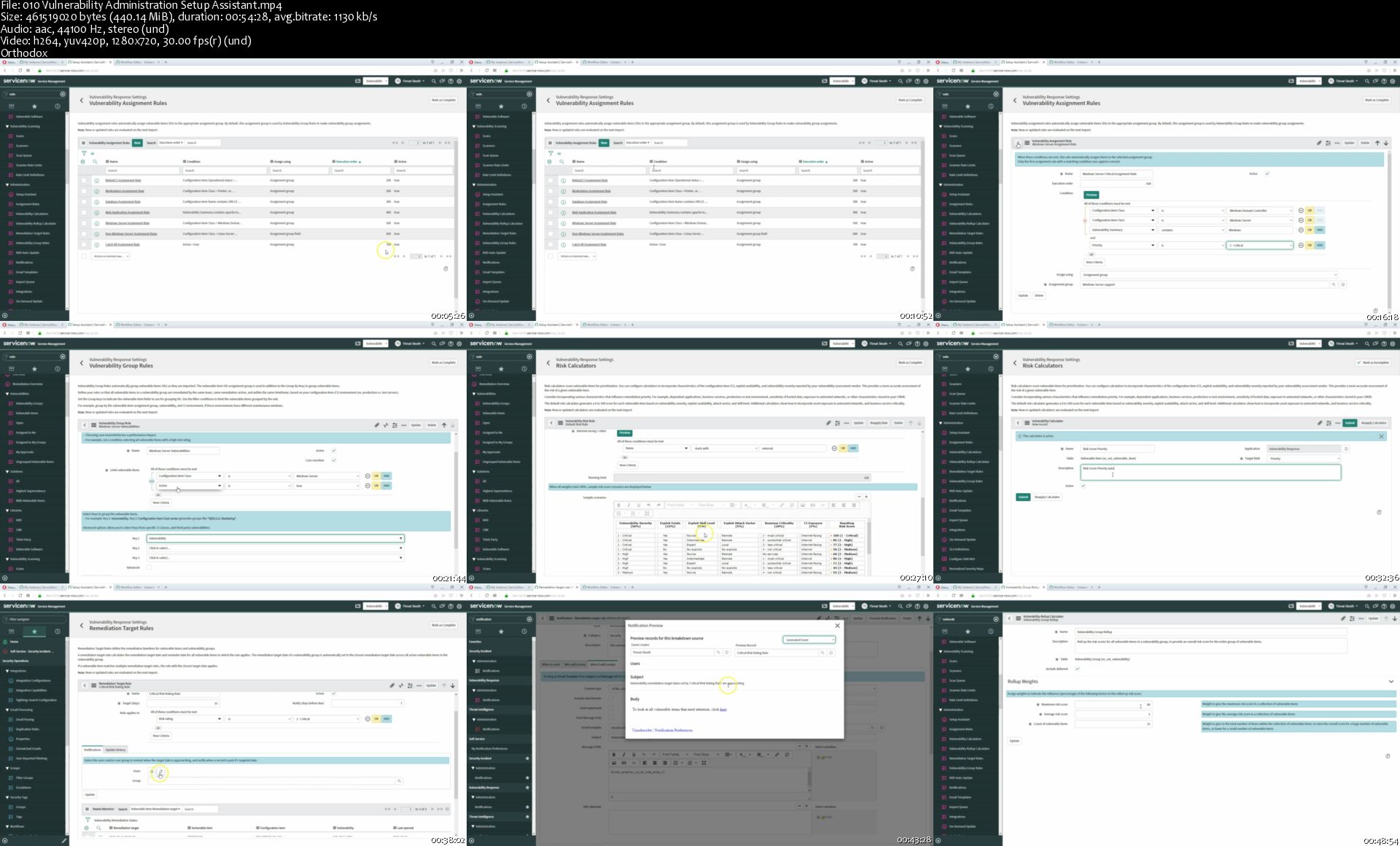
Ultimate ServiceNow Security Operations Course

Nbl1-H1u-DDu-Fa-VIXt1l-Ip-BBYj-FEjvi-Mft.jpg


Ultimate ServiceNow Security Operations Course
h264, yuv420p, 1280x720|ENGLISH, aac, 44100 Hz, 2 Channels | 14h 56 mn | 6.54 GB
Created by: Brett DeHoag

Madrid 2019
What you'll learn

ServiceNow Security Operations
ServiceNow Security Incident
ServiceNow Vulnerability Response
ServiceNow Threat intelligence
ServiceNow Security Operations Integrations

Requirements

Any ServiceNow instance

Description

Welcome to the Ultimate ServiceNow Security Operations course! Within this course you will learn how to use and begin to configure Vulnerability Response, Security Incident Response, and Threat Intelligence applications. You will also learn how to configure various security tools with ServiceNow. If you do not have a ServiceNow instance to practice on then don't worry, we will walk you through the steps to get your own FREE ServiceNow Developers instance. This course was made using the Madrid version of ServiceNow, but a lot of the features and items we discuss are also available on Kingston and London.
Who this course is for:

Any one who wants to learn how to use ServiceNow Security Operations

Homepage

010-Vulnerability-Administration-Setup-Assistant-s.jpg


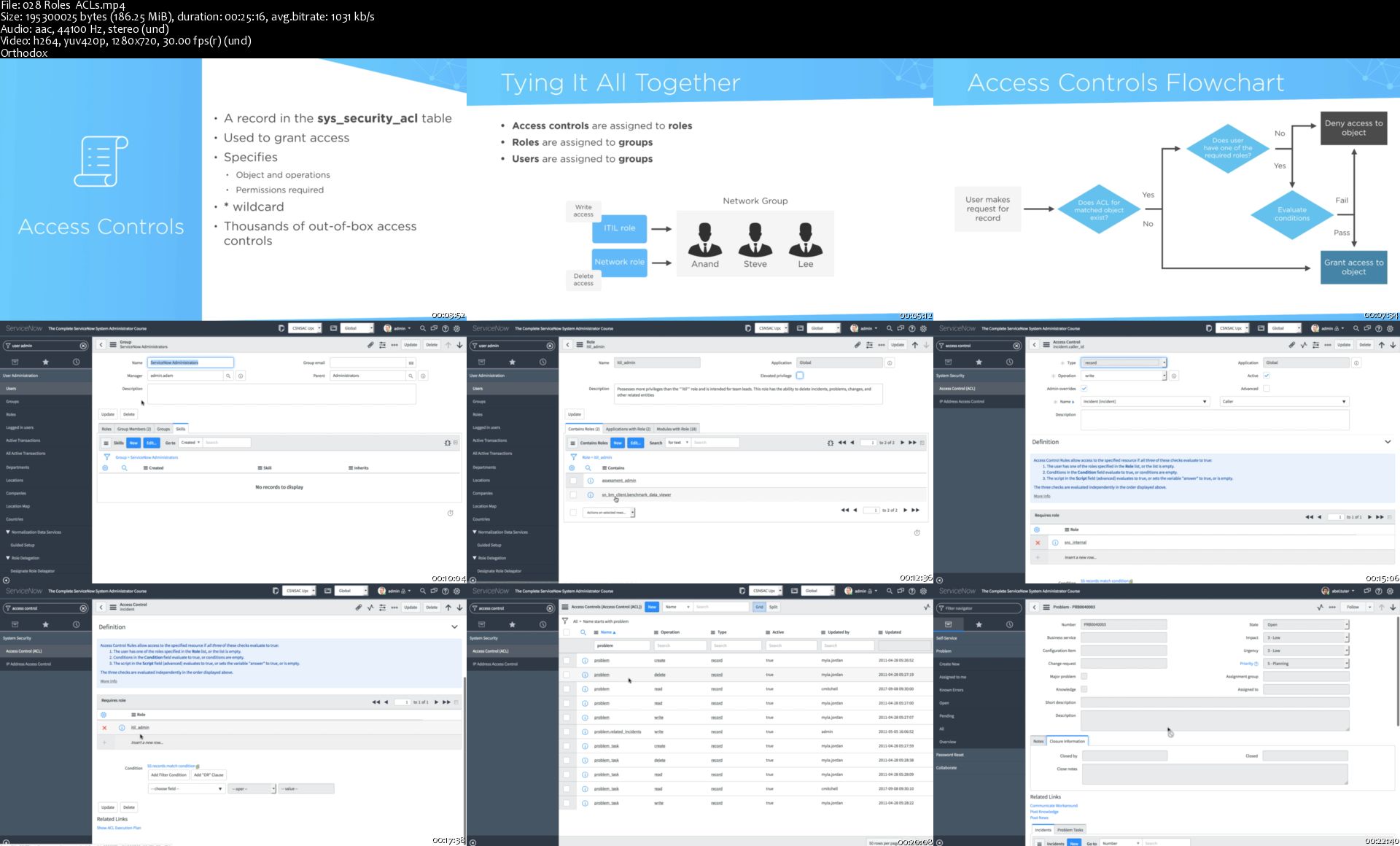
The Complete ServiceNow System Administrator Course (2018)

x-PXR0ez-Cadet8ks-SJxvermb-Ajio6-T7-NB.jpg


The Complete ServiceNow System Administrator Course (2018)
Bestseller | h264, yuv420p, 1920x1080 |ENGLISH, aac, 44100 Hz, 2 Channels | 11h 17 mn | 5.56 GB
Created by: Mark Miller

Learn how to properly administer a ServiceNow instance on the Kingston release!
What you'll learn

Understand how ServiceNow works behind the scenes
Master administration on the ServiceNow platform
Understand the different configurations & customizations
Obtain the knowledge to successfully pass the ServiceNow certified System Administrator exam

Requirements

An understanding of ITIL principles can help but is not required

Description

In this course, students will learn how to administer a ServiceNow instance and prepare for the ServiceNow certified System Administrator exam.

FAQs

Q: What version of ServiceNow does this cover?
A: This course is recorded on the Kingston (2018) release

Q: Can I pass the exam using only this course as a guide?
A: Yes! I've had many students who have successfully passed the exam after telling me that this is the only study material they needed.

Q: Is this course an update to your ServiceNow 101: Administration course?
A: Yes, I've decided to change the name of this course from ServiceNow 101: Administration to The Complete ServiceNow System Administrator Course. In addition to the name change, I've also added over 2.5 hours of new content including topics like the Service Portal.

Features

Recorded on Kingston release (2018)

Quizzes

Practice Exam

Workbook

1080p video recording

Topics Covered

User Interfaces

Customizations including: UI Policies, UI Actions, Business Rules, Script Includes, Data Policies

Client-side versus Server-side

Update Sets

Databases, Tables, Fields, & Records

Field types & reference fields

Table relationships

Table administration

Users, Groups, & Roles

Access Controls

LDAP & SSO

Incident Management

Problem Management

Change Management

Configuration Management

Service-Level Agreements

Service Catalog Management

Knowledge Management

Service Portal

System Properties

ServiceNow Connect

System Diagnostics

Events & Notifications

Workflows

Import Sets

Reporting

Custom Application Development

Who this course is for:

Those who are new to the ServiceNow platform
Anyone interested in becoming a ServiceNow administrator or developer
Those who are looking to pass the ServiceNow certified System Administrator exam

Homepage

028-Roles-ACLs-s.jpg


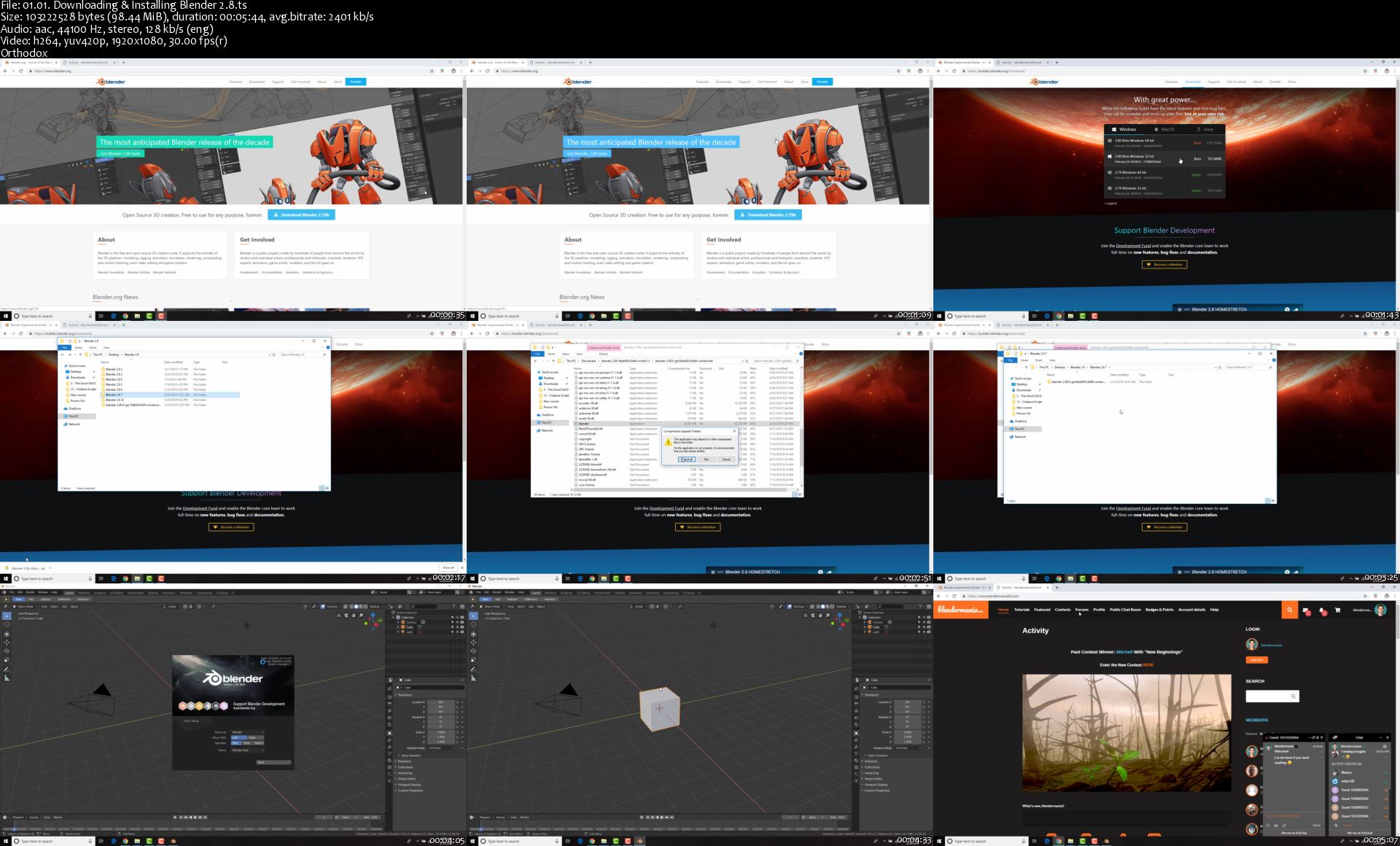
The Ultimate Blender Low Poly Guide

6w-PYh3j-UH7nz-Xp-K0s-EGfrr-Yah-Qi1lm-G8.jpg


The Ultimate Blender Low Poly Guide
Genre: eLearning | TS | Video: AVC , 1920x1280 | Audio: AAC, 44.1 KHz
Language: English | VTT | Size: 9.3 GB | Duration: 7.5 hours

Create Some Awesome Low Poly Scenes!
Description
Ever want to learn 3D but felt overwhelmed or didn't know where to start? This Low Poly course is the perfect place to start!

Low Poly is a certain style of 3D that has taken the 3D world by storm and the best part...It's simple to make but still looks amazing!

Some of the things you will learn in this course are:

- The basics of Blender and the user interface

- Modeling and making several low poly scenes including worlds, animals, trees and more!

- How to add materials, lighting and environmental lighting to your scenes

- Create multiple scenes that you can be proud of!

- Create and animate a low poly character!

- And more!!!!

So if you are brand NEW to 3D or Blender, this course will get you on your way. If you are more advanced in Blender, this course can still be for you if you are looking to get into low poly modeling!


What you'll learn
Students will learn the basics of 3D, low poly modeling and how to create low poly scenes!
Students will have a good understanding of modeling, adding materials and animating basics

Homepage

01-01-Downloading-Installing-Blender-2-8-s.jpg


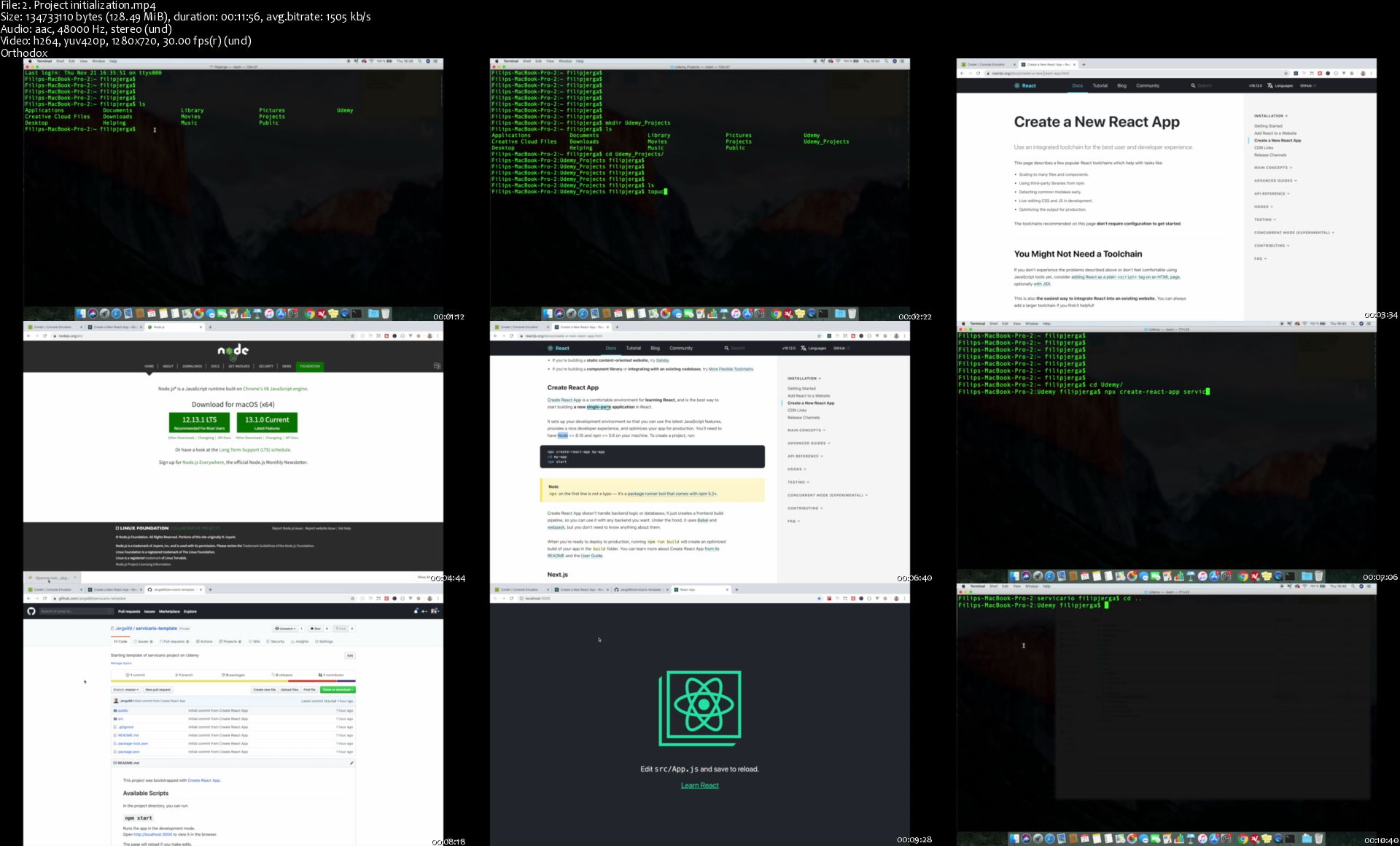
React JS & Firebase Complete Course (incl. Chat Application)

za-ZVn-A70-JHVEPc29qqp4-SXw-Imu-MMfoll.jpg


React JS & Firebase Complete Course (incl. Chat Application)
MP4 | Video: h264, 1280x720 | Audio: AAC, 44.1 KHz, 2 Ch
Genre: eLearning | Language: English + .srt | Duration: 119 lectures (24h 16m) | Size: 10 GB

Create "real world" React JS applications connected to Firestore (Firebase). Redux, authentication + real time features!
What you'll learn:
Develop real-world web application with React JS and Firebase
Understand the processes and concepts of React JS 2
Use gained knowledge to create your own Web Applications

Requirements
Javascript and ES6 knowledge is required!
Base Html and CSS is required

Description
WHAT IS REACT JS?

React is a declarative, efficient, and flexible JavaScript library for building user interfaces. It lets you compose complex UIs from small and isolated pieces of code called "components".

WHAT IS FIREBASE?

Firebase provides a realtime database and backend as a service. The service provides application developers an API that allows application data to be synchronized across clients and stored on Firebase's cloud.

THE COURSE

Students learn best when they're putting what they learn in to practice straight away, so we've build this course around one really great project (which will look fantastic in your career portfolio!):

In this course we are going to build application where users can participate in different services that can improve users expertise in various fields.

We will start with the basics of React JS framework. We will create initial layout, first pages and routing .

First section will be not only about React JS . To make our application dynamic and up to the standards we need database. Database we will use in this course is cloud Firestore from Firebase. IN Firestore we will keep different types of data as for example services, offers, collaborations and users.

After first section you will start learning about firebase authentication. I will show you how to login and register with firebase. After user will be logged in we will display our application with couple of modifications only authenticated user can see.

Main idea of this application is to offer and subscribe to various services. For this reason we will implement page. where users can create service and where i get you familiar with form validation as well

After service will be created it will be displayed on Home page and offered to other users.

Later we will be creating functionality to trade services between the users. Every logged in user can make an offer for a service. After offer is submitted then its up to service owner if he is willing to accept or decline an offer. In case service owner will accept offer then user can create collaboration.

Once collaboration is created then service owner will receive message to participate in collaboration. When all of the users are joined into collaboration then collaboration can be started for specific amount of time and users can exchange messages. After collaboration is finished, messaging is disabled.

In last section I will be talking about security rules for Firestore and finally we will deploy are application to Heroku so you can share it with your friends and family. This is just short preview of all of the features and there is much much more prepared for you.

With over 24 hours of on-screen instruction, it doesn't matter whether you're planning to start your career as a developer, or just want to improve your programming skills, this is the right course for you!

So what are you waiting for? Enrol now!!

Who this course is for
Developers new to React JS & Firebase
Experienced developers looking to hone their React JS & Firebase skills
People eager to learn new knowledge

2-Project-initialization-s.jpg


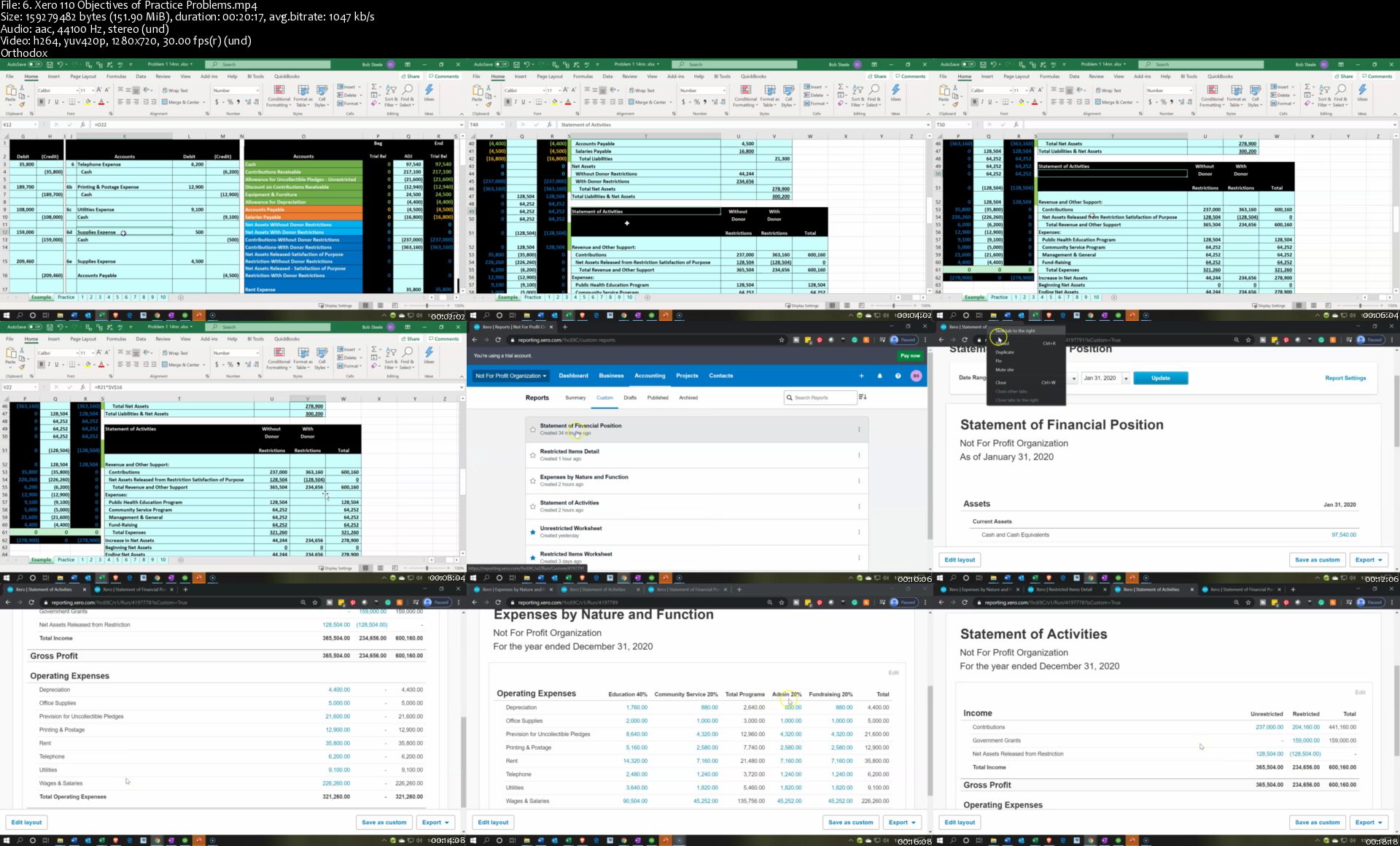
QuickBooks Online vs Aplos vs Xero Not for Profit Accounting

17-Di-G9t29olwd-IMSN5ic-Lbwvco-NHNB6l.jpg


QuickBooks Online vs Aplos vs Xero Not for Profit Accounting
Genre: eLearning | MP4 | Video: h264, 1280x720 | Audio: aac, 44100 Hz
Language: English | VTT | Size: 9.59 GB | Duration: 24.5 hours


What you'll learn
How to set up QuickBooks Online, Xero & Aplos accounting software for Not for Profit Organizations
How to use free resources to optimize learning
How to use fund and tag tracking to generate Not for Profit reports
How to enter and track restricted resources
How to enter month end adjusting entries
How to allocate expenses to programs and administrative categories
How to record net assets released from restriction
How to generate, analyze, memorize, & export to Excel financial reports

Requirements
None - QuickBooks Online, Xero, & Aplos generally has a free 15 to 30 day trial (great tool for us)
Description
Learners will understand how to set up QuickBooks Online, Xero & Aplos accounting software for Not for Profit Organizations.

QuickBooks Online & Xero are very popular accounting software applications. Aplos is less popular but is specially designed for Not for Profit Accounting.

The course will show how to use free resources to optimize learning.

We will demonstrate the use of funds and tags to generate Not for Profit reports.

The course will demonstrate how to enter and track restricted resources.

We will enter month end adjusting entries.

Learners will see how to allocate expenses to programs and administrative categories.

We will record net assets released from restriction.

The course will show how to generate, analyze, memorize, & export to Excel financial reports.

Who this course is for:
Anybody how wants to learn Not for Profit accounting in a practical way

Homepage

6-Xero-110-Objectives-of-Practice-Problems-s.jpg


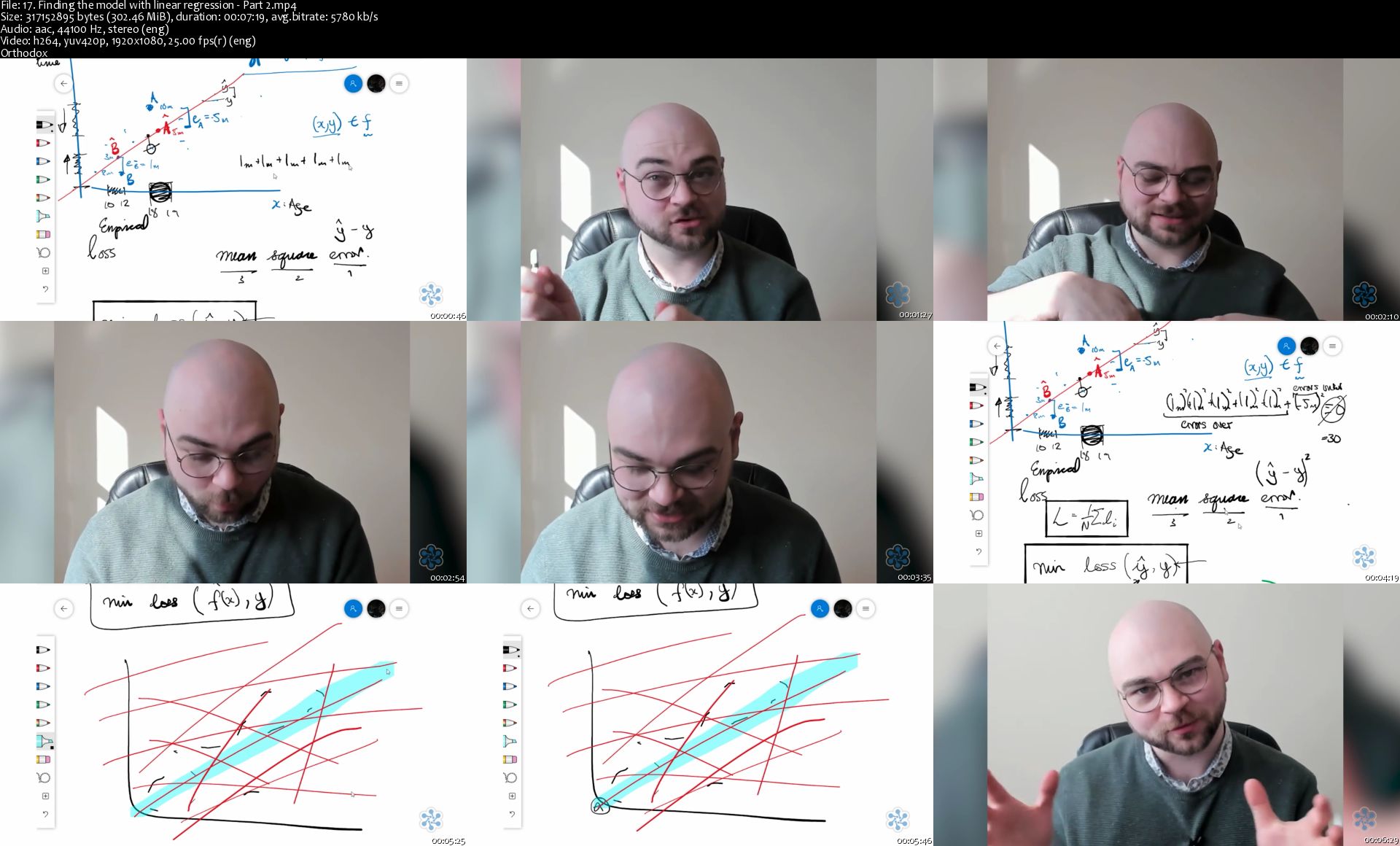
Practical Machine Learning Learning Path

0-Qrkrhhi66-NH0-SIbbzm-T9-Lmjxzz8v-Pm-W.png


Practical Machine Learning Learning Path
MP4 | Video: h264, 1920x1080 | Audio: AAC, 44.1 KHz, 2 Ch
Genre: eLearning | Language: English | Duration: 6 Modules (11h 44m) | Size: 24 GB

Description
QA's Practical Machine Learning course is an intense deep dive into the world of machine learning. In it you'll learn how to implement different Machine learning models, validate their quality and how to implement them practically. This course is being iterated, and we are looking to flesh out the scope and learning activities within it. As such, if you have any feedback, please don't hesitate to get in touch and let us know what you think we could do to improve this course.

This courses Contains 6 Modules:
Module 0 - What is machine learning
Module 1 - Python for machine learning
Module 2 - Maths for machine learning
Module 3 - Supervised learning
Module 4 - Model selection
Module 5 - Regression

Learning Objectives
After completing the Practical Machine Learning course, you will know:

How to explore and prepare data
Develop ML models
How to pick ML algorithms for a given task
Understand techniques and metrics used to determine the quality of ML models

Intended Audience
This course is aimed at fledging data scientists and analysts who wish to gain more in-depth knowledge of Machine Learning.

Prerequisites
GCSE Mathematics or above.
Must be comfortable with analytical and mathematical thinking.
Familiar with basic python programming: variables, control flow, scope, data structures and functions. Must be comfortable with algorithmic thinking.
Familiar with basics of data analysis including databases, descriptive statistics, and typical business use cases.

17-Finding-the-model-with-linear-regression-Part-2-s.jpg


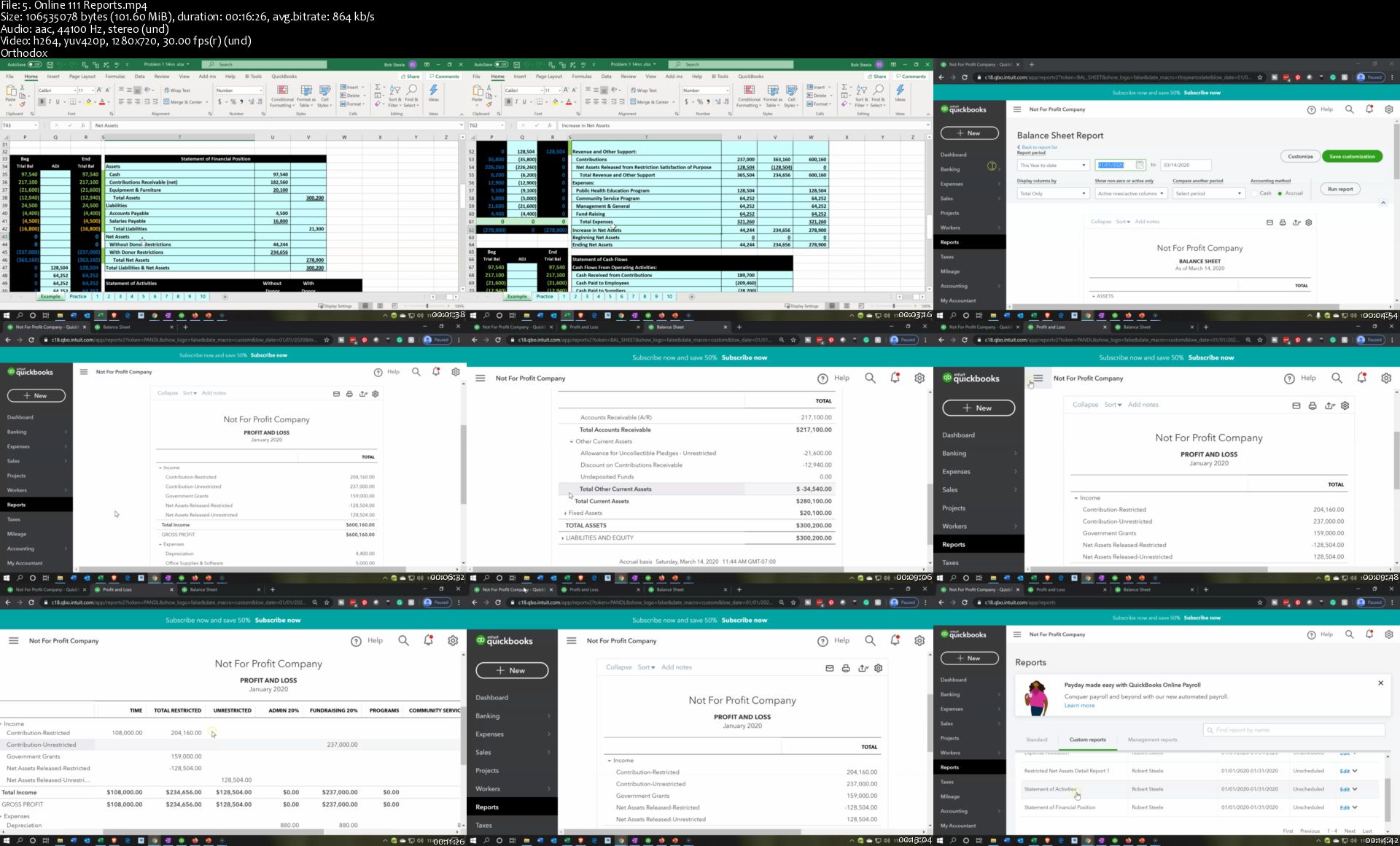
Not for Profit QuickBooks Desktop vs QuickBooks Online

u-Iw5-V7-Lalwmom-VCi-Nott-Rh-F1-Af-Bz-JASE.jpg


Not for Profit QuickBooks Desktop vs QuickBooks Online
Genre: eLearning | MP4 | Video: h264, 1280x720 | Audio: aac, 44100 Hz
Language: English | VTT | Size: 5.92 GB | Duration: 13.5 hours


What you'll learn
How to set up QuickBooks Online & QuickBooks Desktop for a Not for Profit Organization
How to use free resources to optimize learning
How to use jobs & class tracking to generate Not for Profit reports
How to create and use pledge receipt forms
How to enter and track restricted resources
How to enter month end adjusting entries
How to allocate expenses to programs and administrative categories
How to record net assets released from restriction
How to generate, analyze, memorize, & export to Excel financial reports

Requirements
QuickBooks Online generally has a free 30 day trial (great tools for us)
Access to QuickBooks Desktop software would be nice
Description
Learners will understand how to set up QuickBooks Online & QuickBooks Desktop for a Not for Profit Organization.

The course will show how to use free resources to optimize learning.

We will demonstrate the use of class the jobs feature & category tracking to generate Not for Profit reports.

Learners will see how to create and use donation receipt forms.

We will show how to create and use pledge receipt forms.

The course will demonstrate how to enter and track restricted resources.

We will enter month end adjusting entries.

Learners will see how to allocate expenses to programs and administrative categories.

We will record net assets released from restriction.

The course will show how to generate, analyze, memorize, & export to Excel financial reports.

Who this course is for:
Anybody how wants to learn Not for Profit accounting in a practical way

Homepage

5-Online-111-Reports-s.jpg


Clickfunnels & Sales Funnels MASTERY in 2020 + FREE Funnels!

Gs-Rdbny5kxvik9-JMMTJ2u-Jw-Qa2ywv-A9-W.jpg


Clickfunnels & Sales Funnels MASTERY in 2020 + FREE Funnels!
Genre: eLearning | MP4 | Video: h264, 1280x720 | Audio: aac, 48000 Hz
Language: English | VTT | Size: 5.34 GB | Duration: 6.5 hours


What you'll learn
Learn how to create Beautiful and Effective Funnels that will increase sales and revenue for any type of business!

Requirements
Basic computer knowledge.
Laptop or Desktop Computer
Description
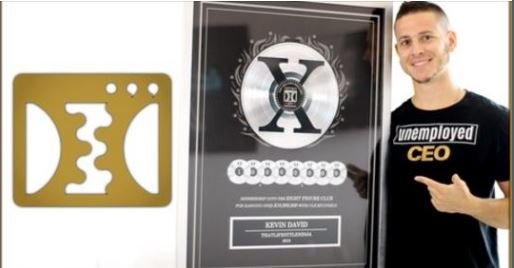
The highest award that ClickFunnel has is called The Two Comma Club X; Producing more than 10 Million Dollars With Just One Funnel.

I've been fortunate enough to receive that award, and 4 2comma club awards for 1 million from a single funnel.

Over the last few years, advertising has drastically changed.

Instead of spending $1 per new customer, you're now spending over $10..

You can't market the same way you did few years ago.

We have to do a better job marketing and use innovative strategies that convert.

So, how do you increase sales and get new customers without spending a fortune?

Sales funnels.

ClickFunnels is an amazing tool that gives entrepreneurs and small business owners the power to build insanely convertible sales funnel without having to spend a fortune or hire a full-time marketing team!

It's given me the ability to create a Multi-Multi-Million Dollar Business in less than twelve months with just two employees. Without it, it would have been nearly impossible!

Basically, ClickFunnels is the bomb!

If you have ever wondered how to create the highest converting opt in pages for your business, then this course is for you!

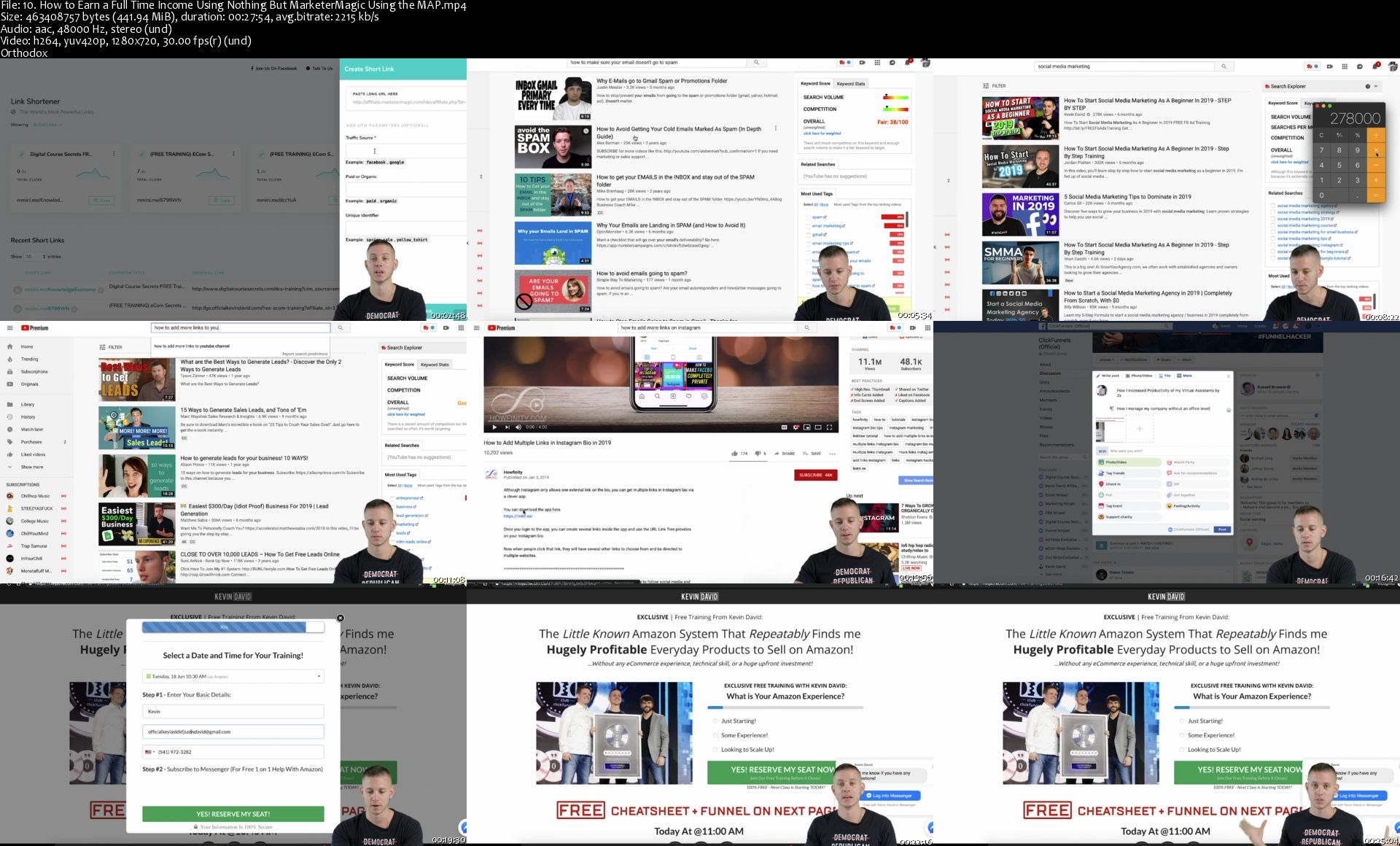
Here's just a little bit of what you're going to learn on the inside:

What is a Sales Funnel + Why Websites are OBSOLETE?

How to Integrate Mailchimp to Collect emails into Email Lists!

How to Immediately Send Emails to New Subscribers

How to Accept Credit Card Payments + PayPal (INSANELY EASY!)

How to Create a Custom URL for Your Funnels (LOOKS MORE PROFESSIONAL!)

How to Get TOP Quality Graphic Design Done for CHEAP!

How to Create Beautiful Funnels (Elements, Rows, and Sections Tutorial!)

How to Optimize for Mobile + Copy and Paste Entire Sections and Websites!

How to Optimize your Funnels by Split Testing + SEO Meta Data!

How to Make One Click Upsells (OTO's) and Order Bumps!

How to Install Your Facebook Pixel + Google Tracking Code

Create a Paid Membership Funnel with FULL Login and Product Access Capabilities

How to Create an Automated Webinar Funnel (WORTH MILLIONS!)

Did I mention the BEST PART?

Because I am committed to your success, I will be Including some tools that I think you will find incredibly valuable..

You will have FREE access to Funnels that have made me MILLIONS! You can adjust these templates to fit any business!

So If you're looking for simple, yet proven strategies to increasing your profits, this course is for you!

It doesn't matter if you're an advanced or beginner marketer, funnel builder, social media expert, entrepreneur or business owner, this course guaranteed to help you increase revenue and sales!

I hope to see you on the inside!

Here's to Your Success

KD

Who this course is for:
Entrepreneurs and small business owners that want to use sales funnels to increase the growth of their business.
Perfect for any Marketer or Digital Advertiser!
Great for eCommerce stores, digital products based businesses, brick & mortar, or any type of service business!
Anyone with something to sell!

Homepage

10-How-to-Earn-a-Full-Time-Income-Using-Nothing-But-Marketer-Magic-Using-the-MAP-s.jpg


AutoCAD 2020 2D from Zero to Hero

Me6yv-EEok-WYAt-MBh383-QZe-Ia-Ae9-Ay-LEl.jpg


AutoCAD 2020 2D from Zero to Hero
Genre: eLearning | MP4 | Video: h264, 1280x720 | Audio: aac, 44100 Hz
Language: English | VTT | Size: 5.39 GB | Duration: 11 hours


What you'll learn
You will learn all about AutoCAD 2020 2D to become professional user

Requirements
You have to know Windows OS very well, and of course you are aware of the engineering drafting process
Description
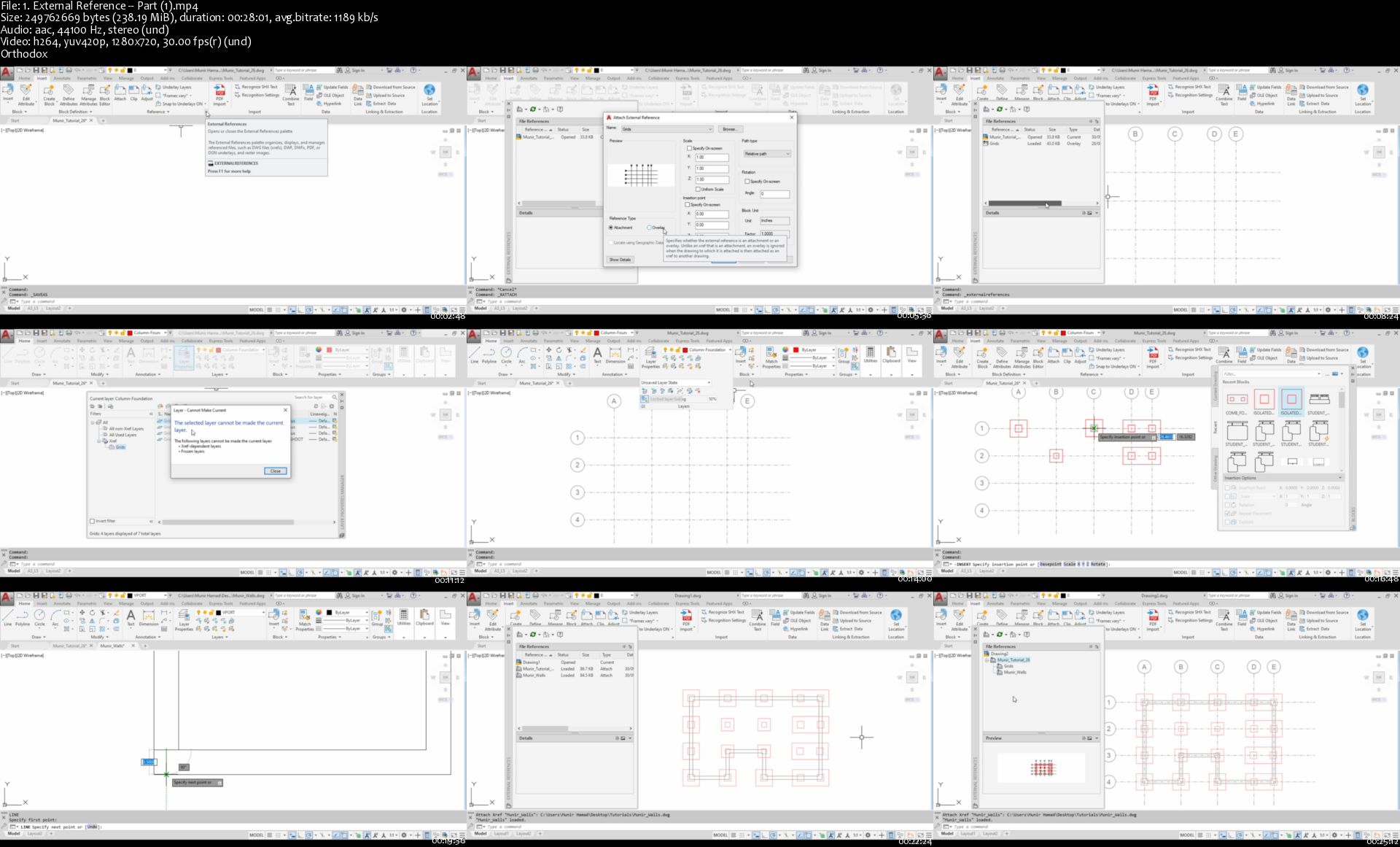
In this course, you will learn how to use all 2D commands in AutoCAD, drawing, modifying, controlling, annotating, printing, and sharing. You will cover all types of commands, basic, intermediate, and even advanced features. We will cover topics very important to your work as professional, or student. External Reference, Parametric Design, Sheets Sets, Dynamic Blocks, Plot Styles, and Block Attributes are some of these features which you will need in your day-by-day work.

This course is built over exercises. You will have two sets of files: PDF files which carries instructions, and DWG files which will be your starting point for each tutorial. At the end of each video, you will be instructed to open a certain file to practice what you learned.

Who this course is for:
Draftsmen, engineers in general involved in any engineering design process, and students in colleges and universities

Homepage
1-External-Reference-Part-1-s.jpg


Zurück
Oben Unten