• Regeln für den Video-Bereich:

    In den Börsenbereich gehören nur Angebote die bereits den Allgemeinen Regeln entsprechen.

    Einteilung

    - Folgende Formate gehören in die angegeben Bereiche:
    - Filme: Encodierte Filme von BluRay, DVD, R5, TV, Screener sowie Telesyncs im Format DivX, XviD und x264.
    - DVD: Filme im Format DVD5, DVD9 und HD2DVD.
    - HD: Encodierte Filme mit der Auflösung 720p oder darüber von BluRay, DVD, R5, TV, Screener sowie Telesyncs im Format x264.
    - 3D: Encodierte Filme von BluRay, die in einem 3D Format vorliegen. Dies gilt auch für Dokus, Animation usw.
    - Serien: Cartoon/Zeichentrick, Anime, Tutorials, Dokumentationen, Konzerte/Musik, Sonstiges sind demnach in die entsprechenden Bereiche einzuordnen, auch wenn sie beispielsweise im High Definition-Format oder als DVD5/DVD9/HD2DVD vorliegen. Ausnahme 3D.
    - Bereich Englisch: Englische Releases gehören immer in diesen Bereich.
    - Bereich Talk: Der Bereich, in dem über die Releases diskutiert werden kann, darf, soll und erwünscht ist.


    Angebot/Beitrag erstellen

    - Ein Beitrag darf erst dann erstellt werden, wenn der Upload bei mindestens einem OCH komplett ist. Platzhalter sind untersagt.
    - Bei einem Scenerelease hat der Threadtitel ausschließlich aus dem originalen, unveränderten Releasenamen zu bestehen. Es dürfen keine Veränderungen wie z.B. Sterne, kleine Buchstaben o.ä. vorgenommen werden. Ausnahme Serienbörse:
    - Bei einem Sammelthread für eine Staffel entfällt aus dem Releasename natürlich der Name der Folge. Beispiel: Die Simpsons S21 German DVDRip XviD - ITG
    - Dementsprechend sind also u.a. verboten: Erweiterungen wie "Tipp", "empfehlenswert", "only", "reup", usw. / jegliche andere Zusatzinformation oder Ergänzung, welche nicht in obiger Beschreibung zu finden ist.

    Aufbau des Angebots und Threadtitel

    Der Titel nach folgendem Muster erstellt zu werden. <Name> [3D] [Staffel] [German] <Jahr> <Tonspur> [DL] [Auflösung] <Quelle> <Codec> - <Group>
    Beispiel: The Dark Knight German 2008 AC3 DVDRip XviD - iND
    Beispiel: The Dark Knight 2008 DTS DL BDRip x264 - iND
    Beispiel: The Dark Knight 2008 AC3 DL BDRip XviD - iND
    Beispiel: The Dark Knight German 2008 AC3 720p BluRay x264 iND
    Beispiel: The Dark Knight 2008 DTS DL 1080p BluRay x264 iND
    Beispiel: Die Simpsons S01 German AC3 DVDRip XviD iND
    Beispiel: Die Simpsons S20 German AC3 720p BluRay x264 iND
    Beispiel: Sword Art Online II Ger Sub 2014 AAC 1080p WEBRip x264 - peppermint
    Entsprechend sind also u.a. verboten: Sonderzeichen wie Klammern, Sterne, Ausrufezeichen, Unterstriche, Anführungszeichen / Erweiterungen wie "Tipp", "empfehlenswert", "only", "reup", usw. / jegliche andere Zusatzinformation oder Ergänzung, welche nicht in obiger Beschreibung zu finden ist
    Ausnahmen hiervon können in den Bereichen geregelt sein.

    Die Beiträge sollen wie folgt aufgebaut werden:
    Überschrift entspricht dem Threadtitel
    Cover
    kurze Inhaltsbeschreibung
    Format, Größe, Dauer sind gut lesbar für Downloader außerhalb des Spoilers zu vermerken
    Nfo sind immer Anzugeben und selbige immer im Spoiler in Textform.
    Sind keine Nfo vorhanden z.B. Eigenpublikationen, sind im Spoiler folgende Dateiinformationen zusätzlich anzugeben :
    Quelle
    Video (Auflösung und Bitrate)
    Ton (Sprache, Format und Bitrate der einzelnen Spuren)
    Untertitel (sofern vorhanden)
    Hosterangabe in Textform außerhalb eines Spoiler mit allen enthaltenen Hostern.
    Bei SD kann auf diese zusätzlichen Dateiinformationen verzichtet werden.

    Alle benötigten Passwörter sind, sofern vorhanden, in Textform im Angebot anzugeben.
    Spoiler im Spoiler mit Kommentaren :"Schon Bedankt?" sind unerwünscht.


    Releases

    - Sind Retail-Release verfügbar, sind alle anderen Variationen untersagt. Ausnahmen: Alle deutschen Retail-Release sind CUT, in diesem Fall sind dubbed UNCUT-Release zulässig.
    - Im Serien-Bereich gilt speziell: Wenn ein Retail vor Abschluss einer laufenden Staffel erscheint, darf diese Staffel noch zu Ende gebracht werden.62
    - Gleiche Releases sind unbedingt zusammenzufassen. Das bedeutet, es ist zwingend erforderlich, vor dem Erstellen eines Themas per Suchfunktion zu überprüfen, ob bereits ein Beitrag mit demselben Release besteht. Ist dies der Fall, ist der bereits vorhandene Beitrag zu verwenden.
    - P2P und Scene Releases dürfen nicht verändert oder gar unter einem iND Tag eingestellt werden.


    Support, Diskussionen und Suche

    - Supportanfragen sind entweder per PN oder im Bereich Talk zu stellen.
    - Diskussionen und Bewertungen sind im Talk Bereich zu führen. Fragen an die Uploader haben ausschließlich via PN zu erfolgen, und sind in den Angeboten untersagt.
    - Anfragen zu Upload-Wünschen sind nur im Bereich Suche Video erlaubt. Antworten dürfen nur auf Angebote von MyBoerse.bz verlinkt werden.


    Verbote

    - Untersagt sind mehrere Formate in einem einzigen Angebotsthread, wie beispielsweise das gleichzeitige Anbieten von DivX/XviD, 720p und 1080p in einem Thread. Pro Format, Release und Auflösung ist ein eigener Thread zu eröffnen.
    - Grundsätzlich ebenso verboten sind Dupes. Uploader haben sich an geeigneter Stelle darüber zu informieren, ob es sich bei einem Release um ein Dupe handelt.
    - Gefakte, nur teilweise lauffähige oder unvollständige Angebote sind untersagt. Dies gilt auch für eigene Publikationen, die augenscheinlich nicht selbst von z.B. einer DVD gerippt wurden. Laufende Serien, bei denen noch nicht alle Folgen verfügbar sind, dürfen erstellt und regelmäßig geupdatet werden.
    - Untersagt sind Angebote, welche nur und ausschließlich in einer anderen Sprache als deutsch oder englisch vorliegen. Ausnahmen sind VORHER mit den Moderatoren zu klären.


    Verstoß gegen die Regeln

    - Angebote oder Beiträge, die gegen die Forenregeln verstoßen, sind über den "Melden"-Button im Beitrag zu melden.
  • Bitte registriere dich zunächst um Beiträge zu verfassen und externe Links aufzurufen.


Englische Tutorials

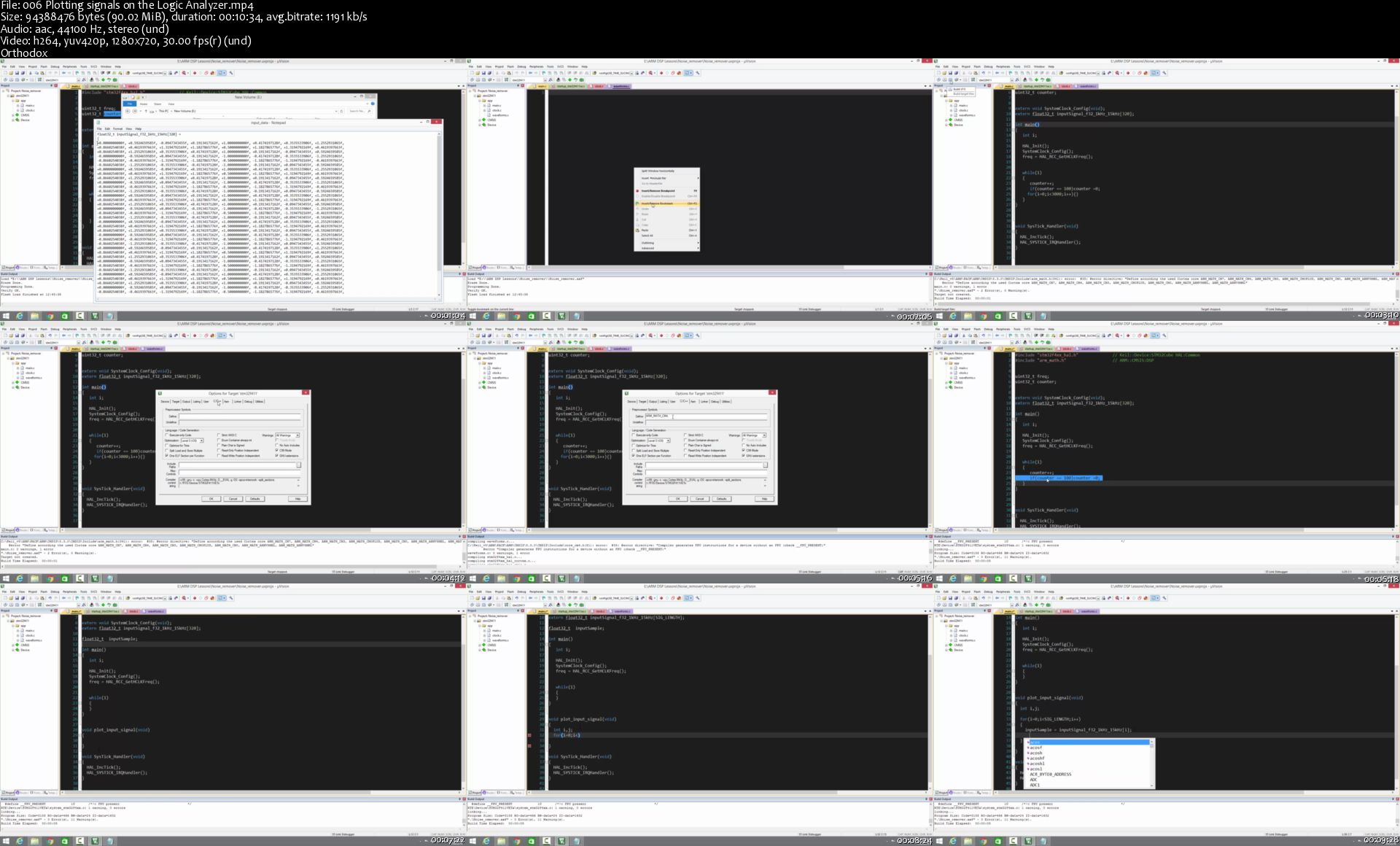
DSP From Ground Up™ on ARM Processors

00769934.jpg


DSP From Ground Up™ on ARM Processors
.MP4, AVC, 1280x720, 30 fps | English, AAC, 2 Ch | 11h 58m | 7.97 GB
Instructor: Israel Gbati

Digital Signal Processing on ARM : FFT, Filter Design, Convolution, IIR, FIR, CMSIS-DSP, Linear Systems, Correlation


What you'll learn

Develop efficient DSP algorithms using MAC and SIMD instructions
Develop RealTime Digital Signal Proceesing firmware
Understand Cortex-M4, M7 DSP optimization strategies
Master the CMSIS-DSP Library
Develop and test the Convolution Kernel algorithm on ARM Processors
Perform convolution using the ARM CMSIS-DSP Library
Develop and test the Discrete Fourier Transform (DFT) algorithm on ARM Processors
Develop and test the Inverse Discrete Fourier Transform (IDFT) algorithm on ARM Processors
Develop and test the Fast Fourier Transform (FFT) algorithm on ARM Processors
Perform Fast Fourier Transform (FFT) using the CMSIS-DSP Library
Perform spectral analysis on ECG signals on ARM Processors
Develop Windowed-Sinc filters on ARM Processors
Develop Finite Impulse Response (FIR) filters on ARM Processors
Develop Infinite Impulse Response (IIR) filters on ARM Processors
Setup Finite Impulse Response (FIR) filters using the CMSIS-DSP Library
Setup Infinite Impulse Response (FIR) filters using the CMSIS-DSP Library
Build passive Low-pass and High-pass filters
Build Modified Sallen-Key filters
Build Bessel, Chebyshev and Butterworth filters
Suppress noise in signals
Give a lecture on Digital Signal Processing (DSP)

Requirements

Having basic C programming skills is a plus

Description

With a programming based approach, this course is designed to give you a solid foundation in the most useful aspects of Digital Signal Processing (DSP) in an engaging and easy to follow way. The goal of this course is to present practical techniques while avoiding obstacles of abstract mathematical theories. To achieve this goal, the DSP techniques are explained in plain language, not simply proven to be true through mathematical derivations.

Still keeping it simple, this course comes in different programming languages and hardware architectures so that students can put the techniques to practice using a programming language or hardware architecture of their choice. This version of the course focuses on developing DSP algorithms for ARM microcontrollers leveraging the microcontrollers features such SIMD, MAC, Floating Point Unit (FPU) and the ARM CMSIS-DSP Library.

By the end of this course you should be able develop efficient DSP algorithms using MAC and SIMD instructions , develop RealTime Digital Signal Processing firmware , master the CMSIS-DSP Library, develop and test the Convolution Kernel algorithm on ARM processors, develop and test the Discrete Fourier Transform (DFT) algorithm on ARM processors, develop and test the Inverse Discrete Fourier Transform (IDFT) algorithm on ARM processors, design and develop Finite Impulse Response (FIR) filters on ARM processors, design and develop Infinite Impulse Response (IIR) filters on ARM processors, develop Windowed-Sinc filters on ARM procesors, build Modified Sallen-Key filters, build Bessel, Chebyshev and Butterworth filters, develop the Fast Fourier Transform (FFT) algorithm on arduino, even give a lecture on DSP and so much more. Please take a look at the full course curriculum.

Who this course is for:

Engineering Students
Embedded Systems Engineers
Hobbyists
Embedded Systems Instructors

More Info

006-Plotting-signals-on-the-Logic-Analyzer-s.jpg


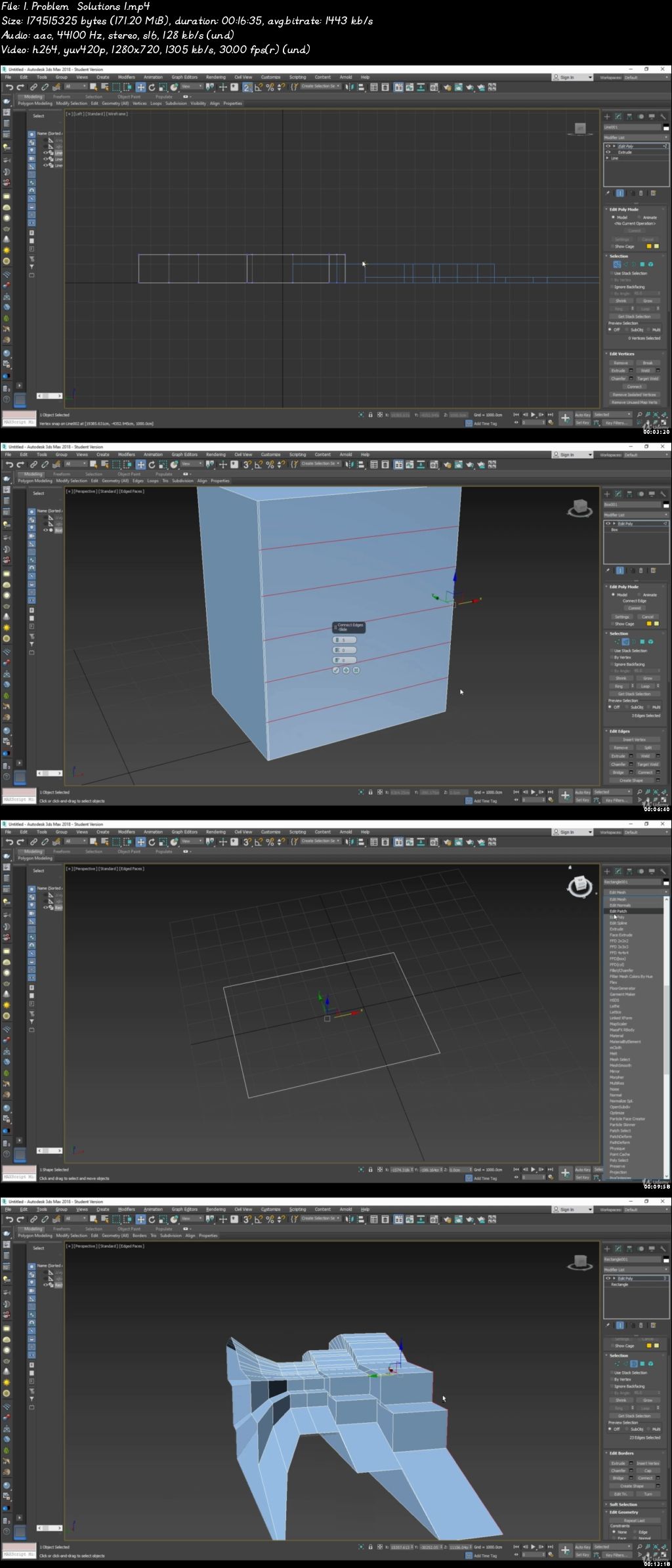
3D Max Modeling from beginner to advanced

00768fb9.jpg


3D Max Modeling from beginner to advanced
Video: .mp4 (1280x720, 30 fps(r)) | Audio: aac, 44100 Hz, 2ch | Size: 5.27 GB
Genre: eLearning Video | Duration: 34 lectures (7 hour, 54 mins) | Language: English


What you'll learn

Student will start to understand the concept of 3D's Max Modeling.
This course will help how much flexible 3D's Max is with different type of tools.
It will be talking about the difference between 2D and 3D elements in 3D's Max
This course also produce architectural and Interior Design projects as complete as possible from concept to final 3D presentation models, which are 3-D building models that are effectively rendered and situated in a context

Requirements

Its a beginner Level course. Then to advanced and complicated problem/solutions

Description

Welcome to the complete course of 3D's Max Modeling. I'm going to teach you step by step on how to create different type of objects in 3D's Max using just the standard tools to a complicated structure.


My name is Malek Jaroudi, I have a Degree of Interior Architecture with a 5 years of experience in 3D's Max Modeling, Visualization and CAD drawings. In this Course it will show you how much 3D's Max is actually flexible and you can use it in many different ways.


In each step you will have different kind of assignments which include Modeling of:

Home

Villa

Interior Design


At the end of this course you will have all the skills and knowledge of modeling in 3D's Max. I will also be instructing you in simple mistakes that some of the student do when Modeling.


This course is designed with a total beginner, but if you all struggle in Modeling I will provide you with a simple TIPS AND TRICKS I will be sharing them with you. By the end of this lecture you will build / design your own creative design without any struggle.


So, What are you waiting for, Lets get started on how can we model in 3D's Max program.


Who this course is for:

Architecture, Interior Design, Designers

00768fb8.jpg


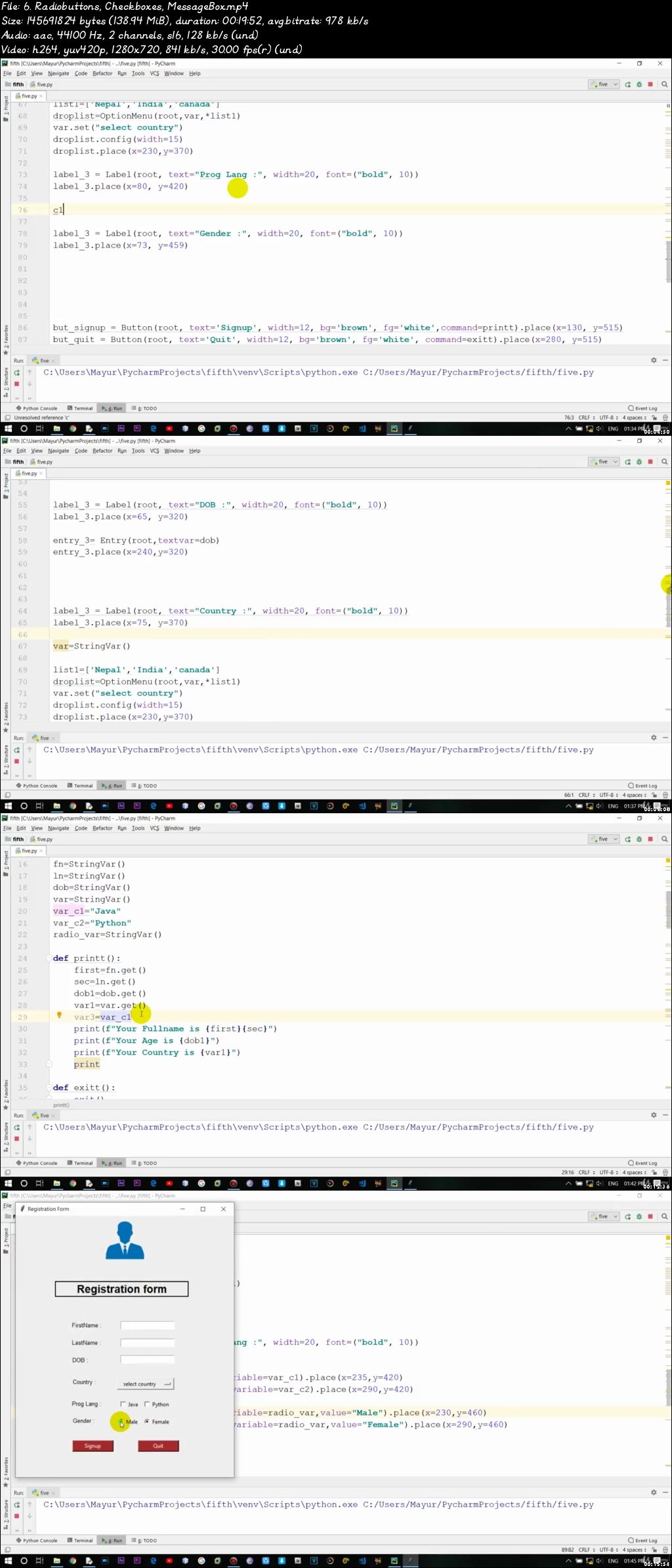
Python Programming From Basic To Advance (Updated 5/2020)

00778593.jpg


Python Programming From Basic To Advance
Video: .mp4 (1280x720, 30 fps(r)) | Audio: aac, 44100 Hz, 2ch | Size: 15.4 GB
Genre: eLearning Video | Duration: 192 lectures (39 hour, 19 mins) | Language: English

Learn (Basic Concept, Python Program, Real Life Project, OOPS, Threading, Unit Testing, Numpy, OpenCV, Djongo) In Python


What you'll learn

Have a fundamental understanding of the Python programming language.
Understand how to create your own Python programs.
Have the skills and understanding of Python to confidently apply for Python programming jobs.
Add the Python Object-Oriented Programming (OOP) skills to your résumé.
Learn Python from experienced professional software developers.
Learn python with windows and Linux
Learn basic programming to real time project level programming
Learn python with different IDE like VBSTUDIO,Pycharm,
Installation of python on windows 10.
Pydev plugin in Eclipse.
Installation of python in mac os.
Learning python frame work like Anaconda,Jupyter,Notebook and Spyder.
Most important thing is learn OpenCV python. which is used for self driving car, face recognization.
Learn python for latest Technology.

Requirements

Just need your enthusiasm nothing more than that. I will make every thing easy.

Description

In this Python course i will cover following topics in Depth with practicals.

1 basic of python

2 oops in python

3 python thread tutorial

4 unit testing in python

5 python numpy

6 openCV

7 Python Programs Examples

8 djongo

9 PYTHON GUI PYQT5

10 Tkinter python gui

11 kivy

12 Matplotlib

13 Data Science For Beginners With Python

14 machine learning

15 Python Socket Programming

This course is aimed at complete beginners who have never programmed before, as well as existing programmers who want to increase their career options by learning Python.

The fact is, Python is one of the most popular programming languages in the world - Huge companies like Google use it in mission critical applications like Google Search.

And Python is the number one language choice for machine learning, data science and artificial intelligence. To get those high paying jobs you need an expert knowledge of Python, and that's what you will get from this course.

By the end of the course you'll be able to apply in confidence for Python programming jobs. And yes, this applies even if you have never programmed before. With the right skills which you will learn in this course, you can become employable and valuable in the eyes of future employers.

Who this course is for:

Everyone those how have keen interest to lean Technical language.
college students and professionals.

00778594.jpg


Python for Data Science Masterclass - 60 Hours

0075b679.jpg


Python for Data Science Masterclass - 60 Hours
Video: .MP4, 1280x720 30 fps | Audio: AAC, 48kHz, 2ch | Duration: 58:28:11
Genre: eLearning | Language: English + Subtitles | Size: 45 GB

Learn More & Earn More
What you'll learn
Variables and datatypes
operators
tuples
sets
dictionary
and much much more

Requirements
beginners are welcome
Description
Welcome to this course on Python for Data Science. This is a 4 week course we are going to teach you some very basic programming aspects in python. And since this is a course that is geared towards data science towards another course based on what has been taught in the course, we will also show you two different case studies one is what we call as a function approximation case study another one a classification case study.
And then tell you how to solve those case studies using the programming platform that you have learned. So, in this first introductory lecture I am just going to talk about why are we looking at python for data science.
(Refer Slide Time: 01:10)
So, to look at that first we are going to look at what data science is. This is something that you would have seen in other videos of courses in the NPTEL in other places. Data science is basically the science of analyzing raw data and deriving insights from this data. And you could use multiple techniques to derive insights, you could use simple statistical techniques to derive insights, you could use more complicated and more sophisticated machine learning techniques to derive insights and so on.
Nonetheless the key focus of data science is in actually deriving these insights using whatever techniques that you want to use. Now there is a lot of excitement about data science and this excitement comes because its been shown that you can get very valuable insights, from large data and you can get insights about how different variables change together, how one variable affects another variable and so on with large data which is not very easy to simply see by very simple computation.
So, you need to invest some time and energy, into understanding how you could look at this data and derive these insights from data. And from utilitarian viewpoint, if you look at data science in industries if you do proper data science, it allows these industries to make better decisions. These decisions could be in multiple fields for example, companies could make better purchasing decisions, better hiring decisions, better decisions in terms of how to operate their processes and so on.
So, when we talk about decisions, the decisions could be across multiple verticals in an industry. And data science is not only useful from an industrial perspective it is also useful in actual science as themselves. So, where you look at lots of data to model your system or test your hypotheses or theories about systems and so on. So, when we talk about data science, we start by assuming that we have a large amount of data for the problem of interest. And we are going to basically look at this data we are going to inspect the data, we are going to clean and curate the data then we will do some transformation of the data modeling and so on before we can derive insights that are valuable to the organization or to test a theory and so on.
(Refer Slide Time: 03:47)
Now, coming to a more practical viewpoint of what we do once we have data. I have these four bullet points; which roughly tell you supposing you were solving a data
science problem what are the steps you will do? So, you will start with just having data someone gives you data; and you are trying to derive insights from this data. So, the very first step is really to bring this data into your system. So, you have to read the data. So, that the data comes into this programming platform so that you can use this data. Now data could be in multiple formats so you could have data in a simple excel sheet or some other format.
So, we will teach you how to pull data in to your programming platform from multiple data formats. So, that is a first step really if you think about how you are going to solve a problem these steps would be first to simply read the data. And then once you read the data many times you have to do some processing with this data you could have data that that is not correct. For example, we all know that if you have your mobile numbers, there are 10 numbers in a mobile number and if there is a column of mobile numbers and then say there is a one row where there are just five numbers then you know there is something wrong ok. So, this is a very simple check I am talking about in real data processing this gets much more complicated.
So, once you bring the data in when you try to process this data you are going to get errors such as this. So, how do you remove such errors how do you clean the data? Is one activity that that usually precedes doing you more useful stuff with the data. This is not the only issue that we look at there could be data that is missing.
So, for example, there is a variable for which you get a value in multiple situations, but in some situations the value is missing. So, what do you do with this data do you throw the record away? Or you do something to fill the data and so on. So, these are all data processing cleaning steps. So, in this course we will tell you the tools that are available in python so that you can do this data processing cleaning and so on.
Now what you have done at this point is you have been able to get the data into the system, you have been able to process and clean the data and get to a certain data file or data structure that is reasonably complete so that you think you can work with this data set at which point what you will do is you will try to summarize this data. And usually summarization of this data a very simple technique would be very very simple statistical measures that you will compute; you could for example, computer median, mode, mean of a particular column.
So, those are simple ideas or summarizing the data you could compute variance and so on. So, we are going to teach you how to use this notions of statistical quantities that you can use to summarize the data. Once you summarize the data then another activity which is usually taken up is what is called visualization right. So, visualization means you look at this data and more pictorially to get insights about the data before you bring in heavy duty algorithms to bear on this data. And this is a creative aspect of data science, the same data could be visualized by multiple people in multiple ways. And some visualizations are not only I caching, but are also much more informative than other types of visualization.
So, this notion of plotting this data so that some of the attributes are aspects of the data are made apparent is this notion of visualization. And there are tools in python that will teach you in terms of how you visualize this data. So, at this point you have taken the data, you have cleaned the data, got a set of data points or data structure that you can work with you have done some basic summary of this data that gives you some insights.
You also looked at it more visually and you have got some more insights, but when you have large amount of data big data the last step is really deriving those insights which are not readily apparent either through visualization or through simple summary of data.
So, how do we then go and look at more sophisticated analytics or analysis of data so, that these insights come out. And that is where machine learning comes and as a part of this course when you see the progress of this course you will notice that you will go through all of this, so that you are ready to look at data science problems in a structured format and then use python as a tool to solve some of these problems.
(Refer Slide Time: 08:57)
Now, why python for doing all of this? The number one reason is that there are these python libraries, which already are geared towards doing many of the things that we
talked about so that it becomes easy for one to program and very quickly you can get some interesting outcomes out of what we are trying to do.
So, there are as we talked about in the previous slide, you need to do data manipulation and pre processing. There are lots of functions libraries in python where you can do data wrangling manipulation and so on. From a data summary viewpoint there are many of these statistical calculations such you want to do are already pre programmed and you have to simply invoke them with your data to be able to show data summary. The next step we talked about visualization there are libraries in python, which can be used to do the visualization.
And finally, for the more sophisticated analysis that we talked about all kinds of machine learning algorithms are already pre coded available as libraries in python. So, again once you understand some bit about these functions and once you get comfortable working in python, then applying certain machine learning algorithms for these problems become trivial. So, you simply call these libraries and then run these algorithms.
(Refer Slide Time: 10:29)
At a higher level so, in the previous slide we talked about flow process for how I get the data in clean it. And all the way up to insights and then parallelly we said why python makes it easy for us to do all of this. If you go back if you go forward a little more and then, ask in terms of the other advantages of python which are little more than just very simple data science activities. Python provides you several libraries and its being continuously improved so, anytime there is a new algorithm those are coming into the set of libraries. So, in that sense its very varied and there is also a good user community.
So, if there are some issues with new libraries and so on and those are fixed so that you get robust library to work with and we talk about data and data can be of different scale.
So, the examples that you will see in this course are data of reasonably small size, but in real life problems you are going to look at data which is much larger which we call as big data. So, python has an ability to integrate with big data frameworks like hadoop spark and so on.
And python also allows you to do more sophisticated programming object oriented programming and functional programming. Python with all of this sophisticated tools
and abilities is still reasonably a simple language to learn its reasonably fast to prototype.
And it also gives you the ability to work with data which is in your local machine or in a cloud and so on. So, these are all things that one looks for when one looks at a
programming platform which is capable of solving problems in real life right.
So, these are real problems that you can solve, these are not only toy examples, but real applications that you can build data science applications that you can build with python.
(Refer Slide Time: 12:49)
And just as another pointer in terms of why we believe that python is something that, a lot of our students and professionals in India should learn. As you know there are tools which are paid tools for machine learning with all of these libraries and so on.
And there are also open source tools and in India based on a survey, most people of course, prefer open source tools for a variety of reasons cause being one because its free to use. But also if it is just free to use, but it does not have a robust user community then its not really very useful that is where python really scores in terms of a robust user community which can help with people working in python. So, it is both open source and there is a robust user community, both of which are advantageous for python.
(Refer Slide Time: 13:48).
And if you think of other competing languages for machine learning; if you look at this chart in India about 44 percent of the people who were surveyed said they use python or they prefer python. And of course, a close second is R. In fact, R was much more preferred a few years back, but over the last few years in India a python is starting to become the programming platform of choice. So, in that sense its a good language to learn because the opportunities for jobs and so on or lot more when when you are comfortable with python as a language.
So, with this I will stop this brief introduction on why python for data science. I hope I have given you an idea of the fact that while we are going to teach you python as a
programming language, please keep in mind that each module that we teach in this is actually geared towards data science. So, as we teach python we will make the
connections to how you will use some of the things that you are seeing in data science; and all of this we will culminate with these two case studies that will bring all of these ideas together. In terms of both giving you an idea and an understanding of how the data science problem will be solved and also how it will be solved in python which is a program of choice currently in India.
So, I hope this short four week course, helps you quickly get on to this programming platform. And then learn data science and then, you can enhance your skills with much more detailed understanding of both the programming language and data science techniques.
Thank you.
Now, the commonly used data exploration and visualization tools are Tableau, Qlikview and of course, you always have your MS Excel. So, the next bucket that we are going to
look into is when you have huge chunks of data, now when your collecting data on a real time basis you are going to be collecting data over every second every minute. Now if you want to store all these data and preprocesses it the regular desktop or computing systems that you have might not be useful.
So, that is when you use parallel or distributed computing, where you distribute the work across different systems popular tools that are being used for big data apache spark and Apache Hadoop. So, in this course we are going to be mainly focusing on tools that are required for data preprocessing and analysis and in specific we are going to look into python.
(Refer Slide Time: 03:08)
So, let us look at the evolution of python. So, python was developed by Guido van Rossum in the late eighties at the national research institute for mathematics and
computer science and this institute is located at Netherlands.
So, there are different versions of python, the first version that it was released was in 1991; the second version was released in 2000 and the third version was released in 2008 with version 3.7 being the latest. So, let us look at the advantages of using python.
(Refer Slide Time: 03:41)
So, python has features that make it well suited for data science. So, let us look at what these features are. So, the first and foremost feature of python is that it is an open source tool and python community provides immense support and development to its users. So, python was developed under the open source initiative approved license thereby making it free to use and distribute even if its for commercial purposes.
(Refer Slide Time: 04:05)
The next feature is that the syntax that python use fairly simple to understand and code and this breaks all kinds of programming barriers if you are going to switch to a newer programming language. So, the next important advantage of using python is that, the libraries which are contained in python get installed at the time of installation and these libraries are designed keeping in mind specific data science task and activities.
Python also integrates well with most of the cloud platform service providers; and this is a huge advantage if you are looking to use big data. So, if you are going to download python from the website and install it, you will see that most of the scripting is done in shell. So, there are applications that provide better graphical user interfaced for the end users and these are taken care by the integrated development environment.
(Refer Slide Time: 04:57)
So, now, let us see what an integrated development environment is, an IDE as how its abbreviated is a software application and it consists of tools which are required for
development. All these tools are consolidated and brought together under one roof inside the application. IDEs are also designed to simplify the software development this is very useful because as an end user, if you are not a developer you might want all the tools available at a single click. Using an IDE will be very beneficial in that case also the features provided by IDEs include tools for managing compiling deploying and debugging a software. So, these also form the code features of any IDEs.
(Refer Slide Time: 05:44)
So, now let us look at what are the features of an IDE in depth. So, any IDE should consist of three important features; the first is the source code or text editor, the second is a compiler and the third is a debugger. Now all these three features form the crux of any software development.
The IDEs can also have additional features like syntax and error highlighting code completion and version control.
(Refer Slide Time: 06:09)
So, let us see what are the commonly used IDEs for python, the most frequently used as Spider, PyCharm, Jupyter Notebook and Atom. And these are basically from the
endpoint of the user, depending on what he or she is comfortable with.
(Refer Slide Time: 06:24)
So, now let us look at spider, the spider is an IDE and it supported across Linux, Macs and Windows platforms. It is also an open source software and it is bundled up with Anaconda distribution which comes up with all inbuilt python libraries.
So, if you want to work with spider you do not have to install any of the libraries. So, all the necessary libraries are taken care by Anaconda. So, another important feature of spider is that it was specifically developed for data science and it was developed in python and for python.
(Refer Slide Time: 06:57)
So, this is how the interface of spider looks, you have the scripting window and you have other console output here, you have a variable explorer here. All these features we are going to be looking at in the next few lectures to come.
(Refer Slide Time: 07:11)
The other features of spider includes a code editor, with robust syntax error highlighting features; it also helps in code completion and navigation it consist of a debugger, it also consist of an integrated documents that can be viewed within the python interface on the web. Another advantage of using spider is that it has a interface which is very similar to MATLAB and RStudio's. So, if you are a person who is already work with these two programming languages and are looking to switch to python, then the transition is also going to be seamless.
(Refer Slide Time: 07:44)
So, now let us look at the second IDE which is pyCharm. So, pyCharm is also supported across all OS X systems which is Linux Macs and windows. It has two versions to it one is the community version which is an open source software; the other is the professional version which is a paid software. So, pyCharm supports only python and it is bundled up and packaged with Anaconda distribution which comes with all the inbuilt python libraries. But; however, if you want to install pyCharm separately then that can also be done.
(Refer Slide Time: 08:14)
So, this is how the interface of pyCharm looks, you have a very very well define structure for naming your directories and you have the scripting window here.
(Refer Slide Time: 08:25)
So, let us look at some of the features that pyCharm consists of. The first is that it consists of a code editor which provides syntax and error highlighting; then it consists of
a code completion and navigation feature it also consists of a unit testing tool which will help the compiler go through each and every line of the code. It also consists of a
debugger and controls the versions.
(Refer Slide Time: 08:48)
So, now let us look at the next IDE which is Jupyter notebook. So, now, Jupyter notebook is very different from the earlier two IDEs in the sense that it is a web application which allows creation and manipulation of the codes; now these codes are called notebook documents and hence that is how Jupyter gets its name Jupyter note book. Now Jupyter is supported across all operating systems and it is available as an open source version.
(Refer Slide Time: 09:18)
Now, this is the interface of Jupyter, you can see that you have few cells here as an input you also have some output let me just zoom in and show you how the interface looks.
(Refer Slide Time: 09:33)
So, here you can see some of the codes that is written, if you just scroll up and see this is some narrative about whatever you have written.
(Refer Slide Time: 09:41)
So, Jupyter is bundled with Anaconda distribution, but it can also be install separately. It primarily supports Julia, python, R and Scala. So, if you look at the name Jupyter it basically takes the first two letters from Julia the next two from python and then R.
So, that is how Jupyter gets its name as Jupyter it also consists of an ordered collection of input and output cells like how we earlier saw; and these can contain narrative text, code, plots and any kind of media.
(Refer Slide Time: 10:13)
One of the key features of Jupyter notebook is that, it allows sharing of code and narrative text through output formats like HTML markdown or PDF. If you are working
in an education environment or if you would like to have a better presentation tool, then you can use these kind of output formats to present. So, though Jupyter consist of
features that give a very good aesthetic appeal to it, it is deficit of the important features of a good IDE. So, by good IDE I mean it should consist of a source code editor and compiler and a debugger; and all three of these are not provided by Jupyter.
(Refer Slide Time: 10:50)
So, the next IDE that we are going to look into is atom. So, atom is an open source text and source code editor and it supported again across all over systems; it again supports programming languages like python PHP Java etcetera. And it is very very well suited for developers, it also helps the users to install plug ins or packages. So, one common drawback with all these text editors and source code editor is that these do not come installed with basic libraries of any programming languages; you have to install these kind of packages as and when you have a need for them.
So, that is one major drawback for using any kind of text editor or the source code editor. But; however, atom does provide packages or libraries that are suited for data science and code completion or code navigation or debugging. So, you can install it, so if you are a developer and if you want to code an text editor environment then you can go ahead with atom. But you will have to install all these packages as and when you require.
(Refer Slide Time: 11:52)
So, this is the interface of atom, this is how it looks it, it is a proper text editor interface.
(Refer Slide Time: 12:00)
So, how will you choose the best IDEs then important question. So, it basically depends on your requirements, but it is a good habit to work first with different IDEs to understand what your own requirements are. So, if you are new to python then it is better that you work across all these IDEs and there are several other IDEs out there you can work with all these IDEs see what suits you and then take a call on which IDE to use.
But in this course we are going to be looking at spider; and that is primarily because it is a very good software that has been developed only for data science and python; and it as an interface that is very very appealing and easy to use for beginners.
(Refer Slide Time: 12:43)
So, to summarize in this lecturer we saw what are the popular tools used in data science environment. We also saw how python evolved and what are the commonly used integrated development environment. We also looked at what each of these IDE have to offer us and some of the common pros and cons of each of these.
Welcome to the lecture on Introduction to Spyder, in this lecture we are going to see how does the interface of spyder look? How to set the working directory and how to create and save a Python file?
(Refer Slide Time: 00:28)
(Refer Slide Time: 00:32)
So, let us see how does the appearance of spyder look. So, on my left you can see a snapshot of the screen that would appear once you open Spyder. So, the Python version that I am using to illustrate this lecture is version 3.6. So, once you open you will get a small description of the author name and when the file was created. There are a couple of windows though here so let us see what each of these windows mean.
So, the entire interface is split into three windows, the window on my left is called the scripting window and all your lines of codes and commands that you are going to type will be displayed here. So, you have to write all your commands and codes here on my right I have two windows, the top section is where you would find tabs that read as file explorer, help and variable explorer.
Now under file explorer once you set the directory if you have any files that are existing in your current working directory, then all these files will be displayed under file
explorer under variable explorer you will basically be having a display of all the objects and variables that you have used in your code. Now, along with the variables you also have their name, type and size. Now, name is the name of the variable, type is the data type and size is whether it is an array or a single value. Now, the first few values will be displayed if it is only a single value then the single value be displayed under, the heading value the section on the bottom is the console.
So, console so is an output window where you will be seeing all your printed statements and outputs, you can also perform elementary operations in your console, but the only disadvantage is that you will not be able to save it. Now however, whatever you type in the scripting window can always be saved. So, we are going to look into how to save the lines of commands that you have used in your scripting window and we will do that once the lecture proceeds.
(Refer Slide Time: 02:34)
Now, let us see how to set the working directory, there are three ways to set a working directory the first is using an icon, the second is using the inbuilt library OS and the third is using a command CD which means change directory.
(Refer Slide Time: 02:47)
Now, let us see how to set a working directory using the icon. If you look at the top section here you will see an icon here with a folder open, now you can choose a working directory by clicking on this icon. Once you choose you will be prompted to choose a location or a folder. Now, you can choose a suitable folder or a suitable location by clicking on the icon and once you click on the location your directory is considered to be set. Now this is an easy method and if you do not want to be typing commands every single time, then you can just do a drag and drop.
(Refer Slide Time: 03:28)
Now, let us look at the second and the third methods, now you need to import a library called OS, OS stands for Operating Systems. Before you use a function from this library to change the directory you need to import it. So, import is a function that you will use to load a library to your environment.
Now, once you load the library OS on your environment you can use the function chdir which means change directory. So, I need to use the name of the library which is OS in this case followed by a dot and then use chdir. Now, within parenthesis you we can give single or double quotes. So, copy the entire path from your directory and then paste it here or you can also type it out. The third method is using the command CD, CD also means Change Directory and you can give a space after the command and then give the path. So, this how you set a working directory.
(Refer Slide Time: 04:32)
Now, once you set the working directory if you have any folders or any subfolders or any other files inside the working directory, all of that will be displayed under file explorer. For me I have a couple of files under this directory and hence it is being displayed here for me. But of course, if you are opening a new folder you are likely to see this space as empty now you can check all your files and sub file and sub directories here under file explorer.
(Refer Slide Time: 05:09)
So, we have seen how to set a working directory, now let us see how to create a file. So, there are two ways to go about it the first is by clicking an icon that looks like a page folded on the right. Now, this you can find on the toolbar. So, on the icon bar towards your extreme left you will see a page that is folded on the right, now if you click on that a new script file will open. I have also shown you a zoomed in version of the icon, so this is how it looks, the moment you click on it a new script file will pop up.
(Refer Slide Time: 05:39)
Now, the second method is by clicking on the file menu and then selecting new file. So, you can see the file menu here and then from that click on new file. Now, apart from these two methods you always have a fallback option of using the keyboard shortcut which is control plus N, in all these three methods right away open a script file for you till. Now, we have set the working directory we have created a script file. So, now let us type few pieces of code before we save our script file, but even before we go there let us look at what a variable means.
(Refer Slide Time: 06:00)
So, variable is an identifier that contains a known information, the known information that is contained within an identifier referred to as a value. So, a variable name will
actually point to a memory address or a storage location and then this location is actually used to cross refer to the stored value. So, variable name can be descriptive or can also consist of single alphabets. So, we will look into the naming conventions of naming a variable in the lectures to come.
(Refer Slide Time: 06:47)
So, let us go ahead and create few variables, now you will see a snapshot of a code here on my left I have zoomed in the lines of code on my right. So, let me again zoom in and show you now I am assigning a value of 11 to a. So, in Python the assignment operator that you will be using to assign a value is equal to. So, I am storing a value of 11 in a, a is my variable name and I am saying b is equal to 8 times 10.
So, this is a multiplication and the multiplication operator in Python is referred as asterisk. So, once I create both my variables I would like to print the values of a and b,
now because I want to print two values together; I am going to separate them with a comma inside the print statement. So, the print statement will help me print the output and since I want to print two outputs here I am going to separate them with a comma.
However, if you just want to print one statement you can just give a single object inside the parentheses.
(Refer Slide Time: 07:59)
So, now let us go ahead and save our script files. So, to save your script file you can click on the file menu again and you can see there are three different options here. So, let us see what these options are I am going to zoom in a bit to show you the list of options that you have. So, the first option is save which is represented as control plus S in your keyboard shortcut. Now, if you already have a file now if you are making some changes to it, then if you would like to save changes that you made then you can just simply click on save.
Now if you are making changes across multiple files. So, now, if you are opening multiple files and making changes in all of them then you can use the option save all. So, what save all does is that it will save all the changes made across all the files that are open. So, this is the use of save all. So, the third option is what is called as save as, now if you are creating a new file and you would like to rename it and save it then you would be using save as. So, let us see how to save a new script file for the very first time.
(Refer Slide Time: 09:07)
So, once you click on save as it will prompt you to give a name for the file. Now, you can choose your directory here as to where you want to just save it or if you already in your working directory then you can just go there and save it. So, dot py is the extension that is used to save a Python script file. Now once you do this you can just click on save and your file is saved.
(Refer Slide Time: 09:35)
So, to summarize in this lecture we saw how the interface of Spyder looks, we saw how to set the working directory and how to create and save Python script files.
Who this course is for:
Beginner python developers curious for data science

Homepage

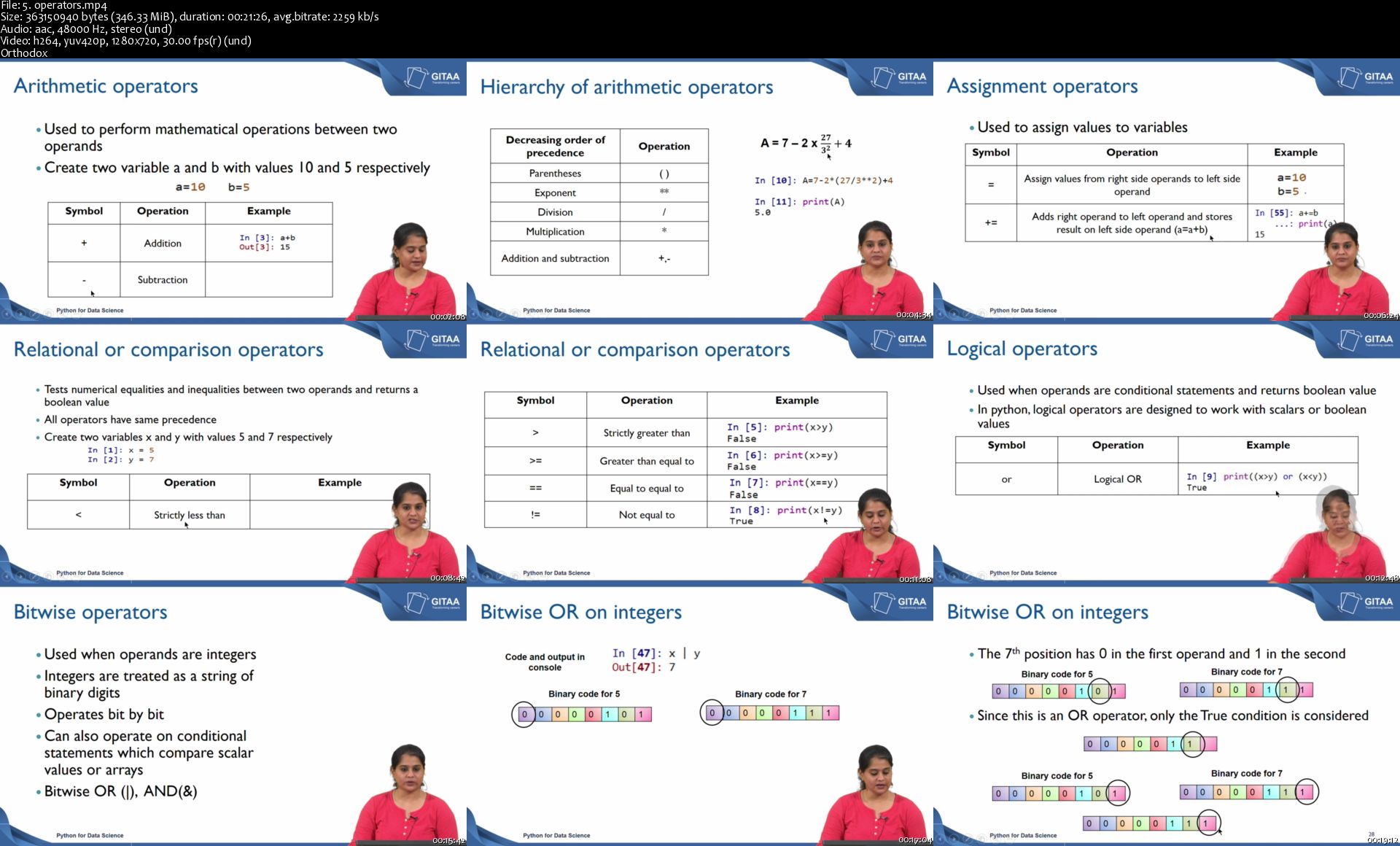
5-operators-s.jpg


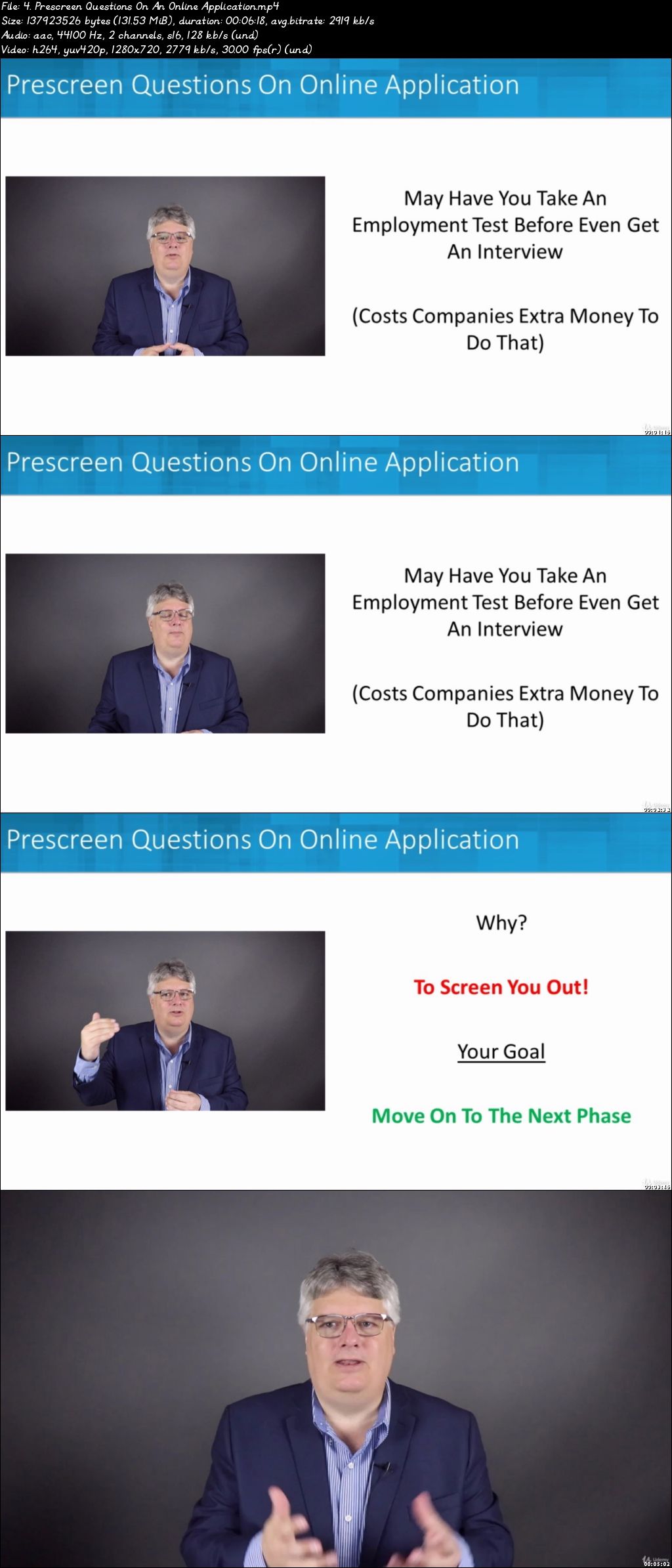
Master Job Search, Interviewing, Resume, LinkedIn, Testing..

0077845c.jpg


Master Job Search, Interviewing, Resume, LinkedIn, Testing..
Video: .mp4 (1280x720, 30 fps(r)) | Audio: aac, 44100 Hz, 2ch | Size: 13.3 GB
Genre: eLearning Video | Duration: 170 lectures (12 hour, 19 mins) | Language: English

Interview Success (Instructor Demo Questions), Overcoming Screening Tests, Build Outstanding LinkedIn, Resume, CV & More.


What you'll learn

Complete Job Search Strategies And Practical Tips That Can Get You A Great Job Fast
How To Answer Interview Questions With Many Examples As The Instructor Shows You The Best Practices And How To Answer
Building An Effedctive LinkedIn Profile Step By Steps So Recruiters Can Find And Select You For An Interview Or Job
Resume And CV Writing Best Practices Plus Free Tools You Can Use To Get Noticed And An Interview
How Computer Scanning (ATS) Works So You Can Design Your Resume, CV, LinkedIn To Avoid Screening You Out
Succeeding At Testing From Tough Case Studies To Personality And Emotional Intelligence Tests And More.

Requirements

No Prerequisites Although Having A LinkedIn Profile Is Good. If Not Course Will Show How To Update Or Create A New Profile

Description

Sometime looking for a new job seems like a quest. A really hard quest that has an enormous impact on your life. A quest you must succeed at in order to find a better job that fits your goals and aspirations. This course will help you with that journey from where you are now to where you want to be.

Now, some people seem to find new jobs easily. They get interviews and in many cases multiple offers. Why is that? Are they smarter. No. luckier. Nope. The answer is they have learned and applied the practical steps to ensure their success. Things like customizing a resume or CV or being overly prepared and ready for any interview question or knowing how to overcome employment testing plus recruiters finding them through a well designed LinkedIn profile and so much more.

THIS COURSE WILL TEACH YOU THE PRACTICAL TECHNIQUES AND BEST PRACTICES SO YOU CAN BE SUCCESSFUL IN YOUR OWN JOB SEARCH.

As a manager with decades of experience I have reviewed thousands of applications/resumes/CV and interviewed hundreds and hundreds of people. There are reasons some people stand out, even if they have less impressive experience. This course will help you to position everything you do related to finding a new job in the best manner so you can be one of those who can find a new job easier than others. Plus, give you massive amounts of confidence and feeling of being in more control. I have used these techniques myself for my own career and it makes a huge difference than falling into the cycle of applying to many jobs with not much success.

THIS COMPREHENSIVE FLAGSHIP COURSE IS 100% DESIGNED TO HELP GET YOU A NEW JOB.FAST!

Main Sections With Multiple Lessons Under Each Section:

Preparing For A Successful Job Search

Job Boards, Aggregators & More. Find And Be Found Online

LinkedIn Profile: Used By 87% Of Recruiters To Find People.Like You

Job Applications

Resume And CV. Creating One That Gets You Noticed And Past Computer Screening

Do You Need A Cover Letter.YES!

Employment Testing And How To Avoid Getting Eliminated At The Beginning Or End

Background And Reference Checks

Job Interview Success

Next Steps + Bonus Step

Interviewing Is So Crucial That Section Is Massive And The Instructor Role Plays Out For You Great Tips And How To Answer Even The Toughest Interview Questions:

Interview Preparation

Key Skills Employers Look For

Typical Job Interview Process

Interview Formats: Get Ready For Anything

Virtual Interviews: Telephone, Skype, Zoom etc.

Interviewer Questioning Styles

Getting Ready For Your Next Interview

Handling Job Offers & Negotiations

Answering Questions: Methods And Techniques You Can Use In Any Interview

Common Opening Questions

Tough Questions

Personal Skills Questions

Teamwork Questions

Illegal Or Borderline Questions

The course is organized so you can go straight through from beginning to the end but you can also jump to any section you feel you need most. Want a better LinkedIn profile now.jump to that section. Have an interview tomorrow and your a little nervous.jump right to that section. Whatever works best for you.

It has been reported that the average person will have 12 different professional jobs in their lifetime. Sometimes they choose to leave a company and sometimes through no fault of their own they are laid off. The result is a lot of job searching.

Steve B

Who this course is for:

Perfect Course For The Unemployed, Underemployed, Career Changers, Sick Of Where You Work Now Or Just Need A New Job Fast!
Focused On Experienced (Post University) Workers With Any Amount Or Type Of Work Experience

0077845d.jpg


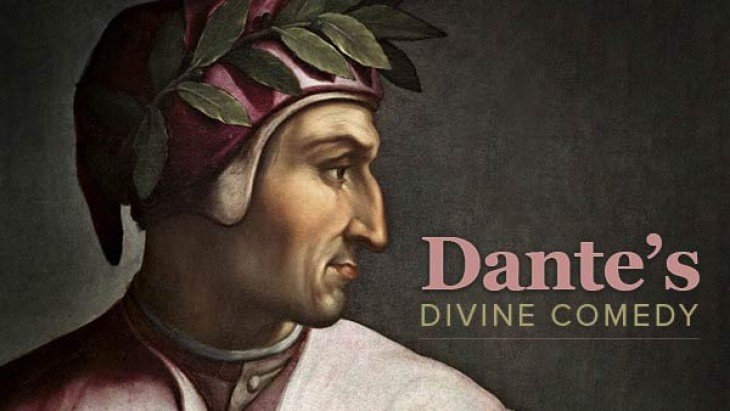
Dante's Divine Comedy

SHYVL0-Bb-VDFW8n-MTo-Bd1-ZJba-QWTeakm6.jpg


Dante's Divine Comedy
avi | Video: MPEG-4 Visual 704 x 528 | Audio: AAC 48 Khz 2ch | Duration: 12:13:17 | 4.1 GB
Genre: eLearning | Language: English

Two gifted teachers share the fruit of two lifetimes' worth of historical and literary expertise in this introduction to one of the greatest works ever written. One of the most profound and satisfying of all poems, the Divine Comedy (or Commedia) of Dante Alighieri (1265-1321) is a book for life.

In a brilliantly constructed narrative of his imaginary guided pilgrimage through the three realms of the Christian afterlife-hell, purgatory, and heaven-Dante accomplished a literary task of astonishing complexity.

He created an unforgettable gallery of characters.
He poetically explored a host of concerns both universal and particular, timely and timeless.
He tapped the combined riches of the biblical and classical traditions in a synthesis that forever placed Western writers in his debt as they tried to build on his foundation.
James Joyce might have been speaking for those writers when he exclaimed, "Dante is my spiritual food!"

Geographer of the Cosmos, Student of the Soul
The full achievement of the Commedia, however, goes far beyond anything merely "literary."

Dante is a geographer of the cosmos and a student of the soul. His range spans not only the heights of heaven and the depths of hell but also the recesses of the human heart.

As Dante the pilgrim makes his journey, Dante the poet dramatizes and asks us to reflect on fundamental questions:

What is the quality of our moral actions?
How does spiritual transformation come about?
What is the nature of good and evil, virtue and vice, sin and sanctity?
Why is the world so full of strife?
How do we go on when we lose things we love, as Dante-through exile-lost his native Florence?
What role do reading and writing play in human life?
In the seven centuries since the Commedia was written, not one of these questions has lost its force.

Moreover, Dante addresses them in a demanding and innovative Italian verse form called terza rima. His complex arrangement of materials makes the Commedia one of the great virtuoso pieces of world literature.

Poet as Pilgrim, Pilgrim as Poet
Set at Eastertide in the year 1300, the poem begins with Dante, in the middle of his life, feeling trapped in a "dark wood" of error.

Lost and failing, he is rescued by the great Roman poet Virgil and can find his way again only by means of an extraordinary voyage.

He must pass down through the nine rings of hell, up the seven levels of purgatory to the earthly paradise, and up higher still through the nine spheres of heaven to the empyrean realm where God dwells in glory.

Along the way, Dante changes guides. Virgil gives way to Beatrice, a young woman about whom Dante wrote in his early love poetry and who becomes his guide through most of the spheres of paradise.

And Beatrice, in turn, gives way to Bernard of Clairvaux, a Christian mystic who is Dante's guide for the final cantos-the poem's major divisions-of the Paradiso.

Because Dante frames many of his concerns in terms of contemporary personalities and issues, and because so much of the poem consists of direct encounters between Dante and inhabitants of the afterlife, the lectures focus on providing essential background for and analysis of these encounters.

"We, Like All of You, Are Pilgrims Here"
Dante constructed the Commedia in three parts, and each part conveys an essential element of his message:

In the Inferno, the poet describes the pilgrim's encounters with an eye toward deepening our insight into the nature of evil and moral choice. You see Dante meeting sinners drawn from each of the categories of sin he describes, ending with a vision of Satan frozen at the bottom of hell.
In Purgatorio, the poet dramatizes the nature and purpose of moral conversion as repentant sinners arduously prepare themselves for the vision of God in heaven, strengthening their wills in virtue and against the seven deadly sins. Community and its great sustainers, art and ritual, become prominent themes as souls strive toward full redemption.
In Paradiso, Dante has memorable encounters with great Christian thinkers in the Circle of the Sun and with his own heroic ancestor in the Circle of Mars.
In the final cantos, Dante moves beyond the bounds of space and time and the power of language.

At last, he is granted a mystical, ineffable vision of God. The moment brings to full circle the journey that began when "the Love that moves the stars," mediated by prayer, first sent Virgil to help a troubled pilgrim who found himself lost along the way of life.

Your Guides on Dante's Journey
Professors William R. Cook and Ronald B. Herzman are recipients of the Medieval Academy of America's first-ever CARA Award for Excellence in Teaching Medieval Studies.

The skills that earned that award are clearly reflected in these lectures, which provide a rich context against which to appreciate Dante's writing.

You will learn:

Invaluable background information on Dante's life and times
Why Dante wrote the Commedia
How to approach the various English editions available.
As Professors Cook and Herzman guide you along the journey portrayed in the Commedia, you will learn how each part of the poem is connected to what has come before. You will see Dante "raising the stakes" as each of the questions with which he begins the poem are posed at ever deeper levels of development as the journey continues.

By the time your own journey through these lectures is completed, you will learn why Dante's pilgrimage is an exceedingly enriching experience for anyone who chooses to accompany him.

And you will understand why the Commedia is not a puzzle to be solved or a book to be read and put aside. It is a mystery whose beauty and power can be enjoyed for the rest of your life.

09-The-Sin-of-Simony-s.jpg


Become a Professional Graphic Designer

Nhd-EJx-Qu-Jz-Ud-UN8-UQqp-NX8z-JHV83-YBd0.png


Become a Professional Graphic Designer: Learn what you need to know to break into the world of graphic design
h264, yuv420p, 1920x1080 | ENGLISH, aac, 44100 Hz, 2 channels | 20h 38mn | 9.33 GB
Created by: Stone River eLearning


What you'll learn

To learn what graphic design is and how to become a graphic designer
Learn what a graphic designer does on the job
Learn the principles of great graphic design
Learn graphic design as it relates to Photoshop, Illustrator, InDesign and Acrobat
Learn graphic design for the web using Dreamweaver
Learn visual communication fundamentals
Learn successful layout in graphic design
Learn how to get a job as a graphic designer

Requirements

Free trial or education versions of Photoshop, Illustrator, InDesign, Acrobat and Dreamweaver

Description

Graphic design has always been a popular profession, but with more and more technology being introduced into our lives it's becoming an ever more important one too. All kinds of people use all kinds of technology every day. Making that technology as user-friendly as possible is vital, and graphic design is one of the most important elements of this.

The Ultimate Crash Course on Graphic Design

Master the most widely used software in graphic designing
Learn the principles of graphics design and visual communication
Gain an insight into the current graphic design industry
Understand how to forge a career path as a graphic designer

Graphic Design for All

This course is aimed at aspiring graphic designers, web designers and digital artists who wish to develop a skill set needed to become a professional graphic designer. Suitable for both complete beginners and those who already have some knowledge of the industry; this course will prepare you for a career as a graphics designer through familiarising you with the concepts, principles and - most importantly - the software you'll need to know.

You'll learn everything from working with layers and selections in Photoshop, to formatting text and menus in Dreamweaver, to using pathfinders and special effects in Illustrator.

As well as equipping you with a valuable skill set, you will also learn how to get your foot in the door of the graphic design world, from how to land your first job, to finding continued inspiration, to the ins and outs of joining the graphics design community.

On completion of this course, you will have the strong foundation needed to get started in the world of graphic design, along with the skills needed to start working professionally straight away.

Tools Used

Adobe Photoshop: Used for editing and manipulating photographs and images. Improve lighting and colour, add special effects, remove blemishes, create your own images from scratch, and more.

Adobe Illustrator: The standard software for graphics design, and where you do the majority of your work. Create any kind of vector art or illustration your mind is capable of thinking up!

Adobe Acrobat: Transform your work into a format than anyone can view - a PDF. This program also enables you to create, manipulate, print and manage your finished project files.

Adobe Dreamweaver: Design and develop beautiful websites with ease, complete with both a design view and code editor so you can see changes you make on all sides in real time.
Who this course is for:

Aspiring graphic designers
Web designers
Artists

Homepage

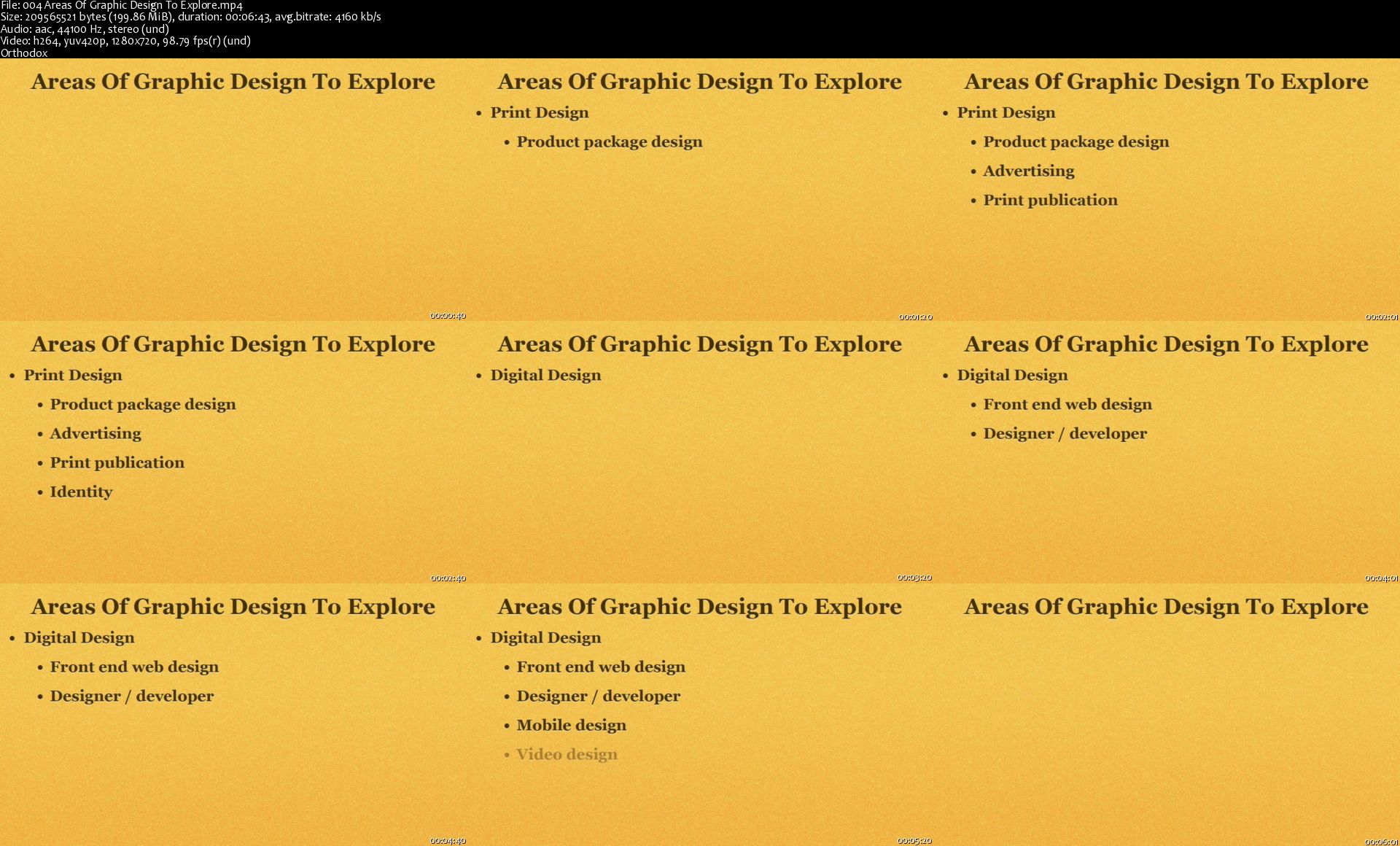
004-Areas-Of-Graphic-Design-To-Explore-s.jpg


YouTube Secrets 2020: Your Complete YouTube Masterclass!

Zs4d-C590e5-Px-Vq-Nxkf-MEz-BJJEPLoz-Se-W.png


YouTube Secrets 2020: Your Complete YouTube Masterclass!
Bestseller | h264, yuv420p, 1920x1080 | ENGLISH, aac, 44100 Hz, 2 channels | 9h 46mn | 8.98 GB
Created by: Benjamin Wilson, Entrepreneur Academy

Learn how to create, grow and monetize your YouTube channel
What you'll learn

Appear confident and relaxed on camera
Look professional while interviewing guests on TV
Appear poised while anchoring a TV newscast
Rehearse effectively using video

Requirements

Students will need to record themselves speaking using a cellphone camera or webcam

Description

Journalism for Broadcast. Imagine appearing on a network newscast as a reporter or anchor and you look as confident, poised and articulate as any childhood idol you grew up watching. Wouldn't it be nice to know that you can look and sound exactly the way you want when you are conducting interviews or anchoring a newscast?

In this On-Camera Skills for TV Reporters and News Anchors Journalism course you will learn the following:

*How to look comfortable, confident and relaxed on TV

*How to sound conversational

*How to rehearse using video, and how to critique yourself

*How to make constant on-air improvements

*How to prepare for broadcast journalism

This TV journalism course is delivered primarily through spoken lecture. Because the skill you are learning is speaking related, it only makes sense that you learn through speaking.

The skill you will learn in this class is not primarily theoretical or academic. It is a skill that requires physical habits. That is why you will be asked to take part in numerous exercises where you record yourself speaking on video, and then watching yourself. Learning presentation skills is like learning how to ride a bicycle. You simply have to do it numerous times and work past the wobbling and falling off parts until you get it right.

This TV journalism course contain numerous video lectures plus several bonus books for your training library.

TJ Walker has been coaching and training people on their presentation and TV journalism skills for 30 years. Now, through the power of Udemy's online platform, he is able to give you the same high quality training that he gives in person to CEOs, Fortune 500 executives, and Presidents of countries. Only you can now receive the training at a tiny fraction of the normal fee for in-person training.

How long this course takes is up to you. The longest part of the course involves you speaking on video, critiquing yourself, and doing it over until you like it. But if you get to the point where you love how you look and sound when you present it will be well worth the time spent. And having this skill will save you time for all future media presentations in your life.

You can begin improving your media presentation skills right now. You may have an opportunity to speak out as soon as tomorrow, so why waste another day worried that your media presentation skills are not up to high standards. Please enroll today.

There is a 100% Money-Back Guarantee for this journalism course. And the instructor also provides an enhanced guarantee.

"5 Stars! I am a broadcaster and hoped this course would help improve my skills. It went beyond my expectations. I found this to be a very comprehensive course with excellent tips and a ton of written support. You can watch the videos to gain an understanding, then use the included books for in depth comprehension. This is an excellent course for public speaking, and perfect for those who want to go into broadcasting, or podcasting. It is also a valuable resource for seasoned reporters who want to improve their job performance and remain at the top of their game." Dave Allen

What others say:

"TJ Walker's single-minded devotion to presentation has made him the #1 expert for executives seeking guidance on speaking to the public and media." Bob Bowdon, Anchor/Reporter, Bloomberg Television

"TJ Walker is the leading media trainer in the world." Stu Miller, Viacom News Producer

(TJ Walker's Media Training Worldwide) "The world's leading presentation and media training firm."Gregg Jarrett, Fox News Channel Anchor
Who this course is for:

This course if for aspiring TV reporter and anchors and for people who are already TV reporters and anchors and who want to improve their on-air skills

Homepage

016-Viral-You-Tube-Videos-s.jpg


How to Be a Commercial Photographer (Update)

5-LZV3-Ns-IZMeize-OMvn-JEGNFZG0-SALt-Om.png


How to Be a Commercial Photographer (Update)
h264, yuv420p, 1920x1080 | ENGLISH, aac, 48000 Hz, 2 channels | 5h 47mn | 8.28 GB
Created by: Charlie Borland

Learn how I thrived for 35+ years photography people, products, and places for Fortune 500 companies and top maazines
What you'll learn

Become a master of photographic lighting
Ability to photograph people and portraits
Ability to photograph products
Ability to photograph architecture and industrial sites
Ability to market your photography business
Ability to effectively estimate assignments and stock photo sales

Requirements

Basic understanding of the camera and equipment
Basic understanding of photography fundamentals
Basic understanding of Photoshop or similar
You need a camera, a lens, a computer, and ideally lighting equipment

Description

*****OVER 30+ HOURS OF PHOTOGRAPHIC TRAINING***

COURSE UPDATES: February 2018 new videos.

Commercial photography can be a lucrative business! It's true; photography rates can run $1000, $2000, and even $5000 per day plus expenses. A career in commercial photography can be pretty exciting while you are photographing an annual report, company brochure, travel essay, an advertisement, or traveling the globe on assignment. Is this your idea of the dream job!

Can you photograph food for a restaurant menu or a company CEO for an annual report? Do you know how to 'style' a shoe to photograph? What price should you charge for a stock photo usage?

In this course you will learn:

How to photograph people, places, and products
How to master strobe lighting
How to set up your business
How to be a creative and in-demand photographer

Learn about clients, portfolios, and marketing

How to find clients
How to create and present your portfolio
How to market your business
How to price for profit

Should you go to college or learn online?

While many general college programs teach basic through advanced photography skills, it can it takes years and cost a fortune. There are private professional schools to teach you How to Become a Professional Photographer and they have great programs but have you checked out the costs at those schools? One 10 month program in Massachusetts is over $25,000. Another very good school in Southern California does not even publish their tuition, but it is almost $100,000. Can you afford that?

This is the most complete online training in commercial photography!

That's a bold statement isn't it? This Commercial Photography Program is designed to meet the demands photographers experience in today's markets, but what makes this program uniquely different is that the majority of photo examples used in the program are from real photo shoots, on real assignments, and photographed for real clients.

We did not just go into a studio and video tape where to put lights for all examples. Instead, we show you the photo taken in the studio or on location for a client. We show you in many cases why we chose the angle we used, where lights were placed, and any technical challenges we faced and how they were solved.

This course covers everything a commercial photographer might photograph:

- Portraiture

- Product Photography

- Architecture

- Corporate and Industrial

- Advertising

- Fashion and Beauty

- Travel

- Food and Beverage

- Lifestyle

- Editorial

- Stock

and some Photoshop as well.

'This is not a simple photography class. It is career training!'

Professional Photography was created as an in-depth, accelerated, and intensive program to meet the needs of aspiring pros who wish to work in today's business? It is a demanding business requiring a precise set of skills and knowledge of creative and technical processes is designed to take beginning photographers from novices to pros resulting in a portfolio to show art directors.

Photography is a business!

You will also learn how to budget for your business and studio, create marketing materials, design a portfolio, determine your photography rates, bid on jobs, price stock photography, find clients, seek a stock photo agency, and a lot more.

All you need is a dSLR camera, tripod, a few lights (see downloadable PDF on recommendations) and the passion to get started. Simply watch the intro video for examples of what is covered.

Who's the Instructor?

There are many courses on how to be an amazing photographer, but how many are taught by true professionals who have a career and worked as a photographer?

I was formally trained at Brooks Institute in the 1980's and have worked every day since. I have photographed for Fortune 500 companies, been published in countless magazines (you've probably heard of), and photographed Hollywood actors, pro athletes, politicians, hotels, well known products, real estate, and more people, places, and things, than I can recall.

I have taught photo workshops across the USA and Middle East. Founded two stock photo agencies, and sold thousands of stock photos. I love to teach and want to insure you succeed and love photography like I do. You can trust me to teach you photography!

______________________________________________________________________

You get full unlimited access to this course forever including all future video lectures.!

And in case you did not know, Udemy has an unconditional 30 day money-back guarantee and it is not your standard guarantee, it's my promise to you that you will have the needed information to succeed in outdoor photography.

_____________________________________________________________________

HAPPY STUDENTS SAY:

Charlie, I would like to thank you for sharing your expertise with me throughout this course. When I finish a photo shoot or finish retouching a photo in Photoshop, I am amazed at how much I have learned. A year ago I could not have imagined that I would have experienced so much.

Best regards,

Lidia
______________________________________________________________________

I asked my friend Sarah to model for me to practice my lighting. The gym she goes to, saw the pictures and asked me to shoot one for an ad, which is a before and after shot of Sarah. If I hadn't taken this course, I would have never had this opportunity! Thanks Charlie! Karen B. (Canada)
______________________________________________________________________

Charlie, Thanks for your support, this was a great course! Being really honest, it's my biggest dream to open my own studio. Now, I have to still learn, but I'm looking for possibilities for doing it. Mostly I'm interested in creating shots of people or models. Once more, thanks for your course.
Ivana K. (Czech Republic)
______________________________________________________________________
Who this course is for:

Any person with the passion to be a professional photographer
Anybody looking to make part time or full time income
Any photographer already with a part time business wanting to expand
Any photographer looking to branch out into higher paying markets

Homepage

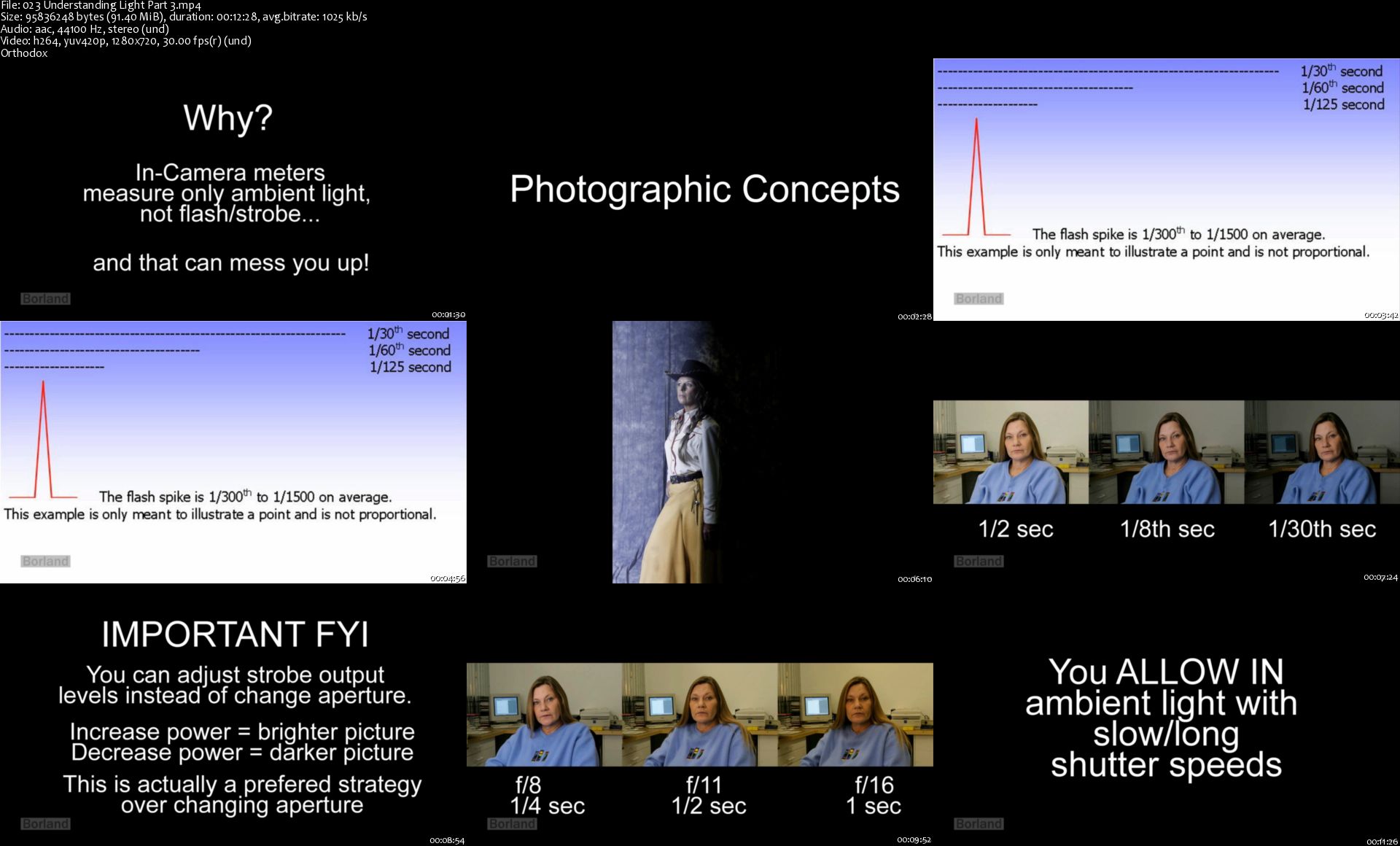
023-Understanding-Light-Part-3-s.jpg


Java For Everyone - Zero to Hero

00778f2d.jpg


Java For Everyone - Zero to Hero
Video: .mp4 (1280x720, 30 fps(r)) | Audio: aac, 44100 Hz, 2ch | Size: 6.65 GB
Genre: eLearning Video | Duration: 19 lectures (15 hour, 42 mins) | Language: English

Core Java, OOPS, Collection, Exception Handling, Design Pattern


What you'll learn

Core concepts of Java including Variables, datatypes, operators, control statements, arrays, packages, classpath, user-input and debugging Object Oriented Programming concepts with read life examples String with memory mapping Exception handling Java collections Design patterns And also you will learn how to debug code in eclipse.


Requirements

Basic computing knowledge is enough for this course. As I have designed this course considering that you don't have programming knowledge. And after this course you will be able to write code without any issue.

Description

This course is for anyone who wants to make career in Java Development, Automation Testing, Android Development.


In this course, we will focus on below topics in detail considering that you are non java developer. This course will give you lot of motivation as we have tried to put lot of examples of real word.


Very unique way to explain Object Oriented Programming like A PIE concept.


Basic Java


Basic computing

Why Java?

Configuring Eclipse IDE for Java

How to create new java project?

How to create a new java class?

Running java class

Viewing the results of java program

Learning Java

Introduction to Java programming

Data Types in Java Primitive Data types

Wrapper Classes

Declaring Variables

Writing java program and running

Conditional Statements

If condition

If else condition

If else if condition (nested if)

Switch case statement

Examples for all the above conditions

Loop Statements

While loop

Do while

For loop

For each loop

Examples for all the above loops

Array


How to declare array

How to store values in array?

Reading values in array (1 D & 2 D)

OOPS

Static, Static block

Instance, Init block

Constructor, chaining

Abstraction

Polymorphism

Inheritance

Encapsulation

Package

What is package?

How to create a package?

How to import package into a different class?


Collection

ArrayList

LinkedList

HashSet

TreeSet

LinkedHashSet

HashMap

LinkedHashMap

TreeMap


Exception Handling

CompileTime exception

RunTime exception

Custom Exception

Java Design Patterns

Design Pattern Concepts

Singleton

Factory, Abstract Factory


Debug Scripts in Eclipse

Understanding Debug

Using Breakpoints

Verify the values during debug

Using step over, step into

Tips for using Eclipse efficiently


So, don't think much and get started. I have trained more that 5000 students/IT professionals and now they all can write code in java.


Who this course is for:

Curious to learn new things, want to start career in Java, Automation, Web Development

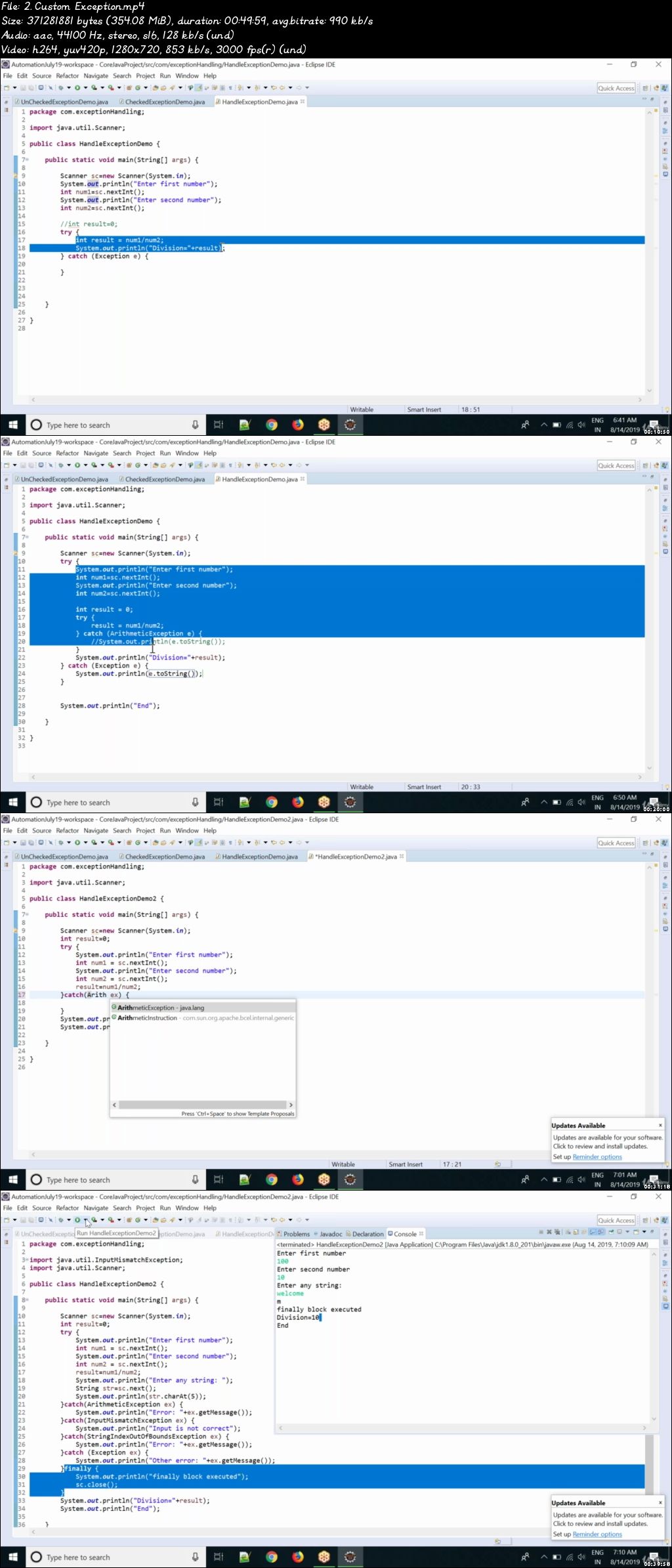
00778f2e.jpg


How To Start Your Own Digital Marketing Agency

x-Sb-Mi-Ge-PBm5-En64f7-JRAGdl-Or-Xi-CAwc-Y.png


How To Start Your Own Digital Marketing Agency
h264, yuv420p, 1920x1080 | ENGLISH, aac, 48000 Hz, 2 channels | 9h 10mn | 7.25 GB
Created by: John Shea

Learn everything you need to know about starting your own SEO & Web Design business as a digital marketer.
What you'll learn

Setup a Wordpress Agency Website
Understand how to start an LLC
Find new clients through cold calling and other online methods
Understand how to outsource SEO
Utilize CRM and invoicing tools you can use with your business
Send & Create Proposals for clients
Understand basic concepts of SEO and offering it as a service

Requirements

Everything is covered in the course, you can go at your own pace

Description

*Last Updated August 2018*

There are now over 130 lectures in the course and over 8.5 hours of content!

I've added over 60 brand new lectures which cover topics such as additional tools, prospecting methods, working with clients, reporting, outsourcing, organization, a project management approach to SEO and much more.

Have you ever thought about starting your own SEO Agency?

This A-Z Blueprint Will Teach You How To Build Your Own SEO Consulting Business

It's Time To Start a Real Business..

Let's go through the "pains" of starting your own SEO consulting business...

Pain #1: How Do I Start My Own SEO Agency Website & Business?

I walk through my own personal agency site and show you exactly how to set one up yourself using the Wordpress platform. I reveal everything I'm doing myself so you can model it. I even walk you through concepts of starting your business LLC.

Pain #2: How Do I Start Getting SEO Clients?

I'm going to walk you through actual case studies of how I landed both web design and SEO clients using various different methods. I leave nothing on the table and show you everything you need to know to do this yourself. This section alone includes over 3 hours of tactics and methods.

Pain #3: I'm Not Good At Closing Sales

I'm going to share methods on how you can start closing sales right over the phone. One of the biggest issues with closing clients is actually getting them to move forward with saying "yes" and getting that first invoice paid.

Pain #4: How Do I Manage Leads & Automate Client Outreach?

I'm going to show you the exact CRM tools I use to collect prospect information and keep track of the progress you make with each lead. This will help you stay organized and automate as much as possible.

Pain #5: Ok Now I Have Clients, How Do I Do The SEO Work?

I walk you through a step by step task list I use for my clients on a monthly basis. You can copy this exact list and modify it as needed for your own clients. The task list has 6+ months of very specific tasks you can do yourself or outsource with a virtual team.

Pain #6: There Are So Many SEO Tools Out There, What Do I Really Need?

I have specific videos covering various tools that I use in my business and why they are important. You will know exactly what tools you can incorporate into your consulting business.

Pain #7: I'd Rather Focus On Sales and Not Do Any Of The SEO Work

I dedicate an entire week to showing you outsourced SEO service providers you can use to literally outsource ALL of the work if you choose to. I give you the option of either doing it yourself or simply letting others handle all the work for you.

Pain #8: I've Already Invested In Other SEO Courses, How Is This Different?

I spent thousands on various SEO courses, I started taking action on as much as possible but quickly found there were many 'gaps' in areas a lot of these other courses didn't cover. That's exactly why I built this course based on my own experiences of trial and error.

What People are Saying...

I wish this course existed 5 years ago when I started my digital marketing agency!

I already own a digital marketing agency, but I bought this course as I thought I may find some useful stuff for me. And, I was very happy that I did it - my investment in this course was well worth. I wish such course existed 5 years ago when I started my digital marketing agency! This is a no BS, straight to the point course which will guide you in a very detailed manner how to start and run your web agency.

It will clearly show you the action plan for setting up a real business, and demonstrate how to prospect for clients using many proven tactics. It is indeed very useful and valuable information you'd need to run a successful digital marketing agency. As John shares his own experiences in setting his own digital marketing agency, you can learn how to avoid many of the pitfalls, saving your time and money. If you are planning to start a web agency selling services to offline businesses, I'd highly recommend you to enroll in this course. This course is packed full of useful actionable information. Whether you are a newbie or an experienced marketer.

Raaj P. (Web Designer & Digital Marketer)

He takes you right along with him, like he would an apprentice in his own office...

I've taken some other courses by John Shea, so when I saw this new course--his most comprehensive yet--I didn't hesitate to buy it. Why you may ask? Because of the two words that come to mind when I think about John and his work: Authenticity and Actionability. Firstly, John is real--he's not just another mass course-producing vending machine that relies on flashy videos and slick promises, but with little substance.

John actually works full-time in real life, doing exactly what he's teaching in this course. And he takes you right along with him, like he would an apprentice in his own office, and shows you everything with great honesty. Secondly, you will discover many valuable, actionable strategies in this course--from starting up your LLC and website to finding clients and writing up contracts to outsourcing work. Even already established web or SEO business people are likely to discover useful tips. So if you want a fluff-free, non-sugar-coated look at what it's really like to have your own digital online marketing agency, and want all of John's insight into how he made his successful, then I strongly recommend for you to sign up now.

Dr. Philips. (Entrepreneur)

In-Depth Video Training

8+ Weeks Of Video Training That Will Get Your SEO Consulting Business Off The Ground

Module 1 - Your Website

Duration: 35m

You will discover how to start your own consulting website to show your prospects and showcase your work.

Module 2 - Your Business

Duration: 20m

This module covers starting your business and what you should be aware of when getting started.

Module 3 - SEO Training

Duration: 1h 30m

We show you how to create a project management approach for outsourcing SEO Tasks and how to perform them.

Module 4 - Getting Clients

Duration: 2h 30m

This modules shows live case studies of actual clients I brought on board and various ways you can bring on new clients for your business.

Module 5 - Closing Sales

Duration: 1h

This module covers closing sales and working with existing clients once you have them.

Module 6 - CRM Tools

Duration: 20m

This module covers automation and using CRM tools for tracking prospects and lead data.

Module 7 - SEO Tools

Duration: 1h 5m

This module covers various SEO Tools I use within my business that will help with all aspects of SEO.

Module 8 - Outsourcing SEO

Duration: 1h

This module covers outsourcing SEO to various services providers and companies.

Module 9 - Taking Action

Duration: 10m

In this module we discuss taking action on what you've learned and how you can go out and start generating some new business.

Bonus Content

Duration: 2h

The bonus section includes interviews and live calls to help you propel your business and get you motivated to do more.

Even More Testimonials...

Incredible amounts of information on starting a digital marketing agency.

"Really enjoyed having each lecture description in discussion area. You literally optimized the course for everyone to learn as much possible without spending time taking notes or hunting down your resources.

Excellent, clear, concise instruction presented in a professional, straight forward manner. I have to say I am a bit shocked you would just lay out a business for people like this, but believe me when I say, it is greatly appreciated John.

You really got me thinking about narrowing down my niche and approaching this from a completely different manner, as well as outsourcing and finding a partner. I really enjoyed and appreciate the course and the amount of information shared in it. Outstanding job honestly."

Ron R. (Web Designer & Digital Marketer)

It's very helpful for me to learn from someone who is actually in the trenches and doing it...

"This is someone who actually works in the digital marketing field and knows the tools and tricks to get results. Its very helpful for me to learn from someone who is actually in the trenches and doing it."

Marco L. (Entrepreneur)

No stones are left un-turned...

"The instructor walks through all the steps he takes and has taken to build his web design/SEO business. No stones are left un-turned. I walked away from this course feeling like I could repeat the exact steps outlined and be successful."

Eric S. (Entrepreneur)

John actually built an agency from this model...

"I was really happy to see that this course was built from experience and not just from theory. John actually built an agency from this model (and shares real world examples in the course), and thanks to this course I am confident I can too. Well worth the money!"

Lee M. (Entrepreneur)

Who this course is for:

People that are interested in offering web design and SEO as a service
If you are afraid to put a lot of time into cold calling and finding new clients this course probably is not for you

Homepage

126-Why-is-an-SEO-audit-important-s.jpg


Photoshop : Select and mask

CErj-Z9-Pq-JCx-GAXh-MJC7-A0l-YAUAGU0d-CZ.jpg


Photoshop : Select and mask
Video: .MP4, 1920x1080 25 fps | Audio: AAC, 44.1 kHz, 2ch | Duration: 2h 23m
Genre: eLearning | Language: English | Size: 5.31 GB

Making good and precise selections and masking elements are one of the most important and hardest techniques in photoshop. This is where a lot of people struggle and always doesn't get the results they would like.

Photoshop : Select and mask -workshop gives you all the needed techniques and tools so you can isolate pretty much any element from the background.

Making selections and masking is definitely one of the most important techniques when retouching images. Usually simple elements are easy to separate from the background but what about transparencies, hair, fur and other fine details. These are the places where the problems usually starts and you don't get the results you need.

In this workshop we will go through all the needed techniques that will help you cut out pretty much any element from the background so you are able to replace that.

With these techniques your retouching process will be faster and you will save time and your nerves and your images will look much more polished.

You will learn :

All the basic tools to make selections

How to use and mask Adjustment -layers

How to make color or contrast based selections

How to use Select and mask -tool

How to mask hair, fur and other transparencies

Powerful tool Blend IF

And various PRO TIPS from a working pro

Homepage

0-Nhqw-Q0-IRKfdz42u-T7tw-osa06-select-and-mask-tool-191118-1625-s.jpg


Zurück
Oben Unten