• Regeln für den Video-Bereich:

    In den Börsenbereich gehören nur Angebote die bereits den Allgemeinen Regeln entsprechen.

    Einteilung

    - Folgende Formate gehören in die angegeben Bereiche:
    - Filme: Encodierte Filme von BluRay, DVD, R5, TV, Screener sowie Telesyncs im Format DivX, XviD und x264.
    - DVD: Filme im Format DVD5, DVD9 und HD2DVD.
    - HD: Encodierte Filme mit der Auflösung 720p oder darüber von BluRay, DVD, R5, TV, Screener sowie Telesyncs im Format x264.
    - 3D: Encodierte Filme von BluRay, die in einem 3D Format vorliegen. Dies gilt auch für Dokus, Animation usw.
    - Serien: Cartoon/Zeichentrick, Anime, Tutorials, Dokumentationen, Konzerte/Musik, Sonstiges sind demnach in die entsprechenden Bereiche einzuordnen, auch wenn sie beispielsweise im High Definition-Format oder als DVD5/DVD9/HD2DVD vorliegen. Ausnahme 3D.
    - Bereich Englisch: Englische Releases gehören immer in diesen Bereich.
    - Bereich Talk: Der Bereich, in dem über die Releases diskutiert werden kann, darf, soll und erwünscht ist.


    Angebot/Beitrag erstellen

    - Ein Beitrag darf erst dann erstellt werden, wenn der Upload bei mindestens einem OCH komplett ist. Platzhalter sind untersagt.
    - Bei einem Scenerelease hat der Threadtitel ausschließlich aus dem originalen, unveränderten Releasenamen zu bestehen. Es dürfen keine Veränderungen wie z.B. Sterne, kleine Buchstaben o.ä. vorgenommen werden. Ausnahme Serienbörse:
    - Bei einem Sammelthread für eine Staffel entfällt aus dem Releasename natürlich der Name der Folge. Beispiel: Die Simpsons S21 German DVDRip XviD - ITG
    - Dementsprechend sind also u.a. verboten: Erweiterungen wie "Tipp", "empfehlenswert", "only", "reup", usw. / jegliche andere Zusatzinformation oder Ergänzung, welche nicht in obiger Beschreibung zu finden ist.

    Aufbau des Angebots und Threadtitel

    Der Titel nach folgendem Muster erstellt zu werden. <Name> [3D] [Staffel] [German] <Jahr> <Tonspur> [DL] [Auflösung] <Quelle> <Codec> - <Group>
    Beispiel: The Dark Knight German 2008 AC3 DVDRip XviD - iND
    Beispiel: The Dark Knight 2008 DTS DL BDRip x264 - iND
    Beispiel: The Dark Knight 2008 AC3 DL BDRip XviD - iND
    Beispiel: The Dark Knight German 2008 AC3 720p BluRay x264 iND
    Beispiel: The Dark Knight 2008 DTS DL 1080p BluRay x264 iND
    Beispiel: Die Simpsons S01 German AC3 DVDRip XviD iND
    Beispiel: Die Simpsons S20 German AC3 720p BluRay x264 iND
    Beispiel: Sword Art Online II Ger Sub 2014 AAC 1080p WEBRip x264 - peppermint
    Entsprechend sind also u.a. verboten: Sonderzeichen wie Klammern, Sterne, Ausrufezeichen, Unterstriche, Anführungszeichen / Erweiterungen wie "Tipp", "empfehlenswert", "only", "reup", usw. / jegliche andere Zusatzinformation oder Ergänzung, welche nicht in obiger Beschreibung zu finden ist
    Ausnahmen hiervon können in den Bereichen geregelt sein.

    Die Beiträge sollen wie folgt aufgebaut werden:
    Überschrift entspricht dem Threadtitel
    Cover
    kurze Inhaltsbeschreibung
    Format, Größe, Dauer sind gut lesbar für Downloader außerhalb des Spoilers zu vermerken
    Nfo sind immer Anzugeben und selbige immer im Spoiler in Textform.
    Sind keine Nfo vorhanden z.B. Eigenpublikationen, sind im Spoiler folgende Dateiinformationen zusätzlich anzugeben :
    Quelle
    Video (Auflösung und Bitrate)
    Ton (Sprache, Format und Bitrate der einzelnen Spuren)
    Untertitel (sofern vorhanden)
    Hosterangabe in Textform außerhalb eines Spoiler mit allen enthaltenen Hostern.
    Bei SD kann auf diese zusätzlichen Dateiinformationen verzichtet werden.

    Alle benötigten Passwörter sind, sofern vorhanden, in Textform im Angebot anzugeben.
    Spoiler im Spoiler mit Kommentaren :"Schon Bedankt?" sind unerwünscht.


    Releases

    - Sind Retail-Release verfügbar, sind alle anderen Variationen untersagt. Ausnahmen: Alle deutschen Retail-Release sind CUT, in diesem Fall sind dubbed UNCUT-Release zulässig.
    - Im Serien-Bereich gilt speziell: Wenn ein Retail vor Abschluss einer laufenden Staffel erscheint, darf diese Staffel noch zu Ende gebracht werden.62
    - Gleiche Releases sind unbedingt zusammenzufassen. Das bedeutet, es ist zwingend erforderlich, vor dem Erstellen eines Themas per Suchfunktion zu überprüfen, ob bereits ein Beitrag mit demselben Release besteht. Ist dies der Fall, ist der bereits vorhandene Beitrag zu verwenden.
    - P2P und Scene Releases dürfen nicht verändert oder gar unter einem iND Tag eingestellt werden.


    Support, Diskussionen und Suche

    - Supportanfragen sind entweder per PN oder im Bereich Talk zu stellen.
    - Diskussionen und Bewertungen sind im Talk Bereich zu führen. Fragen an die Uploader haben ausschließlich via PN zu erfolgen, und sind in den Angeboten untersagt.
    - Anfragen zu Upload-Wünschen sind nur im Bereich Suche Video erlaubt. Antworten dürfen nur auf Angebote von MyBoerse.bz verlinkt werden.


    Verbote

    - Untersagt sind mehrere Formate in einem einzigen Angebotsthread, wie beispielsweise das gleichzeitige Anbieten von DivX/XviD, 720p und 1080p in einem Thread. Pro Format, Release und Auflösung ist ein eigener Thread zu eröffnen.
    - Grundsätzlich ebenso verboten sind Dupes. Uploader haben sich an geeigneter Stelle darüber zu informieren, ob es sich bei einem Release um ein Dupe handelt.
    - Gefakte, nur teilweise lauffähige oder unvollständige Angebote sind untersagt. Dies gilt auch für eigene Publikationen, die augenscheinlich nicht selbst von z.B. einer DVD gerippt wurden. Laufende Serien, bei denen noch nicht alle Folgen verfügbar sind, dürfen erstellt und regelmäßig geupdatet werden.
    - Untersagt sind Angebote, welche nur und ausschließlich in einer anderen Sprache als deutsch oder englisch vorliegen. Ausnahmen sind VORHER mit den Moderatoren zu klären.


    Verstoß gegen die Regeln

    - Angebote oder Beiträge, die gegen die Forenregeln verstoßen, sind über den "Melden"-Button im Beitrag zu melden.
  • Bitte registriere dich zunächst um Beiträge zu verfassen und externe Links aufzurufen.

++ Premium IPTV ++ 7000 Live Sender ++ UHD Qualität ++ Mediathek mit 18.000 Inhalten ++


VenneTV


Englische Tutorials

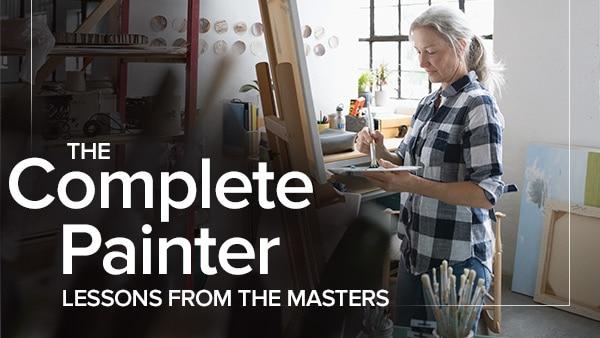
The Complete Painter: Lessons from the Masters (The Great Courses)
007042e0.jpg


The Complete Painter: Lessons from the Masters (The Great Courses)
MP4 | Video: 960x540 | Audio: AAC, 44.1Khz , 2ch | Duration: 16 hours | Language: English | 10.3 GB

Many of us have the mistaken idea that only "born artists" can paint. But the truth is much more exciting-with the right training, anyone can learn the skill of painting! In The Complete Painter: Lessons from the Masters, an award-winning art instructor teaches those skills in 34 easy-to-follow lessons.

Full Description
The novice will learn the fundamentals of oil painting, from choosing paints and brushes to composition, to a wide variety of specific painting techniques. The experienced painter will gain greater knowledge of oil paints, mediums, lighting, color, and structure. The course includes hands-on experiences for all students, from making your own pigment and paint to copying the methods and compositional choices of the great masters.

In The Complete Painter: Lessons from the Masters, you'll learn to paint using the same steps taught at the best art schools around the country. Your teacher, David Brody, award-winning Professor of Painting and Drawing at of the University of Washington, begins with the basics, taking you on a fascinating deep dive into the physical properties of oil paint itself, including how to work safely with hazardous materials. From there, you'll move into the study of marks, lines, brushstrokes, and edges; value, color, and palettes; and how to prepare your canvases and rigid supports-including how to transfer the required underdrawings that are provided in your course guidebook. Next, you'll study techniques by copying from some of the world's most iconic paintings.

Throughout this course, your professor guides you in your work, painting right along with you during the exercises-illustrating everything from how he mixes and thins his paints to paint application and removal. But this is not a paint-by-numbers course, nor will you see your professor start and finish paintings in real-time. This is a course for those who are motivated and energized about learning to paint, for those who understand that acquiring a depth of "behind-the-scenes" knowledge will be more valuable in the long run than mimicking every stroke of a teacher.

Course Organization

The Complete Painter: Lessons from the Masters includes several, distinct types of lessons, all of which come together to provide college-level expertise about the history, materials, and techniques of oil painting:

Materials. You'll learn about the real "must-haves" for your workspace-paper, pencils, additives, brushes, and the six specific tubes of paint you'll need for your first palette. You'll learn the difference between flexible and rigid supports, how to work with proportional dividers, and how to best light your workspace.
Palettes. Just as a chef can't include every spice in any one recipe, a painter must limit color to create a unique work. You'll learn to work with some of the classic restricted palettes-grisaille, brunaille, and earth-tone-as well as a more expansive palette toward the end of the course.
Exercises. You'll have many opportunities to practice basic painting techniques such as lines, marks, and shapes, as well as skills related to ground, balance, space, and more.
Projects. Once you have your materials, understand your palette options, and have practiced a great variety of techniques, you will move on to larger projects. Your professor leaves you with some suggestions for creating projects of your own. And, you'll certainly be ready for the challenge!
In the Grand Tradition of Copying the Masters

The idea of "copying" someone else's work can carry a negative connotation. But for many hundreds of years, painters have known that if they wanted to paint like the best, they needed to study the best. The Louvre opened its doors to copyists more than 225 years ago and continues a formal and tightly regulated program for copyists today. Cézanne is quoted as having said, "The Louvre is the book from which we learn to read." Chagall, Dali, Degas, Picasso certainly agreed-Louvre copyists, all.

Continuing in that grand tradition, this course will take you on a deep dive into some of the most iconic works of Western art. You, too, can discover how the masters worked, studying characteristics of their paintings from composition to value to brush strokes. You'll consider:

The Ballerina by Degas. You'll analyze a great range of mark making, from brushwork to scratched hatchings. You'll learn first-hand the value of both adding and removing paint to achieve a desired texture.
Still Life by Morandi. You'll study depth and focus without the highlight of chiaroscuro, as Morandi hovered between two and three dimensions. As you explore how some of his objects seem to "dissolve," you'll learn new ways to work with edges.
The Scream by Munch. You'll see that even very representational paintings are not mere assemblages of rendered objects. Instead, they're highly organized groupings of interlocking shapes. And although many assume this was created in a fit of emotion, you'll learn how meticulously Munch planned this work-over a period of 19 years.
Guernica by Picasso. You'll learn how powerful even the most limited of palettes can be. In this large and formidable painting, the drama is enhanced by the ancient monochrome technique known as grisaille. And although Picasso's individual elements are moder-and even shocking-their composition is classical and symmetric; almost every element on the left is answered by a specific element on the right.
The Last Supper by Leonardo. By studying the intricate geometric composition of this work, you'll begin to see the underlying formation that binds its elements together-the rectangle's armature. You'll begin to appreciate the way the armature directs the painting's composition, a composition that artists have used for many hundreds of years.
Make Your Own Materials

Beyond the paintings and technical exercises, The Complete Painter: Lessons from the Masters gives you many opportunities to dig in and create the tools and mediums that painters have been making for centuries. Although you can certainly buy all the materials, by learning how to make them, you'll develop a deeper understanding of their functionality, as well as be able to create them to your exact specifications. Among many other materials, this course provides step-by-step instructions for making:

Damar varnish. You can easily make this varnish from damar crystals and turpentine.
Flexible supports. Learn how to make your own supports from the purchase of the linen and stretchers to stretching the linen over the frame, and making your own rabbit-hide glue to size the linen.
Gesso. Making your own traditional gesso from chalk, white pigment, glue, and water takes a bit of time, but it provides a beautiful, very smooth, white surface for painting on rigid supports.
Painting table and brush table. Step-by-step directions for building these two tables from ¾-inch plywood can be found in the course guidebook. While they take some time to build, they'll provide all the support you'll need for your work. They also provide the convenience of having your materials protected, and having them exactly where you need them every time.
The Complete Painter: Lessons from the Masters is a robust and energetic guide to oil painting for those who have always been enamored of this skill, but were afraid to give it a try. With your professor's easy-going manner, calm and clear instruction, and obvious love of the subject, you'll be painting in no time!

chapter-009-s.jpg


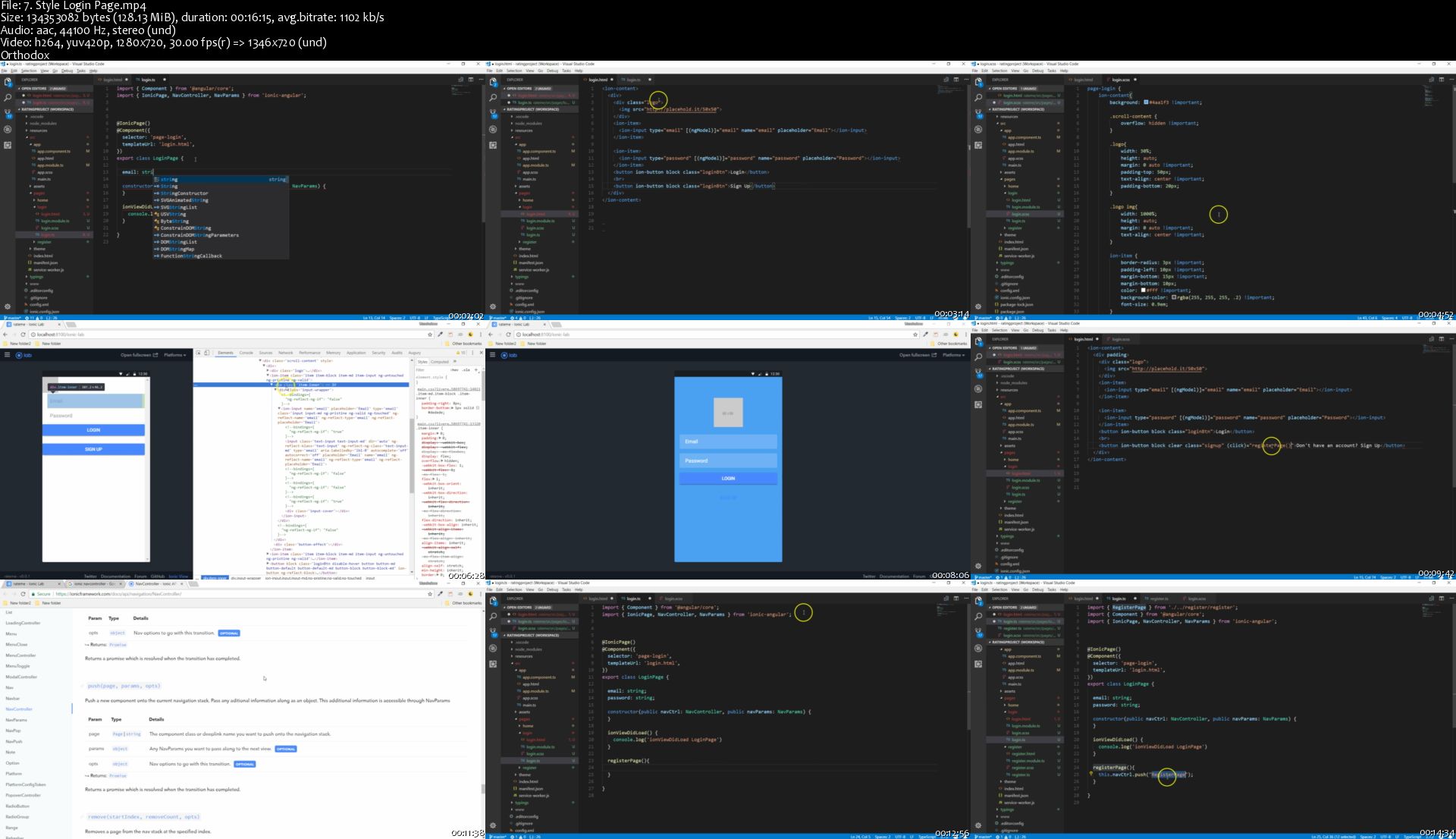
Ionic with NodeJS: Build a Full Mobile Business Rating App

CONg-Z4i-Vx0-Sct1-Wk-Kq-Ya9io-Fv5z90-Kf-D.jpg


Ionic with NodeJS: Build a Full Mobile Business Rating App
h264, yuv420p, 1280x720 | ENGLISH, aac, 44100 Hz, 2 channels | 18h 20 mn | 8.01 GB
Instructor: Uzochukwu Eddie Odozi

Build A Complete Ionic 4 (formerly Ionic 3) Mobile App From Scratch With Node.js REST API Backend
What you'll learn

Build a mobile app with Ionic, Node, Express and MongoDB
Use Mongoose to create schemas
Build REST API from scratch
Use Node REST API inside ionic app
Connect Frontend with Backend code
Learn ionic UI components, apis and native plugins
Use Ionic Storage Module
Use mongodb as database for storing data from ionic app
Use cloudinary cloud storage for files
Send images from ionic app to node backend through REST api
Build rating and reviews functionality inside the ionic application
Add Leaderboard and search functionality
Deploy backend app to heroku

Requirements

A computer on which you can install software
A basic understanding of HTML and CSS

Description

Have you ever thought of building an application that uses RESTful API? Have you thought of building an application with both front-end and back-end connected by RESTful APIs all created by you? Then this course is designed specifically for you.

In this course, you will build a mobile application using Ionic 4 (formerly Ionic 3), Node, and Mongodb database. The front-end of the application is built using the ionic framework while the back-end is built using Express framework. The front-end and back-end are connected via HTTP through the RESTful API created from scratch.

The REST API used in this course is build completely from scratch.

This Ionic and Node.js course will guide you through building your own mobile business rating app from start to finish.The course uses tools like Express, Mongodb, Mongoose. This application is an employee to business app (Or we can say as well it is a business to business rating app) where an employee of a company (or another company) rates a business based on experience with the company's business dealings.

This course is project based.

During this course, you will learn to

Build a mobile app with Ionic, Node, Express and MongoDB

Build REST API from scratch

Use Node REST API inside ionic app

Connect Frontend with Backend code

Upload images from Ionic app

Use Cloudinary cloud storage for images

Create ionic providers for communicating with back-end

Use Ionic UI components, apis and native plugins

Build reviews and rating functionality inside ionic application

Use third-party rating component

Create custom components

Use Ionic storage

Use MVC pattern to build REST API

Create custom functions to be used inside ionic template files

And more...

Who this course is for:

Anyone with a passionate and enthusiastic mindset to learn
Anyone willing to train in mobile app development
Back-end developers wanting to increase their skills and knowledge
Fullstack developers wanting to increase their skills and knowledge

Homepage

7-Style-Login-Page-s.jpg


Character Creation for Video Games with J Hill

Ap-Qpx-Raq4-LTq-Eqvgp-L0k-O7d-Rnkr2j-Yg-U.jpg


Character Creation for Video Games with J Hill
Video: .MP4, 1920x1080, 30 fps | Audio: AAC, 48 kHz, 2ch | Duration: 22h
Genre: eLearning | Language: English | Size: 15.4 GB

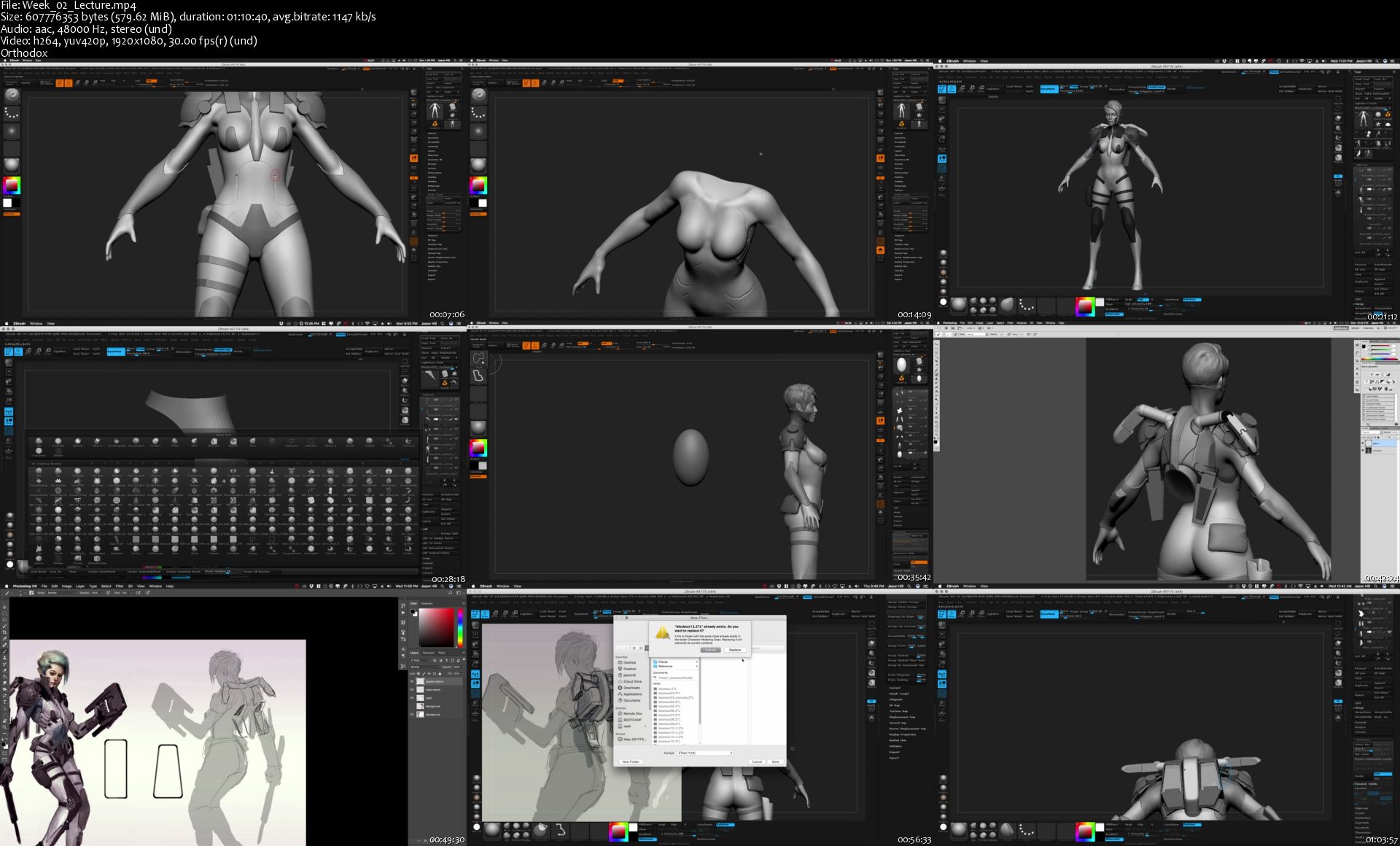
Instructor J Hill will take you through the entire process of making a AAA game character of your own using tools & techniques used in the Video Game industry.

Follow along in this 8 week course as J teaches you his step by step methods of creating high resolution source meshes for baking in ZBrush as well as re-topology methods in Maya for creating low resolution models for texturing, rendering, and animation.

​Students will also be introduced to the PBR texturing workflow and texture their characters using Substance Painter. These skills are essential for creating real-time character models used video games and VR today. Finally, learn how to import assets into Marmoset for the final rendering and how to present your character in a portfolio to make an impact.​
​
Homepage

Week-02-Lecture-s.jpg


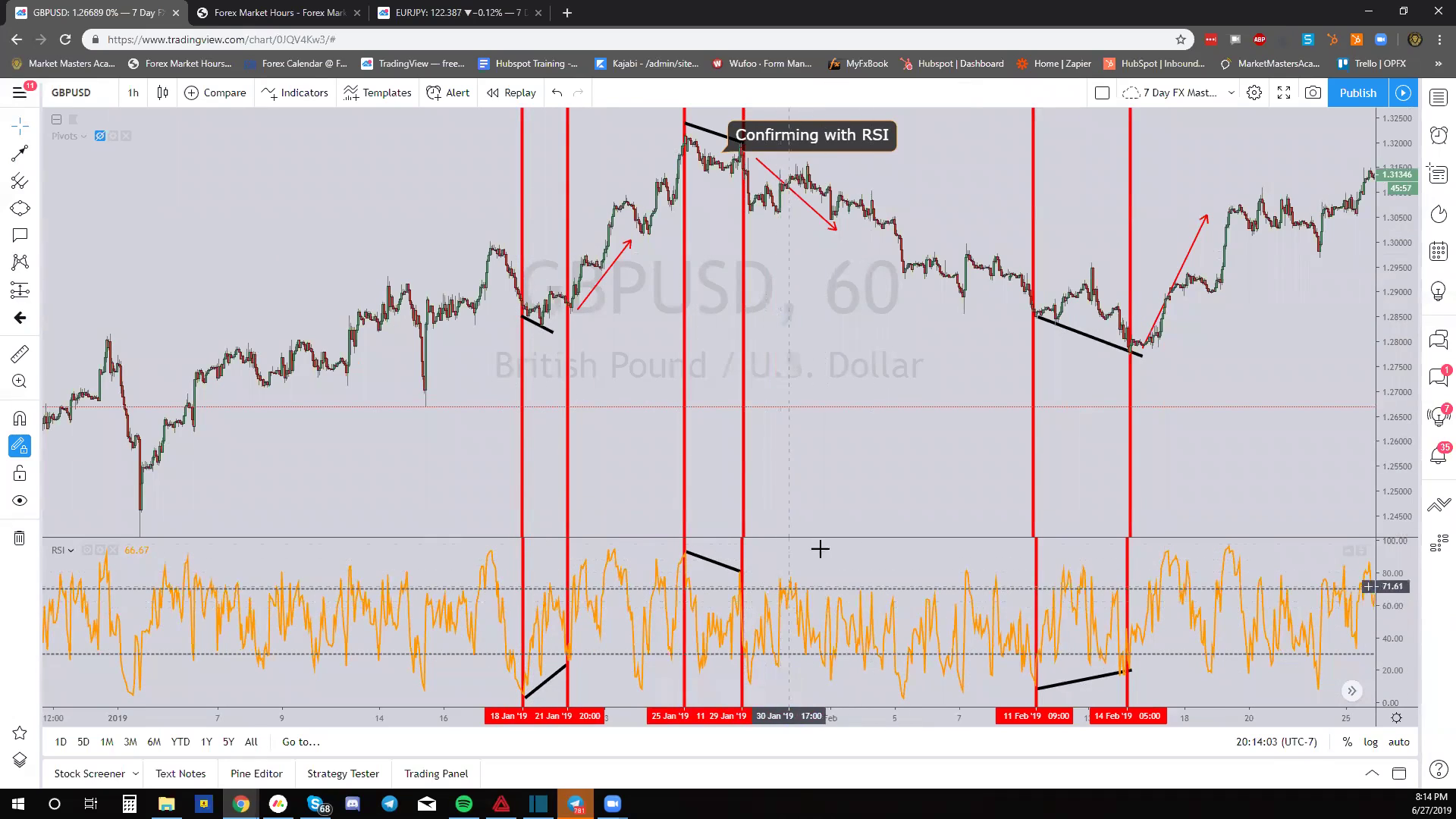
Market Masters Academy - 7 Day FX Mastery

00701855.jpg


Market Masters Academy - 7 Day FX Mastery
WEBRip | English | MP4 | 1920 x 1080 | AVC ~798 Kbps | 30 fps
AAC | 137 Kbps | 48.0 KHz | 2 channels | ~18 hours | 8.66 GB
Genre: eLearning Video / Forex, Trading, Stock

This is perfect for both new and experienced traders, giving you all the tools you need to succeed no matter your background in Forex.

By the end of this course, you will have an expansive knowledge of the Forex Market and the secret philosophy behind how the world really exchanges it's money, taught by Top Forex Trader Ricky Andrade himself.
During This Training, You Will Learn:

Strategies that can be applied to ANY market (e.g. Forex, Stocks, Crypto)
The Basics of Forex
How To Enter/Exit The Market
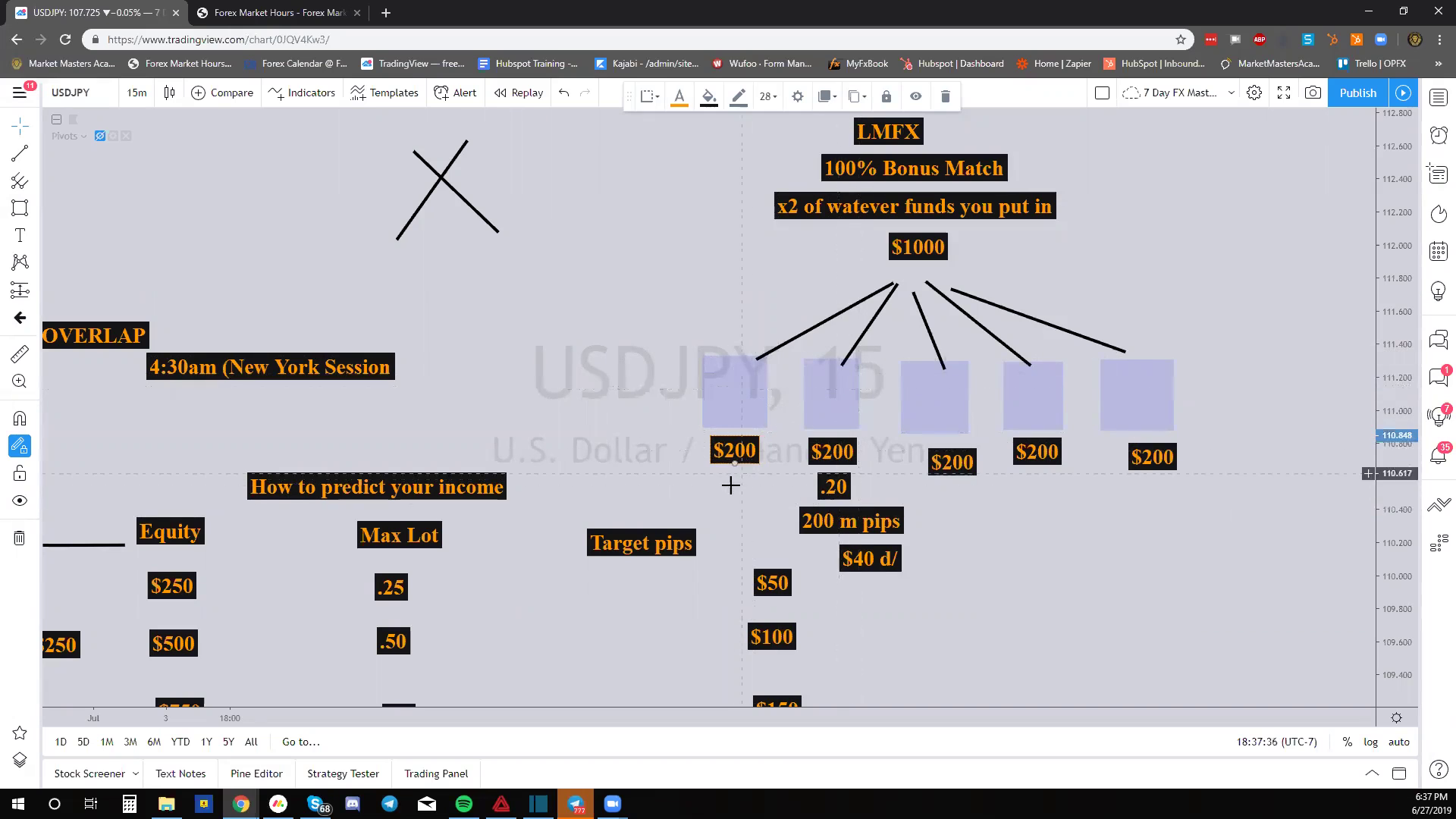
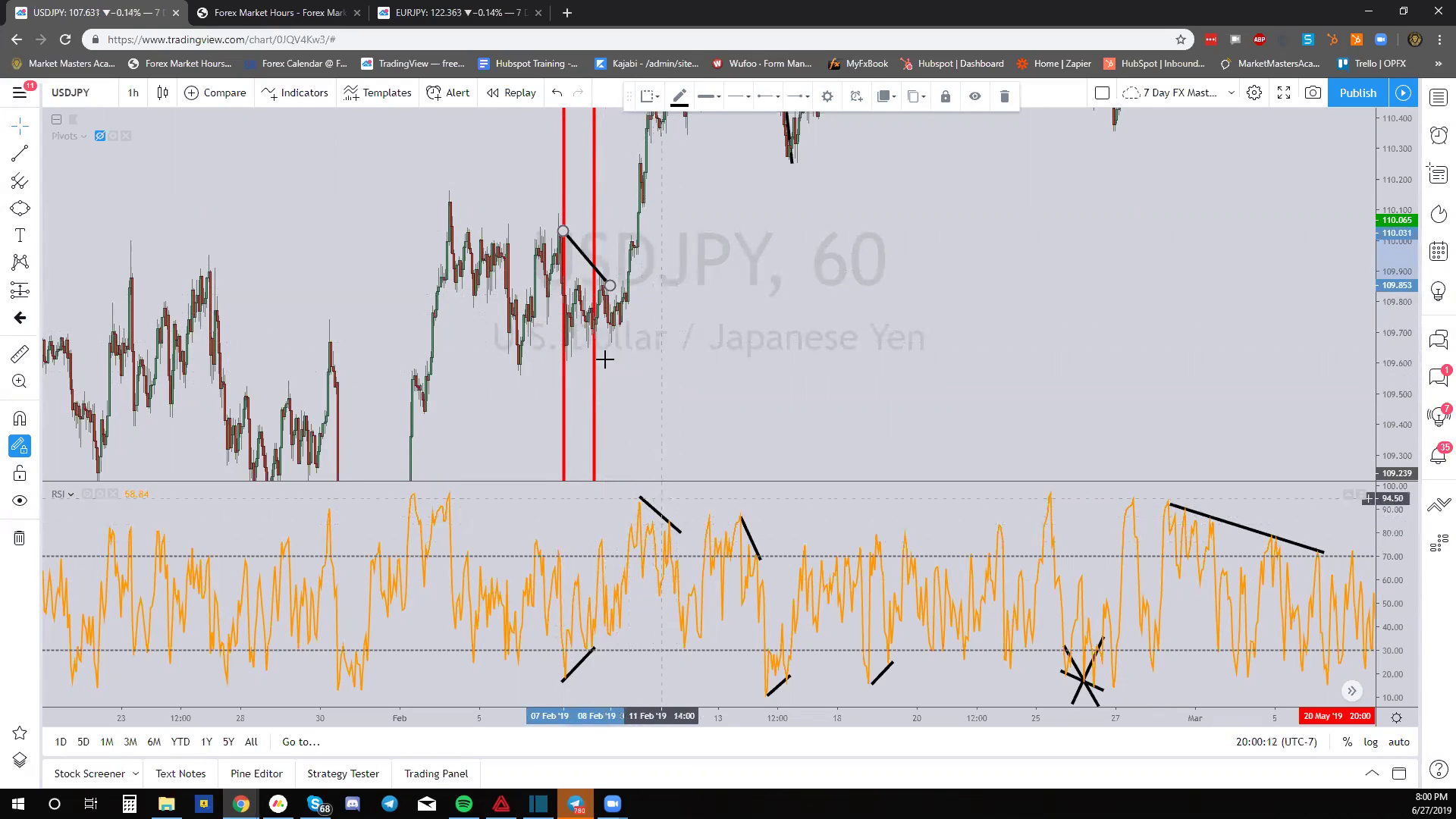
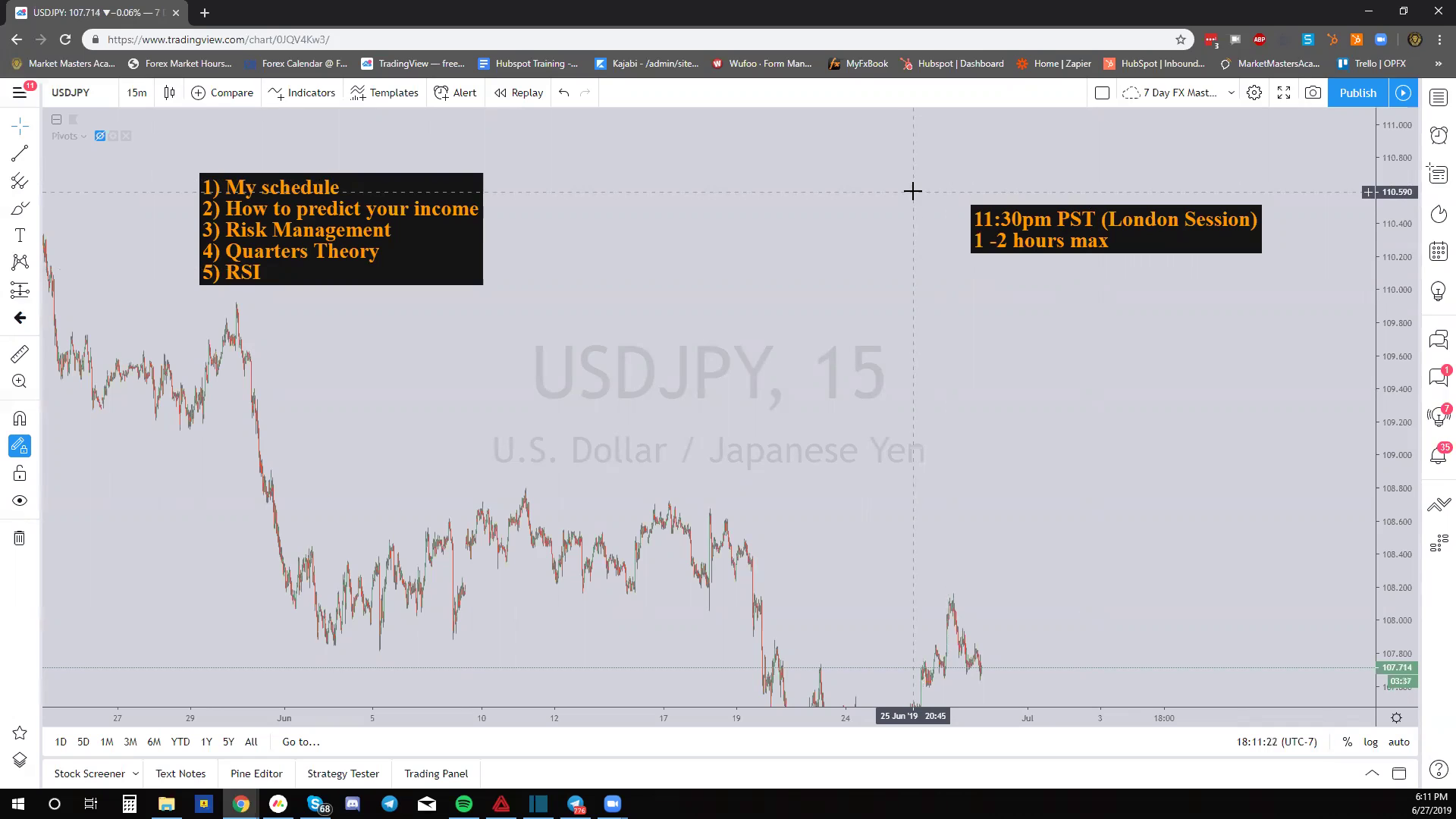
Risk Management Strategies
An Exact Trade Goal Plan
A Precise Compound Plan
Time Zones To Make the Best Market Predictions
How To Trade With Institutional Traders
Understand How Market Makers Move the Forex Market And How NOT To Be Fooled
How to Scalp
How to Swing Trades
Have VIP Access To Ricky Andrade to Ask Any Questions At Any Time.
Exact Template/ Indicators For MT4 and How To Use Them
The OPM Strategy
And much more!

00701869.png

0070186a.png

0070186b.png

0070186c.png


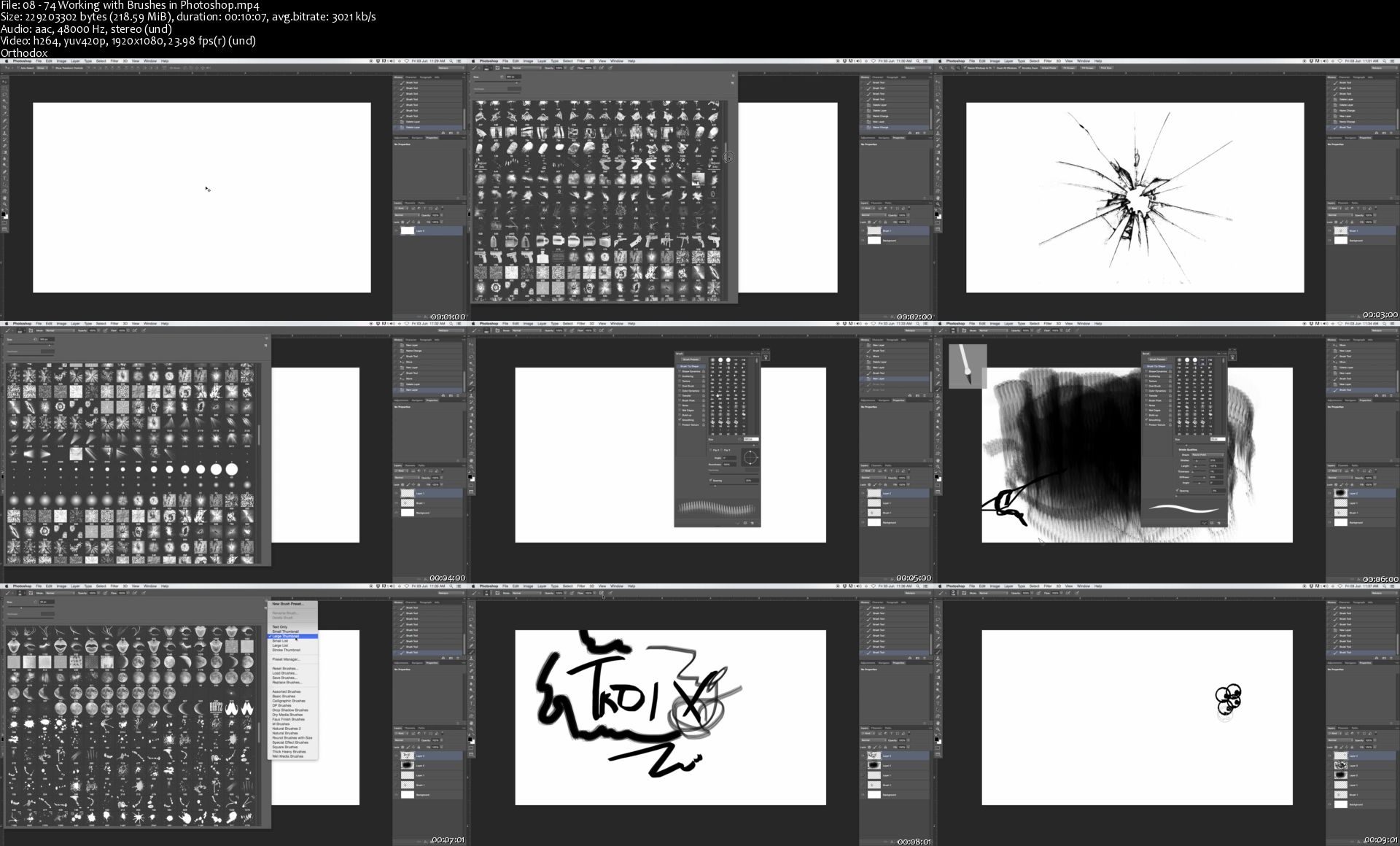
Learn The Secrets Of Photoshop Design & Start Designing Today

249998-4483-12.jpg


Learn The Secrets Of Photoshop Design & Start Designing Today
Video: .MP4, 1920x1080, 25 fps | Audio: AAC, 48 kHz, 2ch | Duration: 21h 14m
Genre: eLearning | Language: English | Size: 13.6 GB

LEARN THE SECRETS OF PHOTOSHOP DESIGN & START DESIGNING TODAY...

50+ PHOTOSHOP LESSONS " Making Photoshop Design Fun & Easy "
No Prior Photoshop knowledge needed "Guaranteed"
All future & additional lectures will always be free of charge
No illustrator or another software is needed "You only need Photoshop"
ARE YOU STRUGGLING WITH SIMPLE DESIGN STUFF
AND MASSIVELY WANT TO IMPROVE?
AND DO IT EASILY AND INSTANTLY?
AND WITH NO PRIOR PHOTOSHOP KNOWLEDGE?
--------------------------- " Then this course is for you " -------------------------------
What This Course Entails:
I will teach you how to get into Photoshop Design; so don't worry if you don't have prior experience with Photoshop or other Plugins. Follow my lead and I'll teach you to be good at it! "Seriously"
All my design instructions form part of a comprehensive guide that can help you to accomplish your goals by applying these skills. During the lesson you get to eavesdrop as I work, giving you some insight as to how I work and what I do.
The idea is to make designing fun and easy! "Anyone can do this"
Whether you have previous experience with designing or not, it doesn't matter. Apply your knowledge for half an hour a day and you could be making huge improvements or even extra cash, just like me.
"And I'm not kidding when I say that you need nothing but Photoshop!"
All future extra lectures and upgrades are always included for free.
You'll learn
How to create / open a new canvas "To get started"
How to work with only the needed Photoshop tools
How to create simple designs and get them done quicker
How to create your own custom design shapes
A secret to getting your designs to look simple and effective
The 2 secrets of getting amazing font libraries for free
What you must do get more ideas and creative designs
How to create amazing shapes / objects with no artistic or "design skills" whatsoever
How to design fun, corporate, feminine or even crazy Brands "Logos"
How to create a business card out of your design "Print Ready"
How to create amazing badges from scratch
... and much, much more!

08-74-Working-with-Brushes-in-Photoshop-s.jpg


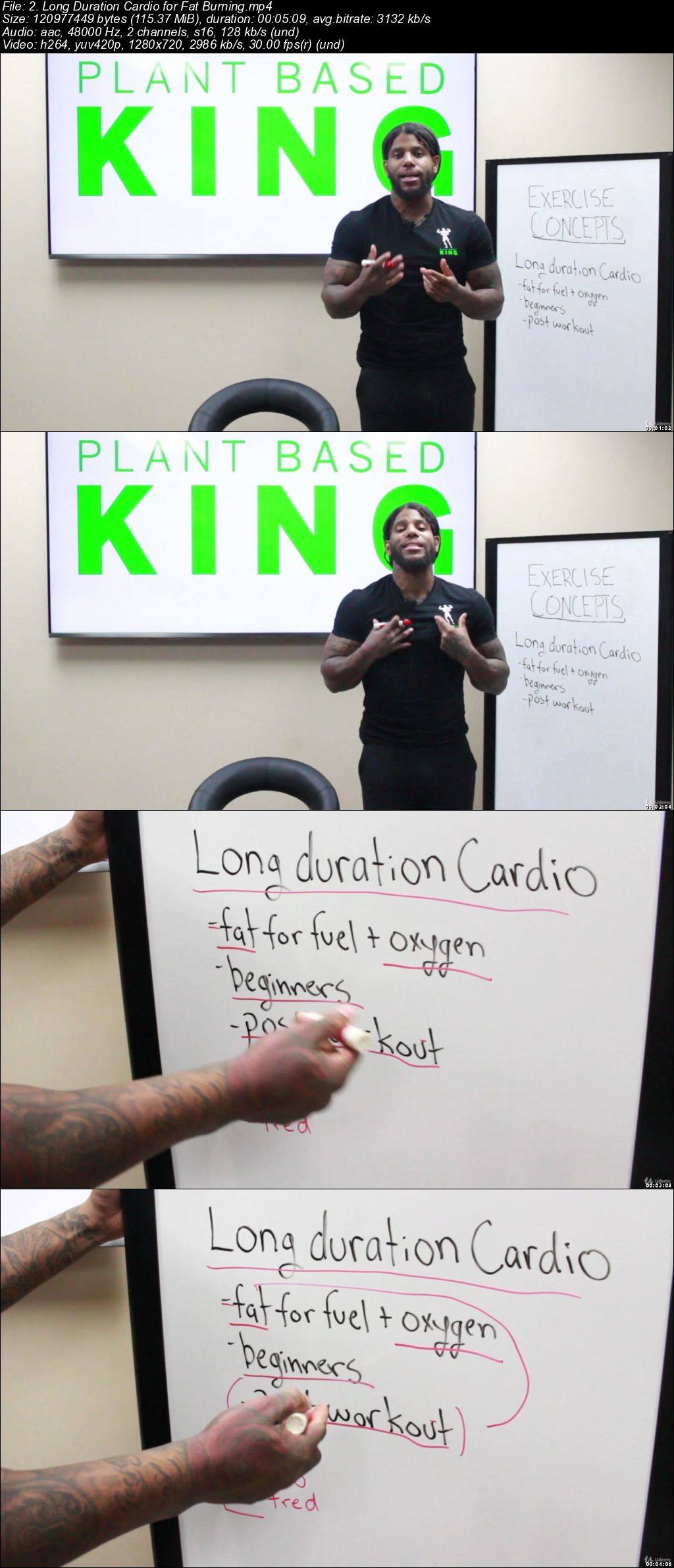
How to Lose 15lbs in 30 Days

00705d3b.jpg


How to Lose 15lbs in 30 Days
Video: .mp4 (1280x720, 30 fps(r)) | Audio: aac, 48000 Hz, 2ch | Size: 5.79 GB
Genre: eLearning Video | Duration: 4.5 hours | Language: English

The Worlds Most Comprehensive Weight Loss Course


What you'll learn

How to structure a mindset that will keep you on track
What to eat to maximize weight loss and fat burning
Exercise concepts and strategies
Calculating ideal heart rate for weight loss and fat burning
Complete workout schedule for weight loss
How to use fasting to burn fat
Correct supplementation
How to overcome food addiction (impeding your weight loss)
How to measure body fat% at home
Understanding calories and macronutrients
How to manipulate insulin to burn fat and lose weight

Requirements

Must be ready to get results

Description

In this course I will challenge the way you have thought about food and weight loss. I will provide you a new lense to view weight loss in a way that will challenge you, but also provide you with simple hacks that I can guarantee will maximize your weight loss as long as you have the power to stick it out and take it seriously. There can be a lot of confusion when it comes to losing weight and burning fat effectively. My goal with this is to get down to the science behind the body and the food we eat, and how these components are interconnected to function together like the right key going into the right lock. When the right combinations are activated you are able to maximize your bodies potential for fat loss and muscle building and improved health. There are no shortcuts outside of knowledge and understanding. Its time to open your mind to a new way of thinking about weight loss and fat burning that I can guarantee will change your life and your relationship with the food you eat and the lifestyle you live.

Who this course is for:

beginner, intermediate and advanced fitness levels who want to burn body fat and lose weight fast

00705d3c.jpg


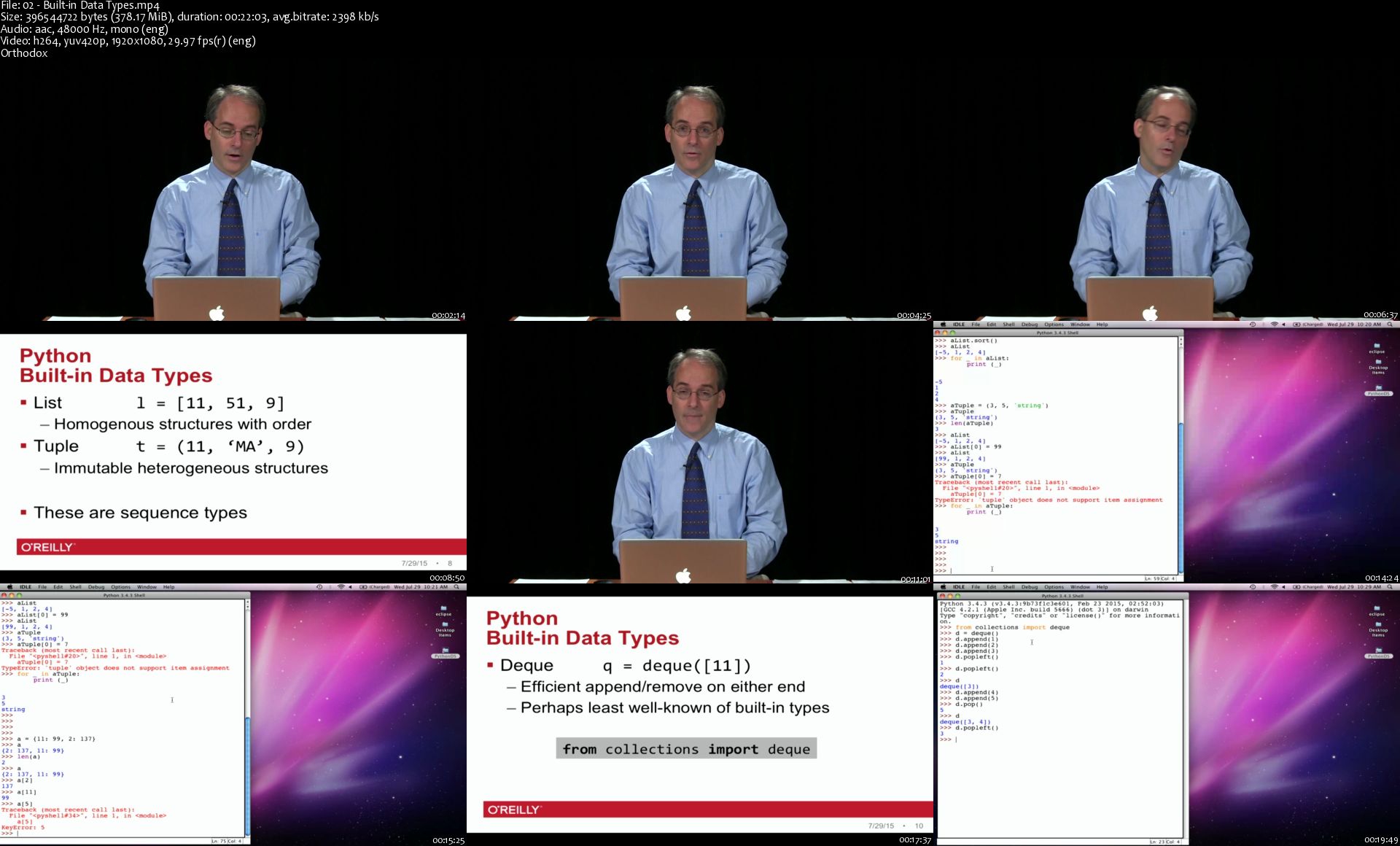
Designing Data Structures in Python

WU47vt-ZWhv4-QAh-Sp6wv-WOl-XDOw-PVGm-VD.jpg


Designing Data Structures in Python
MP4 | Video: AVC 1920 x 1080 | Audio: AAC 48 Khz 1ch | Duration: 06:04:06 | 6.17 GB
Genre: eLearning | Language: English

When should you use Python's built-in data types, and when should you develop your own? In this video course, George Heineman introduces Python programmers to several important data structures and demonstrates their use with example algorithms. Generic data structures such as arrays, linked lists, and stacks can solve many problems, but to work through some specialized problems, you need to learn different ways to structure data appropriately.

Many Python programmers learned their skills through non-traditional routes, rather than through an undergraduate computer science degree. This video helps complete your education in fundamental data types step-by-step. For many of the data structures, you'll write sample code using a variety of existing modules, and define a process that will help you evaluate and assess these modules for use in your own software. All you need to get started is a working knowledge of Python's built-in data types.

Topics include:

Built-in Python data structures
Python standard library types
Design principles for data structures
Data structures and associated algorithm examples
Graph representations
Heaps, circular buffers, balanced binary trees, and their variants

02-Built-in-Data-Types-s.jpg


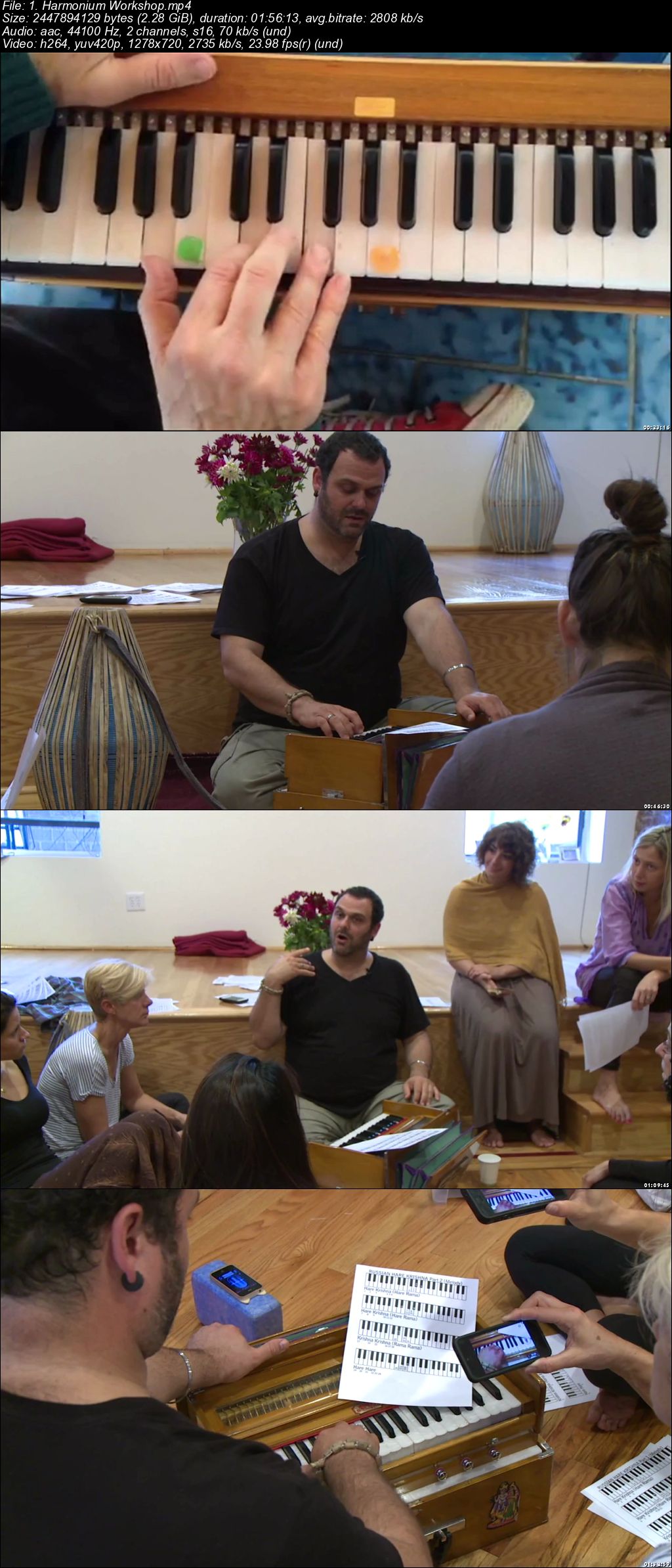
Born to Fly: Study Yoga Philosophy, Inversions, and Kirtan

00704b56.jpg


Born to Fly: Study Yoga Philosophy, Inversions, and Kirtan
Video: .mp4 (1280x720, 30 fps(r)) | Audio: aac, 44100 Hz, 2ch | Size: 34.7 GB
Genre: eLearning Video | Duration: 31 hours | Language: English

A 35-hour online study of Bhakti philosophy and practice, as well as teaching and learning inversions and arm balances.


What you'll learn

Strengthen and improve physical yoga practice
Introduce inversions and arm balances
Foster understanding of the Bhakti and the philosophy of yoga
Revolutionize a yoga practice from a physical, spiritual and philosophical perspective.

Requirements

No pre-requisites
Show up prepared to move through some fears and listen with an open mind and heart
The physical classes are strong but approachable, made accessible for those who practice or are learning vinyasa yoga-from beginners to advanced students and teachers

Description

I want to introduce you to two powerful game changers for those traveling a yogic path-whether you are a new student or a skilled teacher.

One is a physical change: how to strengthen and improve your yoga practice by adding inversions and arm balances. I present simple and advanced techniques to help dismantle fear and personal limitations.

Secondly, this course fosters the deep and practical understanding of bhatki-the philosophy and motivation behind our yoga practice. To practice yoga can revolutionize the body, and for deeper understanding we explore the philosophy of bhakti: the yoga of love. As we move, work and play in this world, our devotion and ever-refining intention can revolutionize our lives. Includes incredible, noteworthy guest-speakers who are experts in yoga and yogic philosophy.

Who this course is for:

Yoga students
Yoga teachers

00704b57.jpg


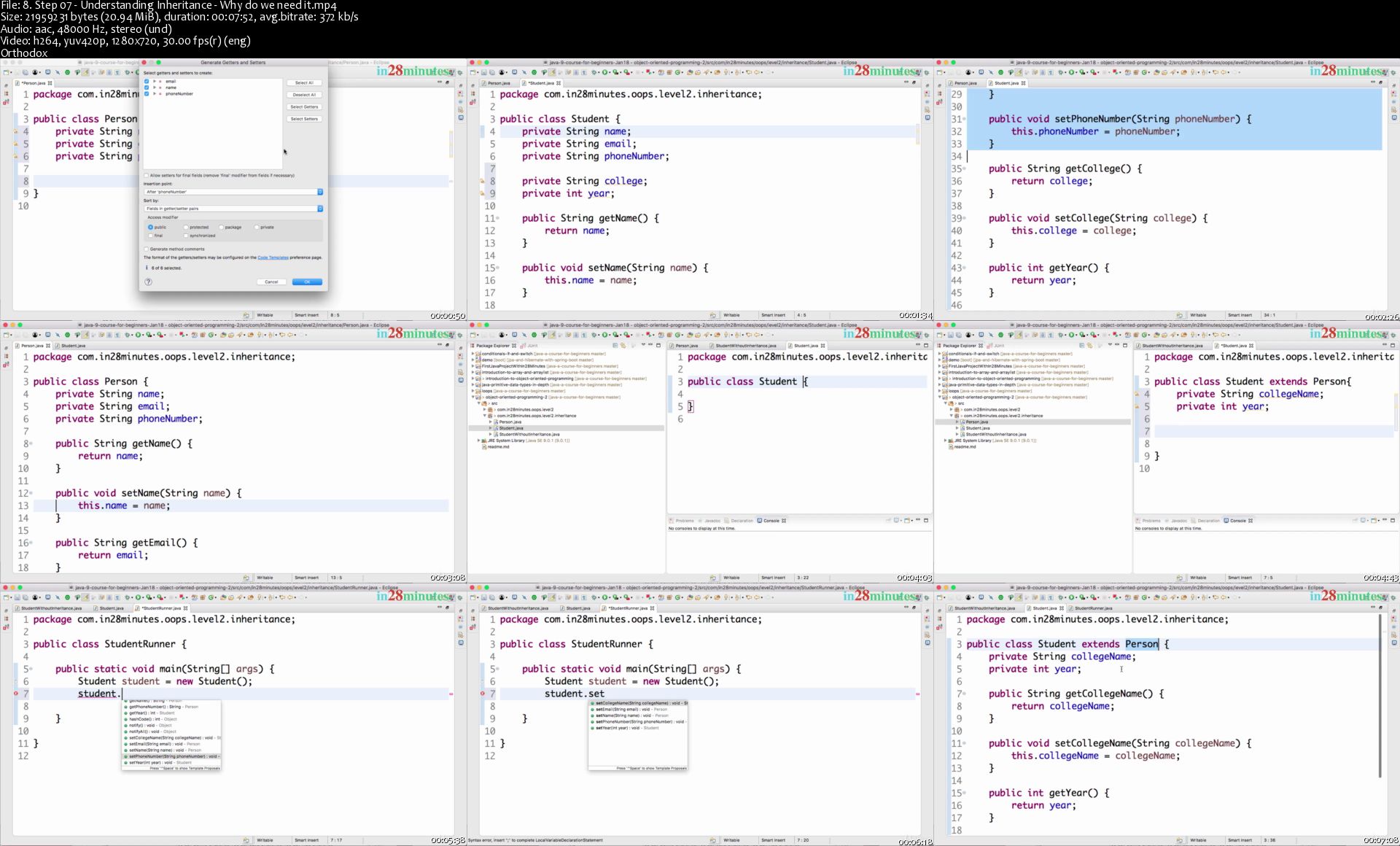
Master Automation Testing with Java and Selenium Webdriver

GS981-M2-IDNj-ECMEtfl8-BBkm-ITr-M06-Y4-N.jpg


Master Automation Testing with Java and Selenium Webdriver
Created by in28Minutes Official | Video: h264, 1280x720 | Audio: AAC 48KHz 2ch | Duration: 39:18 H/M | Lec: 427 | 11.5 GB | Language: English | Sub: English [Auto-generated]

Learn to Write Great Automation Tests with Selenium Webdriver and Java. Start Building Automation Testing Frameworks!

What you'll learn
You will Learn Automation Testing the MODERN WAY - Step By Step - With 200 HANDS-ON Code Examples
You will Acquire ALL the SKILLS to demonstrate an EXPERTISE with Selenium and Java in Your Job Interviews
You will Solve a Wide Range of Hands-on Automation Testing EXERCISES with Java and Selenium
You will Learn to WRITE Great Automation Tests with Selenium and Java
You will Learn to SETUP New Automation Test Projects with JUNIT and TestNG
You will Learn to Create Basic Automation Test FRAMEWORKS
You will learn to use Selenium IDE and Katalon Studio to Record and Replay Automation Testing Scenarios
You will learn to setup new automation projects with Selenium, Web Driver, JUnit and TestNG Frameworks
You will learn some of the TestNG Advanced Features - XML Suite, Test Reports, Test Parameters and Parallel Execution
You will learn the basics of HTML, CSS and XPath
You will understand all Selenium Locators - By Id, By Name, By Link Text, By Partial Link Text, By Class, CSS Selectors and XPath Expressions
You will learn to play with Form Elements - Text, TextArea, CheckBox , Radio Button, Select Box and Multi Select Box
You will learn to write automation test for wide range of scenarios - Playing with Windows, Modal Windows (Sleep, Implicit Wait and Explicit Waits), Alert Boxes, Window Handles and New Browser Window Launches, Frames, Taking Screenshots, Executing JavaScript Code, Actions Interface to control mouse and keyboard
You will learn to Set up Automation Testing Frameworks for Form Elements, Tables and Cross Browser Testing
You will learn to write Data Driven Tests with Data Providers, CSV and Excel Spreadsheets
You will learn to implement Page Object Model for a Complex Automation Test Scenario
You will learn to parallelize and scale up Automation Tests with Selenium Standalone and Grid

Requirements
You should have the ability to learn while having fun!
Connectivity to Internet to download various tools listed below
We will help you install Selenium IDE, Katalon Studio, Brackets, Java, NodeJs and Eclipse.
Oracle Solaris or 64 bit Microsoft Windows or Linux or macOS
Java 9+ does NOT work on 32 bit Microsoft Windows! You would need a 64 bit Microsoft Windows if you would want to use Windows.
We will help you download all needed dependencies using Maven and NPM

Description
Zero Java Programming Experience? No Problem. Zero Automation Experience? No Problem.

Do you want to become a Great Programmer with Java? Do you want to become a Great Automation Tester with Selenium? Do you want to learn to setup New Automation Test Projects with Junit, TestNG and Selenium Webdriver? Do you want to learn Creating Automation Test Frameworks? Look No Further!

******* FAQ - What Is Included in this Course? *******

Java ? Yes. Junit ? Yes. TestNG ? Included. Selenium 3 ? Yes.

Selenium Advanced Test Scenarios ? Of Course.

Selenium Standalone and Grid ? Yes.

Data Driven Tests ? Yes.

Page Object Model ? Included.

Build Automation Frameworks ? Yes.

Cross Browser Automation Testing? Yes. Of Course.

******* Course Overview *******

Writing Your First Automation Test with Java and Selenium Webdriver is a lot of fun.

Java is one of the most popular programming languages. Java offers both object oriented and functional programming features. Selenium can be used for screen scraping and automating repeated tasks on browser.

In this course, you will learn Programming with Java and Automation Testing with Selenium.

We take a Hands-on Approach using Eclipse as an IDE to illustrate more than 200 Java Coding Exercises, Puzzles and Code Examples. We will also write more than 100 Selenium Automation Tests with Java for a wide variety of scenarios.

In more than 350 Steps, we explore the most important Java Programming Features and Selenium Automation Testing Scenarios

Basics of Java Programming - Expressions, Variables and Printing Output

Using Selenium IDE and Katalon Studio to Record and Replay Automation Testing Scenarios

Learn the basics of Selenium Webdriver

Exporting Automation Tests and Setting up new Maven Project for JUnit and TestNG

TestNG vs JUnit

TestNG Advanced Features - XML Suite, Test Reports, Running Tests with Parameters defined in XML and Running Tests in Parallel

Basics of HTML, CSS and XPath

Selenium Locators - By Id, By Name, By Link Text, By Partial Link Text, By Class, CSS Selectors and XPath Expressions

Setting and Reading values from Form Elements - Text, TextArea, CheckBox , Radio Button, Select Box and Multi Select Box

Advanced Selenium Automation Testing Scenarios - Playing with Windows, Modal Windows (Sleep, Implicit Wait and Explicit Waits), Alert Boxes, Window Handles and New Browser Window Launches, Frames, Taking Screenshots, Executing JavaScript Code, Actions Interface to control mouse and keyboard

Set up Automation Testing Frameworks - Tables

Important Interfaces - WebDriver

Introduction to Cross Browser Automation Testing, Headless Testing and Setting up a Basic Cross Browser Automation Testing Framework

Writing Data Driven Testing with Data Providers, CSV and Excel Spreadsheets

Implementing Page Object Model for a Complex Test Scenario

Scaling up with Selenium Standalone and Grid

Java Operators - Java Assignment Operator, Relational and Logical Operators, Short Circuit Operators

Java Conditionals and If Statement

Methods - Parameters, Arguments and Return Values

An Overview Of Java Platform - java, javac, bytecode, JVM and Platform Independence - JDK vs JRE vs JVM

Object Oriented Programming - Class, Object, State and Behavior

Basics of OOPS - Encapsulation, Abstraction, Inheritance and Polymorphism

Basics about Java Data Types - Casting, Operators and More

Java Built in Classes - BigDecimal, String, Java Wrapper Classes

Conditionals with Java - If Else Statement, Nested If Else, Java Switch Statement, Java Ternary Operator

Loops - For Loop, While Loop in Java, Do While Loop, Break and Continue

Java Array and ArrayList - Java String Arrays, Arrays of Objects, Primitive Data Types, toString and Exceptions

Java Collections - List Interface(ArrayList, LinkedList and Vector), Set Interface (HashSet, LinkedHashSet and TreeSet), Queue Interface (PriorityQueue) and Map Interface (HashMap, HashTable, LinkedHashMap and TreeMap() - Compare, Contrast and Choose

Generics - Why do we need Generics? Restrictions with extends and Generic Methods, WildCards - Upper Bound and Lower Bound.

Introduction to Exception Handling - Your Thought Process during Exception Handling. try, catch and finally. Exception Hierarchy - Checked Exceptions vs Unchecked Exceptions. Throwing an Exception. Creating and Throwing a Custom Exception - CurrenciesDoNotMatchException. Try with Resources - New Feature in Java 7.

You will be using Eclipse and Brackets as the IDE. You will be using Maven, npm (Dependency Management), TestNG (XML Test Suite, Parallel, Multiple Browsers), JUnit, Selenium IDE, Katalon Studio, Selenium Standalone and Selenium Grid. We will help you set up each one of these.

Who this course is for?
You want to learn Programming
You want to learn Automation Testing
You want to learn how Selenium Web Driver Works
You are a beginner and want to explore Java further
You want to learn the basics of Object Oriented Programming with Java
You want to learn the basics of Functional Programming with Java
You want to write great Automation test for your web applications in Java

Homepage

8-Step-07-Understanding-Inheritance-Why-do-we-need-it-s.jpg


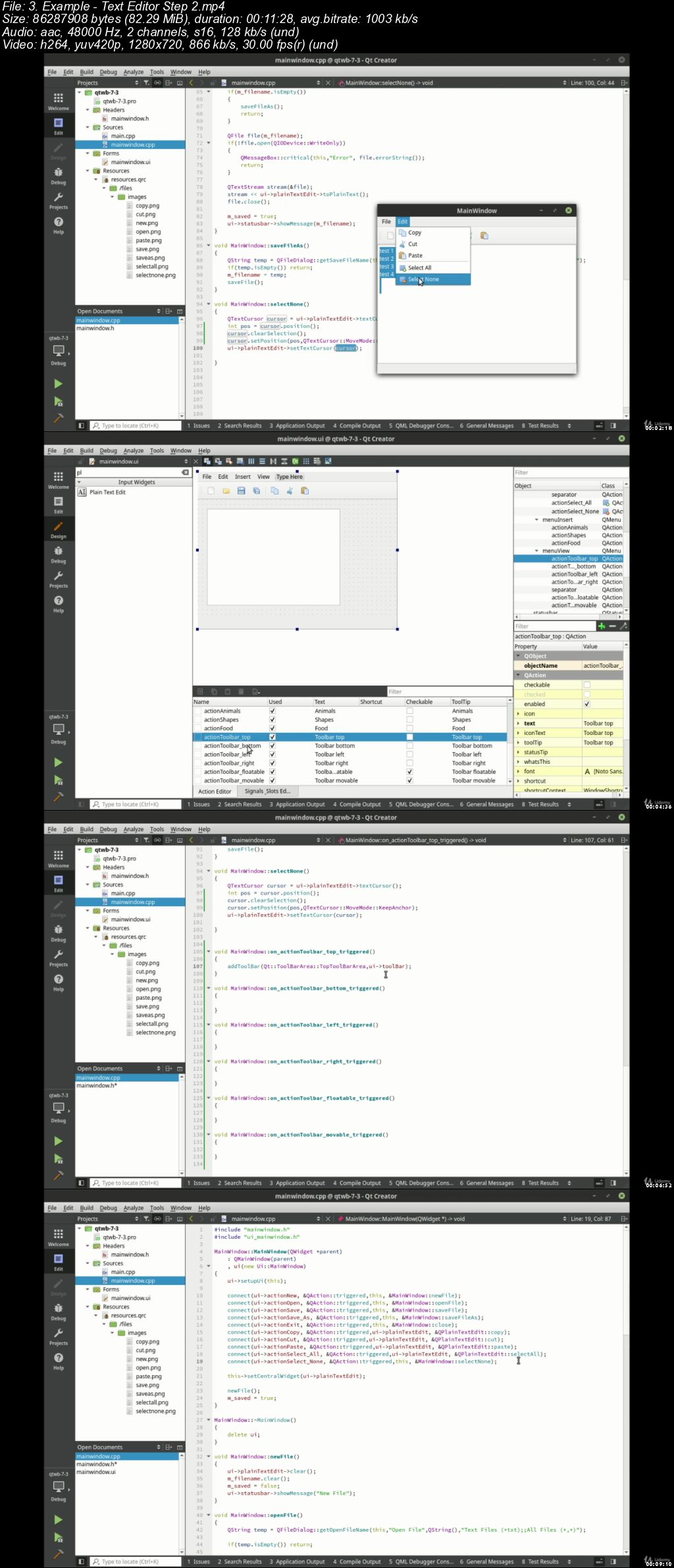
Qt Widgets for Beginners with C++

00705aa1.jpg


Qt Widgets for Beginners with C++
Video: .mp4 (1280x720, 30 fps(r)) | Audio: aac, 48000 Hz, 2ch | Size: 5.94 GB
Genre: eLearning Video | Duration: 17.5 hours | Language: English

An introduction to Qt Widgets and Desktop programming, designed for students who know the Qt Core library.


What you'll learn

Foundations of Qt Widget programming
QWidget
QPushButton
QCheckBox
QRadioButton
QGroupBox
QFrame
QTabbedWidget
QStackedWidget
QListWidget
QTreeWidget
Model View Controller Programming (MVC)
QStringListModel
QFileSystemModel
QStandardItemModel
Plain Text Editors
Rich Text Editors
Using the Clipboard
File Handling
Dialogs
Main Windows
Multiple Dialog Interface (QMDIArea)
Basic UI Design
Tri-state CheckBoxes in Lists
Avoiding Common Mistakes

Requirements

Qt Core Beginners
Qt Core Intermediate
Qt Core Advanced
C++ Programming

Description

Qt Widgets and Desktop programming with C++ is designed for anyone who has a solid understanding of C++ and Qt Core. This course will take you all the way from "what is a button" to model view controller programming. Includes full source code available on GitHub, and includes an entire section of example applications.

Who this course is for:

C++ programmers wanting to create desktop applications
Students that have studied the Qt Core series on Udemy
Developers supporting or creating Qt Widget desktop applications in C++

00705aa2.jpg


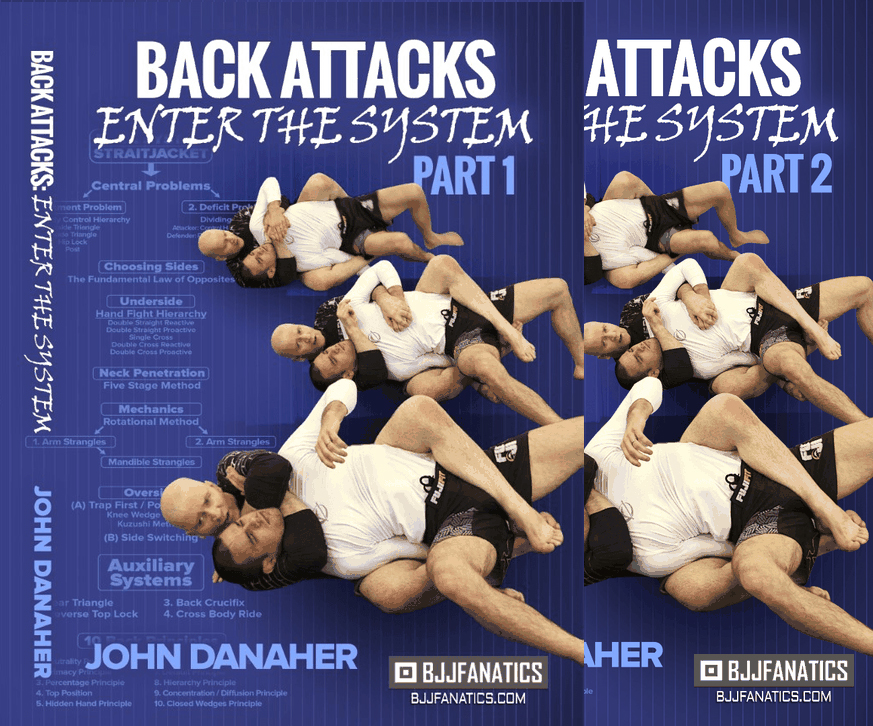
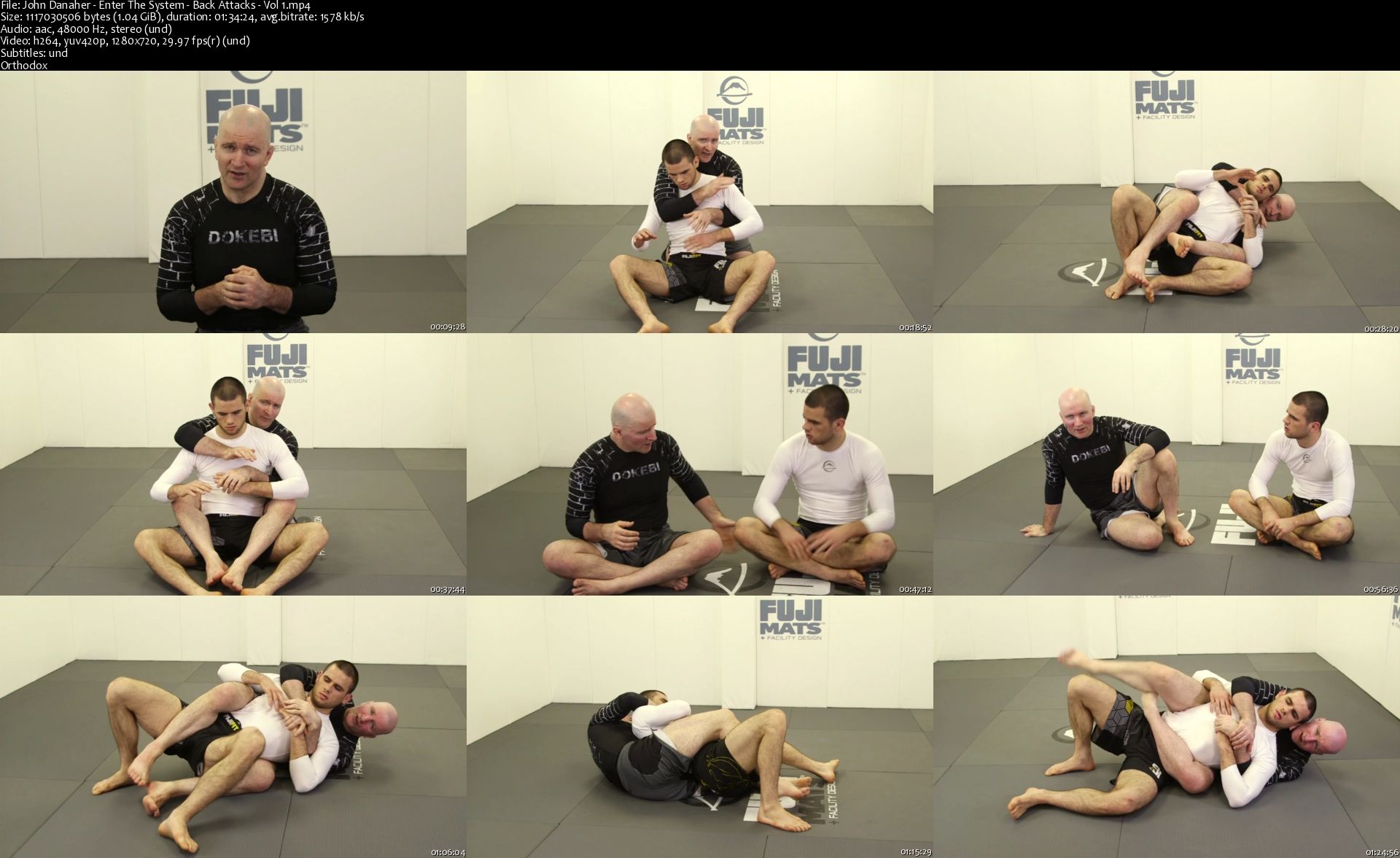
Back Attacks Enter The System

00703f5f.jpg


Back Attacks Enter The System
.MP4, AVC, 1280x720, 30 fps | English, AAC, 2 Ch | 8.5h | 5.85 GB
Instructor: John Danaher

Learn The Best Back Attack System In Brazilian Jiu Jitsu Today

John Danaher is the most sought after instructor in the world today
Learn the same secrets that world class athletes like Gordon Ryan, George St. Pierre, and the rest of DDS use to choke everyone
Learn the system that has the highest finishing rate in EBI overtime history
Transform your back attack system by discovering the secrets that have changed the Jiu Jitsu game
This is an easy to learn system broken down into a curriculum for all levels and there is over 8.5 hours of content

More Info

John-Danaher-Enter-The-System-Back-Attacks-Vol-1-s.jpg


Zuletzt bearbeitet:
Harmonica Jamz: Play Any Song and JAM with Friends (updated 11/2019)

L0-YYh-PUj-Wt-TBC5w-IPM8-Dxw-My-W41j7co-S.png


Harmonica Jamz: Play Any Song and JAM with Friends (updated 11/2019)
Genre: eLearning | MP4 | Video: h264, 1280x720 | Audio: aac, 48000 Hz
Language: English | Size: 12.1 GB | Duration: 12.5 hours


What you'll learn
You'll play the melody of any particular rock/pop/blues song on your harmonica, including 22 famous songs that are included with my examples.
You'll Jam and IMPROVISE beautiful music with a fellow guitarist / pianist who plays the rhythm.
By improvising musical riffs - you'll be able to add your own touch to any song that you play with a band, or just when you play next to a recording.
You'll play the harmonica with the full, confident tone of a professional.
You'll understand music theory to the level that you need to get out and jam with other musicians.
You'll acquire a solid sense of rhythm - one of the KEY foundations in order to sound great.
The included songs examples and tabs are from The Beatles, Bob Dylan, Green Day, Bob Marley, Elvis, Neil Young, Rolling Stones and many others.
Be able to jam on the harmonica with backing tracks / real songs / real musicians.
Guitarists will be able to play the harmonica & guitar together with the special "mixing" lessons.

Requirements
You should have a harmonica in the key of C (it is the most common harmonica type).
NO previous musical background is required.
It is recommended that you watch the lessons on a computer with external speakers in order to fully enjoy the interactive jam sessions.
Description
What would it feel like if you knew that you are a master of this tiny, cool instrument - the harmonica, that you can play any song on it, and you can beautifully jam with your guitarist friends?

To know that you can always simply take out this great little instrument - and just have a blast with it.

Welcome to the course that'll let you do it all!

⭐⭐⭐⭐⭐

Do you want to play a cool instrument - the harmonica, and to be able to play music with other people? Do you want to play dozens of famous songs on your harmonica, and also to be able to improvise and create your own beautiful solos when jammin' with other people?

Harmonica Jamz is exactly what you're looking for, and you will learn all of that in several weeks. Yes, the harmonica is an easy instrument!

In three sentences, what is Harmonica Jamz?

Do you know Bob Dylan? Neil Young? Other famous rockers who jam the harmonica that you like?

Harmonica Jamz is your one stop shop for learning how to play songs and jam on the harmonica BETTER than all of these guys, quickly.

And you DON'T have to have previous musical experience - since it is designed for experienced musicians or total beginners alike. Harmonicas are easy - and this is the optimized, most effective way to learn it.

---

Why should you listen to me?

Hey! My name is Alon Cooper and I am 29 years old. I have been teaching music, both online and face to face, to tens of thousands of students in the last six years - while traveling five different continents and jammin' and performing with many different musicians. I am mainly a harmonica player, guitarist and pianist, and I also play other instruments including the flute, trumpet, bass and more. I am constantly looking for the best ways and shortcuts to teaching music effectively - and with FUN. I believe that the student feedbacks show that I do it very well. :)

My guitar blog, GuitarSongsMasters, (founded in 2014) where I share my tips for playing music, has a monthly readership of over 100K people from over a 150 different countries and is one of the world's top five most read guitar blogs*. I am also the founder of the Harmonica Jamz-com courses and blog that has been online since 2016 and has thousands of happy students here on Udemy.

*According to SimilarWeb-com stats.

---

"Excellent course, I never played any instrument before but after a couple of jam sessions with Alon I was already jamming with my dad at home. The quality of the video editing and the helpful texts on screen were also very impressive." Josh Cole, England.

Wait. Why should I play the harmonica anyway?

Well, harmonicas are unique instruments in a couple of ways. They are:

Easy to learn and to play. (when done with the right teaching method)

Extremely compact - can always in your backpack or pocket, ready to play.

AFFORDABLE. 40$ buy you the best ones, hand-made in Germany.

Social instruments - always ready to jam with other guitarists and friends.

Sound great with multiple music genres from rock, to blues, to pop and country.

Developing your ears and feel for the music.

Why shouldn't I take another course or just watch free YouTube lessons?

Two reasons:

1) Your time is valuable, and trying to learn your way through random lessons on random harmonica topics (instead of using a systematic, proven approach) will never get you as far as where I can take you - and in a much shorter time.

2) Harmonica Jamz is built in a unique way which makes it the most interactive (and therefore - fun and easy to learn from) harmonica course online. After each lecture, we will have an interactive jam session where you will be playing the harmonica along to the relevant music, while the key points that we just talked about will be right in front of you, in a text form.

This way, you have fun while the knowledge gets implemented in your brain and gets you ready to get out there and jam with real people.

*By the way, Harmonica Jamz is also professionally produced and filmed in a boutique music studio, and in standards of quality that are unknown in the harmonica videos world. The lessons are a joy to watch and listen to - as you can see in the previews.

What are the topics that are covered in the course? How will they help me?

We cover two big topics: 1) Playing Songs. 2) Improvising music and jammin' with other people.

It is all done using the following "building blocks":

Playing the harmonica with the tone of a professional - to get the most beautiful sound you can out of your harp.

Learning to play single notes - this will enable you to enrich your musical pallete and play ANY song.

We will learn specifically how to play some famous rock songs to get you started.

You will learn the essentials of music theory - this will enable you to start IMPROVISING your own riffs.

When you know how to improvise, you can confidently get out there and jam with other musicians!

You will acquire a solid sense of rhythm through the Harmonica Jamz Rhythm Method™. Rhythm is one of the biggest foundations to sound great on any music instrument.

You will know all the notes of the harmonica in all three octaves. This means you will be able to play songs by ear and to improvise with ease - instead of randomally "shooting in the dark" like how most amateur harmonica players do.

All the lessons are built in a revolutionary, interactive way. How exactly?

In the first part of each lesson - I am in the studio, teaching you the new technique while giving examples on HD video.

In the second part of each lesson - the course becomes totally interactive - I am playing a jam track for you, (in beautiful, live HD video as you can see in the free preview) while you are at home jammin' along. On screen I will be reminding you, through text, all the key points we just talked about.

So you get to learn while havin' fun and while you are much more likely to ingrain the material than with any other course out there!

Sound good! You mentioned that we'll learn some songs. Which songs exactly?

Yes! Playing songs' melodies is one of the most satisfying musical experiences you can have.

In the course, I will show you my examples of those songs, and then you will get to play them yourself while I show you the harmonica notes on screen and the music is playing for you in the background without my harmonica. (check out the preview of "Let It Be".

The songs that we will learn include:

The Beatles - Let It Be

Leonard Cohen - Hallelujah

Old Crow Medicine Show - Wagon Wheel

Louis Armstrong - What A Wonderful World

Bob Marley - Jammin'

Neil Young - Heart of Gold

Bob Dylan - Knockin' on Heaven's Doors

The Rolling Stones - Angie

You Are My Sunshine

Elvis Presley - Can't Help Falling in Love with You

and 10+ others!

Can't wait to see you inside!

Who this course is for:
People who love music and who want to play music themselves on the harmonica.
People who have no experience of playing any musical instrument or people who do.
People who have previous experience on the harmonica but are looking for a more complete approach.
Musicians who play other instruments.
People who LOVE music - WILL have a great time in the course and WILL learn a new, cool musical skill.
Harmonica players who want to learn advanced techniques!

Homepage

9-Jam-Time-Practicing-Single-Notes-s.jpg


Zurück
Oben Unten