• Regeln für den Video-Bereich:

    In den Börsenbereich gehören nur Angebote die bereits den Allgemeinen Regeln entsprechen.

    Einteilung

    - Folgende Formate gehören in die angegeben Bereiche:
    - Filme: Encodierte Filme von BluRay, DVD, R5, TV, Screener sowie Telesyncs im Format DivX, XviD und x264.
    - DVD: Filme im Format DVD5, DVD9 und HD2DVD.
    - HD: Encodierte Filme mit der Auflösung 720p oder darüber von BluRay, DVD, R5, TV, Screener sowie Telesyncs im Format x264.
    - 3D: Encodierte Filme von BluRay, die in einem 3D Format vorliegen. Dies gilt auch für Dokus, Animation usw.
    - Serien: Cartoon/Zeichentrick, Anime, Tutorials, Dokumentationen, Konzerte/Musik, Sonstiges sind demnach in die entsprechenden Bereiche einzuordnen, auch wenn sie beispielsweise im High Definition-Format oder als DVD5/DVD9/HD2DVD vorliegen. Ausnahme 3D.
    - Bereich Englisch: Englische Releases gehören immer in diesen Bereich.
    - Bereich Talk: Der Bereich, in dem über die Releases diskutiert werden kann, darf, soll und erwünscht ist.


    Angebot/Beitrag erstellen

    - Ein Beitrag darf erst dann erstellt werden, wenn der Upload bei mindestens einem OCH komplett ist. Platzhalter sind untersagt.
    - Bei einem Scenerelease hat der Threadtitel ausschließlich aus dem originalen, unveränderten Releasenamen zu bestehen. Es dürfen keine Veränderungen wie z.B. Sterne, kleine Buchstaben o.ä. vorgenommen werden. Ausnahme Serienbörse:
    - Bei einem Sammelthread für eine Staffel entfällt aus dem Releasename natürlich der Name der Folge. Beispiel: Die Simpsons S21 German DVDRip XviD - ITG
    - Dementsprechend sind also u.a. verboten: Erweiterungen wie "Tipp", "empfehlenswert", "only", "reup", usw. / jegliche andere Zusatzinformation oder Ergänzung, welche nicht in obiger Beschreibung zu finden ist.

    Aufbau des Angebots und Threadtitel

    Der Titel nach folgendem Muster erstellt zu werden. <Name> [3D] [Staffel] [German] <Jahr> <Tonspur> [DL] [Auflösung] <Quelle> <Codec> - <Group>
    Beispiel: The Dark Knight German 2008 AC3 DVDRip XviD - iND
    Beispiel: The Dark Knight 2008 DTS DL BDRip x264 - iND
    Beispiel: The Dark Knight 2008 AC3 DL BDRip XviD - iND
    Beispiel: The Dark Knight German 2008 AC3 720p BluRay x264 iND
    Beispiel: The Dark Knight 2008 DTS DL 1080p BluRay x264 iND
    Beispiel: Die Simpsons S01 German AC3 DVDRip XviD iND
    Beispiel: Die Simpsons S20 German AC3 720p BluRay x264 iND
    Beispiel: Sword Art Online II Ger Sub 2014 AAC 1080p WEBRip x264 - peppermint
    Entsprechend sind also u.a. verboten: Sonderzeichen wie Klammern, Sterne, Ausrufezeichen, Unterstriche, Anführungszeichen / Erweiterungen wie "Tipp", "empfehlenswert", "only", "reup", usw. / jegliche andere Zusatzinformation oder Ergänzung, welche nicht in obiger Beschreibung zu finden ist
    Ausnahmen hiervon können in den Bereichen geregelt sein.

    Die Beiträge sollen wie folgt aufgebaut werden:
    Überschrift entspricht dem Threadtitel
    Cover
    kurze Inhaltsbeschreibung
    Format, Größe, Dauer sind gut lesbar für Downloader außerhalb des Spoilers zu vermerken
    Nfo sind immer Anzugeben und selbige immer im Spoiler in Textform.
    Sind keine Nfo vorhanden z.B. Eigenpublikationen, sind im Spoiler folgende Dateiinformationen zusätzlich anzugeben :
    Quelle
    Video (Auflösung und Bitrate)
    Ton (Sprache, Format und Bitrate der einzelnen Spuren)
    Untertitel (sofern vorhanden)
    Hosterangabe in Textform außerhalb eines Spoiler mit allen enthaltenen Hostern.
    Bei SD kann auf diese zusätzlichen Dateiinformationen verzichtet werden.

    Alle benötigten Passwörter sind, sofern vorhanden, in Textform im Angebot anzugeben.
    Spoiler im Spoiler mit Kommentaren :"Schon Bedankt?" sind unerwünscht.


    Releases

    - Sind Retail-Release verfügbar, sind alle anderen Variationen untersagt. Ausnahmen: Alle deutschen Retail-Release sind CUT, in diesem Fall sind dubbed UNCUT-Release zulässig.
    - Im Serien-Bereich gilt speziell: Wenn ein Retail vor Abschluss einer laufenden Staffel erscheint, darf diese Staffel noch zu Ende gebracht werden.62
    - Gleiche Releases sind unbedingt zusammenzufassen. Das bedeutet, es ist zwingend erforderlich, vor dem Erstellen eines Themas per Suchfunktion zu überprüfen, ob bereits ein Beitrag mit demselben Release besteht. Ist dies der Fall, ist der bereits vorhandene Beitrag zu verwenden.
    - P2P und Scene Releases dürfen nicht verändert oder gar unter einem iND Tag eingestellt werden.


    Support, Diskussionen und Suche

    - Supportanfragen sind entweder per PN oder im Bereich Talk zu stellen.
    - Diskussionen und Bewertungen sind im Talk Bereich zu führen. Fragen an die Uploader haben ausschließlich via PN zu erfolgen, und sind in den Angeboten untersagt.
    - Anfragen zu Upload-Wünschen sind nur im Bereich Suche Video erlaubt. Antworten dürfen nur auf Angebote von MyBoerse.bz verlinkt werden.


    Verbote

    - Untersagt sind mehrere Formate in einem einzigen Angebotsthread, wie beispielsweise das gleichzeitige Anbieten von DivX/XviD, 720p und 1080p in einem Thread. Pro Format, Release und Auflösung ist ein eigener Thread zu eröffnen.
    - Grundsätzlich ebenso verboten sind Dupes. Uploader haben sich an geeigneter Stelle darüber zu informieren, ob es sich bei einem Release um ein Dupe handelt.
    - Gefakte, nur teilweise lauffähige oder unvollständige Angebote sind untersagt. Dies gilt auch für eigene Publikationen, die augenscheinlich nicht selbst von z.B. einer DVD gerippt wurden. Laufende Serien, bei denen noch nicht alle Folgen verfügbar sind, dürfen erstellt und regelmäßig geupdatet werden.
    - Untersagt sind Angebote, welche nur und ausschließlich in einer anderen Sprache als deutsch oder englisch vorliegen. Ausnahmen sind VORHER mit den Moderatoren zu klären.


    Verstoß gegen die Regeln

    - Angebote oder Beiträge, die gegen die Forenregeln verstoßen, sind über den "Melden"-Button im Beitrag zu melden.
  • Bitte registriere dich zunächst um Beiträge zu verfassen und externe Links aufzurufen.


Englische Tutorials

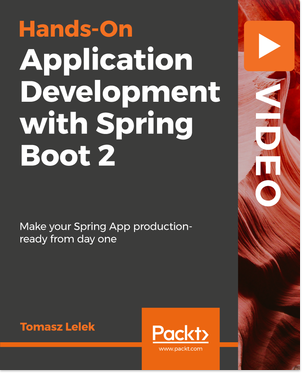
Hands-On Application Development with Spring Boot 2

0065ca7f.png


Hands-On Application Development with Spring Boot 2
MP4 | Video: AVC 1280x720 | Audio: AAC 44KHz 2ch | Duration: 2 Hours 47M | 854 MB
Genre: eLearning | Language: English

Spring Boot is the fastest way to get a Spring application up and running with the fewest lines of code and the least configuration. It aims to make development easy so you can create production-grade applications and services. The Spring framework provides a great toolkit for the development of complex applications. In this course, we'll fully leverage Spring Boot's capabilities to create a payment system application and secure it with Spring Security.

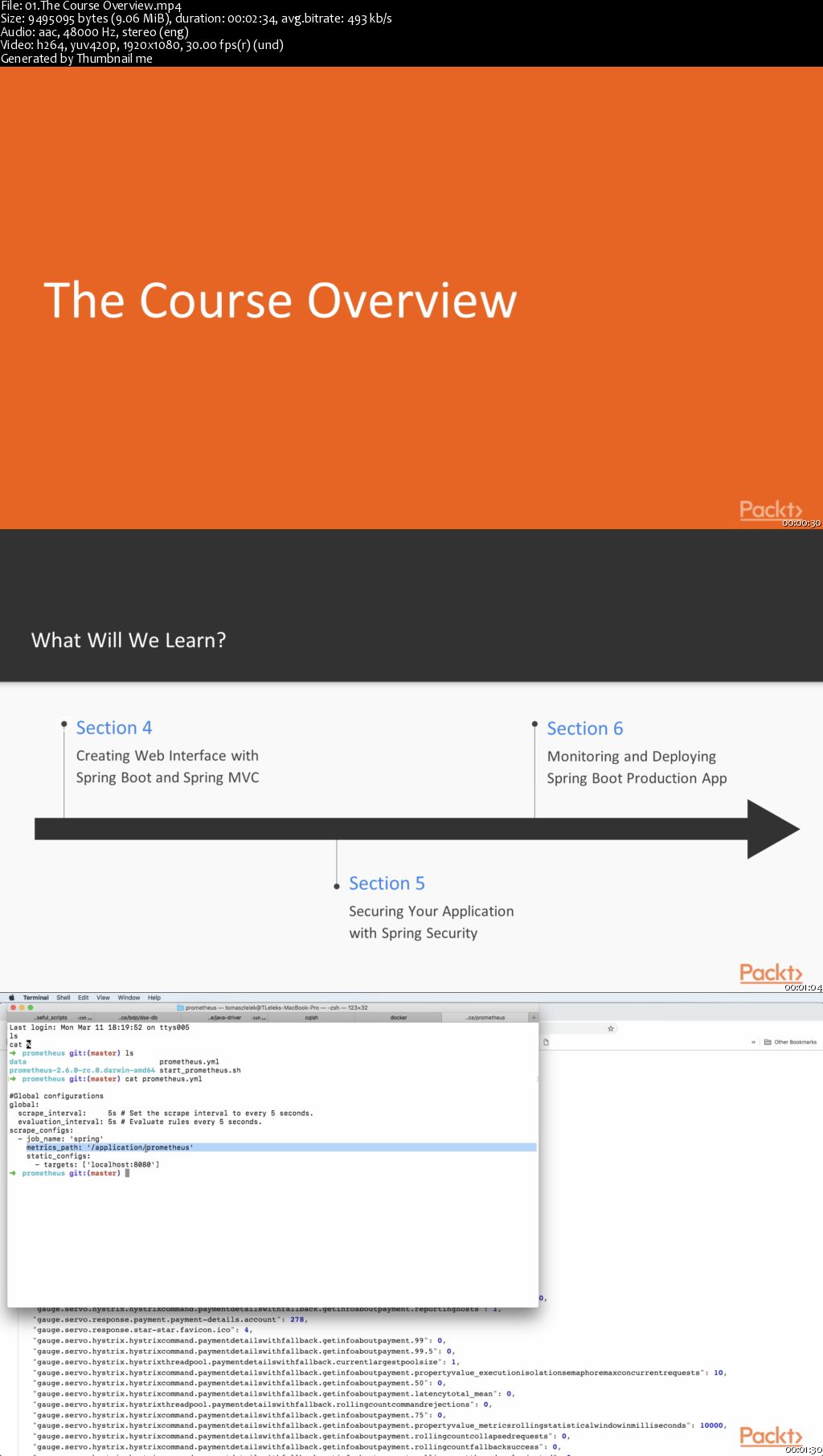
This course provides a hands-on approach to building a payment system application from scratch using Spring Boot 2.0. You'll begin by setting up Spring Boot together with Spring's most powerful feature: Dependency Injection. Then you'll build a data access layer with Spring data and rework it to be highly performant using Spring data reactive. Next, you'll learn about Spring rest and servlets and use it to expose resources via HTTP endpoints.

Later you'll use Spring MVC to build an interface for the payment system. Moving on, you'll expose critical business metrics using MicroMeter library and Spring actuator with Prometheus library. Finally, you'll package your application into a Docker container and deploy your application into the cloud.

0065ca87.jpg


...
 
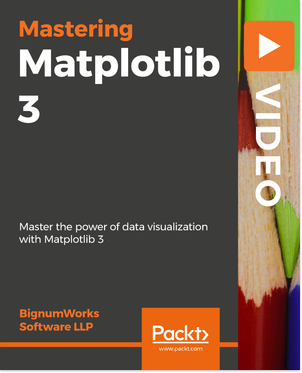
Mastering Matplotlib 3

0065cada.png


Mastering Matplotlib 3
MP4 | Video: AVC 1280x720 | Audio: AAC 44KHz 2ch | Duration: 2 Hours | 262 MB
Genre: eLearning | Language: English

You already know the basics of Data Visualization with Matplotlib but this is not enough. You want to be able to create advanced-level Data Visualizations that showcase insights from your datasets.

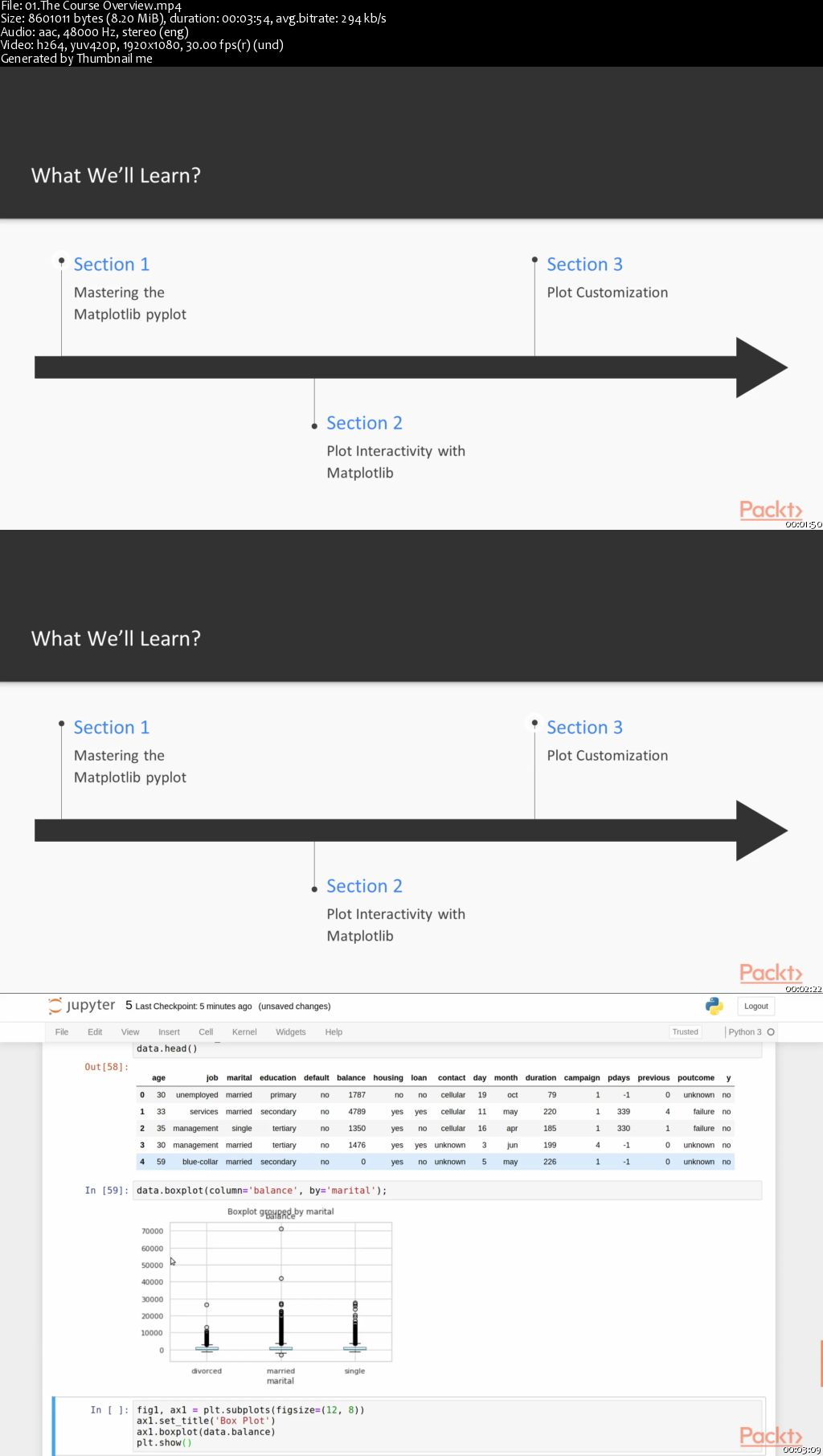
This course will help you delve into the latest version of Matplotlib, 3, in a step-by-step and engaging manner. Through this course, you will master advanced Matplotlib concepts and will be able to tackle any Data Visualization project with ease and with increasing complexity.

By the end of the course, you will have honed your expertise and mastered data visualization using the full potential of Matplotlib 3.

All the code and supporting files for this course are available at
0065cae0.jpg


...
 
Android Continuous Integration with Docker and Jenkins

0065cae2.png


Android Continuous Integration with Docker and Jenkins
MP4 | Video: AVC 1280x720 | Audio: AAC 44KHz 2ch | Duration: 3 Hours 20M | 438 MB
Genre: eLearning | Language: English

As an Android developer, you feel a strong need for a hassle-free CI environment; moreover, you need a cloneable environment, especially for your UI tests, which need to be run on an Android "device". This course will show you how to create a fully functional CI using container technology; it lists all the problems you'll encounter and provides you with the corresponding solutions and detailed explanations. Later it will tell you how to setup scalable Jenkins nodes which enables parallel building, leaving you with no rework and no headaches at all. What if you have different hardware-maybe Linux machines or Mac computers? It works everywhere. You want your CI fast, stable, and lightweight, and preferably a free solution? No problem, you'll be able to achieve your dream CI with Docker and scale it to all your systems by the end of this course.

All the code files are available on GitHub at this link:
0065cae9.jpg


...
 
The Complete Apache Groovy Developer Course

5-HE2rpgl9wbwmq9d7m2-JD0-K42-MMP4-U59.jpg


The Complete Apache Groovy Developer Course
BESTSELLER | Video: 1280x720 | Audio: AAC 48KHz 2ch | Duration: 13.5 hours | Lec: 128 | 2.32 GB | Language: English | Sub: English [Auto-generated]

Learn how to program using Apache Groovy.

What you'll learn
Create Groovy Applications from Scratch
Use the Groovy Console
Write Groovy Applications in IntelliJ
Understand the different features of the Groovy Language
Retain Information through quizzes and exercizes

Requirements
Some experience using any programming language

Description
Are you looking to learn a new language? Learning a new language helps expand your skill set as a developer and make you more marketable to employers. If you aren't learning a new language because it's not the one you use at work, I think you're missing out on the benefits. I often find that seeing how other languages solve problems makes me a better developer with the languages I use on a day to day basis. I am here to tell you all about an awesome dynamic language called Apache Groovy.

What is Apache Groovy?

Apache Groovy is a powerful, optionally typed and dynamic language, with static-typing and static compilation capabilities for the Java platform, aimed at improving developer productivity thanks to a concise, familiar and easy to learn syntax. It integrates smoothly with any Java program and immediately delivers to your application powerful features, including scripting capabilities, Domain-Specific Language authoring, runtime and compile-time meta-programming and functional programming.

Who Should Learn Apache Groovy?

I am going to teach you everything you need to know to start using the Groovy programming language. This course is really designed for 2 different types of people and I think you will both benefit from it. If you're a beginner programmer with a some experience in another language like Python or Ruby, this course is for you. Dynamic languages are generally thought of as easier for total beginners to learn because they're flexible and fun. If you're an existing Java Developer (Beginner or Experienced), this course is also for you. You will learn Groovy compliments the Java language and makes some of the complex tasks from Java concise and easy.

Who this course is for?
Developers of all levels who have some experience in another language
Java developers of all levels

Homepage

5-Groovy-Books-Additional-Resources-s.jpg


...
 
The Complete ETABS Professional- For Structural Engineers

z6ib-YZIqhs-Icz-M64-EOo-Rg5itj-M8n3vm-D.jpg


The Complete ETABS Professional- For Structural Engineers
BESTSELLER | Video: 1280x720 | Audio: AAC 48KHz 2ch | Duration: 20.5 hours | Lec: 165 | 12.3 GB | Language: English

Over 20 hours of Course Content with Practical Case studies of RCC and Steel Structures including Push over Analysis

What you'll learn
Linear Static Analysis of RCC Structures
Linear Dynamic Analysis of RCC Structures (Response Spectrum Analysis)
Non Linear Static Analysis of RCC Structures
Design of Industrial Heavy Structures
Design of Space Truss Structures
Design of 23 Storey RCC Building as per Indian Standards
Design of Raft Foundation in ETABS and SAFE
Export Reactions from ETABS to SAFE for Foundation Design
Design of Steel Structures as per AISC360 and IS800
Design of RCC Structures as per IS1893 , IS456 and IS13920
ETABS Editor File
Basics of Strucutral Dynamics and Tall Buildings Response
Modal Analysis of RCC and Steel Structures

Requirements
System with ETABS Installed
Basic Knowledge of Structural Engineering

Description
1. For Moderate/Expert Users

There are three types of Analysis covered in this Tutorial Series.

1. Linear Static Analysis.

2. Non-Linear Static Analysis (Pushover Analysis)

3. Linear Dynamic Analysis (Response Spectrum Analysis)

The design codes covered are American and Indian Standards with Introduction to European Standards.

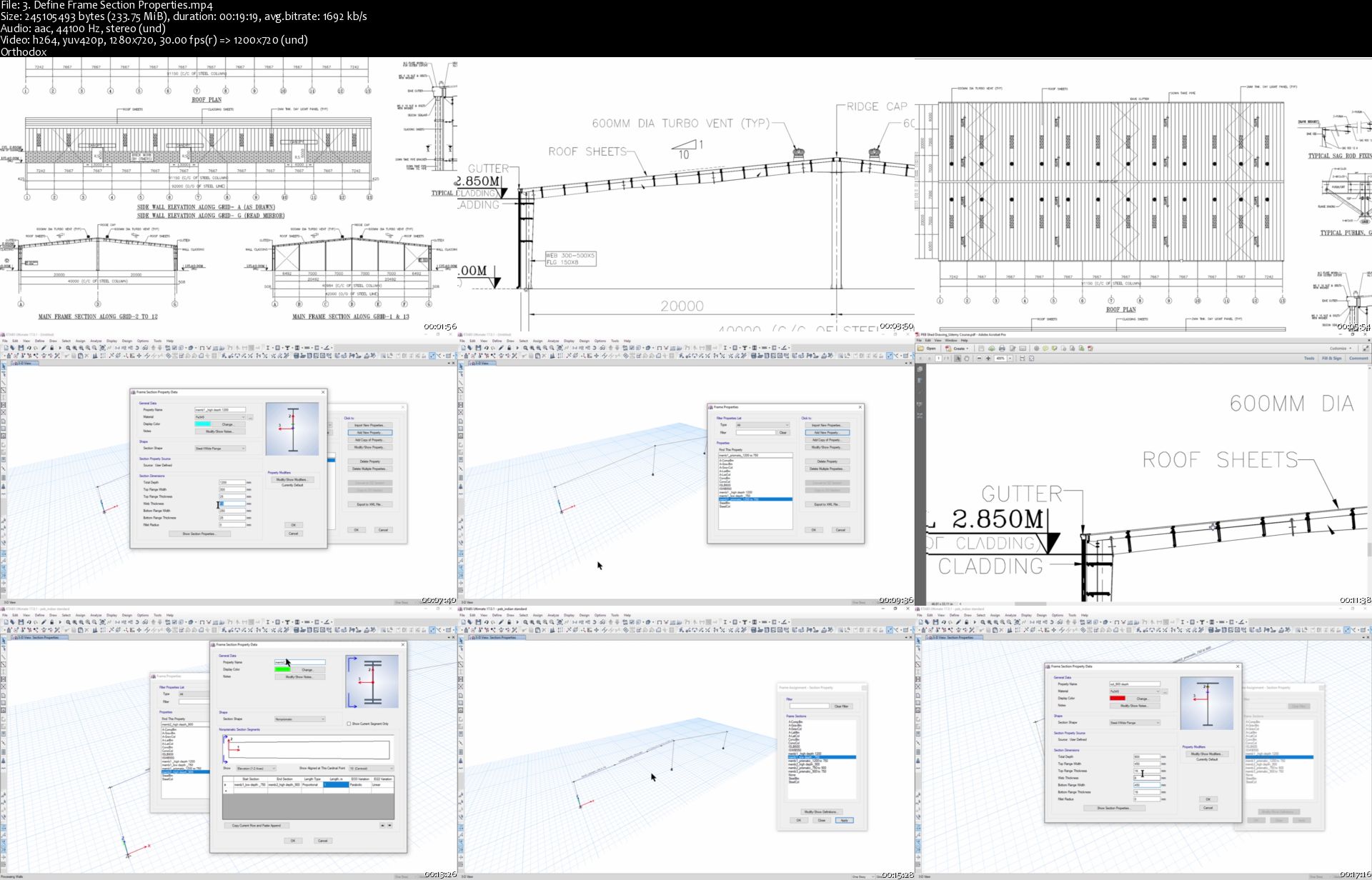
Case study 1 - Design of Pre-Engineered Building Steel Structure as per Indian Standards.

Steel Structures especially PEB are somewhat tricky to model, analyze and design. Majority of the people are comfortable in RCC Design, but very few are expert in Steel Design. After covering this section , you will be able to calculate wind and seismic loads as per the Indian Standards , Model the Steel Structures i.e. Portal , Plan Bracing and Elevation Bracing, Analyze , Review the Modal Shapes and Design the Structure. Instructor will also teach you how to do the value engineering and optimize the Steel Structures. At the end of this lecture series , you will be comfortable with Steel Structures.

Case study 2- Linear Dynamic Analysis and Design of Bill Board Steel Structure as per Indian Standards.

Bill Boards are supported on the very large Cantilever Steel Structures. You will learn how to plan the basic Structural System, which can resist the high wind and high seismic loads. You will learn how to do the dynamic analysis of the Steel Structure. Modal Analysis is a very important part. You will also learn how to improve the Mode Shapes , how to check the Fundamental Time Period. At the end , you will be able to understand how to design the Steel Structure. Value Engineering and Optimization is also taught in the end. Instability also become an integral part of ETABS modellers. You will learn how to remove the Instabilities.

Case study 3- Linear Dynamic Analysis and Design of Industrial Heavy Steel Structure as per American Standards

Industrial Heavy Structures looks very difficult and confusing in the beginning. They may be a nightmare in the beginning for Novice Engineers, but in this lecture series , you will learn how to do the basic Steel Structure Planning, How to Plan the Plan and Elevation Bracing. You will learn what are the basic Mode Shapes for Industrial Heavy Structures. You shall also learn how you can do the Dynamic Analysis of the Structures. In the end , you will learn how to design the Steel Structures as per AISC 360. A separate lecture is given at the end for Connection and Base Plate Design.

Case study 4- Linear Dynamic Analysis and Design of Steel Space Truss Structures for American Standards

Space Truss Structures are very unique in the way how force travel in them. A big space truss is first taught how to model , then analyze and in the end design as per the American Standards. You will learn more about the mode shapes of the huge structures. In the end , you will be comfortable with how the Steel Space Truss Structures can be Designed.

Case study 5- Non-Linear Static Analysis or Pushover Analysis of the Structures

In the last decade , much has been written on the push over analysis. How the push over analysis is superior to Static Push over Analysis , but very few people actually know how to do the push over analysis. Even experts in the Structural Engineering Field Shy away from this topic.

In this lecture series , you will learn how to make the push over curve and find the Performance Point. What it really means to push the Structure up to a certain displacement. How the Response Spectrum Curve needs to be aligned with the Pushover Curve to find the Performance Point. In the end , you will be able to access the Performance of the Structure. Axial , Shear and Moment Hinges are explained with the help of slides.

Case study 6- Linear Dynamic Analysis of 23 Story High Rise Structure as per Indian Standards

In this lecture series , you will learn how to read the Architecture Drawings , How to Do the basic planning of the Structural Elements.

The important widely asked questions that will get answered in this lecture series are

1. What is the difference between flexible and rigid diaphragms and how to assign the diaphragms to the RCC Slab ?

2. How to do P-Delta Analysis

3. How to do the Scaling of the Response Spectrum values to the Static Earthquake Analysis Values.

4. How to Read the ETABS Editor File ?

5. How to Design the Shear Wall ?

6. How to Export the reactions to SAFE and Design the Raft in SAFE ?

These six questions are very important to understand for any Structural Engineer for designing any Structure in ETABS.

2. For Intermediate/Novice Users, ETABS Basics Section is provided

This Section is the very basic steps in Learning of ETABS software. Moderate or Expert users may skip this part or may refer to this part as a refresher Introduction. You may also refer to this part , in case , if you face any problem while completing Case Studies.

You will start with the

Absolute Basics Section- Instructor proceeds step by step through the process of drawing grids, defining stories, defining materials, defining section properties, drawing objects in the structural engineering models, defining loads, selecting load combinations with theoretical explanations and examples.

You will learn the basics of Soil Structure Interaction and designing basic Raft Foundation. Completing this Part will make you clear about the difference between Thin shell, Thick shell and Membrane.

You will also learn the Basics of Structural Dynamics. You will be familiar with the Mode Shapes, Mass Participation, Earthquake analysis, Time periods etc. You may understand that this is a section to refer in case , you are stuck with any case study.

You need to understand that this is not an easy to do course. You may need to repeat the course content of over 20 Hours over and over again to understand the course content. This course is only intended for Serious Students. Much efforts has been done to provide the practical understanding of the Software , which is not available anywhere on the internet , hence costlier than other courses on this platform.

Healthy Discussions and Queries are always Welcome inside.

Who this course is for?
Civil/Structural Engineers and Students
Upgradation from STAAD to ETABS

Homepage

3-Define-Frame-Section-Properties-s.jpg


...
 
SketchUp for Architecture: LayOut

0065cbf2.jpg


SketchUp for Architecture: LayOut
MP4 | Video: AVC 1280x720 | Audio: AAC 44KHz 2ch | Duration: 3 Hours 11M | 2.22 GB
Genre: eLearning | Language: English

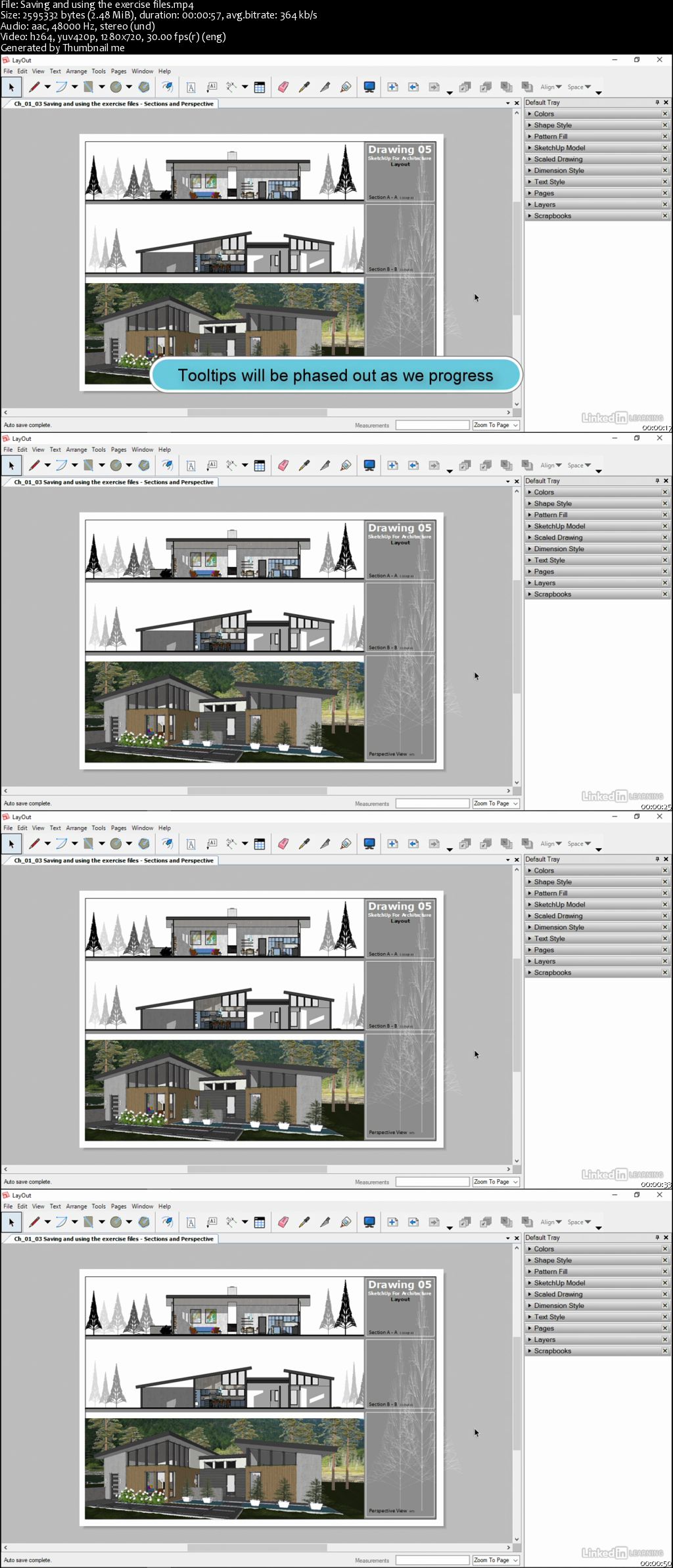
In this installment of the SketchUp for Architecture series, Paul J. Smith demonstrates how to link SketchUp with LayOut to transform your 3D model and generate high-quality plans, sections, and elevations for use with planning and construction. This course, which focuses on linking the scenes created in the first series with this SketchUp Pro companion software, starts with a demonstration of how to navigate the LayOut interface and set up a document. Then, learn how to work with the drawing tools in LayOut, create and save templates, and create and edit scrapbook content. Plus, see how to link your SketchUp scenes and create cover pages, vector drawings, and raster drawings. After wrapping up this course, you'll be equipped with the steps required to leverage accurately scaled 2D from the 3D.

0065cbf3.jpg


...
 
UXPin: Developer Workflow

0065cbf0.jpg


UXPin: Developer Workflow
MP4 | Video: AVC 1280x720 | Audio: AAC 44KHz 2ch | Duration: 1 Hour | 179 MB
Genre: eLearning | Language: English

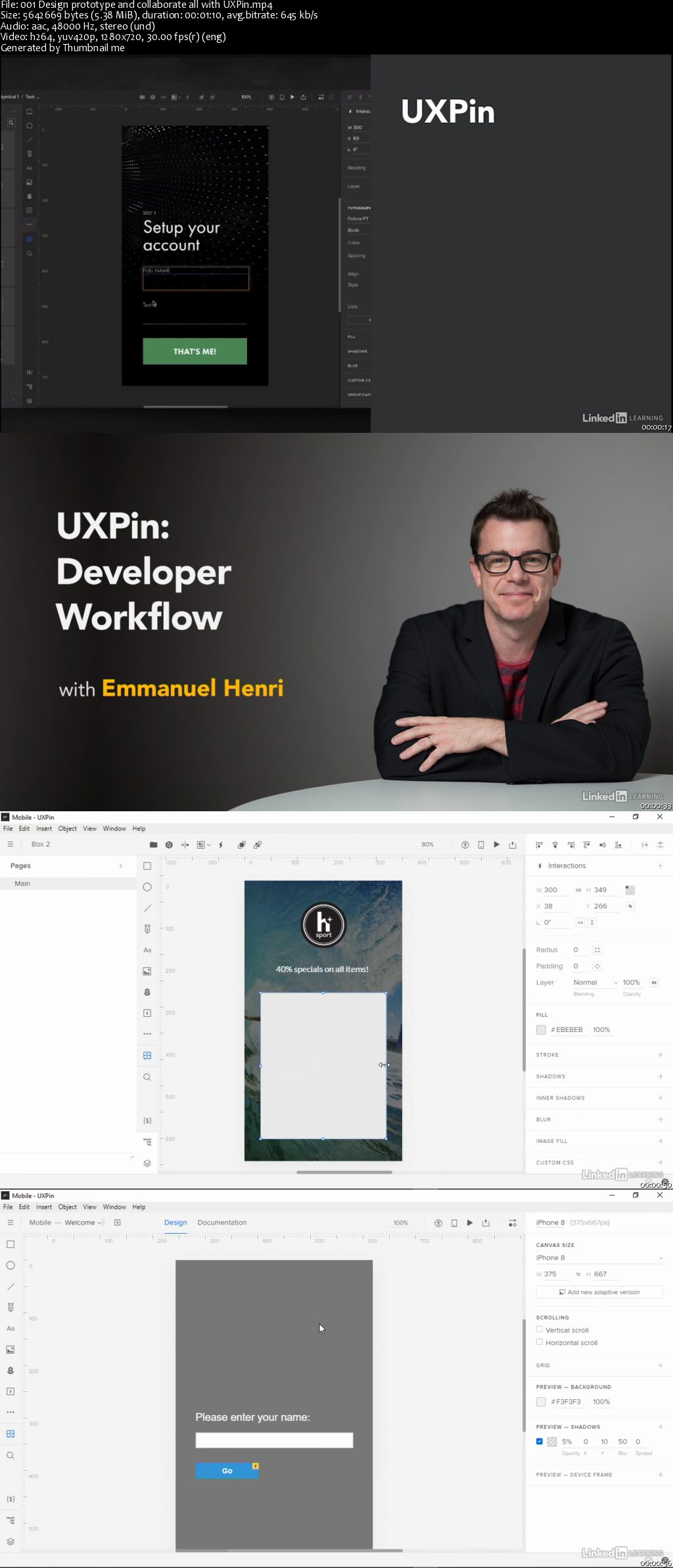
Discover how to use UXPin for a developer workflow. Learn how to design and iterate through ideas for apps and interactions. In this course, Emmanuel Henri introduces the UXPin tools specifically for developers and shows how to leverage them in a day-to-day workflow. You can learn how to import assets from other design tools; build and finalize screens; create design systems that other designers and developers can leverage; and create documentation and design specs for implementation. Plus, learn how to create iterations that incorporate changes from the review process.

0065cbef.jpg


...
 
Adobe Photoshop CC The Basics

image.png


Adobe Photoshop CC The Basics
Video: .MP4, 1280x720 | Audio: AAC, 44kHz, 2ch | Duration: 1h 44m
Genre: eLearning | Language: English | Size: 1,92 GB

Thank you for following this basic Adobe Photoshop CC class. If you have any other tutorial requests, please ask.

In this class I will teach you how to work with Photoshop and how to understand Photoshop. These tutorials are for complete beginners. All you need is a fresh mind and Photoshop itself.

Any version is possible, they are mostly the same. In the beginner tutorials the version doens't really matter.

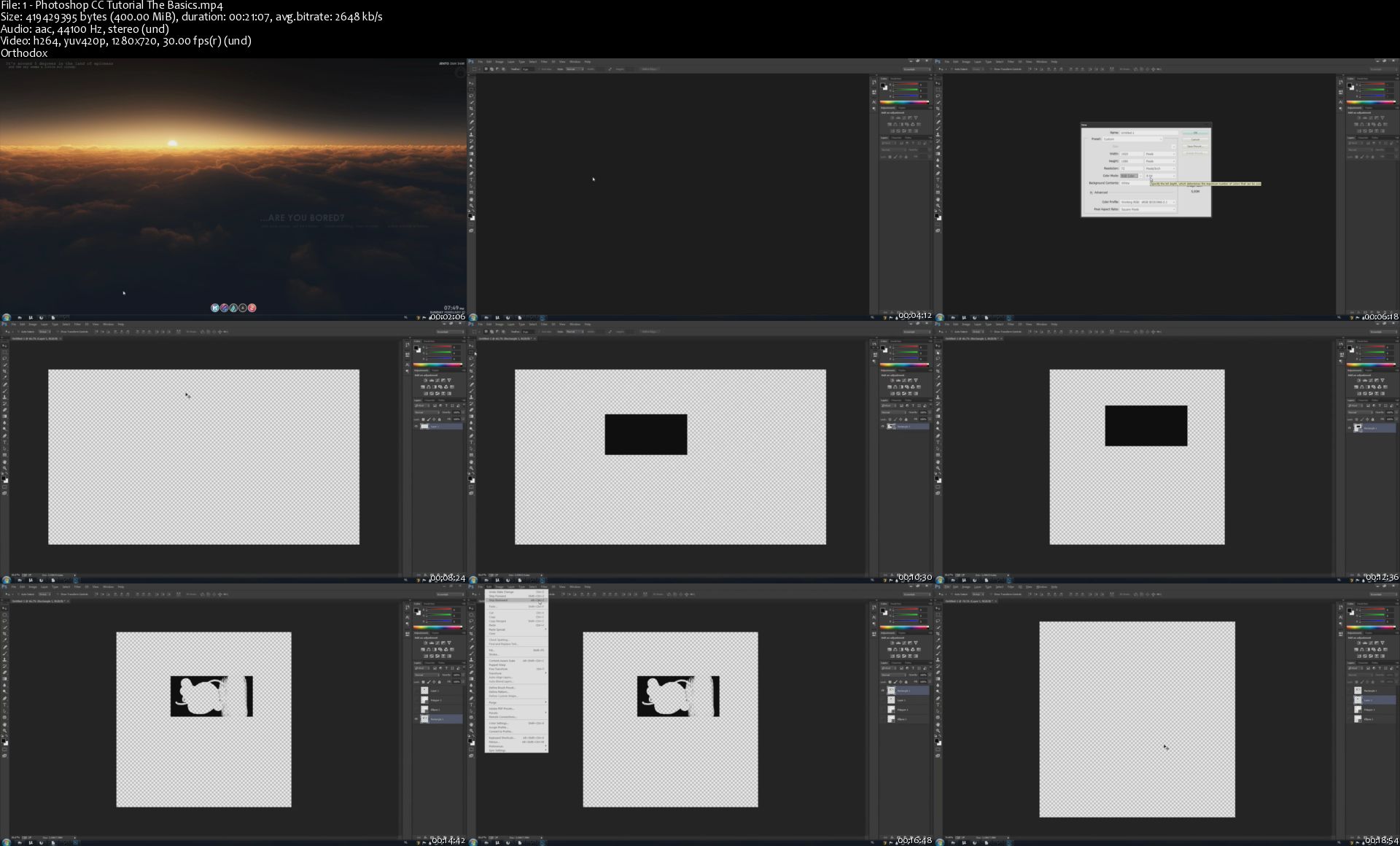
I will cover the most important things in Photoshop. So this includes: Getting to know the layout, texts, layers, tools, shortkeys, color correction, solids, advanced tools and some tips.

1-Photoshop-CC-Tutorial-The-Basics-s.jpg


...
 
Autocad 2015 Essential Training

13-Nq-Vo-CN1-Byk-Qc-SWq9-K3o-Jtw-N1r-Lim-Gj.jpg


Autocad 2015 Essential Training
Video: .MP4, 1280x720 | Audio: AAC, 44kHz, 2ch | Duration: 4h 47m
Genre: eLearning | Language: English | Size: 802 MB

Changing workspaces
Converting drawings to new units
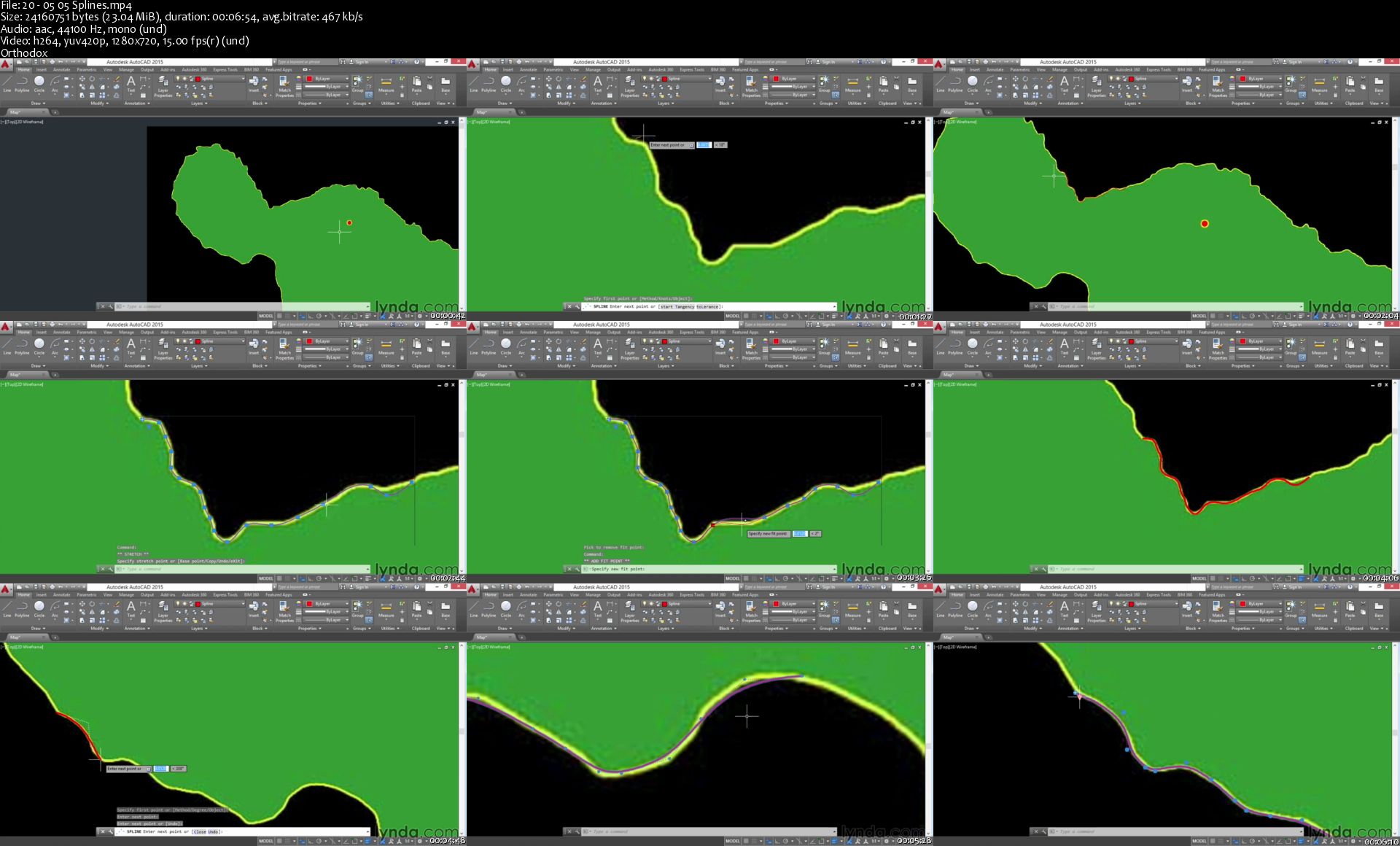
Drawing lines, circles, splines, polygons, and more
Moving, copying, rotating, and scaling objects
Mirroring, lengthening, trimming, and joining objects
Drawing accurately with coordinates and snapping
Creating gradients
Making dimension objects
Managing object and layer properties
Reusing content
Making external references
Adding annotations
Packaging and publishing CAD data

20-05-05-Splines-s.jpg


...
 
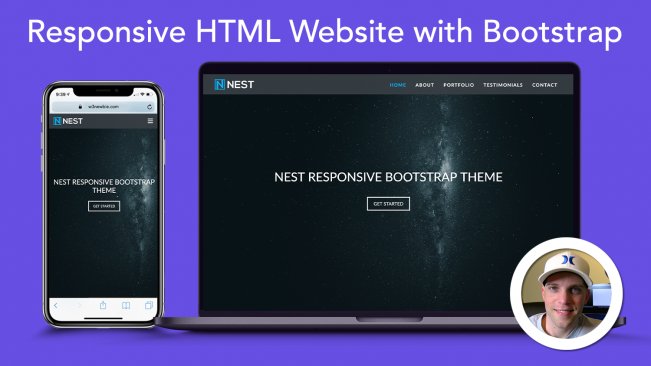
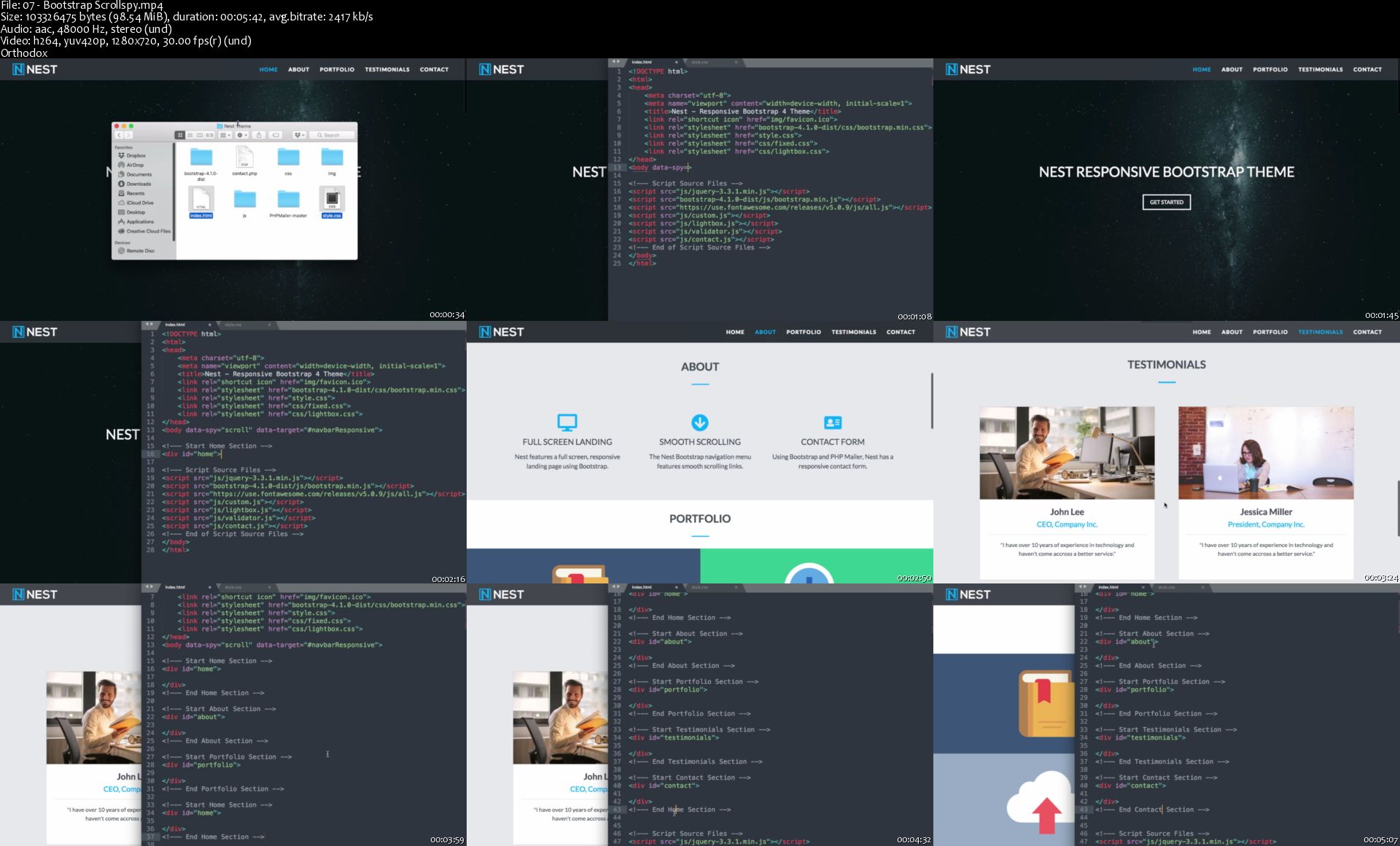
Build A Complete Responsive Website From Scratch In 3 Hours with HTML, CSS & Bootstrap 4

image.jpg


Build A Complete Responsive Website From Scratch In 3 Hours with HTML, CSS & Bootstrap 4
Video: .MP4, 1280x720 | Audio: AAC, 48kHz, 2ch | Duration: 3h 12m
Genre: eLearning | Language: English | Size: 2,53 GB

Learn Bootstrap by building a complete responsive Bootstrap 4 Template from start to finish, with no steps skipped!

Create your own Responsive Bootstrap 4 Websites from Scratch!

This course will show you how to make a complete Bootstrap 4 website from scratch starting with a blank index.html and style.css file! We'll be moving rapidly to give you the quickest, yet most thorough Bootstrap website building experience possible. Once you've completed the course you'll be able to design and develop you're own Bootstrap 4 websites and themes. The source code for the completed theme is included along with the following:

The completed theme download with the original pictures.
The completed theme with placeholder images including their size (making it very easy to customize the Bootstrap theme).
Bootstrap Setup/Starter Files we'll cover in detail that you can use as a framework to build your own themes.
Progress source code downloads for each section of the theme while building your website.
My resources for unlimited free professional stock images, the best free text editor, unlimited website fonts, & more.
Learn why Bootstrap is the BEST responsive framework, and learn how to make your own AWESOME website themes!!!

07-Bootstrap-Scrollspy-s.jpg


...
 
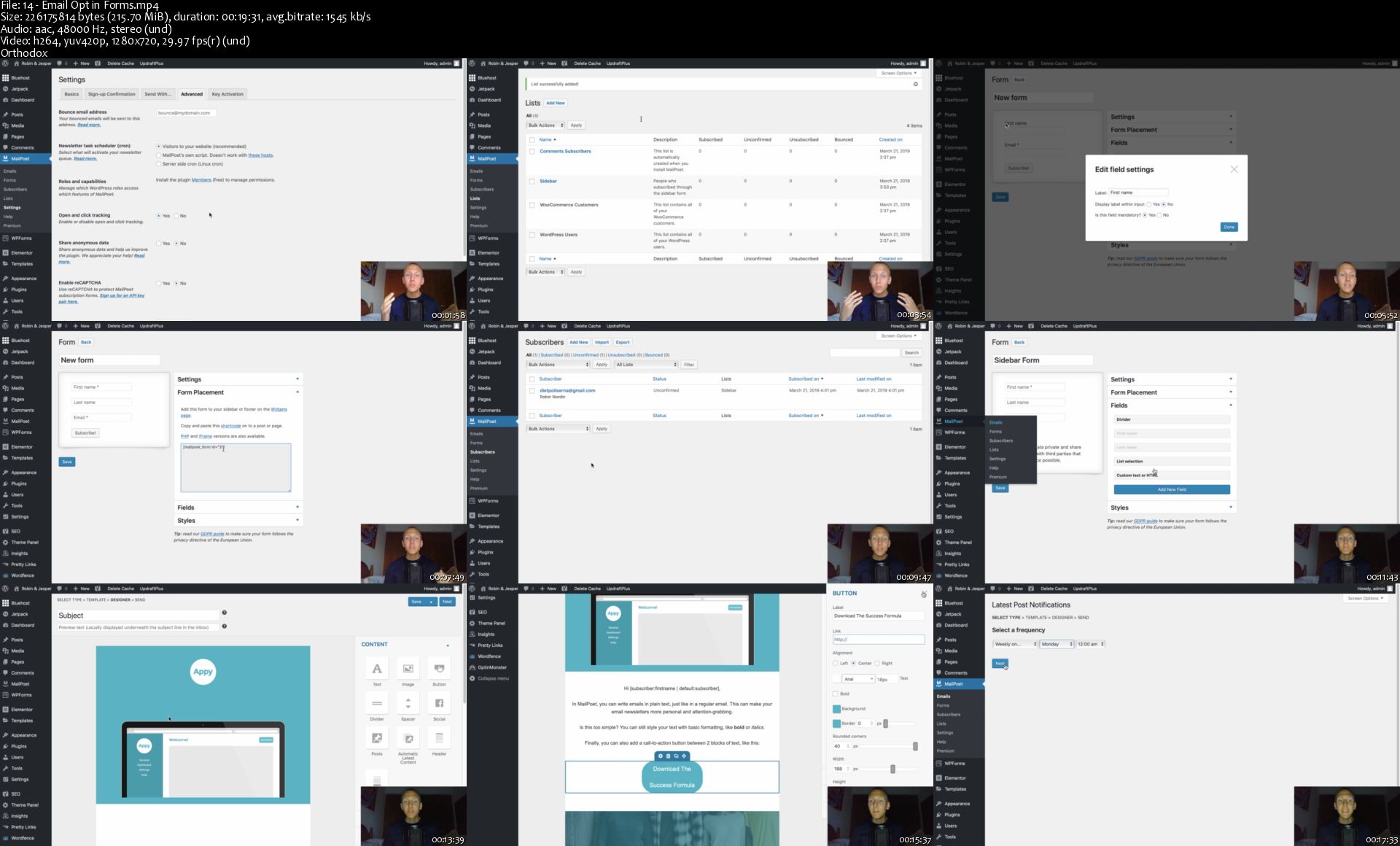
Building Your First WordPress Website | Part 2

image.jpg


Building Your First WordPress Website | Part 2
Video: .MP4, 1280x720 | Audio: AAC, 48kHz, 2ch | Duration: 2h 31m
Genre: eLearning | Language: English | Size: 2,46 GB

Welcome to the second part of "Building Your First WordPress Website".

In this Part of the course we're going to continue setting up your Website from scratch using WordPress the NEW Gutenberg Editor.

We're going to go step by step and learn....

Plugins Introduction

How to Use Plugins

Backup Your Website

Secure Your Website

Website Analytics

Speed Up Your Website

Improve Search Rankings Setup

Google Search Console Setup

Improve Search Rankings Posts

Block Spam

Contact Forms

Track & Shorten Links

Email Opt-In: Business Email

Email Opt-In: Setup

Email Opt-In: Forms & Emails

Image Optimization & Compression

14-Email-Opt-in-Forms-s.jpg


...
 
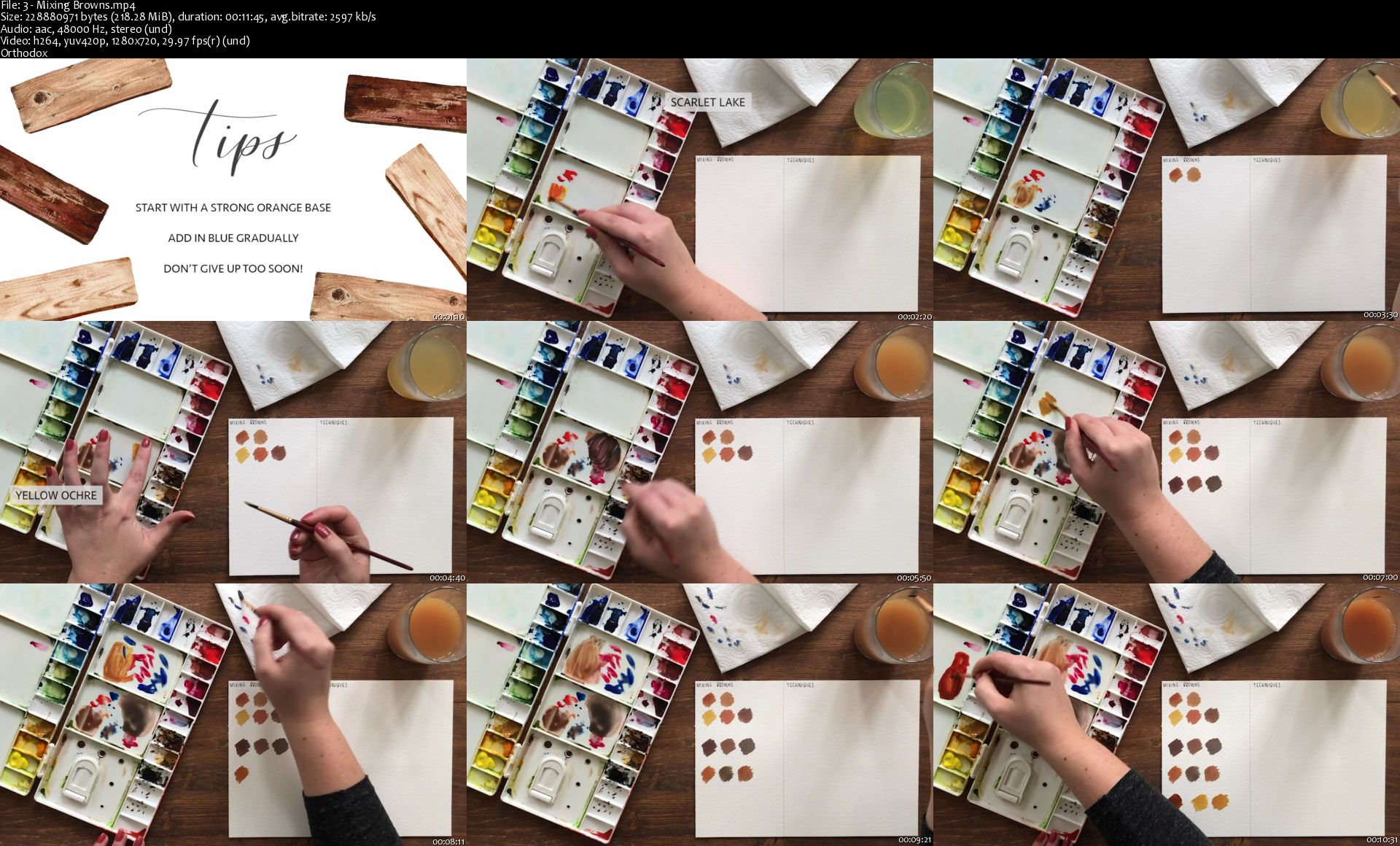
Creating Texture in Watercolour: How to Paint Wood

image.jpg


Creating Texture in Watercolour: How to Paint Wood
Video: .MP4, 1280x720 | Audio: AAC, 48kHz, 2ch | Duration: 1h 9m
Genre: eLearning | Language: English | Size: 1,23 GB

In this class, I will guide you through my process for painting realistic wood in watercolour.

We will start by covering how to mix browns and then move on to a number of techniques and styles that we can use to create the texture in the wood. We will then paint three different planks of wood: oak, pine and a darker weathered walnut piece.

This class is the second in my series of how to create texture in watercolour and I hope you will enjoy painting these beautiful pieces of wood with me! Not only are they relaxing and fun, they will allow you to practice a variety of techniques and they form the basis of painting a variety of interesting subjects like doors, birdhouses and more!

3-Mixing-Browns-s.jpg


...
 
Zurück
Oben Unten