• Regeln für den Video-Bereich:

    In den Börsenbereich gehören nur Angebote die bereits den Allgemeinen Regeln entsprechen.

    Einteilung

    - Folgende Formate gehören in die angegeben Bereiche:
    - Filme: Encodierte Filme von BluRay, DVD, R5, TV, Screener sowie Telesyncs im Format DivX, XviD und x264.
    - DVD: Filme im Format DVD5, DVD9 und HD2DVD.
    - HD: Encodierte Filme mit der Auflösung 720p oder darüber von BluRay, DVD, R5, TV, Screener sowie Telesyncs im Format x264.
    - 3D: Encodierte Filme von BluRay, die in einem 3D Format vorliegen. Dies gilt auch für Dokus, Animation usw.
    - Serien: Cartoon/Zeichentrick, Anime, Tutorials, Dokumentationen, Konzerte/Musik, Sonstiges sind demnach in die entsprechenden Bereiche einzuordnen, auch wenn sie beispielsweise im High Definition-Format oder als DVD5/DVD9/HD2DVD vorliegen. Ausnahme 3D.
    - Bereich Englisch: Englische Releases gehören immer in diesen Bereich.
    - Bereich Talk: Der Bereich, in dem über die Releases diskutiert werden kann, darf, soll und erwünscht ist.


    Angebot/Beitrag erstellen

    - Ein Beitrag darf erst dann erstellt werden, wenn der Upload bei mindestens einem OCH komplett ist. Platzhalter sind untersagt.
    - Bei einem Scenerelease hat der Threadtitel ausschließlich aus dem originalen, unveränderten Releasenamen zu bestehen. Es dürfen keine Veränderungen wie z.B. Sterne, kleine Buchstaben o.ä. vorgenommen werden. Ausnahme Serienbörse:
    - Bei einem Sammelthread für eine Staffel entfällt aus dem Releasename natürlich der Name der Folge. Beispiel: Die Simpsons S21 German DVDRip XviD - ITG
    - Dementsprechend sind also u.a. verboten: Erweiterungen wie "Tipp", "empfehlenswert", "only", "reup", usw. / jegliche andere Zusatzinformation oder Ergänzung, welche nicht in obiger Beschreibung zu finden ist.

    Aufbau des Angebots und Threadtitel

    Der Titel nach folgendem Muster erstellt zu werden. <Name> [3D] [Staffel] [German] <Jahr> <Tonspur> [DL] [Auflösung] <Quelle> <Codec> - <Group>
    Beispiel: The Dark Knight German 2008 AC3 DVDRip XviD - iND
    Beispiel: The Dark Knight 2008 DTS DL BDRip x264 - iND
    Beispiel: The Dark Knight 2008 AC3 DL BDRip XviD - iND
    Beispiel: The Dark Knight German 2008 AC3 720p BluRay x264 iND
    Beispiel: The Dark Knight 2008 DTS DL 1080p BluRay x264 iND
    Beispiel: Die Simpsons S01 German AC3 DVDRip XviD iND
    Beispiel: Die Simpsons S20 German AC3 720p BluRay x264 iND
    Beispiel: Sword Art Online II Ger Sub 2014 AAC 1080p WEBRip x264 - peppermint
    Entsprechend sind also u.a. verboten: Sonderzeichen wie Klammern, Sterne, Ausrufezeichen, Unterstriche, Anführungszeichen / Erweiterungen wie "Tipp", "empfehlenswert", "only", "reup", usw. / jegliche andere Zusatzinformation oder Ergänzung, welche nicht in obiger Beschreibung zu finden ist
    Ausnahmen hiervon können in den Bereichen geregelt sein.

    Die Beiträge sollen wie folgt aufgebaut werden:
    Überschrift entspricht dem Threadtitel
    Cover
    kurze Inhaltsbeschreibung
    Format, Größe, Dauer sind gut lesbar für Downloader außerhalb des Spoilers zu vermerken
    Nfo sind immer Anzugeben und selbige immer im Spoiler in Textform.
    Sind keine Nfo vorhanden z.B. Eigenpublikationen, sind im Spoiler folgende Dateiinformationen zusätzlich anzugeben :
    Quelle
    Video (Auflösung und Bitrate)
    Ton (Sprache, Format und Bitrate der einzelnen Spuren)
    Untertitel (sofern vorhanden)
    Hosterangabe in Textform außerhalb eines Spoiler mit allen enthaltenen Hostern.
    Bei SD kann auf diese zusätzlichen Dateiinformationen verzichtet werden.

    Alle benötigten Passwörter sind, sofern vorhanden, in Textform im Angebot anzugeben.
    Spoiler im Spoiler mit Kommentaren :"Schon Bedankt?" sind unerwünscht.


    Releases

    - Sind Retail-Release verfügbar, sind alle anderen Variationen untersagt. Ausnahmen: Alle deutschen Retail-Release sind CUT, in diesem Fall sind dubbed UNCUT-Release zulässig.
    - Im Serien-Bereich gilt speziell: Wenn ein Retail vor Abschluss einer laufenden Staffel erscheint, darf diese Staffel noch zu Ende gebracht werden.62
    - Gleiche Releases sind unbedingt zusammenzufassen. Das bedeutet, es ist zwingend erforderlich, vor dem Erstellen eines Themas per Suchfunktion zu überprüfen, ob bereits ein Beitrag mit demselben Release besteht. Ist dies der Fall, ist der bereits vorhandene Beitrag zu verwenden.
    - P2P und Scene Releases dürfen nicht verändert oder gar unter einem iND Tag eingestellt werden.


    Support, Diskussionen und Suche

    - Supportanfragen sind entweder per PN oder im Bereich Talk zu stellen.
    - Diskussionen und Bewertungen sind im Talk Bereich zu führen. Fragen an die Uploader haben ausschließlich via PN zu erfolgen, und sind in den Angeboten untersagt.
    - Anfragen zu Upload-Wünschen sind nur im Bereich Suche Video erlaubt. Antworten dürfen nur auf Angebote von MyBoerse.bz verlinkt werden.


    Verbote

    - Untersagt sind mehrere Formate in einem einzigen Angebotsthread, wie beispielsweise das gleichzeitige Anbieten von DivX/XviD, 720p und 1080p in einem Thread. Pro Format, Release und Auflösung ist ein eigener Thread zu eröffnen.
    - Grundsätzlich ebenso verboten sind Dupes. Uploader haben sich an geeigneter Stelle darüber zu informieren, ob es sich bei einem Release um ein Dupe handelt.
    - Gefakte, nur teilweise lauffähige oder unvollständige Angebote sind untersagt. Dies gilt auch für eigene Publikationen, die augenscheinlich nicht selbst von z.B. einer DVD gerippt wurden. Laufende Serien, bei denen noch nicht alle Folgen verfügbar sind, dürfen erstellt und regelmäßig geupdatet werden.
    - Untersagt sind Angebote, welche nur und ausschließlich in einer anderen Sprache als deutsch oder englisch vorliegen. Ausnahmen sind VORHER mit den Moderatoren zu klären.


    Verstoß gegen die Regeln

    - Angebote oder Beiträge, die gegen die Forenregeln verstoßen, sind über den "Melden"-Button im Beitrag zu melden.
  • Bitte registriere dich zunächst um Beiträge zu verfassen und externe Links aufzurufen.


Englische Tutorials

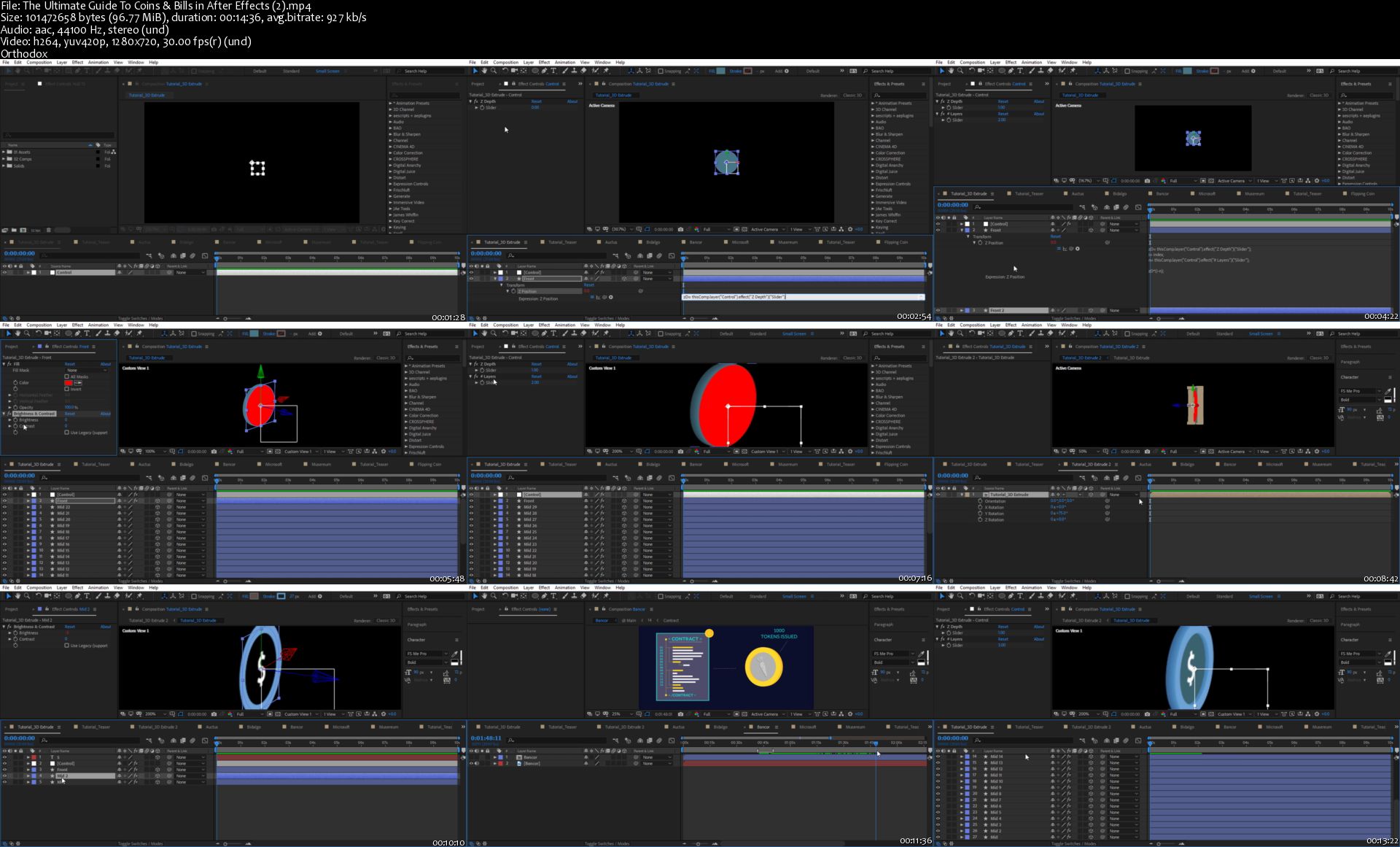
The Ultimate Guide To Coins & Bills in After Effects

image.jpg


The Ultimate Guide To Coins & Bills in After Effects
Video: .MP4, 1280x720 | Audio: AAC, 48kHz, 2ch | Duration: 1h 50m
Genre: eLearning | Language: English | Size: 399 MB

As motion designers, we often have to animate coins and bills in our projects.
Achieving the right look while maintaining the needed amount of control can be quite challenging...

Welcome to The Ultimate Guide To Handling Money in After Effects!

In this class, you will learn how to prepare different kinds of coins and bills which you can save for later use. We are going to use expressions, effects, and wizardry to achieve a variety of styles!

In each video lesson, we will cover a different technique for creating and rigging a coin or a bill, discuss the best use cases as well as the limitation of each technique.

By the end of this class, you will have a full tool kit for handling coins and bills in your next project. You will be able to use them for a verity of motion graphics uses such as transitions, background elements and more. Along the way, you will learn different expressions and how to use them to simplify your workflow in After Effects.
The-Ultimate-Guide-To-Coins-Bills-in-After-Effects-2-s.jpg


...
 
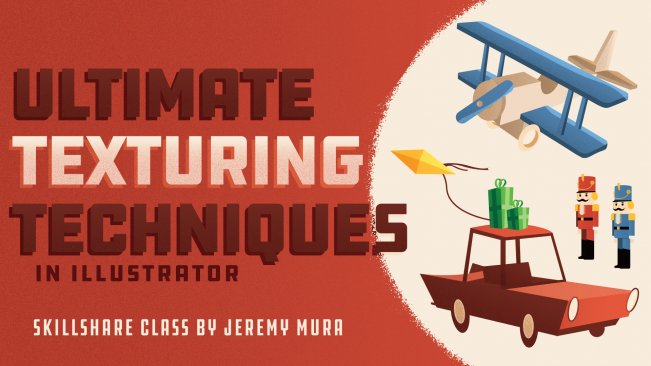
Ultimate Texturing Techniques for Illustrator

image.jpg


Ultimate Texturing Techniques for Illustrator
Video: .MP4, 1280x720 | Audio: AAC, 48kHz, 2ch | Duration: 45m
Genre: eLearning | Language: English | Size: 643 MB

Making your designs look organic can be a pain in illustrator especially when you don't want to go into Photoshop as well. There is a better way to texture within illustrator without having your computer crash and having to go into other Photoshop!

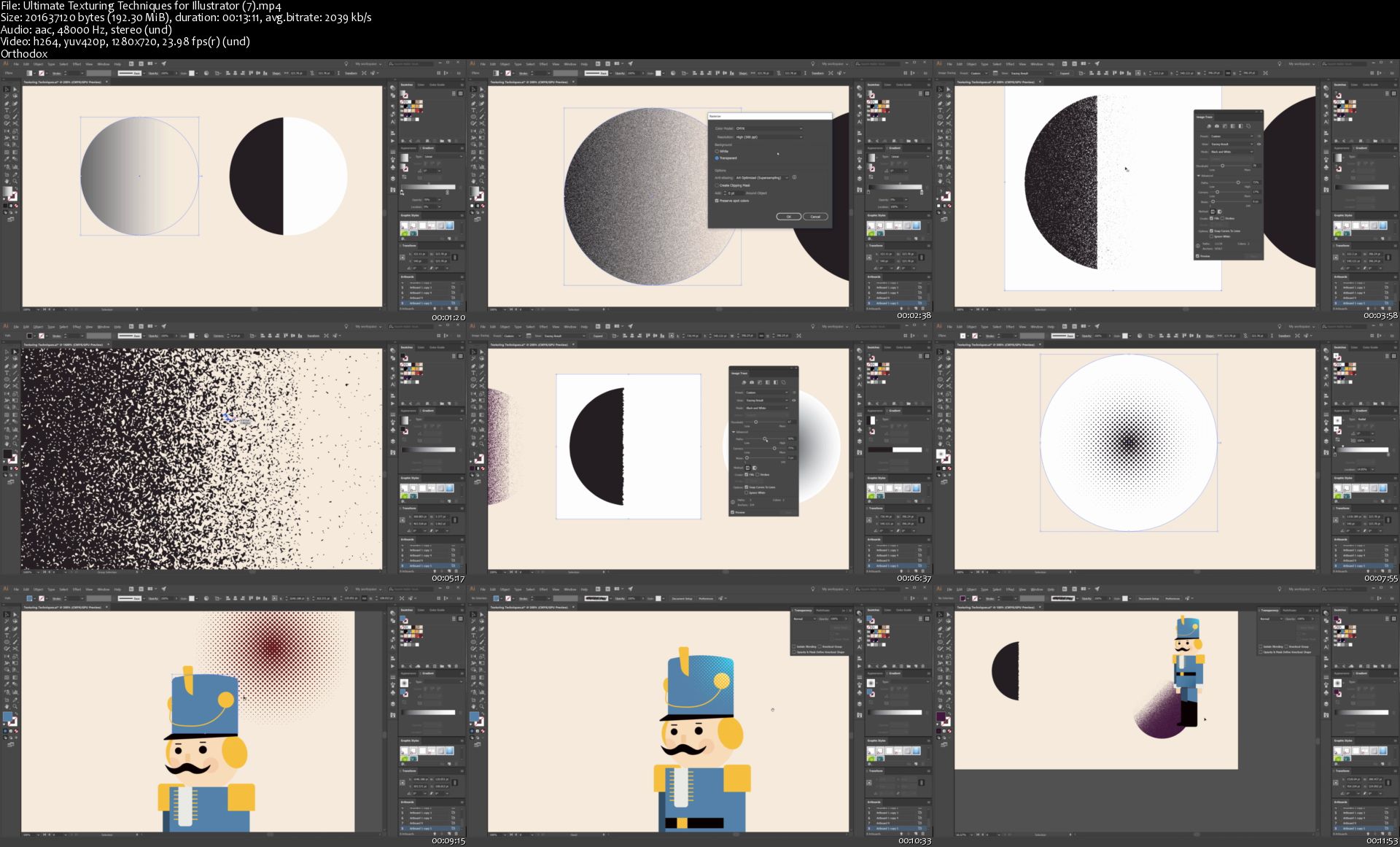
I'll show you efficient and simple techniques on how to texture your work all within illustrator. Using the right tools you will make your designs look realistic, grungy and stand out from the crowd of portfolios out there. In this 40 minute class, I'll explain principles, tips, and processes that you can use to upgrade your texturing game!

The lessons cover:

Adobe Illustrator Tools
3 Effective Ways to Texture
How to create Grains, Halftones, Grunge
Applying it to Vector Illustrations
Efficient Texturing Workflows
BONUS Tips & Tricks

Ultimate-Texturing-Techniques-for-Illustrator-7-s.jpg


...
 
Wireshark: Packet Loss and Recovery

0065ab4a.jpg


Wireshark: Packet Loss and Recovery
MP4 | Video: AVC 1280x720 | Audio: AAC 44KHz 2ch | Duration: 1.5 Hours | 252 MB
Genre: eLearning | Language: English

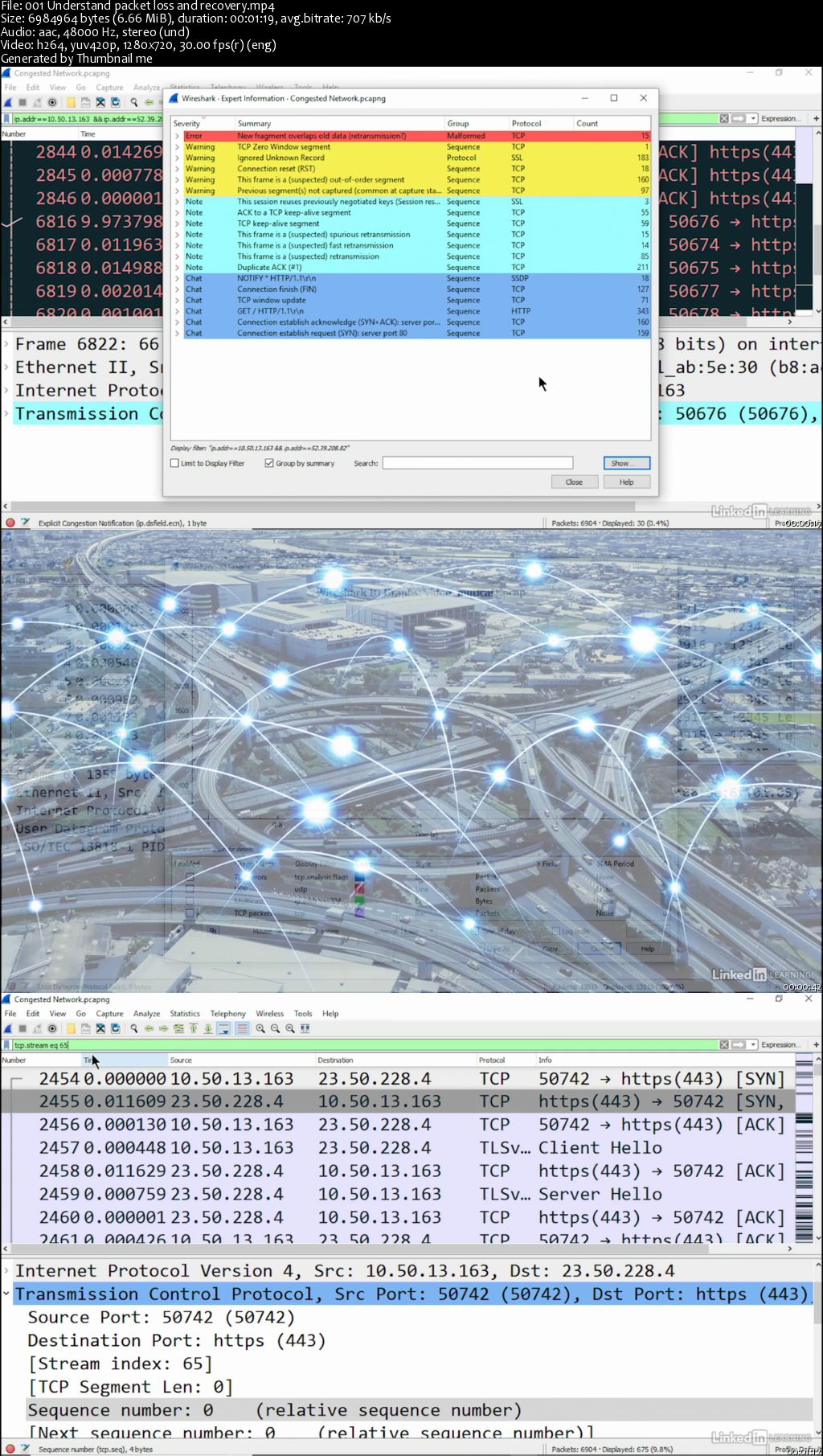
Learn how to use Wireshark, the powerful protocol analysis tool, to deal with packet loss and recovery, so you can keep traffic moving. Instructor Lisa Bock begins by reviewing normal traffic, comparing TCP, a connection-oriented protocol, with UDP, a lightweight connectionless protocol. She then moves into discussing network latency, packet loss, and throughput; TCP and UDP packet loss recovery; misconfiguration issues that can cause an interruption of end user experience, along with malware; and more.

0065ab4b.jpg


...
 
Building Recommender Systems with Machine Learning and AI

0065ab51.jpg


Building Recommender Systems with Machine Learning and AI
MP4 | Video: AVC 1280x720 | Audio: AAC 44KHz 2ch | Duration: 9 Hours | 1.60 GB
Genre: eLearning | Language: English

Automated recommendations are everywhere: Netflix, Amazon, YouTube, and more. Recommender systems learn about your unique interests and show the products or content they think you'll like best. Discover how to build your own recommender systems from one of the pioneers in the field. Frank Kane spent over nine years at Amazon, where he led the development of many of the company's personalized product recommendation technologies. In this course, he covers recommendation algorithms based on neighborhood-based collaborative filtering and more modern techniques, including matrix factorization and even deep learning with artificial neural networks. Along the way, you can learn from Frank's extensive industry experience and understand the real-world challenges of applying these algorithms at a large scale with real-world data. You can also go hands-on, developing your own framework to test algorithms and building your own neural networks using technologies like Amazon DSSTNE, AWS SageMaker, and TensorFlow.

0065ab5a.jpg


...
 
Touch Typing Correctly - Key Rollovers 120WPM

0065b212.jpg


Touch Typing Correctly - Key Rollovers 120WPM
.MP4 | Video: 1280x720, 30 fps(r) | Audio: AAC, 44100 Hz, 2ch | 0.98 GB
Duration: 1 hours | Genre: eLearning Video | Language: English

Type 120 WPM Write it, Cut it, Paste it, Save it, Load it, Quick Re-write it. Hahaha see what I did there? Join the Fun!

What you'll learn

Touch Typing with the Key Rollovers Technique.

Requirements

This course provides helpful lessons for beginners and for those who are able to type as fast as 100WPM

Description

I believe that everyone has the ability to type 90+ WPM, if they are trained in the correct method of Typing. Most Typing Instructors Neglect "Key Rollovers" and don't even mention them to their students. You are probably thinking at this point, Am I qualified to teach you? I have first learned the Standard method of Touch Typing from Lessons that I purchased for $30, then I transformed my Standard Touch Typing Skills with my onscreen keyboard that I developed using, the "Key Rollover" Method to help me soar above the 60 W.P.M. (Words per Minute) expectations that I was originally told was for successful Typing Students.

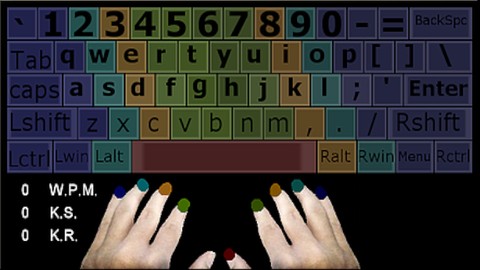
My Onscreen Keyboard comes with a wordlist broken down in motions, which encourages Key Rollover Training for around 1,000 Common English Words, 0/9 Numerical Keys, and Syllable Training, which contain Common Syllables that are found in over 5,000 common English words. Why do we need to know Syllables in Typing? If you are familiar with the Syllable inside of a Word that is not in your Vocabulary then you can type the Syllables that make up the word instead, this will speed up your typing speed dramatically vs. writing each individual Keystroke as you see them, because it increases the speed at which you can process the word. The Real Question that you're wondering is, How Fast am I in comparison to your current WPM Speed? There's one way to find out.

Go test yourself at 10fastfingers, take a Typing test, can you defeat my score of 118/123 W.P.M.? Only 1 out of every 100+ Typists will be able to surpass my speed.

Do you want to be within the top 1% of Typists in the world also? Being able to Type at a speed of 120 W.P.M. for an entire minute is something only 1% of all Typists can do. In order to do this, you must train the correct way. What is the secrets to typing fast? A few that can be named is Accuracy, using Multiple Fingers, and Key Rollovers = pressing multiple keys down together just milliseconds apart but at the same time. Reading Ahead of what you're typing. I will share my techniques, and secrets which will help you to improve your speed drastically.

Do you have a busy schedule? You will also get my Onscreen Keyboard App for Windows Xp, 7, vista, 8, and 10 both the 32-bit and 64-bit versions and multiple Keyboard Skins. That I have developed to help people increase their speed at their own pace.

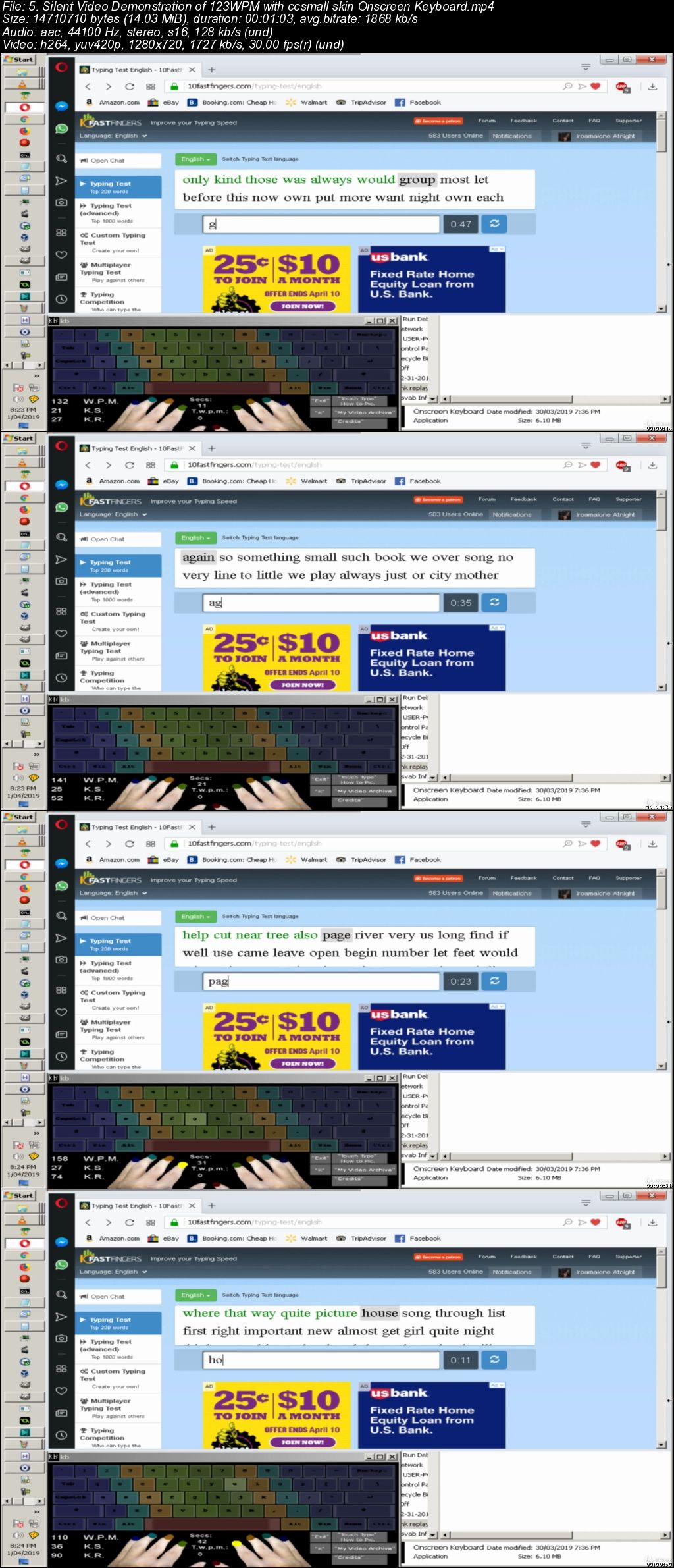
This Onscreen Keyboard is compatible with nearly every windows program, browsers, that can be run in windowed mode along side of it. You can practice good Touch Typing form while writing your e-mails, web browsing, playing games, or writing stories. It will monitor your Keystroke Speed, and it Displays the WPM result back to you in real-time every 5 seconds so you can keep an eye on your raw "5 Second Speed Burst" as you press them. In addition, my Keyboard also has start/reset/stop/replay short-cut keys which can also tell you your T.W.P.M. (Total Words Per Minute Average) for any amount of Seconds that you've been typing. (Seconds or minutes.) Using a Math Formula the Program will do the calculations, and determine an estimation of your Raw Average WPM (Raw means the WPM will also include any Typos you make during the Second Duration.) When you start/stop the Internal Secs (Seconds) Counter. Replaying keystrokes to the Keyboard is optional, if you ever want to cancel the replay, it's as simple as pressing "Ctrl+DownArrow" during the replay.

At the same time that you are typing words, you will see the appropriate fingertip light up when a key is pressed. I also have "Color Coded" Skins which helps you to always know which fingers should press the keystroke you are wanting to press, even before you press the keystroke.

Note: Since the Keyboard App monitors your Keystrokes in order to replay them back to you in real-time, Certain Virus Scanners might see it as a false positive and mistake the file for a dangerous file. So you may have to allow it through your virus scanner in order to use it.

If you do not want to install the Keyboard App, you do not have to, you can always re-watch the video in slow motion, and type the words as I do. The Keyboard App has been created to help make everything easier for you while developing your typing skills and letting you type at your own pace.

Who this course is for:

People who want to be more productive, who want to learn how to touch type the correct method using all 9 fingers without having to look at there keyboards.
Developers who wish to type faster, get projects done faster, and be more productive without constantly having to look down at their Keyboards.
Command Prompt, Pentesting, Hacking Enthusiasts who wish to increase their Keyboarding Speed.
People who spend a lot of time on Computers.
Researchers, imagine how many hours you can save while researching, and how much more Data You can Collect if you could type 3x faster than the Average 40 WPM that most Users Type!

0065b213.jpg


...
 
Performance Management: Conducting Performance Reviews

5015864-636906589594253307-16x9.jpg


Performance Management: Conducting Performance Reviews
MP4 | Video: h264, 1280x720 | Audio: AAC, 48 KHz, 2 Ch | Duration: 28m 22s
Genre: eLearning | Language: English + Sub | Size: 218 MB

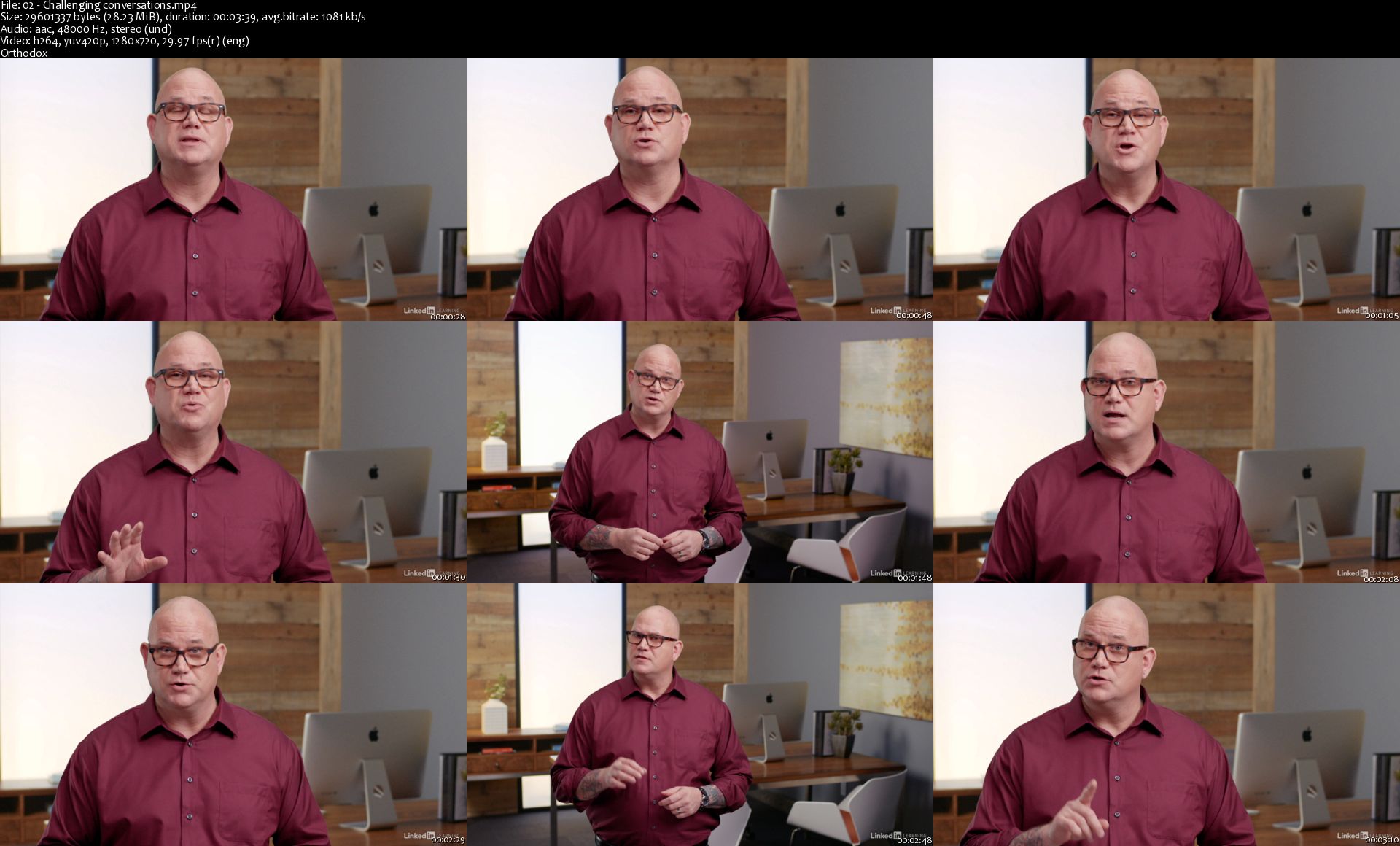
Performance reviews can have a huge impact on your employee's future. In this short course, the first installment in the Performance Management series, learn how to prepare for and conduct fair, productive, and impactful performance reviews. Dr. Todd Dewett shows managers how to write and deliver effective performance reviews, explaining how to gather feedback, write the formal review, and conduct effective meetings with employees. He also goes over employee performance improvement plans, explaining why they can be necessary, how they differ from an employee review, and how to administer them effectively. Upon wrapping up this course, you'll grasp how to make performance reviews more useful and motivating and less stressful for both you and your employees.

Homepage

02-Challenging-conversations-s.jpg


...
 
Android AWS Api Gateway Integration With Java and Dagger

0065a746.jpg


Android AWS Api Gateway Integration With Java and Dagger
.MP4 | Video: 1280x720, 30 fps(r) | Audio: AAC, 44100 Hz, 2ch | 289 MB
Duration: 1 hours | Genre: eLearning Video | Language: English

Add the power AWS Api Gateway to your Android apps


What you'll learn

Knowledge of how to call Api Gateway in their App
Know how to Add Api Gateway calls to existing projects
Learn to setup Android App with AWS Api Gateway and Dagger

Requirements

AWS Account
Working PC or Mac that can run Android Studio
Must know Android(Java)

Description

In this course we will be learning how to add Amazon Web Services(AWS) Api Gateway to our Android(Java) applications. We start with a sample app that just connects to a simple gateway api that we create. We then move on to complicated gateway api calls take parameters and adjust the result give to us, based on the input. We then store this input in data structures that represent the response that we get. We end the series with creating a project with Dagger and adding a retrofit component to handle network calls.

Who this course is for:

Android Developers who know Java
People who want to explore calling Api Gateway from their applications

0065a747.jpg


...
 
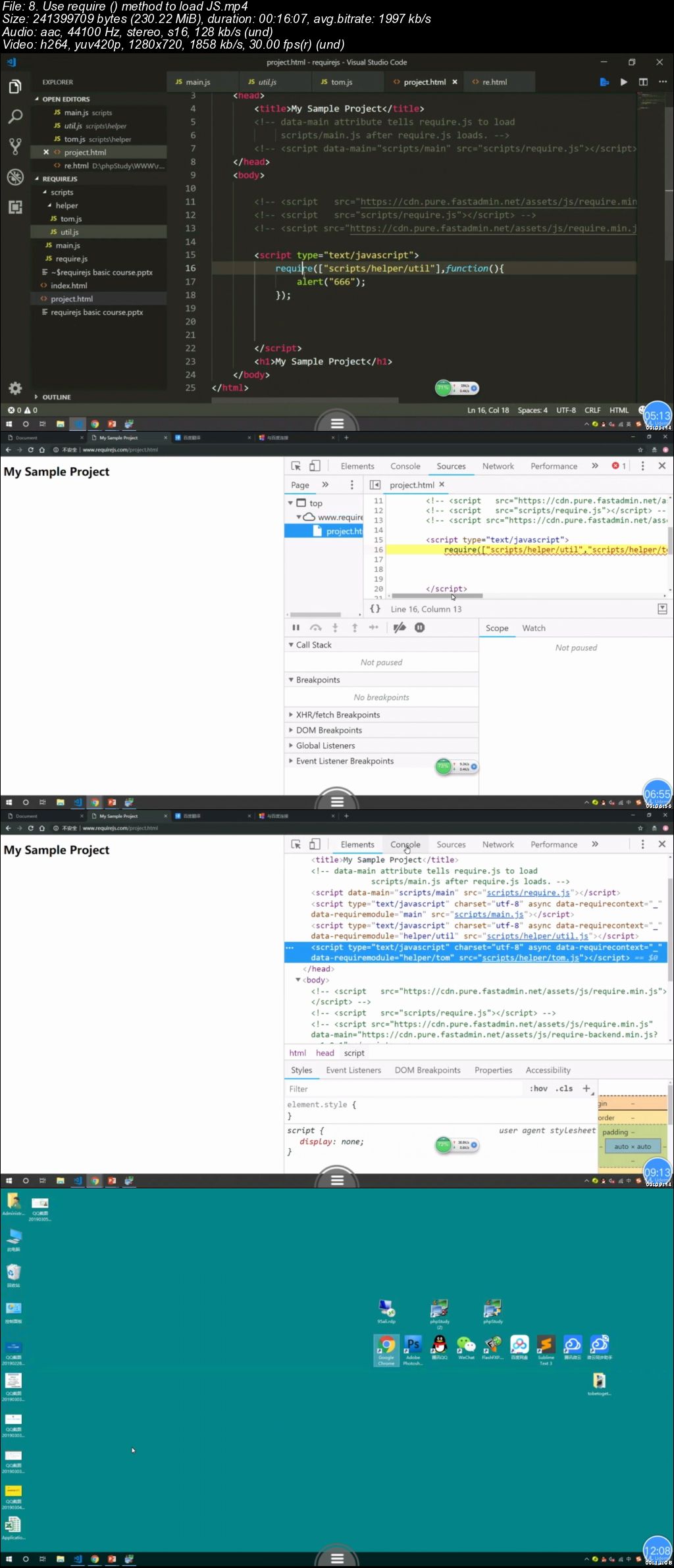
What is requireJS

x-Kliy-V8v-MFBn-Rir-YWq-Cn-K31o9fh-Wez6-M.jpg


What is requireJS
MP4 | Video: h264, 1280x720 | Audio: AAC, 44.1 KHz, 2 Ch
Genre: eLearning | Language: English | Duration: 3 hours | Size: 2.42 GB

requireJS zero basic course

What you'll learn

basic use requirejs

Requirements

know a few JavaScript

Description

requireJS zero basic course

01 What is requireJS

02 requireJS history

03 requirejs good points

04 Two Ways of Use Requirejs

05 The exciting Requirejs to started

06 Define () AMD-style JS module

07 Requirejs Write it once

08 Use require () method to load JS

09 Requre.config method load config

10 important paths option

11 waitSeconds and callback options

12 Shim for loading JS in non-AMD format

13 Requirejs Introduction summary

Who this course is for:

JavaScript students

j-Bzi-Sa-YC11r0-E7xp6ch-Nd4h-Siu31-KDP4.jpg


...
 
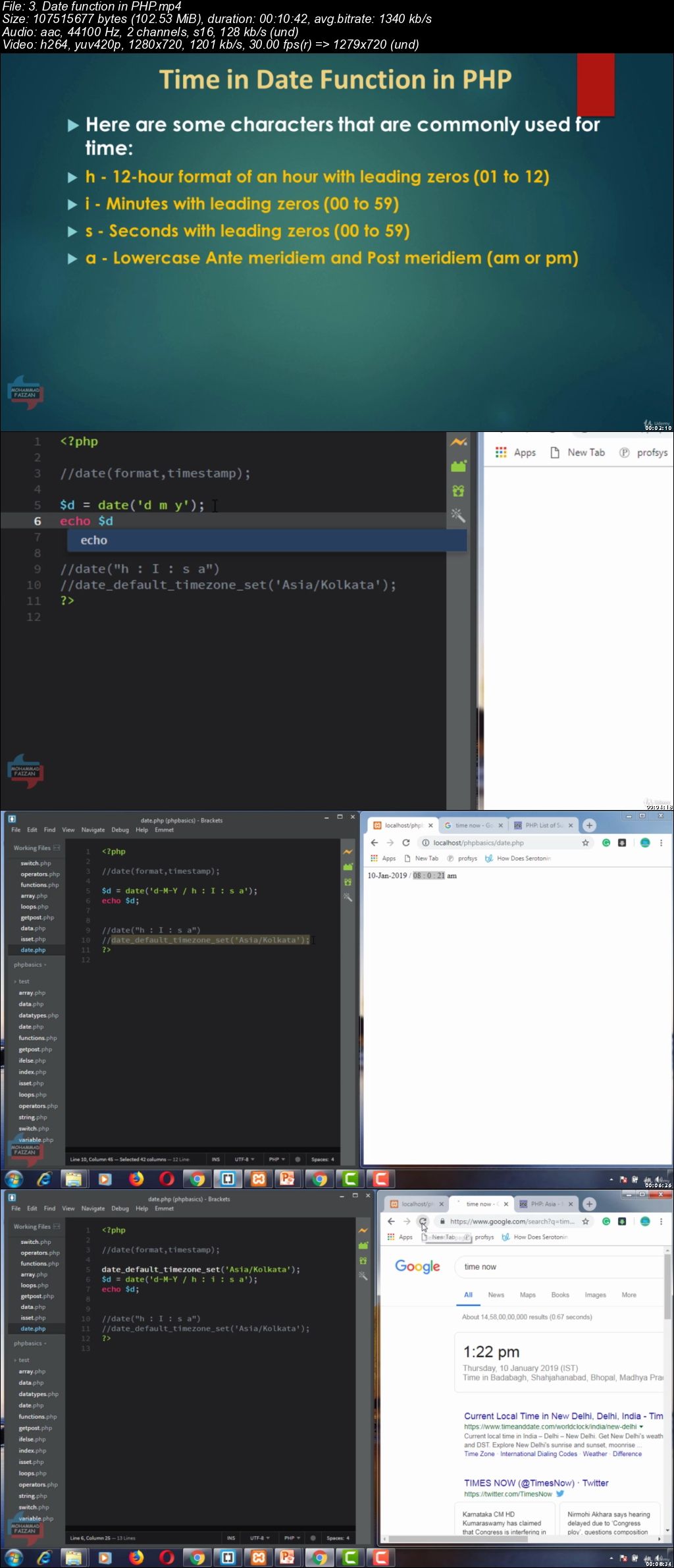
PHP for Beginners to Inventory POS Sales Project - AdminLTE

0065a754.jpg


PHP for Beginners to Inventory POS Sales Project - AdminLTE
.MP4 | Video: 1280x720, 30 fps(r) | Audio: AAC, 44100 Hz, 2ch | 9.96 GB
Duration: 18 hours | Genre: eLearning Video | Language: English

Learn to create Inventory POS System with Billing by use of Bootstrap Responsive AdminLTE Dashboard With PHP7 & MYSQL.

What you'll learn

Students will learn Basics Concept of PHP programming language With fundamentals of web-Client server architecture from Theory to Practicle
You will learn how to create Real time Web Based Inventory POS Project With Admin LTE Dashboard using PHP programming language
You will learn procedural php programming in this project and plugins , Tools , Graphs , Printing Bills And lots of things with adminLTE Dashboard

Requirements

You need to have Bootstrap ,HTML5 and CSS3 basics fundamentals knowledge, free course you can study on UDEMY . Learn Bootstrap , HTML5 and CSS3 from scratch. It's not mandatory but it could be helpful for the project , You Should have a background knowledge in Javascript, jQuery, and Bootstrap grid layout.

Description

NOTE : COURSE PROJECT IS ABOUT TO COMPLETE

Requirements

You need to just a Computer or Laptop with Internet Connection and DESIRE to learn programming in PHP.

You have to knowledge of Bootstrap, HTML5 and CSS3 basic principles for project, You can find free course for bootstrap , HTML5 and CSS3 on UDEMY from scratch. It's not mandatory but it could be helpful for the project Development,You Should have basic background in Javascript, jQuery and Bootstrap grid layout.

Description

Would you like to learn Basic fundamentals of PHP with Inventory POS System Real time Project and sell it to companies that wants to manage their inventory and billing?

In this course you will learn basic fundamentals of PHP with Inventory POS System from scratch using the programming language PHP7, combining several resources that will allow you to offer useful characteristics for any company that needs to open a store or manage their sales and stock.
This is From PHP BASICS to REAL TIME PROJECT course where I will teach you step by step the basics fundamentals of PHP with creating WEB APPLICATION with PHP under the Procedure way with PDO(PHP DATA OBJECT), when you finish it, you could sell it to your clients or it could be used as a basis to develop other complex web applications.

This PHP Basics:

PHP Introduction

First program in PHP

Variables

Data Types

Arrays

Functions

Conditional Statements

Loops

Built - In Functions

Sessions & Cookies

SQL Injections

Basic CRUD Operation

POS SYSTEM characteristics:

Login Module

User Registration

Category

Products & Stock

Inventory management

Invoice Billing PDF printing

Sales Order with different payment methods

Sales report

Best-selling products report

Best seller report

Stock product control

Daily report

Monthly report

Date range report

Adapted to all devices (Responsive design)

Libraries you will learn how to use:

AdminLTE Dashboard : Great open source template for responsive software Development.

jQuery DataTable: Used for dynamic tables creation.

ChartJS:Used for dynamic graphics and charts.

Date Range Picker: Used for selecting date ranges.

Select2 Plugin: For Searcing products in sales order

Sweetalerts: Awesome alerts library.

FPDF :pHP extension for PDF format printing.

And Many others.

HOW'S THE COURSE?

The course is divided in several sections. In the first section we will talk about the Fundamental of Web-Client architecture with PHP BASICS .Then we will worj for developing the Inventory POS system.

And the following sections we will build, step by step from scratch, every single module that will be part of our Inventory POS system from HTML, CSS stylesheet, Javascript interaction and jQuery, along other plugins and server-side connection using PHP 7 with PDO(PHP DATA OBJECT) under the Procedure pattern using MySQL database.

HOW LONG DOES IT TAKE TO COMPLETE THE COURSE?

It is up to you. I guess that you would take less than three weeks to complete it, but it depends on your availability and workflow.

WHAT ARE THE MINIMUM REQUIREMENTS?

Download the material where you can find the resources for the first lesson in each section.

You should have a basic knowledge on Bootstrap , HTML5 and CSS3, course.

Who this course is for:

This course is for PHP Beginners ,IT Students , entrepreneurs or freelancers that want to create Web Applications with PHP and MySQL and sell it to clients or companies for software business or it can be help for PHP Developers.

0065a755.jpg


...
 
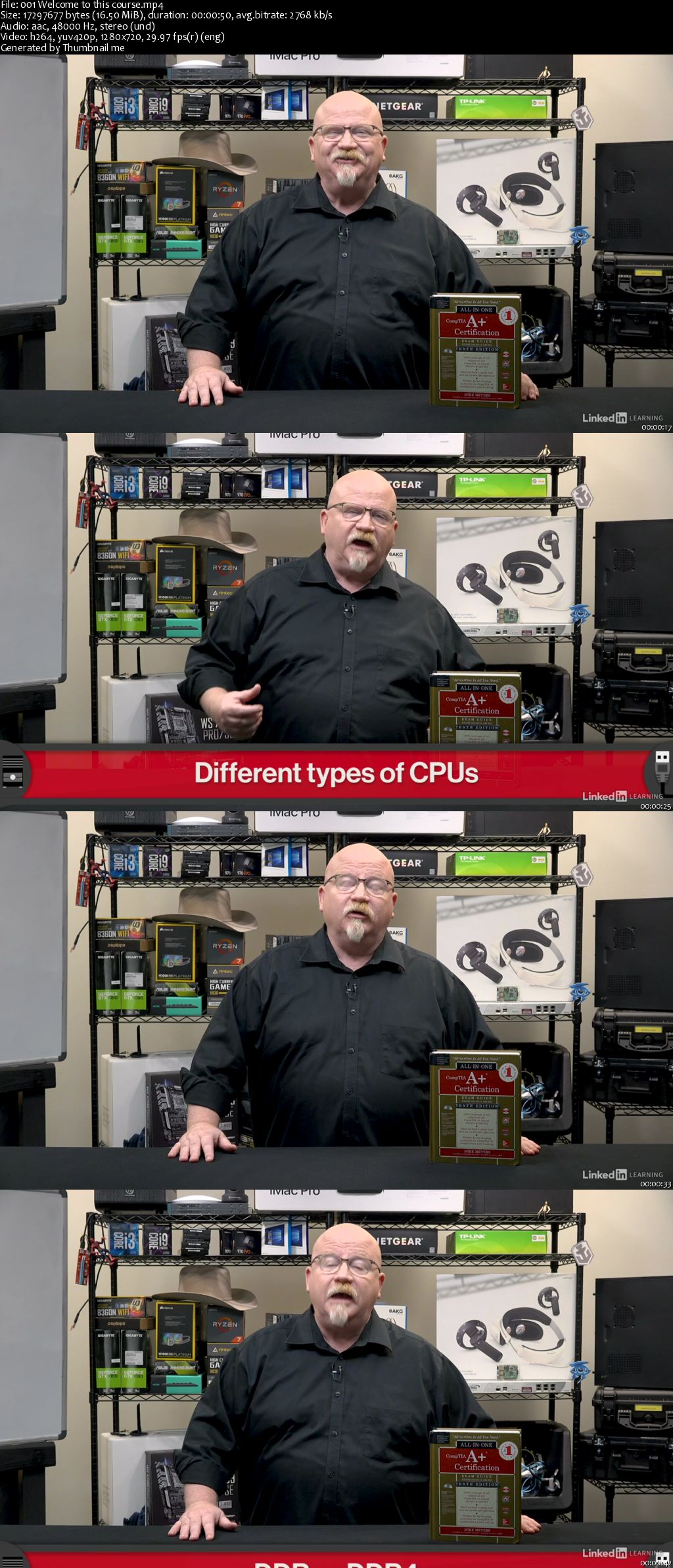
CompTIA A+ (220-1001): Cert Prep 2 Microprocessing and RAM

00659e81.jpg


CompTIA A+ (220-1001): Cert Prep 2 Microprocessing and RAM
MP4 | Video: AVC 1280x720 | Audio: AAC 44KHz 2ch | Duration: 1 Hour 46M | 1.96 GB
Genre: eLearning | Language: English

Are you looking to pass the CompTIA A+ (220-1001) exam for the first time or refresh your IT skills? If so, then this series is for you. The CompTIA A+ (220-1001): Cert Prep series is a comprehensive 10-part series designed to help IT professionals prepare for the CompTIA A+ (220-1001) exam, which focuses on critical IT support tasks and essential troubleshooting skills. In this installment of the series, CompTIA expert Mike Meyers digs into the topics of microprocessing and RAM. Learn all about CPU speeds and cores, extensions, and sockets, as well as how to install a CPU and cool your PC. Plus, Mike covers RAM technologies and features, RAM capacity, and installing RAM.

00659e7f.jpg


...
 
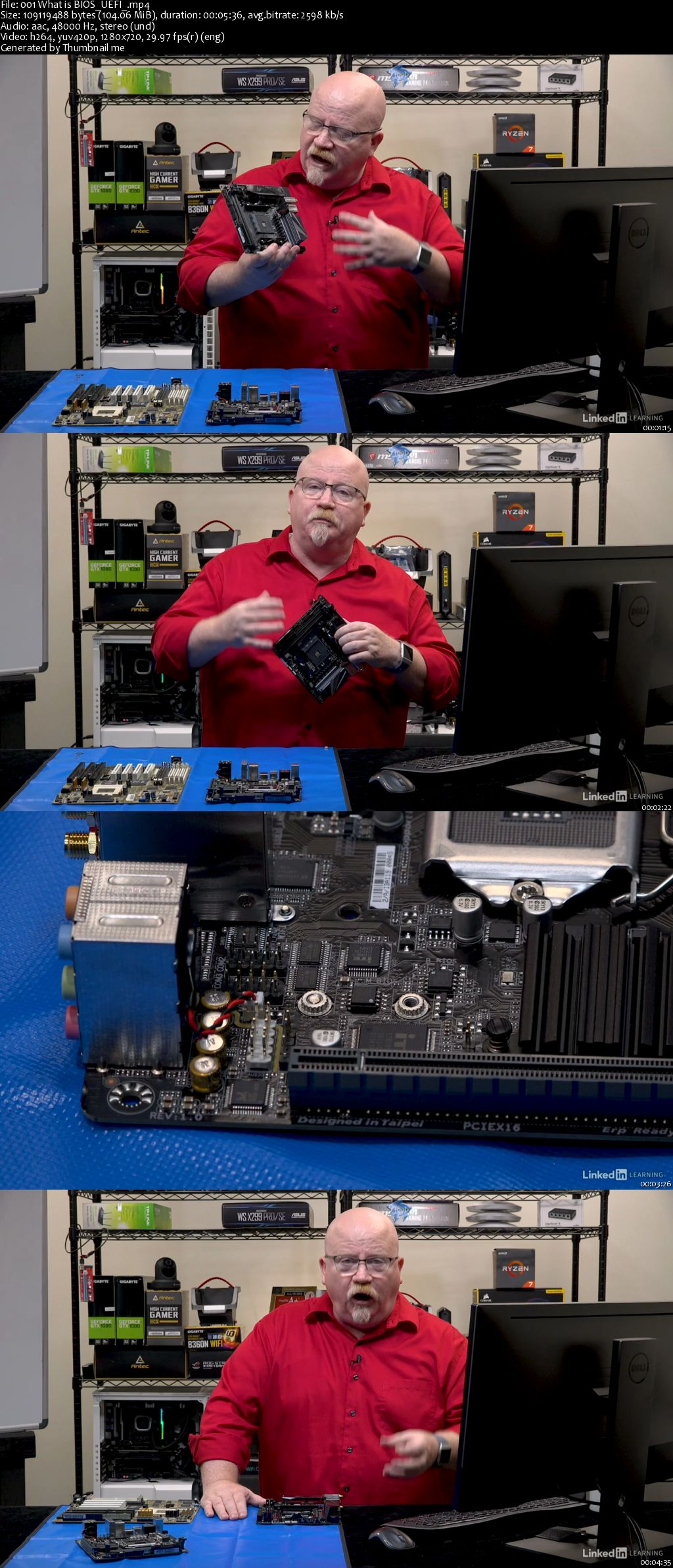
CompTIA A+ (220-1001): Cert Prep 3 Core Hardware

00659e8f.jpg


CompTIA A+ (220-1001): Cert Prep 3 Core Hardware
MP4 | Video: AVC 1280x720 | Audio: AAC 44KHz 2ch | Duration: 2.5 Hours | 2.67 GB
Genre: eLearning | Language: English

The CompTIA A+ (220-1001): Cert Prep series is a comprehensive 10-part series designed to help IT professionals prepare for the CompTIA A+ (220-1001) exam, which focuses on critical IT support tasks and essential troubleshooting skills. In this course-the third installment in the series-CompTIA expert Mike Meyers goes over essential hardware components, devices, and processes. Learn all about firmware, including how to use a system's BIOS to make troubleshooting easier. Plus, Mike covers how to work with motherboards, choose and troubleshoot power supplies, and more.

00659e8e.jpg


...
 
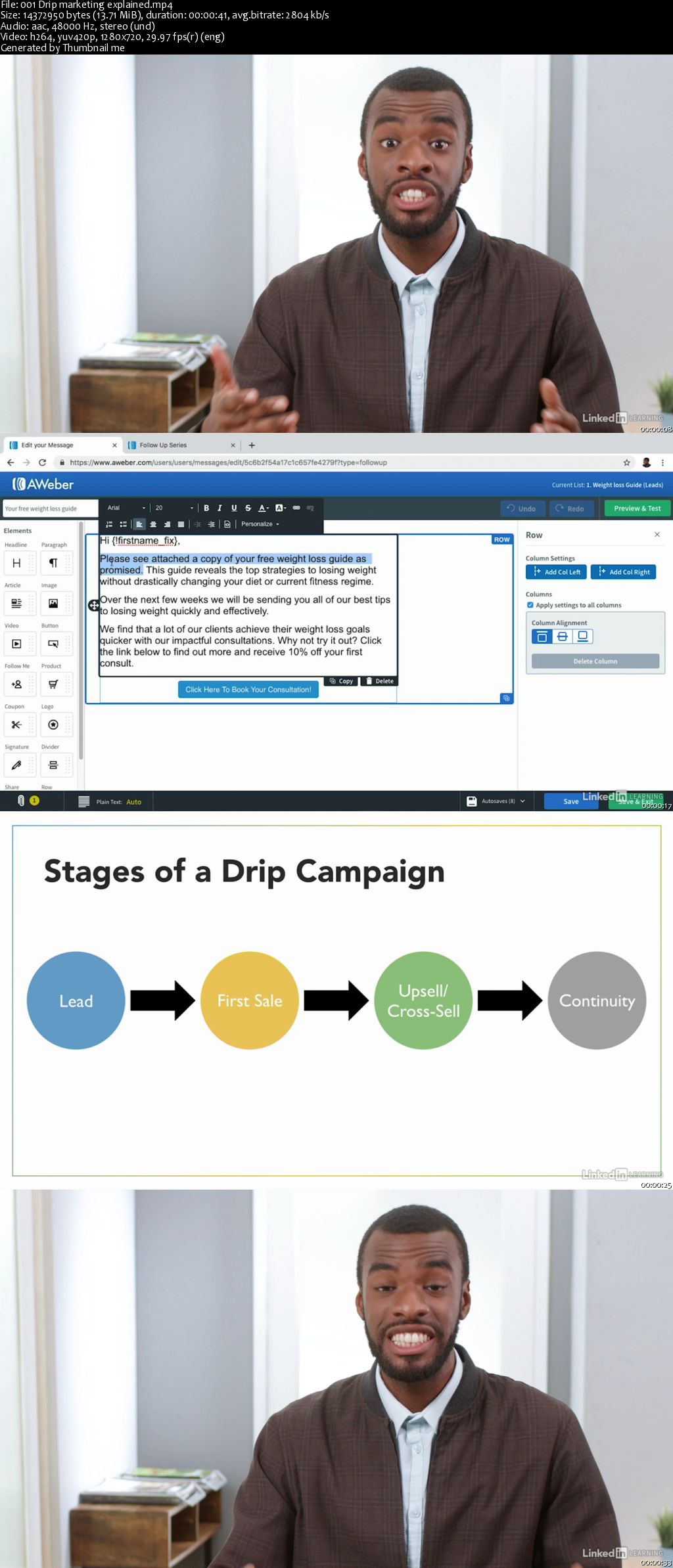
Email Marketing: Drip Campaigns

00659e57.jpg


Email Marketing: Drip Campaigns
MP4 | Video: AVC 1280x720 | Audio: AAC 44KHz 2ch | Duration: 47M | 114 MB
Genre: eLearning | Language: English

Email marketing campaigns, when executed properly, can help you build trust with even the most disengaged customer. In this course, learn how to run successful drip campaigns, which are automated email campaigns that help you meet the needs of your prospective customers. Instructor Sam Dey takes you through each step of a drip marketing campaign, showing you how to nurture your leads, draft effective emails, refine your sales funnel, and measure your results. Upon wrapping up this course, you'll be equipped with strategies that can help you retarget your customers with marketing automation.

00659e5a.jpg


...
 
Zurück
Oben Unten