• Regeln für den Video-Bereich:

    In den Börsenbereich gehören nur Angebote die bereits den Allgemeinen Regeln entsprechen.

    Einteilung

    - Folgende Formate gehören in die angegeben Bereiche:
    - Filme: Encodierte Filme von BluRay, DVD, R5, TV, Screener sowie Telesyncs im Format DivX, XviD und x264.
    - DVD: Filme im Format DVD5, DVD9 und HD2DVD.
    - HD: Encodierte Filme mit der Auflösung 720p oder darüber von BluRay, DVD, R5, TV, Screener sowie Telesyncs im Format x264.
    - 3D: Encodierte Filme von BluRay, die in einem 3D Format vorliegen. Dies gilt auch für Dokus, Animation usw.
    - Serien: Cartoon/Zeichentrick, Anime, Tutorials, Dokumentationen, Konzerte/Musik, Sonstiges sind demnach in die entsprechenden Bereiche einzuordnen, auch wenn sie beispielsweise im High Definition-Format oder als DVD5/DVD9/HD2DVD vorliegen. Ausnahme 3D.
    - Bereich Englisch: Englische Releases gehören immer in diesen Bereich.
    - Bereich Talk: Der Bereich, in dem über die Releases diskutiert werden kann, darf, soll und erwünscht ist.


    Angebot/Beitrag erstellen

    - Ein Beitrag darf erst dann erstellt werden, wenn der Upload bei mindestens einem OCH komplett ist. Platzhalter sind untersagt.
    - Bei einem Scenerelease hat der Threadtitel ausschließlich aus dem originalen, unveränderten Releasenamen zu bestehen. Es dürfen keine Veränderungen wie z.B. Sterne, kleine Buchstaben o.ä. vorgenommen werden. Ausnahme Serienbörse:
    - Bei einem Sammelthread für eine Staffel entfällt aus dem Releasename natürlich der Name der Folge. Beispiel: Die Simpsons S21 German DVDRip XviD - ITG
    - Dementsprechend sind also u.a. verboten: Erweiterungen wie "Tipp", "empfehlenswert", "only", "reup", usw. / jegliche andere Zusatzinformation oder Ergänzung, welche nicht in obiger Beschreibung zu finden ist.

    Aufbau des Angebots und Threadtitel

    Der Titel nach folgendem Muster erstellt zu werden. <Name> [3D] [Staffel] [German] <Jahr> <Tonspur> [DL] [Auflösung] <Quelle> <Codec> - <Group>
    Beispiel: The Dark Knight German 2008 AC3 DVDRip XviD - iND
    Beispiel: The Dark Knight 2008 DTS DL BDRip x264 - iND
    Beispiel: The Dark Knight 2008 AC3 DL BDRip XviD - iND
    Beispiel: The Dark Knight German 2008 AC3 720p BluRay x264 iND
    Beispiel: The Dark Knight 2008 DTS DL 1080p BluRay x264 iND
    Beispiel: Die Simpsons S01 German AC3 DVDRip XviD iND
    Beispiel: Die Simpsons S20 German AC3 720p BluRay x264 iND
    Beispiel: Sword Art Online II Ger Sub 2014 AAC 1080p WEBRip x264 - peppermint
    Entsprechend sind also u.a. verboten: Sonderzeichen wie Klammern, Sterne, Ausrufezeichen, Unterstriche, Anführungszeichen / Erweiterungen wie "Tipp", "empfehlenswert", "only", "reup", usw. / jegliche andere Zusatzinformation oder Ergänzung, welche nicht in obiger Beschreibung zu finden ist
    Ausnahmen hiervon können in den Bereichen geregelt sein.

    Die Beiträge sollen wie folgt aufgebaut werden:
    Überschrift entspricht dem Threadtitel
    Cover
    kurze Inhaltsbeschreibung
    Format, Größe, Dauer sind gut lesbar für Downloader außerhalb des Spoilers zu vermerken
    Nfo sind immer Anzugeben und selbige immer im Spoiler in Textform.
    Sind keine Nfo vorhanden z.B. Eigenpublikationen, sind im Spoiler folgende Dateiinformationen zusätzlich anzugeben :
    Quelle
    Video (Auflösung und Bitrate)
    Ton (Sprache, Format und Bitrate der einzelnen Spuren)
    Untertitel (sofern vorhanden)
    Hosterangabe in Textform außerhalb eines Spoiler mit allen enthaltenen Hostern.
    Bei SD kann auf diese zusätzlichen Dateiinformationen verzichtet werden.

    Alle benötigten Passwörter sind, sofern vorhanden, in Textform im Angebot anzugeben.
    Spoiler im Spoiler mit Kommentaren :"Schon Bedankt?" sind unerwünscht.


    Releases

    - Sind Retail-Release verfügbar, sind alle anderen Variationen untersagt. Ausnahmen: Alle deutschen Retail-Release sind CUT, in diesem Fall sind dubbed UNCUT-Release zulässig.
    - Im Serien-Bereich gilt speziell: Wenn ein Retail vor Abschluss einer laufenden Staffel erscheint, darf diese Staffel noch zu Ende gebracht werden.62
    - Gleiche Releases sind unbedingt zusammenzufassen. Das bedeutet, es ist zwingend erforderlich, vor dem Erstellen eines Themas per Suchfunktion zu überprüfen, ob bereits ein Beitrag mit demselben Release besteht. Ist dies der Fall, ist der bereits vorhandene Beitrag zu verwenden.
    - P2P und Scene Releases dürfen nicht verändert oder gar unter einem iND Tag eingestellt werden.


    Support, Diskussionen und Suche

    - Supportanfragen sind entweder per PN oder im Bereich Talk zu stellen.
    - Diskussionen und Bewertungen sind im Talk Bereich zu führen. Fragen an die Uploader haben ausschließlich via PN zu erfolgen, und sind in den Angeboten untersagt.
    - Anfragen zu Upload-Wünschen sind nur im Bereich Suche Video erlaubt. Antworten dürfen nur auf Angebote von MyBoerse.bz verlinkt werden.


    Verbote

    - Untersagt sind mehrere Formate in einem einzigen Angebotsthread, wie beispielsweise das gleichzeitige Anbieten von DivX/XviD, 720p und 1080p in einem Thread. Pro Format, Release und Auflösung ist ein eigener Thread zu eröffnen.
    - Grundsätzlich ebenso verboten sind Dupes. Uploader haben sich an geeigneter Stelle darüber zu informieren, ob es sich bei einem Release um ein Dupe handelt.
    - Gefakte, nur teilweise lauffähige oder unvollständige Angebote sind untersagt. Dies gilt auch für eigene Publikationen, die augenscheinlich nicht selbst von z.B. einer DVD gerippt wurden. Laufende Serien, bei denen noch nicht alle Folgen verfügbar sind, dürfen erstellt und regelmäßig geupdatet werden.
    - Untersagt sind Angebote, welche nur und ausschließlich in einer anderen Sprache als deutsch oder englisch vorliegen. Ausnahmen sind VORHER mit den Moderatoren zu klären.


    Verstoß gegen die Regeln

    - Angebote oder Beiträge, die gegen die Forenregeln verstoßen, sind über den "Melden"-Button im Beitrag zu melden.
  • Bitte registriere dich zunächst um Beiträge zu verfassen und externe Links aufzurufen.


Englische Tutorials

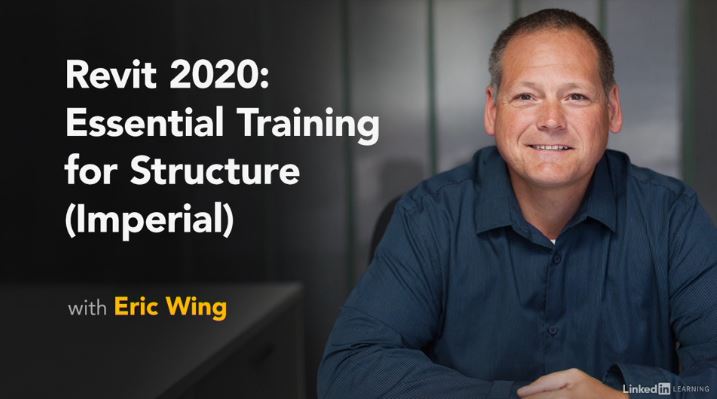
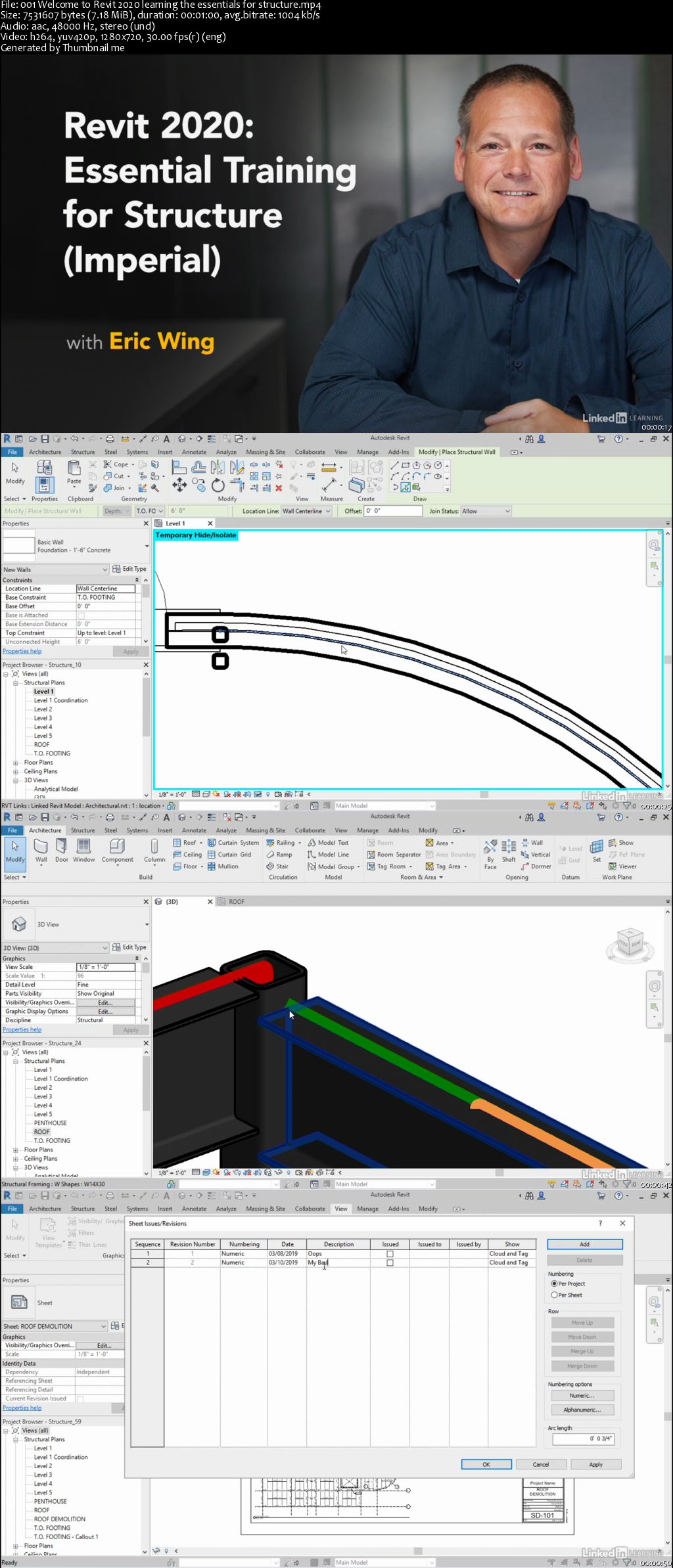
Revit 2020: Essential Training for Structure (Imperial)

00658a5a.jpg


Revit 2020: Essential Training for Structure (Imperial)
MP4 | Video: AVC 1280x720 | Audio: AAC 44KHz 2ch | Duration: 5 Hours 48M | 1.77 GB
Genre: eLearning | Language: English

Revit is a great program for structural engineering, offering cutting-edge tools for designing solid structures and publishing clear, easy-to-share documentation. This course focuses on the major components of Revit 2020 used for structural design, featuring examples in imperial units (inches and feet). Instructor Eric Wing explains how to start a project and set up structural views; add foundations, reinforcing, and steel and concrete framing; model slabs and trusses; and build a whole lot more. He also helps you create detailed, annotated documentation for sharing and use in construction. The course is designed for members with no Revit experience, or for more advanced users who want to jump to a topic and start from there. Either way, this comprehensive course can teach you what you need to know to be dangerous in Revit structure.

00658a5b.jpg


...
 
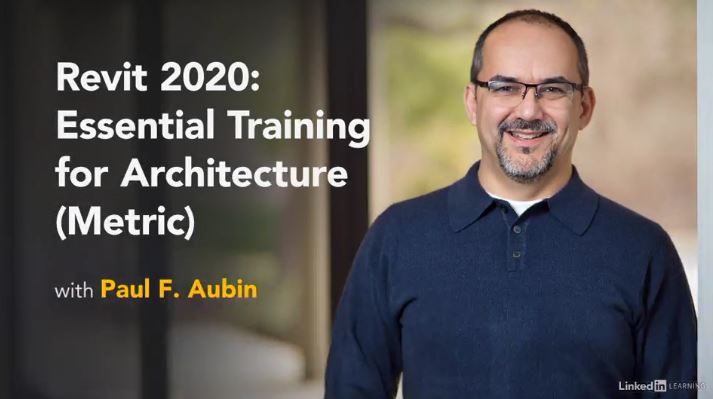
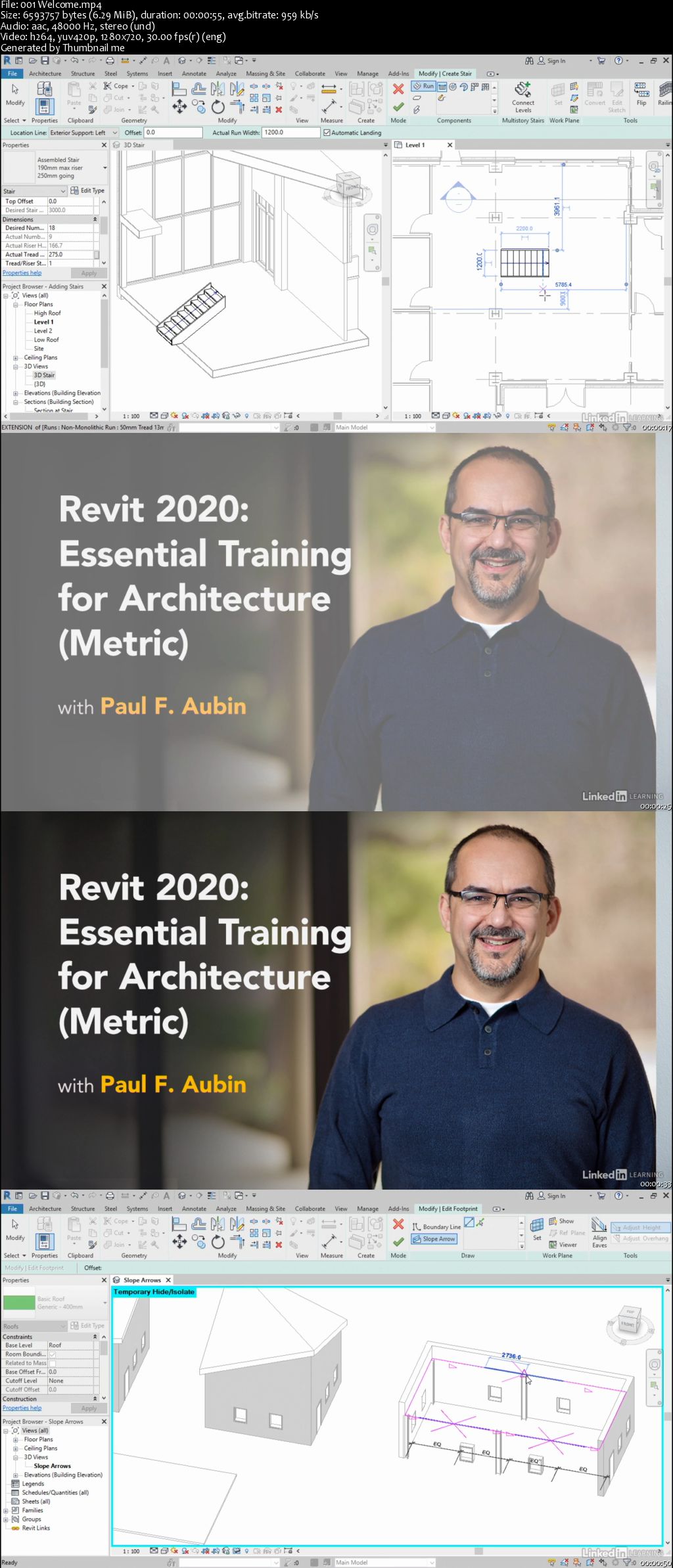
Revit 2020: Essential Training for Architecture (Metric)

00658a8b.jpg


Revit 2020: Essential Training for Architecture (Metric)
MP4 | Video: AVC 1280x720 | Audio: AAC 44KHz 2ch | Duration: 12 Hours | 2.84 GB
Genre: eLearning | Language: English

Learn the basics of using Revit 2020 for architectural design. This course is designed for those who have no prior Revit experience and want to work in metric units (meters and centimeters). First, get comfortable with the Revit environment, and learn to set up a project and add the grids, levels, and dimensions that will anchor your design. Then, instructor Paul F. Aubin helps you dive into modeling: adding walls, doors, and windows; using joins and constraints; creating groups; linking to DWG files; and modeling floors, roofs, and ceilings. Paul also shows advanced techniques for modeling stairs and complex walls, adding rooms, and creating schedules. Finally, discover how to annotate your drawings so all the components are clearly understood, as well as output sheets to PDF and AutoCAD.

00658a8d.jpg


...
 
Public Relations Foundations

00658a94.jpg


Public Relations Foundations
MP4 | Video: AVC 1280x720 | Audio: AAC 44KHz 2ch | Duration: 1.5 Hours | 716 MB
Genre: eLearning | Language: English

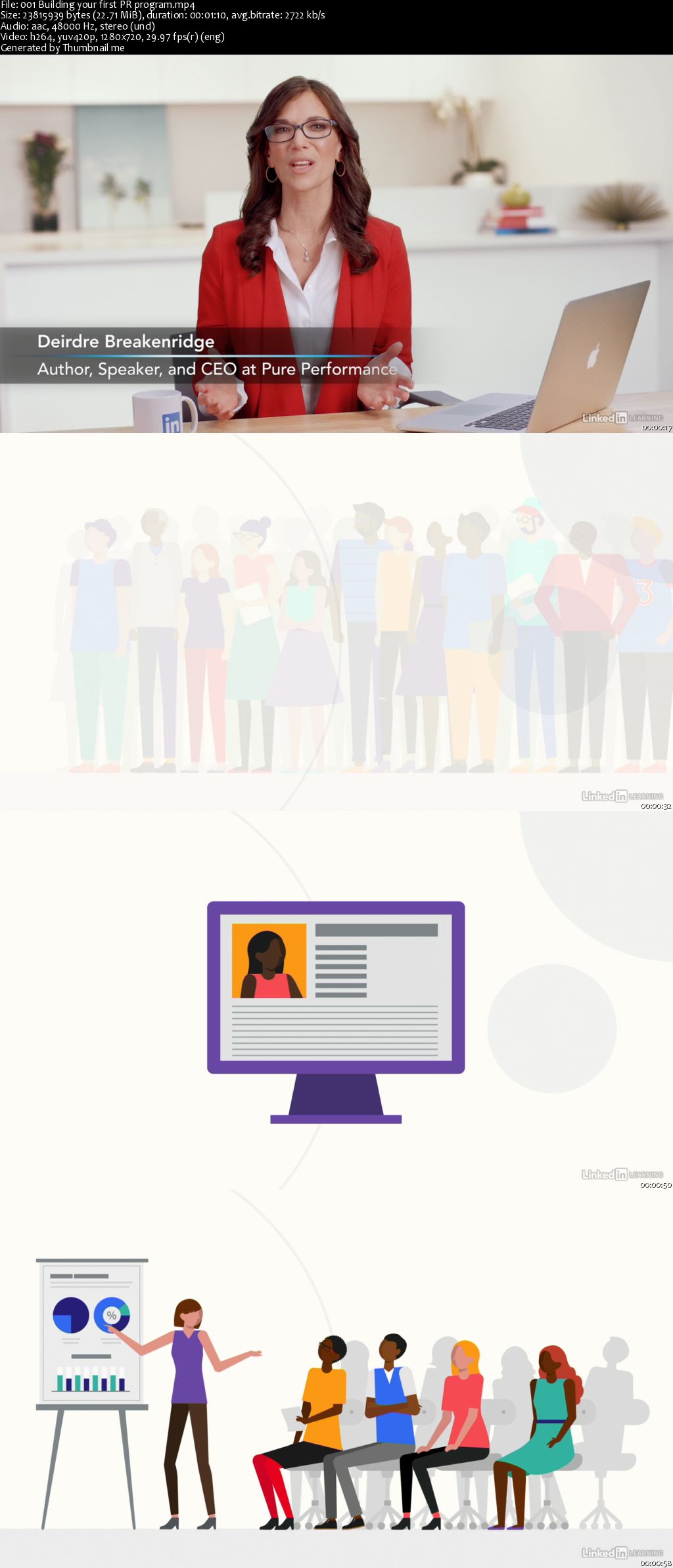
Public relations (PR) is critical to any business that wants to create media exposure, sway consumer opinion, and maintain a good reputation. However, as technology evolves, communicating with the public has only gotten more complex. Modern PR demands an integrated, multichannel approach. In this course, PR expert Deirdre Breakenridge offers an effective eight-step workflow for today's PR practitioner. Learn how to research your audience, build a PR plan, develop your messaging, and use the right media mix. Next, see how to manage relationships with everyone from reporters to influencers, amplify awareness with the aid of internal champions, and gracefully navigate crises. Finally, explore PR writing and visual storytelling and see how to measure the impact of your PR efforts.

00658a97.jpg


...
 
Growth Hacking Foundations

00658a9f.jpg


Growth Hacking Foundations
MP4 | Video: AVC 1280x720 | Audio: AAC 44KHz 2ch | Duration: 1.5 Hours | 612 MB
Genre: eLearning | Language: English

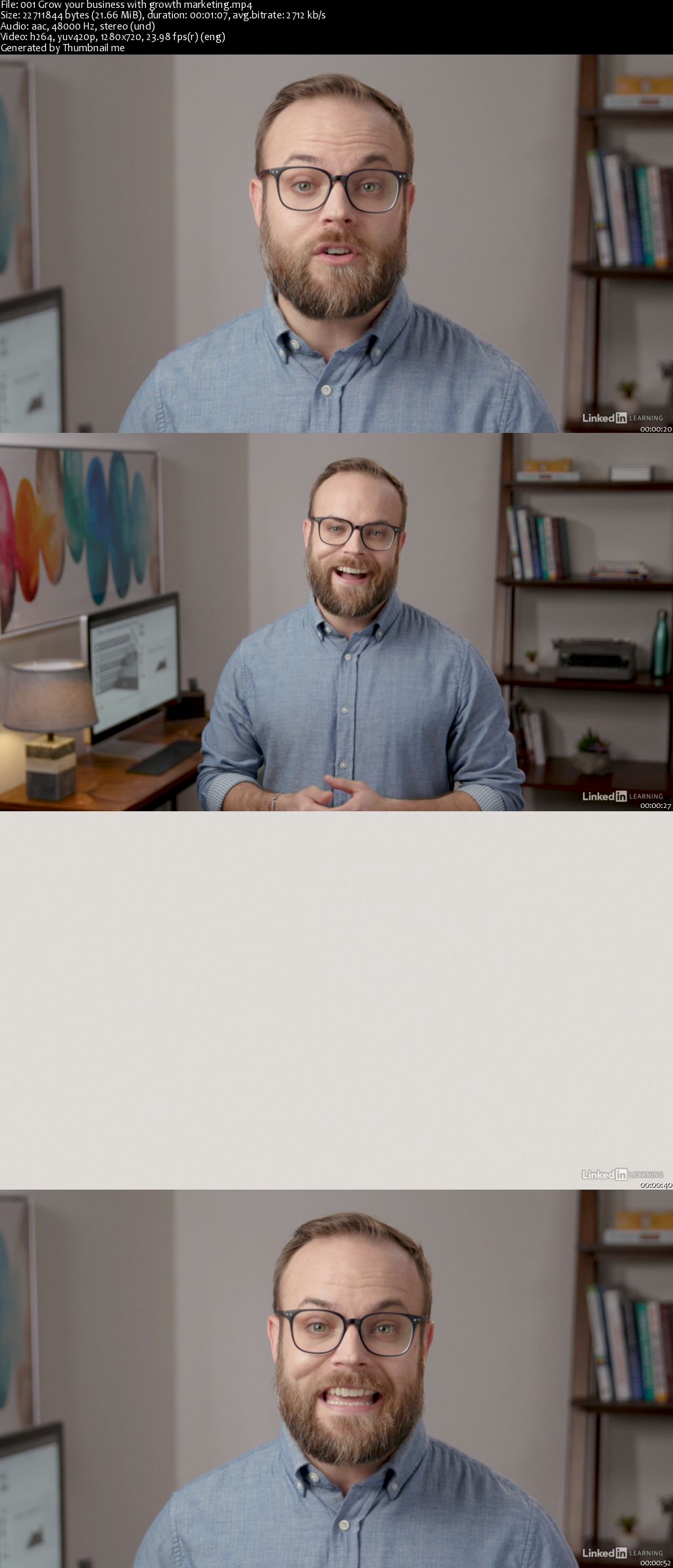
Growth hacking is an emerging technique that helps marketers generate new ideas and accelerate sales and customer acquisition. Growth hacking requires work-companies must rethink their teams, their business, and their customers-but it pays off in results. This course introduces popular growth hacking techniques to super-charge your marketing strategy. Learn how to build a growth team, redefine the customer journey, and identity growth levers and loops: small optimizations that can have a big impact on your marketing efforts and ROI. Then find out how to kick off the growth process, survive growing pains, and capitalize on opportunities, such as your current customer base. Instructor Brad Batesole explains how to use SEO, influencers, content marketing, social media, advertising, and more to fuel your growth. Finally, learn the key metrics you'll need to measure to track your growth process and success.

00658aa1.jpg


...
 
Managing Anxiety in the Workplace

00658b31.jpg


Managing Anxiety in the Workplace
MP4 | Video: AVC 1280x720 | Audio: AAC 44KHz 2ch | Duration: 1 Hour | 552 MB
Genre: eLearning | Language: English

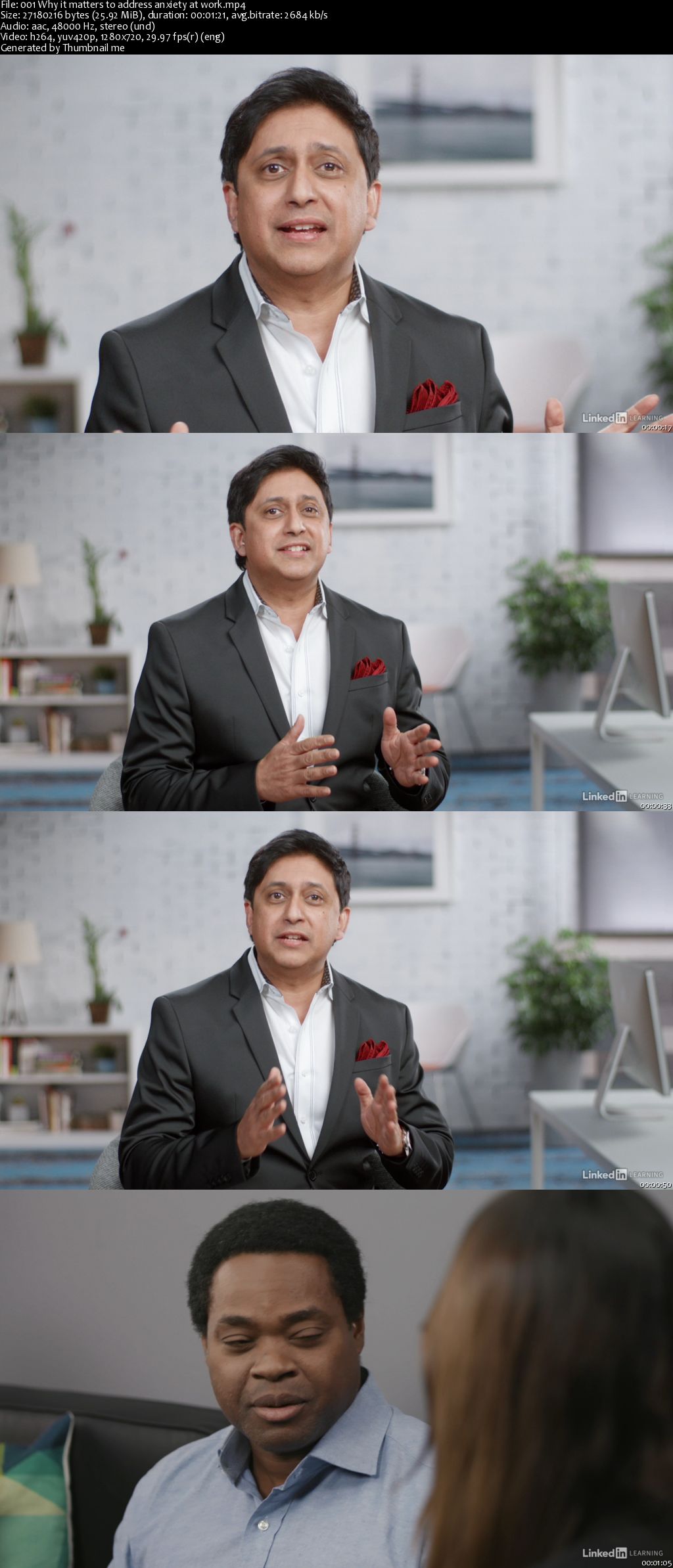
We all get anxious at times. But what do you do when anxiety is disrupting your job? This course provides resources to help you manage your anxiety and be more effective and successful at work. Dr. Srini Pillay, a Harvard-trained psychologist, explains how to recognize anxiety and understand when you need clinical help. For those who can manage day to day, he provides guidance to navigate the ins and outs of the workplace: from finding a job to having more successful interactions with coworkers. He also provides productivity strategies designed to help you manage conflict, technology hiccups, and work-related stress. Plus, learn how to manage and lead with anxiety in mind-so you can guide your reports through challenging times and overcome imposter syndrome and other anxiety-related traps.

00658b32.jpg


...
 
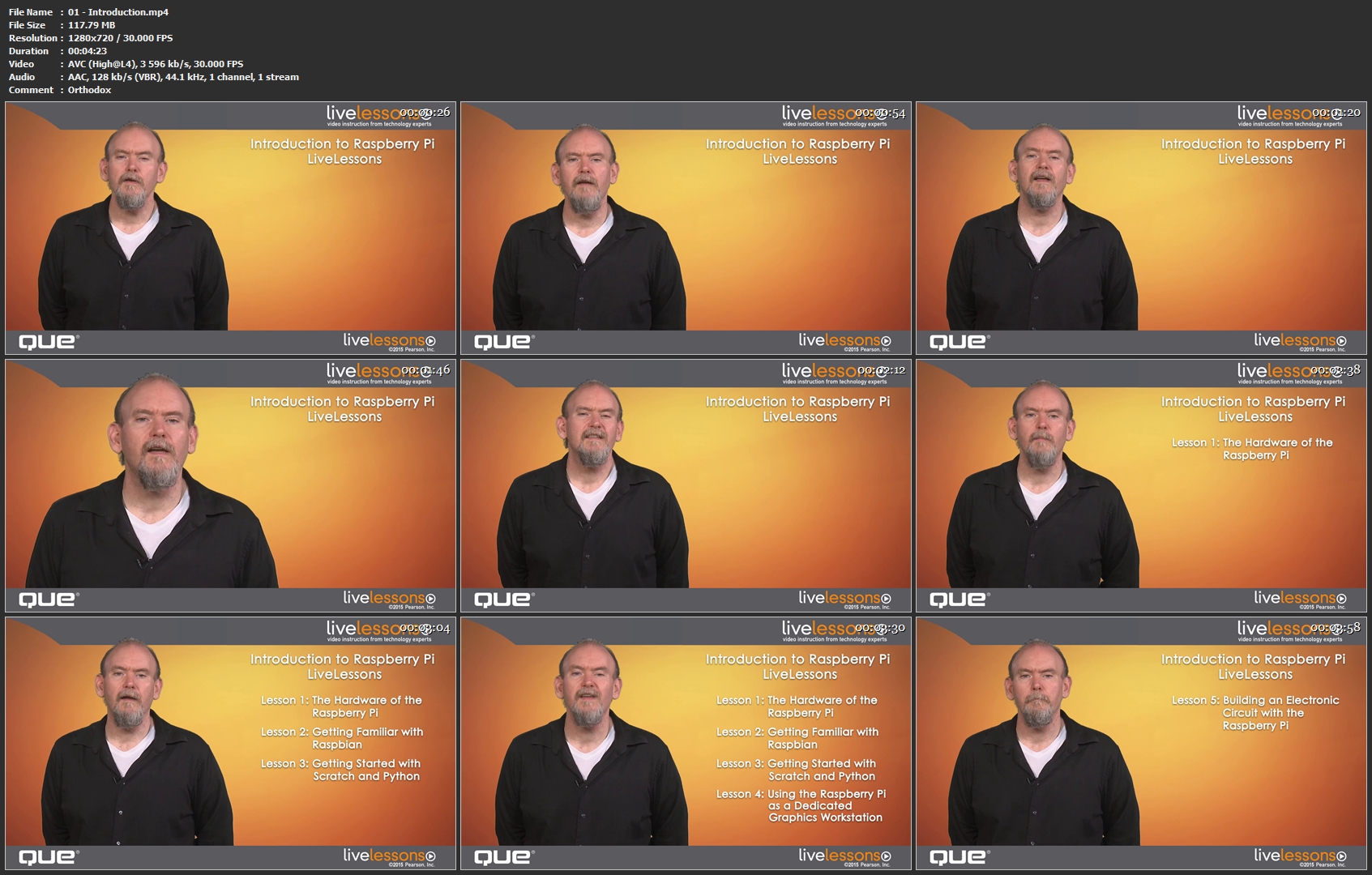
Introduction to Raspberry Pi LiveLessons

FYwm-Xqvd-E1-G7w-G2t-EEMl-U7gx-Av9j1mw-G.png


Introduction to Raspberry Pi LiveLessons
MP4 | Video: AVC 1280 x 720 | Audio: AAC 48 KHz 1ch | Duration: 05:30:21 | 7.35 GB
Genre: eLearning | Language: English

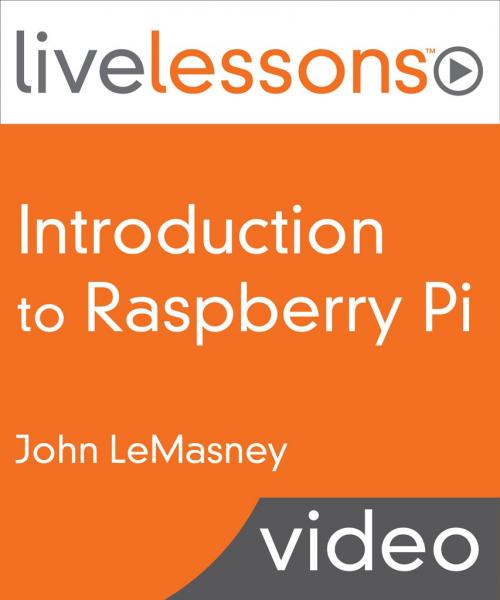
These easy video tutorials are the fastest way to get started with Raspberry Pi, the $35 credit-card sized computer that's taking the world by storm! Raspberry Pi LiveLessons walks you through understanding the hardware, getting started, controlling your Pi, installing applications, creating electronics projects, building media servers, and more! Top Raspberry Pi instructor John LeMasney begins by touring Pi's components, explaining what it can do, and showing how it's similar to other computers-and how it's different. Next, he guides you through installing and exploring the powerful Raspbian Linux-based operating system and new applications.starting to program with the simple Scratch environment and the powerful Python language.using your Raspberry Pi to create images, edit photos, and design visual documents.experimenting with electronic circuits.even using your Pi as a portable, low-cost media server. In less than five hours, you'll be ready to make the most of Raspberry Pi.you'll be limited only by your imagination!

About the Instructor

John LeMasney is a designer, artist, writer, poet, technologist, consultant, open web advocate, and open source evangelist who helps people use technology to improve their lives, work, and world. For over 20 years, he has consulted on technology, design, communication, and branding for academia, the enterprise, libraries, and consumers. He teaches at Rider University's Master of Arts in Organizational Leadership program, as well as at Princeton Public Library, Princeton Adult School, Library Link NJ, and other venues. He was previously Manager of Educational Technology Training and Outreach at Princeton University. His many LiveLessons video tutorials include WordPress for Beginners LiveLessons and WordPress for Advanced Users.

Skill Level

Beginner
Intermediate
What You Will Learn

What Raspberry Pi is, and what it can do
What components are included in Raspberry Pi, and how they work together
How to install and use Raspbian, Raspberry Pi's Linux-based operating system
How to get started programming your Raspberry Pi with Scratch and Python
How to use the Pi as a dedicated graphics and imaging workstation
How to start building electronic circuits with your Raspberry Pi
How to transform your Raspberry Pi into a portable, low-cost media server
How to use your Pi with webcams to create exciting new projects
Who Should Take This Course

Anyone who is comfortable using a computer and wants to explore the incredibly powerful and low-cost Raspberry Pi hardware platform
Course Requirements

Basic experience with computers
Linux experience helpful but absolutely not necessary
Table of Contents

Lesson 1: The Hardware of the Raspberry Pi

Tour the Raspberry Pi, check out each of its components, and discover how they fit together.review the specs of each Pi model.then, install your operating system and see the Raspberry Pi Desktop.

Lesson 2: Getting Familiar with Raspbian

Discover the power of Raspbian, the #1 operating system for Pi.learn how Raspbian differs from typical computer operating systems.use the command line.install new applications.browse the Internet.work with productivity tools.check out alternatives to Raspbian.

Lesson 3: Getting Started with Scratch and Python

Explore Scratch and Python, two great environments for learning to program your Pi.start building Scratch games, animations, and applications by snapping together simple "block" commands.discover the incredibly powerful Python environment for writing web, desktop, and other software.write your first Python script.plan to take your next steps with Python.

Lesson 4: Using the Raspberry Pi as a Dedicated Graphics Workstation

Transform your Raspberry Pi into a dedicated workstation for creating graphic designs, photo manipulations, and document layouts.install and use Inkscape to create graphics.install GIMP and use it to edit photos.install Scribus, and use it for desktop publishing.

Lesson 5: Building an Electronic Circuit with the Raspberry Pi

Connect your Raspberry Pi to a breadboard and start experimenting with LEDs, buttons, and wires.walk through the essentials of connecting components to the Pi, "talking" with them, and controlling their behavior through program code.

Lesson 6: Using the Raspberry Pi as a Media Server

Install and use RaspBMC, the Raspberry Pi Media Center, an alternative Home Theater PC Operating System.attach your media source.browse and stream your media.

01-Introduction-mp4.jpg


...
 
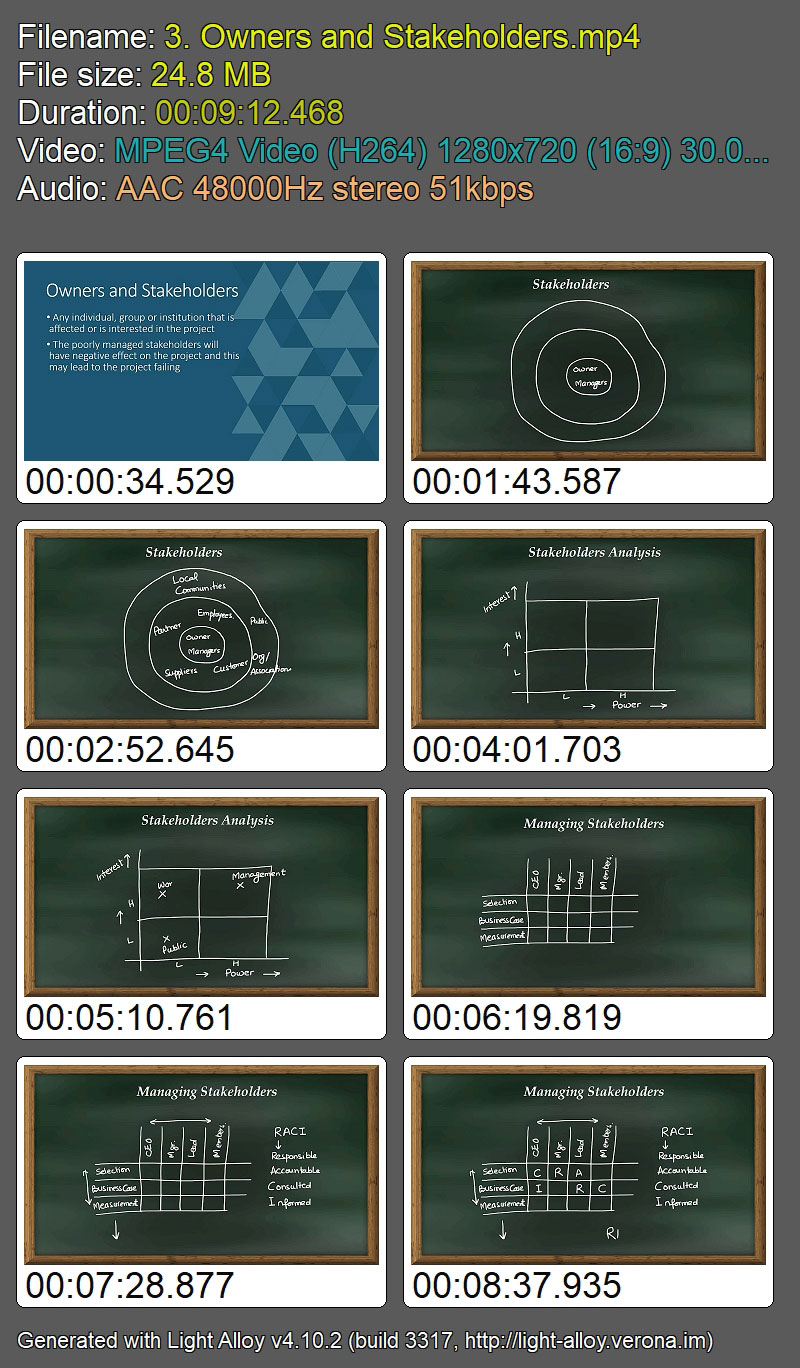
Six Sigma Green Belt

0e-Dot-Qkc-EH5vem-Zv-VF7oyq1-UQrw-Lyvqy.jpg


Six Sigma Green Belt
Udemy / Sandeep Kumar | Duration: 14 h 44 m | Video: H264 1280x720 | Audio: AAC 48 kHz 2ch | 2,31 GB | Language: English + .vtt | 2018

Implement Six Sigma in your organization to reduce cost, improve quality, reduce waste, improve consistency and improve customer satisfaction.After completing this course, you would be able to handle medium size improvement projects in your organization independently. In addition, you will be able to support a Black Belt in solving medium to highly complex problems.

As per 2014 salary survey by ASQ a person with Six Sigma Green Belt certificate earns on the average 12% ($9300 per year) more than a person without the certification.

This course is prepared based on my 30 years of practical experience in Quality Management.

You will learn the Six Sigma improvement skills through short and easy to understand video lessons and quizzes. Discussion forum on the right side of this course would be used to discussed specific problems and issues.

JErcqy-XGh-Le5-LFy-Zqagqy-Tc-Dp-AYPvw-Ae.jpg


...
 
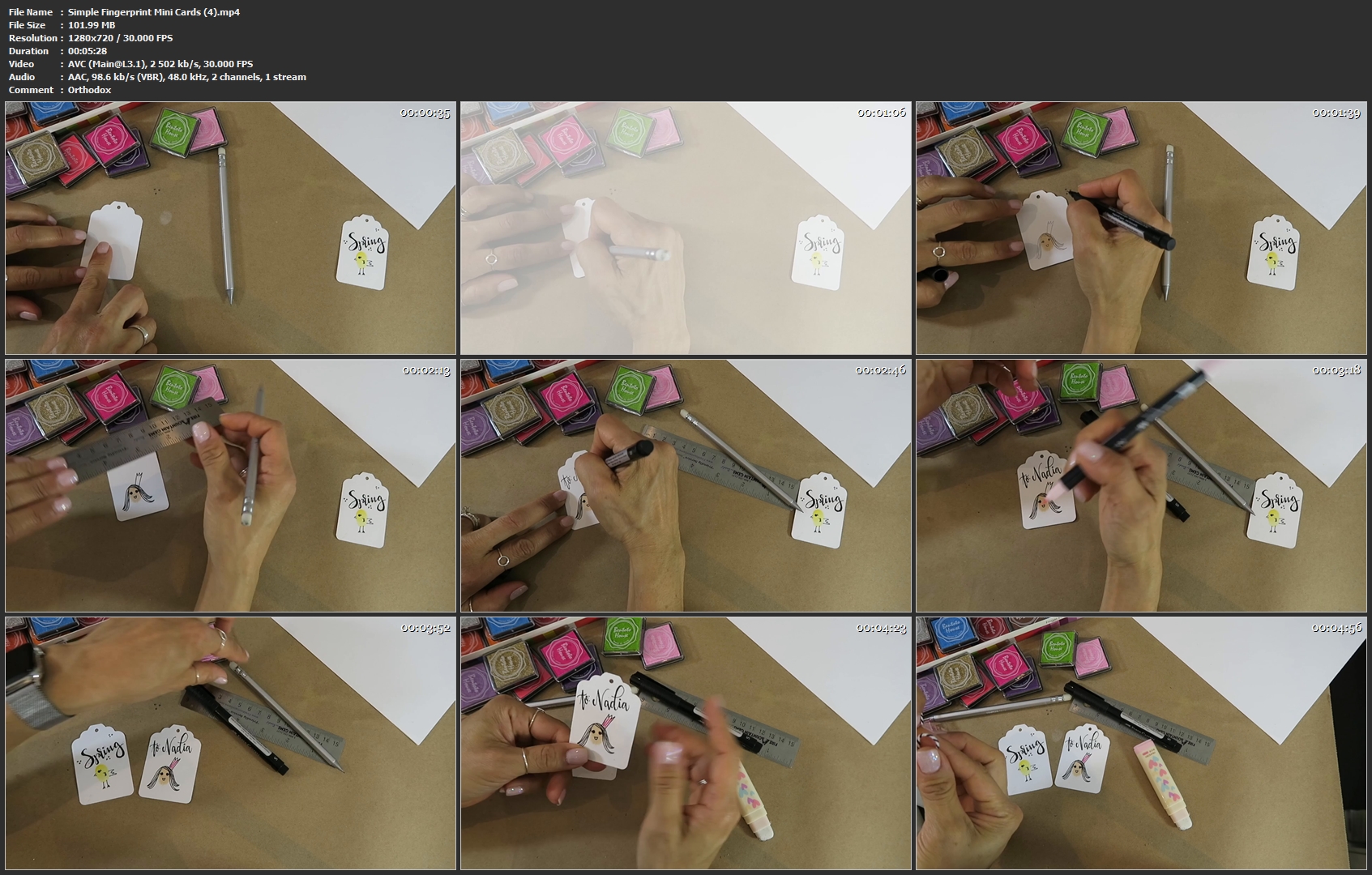
Simple Fingerprint Mini Cards

image.jpg


Simple Fingerprint Mini Cards
Video: .MP4, 1280x720 | Audio: AAC, 48kHz, 2ch | Duration: 30m
Genre: eLearning | Language: English | Size: 567 MB

In this simple and quick class you'll learn the basics to creating fingerprint mini cards and gift tags. With just a minimal amount of supplies, and time, you'll be able to turn your white card stock into custom greetings!

Simple-Fingerprint-Mini-Cards-4-mp4.jpg


...
 
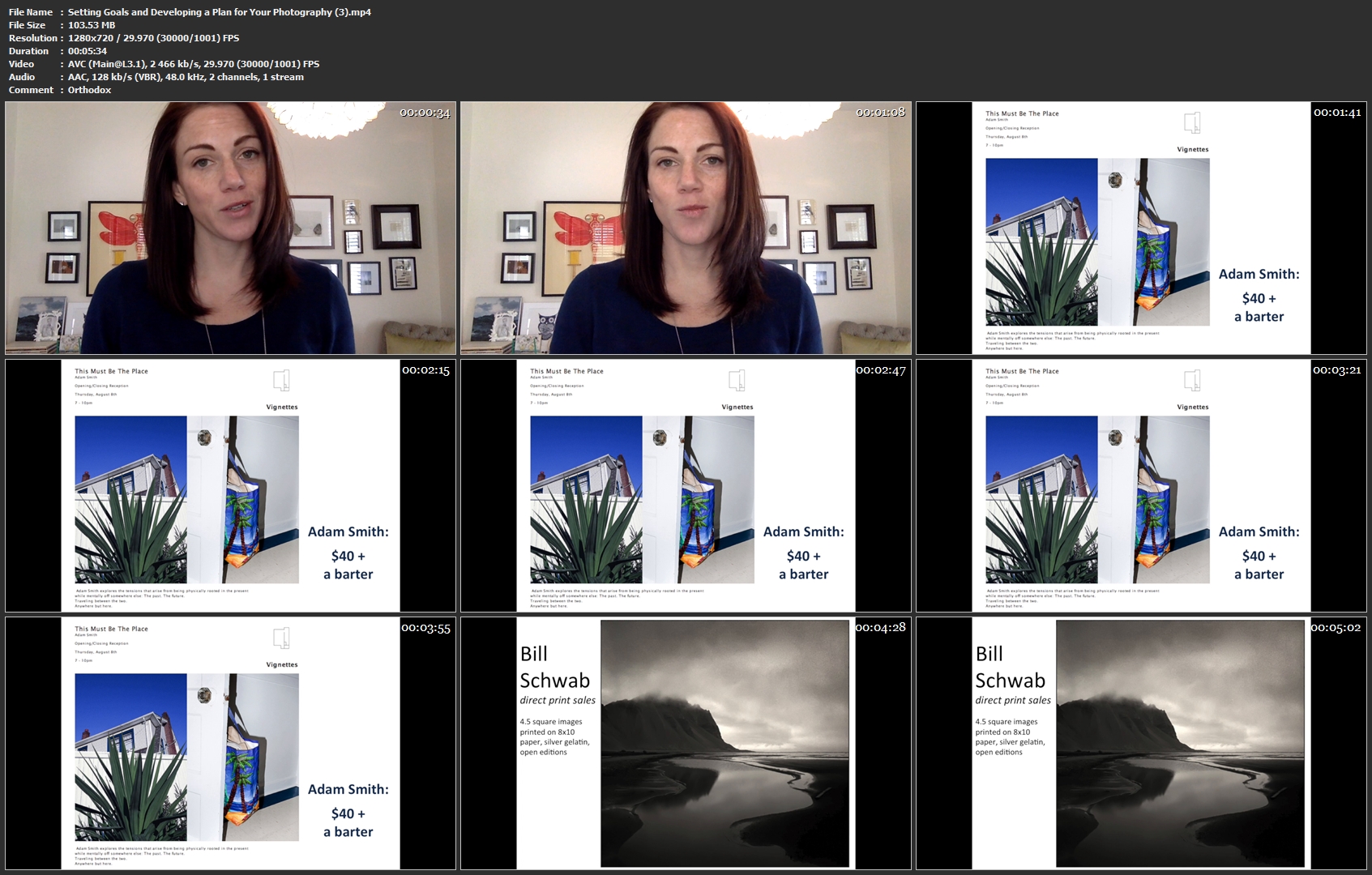
Setting Goals and Developing a Plan for Your Photography

image.jpg


Setting Goals and Developing a Plan for Your Photography
Video: .MP4, 1280x720 | Audio: AAC, 48kHz, 2ch | Duration: 12m
Genre: eLearning | Language: English | Size: 225 MB

Crusade For Your Art: Best Practices for Fine Art Photographers gives you the tools to take your fine art photography career by the reins and thoughtfully and purposefully develop a plan to get you where you want to go. Learn how to tighten your work, develop your brand, identify goals and a plan for your photography, and strategically launch your project.

In this fifth of ten courses, you determine the goals you have for your work and develop steps to get there. You will also identify the people who are most likely to appreciate and want to collect your photography and ways to reach out to them. For your class project, you will identify your goals and at least three concrete steps you can take in the next 12 months to move you closer to reaching them.

Setting-Goals-and-Developing-a-Plan-for-Your-Photography-3-mp4.jpg


...
 
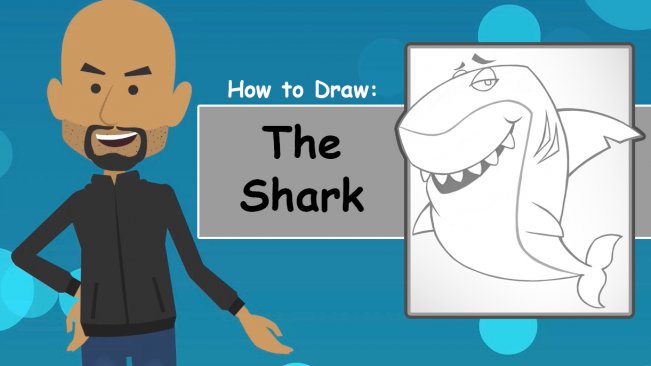
How To Draw Deep Sea Toons

image.jpg


How To Draw Deep Sea Toons
Video: .MP4, 1280x720 | Audio: AAC, 44.1kHz, 2ch | Duration: 55m
Genre: eLearning | Language: English | Size: 821 MB

Learn how to draw Deep Sea Toons from start to finish. We will be sketching Sharks, Seahorses, Turtles and more! Once you have a good idea of making your own Deep Sea Toons, I'd love to see what you make!

The reason I created Deep Sea Toons was to make a children's coloring and activity book to be given away to Daycare centers, Children Hospitals and Shelters. To learn more click here:
Here's a video I posted on my YouTube channel where I drew and colored a Hermit Crab. This is how your work will end up looking once you get good at it!

How-To-Draw-Deep-Sea-Toons-1-mp4.jpg


...
 
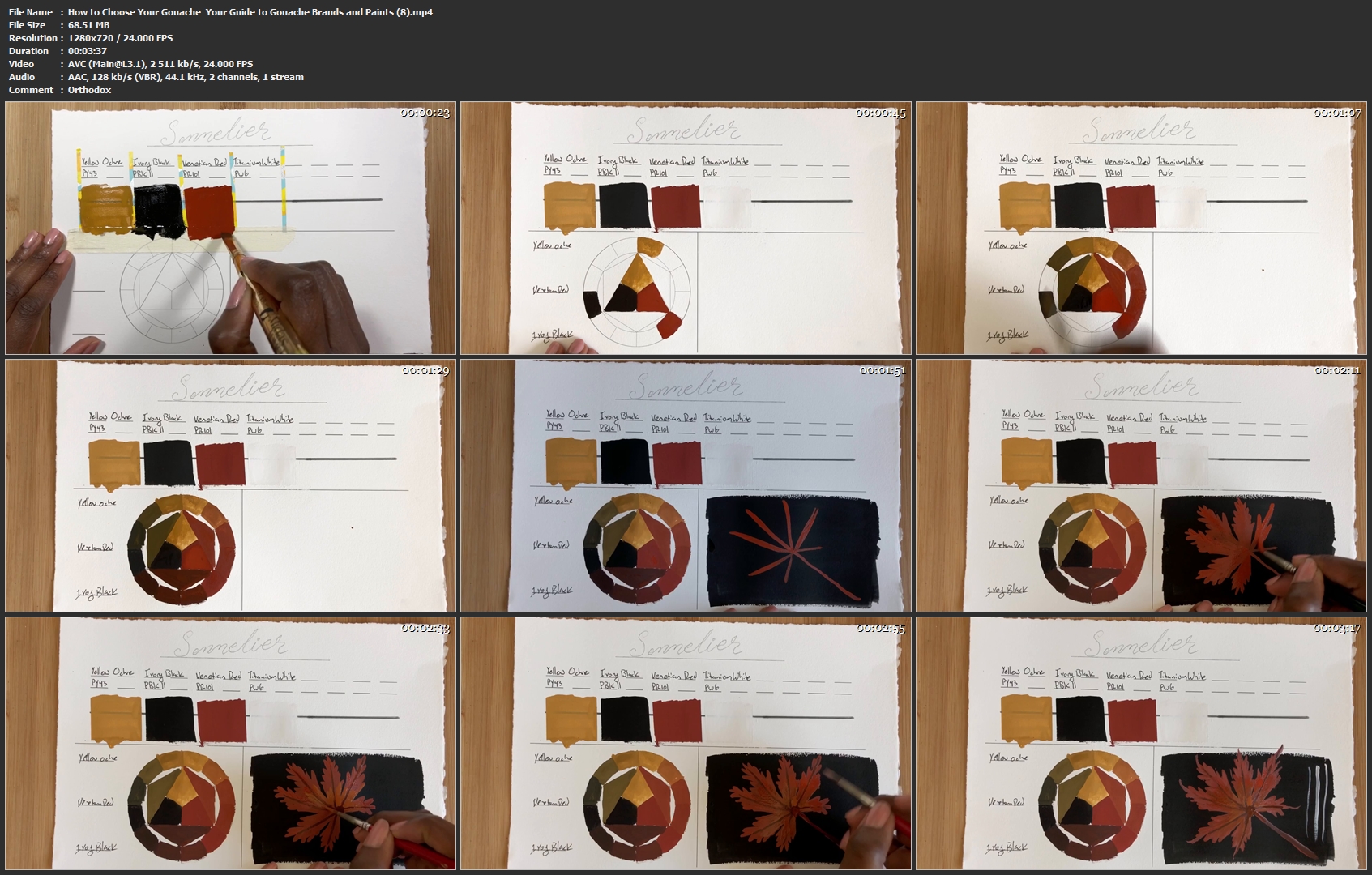
How to Choose Your Gouache | Your Guide to Gouache Brands and Paints

image.jpg


How to Choose Your Gouache | Your Guide to Gouache Brands and Paints
Video: .MP4, 1280x720 | Audio: AAC, 44.1kHz, 2ch | Duration: 46m
Genre: eLearning | Language: English | Size: 0,99 GB

Are you interested in gouache, but you don't even know where to begin? Maybe you've been looking at what tools other artists use, but you're not sure what is right for you?

Well you're in the perfect place!

I'm an artist who love gouache, and I have been painting in gouache for years. I have a wide range of both student grand and artist grade gouache paints that I am so excited to share with you! It's a list that probably includes gouache brands that you have probably never heard of before! By the time we are done, I hope that you will be able to choose the paints that are right for you!

Each brand will be evaluated on these characteristics:

• Texture
• Flatness
• Opacifiers
• Opacity
• Vibrancy
• Pigmentation
• Mix-ability
• Layering
• Reactivation
• Overall experience
Your final project is to share your own personal gouache set up and tell us about the gouache paints you chose. Sharing a looking at the ways other artists choose their tools is a great way to get started!

How-to-Choose-Your-Gouache-Your-Guide-to-Gouache-Brands-and-Pai.jpg


...
 
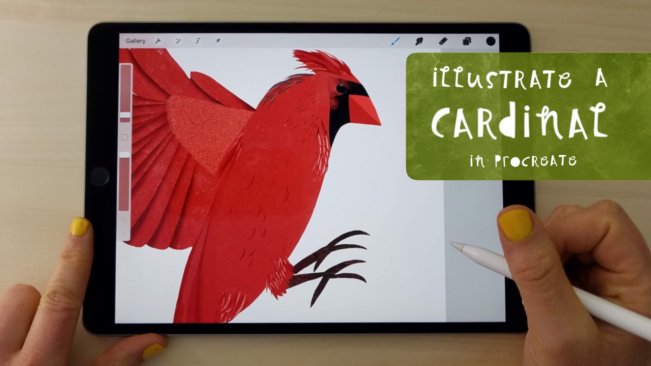
Illustrate a Cardinal in Procreate

image.jpg


Illustrate a Cardinal in Procreate
Video: .MP4, 1280x720 | Audio: AAC, 44.1kHz, 2ch | Duration: 48m
Genre: eLearning | Language: English | Size: 888 MB

In this class, You will learn how to illustrate a cardinal using Procreate. But you will also be learning so much more in the process!

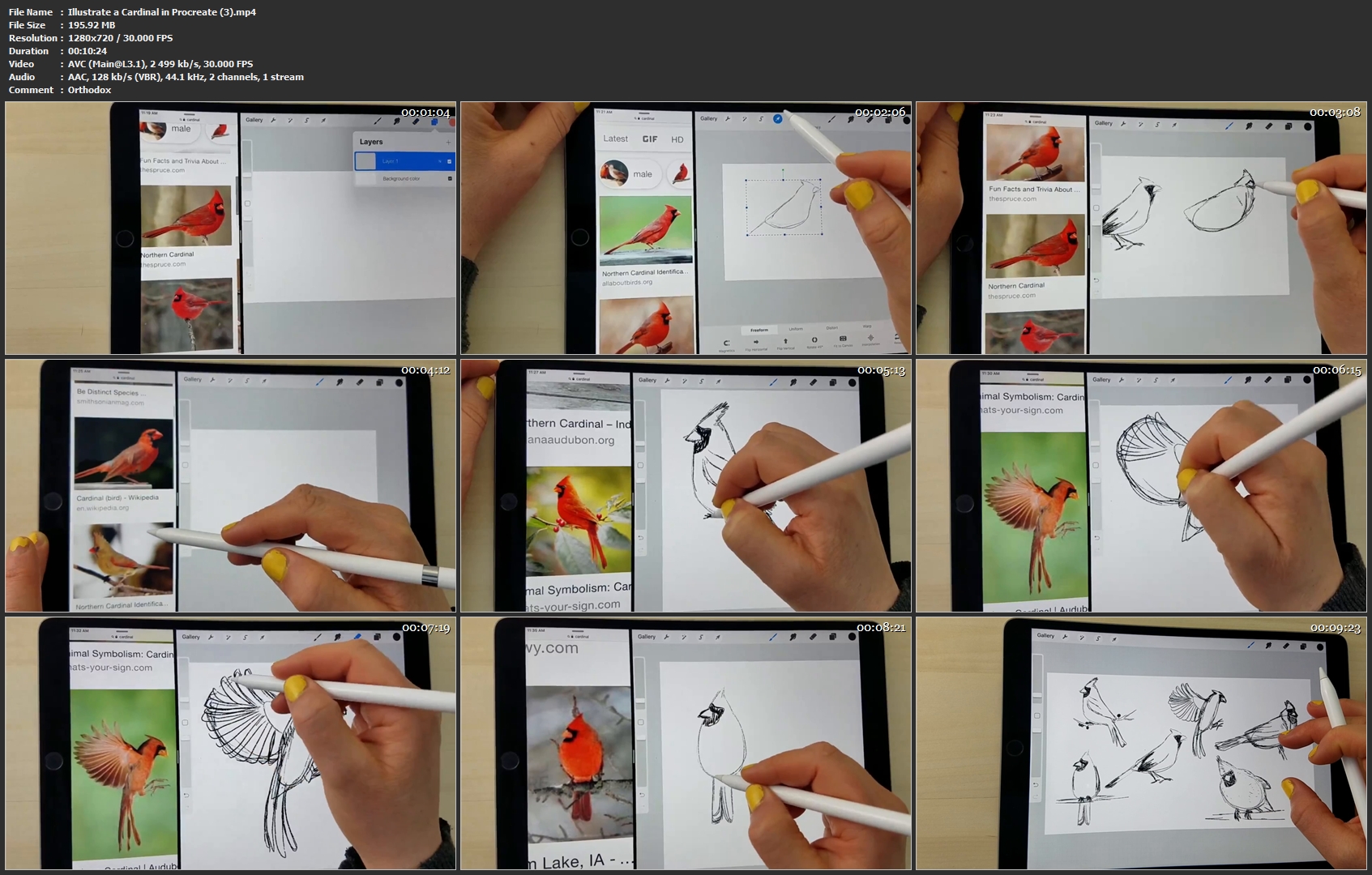
I will walk you through my process for using reference photos and making gesture drawings. We'll also cover the importance of planning your sketch, composition, color and overall mood before beginning final art.

We'll be using texture, shape, line and layers to digitally paint our cardinals with depth, detail and personality! Then I'll show you how to prepare your final files. And I'll be throwing in Procreate tips along the way!

By the end of this class, you will have learned new techniques and strategies that you can carry into your future work! Your cardinal is just one step on your creative journey!

This class is for everyone with a basic knowledge of Procreate. Whether you are brand new to this subject, style or medium; looking for a relaxing and rewarding hobby; or make your living from your art, this class is for you!

Procreate brushes I love:

Vivi Brushes: gumroad.com/l/vivibrush

Nautika Brush Pack: creativemarket.com/Frankentoon/2196112-Nautika-Brush-Pack-for-Procreate

Illustrate-a-Cardinal-in-Procreate-3-mp4.jpg


...
 
Zurück
Oben Unten