• Regeln für den Video-Bereich:

    In den Börsenbereich gehören nur Angebote die bereits den Allgemeinen Regeln entsprechen.

    Einteilung

    - Folgende Formate gehören in die angegeben Bereiche:
    - Filme: Encodierte Filme von BluRay, DVD, R5, TV, Screener sowie Telesyncs im Format DivX, XviD und x264.
    - DVD: Filme im Format DVD5, DVD9 und HD2DVD.
    - HD: Encodierte Filme mit der Auflösung 720p oder darüber von BluRay, DVD, R5, TV, Screener sowie Telesyncs im Format x264.
    - 3D: Encodierte Filme von BluRay, die in einem 3D Format vorliegen. Dies gilt auch für Dokus, Animation usw.
    - Serien: Cartoon/Zeichentrick, Anime, Tutorials, Dokumentationen, Konzerte/Musik, Sonstiges sind demnach in die entsprechenden Bereiche einzuordnen, auch wenn sie beispielsweise im High Definition-Format oder als DVD5/DVD9/HD2DVD vorliegen. Ausnahme 3D.
    - Bereich Englisch: Englische Releases gehören immer in diesen Bereich.
    - Bereich Talk: Der Bereich, in dem über die Releases diskutiert werden kann, darf, soll und erwünscht ist.


    Angebot/Beitrag erstellen

    - Ein Beitrag darf erst dann erstellt werden, wenn der Upload bei mindestens einem OCH komplett ist. Platzhalter sind untersagt.
    - Bei einem Scenerelease hat der Threadtitel ausschließlich aus dem originalen, unveränderten Releasenamen zu bestehen. Es dürfen keine Veränderungen wie z.B. Sterne, kleine Buchstaben o.ä. vorgenommen werden. Ausnahme Serienbörse:
    - Bei einem Sammelthread für eine Staffel entfällt aus dem Releasename natürlich der Name der Folge. Beispiel: Die Simpsons S21 German DVDRip XviD - ITG
    - Dementsprechend sind also u.a. verboten: Erweiterungen wie "Tipp", "empfehlenswert", "only", "reup", usw. / jegliche andere Zusatzinformation oder Ergänzung, welche nicht in obiger Beschreibung zu finden ist.

    Aufbau des Angebots und Threadtitel

    Der Titel nach folgendem Muster erstellt zu werden. <Name> [3D] [Staffel] [German] <Jahr> <Tonspur> [DL] [Auflösung] <Quelle> <Codec> - <Group>
    Beispiel: The Dark Knight German 2008 AC3 DVDRip XviD - iND
    Beispiel: The Dark Knight 2008 DTS DL BDRip x264 - iND
    Beispiel: The Dark Knight 2008 AC3 DL BDRip XviD - iND
    Beispiel: The Dark Knight German 2008 AC3 720p BluRay x264 iND
    Beispiel: The Dark Knight 2008 DTS DL 1080p BluRay x264 iND
    Beispiel: Die Simpsons S01 German AC3 DVDRip XviD iND
    Beispiel: Die Simpsons S20 German AC3 720p BluRay x264 iND
    Beispiel: Sword Art Online II Ger Sub 2014 AAC 1080p WEBRip x264 - peppermint
    Entsprechend sind also u.a. verboten: Sonderzeichen wie Klammern, Sterne, Ausrufezeichen, Unterstriche, Anführungszeichen / Erweiterungen wie "Tipp", "empfehlenswert", "only", "reup", usw. / jegliche andere Zusatzinformation oder Ergänzung, welche nicht in obiger Beschreibung zu finden ist
    Ausnahmen hiervon können in den Bereichen geregelt sein.

    Die Beiträge sollen wie folgt aufgebaut werden:
    Überschrift entspricht dem Threadtitel
    Cover
    kurze Inhaltsbeschreibung
    Format, Größe, Dauer sind gut lesbar für Downloader außerhalb des Spoilers zu vermerken
    Nfo sind immer Anzugeben und selbige immer im Spoiler in Textform.
    Sind keine Nfo vorhanden z.B. Eigenpublikationen, sind im Spoiler folgende Dateiinformationen zusätzlich anzugeben :
    Quelle
    Video (Auflösung und Bitrate)
    Ton (Sprache, Format und Bitrate der einzelnen Spuren)
    Untertitel (sofern vorhanden)
    Hosterangabe in Textform außerhalb eines Spoiler mit allen enthaltenen Hostern.
    Bei SD kann auf diese zusätzlichen Dateiinformationen verzichtet werden.

    Alle benötigten Passwörter sind, sofern vorhanden, in Textform im Angebot anzugeben.
    Spoiler im Spoiler mit Kommentaren :"Schon Bedankt?" sind unerwünscht.


    Releases

    - Sind Retail-Release verfügbar, sind alle anderen Variationen untersagt. Ausnahmen: Alle deutschen Retail-Release sind CUT, in diesem Fall sind dubbed UNCUT-Release zulässig.
    - Im Serien-Bereich gilt speziell: Wenn ein Retail vor Abschluss einer laufenden Staffel erscheint, darf diese Staffel noch zu Ende gebracht werden.62
    - Gleiche Releases sind unbedingt zusammenzufassen. Das bedeutet, es ist zwingend erforderlich, vor dem Erstellen eines Themas per Suchfunktion zu überprüfen, ob bereits ein Beitrag mit demselben Release besteht. Ist dies der Fall, ist der bereits vorhandene Beitrag zu verwenden.
    - P2P und Scene Releases dürfen nicht verändert oder gar unter einem iND Tag eingestellt werden.


    Support, Diskussionen und Suche

    - Supportanfragen sind entweder per PN oder im Bereich Talk zu stellen.
    - Diskussionen und Bewertungen sind im Talk Bereich zu führen. Fragen an die Uploader haben ausschließlich via PN zu erfolgen, und sind in den Angeboten untersagt.
    - Anfragen zu Upload-Wünschen sind nur im Bereich Suche Video erlaubt. Antworten dürfen nur auf Angebote von MyBoerse.bz verlinkt werden.


    Verbote

    - Untersagt sind mehrere Formate in einem einzigen Angebotsthread, wie beispielsweise das gleichzeitige Anbieten von DivX/XviD, 720p und 1080p in einem Thread. Pro Format, Release und Auflösung ist ein eigener Thread zu eröffnen.
    - Grundsätzlich ebenso verboten sind Dupes. Uploader haben sich an geeigneter Stelle darüber zu informieren, ob es sich bei einem Release um ein Dupe handelt.
    - Gefakte, nur teilweise lauffähige oder unvollständige Angebote sind untersagt. Dies gilt auch für eigene Publikationen, die augenscheinlich nicht selbst von z.B. einer DVD gerippt wurden. Laufende Serien, bei denen noch nicht alle Folgen verfügbar sind, dürfen erstellt und regelmäßig geupdatet werden.
    - Untersagt sind Angebote, welche nur und ausschließlich in einer anderen Sprache als deutsch oder englisch vorliegen. Ausnahmen sind VORHER mit den Moderatoren zu klären.


    Verstoß gegen die Regeln

    - Angebote oder Beiträge, die gegen die Forenregeln verstoßen, sind über den "Melden"-Button im Beitrag zu melden.
  • Bitte registriere dich zunächst um Beiträge zu verfassen und externe Links aufzurufen.


Englische Tutorials

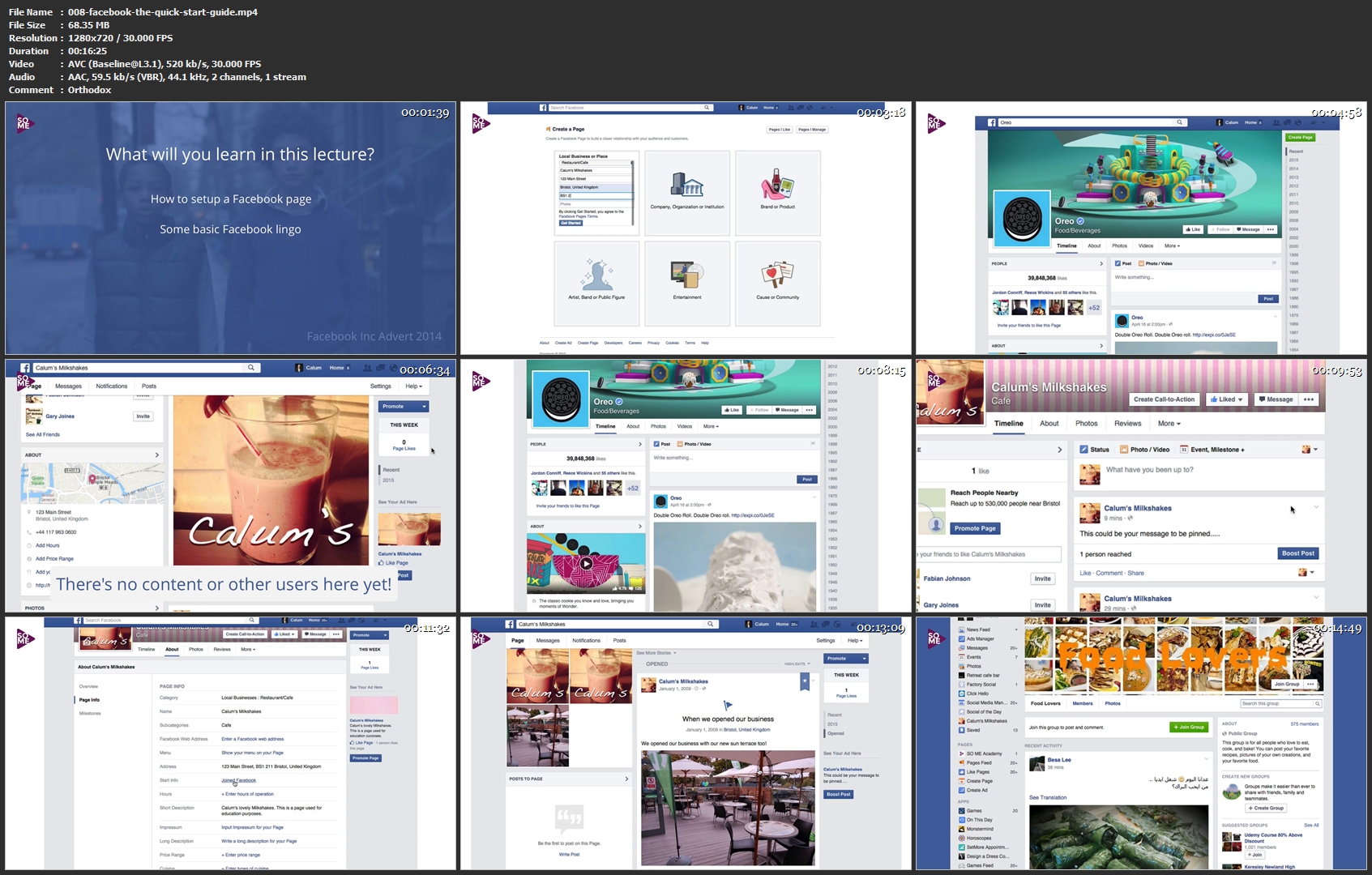
Social Media Marketing 2017 - Complete Certificate Course

RWl-Me-Zx-Q32ad-QOOf6-LK0-AQMa6-ZXZ4-Z8-W.jpg


Social Media Marketing 2017 - Complete Certificate Course
MP4 | Video: AVC 1280 x 720 | Audio: AAC 44 KHz 2ch | Duration: 03:05:20 | 635.33 MB
Genre: eLearning | Language: English

The comprehensive social media course, beginner to advanced. Go viral, get started today!
What Will I Learn?
Understand the social media foundations
Be able to fully audit their organisation
Plan goals and create a vision
Build a social media strategy
Understand the basics of Youtube, Facebook, Google+, Twitter, Instagram and blogging
Use advanced features of the most popular social networks
Understand the wide scope of social media
Understand the risks of social media
Use social media not just for marketing, but for customer services & PR
Understand the fundamentals of content marketing

Requirements
You should have a business need for social media - either as someone who is an entrepreneur or within an organisation

Who is the target audience?
Those looking for a comprehensive social media certificate
This course is not for personal use of social media
008-facebook-the-quick-start-guide-mp4.jpg


...
 
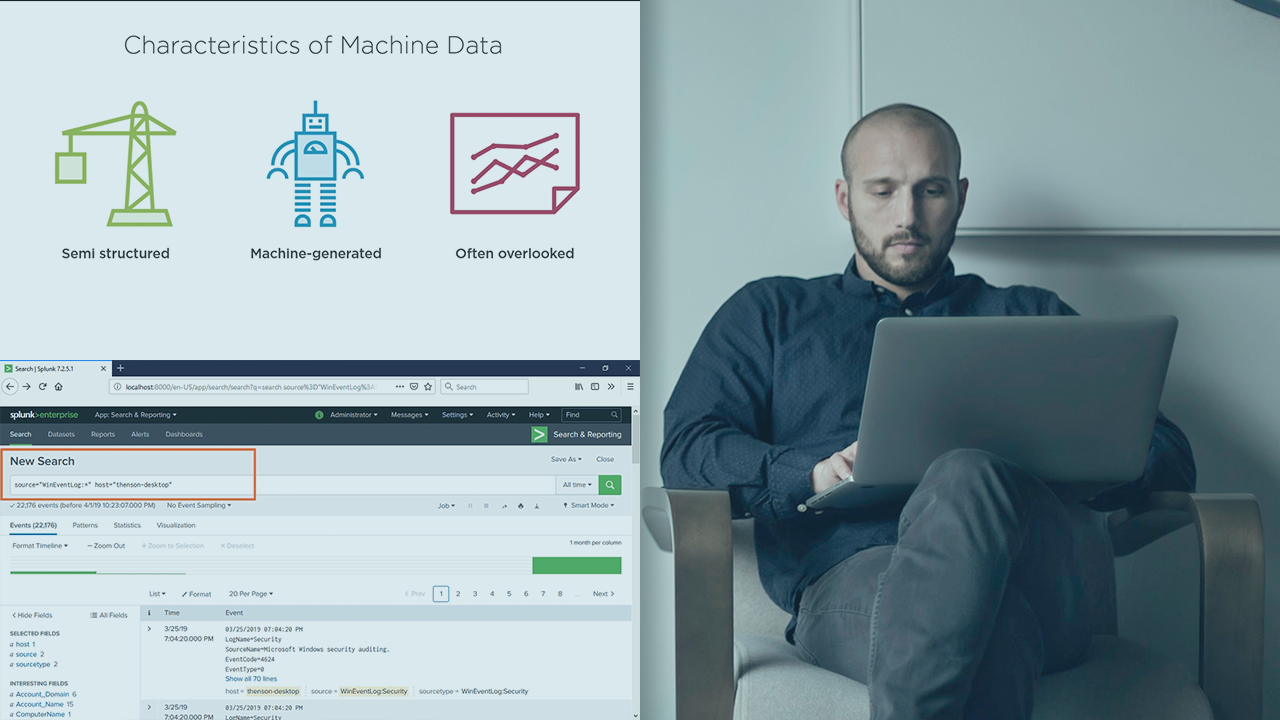
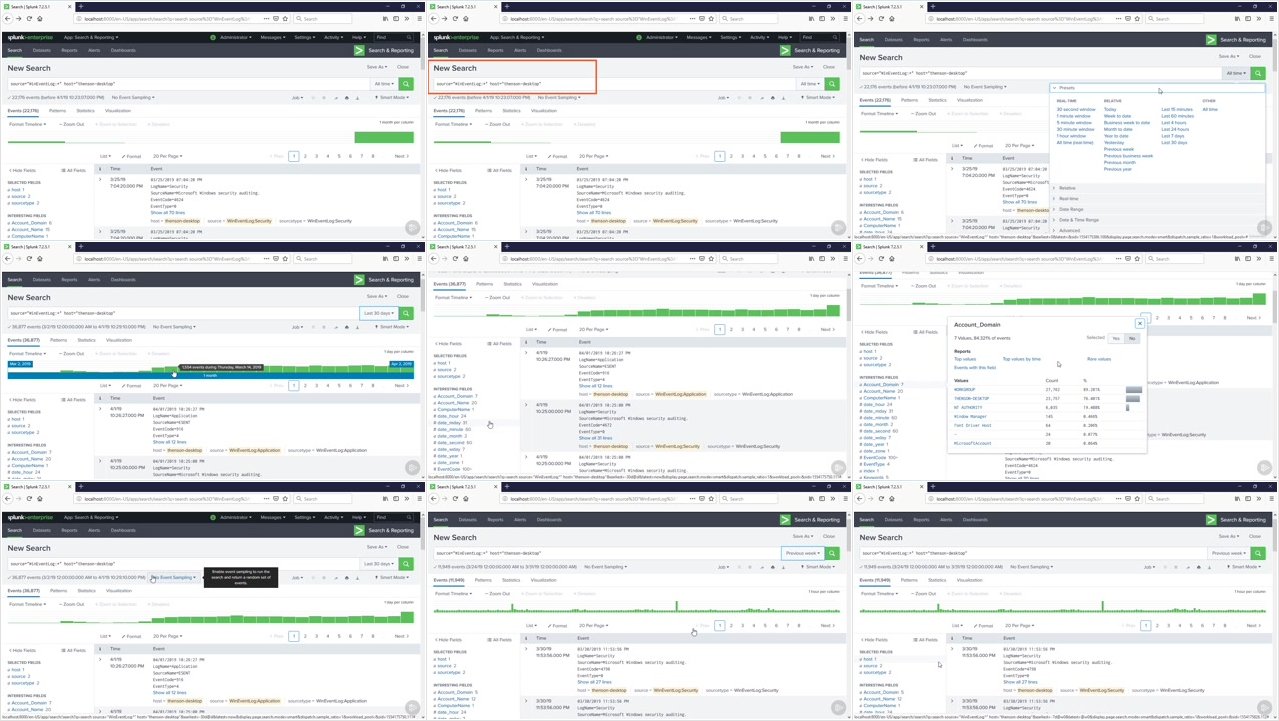
Installing and Configuring Splunk

00658012.png


Installing and Configuring Splunk
.MP4, AVC, 280 kbps, 1280x720 | English, AAC, 96 kbps, 2 Ch | 1h 16m | 138 MB
Instructor: Thomas Henson

At the core of the Splunk Architect is a thorough knowledge of building and configuring Splunk environments. In this course, Installing and Configuring Splunk, you'll learn how to build out a Splunk development environment. First, you'll learn the architecture of Splunk. Next, you'll explore career paths in Splunk. Finally, you'll discover how to install and configure Splunk in Windows, Mac, and Linux environments. When you're finished with this course, you'll have a foundational knowledge of Installing Splunk that will help you as you move forward with the Splunk Architecture path. Software required: Splunk 7.25 free tier.

More Info

00658011.jpg


...
 
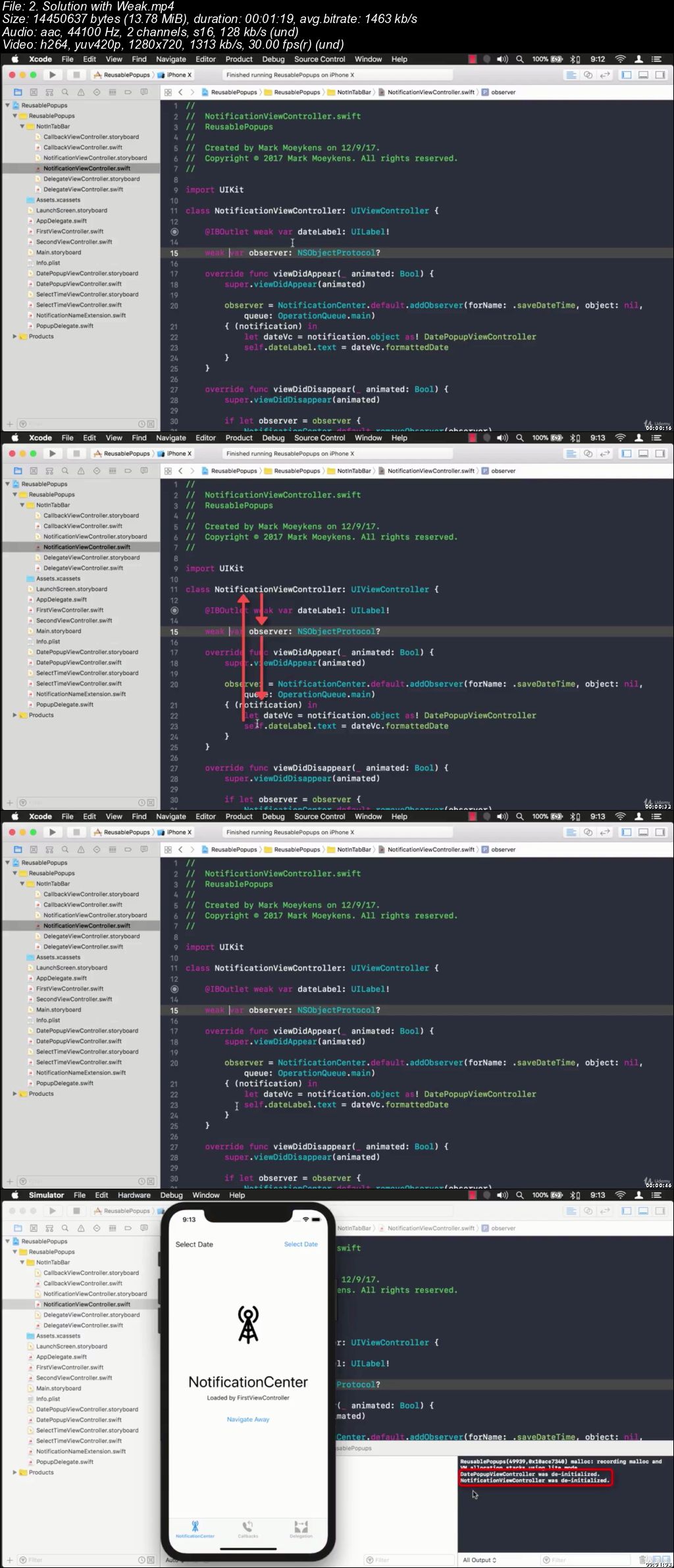
Visual Swift Memory Mastery

0065874c.jpg


Visual Swift Memory Mastery
.MP4 | Video: 1280x720, 30 fps(r) | Audio: AAC, 44100 Hz, 2ch | 899 MB
Duration: 1.5 hours | Genre: eLearning Video | Language: English

Visually learn Swift memory safety, automatic reference counting (ARC) and memory management


What you'll learn

Two main types in Swift
How Swift manages and allocates memory
What to know about memory addresses
How to tell what kind of type you are looking at in Xcode
How to use Variables View in Xcode
How to print description about objects from the Variables View
How Swift manages and allocates memory
How Swift determines when it's OK to remove objects from memory
Automatic Reference Counting (ARC)
Dependencies and ARC
Retain Cycles (Also known as: Retention Cycles or Circular References)
What Strong, Weak and Unowned references are
The Debug Memory Graph tool in Xcode
Using Instruments Leak profiler to find memory leaks
What closures are and how to debug memory leaks with them
How to fix closure memory leaks with capture lists
How to debug common memory problems with Notification Center, Callbacks and Delegates

Requirements

Basic Swift Language Knowledge

Description

Have you ever tried to learn about memory leaks but thought it was too advanced or complicated to understand? If so, then "Visual Swift Memory Mastery" is the perfect course for you because you will become a master at finding and fixing memory leaks. First, you will learn the foundations of memory, how it works, and the two types we use in Swift. Next, you will understand why memory leaks even happen as I show you visually, enabling you to create, identify and resolve memory leaks. Finally, you're going to go through 3 different scenarios where we find memory leaks and resolve them with multiple solutions.

When you're finished with this course, you will not only completely understand how to find and fix memory leaks using a variety of solutions but also how to check your current or previous apps for memory leaks and resolve them once and for all. In the workplace, your coworkers will be coming to you when they have memory leaks and you will be able to help them, just as I have helped you.

Who this course is for:

iOS Developers

0065874e.jpg


...
 
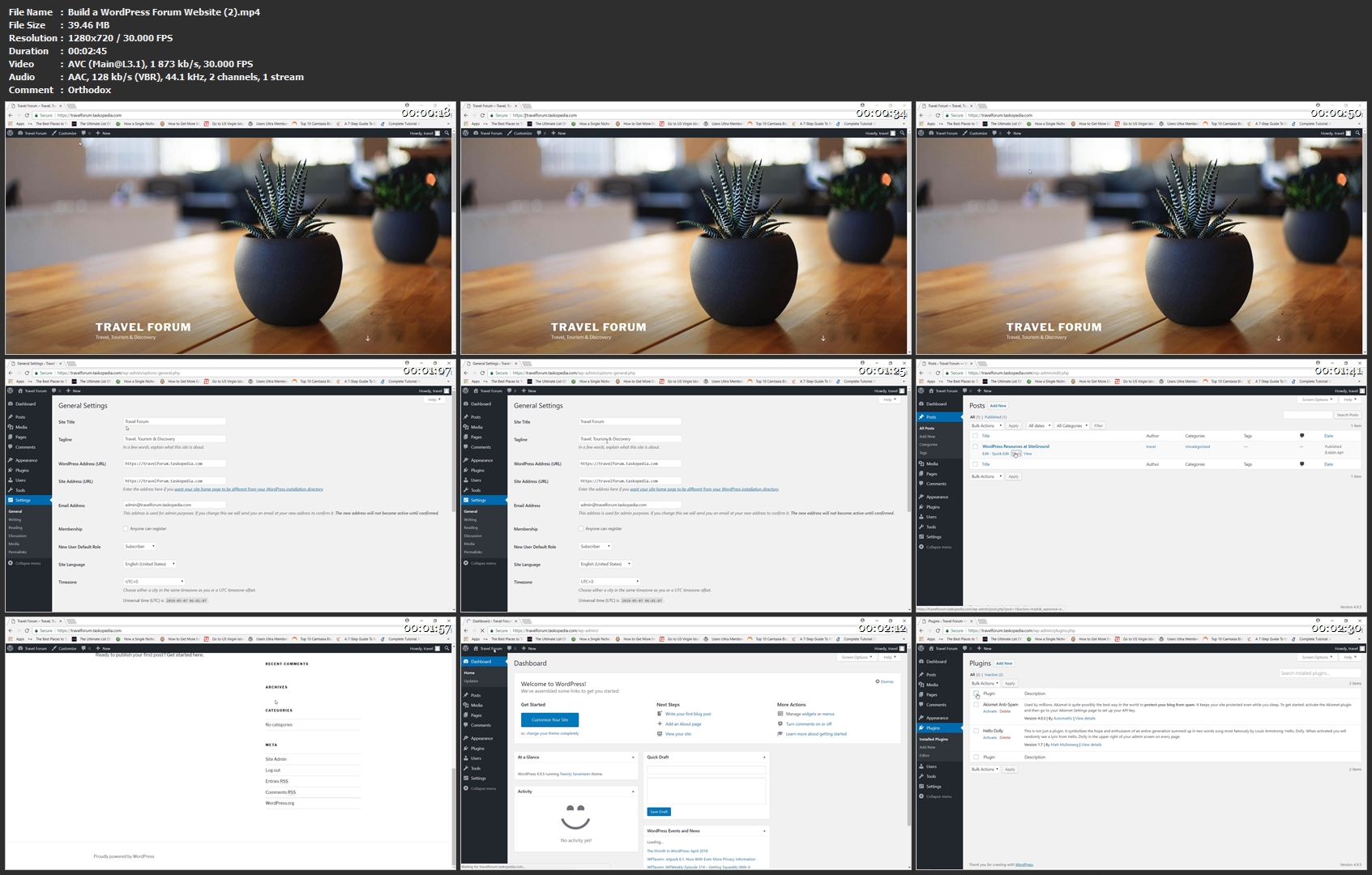
Build a WordPress Forum Website

image.jpg


Build a WordPress Forum Website
Video: .MP4, 1280x720 | Audio: AAC, 44kHz, 2ch | Duration: 1h 46m
Genre: eLearning | Language: English | Size: 1,19 GB

In this course, you are going to learn how to build a complete forum website using one of the most popular social networking plugins known as bbPress. With this plugin, I will show you how to

Create forums and topics
Build a registration page for new subscribers
Write and customize welcome messages
Add user avatars
Add user attachments
Integrate the 'LIKE' button and other social media features
and much more
You will also learn how to apply basic security to protect your site from spam comments and potential hackers.

Build-a-Word-Press-Forum-Website-2-mp4.jpg


...
 
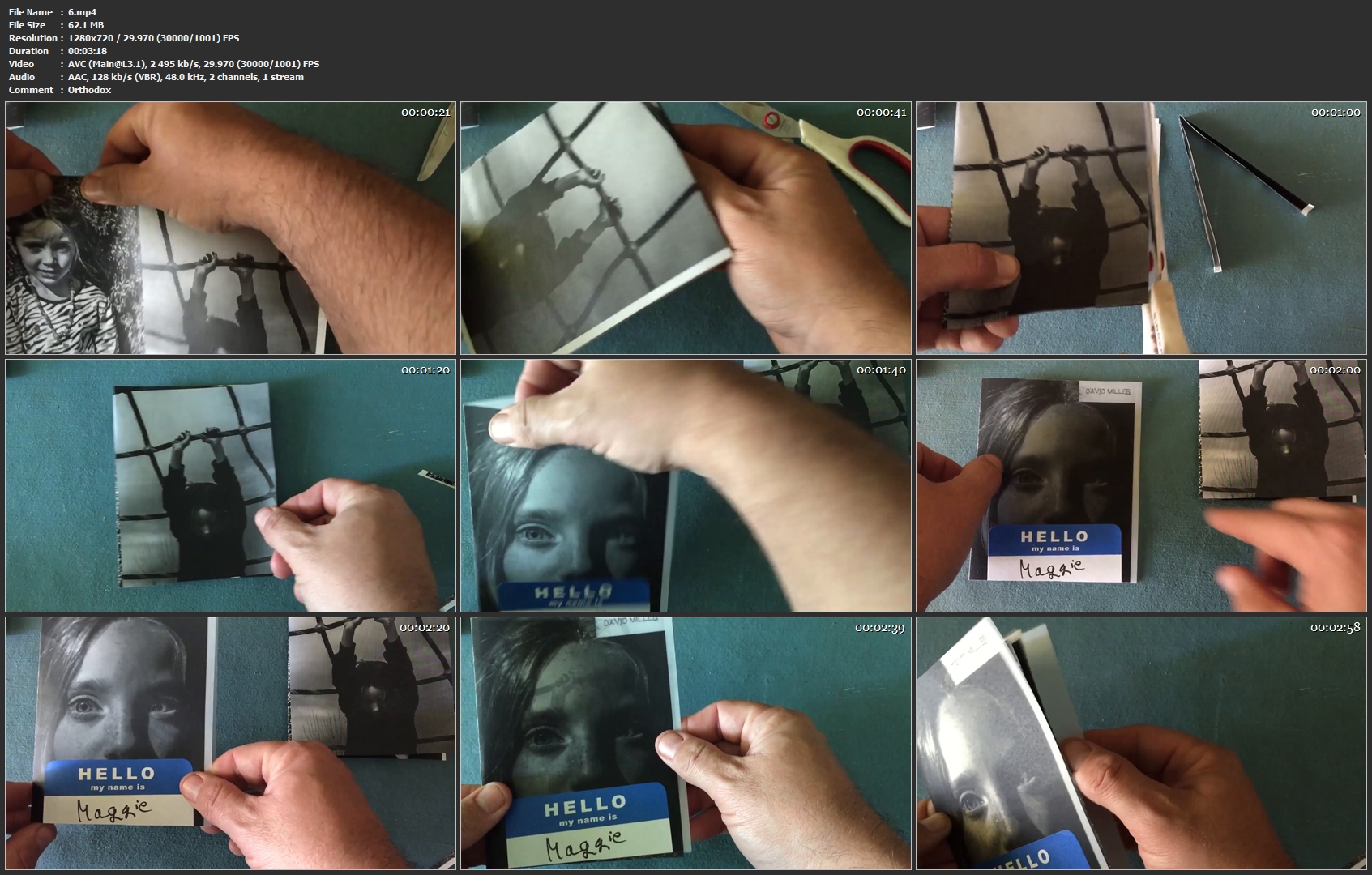
Create A Photo Zine In Adobe Lightroom

image.jpg


Create A Photo Zine In Adobe Lightroom
Video: .MP4, 1280x720 | Audio: AAC, 48kHz, 2ch | Duration: 12m
Genre: eLearning | Language: English | Size: 176 MB

This class covers how to use Adobe Lightroom's collections and print modules as a means to layout the pages of a 4 1/4"x 5 1/2" zine. We'll also cover how to use the copy machine to print it correctly and some ideas for themes and paper choices!

6-mp4.jpg


...
 
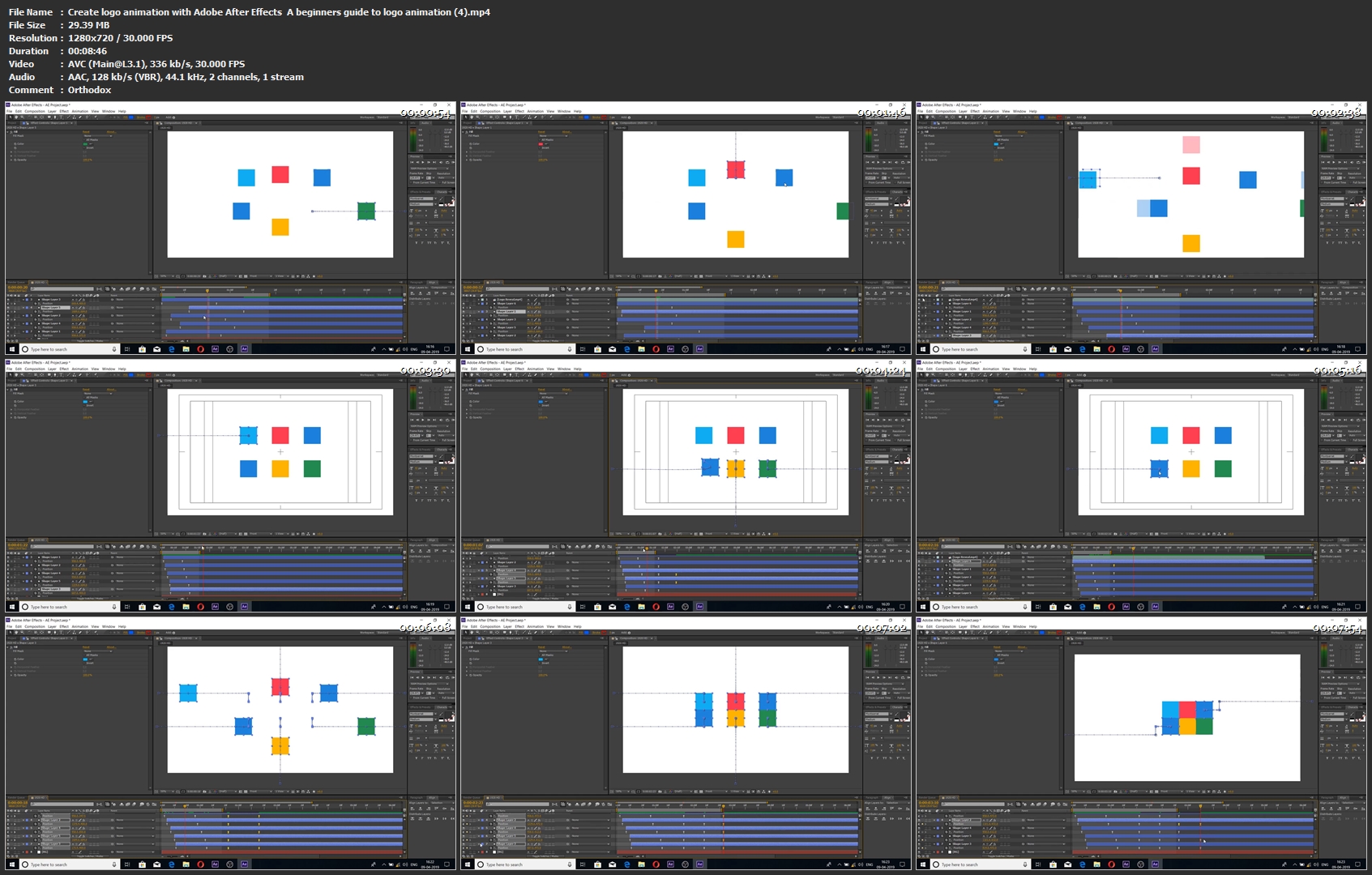
Create logo animation with Adobe After Effects: A beginners guide to logo animation

image.jpg


Create logo animation with Adobe After Effects : A beginners guide to logo animation
Video: .MP4, 1280x720 | Audio: AAC, 48kHz, 2ch | Duration: 35m
Genre: eLearning | Language: English | Size: 137 MB

Hey there , in this course we are going to learn how to create logo animation with Adobe After Effects.

During this course you'll not only get familiar with After Effects but you'll have a good understanding of the concepts that go into detail on creating a beautiful logo animation

This course is aimed for beginners as well as intermediate users of Adobe After Effects. In this course we make a logo animation right from scratch so it's easy to understand and follow along.

We will start by learning how to create New project and then Solid layers , Shape layers and then we will be jumping a little deeper as our concepts get clear.

After taking this course you'll have a solid understanding of creating an animated logo reveal

Create-logo-animation-with-Adobe-After-Effects-A-beginners-guid.jpg


...
 
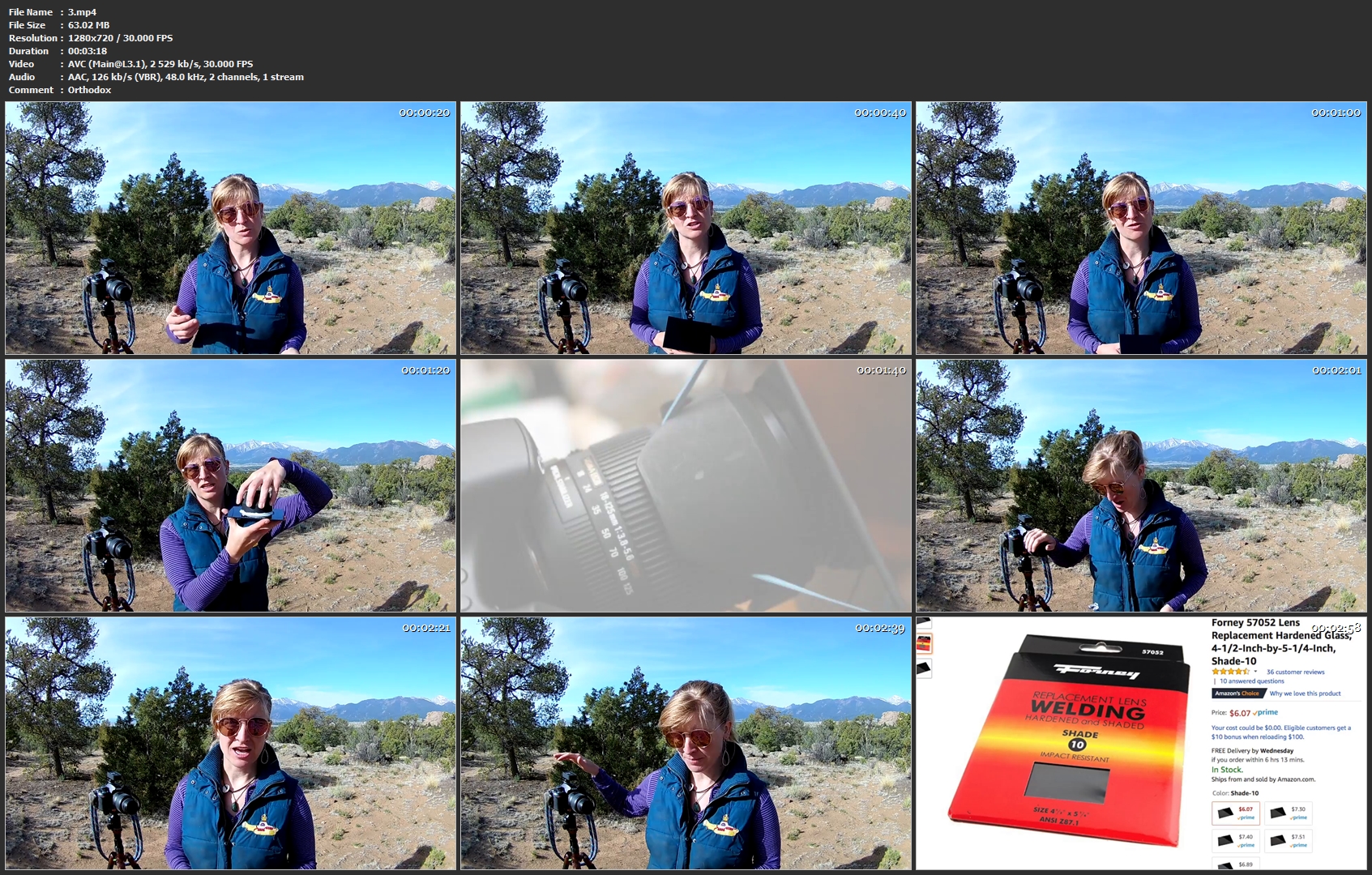
DIY Filter for Photography

image.jpg


DIY Filter for Photography
Video: .MP4, 1280x720 | Audio: AAC, 48kHz, 2ch | Duration: 11m
Genre: eLearning | Language: English | Size: 207 MB

Long exposure photography blurs motion. Typically this is achieved with neutral density filters which reduce the amount of light coming into the camera. These filters can get quite expensive, some over 100 dollars each, but with this easy technique you too can accomplish that classic smooth long exposure shot.

This course will outline how to create your own long exposure filter using welder's glass, techniques for use, as well as a quick tip in post-processing.

3-mp4.jpg


...
 
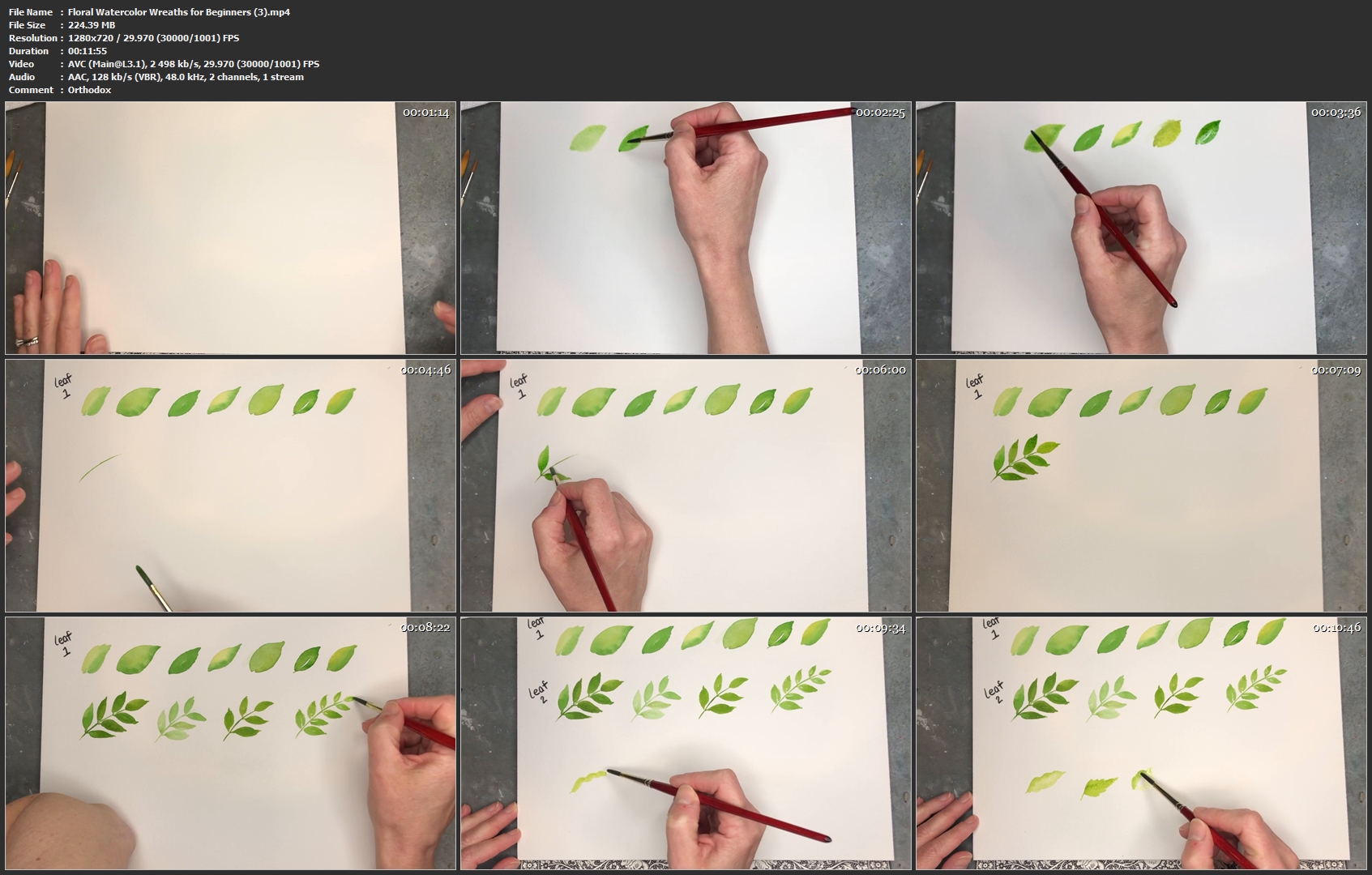
Floral Watercolor Wreaths for Beginners

image.jpg


Floral Watercolor Wreaths for Beginners
Video: .MP4, 1280x720 | Audio: AAC, 48kHz, 2ch | Duration: 1h 17m
Genre: eLearning | Language: English | Size: 1,41 GB

Welcome to the wonderful world of watercolor!!! Part I of this class is designed for those just starting out! You will learn to paint three types of leaves, two "focus" flowers, three "filler" flowers, and a few extra fun elements to include in your watercolor wreath. Part II of this class is for anyone who wants to put all those elements together into a detailed, layered watercolor wreath! Happy Painting!

Supplies: I have attached a list of the supplies I use during both Part I and Part II of the class. If you have any questions at all, you can always leave a message for me here. I welcome your questions, comments and feedback.

Floral-Watercolor-Wreaths-for-Beginners-3-mp4.jpg


...
 
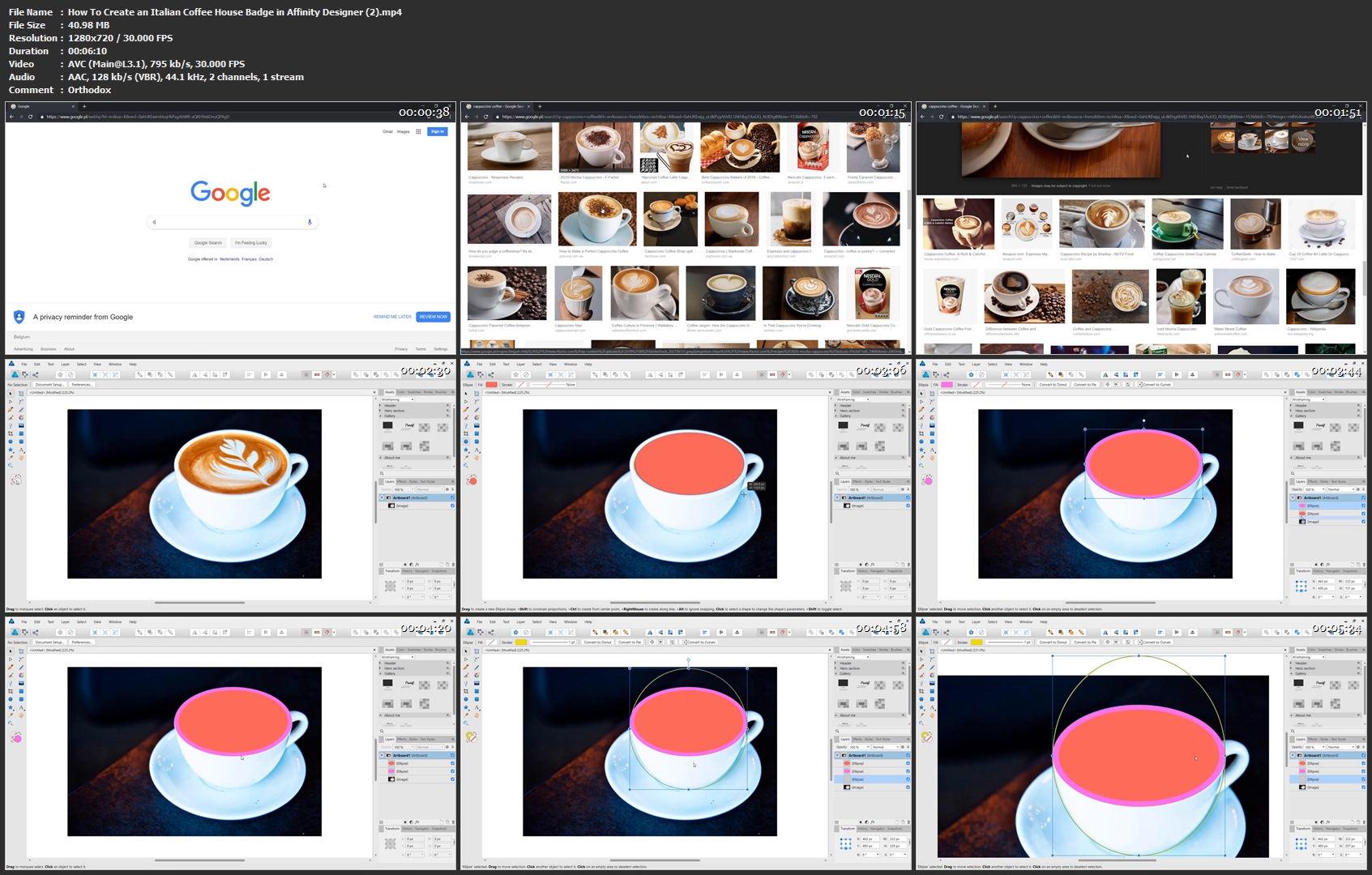
How To Create an Italian Coffee House Badge in Affinity Designer

image.jpg


How To Create an Italian Coffee House Badge in Affinity Designer
Video: .MP4, 1280x720 | Audio: AAC, 44.1kHz, 2ch | Duration: 28m
Genre: eLearning | Language: English | Size: 159 MB

In this class you will larn how to use Affinity Designer to create a cool looking, Italian coffee house badge.

In the process you will learn
pen tool techniques
tracing objects
transforming text

This class is not about copying what you see on the screen, but using the techniques shown inside to create your own custom badges.

How-To-Create-an-Italian-Coffee-House-Badge-in-Affinity-Designer.jpg


...
 
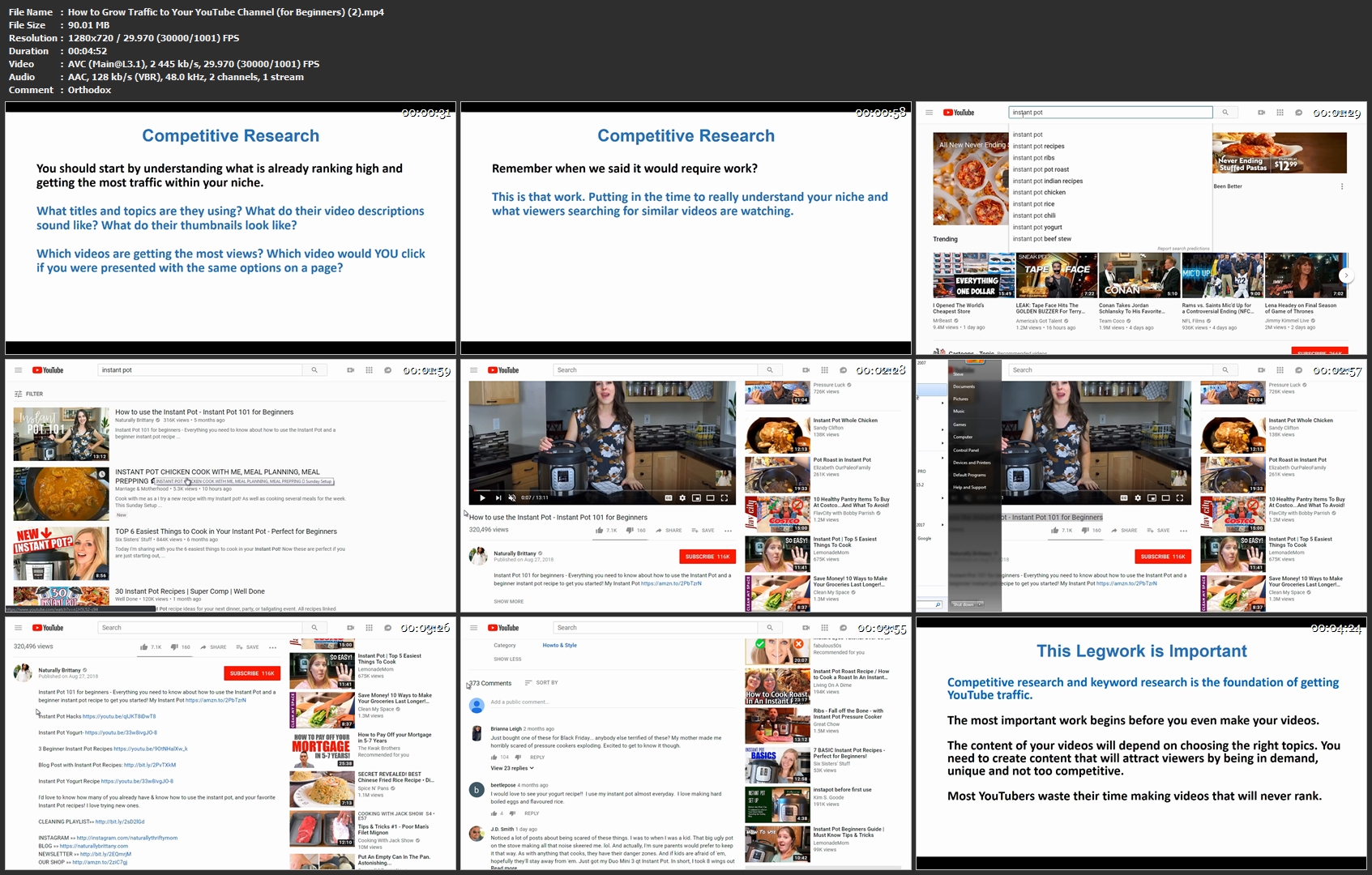
How to Grow Traffic to Your YouTube Channel (for Beginners)

image.jpg


How to Grow Traffic to Your YouTube Channel (for Beginners)
Video: .MP4, 1280x720 | Audio: AAC, 48kHz, 2ch | Duration: 58m
Genre: eLearning | Language: English | Size: 676 MB

This class is designed to be a step-by-step guide to growing YouTube traffic for beginners.

I will cover all of the basics - from keyword research and search engine optimization to video structure and thumbnails.

Are you overwhelmed by all of the articles and blogs and videos out there, each one giving some new hack or secret to grow your YouTube traffic?

I was just like you. I'm here to help you by using methods designed for newbies - live screencasts and walkthroughs, step-by-step guides, and overviews of basics.

No fluff. Just basic, proven lessons that you can apply to YouTube traffic, and even beyond to blogs and other websites.

•Lesson #1: Introduction to Growing YouTube Traffic

•Lesson #2: How to Do Competitive Research on Other Channels

•Lesson #3: How to Do Keyword Research

•Lesson #4: How to Make Effective Titles and Descriptions

•Lesson #5: Ways to Optimize Your Actual Video to Grow Traffic

•Lesson #6: Your Thumbnail Matters and Tips to Make People Click

•Lesson #7: Why Video Length Is So Important

•Lesson #8: Tips to Move Up Search Rankings

•Lesson #9: Advanced Strategies and 2019 (And Beyond) Trends

How-to-Grow-Traffic-to-Your-You-Tube-Channel-for-Beginners-2.jpg


...
 
Software Testing Masterclass (2019) - From Novice to Expert

xs-JEi38-X1-YSCPOZi-LZg0g-ABHrcna-Ub-Is.jpg


Software Testing Masterclass (2019) - From Novice to Expert
MP4 | Video: h264, 1280x720 | Audio: AAC, 48 KHz, 2 Ch
Genre: eLearning | Language: English + .VTT | Duration: 5 hours | Size: 1.86 GB

Learn how to become QA Engineer/ Manual Tester/ Agile Tester. Mobile/Backend/Web testing. JIRA,TestRail and much more!

What you'll learn

Learn the core testing skills needed to apply for Software Testing positions in just 5 hours.
Be able to demonstrate your understanding of software testing to future employers.
Test tooling, JIRA, Confluence, TestRail, TestLodge and gitHub which will help you to be a great software tester.
Discover the freelancing opportunities and start earning money from testing!
Engage with the testing community and learn all the hot topics in the IT industry.

Requirements

A computer with either Windows, Mac or Linux to install all the free software and tools needed.
Mobile phone with either iOS or Android for the Mobile application testing section.
Nothing else! It's just you, your computer and your dedication!

Description

Welcome to the Complete Software Testing Masterclass.

Learn software testing with this course and become successful Software testers / Agile Tester. Obtain the core Mobile Testing, Backend testing, Web testing skills and learn JIRA, TestRail, TestLodge, Confluence and gitHub. At the end of this course, you will have enough knowledge to get a job as a software tester or to start working as a freelancer! We will also explain many testing platforms, where you can start earning money as a BETA tester.

We'll take you step-by-step through engaging video tutorials and teach you everything you need to know to succeed as a Software Tester.

The course includes over hours and hours of 1080P (HD) video tutorials with high-quality sound. All the videos are hand edited and unnecessary parts are removed. You will only learn "what you need to learn" to become successful!

All videos have hand edited subtitles. We spent many hours to correct all the subtitles to help you to have a smooth learning experience.

Why should you take this course?

This is the best and most up to date software testing course on Udemy. We explain all the important testing methodology in both Agile- and modern way, with supporting real life examples. Most of the other testing courses created by inexperience people or someone who has a very few understanding of testing. This course is created by a Senior QA Engineer, who has experience from 3 different countries and who is still actively working at one of the TOP company in the Netherlands.

Sign up today, and look forward to:

Over 5 hours of HD video content

All the knowledge you need to start your software testing career.

Start practising online and earn money immediately.

Learn the latest IT industry topics and stay up to date.

There's no risk!

This course comes with a full 30 day money-back guarantee. Meaning if you are not completely satisfied with the course or your progress, you will receive a 100% refund.

Ready to get started ?

Enrol now by using the "Add to Cart" button on the right, and become a successful software tester! Or, start watching the preview feature, so you know you're 100% certain this course is for you.

See you at the course!

Who this course is for:

This course is perfect for absolute beginners with no previous testing experience.
For intermediates looking to sharpen their skills to the expert level.
Those looking to build software testing knowledge and get a job in the IT industry.
Basically to anyone who wants to learn more testing!

l-X9-CE0-IVX4jm7g1-HUF0-Hi-X7k-B9-Lcx1-XT.jpg


...
 
Keynote 8 Essential Training

00658b3a.jpg


Keynote 8 Essential Training
MP4 | Video: AVC 1280x720 | Audio: AAC 44KHz 2ch | Duration: 3 Hours | 1.11 GB
Genre: eLearning | Language: English

Learn how to make compelling presentations with Keynote 8, the popular presentation software from Apple. In this course, David Rivers walks through all the need-to-know features of this powerful tool, showing how to harness its rich feature set to inform and entertain your audience. He shows how to choose the right slide layout; add your text, images, audio, and video; and include animations and eye-catching effects. Plus, he demonstrates how to add transitions between slides, and explains how to prepare to deliver a standout presentation.

00658b39.jpg


...
 
Zurück
Oben Unten