• Regeln für den Video-Bereich:

    In den Börsenbereich gehören nur Angebote die bereits den Allgemeinen Regeln entsprechen.

    Einteilung

    - Folgende Formate gehören in die angegeben Bereiche:
    - Filme: Encodierte Filme von BluRay, DVD, R5, TV, Screener sowie Telesyncs im Format DivX, XviD und x264.
    - DVD: Filme im Format DVD5, DVD9 und HD2DVD.
    - HD: Encodierte Filme mit der Auflösung 720p oder darüber von BluRay, DVD, R5, TV, Screener sowie Telesyncs im Format x264.
    - 3D: Encodierte Filme von BluRay, die in einem 3D Format vorliegen. Dies gilt auch für Dokus, Animation usw.
    - Serien: Cartoon/Zeichentrick, Anime, Tutorials, Dokumentationen, Konzerte/Musik, Sonstiges sind demnach in die entsprechenden Bereiche einzuordnen, auch wenn sie beispielsweise im High Definition-Format oder als DVD5/DVD9/HD2DVD vorliegen. Ausnahme 3D.
    - Bereich Englisch: Englische Releases gehören immer in diesen Bereich.
    - Bereich Talk: Der Bereich, in dem über die Releases diskutiert werden kann, darf, soll und erwünscht ist.


    Angebot/Beitrag erstellen

    - Ein Beitrag darf erst dann erstellt werden, wenn der Upload bei mindestens einem OCH komplett ist. Platzhalter sind untersagt.
    - Bei einem Scenerelease hat der Threadtitel ausschließlich aus dem originalen, unveränderten Releasenamen zu bestehen. Es dürfen keine Veränderungen wie z.B. Sterne, kleine Buchstaben o.ä. vorgenommen werden. Ausnahme Serienbörse:
    - Bei einem Sammelthread für eine Staffel entfällt aus dem Releasename natürlich der Name der Folge. Beispiel: Die Simpsons S21 German DVDRip XviD - ITG
    - Dementsprechend sind also u.a. verboten: Erweiterungen wie "Tipp", "empfehlenswert", "only", "reup", usw. / jegliche andere Zusatzinformation oder Ergänzung, welche nicht in obiger Beschreibung zu finden ist.

    Aufbau des Angebots und Threadtitel

    Der Titel nach folgendem Muster erstellt zu werden. <Name> [3D] [Staffel] [German] <Jahr> <Tonspur> [DL] [Auflösung] <Quelle> <Codec> - <Group>
    Beispiel: The Dark Knight German 2008 AC3 DVDRip XviD - iND
    Beispiel: The Dark Knight 2008 DTS DL BDRip x264 - iND
    Beispiel: The Dark Knight 2008 AC3 DL BDRip XviD - iND
    Beispiel: The Dark Knight German 2008 AC3 720p BluRay x264 iND
    Beispiel: The Dark Knight 2008 DTS DL 1080p BluRay x264 iND
    Beispiel: Die Simpsons S01 German AC3 DVDRip XviD iND
    Beispiel: Die Simpsons S20 German AC3 720p BluRay x264 iND
    Beispiel: Sword Art Online II Ger Sub 2014 AAC 1080p WEBRip x264 - peppermint
    Entsprechend sind also u.a. verboten: Sonderzeichen wie Klammern, Sterne, Ausrufezeichen, Unterstriche, Anführungszeichen / Erweiterungen wie "Tipp", "empfehlenswert", "only", "reup", usw. / jegliche andere Zusatzinformation oder Ergänzung, welche nicht in obiger Beschreibung zu finden ist
    Ausnahmen hiervon können in den Bereichen geregelt sein.

    Die Beiträge sollen wie folgt aufgebaut werden:
    Überschrift entspricht dem Threadtitel
    Cover
    kurze Inhaltsbeschreibung
    Format, Größe, Dauer sind gut lesbar für Downloader außerhalb des Spoilers zu vermerken
    Nfo sind immer Anzugeben und selbige immer im Spoiler in Textform.
    Sind keine Nfo vorhanden z.B. Eigenpublikationen, sind im Spoiler folgende Dateiinformationen zusätzlich anzugeben :
    Quelle
    Video (Auflösung und Bitrate)
    Ton (Sprache, Format und Bitrate der einzelnen Spuren)
    Untertitel (sofern vorhanden)
    Hosterangabe in Textform außerhalb eines Spoiler mit allen enthaltenen Hostern.
    Bei SD kann auf diese zusätzlichen Dateiinformationen verzichtet werden.

    Alle benötigten Passwörter sind, sofern vorhanden, in Textform im Angebot anzugeben.
    Spoiler im Spoiler mit Kommentaren :"Schon Bedankt?" sind unerwünscht.


    Releases

    - Sind Retail-Release verfügbar, sind alle anderen Variationen untersagt. Ausnahmen: Alle deutschen Retail-Release sind CUT, in diesem Fall sind dubbed UNCUT-Release zulässig.
    - Im Serien-Bereich gilt speziell: Wenn ein Retail vor Abschluss einer laufenden Staffel erscheint, darf diese Staffel noch zu Ende gebracht werden.62
    - Gleiche Releases sind unbedingt zusammenzufassen. Das bedeutet, es ist zwingend erforderlich, vor dem Erstellen eines Themas per Suchfunktion zu überprüfen, ob bereits ein Beitrag mit demselben Release besteht. Ist dies der Fall, ist der bereits vorhandene Beitrag zu verwenden.
    - P2P und Scene Releases dürfen nicht verändert oder gar unter einem iND Tag eingestellt werden.


    Support, Diskussionen und Suche

    - Supportanfragen sind entweder per PN oder im Bereich Talk zu stellen.
    - Diskussionen und Bewertungen sind im Talk Bereich zu führen. Fragen an die Uploader haben ausschließlich via PN zu erfolgen, und sind in den Angeboten untersagt.
    - Anfragen zu Upload-Wünschen sind nur im Bereich Suche Video erlaubt. Antworten dürfen nur auf Angebote von MyBoerse.bz verlinkt werden.


    Verbote

    - Untersagt sind mehrere Formate in einem einzigen Angebotsthread, wie beispielsweise das gleichzeitige Anbieten von DivX/XviD, 720p und 1080p in einem Thread. Pro Format, Release und Auflösung ist ein eigener Thread zu eröffnen.
    - Grundsätzlich ebenso verboten sind Dupes. Uploader haben sich an geeigneter Stelle darüber zu informieren, ob es sich bei einem Release um ein Dupe handelt.
    - Gefakte, nur teilweise lauffähige oder unvollständige Angebote sind untersagt. Dies gilt auch für eigene Publikationen, die augenscheinlich nicht selbst von z.B. einer DVD gerippt wurden. Laufende Serien, bei denen noch nicht alle Folgen verfügbar sind, dürfen erstellt und regelmäßig geupdatet werden.
    - Untersagt sind Angebote, welche nur und ausschließlich in einer anderen Sprache als deutsch oder englisch vorliegen. Ausnahmen sind VORHER mit den Moderatoren zu klären.


    Verstoß gegen die Regeln

    - Angebote oder Beiträge, die gegen die Forenregeln verstoßen, sind über den "Melden"-Button im Beitrag zu melden.
  • Bitte registriere dich zunächst um Beiträge zu verfassen und externe Links aufzurufen.


Englische Tutorials

Nutrition 101:Lose Weight, Tone Up and Dominate at Life

00655419.jpg


Nutrition 101:Lose Weight, Tone Up and Dominate at Life
MP4 | Video: AVC 1280x720 | Audio: AAC 44KHz 2ch | Duration: 1 Hours | Lec: 14 | 167 MB
Genre: eLearning | Language: English

Learn the basics of nutrition and principles to apply them to your everyday lifestyle to become healthy and fit

*Nutrition Facts: Your Guide To Becoming Fit & Healthy

Not knowing the facts about nutrition can cause a ton of confusion and keep you for having the body you've always dreamed of. If you have been struggling to lose weight/drop fat or are intimidated to start, this is the solution for you.

If you love health and wellness and learning, then you will love this course. Every time I see or hear someone trying to better other people-it fills me up with joy! We've dedicated our lives to helping others. This course is Guaranteed to help sharpen your knowledge base a bit on various topics related to nutrition. Buckle your seat belts. Lets have some fun and talk nutrition.
0065541a.jpg


...
 
WordPress - Local install & Online Migration with WordPress (Updated)

0065547d.jpg


WordPress - Local install & Online Migration with WordPress (Updated)
MP4 | Video: AVC 1280x720 | Audio: AAC 44KHz 2ch | Duration: 1.5 Hours | Lec: 15 | 576 MB
Genre: eLearning | Language: English

WordPress - Build WordPress sites on your home computer with Xampp, then learn to migrate your site to an online server

In this course you will learn how to download and install the Xampp software needed to build WordPress websites offline on your home (localhost) computer. Once you have built a WordPress site you will learn how to download and install a WordPress plugin that will enable you to compress the local site, and then migrate it to an online hosting server. Occasionally with the plugin method you may run into WordPress migration problems with some host providers. This course will teach you a second method to migrate your WordPress site manually without using a plugin. This second method is a little more complex as it involves exporting and importing your databases, but it is a fail safe method that should work with all WordPress sites and hosting providers.

0065547c.jpg


...
 
T-Shirt Design Workshop 3: Photos & Type in Procreate App, Photoshop, and Illustrator

0065546a.jpg


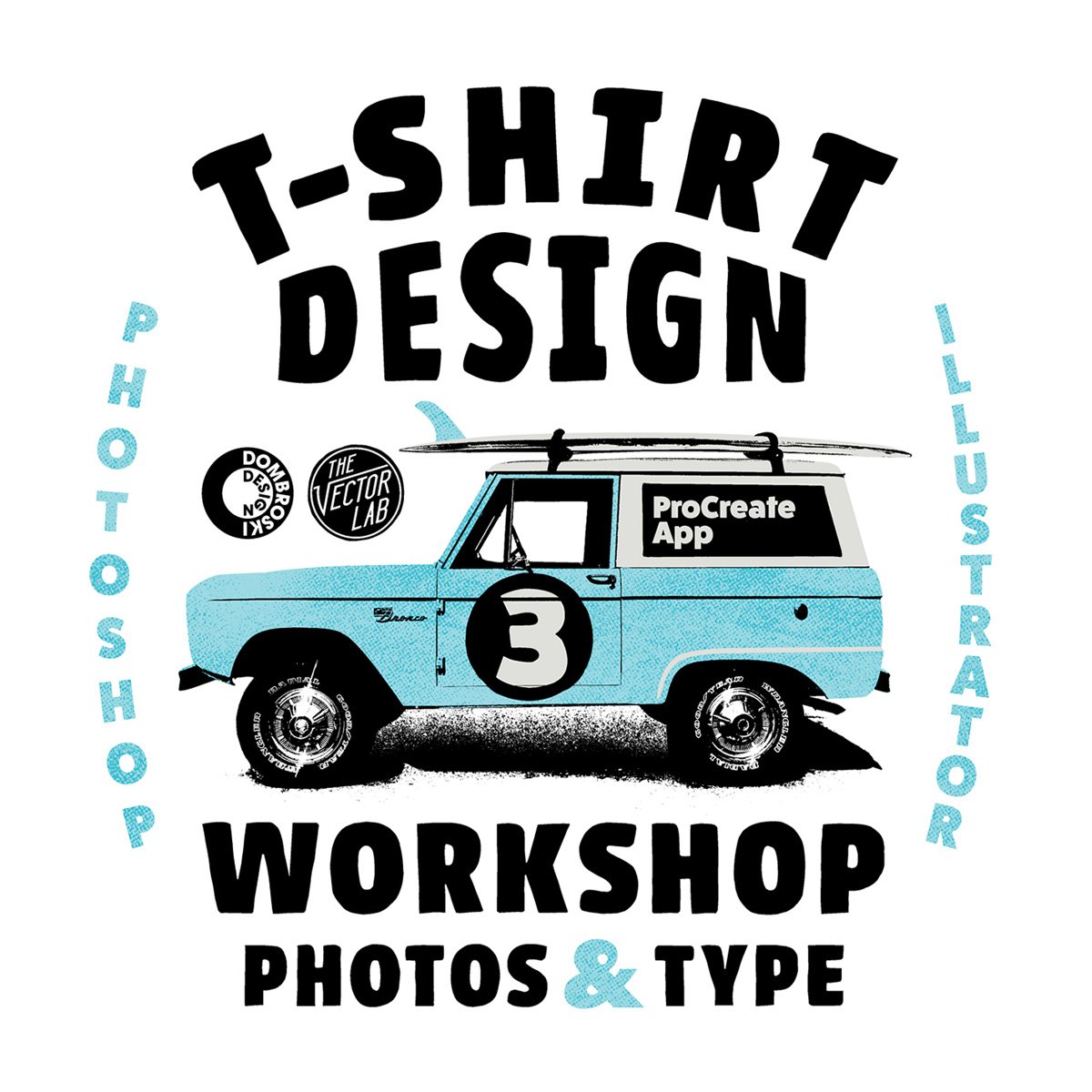
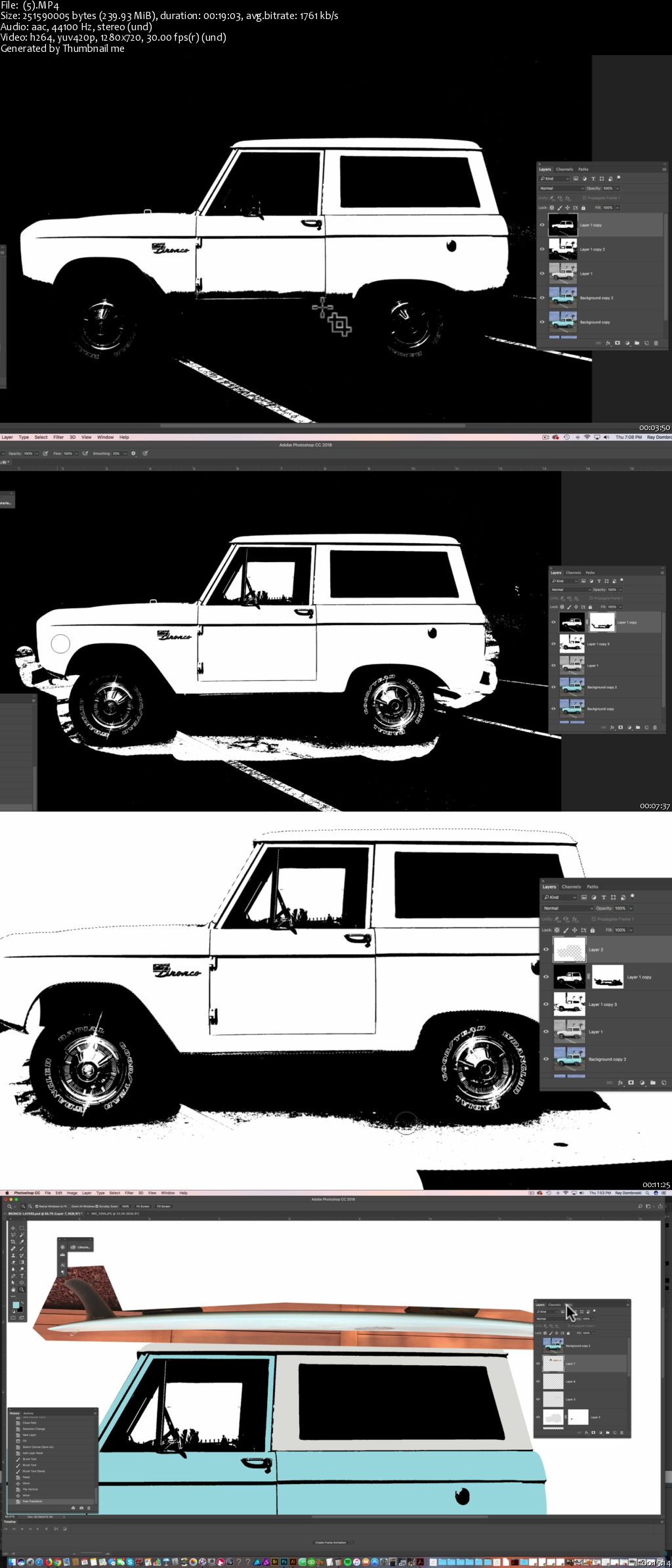
T-Shirt Design Workshop 3: Photos & Type in Procreate App, Photoshop, and Illustrator
MP4 | Video: AVC 1280x720 | Audio: AAC 44KHz 2ch | Duration: 1 Hour 15M | 1.01 GB
Genre: eLearning | Language: English

Build photo & type-based designs to represent your brand, your hometown, or your lifestyle.


This class will show you methods of how to:

Find ideas using Pinterest
Turn those ideas into quick thumbnail sketches
Optimize snapshot photos from your phone in Photoshop
Add some color
Mix in your own custom typography in Adobe Illustrator
Use Adobe Typekit fonts, free with most Adobe CC subscriptions
Bring everything together with hand-drawing techniques in the Procreate App for iPad Pro & Apple Pencil
Clean up your final art file, ready to send out for printing

0065546b.jpg


...
 
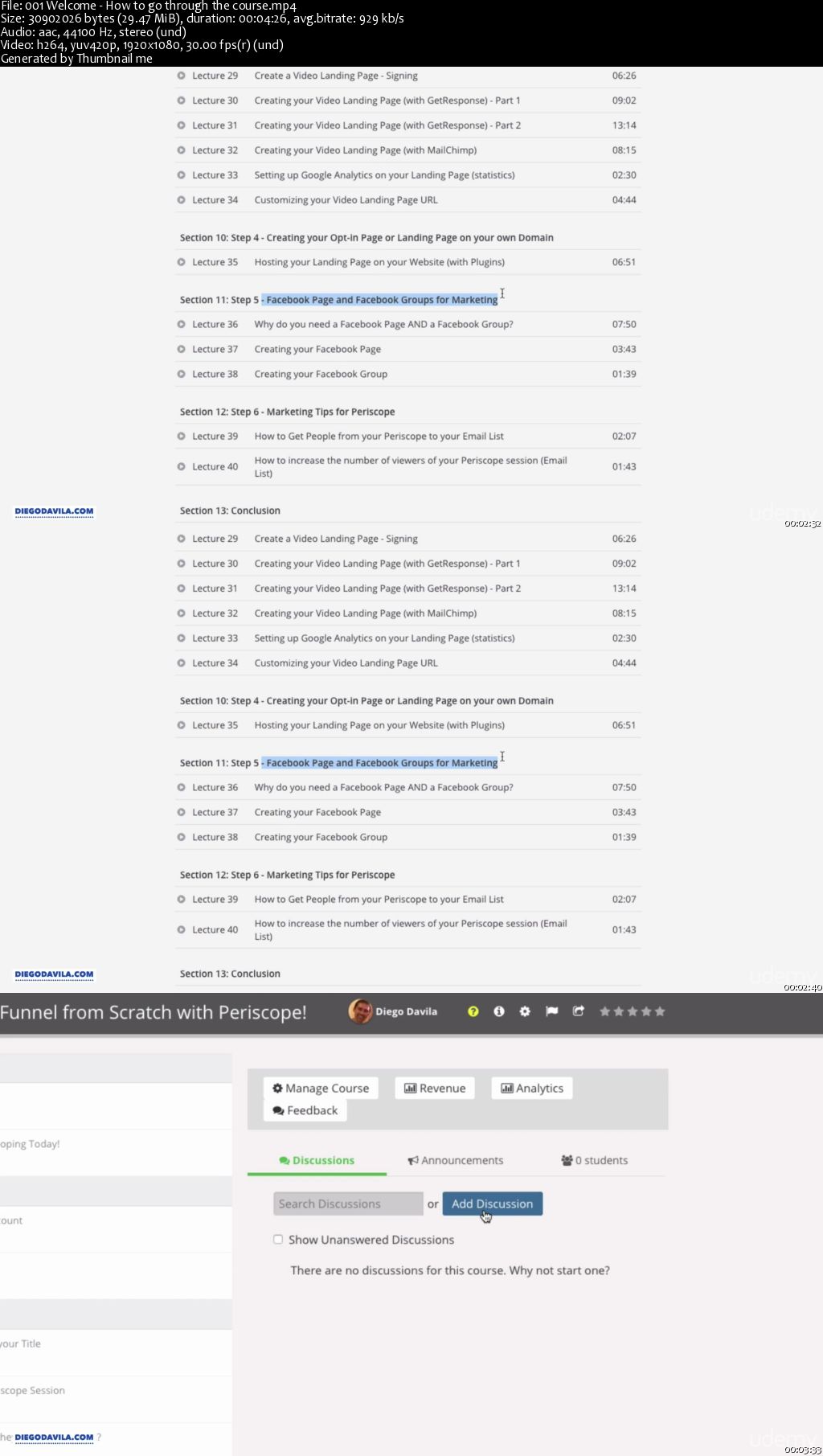
Periscope: Use Periscope To Grow Your Business

00655453.jpg


Periscope: Use Periscope To Grow Your Business
MP4 | Video: AVC 1280x720 | Audio: AAC 44KHz 2ch | Duration: 3.5 Hours | Lec: 44 | 2.49 GB
Genre: eLearning | Language: English

A-Z Guide to Create Your Social Media Marketing Funnel Using Periscope! Grow Your Social Media Community, Sell More!

Social Media Marketing Funnel from Scratch with Periscope!

The Complete Guide to help you create your Social Media Marketing Funnel from Scratch!
People only buy products from companies or people that they know, if your prospects does not know you, they wont buy from you. That's how the human mind works.

That's why is so important to create a relationship with your prospects before they became customers. Most people (and companies) do not use all the tools they have today available for FREE, most of the Social Media platforms are totally free today, and you can use that to your advantage.

In this course you will learn how to create a complete Social Media Marketing Funnel step by step, and how to use that to create that important relationship with your prospects.

This course have 2 main Sections:

Section 1: Is about Periscope, how to became a Periscope Pro!
Section 2: is about Creating your Social Media Marketing Funnel step by step.


You will watch over my shoulder as we start building an amazing Social Media Marketing strategy for your company or your product. We'll forward your Periscope viewers to your Opt-in Page,

Yes! You will learn how to create high converting Landing page and Opt-in page where your customers and prospects will enter their name and email, this information will be stored in the Autoresponder server,

Yes! we'll sign for an autoresponder service for free that will store all your customer's information. So you will have a huge database of all your customers and prospects that you can use to communicate and keep constant contact with them.

Remember, your Email List is the most important thing in this Online Marketing Funnel, and the better is your relationship with this list, the more they will like to buy your product or service! That means more sales, more money, more exposure!

You will Create an Insanely Awesome Website to promote your Scopes and promote your Company, your products and yourself.

00655455.jpg


...
 
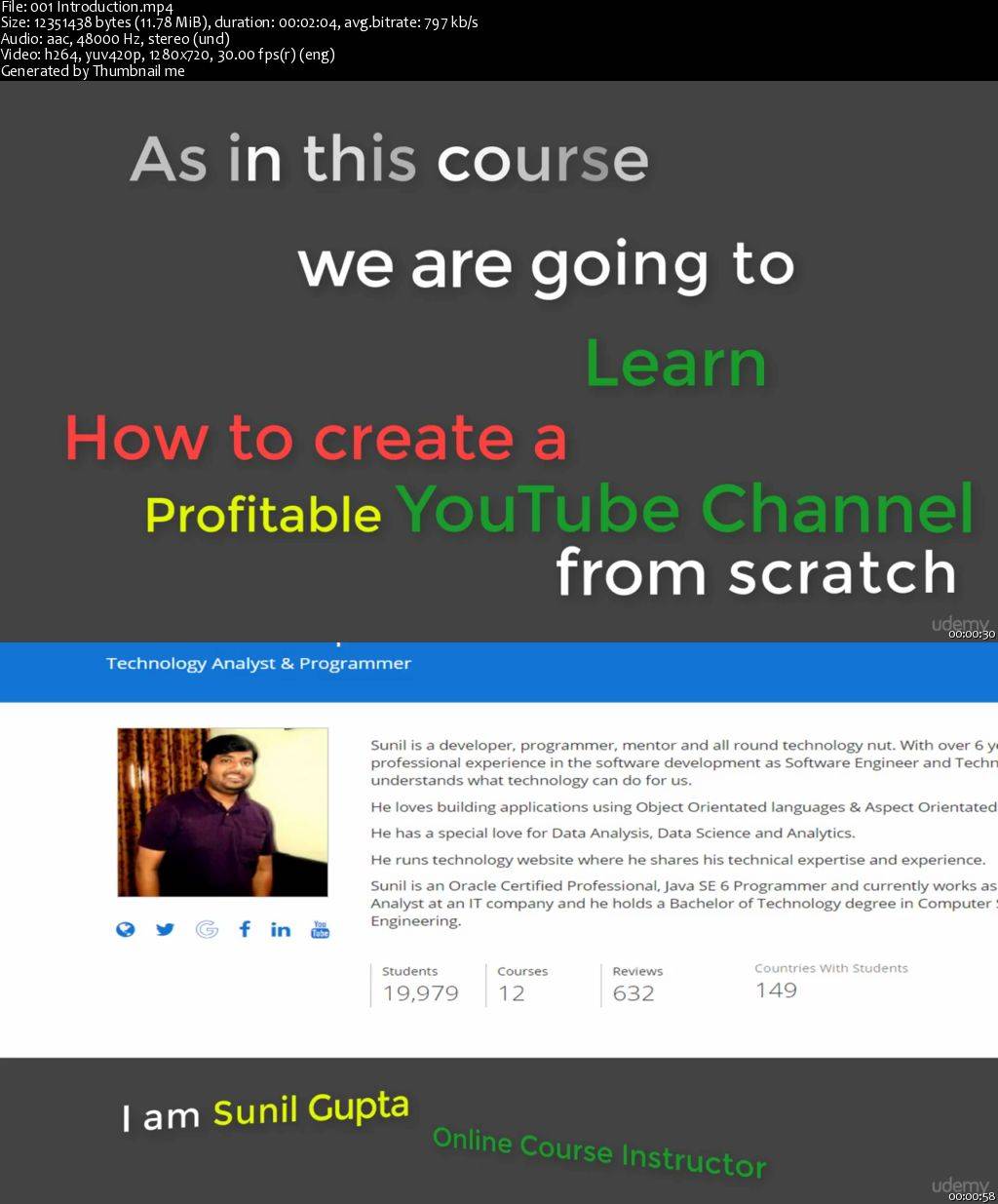
YouTube Complete Course 2017: Your Guide to YouTube Success (Update)

0065543a.jpg


YouTube Complete Course 2017: Your Guide to YouTube Success
MP4 | Video: AVC 1280x720 | Audio: AAC 44KHz 2ch | Duration: 2 Hours | Lec: 42 | 1.52 GB
Genre: eLearning | Language: English

All-in-one guide to start a profitable YouTube Channel, YouTube SEO 2017, Proven Genuine Tips & Tricks, Build Your Brand

This course is designed and developed for those who want to start a YouTube and stuck with the questions such as where to start, how to start, and when to start. This course is also for the people who already have a YouTube channel but struggling to get views and subscribers.

If you belong to any of the above said category, then this course is for you.

In this course, I will be starting with the very first step of YouTube channel creation that is finding the right name and finding a right niche for your channel. I will tell you how to find and brainstorm the ideas to get the right name and how to find the right category or niche for your YouTube channel.

Once name and channel creation is done, then we will start by going through the YouTube Creator Studio and video manager to understand the YouTube well.

I have experimented, learnt, and documented the things that worked for my channel in year 2017 and I am in position to let you know that what will work in YouTube SEO in 2017 and what will not be working.

We will be covering every process and each step to get closer to the successful YouTube channel. YouTube channel growth is a steady proccess and takes time and patient to grow. And, we will use the tips, tricks and apply tthe best working YouTube SEO techniques and tools to get maximum views and subscribes in quickes possible time.

So, lets start the journey and see inside the course.

00655439.jpg


...
 
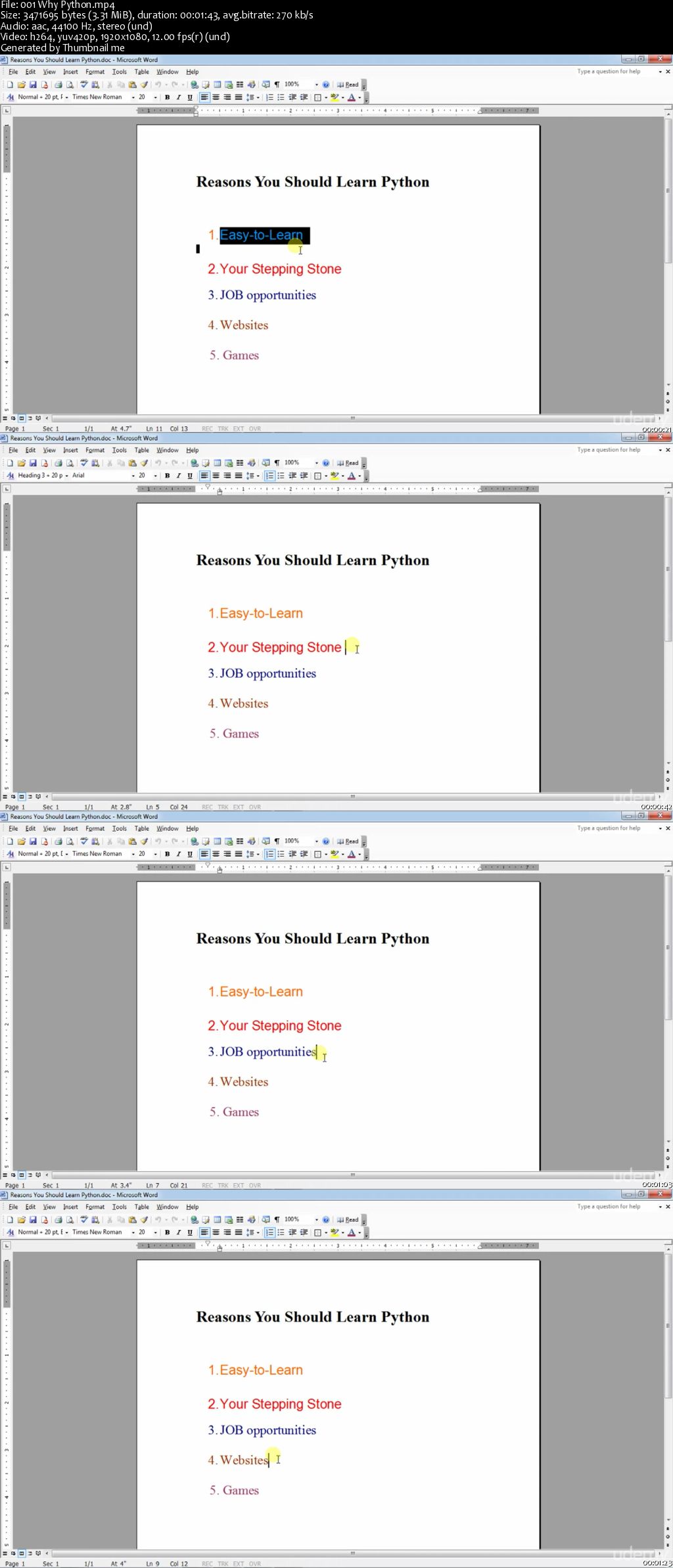
Learn Python Programming from scratch in 3 hours

006554f1.jpg


Learn Python Programming from scratch in 3 hours
MP4 | Video: AVC 1280x720 | Audio: AAC 44KHz 2ch | Duration: 2.5 Hours | Lec: 42 | 404 MB
Genre: eLearning | Language: English

Step By Step Python Programming Tutorial For Beginners,Learn From the very basics

PYTHON PROGRAMMING TUTORIAL FOR BEGINNERS : LEARN IN 3 HOURS (BASICS )

Hey guys, Are you interested in programming? Want to learn python coding? Don't know the basics? Its okay. You have come to the right place.

If you are new to programming world , Python will be the best place to start . Python is really simple when compared to other programming languages. It doesn't have any confusing curly brackets,semi colons, etc. Most of the python commands are easy to understand.


Did you want to know the best part about it? You don't need to have prior programming knowledge or you even don't need to have basic knowledge about coding. I have a unique and fun way of teaching !!. I assure you that you will not get disappointed by enrolling into this course.


This tutorial contains lecture videos and the main thing is that these lectures will be taken in an informal way which helps anyone to clearly understand the topic. The video will cover all basic contents including installing python to making interesting programs. So after completing this course you will able to read a python program and understand its logic and also can write interesting programs.

You will learn by writing working programs. This course will solidify all the basic Python concepts. So are you ready to spend just 3 hours of your life? if Yes then you can learn a new programming language!..interesting! .Isn't it?

SO WHAT ARE YOU WAITING FOR? ENROLL NOW

Category:IT development

COURSE CONTAINS:-

Lecture videos mostly

Basics of python programming

Writing interesting programs using python

4. Fun quizzes

COURSE REQUIREMENTS:

Interest to learn

Basic computer knowledge

INTENDED AUDIENCE :

Students who don't have basic knowledge about python programming.

Students who need a quick revise about basics concepts of python

Anyone who wants to write computer programs

Beginners

NOT intended for Expert programmers

006554f5.jpg


...
 
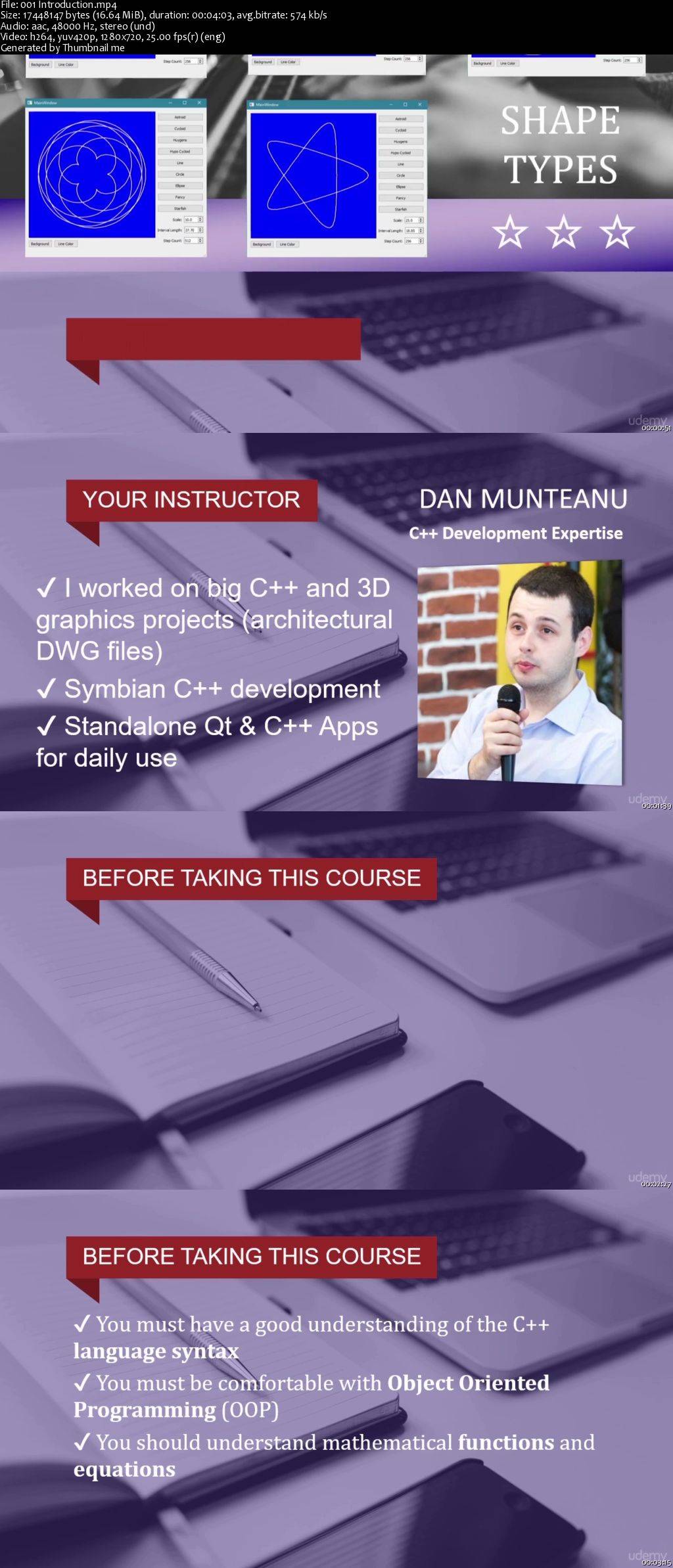
Learn Robust Qt & C++ Gui Programming 2D Graphics Tutorial (Updated)

006554d3.jpg


Learn Robust Qt & C++ Gui Programming 2D Graphics Tutorial (Updated)
MP4 | Video: AVC 1280x720 | Audio: AAC 44KHz 2ch | Duration: 3 Hours | Lec: 40 | 548 MB
Genre: eLearning | Language: English

Become a confident Qt GUI and C++ software developer with step by step programming tutorials and 2D graphics examples

This course will help you upgrade your C++ software development skills today!

You will learn application development with Qt and C++, from the ground up.

*** Latest update: 12 Apr 2017 ***

(make sure to check the DEMO lecture to see the final app)

C++ is a very powerful and versatile programming language.

Qt is multi-platform framework, the perfect choice for open source GUI development with C++.

In this course, you will design and create your own C++ program for the Windows platform.

You will add new features to the app, step by step.

You will learn how to write good source code, at professional-level.

You can learn programming in C++ from anyone you wish to, there are many teachers and a lot of free know-how out there.

But if you want to learn to code like a professional, here's my advice to you:

Choose to learn from someone who has already done professional level coding
Choose a teacher who has a proven track record working experience with C++ and Qt
Choose a mentor who has done this for years, and knows what it takes to create industry-level software
If you don't, you will be wasting your time with outdated and misguided knowledge.

And eventually you will lose many opportunities, even employment opportunities.

Now here's how the course is structured. Each lecture prepares the groundwork for the next one. You will:

write code in C++ (03)
use Qt toolkit's UI elements to create the GUI (Graphical User Interface)
set up the main application window
drag and drop user interface elements (buttons, widgets, labels, spinners.) on the main window
connect UI elements to UI events (mouse clicks, value changed)
write custom event handling code that updates the painted graphic
You need to have a good understanding of OOP (Object Oriented Programming) fundamentals, as you will be adding and working with:

class member variables
class member functions
setters / getters
private / public / protected access modifiers
encapsulation to protect the data
constructors and destructors
overriding virtual base class functions
pointers to objects
You will be organizing the program logic into C++ specific header (.h) and implementation (.cpp) source files.

You will design the GUI (Graphical User Interface) with QtCreator (part of the Qt toolkit) and make use of the signal and slots mechanism to make your buttons and other UI elements respond to mouse click or value changed events.

006554d4.jpg


...
 
Solidworks Essentials

Solidworks-Essentials.jpg


Solidworks Essentials
Video: .MP4, 1280x720 | Audio: AAC, 44kHz, 2ch | Duration: 6.5h
Genre: eLearning | Language: English | Size: 3,44 GB

What You Will Get from This Course:

After finishing this course you should be comfortable with features and commands available in SolidWorks design environment.

Lots of examples with details

Even if you are a complete beginner to design software, you will not feel any problem about the topics

Outline:

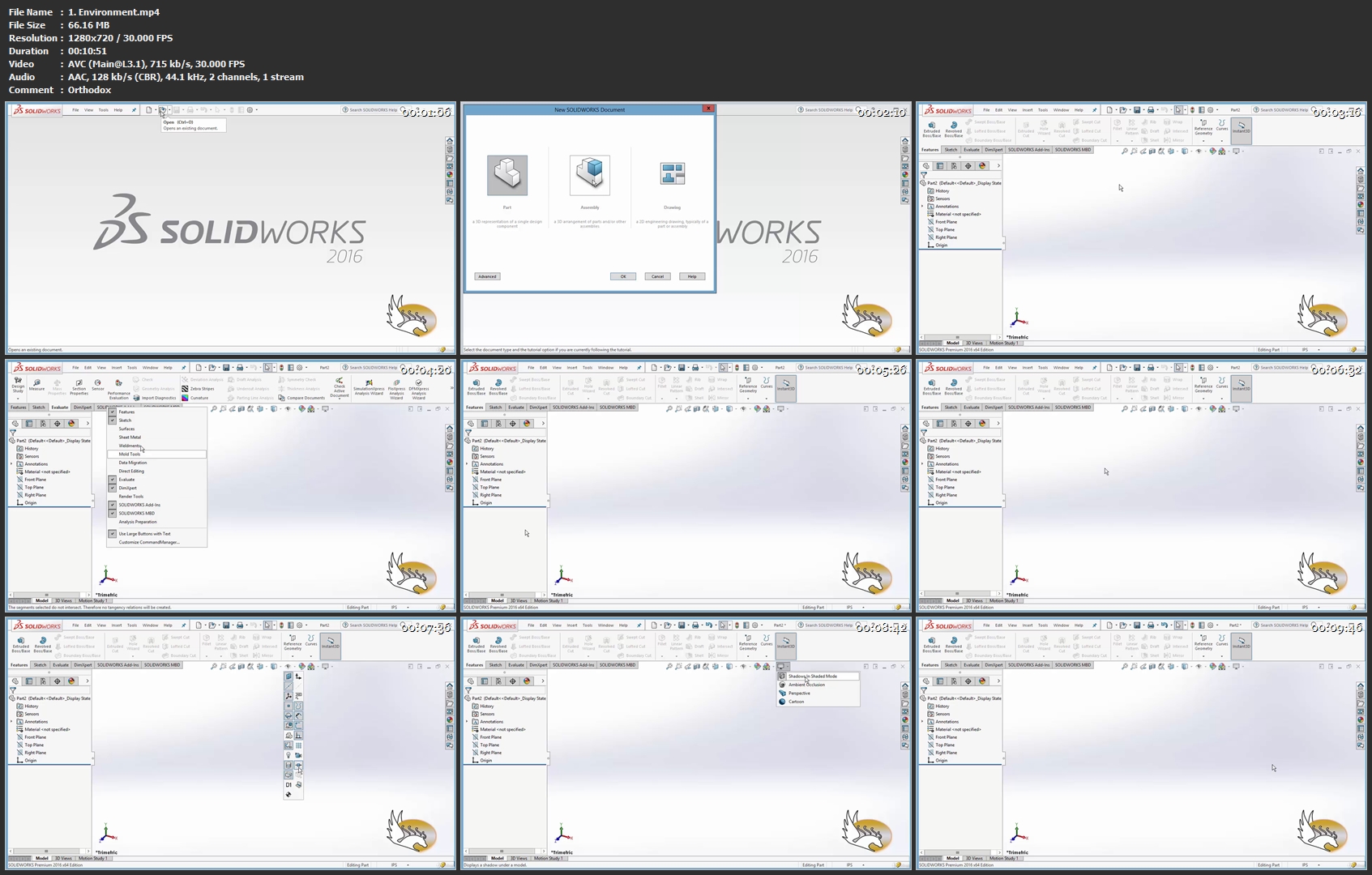
Environment and interface overview

Starting sketching and 2D commands (circle, polygon, ...)

Advanced 2D features (constraints)

Modification commands (copy, scale, ...)

Taking design to 3D (extrude, revolve, .)

Advanced 3D features (curves, coordinate systems, .)

A comprehensive example of designing surfaces

And other details

Who is this course for:

Beginners who want to be familiar with design software

Those who use SolidWorks and want to learn about commands and features

What you'll learn
Environment and interface overview
Starting sketching and 2D commands (circle, polygon, ...)
Advanced 2D features (constraints)
Modification commands (copy, scale, ...)
Taking design to 3D (extrude, revolve, .)
Advanced 3D features (curves, coordinate systems, .)
A comprehensive example of designing surfaces
And other details
Are there any course requirements or prerequisites?
Dassault SolidWorks 2016 or above
Who this course is for:
Beginners to SolidWorks Software
Those interested in industrial design software

Homepage

1-Environment-mp4.jpg


...
 
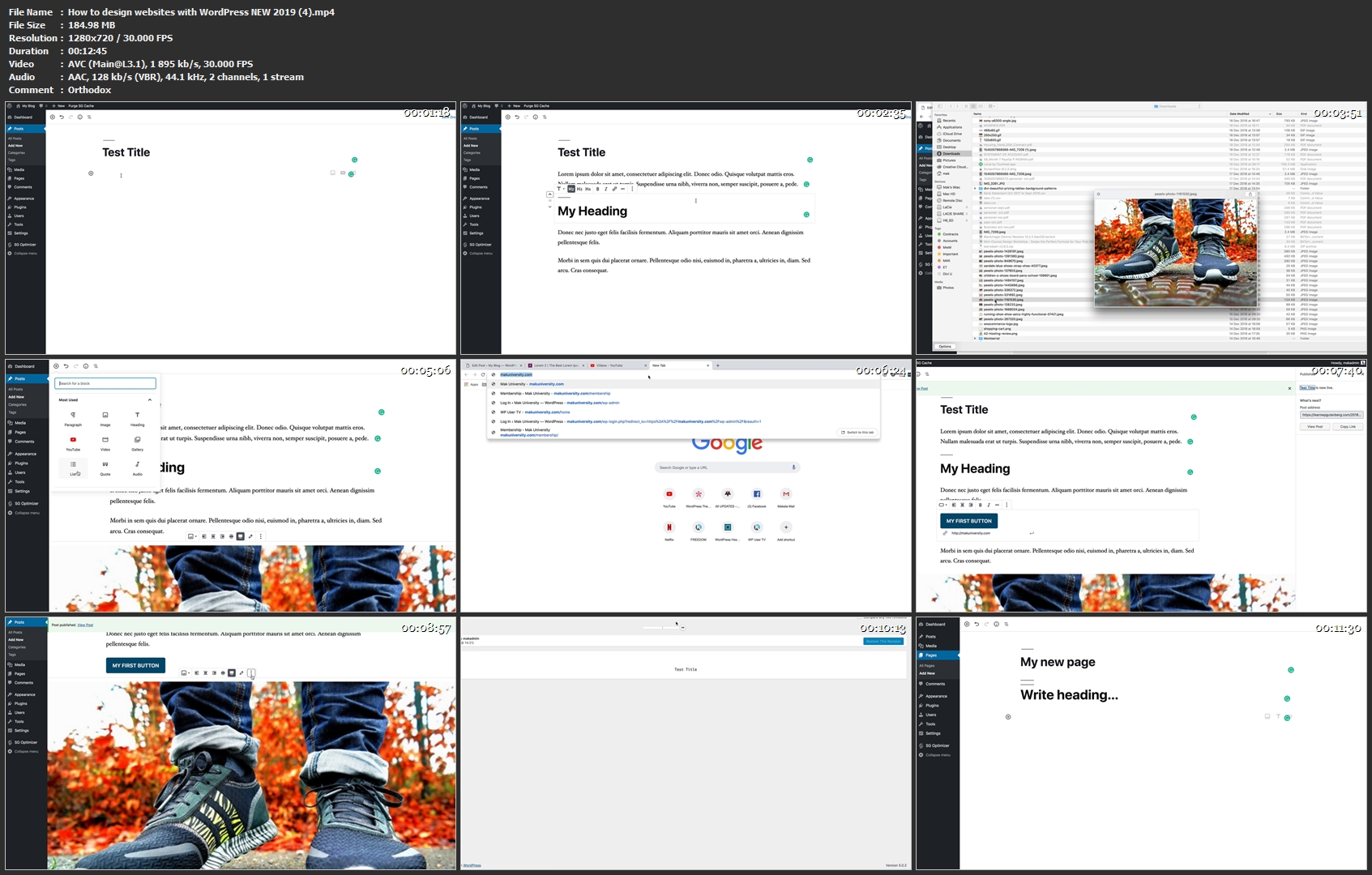
How to design websites with WordPress NEW 2019

image.jpg


How to design websites with WordPress NEW 2019
Video: .MP4, 1280x720 | Audio: AAC, 44kHz, 2ch | Duration: 1h 27m
Genre: eLearning | Language: English | Size: 1,38 GB

In this course, you are going to learn how to design professional websites using WordPress. This course is based on the NEW WordPress Editor called Gutenberg. By the end of this course, you will be confident to design websites with WordPress. For the best value hosting, use Siteground Hosting.
How-to-design-websites-with-Word-Press-NEW-2019-4-mp4.jpg


...
 
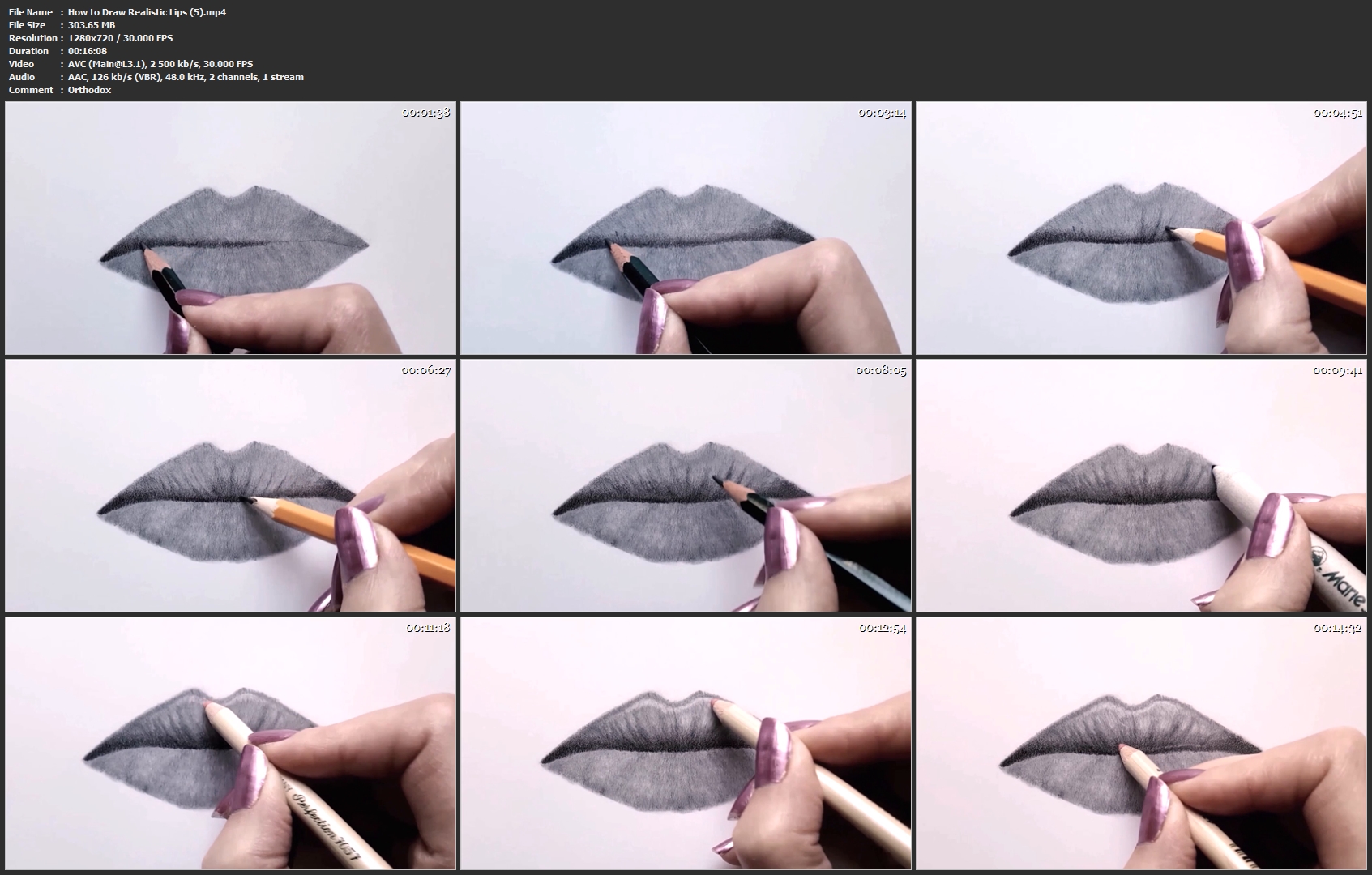
How to Draw Realistic Lips

image.jpg


How to Draw Realistic Lips
Video: .MP4, 1280x720 | Audio: AAC, 48kHz, 2ch | Duration: 57m
Genre: eLearning | Language: English | Size: 959 MB

In this class you will learn to draw realistic lips from complete scratch.

I will walk you through the process that I use to draw proportional, lifelike lips with graphite pencils. I will my drawing and shading technique and share a lot of tips and tricks with you.

Prepare high-quality paper, graphite pencils and something to blend (a blending stump, Q-tips) and draw along with me. You will learn how to sketch, how to blend pencils and how to create photoralistic textures.

I am convinced that everyone is able to draw. Only patience, right guidance and inspiration are needed.

So, join me now, get inspired, and start learning!

How-to-Draw-Realistic-Lips-5-mp4.jpg


...
 
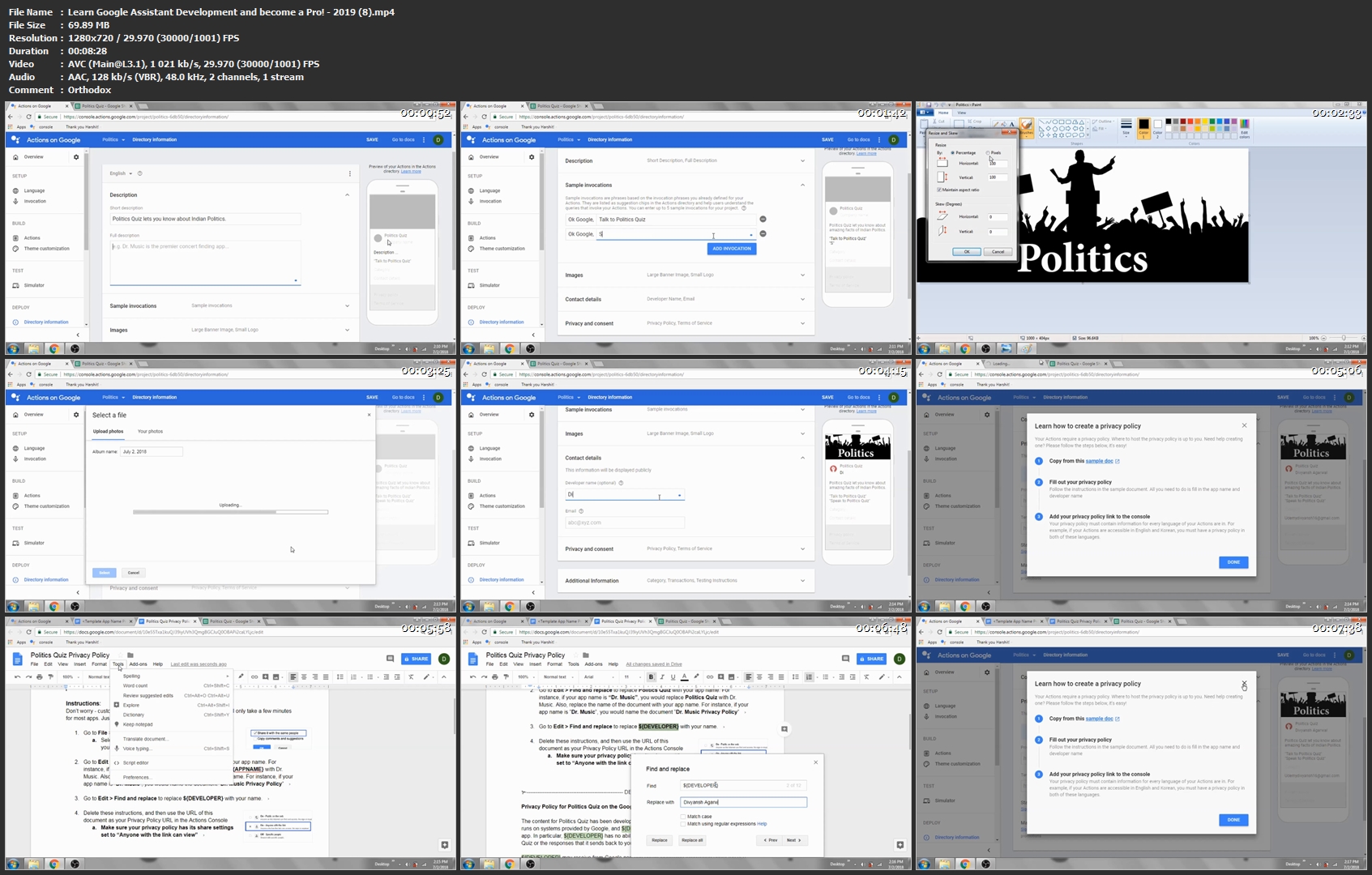
Learn Google Assistant Development and become a Pro! - 2019

image.jpg


Learn Google Assistant Development and become a Pro! - 2019
Video: .MP4, 1280x720 | Audio: AAC, 48kHz, 2ch | Duration: 1h 3m
Genre: eLearning | Language: English | Size: 516 MB

Hello,

Welcome to my "Learn Google Assistant Development and become a Pro! - 2019" course.

You'll learn about Google Assistant Development from Scratch!

Here, You will learn to make High Quality apps for Google Assistant & Google Home and test these apps in Actions on Google Simulator. NO PROGRAMMING KNOWLEDGE is required. Just follow the steps to get the results. You DON'T NEED TO HAVE GOOGLE HOME, we will test on the simulator.

We'll make three applications in this course namely POLITICS QUIZ, PERSONALITY DEVELOPMENT RECORD and PARENT ANIMALS.

Benefits of this Course :

Google will award you with exclusive Google Assistant T-Shirt for deploying your first app and Google Home if you hit any Milestones such as "Getting initial traction", "Keeping users engaged" and many more.
You'll understand Google Assistant Development completely.
Work with Trivia, Flashcard and Personality Quiz easily.
Create and Publish high quality Apps for Google Assistant.
Big Opportunity for You :

Yes, Google Assistant Development is a Big Opportunity to learn, Developers are investing their time and capital to make these assistants more user friendly and also there is no doubt that assistants are going to influence business in future and our day to day lives.
Be one of the first people that know how to build apps for the Assistant. You can build it for your business or other people. What you'll learn :
Create and Publish high quality Apps for Google Assistant.
Work with Trivia, Flashcard and Personality Quiz easily.
Test Apps in Actions on Google Simulator.
How to Design Apps for Google Assistant.
Understand Google Assistant Development Completely.
Be able to Earn Excusive Google Assistant T-Shirt and Google Home.
Are there any course requirements or prerequisites?
Gmail Account with Internet Connectivity
No Previous Programming knowledge is required.
No Prior knowledge about Google Assistant is required - Just follow the steps to get the results !
Who this course is for :
Anyone wanted to Build High Quality Apps for Google Assistant.
Anyone wanted to earn Excusive Google Assistant T-Shirt and Google Home.
Anyone wanted to attract users towards their Apps and increase number of Conversations in their App.

Learn-Google-Assistant-Development-and-become-a-Pro-2019-8.jpg


...
 
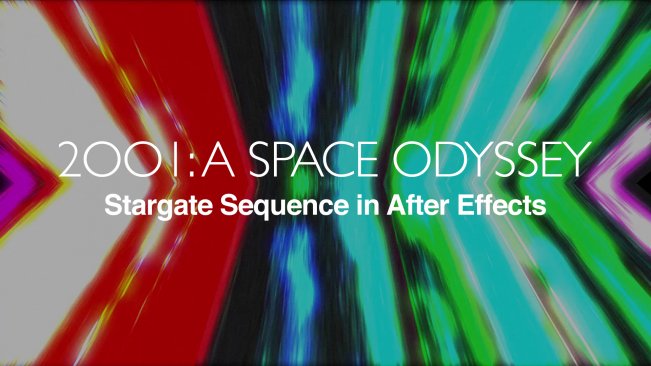
Make the 2001: A Space Odyssey Stargate Sequence in After Effects!

image.jpg


Make the 2001: A Space Odyssey Stargate Sequence in After Effects!
Video: .MP4, 1280x720 | Audio: AAC, 48kHz, 2ch | Duration: 12m
Genre: eLearning | Language: English | Size: 222 MB

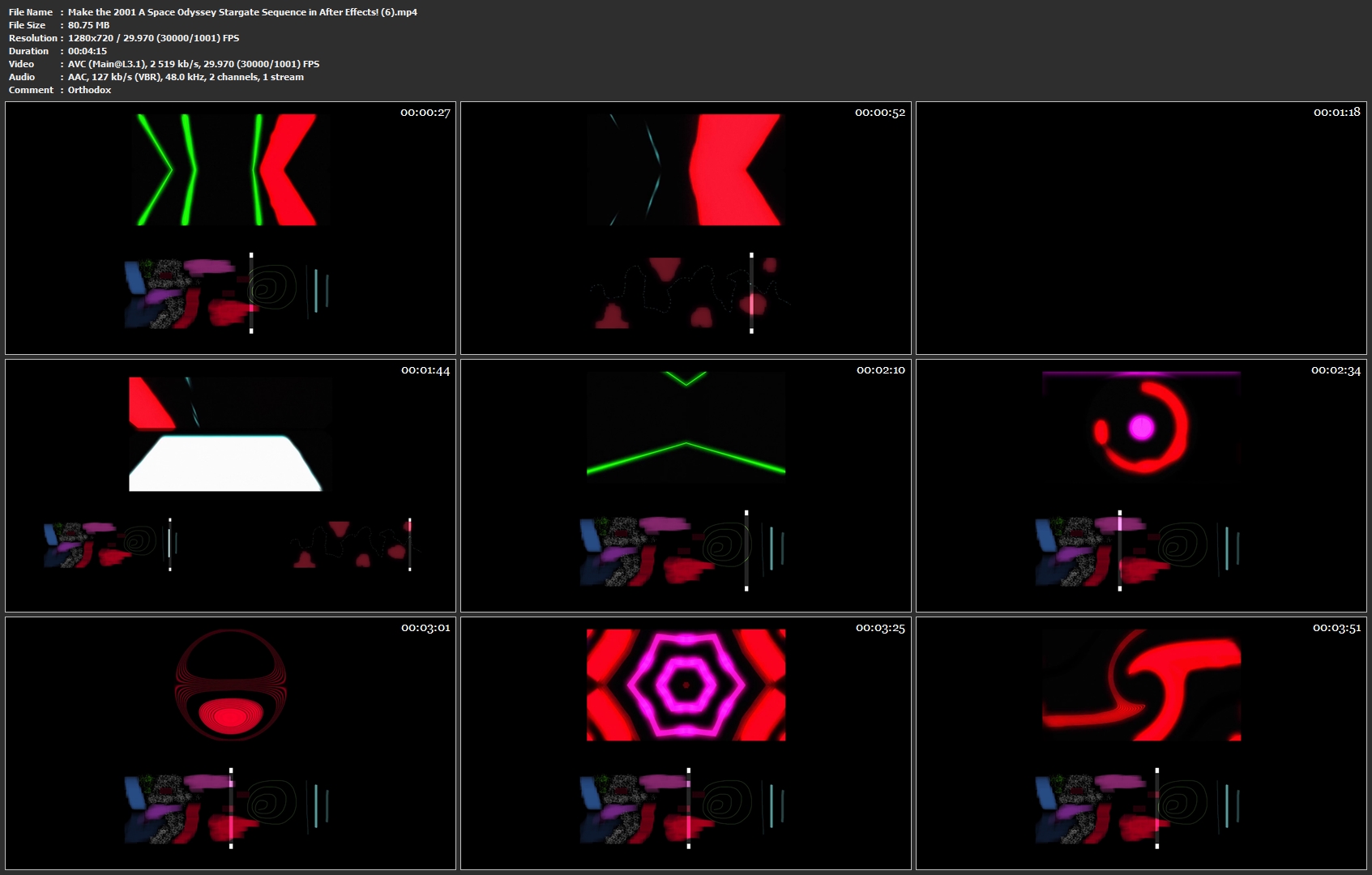
Learn how to emulate the exact technique used by Douglas Trumbull to create the stargate sequence from 2001: A Space Odyssey using After Effects and Photoshop.

This course will teach you how to replicate the same method he used so you don't get something that "looks similar", but something that is EXACTLY what they did back in 1968. Digitally, of course.

Make-the-2001-A-Space-Odyssey-Stargate-Sequence-in-After-Effects.jpg


...
 
Zurück
Oben Unten