• Regeln für den Video-Bereich:

    In den Börsenbereich gehören nur Angebote die bereits den Allgemeinen Regeln entsprechen.

    Einteilung

    - Folgende Formate gehören in die angegeben Bereiche:
    - Filme: Encodierte Filme von BluRay, DVD, R5, TV, Screener sowie Telesyncs im Format DivX, XviD und x264.
    - DVD: Filme im Format DVD5, DVD9 und HD2DVD.
    - HD: Encodierte Filme mit der Auflösung 720p oder darüber von BluRay, DVD, R5, TV, Screener sowie Telesyncs im Format x264.
    - 3D: Encodierte Filme von BluRay, die in einem 3D Format vorliegen. Dies gilt auch für Dokus, Animation usw.
    - Serien: Cartoon/Zeichentrick, Anime, Tutorials, Dokumentationen, Konzerte/Musik, Sonstiges sind demnach in die entsprechenden Bereiche einzuordnen, auch wenn sie beispielsweise im High Definition-Format oder als DVD5/DVD9/HD2DVD vorliegen. Ausnahme 3D.
    - Bereich Englisch: Englische Releases gehören immer in diesen Bereich.
    - Bereich Talk: Der Bereich, in dem über die Releases diskutiert werden kann, darf, soll und erwünscht ist.


    Angebot/Beitrag erstellen

    - Ein Beitrag darf erst dann erstellt werden, wenn der Upload bei mindestens einem OCH komplett ist. Platzhalter sind untersagt.
    - Bei einem Scenerelease hat der Threadtitel ausschließlich aus dem originalen, unveränderten Releasenamen zu bestehen. Es dürfen keine Veränderungen wie z.B. Sterne, kleine Buchstaben o.ä. vorgenommen werden. Ausnahme Serienbörse:
    - Bei einem Sammelthread für eine Staffel entfällt aus dem Releasename natürlich der Name der Folge. Beispiel: Die Simpsons S21 German DVDRip XviD - ITG
    - Dementsprechend sind also u.a. verboten: Erweiterungen wie "Tipp", "empfehlenswert", "only", "reup", usw. / jegliche andere Zusatzinformation oder Ergänzung, welche nicht in obiger Beschreibung zu finden ist.

    Aufbau des Angebots und Threadtitel

    Der Titel nach folgendem Muster erstellt zu werden. <Name> [3D] [Staffel] [German] <Jahr> <Tonspur> [DL] [Auflösung] <Quelle> <Codec> - <Group>
    Beispiel: The Dark Knight German 2008 AC3 DVDRip XviD - iND
    Beispiel: The Dark Knight 2008 DTS DL BDRip x264 - iND
    Beispiel: The Dark Knight 2008 AC3 DL BDRip XviD - iND
    Beispiel: The Dark Knight German 2008 AC3 720p BluRay x264 iND
    Beispiel: The Dark Knight 2008 DTS DL 1080p BluRay x264 iND
    Beispiel: Die Simpsons S01 German AC3 DVDRip XviD iND
    Beispiel: Die Simpsons S20 German AC3 720p BluRay x264 iND
    Beispiel: Sword Art Online II Ger Sub 2014 AAC 1080p WEBRip x264 - peppermint
    Entsprechend sind also u.a. verboten: Sonderzeichen wie Klammern, Sterne, Ausrufezeichen, Unterstriche, Anführungszeichen / Erweiterungen wie "Tipp", "empfehlenswert", "only", "reup", usw. / jegliche andere Zusatzinformation oder Ergänzung, welche nicht in obiger Beschreibung zu finden ist
    Ausnahmen hiervon können in den Bereichen geregelt sein.

    Die Beiträge sollen wie folgt aufgebaut werden:
    Überschrift entspricht dem Threadtitel
    Cover
    kurze Inhaltsbeschreibung
    Format, Größe, Dauer sind gut lesbar für Downloader außerhalb des Spoilers zu vermerken
    Nfo sind immer Anzugeben und selbige immer im Spoiler in Textform.
    Sind keine Nfo vorhanden z.B. Eigenpublikationen, sind im Spoiler folgende Dateiinformationen zusätzlich anzugeben :
    Quelle
    Video (Auflösung und Bitrate)
    Ton (Sprache, Format und Bitrate der einzelnen Spuren)
    Untertitel (sofern vorhanden)
    Hosterangabe in Textform außerhalb eines Spoiler mit allen enthaltenen Hostern.
    Bei SD kann auf diese zusätzlichen Dateiinformationen verzichtet werden.

    Alle benötigten Passwörter sind, sofern vorhanden, in Textform im Angebot anzugeben.
    Spoiler im Spoiler mit Kommentaren :"Schon Bedankt?" sind unerwünscht.


    Releases

    - Sind Retail-Release verfügbar, sind alle anderen Variationen untersagt. Ausnahmen: Alle deutschen Retail-Release sind CUT, in diesem Fall sind dubbed UNCUT-Release zulässig.
    - Im Serien-Bereich gilt speziell: Wenn ein Retail vor Abschluss einer laufenden Staffel erscheint, darf diese Staffel noch zu Ende gebracht werden.62
    - Gleiche Releases sind unbedingt zusammenzufassen. Das bedeutet, es ist zwingend erforderlich, vor dem Erstellen eines Themas per Suchfunktion zu überprüfen, ob bereits ein Beitrag mit demselben Release besteht. Ist dies der Fall, ist der bereits vorhandene Beitrag zu verwenden.
    - P2P und Scene Releases dürfen nicht verändert oder gar unter einem iND Tag eingestellt werden.


    Support, Diskussionen und Suche

    - Supportanfragen sind entweder per PN oder im Bereich Talk zu stellen.
    - Diskussionen und Bewertungen sind im Talk Bereich zu führen. Fragen an die Uploader haben ausschließlich via PN zu erfolgen, und sind in den Angeboten untersagt.
    - Anfragen zu Upload-Wünschen sind nur im Bereich Suche Video erlaubt. Antworten dürfen nur auf Angebote von MyBoerse.bz verlinkt werden.


    Verbote

    - Untersagt sind mehrere Formate in einem einzigen Angebotsthread, wie beispielsweise das gleichzeitige Anbieten von DivX/XviD, 720p und 1080p in einem Thread. Pro Format, Release und Auflösung ist ein eigener Thread zu eröffnen.
    - Grundsätzlich ebenso verboten sind Dupes. Uploader haben sich an geeigneter Stelle darüber zu informieren, ob es sich bei einem Release um ein Dupe handelt.
    - Gefakte, nur teilweise lauffähige oder unvollständige Angebote sind untersagt. Dies gilt auch für eigene Publikationen, die augenscheinlich nicht selbst von z.B. einer DVD gerippt wurden. Laufende Serien, bei denen noch nicht alle Folgen verfügbar sind, dürfen erstellt und regelmäßig geupdatet werden.
    - Untersagt sind Angebote, welche nur und ausschließlich in einer anderen Sprache als deutsch oder englisch vorliegen. Ausnahmen sind VORHER mit den Moderatoren zu klären.


    Verstoß gegen die Regeln

    - Angebote oder Beiträge, die gegen die Forenregeln verstoßen, sind über den "Melden"-Button im Beitrag zu melden.
  • Bitte registriere dich zunächst um Beiträge zu verfassen und externe Links aufzurufen.


Englische Tutorials

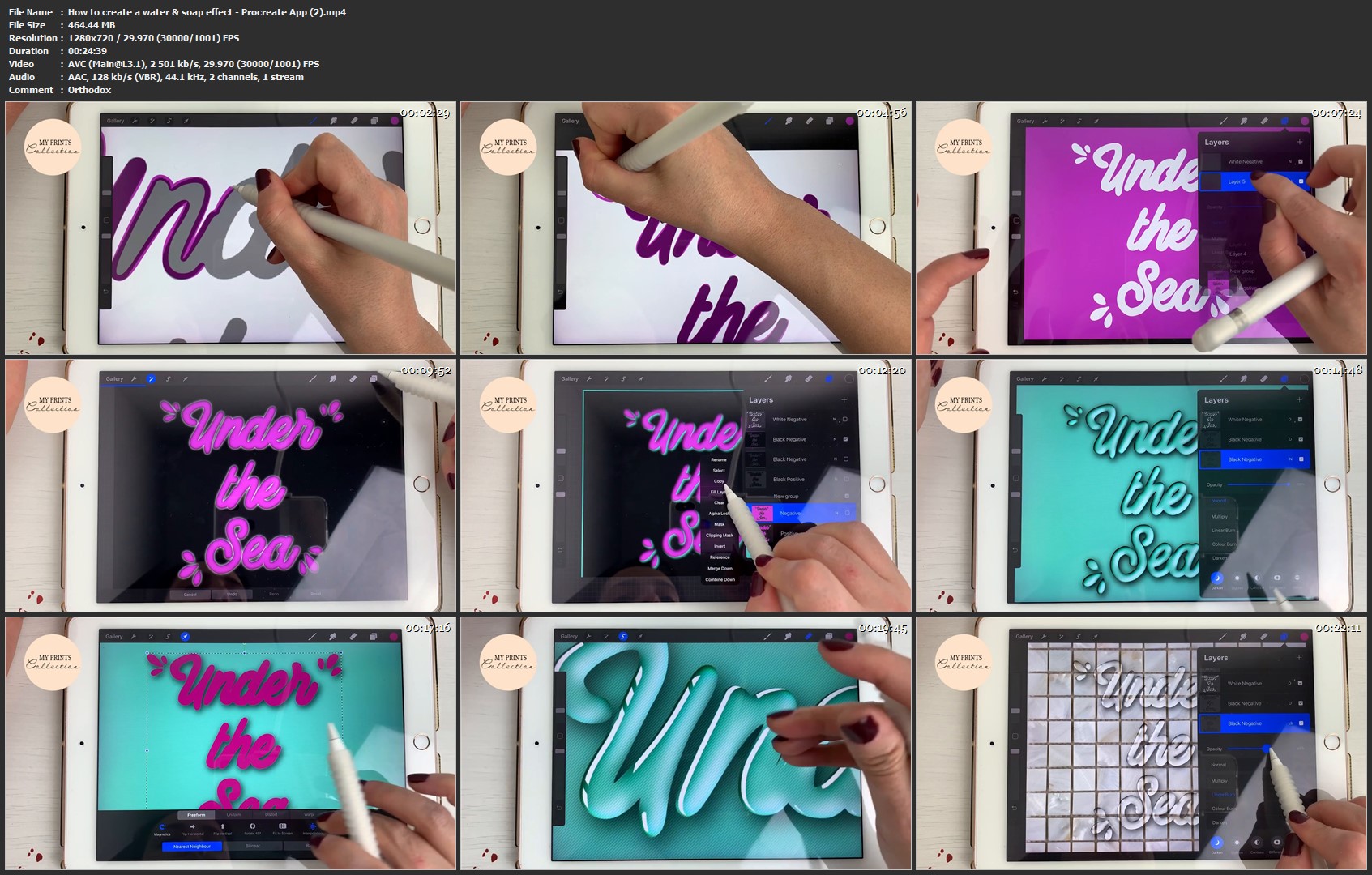
How to create a water & soap effect - Procreate App
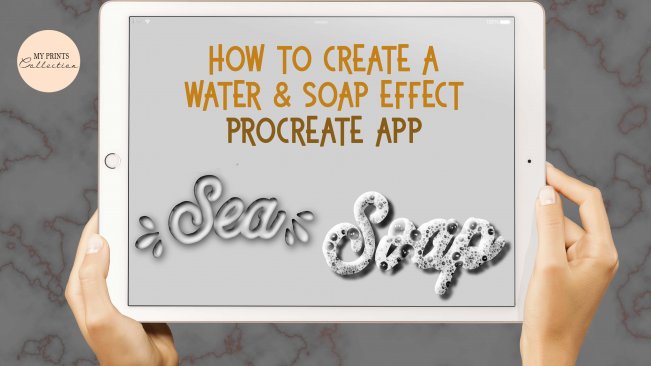
image.jpg


How to create a water & soap effect - Procreate App
Video: .MP4, 1280x720 | Audio: AAC, 48kHz, 2ch | Duration: 38m
Genre: eLearning | Language: English | Size: 704 MB

Hello lettering lovers and welcome to another skillshare class.
If you are new in this digital lettering world, make sure to check the class
"iPad Lettering - Become a Procreate Pro"
In this class, you will learn how to create a water effect on your lettering, as well as a soap effect.
As a bonus, you can download for FREE the materials that I am using for free, the link is down below:
MATERIALS
You will find a cool soap brush effect and a tile the background that I will be using.
Make sure to download the supporting materials and follow the videos (a bonus video was added if you're confused on how to install the files and brush).

Check the Ribbon & Gloss Procreate Brush Set - HERE
How-to-create-a-water-soap-effect-Procreate-App-2-mp4.jpg


...
 
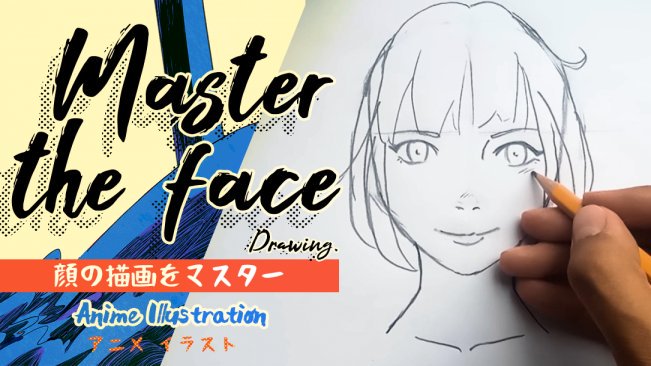
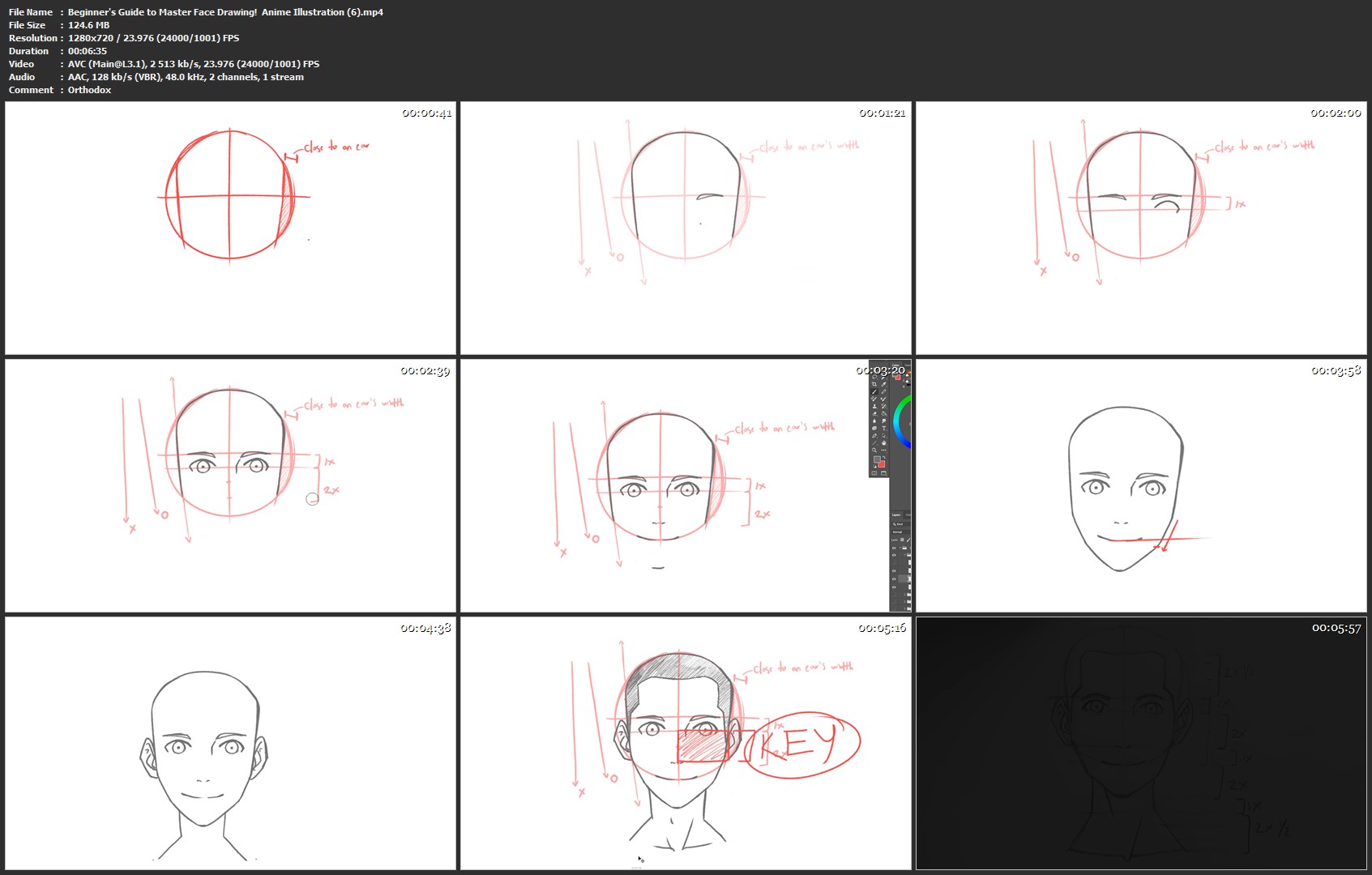
Beginner's Guide to Master Face Drawing! | Anime Illustration

image.jpg


Beginner's Guide to Master Face Drawing! | Anime Illustration
Video: .MP4, 1280x720 | Audio: AAC, 48kHz, 2ch | Duration: 53m
Genre: eLearning | Language: English | Size: 772 MB

We will be learning a lot of very valuable information! from the very basic stuff such as how to successfully draw circles & lines to more advanced techniques such as how to draw the face proportions, structure and shapes.

We will see what are the differences between male and female faces, understand how to draw faces witout any kind of guidelines, studying your favorite artists to create your own style, and dive into creating every kind of diverse face styles, by understanding proportion techniques!

The same principles taught in this class can be used into drawing anything else, so even if you are not a fan of Anime this class will teach you a lot!

Beginner-s-Guide-to-Master-Face-Drawing-Anime-Illustration-6.jpg


...
 
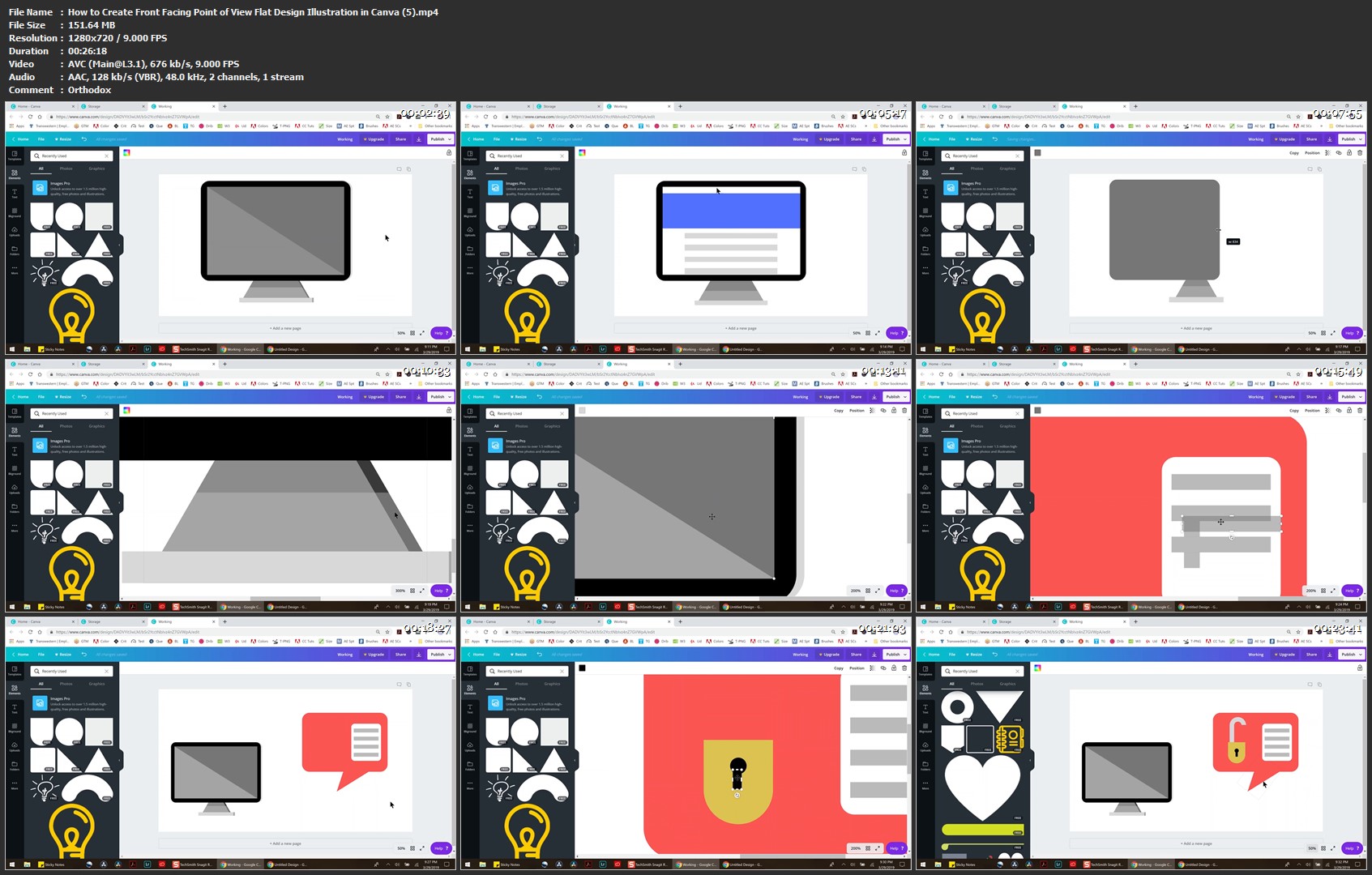
How to Create Front Facing Point of View Flat Design Illustration in Canva

image.jpg


How to Create Front Facing Point of View Flat Design Illustration in Canva
Video: .MP4, 1280x720 | Audio: AAC, 48kHz, 2ch | Duration: 3h 42m
Genre: eLearning | Language: English | Size: 1,37 GB

Create front view flat design illustrations in Canva for front facing point of view. You will discover how to create the prevalent flat design images that are on social media posts, blog posts, video thumbnails and more! This course is designed to assist you in learning the basics of front facing flat design in Canva for use in social media, video, and more. During this course you'll learn to create an office space complete with a desk, computer, lamp, printer, and wall decor with additional examples provided to get you started. Throughout this course you'll learn to:

Create a thumbnail image for videos
Create an image for social media posts
Learn the basics of using Canva
Learn about composition, color design, and layout in flat imagery
No prior knowledge or experience is required

How-to-Create-Front-Facing-Point-of-View-Flat-Design-Illustratio.jpg


...
 
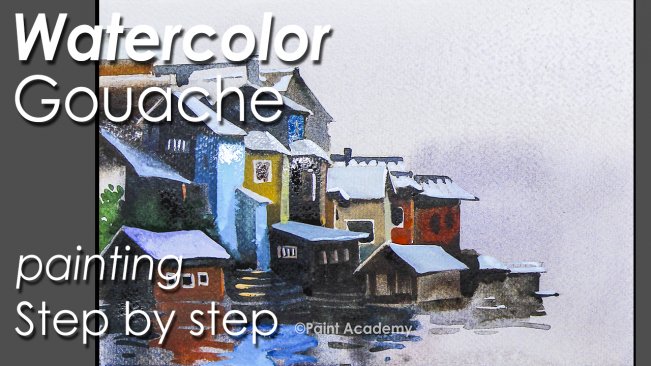
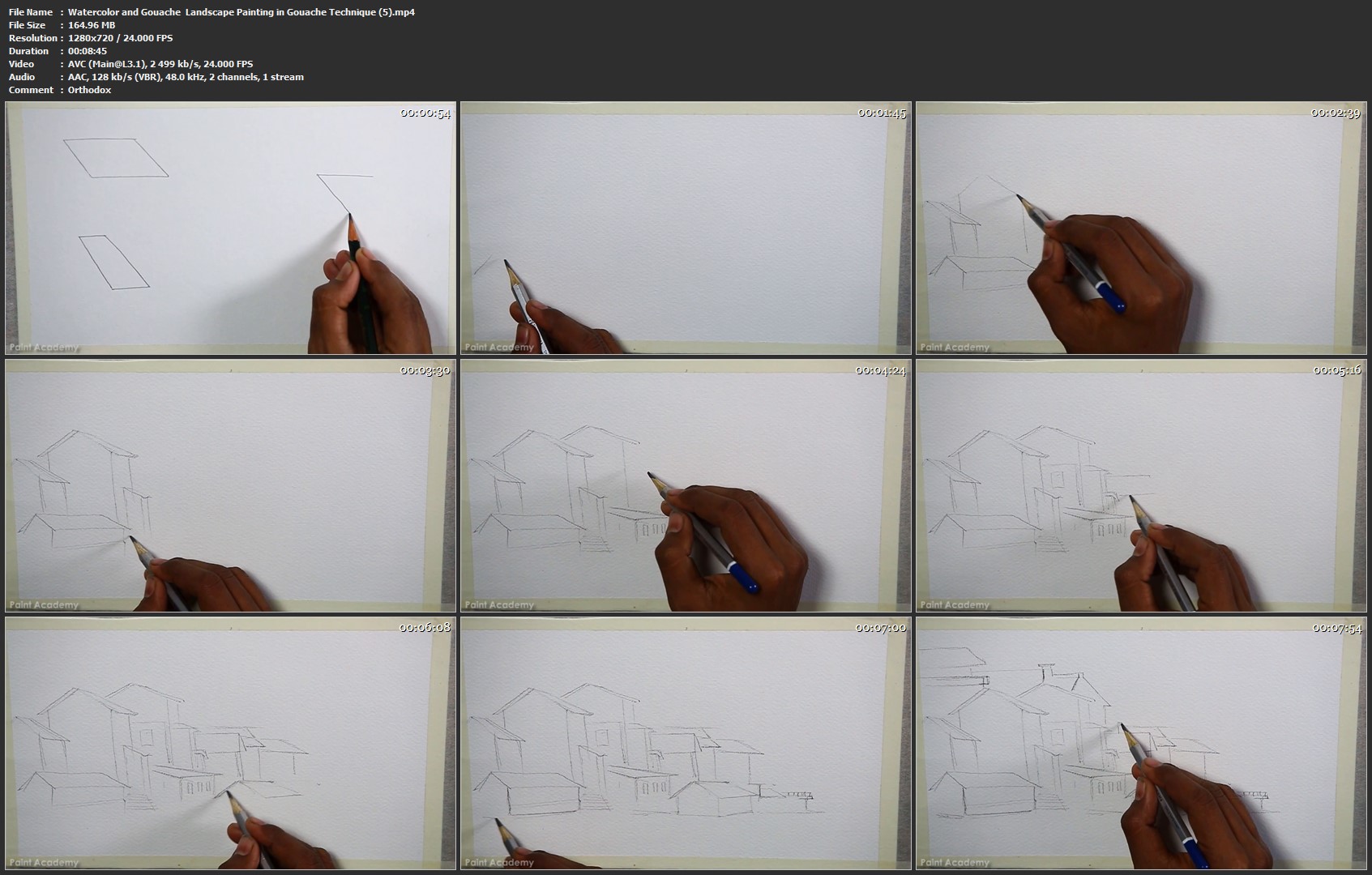
Watercolor and Gouache | Landscape Painting in Gouache Technique

image.jpg


Watercolor and Gouache | Landscape Painting in Gouache Technique
Video: .MP4, 1280x720 | Audio: AAC, 48kHz, 2ch | Duration: 1h 4m
Genre: eLearning | Language: English | Size: 1,17 GB

Intermediate level Watercolor Course- Watercolor Landscape painting.
Hi, this is Supriyo Mondal, and in this tutorial I have shown the complete color process of a landscape painting in watercolor gouache process. Hope you can learn about gouache technique..
It is shown as easy as it can be possible. Hopefully it can help you.
Here I've used-
1. Brushtro watercolor Paper,
2. 2B Pencil.
3. Camlin Artists Watercolors.
4. Natural fur Watercolor Brushes.
5. Masking Tape,
6. Glue,
7. Water,
8. Drawing Board

Watercolor-and-Gouache-Landscape-Painting-in-Gouache-Technique.jpg


...
 
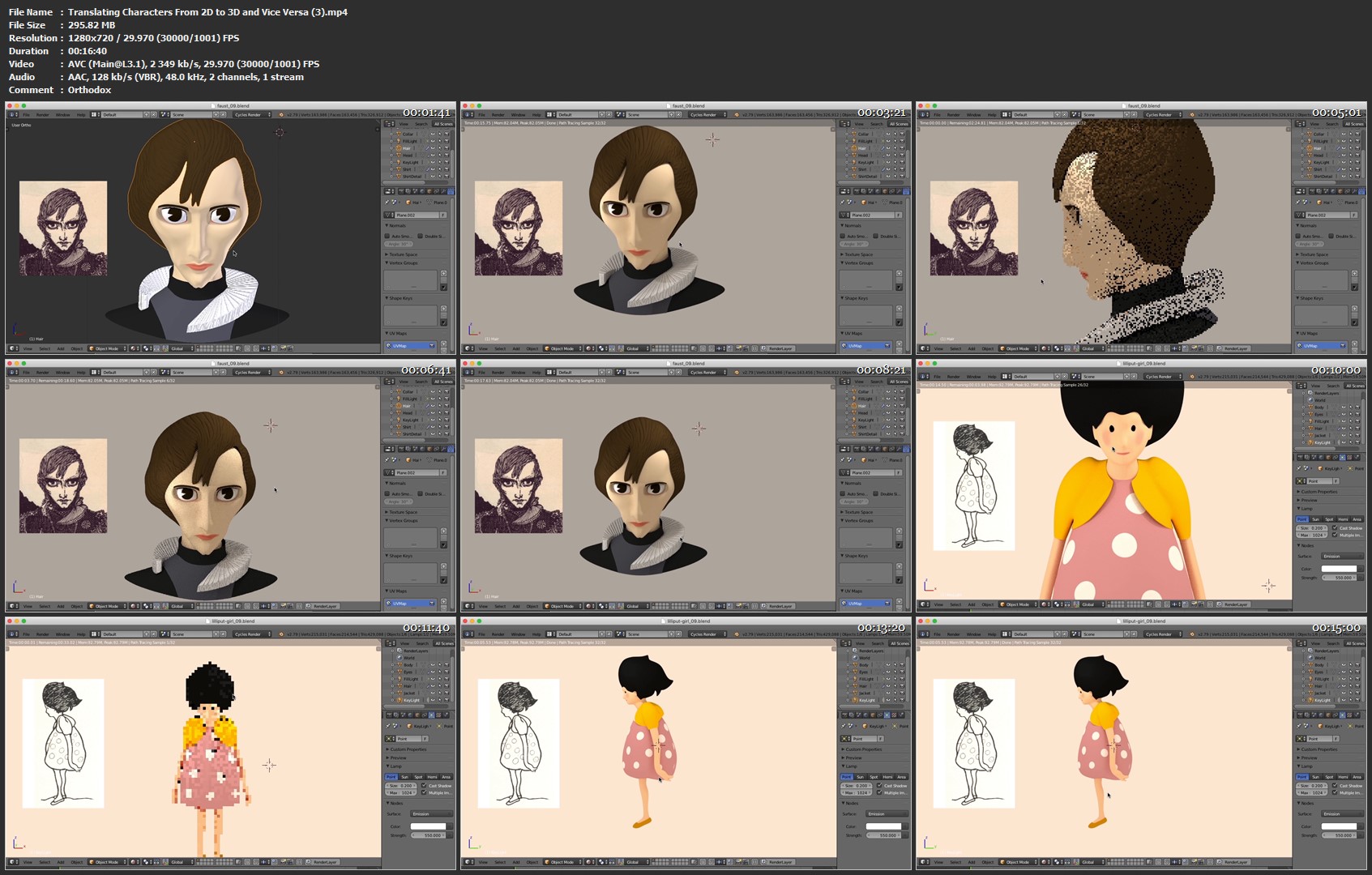
Translating Characters From 2D to 3D and Vice Versa

image.jpg


Translating Characters From 2D to 3D and Vice Versa
Video: .MP4, 1280x720 | Audio: AAC, 48kHz, 2ch | Duration: 49m
Genre: eLearning | Language: English | Size: 512 MB

2D and 3D styles are equally popular in animation, illustration, and other visual media today. Independent creators and big-name studios deal in both, and sometimes even rework old characters in a new style (Disney's done this a lot recently, as I'll talk about in the examples video!) How can this be done successfully, without compromising the integrity of the characters? They should be immediately recognisable as themselves regardless of what style and media are utilised. In this class, I'll try to pass on what knowledge I have of bringing 2D characters into 3 dimensions, or indeed the other way around.

Credits

Basics

TV shows and characters property of Nickelodeon, Disney, Cartoon Network, and applicable creators

2D to 3D
Harry Clarke, from Faust (by Goethe), 1925
Chas Robinson, from Lilliput Lyrics, 1899

3D to 2D

Examples
TV shows, films, and characters property of Disney and applicable creators

Translating-Characters-From-2-D-to-3-D-and-Vice-Versa-3-mp4.jpg


...
 
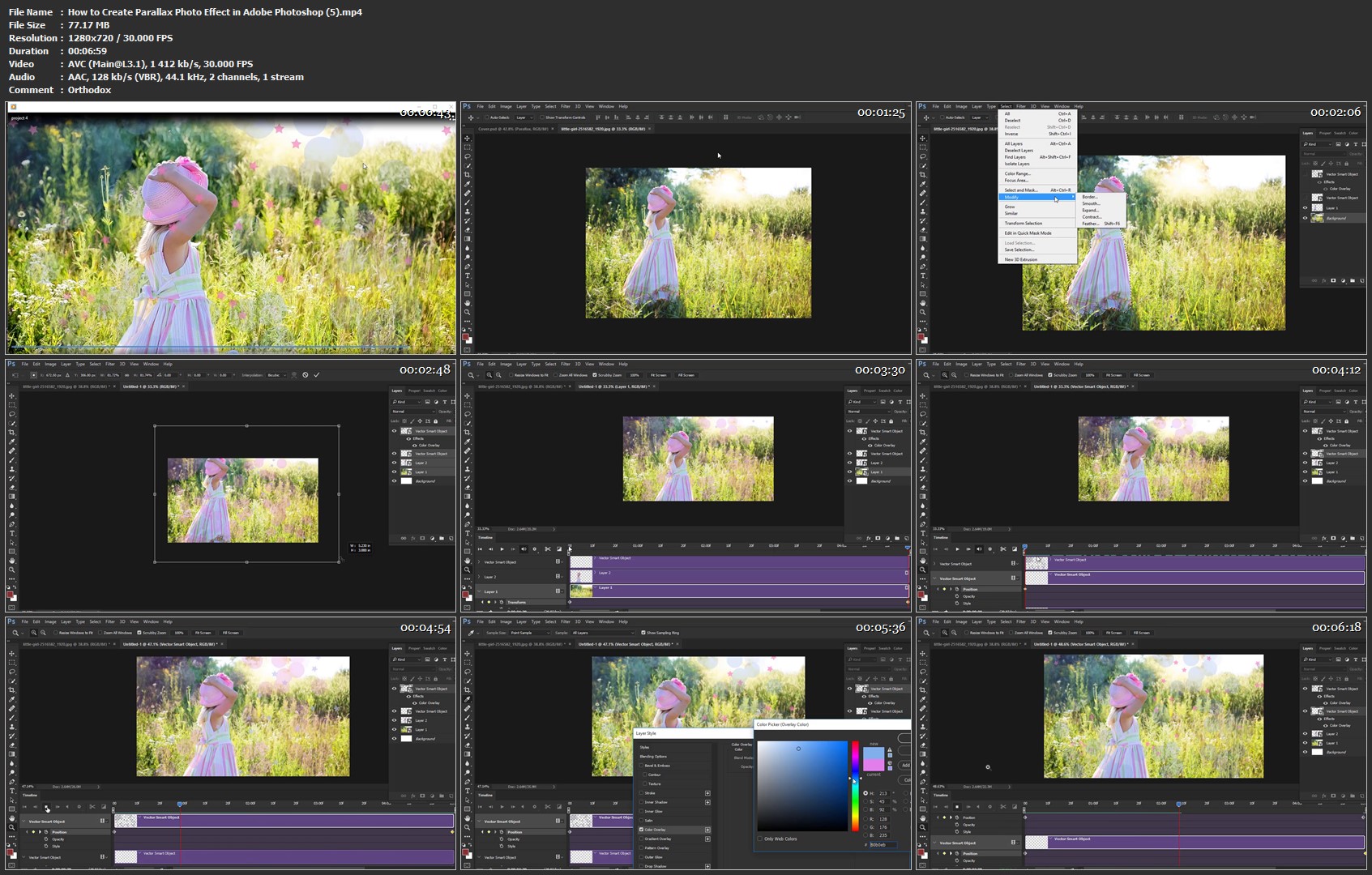
How to Create Parallax Photo Effect in Adobe Photoshop

image.jpg


How to Create Parallax Photo Effect in Adobe Photoshop
Video: .MP4, 1280x720 | Audio: AAC, 44kHz, 2ch | Duration: 35m
Genre: eLearning | Language: English | Size: 269 MB

In this class, you are going to learn how to animate you beautiful images in Adobe Photoshop. I will show you how to do a parallax effect or the 2.5D photo effect in simple steps. If you are photoshop beginner and want to upgrade your skill this is a perfect class for you.

How-to-Create-Parallax-Photo-Effect-in-Adobe-Photoshop-5-mp4.jpg


...
 
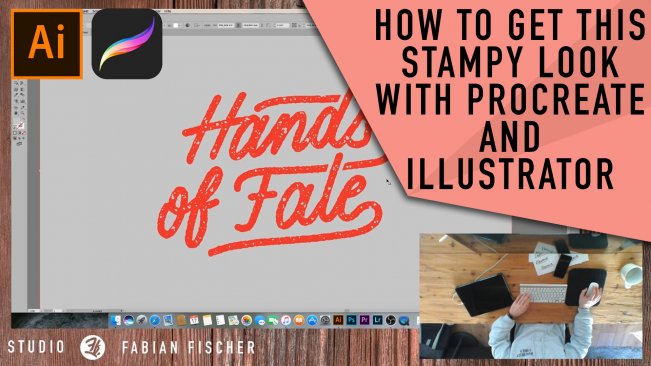
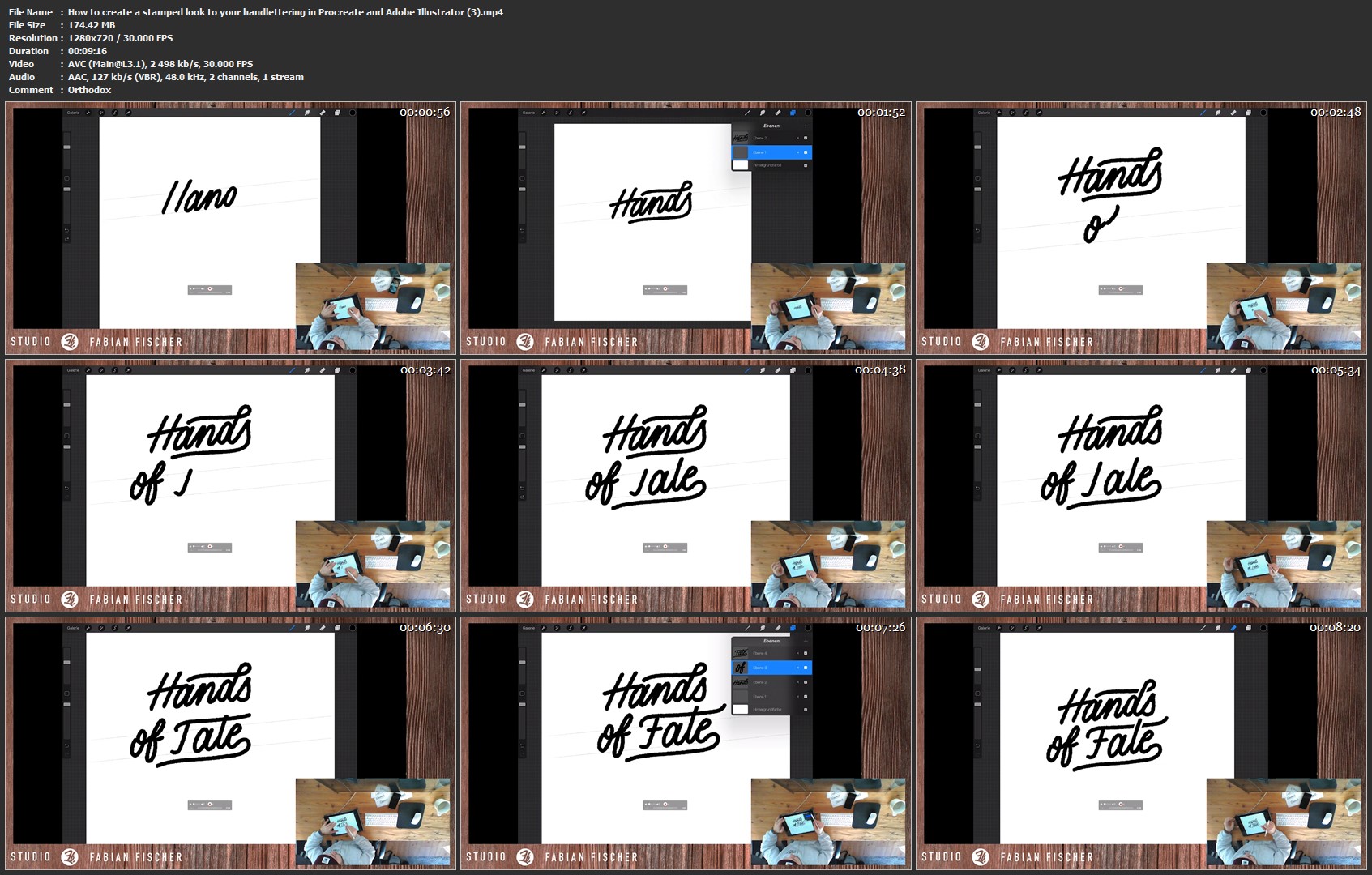
How to create a stamped look to your handlettering in Procreate and Adobe Illustrator

image.jpg


How to create a stamped look to your handlettering in Procreate and Adobe Illustrator
Video: .MP4, 1280x720 | Audio: AAC, 48kHz, 2ch | Duration: 17m
Genre: eLearning | Language: English | Size: 314 MB

In this video you'll learn how to create a stamped look to your letterings. You need the Procreate app on the iPad pro first, to letter your words. After lettering you'll add some nice textures and generate an outline of your lettering.
After this, you'll do the imagetrace in Adobe Illustrator to vectorize your lettering. This is for generating some negative space instead of the white textures of your stamped effect.

How-to-create-a-stamped-look-to-your-handlettering-in-Procreate.jpg


...
 
SOLID Principles for C# Developers

00652543.jpg


SOLID Principles for C# Developers
MP4 | Video: AVC 1280x720 | Audio: AAC 44KHz 2ch | Duration: 2 Hours | 272 MB
Genre: eLearning | Language: English

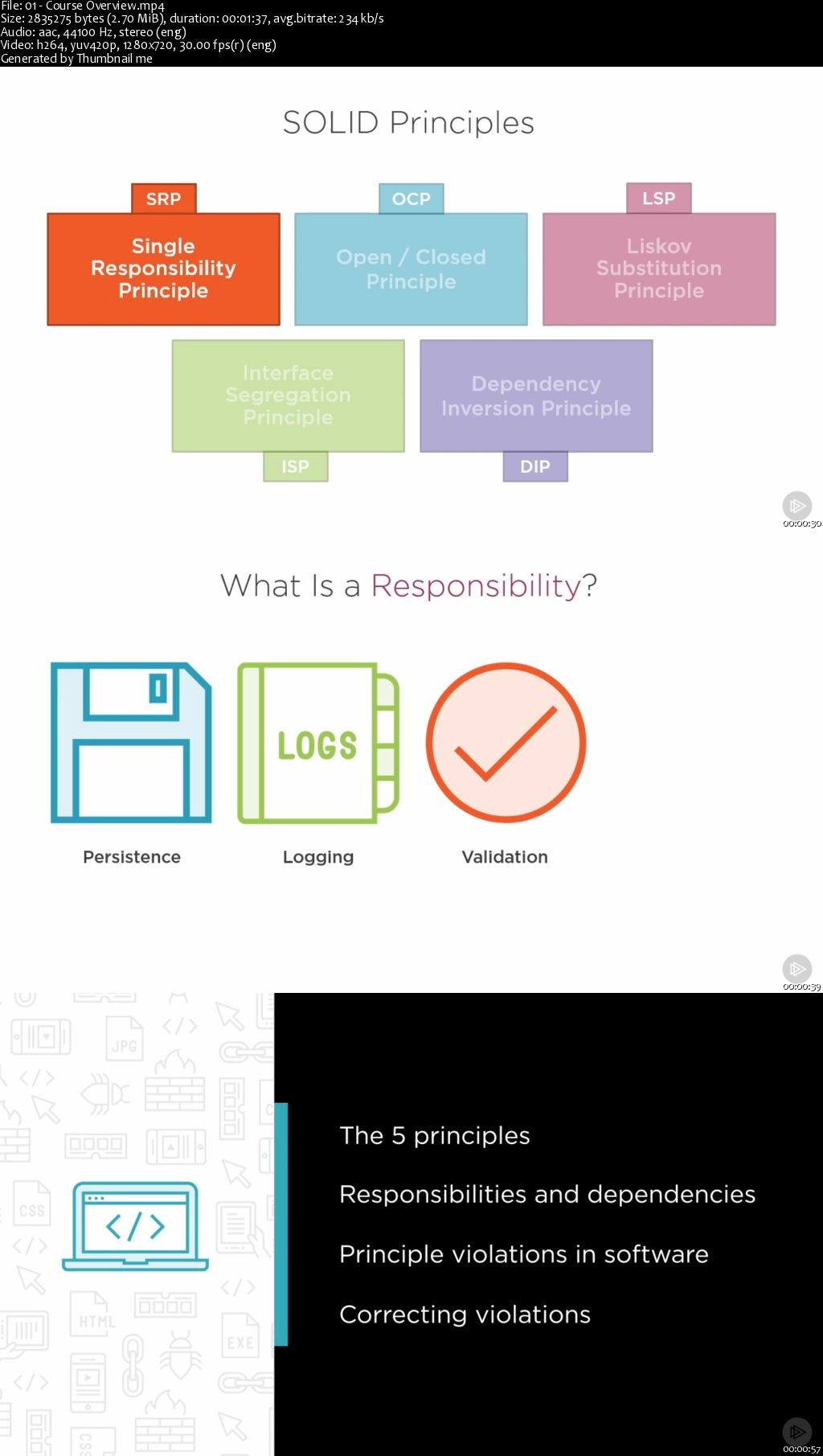
Every C# developer, or any developer using an object-oriented programming language, needs a good understanding of the SOLID principles. These principles guide your design toward more loosely coupled and maintainable software.

It's easy to write software that fulfills its users' immediate needs, but is difficult to extend and maintain. Such software becomes a burden for companies striving to remain competitive. In this course, SOLID Principles for C# Developers, you will learn five fundamental principles of object-oriented design that will keep your software loosely coupled, testable, and maintainable. First, you will see how to keep classes small and focused, and how to extend their behavior without having to edit their source code. Then, you will discover the importance properly designing interfaces and abstractions in your systems. Finally, you will explore how to arrange dependencies in your system so different implementations can be added or plugged in as needed, allowing a truly modular design. When you are finished with this course, you will understand how to build maintainable, extensible, and testable applications using C# and .NET.

00652545.jpg


...
 
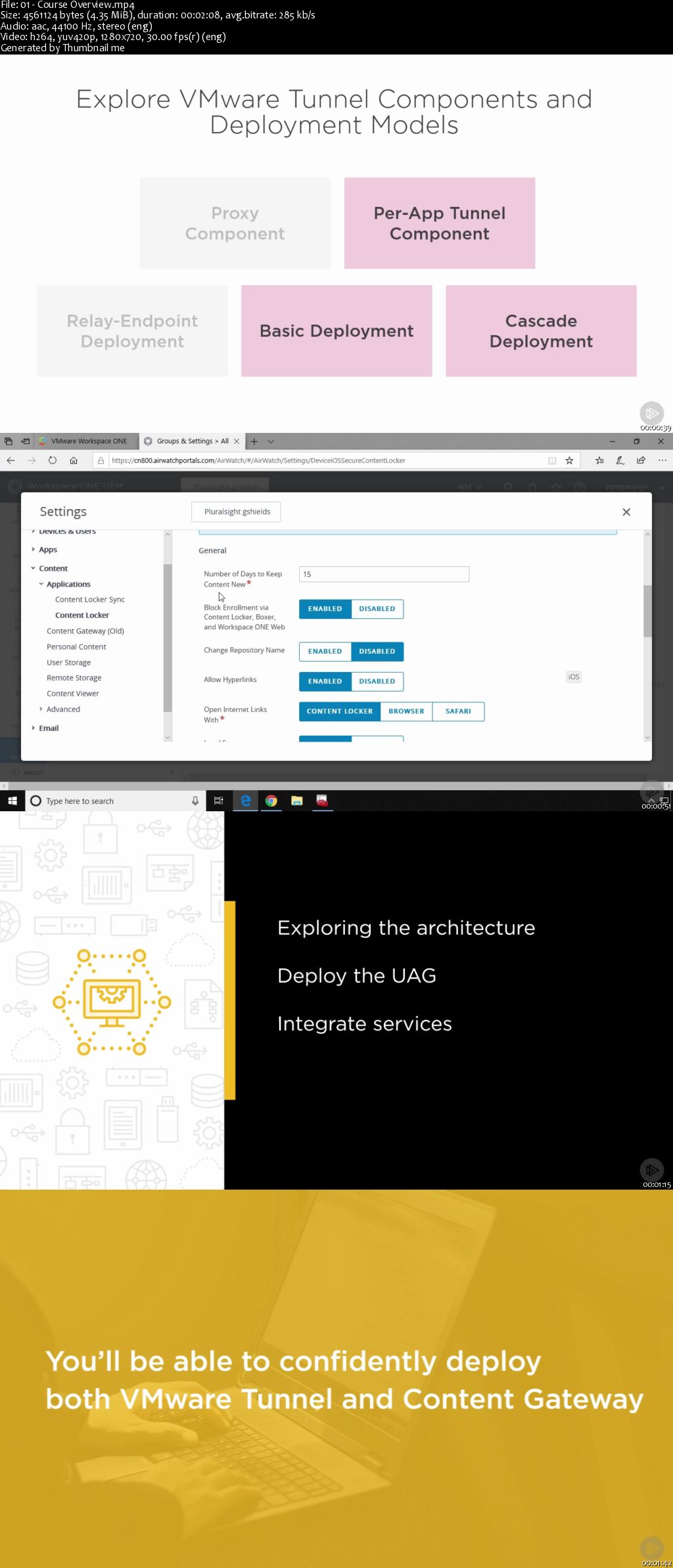
VMware Workspace ONE: Integrate VMware Tunnel and Content Gateway

0065253d.jpg


VMware Workspace ONE: Integrate VMware Tunnel and Content Gateway
MP4 | Video: AVC 1280x720 | Audio: AAC 44KHz 2ch | Duration: 1 Hours 20M | 153 MB
Genre: eLearning | Language: English

Configure and integrate the VMware Tunnel and VMware Content Gateway services, along with their accompanying client applications, to your mobile devices in this course.

Throughout the courses in this learning path, we've integrated Workspace ONE components, enrolled devices, deployed profiles and applications, and secured our endpoints. What we haven't yet done is enable access for those external devices into our internal resources. In this final course out of five, VMware Workspace ONE: Integrate VMware Tunnel and Content Gateway, you'll learn how to facilitate that access. First, you'll explore the architecture of these two separate services along with the Unified Access Gateway appliance that hosts them in your internal DMZ. Then, you'll deploy that UAG along with all the external name resolution and routing its implementation requires. Next, you'll integrate both the VMware Tunnel and Content Gateway services between the UAG and the rest of your Workspace ONE infrastructure. Finally, you'll see the client apps for each of these services, deploying down the necessary apps, profiles, and other configurations that enable user access to internal resources. By the end of this course, you'll have the experience you need to confidently deploy both VMware Tunnel and Content Gateway to your users' mobile devices.

0065253e.jpg


...
 
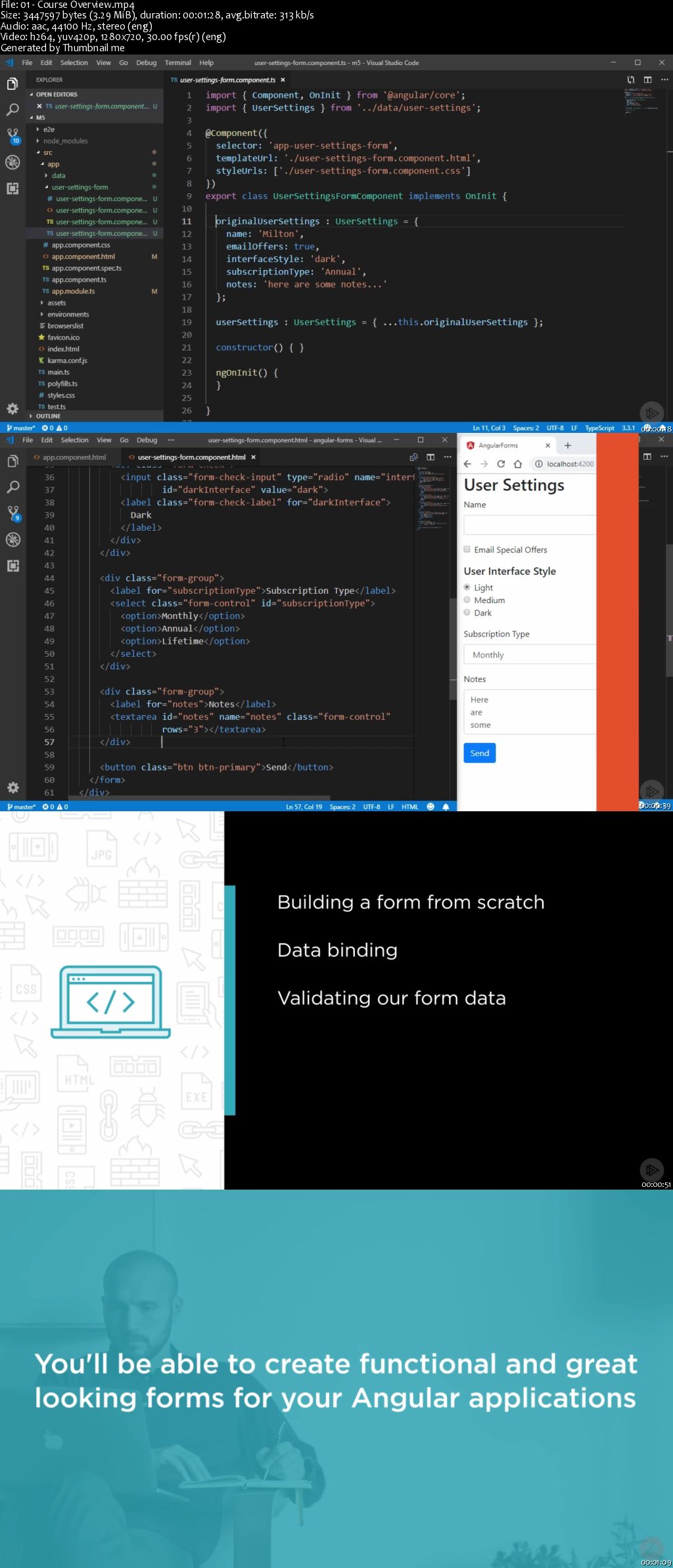
Angular Forms

00652536.jpg


Angular Forms
MP4 | Video: AVC 1280x720 | Audio: AAC 44KHz 2ch | Duration: 2 Hours | 312 MB
Genre: eLearning | Language: English

This course will cover the fundamentals of working with forms in Angular. You'll learn how to create forms, style them, and use data binding and validation. You'll be able to post a form to a server, and work with third-party form controls.

Forms are a vital part of web applications, since they're the primary way you collect data from your users. You want your forms to look good and offer a simple, smooth experience. In this course, Angular Forms, you'll learn how to create template-driven forms using the Angular framework. First, you'll discover how to style them, use data binding and then validate your forms. Next, you'll explore observables and posting your forms to a server. Finally, you'll learn about third-party form controls which offer much more functionality than standard HTML5. By the end of this course, you'll be able to build great looking forms that offer your users a simple way to input any data.

00652538.jpg


...
 
Analyzing Data Visualization Requirements

00652532.jpg


Analyzing Data Visualization Requirements
MP4 | Video: AVC 1280x720 | Audio: AAC 44KHz 2ch | Duration: 3 Hours | 250 MB
Genre: eLearning | Language: English

Being able to create visualizations is a powerful skill that you can learn. This course teaches you how to analyze your dataset and requirements, and how to adjust your visualization to create the most impactful visualization possible.

At the core of creating meaningful data visualizations is a thorough knowledge of understanding your data and your visualization requirements. In this course, Analyzing Data Visualization Requirements, you'll learn how to prepare to build data visualizations. First, you'll learn how to distinguish different types of data. Next, you'll discover how to use visualizations to explore a dataset, or explain a point. Finally, you'll examine how to adapt a visualization for a specific audience and medium. When you're finished with this course, you'll have a foundational knowledge of data visualizations that will help you as you move forward to create visualizations for your own datasets.

00652533.jpg


...
 
Excel: Top 10 Tips to Become Better in Excel

image.jpg


Excel: Top 10 Tips to Become Better in Excel
Video: .MP4, 1280x720 | Audio: AAC, 44.1kHz, 2ch | Duration: 2h 3m
Genre: eLearning | Language: English | Size: 427 MB

Do You Want to Improve Your Excel Skills? To Become more confident and Advanced in Excel?

This course is your starting point! You will gain new knowledge that will help you save time when you work in your Excel files. If you are already advanced in Excel, this course will allow you to "fill in the gaps".

The top 10 will increase your awareness of the most useful Excel features to work faster and smarter. Only when you know the extent and possibilities Excel offers you, only then are you able to handle any type of analysis with the best method.

Audience for this course:

Specifically designed for people using Excel on the Job. Advanced Excel skills are highly relevant in business. No matter which role you're currently in or you're planning to take on. Whether you'll be in Finance, consulting, IT, in project management, your advanced Excel skills will set you apart from the competition.

What is the difference between an Advanced Excel and Average Excel user?

An advanced Excel user is aware of the tools and features available and can apply the right tools for the right task, instead of relying on their go-to tools and making them work for every situation. Advanced Excel users, always find the optimal solution for every task, and they find it fast!

What differentiates this Excel course from the others?

The reason I created this specific Top 10 Tips Excel course, is because there are many advanced Excel users who are unaware key features. I understand that when you take an Excel training it can be so broad, and a lot of courses cover too many topics. It's easy to get lost. You might also not immediately appreciate why some features are useful and how you can practically apply them. We are creatures of habit and it's difficult to get our head around learning new techniques. As a result you might be missing out on some features that can majorly simplify the way you use Excel.

Differentiation factor #1

Focus - The top 10 brings focus to the key Excel features which will provide you with a solid & a strong foundation in Excel. If you are currently advanced in Excel, you might have missed some of these features.

Differentiation factor #2

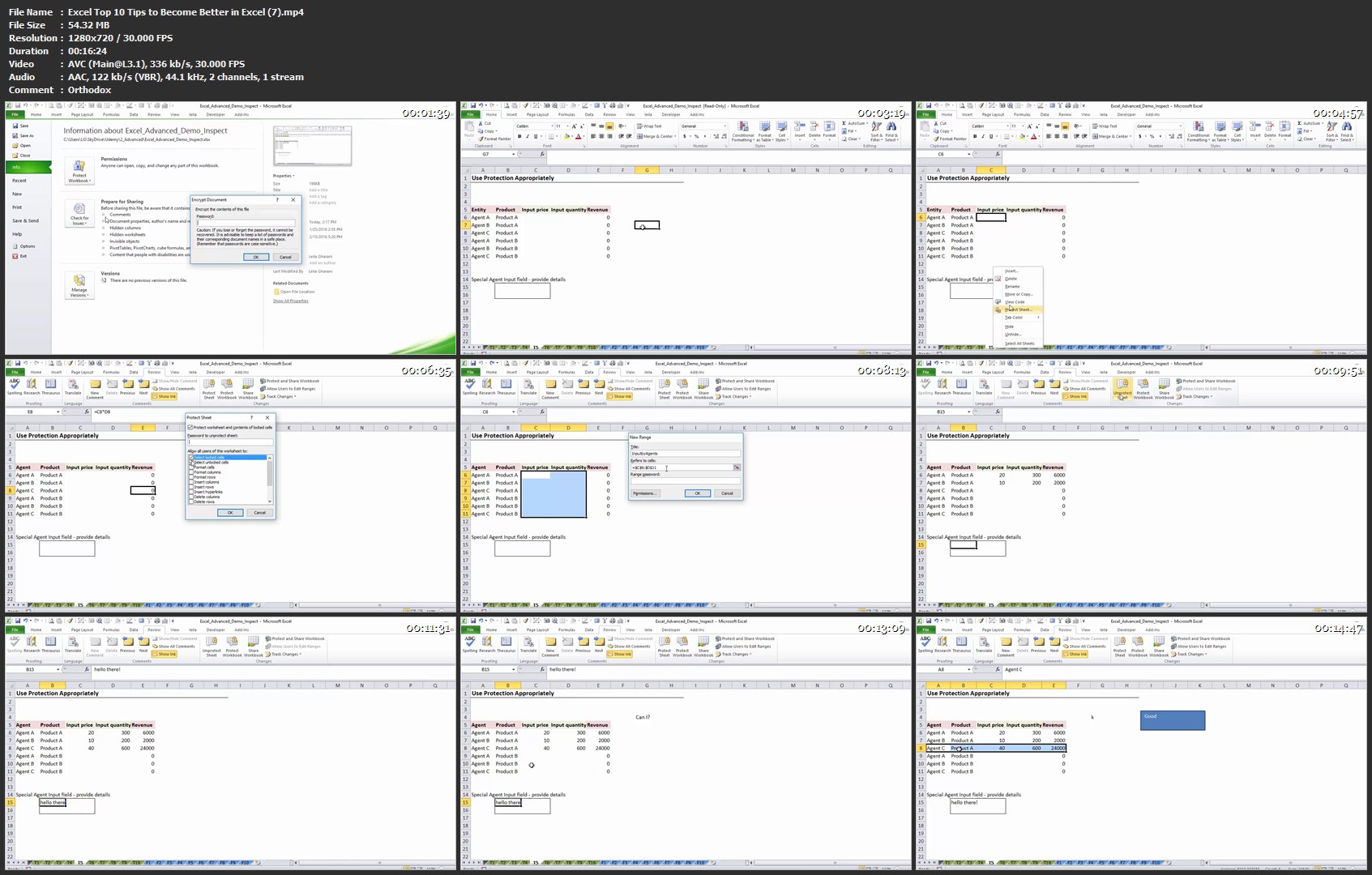
Learn by doing - This Excel course is well structured and organized. You can download my Excel Demo workbook which I use to demonstrate each feature and practice along with me. You also have an exercise book to test your knowledge. Real learning happens when you attempt to solve problems on your own. Answers are provided, but do ask any questions if you get stuck. Your questions will always be answered.

Differentiation factor #3

Engaging - I have made every attempt to keep the course interesting and engaging by mixing talking head explanations with screencast demos. Each course is split by topic & feature. This allows you to easily pick what you want to learn now or review later.

Excel Version:

The videos are filmed using Excel 2010, but the techniques I show you apply to older as well as future versions of Excel.

Excel-Top-10-Tips-to-Become-Better-in-Excel-7-mp4.jpg


...
 
Zurück
Oben Unten