• Regeln für den Video-Bereich:

    In den Börsenbereich gehören nur Angebote die bereits den Allgemeinen Regeln entsprechen.

    Einteilung

    - Folgende Formate gehören in die angegeben Bereiche:
    - Filme: Encodierte Filme von BluRay, DVD, R5, TV, Screener sowie Telesyncs im Format DivX, XviD und x264.
    - DVD: Filme im Format DVD5, DVD9 und HD2DVD.
    - HD: Encodierte Filme mit der Auflösung 720p oder darüber von BluRay, DVD, R5, TV, Screener sowie Telesyncs im Format x264.
    - 3D: Encodierte Filme von BluRay, die in einem 3D Format vorliegen. Dies gilt auch für Dokus, Animation usw.
    - Serien: Cartoon/Zeichentrick, Anime, Tutorials, Dokumentationen, Konzerte/Musik, Sonstiges sind demnach in die entsprechenden Bereiche einzuordnen, auch wenn sie beispielsweise im High Definition-Format oder als DVD5/DVD9/HD2DVD vorliegen. Ausnahme 3D.
    - Bereich Englisch: Englische Releases gehören immer in diesen Bereich.
    - Bereich Talk: Der Bereich, in dem über die Releases diskutiert werden kann, darf, soll und erwünscht ist.


    Angebot/Beitrag erstellen

    - Ein Beitrag darf erst dann erstellt werden, wenn der Upload bei mindestens einem OCH komplett ist. Platzhalter sind untersagt.
    - Bei einem Scenerelease hat der Threadtitel ausschließlich aus dem originalen, unveränderten Releasenamen zu bestehen. Es dürfen keine Veränderungen wie z.B. Sterne, kleine Buchstaben o.ä. vorgenommen werden. Ausnahme Serienbörse:
    - Bei einem Sammelthread für eine Staffel entfällt aus dem Releasename natürlich der Name der Folge. Beispiel: Die Simpsons S21 German DVDRip XviD - ITG
    - Dementsprechend sind also u.a. verboten: Erweiterungen wie "Tipp", "empfehlenswert", "only", "reup", usw. / jegliche andere Zusatzinformation oder Ergänzung, welche nicht in obiger Beschreibung zu finden ist.

    Aufbau des Angebots und Threadtitel

    Der Titel nach folgendem Muster erstellt zu werden. <Name> [3D] [Staffel] [German] <Jahr> <Tonspur> [DL] [Auflösung] <Quelle> <Codec> - <Group>
    Beispiel: The Dark Knight German 2008 AC3 DVDRip XviD - iND
    Beispiel: The Dark Knight 2008 DTS DL BDRip x264 - iND
    Beispiel: The Dark Knight 2008 AC3 DL BDRip XviD - iND
    Beispiel: The Dark Knight German 2008 AC3 720p BluRay x264 iND
    Beispiel: The Dark Knight 2008 DTS DL 1080p BluRay x264 iND
    Beispiel: Die Simpsons S01 German AC3 DVDRip XviD iND
    Beispiel: Die Simpsons S20 German AC3 720p BluRay x264 iND
    Beispiel: Sword Art Online II Ger Sub 2014 AAC 1080p WEBRip x264 - peppermint
    Entsprechend sind also u.a. verboten: Sonderzeichen wie Klammern, Sterne, Ausrufezeichen, Unterstriche, Anführungszeichen / Erweiterungen wie "Tipp", "empfehlenswert", "only", "reup", usw. / jegliche andere Zusatzinformation oder Ergänzung, welche nicht in obiger Beschreibung zu finden ist
    Ausnahmen hiervon können in den Bereichen geregelt sein.

    Die Beiträge sollen wie folgt aufgebaut werden:
    Überschrift entspricht dem Threadtitel
    Cover
    kurze Inhaltsbeschreibung
    Format, Größe, Dauer sind gut lesbar für Downloader außerhalb des Spoilers zu vermerken
    Nfo sind immer Anzugeben und selbige immer im Spoiler in Textform.
    Sind keine Nfo vorhanden z.B. Eigenpublikationen, sind im Spoiler folgende Dateiinformationen zusätzlich anzugeben :
    Quelle
    Video (Auflösung und Bitrate)
    Ton (Sprache, Format und Bitrate der einzelnen Spuren)
    Untertitel (sofern vorhanden)
    Hosterangabe in Textform außerhalb eines Spoiler mit allen enthaltenen Hostern.
    Bei SD kann auf diese zusätzlichen Dateiinformationen verzichtet werden.

    Alle benötigten Passwörter sind, sofern vorhanden, in Textform im Angebot anzugeben.
    Spoiler im Spoiler mit Kommentaren :"Schon Bedankt?" sind unerwünscht.


    Releases

    - Sind Retail-Release verfügbar, sind alle anderen Variationen untersagt. Ausnahmen: Alle deutschen Retail-Release sind CUT, in diesem Fall sind dubbed UNCUT-Release zulässig.
    - Im Serien-Bereich gilt speziell: Wenn ein Retail vor Abschluss einer laufenden Staffel erscheint, darf diese Staffel noch zu Ende gebracht werden.62
    - Gleiche Releases sind unbedingt zusammenzufassen. Das bedeutet, es ist zwingend erforderlich, vor dem Erstellen eines Themas per Suchfunktion zu überprüfen, ob bereits ein Beitrag mit demselben Release besteht. Ist dies der Fall, ist der bereits vorhandene Beitrag zu verwenden.
    - P2P und Scene Releases dürfen nicht verändert oder gar unter einem iND Tag eingestellt werden.


    Support, Diskussionen und Suche

    - Supportanfragen sind entweder per PN oder im Bereich Talk zu stellen.
    - Diskussionen und Bewertungen sind im Talk Bereich zu führen. Fragen an die Uploader haben ausschließlich via PN zu erfolgen, und sind in den Angeboten untersagt.
    - Anfragen zu Upload-Wünschen sind nur im Bereich Suche Video erlaubt. Antworten dürfen nur auf Angebote von MyBoerse.bz verlinkt werden.


    Verbote

    - Untersagt sind mehrere Formate in einem einzigen Angebotsthread, wie beispielsweise das gleichzeitige Anbieten von DivX/XviD, 720p und 1080p in einem Thread. Pro Format, Release und Auflösung ist ein eigener Thread zu eröffnen.
    - Grundsätzlich ebenso verboten sind Dupes. Uploader haben sich an geeigneter Stelle darüber zu informieren, ob es sich bei einem Release um ein Dupe handelt.
    - Gefakte, nur teilweise lauffähige oder unvollständige Angebote sind untersagt. Dies gilt auch für eigene Publikationen, die augenscheinlich nicht selbst von z.B. einer DVD gerippt wurden. Laufende Serien, bei denen noch nicht alle Folgen verfügbar sind, dürfen erstellt und regelmäßig geupdatet werden.
    - Untersagt sind Angebote, welche nur und ausschließlich in einer anderen Sprache als deutsch oder englisch vorliegen. Ausnahmen sind VORHER mit den Moderatoren zu klären.


    Verstoß gegen die Regeln

    - Angebote oder Beiträge, die gegen die Forenregeln verstoßen, sind über den "Melden"-Button im Beitrag zu melden.
  • Bitte registriere dich zunächst um Beiträge zu verfassen und externe Links aufzurufen.


Englische Tutorials

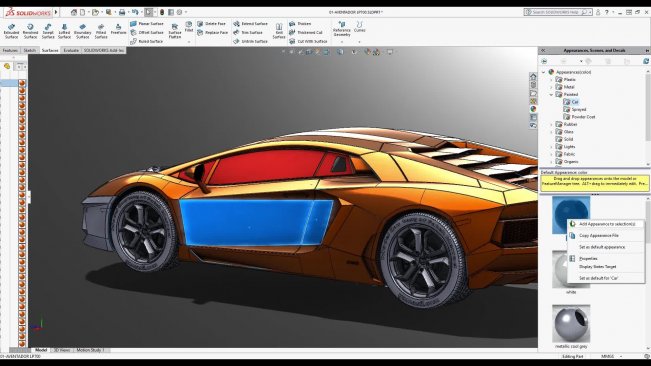
SolidWorks 2018 Surface Design and Analysis

image.jpg


SolidWorks 2018 Surface Design and Analysis
Duration: 3h 36m | Video: h264, 1280x720 | Audio: AAC, 48kHz, 2 Ch | 1.2 GB
Genre: eLearning | Language: English | Level: Intermediate

About This Class
Welcome in SolidWorks,

The world's best products get their start in SOLIDWORKS. Find out why industry leaders are using the SOLIDWORKS solutions to not just design better but smarter.

With this COURSE you will learn all necessary skills to work and design in CAD system. SolidWorks offer a lot of command and option to speed up your work and to help you in every day task. Only good knowledge and understand how software work will give you a chance to beat competitors on market.

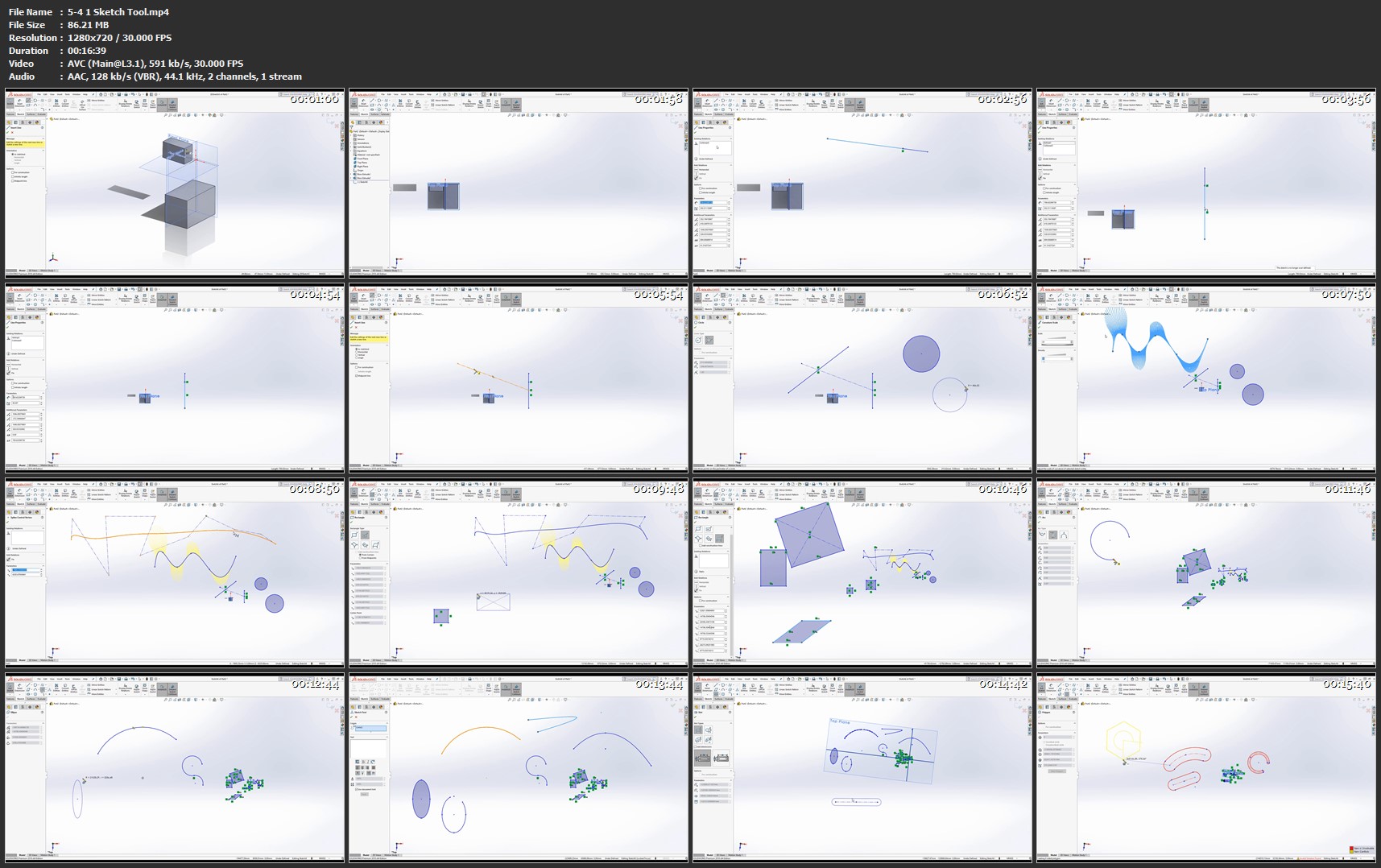
5-4-1-Sketch-Tool-mp4.jpg


...
 
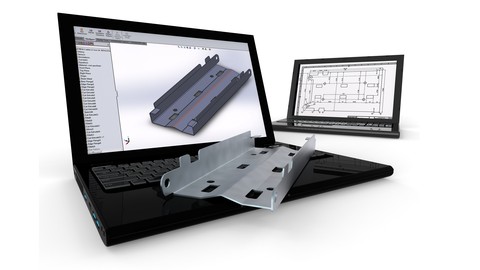
SolidWorks Complete Course: Learn 3D Modeling in SolidWorks

0061b2d8.jpg


SolidWorks Complete Course: Learn 3D Modeling & 2D Drawing
.MP4 | Video: 1280x720, 30 fps(r) | Audio: AAC, 44100 Hz, 2ch | 4.14 GB
Duration: 6 hours | Genre: eLearning | Language: English

Learn 3D Modeling: The Ultimate Guide to 3D Modeling & 2D Drawing in SolidWorks


What you'll learn

Learn the basics of SolidWorks
Learn to create 3D Models and 2D Drawings
Learn the advanced functionality and capabilities of SolidWorks
Learn best practices and exclusive techniques
Learn Part Modeling, Detail Drawing, Assembly Modeling, Animation, Rendering and much more

Requirements

You must have SolidWorks 2016 or a newer version on your computer

Description

This course will introduce you to SolidWorks tools and the fundamental modeling techniques. It will give you with a strong understanding of SolidWorks and will cover the creation of parts, assemblies and drawings. This course takes you from beginner to advanced with clear instruction that goes beyond the basics. Fundamental techniques are detailed with real-world examples for hands-on learning. Even experienced users will find value in this course by learning new techniques that make familiar tasks quicker, easier to do, and much more organized, including advanced file management tools that simplify and streamline pre-flight checks.

Who this course is for:

People who want to learn how to create 3D models
People who want to learn how to create 2D Drawings using SolidWorks
People who want to learn CAD

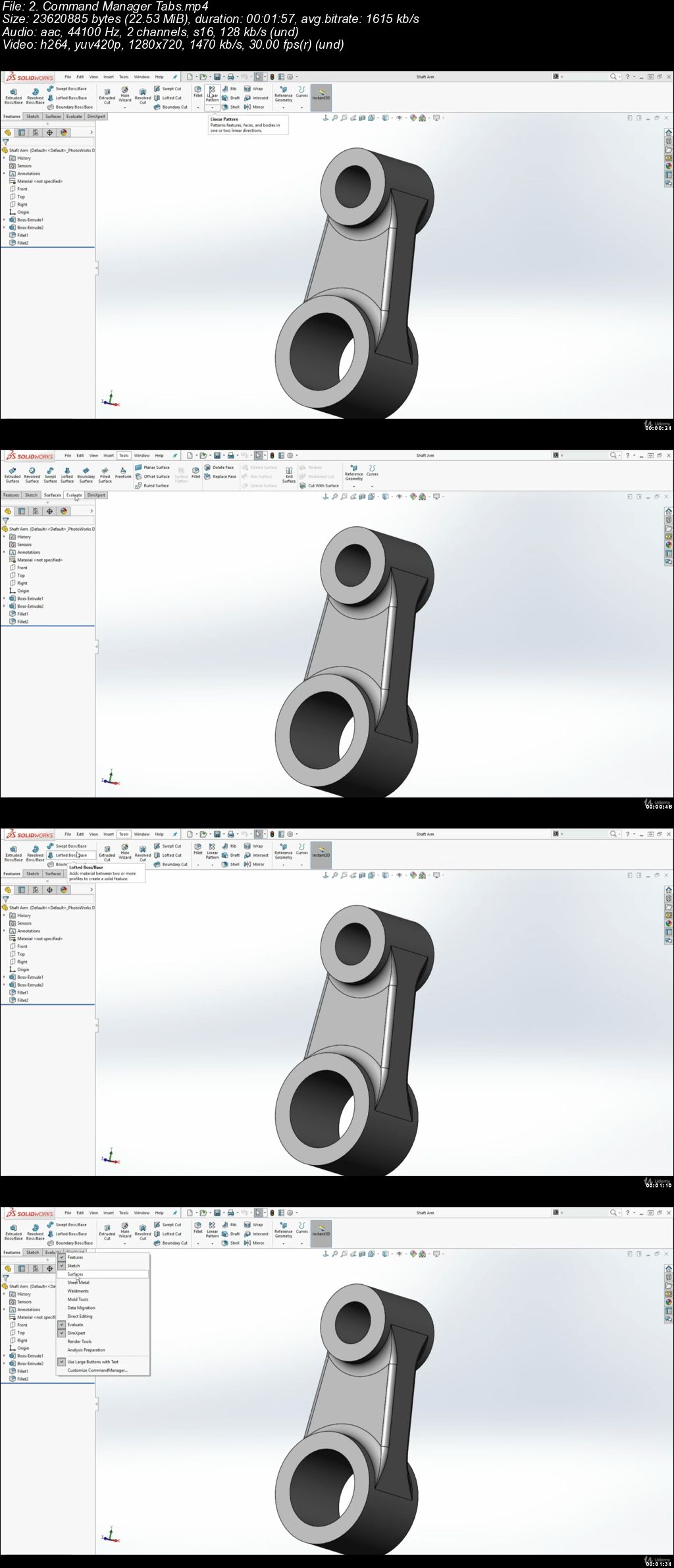
0061b2d9.jpg


...
 
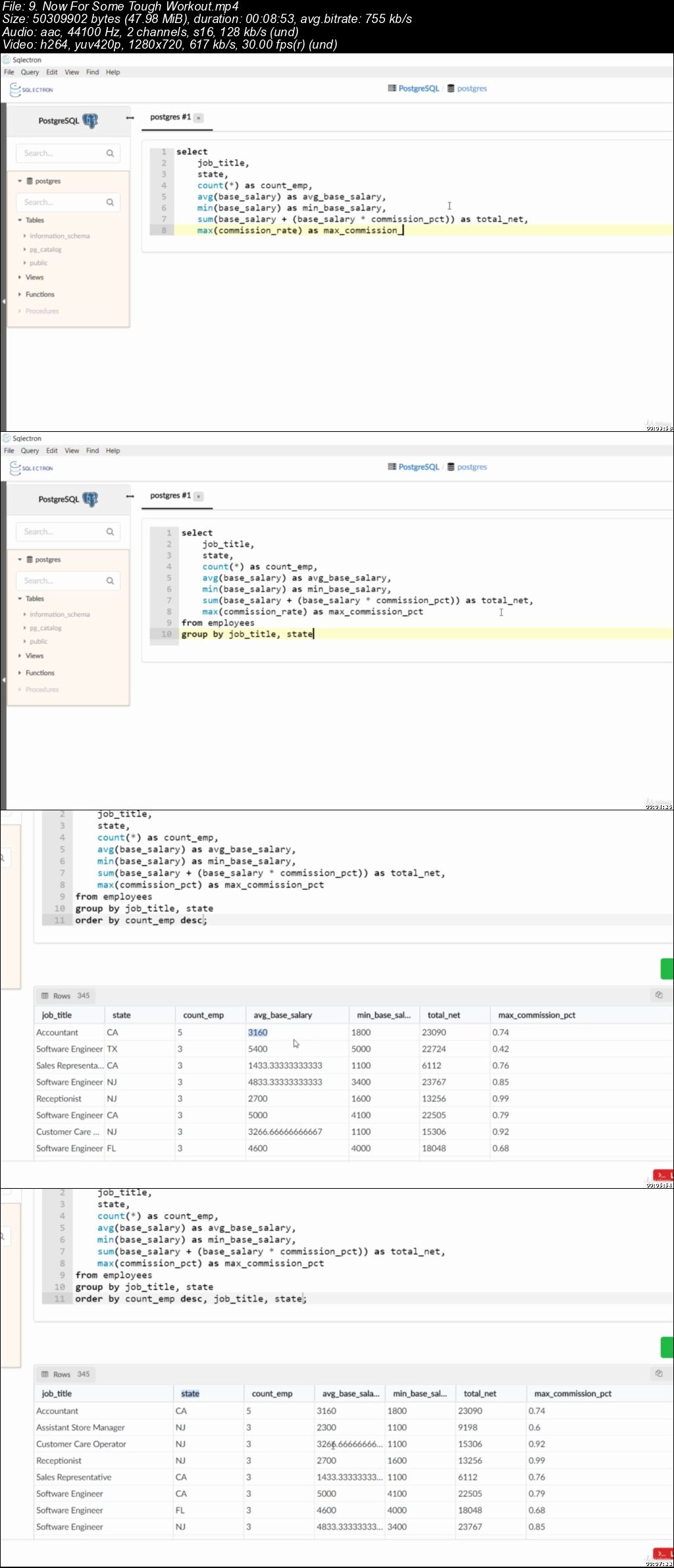
SQL for Newcomers - The Full Mastery Course

PB2c0-ZRVd-ZTX3-ROVCSa-Ja-Mmgy-O2-N7-MJX.jpg


SQL for Newcomers - The Full Mastery Course
MP4 | Video: h264, 1280x720 | Audio: AAC, 44.1 KHz, 2 Ch
Genre: eLearning | Language: English + .VTT | Duration: 11 hour | Size: 3.25 GB

A course to make you an SQL genius!

What you'll learn

Able to select & filter data using SQL, fetch data for useful reports based on different requirements.
Manipulate data by adding new records & modifying or deleting existing ones.
Create & modify tables with setting constraints to columns.
Learn some of the most useful built-in functions in SQL, as well as data type conversion.
Join tables using different join types SQL provides.
Brag about how cool they are knowing how to use SQL with their friends.

Requirements

Have a PC or laptop to work on. Your old clunky notebook will do.
Can work on any operating system (Windows, Linux & MacOS).

Description

Hi!

I'm Sameh Sharaf. I am a data engineer. I have worked on data since 2010 so I guess I can say I'm experienced enough.

This course will teach you how to use SQL (Structured Query Language), a language so prominent for relational databases, databases such as MySQL, PostgreSQL, SQLlite and more.

SQL now is a great skill to have if you want to work as a data analyst, data scientist, BI developer, data engineer, database administrator or even a software developer/engineer, since all these jobs need to use databases and data in a daily basis.

I'm a beginner, is this course for me?

Sure! This course was done for beginners. Even students with experience in SQL may find it useful too to memorize some keywords and functions, as well as learning more about the bits they may miss.

Is there any prerequisites to attend this course?

The only thing you need is a PC or laptop with average performance and any operating system installed on. We'll be using Windows 10 for this course but the OS does not matter since the tech we'll be using is cross-platform and can work on Linux and Mac.

Who this course is for:

Junior data analysts and scientists.
Junior developers who need to work on relational databases.
Undergraduate students who study relational databases in their curriculum.
Anyone who's interested to learn SQL and add it to their resume.

9f8xcm-ZPuz-Mq-NRTAm6-PDam0da-Mfu-DGJN.jpg


...
 
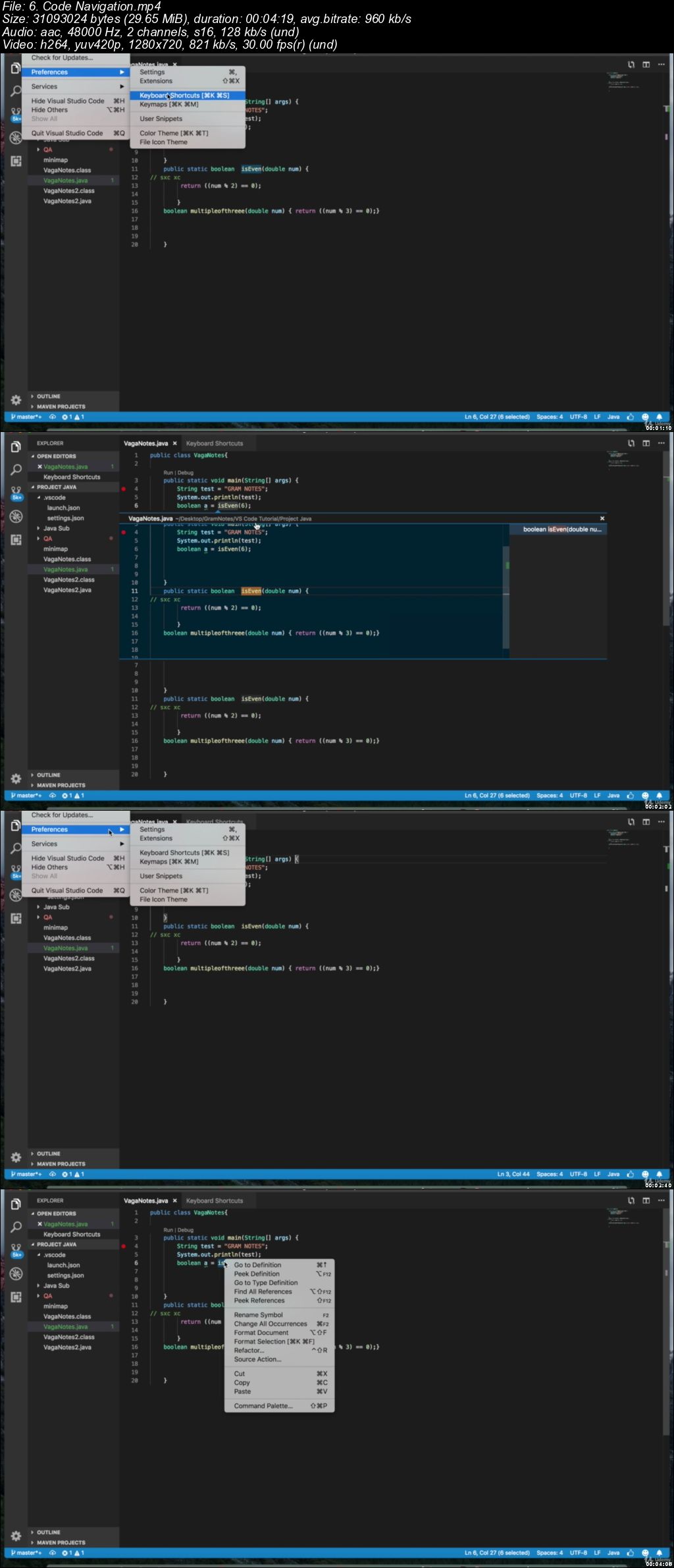
Visual Studio Code Crash Course 2019

00650a76.jpg


Visual Studio Code Crash Course 2019
.MP4 | Video: 1280x720, 30 fps(r) | Audio: AAC, 48000 Hz, 2ch | 556 MB
Duration: 1 hours | Genre: eLearning Video | Language: English

Master everything you need to know about VS Code in 2019!


What you'll learn

Install and set up VS Code on Windows/Mac
Learn how to set up and debug a basic Java Project (no knowledge of java needed)
Get Familiar with the VS Code User Interface
Learn how to use the Command Palette and the Zen Mode
How to change color themes and make use of shortcuts to boost your efficiency on this powerful and lightweight editor.
Master the use of extensions to enhance your VS Code experience.
Practice your skills navigating around the code using shortcuts in VS Code
Master the great features VS Code offers you to help debug code
Make use of the simple Integration between VS Code and Git, which makes working with version control seamless
Learn how to resolve Merge Conflicts with the simple and easy to use UI of VSCode

Requirements

Just an internet connection and a working computer.
Desire to learn!
A windows/mac operating system

Description

Visual Studio Code is one of the leading code editing platforms out there gaining rapid adoption with developers across the world. It is cross platform and lightweight editor with a long list of features including IntelliSense, it's own extension marketplace and integrations with git and terminal.

If you are looking for a modern day editor and an upgrade from something like Atom and Sublime then this course is for you. It will develop your skills and make you a more efficient developer. Even if you have never worked with a code editor before and are a beginner programmer this course is simple enough for you to understand.

Questions are always welcome from students and can be asked in the Q&A section of the course.We try to respond within 24 hours so that we can create an engaging learning environment for our students and use our experience in the software industry to help you in your journey as a developer.

What will we cover?

Installation and Setup

Install and Setup VS Code on Windows/Mac and then set up a basic hello world program where you learn to just run through and debug with some extensions.

Jumping into the User Interface

Learn how to find your way around the UI and then use the command palette and different editing modes in VS Code. Learn how to change color themes and keyboard shortcuts to personalize VS Code to your liking!

Code Editing

A lot of software programming involves finding things other people wrote. Take advantage of VS Code's search abilities and then go on to learn about the extensions you can use to enhance your VS Code experience. Navigate your way around code by finding the definitions and implementations of different bits of code.

Debugging and Integrating with Git

Master the art of debugging with powerful built in tools with VS Code and it's extensions. Then Integrate with Git, learn how to initialize a repo, clone, add, commit, and synchronize your code with that on your favorite version control platform.

The only thing you should need to get started is the desire to learn and enjoy one of the latest editors out there!

Who this course is for:

Students trying to get a quick grasp of Visual Studio Code
Professionals looking to use VS Code for their next project
Developers who have used another tool to as an IDE and are now looking to move over to VS Code

00650a77.jpg


...
 
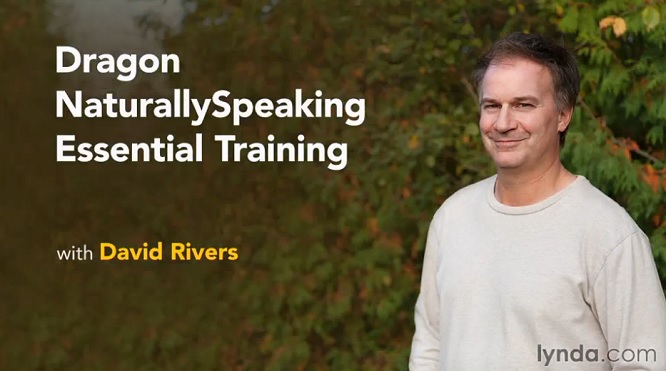
Dragon NaturallySpeaking Essential Training

M01bccE.jpg


Dragon NaturallySpeaking Essential Training
MP4 | Video: 720p | Duration: 1:53:19 | English | Subtitles: VTT | 254.7 MB


This course shows viewers how to use the leading dictation software for everything from dictating text to controlling your PC. Author David Rivers explains how to set up Dragon, train it to recognize your voice, and use it for dictating text. The course also highlights cool capabilities such as correcting errors on the fly and leveraging common dictation shortcuts, and techniques to improve Dragon's accuracy.


Viewers also learn how to control the Windows desktop, open and close apps, and work with popular software like Word, Outlook, Excel, and web browsers.

Topics include:

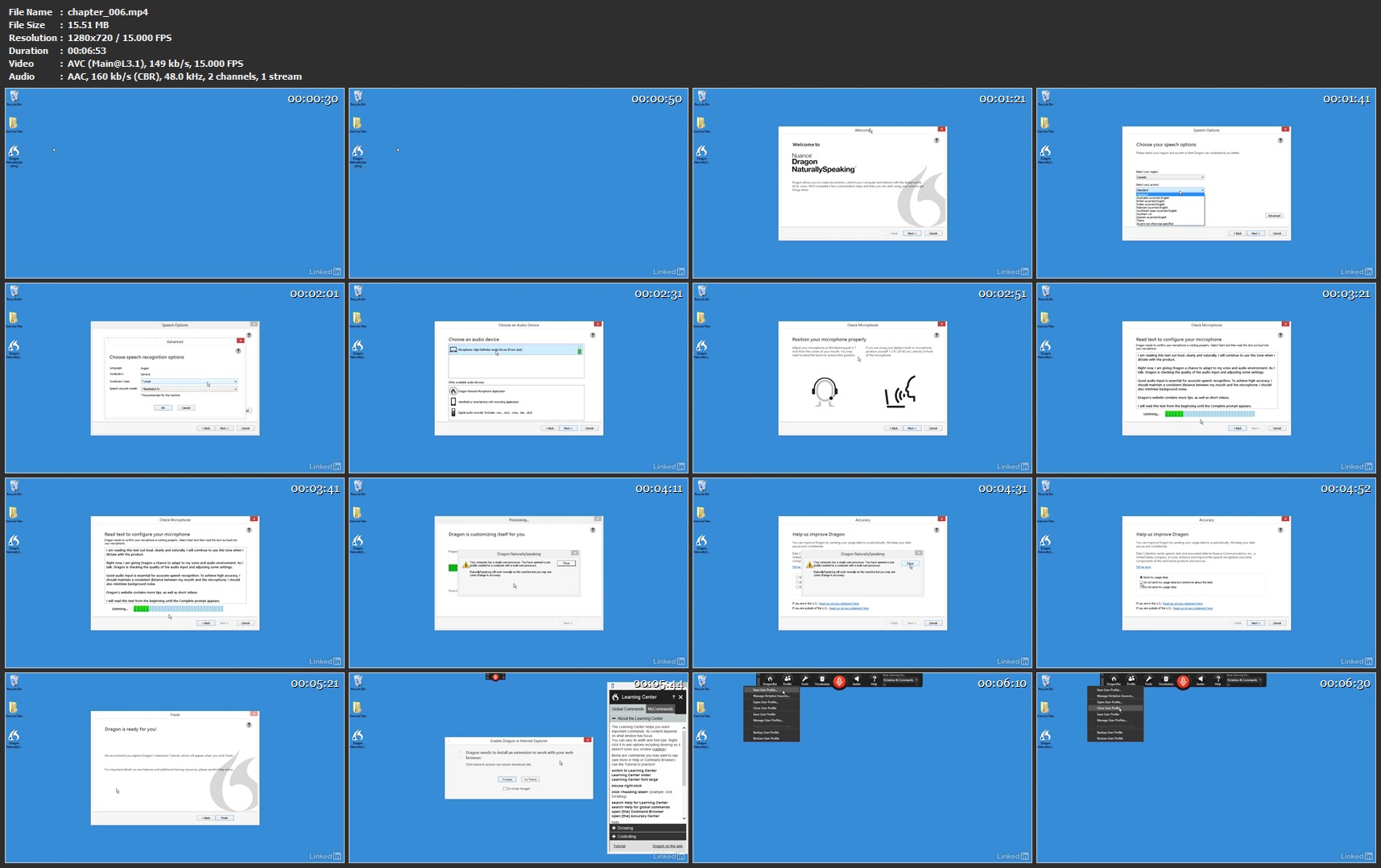
Creating a Dragon profile
Dictating basic text
Correcting errors and actions
Dictating numbers
Formatting text
Making revisions
Using Dragon NaturallySpeaking with other programs
Controlling the mouse and keyboard with Dragon
Improving Dragon's accuracy

chapter-006-mp4.jpg


...
 
TTC Video - Scientific Secrets for a Powerful Memory

004711cc.jpg


TTC Video - Scientific Secrets for a Powerful Memory
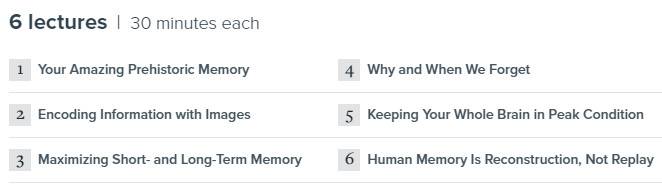
Course No. 1965 | .M4V, AVC, 1500 kbps, 640x480 | English, AAC, 128 kbps, 2 Ch | 6x30 mins | 2.12 GB
Lecturer: Peter M. Vishton, Ph.D.

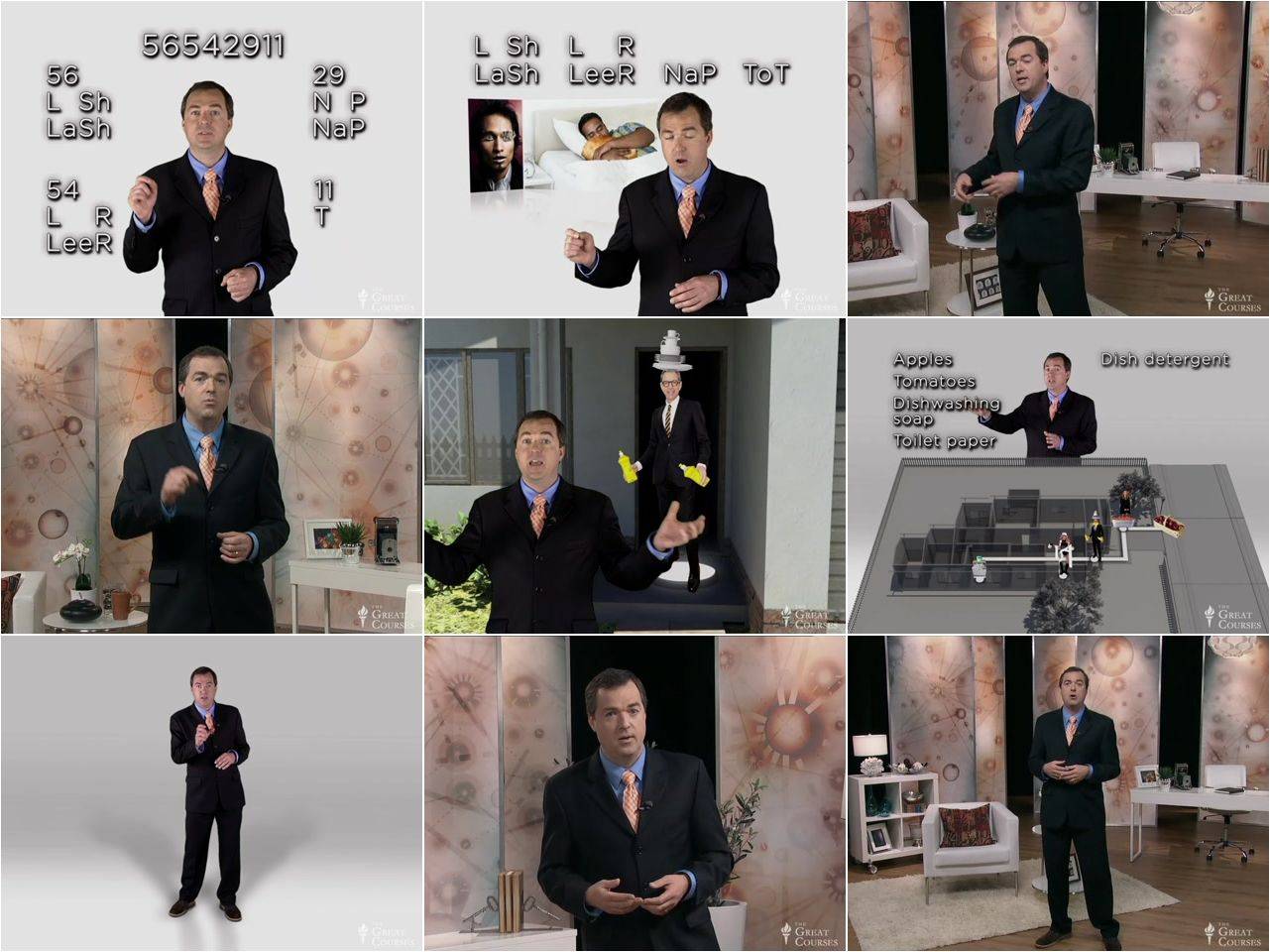
What was the name of your first pet? Where did you put your house keys? How do you get to work every morning? Most likely, you didn't need to look up the answers to these questions. You remembered them. Memory is, without a doubt, the most powerful (and practical) tool of everyday life. By linking both your past and your future, memory gives you the power to plan, to reason, to perceive, and to understand. As long as thinking and insight are important in how we live our lives, memory will be critical as well. And the better your memory, the more information you'll have at your immediate disposal and the better your thinking will be.

Full Description

004711cb.jpg

004711cd.jpg


...
 
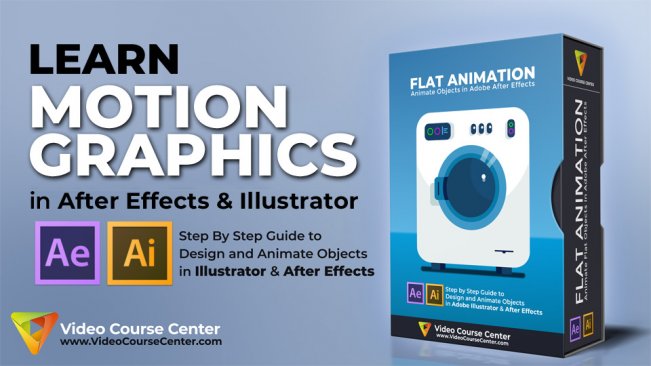
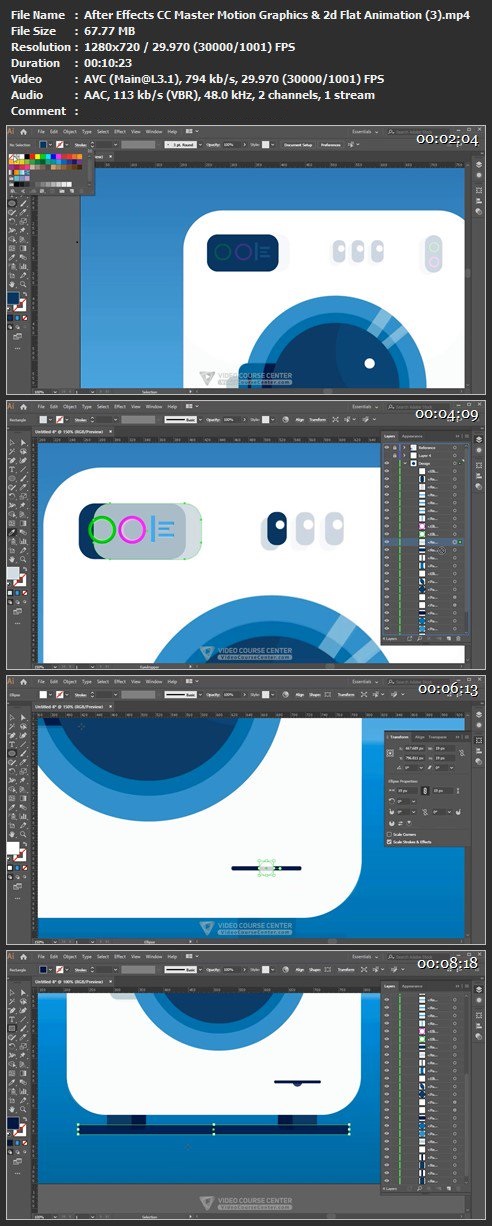
After Effects CC: Master Motion Graphics & 2d Flat Animation

image.jpg


After Effects CC: Master Motion Graphics & 2d Flat Animation
Video: .MP4, 1280x720 | Audio: AAC, 48kHz, 2ch | Duration: 1h 22m
Genre: eLearning | Language: English | Size: 567 MB

In this course, you can immediately DOWNLOAD all project files (After Effects and Illustrator scene files), Reference Image (Washing Machine photo), and the Magic Bounce Script. So you can learn by doing and you'll follow along and work on your own project while learning. In this course we'll create our 2d flat animation buildup and as you know this is a popular style of animation you can see in television, movies, video presentations, commercials, ... and after effects motion graphics.

What will you learn:

How to design an object in illustrator step-by-step. (No previous experience required)
How to prepare an object in Adobe illustrator for using in After Effects CC.
How to animate different elements in an object using different techniques.
How to reverse animation to create a complete animation loop.
How to render the final project and create awesome Motion Graphics Videos quickly.
Who this course is for:

This course is designed to teach you Motion Graphics STEP-BY-STEP, so even if you've never opened After Effects or Adobe illustrator before, you can follow along with the course and you will see how easy it is to use these programs to design 2d flat objects and create awesome Motion Graphics quickly.

And after you enroll in this course you will learn all the essential tips and techniques you need to design and animate simple and even complex objects in Adobe Illustrator and Adobe After Effects CC to create incredible Motion Graphics.

I encourage you to watch all the lectures and then start creating your awesome 2d Flat Motion Graphics and post them here, So all of us will enjoy your cool flat 2d animations.

Requirements:

No Prior Knowledge of After Effects CC, Adobe Illustrator or Motion Graphics Required
A working copy of Adobe After Effects CC and Adobe Illustrator
All project files are available to download

Lm-XBu-N7nu50d-Ak-HUJQbk3s-O2-Ei-O4-A8-Kl.jpg


...
 
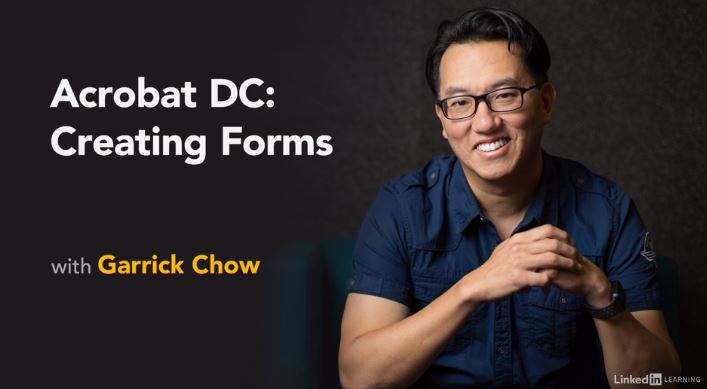
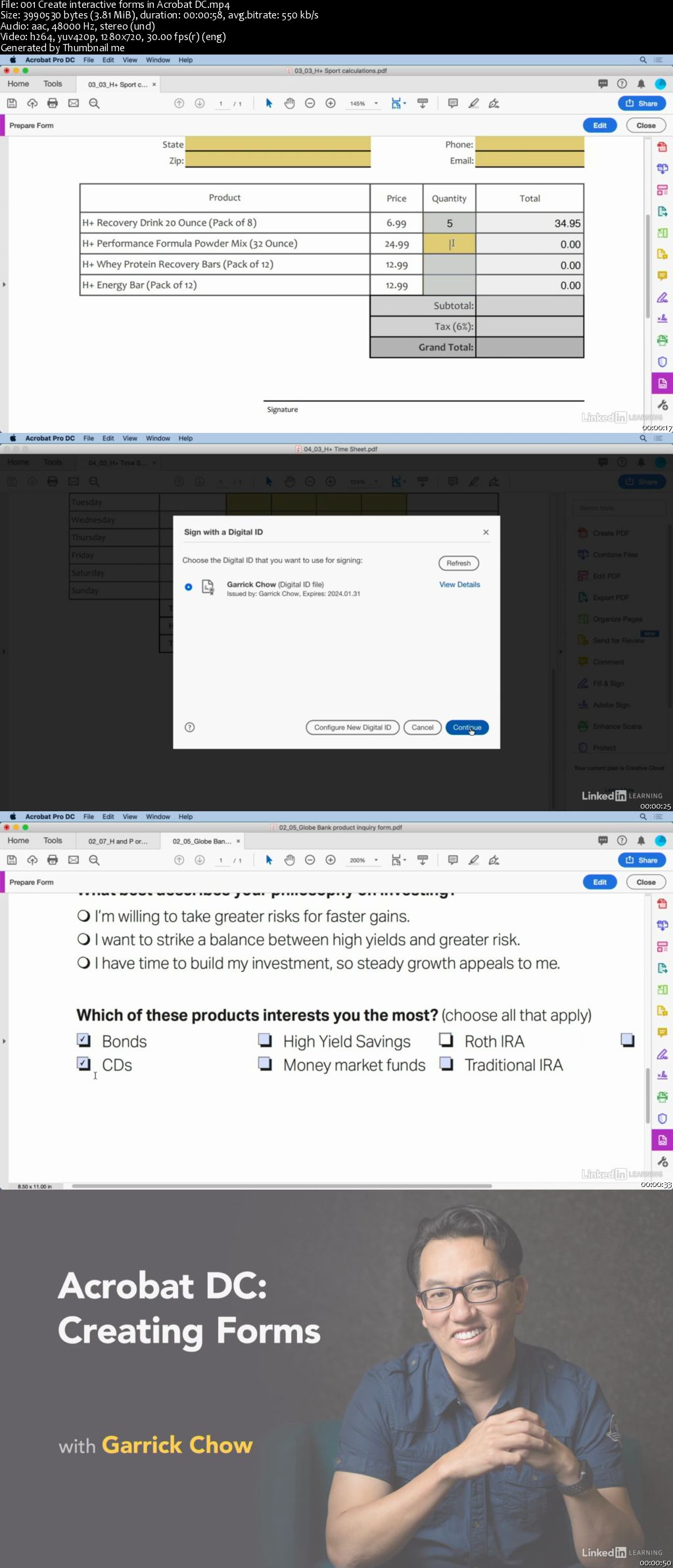
Acrobat DC: Creating Forms

00650f6b.jpg


Acrobat DC: Creating Forms
MP4 | Video: AVC 1280x720 | Audio: AAC 44KHz 2ch | Duration: 1 Hour 50M | 241 MB
Genre: eLearning | Language: English

Learn how to take static PDF documents and turn them into interactive forms with Acrobat DC. Garrick Chow shows how to add a variety of interactive form fields-everything from text and check boxes to radio buttons and list boxes-and how to trigger actions with buttons. He also explores how to automate form creation with the Form Wizard, perform calculations, and work with signatures, including how to verify signatures on documents you receive. To wrap up, he covers how to distribute forms and use the data gathered from forms.

00650f6c.jpg


...
 
Advanced SQL for Query Tuning and Performance Optimization

00650f11.jpg


Advanced SQL for Query Tuning and Performance Optimization
MP4 | Video: AVC 1280x720 | Audio: AAC 44KHz 2ch | Duration: 1 Hour 44M | 211 MB
Genre: eLearning | Language: English

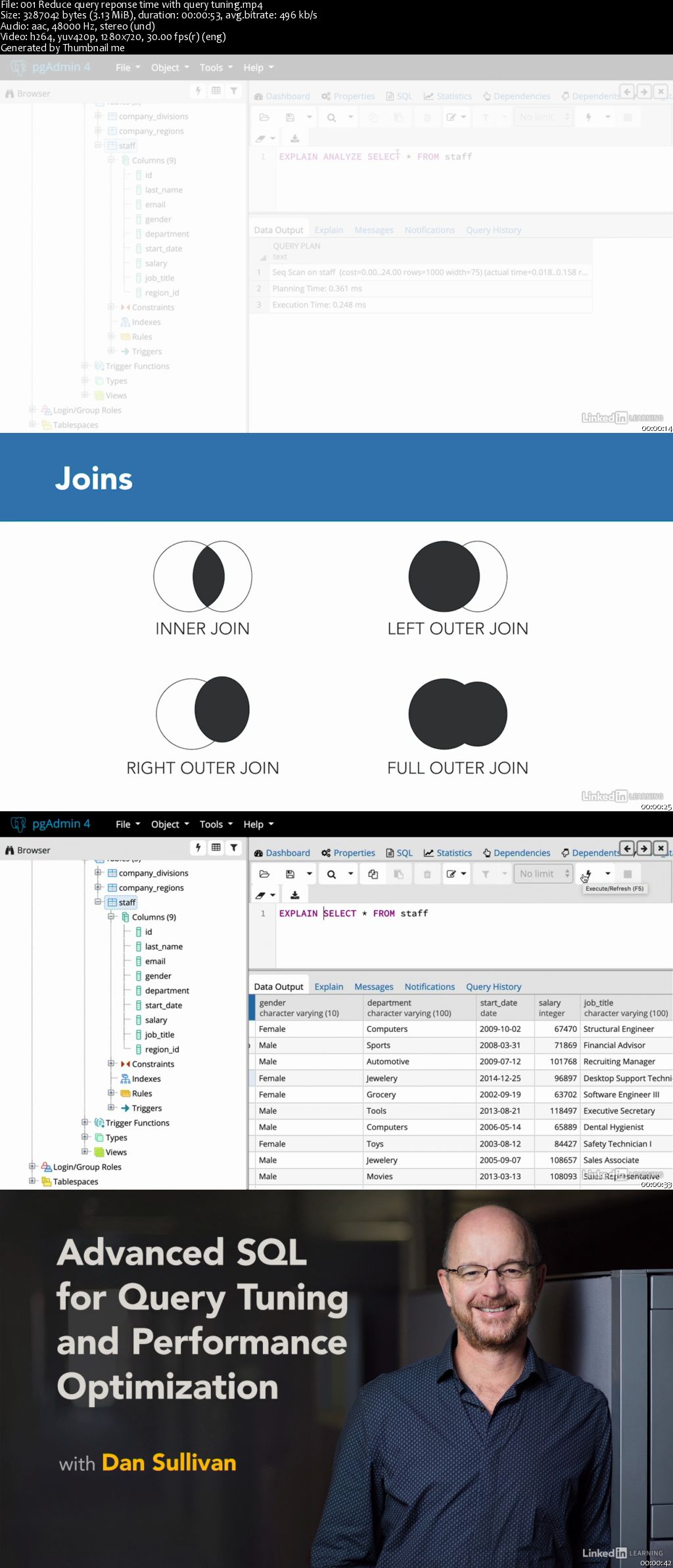
SQL queries can be fast and highly efficient, but they can also be slow and demand excessive CPU and memory resources. For many SQL programmers, occasional bouts with long-running queries and poor performance are simply par for the course. But by gaining a better understanding of how databases translate SQL queries into execution plans, you can take steps to avoid these issues. In this course, Dan Sullivan shows developers how to analyze query execution plans and use data modeling strategies to boost query performance. Dan describes how SQL queries are executed; highlights different types of indexes and how they factor in query tuning; covers several methods for performing joins; and discusses how to use partitioning and materialized views to improve performance.

Homepage

00650f10.jpg


...
 
Basic Doodling and Resources to Use

image.jpg


Basic Doodling and Resources to Use
Video: .MP4, 1280x720 | Audio: AAC, 48kHz, 2ch | Duration: 19m
Genre: eLearning | Language: English | Size: 359 MB

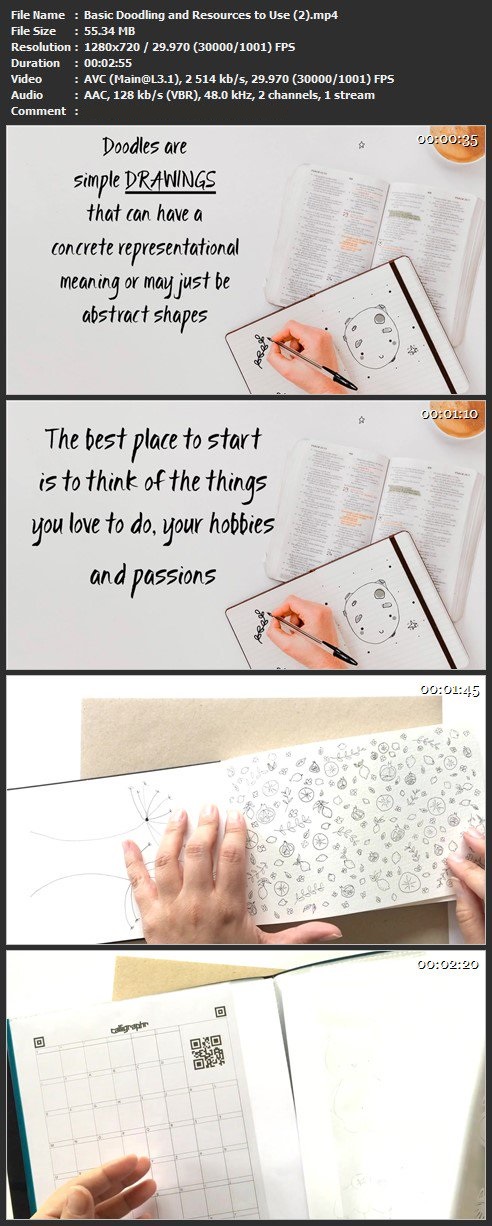
Inside this class I´ll be teaching you the basic steps so you can start doodling in your own style. This doodling class is for absolute beginners, so if you ever wonder where do I start, materials you need and want to make those blank pages come to life this is the class for you! So let´s get started!

32-Ejmt4-Qh-ZRRWn-Pl1dh-G3-W7l8-Ao6-OGk-R.jpg


...
 
Access 2019 Intermediate

d-F3-Y38b-PXh-BU8gl-Nais-TTg-Yb-Y78p-CHYQ.jpg


Access 2019 Intermediate
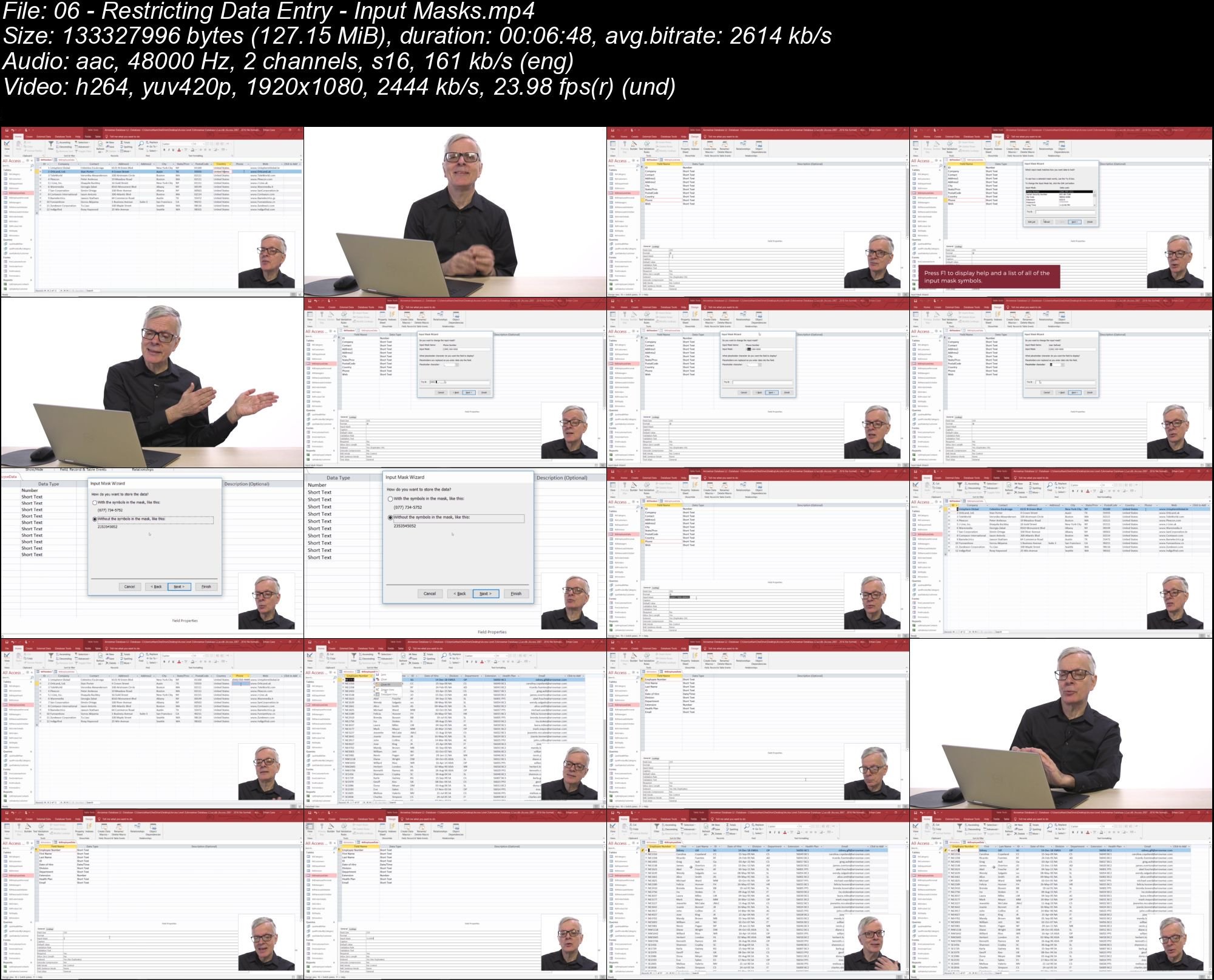
MP4 | Video: AVC 1920x1080 | Audio: AAC 48Khz 2ch | Duration: 4H 12M | 3.80 GB
Genre: eLearning | Language: English

This course is designed to teach students intermediate level skills in Microsoft Access 2019. In this course, students will learn to design tables for improved accuracy in data entry, review the various options to share data with other applications, learn about action queries, and review various advanced query techniques. Students will also learn how to automate processes with Macros, advanced form techniques, and advanced report techniques. This course prepares students for the Access 2019 Advanced course.

c-MYx36hf-VWS4dy-W6-FJu5iqch-Jpf-VRfe4.jpg


...
 
Administrative Professional Weekly Tips (Updated)

005dcec3.jpg


Administrative Professional Weekly Tips (Updated 3/25/2019)
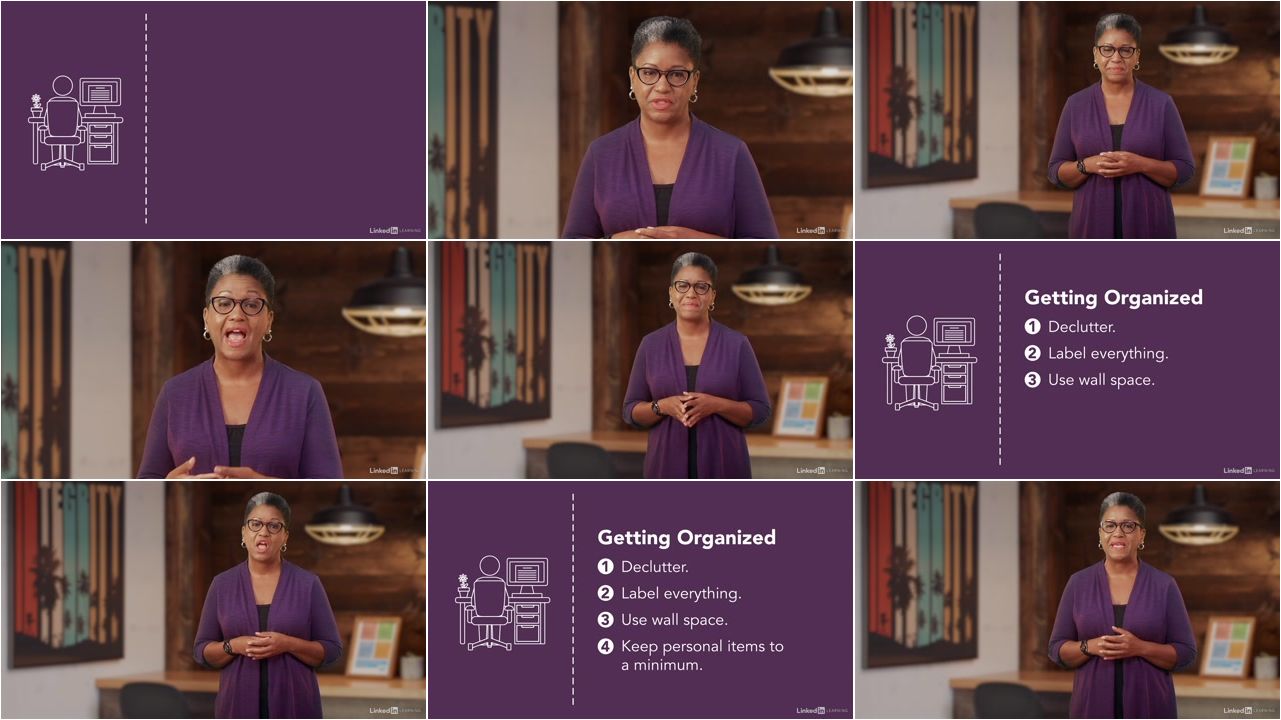
Video: .MP4, 1280x720 | Audio: AAC, 44kHz, 2ch | Duration: 3h 2m
Genre: eLearning | Language: English | Size: 1,05 GB

Being an administrative professional is a rewarding and challenging career. This series provides weekly tips to help you stay focused, balanced, and in sync with your boss-and become an invaluable asset to whatever company you work for. Executive assistant and coach April Stallworth helps you develop key skills such as gatekeeping, project management, and navigating office politics. She introduces tools to help you be more productive and efficient, and resources to find answers specific to your industry. She also helps you build your brand and your network, to help pave the way to your next job or promotion.

Homepage

005dcec4.jpg


...
 
Zurück
Oben Unten