• Regeln für den Video-Bereich:

    In den Börsenbereich gehören nur Angebote die bereits den Allgemeinen Regeln entsprechen.

    Einteilung

    - Folgende Formate gehören in die angegeben Bereiche:
    - Filme: Encodierte Filme von BluRay, DVD, R5, TV, Screener sowie Telesyncs im Format DivX, XviD und x264.
    - DVD: Filme im Format DVD5, DVD9 und HD2DVD.
    - HD: Encodierte Filme mit der Auflösung 720p oder darüber von BluRay, DVD, R5, TV, Screener sowie Telesyncs im Format x264.
    - 3D: Encodierte Filme von BluRay, die in einem 3D Format vorliegen. Dies gilt auch für Dokus, Animation usw.
    - Serien: Cartoon/Zeichentrick, Anime, Tutorials, Dokumentationen, Konzerte/Musik, Sonstiges sind demnach in die entsprechenden Bereiche einzuordnen, auch wenn sie beispielsweise im High Definition-Format oder als DVD5/DVD9/HD2DVD vorliegen. Ausnahme 3D.
    - Bereich Englisch: Englische Releases gehören immer in diesen Bereich.
    - Bereich Talk: Der Bereich, in dem über die Releases diskutiert werden kann, darf, soll und erwünscht ist.


    Angebot/Beitrag erstellen

    - Ein Beitrag darf erst dann erstellt werden, wenn der Upload bei mindestens einem OCH komplett ist. Platzhalter sind untersagt.
    - Bei einem Scenerelease hat der Threadtitel ausschließlich aus dem originalen, unveränderten Releasenamen zu bestehen. Es dürfen keine Veränderungen wie z.B. Sterne, kleine Buchstaben o.ä. vorgenommen werden. Ausnahme Serienbörse:
    - Bei einem Sammelthread für eine Staffel entfällt aus dem Releasename natürlich der Name der Folge. Beispiel: Die Simpsons S21 German DVDRip XviD - ITG
    - Dementsprechend sind also u.a. verboten: Erweiterungen wie "Tipp", "empfehlenswert", "only", "reup", usw. / jegliche andere Zusatzinformation oder Ergänzung, welche nicht in obiger Beschreibung zu finden ist.

    Aufbau des Angebots und Threadtitel

    Der Titel nach folgendem Muster erstellt zu werden. <Name> [3D] [Staffel] [German] <Jahr> <Tonspur> [DL] [Auflösung] <Quelle> <Codec> - <Group>
    Beispiel: The Dark Knight German 2008 AC3 DVDRip XviD - iND
    Beispiel: The Dark Knight 2008 DTS DL BDRip x264 - iND
    Beispiel: The Dark Knight 2008 AC3 DL BDRip XviD - iND
    Beispiel: The Dark Knight German 2008 AC3 720p BluRay x264 iND
    Beispiel: The Dark Knight 2008 DTS DL 1080p BluRay x264 iND
    Beispiel: Die Simpsons S01 German AC3 DVDRip XviD iND
    Beispiel: Die Simpsons S20 German AC3 720p BluRay x264 iND
    Beispiel: Sword Art Online II Ger Sub 2014 AAC 1080p WEBRip x264 - peppermint
    Entsprechend sind also u.a. verboten: Sonderzeichen wie Klammern, Sterne, Ausrufezeichen, Unterstriche, Anführungszeichen / Erweiterungen wie "Tipp", "empfehlenswert", "only", "reup", usw. / jegliche andere Zusatzinformation oder Ergänzung, welche nicht in obiger Beschreibung zu finden ist
    Ausnahmen hiervon können in den Bereichen geregelt sein.

    Die Beiträge sollen wie folgt aufgebaut werden:
    Überschrift entspricht dem Threadtitel
    Cover
    kurze Inhaltsbeschreibung
    Format, Größe, Dauer sind gut lesbar für Downloader außerhalb des Spoilers zu vermerken
    Nfo sind immer Anzugeben und selbige immer im Spoiler in Textform.
    Sind keine Nfo vorhanden z.B. Eigenpublikationen, sind im Spoiler folgende Dateiinformationen zusätzlich anzugeben :
    Quelle
    Video (Auflösung und Bitrate)
    Ton (Sprache, Format und Bitrate der einzelnen Spuren)
    Untertitel (sofern vorhanden)
    Hosterangabe in Textform außerhalb eines Spoiler mit allen enthaltenen Hostern.
    Bei SD kann auf diese zusätzlichen Dateiinformationen verzichtet werden.

    Alle benötigten Passwörter sind, sofern vorhanden, in Textform im Angebot anzugeben.
    Spoiler im Spoiler mit Kommentaren :"Schon Bedankt?" sind unerwünscht.


    Releases

    - Sind Retail-Release verfügbar, sind alle anderen Variationen untersagt. Ausnahmen: Alle deutschen Retail-Release sind CUT, in diesem Fall sind dubbed UNCUT-Release zulässig.
    - Im Serien-Bereich gilt speziell: Wenn ein Retail vor Abschluss einer laufenden Staffel erscheint, darf diese Staffel noch zu Ende gebracht werden.62
    - Gleiche Releases sind unbedingt zusammenzufassen. Das bedeutet, es ist zwingend erforderlich, vor dem Erstellen eines Themas per Suchfunktion zu überprüfen, ob bereits ein Beitrag mit demselben Release besteht. Ist dies der Fall, ist der bereits vorhandene Beitrag zu verwenden.
    - P2P und Scene Releases dürfen nicht verändert oder gar unter einem iND Tag eingestellt werden.


    Support, Diskussionen und Suche

    - Supportanfragen sind entweder per PN oder im Bereich Talk zu stellen.
    - Diskussionen und Bewertungen sind im Talk Bereich zu führen. Fragen an die Uploader haben ausschließlich via PN zu erfolgen, und sind in den Angeboten untersagt.
    - Anfragen zu Upload-Wünschen sind nur im Bereich Suche Video erlaubt. Antworten dürfen nur auf Angebote von MyBoerse.bz verlinkt werden.


    Verbote

    - Untersagt sind mehrere Formate in einem einzigen Angebotsthread, wie beispielsweise das gleichzeitige Anbieten von DivX/XviD, 720p und 1080p in einem Thread. Pro Format, Release und Auflösung ist ein eigener Thread zu eröffnen.
    - Grundsätzlich ebenso verboten sind Dupes. Uploader haben sich an geeigneter Stelle darüber zu informieren, ob es sich bei einem Release um ein Dupe handelt.
    - Gefakte, nur teilweise lauffähige oder unvollständige Angebote sind untersagt. Dies gilt auch für eigene Publikationen, die augenscheinlich nicht selbst von z.B. einer DVD gerippt wurden. Laufende Serien, bei denen noch nicht alle Folgen verfügbar sind, dürfen erstellt und regelmäßig geupdatet werden.
    - Untersagt sind Angebote, welche nur und ausschließlich in einer anderen Sprache als deutsch oder englisch vorliegen. Ausnahmen sind VORHER mit den Moderatoren zu klären.


    Verstoß gegen die Regeln

    - Angebote oder Beiträge, die gegen die Forenregeln verstoßen, sind über den "Melden"-Button im Beitrag zu melden.
  • Bitte registriere dich zunächst um Beiträge zu verfassen und externe Links aufzurufen.


Englische Tutorials

Master Terrazzo: Creating Vector Tiles with Adobe Illustrator

0064fb15.png


Master Terrazzo: Creating Vector Tiles with Adobe Illustrator
.MP4, AVC, 494 kbps, 1280x720 | English, AAC, 128 kbps, 2 Ch | 1h 12m | 508 MB
Instructor: Rich Armstrong

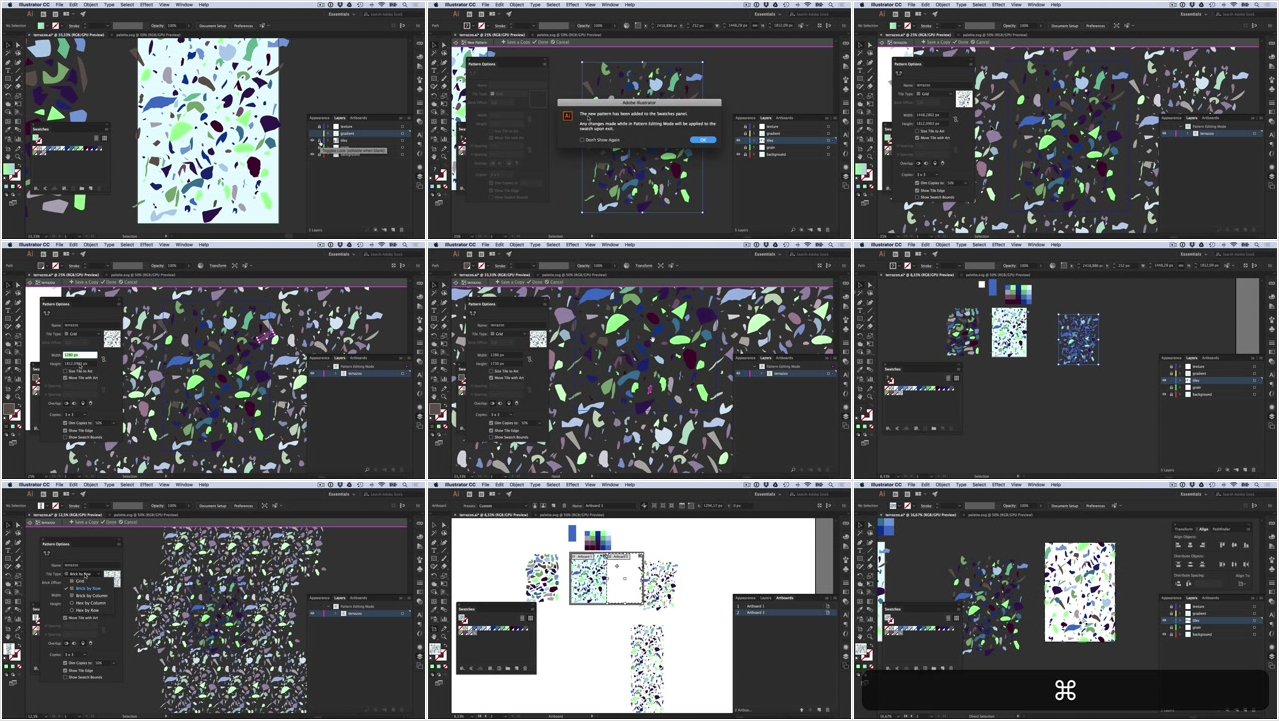
In this class we're going to learn how to create Terrazzo artwork in Adobe Illustrator - in vector, with awesome colours and innovative shapes.

Besides being an awesome Venetian look for floors and walls, the trendy Terrazzo style can be seen in a lot of creative sectors - fashion, textile, illustration, graphic design, and web design. After this class, you'll find it quick and easy to create the Terrazzo style in Illustrator.

The class covers the entire Terrazzo process and we'll cover tile creation, color palettes, deliberate imperfection, pattern making, semi-automatic workflows, and tips on presenting your work. There are countless tips and tricks shown that you'll be able to use on non-Terrazzo projects as well.

Terrazzo is messy, it's awesome, and I think you'll have a lot of fun creating your own.

More Info

0064fb16.jpg


...
 
Mastering Data Visualization with QlikView

0064f88b.png


Mastering Data Visualization with QlikView
MP4 | Video: AVC 1280x720 | Audio: AAC 44KHz 2ch | Duration: 3.5 Hours | 1.85 GB
Genre: eLearning | Language: English

Data visualization has become a key part of monitoring performance in businesses today. It is now easier to understand complex data and insights with the help of data visualization.

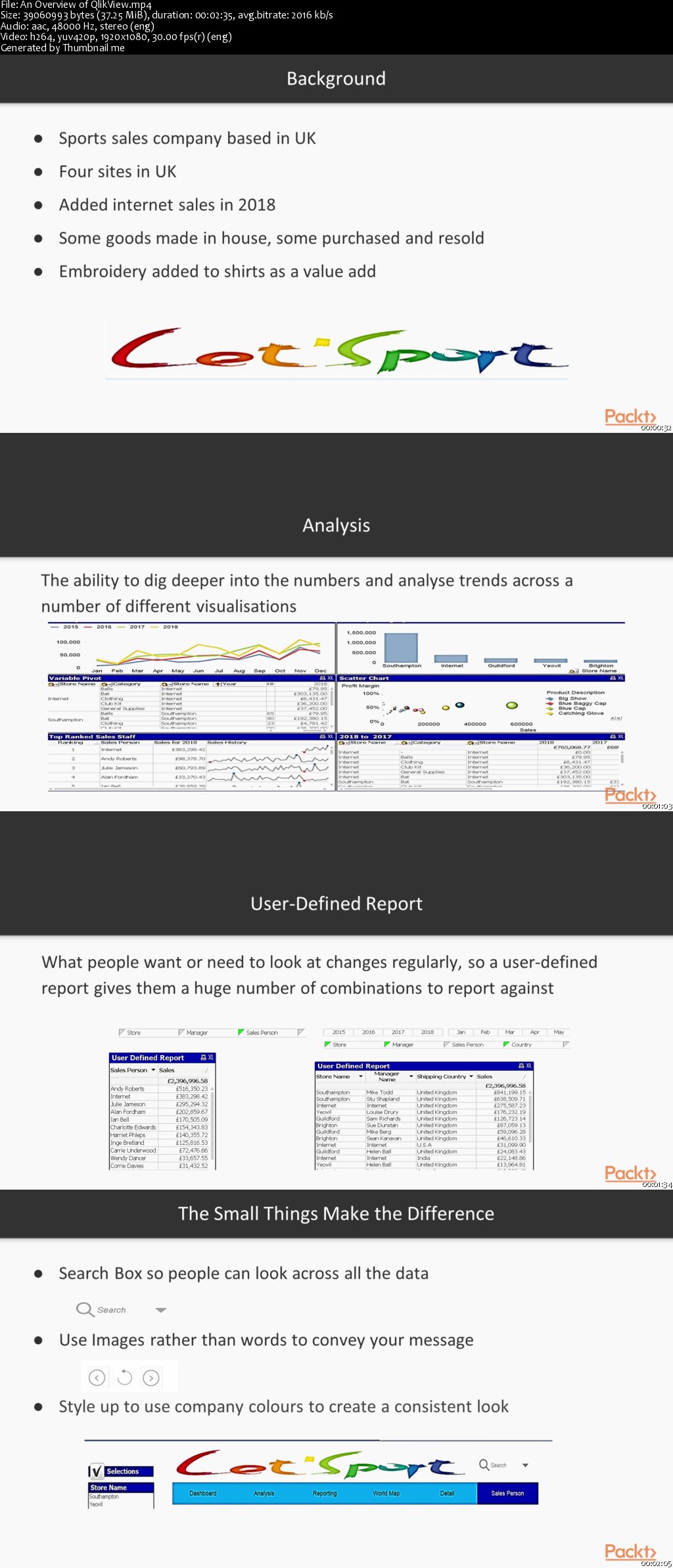
In this course, you will cover advanced applications of QlikView and understand how you can use it efficiently for your business intelligence (BI) needs. You will start by learning how to create QlikView applications for visualizing your day-to-day business needs. By exploring various real-world scenarios like using a sales report from a sports firm, you will be able to implement advanced data visualizations and dashboards. With this module's practical approach, you'll get to grips with some advanced concepts, as well as best practices that you can use for data visualization in QlikView.

By the end of this course, you will have become an expert in creating your own state-of-the-art data visualizations and dashboards for your data analysis requirements.

All the code and supporting files for this course are available at:
0064f88c.jpg


...
 
Masterclass: Start a Profitable Restaurant Business

0064f655.jpg


Masterclass: Start a Profitable Restaurant Business
MP4 | Video: AVC 1280x720 | Audio: AAC 44KHz 2ch | Duration: 3 Hours | Lec: 37 | 511 MB
Genre: eLearning | Language: English

This is a complete course on how to start and run a mini restaurant business

This is a comprehensive course on small restaurant or eatery business. It covers everything you need to know on how to put up and manage your own food business, from finding your capital, doing preliminary research, to forming your team, acquiring the facility you need, running your business and marketing your product to the right costumers. This course is packed!

WHY THIS BUSINESS COURSE IS UNIQUE?

This course is very effective because it provides students potent concepts and methods that they can apply readily to real business situations. The course is more practical than academic, plus it develops entrepreneurial skills and intelligence, not just dry knowledge.

WHAT KINDS OF TOPICS ARE TACKLED IN THIS COURSE?

If you salivate about having your own restaurant, this course is the key to making your dream business a reality. This is a complete course on how to put up and run your own eatery/restaurant business. It tackles key issues such as finding your initial capital, managing your product and service, market research and marketing, all the way to business operations. At the end of the course, you will have the confidence, knowledge and skills to start your own food business.

0064f657.jpg


...
 
Music Theory for Electronic Music COMPLETE: Parts 1, 2, & 3

Jtc35g-Xkk-Gagii-IBJw4-GTPTp3k-KY479-N.jpg


Music Theory for Electronic Music COMPLETE: Parts 1, 2, & 3
Genre: eLearning | MP4 | Video: h264, 1280x720 | Audio: AAC 44100Hz stereo 128kbps
Language: English + Sub | Size: 4.62 GB | Duration: 12.5 hours

Electronic music theory, digital music theory, and dance music theory. Learn music theory with ableton live and more!

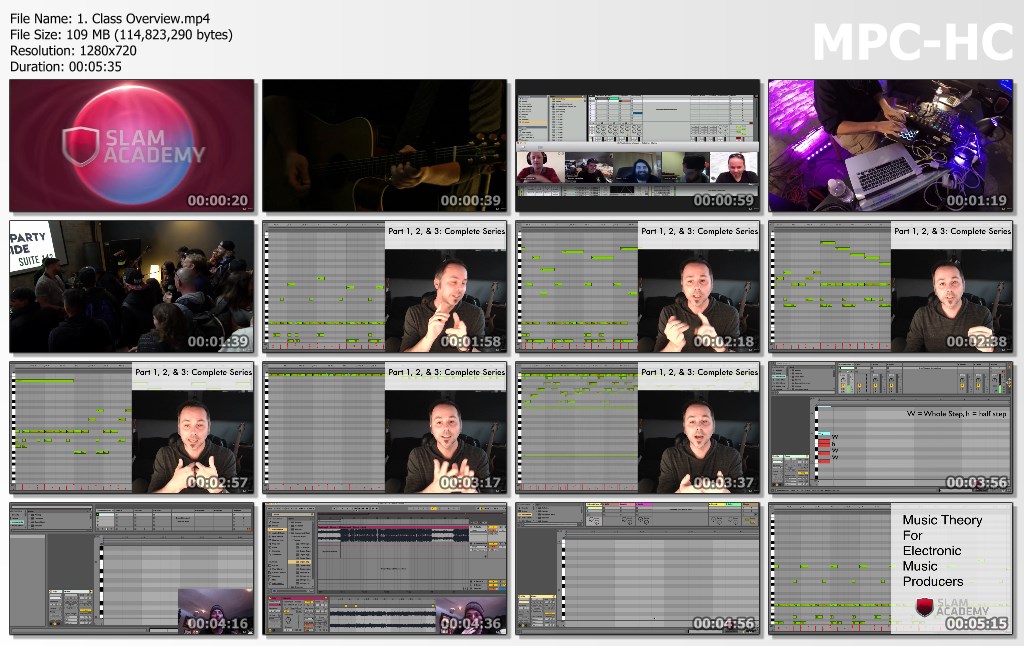
Welcome to the MUSIC THEORY FOR ELECTRONIC MUSIC COMPLETE Guide!

This course is a combination of all three of my Music Theory for Electronic Musicians classes: Music Theory for Electronic Musicians, and Music Theory for Electronic Musicians 2, and Music Theory for Electronic Musicians 3.

In this class we learn how to work with the piano roll editor in a DAW to make harmonies, melodies, and whole tracks, and then we expand on those ideas and work with harmonic patterns (harmony) that is more rich than just major and minor.

Production Techniques Through Theory The most important part of this class is an extensive foray into using these techniques in actual tracks. I'll be creating 9 tracks through this class, right along with you, each using a different technique so you can see exactly how I incorporate it right into my music.

Full Sessions After each production project, I'll give you the whole session of what I made using the techniques for you to play with. You can download it, expand on it, re-work it, and even release it as your work.

If Your Music is Missing Something, This is Probably It. If you are finding that you are writing track after track, and while they sound good, there is something they are missing - then this it. You are missing the sense of harmony that professional producers have. In this class, I'll arm you with all the tools you need to produce those tracks just like you imagine them.

Who should take this course?
Anyone interested in producing their own music. This will get you up and running and give your tracks a unique sound in no time.

Structure
This course consists of video lectures, which all contain a session in Ableton Live 9. If you are using a different program (or none at all), no worries! This isn't a class on how to use Ableton Live, and the concepts can be applied to any DAW.

Some of the step-by-step guides in this course will be:

Finding notes, chords, and keys in your audio program

The 7 intervals and how to put them together

The steps to finding the key of your track (or any track!)

The most common chord progressions

The steps to using inversions to take your track from good to amazing.

The 4 types of 7th chords

The top techniques for writing a melody to fit a chord progression (and vice-versa!)

The 7 modes and their uses

19 Exotic scales and how to use them (include MIDI files!)

The course is a roadmap to finding the missing piece in your tracks, or just getting started making great tracks.

All the tools you need to make, produce, and start your music career are included in this course and the entire course is based on real-life experiences - not just academic theory.

Please click the "Take This Course" button so you can start making great tracks today.

** I guarantee that this course is the most thorough music theory course available ANYWHERE on the market - or your money back (30 day money back guarantee) **

Closed captions have been added to all lessons in this course.

---------------------------------------------------------------------

Praise for Courses by Jason Allen:

⇢ "It seems like every little detail is being covered in an extremely simple fashion. The learning process becomes relaxed and allows the complex concepts to get obsorbed easily. My only regret is not taking this course earlier." - M. Shah

⇢ "Great for everyone without any knowledge so far. I bought all three parts... It's the best investment in leveling up my skills so far.." - Z. Palce

⇢ "Excellent explanations! No more or less than what is needed." - A. Tóth

⇢ "VERY COOL. I've waiting for years to see a good video course, now I don't have to wait anymore. Thank You!" - Jeffrey Koury

⇢ "I am learning LOTS! And I really like having the worksheets!" - A. Deichsel

⇢ "The basics explained very clearly - loads of really useful tips!" - J. Pook

⇢ "Jason is really quick and great with questions, always a great resource for an online class!" M. Smith

----------------------------------------------------------------------------

Students who register for this course will receive ongoing exclusive content and discounts to all future classes in the series.

What you'll learn
By the end of this course, you will have improved your tracks by understanding how to build chords and melodies that work together.
Understand and apply minor chords
Use the circle of fifths to generate new ideas for your own tracks
Work within minor keys to write compelling melodies and basslines
The Piano Roll editor
Octaves
Using Octaves in Bass Lines
The Black Keys (not the band!)
Finding C and Middle C
The Perfect 5th
Finding Fifths
Being "in key"
The pattern of a key
Moveable Patterns
The major and minor third
Building triads
Chord progressions
What is diatonic?
Finding all the chords in a key
Using roman numerals
Inversions
7th chords
Maj7 and minor 7th chords
Dominant 7th chords
Blues and the 7th chord
Analysis: Shame On Me (Avicii)
Minor scales
Relative keys
Minor diatonic chord progressions
Analysis: Ghosts N Stuff (Deadmau5)
Changing keys in your track
Analysis: Get Luck (Daft Punk)
9th and 13th chords
Suspended Chords
Writing melodies for chord progressions
Writing chord progressions for melodies
Bass lines
Analysis: Windowlicker (Aphex Twin)
Modes
How modes work
Producing with Modes
Pentatonic Scales
Chromatic Mediants
Creating music with music theory
Exotic scales
Are there any course requirements or prerequisites?
Students should be enthusiastic about music, but do not need to be producers or musicians. No prior experience is needed in music theory, production, or recording.
Access to a DAW: any program will do. (GarageBand, Logic, Pro Tools, Ardour, FL Studio, Ableton Live, etc.)
Although Ableton Live is used in the class, students do not need to be Live users. But they should have access to some kind of audio program with MIDI sequencing. Garageband, Logic, or several free pieces of software all work great.
Who this course is for:
Anyone in any country who is ready to start improving their tracks by learning everything they need to know about how music theory works and how to make great tracks TODAY.
No experience reading notes required.

9-D03-Uo-Jj-Kx-W5han-ZG1dz66f-VQF88-Xh-V7.jpg


...
 
Microsoft Outlook 2013 Training - A Definitive Course

Gg-Qtw-WRUn-FLgj02l-TEeyq-Cpc6-Yz-Cm5-J3.jpg


Microsoft Outlook 2013 Training - A Definitive Course
Genre: eLearning | MP4 | Video: h264, 1280x720 | Audio: AAC 44100Hz mono 66kbps
Language: English + Sub | Size: 500 MB | Duration: 10 hours

An Outlook 2013 Tutorial That Teaches You To Be More Productive. Video Based Training Taught By Experts

A Verifiable Certificate of Completion is presented to all students who undertake this course.
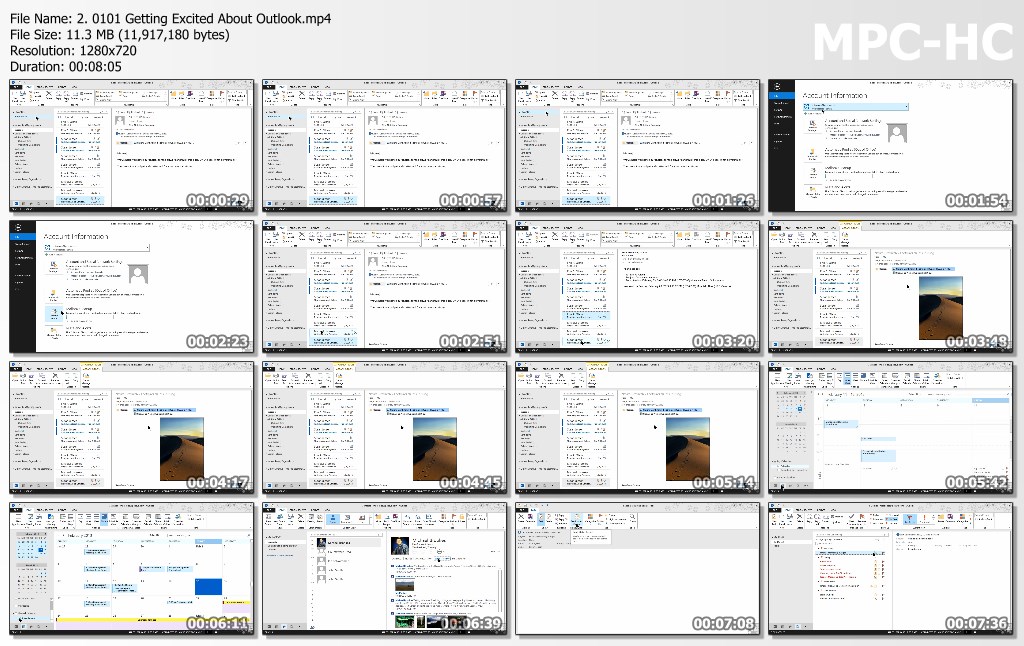
In this Microsoft Outlook 2013 training course an expert author will teach you how to utilize all that this program has to offer. More than just simple email software, Outlook 2013 is a full messaging solution for all your needs, offering calendars, contact lists, tasks and more! Working files are included, allowing you to follow along with the author throughout the lessons.

Your introduction to Microsoft Outlook starts with the absolute basics - setting up your email accounts. the course walks you through each task step by step, ensuring that you understand each operation before moving on to the next. You will learn how to send and receive emails, work with attachments, customize your emails with stationary and styling, group and manage your incoming messages and how to archive your email. This course also teaches you how to stay organized with the Outlook Calendar, and how to create tasks and to-dos to help you manage your day! Designed for the beginner, this video tutorial will make you an Outlook 2013 expert in no time at all.

By the time you have completed the computer based video training, you will have an in-depth understanding of Microsoft Outlook 2013, and be capable of sending and receiving emails, as well as organizing your life with the calendars and task list options that Outlook has to offer.

What you'll learn
Learn How To Use Microsoft Outlook 2013 In A Commercial Environment
Are there any course requirements or prerequisites?
Microsoft Outlook 2013
Who this course is for:
Anyone Who Wants To Learn Outlook 2013

Sympi9o-CPviio-It-RMO4-LD6cf-TXTgh-HBa.jpg


...
 
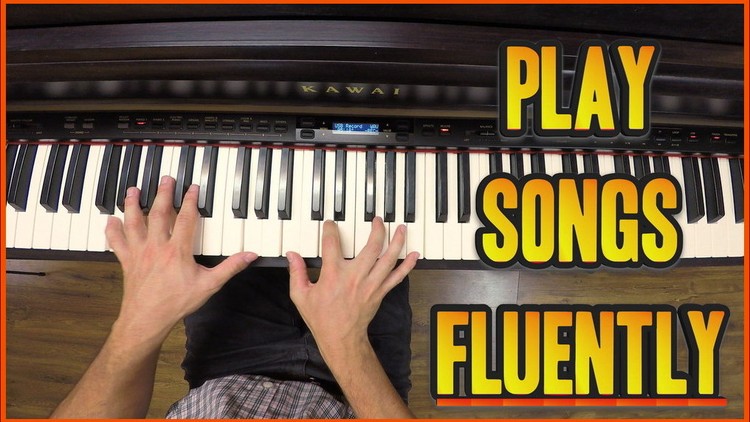
Play Songs on the Piano FLUENTLY By Using All the Inversions

0064f690.jpg


Play Songs on the Piano FLUENTLY By Using All the Inversions
MP4 | Video: AVC 1280x720 | Audio: AAC 44KHz 2ch | Duration: 1.5 Hours | Lec: 20 | 1.83 GB
Genre: eLearning | Language: English

Piano Beginners: Turn Your Song-Playing from Feeling Like "Work" to Feeling Like "Pure, Expressive Fun".

NOTICE: This is a course for people who have some basic experience on the keyboard already, (if you can play basic chords so this is for you!) but who want to make their playing WAY smoother and more fun.

Are you a beginner piano / keyboard player - who was some knowledge in chords but still can't "translate" it to fluently playing songs?

Does every song you play still feels like a lot of WORK instead of FUN and good music?

Here, you will learn how to play all of the songs that YOU love, in an EFFORTLESS way, that sounds way better than how you're used to.

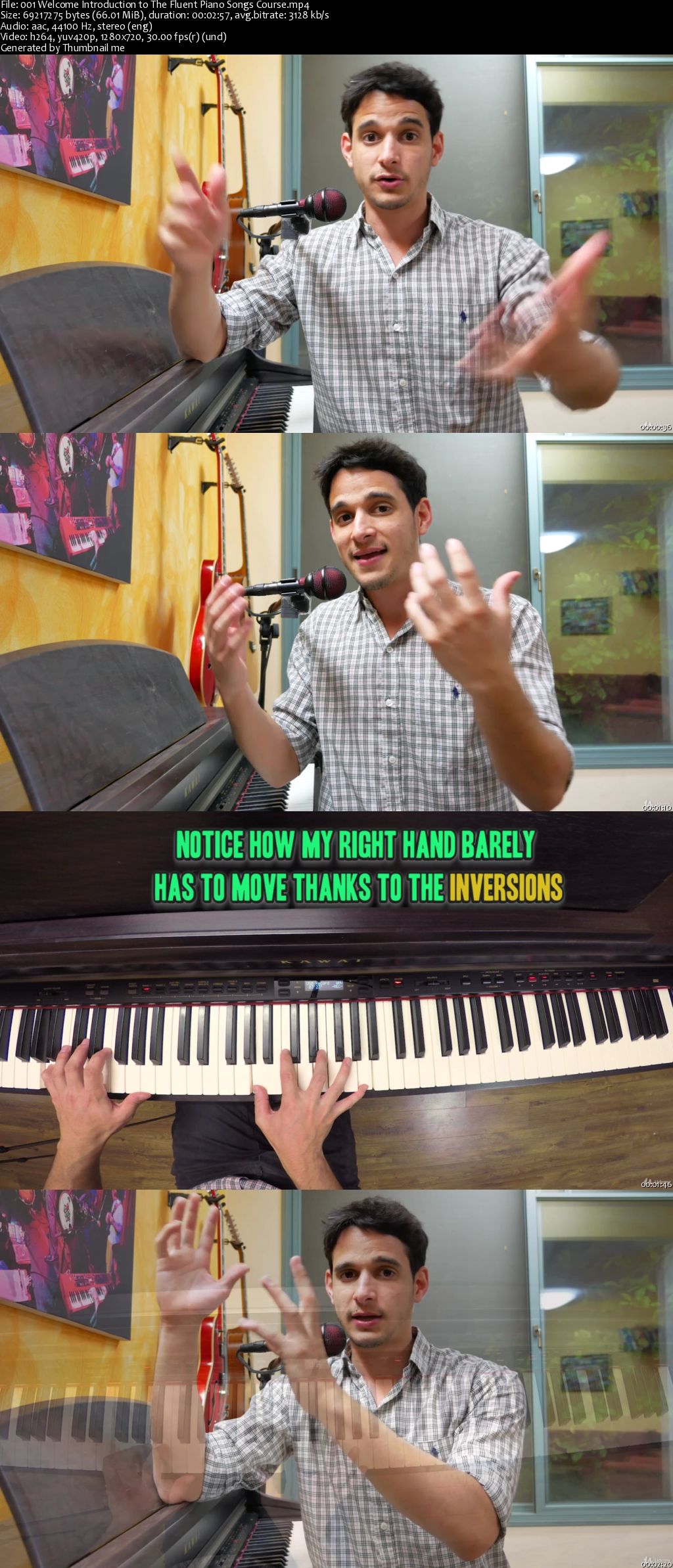
In this class I'll share with you the several absolutely most powerful exercises to what I call "the most important ability of all when it comes to playing songs smoothly" - and this is the ability to quickly move between all the different CHORD INVERSIONS, and to completely control your right hand and your left hand in the context of playing songs.

I was stuck for a long time at the place where I couldn't really make my way through a couple of chords fluently until I started using these exercises, and that's where everything changed. I'll be happy to share them with you as well!

When you have total control over at least the basic chords + all of their inversions, (later you'll also start gaining control of the more complex chords)

You can literally play not just a couple of tunes, but THOUSANDS of songs open up for you.

Your song playing will be a lot more fluent for you and will seem like much less of a "work" - and instead more as "pure fun".

Also - moving between the inversions (instead of just the simple triads that start from the root) will enable you to "automatically" have excellent voice leading in the songs that you play - which simply means that everything will sound a lot more smooth and pleasant to the ears of the listeners.

I am a professional piano and guitar player and I still do these exercises every morning on the piano - that's how effective they are - not only to gaining this skill, but also to keep always improving it with the more complex chords that you keep learning. So that means that you get exercises for life here!

Other things that we'll work on:

Memorizing all of the chord inversions that you'll encounter.

You'll develop an independent left hand that can play complex bass lines with ease.

A basic playing pattern to bring thousands of songs into life on your piano - which will open up the doorways for more playing patterns.

Developing a much stronger neural connection to the weak fingers - fingers 4 & 5, that would then operate with a LOT more ease.

Gaining the ability to spice up popular songs, "jazzify" or "funkify" them to make your covers a lot more interesting and unique.

0064f691.jpg


...
 
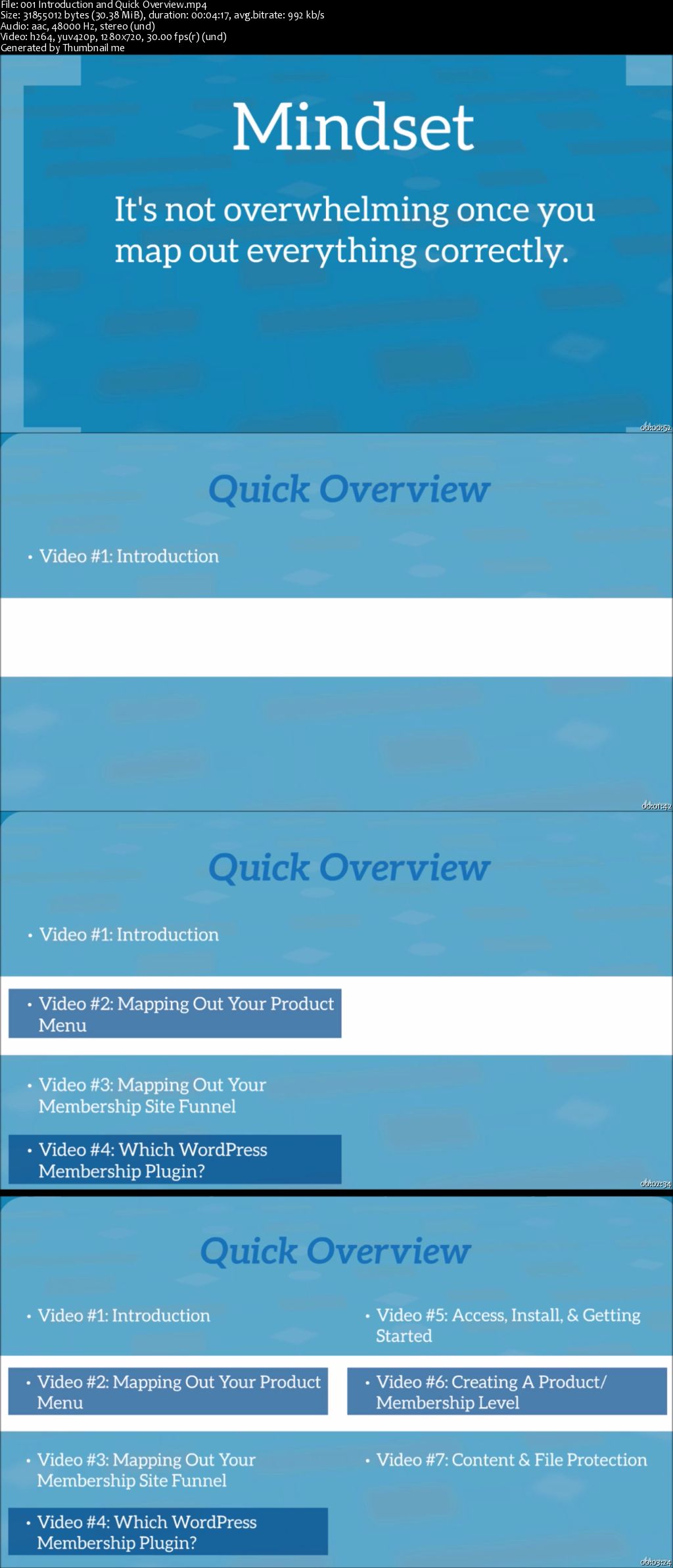
Online Business: Build Your Own WordPress Membership Site

0064f684.jpg


Online Business: Build Your Own WordPress Membership Site
MP4 | Video: AVC 1280x720 | Audio: AAC 44KHz 2ch | Duration: 1.5 Hours | Lec: 12 | 660 MB
Genre: eLearning | Language: English

Make Your Online Business By Planning And Setting up your Own profitable WordPress Membership Site In Minutes

Make Your Online Business By Planning And Setting up your Own profitable WordPress Membership Site In Minutes.

This 9-part video course is designed to show you exactly how you can quickly and easily brainstorm, plan, and set up your online business using a WordPress membership site!

We all know that running your very own WordPress membership site can be a profitable online business, right?

If you're trying to sell your product online, or you would like to earn recurring incomes, setting up your very own membership site is crucial to your success.

Now, one of the biggest problems is that many people don't have access to a membership script that will allow them to complete what they want to do, and this is often because they cost a lot to run.

By using WordPress, you can make build an online business from scratch and create a beautiful membership site.BUT most of the plugins that integrate into it are.let's be honest, not great looking or user-friendly.

With this course, you will find out how to use WP plugin to make a beautiful, user-friendly and more profitable membership site.

0064f685.jpg


...
 
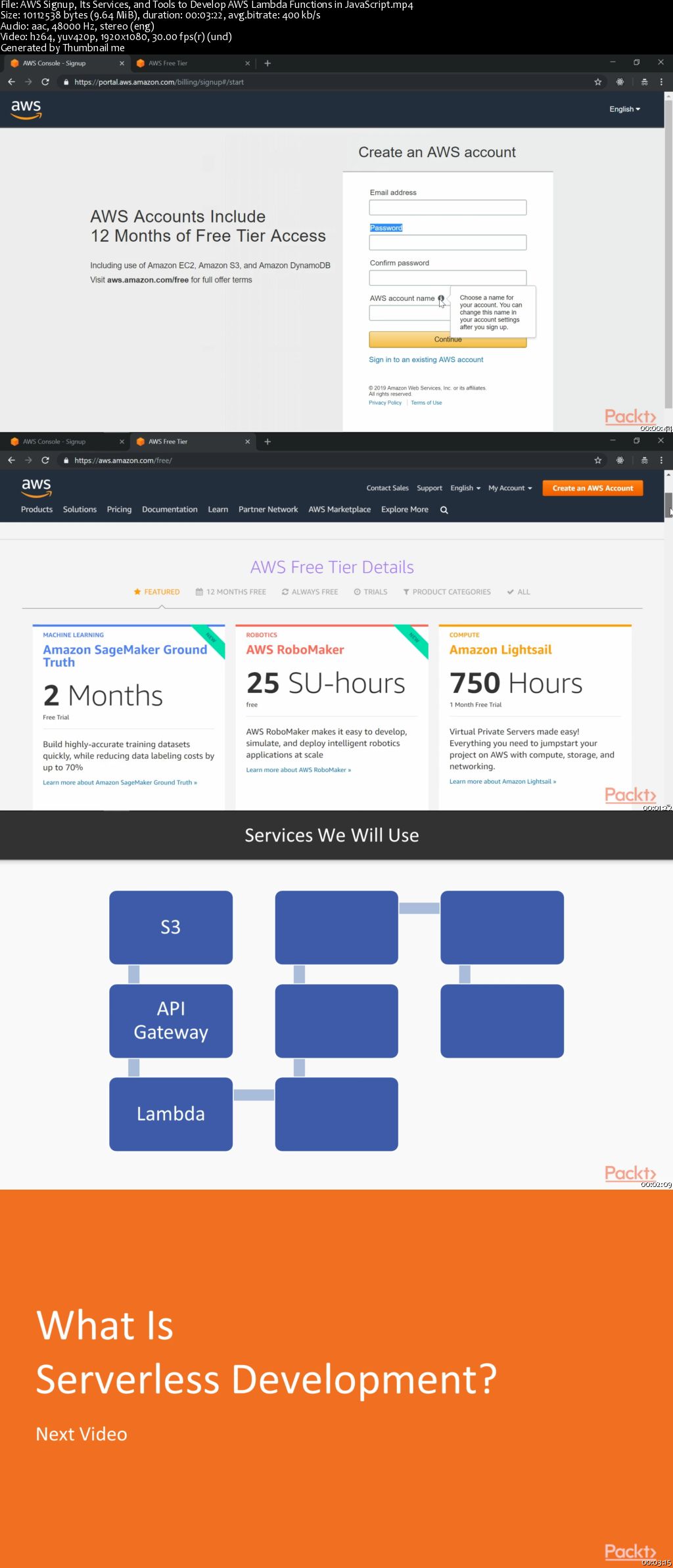
Serverless JavaScript with AWS Lambda in 7 Days

0064f8c4.png


Serverless JavaScript with AWS Lambda in 7 Days
MP4 | Video: AVC 1280x720 | Audio: AAC 44KHz 2ch | Duration: 7.5 Hours | 1.08 GB
Genre: eLearning | Language: English

Serverless architecture based on AWS Lambda and JavaScript defines the future of web development and is also a "new superpower" that allows you to eliminate the issues of "traditional" web hosting. More and more enterprises are moving serverless to save time, cost, and resources and for increased security.

Dive into "Serverless JavaScript with AWS Lambda in 7 days" right away to run your code without thinking about any servers and get charged only when your code actually runs. Each section is followed by hands-on, practical assignments as homework to help you in readily implementing the learnings in a functional manner. All you need to get your job done is upload your code and define when it should get executed. And, Lambda will take care of everything required to run and scale your code.

Towards the end of this course, you will be able to build efficient serverless web applications with AWS Lambda and JavaScript. By deploying Lambda, you can reduce the amount of time it takes to send updates to your production system. You will also gain an edge in the Serverless Computing world and be confident to use it in your own projects or apply for some of the high-paid jobs.

All the code and supporting files for this course are available on GitHub at
0064f8d0.jpg


...
 
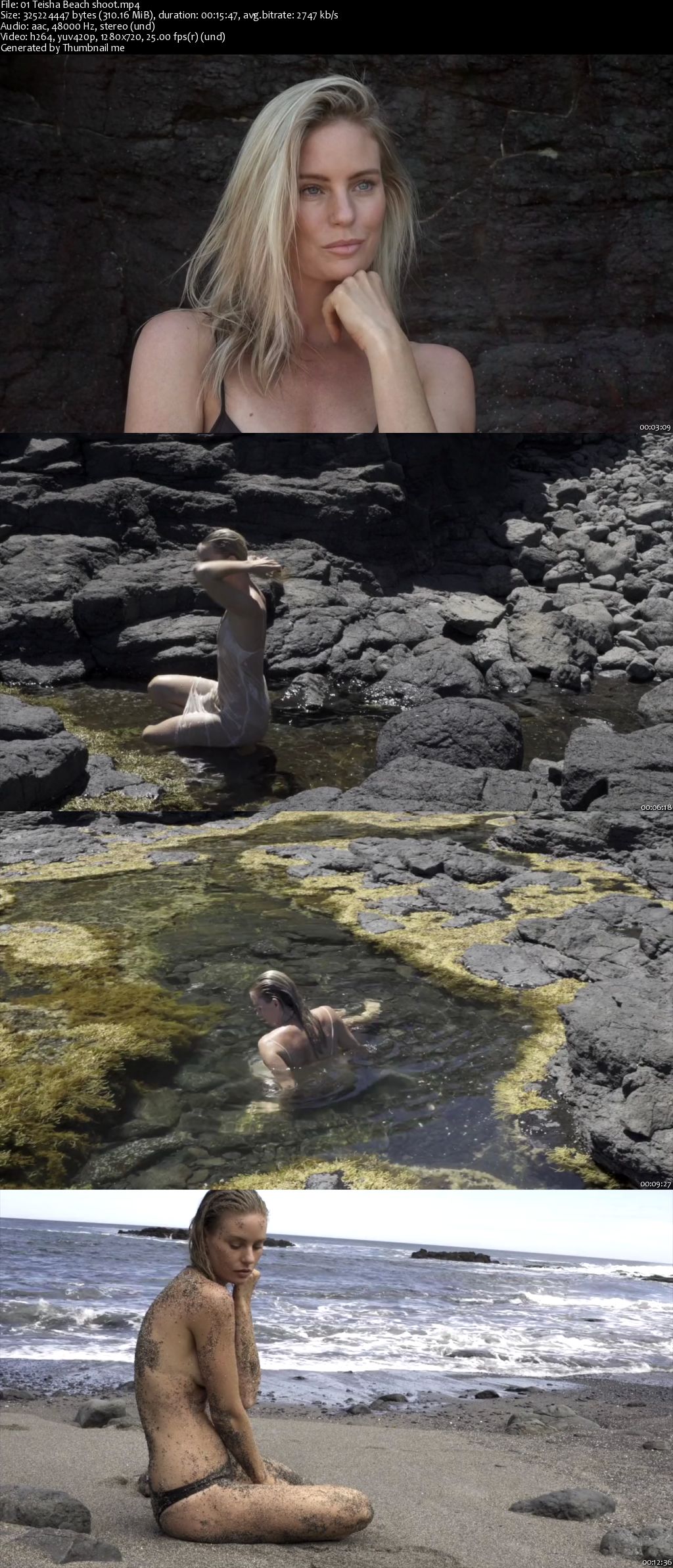
Retouching - Teisha: Beach

0064f63d.png


Retouching - Teisha: Beach
MP4 | Video: AVC 1280x720 | Audio: AAC 44KHz 2ch | Duration: 2 Hours | 834 MB
Genre: eLearning | Language: English

This tutorial was filmed in Flinders Beach in Victoria, with model Teisha Lowry. During this fly-on-the-wall tutorial Peter narrates the photoshoot, explaining what he is thinking and how he is using the light.


This tutorial also covers how Peter selects his images, followed by 4 retouches!

Photoshoot was shot with the Hasselblad X1D & Sony a7rii
Lighting was only Natural Light - Full Sun

0064f63e.jpg


...
 
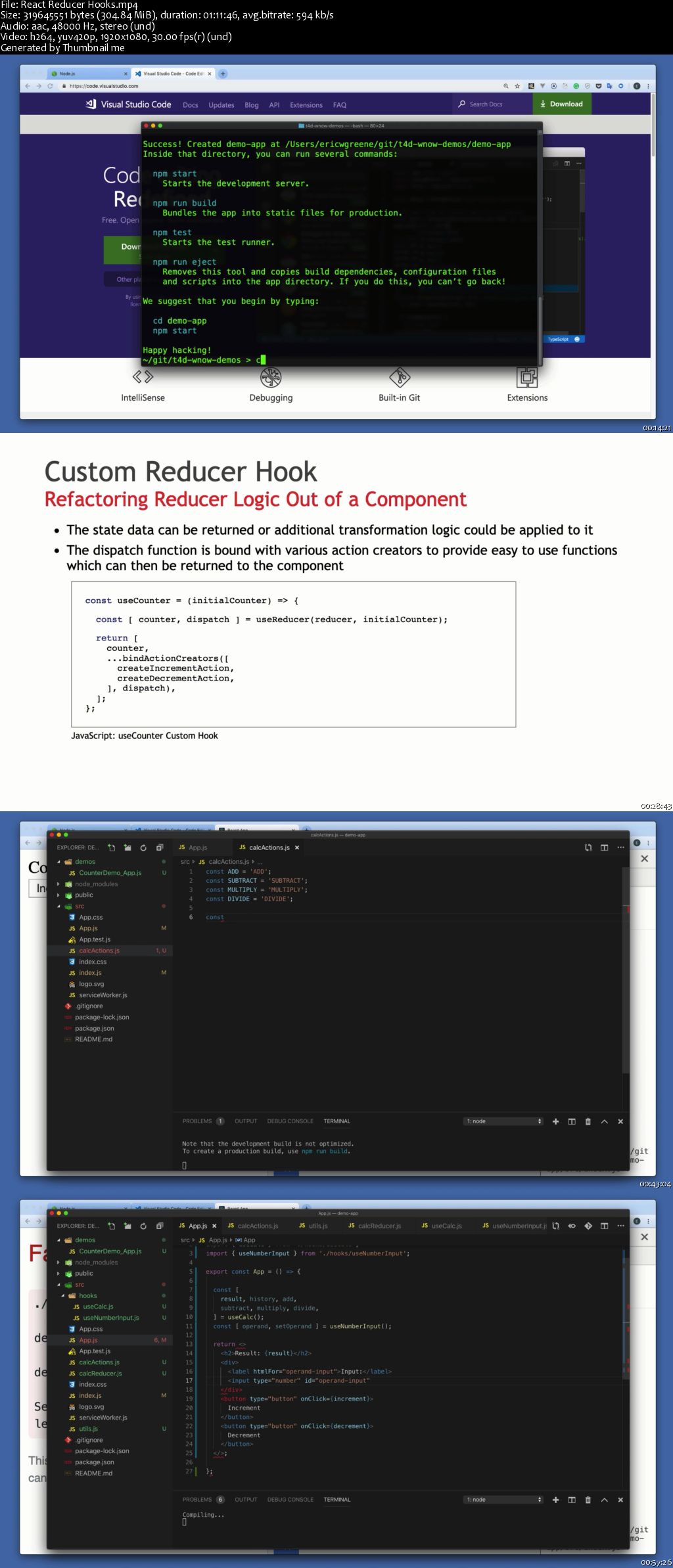
React Reducer Hooks

0064f68d.png


React Reducer Hooks
MP4 | Video: AVC 1280x720 | Audio: AAC 44KHz 2ch | Duration: 1 Hour 11M | 304 MB
Genre: eLearning | Language: English

Hooks are a new feature of React 16.8 that let you leverage key features of React without writing classes. The previous lesson introduced state hooks. This one introduces reducer hooks, which are preferred to state hooks when you have complex state logic involving multiple sub-values or when the next state depends on the previous one.

0064f68b.jpg


...
 
SQL Server Core 2016

0064f679.jpg


SQL Server Core 2016
MP4 | Video: AVC 1280x720 | Audio: AAC 44KHz 2ch | Duration: 7 Hours | 3.46 GB
Genre: eLearning | Language: English

This course will introduce students to SQL Server Core 2016, as well as teach them about SSMS, data tools, installation, server configuration, using Management Studio, and writing and executing queries. This SQL Server Core 2016 course introduces the students to the SSMS and Data Tools ,Server Configuration ,Using Management Studio, Writing and Executing Queries.

0064f67b.jpg


...
 
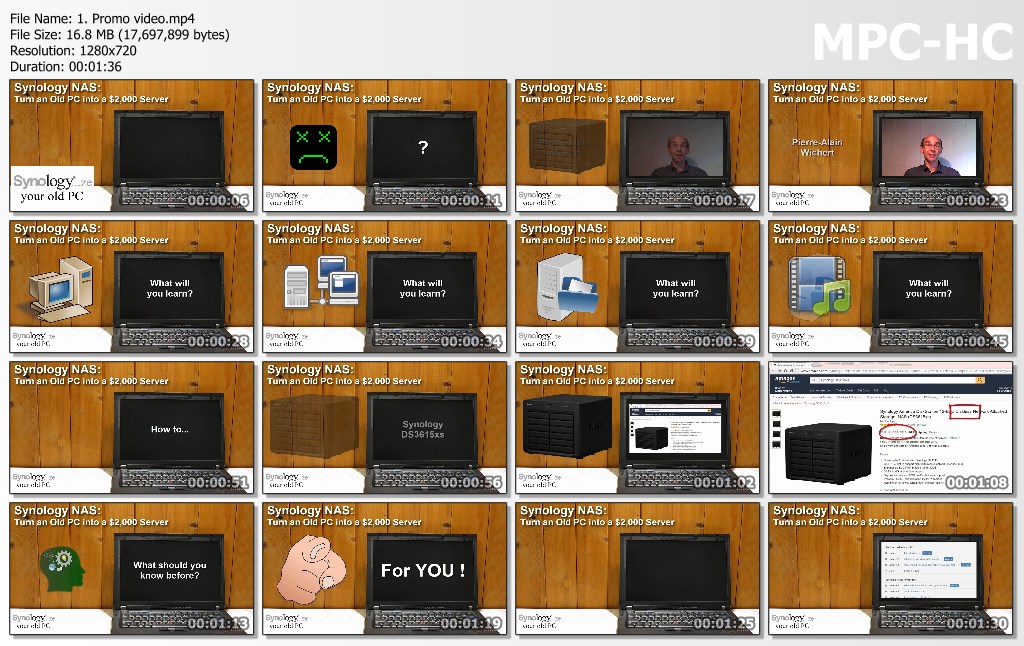
Turn an Old PC into a powerful Synology NAS / Media Server

z-R9hc-Sk-Jd-Uux-SSc9-R5r-Jz-Mjuw-ZXm-IDHi.jpg


Turn an Old PC into a powerful Synology NAS / Media Server
Genre: eLearning | MP4 | Video: h264, 1280x720 | Audio: AAC 44100Hz stereo 62kbps
Language: English + Sub | Size: 1.17 GB | Duration: 2 hours

Learn how to easily turn a computer into a powerful Linux based Network Attached Storage - NAS - and Media Server

Did you buy a new computer and you still have the older one lying around? In that case, you probably asked yourself what to do with that old PC or laptop that you really liked... It is still working very well but is just not powerful enough anymore for your current needs. Well, do not trash it yet: you can give it a new life by transforming it into a very powerful $2,000 server!

In this course, you will learn step by step how to use freely available software to do exactly that: take a 64-bit computer that is obsolete by today's standards and turn it into a NAS - Network Attached Storage.

Storing and sharing files is only one of the features of your future server! In this course, you will learn how to use it as a backup machine as well as a powerful media server... and this is only a small part of what the software is capable of doing.

Synology Inc. is a Taiwanese corporation that specializes in network attached storage (NAS) appliances. A group of ingenious persons has turned Synology's software into XPEnology, which is the program that you will be using to transform your PC. Thanks to them, you will be able to create your own NAS at a fraction of the cost of a Synology server. In fact, if you already have that old computer we talked about earlier, it will cost you nothing more than about half and hour of your time to set it up :eek:)

Synology's software being easy to use, I will be showing you the basics to get started. After that, with the straightforward user interface of the system, you will very easily go your own way with your new server and add new functionalities according to your needs or desires!

If you want to buy a NAS from Synology (which I strongly support and advocate!) this course will show you why they are so good :eek:)

Disclaimer:
I am not, in any way, affiliated to Synology Inc. or the developers of XPEnology (but I absolutely love their products!)
The information contained in this course is for informational and educational purposes only.
Do not trust any professional data to a XPEnology driven computer, there is a risk of losing it! Instead, buy a real Synology NAS: there are a lot of different options depending on your budget...

What you'll learn
Learn how to use freely available software to transform a computer into a file server to be used at home (NAS: Network Attached Storage)
Be able to backup files from your computer (and those of your whole family.) over the network to your new NAS
Use your NAS as a media server to, for example, stream your movies to a TV or tablet, or listen to your music on your smartphone
Know the key differences between building a NAS and buying one
Know why buying a real NAS will be safer
Are there any course requirements or prerequisites?
A computer with a 64-bit Intel/AMD based processor (this will be your NAS and you will not be able to use it for anything else afterwards...)
Another computer to access your future NAS
A USB memory stick that will be used to boot the server
To connect your NAS to a network, you will need... well... a network... (If you have a broadband router with a WiFi, you have a network)
Basic computer literacy is enough to follow the course (dealing with files and using a web browser are the main tasks that will be used)
Who this course is for:
Do you have one or more computer at home and have no idea of what a server is? This course will give you a good idea and you may even setup a server by yourself as no special networking knowledge is required!
If you have an older computer (64-bit processor) lying around and you wondered what to do with it, this course will show you how to transform it into a very useful server: no need to trash it yet!
If, like me, you have an old Synology NAS that you cannot upgrade to their more recent 5.x DSM software, you can try it out with what you'll learn in this course. Their software being Open Source, you can freely and legally use it on other hardware than their own.
If you already know what a NAS is and have a good one at home, this is probably not a course that you will need, especially if you are the lucky owner of a recent Synology server :eek:)

u-QAHJUr-XPVu-HNHRFNipm4-IRBIPXrs-FJX.jpg


...
 
Zurück
Oben Unten