• Regeln für den Video-Bereich:

    In den Börsenbereich gehören nur Angebote die bereits den Allgemeinen Regeln entsprechen.

    Einteilung

    - Folgende Formate gehören in die angegeben Bereiche:
    - Filme: Encodierte Filme von BluRay, DVD, R5, TV, Screener sowie Telesyncs im Format DivX, XviD und x264.
    - DVD: Filme im Format DVD5, DVD9 und HD2DVD.
    - HD: Encodierte Filme mit der Auflösung 720p oder darüber von BluRay, DVD, R5, TV, Screener sowie Telesyncs im Format x264.
    - 3D: Encodierte Filme von BluRay, die in einem 3D Format vorliegen. Dies gilt auch für Dokus, Animation usw.
    - Serien: Cartoon/Zeichentrick, Anime, Tutorials, Dokumentationen, Konzerte/Musik, Sonstiges sind demnach in die entsprechenden Bereiche einzuordnen, auch wenn sie beispielsweise im High Definition-Format oder als DVD5/DVD9/HD2DVD vorliegen. Ausnahme 3D.
    - Bereich Englisch: Englische Releases gehören immer in diesen Bereich.
    - Bereich Talk: Der Bereich, in dem über die Releases diskutiert werden kann, darf, soll und erwünscht ist.


    Angebot/Beitrag erstellen

    - Ein Beitrag darf erst dann erstellt werden, wenn der Upload bei mindestens einem OCH komplett ist. Platzhalter sind untersagt.
    - Bei einem Scenerelease hat der Threadtitel ausschließlich aus dem originalen, unveränderten Releasenamen zu bestehen. Es dürfen keine Veränderungen wie z.B. Sterne, kleine Buchstaben o.ä. vorgenommen werden. Ausnahme Serienbörse:
    - Bei einem Sammelthread für eine Staffel entfällt aus dem Releasename natürlich der Name der Folge. Beispiel: Die Simpsons S21 German DVDRip XviD - ITG
    - Dementsprechend sind also u.a. verboten: Erweiterungen wie "Tipp", "empfehlenswert", "only", "reup", usw. / jegliche andere Zusatzinformation oder Ergänzung, welche nicht in obiger Beschreibung zu finden ist.

    Aufbau des Angebots und Threadtitel

    Der Titel nach folgendem Muster erstellt zu werden. <Name> [3D] [Staffel] [German] <Jahr> <Tonspur> [DL] [Auflösung] <Quelle> <Codec> - <Group>
    Beispiel: The Dark Knight German 2008 AC3 DVDRip XviD - iND
    Beispiel: The Dark Knight 2008 DTS DL BDRip x264 - iND
    Beispiel: The Dark Knight 2008 AC3 DL BDRip XviD - iND
    Beispiel: The Dark Knight German 2008 AC3 720p BluRay x264 iND
    Beispiel: The Dark Knight 2008 DTS DL 1080p BluRay x264 iND
    Beispiel: Die Simpsons S01 German AC3 DVDRip XviD iND
    Beispiel: Die Simpsons S20 German AC3 720p BluRay x264 iND
    Beispiel: Sword Art Online II Ger Sub 2014 AAC 1080p WEBRip x264 - peppermint
    Entsprechend sind also u.a. verboten: Sonderzeichen wie Klammern, Sterne, Ausrufezeichen, Unterstriche, Anführungszeichen / Erweiterungen wie "Tipp", "empfehlenswert", "only", "reup", usw. / jegliche andere Zusatzinformation oder Ergänzung, welche nicht in obiger Beschreibung zu finden ist
    Ausnahmen hiervon können in den Bereichen geregelt sein.

    Die Beiträge sollen wie folgt aufgebaut werden:
    Überschrift entspricht dem Threadtitel
    Cover
    kurze Inhaltsbeschreibung
    Format, Größe, Dauer sind gut lesbar für Downloader außerhalb des Spoilers zu vermerken
    Nfo sind immer Anzugeben und selbige immer im Spoiler in Textform.
    Sind keine Nfo vorhanden z.B. Eigenpublikationen, sind im Spoiler folgende Dateiinformationen zusätzlich anzugeben :
    Quelle
    Video (Auflösung und Bitrate)
    Ton (Sprache, Format und Bitrate der einzelnen Spuren)
    Untertitel (sofern vorhanden)
    Hosterangabe in Textform außerhalb eines Spoiler mit allen enthaltenen Hostern.
    Bei SD kann auf diese zusätzlichen Dateiinformationen verzichtet werden.

    Alle benötigten Passwörter sind, sofern vorhanden, in Textform im Angebot anzugeben.
    Spoiler im Spoiler mit Kommentaren :"Schon Bedankt?" sind unerwünscht.


    Releases

    - Sind Retail-Release verfügbar, sind alle anderen Variationen untersagt. Ausnahmen: Alle deutschen Retail-Release sind CUT, in diesem Fall sind dubbed UNCUT-Release zulässig.
    - Im Serien-Bereich gilt speziell: Wenn ein Retail vor Abschluss einer laufenden Staffel erscheint, darf diese Staffel noch zu Ende gebracht werden.62
    - Gleiche Releases sind unbedingt zusammenzufassen. Das bedeutet, es ist zwingend erforderlich, vor dem Erstellen eines Themas per Suchfunktion zu überprüfen, ob bereits ein Beitrag mit demselben Release besteht. Ist dies der Fall, ist der bereits vorhandene Beitrag zu verwenden.
    - P2P und Scene Releases dürfen nicht verändert oder gar unter einem iND Tag eingestellt werden.


    Support, Diskussionen und Suche

    - Supportanfragen sind entweder per PN oder im Bereich Talk zu stellen.
    - Diskussionen und Bewertungen sind im Talk Bereich zu führen. Fragen an die Uploader haben ausschließlich via PN zu erfolgen, und sind in den Angeboten untersagt.
    - Anfragen zu Upload-Wünschen sind nur im Bereich Suche Video erlaubt. Antworten dürfen nur auf Angebote von MyBoerse.bz verlinkt werden.


    Verbote

    - Untersagt sind mehrere Formate in einem einzigen Angebotsthread, wie beispielsweise das gleichzeitige Anbieten von DivX/XviD, 720p und 1080p in einem Thread. Pro Format, Release und Auflösung ist ein eigener Thread zu eröffnen.
    - Grundsätzlich ebenso verboten sind Dupes. Uploader haben sich an geeigneter Stelle darüber zu informieren, ob es sich bei einem Release um ein Dupe handelt.
    - Gefakte, nur teilweise lauffähige oder unvollständige Angebote sind untersagt. Dies gilt auch für eigene Publikationen, die augenscheinlich nicht selbst von z.B. einer DVD gerippt wurden. Laufende Serien, bei denen noch nicht alle Folgen verfügbar sind, dürfen erstellt und regelmäßig geupdatet werden.
    - Untersagt sind Angebote, welche nur und ausschließlich in einer anderen Sprache als deutsch oder englisch vorliegen. Ausnahmen sind VORHER mit den Moderatoren zu klären.


    Verstoß gegen die Regeln

    - Angebote oder Beiträge, die gegen die Forenregeln verstoßen, sind über den "Melden"-Button im Beitrag zu melden.
  • Bitte registriere dich zunächst um Beiträge zu verfassen und externe Links aufzurufen.


Englische Tutorials

Hands-On Android Application Components: Services and Fragments
0064e3d0.png


Hands-On Android Application Components: Services and Fragments
MP4 | Video: AVC 1280x720 | Audio: AAC 44KHz 2ch | Duration: 2 Hours 45M | 1.32 GB
Genre: eLearning | Language: English

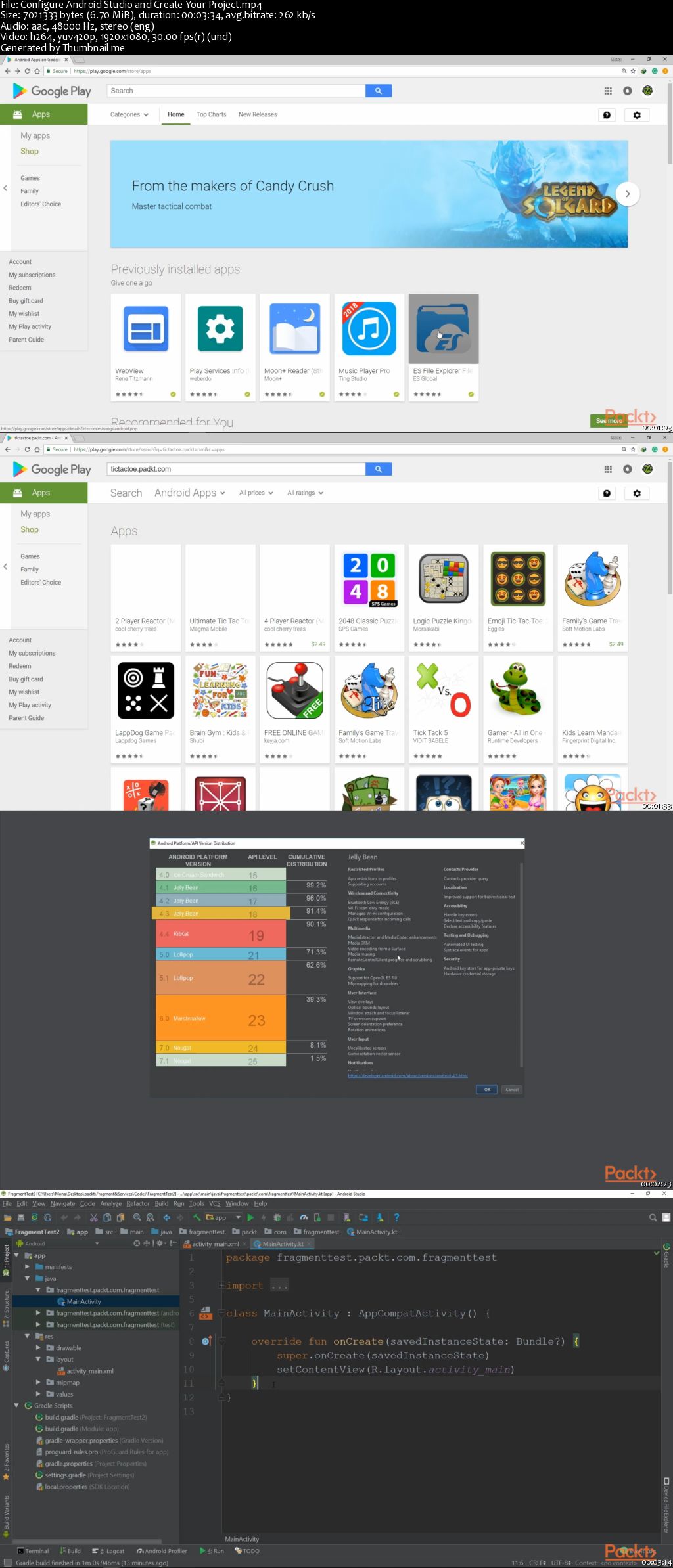
It's always been a big pain for developers to understand the implementation of background threads and processes and master building flexible UI's and how to effectively use services in their applications. Not all Android developers have any experience of fragments, but this course will help you master fragments and services from scratch!
In this course, you will start by getting familiar with the fundamental concepts of fragments and adding fragments to an activity, fragment transactions, their lifecycle, and how they communicate with activities. You'll also explore fragment stability during screen rotation, and screen sizes. Then you will learn about services, another application component that will continue to run in the background even if the user switches to another application. Here you will get hands-on with the various kinds of services, threads, and processes, and their life cycle; then you'll move on to inter-process communication. Lastly, you will implement everything you've learned and build a TODO application; you'll learn to pass and manage arguments and master the communication flow between services and fragments in multiple ways. By the end of this course, you'll have a very strong foundation in Android fragments and Android services.

The code bundle for this course is available at
0064e3d2.jpg


...
 
Hands-On Data Analytics with R

0064e3b1.png


Hands-On Data Analytics with R
MP4 | Video: AVC 1280x720 | Audio: AAC 44KHz 2ch | Duration: 2 Hours 15M | 540 MB
Genre: eLearning | Language: English

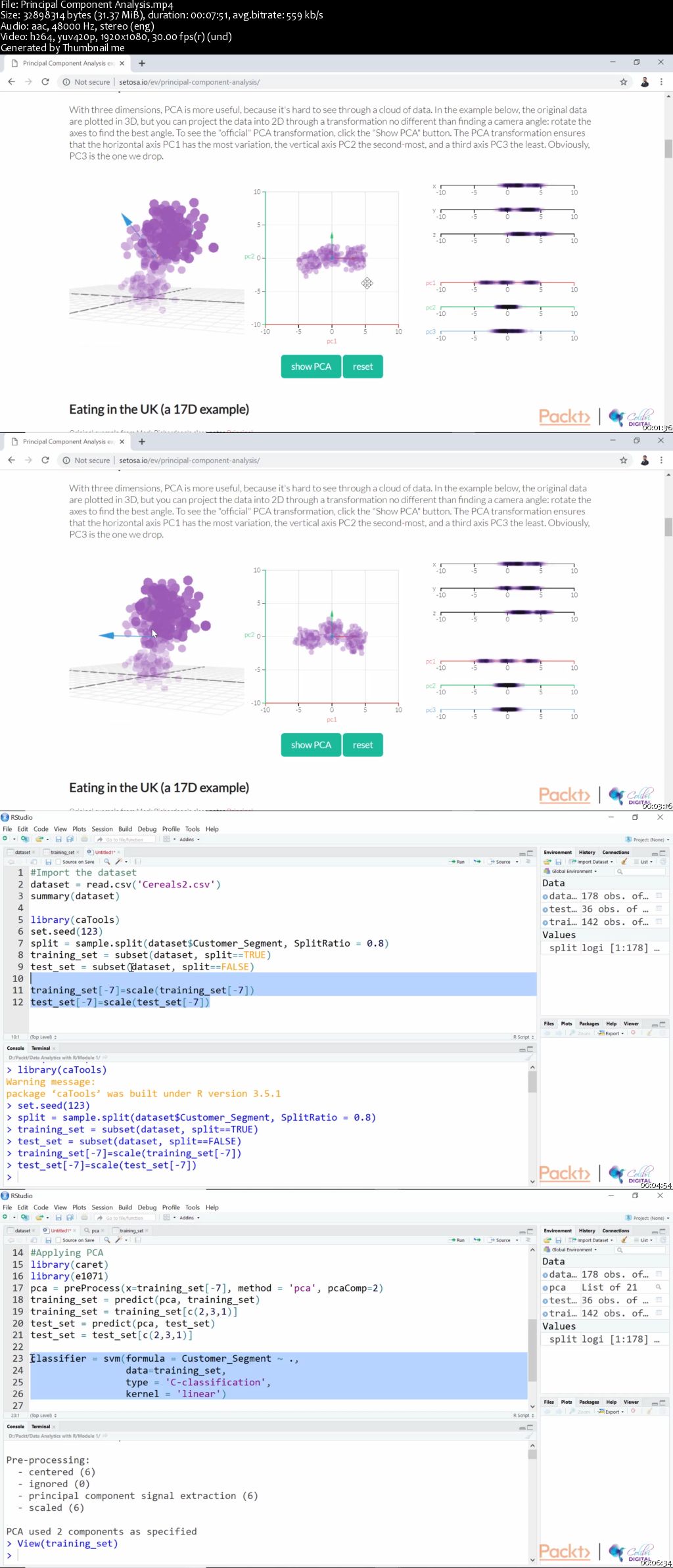
This course will expand your understanding of statistics so you can* create analytic models in R. High-level data science techniques will be presented to you in a practical manner, to help you bridge the gap between the questions you wish to answer, the data used for analysis, and how to create some of the classic models used in data analytics.

You will start off by understanding dimensionality reduction and data mining in R and learning how to simplify complex datasets and unearth patterns from data. Moving on, you will understand hypothesis testing and p-values. You will also demonstrate one-sample and two-sample tests and the benefits they provide as very sophisticated analytical techniques. You will understand how data can give you predictive insights into the future and will conclude by presenting data in a way that will allow you to answer questions with data-driven confidence.

By the end of the course, you will be capable of utilizing R's statistical prowess to analyze a variety of datasets and present these insights effectively.

All the code files for this course are available on Github at -
0064e3b9.jpg


...
 
Hands-On Problem Solving for Machine Learning

0064e3e1.png


Hands-On Problem Solving for Machine Learning
MP4 | Video: AVC 1280x720 | Audio: AAC 44KHz 2ch | Duration: 2 Hours 40M | 626 MB
Genre: eLearning | Language: English

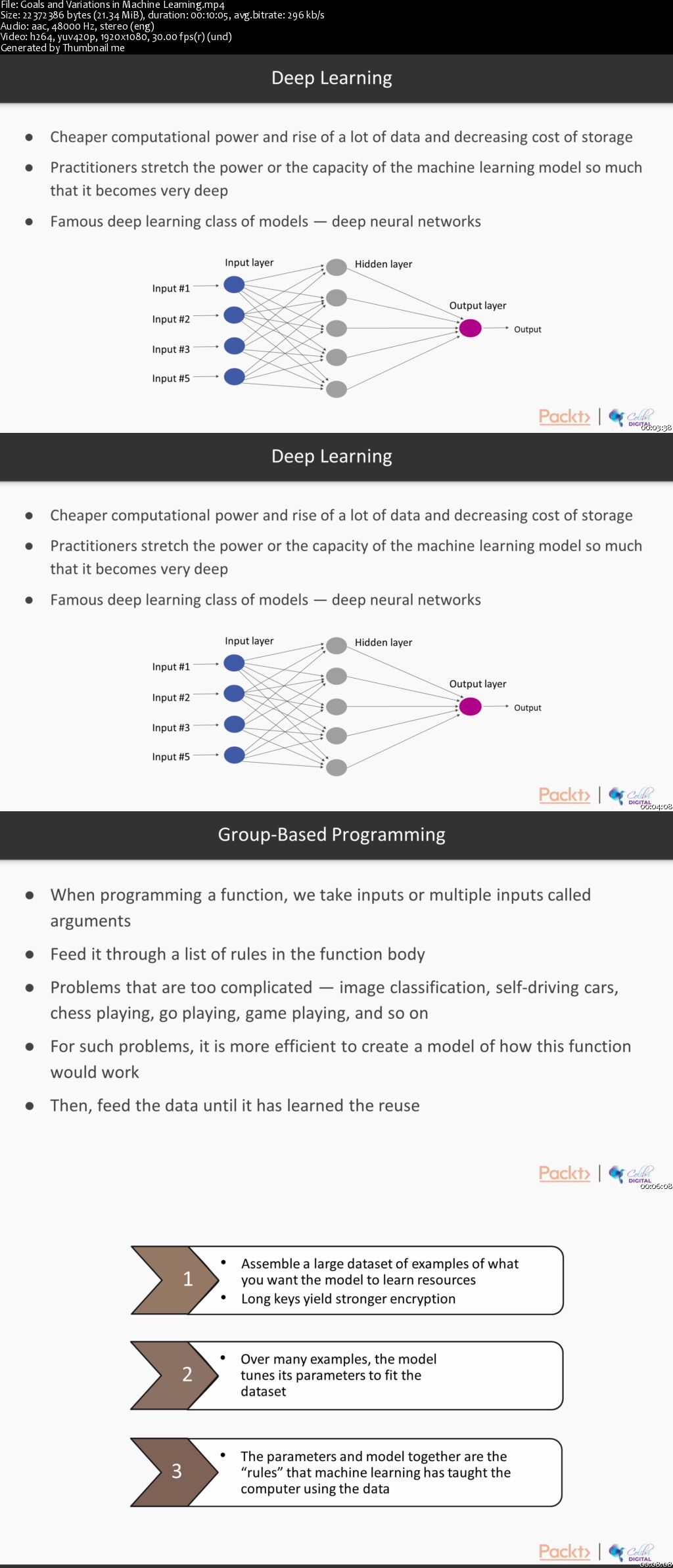
Machine learning is all the rage, and you have been tasked with creating models for your business. What looked simple on the surface quickly becomes a nightmare of messy data and non-performing models. What do you do?

Hands-On Problem Solving for Machine Learning is packed with intuitive explanations of how machine learning works so that you can fix your models when they break. It presents a wide array of practical solutions for your machine learning pipeline, whether you are working with images, text, or numbers. You'll get a real feel for how to tackle challenges posed during regression and classification tasks.

If you want to move past calling simple machine learning libraries, and start solving machine learning problems with real-world messy data, this course is for you!

All the code and supporting files for this course are available on GitHub at -
0064e3e4.jpg


...
 
Hands-On MERN Stack Web Development

0064e338.png


Hands-On MERN Stack Web Development
MP4 | Video: AVC 1280x720 | Audio: AAC 44KHz 2ch | Duration: 4.5 Hours | 914 MB
Genre: eLearning | Language: English

There's a growing demand for full-stack developers, but becoming one is not an easy task. A full-stack engineer is expected to have frontend and backend skills, as well as extensive knowledge of build tools and deployment workflow.

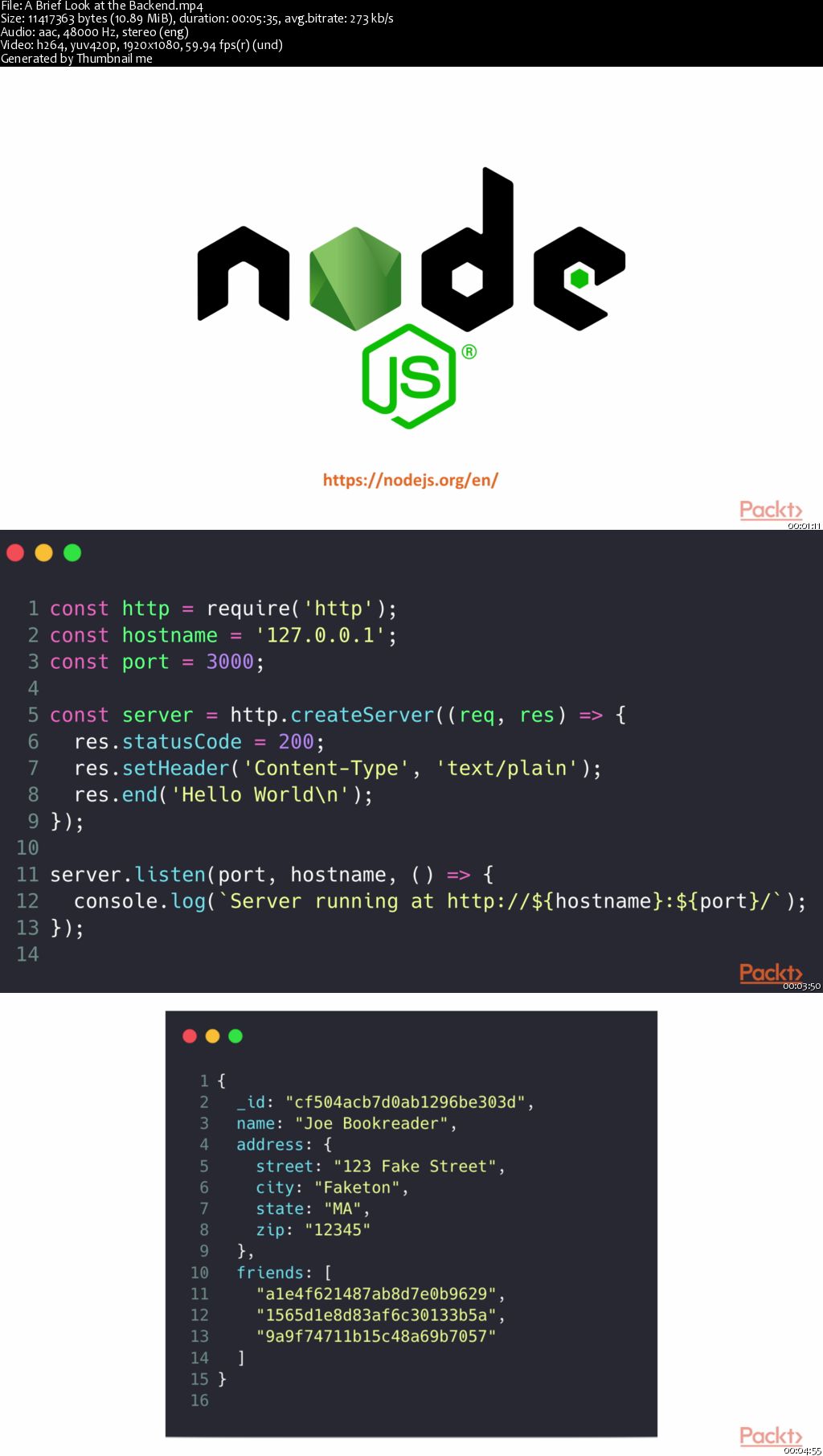
Building real-world projects and understanding the MERN stack is a great way to become a full-stack engineer. So, the journey starts by taking you through the MERN stack to explore Node.js and Express and set up the groundwork for the project. It's vital to store data safely hence we dive into the world of MongoDB and integrate it with our backend. Now, we build a client application that can consume API services. With React you'll be able to solve the two most daunting frontend problems and use JSON Web Tokens (JWTs) to integrate authentication and session management on both the client and the server. Finally, we review the skills that you've acquired throughout the course, look into the MERN boilerplate, and examine the application's architecture to build applications on it.

By the end of the course, you will not only have built a fully functional web application, but you'll also be well on your way to becoming a full-stack web developer. You'll be equipped with a deeper knowledge of the MERN stack, as well as general web development patterns and concepts.

The code bundle for this video course is available at
0064e342.jpg


...
 
How to draw a face in profile

image.jpg


How to draw a face in profile
Video: .MP4, 1280x720 | Audio: AAC, 48kHz, 2ch | Duration: 11m
Genre: eLearning | Language: English | Size: 215 MB

This class is an practical course divided in 6 videos where I give you actionable steps to finally be able to draw portraits in a profile view. You will learn how to draw each feature of the face separately and then how to assemble all of them together in order to create a full face.

In order to use all of what you've learnt, you will create your own portrait drawing of a profile view from a reference photo, and I will be able to give you advice on what you've done when you post it to the project gallery !

Who's this class for ? Anyone with some basic drawing skills wanting to go further with their portrait skills. Is that you ? Let's go !

Yqgroppeovt7l1-Ha-L8w-PJu2ew-BRK63m4.jpg


...
 
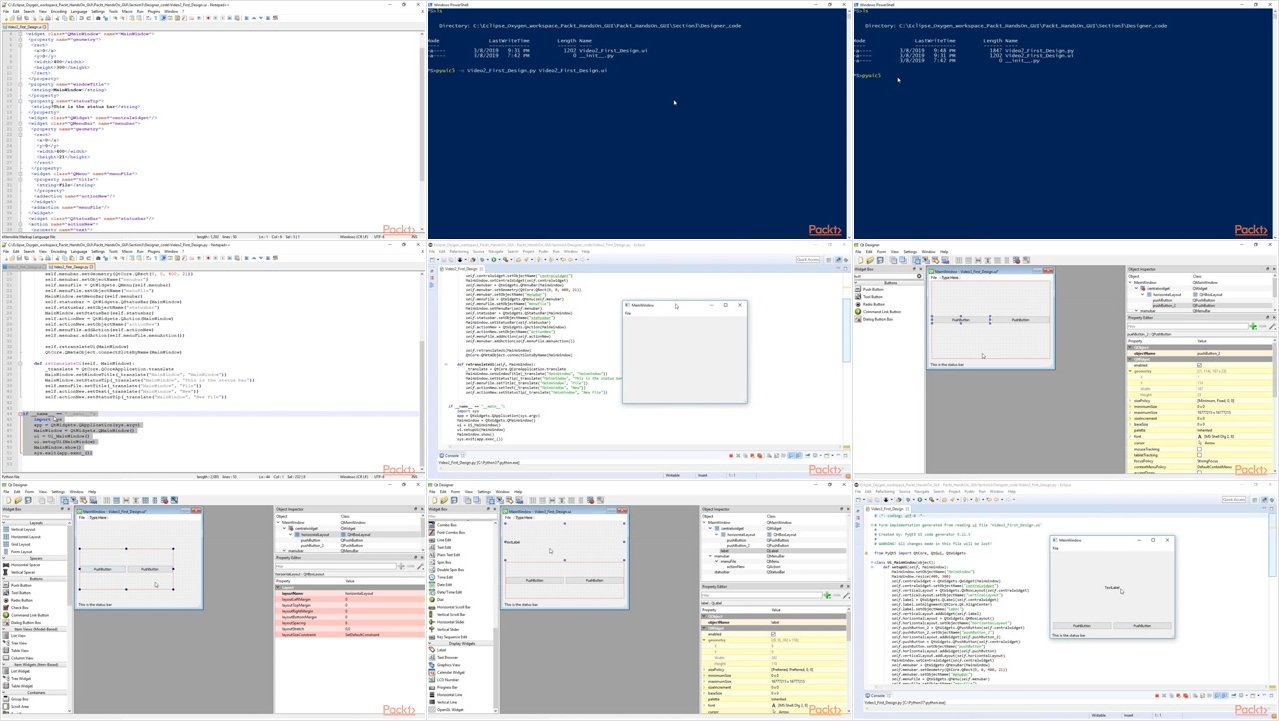
Hands-On Python 3.x GUI Programming

0064e3c7.png


Hands-On Python 3.x GUI Programming
.MP4, AVC, 250 kbps, 1920x1080 | English, AAC, 160 kbps, 2 Ch | 2h 56m | 581 MB
Instructor: Burkhard Meier

One cannot ignore the benefits of a well-designed architecture and graphical user interface for applications. If you're interested in designing and building graphical user interfaces that are functional, appealing, and user-friendly using one of the most powerful languages, Python 3. This course is for you. It is meant for intermediate level programmers who want to enhance their skills by developing GUIs written in Python.

In the initial part of the course, you will learn the important programming concepts of Python; we also teach you how to create applications step-by-step. You will be using popular GUI frameworks (PyQt5 and Tkinter) to build GUI applications. You will create cross-platform applications, that you build once and deploy everywhere.

You will learn how to create GUI forms and widgets and arrange them using layout managers. We will also look into how to connect our GUIs to networks and databases.

By the end of this course, you will have successfully mastered high-end GUI application such as Card Game and Paint App and will be capable of building many more powerful, cross-platform, and scalable applications.

What You Will Learn

Learn Python GUI programming using Tkinter & PyQt5
Overload widget functionality by disconnecting signals
Visually design GUIs with Qt Designer
Debug PyQt5 code using Python hooks
Create executables using PyInstaller
Using a modular approach to coding
Testing the GUI
Connecting to networks and databases

More Info

0064e3c6.jpg


...
 
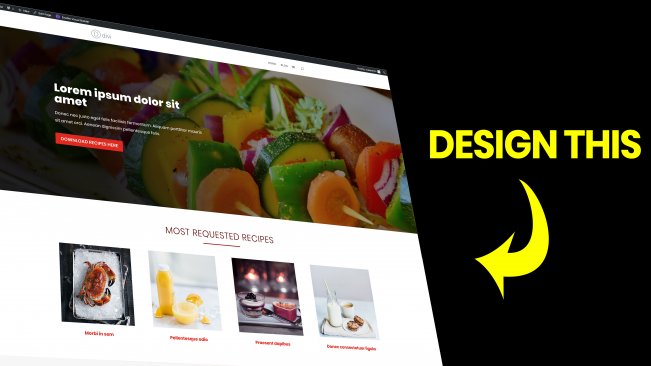
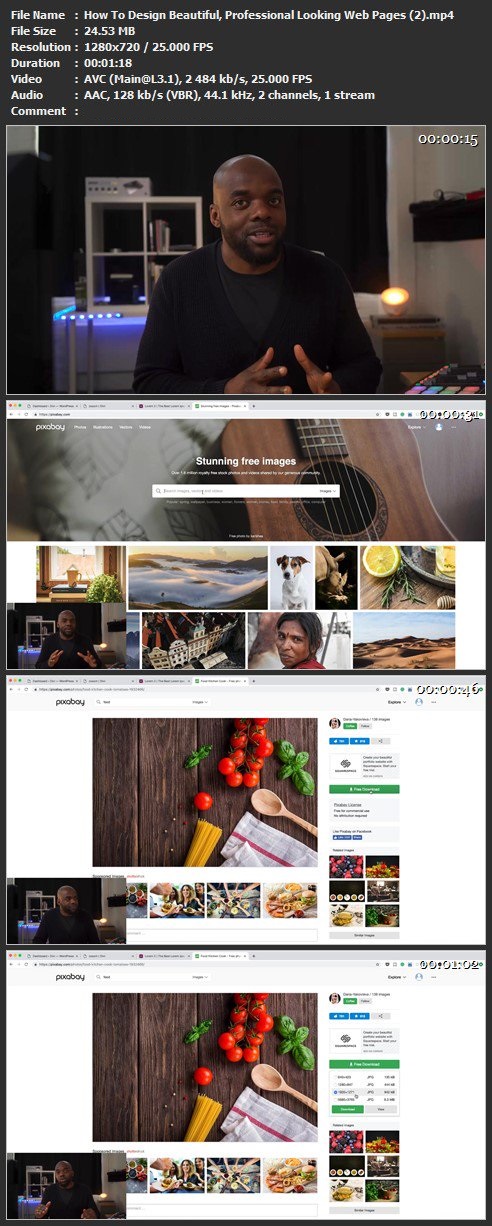
How To Design Beautiful, Professional Looking Web Pages

image.jpg


How To Design Beautiful, Professional Looking Web Pages
Video: .MP4, 1280x720 | Audio: AAC, 44kHz, 2ch | Duration: 30m
Genre: eLearning | Language: English | Size: 561 MB

In this course, you are going to learn how to design beautiful, professional looking web pages in WordPress. I use the Divi theme to design my web pages because it is easy to use, they offer great support and Divi has a lot of features which allow you to design any type of website.

Check it out here. If you buy it I will give you FULL access to my Divi Blueprint 3 Course worth $247 on makuniversity.com

By the end of this course, you will have enough knowledge to create your own beautiful, professional web pages.

Homepage

d-HHt-VA1w-OTi-Bk-XK9cr-Or-Cy-USpd23r14-F.jpg


...
 
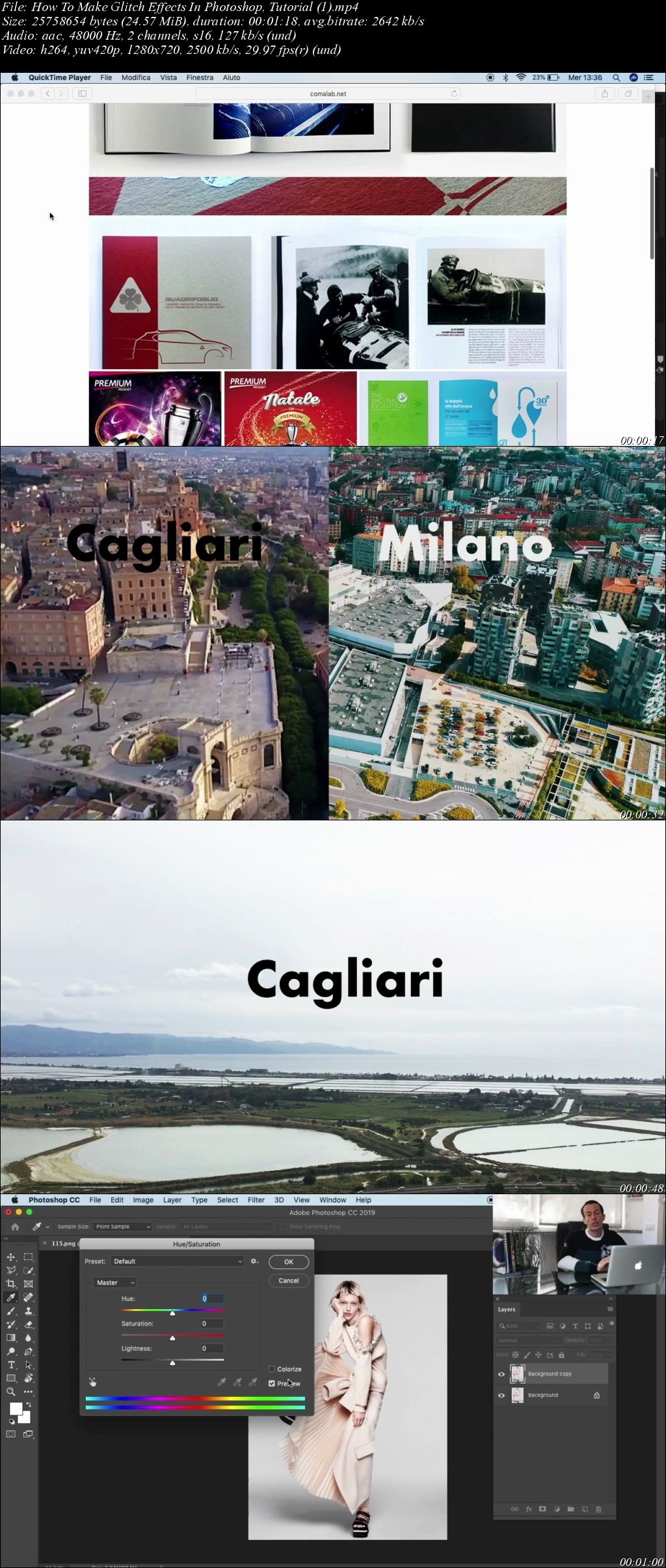
How To Make Glitch Effects In Photoshop, Tutorial

image.jpg


How To Make Glitch Effects In Photoshop, Tutorial
Video: .MP4, 1280x720 | Audio: AAC, 48kHz, 2ch | Duration: 21m
Genre: eLearning | Language: English | Size: 387 MB

Following this course, with Andrea's help, you will have the incredible opportunity to discover some of the secrets that will allow you to make your editorials perfect. The class consists of three videos that illustrate different techniques of post-production of the photographic image.

• 3D glitch effect: post-production of the photographic image to realize the famous 3D glitch effect. Use of adjustment layer, hue saturation and blending mode.
• Typography glitch effect: postproduction of the photographic image through a typography game that will create a mask for our photographic image, giving it an interesting and innovative look. Use of masks on the layers and use of the horizontal type tool.
• Cut glitch effect: Cut of the photographic image, in order to make it more dynamic. Coloring and use of blending mode.

Andrea teaches you how to avoid downloading and using preset effects and taking control of your design by creating post-production effects from scratch. Once you have mastered, you will have a powerful skill in your Photoshop design tool kit.

Qu-Kvn2e-QEb-QJI9-YTotecu-Vk-Ou-Qsl-ITYy.jpg


...
 
Learning the Lightroom Ecosystem

0064e401.jpg


Learning the Lightroom Ecosystem
MP4 | Video: AVC 1280x720 | Audio: AAC 44KHz 2ch | Duration: 1.5 Hours | 257 MB
Genre: eLearning | Language: English

Confused about the many facets of Adobe Lightroom? This course unpacks the whole ecosystem-from mobile to CC and Classic CC-and details how each of these powerful tools work together. Instructor Theresa Jackson lays out the basics of each Lightroom application, providing photographers of all levels with the knowledge they need to make Lightroom their go-to tool (and avoid the chaos and unorganized photos that can befall the uninitiated). Get a high-level overview of how to manage image files, avoid losing your photos, and sync Lightroom Classic with the Lightroom CC ecosystem. Plus, get tips for using the Lightroom CC mobile app camera, editing images, and sharing and publishing web galleries.

0064e402.jpg


...
 
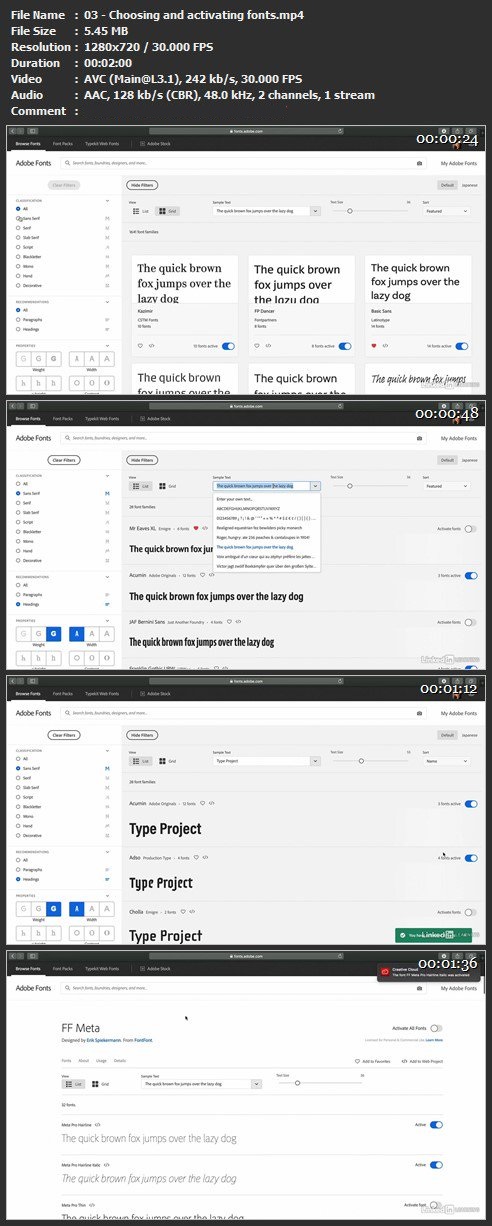
Learning Adobe Fonts (Formerly Typekit)

800198-636893587614083163-16x9.jpg


Learning Adobe Fonts (Formerly Typekit)
MP4 | Video: h264, 1280x720 | Audio: AAC, 48 KHz, 2 Ch | Duration: 16m 35s
Genre: eLearning | Language: English + Sub | Size: 59 MB

Adobe Fonts, formally known as Typekit, is a font subscription service that lets you activate fonts for use in desktop applications and on websites. As part of a Creative Cloud subscription you have access to a library of more than 15,000 fonts available for personal and commercial use. The fonts are from leading font foundries and can be used in print and on screen. If you're interested in learning how Adobe Fonts works-and how it could benefit your design workflow-then this course is for you. Join instructor Nigel French as he shows how to choose, activate, and manage fonts; add fonts to your website; activate fonts in InDesign, Illustrator, and Photoshop; and more.

Homepage

F8-Dw-Nkf-Qy5s-Gifbbbrt3-TNj-Yign7cfk-S.jpg


...
 
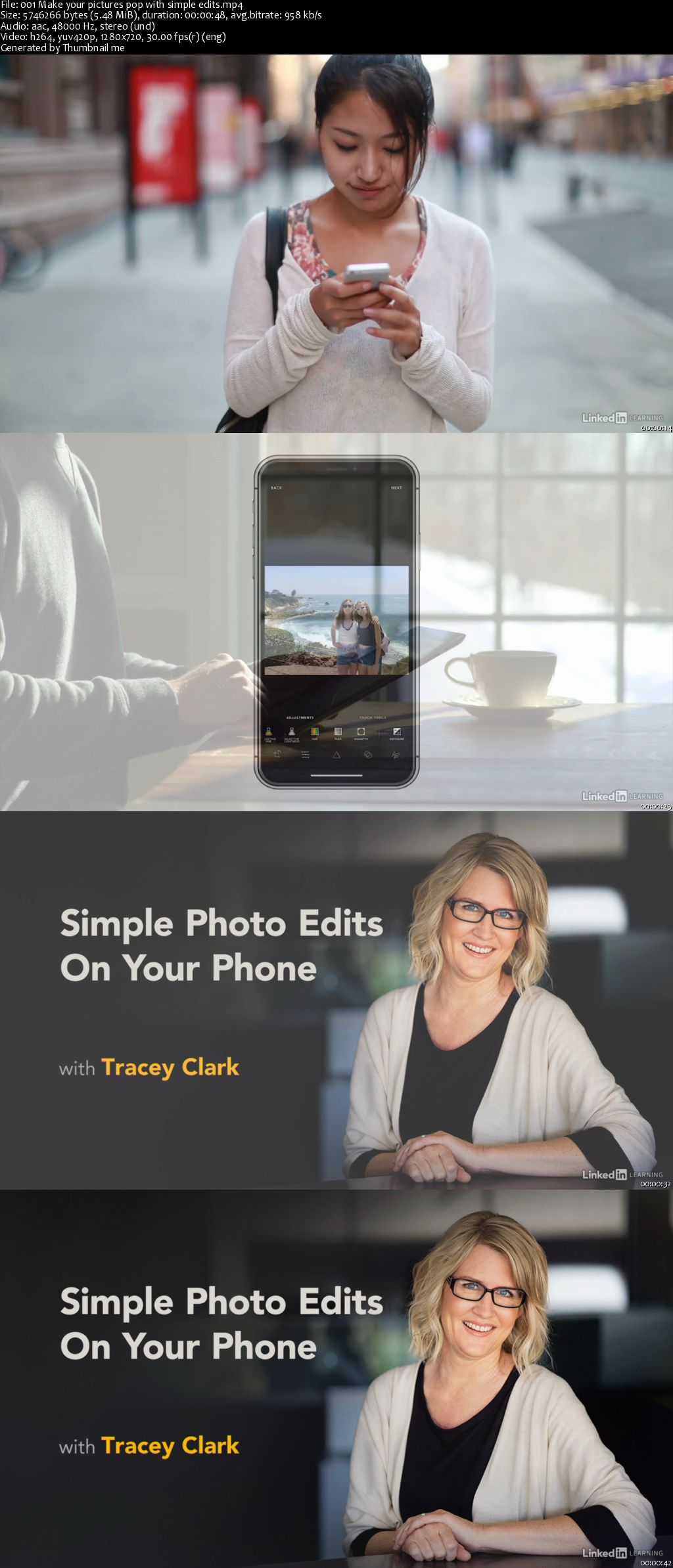
Simple Photo Edits On Your Phone

0064e3fc.jpg


Simple Photo Edits On Your Phone
MP4 | Video: AVC 1280x720 | Audio: AAC 44KHz 2ch | Duration: 1 Hour 48M | 237 MB
Genre: eLearning | Language: English

You don't always need a fancy camera to produce stellar pictures. Using a few simple editing tools, you can enhance the photos in your mobile phone by making small, straightforward adjustments. Whether you want to highlight a product on your website, showcase a finished dish for your food blog, create a cohesive brand on Instagram, or just improve photos for fun, this course can help. Join instructor Tracey Clark as she shows how to improve your photos using editing tools most people already have, such as your phone's built-in editor. Discover how to enhance a poorly lit photo, improve a headshot by cropping it, change a photo's tone to better represent your brand, improve your group photos, enhance your travel photography, and more.

0064e3fd.jpg


...
 
Java SE New Features: Covers Versions 9, 10, 11, and 12

0064e30c.png


Java SE New Features: Covers Versions 9, 10, 11, and 12
MP4 | Video: AVC 1280x720 | Audio: AAC 44KHz 2ch | Duration: 1 Hour 48M | 533 MB
Genre: eLearning | Language: English

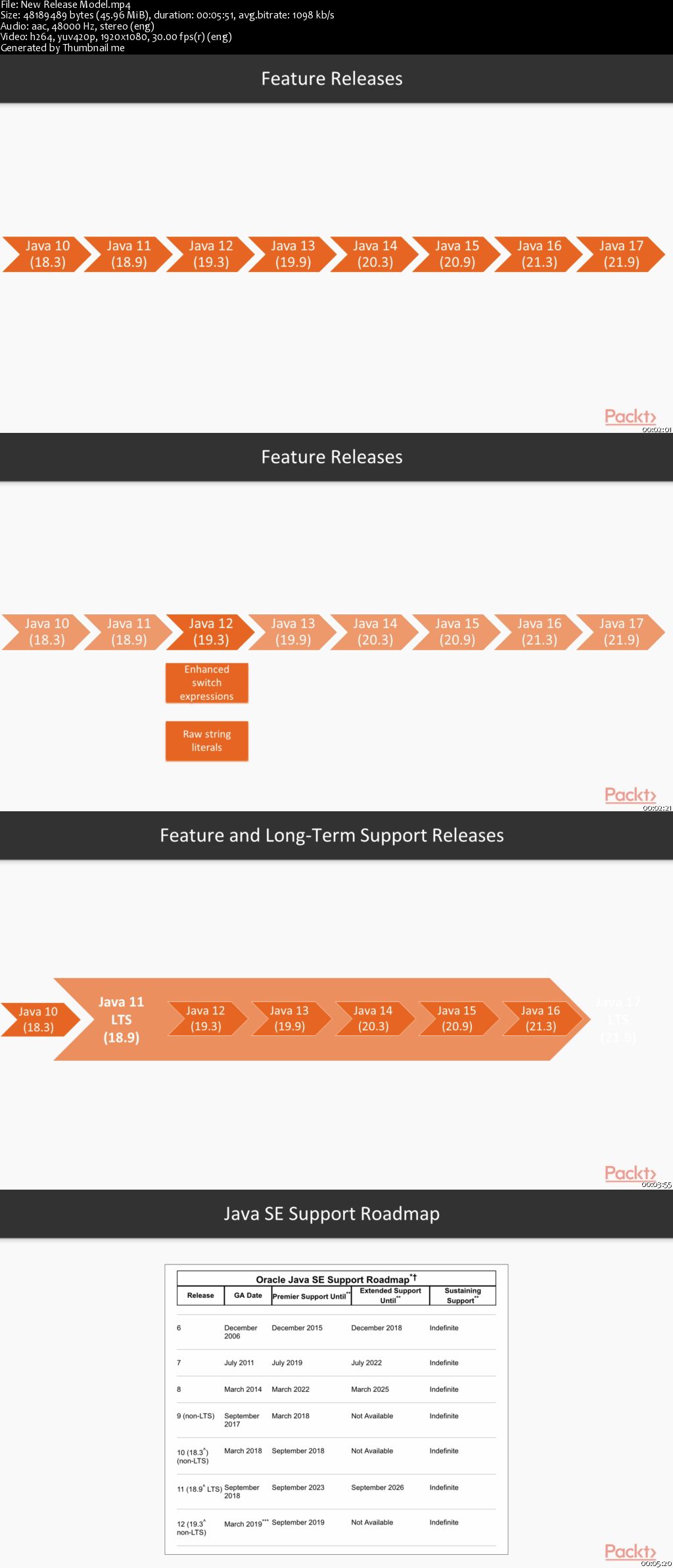
As a developer, every day you need to learn new technologies. and quickly. With frequent Java releases, you need to constantly update your knowledge of Java too. This short course will equip you with insights into the newest key features of Java-in no time.

We start by explaining the new release model and how it affects you. This course goes beyond Java's (in) famous modularity which allows us to partition a system into modules with clear dependencies. You'll learn to write more concise code with the coolest new features, including local variable type inference (var) and the improved API for strings, files and collections. You will also understand how to work with very popular reactive streams. The course finishes with a description of the new enhancements you can apply to improve the performance of your code.

By the end of this short course, you'll know how to use the most powerful features of modern Java to write faster and more readable programs.

All the code files and other files are placed on GitHub at this link
0064e311.jpg


...
 
Zurück
Oben Unten