• Regeln für den Video-Bereich:

    In den Börsenbereich gehören nur Angebote die bereits den Allgemeinen Regeln entsprechen.

    Einteilung

    - Folgende Formate gehören in die angegeben Bereiche:
    - Filme: Encodierte Filme von BluRay, DVD, R5, TV, Screener sowie Telesyncs im Format DivX, XviD und x264.
    - DVD: Filme im Format DVD5, DVD9 und HD2DVD.
    - HD: Encodierte Filme mit der Auflösung 720p oder darüber von BluRay, DVD, R5, TV, Screener sowie Telesyncs im Format x264.
    - 3D: Encodierte Filme von BluRay, die in einem 3D Format vorliegen. Dies gilt auch für Dokus, Animation usw.
    - Serien: Cartoon/Zeichentrick, Anime, Tutorials, Dokumentationen, Konzerte/Musik, Sonstiges sind demnach in die entsprechenden Bereiche einzuordnen, auch wenn sie beispielsweise im High Definition-Format oder als DVD5/DVD9/HD2DVD vorliegen. Ausnahme 3D.
    - Bereich Englisch: Englische Releases gehören immer in diesen Bereich.
    - Bereich Talk: Der Bereich, in dem über die Releases diskutiert werden kann, darf, soll und erwünscht ist.


    Angebot/Beitrag erstellen

    - Ein Beitrag darf erst dann erstellt werden, wenn der Upload bei mindestens einem OCH komplett ist. Platzhalter sind untersagt.
    - Bei einem Scenerelease hat der Threadtitel ausschließlich aus dem originalen, unveränderten Releasenamen zu bestehen. Es dürfen keine Veränderungen wie z.B. Sterne, kleine Buchstaben o.ä. vorgenommen werden. Ausnahme Serienbörse:
    - Bei einem Sammelthread für eine Staffel entfällt aus dem Releasename natürlich der Name der Folge. Beispiel: Die Simpsons S21 German DVDRip XviD - ITG
    - Dementsprechend sind also u.a. verboten: Erweiterungen wie "Tipp", "empfehlenswert", "only", "reup", usw. / jegliche andere Zusatzinformation oder Ergänzung, welche nicht in obiger Beschreibung zu finden ist.

    Aufbau des Angebots und Threadtitel

    Der Titel nach folgendem Muster erstellt zu werden. <Name> [3D] [Staffel] [German] <Jahr> <Tonspur> [DL] [Auflösung] <Quelle> <Codec> - <Group>
    Beispiel: The Dark Knight German 2008 AC3 DVDRip XviD - iND
    Beispiel: The Dark Knight 2008 DTS DL BDRip x264 - iND
    Beispiel: The Dark Knight 2008 AC3 DL BDRip XviD - iND
    Beispiel: The Dark Knight German 2008 AC3 720p BluRay x264 iND
    Beispiel: The Dark Knight 2008 DTS DL 1080p BluRay x264 iND
    Beispiel: Die Simpsons S01 German AC3 DVDRip XviD iND
    Beispiel: Die Simpsons S20 German AC3 720p BluRay x264 iND
    Beispiel: Sword Art Online II Ger Sub 2014 AAC 1080p WEBRip x264 - peppermint
    Entsprechend sind also u.a. verboten: Sonderzeichen wie Klammern, Sterne, Ausrufezeichen, Unterstriche, Anführungszeichen / Erweiterungen wie "Tipp", "empfehlenswert", "only", "reup", usw. / jegliche andere Zusatzinformation oder Ergänzung, welche nicht in obiger Beschreibung zu finden ist
    Ausnahmen hiervon können in den Bereichen geregelt sein.

    Die Beiträge sollen wie folgt aufgebaut werden:
    Überschrift entspricht dem Threadtitel
    Cover
    kurze Inhaltsbeschreibung
    Format, Größe, Dauer sind gut lesbar für Downloader außerhalb des Spoilers zu vermerken
    Nfo sind immer Anzugeben und selbige immer im Spoiler in Textform.
    Sind keine Nfo vorhanden z.B. Eigenpublikationen, sind im Spoiler folgende Dateiinformationen zusätzlich anzugeben :
    Quelle
    Video (Auflösung und Bitrate)
    Ton (Sprache, Format und Bitrate der einzelnen Spuren)
    Untertitel (sofern vorhanden)
    Hosterangabe in Textform außerhalb eines Spoiler mit allen enthaltenen Hostern.
    Bei SD kann auf diese zusätzlichen Dateiinformationen verzichtet werden.

    Alle benötigten Passwörter sind, sofern vorhanden, in Textform im Angebot anzugeben.
    Spoiler im Spoiler mit Kommentaren :"Schon Bedankt?" sind unerwünscht.


    Releases

    - Sind Retail-Release verfügbar, sind alle anderen Variationen untersagt. Ausnahmen: Alle deutschen Retail-Release sind CUT, in diesem Fall sind dubbed UNCUT-Release zulässig.
    - Im Serien-Bereich gilt speziell: Wenn ein Retail vor Abschluss einer laufenden Staffel erscheint, darf diese Staffel noch zu Ende gebracht werden.62
    - Gleiche Releases sind unbedingt zusammenzufassen. Das bedeutet, es ist zwingend erforderlich, vor dem Erstellen eines Themas per Suchfunktion zu überprüfen, ob bereits ein Beitrag mit demselben Release besteht. Ist dies der Fall, ist der bereits vorhandene Beitrag zu verwenden.
    - P2P und Scene Releases dürfen nicht verändert oder gar unter einem iND Tag eingestellt werden.


    Support, Diskussionen und Suche

    - Supportanfragen sind entweder per PN oder im Bereich Talk zu stellen.
    - Diskussionen und Bewertungen sind im Talk Bereich zu führen. Fragen an die Uploader haben ausschließlich via PN zu erfolgen, und sind in den Angeboten untersagt.
    - Anfragen zu Upload-Wünschen sind nur im Bereich Suche Video erlaubt. Antworten dürfen nur auf Angebote von MyBoerse.bz verlinkt werden.


    Verbote

    - Untersagt sind mehrere Formate in einem einzigen Angebotsthread, wie beispielsweise das gleichzeitige Anbieten von DivX/XviD, 720p und 1080p in einem Thread. Pro Format, Release und Auflösung ist ein eigener Thread zu eröffnen.
    - Grundsätzlich ebenso verboten sind Dupes. Uploader haben sich an geeigneter Stelle darüber zu informieren, ob es sich bei einem Release um ein Dupe handelt.
    - Gefakte, nur teilweise lauffähige oder unvollständige Angebote sind untersagt. Dies gilt auch für eigene Publikationen, die augenscheinlich nicht selbst von z.B. einer DVD gerippt wurden. Laufende Serien, bei denen noch nicht alle Folgen verfügbar sind, dürfen erstellt und regelmäßig geupdatet werden.
    - Untersagt sind Angebote, welche nur und ausschließlich in einer anderen Sprache als deutsch oder englisch vorliegen. Ausnahmen sind VORHER mit den Moderatoren zu klären.


    Verstoß gegen die Regeln

    - Angebote oder Beiträge, die gegen die Forenregeln verstoßen, sind über den "Melden"-Button im Beitrag zu melden.
  • Bitte registriere dich zunächst um Beiträge zu verfassen und externe Links aufzurufen.

*** Bestes IPTV *** bester Preis *** gratis Test ***


Englische Tutorials

Mastering Planning Vol 4: Quarterly Planning
96-R8h-Dstf1-DJe8-Pl1xx-Hqu-NXDQLm-UW84.jpg


Mastering Planning Vol 4: Quarterly Planning
MP4 | Video: AVC 1280x720 | Audio: AAC 48KHz 2ch | Duration: 1 Hours | Lec: 12 | 756 MB | Language: English + Sub .VTT

Gain a 90 day view on your life by incorporating quarterly planning with a system that will make you a better planner.

What you'll learn
See beyond the month and be able to accurately plan on the multi month level
Prepare for the 4 seasons of the year with quarterly checklists
Make better adjustments when your yearly planning and yearly goals get off target mid way through the year
Provide better leadership to your team by

Requirements
Take the previous 3 courses in the Mastering Planning Series

Description
It's very rare to find people tha plan beyond the month level.

Monthly planning is pretty easy.

You can wrap your head around the 4 weeks.

It's not that much time.

Quarterly planning is different.

Most people don't see that far into the future.

At least not clearly.

Planning ultimately gives you something like a superpower.

Vision.

One of the most important aspects of a leader.

Vision.

One of the keys to a feeling of confidence and certainty.

Vision.

Being able to see things happen before they happen.

Quarterly planning is the first big step you will make a planner.

You will plot out the major projects and integrate your monthly and yearly views.

You will prepare yourself for the even bigger step to creating effective 1 year plans.

You will rise above the forest and start to get a true birds eye view of where your time is going.

The quarterly scale is where the story view aspect of the Review-Plan One Pagerr really starts to show it's value.

One of the biggest enemies we have as planners is our memory.

The more time goes by, the more we forget.

It's not easy to remember what was going on two months ago.

Luckily, you have come this far and you have incorporated the daily, weekly and monthly views into your system and you have the necessary records to augment your memory.

All the work you have done so far sets you up to make true realistic plans for your quarter.

That's why this course can't exist in isolation.

You must do the work at the small scale first to collect the data you need to make accurate predictions for how much time you have and what you can reasonably expect to get done.

You get 168 hours of raw time per week.

At the quarterly level you're in charge of 13 of those weekly units.

That's over 2000 hours.

A small army of hourly units.

What direction will you lead them in?

Where will you allocate your time?

How good is your Vision?

See you inside the course,

Timothy

Who this course is for?
Professionals who want to get effective plans at the quarterly level
Students who want to better manage their time over the semester time scale
Entrepreneurs who want to get a multi-month time horizon view on their business

Homepage
1-Planning-with-Your-Budget-mp4.jpg


...
 
Mastering Planning Vol 5 Yearly Planning

b-FLMI84-NADs-RA3zfzik-VWRKFVXc-M0-GLc.jpg


Mastering Planning Vol 5 Yearly Planning
MP4 | Video: AVC 1280x720 | Audio: AAC 48KHz 2ch | Duration: 1 Hours | Lec: 10 | 891 MB | Language: English + Sub .VTT

Learn how to plan out your entire year in advance by intelligently allocating time to your highest priority projects.

What you'll learn
Plan your entire year using a system that lets you gain visibility into how you are spending your time on a daily, weekly, monthly, quarterly and yearly scale
Schedule needed buffer time so that you aren't constantly over allocating your time and then playing catch up
Consistently stay in the flow because you have intelligently planning out your time
Build the SKILL of estimating the time cost of your projects by doing it over and over and getting feedback through this system

Requirements
Take the previous 4 courses in the Mastering Planning Series

Description
The pinnacle of the Mastering Planning series is this course, yearly planning. In this course, you will learn how to plan out your entire year in advance.

For most people, planning at the yearly level seems impossible.

Why?

Because it seems like such a long time.

However, as you have learned in the previous courses in this series, a year actually isn't that much time.

In the first and second courses in this series, you learned that for the average person, you might only have 10 or 20 hours of truly unscheduled, free, discretionary time per week.

The rest is filled with household tasks, going to work and spending time exercising, eating and socializing with other people.

10 hours a week means roughly 500 hours a year.

That's not that much.

That's enough to do a dozen or so minor projects and a few major ones (100h+)

That's the magic of this system.

Once you realize how limited your free time is, and know the constraints on you time at the various levels, it's much more manageable to decide what you want to spend your time on.

What is 100 hours?

It's enough to start playing the piano or guitar (2 hours a week).

Or coach your kid's soccer team (4 hours a week for half the year).

Or start painting watercolors (2 hours per week).

Or plan a date night with your significant other (2-4h per week, so up to 200h/year).

Just the 4 things above will fill up 500 hours a year.

What will you do with your 500 hours?

What is really important out of the 4 areas of your life?

Professional.

Personal.

Relationships.

Health.

We often plan our year around Jan 1st.

What are your priorities?

How can you move each area of your life (The big 4) forward this year?

We only get so much time.

How will you use your's?

See you inside the course,

Timothy

Who this course is for?
Professionals who want to chart out the course of their career with an integrated planning system
Students who want to plan their year so they can get ahead of the curve
Entrepreneurs who want to make the most of their limited time

Homepage

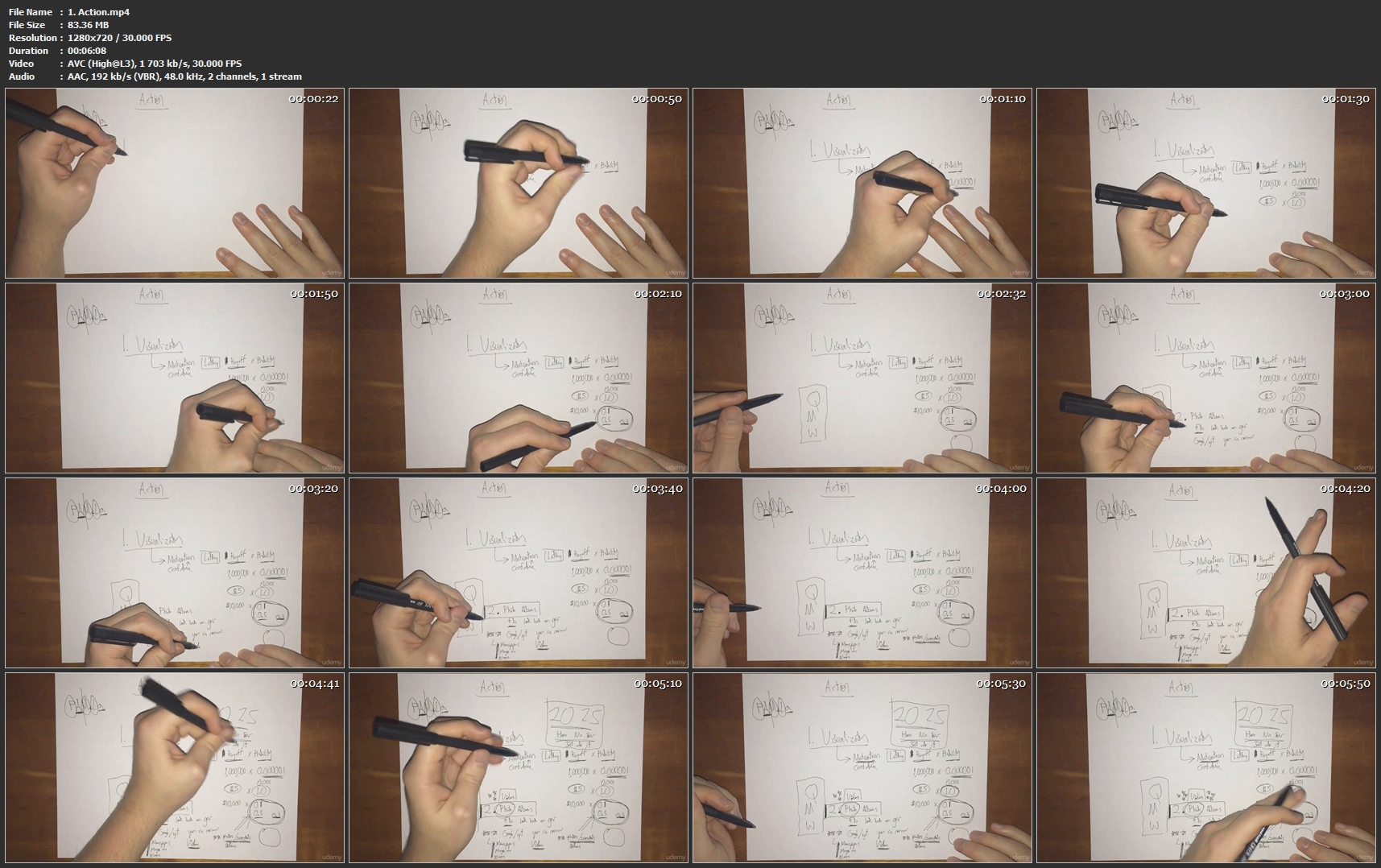
1-Action-mp4.jpg


...
 
Intro to Unity Development

PRCn7t-Yr-Cqmglu-Rm-Kdpy6g-C9kk-OLxw-Gn.jpg


Intro to Unity Development
Duration: 2h 22m | Video: h264, 1280x720 | Audio: AAC, 48kHz, 2 Ch | 1.4 GB
Genre: eLearning | Language: English | Level: Beginner

This is a unity course designed to teach you from no understanding of Unity all the way to create your own game that you can show your friends and challenge them to beat your score.

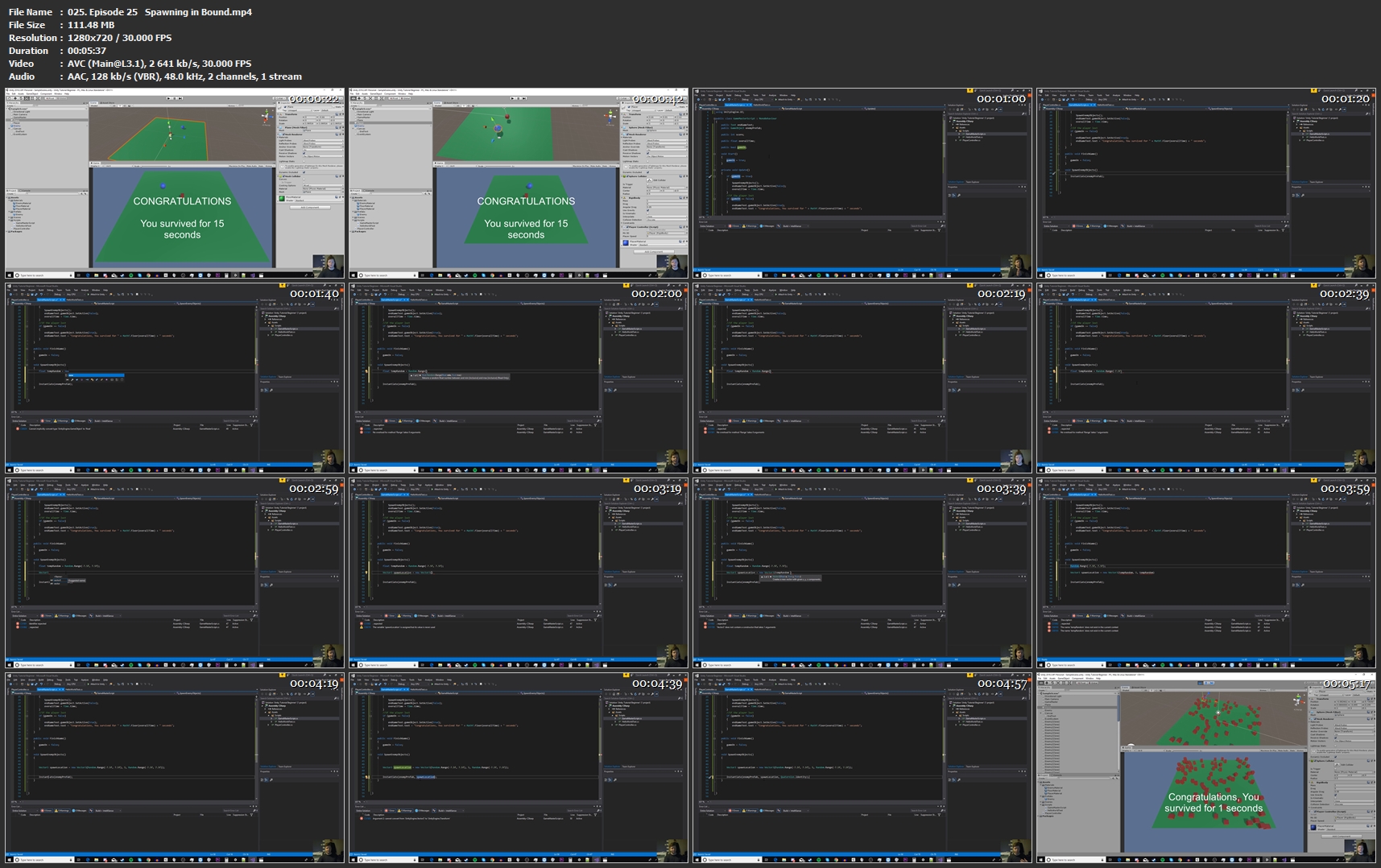
025-Episode-25-Spawning-in-Bound-mp4.jpg


...
 
Microsoft Access VBA, Design and Advanced Methods Workshop 3

0047d13e.jpg


Microsoft Access VBA, Design and Advanced Methods Workshop 3
$70 | Created by Bruce Myron | Last Updated 11/2018
Duration: 2.5 hours | Video: h264, 1280x720 | Audio: AAC, 48 KHz, 2 Ch | 447 MB
Genre: eLearning | Language: English + Sub | 24 Lectures

Learn new secrets to creating awesome Microsoft Access databases and VBA coding not covered in any of my other courses!

What you'll learn
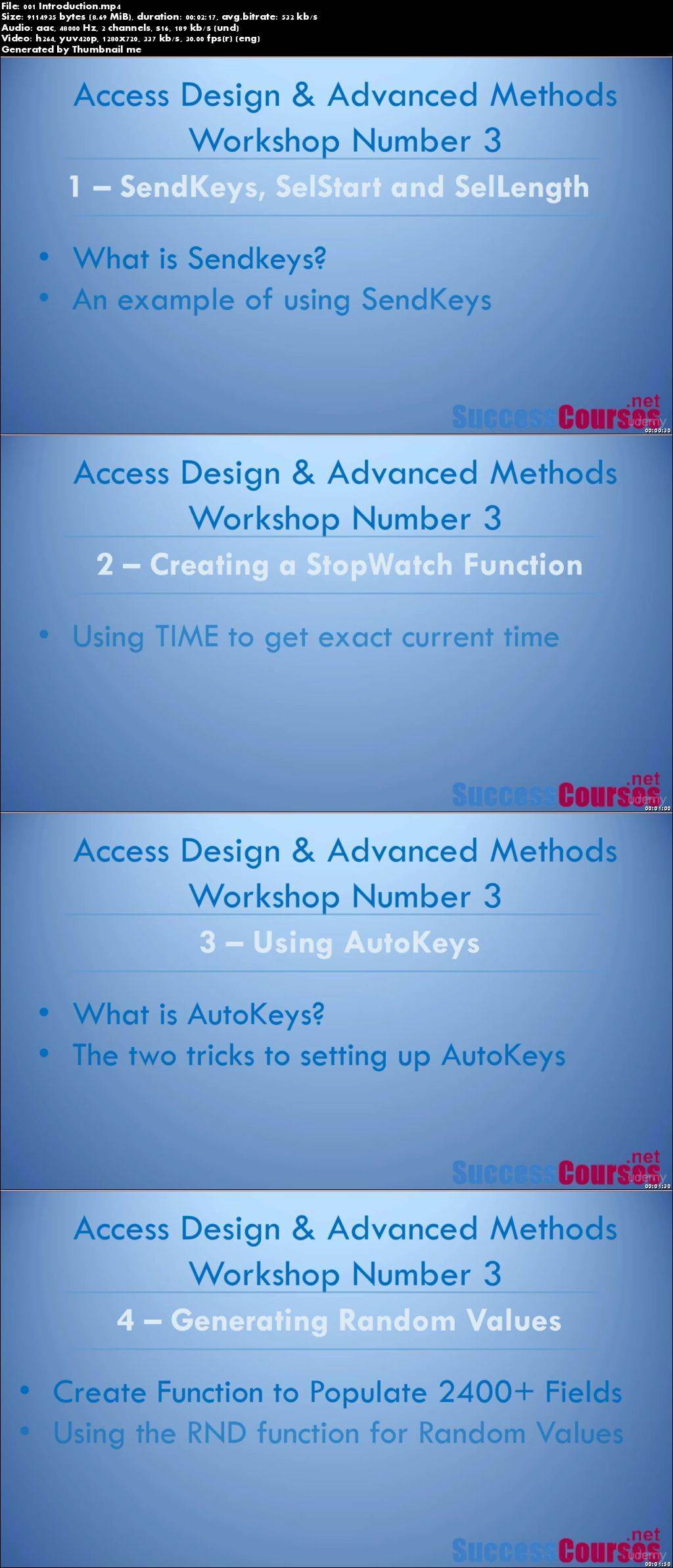
Perform several advanced Microsoft Access techniques that will enable them to create more robust database systems
Use the SendKeys function and manipulate selection size with SelStart and SelLength
Create and run a StopWatch program to calculate elapsed time.
Create an AutoKeys macro to call programs with keystroke combinations.
Generate random values and use them to populate data sets.
Requirements
Students should have had some exposure to Microsoft Access VBA.
Description
After creating more than a dozen courses on Microsoft Access databases and programming in VBA, many students have contacted me with discussions on specific problems and scenarios. From these discussions, I have created videos reviewing the details of the most useful techniques that everyone will eventually need. I have made sure that every detail of these techniques is recorded in the videos! BUT you should be somewhat familiar with VBA since there are lots of coding examples in the course.

There are MANY tips and tricks in this course that you will not find an ANY of my other courses!

I also include a specific design challenge from a student and then go over the details of how I would handle it.

If you are willing to take the time to go through this course you could easily be much more productive with Microsoft Access in just a few hours!

This course is "hands on" and has exercise files for every section. This is not a course you just watch - you learn new techniques by watching each lecture step, then doing them yourself!

There is a HUGE need in the marketplace for people who REALLY know how to create Microsoft Access databases and use VBA. This is your opportunity to break away from the pack of people who struggle to create effective systems. Stop being like everyone else and and learn how to use Access MUCH more effectively than just about anyone else!

__________________________________________________________________________

In addition to the Udemy 30-day money back guarantee, you have my personal guarantee that you will love what you learn in this course. If you ever have any questions please feel free to message me directly and I will do my best to get back to you as soon as possible!

__________________________________________________________________________

What I am NOT able to do for you in this Course..

I can't guarantee your success - learning the concepts in this course and then applying them WILL take work on your part. But You Can Do It! AND it will be well worth it!

________________________________________________________________________

This course will not remain this price forever! It's time to take action!

Click the "Take This Course" button at the top right now!

...every hour you delay is costing you money...you could become the goto person for Microsoft Access VBA!

See you in the course!

Sincerely,

Bruce Myron

Who this course is for:
A person who has some exposure to Microsoft Access VBA, but wants to learn more advanced methods.

0047d13f.jpg


...
 
How to become a Project Manager for a Painting Company

p1-MLbo7u-Pb-Nf-Hl68zq-ZC2n-Uf-Knh-B66-Wv.jpg


How to become a Project Manager for a Painting Company
MP4 | Video: AVC 1280x720 | Audio: AAC 44KHz 2ch | Duration: 3.5 Hours | Lec: 21 | 961 MB
Genre: eLearning | Language: English

Ease of operations

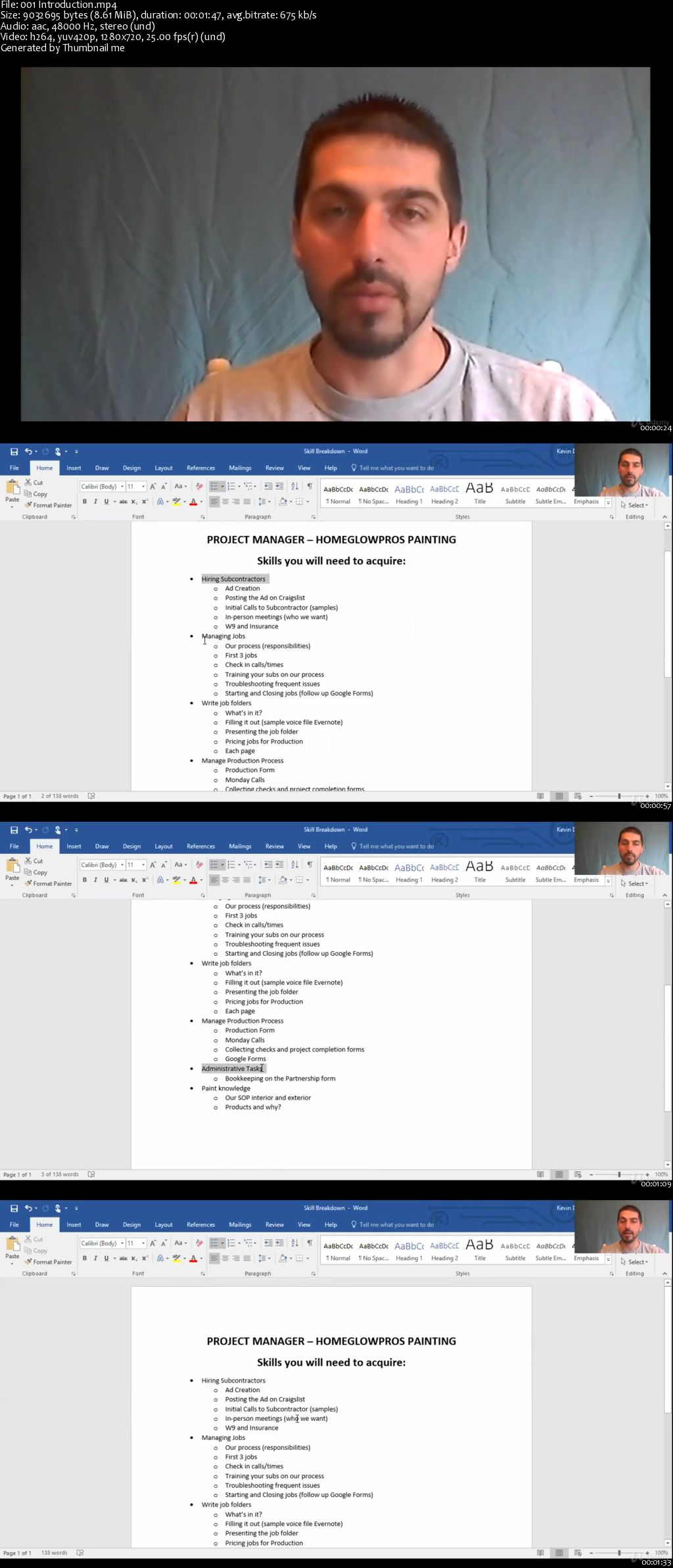
Learn the basic concepts, tools, and functions that you will need to run a painting business from the Project Management side of things.

Build a strong foundation in Project Management.

Troubleshooting subcontractor issues
Handling customer complaints
Re-marketing
Job site branding
MUCH MORE!
A Powerful Skill at Your Fingertips - Learning the fundamentals of Project Management puts a powerful and very useful tool at your fingertips.

Jobs in project management and development are plentiful, and being able to learn this skill will give you a strong background to more easily and efficiently run your job sites.

Overview - Through this course, you'll learn all of the skills to that are necessary to establish a strong understanding of the concept behind multiple job production management. Each chapter includes resources which backs up your newly learned skills with written documentation and support.

00648451.jpg


...
 
Buying or Selling: Negotiating and Contracting

00648457.jpg


Buying or Selling: Negotiating and Contracting
MP4 | Video: AVC 1280x720 | Audio: AAC 44KHz 2ch | Duration: 32M | Lec: 10 | 766 MB
Genre: eLearning | Language: English

A Mini Course to get you deals you need

Creation of formalized agreement is a critical part of business performance and revenue generation. When in business either as Buying or Selling organization Negotiating and Contracting is key and one has no choice but to be good at it. Success in this set will depend on your ability to turn a NO into YES and not just that, negotiate terms that favor YOU. The thing is, with contracts come issues such as conflicts over performance and costs, timing, and quality of supplies, hence the need to negotiate if one is going to achieve the kind of results they expect.This mini course gives a summary of the process and activities you will go through as you do your negotiating and contracting.

0064845a.jpg


...
 
Using a Simple Action in Photoshop to Start Off and Guide Your Portrait Editing

0064846d.jpg


Using a Simple Action in Photoshop to Start Off and Guide Your Portrait Editing
MP4 | Video: AVC 1280x720 | Audio: AAC 44KHz 2ch | Duration: 30M | 223 MB
Genre: eLearning | Language: English

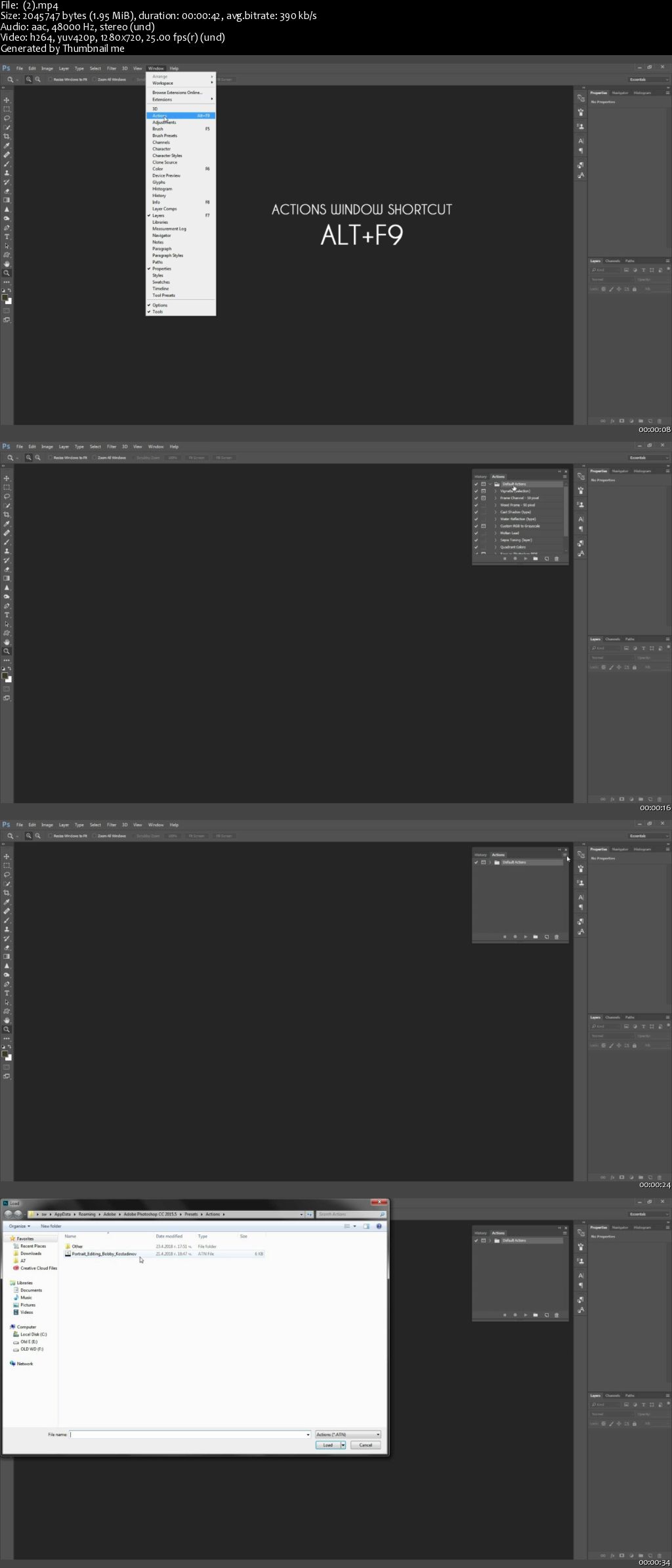
This class is about using pre-made Photoshop 'Actions' or making your own, with the aim of speeding up and improving your workflow without sacrificing creativity. It will also briefly go over most of the fundamental tools used in portrait editing as they appear in the pre-made action provided.


Students will create a project that includes a Photoshop action, and use that action and a few other tools to edit a portrait.

The class is geared toward intermediate students, or anyone who has a basic understanding of layers and some commonly used tools in Photoshop.

0064846e.jpg


...
 
Aweber: Email Marketing for Massive Subscribers & Sales

00648461.jpg


Aweber: Email Marketing for Massive Subscribers & Sales
MP4 | Video: AVC 1280x720 | Audio: AAC 44KHz 2ch | Duration: 3 Hours | Lec: 28 | 812 MB
Genre: eLearning | Language: English

Communication is key. Know what to say with email sequences, automation & growth hacking skills to explode your list!

Email Marketing & Listbuilding Course Review:

"Great Course! Highly informative course with step by step explanation." -Anusha

You've heard about the importance of using email marketing in your business, but perhaps you haven't gotten started with email marketing yet?

You see a lot of different opinions about email marketing and list-building but aren't sure where to turn for authoritative advice about email marketing?

You want the massive leverage that email marketing provides, but just need someone to guide and mentor you, step-by-step?

Then this is the course for you!

In this course, you will discover the power of email marketing to dramatically increase sales for your business - for ANY business.

In this course, I walk you through how to use Aweber, (which I've used for 15 years and recommend) one of the most respected and established email list-building / autoresponder services, to:

Create an email list

Create an autoresponder series (email drip campaign)

Create a double opt-in subscriber process

Create a single opt-in subscriber process

Create a broadcast email (email blast)

Create an opt-in form for your website

Install your opt-in form on your website

Create an Aweber-hosted opt-in page (no website required)

Import an existing email list from another service

Import an existing list from an offline source. business cards, LinkedIn contacts, etc.

Bottom line, you will get a fantastic education in the world of email marketing - from a 15 year veteran of the email marketing world!

00648464.jpg


...
 
The Complete Course On Cash Flow Analysis For Small Business

00648473.jpg


The Complete Course On Cash Flow Analysis For Small Business
MP4 | Video: AVC 1280x720 | Audio: AAC 44KHz 2ch | Duration: 1 Hour | Lec: 19 | 113 MB
Genre: eLearning | Language: English

Free Cash Flow Statement Included & Free Funding Ebook! Learn how to learn, interpret and analyze Cash Flow reports

Three reasons to TAKE THIS COURSE right now:

You get lifetime access to lectures, including all new lectures, assignments, quizzes and downloads

You can ask me questions and see me respond to every single one of them thoroughly!

You will are being taught by a professional with a proven track record of success!

Bonus Reason: Udemy has a 100% refund policy - no questions asked and no risk for you!

00648474.jpg


...
 
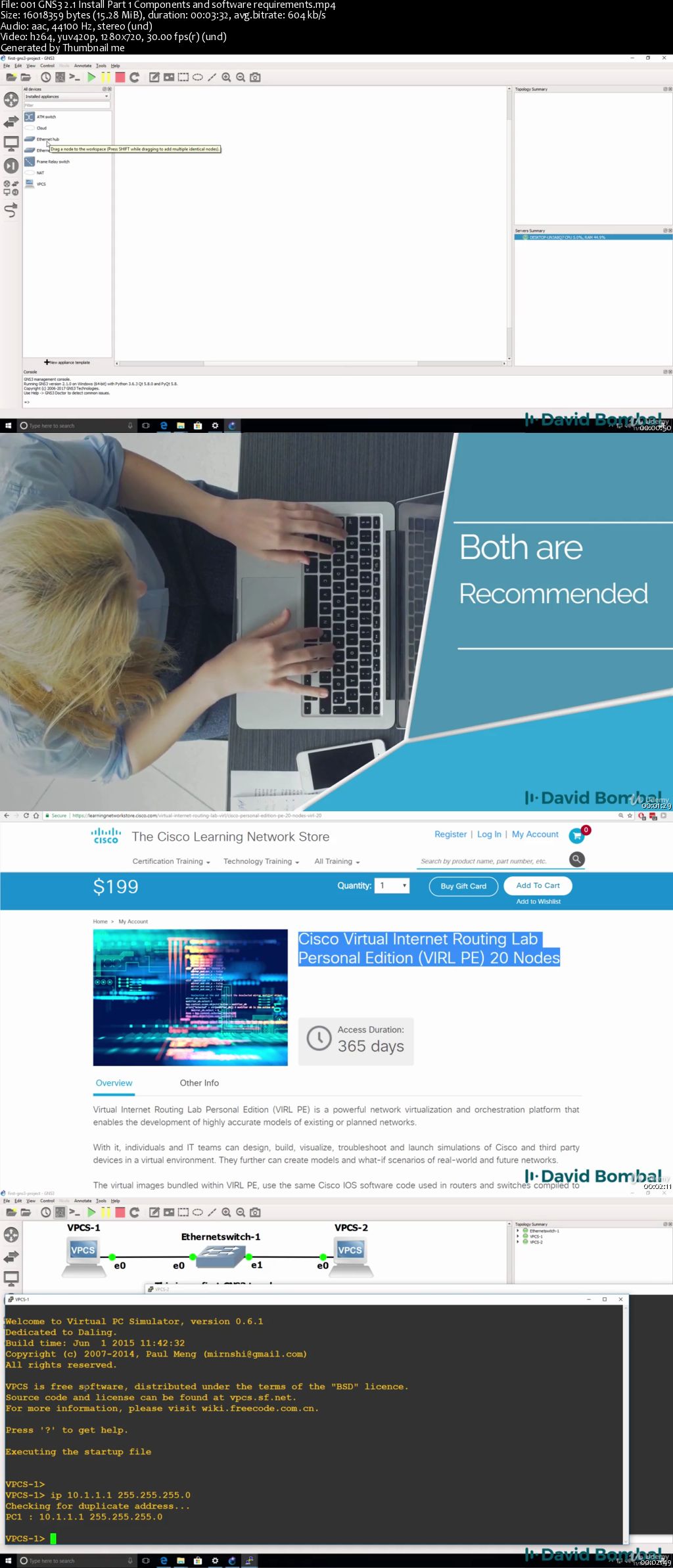
Cisco VPNs with GNS3 Labs: Practical GRE, IPSec, DMVPN labs

00648484.jpg


Cisco VPNs with GNS3 Labs: Practical GRE, IPSec, DMVPN labs
MP4 | Video: AVC 1280x720 | Audio: AAC 44KHz 2ch | Duration: 4 Hours | Lec: 30 | 906 MB
Genre: eLearning | Language: English

Practice Cisco VPN configurations with GNS3 labs. Study for your CCNA, CCNP or CCIE exams with downloadable GNS3 labs.

Learn how to configure multiples Cisco VPNs using GNS3.

Download the GNS3 labs and try yourself! Or watch me configure the VPNs.

You will get downloadable GNS3 portable project files which you can import into GNS3.

Learn how to practically configure Cisco VPNs including:

- GRE

- IPsec

- DMVPN

and more!

Ask yourself these questions:

- Are you ready and prepared for the VPN labs in the CCNA, CCNP or CCIE exams?

- Are you able to troubleshoot Cisco networks?

Answer:

This course helps you prepare for the exam and gain the confidence to pass the exam!

There are many topologies and many labs in this course!

00648486.jpg


...
 
Work Life Balance: A New Perspective

0064847d.jpg


Work Life Balance: A New Perspective
MP4 | Video: AVC 1280x720 | Audio: AAC 44KHz 2ch | Duration: 1 Hour | 561 MB
Genre: eLearning | Language: English

This course is designed to support every level of employee; from the executive to entry-level. Skills and techniques shared are designed to help everyone find a stronger balance between all their life responsibilities.

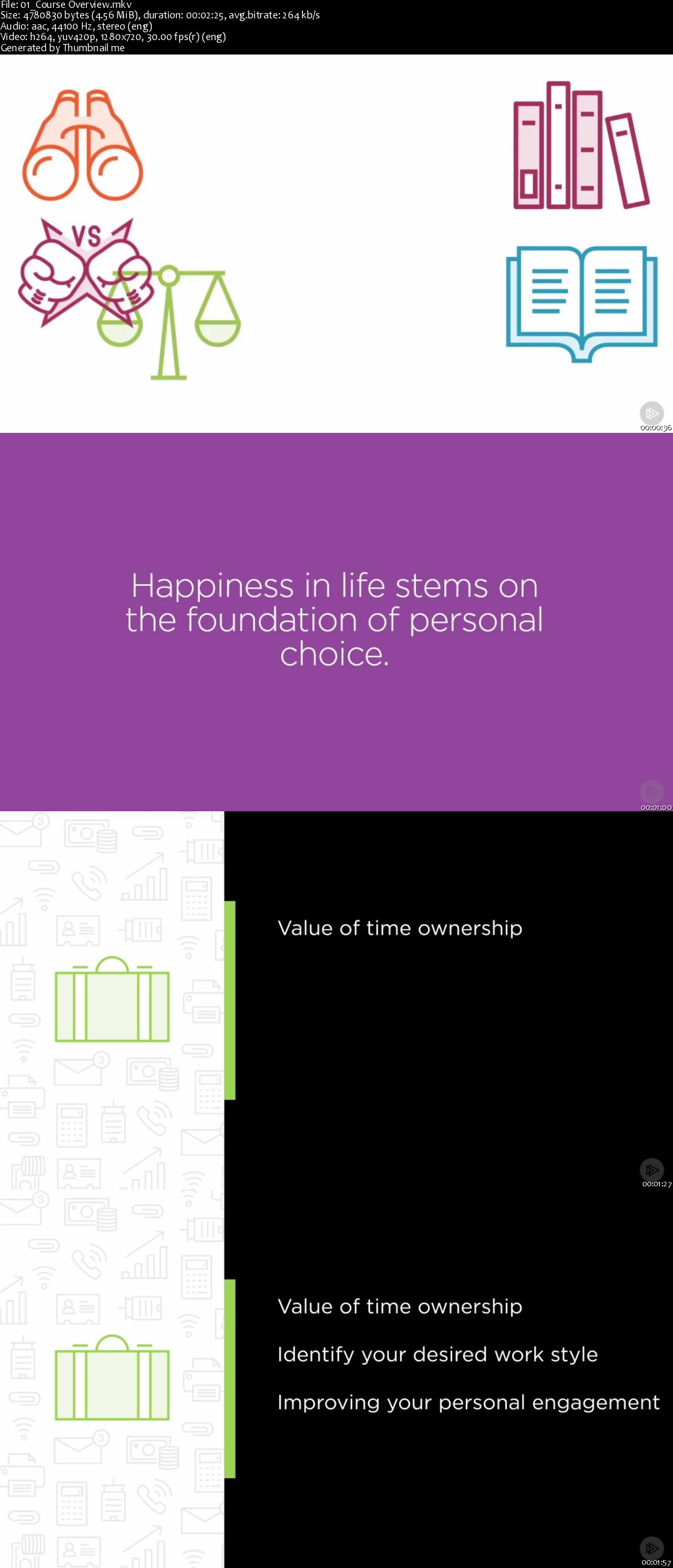
Due to advancing technologies and being connected 24/7, the definition of a typical work day is always changing. As this continues to evolve so will our approach to finding a positive work life balance be ever evolving. In this course, Work Life Balance: A New Perspective, you will learn skills and techniques that are designed to support every level of employee from the CEO to the entry-level position find a more improved work life balance. First, you will learn the value of prioritizing time for yourself to ensure you yourself are in balance. Next, you will learn the value of time ownership. Techniques are shared that help you avoid the small things that seem to eat away at our precious time. Then, you will learn the importance of improved personal engagement in both your career and personal responsibilities and the return you receive back for investing increased personal energy in this space. When you're finished with this course you will have learned techniques, that if implemented, will help you find greater success in our places at work and within our personal lives.

0064847e.jpg


...
 
iOS 12 & Swift 4: Build a To-Do List App

00648491.jpg


iOS 12 & Swift 4: Build a To-Do List App
MP4 | Video: AVC 1280x720 | Audio: AAC 44KHz 2ch | Duration: 2 Hours | Lec: 32 | 273 MB
Genre: eLearning | Language: English

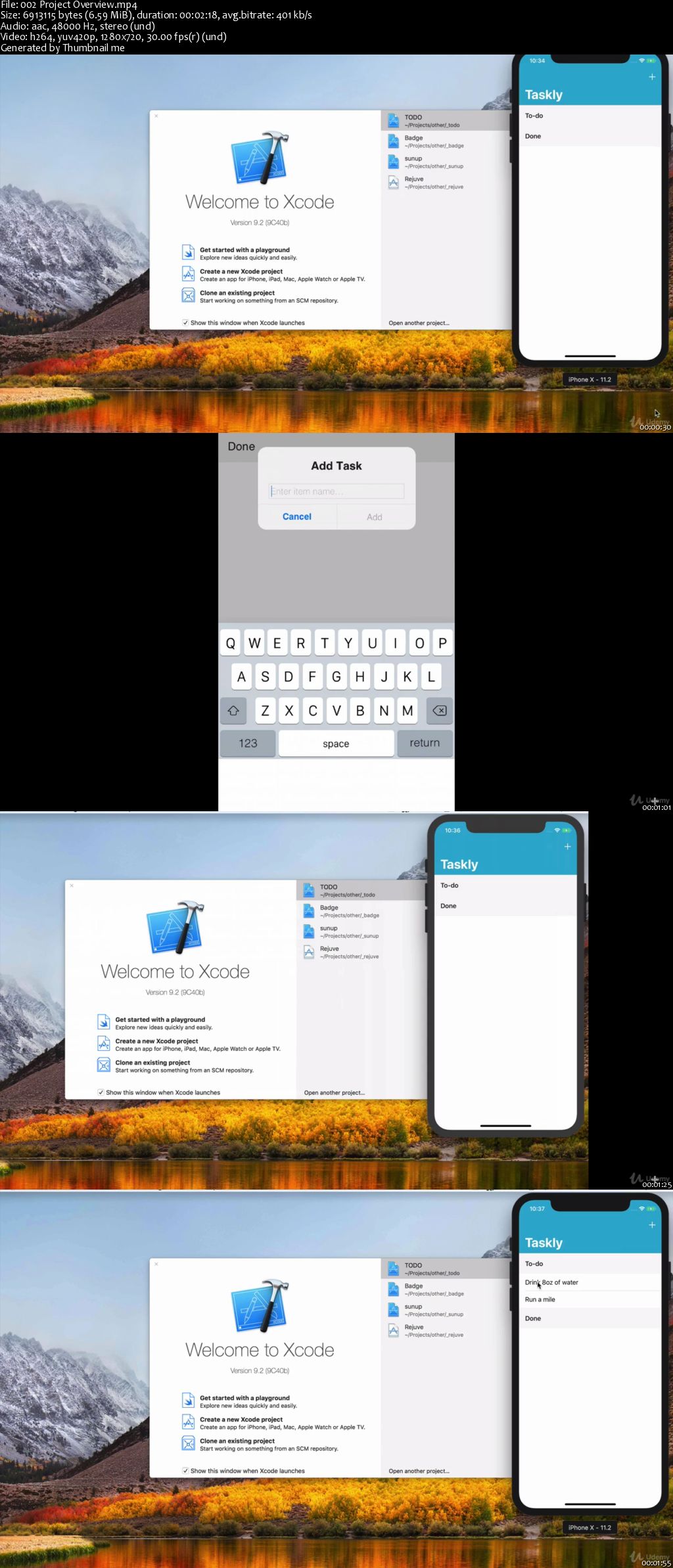
Put your Swift skills to action by building Taskly, a practical todo list app

Put that pen and paper down. Let's build Taskly, a handy to-do iOS application.

We've been given some design mocks from our designer for what they want Taskly to look like, and it's our job to make it happen (no ifs, ands, or buts). It's our job to go above and beyond to exceed the expectations of our designers while writing safe and clean Swift code.

Taskly will be built from scratch and all the assets will be provided to you. We'll make use of a UITableViewController to display our tasks, and apply MVC and Dependency Injection to ensure separation of concerns. What's a to-do list without a way to save it? Storing the tasks will be possible because of UserDefaults and archiving. Taskly will be built from the ground up and even intermediate programmers will be able to pick up useful concepts and information from this course.

There's a lot of questions that will be addressed, such as, what design patterns should we use? Once we're satisfied with how the app looks, we'll get to compare it with the original design mocks to see if our work meets expectations. All in all, Taskly will quickly fill any gaps in knowledge you have about building iOS application and set a foundation up for your to build your own apps.

00648492.jpg


...
 
Zurück
Oben Unten