• Regeln für den Video-Bereich:

    In den Börsenbereich gehören nur Angebote die bereits den Allgemeinen Regeln entsprechen.

    Einteilung

    - Folgende Formate gehören in die angegeben Bereiche:
    - Filme: Encodierte Filme von BluRay, DVD, R5, TV, Screener sowie Telesyncs im Format DivX, XviD und x264.
    - DVD: Filme im Format DVD5, DVD9 und HD2DVD.
    - HD: Encodierte Filme mit der Auflösung 720p oder darüber von BluRay, DVD, R5, TV, Screener sowie Telesyncs im Format x264.
    - 3D: Encodierte Filme von BluRay, die in einem 3D Format vorliegen. Dies gilt auch für Dokus, Animation usw.
    - Serien: Cartoon/Zeichentrick, Anime, Tutorials, Dokumentationen, Konzerte/Musik, Sonstiges sind demnach in die entsprechenden Bereiche einzuordnen, auch wenn sie beispielsweise im High Definition-Format oder als DVD5/DVD9/HD2DVD vorliegen. Ausnahme 3D.
    - Bereich Englisch: Englische Releases gehören immer in diesen Bereich.
    - Bereich Talk: Der Bereich, in dem über die Releases diskutiert werden kann, darf, soll und erwünscht ist.


    Angebot/Beitrag erstellen

    - Ein Beitrag darf erst dann erstellt werden, wenn der Upload bei mindestens einem OCH komplett ist. Platzhalter sind untersagt.
    - Bei einem Scenerelease hat der Threadtitel ausschließlich aus dem originalen, unveränderten Releasenamen zu bestehen. Es dürfen keine Veränderungen wie z.B. Sterne, kleine Buchstaben o.ä. vorgenommen werden. Ausnahme Serienbörse:
    - Bei einem Sammelthread für eine Staffel entfällt aus dem Releasename natürlich der Name der Folge. Beispiel: Die Simpsons S21 German DVDRip XviD - ITG
    - Dementsprechend sind also u.a. verboten: Erweiterungen wie "Tipp", "empfehlenswert", "only", "reup", usw. / jegliche andere Zusatzinformation oder Ergänzung, welche nicht in obiger Beschreibung zu finden ist.

    Aufbau des Angebots und Threadtitel

    Der Titel nach folgendem Muster erstellt zu werden. <Name> [3D] [Staffel] [German] <Jahr> <Tonspur> [DL] [Auflösung] <Quelle> <Codec> - <Group>
    Beispiel: The Dark Knight German 2008 AC3 DVDRip XviD - iND
    Beispiel: The Dark Knight 2008 DTS DL BDRip x264 - iND
    Beispiel: The Dark Knight 2008 AC3 DL BDRip XviD - iND
    Beispiel: The Dark Knight German 2008 AC3 720p BluRay x264 iND
    Beispiel: The Dark Knight 2008 DTS DL 1080p BluRay x264 iND
    Beispiel: Die Simpsons S01 German AC3 DVDRip XviD iND
    Beispiel: Die Simpsons S20 German AC3 720p BluRay x264 iND
    Beispiel: Sword Art Online II Ger Sub 2014 AAC 1080p WEBRip x264 - peppermint
    Entsprechend sind also u.a. verboten: Sonderzeichen wie Klammern, Sterne, Ausrufezeichen, Unterstriche, Anführungszeichen / Erweiterungen wie "Tipp", "empfehlenswert", "only", "reup", usw. / jegliche andere Zusatzinformation oder Ergänzung, welche nicht in obiger Beschreibung zu finden ist
    Ausnahmen hiervon können in den Bereichen geregelt sein.

    Die Beiträge sollen wie folgt aufgebaut werden:
    Überschrift entspricht dem Threadtitel
    Cover
    kurze Inhaltsbeschreibung
    Format, Größe, Dauer sind gut lesbar für Downloader außerhalb des Spoilers zu vermerken
    Nfo sind immer Anzugeben und selbige immer im Spoiler in Textform.
    Sind keine Nfo vorhanden z.B. Eigenpublikationen, sind im Spoiler folgende Dateiinformationen zusätzlich anzugeben :
    Quelle
    Video (Auflösung und Bitrate)
    Ton (Sprache, Format und Bitrate der einzelnen Spuren)
    Untertitel (sofern vorhanden)
    Hosterangabe in Textform außerhalb eines Spoiler mit allen enthaltenen Hostern.
    Bei SD kann auf diese zusätzlichen Dateiinformationen verzichtet werden.

    Alle benötigten Passwörter sind, sofern vorhanden, in Textform im Angebot anzugeben.
    Spoiler im Spoiler mit Kommentaren :"Schon Bedankt?" sind unerwünscht.


    Releases

    - Sind Retail-Release verfügbar, sind alle anderen Variationen untersagt. Ausnahmen: Alle deutschen Retail-Release sind CUT, in diesem Fall sind dubbed UNCUT-Release zulässig.
    - Im Serien-Bereich gilt speziell: Wenn ein Retail vor Abschluss einer laufenden Staffel erscheint, darf diese Staffel noch zu Ende gebracht werden.62
    - Gleiche Releases sind unbedingt zusammenzufassen. Das bedeutet, es ist zwingend erforderlich, vor dem Erstellen eines Themas per Suchfunktion zu überprüfen, ob bereits ein Beitrag mit demselben Release besteht. Ist dies der Fall, ist der bereits vorhandene Beitrag zu verwenden.
    - P2P und Scene Releases dürfen nicht verändert oder gar unter einem iND Tag eingestellt werden.


    Support, Diskussionen und Suche

    - Supportanfragen sind entweder per PN oder im Bereich Talk zu stellen.
    - Diskussionen und Bewertungen sind im Talk Bereich zu führen. Fragen an die Uploader haben ausschließlich via PN zu erfolgen, und sind in den Angeboten untersagt.
    - Anfragen zu Upload-Wünschen sind nur im Bereich Suche Video erlaubt. Antworten dürfen nur auf Angebote von MyBoerse.bz verlinkt werden.


    Verbote

    - Untersagt sind mehrere Formate in einem einzigen Angebotsthread, wie beispielsweise das gleichzeitige Anbieten von DivX/XviD, 720p und 1080p in einem Thread. Pro Format, Release und Auflösung ist ein eigener Thread zu eröffnen.
    - Grundsätzlich ebenso verboten sind Dupes. Uploader haben sich an geeigneter Stelle darüber zu informieren, ob es sich bei einem Release um ein Dupe handelt.
    - Gefakte, nur teilweise lauffähige oder unvollständige Angebote sind untersagt. Dies gilt auch für eigene Publikationen, die augenscheinlich nicht selbst von z.B. einer DVD gerippt wurden. Laufende Serien, bei denen noch nicht alle Folgen verfügbar sind, dürfen erstellt und regelmäßig geupdatet werden.
    - Untersagt sind Angebote, welche nur und ausschließlich in einer anderen Sprache als deutsch oder englisch vorliegen. Ausnahmen sind VORHER mit den Moderatoren zu klären.


    Verstoß gegen die Regeln

    - Angebote oder Beiträge, die gegen die Forenregeln verstoßen, sind über den "Melden"-Button im Beitrag zu melden.
  • Bitte registriere dich zunächst um Beiträge zu verfassen und externe Links aufzurufen.

*** Bestes IPTV *** bester Preis *** gratis Test ***


Englische Tutorials

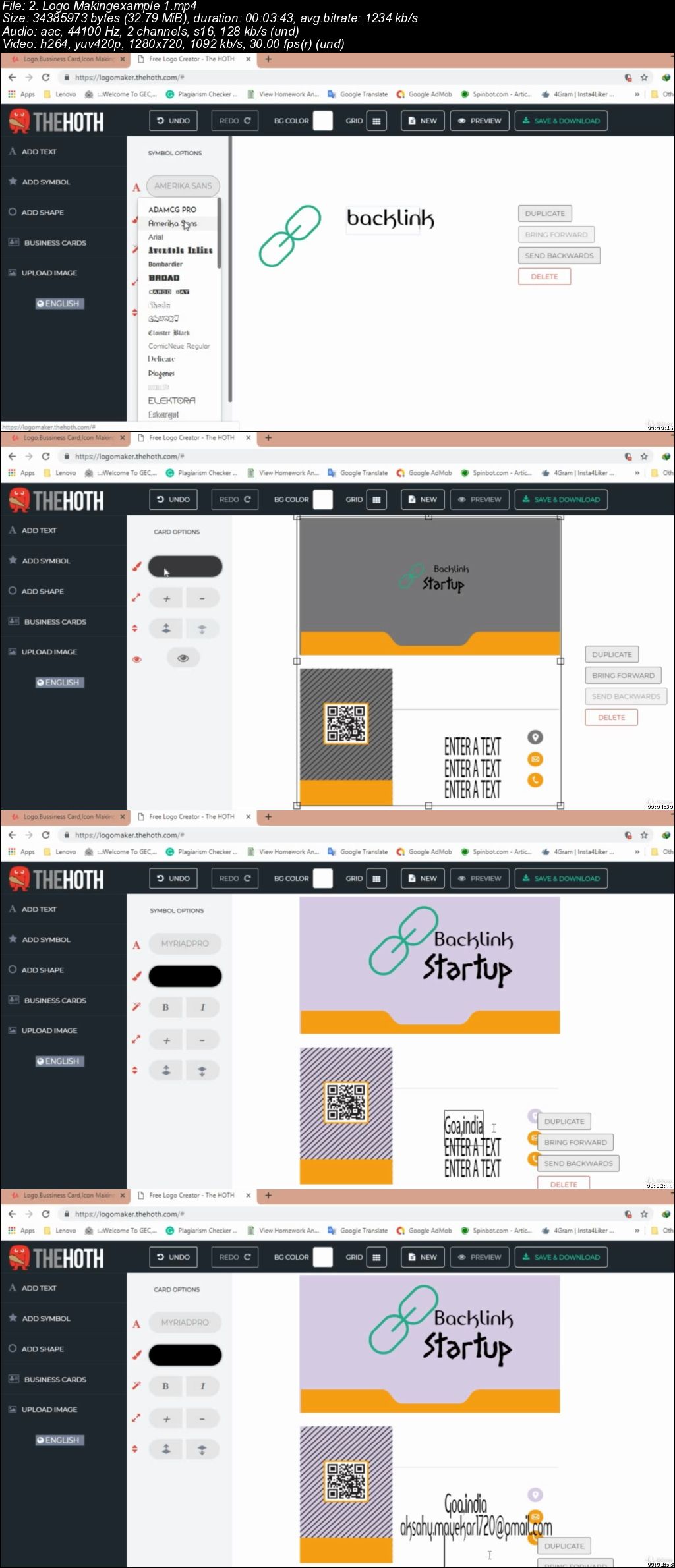
Logo,Bussiness Card,Icon Making From beginner To Expert

i-Wv-Ja-Sir-H45vsabl-Exn-Lal200hzv-RQHa.jpg


Logo,Bussiness Card,Icon Making From beginner To Expert
MP4 | Video: h264, 1280x720 | Audio: AAC, 44.1 KHz, 2 Ch
Genre: eLearning | Language: English | Duration: 33 mins | Size: 355 MB

In this course u will learn how to create logos,icons and bussiness cards as a beginner to expert in logo making.

What you'll learn

In this course u will learn how to create attractive logos,icons and bussiness cards.

Requirements

u need internet connection and access to logo making website because everything is online work.u could try this course as a absolute beginner also. No prior knowledge of logo designing is needed and should be passionate student

Description

everything on this website is customisable. u could create attractive logos the way u want.increase your contacts with people by having a good businesss card u will learn all this things in this course.if u want to make use of icon of your brand to be used for cards or for logo making u could do that as well.

increase your business,make attractive logo,set your business

Who this course is for:

my target audience is curious logo designers who want to learn something new.
TMjyn5a4-Gtgxtu-Iqwgm-HBTcc9z4m8i02.jpg


...
 
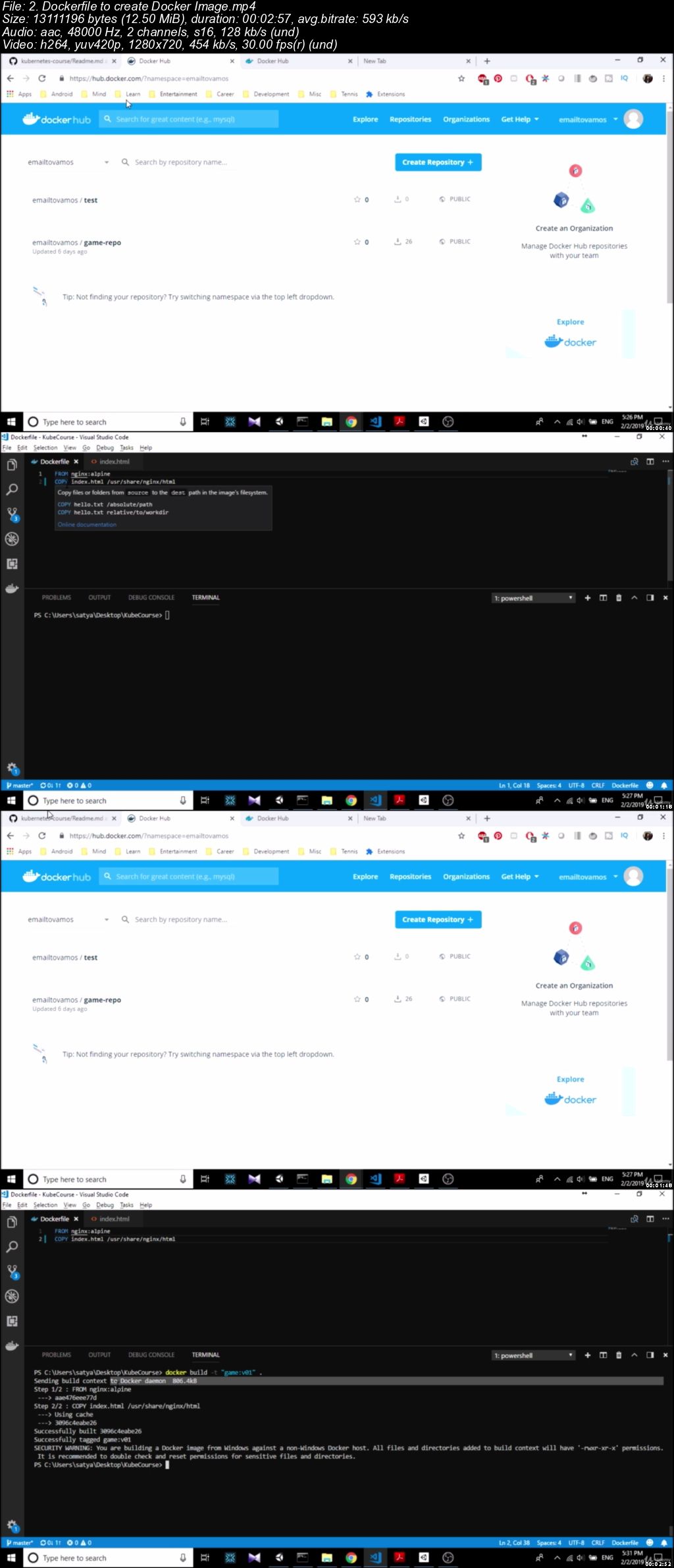
Kubernetes: Deploy Your First App in Kubernetes in 1 Hour

s-PVry9-C5-M6vr-Psr0a-Uj-B5y-YYRRu-WWqlp.jpg


Kubernetes: Deploy Your First App in Kubernetes in 1 Hour
MP4 | Video: h264, 1280x720 | Audio: AAC, 48 KHz, 2 Ch
Genre: eLearning | Language: English + .VTT | Duration: 1 hour | Size: 269 MB

Kubernetes hands on basics tutorial along with Docker

What you'll learn

Get a basic foundation for Kubernetes in a hands on way. This will make it easier for them to learn intermediate & more advanced concepts on Kubernetes and making the transition to production level skills.

Requirements

Laptop with internet

Description

In this course you will learn the basics of Kubernetes in a hands on manner in 1 hour.

Kubernetes is an open-source container orchestration system to automate application deployment, scaling and management. Imagine you write your application and push your code. Then Kubernetes will take care of ensuring it is running at all times to serve your users. Kubernetes is being extensively used these days and its popularity is growing at a high speed.

This course will give you a head start in learning Kubernetes by going through the basic resources of Kubernetes such as:

Pod

Service

Replicaset

Deployment

You will learn how to write and run the above resources by deploying a Javascript game. You will also get a decent introduction on Docker including:

What is Docker image

How to write Dockerfile to create an image

How to push the image to a remote registry

This course is mainly designed keeping complete beginners in mind although intermediate users may find the example useful. By the end of the course you will have a basic foundation on Kubernetes to go ahead and learn intermediate and more advanced concepts.

Who this course is for:

Anyone interested in getting a quick & basic introduction to Kubernetes in 1 hour. No experience necessary

Nd-TY5cp-Nhvi-JFt5j1s4b-O7c-Oo-Mkg-C1qq.jpg


...
 
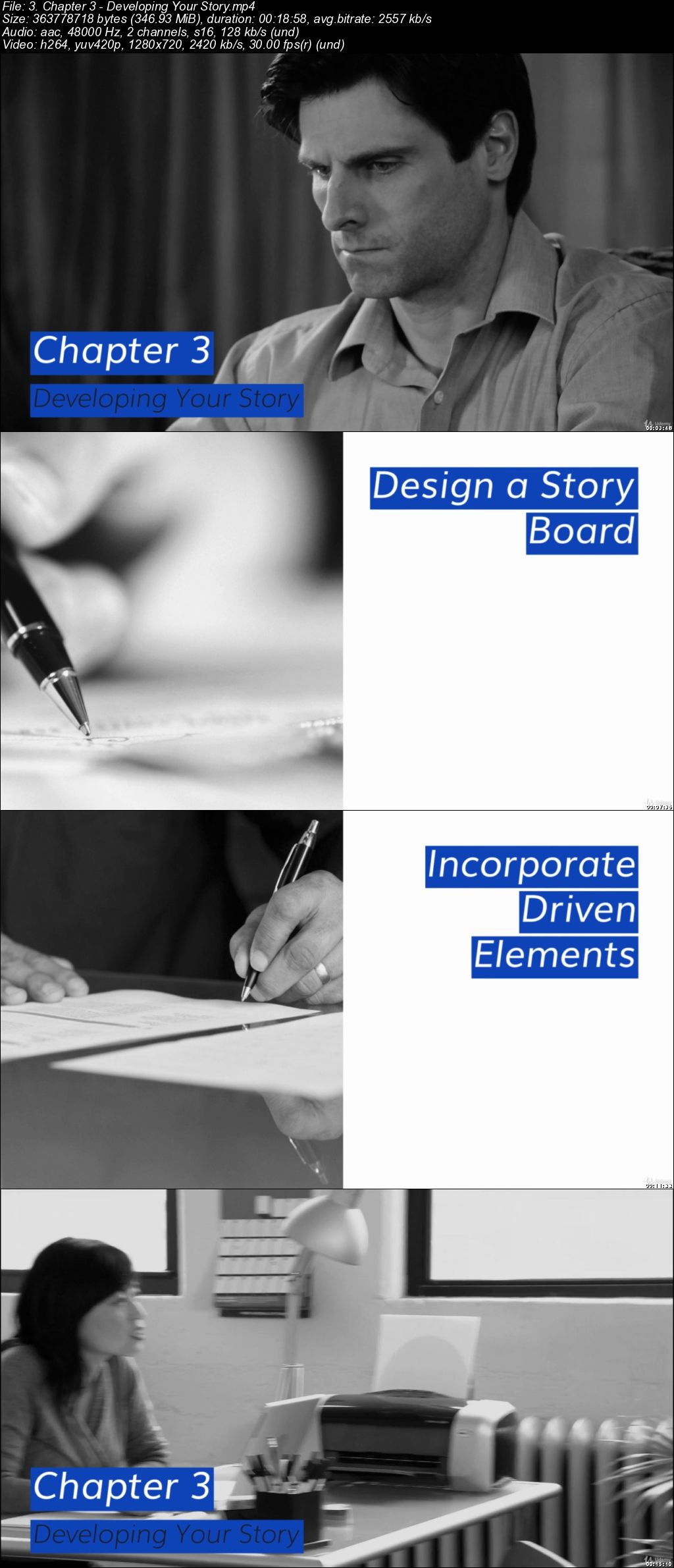
Novel Writing & Story Structure: Step-by-Step Novels

86-GTgyq-XRb-GLta-Eu-L8-Wl4k-A63ax3p-Hey.jpg


Novel Writing & Story Structure: Step-by-Step Novels
MP4 | Video: h264, 1280x720 | Audio: AAC, 48 KHz, 2 Ch
Genre: eLearning | Language: English + .VTT | Duration: 2.5 hour | Size: 2.49 GB

Write Novel Structures with Ease. Writing Novel Structures for Beginners. Start Your Novel Story Writing Course Today!

What you'll learn

2 Novel Structure Writing Courses in 1!
COURSE 1: How to Write a Novel
COURSE 2: Story Structure
Writing Novel Structures Was Never Easier Thanks to This Collection, Enroll Now!

Requirements

All you need for "Novel Writing & Story Structures: Step-by-Step Novels" is a desire to write great novel structures!

Description

- Novel Structure Writing Course 1: How to Write a Novel

Struggling as an Author?

Do you have an amazing story in mind, but you can't get it down on paper? You've got the idea and the characters but soon run out of steam? Perhaps you are a beginner and need help putting it all together. Whatever your reason, this course helps to unlock the secrets of novel writing in simple-to-follow ways that will bring significant results fast.

What You'll Learn:

THE OUTLINE - How to refine major schemes & subplots that make sense to the reader & also your protagonist.

THE SETTING - The art of crafting a sense of place & how to work with multiple locations & time-periods.

POINT OF VIEW - Helping you to form the best character perspectives for your story.

CHARACTERS - The best way to choose your central character to drive the story forward & one in whom your audience will discover a gripping read.

CONFLICT - How & when to use struggle to keep the reader engaged.

ADDITIONAL TIPS - A final section that motivates the author to think differently to engage emotion & lose the reader in the heart of the story. Marsh helps an author to think outside of the box when faced with over-used clichés, and to deal with the pressures of deadlines and expectations.

- Novel Structure Writing Course 2: Story Structure

Shape Your Story Like a Pro

If you have a phenomenal story to tell but find you can't quite make it flow or form in a natural, yet moving way, Story Structure will transform your approach to writing and make your novel a compelling and addictive read.

Crammed full of tricks and tips to help both beginner and advanced authors complete their books in an enticing way.

What You'll Learn:

Purpose of Story Structure

The Essentials of Building a Structure - 9 Step Process

Developing Your Story

Creating Suspense

Tips from Experienced Authors

You have made an excellent decision by choosing to learn more about novel writing & story structure. So, don't delay it any longer. Take this opportunity and Enroll Now!

Who this course is for:

"Novel Writing & Story Structure: Step-by-Step Novels" is open to all aspiring novel writers.

cf-CQpln3-D7hx-P6v-Nr-Ev8p-Fgbh-LQqd-N0p.jpg


...
 
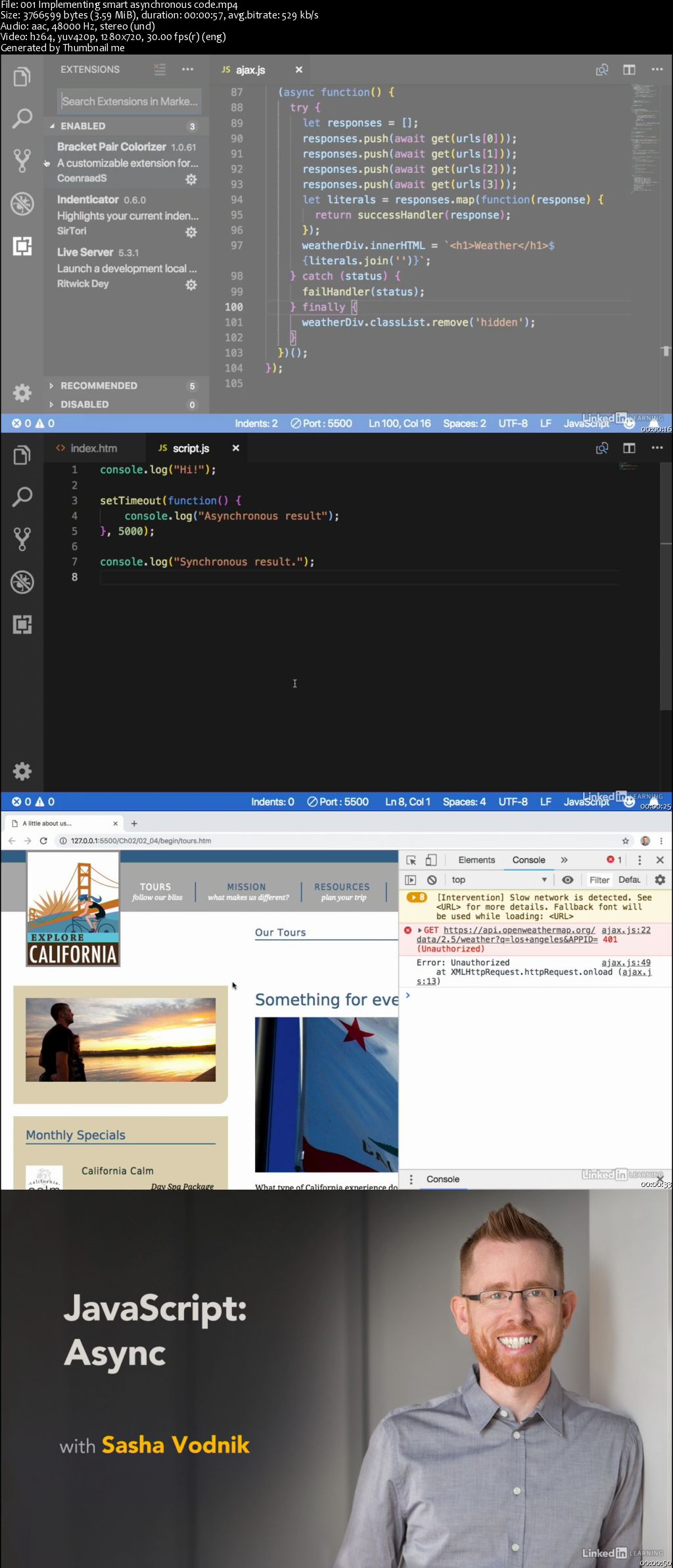
JavaScript: Async

00647fc5.jpg


JavaScript: Async
MP4 | Video: AVC 1280x720 | Audio: AAC 44KHz 2ch | Duration: 1 Hour 11M | 248 MB
Genre: eLearning | Language: English

Asynchronous code is the foundation of most modern web experiences. It allows programs to switch between tasks and juggle multiple requests. However, without a thorough understanding of asynchronous programming, developers can write bloated code that works against the architecture of the web. Join Sasha Vodnik in this course, which explores asynchronous approaches to JavaScript programming using callbacks, promises, and the async/await operators in ES6. Learn what's going on line by line in your code, revisit basic structures like XMLHttpRequest (XHR) objects and setTimeout(), and discover how to use the new syntax options in JavaScript to tackle any coding challenge.

00647fc6.jpg


...
 
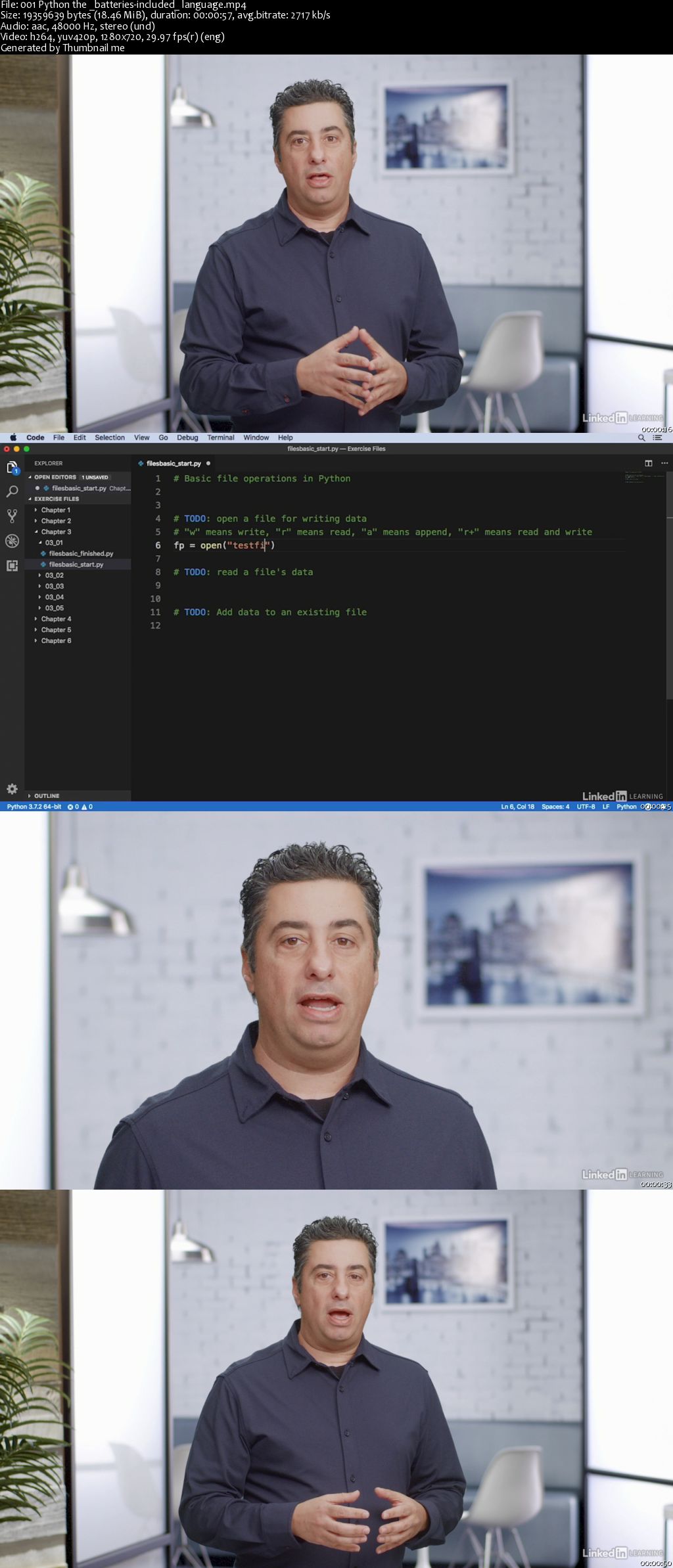
Python Standard Library Essential Training

00647fed.jpg


Python Standard Library Essential Training
MP4 | Video: AVC 1280x720 | Audio: AAC 44KHz 2ch | Duration: 2 Hours 18M | 376 MB
Genre: eLearning | Language: English

Python is a concise, elegant language. And part of what makes it so accessible and fun to use is the library of pre-built code-known as the Python standard library-that's distributed along with the language. In this course, learn how to leverage the modules in the Python standard library to make building applications with Python even easier. Discover how the Python standard library can help you solve common coding challenges and make it easier to process text, manipulate data, and work with files and directories. Plus, see how the library can help you work with numbers, calculate and format dates and times, parse HTML, and more.

Homepage

00647fef.jpg


...
 
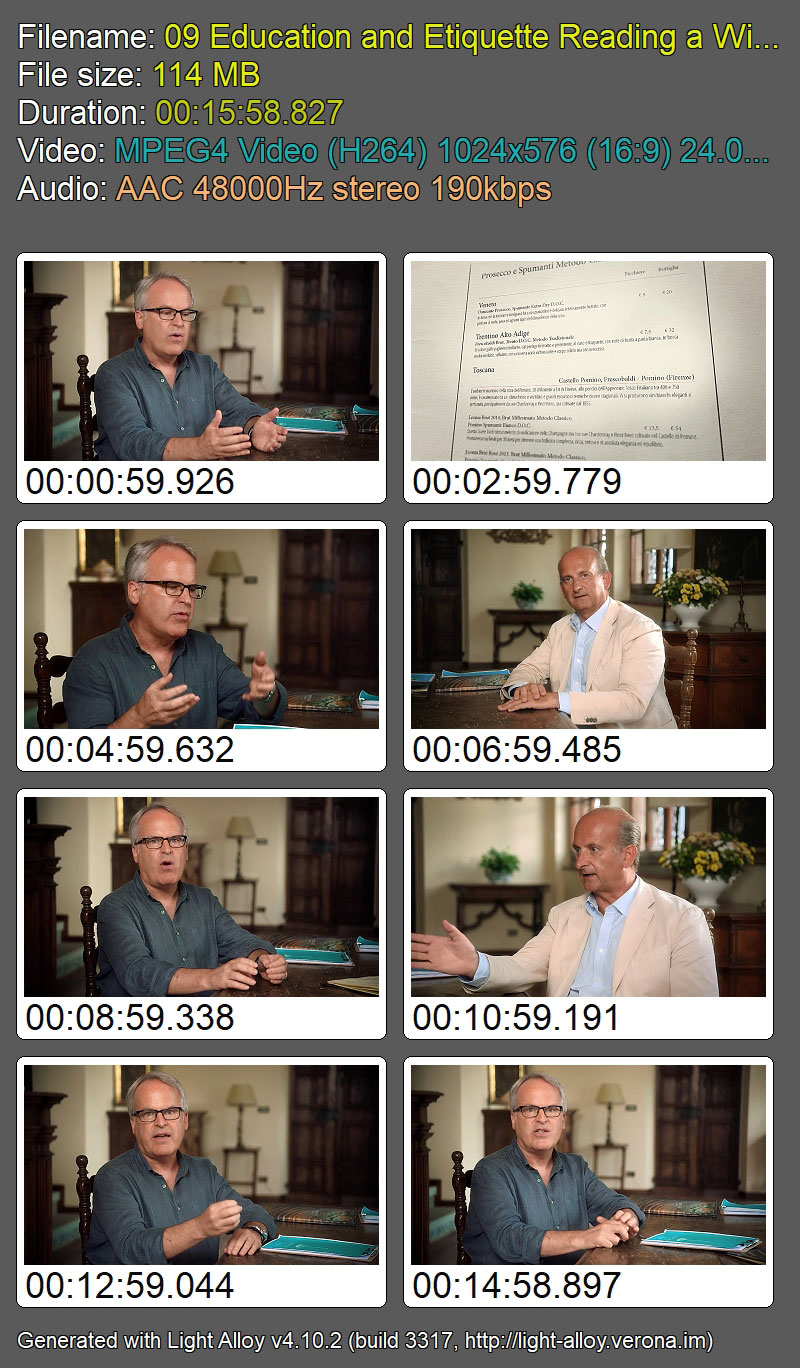
James Suckling Teaches Wine Appreciation [reduced]

J1yq-Ru-ZIUPk-A4-Og-XAYCX7-GBk-Yh-Mac-D4-V.jpg


James Suckling Teaches Wine Appreciation
MasterClass | Duration: 2 h 22 m | Video: H264 1024x576 | Audio: AAC 48 kHz 2ch | 1,68 GB | Language: English | 2018

Discover the story in every bottle

Called one of the "world's most powerful wine critics," James Suckling has tasted more than 200,000 wines over the past 40 years. In his MasterClass, James tours legendary Tuscan vineyards and teaches you to explore the stories, history, and people behind every bottle. Deepen your knowledge of the properties in each sip, cultivate your passion, and choose, order, and pair wines with confidence.

ni-Vv-Eay-PJb575i5-X81-XEyh8no-Nn9yjy-V.jpg


...
 
Zuletzt bearbeitet:
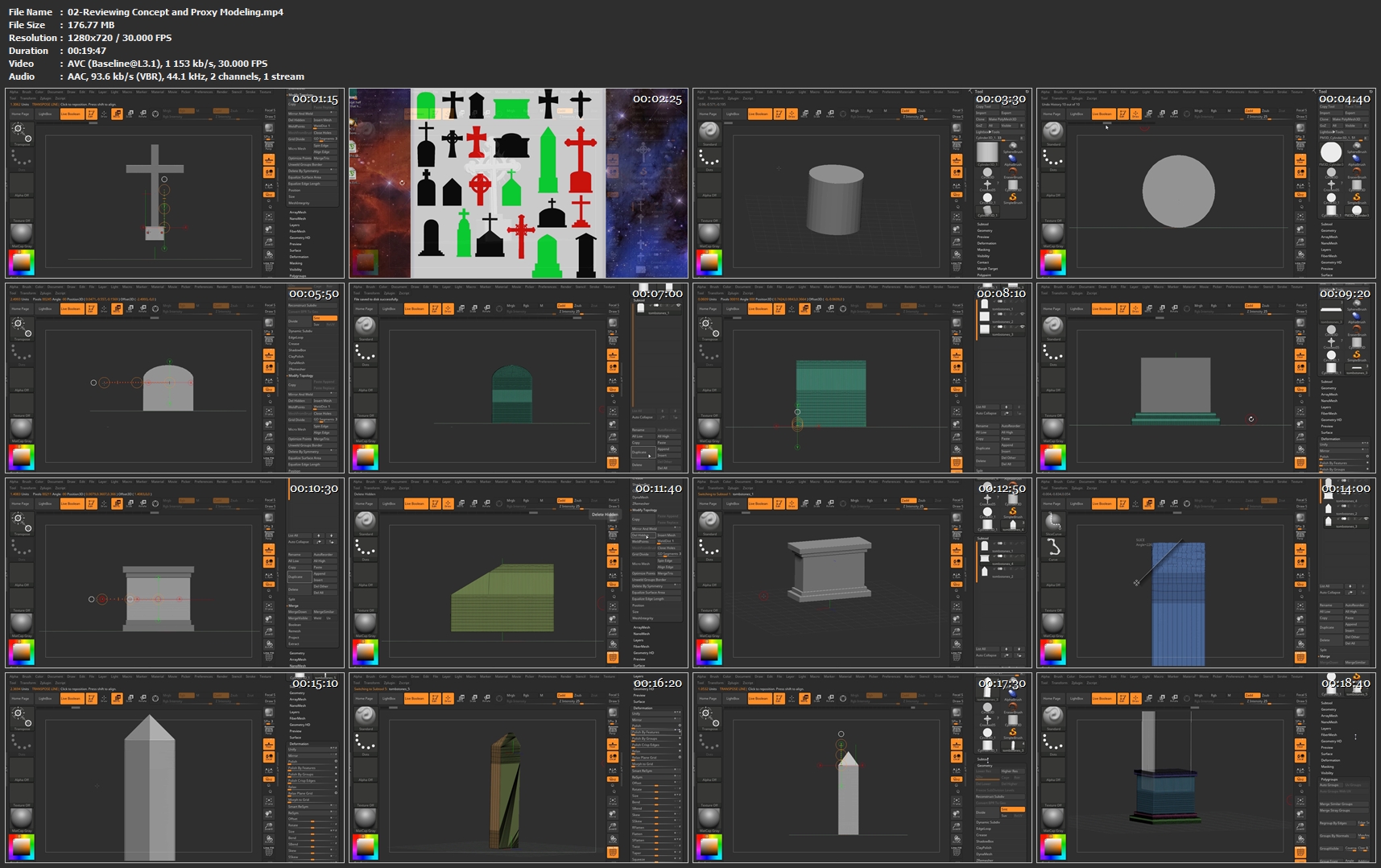
Catacomb In Zbrush Series Volume 1

Catacomb-Environment-Zbrush-Banner.png


Catacomb In Zbrush Series Volume 1
MP4 | Video: AVC 1920x1068 | Audio: AAC 44KHz 2ch | Duration: 1h 24m
Genre: eLearning | Language: English | Size: 790 MB

Students taking the Catacomb in Zbrush course will learn how to take a basic quick sketch of a scene and create simple geometry to approximate a proxy/temporary version. They'll next learn to create, duplicate within a subtool, and modify their meshes to create several versions of individual items to create interest. They'll create separate component subtools in multiple files for later importing into the final scene. The transpose action line is an invaluable tool to help modify geometry quickly and easily to adjust to the required shapes. Also indisposable is the deformation palette with many key functions that assist in helping to quickly and efficiently create meshes in Zbrush. Creating multiple copies of subtool meshes within those same subtools is paramount in interating multiple instances of geometry that will quickly 'fill out' spaces needing substance. Boolean operations will also play a deciding factor in taking simple geometry and 'hollowing out' more detailed areas for better atmosphere. Adding text, while using the text as actual booleans, will be important in adding script to the tombstones etc to help make a believeable graveyard scene.

Homepage


02-Reviewing-Concept-and-Proxy-Modeling-mp4.jpg


...
 
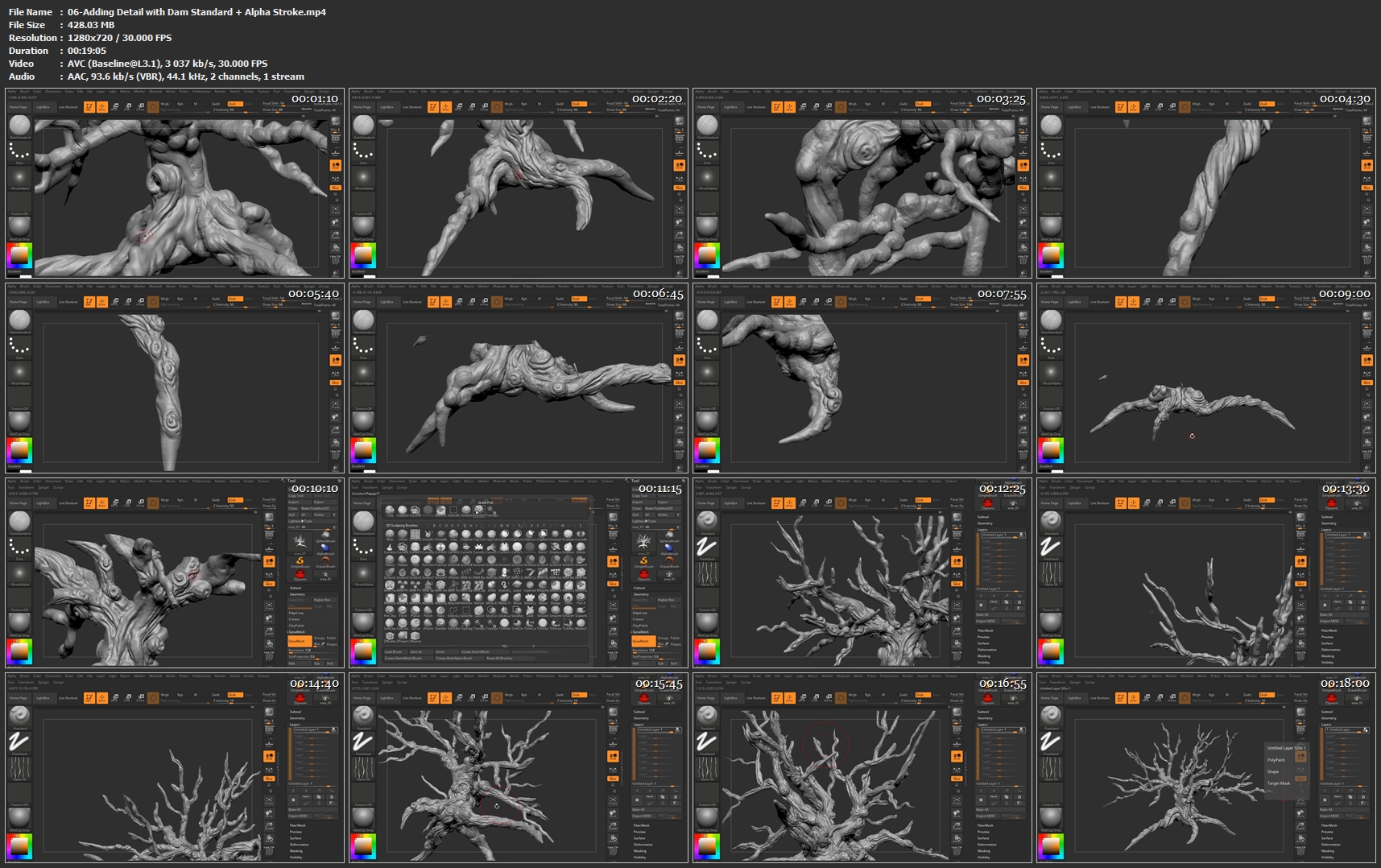
Catacomb in ZBrush Series Volume 2

Catacomb-Environment-Zbrush-Banner.png


Catacomb in ZBrush Series Volume 2
Duration: 1h 20 | Video: h264, 1280x720 | Audio: AAC, 48kHz, 2 Ch | 1.5 GB
Genre: eLearning | Language: English

Students taking the Catacomb in Zbrush course will learn how to take a basic quick sketch of a scene and create simple geometry to approximate a proxy/temporary version. They'll next learn to create, duplicate within a subtool, and modify their meshes to create several versions of individual items to create interest. They'll create separate component subtools in multiple files for later importing into the final scene. The transpose action line is an invaluable tool to help modify geometry quickly and easily to adjust to the required shapes. Also indisposable is the deformation palette with many key functions that assist in helping to quickly and efficiently create meshes in Zbrush. Creating multiple copies of subtool meshes within those same subtools is paramount in interating multiple instances of geometry that will quickly 'fill out' spaces needing substance. Boolean operations will also play a deciding factor in taking simple geometry and 'hollowing out' more detailed areas for better atmosphere. Adding text, while using the text as actual booleans, will be important in adding script to the tombstones etc to help make a believeable graveyard scene.

06-Adding-Detail-with-Dam-Standard-Alpha-Stroke-mp4.jpg


...
 
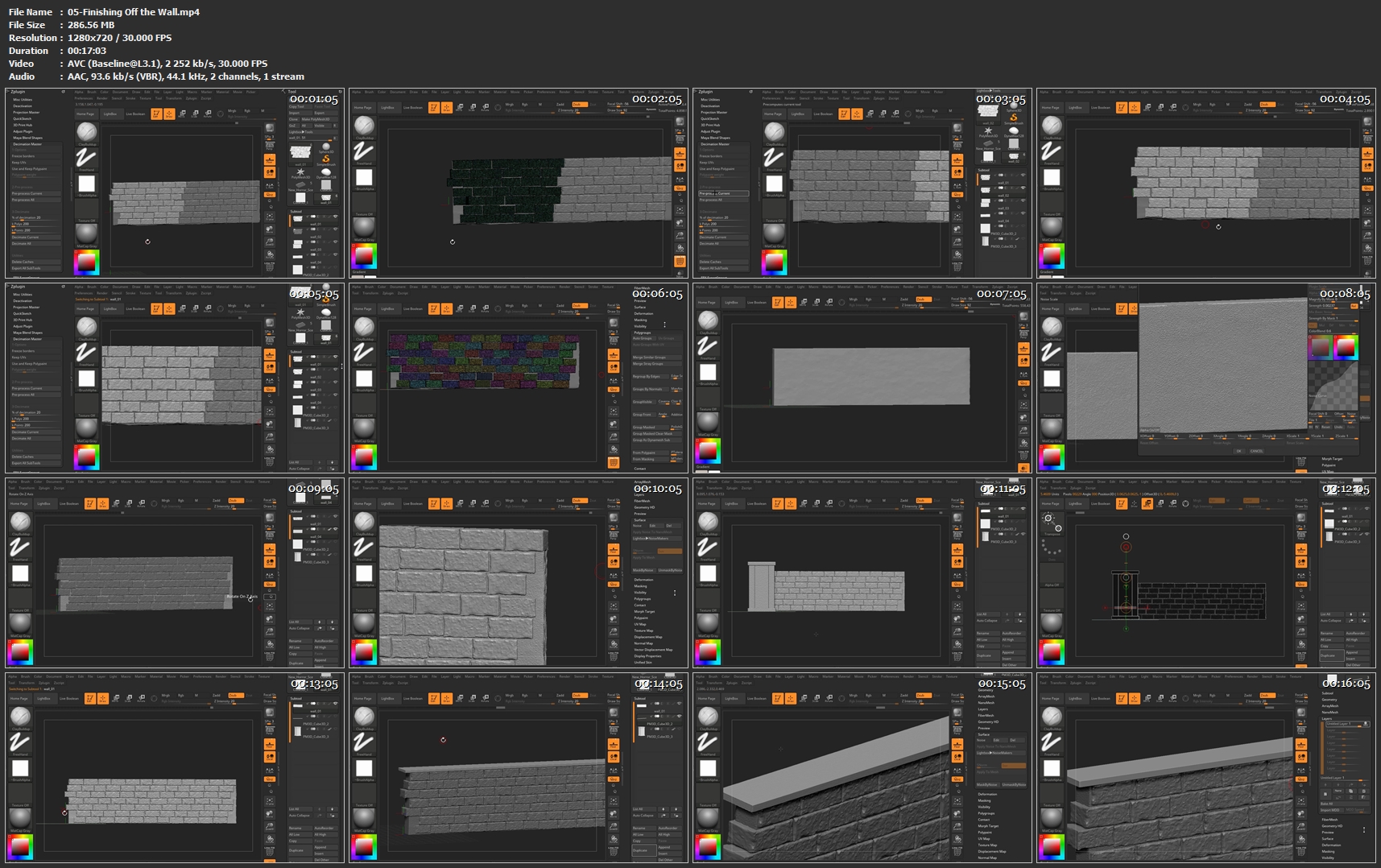
Catacomb in ZBrush Series Volume 3

Catacomb-Environment-Zbrush-Banner.png


Catacomb in ZBrush Series Volume 3
Duration: 1h 31m | Video: h264, 1280x720 | Audio: AAC, 48kHz, 2 Ch | 1.5 GB
Genre: eLearning | Language: English

Students taking the Catacomb in Zbrush course will learn how to take a basic quick sketch of a scene and create simple geometry to approximate a proxy/temporary version. They'll next learn to create, duplicate within a subtool, and modify their meshes to create several versions of individual items to create interest. They'll create separate component subtools in multiple files for later importing into the final scene. The transpose action line is an invaluable tool to help modify geometry quickly and easily to adjust to the required shapes. Also indisposable is the deformation palette with many key functions that assist in helping to quickly and efficiently create meshes in Zbrush. Creating multiple copies of subtool meshes within those same subtools is paramount in interating multiple instances of geometry that will quickly 'fill out' spaces needing substance. Boolean operations will also play a deciding factor in taking simple geometry and 'hollowing out' more detailed areas for better atmosphere. Adding text, while using the text as actual booleans, will be important in adding script to the tombstones etc to help make a believeable graveyard scene.

05-Finishing-Off-the-Wall-mp4.jpg


...
 
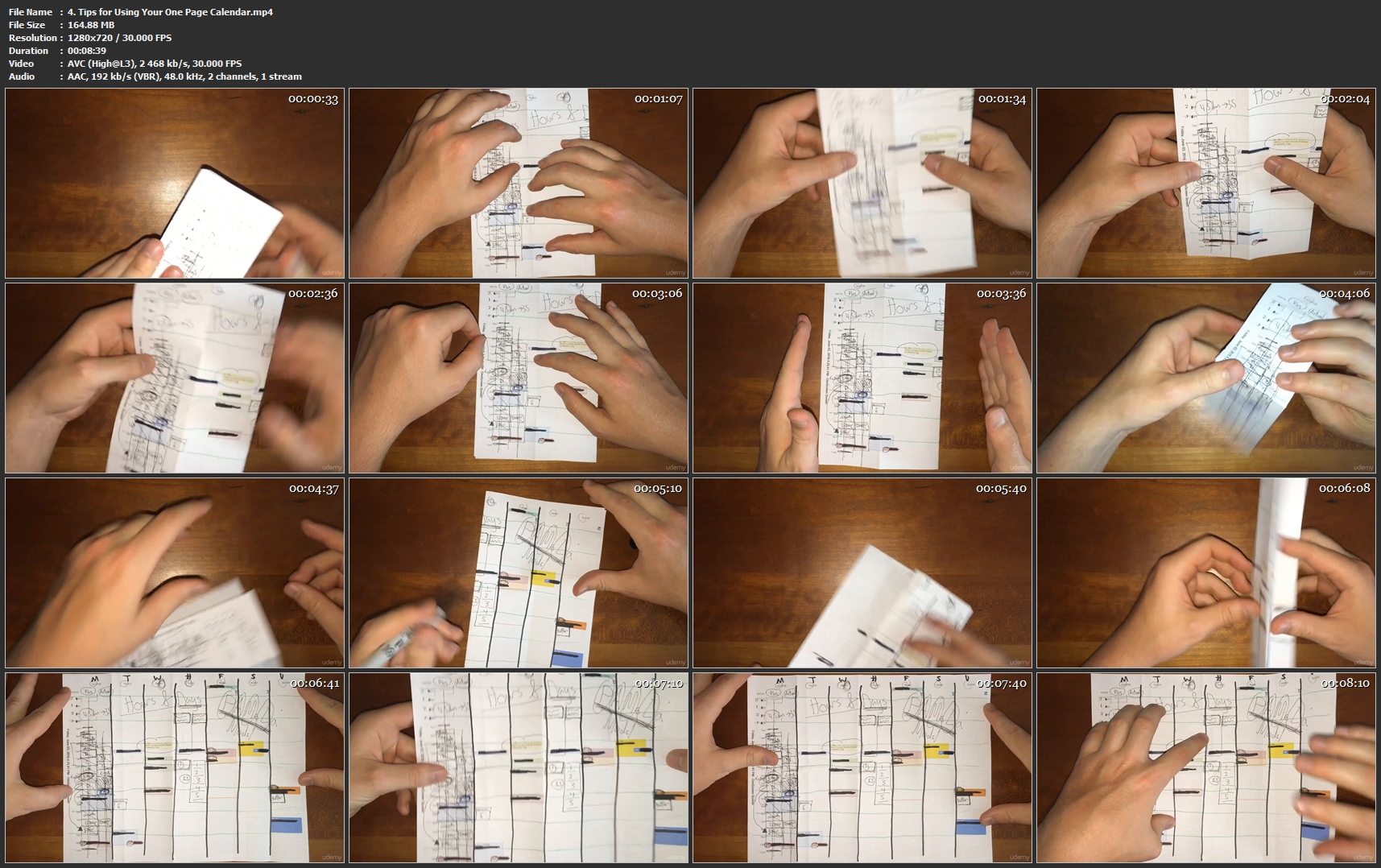
Mastering Planning Vol 1: Hourly and Daily Planning

PL63-Iv5o9n4-Wf3f-MZqt-Gz6c-Gpcsx-CSFs.jpg


Mastering Planning Vol 1: Hourly and Daily Planning
MP4 | Video: AVC 1280x720 | Audio: AAC 48KHz 2ch | Duration: 4.5 Hours | Lec: 33 | 3.65 GB | Language: English | Sub: English [Auto-generated]

Learn the system for planning on an hourly and daily scale and the PAMeLa (Plan, Act, Measure, Learn) Planning System.

What you'll learn
Learn how to master your daily schedule
Get full 24 hour metrics on where you spend your time each day of the week
Improve your productivity by cutting time wasters
Plan your days better so you are more efficient and spend more time in the flow
Enjoy the feeling of full engagement for 80% of your day

Requirements
(Optional) Familiarity with Timothy Kenny's Information Organization System
Google Calendar
Greenshot (for easy screenshotting)

Description
This course is the first in a series of courses on planning and scheduling.

You will learn the PAMeLa model for planning as well as a system for managing your time and your calendar on an hourly and daily basis.

The courses that follow this one focus on the larger scale units of time: Weekly/Monthly, Quarterly/Yearly, Multi-Year, Lifespan/Legacy planning.

This course is design to solve the paradox between spending most of your time in the a flow state and being able to schedule your time down to the hour and half hour-- and be accurate with your time estimates.

For a long time I was a go with the flow type planner. Meaning I tried my best to have zero items on my schedule each day. I loved having the total freedom to work on whatever I wanted to work on and do whatever I wanted to do.

This works for many years. Then I started asking some tough questions.

Who this course is for?
Professionals who want to increase their productivity
Entrepreneurs who want to get a better handle on where they are investing their valuable time
Students who want to study hard but still have time for everything else

Homepage

4-Tips-for-Using-Your-One-Page-Calendar-mp4.jpg


...
 
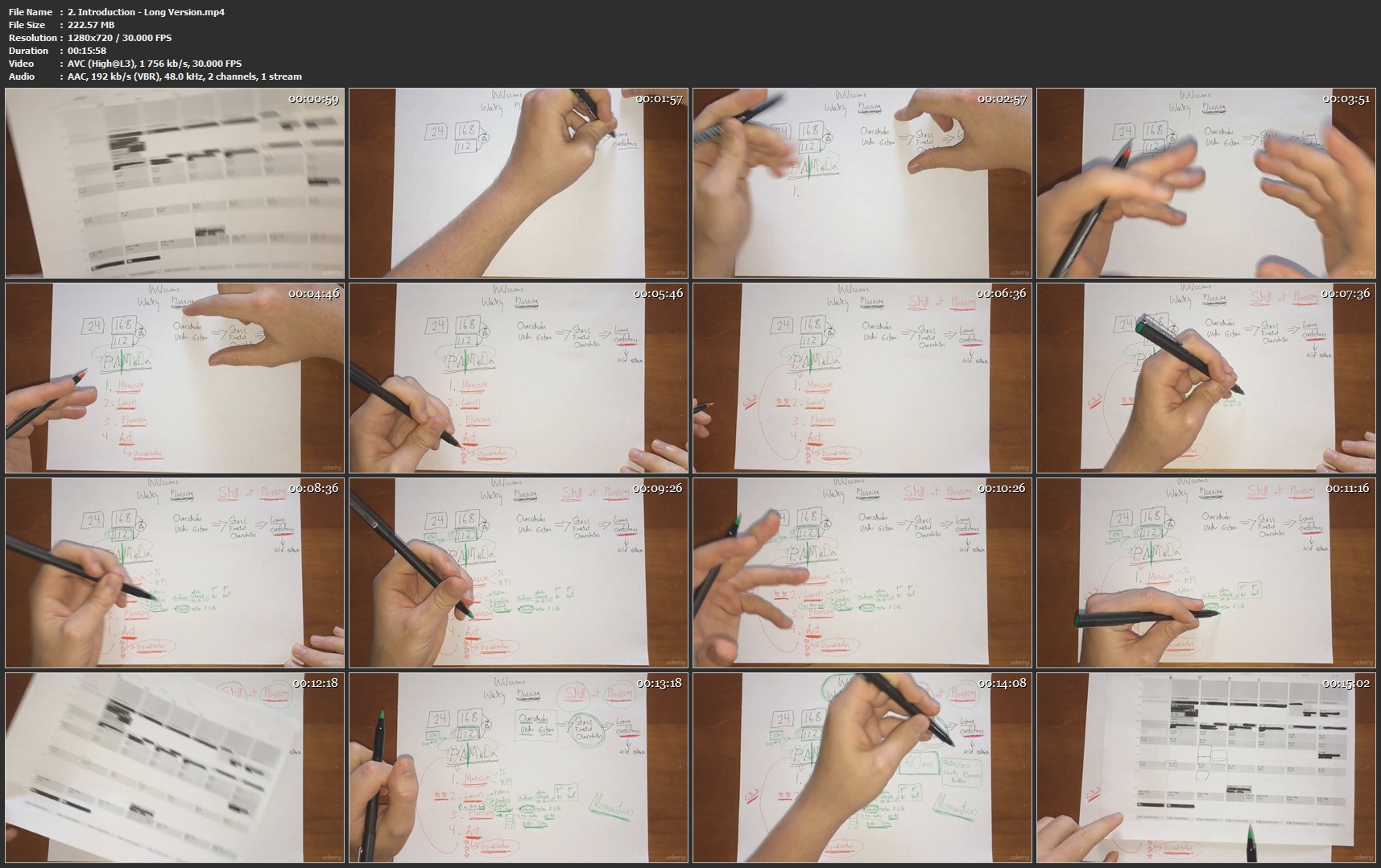
Mastering Planning Vol 2: Weekly Planning

8-PAFWirq5-KHVXb-W9c-Y7-AAWulk-Sm-GBjz-K.jpg


Mastering Planning Vol 2: Weekly Planning
MP4 | Video: AVC 1280x720 | Audio: AAC 48KHz 2ch | Duration: 3 Hours | Lec: 22 | 1.80 GB | Language: English + Sub .VTT

Build a new 60 minutes a week planning routine based on the PAMeLa planning framework and get in the flow consistently.

What you'll learn
Plan your week with clarity
Create a time budget so you know how much free time you really have each week
Plan buffer time so that one mistake doesn't ruin your whole day or week of plans

Requirements
Suggested: take the daily/hourly planning course first

Description
What do you have to get done this week?

Do you know?

What do you have to get done today?

Do you know?

How long is your to do list?

Is it a sheet of paper? Notes in your phone? A bunch of sticky notes on your computer monitor? A few things jumbling around in the back of your mind?

Let's back up a second.

What is different about this course versus every other planning course out there?

The difference is that this planning system is based on continually learning how to be a better planner...and...it's designed to meet two conflicting goals.

1. How do you plan everything and get stuff done while staying in the flow?

2. If you are in the flow all the time and never schedule anything, how will you ever meet deadlines or finish projects?

The answers are contained in the planning system you will learn in this course.

The goal of this system is that you are spending most of your day in the flow, and at the same time getting done what needs to get done.

It's a flexible system that allows you to change things up during the week (so you can stay in the flow longer when you unexpectedly hit a stride and want to go over time) without ruining your whole plan for the day or week.

Here's what often happens.

You put together a plan for the day or week and then you give up after day 2.

Who this course is for?
Professionals who want to get more done each week and enjoy the process
Entrepreneurs who want to get stuff done while still maintaining flow
Students who want to get their schoolwork done and still have time for fun

Homepage

2-Introduction-Long-Version-mp4.jpg


...
 
Mastering Planning Vol 3: Monthly Planning

4u4z1-Sf-Gl1-Pe-YSEk-BUo-C4-Nb-Lq-Db-Whz1m.jpg


Mastering Planning Vol 3: Monthly Planning
MP4 | Video: AVC 1280x720 | Audio: AAC 48KHz 2ch | Duration: 2 Hours | Lec: 15 | 1.65 GB | Language: English + Sub .VTT

Learn how to plan out your months so that you can develop a long term vision that will guide you through your weeks.

What you'll learn
Plan out their entire month in just 60 minutes
Integrate their weekly and monthly planning in a seamless system
See their progress month over month is the unique "story view" perspective offered with this planning system

Requirements
An Interest in long term planning
A willingness to spend one hour a month planning
Take the previous two courses in this series

Description
As you know if you've taken the previous two courses in this series, the key thing that makes this planning system unique is that it is designed to help you improve your planning, scheduling and time estimation skills over time.

And it's at the monthly level of planning where all the time recordings you've been doing on a day to day basis start to pay off.

There are 3 important documents you will be creating each month during the hour long monthly planning process.

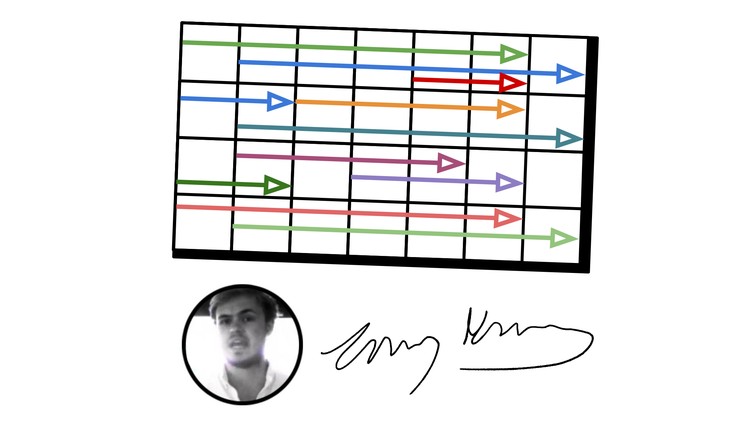
The first one you can see in the course image. This document allows you to plan out your major projects each month to ensure that you aren't over scheduling yourself with too many concurrent projects.

The second document is the review and planning one pager that you are already familiar with from the weekly planning course.

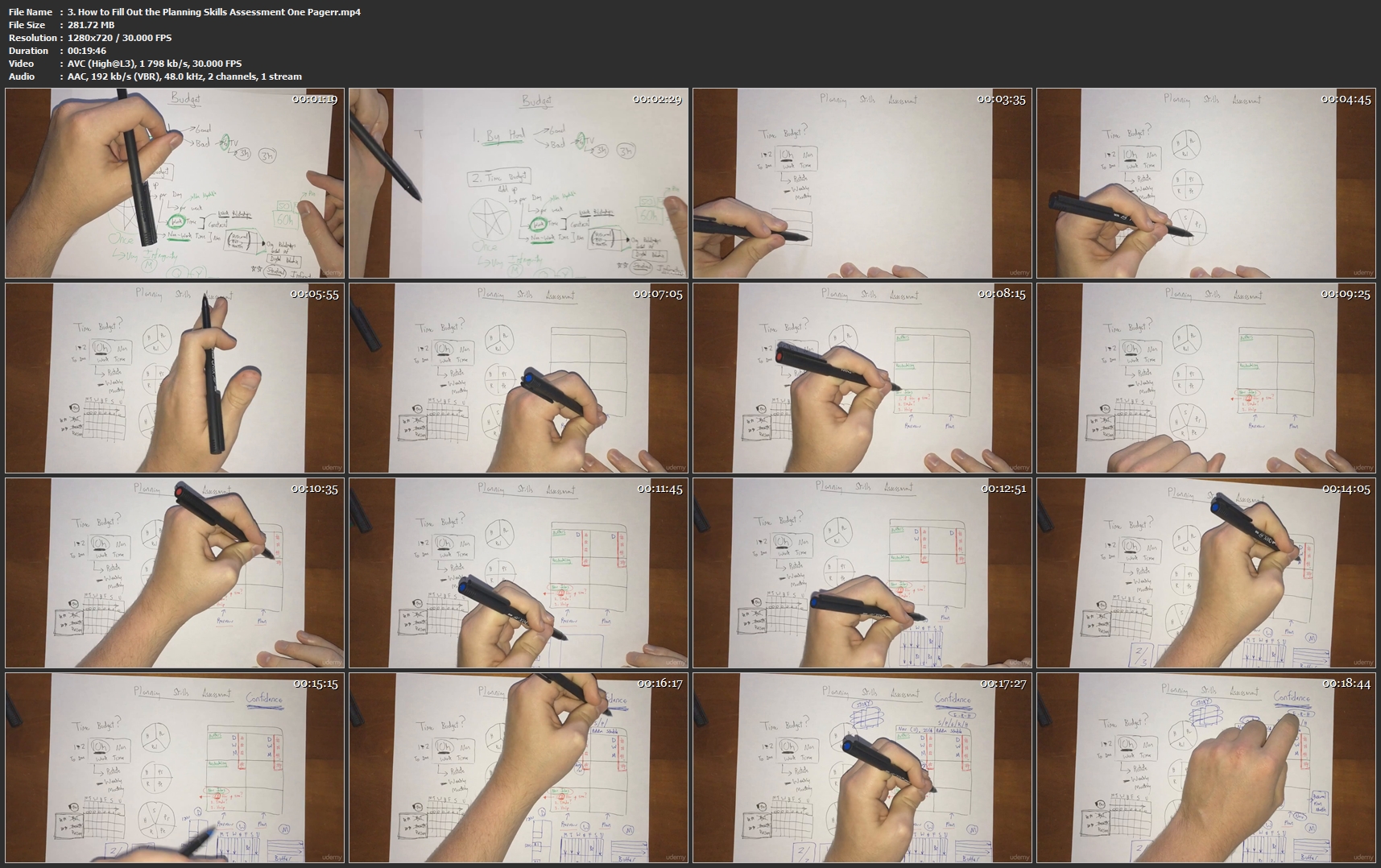
And the third document is the Planning Skills Assessement one pager. This is the place where you collect your learnings from the previous month, keep track of your Planning KPIs (Key Performance Indicators) and track yourself as your planning skills improve months by month.

The 30 day time scale is where people start to lose visibility, meaning beyond a week or two in the past or the future, their memory of the past (and imagination of the future) becomes very foggy.

Just as in my accelerated learning courses, I advocate a spaced repetition solution to this memory problem. Simply put, if you aren't getting spaced repetitions on both your future long terms goals, as well as your past successes and failures (and most importantly, what you learned from both), then you are not going to be able to effectively chart the course of your life.

The unique method of planning using the one pager template you get in this course will allow you to see your last months in "story mode," meaning that you can lay the pages out on your desk or table one over the other and quickly get a birds eye view of the last however many months you want to look at.

The other great thing about this system is that it's designed to help you get clarity, down to actual numbers, on your time constraints. Most people have very little visibility into how constrained their time actually is, with all the hidden habits and routines that are part of their lives, but that they never get fully aware of.

You can only plan effectively if you really understand all these constraints. Only then can you consistently plan things and have them come to fruition on time and on budget. You will learn, for example, how to incorporate buffers into your monthly planning project.

This monthly planning routine goes hand in hand with your weekly planning hour. On the Sunday before the first day of the next month, you will spend 2 hours planning: a half hour to Measure and Learn from your previous week, an hour to go through the full PAMeLa model at the monthly level, and then one more half hour coming back down to the weekly plane to plan your upcoming week.

This course will be the first step in getting your long term planning handled, and get you ready to take the next steps into Quarterly and Yearly planning, as well as the time periods beyond that, which are coming next in this series.

Who this course is for?
Professionals who want to plan out longer term projects
Entrepreneurs who want to manage their limited time more effectively
Students who want to think in months instead of weeks

Homepage

3-How-to-Fill-Out-the-Planning-Skills-Assessment-One-Pagerr-mp4.jpg


...
 
Zurück
Oben Unten