• Regeln für den Video-Bereich:

    In den Börsenbereich gehören nur Angebote die bereits den Allgemeinen Regeln entsprechen.

    Einteilung

    - Folgende Formate gehören in die angegeben Bereiche:
    - Filme: Encodierte Filme von BluRay, DVD, R5, TV, Screener sowie Telesyncs im Format DivX, XviD und x264.
    - DVD: Filme im Format DVD5, DVD9 und HD2DVD.
    - HD: Encodierte Filme mit der Auflösung 720p oder darüber von BluRay, DVD, R5, TV, Screener sowie Telesyncs im Format x264.
    - 3D: Encodierte Filme von BluRay, die in einem 3D Format vorliegen. Dies gilt auch für Dokus, Animation usw.
    - Serien: Cartoon/Zeichentrick, Anime, Tutorials, Dokumentationen, Konzerte/Musik, Sonstiges sind demnach in die entsprechenden Bereiche einzuordnen, auch wenn sie beispielsweise im High Definition-Format oder als DVD5/DVD9/HD2DVD vorliegen. Ausnahme 3D.
    - Bereich Englisch: Englische Releases gehören immer in diesen Bereich.
    - Bereich Talk: Der Bereich, in dem über die Releases diskutiert werden kann, darf, soll und erwünscht ist.


    Angebot/Beitrag erstellen

    - Ein Beitrag darf erst dann erstellt werden, wenn der Upload bei mindestens einem OCH komplett ist. Platzhalter sind untersagt.
    - Bei einem Scenerelease hat der Threadtitel ausschließlich aus dem originalen, unveränderten Releasenamen zu bestehen. Es dürfen keine Veränderungen wie z.B. Sterne, kleine Buchstaben o.ä. vorgenommen werden. Ausnahme Serienbörse:
    - Bei einem Sammelthread für eine Staffel entfällt aus dem Releasename natürlich der Name der Folge. Beispiel: Die Simpsons S21 German DVDRip XviD - ITG
    - Dementsprechend sind also u.a. verboten: Erweiterungen wie "Tipp", "empfehlenswert", "only", "reup", usw. / jegliche andere Zusatzinformation oder Ergänzung, welche nicht in obiger Beschreibung zu finden ist.

    Aufbau des Angebots und Threadtitel

    Der Titel nach folgendem Muster erstellt zu werden. <Name> [3D] [Staffel] [German] <Jahr> <Tonspur> [DL] [Auflösung] <Quelle> <Codec> - <Group>
    Beispiel: The Dark Knight German 2008 AC3 DVDRip XviD - iND
    Beispiel: The Dark Knight 2008 DTS DL BDRip x264 - iND
    Beispiel: The Dark Knight 2008 AC3 DL BDRip XviD - iND
    Beispiel: The Dark Knight German 2008 AC3 720p BluRay x264 iND
    Beispiel: The Dark Knight 2008 DTS DL 1080p BluRay x264 iND
    Beispiel: Die Simpsons S01 German AC3 DVDRip XviD iND
    Beispiel: Die Simpsons S20 German AC3 720p BluRay x264 iND
    Beispiel: Sword Art Online II Ger Sub 2014 AAC 1080p WEBRip x264 - peppermint
    Entsprechend sind also u.a. verboten: Sonderzeichen wie Klammern, Sterne, Ausrufezeichen, Unterstriche, Anführungszeichen / Erweiterungen wie "Tipp", "empfehlenswert", "only", "reup", usw. / jegliche andere Zusatzinformation oder Ergänzung, welche nicht in obiger Beschreibung zu finden ist
    Ausnahmen hiervon können in den Bereichen geregelt sein.

    Die Beiträge sollen wie folgt aufgebaut werden:
    Überschrift entspricht dem Threadtitel
    Cover
    kurze Inhaltsbeschreibung
    Format, Größe, Dauer sind gut lesbar für Downloader außerhalb des Spoilers zu vermerken
    Nfo sind immer Anzugeben und selbige immer im Spoiler in Textform.
    Sind keine Nfo vorhanden z.B. Eigenpublikationen, sind im Spoiler folgende Dateiinformationen zusätzlich anzugeben :
    Quelle
    Video (Auflösung und Bitrate)
    Ton (Sprache, Format und Bitrate der einzelnen Spuren)
    Untertitel (sofern vorhanden)
    Hosterangabe in Textform außerhalb eines Spoiler mit allen enthaltenen Hostern.
    Bei SD kann auf diese zusätzlichen Dateiinformationen verzichtet werden.

    Alle benötigten Passwörter sind, sofern vorhanden, in Textform im Angebot anzugeben.
    Spoiler im Spoiler mit Kommentaren :"Schon Bedankt?" sind unerwünscht.


    Releases

    - Sind Retail-Release verfügbar, sind alle anderen Variationen untersagt. Ausnahmen: Alle deutschen Retail-Release sind CUT, in diesem Fall sind dubbed UNCUT-Release zulässig.
    - Im Serien-Bereich gilt speziell: Wenn ein Retail vor Abschluss einer laufenden Staffel erscheint, darf diese Staffel noch zu Ende gebracht werden.62
    - Gleiche Releases sind unbedingt zusammenzufassen. Das bedeutet, es ist zwingend erforderlich, vor dem Erstellen eines Themas per Suchfunktion zu überprüfen, ob bereits ein Beitrag mit demselben Release besteht. Ist dies der Fall, ist der bereits vorhandene Beitrag zu verwenden.
    - P2P und Scene Releases dürfen nicht verändert oder gar unter einem iND Tag eingestellt werden.


    Support, Diskussionen und Suche

    - Supportanfragen sind entweder per PN oder im Bereich Talk zu stellen.
    - Diskussionen und Bewertungen sind im Talk Bereich zu führen. Fragen an die Uploader haben ausschließlich via PN zu erfolgen, und sind in den Angeboten untersagt.
    - Anfragen zu Upload-Wünschen sind nur im Bereich Suche Video erlaubt. Antworten dürfen nur auf Angebote von MyBoerse.bz verlinkt werden.


    Verbote

    - Untersagt sind mehrere Formate in einem einzigen Angebotsthread, wie beispielsweise das gleichzeitige Anbieten von DivX/XviD, 720p und 1080p in einem Thread. Pro Format, Release und Auflösung ist ein eigener Thread zu eröffnen.
    - Grundsätzlich ebenso verboten sind Dupes. Uploader haben sich an geeigneter Stelle darüber zu informieren, ob es sich bei einem Release um ein Dupe handelt.
    - Gefakte, nur teilweise lauffähige oder unvollständige Angebote sind untersagt. Dies gilt auch für eigene Publikationen, die augenscheinlich nicht selbst von z.B. einer DVD gerippt wurden. Laufende Serien, bei denen noch nicht alle Folgen verfügbar sind, dürfen erstellt und regelmäßig geupdatet werden.
    - Untersagt sind Angebote, welche nur und ausschließlich in einer anderen Sprache als deutsch oder englisch vorliegen. Ausnahmen sind VORHER mit den Moderatoren zu klären.


    Verstoß gegen die Regeln

    - Angebote oder Beiträge, die gegen die Forenregeln verstoßen, sind über den "Melden"-Button im Beitrag zu melden.
  • Bitte registriere dich zunächst um Beiträge zu verfassen und externe Links aufzurufen.

*** Bestes IPTV *** bester Preis *** gratis Test ***


Englische Tutorials

4802926c68f54pc5l.jpg


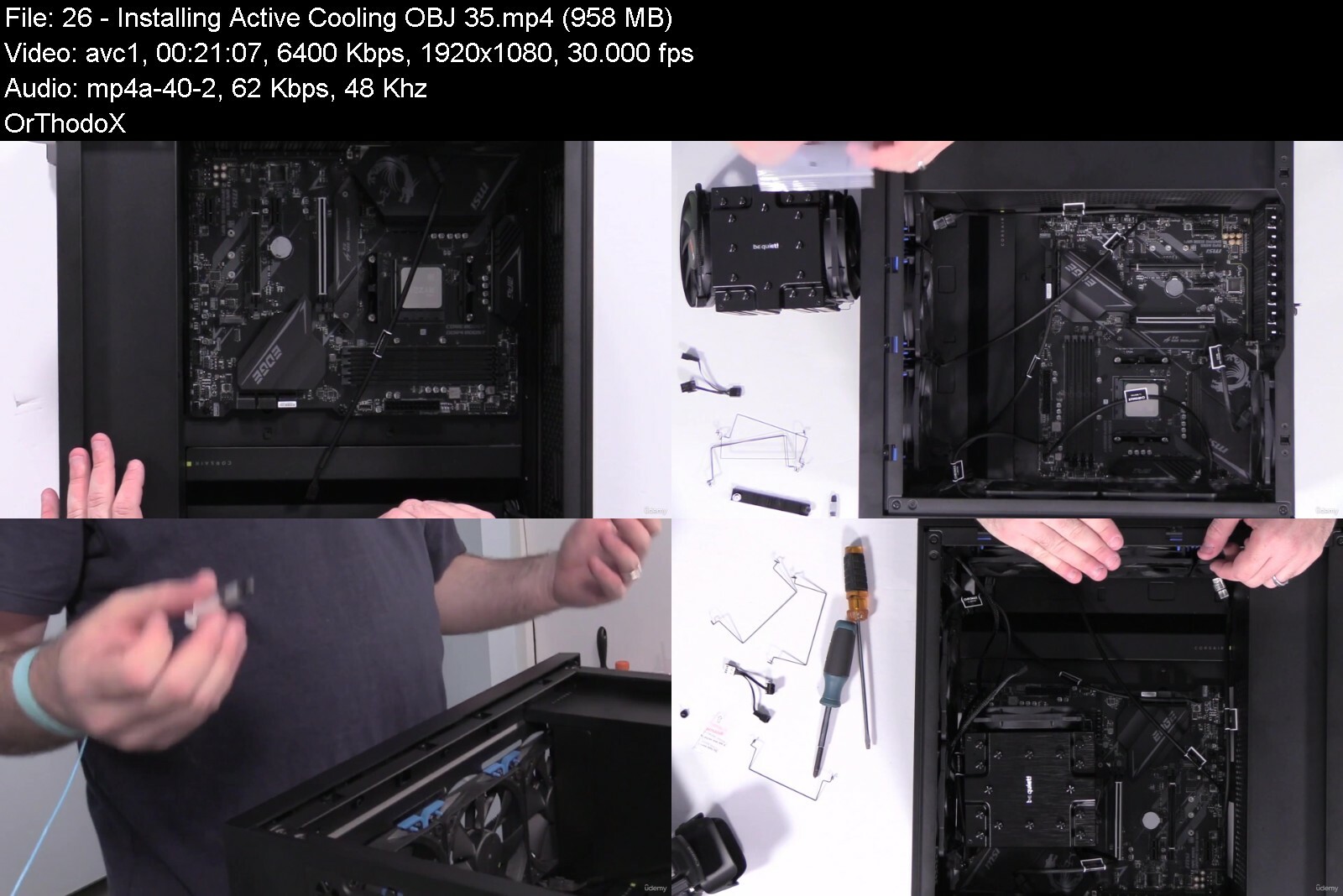
Comptia A+ Core 1 (220-1101) Complete Course & Practice Exam
Last updated 9/2023
MP4 | Video: h264, 1920x1080 | Audio: AAC, 44.1 KHz
Language: English | Size: 19.25 GB | Duration: 25h 44m

Pass the CompTIA A+ (220-1101) Core 1 exam with help from a top expert in the field!


What you'll learn
How to pass the CompTIA A+ (220-1101) Core 1 exam on your first attempt
What your weak areas are in the CompTIA A+ curriculum so you can restudy those areas
Install, configure, and maintain computer equipment, mobile devices, and software for end users
Service components based on customer requirements
Understand networking basics and apply basic cybersecurity methods to mitigate threats
Properly and safely diagnose, resolve, and document common hardware and software issues
Apply troubleshooting skills and provide customer support using appropriate communication skills
Understand the basics of scripting, cloud technologies, virtualization, and multi-OS deployments in corporate environments

Requirements
CompTIA recommends having 9-12 months of on-the-job experience before taking the CompTIA A+ (220-1101) Core 1 exam (Recommended but not required)
Working knowledge of computers and small networks

Description
*** Taught by a Best Selling Certification Instructor ***This course provides everything you need in order to study for the CompTIA A+ Core 1 (220-1101) exam, including a downloadable Study Guide (PDF), quizzes to check your knowledge as you progress through the videos, and a full-length practice exam to test your knowledge before test day!Jason Dion is an expert in information technology and cybersecurity with over 20 years of experience, and he has designed this course to be a fun way to learn what you need to know to pass the CompTIA A+ Core 1 (220-1101) exam or to better prepare yourself to serve as a service analyst or computer technician in your organization information technology (IT) divisions.The CompTIA A+ Core 1 (220-1101) certification is a vendor-neutral certification that validates your knowledge and ability to conduct install, configure, and troubleshoot hardware issues in your organization. This certification tests your ability to think on your feet while performing critical IT support functions. The CompTIA A+ certification is designed for early-career data analysts with the equivalent of 9-12 months of on-the-job knowledge. The CompTIA A+ Core 1 exam is focused on hardware and mobile device support in order to support a wide variety of different devices used by a diverse and global workforce. CompTIA A+ Core 1 (220-1101) is an early-career IT support technician certification covering the theory and technical skills required to support computer hardware, mobile devices, networks, virtualization, and cloud computing environments. To help you practice for the CompTIA A+ Core 1 (220-1101) exam, this course even comes with a realistic practice exam containing 90 multiple-choice questions spread across the five domains tested by the CompTIA A+ Core 1 (220-1101) certification exam! This course will provide you with full coverage of the five domains of the CompTIA A+ Core 1 (220-1101) exam: Mobile Devices (15%)Networking (20%)Hardware (25%)Virtualization and Cloud Computing (11%)Hardware and Network Troubleshooting (29%)This course stays current and up-to-date with the latest release of the CompTIA A+ Core 1 exam (220-1101).This course is brought to you by Dion Training Solutions, a CompTIA Platinum Delivery Partner, and aligns directly with the OFFICIAL CompTIA A+ (220-1101) Certification Study Guide.What Other Students Are Saying About Our Courses:I've reviewed this information on several different sources and the method of covering this information was very clear and easy to understand compared to other sources, making an hour long process of re-covering this topic covered down into about half an hour, very helpful! (ZANE Alexander RICE, 5 stars)Very informative, it covered every topic on the A+ 1101 exam in great depth. My only issue is that the speaker would digress a little bit, but other than that, it's one of the best courses I've taken. (Ryan Samuels, 5 stars)Passed the first part on my first try (5/8/23) using this course and the practice exams. He explains everything that you would need with out the filler. I highly recommend this course to anyone just starting out.Upon completion of this course, you will earn 26 CEUs towards the renewal of your CompTIA A+ certification.

Overview
Section 1: Introduction

Lecture 1 Welcome

Lecture 2 Download your free study guide

Lecture 3 Exam Tips

Lecture 4 Personal Computers

Lecture 5 Safety Procedures

Lecture 6 Troubleshooting Methodology (OBJ. 5.1)

Lecture 7 Custom PC Build

Section 2: Cable Types

Lecture 8 Cable Types (OBJ. 3.1)

Lecture 9 Exterior of a PC (OBJ. 3.1)

Lecture 10 USB Cables (OBJ. 3.1)

Lecture 11 Video Cables (OBJ. 3.1)

Lecture 12 Storage Cables (OBJ. 3.1)

Section 3: Motherboards

Lecture 13 Motherboards (OBJ. 3.4)

Lecture 14 Form Factors (OBJ. 3.4)

Lecture 15 CPU Architecture (OBJ. 3.4)

Lecture 16 CPU Sockets (OBJ. 3.4)

Lecture 17 CPU Features (OBJ. 3.4)

Lecture 18 Motherboard Connections (OBJ. 3.4)

Lecture 19 Installing the Motherboard & CPU (OBJ. 3.4)

Lecture 20 Expansion Cards (OBJ. 3.4)

Lecture 21 Expansion Card Types (OBJ. 3.4)

Lecture 22 Installing Expansion Cards (OBJ. 3.4)

Section 4: Cooling and Power

Lecture 23 Cooling and Power (OBJ. 3.4 & 3.5)

Lecture 24 Cooling the System (OBJ. 3.5)

Lecture 25 Liquid Cooling (OBJ. 3.5)

Lecture 26 Installing Active Cooling (OBJ. 3.5)

Lecture 27 Power Supply Unit (PSU) (OBJ. 3.5)

Lecture 28 Power Supply Connectors (OBJ. 3.5)

Lecture 29 Input and Output Voltages (OBJ. 3.4)

Lecture 30 Wattage Rating (OBJ. 3.4)

Lecture 31 Installing a Power Supply (OBJ. 3.4)

Section 5: System Memory

Lecture 32 System Memory (OBJ. 3.2)

Lecture 33 Addressing Memory (OBJ. 3.2)

Lecture 34 Memory Modules (OBJ. 3.2)

Lecture 35 Multi-Channel Memory (OBJ. 3.2)

Lecture 36 ECC Memory (OBJ. 3.2)

Lecture 37 Virtual Memory (OBJ. 3.2)

Lecture 38 Installing Memory (OBJ. 3.2)

Section 6: BIOS/UEFI

Lecture 39 BIOS/UEFI (OBJ. 3.4)

Lecture 40 Boot Options (OBJ. 3.4)

Lecture 41 BIOS/UEFI Security (OBJ. 3.4)

Lecture 42 TPM and HSM (OBJ. 3.4)

Lecture 43 BIOS/UEFI Cooling Options (OBJ. 3.4)

Lecture 44 Configuring the BIOS (OBJ. 3.4)

Lecture 45 Configuring the UEFI (OBJ. 3.4)

Section 7: Storage Devices

Lecture 46 Storage Devices (OBJ. 3.3)

Lecture 47 Hard Disk Drive (HDD) (OBJ. 3.3)

Lecture 48 Solid State Drive (SSD) (OBJ. 3.3)

Lecture 49 RAID (OBJ. 3.3)

Lecture 50 Removable Storage (OBJ. 3.3)

Lecture 51 Optical Drives (OBJ. 3.3)

Lecture 52 Installing Storage Devices (OBJ. 3.3)

Lecture 53 Configuring a RAID (OBJ. 3.3)

Section 8: Virtualization Concepts

Lecture 54 Virtualization Concepts (OBJ. 4.2)

Lecture 55 Virtualization (OBJ. 4.2)

Lecture 56 Containerization (OBJ. 4.2)

Lecture 57 Purposes of VMs (OBJ. 4.2)

Lecture 58 Resource Requirements (OBJ. 4.2)

Lecture 59 Security Requirements (OBJ. 4.2)

Lecture 60 Configuring Virtual Machines (OBJ. 4.2)

Lecture 61 Securing Virtual Machines (OBJ. 4.2)

Section 9: Cloud Computing

Lecture 62 Cloud Computing (OBJ. 4.1 & 2.2)

Lecture 63 Characteristics of the Cloud (OBJ. 4.1)

Lecture 64 Cloud Deployment Models (OBJ. 4.1)

Lecture 65 Cloud Service Models (OBJ. 4.1)

Lecture 66 Virtual Desktop Infrastructure (VDI) (OBJ. 4.1)

Lecture 67 Cloud Storage Services (OBJ. 4.1)

Lecture 68 Software Defined Network (SDN) (OBJ. 2.2)

Lecture 69 Using the Cloud (OBJ. 4.1)

Section 10: Networking Basics

Lecture 70 Networking Basics (OBJ. 2.2, 2.4, 2.7, 2.8, & 3.1)

Lecture 71 Networking Hardware (OBJ. 2.2)

Lecture 72 Network Types (OBJ. 2.7)

Lecture 73 Internet of Things (OBJ. 2.4)

Lecture 74 Twisted Pair Cables (OBJ. 3.1)

Lecture 75 Optical Cabling (OBJ. 3.1)

Lecture 76 Coaxial Cabling (OBJ. 3.1)

Lecture 77 Networking Tools (OBJ. 2.8)

Lecture 78 Building a Cable (OBJ. 2.8)

Lecture 79 Wiring the Network (OBJ. 2.8)

Lecture 80 Testing the Network (OBJ. 2.8)

Section 11: Wireless Networks

Lecture 81 Wireless Networks (OBJ. 2.3)

Lecture 82 Wireless Frequencies (OBJ. 2.3)

Lecture 83 Wireless Standards (OBJ. 2.3)

Lecture 84 Wireless Security (OBJ. 2.3)

Lecture 85 Fixed Wireless (OBJ. 2.3)

Lecture 86 NFC, RFID, IR, and Bluetooth (OBJ. 2.3)

Lecture 87 Configuring a Wireless Network (OBJ. 2.3)

Section 12: Internet Connections

Lecture 88 Internet Connections (OBJ. 2.7)

Lecture 89 Dial-up and DSL (OBJ. 2.7)

Lecture 90 Cable Connections (OBJ. 2.7)

Lecture 91 Fiber Connections (OBJ. 2.7)

Lecture 92 Cellular Connections (OBJ. 2.7)

Lecture 93 WISP Connections (OBJ. 2.7)

Lecture 94 Satellite Connections (OBJ. 2.7)

Lecture 95 Hands-on with WANs (OBJ. 2.7)

Section 13: Network Configurations

Lecture 96 Network Configurations (OBJ. 2.1, 2.5, & 2.6)

Lecture 97 IPv4 (OBJ. 2.5)

Lecture 98 Assigning IPv4 Addresses (OBJ. 2.5)

Lecture 99 DHCP (OBJ. 2.6)

Lecture 100 DNS (OBJ. 2.6)

Lecture 101 VLAN (OBJ. 2.6)

Lecture 102 VPN (OBJ. 2.6)

Lecture 103 IPv6 (OBJ. 2.5)

Lecture 104 Ports and Protocols (OBJ. 2.1)

Lecture 105 TCP Versus UDP (OBJ. 2.1)

Lecture 106 Configure a SOHO Network (OBJ. 2.5)

Section 14: Network Services

Lecture 107 Network Services (OBJ. 2.4)

Lecture 108 File and Print Servers (OBJ. 2.4)

Lecture 109 Web Servers (OBJ. 2.4)

Lecture 110 Email Servers (OBJ. 2.4)

Lecture 111 AAA Servers (OBJ. 2.4)

Lecture 112 Remote Access Servers (OBJ. 2.4)

Lecture 113 Network Monitoring Servers (OBJ. 2.4)

Lecture 114 Proxy Servers (OBJ. 2.4)

Lecture 115 Load Balancers (OBJ. 2.4)

Lecture 116 Unified Threat Management (OBJ. 2.4)

Lecture 117 ICS/SCADA (OBJ. 2.4)

Lecture 118 Embedded Systems (OBJ. 2.4)

Lecture 119 Legacy Systems (OBJ. 2.4)

Section 15: Mobile Devices

Lecture 120 Mobile Devices (OBJ. 1.2, 1.3, & 1.4)

Lecture 121 Mobile Display Types (OBJ. 1.2)

Lecture 122 Mobile Device Components (OBJ. 1.2)

Lecture 123 Mobile Device Accessories (OBJ. 1.3)

Lecture 124 Mobile Device Wireless Connectivity (OBJ. 1.3 & 1.4)

Lecture 125 Mobile Device Wired Connectivity (OBJ. 1.3)

Lecture 126 Port Replicators & Docking Stations (OBJ. 1.3)

Section 16: Mobile Applications

Lecture 127 Mobile Applications (OBJ. 1.4)

Lecture 128 Mobile Device Synchronization (OBJ. 1.4)

Lecture 129 Data for Synchronization (OBJ. 1.4)

Lecture 130 Synchronization Methods (OBJ. 1.4)

Lecture 131 MDM and MAM (OBJ. 1.4)

Lecture 132 Multifactor Authentication (MFA) (OBJ. 1.4)

Lecture 133 Location Services (OBJ. 1.4)

Lecture 134 Mobile Email Configuration (OBJ. 1.4)

Lecture 135 Configuring Mobile Email (OBJ. 1.4)

Section 17: Laptop Hardware

Lecture 136 Laptop Hardware (OBJ. 1.1)

Lecture 137 Security Components (OBJ. 1.1)

Lecture 138 Disassembling a Laptop (OBJ. 1.1)

Lecture 139 Replacing a Battery (OBJ. 1.1)

Lecture 140 Replacing the Keyboard (OBJ. 1.1)

Lecture 141 Upgrading the Memory (OBJ. 1.1)

Lecture 142 Adding Expansion Cards (OBJ. 1.1)

Lecture 143 Replacing the Storage (OBJ. 1.1)

Section 18: Printers and MFDs

Lecture 144 Printers and MFDs (OBJ. 3.6)

Lecture 145 Unboxing and Setup (OBJ. 3.6)

Lecture 146 Printer Connectivity (OBJ. 3.6)

Lecture 147 Printer Drivers (OBJ. 3.6)

Lecture 148 Printer Configuration Settings (OBJ. 3.6)

Lecture 149 Sharing Print Devices (OBJ. 3.6)

Lecture 150 Securing Print Devices (OBJ. 3.6)

Lecture 151 Scanning Services (OBJ. 3.6)

Section 19: Printer Types

Lecture 152 Printer Types (OBJ. 3.7)

Lecture 153 Laser Printers (OBJ. 3.7)

Lecture 154 Laser Printer Maintenance (OBJ. 3.7)

Lecture 155 Inkjet Printers (OBJ. 3.7)

Lecture 156 Inkjet Printer Maintenance (OBJ. 3.7)

Lecture 157 Thermal Printers (OBJ. 3.7)

Lecture 158 Impact Printers (OBJ. 3.7)

Lecture 159 3-D Printers (OBJ. 3.7)

Section 20: Troubleshooting Methodology

Lecture 160 Troubleshooting Methodology (OBJ. 5.1)

Lecture 161 Identify the Problem (OBJ. 5.1)

Lecture 162 Establish a Theory (OBJ. 5.1)

Lecture 163 Test the Theory (OBJ. 5.1)

Lecture 164 Establish a Plan of Action (OBJ. 5.1)

Lecture 165 Verify System Functionality (OBJ. 5.1)

Lecture 166 Documentation (OBJ. 5.1)

Section 21: Troubleshooting Hardware Issues

Lecture 167 Troubleshooting Hardware Issues (OBJ. 5.2)

Lecture 168 Power Issues (OBJ. 5.2)

Lecture 169 POST Issues (OBJ. 5.2)

Lecture 170 Crash Screens (OBJ. 5.2)

Lecture 171 Cooling Issues (OBJ. 5.2)

Lecture 172 Physical Component Damage (OBJ. 5.2)

Lecture 173 Performance Issues (OBJ. 5.2)

Lecture 174 Inaccurate System Date/Time (OBJ. 5.2)

Lecture 175 Smoke Test (OBJ. 5.2)

Section 22: Troubleshooting Storage Devices

Lecture 176 Troubleshooting Storage Devices (OBJ. 5.3)

Lecture 177 Boot Issues (OBJ. 5.3)

Lecture 178 Storage Device Issues (OBJ. 5.3)

Lecture 179 Drive Performance Issues (OBJ. 5.3)

Lecture 180 Issues with RAIDs (OBJ. 5.3)

Section 23: Troubleshooting Video Issues

Lecture 181 Troubleshooting Video Issues (OBJ. 5.4)

Lecture 182 Physical Cabling and Source Selection (OBJ. 5.4)

Lecture 183 Projector Issues (OBJ. 5.4)

Lecture 184 Video Quality Issues (OBJ. 5.4)

Section 24: Troubleshooting Networks

Lecture 185 Troubleshooting Networks (OBJ. 5.7)

Lecture 186 Wired Connectivity Issues (OBJ. 5.7)

Lecture 187 Network Performance Issues (OBJ. 5.7)

Lecture 188 Wireless Connectivity Issues (OBJ. 5.7)

Lecture 189 VoIP Issues (OBJ. 5.7)

Lecture 190 Limited Connectivity Issues (OBJ. 5.7)

Section 25: Troubleshooting Mobile Devices

Lecture 191 Troubleshooting Mobile Devices (OBJ. 5.5)

Lecture 192 Mobile Power Issues (OBJ. 5.5)

Lecture 193 Mobile Hardware Issues (OBJ. 5.5)

Lecture 194 Mobile Display Issues (OBJ. 5.5)

Lecture 195 Mobile Connectivity Issues (OBJ. 5.5)

Lecture 196 Mobile Malware Infections (OBJ. 5.5)

Section 26: Troubleshooting Print Devices

Lecture 197 Troubleshooting Print Devices (OBJ. 5.6)

Lecture 198 Printer Connectivity Issues (OBJ. 5.6)

Lecture 199 Print Feed Issues (OBJ. 5.6)

Lecture 200 Print Quality Issues (OBJ. 5.6)

Lecture 201 Print Finishing Issues (OBJ. 5.6)

Lecture 202 Print Job Issues (OBJ. 5.6)

Section 27: Conclusion

Lecture 203 Conclusion

Lecture 204 BONUS: Where to go from here?

Anyone looking to take and pass the CompTIA A+ (220-1101) Core 1 certification exam


comptiaacore12201101c51dyg.jpg


4925270afc666rexa.jpg


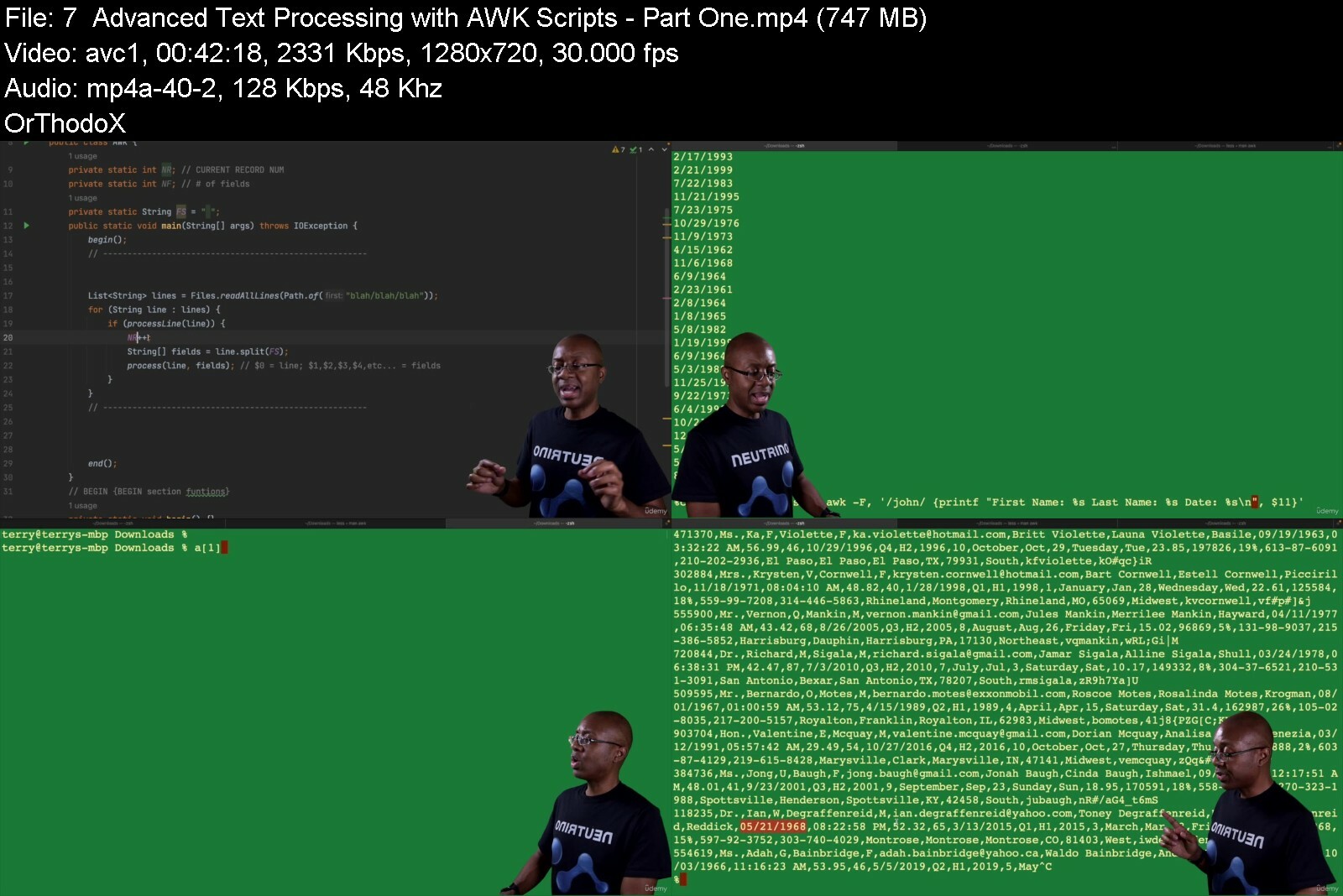
Essential Unix Skills for Developers
Last updated 6/2023
Created by Terry Martin
MP4 | Video: h264, 1280x720 | Audio: AAC, 44.1 KHz, 2 Ch
Genre: eLearning | Language: English + srt | Duration: 76 Lectures ( 18h 1m ) | Size: 15.8 GB


Harness the powerful Unix command line within Linux, MacOS & other OSs to take your developer skills to the next level


What you'll learn
How to use the most common Unix tools and utilities
Working with Unix shells
Popular command-line editors like vi/vim & pico/nano
Numerous commands & techniques for manipulating text files and text output
Managing user accounts, adding/removing applications, working with processes
Useful networking-related commands to help you troubleshoot your web apps/services & network tools
Deploying apps to Linux servers as services & with Docker

Requirements
Windows 10 (capable of running WSL2), MacOS or Unix-like OS (Linux/FreeBSD/etc.)
Basic Computer Skills
At least beginner-level programming skill is helpful but NOT necessary
Strong desire/motivation to learn

Description
What do C, Go, Python, Perl, Java, Node.js, Git, SSH, Docker, Kubernetes, MySQL, SQLite, iOS, MacOS, Android and SO many more programming languages, tools & platforms have in common? They were all developed on Unix-related operating systems like Linux, MacOS (yes, MacOS IS Unix too), FreeBSD & many others. That means these tools are 1st-class citizens in Unix. Virtually every modern developer will interact with some aspect of Unix in their career whether they're using Git and GitHub or deploying their web applications and services to The Cloud, Unix is nearly inescapable. In this course, we'll teach you the basics of this amazing and powerful operating system so that you can get the most out of it and feel comfortable working with it to get useful work done. There's a reason Unix is so ubiquitous, and by the end of this course, you'll know exactly why.What's so special about Unix? It's an operating system that was designed by programmers for programmers. It's basically a giant open development platform. Unix doesn't try to hide its programming tools away from the casual user. Those tools are all up front and center, making it easy and pleasurable to develop sophisticated software and test it out on the platform. That's why so many of the world's most popular languages and development tools have been developed on Unix over the decades.Do you have to learn Unix to be a developer? No, of course not. But many developers are forced to interact with Unix-related technologies every day without realizing that's what they're doing. As a result, they stumble their way through cryptic-seeming commands and invocations without understanding the underlying technology and the systems and theories on which they are based. If one understands where these commands and techniques are coming from, they become much easier to master and they are much less intimidating. It is at this point that one can truly unleash the power of the tools.Let us help you to unleash that power for yourself to take your skillset to the next level.

Who this course is for
People just starting out in modern software development
Existing software developers who want to get more familiar with Unix/Linux/MacOS command line skills
People who want a deeper understanding of modern development environments & tools like git, Docker, etc.


essentialunixskillsfow8iyq.jpg


bnamifjgifglpbyyl67pwfkevm.jpg


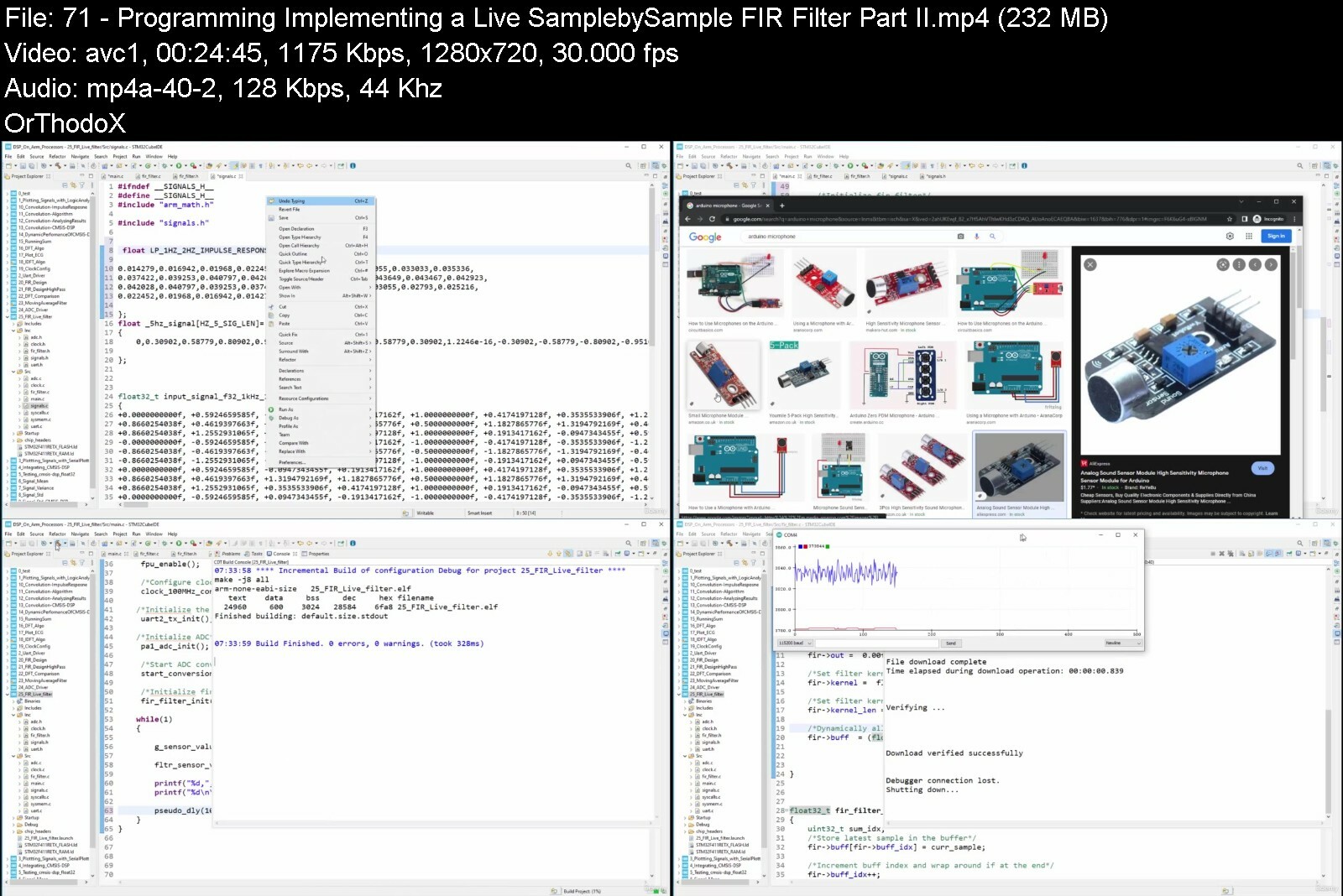
Dsp From Ground Up On Arm Processors [Updated]
Last updated 9/2022
MP4 | Video: h264, 1280x720 | Audio: AAC, 44.1 KHz
Language: English | Size: 13.65 GB | Duration: 25h 26m

Digital Signal Processing on ARM : DFT, Filter Design, Convolution, IIR, FIR, CMSIS-DSP, Linear Systems


What you'll learn
Develop efficient DSP algorithms using MAC and SIMD instructions
Develop RealTime Digital Signal Proceesing firmware
Understand Cortex-M4, M7 DSP optimization strategies
Master the CMSIS-DSP Library
Develop and test the Convolution Kernel algorithm on ARM Processors
Perform convolution using the ARM CMSIS-DSP Library
Develop and test the Discrete Fourier Transform (DFT) algorithm on ARM Processors
Develop and test the Inverse Discrete Fourier Transform (IDFT) algorithm on ARM Processors
Develop and test the Fast Fourier Transform (FFT) algorithm on ARM Processors
Perform Fast Fourier Transform (FFT) using the CMSIS-DSP Library
Perform spectral analysis on ECG signals on ARM Processors
Develop Windowed-Sinc filters on ARM Processors
Develop Finite Impulse Response (FIR) filters on ARM Processors
Develop Infinite Impulse Response (IIR) filters on ARM Processors
Setup Finite Impulse Response (FIR) filters using the CMSIS-DSP Library
Setup Infinite Impulse Response (FIR) filters using the CMSIS-DSP Library
Build passive Low-pass and High-pass filters
Build Modified Sallen-Key filters
Build Bessel, Chebyshev and Butterworth filters
Suppress noise in signals
Give a lecture on Digital Signal Processing (DSP)

Requirements
No programming experience needed - I'll teach you everything you need to know.
You will need the STM32F411-NUCLEO Board
We shall be using the STM32 IDE which is FREE.

Description
Do you want to learn practical digital signal processing (dsp) without confusion?Here s an overview of what you re getting in this dsp on Arm processors course...Understanding the foundations of signal processing without complications:Before going on to implement practical dsp algorithms from scratch, this course teaches you the foundation of signal processing step-by-step. We shall look at key topics in signal processing including: -Signal statistics and noise -Quantization and sampling theorem -Analog filter design -Performance metrics of the Chebyshev, Butterworth, and Bessel filters -Linear systems and their properties. -Finite Impulse Response Filters (FIR) -Infinite Impulse Response Filters (IIR) -Superposition, synthesis, and decomposition. -Convolution and its properties -Discrete Fourier Transform (DFT) and IDFTDeveloping Digital Signal Processing Algorithms:We shall practically develop the signal processing algorithms we discussed in the theory class. Over here rather than use live signals we shall use some already acquired and generated signals to test our algorithms, to keep the focus on developing the algorithms and testing them, rather than signal acquisition.We shall develop the following algorithms: -Signal statistics algorithms: signal mean, signal standard deviation, signal variance -The Convolution algorithm -The Running Sum algorithm -The Discrete Fourier Transform (DFT) algorithm -The Inverse Discrete Fourier Transform (IDFT) algorithmWe shall also implement some of these algorithms using the CMSIS-DSP library and then compare the dynamic performance of our algorithm to that of the ones provided by CMSIS-DSP.Developing Drivers and Data Structures for Signal Acquisition:To be able to properly acquire signals from the external world and then apply our signal processing algorithms, we first need to develop analog-to-digital converter (ADC) drivers for acquiring the signals and appropriate data structures more storing and managing the signal. Over here we shall develop : -A bare-Metal ADC driver for acquiring the signal -A First-In-First-Out data structure for storing and managing the signal Digital Filter Design and Implementations:We shall learn about the various types of digital filters available and then go on to implement them from scratch. We shall implement: -The Moving Average Filter -The Finite Impulse Response (FIR) filter -The Infinite Impulse Response (IIR) FilterWe shall also see how to design the filter kernel of the finite impulse response filters using Matlab.Practical DSP Application on Live Signal:Over here, we shall apply all that we have learnt to process live signals from our microcontroller s ADC.This course is more than just getting the code to work. It will teach you how to . Write Practical DSP Algorithms WITHOUT a fancy Engineering DegreeYou will be able to understand the foundations of signal processing without the hassle of complex mathematical derivations. Taken by 3000+ Students with 200+ ReviewsThis course is the fully updated version of the 1st edition of the course. The first edition has been taken by over 3000 students with over 290 reviews. Here is what what one student had to say about the course."The information covered in this course is exactly what I needed to learn for a new assignment. Both general information about DSP as well as how to implement things on the ARM Cortex M4."Here is what another student had to say:"It is exciting to see how MATLAB is used in embedded systems for signal generation and filter design. The explanation here is simple and to the point. Keeps the viewer's interest captured and avoids unnecessary details."In summary, you really have nothing to lose. Give it a try, it comes with a full money back guarantee. Hope to see you in the course.

Overview

Section 1: Setting Up

Lecture 1 Downloading CubeIDE

Lecture 2 Installing CubeIDE

Lecture 3 Getting the required documentation

Lecture 4 Getting the required package for bare-metal development

Lecture 5 Testing the project setup

Section 2: Getting Stasrted

Lecture 6 Programming : Enabling the Floating Point Unit (FPU)

Lecture 7 Programming : Plotting Signals using the Internal Logic Analyzer

Lecture 8 Programming : UART Driver - Analyzing the Documentation

Lecture 9 Programming : UART Driver - GPIO Pin Configuration

Lecture 10 Programming : UART Driver - Protocol Paramters Configuration

Lecture 11 Programming : UART Driver - Transmission Function

Lecture 12 Programming : UART Driver - Testing the Driver

Lecture 13 Programming : UART Driver - Plotting Signals

Lecture 14 Programming : Integrating the CMSIS-DSP Library

Lecture 15 Programming : Testing the CMSIS-DSP float32_t

Section 3: Signal Statistics and Noise

Lecture 16 Introduction to Signals

Lecture 17 The Signal Mean and Standard Deviation

Lecture 18 Programming : Developing the Signal Mean Algorithm

Lecture 19 Programming : Developing the Signal Variance Algortihm

Lecture 20 Programming : Developing the Signal Standard Deviation Algorithm

Lecture 21 Programming : Computing the Signal Standard Deviation using CMSIS-DSP

Section 4: Quantization and The Sampling Theorem

Lecture 22 Understanding the Sampling Theorem

Lecture 23 The Passive Low-Pass Filter

Lecture 24 The Passive High-Pass Filter

Lecture 25 The Active Filter

Lecture 26 Chebyshev, Butterworth and Bessel Filters

Section 5: ARM Cortex-M DSP Support Features

Lecture 27 Overview of Arm Cortex-M DSP Support Features

Section 6: Linear Systems and Superposition

Lecture 28 Introduction to Linear Systems

Lecture 29 Understanding Superposition

Lecture 30 Impulse and Step Decomposition

Section 7: Convolution

Lecture 31 Introduction to Convolution

Lecture 32 The Convolution Operation

Lecture 33 Examining the Output of Convolution

Lecture 34 The Convolution Sum Equation

Lecture 35 Programming : Analyzing the Input Signals of Convolution

Lecture 36 Programming : Developing the Convolution Algorithm

Lecture 37 Programming : Analyzing the Output Signal of Convolution

Lecture 38 Programming : Computing Convolution using CMSIS-DSP

Lecture 39 Programming : Developing a SysTick Driver to Measure Dynamic Efficiency

Lecture 40 Programming : Measuring the Dynamic Performance of CMSIS-DSP (Part I)

Lecture 41 Programming : Measuring the Dynamic Performance of CMSIS-DSP (Part II)

Lecture 42 A closer look at the Delta function

Lecture 43 The First Difference and Running Sum

Lecture 44 Programming : Implementing the Running Sum Algorithm

Section 8: Discrete Fourier Transform (DFT)

Lecture 45 Introduction to Fourier Transform

Lecture 46 The Discrete Fourier Transform (DFT) Engine

Lecture 47 The Inverse Discrete Fourier Transform (IDFT)

Lecture 48 Programming : Developing the Discrete Fourier Transform (DFT) Algorithm

Lecture 49 Programming : Analyzing the ECG Signal for Inverse DFT

Lecture 50 Programming : Developing the Inverse DFT Algorithm (Part I)

Lecture 51 Programming : Developing the Inverse DFT Algorithm (Part II)

Section 9: Configuring the Clock Tree for Maximum Speed

Lecture 52 Programming : Analyzing the Documentation

Lecture 53 Programming : Listing out the Steps

Lecture 54 Programming : Implementing the Clock Config function (PartI)

Lecture 55 Programming : Implementing the Clock Config function (PartII)

Lecture 56 Programming : Testing the Clock Tree by Running Inverse DFT at 100Mhz

Section 10: Digital Filter Design

Lecture 57 Programming : Generating Signals with Matlab

Lecture 58 Programming : Combining Signals with Matlab

Lecture 59 Programming : Designing a Low-pass Filter Kernel in Matlab

Lecture 60 Programming : Designing a High-pass Filter Kernel in Matlab

Lecture 61 Programming : Analyzing Frequency Components of Signals in Matlab

Lecture 62 Programming : Designing Filters using the FDATool in Matlab

Lecture 63 Programming : Implementing a Digital Low Pass Filter on Embedded Device

Lecture 64 Programming : Implementing a Digital HighPass Filter on Embedded Device

Lecture 65 Programming : Comparing the DFT Results of the Embedded Device to Matlab

Lecture 66 Programming : Implementing a Moving Average Filter for Smoothening Noisy Signals

Section 11: Signal Processing on Live Sensor Data

Lecture 67 Programming : Developing a Bare-Metal ADC Driver- Analyzing the Documentation

Lecture 68 Programming : Developing a Bare-Metal ADC Driver- Initialization Function

Lecture 69 Programming : Developing a Bare-Metal ADC Driver- Testing the Driver

Lecture 70 Programming : Implementing a Live Sample-by-Sample FIR Filter (Part I)

Lecture 71 Programming : Implementing a Live Sample-by-Sample FIR Filter (Part II)

Section 12: Developing the First-In-First-Out (FIFO) Data Structure

Lecture 72 Programming : Implementing the Interface File

Lecture 73 Programming : Implementing the Initialization Function

Lecture 74 Programming : Implementing Fifo_Put Function

Lecture 75 Programming : Implementing the Fifo_Get Function

Lecture 76 Programming : Testing the FIFO

Section 13: Developing a Background Thread for Sampling Sensor Data

Lecture 77 Programming : Analyzing the Documentation

Lecture 78 Programming : Implementing the Intialization Function

Lecture 79 Programming : Testing the Background Thread

Section 14: Performing Digital Signal Processing on Blocks of Sensor Data

Lecture 80 Programming : Getting a Block of Sensor Data into the FIFO

Lecture 81 Programming : Reading from the FIFO

Lecture 82 Programming : Applying FIR Filters on a Block of Sensor Data

Lecture 83 Programming : Performing Convolution on a Block of Sensor Data using CMSIS-DSP

Lecture 84 Programming : Applying Moving Average Filters to a Block of Sensor Data

Section 15: -----------------START OF OLD VERSION OF THE COURSE --------------------------

Lecture 85 Introduction

Lecture 86 Updating and installing new packs

Lecture 87 Increasing System Clock Frequency

Lecture 88 Configuring the Logic Analyzer

Lecture 89 Configuring the Logic Analyzer (Part 2 )

Lecture 90 Plotting signals on the Logic Analyzer

Lecture 91 Plotting signals on the Logic Analyzer (Part 2)

Lecture 92 Configuring an FIR Low-pass filter

Lecture 93 Configuring an FIR Low-pass filter (Part II)

Lecture 94 Testing the Lowpass filter

Lecture 95 Testing the Lowpass filter (Part II)

Lecture 96 Generating a sine wave

Lecture 97 Generating a sine wave (Part 2)

Section 16: Getting Started with Real-time Digital Signal Processing

Lecture 98 Setting up the project

Lecture 99 Configuring the FIR filter

Lecture 100 Configuring the sine generator

Lecture 101 Filtering a noisy signal

Lecture 102 Plotting filter results

Lecture 103 Configuring the Real-time Kernel

Lecture 104 Creating Threads

Lecture 105 Synchronizing Threads

Section 17: Signal Statistics and Noise

Lecture 106 Nature of a signal

Lecture 107 Mean and Standard Deviation

Lecture 108 Coding : Developing the Mean algorithm (Part II)

Lecture 109 Loop Iterator

Lecture 110 Coding : Developing the Mean algorithm (Part II)

Lecture 111 Coding : Developing the Mean algorithm (Part III )

Lecture 112 Coding : Developing the Variance algorithm

Lecture 113 Coding : Computing the signal variance using CMSIS-DSP

Lecture 114 Coding : Developing the Standard Deviation algorithm

Lecture 115 Coding : Computing signal standard deviation using CMSIS-DSP

Lecture 116 Signal-to-Noise ratio

Section 18: Quantization and The Sampling Theorem

Lecture 117 Quantization

Lecture 118 Nyquist Theorem ( Sampling Theorem )

Lecture 119 The Passive Low-Pass Filter

Lecture 120 The Passive High-Pass Filter

Lecture 121 The Modified Sallen-Key Filter

Lecture 122 The Bessel, Chebyshev and Butterworth filters

Lecture 123 Comparing the performance of the Bessel, Chebyshev and Butterworth filters

Lecture 124 Information encoding : Time-domain and frequency-domain encoding

Section 19: ARM Cortex-M DSP Support Features

Lecture 125 From Digital Signal Processors (DSPs) to Digital Signal Controllers (DSCs)

Lecture 126 Features of Digital Signal Controllers

Lecture 127 Overview of the Floating Point Unit (FPU)

Lecture 128 Overview of Cortex-M SIMD Capabilities

Lecture 129 Overview of Cortex-M MAC Capabilities

Lecture 130 Overview of CMSIS-DSP

Lecture 131 Data Types

Section 20: Linear Systems and Superposition

Lecture 132 Signal naming conventions

Lecture 133 System Homogeneity

Lecture 134 System Additivity

Lecture 135 System Shift Invariance

Lecture 136 Synthesis and Decomposition

Lecture 137 Impulse Decomposition

Lecture 138 Step Decomposition

Section 21: Convolution

Lecture 139 Introduction to Convolution

Lecture 140 The Delta Function and Impulse Response

Lecture 141 The Convolution Kernel

Lecture 142 The Convolution Kernel (Part II)

Lecture 143 The Output side analysis and the convolution sum equation

Lecture 144 Coding : Developing the convolution algorithm (Part I)

Lecture 145 Coding : Developing the convolution algorithm (Part II)

Lecture 146 Coding : Developing the convolution algorithm (Part III )

Lecture 147 Coding : Convolving signals using CMSIS-DSP (Part I)

Lecture 148 Coding : Convolving signals using CMSIS-DSP (Part II)

Lecture 149 Coding : Convolving signals using CMSIS-DSP (Part III)

Lecture 150 The Identity property of convolution

Lecture 151 The Running Sum and First Difference

Lecture 152 Coding : Developing the Running Sum algorithm

Lecture 153 Coding : Developing the First Difference algorithm

Section 22: Fourier Transform

Lecture 154 Introduction to Fourier Analysis

Lecture 155 Introduction to Discrete Fourier Transform

Lecture 156 DFT Basis Functions

Lecture 157 Deducing the Inverse DFT

Lecture 158 Calculating the Discrete Fourier Transform (DFT)

Lecture 159 Coding : Developing the DFT algorithm (Part I)

Lecture 160 Coding : Developing the DFT algorithm (Part II )

Lecture 161 Coding : Developing the DFT algorithm (Part III )

Lecture 162 Coding : The Inverse Discrete Fourier Transform of an ECG signal (Part I)

Lecture 163 Coding : The Inverse Discrete Fourier Transform of an ECG signal (Part II)

Lecture 164 Coding : The Inverse Discrete Fourier Transform of an ECG signal (Part IIII)

Lecture 165 Coding : The Inverse Discrete Fourier Transform of an ECG signal (Part IV)

Lecture 166 Symmetry between Time domain and frequency domain -Duality

Lecture 167 Polar Notation

Lecture 168 Coding : Rectangular to Polar conversion

Lecture 169 Coding : Polar to Rectangular conversion

Lecture 170 Introduction to Spectral Analysis

Lecture 171 The Frequency Response

Lecture 172 The Complex Number System

Lecture 173 Polar Representation of Complex Numbers

Lecture 174 Euler's Relation

Lecture 175 Representation of Sinusoids

Lecture 176 Representing Systems

Lecture 177 Introduction to Complex Fourier Transform

Lecture 178 Mathematical Equivalence

Lecture 179 The Complex DFT Equation

Lecture 180 Comparing Real DFT and Complex DFT

Section 23: Fast Fourier Transform (FFT)

Lecture 181 An Overview of how FFT works.

Lecture 182 Understanding the complexity of calculating DFT directly

Lecture 183 How the Decimation -in-Time FFT Algorithm works

Section 24: Digital Filter Design

Lecture 184 Introduction to Digital Filters

Lecture 185 The Filter Kernel

Lecture 186 The Impulse,Step and Frequency response

Lecture 187 Understanding the Logarithmic scale and decibels

Lecture 188 Information representations of a signal

Lecture 189 Time domain parameters

Lecture 190 Frequency domain parameters

Lecture 191 Designing digital filters using the spectral inversion method

Lecture 192 Designing digital filters using the spectral reversal method

Lecture 193 Classification of digital filters

Section 25: Designing Finite Impulse Response (FIR) Filters

Lecture 194 The Moving Average Filter

Lecture 195 Coding : Developing the Moving Average filter algorithm (Part I)

Lecture 196 Coding : Developing the Moving Average filter algorithm (art II)

Lecture 197 The Multiple Pass Moving Average Filter

Lecture 198 The Recursive Moving Average Filter

Lecture 199 Coding : Developing the Recursive Moving Average filter algorithm (Part I)

Section 26: Designing Infinite Impulse Response (IIR) Filters

Lecture 200 Introduction to Recursive Filters

Lecture 201 The Recursion Equation

Lecture 202 The Single-Pole Recursive Filter

Lecture 203 Digital Chebyshev Filters

Section 27: Designing Windowed-Sinc Filters

Lecture 204 Introduction to Windowed-Sinc Filters

Lecture 205 The Sinc Function and the Truncated Sinc Filter

Lecture 206 The Blackman window

Lecture 207 The Hamming and Blackman window equations

Lecture 208 Designing the Windowed Sinc filter

Section 28: FFT Convolution

Lecture 209 Understanding how the Overlap-Add method works

Lecture 210 Understanding how FFT-Convolution works

Lecture 211 Understanding fractional representation

Lecture 212 Introduction to CMSIS-RTOS

Lecture 213 Thread Management APIs

Lecture 214 Coding : Thread Creation (PART I)

Lecture 215 Coding : Thread Creation (PART II)

Lecture 216 osTime Management

Lecture 217 Setting Up Virtual Timers

Lecture 218 Creating Periodic Threads

Lecture 219 What is FreeRTOS ?

Lecture 220 Features of FreeRTOS

Lecture 221 FreeRTOS Variable Names

Lecture 222 FreeRTOS Function Names

Lecture 223 The Task Function

Lecture 224 Creating a Task

Lecture 225 Coding : Task Creation

Lecture 226 Coding : Task Priorities

Lecture 227 Creating efficient delays with vTaskDelay( )

Section 29: DSP Instructions on the ARM Cortex-M

Lecture 228 Getting familiar with some useful SIMD instructions

Lecture 229 Getting familiar with some useful SIMD instructions( Part I)

Lecture 230 Overview of 32-bit DSP Arithmetic Instructions

Lecture 231 Overview of 32-bit Arithmetic Instructions (Part II )

Lecture 232 Overview of 16-bit Arithmetic Instructions

Lecture 233 Overview of 8-bit Arithmetic Instructions

Lecture 234 Overview of Floating Point Instructions

Section 30: Cortex-M4, M7 DSP Optimization Strategies

Lecture 235 Optimization strategies (Part I )

Lecture 236 Optimization strategies (Part II )

Section 31: Setting Up

Lecture 237 Overview of the STM32F4-DISCOVERY Board

Lecture 238 Overview of the STM32F4- NUCLEO Board

Lecture 239 Downloading Keil uVision 5

Lecture 240 Installing Keil uVision 5

Lecture 241 Overview of Keil uVision 5

Lecture 242 Changing the Compiler

Lecture 243 Setting Up STM32CubeMX

Lecture 244 Overview of STM32CubeMX

Lecture 245 Overview of STM32CubeMX (continued)

Lecture 246 Checking for Updates and Firmware

Lecture 247 Overview of Peripheral Configuration

Lecture 248 CubeMX Input/Output project

Lecture 249 Clock Tree configuration

Lecture 250 The Configuration Tab

Section 32: Setting Up Matlab

Lecture 251 Downloading Matlab

Lecture 252 Installing Matlab

Lecture 253 Overview of Matlab

Lecture 254 Coding : Writing to a file

Lecture 255 Coding : Reading from a file

Section 33: Closing Remarks

Lecture 256 Closing Remarks

If you are an experienced embedded developer and want to learn how to professionally develop embedded applications for ARM processors, then take this course.,If you are an absolute beginner to embedded systems, then take this course.


dspfromgrounduponarmpwxc3k.jpg


00961486d2e10.jpg


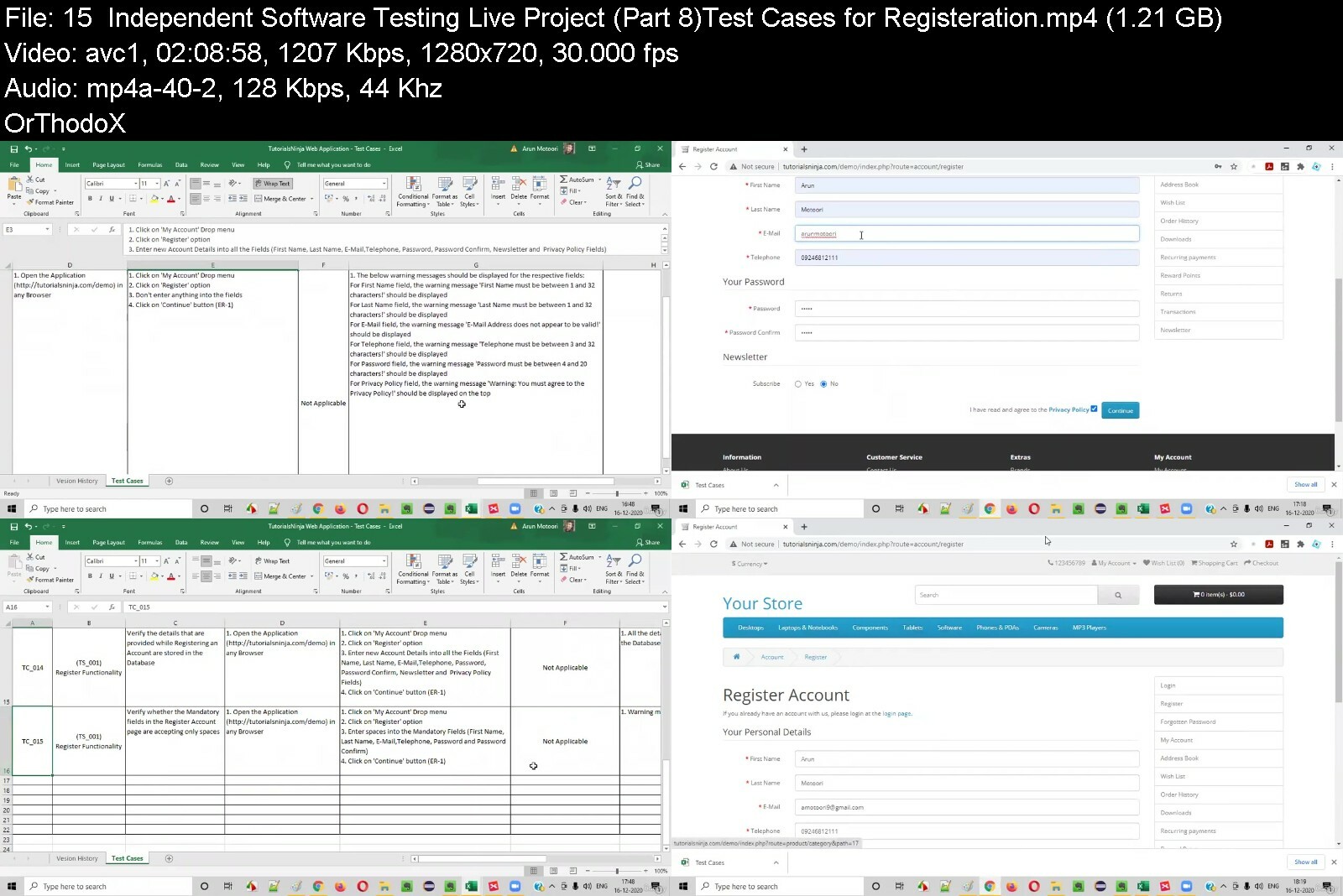
Software Testing Made Easy 2022
Published 10/2022
MP4 | Video: h264, 1280x720 | Audio: AAC, 44.1 KHz, 2 Ch
Genre: eLearning | Language: English | Duration: 100 lectures (35h 28m) | Size: 16.6 GB


A to Z almost everything you need to learn to excel in Software Testing in 2022


What you'll learn
Learn the core testing skills needed to apply for Software Testing positions in just 7 hours.
Test tooling, JIRA, Confluence, TestRail, TestLodge, Charles Proxy, Postman, gitHub and Miro which will help you to be a great software tester.
Learn all the hot topics in the IT industry.
Be able to demonstrate your understanding of software testing to future employers.

Requirements
NO Prior Knowledge Required !!

Description
Welcome to "Software Testing Made Easy 2022 "

Hi, My name is Rohit and I teach Computer Science and several programming languages. I have worked in top MNC's like Google, IBM, TCS. I have a training institute where I am training students in various programming languages since 7yrs. I train over 800 students per year and trained 9100+ students till now!!

The course contents are mostly interactive video lectures. I as a Good Instructor, will encourage absolute beginners to follow the lectures and will motivate in the right direction. You as a sincere student should start from the very first video and proceed one by one .

The course is for anyone who may or may not have any previous experience of testing. We will go from the very basic to the advanced topics. Simple program to complex one step by step.

WHAT YOU ARE GETTING IN THE COURSE

100 Full Fledged Crisp and Detailed Lectures

35 Hours+ Video on Demand

Full Course at a very Low Cost

A great trainer with 7 yrs+ experience

The Curriculum is very practical as it guides you from start to finish on the path to become professional in Software Testing. We'll start by teaching you the basics of Software Testing and the basics of programming. Then move on to advanced Software Testing topics.

We will continue to provide really helpful tips and we will provides plenty of other references.

Why Take This Software Testing Made Easy 2022

Interesting: No boring lectures. It walks you through fun and useful tasks.

Unforgettable: Learn the 'why' behind every action, remember concepts so you can apply them later.

Perfect length. The course is 35 hours long.

Perfectly Paced: Learn the basics of Software Testing at a beginner's pace. This means you're never left behind and don't waste time on irrelevant filler material.

Still Worried !!

Here's the Panacea, NO QUESTIONS ASKED

Udemy's money-back guarantee !!

ENROLL NOW

Who this course is for
Anyone who wants to learn how to use Software Testing.
This course is perfect for absolute beginners with no previous testing experience.
Anyone who wants to learn more testing!
Those looking to build software testing knowledge and get a job in the IT industry.


softwaretestingmadeeai2dpv.jpg


4881804426fdyc13.jpg


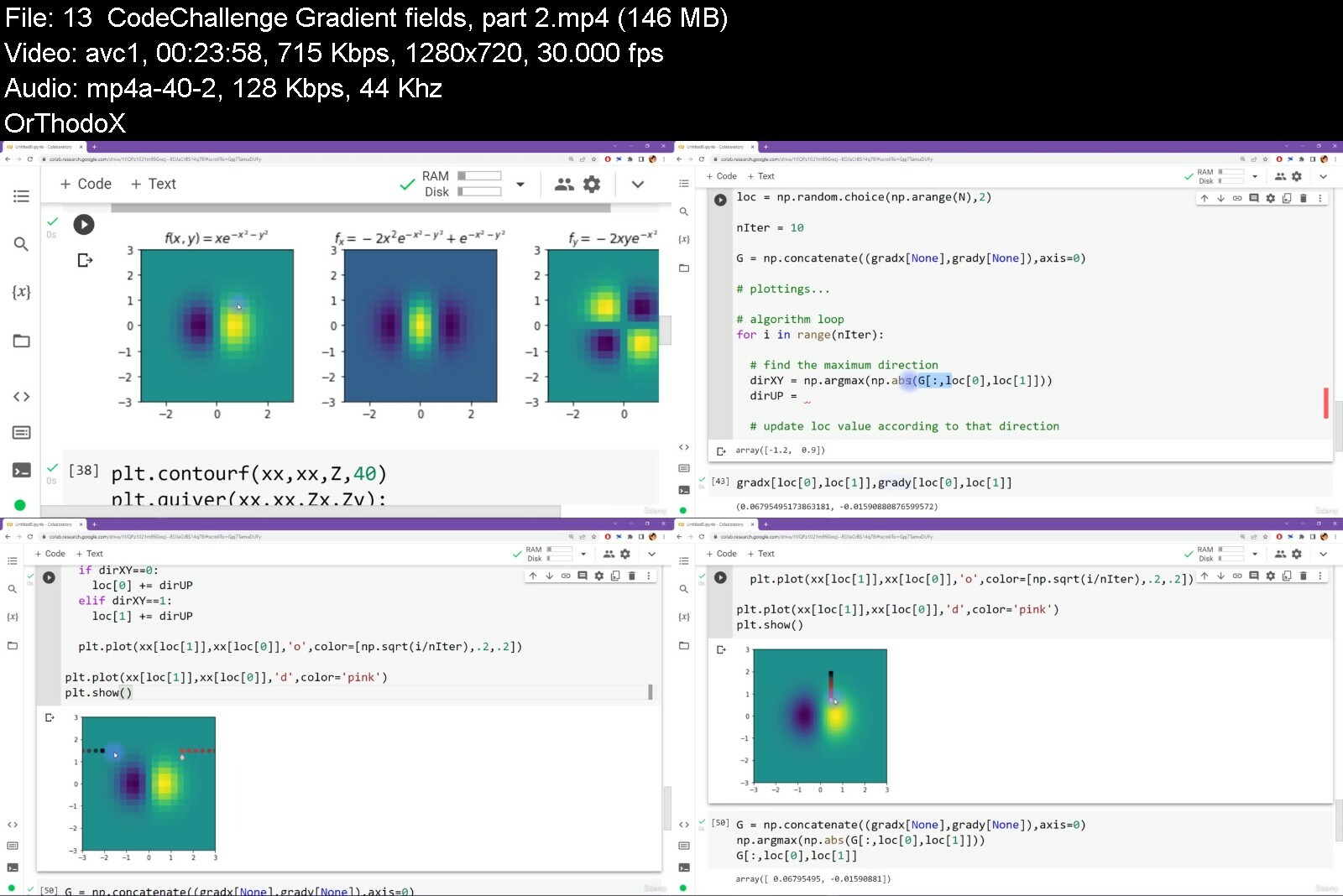
Master calculus 1 using Python: derivatives and applications
Last updated 11/2022
MP4 | Video: h264, 1280x720 | Audio: AAC, 44.1 KHz, 2 Ch
Genre: eLearning | Language: English | Duration: 178 lectures (41h 25m) | Size: 12 GB


Develop a deep understanding and intuition for calculus. Solve problems and implement algorithms by hand and in Python


What you'll learn
Differential calculus
Mathematical functions (rational, polynomial, transcendantal, trig)
Limits and tricks for solving limits problems
Differentiation rules
Tips and tricks for differentiation
Proofs
Python (numpy and sympy)
Numerical processing
Applied calculus
Visualizing math functions (matplotlib)

Requirements
Basic high-school math
No programming experience needed
No prior experience with calculus needed!

Description
The beauty and importance of calculus

Calculus is a beautiful topic in mathematics. No, really!

At its heart, calculus is about change. Life is full of change, and calculus is the language that humans developed (invented or discovered -- that's an ongoing debate!) to understand how physical, biological, and abstract systems change. Calculus is more than just some equations you have to memorize; it's a way of looking at the world and trying to understand how the tiniest infinitesimal changes can lead to gigantic complexity bigger than the imagination.

OK, but aside from all that fluff, calculus is also really important for basically every piece of engineering and digital technology that has touched humanity. Indeed, the history of calculus is the history of civilization.

You want to learn data science? => You need calculus.

You want to learn machine-learning? => You need calculus.

You want to learn deep learning? => You need calculus.

You want to learn computational science? => You need calculus.

You want to learn... I think you see the pattern here ;)

Why learn calculus?

There are three reasons to learn calculus.

It has applications for understanding data science and machine-learning algorithms, but it's also a beautiful topic in its own right.

Learning math will train your critical thinking and reasoning skills. Any branch of mathematics will train your brain, but calculus especially so, because doing calculus is a lot of like running scientific experiments -- generate hypotheses, test them in experiments by holding variables constant, and measuring the output.

It's a better hobby than sitting around watching netflix. Seriously. Learning math will help protect you from age-related cognitive decline. Challenge your mind to keep it sharp!

Learn calculus the traditional way or the modern way?

So, how do you learn calculus? You can learn it the way most people do -- by watching someone else scratch on a chalkboard while you furiously take notes and try to decipher their sloppy handwriting, all the while having a little voice in your head telling you that you don't get it because you're not smart enough.

Or you can try a different approach.

I follow the maxim "you can learn a lot of math with a bit of coding." In this course, you will use Python (mostly the numpy and sympy libraries) as a novel tool to help you learn concepts, proofs, visualizations, and algorithms in calculus.

So this is just about coding math?

No, this course is not about coding math. And it's not about using Python to cheat on your math homework. Python's symbolic math and plotting engines are incredibly powerful -- and yet underutilized -- tools to help you learn math. By translating formulas into code, implementing algorithms, and solving challenging coding exercises, you will gain a deep knowledge of concepts in calculus.

And the graphics engine in Python will let you see equations and functions in a way that helps you develop intuition for why functions behave the way they do.

You will also learn the limits of computers for learning calculus, and why you still need to use your brain and freshly developed calculus skills.

New to Python?

Python is a popular multi-purpose programming language that is light-weight and free. If you are new to Python, then don't worry! This course comes with a 7+ hour Python coding tutorial (potentially up to 12 hours if you complete all the exercises) that is designed for beginners and will teach you the coding skills you'll need for this course.

Are there exercises?

Everyone knows that you need to solve math problems to learn math. This course has exercises for you to solve in nearly every video -- and I explain the answers to every single exercise (not only the odd-numbered ones, lol).

But wait, there's more! I don't just give you problems to work on; I will teach you how to create your own exercises (and solutions) so you can custom-tailor your own homework assignments to practice exactly the skills you most need to work on. Because you know, "give someone a fish" versus "teach someone to fish."

Is this the right course for you?

One thing I've learned from 20+ years of teaching is that no two learners are the same, which means that no course will be right for everyone. I hope you find this course a valuable learning resource -- and fun to work through! -- but the reality is that this course won't be ideal for everyone. Please watch the preview videos and check out the reviews before enrolling.

And if you enroll but then decide that this course isn't a good match for you, then that's fine! Check out Udemy's 30-day return guarantee.

Who this course is for
Calculus students looking for better educational material
Mathematicians who want to implement math in code
Coders who want to use Python to learn math
Data scientists (current or aspiring)
Machine-learning and A.I. enthusiasts
Anyone curious about the amazing beauty of calculus on computers!
Anyone looking for an intellectually stimulating hobby


mastercalculus1usingpfses6.jpg


awscertifiedsolutionsi8i4u.png


Acloud Guru - AWS Certified Solutions Architect - Associate (SAA-C03)
Last Updated 4/2023
MP4 | Video: h264, 1920x1080 | Audio: AAC, 44.1 KHz, 2 Ch
Genre: eLearning | Language: English + srt | Duration: 214 Lessons (25h 4m) | Size: 16.8 GB

The AWS Certified Solutions Architect Associate is one of the most demanded certifications. Take your career to the next level with essential skills for implementing cloud initiatives

AWS Certified Solutions Architect is among the most valuable and sought-after cloud computing certifications in the world. We designed this cloud architect certification training for anyone seeking to learn the major components of Amazon Web Services (AWS). By the end of the course, you ll be prepared to pass the associate-level AWS Certified Solutions Architect certification exam.

Who Is This Course For?
We ll start with a broad overview of the AWS platform. No programming knowledge is needed, and no prior AWS experience is required. Even if you have never logged in to the AWS platform before, you ll build the foundations to pass the AWS Certified Solutions Architect exam after completing our certification training.

What Is Included in This Course?
We know you re busy, so our training course is made up of 5- to 15-minute videos that can be viewed at your convenience. Our video lessons keep it simple, explaining things clearly and succinctly. Together, we ll walk you through each of the major areas of Amazon Web Services, step by step. Using real-life examples, we will practice how to effectively design and manage application infrastructure using AWS. At the end of each section, we ll also test your knowledge with short quizzes to make sure you ll be ready for the exam.

What Skills Will You Learn?
Not only will we cover the fundamentals of AWS architectural principles and services, we will also dive into each of the individual elements: IAM, S3, CloudFront, Storage Gateway, Snowball, EC2, CloudWatch, CLI, Lambda, Route 53, RDS, DynamoDB, Redshift, ElastiCache, Aurora, VPC, SQS, SNS, Elastic Transcoder, Kinesis, API Gateway, and so on.

AWS is constantly evolving their platform. We will continuously update this course with new content so you will never have to worry about missing out or failing the AWS certification test because of new content.

The ideal student for this course is ready to quickly break into cloud computing. You don t have hours to spend on training. We get you up to speed in half the time as other certification courses. The course will help you prepare for a position as a qualified AWS solutions architect.

At the end of this course, you ll be able to confidently take the associate-level AWS Certified Solutions Architect exam!


Homepage


awscertifiedsolutions72dmg.jpg


4776262f3fd3eodk9.jpg


Python Learning for Network Engineers Automation Masterclass
Last updated 7/2023
Created by Shibi Dev
MP4 | Video: h264, 1280x720 | Audio: AAC, 44.1 KHz, 2 Ch
Genre: eLearning | Language: English + srt | Duration: 205 Lectures ( 28h 2m ) | Size: 10.1 GB


100% Hands-on Python training session with real time Network Automation usecases (SSH, NETCONF, RESTCONF& API examples)


What you'll learn
Master Python Network Automation concepts from scratch. No prior coding experience is needed
Learn about Paramiko, Netmiko, NAPALM, Nornir, NETCONF, RESTCONF, YANG Models, Ncclient,API Requests, IPAddress libraries in python for Network automation
Acclerate your career to become the future-ready Network Automation Engineer
Learn to automate SSH, NETCONF, RESTCONF and API device interactions using Python
Learn to automate day to day Network Device configuration tasks and solve realtime Networking Automation usecases in more practical way
Learn to setup Ubuntu OS and PyCharm for your Network Automation Journey
Learn to do the Network Sniffing anf Packet capture using Python
Learn to prase device configuration using RegularExpression
Learn about SSH Keybased Authentication
Learn all the Python3 core concepts from Network context
Learn to use Jinja2 templates and textfsm in your scripts
Learn to use functions and Classes in Python for Network Automation
Learn about scheduling the task execution and logging the script execution results
Create and use CSV, YAML, JSON, XML files in your Python Automation scripts and device configurations

Requirements
No prior Python knowledge is required. You will learn everything you need to know
Need knowledge on basic Networking concepts (What is SSH, Basic Interface Configurations in Router and Switches)
Basics of Routing Protocols (static routes and dynamic routes) and Switching Protocols (vlans and vtp) configuration knowledge
Through out the session we will be using Linux Ubuntu OS (in Virtual box or VMWare Player)
Understanding on setting up Cisco images in: GNS3 or EVE-NG
Softwares used: Ubuntu OS, Python3, PyCharm, GNS3 or EVE-NG

Description
Learn Network Automation skills from scratch to an advanced level. For attending this course you don't need any prior coding experience.You will be learning all the required Python concepts in a practical way with Networking ExamplesThis will help you to get into the exciting world of most trending technology and raise your earning potential.This course is designed for Network Engineers with less or no coding experience.Throughout the session, we will be using Linux OS(preferably Ubuntu) for running Python scripts.The IDE is PyCharm and Cisco devices will be used for demonstrating most of the device interactions. (vIOS, IOS-XE, NXOS etc)The course will be starting with SSH fundamentals Initially, Course will take you through Paramiko, Netmiko, NAPALM and Nornir Libraries' fundamentalsParamiko invoke_shell and exec_command methodsMethods supported in Netmiko for device interactionsHow to do Configuration parsing using Regular Expressions over SSHHow to enable logging in the script with a log file or event email triggersHow to schedule the Script execution without keeping the terminal openedHow to do IP address and subnet validations using PythonHow to do multithreading for parallel execution on multiple devicesRead and write contents to a text file, JSON, YAML, and XMLManage device inventories or config details in CSV filesRead the configuration data from CSV, YAML, JSON, or text filesHow to use textfsm templateHow to use Jinja2 templates for creating multiline configuration templates with loops or conditionsHow to use NAPALM for multivendor supportHow to use getters in NAPALMHow to use config merge, config compare, config replace and config rollback in NAPALMcreateWhat is Nornir FrameworkHow to create an inventory file in NornirHow to create tasks in NornirWhat are plugins in NornirNETCONF/YANG Data models with real-time examplesNetconf Automation using Python NcclientRESTCONF API Automation using RequestsRaspberry Pi Mocropython Network Monitoring and Automation examplesCourse Update log (Latest Topics):June 2023: Raspberry Pi Micro PythonMay 2023: Command Line Arguments using ArgparseApril 2023:VMWare ESXi CLI automation using PythonPython Fundamentals Covered:Strings and String MethodsBytes and UnicodeException handlingstdin, stdout, stderr in PythonFile OperationsConfig HTML Comparison using PythonRegex FundamentalsFor loopWhile loopif, else, elifFunctions and ModulesObject Oriented Programming: Classes BasicsMultithreadinglists, dictionaries, and its methodssets, tuples Pycharm debug ExampleMutable vs ImmutabledatetimescheduleLoggingEnumerateTabulateItemgettesList comprehensioncopy and deep copysubprocessJSONXMLYAMLMocropython for beginners

Who this course is for
Network Engineers, Network Administrators, Network Operators
Network Architects
System Administrators, System Engineers
DevOps Engineers
Cisco Certified Professionals
CCNA, CCNP, CCIE Professionals
All the Python Network Automation enthusiast
Python developer who want to understand Networking Libraries
Network Analyst


pythonlearningfornetwqrct2.jpg


iti3p7ygqc9znu2oznyjqj6inl.jpg


Learn Api Testing Using Postman & Restassured
Last updated 8/2022
MP4 | Video: h264, 1280x720 | Audio: AAC, 44.1 KHz
Language: English | Size: 24.90 GB | Duration: 53h 3m

Postman & RestAssured


What you'll learn
You will be able to understand what the Webservices & API's are, and their functionality.
After completing this course you can start working on API & Webservices testing projects
Covered most popular API testing tools like Postman, SOAPUI, Ready API & RestAssured API Automation
You will learn how to develop and test Microservices

Requirements
You should be having basic knowledge on testing concepts.

Description
This course is designed to make you an expert in working with Back end Testing. Nowadays, almost all web applications use web services to communicate or interact with each other. Most modern day web services are built on Representational state transfer (REST) architecture; REST has gained a lot of popularity and it will continue to do the same due to its simplicity in comparison with other technologies.90%of the IT industry now heading towards this API for automating Services. On course completion You will be familiar with REST API testing using Postman, SOAPUI & RestAssured and can implement Successfully it in your work place or will surely land on High Paying Job.Topics Covered:---------------------Introduction to API TestingWhat is Client & server?Client-server architectureWhat is an API?Types of an APIAPI Vs WebserviceRest API methodshttp VshttpsAPI Testing using PostmanPostman Introduction Postman installationCreating WorkspaceCreating CollectionCreating Requests - Get, Post, Put & Delete Saving & Editing RequestsOperations on CollectionsThings to be validated in responseStatus codesCookiesHeadersResponse bodyExporting & Importing CollectionsCreating Dummy API s for API Testing NodeJS installationjson-server installationJavaScript Object Notation (JSON) & JSON PathWhat is JSON?Understanding JSON Object & JSON ArrayJSON PathAdding Tests/validations Testing status codesTesting headersTesting cookiesTesting response timeTesting response bodyScripts in Postman Pre-request ScriptsTests ScriptsWorking with Variables Global VariablesCollection VariablesEnvironment VariablesLocal VariablesData VariablesGet and Set Variables with ScriptsPostman Console API Chaining Project - Books APIData Driven Testing using JSON & CSV files File Upload & Download APIAuthorization TypesSwaggercURL ( Client URL)Documenting & PublishingECommerce App Rest API's Testing XML Response Testing JSON ResponseRun Collection Command prompt Command prompt with HTML ReportSharing CollectionsRun Collection RemotelyPush collection to GithubRun collection in JenkinsAPI Testing using RestAssuredIntroduction to RestAssuredSetting RestAssured Maven ProjectIncluding The Required REST Assured and Other DependenciesStatic importsWriting first REST Assured API Automation ScriptHTTP MethodsGETPostPutDeletePost request body creation waysHashMapPOJO classOrg.Json LibraryExternal JSON fileExternal JSON file with variablesParametersPath ParametersQuery parametersHeaders and cookiesLogging Parsing DataParsing JSON response Parsing DataParsing XML response File Upload & Download APIJSON & XML Schema validationsSerialisation & de-serialisation JSONAuthentications TypesAPI Chaining Request and response Specification buildersRoot PathDesigning the Rest Assure Framework Project

Overview

Section 1: Introduction

Lecture 1 Introduction

Section 2: Testing API's using Postman Tool

Lecture 2 Postman for API Testing, Introduction ,Setup & Basic HTTP Requests in Postman

Lecture 3 How To Create Dummy API's, Basics of JSON & JSON Path

Lecture 4 Validating Response in Postman & JavaScripting

Lecture 5 Postman Scripts & Variables

Lecture 6 Chaining Requests

Lecture 7 Data Driven Testing using JSON & CSV files

Lecture 8 File Upload & Download API, Authorization Types, cURL

Lecture 9 Validate XML Response, Converting XML Response to JSON & Documenting &Publishing

Lecture 10 Real Time e-Commerce App API's, Sharing Collections, Reporting , CI Jenkins

Section 3: Webservices testing with SOAP UI & Ready API Tools

Lecture 11 Introduction to SOAPUI, Installing SOAPUI & Working with SOAPUI features

Lecture 12 Assertions in SOAPUI

Lecture 13 Properties in SOAPUI,Property Transfer & Data Driven Testing

Lecture 14 Data Driven testing using multiple Data Sources in SOAPUI Pro(Ready API)

Lecture 15 Testing Flicker & Google Maps Web service API's, SwaggerIO

Section 4: API Testing Testing using RestAssured

Lecture 16 Environment setup & HTTP Methods

Lecture 17 Ways to create request PayLoad(Request Body)

Lecture 18 Types of parameters, Headers, Cookies & Logging

Lecture 19 Parsing JSON Response

Lecture 20 Parsing XML Response , File Upload & Download API

Lecture 21 JSON & XML Schema validations, serialisation & de-serialisation

Lecture 22 Authentications Types

Lecture 23 API Chaining

Lecture 24 Rest Assure Framework Project (Part 1)

Lecture 25 Rest Assure Framework Project (Part 2)

Lecture 26 Rest Assure Framework Project (Part 3)

Lecture 27 Git, GitHub & Jenkins Integration

Section 5: Java Basics for RestAssured Automation

Lecture 28 Setting up Java on Windows,Data Types & Operators in Java

Lecture 29 Java Control Statements

Lecture 30 Java Arrays & Strings

Lecture 31 Java OOPS Concepts, Class, Object, Methods & Constructors

Lecture 32 Java Overloading, this Keyword & static keyword

Lecture 33 Java Inheritance,Overriding,super & final keywords

Lecture 34 Java Interfaces,Java Packages & access Modifiers

Lecture 35 Exception Handling in Java

Lecture 36 Java ArrayList,HashMap & JDBC

Section 6: Webservices/API Testing FAQ's

Lecture 37 Webservices/API Testing FAQ's-Part 1

Lecture 38 Webservices/API Testing FAQ's-Part 2

Lecture 39 Webservices/API Testing FAQ's-Part 3

Beginners, Fresh graduates,Manual Testers and Automation Test Engineers


learnapitestingusingpardmk.jpg


g498ufckasmrvr3vewzpqm4ech.jpg


CCIE Service Provider v5.0
MP4 | Video: h264, yuv420p, 1920x1080 | Audio: aac, 44100 Hz | Duration: 103h 50m | 36.8 GB
Genre: eLearning | Language: English

INE offers a wide variety of courses and materials to help you pass your CCIE SP v5 Lab Certification Exams. This Learning Path is designed to help you logically navigate through our offerings so that you can most efficiently make use of your studying opportunities to achieve the CCNP or CCIE SP Certification.

This Learning Path consolidates all INE's CCIE SP v5 video courses into a single trackable path you can follow to your success! The series focuses on all basic and advanced v5 blueprint technologies, as well as discuses other topics you'll need to know to pass the exam, such as hardware platforms, software features and more. This series is intended for Enterprise and Service Provider Professionals and anyone looking to obtain their CCIE SP certification. It covers a broad spectrum of topics and technologies included in the current CCIE SP v5 exam blueprints.

1 - Introduction to CCIE Service Provider v5.0
2 - Understanding Basic Routing Technologies
3 - Understanding Basic BGP
4 - Implementing Interior Gateway Protocol
5 - Designing and Implementing Border Gateway Protocol
6 - Core MPLS
7 - Understanding Multicast VPN
8 - Understanding Virtualized Infrastructure
9 - Advanced MPLS & Traffic Engineering
10 - Intra-AS MPLS L3VPN
11 - Inter-AS MPLS L3VPN
12 - Implementing Multicast VPNs on Cisco IOS XR and XE
13 - L3VPN Internet Access
14 - L2 VPNs
15 - VPLS & H-VPLS
16 - LISP
17 - E-VPN
18 - VXLAN BGP EVPN Configuration & Verification Review
19 - Implementing Segment Routing on Cisco IOS XR and XE
20 - MPLS QoS
21 - Implementing Control Plane, Management Plane & Infrastructure Security
22 - Fundamentals of Network Automation Using Python
23 - CCIE Service Provider v5 Exam Review


Homepage

ccieserviceproviderv5j5ixa.jpg


4935758f368366fse.jpg


TOTAL: CompTIA A+ Certification (220-1101)
Published 10/2022
MP4 | Video: h264, 1280x720 | Audio: AAC, 44.1 KHz, 2 Ch
Genre: eLearning | Language: English | Duration: 126 lectures (15h 31m) | Size: 16.6 GB


Course 1: Everything you need to pass the A+ Certification Core 1 (220-1101) Exam, from Mike Meyers and Total Seminars


What you'll learn
How to pass the CompTIA A+ Certification Core 1 (220-1101) exam
The skills to be a great IT and computer tech
How to repair and configure mobile devices
How to set up and configure basic networks
All about hardware: monitors, CPUs, motherboards, hard drives, RAM, and more
How to build a PC from the ground up
Understand what the cloud is and how virtualization works
How to troubleshoot hardware and network issues

Requirements
There are no specific prerequisites as the course covers all the topics in detail.
A basic familiarity with computers and networks is helpful.
CompTIA recommends having 9-12 months of on-the-job experience before taking the A+ exam. This is recommended but not required.

Description
Hey, Mike Meyers here. The Team at Total Seminars and I are excited to bring you this video series to help you pass the CompTIA A+ Certification Core 1 (220-1101) exam.

Between my bestselling A+, Network+, and Security+ books and my video courses, I've taught over 2 million people how to take and pass these CompTIA IT industry certification exams. I've got an easy-going, approachable, and funny teaching style that has helped newbies and experienced techs alike learn valuable IT skills. I've taught in-person seminars for the DEA and the FBI, and now I'm going to teach you.

I'm joined by my buddy, Steve Nicholson, who brings a ton of knowledge and experience to this course. He's taught thousands of college students, worked as a Chief Technical Officer, and even had a stint in the Marine Corps. Oh, and don't forget to ask him about the chickens at his house!

This is the first of a two-course series and is designed to prepare you to take and pass the CompTIA A+ Core 1 (220-1101) exam. It's an internationally-recognized, fundamental IT training certification. Not interested in certification? No problem! Even if you just want to learn about the basics of IT and computers, I've got you covered.

Course 1: TOTAL: CompTIA A+ Certification (220-1101) (this course)

Course 2: TOTAL: CompTIA A+ Certification (220-1102)

To become fully A+ certified you will need to pass both the 220-1101 and 220-1102 exams.

WHAT OUR STUDENTS ARE SAYING

***** OVER 25,000 5-STAR REVIEWS! *****

***** "I used these courses to pass the A+, Security+, and Network+ in a span of 2.5 months. I had no IT experience 4 months ago. Now I am a network engineer at a managed service provider with a great salary and solid upward mobility." - Ryan D.

***** Mike is an incredible instructor and very engaging. Actually teaches you about technologies and how they work rather than just what you need to know to pass an exam. Can't recommend highly enough. - Dylan T.

***** 'First impressions - Blown away by the quality of the material! Especially the live demonstrations with real components really give one a far superior learning experience compared to ppt slides. I hope this style of teaching becomes the norm.' -Krishnamohan C.

***** Awesome! As an IT student, I already knew about PCs & related hardware and so on...this is an awesome course & Mike described everything nicely. If you are new to IT industry (less than 5 years) this is a must course for you! Muhammad T.

***** [Mike] Meyers is amazing when it comes to explaining. His fun little bits, such as when he explains common problems and how to troubleshoot them, keep you engaged and help it stick so much better. I went from barely understanding little bits here and there to passing the 1001 on my first try with the help of this course. If you have tried reading the books and listening to lectures from people who sound like the teacher from Ferris Bueller then I would highly recommend this course paired with his practice tests. Robert F.

***** This course was above my expectations! 1/2 way through and it is NOT boring, drilling information AT ALL!!! A positive, knowledgeable instructor who clearly speaks. Not only is the instructor positive, but fun and engaging. Very easily relays information in an easy to understand and easy to remember format. Perfect category breakdowns and great resources available too!!! THANK YOU (and your team) SO MUCH for all your hard work putting this course together!!! Looking forward to passing my CompTIA A+ with ease!!! Kerri O.

WHY SHOULD I TAKE THIS COURSE?

Technology is ranked as the #1 source of U.S. jobs. Are you looking to kickstart your career, improve your existing IT skills, or increase your chances of getting that IT job? Did you know 96% of HR managers use IT certifications as screening or hiring criteria during recruitment?

Some jobs that use A+ certifications are Support Specialists (avg. $54,500/yr.), Field Service Technicians (avg. $46,000/yr.), and Desktop Support Analysts (avg. $60,000/yr.).

More Certifications = More $$

A+ Cert with no other certifications = $47,500/yr.

A+ Cert with 1 or 2 other active certs. = $84,250/yr.

A+ Cert with 3 or 4 other active certs. = $92,080/yr.

A+ Cert with 5 or 6 other active certs. = $97,310/yr.

A+ Cert with 7 or 8 other active certs. = $105,150/yr.

Not looking for a cert? Maybe you're just interested in how to keep your home network router from constantly doing that annoying red-blinky-light thing. Or be the family hero and set up that awesome smart thermostat you've had in your Amazon cart for a year! Or perhaps you want to learn how to get your iPhone to work so you don't have to keep asking your friend's brother's aunt's niece for help. Whatever your motivation, this course is perfect to help give you a robust IT foundational knowledge in a way that's easy-to-understand. And, hopefully, you'll have a few laughs with me along the way.

WHAT'S INCLUDED?

SOOOOO much! This course is a great deal, check it out

Over 15 hours of video

PDFs of the CompTIA A+ Core 1 exam objectives

End-of-chapter quizzes to test your knowledge

Q&A section where you have access to me and my team of teaching assistants to answer any questions you might have

30-day money-back guarantee

Lifetime access

Certificate of completion

WHAT'S COVERED?

Exam Domain 1.0 Mobile Devices - 15%

Laptop hardware components

Mobile device types (tablets, smart phones)

Setting up mobile devices (syncing and networking)

Exam Domain 2.0 Networking - 20%

Networking hardware devices (routers, switches, firewalls)

Configuring a basic SOHO network

Networking configuration concepts (IPv4, IPv6, DNS, VPNs)

Internet connections and network types (cable, fiber, LANs)

Exam Domain 3.0 Hardware - 25%

Cables and connectors (USB, Ethernet, HDMI, Lightning, Thunderbolt)

Motherboards, CPUs, power supplies, RAM, hard drives and SSDs

Peripherals (printers, monitors, keyboards, microphones)

The joy of troubleshooting printers

Exam Domain 4.0 Virtualization and Cloud Computing - 11%

Cloud computing (IaaS, SaaS, PaaS, elasticity, cloud storage)

Client-side virtualization (virtual machines, hypervisors)

Exam Domain 5.0 Hardware and Network Troubleshooting - 29%

Resolve problems with best practices and industry standards

Troubleshoot RAM, motherboards, CPUs, power supplies, hard drives, display issues

Troubleshoot mobile device issues, printers, wired/wireless networks

EXAM INFO

Exam code: 220-1101

Max. 90 questions (multiple choice, drag-and-drop, and performance-based)

Length of exam: 90 minutes

Passing score: 675 (on a scale of 100-900)

Exam cost: $239 (get discount vouchers and save go to Total Seminars web site)

Languages: English, German, Japanese, Portuguese, Thai, and Spanish.

Recommended experience: 9-12 months' hands-on experience in a lab or in the field

HOW DO I TAKE THE COMPTIA A+ Core 1 and Core 2 EXAM?

Buy an exam voucher (get your discount voucher at Total Seminars' website), schedule your exam on the Pearson VUE website, then take the exam at a qualifying Pearson VUE testing center. You can take one exam at a time, or schedule to take both exams at the same time.

To become fully A+ certified you will need to pass both the 220-1101 and 220-1102 exams.

Who this course is for
Anyone looking to take and pass the CompTIA A+ Certification Core 1 (220-1101) Certification exam
Anyone who wants to improve their skills as a computer or IT technician
Anyone who wants to learn awesome stuff about PCs, Macs, mobile devices, networking, the cloud, IT security, and more


totalcomptiaacertificp2i6s.jpg


trevorsullivan11024x594kgz.jpg


CBTNuggets - Certified Kubernetes Security Specialist (CKS)
Released 10/2022
MP4 | Video: h264, 1920x1080 | Audio: AAC, 44.1 KHz, 2 Ch
Genre: eLearning | Language: English | Duration: 144 Lessons (25h 25m 25s) | Size: 40.2 GB

This intermediate Certified Kubernetes Security Specialist (CKS) training prepares DevOps professionals to minimize microservice vulnerabilities and set up and harden Kubernetes clusters

The world of IT has seen a big shift from using virtualized application deployment environments to containerized application deployment environments and Kubernetes is one of the most popular platforms when creating and managing those environments. So it only makes sense that being able to secure container-based applications and Kubernetes platforms has become a requirement.

With this Kubernetes Security Specialist training, you ll learn how to secure the containers that bundle and run your applications.

After finishing this Kubernetes training, you'll know how to minimize microservice vulnerabilities and set up and harden Kubernetes clusters.

For anyone who manages DevOps professionals, this Kubernetes training can be used to onboard new DevOps professionals, curated into individual or team training plans, or as a Kubernetes reference resource.

Certified Kubernetes Security Specialist (CKS): What You Need to Know
This Certified Kubernetes Security Specialist (CKS) training has videos that cover topics such as

Performing basic installations with Kubernetes (K8s) clusters
Configuring and managing Kubernetes clusters
Providing Kubernetes networking, storage, and security solutions
Monitoring Kubernetes performance with logs and troubleshooting problems

Who Should Take Certified Kubernetes Security Specialist (CKS) Training?
This Certified Kubernetes Security Specialist (CKS) training is considered professional-level Kubernetes training, which means it was designed for DevOps professionals. This Kubernetes skills course is designed for DevOps professionals with three to five years of experience with DevOps.

New or aspiring DevOps professionals. If you want to work as a DevOps professional in the future, mastering Kubernetes early is a sure-fire way to stay ahead of the curve. And what better way to showcase your Kubernetes skills than by knowing about Kubernetes security principles like cluster hardening and microservice vulnerability prevention often overlooked topics in the IT world.

By using this Certified Kubernetes Security Specialist (CKS) training, you can separate yourself from the crowds early on.

Experienced DevOps professionals. Though it was developed by engineers at Google, Kubernetes has only been around since 2015. So even some veterans in the DevOps space may not be comfortable working with Kubernetes.

But with how popular microservice architecture and application security have become, it s only a matter of time before you find yourself needing to learn about Kubernetes security. And by using this training, you'll learn how to secure container-based applications and Kubernetes platforms during build, deployment, and runtime


Homepage


certifiedkubernetesseafdpr.jpg


apluscore1qgfwm.png


CBTNuggets - CompTIA A+ Core 1 - 220-1101 - CompTIA Certification Training
Released 10/2022
MP4 | Video: h264, 1920x1080 | Audio: AAC, 44.1 KHz, 2 Ch
Genre: eLearning | Language: English | Duration: 178 Lessons (27h 24m) | Size: 26.9 GB


This entry-level CompTIA A+ (220-1101) training prepares learners to confidently navigate the physical components of systems, devices, and networks and perform simple tasks related to their operations.

If you're interested in a career working with computers, you need to prove you've mastered both hardware and software in individual computers and across whole networks. That's what the A+ certification from CompTIA is for.

The A+ consists of two exams. The 220-1101 covers mobile devices, networking technology, hardware, virtualization, and cloud computing. The A+ 220-1101 certification exam provides you with a solid foundation of fundamental IT knowledge that will help you throughout your career.

For anyone who manages desktop support training, this CompTIA training can be used to onboard new technical support specialists, curated into individual or team training plans, or as a CompTIA reference resource.

CompTIA A+ (220-1101): What You Need to Know
This CompTIA A+ (220-1101) training has videos that cover desktop support topics including

Configuring and managing mobile devices for network operations
Recognizing different network hardware and their purposes
Managing device hardware, from cables to peripherals
Working with virtual machines and cloud computing

Who Should Take CompTIA A+ (220-1101) Training?
This CompTIA A+ (220-1101) training is considered foundational-level CompTIA training, which means it was designed for technical support specialists. This desktop hardware skills course is valuable for new IT professionals with at least a year of experience with desktop support and experienced technical support specialists looking to validate their CompTIA skills.

New or aspiring technical support specialists. New IT support specialists are expected to have a broad set of knowledge. One day, you may help a user with their mobile device, troubleshoot network connectivity issues, and spin up a virtual machine. This course makes sure you're ready to tackle the many challenges you ll face in your IT career.

Experienced technical support specialists. If you've been working as a tech support specialist for several years but haven't earned the A+ certification, here s your sign to take the leap. The A+ certification from CompTIA proves your well-rounded expertise to employers. And this course can help you get started by preparing you for the first of two exams you need to pass to become A+ certified.


comptiaacore12201101clzdh3.jpg


Zurück
Oben Unten