• Regeln für den Video-Bereich:

    In den Börsenbereich gehören nur Angebote die bereits den Allgemeinen Regeln entsprechen.

    Einteilung

    - Folgende Formate gehören in die angegeben Bereiche:
    - Filme: Encodierte Filme von BluRay, DVD, R5, TV, Screener sowie Telesyncs im Format DivX, XviD und x264.
    - DVD: Filme im Format DVD5, DVD9 und HD2DVD.
    - HD: Encodierte Filme mit der Auflösung 720p oder darüber von BluRay, DVD, R5, TV, Screener sowie Telesyncs im Format x264.
    - 3D: Encodierte Filme von BluRay, die in einem 3D Format vorliegen. Dies gilt auch für Dokus, Animation usw.
    - Serien: Cartoon/Zeichentrick, Anime, Tutorials, Dokumentationen, Konzerte/Musik, Sonstiges sind demnach in die entsprechenden Bereiche einzuordnen, auch wenn sie beispielsweise im High Definition-Format oder als DVD5/DVD9/HD2DVD vorliegen. Ausnahme 3D.
    - Bereich Englisch: Englische Releases gehören immer in diesen Bereich.
    - Bereich Talk: Der Bereich, in dem über die Releases diskutiert werden kann, darf, soll und erwünscht ist.


    Angebot/Beitrag erstellen

    - Ein Beitrag darf erst dann erstellt werden, wenn der Upload bei mindestens einem OCH komplett ist. Platzhalter sind untersagt.
    - Bei einem Scenerelease hat der Threadtitel ausschließlich aus dem originalen, unveränderten Releasenamen zu bestehen. Es dürfen keine Veränderungen wie z.B. Sterne, kleine Buchstaben o.ä. vorgenommen werden. Ausnahme Serienbörse:
    - Bei einem Sammelthread für eine Staffel entfällt aus dem Releasename natürlich der Name der Folge. Beispiel: Die Simpsons S21 German DVDRip XviD - ITG
    - Dementsprechend sind also u.a. verboten: Erweiterungen wie "Tipp", "empfehlenswert", "only", "reup", usw. / jegliche andere Zusatzinformation oder Ergänzung, welche nicht in obiger Beschreibung zu finden ist.

    Aufbau des Angebots und Threadtitel

    Der Titel nach folgendem Muster erstellt zu werden. <Name> [3D] [Staffel] [German] <Jahr> <Tonspur> [DL] [Auflösung] <Quelle> <Codec> - <Group>
    Beispiel: The Dark Knight German 2008 AC3 DVDRip XviD - iND
    Beispiel: The Dark Knight 2008 DTS DL BDRip x264 - iND
    Beispiel: The Dark Knight 2008 AC3 DL BDRip XviD - iND
    Beispiel: The Dark Knight German 2008 AC3 720p BluRay x264 iND
    Beispiel: The Dark Knight 2008 DTS DL 1080p BluRay x264 iND
    Beispiel: Die Simpsons S01 German AC3 DVDRip XviD iND
    Beispiel: Die Simpsons S20 German AC3 720p BluRay x264 iND
    Beispiel: Sword Art Online II Ger Sub 2014 AAC 1080p WEBRip x264 - peppermint
    Entsprechend sind also u.a. verboten: Sonderzeichen wie Klammern, Sterne, Ausrufezeichen, Unterstriche, Anführungszeichen / Erweiterungen wie "Tipp", "empfehlenswert", "only", "reup", usw. / jegliche andere Zusatzinformation oder Ergänzung, welche nicht in obiger Beschreibung zu finden ist
    Ausnahmen hiervon können in den Bereichen geregelt sein.

    Die Beiträge sollen wie folgt aufgebaut werden:
    Überschrift entspricht dem Threadtitel
    Cover
    kurze Inhaltsbeschreibung
    Format, Größe, Dauer sind gut lesbar für Downloader außerhalb des Spoilers zu vermerken
    Nfo sind immer Anzugeben und selbige immer im Spoiler in Textform.
    Sind keine Nfo vorhanden z.B. Eigenpublikationen, sind im Spoiler folgende Dateiinformationen zusätzlich anzugeben :
    Quelle
    Video (Auflösung und Bitrate)
    Ton (Sprache, Format und Bitrate der einzelnen Spuren)
    Untertitel (sofern vorhanden)
    Hosterangabe in Textform außerhalb eines Spoiler mit allen enthaltenen Hostern.
    Bei SD kann auf diese zusätzlichen Dateiinformationen verzichtet werden.

    Alle benötigten Passwörter sind, sofern vorhanden, in Textform im Angebot anzugeben.
    Spoiler im Spoiler mit Kommentaren :"Schon Bedankt?" sind unerwünscht.


    Releases

    - Sind Retail-Release verfügbar, sind alle anderen Variationen untersagt. Ausnahmen: Alle deutschen Retail-Release sind CUT, in diesem Fall sind dubbed UNCUT-Release zulässig.
    - Im Serien-Bereich gilt speziell: Wenn ein Retail vor Abschluss einer laufenden Staffel erscheint, darf diese Staffel noch zu Ende gebracht werden.62
    - Gleiche Releases sind unbedingt zusammenzufassen. Das bedeutet, es ist zwingend erforderlich, vor dem Erstellen eines Themas per Suchfunktion zu überprüfen, ob bereits ein Beitrag mit demselben Release besteht. Ist dies der Fall, ist der bereits vorhandene Beitrag zu verwenden.
    - P2P und Scene Releases dürfen nicht verändert oder gar unter einem iND Tag eingestellt werden.


    Support, Diskussionen und Suche

    - Supportanfragen sind entweder per PN oder im Bereich Talk zu stellen.
    - Diskussionen und Bewertungen sind im Talk Bereich zu führen. Fragen an die Uploader haben ausschließlich via PN zu erfolgen, und sind in den Angeboten untersagt.
    - Anfragen zu Upload-Wünschen sind nur im Bereich Suche Video erlaubt. Antworten dürfen nur auf Angebote von MyBoerse.bz verlinkt werden.


    Verbote

    - Untersagt sind mehrere Formate in einem einzigen Angebotsthread, wie beispielsweise das gleichzeitige Anbieten von DivX/XviD, 720p und 1080p in einem Thread. Pro Format, Release und Auflösung ist ein eigener Thread zu eröffnen.
    - Grundsätzlich ebenso verboten sind Dupes. Uploader haben sich an geeigneter Stelle darüber zu informieren, ob es sich bei einem Release um ein Dupe handelt.
    - Gefakte, nur teilweise lauffähige oder unvollständige Angebote sind untersagt. Dies gilt auch für eigene Publikationen, die augenscheinlich nicht selbst von z.B. einer DVD gerippt wurden. Laufende Serien, bei denen noch nicht alle Folgen verfügbar sind, dürfen erstellt und regelmäßig geupdatet werden.
    - Untersagt sind Angebote, welche nur und ausschließlich in einer anderen Sprache als deutsch oder englisch vorliegen. Ausnahmen sind VORHER mit den Moderatoren zu klären.


    Verstoß gegen die Regeln

    - Angebote oder Beiträge, die gegen die Forenregeln verstoßen, sind über den "Melden"-Button im Beitrag zu melden.
  • Bitte registriere dich zunächst um Beiträge zu verfassen und externe Links aufzurufen.

*** Bestes IPTV *** bester Preis *** gratis Test ***


Englische Tutorials

4372194-aec8-3.jpg


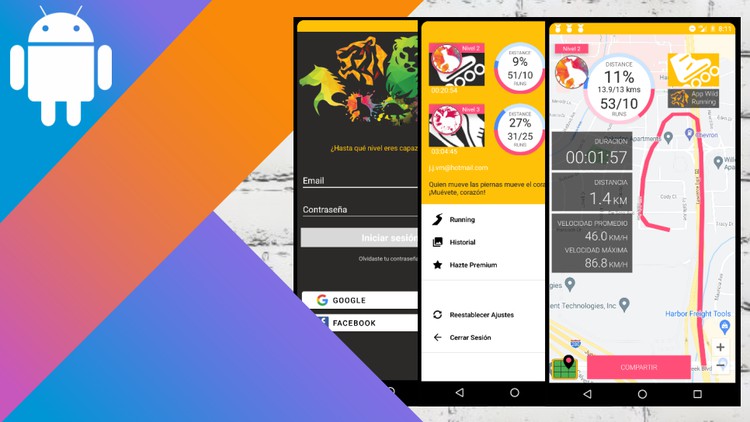
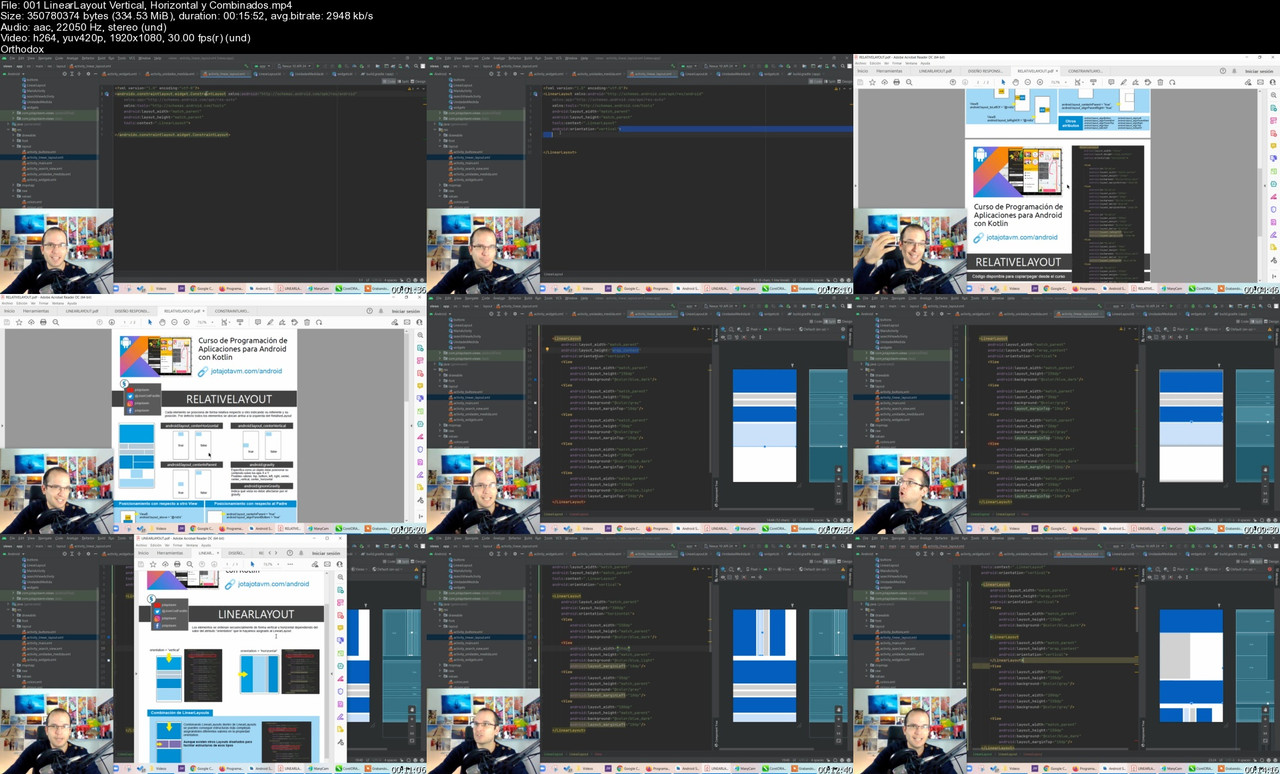
Programaci n de Aplicaciones para Android con Kotlin
Last updated 10/2023
Created by Jose Javier Villena
MP4 | Video: h264, 1280x720 | Audio: AAC, 44.1 KHz, 2 Ch
Genre: eLearning | Language: Spanish + srt | Duration: 454 Lectures ( 67h 24m ) | Size: 46.2 GB

Aprende desde las nociones b sicas de kotlin hasta c mo programar de forma profesional apps para Android con Kotlin


What you'll learn
Desarrollar sus propias Aplicaciones para Android
Lenguaje Kotlin de cero a avanzado (POO)
Uso profesional de Android Studio (atajos de teclado, depuraci n, etc)
Metodolog a de trabajo (no hagas apps sin cabeza, te ayudar a saber trazar una hora de ruta de desarrollo)
Sistema de Pagos
Inserci n de Publicidad
Registro legal de la APP
Maps y geolocalizazi n GPS
Control de los recursos del dispositivo (camara, audio, memoria, etc)
Base de Datos FIrestore Firebase
Almacenamiento en la nube Firebase Storage
Integraci n de librer as y recursos de terceros
Notificaciones
SharedPreferences
Widgets
y mucho m s!!!!


Requirements
No es necesario ning n conocimiento previo. TODO se explica en el Curso
Recomendable un PC con 4Gb de RAM y procesador i5 o superior
Principalmente, ganas de aprender :)


Description
Este curso desde cero a avanzado sobre desarrollo de aplicaciones para android con Kotlin est explicado desde el inicio como para seres humanos. Has intentado alguna vez aprender a programar apps para Android y te ha resultado un camino lleno de obst culos? Te entiendo. Por eso hice este curso explicando todo de forma sencilla y en un orden que permita asimilar los conceptos con claridad.Todos los temas se explican con ejemplos, para que veas la aplicaci n real de cualquier elemento en un proyecto profesional que exista de verdad, no solo como modelo para unas clases. Qu aprender s en este curso?El lenguaje Kotlin: ver s su sintaxis y caracter sticas desde los conceptos b sicos hasta los avanzadosProgramaci n Orientada a Objetos: veremos tambi n de qu manera se implementan en kotlin las clases, encapsulamiento, herencia, polimorfismo, clases abstractas, interfaces, subclases, objetos anonimos, data class, enum class...Atajos para Android Studio: esta es una de mis partes favoritas que hacen diferente este curso, ver s una enorme cantidad de atajos de teclado que llevar n a otro nivel tu eficacia al programar. C mo usar el debugger: adem s tambi n veremos como usar el debugger en detalle con todas sus posibles formas de recorrido por las l neas as como los observadoresComponentes de un Proyecto: te explicar todos los archivos que componen un proyecto en android y c mo est n organizados as como la funci n de cada uno de ellos, desde el gradle hasta el c digo fuente y los recursos asociados, as como el manifiestComponentes de una App: aqu aprender s qu son y c mo se usan cada uno de los pilares de una app (activity, fragment, view, viewGroups, service, broadcast receiver, intent, content provider, widget y animaciones)C mo hacer c digo ordenado y limpioEL OBJETIVO DEL CURSOPor favor, mira el video de introducci n. Ah ver s una app real, desarrollada ntegramente por m . El objetivo del curso es mostrarte desde las bases c mo llegar a programar apps como esa. Y eso se mostrar paso a paso en el curso a trav s de las secciones que se ir n a adiendo. Pero para tu garant a puedes comprobar que la app ya est creada, solo queda subir el proceso de desarrollo. Qu tiene la app del proyecto que desarrollaremos en este curso?Dise o de InterfacesUXControl de usuarios, con inicios de sesi n mediante el sistema tradicional de email adem s de los servicios de Google y FacebookVerificaci n y petici n de permisos de internet, escritura y lectura en memoria, camara, bateria, geolocalizaci n, etcCreaci n de men personalizadoDatos propios de los perfiles de usuarios, inicios de Sesion con Google,Facebook y emailSharedPreferencesLectura, escritura y actualizado de datos en la Base de Datos de FirebaseGuardado y recuperacion de archivos en la Base de Datos de Firebase StorageGeolocalizaci n y administraci n de mapas con captura de la ubicaci n actual, guardado y reproducci n de la rutaControl de c mara con c digo personalizadoNotificacionesReproducci n de m sica parametrizando el track y el volumenCreaci n de widgetsControl sobre el estado del hardware del dispositivoAnimacionesCompartir archivos por redes socialesIntegraci n de componentes desde librer as de tercerosWidgetsSistema de PagosResgistro LEGAL de la appInserci n de PublicidadTe animo a que veas cualquiera de las clases que est n accesibles antes de comprar el curso y seguro que desear s ver el resto del curso Verdad que es genial? Pues lo mejor de todo es que est a tu alcance.Compra el curso y disfruta de todo lo que te est esperando.Nos vemos!Jos Javier Villena

Who this course is for
Interesados en Programar Aplicaciones para Android
Programadores de Swift, Objective-C para iOS que quieran abarcar Android
Interesados en el Desarrollo en Android de forma nativa
Interesados en Android Studio
Quienes deseen trabajar como programadores de android
Quienes deseen abrir una empresa de desarrollo de apps


Homepage


001-Linear-Layout-Vertical-Horizontal-y-Combinados-s.jpg


3973256-01e7.jpg


Yoga Nidra Master Class by Tomer Weiss
Last updated 9/2023
Created by Tomer Weiss
MP4 | Video: h264, 1280x720 | Audio: AAC, 44.1 KHz, 2 Ch
Genre: eLearning | Language: English + srt | Duration: 101 Lectures ( 20h 56m ) | Size: 23.3 GB

Learn the art of YogaNidra & the related subjects of the Tibetan Yoga of Dreams & Clear Light, Lucid Dreaming & OBE


What you'll learn
Yoganidra
Tibetan Dream Yoga
Lucid Dreaming
Astral Projection


Requirements
English


Description
This fully guided & Interactive course, the most comprehensive course on YogaNidra in Udemy, will teach you everything you need to know to be able to practice YogaNidra & its related subjects. I designed the course to be accessible to everyone regardless of their background, this course will take you all the way from the basics to the most advanced teachings on the subjects. I decided to cover it all and that's why it is a master class.You will study the history and true meaning of YogaNidra.You will learn how to deeply relax in a way that will be healing both to your body & mindYou will learn about sleep, what happens during sleep, how to make sleep better & the connection between regular sleep and yogic sleep aka YogaNidraYou will study the Indian YogaNidra, both in its traditional form, as well as the modern one created by Swami SatyanandaYou will learn about the Tibetan dream yoga & the practices recommended by itYou will learn the art of Lucid Dreaming - how to remain aware in your dreams& the art of Astral Projection - how to consciously travel in the dream bodyAll the course is fully guided and supported, & you will find downloadable material that you can use in your own timeLearn the course in your own time & at your own pace

Who this course is for
Anyone wanting to explore their dream world
Yoga Practitioners
Yoga Teachers


Homepage


8-9-8-Astral-Realm-etiquette-101-s.jpg


VZl-K1wrv-Z8kku-Xy-RAPLEy-Nb-FKrn-PEBD8.jpg


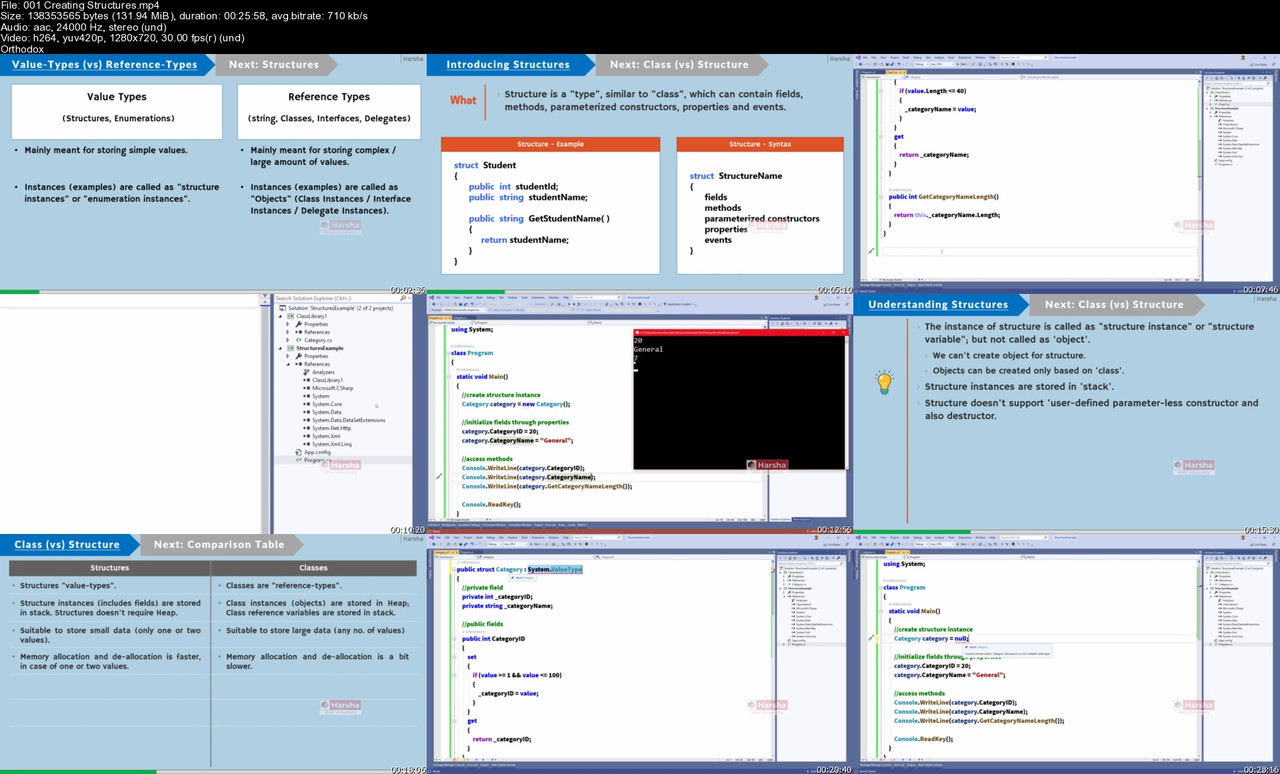
C# 10 | Ultimate Guide - Beginner to Advanced | Master class
Last updated 10/2023
MP4 | Video: h264, 1280x720 | Audio: AAC, 44.1 KHz, 2 Ch
Language: English | Duration: 74h 2m | Size: 22.1 GB

Learn C# by doing | C# projects | Bootcamp for C# Interview | Advanced C# | Collections | LINQ | Interview Questions


What you'll learn
Confidently speak about most of the essential concepts of C#
Crack C# job interviews easier
Solve most common bugs and issues in C# applications
Understand further technologies of .net (in future), such as Asp .Net, Asp .Net Core, Xamarin etc. easier, with strong-base knowledge of C#
Create C# Apps from scratch and scale it up to any level
Write OOP code easier with industry-standards and best practices like a Pro
Add C# to your prior knowledge of any technology (Asp .Net Core, Xamarin, Unity etc.), to get new career opportunities


Requirements
Basic programming skills (Basic level) in any one programming language (such as 'C' language) is recommended


Description
***** THE BEST SELLING C# COURSE ON UDEMY *****

Learn C# by doing, with real world projects.

"I have completed other courses on C#. While some of those instructors are trully excellent, including Moshe Hamedani, and othe courses on PluralSight, indeed i swore by PluralSight before coming to Udemy, Mr Vardhan has to be commended. This is trully the most comprehensive course a new C# learner needs to form a solid understanding not only of the basics but intermediate level subjects. If you want to learn C# and have full confidence that you are at least intermediate level after your course, take this course. Thank you sir for your dedication to the learner. Too often instructors create courses with the learner not in mind, but just to get something decent out there. This is so thorough and presented so that you will understand without ambiguity Thank you again sir!." - David Odoom

"Concepts are explained in very well manner" - Akanksha

"Great course, Focused on point with no distractions, straightforward, highly organized and really great effort. Thanks." - Nishma

"I have some programming experience. I like the flow of the instruction, and the fact that the quizzes allow for some creativity" - Michael

"Best Teacher ever hope more success for you and more courses for us" - Mohmd alkhatib

"i am still on the first sections of the course , but i wanted to write this review because this is a very good course on C# ,very clear in depth explanation and cover all the topics of C# , i only wish i have found this course sooner . update , i finished have the course still think this is the best C# course i have taking so far." - Moustamid Karim

"I like the background info. Extra effort was put in the graphics. I'm early in the course, but look forward to the rest.." - Mark Workman

"As a computer engineering graduate, I can easily say that this course really helped me to brush up my C# skills and the tutor (Mr. Harsha) is a caring person. He usually answers your questions in 12 hours." - Tayfun Odaba

"This course is amazing! Such a great instructor. Concepts are clearly and intelligently presented. I have a few C# courses and this one is by far my favorite. He doesn't just touch on a topic and bam you're on to the next one. He gives several examples and by the time that section is finished, you feel you really understand that concept. I can't give this course enough praise! I'm a professional C# dev and this course is helping fill in the gaps of my understanding. Thank you for such a great course!" - Business

"Incredible course for anyone looking to start with C# and OOP. I'm halfway through, and thus far every single concept has been explained in an easy-to-understand manner. The instructor also does a fantastic job of reinforcing the topics he's discussing by reiterating them multiple times in different ways and in different scenarios." - Vincent

...and more reviews.

**********************************************************************************************************************

List of topics that ARE covered in this course

- .Net Basics: Introduction to .NET, CLI, CLR, .NET Framework Architecture, Versions of .Net Framework, Overview of .Net Core, Introduction to Visual Studio, Basics of C#

- Language Basics: System.Console class, Variables, Primitive Types, Control Statements

- OOP Fundamentals: OOP Basics, Classes, Objects, Object References

- Fields: Fields, Static Fields, Constants, Readonly Fields

- Methods: Methods, Encapsulation, Abstraction, Polymorphism, Local Variables, Parameters, this keyword, Static methods, Default arguments, Named arguments, Method overloading, ref, out, out declaration, in, ref returns, params modifier, Local functions, Static local functions, Recursion

- Type Conversion: Type conversion, Implicit casting, Explicit casting, Parse, TryParse, Conversion methods

- Constructors: Constructors, Static constructors, Constructor overloading, Object initializer

- Properties: Properties, Readonly properties, Writeonly properties, Automatic properties, Automatic properties accessibility, Automatic property initializers, Indexers

- Inheritance: Inheritance, Various types of inheritance, base keyword, Calling parent class's constructor, Method hiding, Method overriding, Sealed classes, Sealed methods

- Abstract Classes and Interfaces: Abstract classes, Abstract methods, Interfaces, Dynamic polymorphism with interfaces, Multiple inheritance, Interface inheritance, Explicit interface implementation

- Namespaces: Namespaces, Nested namespaces, Importing namespaces, Creating using alias, Using static

- Partial & Static Classes: Partial classes, Partial methods, Static classes, Enumerations

- Structures: Structures, Readonly structures, Primitive types as structures

- System.Object: System.Object class, Overriding methods of System.Object class, Boxing, Unboxing

- Generics: Generic classes, Multiple generic parameters, Generic constraints, Generic methods

- Working with Null: Nullable types, Null Coalescing operator, Null propagation operator

- Extension Methods: Extension methods, Pattern matching, Implicitly typed variables, Dynamically typed variables, Inner classes

- Garbage Collection: Garbage Collection, Generations of GC, Destructors, Finalize, IDisposable, Using Declaration

- Delegates and Events: Single-Cast Delegates, Multi-Cast Delegates, Events, Auto-implemented events, Anonymous methods, Lambda expressions, Inline lambda expressions, Expression bodied members, Switch expression, Func, Action, Predicate, EventHandler, Expression Trees

- Arrays: Creating arrays, Arrays with for loop, Arrays with foreach loop, Methods of System.Array class, Mult-Dim arrays, Index from-end operator, Jagged arrays, Array of objects

- Collections: Working with various collections, List, Dictionary, SortedList, Hashtable, ArrayList, Stack, Queue, HashSet, typeof operator, Collection of objects, Object relations, IEnumerator vs IEnumerable, Iterators and Yield return, Custom Collections, ICollection, IList, IEquatable, IComparable, IComparer, Covariance and Contravariance

- Anonymous types, Tuples, Value Tuples, Discards, String, DateTme, StringBuilder, Math

- LINQ Basics

- Exception Handling

- System .IO namespace (File handling, Directory handling, File Streams)

- Serialization (Binary, Json, Xml)

- C# 9 and 10: Top level statements, File scope namespaces, Global using, Module initializer, Nullable reference types, Target-typed New expressions, Pattern Matching, Parameterless struct constructors, Records

PORTFOLIO PROJECT

A mini project, "Banking application", where the bank user can create / edit bank accounts and also can perform deposit, withdraw, balance enquiry, account statement etc. operations.

Some of the above features are given as assignments; so that you can exercise coding practices based on the guidelines provided.

List of C# 3.0 New Features covered in this course

Auto-Implemented Properties

Anonymous Types

Lambda Expressions

Expression Trees

Extension Methods

Implicitly Typed Local Variables / Type Inference

Partial Methods

Object Initializer

Collection Initializer

LINQ

List of C# 4.0 New Features covered in this course

Dynamically Typed Variables

Named Arguments

Optional Arguments

Covariance and Contravariance

List of C# 5.0 New Features covered in this course

Async & Await

List of C# 6.0 New Features covered in this course

Static Imports (using static)

Exception Filters (catch when)

Auto-Implemented Property Initializers

Null Propagator

String Interpolation

nameof operator

List of C# 7.0 New Features covered in this course

Out Variable Declaration

Tuples

Discards

Pattern Matching

Local Functions

Expression Bodied Members

List of C# 7.1 New Features covered in this course

Default literals

Inferred Tuple Element Names

List of C# 7.2 New Features covered in this course

'private protected' access modifier

'in' parameter modifier

List of C# 7.3 New Features covered in this course

Ref returns

== operator on tuples

List of C# 8.0 New Features covered in this course

readonly structs

Switch Expressions

Using Declarations

Static Local Functions

List of C# 9 and 10 New Features covered in this course

Top level statements

File-scope namespaces

Global 'using'

Module initializers

Nullable reference types

Null forgiving operator

Target-typed 'new' expressions

Pattern Matching

Extended Property Pattern Matching

Init-only properties

Parameter-less struct constructors

Records

***********************************************************************************************************

POTENTIAL BENEFITS OF THIS COURSE

By the end of this course, you will create all of the source code for a complete C# project, by using collections as backend for storage.

You will type in every line of code with me in the videos ... all from scratch. No copy-paste of ready-made code.

I explain every line of C# code that we create. So this isn't a copy/paste exercise, you will have a full understanding of the code.

I am a RESPONSIVE INSTRUCTOR .... post your questions and I will RESPOND in 24 hours, ASAP.

All source code is available for download.

English captions are available.

***********************************************************************************************************

No Risk Money-Back Guarantee

Finally, there is no risk. You can preview first few lectures of the course for free. Once you purchase the course, if for some reason you are not happy with the course, Udemy offers a 30-day money back guarantee.

So you have nothing to lose, sign up for this course and learn how to build C# Projects from scratch!

Key Points about this Course:

All C# programs are demonstrated using 'Console Applications' and 'Class Library' projects in Visual Studio 2019 / 2022.

Each concept is first explained theoretically like understanding what is that concept, different types / syntax to write code. And then we will show the same with a real-world-like scenario. At last, I'll explain where exactly we use this concept in real-word applications.

All the concepts explained in both theoretically, diagrammatically and practically.

We use Visual Studio 2019 for up to C# 8; and Visual Studio 2022 for C# 9 and 10 features.

Video lectures are not downloadable.

***********************************************************************************************************

The following topics are NOT covered in this course

Multi-Threading

ADO .NET

Entity Framework

WPF / WCF

WinForms

Cryptography

Assemblies

Who this course is for
Fresher / Experienced, who wants to understand C# with complete theoretical and real-world hands-on experience.
Developers, who already have knowledge on any one programming language and wants to become C# Developer / .Net Developer


Homepage


001-Creating-Structures-s.jpg


85m-Mxm-PXfxj-Orp5v0-I5fber-Wnv-THbuh-U.jpg


Amazon Fba Mastery A Step-By-Step Guide To Selling On Amazon
Published 11/2023
MP4 | Video: h264, 1920x1080 | Audio: AAC, 44.1 KHz
Language: English | Size: 20.57 GB | Duration: 19h 48m

19 + Hours! Unlock Your Potential, Build Your Brand, and Boost Your Profits with Proven Strategies


What you'll learn
Understand Amazon Searches.
REVIEWS - How to gather positive reviews to create trust
Build an Amazon FBA Business.
Find Profitable Products.
how to sell FBA and send products to an Amazon warehouse
bunch of tips, tricks, and valuable advice
Get approved to sell popular branded products
Source products using retail arbitrage with free apps and tools
Take advantage of existing, established Amazon listings
Get approved to sell in special 'restricted' categories


Requirements
A Computer with internet connection


Description
Are you ready to turn your entrepreneurial dreams into a profitable reality? Look no further! Welcome to the ultimate Amazon FBA course that will empower you with the knowledge and skills to thrive in the world of e-commerce.Course Overview:In "Mastering Amazon FBA: The Ultimate Guide to Selling on Amazon," you will embark on a comprehensive journey to become a successful Amazon seller. Whether you're a beginner or have some experience in e-commerce, this course will equip you with the tools, strategies, and insider insights to make your Amazon FBA business a resounding success.What You Will Learn:Setting Up Your Amazon Seller Account: You'll start with the basics, from creating your seller account to understanding the various seller types and subscription options.Product Selection & Sourcing: Learn the art of finding profitable products to sell on Amazon, including how to source products, manage inventory, and navigate Amazon's guidelines.Listing Optimization: Master the art of creating product listings that convert, optimize your product images, and write compelling product descriptions.Pricing and Profitability: Discover how to price your products competitively while maintaining profitability. Learn pricing strategies, including dynamic pricing, and understand Amazon fees.Inventory Management: Avoid common pitfalls by managing your inventory effectively, ensuring you never run out of stock or overstock products.Marketing and Advertising: Explore various advertising options on Amazon, including Sponsored Products and Amazon PPC, to boost your product visibility and sales.Customer Service and Feedback: Learn how to provide exceptional customer service, handle returns, and gather positive feedback.Scaling Your Business: Discover advanced strategies for scaling your Amazon FBA business, from expanding to international markets to leveraging Fulfillment by Amazon (FBA) and beyond.Why Choose This Course:Expert Instruction: This course is taught by experienced Amazon sellers who have achieved success on the platform and are ready to share their insights.Practical Tips: We provide real-world examples, case studies, and practical exercises to help you apply what you learn.Continuous Updates: The Amazon FBA landscape is ever-evolving. We'll keep you up to date with the latest trends, tools, and strategies.Community Support: Join our active student community to exchange ideas, get feedback, and network with like-minded entrepreneurs.Certificate of Completion: Receive a Udemy certificate upon course completion to demonstrate your Amazon FBA expertise.Who Should Enroll:Aspiring EntrepreneursE-commerce EnthusiastsSmall Business OwnersAnyone Interested in Passive IncomeDon't miss the opportunity to unlock your potential as a successful Amazon FBA seller. Enroll in "Mastering Amazon FBA: The Ultimate Guide to Selling on Amazon" today and start your journey towards financial independence and e-commerce success.

Overview
Section 1: Introduction

Lecture 1 WELCOME MODULE THE ASM BUSINESS PROCESS & MINDSET

Lecture 2 2. What s Coming and What to Expect

Lecture 3 The ASM Membership Dashboard

Lecture 4 The 7-Figure Foundation Principles

Lecture 5 Seller Central Account Critical Guidelines

Lecture 6 Seller Central Setup Walkthrough

Section 2: BUILDING YOUR PRODUCT OPPORTUNITY LIST

Lecture 7 Welcome to Module 1

Lecture 8 Dominate Your Competition by Building a Real Brand

Lecture 9 The 7 Elements of a Red Hot Profitable Product Opportunity

Lecture 10 Tools You Will Need

Lecture 11 Narrowing Your Product List

Lecture 12 Speeding Up The Product Selection Process

Lecture 13 Module 1 Coaching Call

Section 3: SUPPLIERS, SAMPLES & PROFIT NUMBERS

Lecture 14 Welcome to Module 2

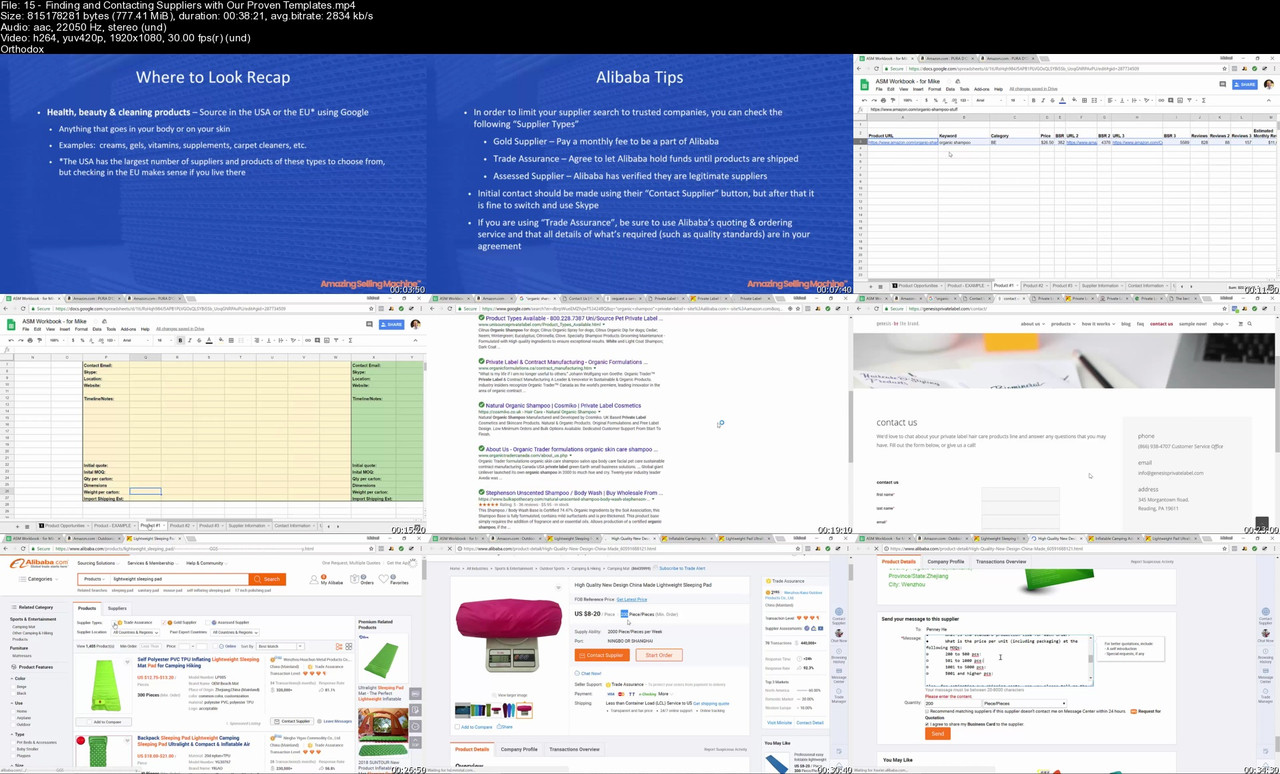
Lecture 15 Finding and Contacting Suppliers with Our Proven Templates

Lecture 16 Calculating the True Cost of a Product

Lecture 17 ASM9 Module Coaching Call

Lecture 18 Ensuring Launch Success Critical Steps to Take While Waiting on Inventory

Lecture 19 Build Your List Creating and Implementing Your Lead Capture Page

Lecture 20 Module Coaching Call

Lecture 21 The Perfect Product Page (PPP) Strategic Keyword Research for Top Amazon Ranking

Lecture 22 Module Wrap-Up and Action Items Recap

Section 4: THE PERFECT PRODUCT LAUNCH

Lecture 23 Launch, Blitz & Rank Pre-Launch, Part 1

Lecture 24 Launch, Blitz & Rank Pre-Launch, Part 2

Lecture 25 Launch, Blitz & Rank The Launch

Lecture 26 Week Coaching Call

Lecture 27 Brand Registry

Lecture 28 Amazon Sponsored Products Ads

Lecture 29 Building a Team that Runs Your Business

Lecture 30 Coaching Call

Lecture 31 Important Importing Terminology When Sourcing An Amazon Product From China

Lecture 32 How to Easily Identify A Low Competition Niche

Lecture 33 Amazon FBA Heroes Checklist

Lecture 34 Welcome to the Amazon FBA Heroes

Lecture 35 What To Know Before Setting Up Your Seller Central Account

Section 5: Amazon A to Z

Lecture 36 Advertising & Email marketing

Lecture 37 how to get reviews

Lecture 38 maintaining your inventory

Lecture 39 Facebook & Instagram advertising

Lecture 40 PPC Pay Per Click

Lecture 41 Manufacturing Process

Lecture 42 999 Track Method

Lecture 43 HOW TO SET UP YOUR SELLER CENTRAL ACCOUNT THE RIGHT WAY

Lecture 44 HOW TO FIND 5 PRODUCTS IN 5 MINUTES BY SEARCHING OTHER SUCCESSFUL SELLERS PR

Lecture 45 HOW I INCREASED MY ORGANIC SALES 197% BY INDEXING ALL RELATED KEYWORDS

Lecture 46 Searching For Suppliers

Lecture 47 How to find your competitor's supplier

Lecture 48 How to setup Your First Messenger Chatbot

Lecture 49 Reviews On Autopilot -Q&A-

Influencers.,Freelancers.,Beginners

Homepage


15-Finding-and-Contacting-Suppliers-with-Our-Proven-Templates-s.jpg


ZVfi4k-Buds2-Pp6-WUb-Jxf-Sz-Do-Q0-QIS9-Cc.jpg


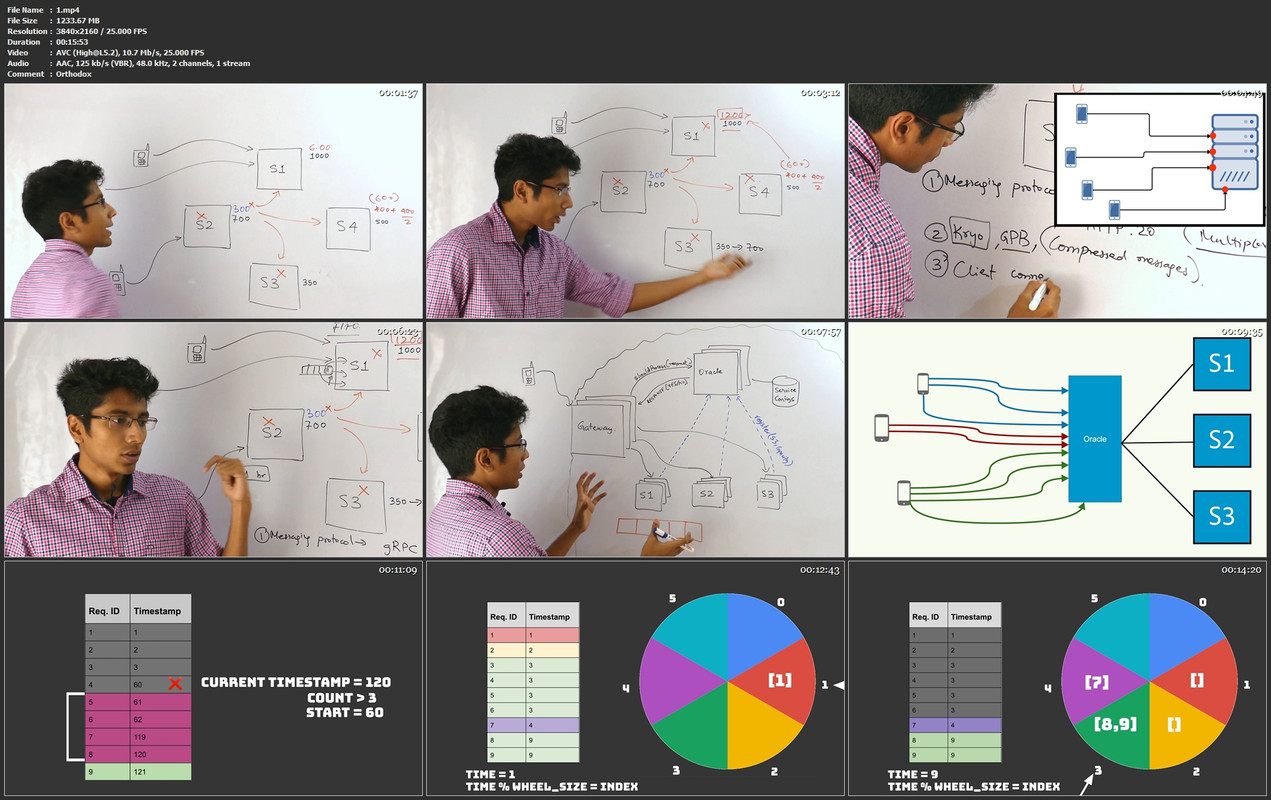
InterviewReady: System Design Simplified
2023 | Created By Gaurav Sen
MP4 | Video: H264, 3840x2160p | Audio: AAC, 44.1 KHz, 2 Ch
Genre: eLearning | Language: English | Duration: 83 Lecture 8 hours 3 minutes | Size: 24.4 GB

An A-Z video course on system design patterns and best practices. This course ranges from basic concepts like routing, load balancing and caching to advanced concepts like concurrency, separation of concerns, and design tradeoffs.

What you ll learn?
Learn system design fundamentals: eventual consistency, routing, caching, etc.
Design large-scale distributed systems with microservices.
Convert requirements into high-level system designs.
Identify and address design tradeoffs and single points of failure.
Convert engineering requirements into low-level coding and design.
Account for concurrency, request ordering, and async processing.


Homepage

1-mp4.jpg


5587364-ca41-4.jpg


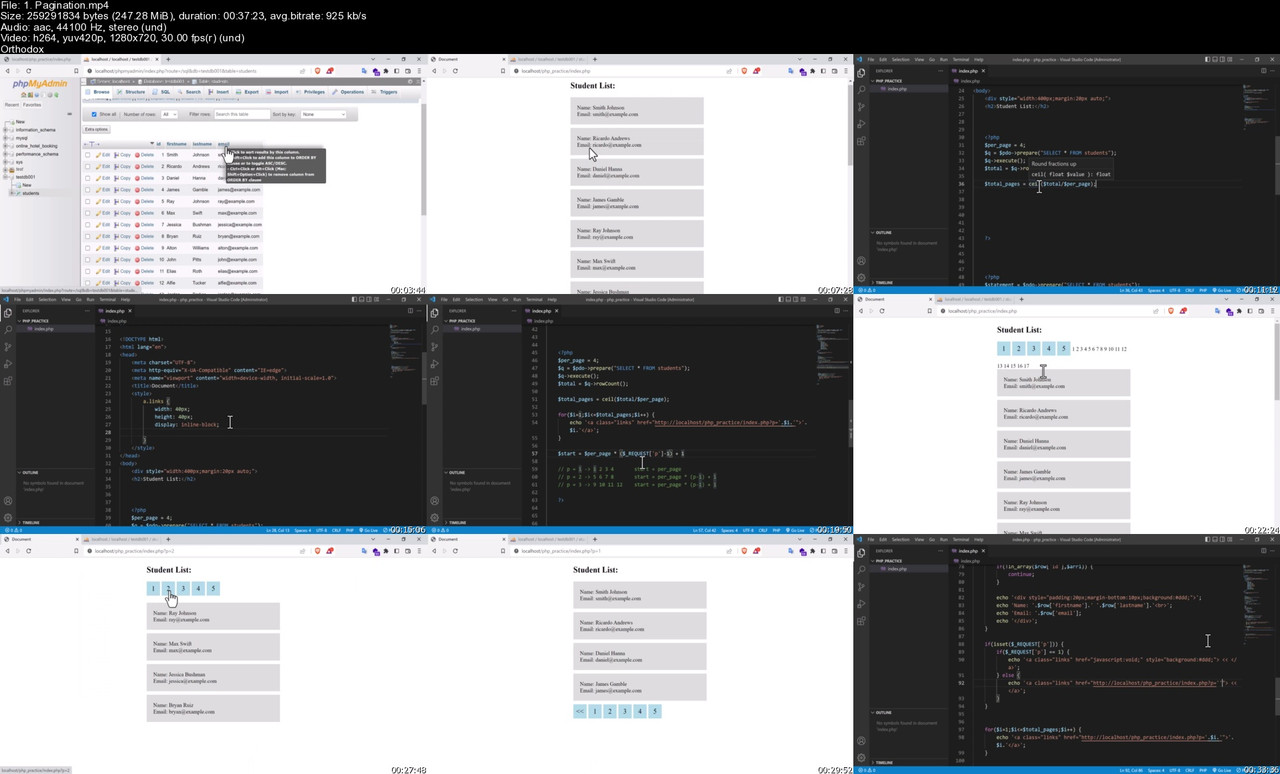
Build Real Estate Management System with PHP (8.2) & MySQL
Published 10/2023
Created by Morshedul Arefin
MP4 | Video: h264, 1280x720 | Audio: AAC, 44.1 KHz, 2 Ch
Genre: eLearning | Language: English | Duration: 251 Lectures ( 47h 58m ) | Size: 25.7 GB

Learning PHP and MySQL (A to Z) and developing a complete dynamic real estate listing website. PHP 8.2 is used here.


What you'll learn
Learn PHP from scratch
Learn MySQL from scratch
Learn the using of PDO in PHP
Visual Studio Code Editor and plugins in that
Variables, Data types, Strings in php
Operators in php
Array, Multi-dimensional Array and Array functions
Conditions in php (if, elseif, else)
Loops (for, while and dowhile), Nested Loop
Functions in php (built-in and user-defined)
Switch case using in php
$_POST, $_GET, $_REQUEST
Session and Cookies
Using Regular Expression in PHP
File Upload and Validation, File I/O
Database Basic, Query Language
Connecting Database in PHP
Form Validation Technique
Basic CRUD Operation
Login, Registration and Forget Password System
Email verification in registration
Payment Method Integration - PayPal
Payment Method Integration - Stripe
Contact form email sending
Website logo, favicon and other items setup
Admin profile management
Photo uploading system
Toastr message notification system
Customer and Agent Profile Management
Customer and Agent Login and Registration
Pricing Package Management
Advanced Real Estate Searching Option
Uploading Project to Live Server


Requirements
Basic knowledge in HTML
Basic knowledge in CSS
Basic knowledge in Javascript
Basic knowledge in Bootstrap
Basic knowledge in Code Editor like VS Code or any


Description
In this course, I have taught the students the most popular programming language PHPand MySQLdatabase from scratch. After showing all the basics of PHP, authentication system, security, template mastering etc., I have developed a complete real estate listing web application with the latest version of PHP and that is PHP8.2The persons who are very beginner in php or have no knowledge at all in PHP, they will be benefitted the most from this course. But the advanced persons will also get help from this course, because I have tried to show all the real life features of a real estate applications with advanced features.Application Features:Search features in the home pageAdvanced search features in the properties pageURLrewrite option using a htaccess file. So in the front end, there will be no .php extensions. Ajax form submission with page refresh.Optimized query added in some sections in order to load data faster instead of nested queries.Uploading task in web server using cpanel was shown in this project. Admin Panel Features:Admin can change logo, favicon etc. Admin can change footer information.Admin can update the home page information. Admin can update the FAQ page information. Admin can control the FAQSectionAdmin can update the contact page map. Admin can create, edit and delete blog posts.Admin can create, edit and delete listing types.Admin can create, edit and delete listing locations.Admin can create, edit and delete listing amenities.Admin can create, edit and delete why choose us sectionAdmin can create, edit and delete testimonials.Admin can send email to subscribersAdmin can see all the agent profiles and can delete themAdmin can make agent active or inactiveAdmin can see all the properties sections added by agentsAdmin can see all the orders and delete thoseAdmin can see all the customer profiles and can delete themAdmin can make customer active or inactiveAdmin can change his own photo, information and passwordAdmin can create, edit and delete his own listingsAdmin can update the privacy policy page information. Admin can update the terms and conditions page information. Agent Features:Agent can create account for freeAgent can login and reset his password if necessaryAgent can change profile informationAgent can buy package using PayPal and StripeAgent can renew package anytimeAgent can see order historyAgent can create, edit and delete propertiesAgent can create and delete photos per propertiesAgent can create and delete videos per propertiesAgent can reply to customer messagesApplied security so that non-subscribed agents can not add property.Applied security so that if order is expired, then agent can not have access to his properties add list until he renew his packages. Customer Features:Customer can create account for freeCustomer can login and reset his password if necessaryCustomer can change profile informationCustomer can add properties in wishlistCustomer can create or delete messagesCustomer can reply to agent messages

Who this course is for
Persons who want to learn php 8.2 from scratch
Persons who want to learn mysql from scratch
Persons who are looking for a good job in web development sector
Persons who want to have a remote job in php
Persons who want to start his freelancing career using php
Persons who want to learn making a real estate listing application


Homepage


1-Pagination-s.jpg


sbjyi-Tx-BOO4e-Sx9yu7-Hxe-FXBolenr9-BZ.jpg


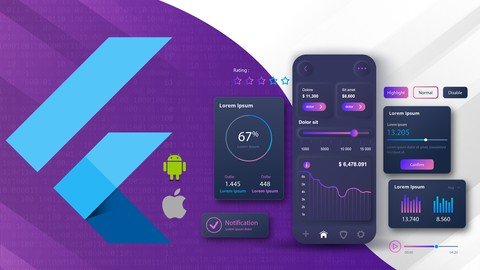
Flutter & Dart Essentials-Build Mobile Apps Like A Pro
Published 10/2023
MP4 | Video: h264, 1920x1080 | Audio: AAC, 44.1 KHz
Language: English | Size: 22.96 GB | Duration: 38h 25m

Build Mobile apps for Android & iOS using Dart, Flutter, SQLite, Firebase, REST APIs and more.


What you'll learn
Dart Basics, Variables and Data Types, Operators, Loops, Control Statements, Data Structures - List Map and Set
Dart Function, Lambda Expression, Optional Parameters
Class Object and Constructor, Named Constructor, Inheritance, Polymorphism, Abstraction, Mixin
Null Safety in Dart
Asynchronous Dart, Future, Async Await
Flutter Widgets - Layout Widgets, Multi Child Layout Widgets, Theme Widgets, Scrollable Widgets, Input Widgets, Drag and Drop Widgets, Code Refractoring
State Management with Provider
Navigation using Router (go_router)
Local Persistance using SQLite, Make Call, Send SMS & Email
Flutter Networking - Consume REST API, Location Detection
Firebase - Authentication (Email Password & Google), Cloud Firestore, Storage, Cloud Messaging, Cloud Function
Projects - Word Hurdle Puzzle Game, Virtual Visiting Card(Vcard), Earthquake Log App, ShopAtoZ (ecommerce app)


Requirements
Laptop/Desktop/MacBook
Stable Internet Connection
Basic knowledge on any programming language
No experience needed for Mobile Application Development platform(Native/Cross/Hybrid). You will learn from scratch.


Description
Currently Flutter is one of the most popular cross platform framework amongst the developers. Flutter targets multiple platforms from a single code base. In this course, you will learn how to build apps for Android and iOS using the core components of Flutter. Also, you will learn syntaxes and essential features of Dart Programming Language since Dart is used to build Flutter projects. You will begin with Dart Programming Language and you will begin from scratch. Dart is a powerful language and heavily optimized for Flutter. You will learn many features of Dart, specially those are required for Flutter. You will learn Lambda Expressions which will help you work functionally and alos Null Safety will protect your code from crashing due to Null Pointer Exception. You will learn about Object Oriented concepts like Inheritance, Polymorphism, Abstraction and Mixin that can help you to write your code in a modular format. You will be introduced with many Widgets-the main core components of Flutter. The more you know about Widgets, the more you know Flutter. It's also important to take few considerations while chosing Widgets, because at the end of day, performance play a key role in any software development. Widgets need to be refractored and you will learn how to seperate codes into reusable Widgets and Methods. You will also learn the basic State Management approach using Stateful Widget and the necessity of Stateless and Stateful, where to use, when to use and why to use them in a proper way.You will learn Provider - a simple yet powerful approach for State Management and also know how this approach can turn your project in a extendable, expandable pattern. You need to understand the state and then chose which approach is best for you. State Management is a very crucial part of Flutter and many developers are tempted with many approaches and end up overdoing things. You will learn exactly what you need to identify and manage the states of you app in an optimized way.To persist data, this course covers both the local and cloud persistance. Local Database is important to cache data and also for apps those really dont' need to share its data to the world. You will learn SQLite and CRUD operations and migrations also. You will use Firebase for cloud solution, a powerful backend backed by Google. Firebase provides many services, both in free and paid subscription. Authentication, Realtime Database, Storage, Messaging, Functions are the key services that has been covered in this course.You will learn how to make web requests and fetch JSON and convert it to Dart objects. Dart provides a convenient package for handling network operations and web requests.In parallel with learning, you will be practicing the conventions and recommendations for writing good codes using principals, patterns and good practice approaches.By the end of this course, you will be able to build any kind of mobile apps using Flutter and will have a strong foundation and clear concept.

Overview
Section 1: Introduction

Lecture 1 Welcome to the course

Lecture 2 What is inside the course

Section 2: Setup SDKs and Tools

Lecture 3 Install Flutter SDK on Windows

Lecture 4 Download and Install Android Studio on Windows

Lecture 5 Install Flutter and Dart Plugins

Lecture 6 Install Android Emulator

Lecture 7 Create First Project and Run on Emulator

Section 3: Dart Programming Language

Lecture 8 Welcome to Dart

Lecture 9 Say Hello World!

Lecture 10 Number Types in Dart

Lecture 11 String Interpolation

Lecture 12 Var and Dynamic types

Lecture 13 Final and Const keywords

Lecture 14 Common Operators in Dart

Lecture 15 If Else Statement

Lecture 16 Switch Statement and Expression

Lecture 17 Data Structure - List

Lecture 18 Data Structure - Map

Lecture 19 Data Structure - Set

Lecture 20 Loops in Dart

Lecture 21 Null Safety in Dart

Lecture 22 Function in Dart

Lecture 23 Lambda Expression in Dart

Lecture 24 Class Object and Constructor

Lecture 25 Named Constructor

Lecture 26 Inheritance in Dart

Lecture 27 Method Overriding

Lecture 28 Abstract Class in Dart

Lecture 29 Runtime Polymorphism

Lecture 30 Mixin in Dart

Lecture 31 Final and Static Components

Lecture 32 Asynchronous Components - Future and Async Await

Lecture 33 Wrap Up

Section 4: Flutter Basic Widgets

Lecture 34 Welcome to Flutter

Lecture 35 Hello Flutter - Our First App

Lecture 36 Quick Overview on Profect File Structure

Lecture 37 Center Widget - Put the text in Center

Lecture 38 MaterialApp - Our first theme widget

Lecture 39 Scaffold and AppBar

Lecture 40 Show Image from Network

Lecture 41 Column Widget and its Axis

Lecture 42 Row Widget and its Axis

Lecture 43 Design Practice

Lecture 44 Solution Code for Design Practice

Lecture 45 Code Refractoring

Lecture 46 Stack and Positioned Widget

Lecture 47 Another Design Challange

Lecture 48 Solution for Design Challange

Lecture 49 ListView vs Column

Lecture 50 Create ListView children dynamically

Lecture 51 ListView Builder Constructor

Lecture 52 GridView Builder Constructor

Lecture 53 Navigate using Material Page Route

Lecture 54 The Counter App from Scratch

Lecture 55 Introducing Stateful Widget

Lecture 56 Excercise on Stateful Widget

Lecture 57 Solution for Excercise on Stateful Widget

Lecture 58 Input Widgets - TextField

Lecture 59 Input Widgets - Checkbox

Lecture 60 Input Widgets - Radio

Lecture 61 Input Widgets - DropdownButton

Lecture 62 Assignment - ToDo App

Lecture 63 ToDo App Solution - Part 1

Lecture 64 ToDo App Solution - Part 2

Lecture 65 ToDo App Solution - Part 3

Lecture 66 ToDo App Solution - Part 4

Lecture 67 Hot Reload and Restart

Lecture 68 Wrap Up

Section 5: State Management with Provider

Lecture 69 State Management Overview

Lecture 70 Ephemeral and App State

Lecture 71 Add Provider Library

Lecture 72 Replace setState with Provider in Counter App

Lecture 73 Few observations

Lecture 74 Your Assignment

Lecture 75 Assignment Solution (Codes only)

Section 6: Project-Word Hurdle

Lecture 76 Project Overview

Lecture 77 Project and Library Setup

Lecture 78 Word Hurdle Page Overview

Lecture 79 Create Hurdle Provider

Lecture 80 Create the Hurdle Board

Lecture 81 Create KeyboardView

Lecture 82 Create VirtualKey Widget

Lecture 83 Collect the 5 letters

Lecture 84 Show letters on Hurdle Board

Lecture 85 Delete letters from Hurdle Board

Lecture 86 Check Input for Validation

Lecture 87 Check result and show dialog

Lecture 88 Mark letters on Hurdle Board

Lecture 89 Reset the Game

Lecture 90 Wrap up - A few suggestions

Lecture 91 Download full project

Section 7: Navigation using Go Router

Lecture 92 Flutter Navigation Overview

Lecture 93 Setup project with Go Router package

Lecture 94 Navigate to different routes

Lecture 95 Navigate using Name

Lecture 96 Pass arguments as path parameters

Lecture 97 Pass arguments as extra

Lecture 98 Customize Error Page and Redirect Routes

Lecture 99 Router and Navigator Together

Lecture 100 Wrap Up

Section 8: Project-Virtual Card Holder

Lecture 101 Project Overview

Lecture 102 Project and Library Setup

Lecture 103 Create Home Page

Lecture 104 Add BottomNavigationBar to HomePage

Lecture 105 Create Scan Page and add Camera Buttons

Lecture 106 Capture and Select Image

Lecture 107 Scan Text from Image

Lecture 108 Add LongPressDraggable Widget and make each line draggable

Lecture 109 Create Drop Target Widget

Lecture 110 Drop items on DropTarget Widget

Lecture 111 Add a Next Button

Lecture 112 Create Form page and Pass Contact Object

Lecture 113 Assign values to TextFormFields

Lecture 114 Modify ContactModel Class

Lecture 115 Create Database and Contact Table

Lecture 116 Write insert and query methods

Lecture 117 Save Contact and show in a list

Lecture 118 Update list after insert

Lecture 119 Bux Fixed

Lecture 120 Write Delete method

Lecture 121 Delete a Contact

Lecture 122 One more SILLY bug fixed

Lecture 123 Update Contact Favorite

Lecture 124 Show Favorite Contacts

Lecture 125 Migrate Database

Lecture 126 ContactDetailsPage with FutureBuilder

Lecture 127 Make Call and Send SMS

Lecture 128 Your Assignment

Lecture 129 Wrap Up

Lecture 130 Download Full Project

Section 9: Project Earthquake Log App

Lecture 131 Earthquake App Overview

Lecture 132 About USGS API

Lecture 133 Project and Library Setup

Lecture 134 Create Dart Model class from JSON

Lecture 135 Create Earthquake Provider and declare properties

Lecture 136 Make Get Request

Lecture 137 Show Earthquake Data on HomePage

Lecture 138 Show Alert Color with Chip Widget

Lecture 139 Sort Earthquake Data

Lecture 140 Selet Date and Change Date Parameters

Lecture 141 Detect Device Current Location

Lecture 142 Convert coordinates to Placemark

Lecture 143 Wrap Up

Lecture 144 Download full project

Section 10: Firebase Project - Admin App

Lecture 145 Module Overview

Lecture 146 Firebase Overview

Lecture 147 Create Firebase Project

Lecture 148 Add Flutter project to Firebase

Lecture 149 Create Login and Dashboard Page

Lecture 150 Enable Authentication Service and Create a User

Lecture 151 Redirect to Login or Dashboard Page

Lecture 152 Login with Email and Password

Lecture 153 Logout from App

Lecture 154 Create Firestore Database

Lecture 155 Create Admins Collection and Document

Lecture 156 Validate Admin Authorization

Lecture 157 Create Dashboard Items

Lecture 158 Create Brand Data Class and define database methods

Lecture 159 Create Brand Page and Telescope Provider

Lecture 160 Save Brands

Lecture 161 Telescope Data Overview

Lecture 162 Download Telescope resources

Lecture 163 Add Freezed Package

Lecture 164 Create ImageModel using freezed

Lecture 165 Create Telescope Model using freezed

Lecture 166 Declare Constants and Properties

Lecture 167 Add Telescope Page - Select Image and Brand

Lecture 168 Add Telescope Page - Build RadioGroup

Lecture 169 Add Telescope Page - Build Form Fields

Lecture 170 Add Telescope Page - Create methods for uploading image

Lecture 171 Add Telescope Page - Create Telescope instance

Lecture 172 Add Telescope Page - Create methods to save telescope

Lecture 173 Add Telescope Page - Save Telescope to Firestore

Lecture 174 ViewTelescopePage - Show telescopes

Lecture 175 Telescope Details Page Overview

Lecture 176 Add and show additional images

Lecture 177 Delete image from Storage

Lecture 178 Add telescope description

Lecture 179 Update Description

Lecture 180 Update Telescope Price

Section 11: Firebase Project - User App

Lecture 181 Create User App and add Components

Lecture 182 Add User app to Firebase project

Lecture 183 Define Custom Theme for App

Lecture 184 Login Page with Segmented Button

Lecture 185 Create Login and Registration Section

Lecture 186 Login and Registration Section in Action

Lecture 187 Complete the Login Page Design

Lecture 188 Create AppUser Model using JsonConverter

Lecture 189 Create AuthService DbHelper and UserProvider

Lecture 190 Register and Login User

Lecture 191 Add and Configure Router

Lecture 192 Generate SHA1 key from Android Studio

Lecture 193 Sign in with Google Account

Lecture 194 Self Service - Copy from Admin and paste to User app

Lecture 195 Add Navigation Drawer

Lecture 196 Show Telescope in GridView

Lecture 197 Add Cart Button to Telescope Details Page

Lecture 198 Add to and Remove items from Cart

Lecture 199 Create Cart Page and show items

Lecture 200 Update Cart item quantity and subtotal

Lecture 201 Code Challange - Build Checkout Page OrderModel and OrderProvider

Lecture 202 CheckoutPage Code

Lecture 203 Create methods for saving orders and clearing cart

Lecture 204 Modify saveOrder method

Lecture 205 Place our first Order

Lecture 206 Set user address to delivery address form

Lecture 207 Create RatingModel

Lecture 208 Rate the Telescope

Lecture 209 Send Notification - What we want to do

Lecture 210 Setup Cloud Functions

Lecture 211 Write our first Cloud Function

Lecture 212 Deploy Function

Lecture 213 Place order and check the log

Lecture 214 Receive message at different app state

Lecture 215 Setup message handler in Admin app

Lecture 216 Test Notification in Admin App

Lecture 217 Wrap Up

Lecture 218 Download Resources

Section 12: Congratulations

Lecture 219 Where to go from here

For every self paced learners, who wants to learn Flutter, build beautiful mobile apps and upgrade their skills to the next level


Homepage


87-Check-result-and-show-dialog-s.jpg


WAz1q-Jh6z22zt-EAdby-ODBw-TDkc-IJThj-S.jpg


Online-Pilots, Learn To Fly Online!
Published 10/2023
MP4 | Video: h264, 1920x1080 | Audio: AAC, 44.1 KHz
Language: English | Size: 21.55 GB | Duration: 10h 46m

Welcome to this Class! We educate! Private Pilot License


What you'll learn
Master Fundamental Flight Knowledge: By the end of this course, students will have a deep understanding of the principles of flight, aviation regulations.
Develop Practical Flight Skills: Students will acquire essential flight skills through a combination of theoretical knowledge and practical experience.
Pass Private Pilot Knowledge Test: Upon completion of the course, students will be fully prepared to pass the tests
Promote Safety and Airmanship: Students will be equipped with the knowledge and mindset necessary to prioritize safety, make informed decisions, and airmanship


Requirements
No experience needed


Description
"Proficient Radio Communication Skills: By the end of this course, students will be able to effectively communicate with air traffic control (ATC) and other aircraft using proper radio phraseology, frequencies, and procedures. They will demonstrate the ability to request clearances, transmit and receive information, and respond to ATC instructions confidently, contributing to safe and efficient communication within the aviation environment."Introducing our Pilot Online Course, your gateway to the world of aviation! With a passion for flight and a commitment to education, we've crafted this course to empower aspiring aviators like you. Our team of experienced instructors and aviation experts are dedicated to guiding you through every aspect of piloting, from the basics to advanced techniques.What We Offer:Comprehensive Curriculum: Our online course covers everything you need to know to earn your private pilot's license, from flight theory to hands-on training.Flexible Learning: Study at your own pace, anytime and anywhere, to fit your busy schedule.Experienced Instructors: Learn from experienced pilots who are enthusiastic about sharing their knowledge and expertise.Cutting-Edge Resources: Access a wealth of high-quality materials, videos, and interactive tools to enhance your learning.Supportive Community: Join a network of like-minded individuals, exchange ideas, and learn from the experiences of fellow aviation enthusiasts.Join us as we embark on this exciting journey together, turning your dream of becoming a pilot into a reality. Your adventure in the skies begins here!

Overview
Section 1: Introduction

Lecture 1 Live ATC

Section 2: Operational Procedures

Lecture 2 Video Operational Procedures

Section 3: Aircraft General Knowledge

Lecture 3 Video Aircraft General Knowledge

Section 4: Radio Com 2

Lecture 4 Video Radio Com part 2

Section 5: AGK part2 Capt Roni

Lecture 5 Video AGK part2

Beginner Pilot Course


Homepage


4-Video-Radio-Com-part-2-s.jpg


J5-KD1-Fc-Te2v-Sv-ZYTd5-XTUBTTCtcl-Bi0-T.jpg


Complete Spanish Course: Master Spanish Beginner to Advanced
Last updated 2/2023
Duration: 152h 18m | Video: .MP4, 1024x576 30 fps | Audio: AAC, 48 kHz, 2ch | Size: 38.8 GB
Genre: eLearning | Language: English

Learn Spanish FAST with this non-stop Spanish speaking course for BEGINNERS: learning Spanish will be easy and fun!


What you'll learn
1000+ most useful vocabulary words
Top most useful phrases you can use in everyday situations
Proper Spanish pronunciation
How to put basic sentences together
Read and write in Spanish
Pronounce words correctly without hearing them first
The building blocks of Spanish grammar


Requirements
No previous knowledge of Spanish is required. You can start from scratch!
A desire to learn Spanish
A positive attitude!

Description
Have you ever wanted to learn Spanish? With over 800 million native speakers across the globe, it s the second most spoken language in the entire world. It s also considered to be one of the most romantic languages! But are those enough reasons to choose to learn Spanish out of all the languages you could be learning?
To start, Spain isn t just one of the most beautiful and historic countries in Europe, but also a global powerhouse with a significant presence in the tourist, textile, agriculture, and energy industries. Learning Spanish will not only help you as a tourist in Spain, Mexico, Argentina, and many other countries in Latin America, but also as a rising professional looking to expand and diversify your business in the global market. Not only that, but as a romance language, Spanish is very similar to the other languages in the same family such as Italian and French. Through Spanish, you would actually be able to understand speakers of those other romance languages and, if you ever chose to learn them yourself, you d have a significant head start! Finally, it s well-proven that learning another language can lead to many new career opportunities, whether that s becoming a more attractive candidate, or qualifying for a promotion at your current position.
Now, the road to learning Spanish isn t always going to be easy, of course. That s exactly why we ve put together this comprehensive guide to Beginner Spanish. In this course, we re going to take you through the first steps of your Spanish journey, from absolute beginner to an intermediate level. Our lessons will cover everything, from teaching you how to read and write in Spanish, to pronouncing the words correctly, to conjugating verbs and forming sentences to express yourself and describe the world around you.
During our course
you will learn

Lots and lots of vocabulary
Useful everyday phrases
Basic sentence structures
Grammar rules most beginner courses don t teach
After taking this course
you will be able to

Greet people and introduce yourself both formally and casually
Pronounce words correctly without hearing them first
Over one thousand vocabulary words from all categories
Read a restaurant menu
Order food and drinks
Structure basic sentences with ease
Give and receive directions
Describe people s personalities and physical appearance
Create sentences in the past tense
Distinguish between the past tenses
Form questions and negations in the past
Acquire and hone translation skills
Structure new sentences with ease
Adapt to new situations, such as using public transportation or visiting the doctor
Learn how to use social media and technology
Conquer the basics of ****** in Spanish
Learn to make comparisons
Create sentences in the future tense
Create sentences in the continuous tenses
Conquer hundreds of words necessary for day-to-day life
Tackle new topics, such as working from home and global healthcare
This course aims to help you master the basics of Spanish and give you a strong base onto which you will be able to build your skills as a Spanish speaker.
Start your Spanish journey with us today!
Who this course is for
Anyone who wants to start learning Spanish for any purpose - traveling, business, ******, studies, or anything else, this course has you covered
Anyone who wants to advance quickly in their Spanish language journey - in a way that's easy, fun and fast


Homepage
003-Past-Tenses-Verbs-Pt-2-s.jpg


4v0-SFAjl-Rgw5-Brtqlgovg8-Lra-Yg0-WZo-Z.png


Private Mixing Courses Levels 1-3 (REPLAY EDITION)
MP4 | Video: h264, yuv420p, 1920x1080 | Audio: aac, 44100 Hz | Duration: 92h 42m | 40.3 GB
Genre: eLearning | Language: English

The Private Mixing Courses - REPLAY EDITION comprises all three 12 week intensive courses designed to teach you the skills of professional mixing. Level I focuses on the Mixing Process step-by-step with explicit detail. Level II focuses on Workflow Efficiency by teaching different mixing techniques and methods. Level III focuses on creating The Finished Professional Mix which details the process of completing a commercial ready release.

What you ll get

-Access to all 3 levels of the Private Mixing Course Videos
-36 lessons
-Over 100 Hours of content
-Access to multitracks for mixing
-Learn how to be a professional mixing engineer from a professional mixing engineer!

Class Details

Level I: The Mixing Process Step-By-Step
This level details the mixing process explicitly from beginning to end.
12 classes
36 hours of video content
Access to the same MultiTrack used in the lessons
Each step explicitly explained and detailed

Level II: Workflow Efficiency
This level picks up from Level I by teaching you how to be efficient with your mixing workflow. Three complete mixes (Hip-Hop, Rock & Modern R&B) are used to demonstrate 3 different mix workflows.
12 classes
36 hours of video content
Access to the same MultiTracks used in the lessons
Each step explicitly explained and detailed

Level III: The Finished Professional Mix
This level picks up from Level II by teaching you the process of finishing a mix to professional standard.
12 classes
36 hours of video content
Access to the same MultiTracks used in the lessons
Each step explicitly explained and detailed


Homepage

87-Automation-s.jpg


CDF-Core-de-Force-now-available-header-715x358.jpg


BeachBody - Core de Force
Last updated 10/2023
MP4 | Video: h264, 1920x1080 | Audio: AAC, 44.1 KHz, 2 Ch
Genre: eLearning | Language: English | Duration: 20 Lessons ( 8h 25m ) | Size: 26 GB

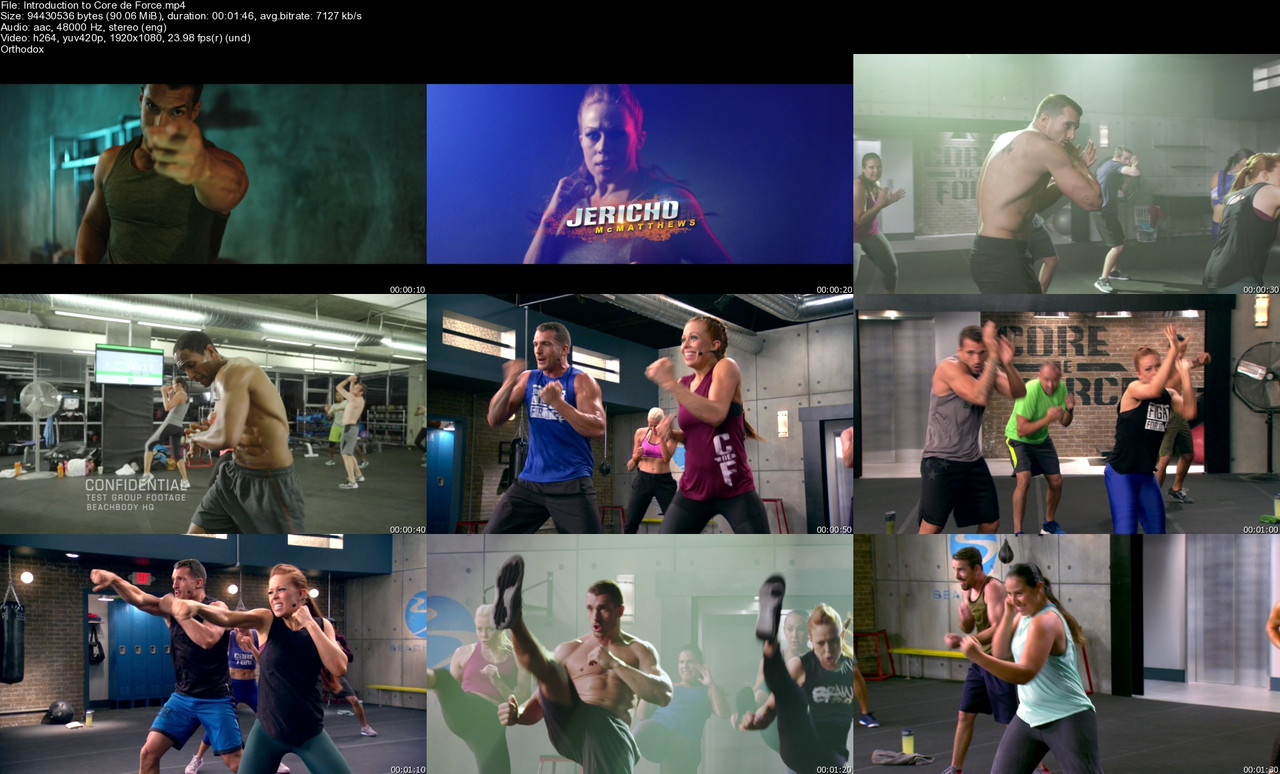
Join trainers Joel and Jericho for 30 days of mixed martial arts-inspired workouts designed to slash inches off your waist and carve total-body definition! Knock-out the belly fat and start today!

Join trainers Joel and Jericho for 30 days of mixed martial arts-inspired workouts designed to slash inches off your waist and carve total-body definition! Knock-out the belly fat and start today!


Homepage


Introduction-to-Core-de-Force-s.jpg


ecfa4e7420dc84355edafe1e7fc05ba5.jpg


Level Design Master Class: All in One Complete Course
Last updated 1/2022
Duration: 23h 54m | Video: .MP4, 1280x720 30 fps | Audio: AAC, 48 kHz, 2ch | Size: 21 GB
Genre: eLearning | Language: English

Everything you need to become a Professional Level Designer in the Game Industry


What you'll learn
Learn Level Design in Unreal Engine and Unity
Complete Introduction into Level Design
Comprehensive look at the larger scale of Rational Design
How to build an Immersive Composition in a Level
How to effectively guide a player through a Level using Mise en scene
Using Architecture to create an engaging experience for the Player
Keeping an efficient workflow as a Level Designer

Requirements
Willingness to learn the craft of Level Designing

Description
Level Design Master Class Series: All in One Complete Course
Why this course is special
This course not only covers the basics of what Level Design is. But it also goes further as we look at Key fundamentals, best practices, and what makes a good level designer that is industry-ready.
This course isn't going to be someone talking over power points for 20+ hours.
People need to see theory in practice
. This course will offer students access to level designers, building scenes and teaching at the same time, showcasing not only the theory but how it will be represented in both
Unity
and
Unreal Engine
. There are also many Documents, Assignments, and Quizzes throughout the course.
The Course Structure
The course is almost all videos with reference articles, books, and videos.
After you finish this course, I guarantee you will be a stronger level designer and be able to apply essential principles to your designs.
The course is structured into 12 Main Sections.
Section 2:
Introduction to Level Design

In this section, as previously stated, we will look at what a level designer is. We look at the differences between game design and level design. We then shift our focus to how level designers use ingredients and mechanics in their levels to create a more robust and intuitive gameplay experience all the while respecting a precise balance and pacing. We will also look at the different types of audiences that are present in the community. Finally, we talk about production phases and when a level designer will be current in the process.
Section 3
Setting up Unreal Engine
We will start setting ourselves up with Unreal Engine 4. We look at how to download and run the engine and take a glance at how the Engine is set up. A brief look at an over Layout of the driver and where everything is. We will then play around and build our first level using this engine to get familiar with it. We finish with some quick takeaways about how and where to find information.
Section 4:
Setting up Unity Engine
We will start setting ourselves up with Unity. We look at how to download and run the engine and take a glance at how the Engine is set up. A brief look at an over Layout of the engine and where everything is. We will then play around and build our first level using this engine to get familiar with it. We finish with some quick takeaways about how and where to find information.
Section 5: A Level Designer's Workflow
Now when it comes to workflow, just like building a level, there is a very effective way to design your level. In this section, we will look at how we can take the idea that we have. Set a theme, location, and setting for it and then create our project purpose with it. From there, we start designing the features that will take place in the project(mechanics, ingredients, etc...). After that, we begin collecting references for what we want to design, so we have a clear goal/focus of what our desired design will be. If we want we can create the lore/story of our game at this point to flesh out our characters even more and create an attachment for our player towards the nature of their playing.
Section 6
Maps, Level Breakdowns, and Design Document
In this section, we will look at the work that must go into building a level. It's not just jumping in an engine and playing around. When a very distinct level curve is set, and the pacing is determined, some work must be done to create the flow efficiently. We will look at how the ramping difficulty in terms of using mechanics, ingredients, and enemies. How to design gameplay beats to get a fell of the level. Creating a 3 act structure inside our level. How our level fits inside the structure of the pacing and mixing all the ingredients to make a high level. I will showcase some excellent level design examples where this is represented in and explain how this affects how a gameplay sequence is created.
Section 7
Composition in Level Design

This is one of the theories heavy sections in the course. We will not only talk about how to theoretically use Layers (foreground, background, and center of interest), but we will also learn how to design key observation parameters such as low angle, flat angle, high angle, etc... We will create all of these examples inside of the Unity/ Unreal game engine in practice, to get a better understanding of how effective these types of components can affect a player. After that, we learn how to distribute the visual weight inside a scene through asymmetric, symmetric compositions. Finally, we will talk about some details that can be used and things that can catch a player's eye.
Section 8:
Guiding the Player

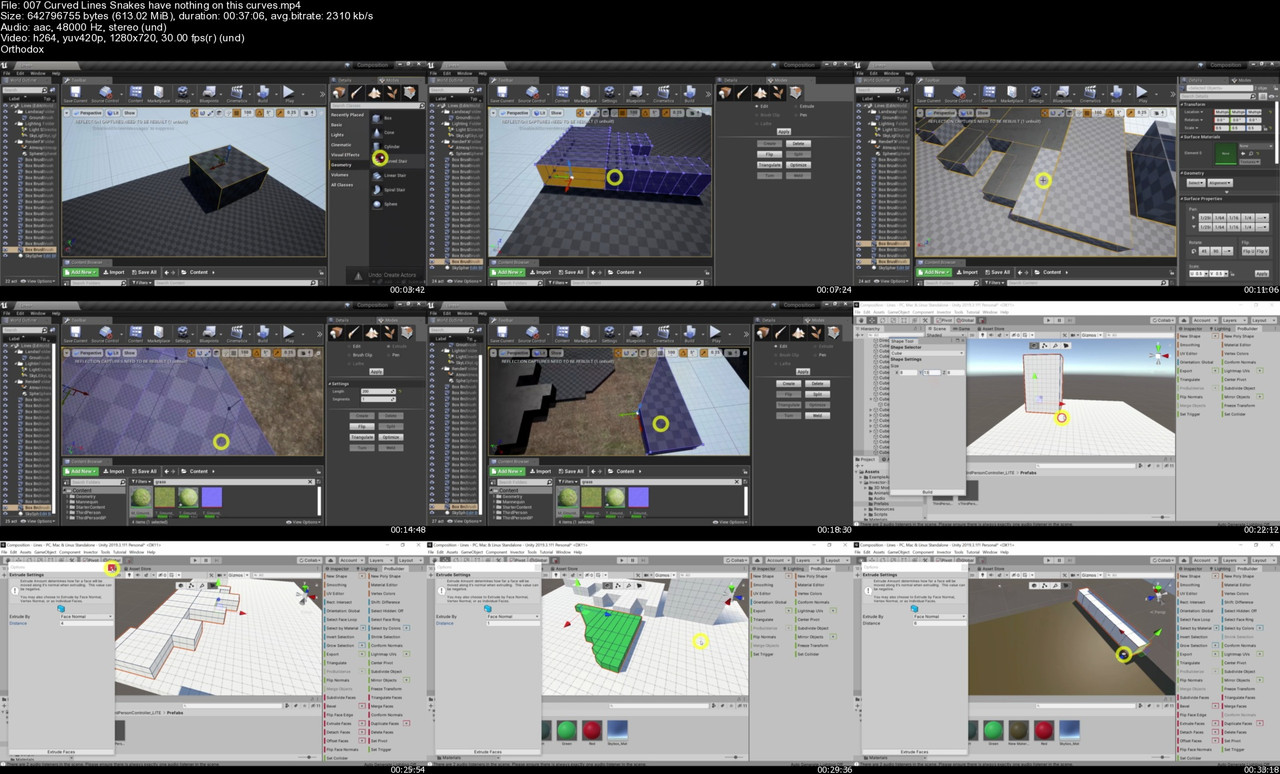
To guide the player, a level designer must carefully craft his level to lead them in the right direction. It can be easier said than done. Some of these fundamental practices can be lines. In this section, we look at how to use horizontal, vertical, oblique and curved lines in level design to create a direction that we want to player to go in without them even knowing that they are being guided that way intentionally. We will use in-game examples with Unity/Unreal to showcase some effective ways to use these lines. We will also look at how dominants in a level are crucial points of guidance for the player and using the space and area needed to do that.
Section 9: Building our 3D Level (Unity)
In this Section, we're going to take the work we did in our Section 6 and create the whole map in Unity! This section will show the grey boxing of the whole map along with using assets from the Unity store to dress out the Level!
Section 10: Building our 3D Level (Unreal Engine)
In this Section, we're doing the same thing we did in the previous one, but in Unreal Engine!
Section 11: Breaking Into the Industry
In this Section, ee take a look at what tools are at a Level Designer's disposal to break into the industry and start their careers right after finishing this course. We cover lots of topics such as Networking, Creating a Website, Portfolio work and much more!
My Guarantee
For every student that joins the course, they will be able to ask questions about their games and how to go about using color to develop them. I will be available to answer all questions for all of my students.
Certification of completion when finishing this course
When you complete 100% of the videos in this course, you will be emailed a certificate of completion by Udemy so you can show it as proof of your expertise and that you have completed a certain number of hours of instruction in the course topic.
Who this course is for
Level Designer
Game Designers
Game Developers


Homepage

007-Curved-Lines-Snakes-have-nothing-on-this-curves-s.jpg


Zurück
Oben Unten