• Regeln für den Video-Bereich:

    In den Börsenbereich gehören nur Angebote die bereits den Allgemeinen Regeln entsprechen.

    Einteilung

    - Folgende Formate gehören in die angegeben Bereiche:
    - Filme: Encodierte Filme von BluRay, DVD, R5, TV, Screener sowie Telesyncs im Format DivX, XviD und x264.
    - DVD: Filme im Format DVD5, DVD9 und HD2DVD.
    - HD: Encodierte Filme mit der Auflösung 720p oder darüber von BluRay, DVD, R5, TV, Screener sowie Telesyncs im Format x264.
    - 3D: Encodierte Filme von BluRay, die in einem 3D Format vorliegen. Dies gilt auch für Dokus, Animation usw.
    - Serien: Cartoon/Zeichentrick, Anime, Tutorials, Dokumentationen, Konzerte/Musik, Sonstiges sind demnach in die entsprechenden Bereiche einzuordnen, auch wenn sie beispielsweise im High Definition-Format oder als DVD5/DVD9/HD2DVD vorliegen. Ausnahme 3D.
    - Bereich Englisch: Englische Releases gehören immer in diesen Bereich.
    - Bereich Talk: Der Bereich, in dem über die Releases diskutiert werden kann, darf, soll und erwünscht ist.


    Angebot/Beitrag erstellen

    - Ein Beitrag darf erst dann erstellt werden, wenn der Upload bei mindestens einem OCH komplett ist. Platzhalter sind untersagt.
    - Bei einem Scenerelease hat der Threadtitel ausschließlich aus dem originalen, unveränderten Releasenamen zu bestehen. Es dürfen keine Veränderungen wie z.B. Sterne, kleine Buchstaben o.ä. vorgenommen werden. Ausnahme Serienbörse:
    - Bei einem Sammelthread für eine Staffel entfällt aus dem Releasename natürlich der Name der Folge. Beispiel: Die Simpsons S21 German DVDRip XviD - ITG
    - Dementsprechend sind also u.a. verboten: Erweiterungen wie "Tipp", "empfehlenswert", "only", "reup", usw. / jegliche andere Zusatzinformation oder Ergänzung, welche nicht in obiger Beschreibung zu finden ist.

    Aufbau des Angebots und Threadtitel

    Der Titel nach folgendem Muster erstellt zu werden. <Name> [3D] [Staffel] [German] <Jahr> <Tonspur> [DL] [Auflösung] <Quelle> <Codec> - <Group>
    Beispiel: The Dark Knight German 2008 AC3 DVDRip XviD - iND
    Beispiel: The Dark Knight 2008 DTS DL BDRip x264 - iND
    Beispiel: The Dark Knight 2008 AC3 DL BDRip XviD - iND
    Beispiel: The Dark Knight German 2008 AC3 720p BluRay x264 iND
    Beispiel: The Dark Knight 2008 DTS DL 1080p BluRay x264 iND
    Beispiel: Die Simpsons S01 German AC3 DVDRip XviD iND
    Beispiel: Die Simpsons S20 German AC3 720p BluRay x264 iND
    Beispiel: Sword Art Online II Ger Sub 2014 AAC 1080p WEBRip x264 - peppermint
    Entsprechend sind also u.a. verboten: Sonderzeichen wie Klammern, Sterne, Ausrufezeichen, Unterstriche, Anführungszeichen / Erweiterungen wie "Tipp", "empfehlenswert", "only", "reup", usw. / jegliche andere Zusatzinformation oder Ergänzung, welche nicht in obiger Beschreibung zu finden ist
    Ausnahmen hiervon können in den Bereichen geregelt sein.

    Die Beiträge sollen wie folgt aufgebaut werden:
    Überschrift entspricht dem Threadtitel
    Cover
    kurze Inhaltsbeschreibung
    Format, Größe, Dauer sind gut lesbar für Downloader außerhalb des Spoilers zu vermerken
    Nfo sind immer Anzugeben und selbige immer im Spoiler in Textform.
    Sind keine Nfo vorhanden z.B. Eigenpublikationen, sind im Spoiler folgende Dateiinformationen zusätzlich anzugeben :
    Quelle
    Video (Auflösung und Bitrate)
    Ton (Sprache, Format und Bitrate der einzelnen Spuren)
    Untertitel (sofern vorhanden)
    Hosterangabe in Textform außerhalb eines Spoiler mit allen enthaltenen Hostern.
    Bei SD kann auf diese zusätzlichen Dateiinformationen verzichtet werden.

    Alle benötigten Passwörter sind, sofern vorhanden, in Textform im Angebot anzugeben.
    Spoiler im Spoiler mit Kommentaren :"Schon Bedankt?" sind unerwünscht.


    Releases

    - Sind Retail-Release verfügbar, sind alle anderen Variationen untersagt. Ausnahmen: Alle deutschen Retail-Release sind CUT, in diesem Fall sind dubbed UNCUT-Release zulässig.
    - Im Serien-Bereich gilt speziell: Wenn ein Retail vor Abschluss einer laufenden Staffel erscheint, darf diese Staffel noch zu Ende gebracht werden.62
    - Gleiche Releases sind unbedingt zusammenzufassen. Das bedeutet, es ist zwingend erforderlich, vor dem Erstellen eines Themas per Suchfunktion zu überprüfen, ob bereits ein Beitrag mit demselben Release besteht. Ist dies der Fall, ist der bereits vorhandene Beitrag zu verwenden.
    - P2P und Scene Releases dürfen nicht verändert oder gar unter einem iND Tag eingestellt werden.


    Support, Diskussionen und Suche

    - Supportanfragen sind entweder per PN oder im Bereich Talk zu stellen.
    - Diskussionen und Bewertungen sind im Talk Bereich zu führen. Fragen an die Uploader haben ausschließlich via PN zu erfolgen, und sind in den Angeboten untersagt.
    - Anfragen zu Upload-Wünschen sind nur im Bereich Suche Video erlaubt. Antworten dürfen nur auf Angebote von MyBoerse.bz verlinkt werden.


    Verbote

    - Untersagt sind mehrere Formate in einem einzigen Angebotsthread, wie beispielsweise das gleichzeitige Anbieten von DivX/XviD, 720p und 1080p in einem Thread. Pro Format, Release und Auflösung ist ein eigener Thread zu eröffnen.
    - Grundsätzlich ebenso verboten sind Dupes. Uploader haben sich an geeigneter Stelle darüber zu informieren, ob es sich bei einem Release um ein Dupe handelt.
    - Gefakte, nur teilweise lauffähige oder unvollständige Angebote sind untersagt. Dies gilt auch für eigene Publikationen, die augenscheinlich nicht selbst von z.B. einer DVD gerippt wurden. Laufende Serien, bei denen noch nicht alle Folgen verfügbar sind, dürfen erstellt und regelmäßig geupdatet werden.
    - Untersagt sind Angebote, welche nur und ausschließlich in einer anderen Sprache als deutsch oder englisch vorliegen. Ausnahmen sind VORHER mit den Moderatoren zu klären.


    Verstoß gegen die Regeln

    - Angebote oder Beiträge, die gegen die Forenregeln verstoßen, sind über den "Melden"-Button im Beitrag zu melden.
  • Bitte registriere dich zunächst um Beiträge zu verfassen und externe Links aufzurufen.

*** Bestes IPTV *** bester Preis *** gratis Test ***


Englische Tutorials

opnlagehakl9kjxruif1smacxo.jpg


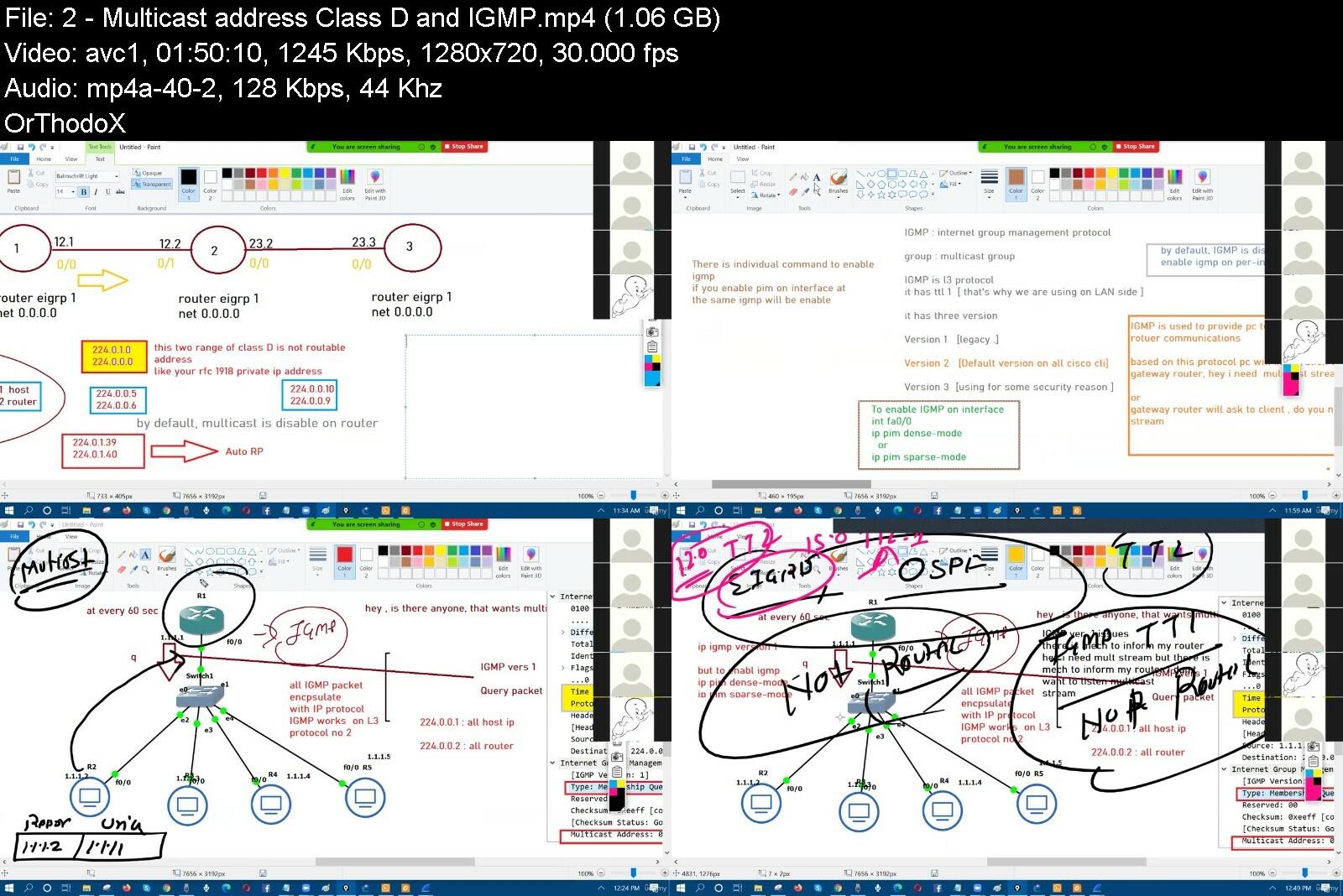
CCIE Data Center (v3.0) - IP Multicast
Published 12/2022
MP4 | Video: h264, 1280x720 | Audio: AAC, 44.1 KHz
Language: English | Size: 12.30 GB | Duration: 21h 15m

IP Multicast, IGMP, PIM Sparse & Dense Mode, Anycast RP, MSDP, Multicast over DMVPN


What you'll learn
Deploy the IP multicast in Production network
This course will help the folks to pass CCNP and CCIE exam
After completing this course, folks are able to troubleshoot network
Once you have completed this course, you are able to design the multicast network and easy to find which protocol which suitable for which network


Requirements
Folks must know about CCNA and Basic BGP


Description
IP multicast is a method of sending Internet Protocol (IP) datagrams to a group of interested receivers in a single transmission. The Internet Group Management Protocol (IGMP) is a protocol that allows several devices to share one IP address so they can all receive the same data. Protocol-Independent Multicast (PIM) is a family of multicast routing protocols for Internet Protocol (IP) networks that provide one-to-many and many-to-many distribution of data over a LAN, WAN or the Internet.Types of PIMPIM Sparse-Mode : In PIM sparse mode (PIM-SM), the assumption is that very few of the possible receivers want packets from a source, so the network establishes and sends packets only on branches that have at least one leaf indicating (by message) a desire for the traffic.PIM Dense-Mode : PIM Dense Mode (PIM-DM) is the PIM mode which uses Push Model. According to this model, firstly all the multicast traffic is flooded through the recipients. All the nodes in the network receives this traffic even if they are not related in that multicast trafficBidirectional PIM : In bidirectional PIM, multicast groups are carried across the network over bidirectional shared trees. This type of tree minimizes the amount of PIM routing state information that must be maintained, which is especially important in networks with numerous and dispersed senders and receivers.PIM Source-specific Multicast: PIM Source Specific Multicast is a multicast method in which, receivers receive multicast traffic from a specific multicast source as its name implies.Anycast RP allows two or more rendezvous points (RPs) to share the load for source registration and the ability to act as hot backup routers for each other.MSDP is a mechanism to connect multiple PIM-SM domains. The purpose of MSDP is to discover multicast sources in other PIM domains

Overview
Section 1: Introduction

Lecture 1 Introduction of IP Multicast

Lecture 2 Multicast address (Class D) and IGMP

Lecture 3 IGMP Ver 2 Theory and Lab

Lecture 4 IGMP Ver 2, MRT, Leave, Group specific query .

Lecture 5 IGMP Ver 3, CGMP and Compatibility between Ver 1 and Ver 2

Lecture 6 Multicast Routing, PIM Dense Mode, MOSPF, DVMRP

Lecture 7 PIM Ver 1, 2, Assert, Prune, join, Graft, Graft ACK Message

Lecture 8 RPF lookup, RPF failure, Loop Prevention, PIM v1 and V2, TTL scoping

Lecture 9 Diff Bet Dense & Sparse, Sparse Mode, Static RP

Lecture 10 Static RP, RP filtering, Dynamic RP, Auto RP, Sparse-Dense Mode

Lecture 11 Auto-RP, RP Manipulation, Auto-RP listener

Lecture 12 PIM BSR

Lecture 13 Bidirectional PIM

Lecture 14 PIM MSDP

Lecture 15 Anycast RP

Lecture 16 DMVPN over Multicast

Lecture 17 Troubleshoot

This course for everyone who wants to know about multicast.

Homepage


ipmulticast24i7b.jpg


49932763452snfzx.jpg


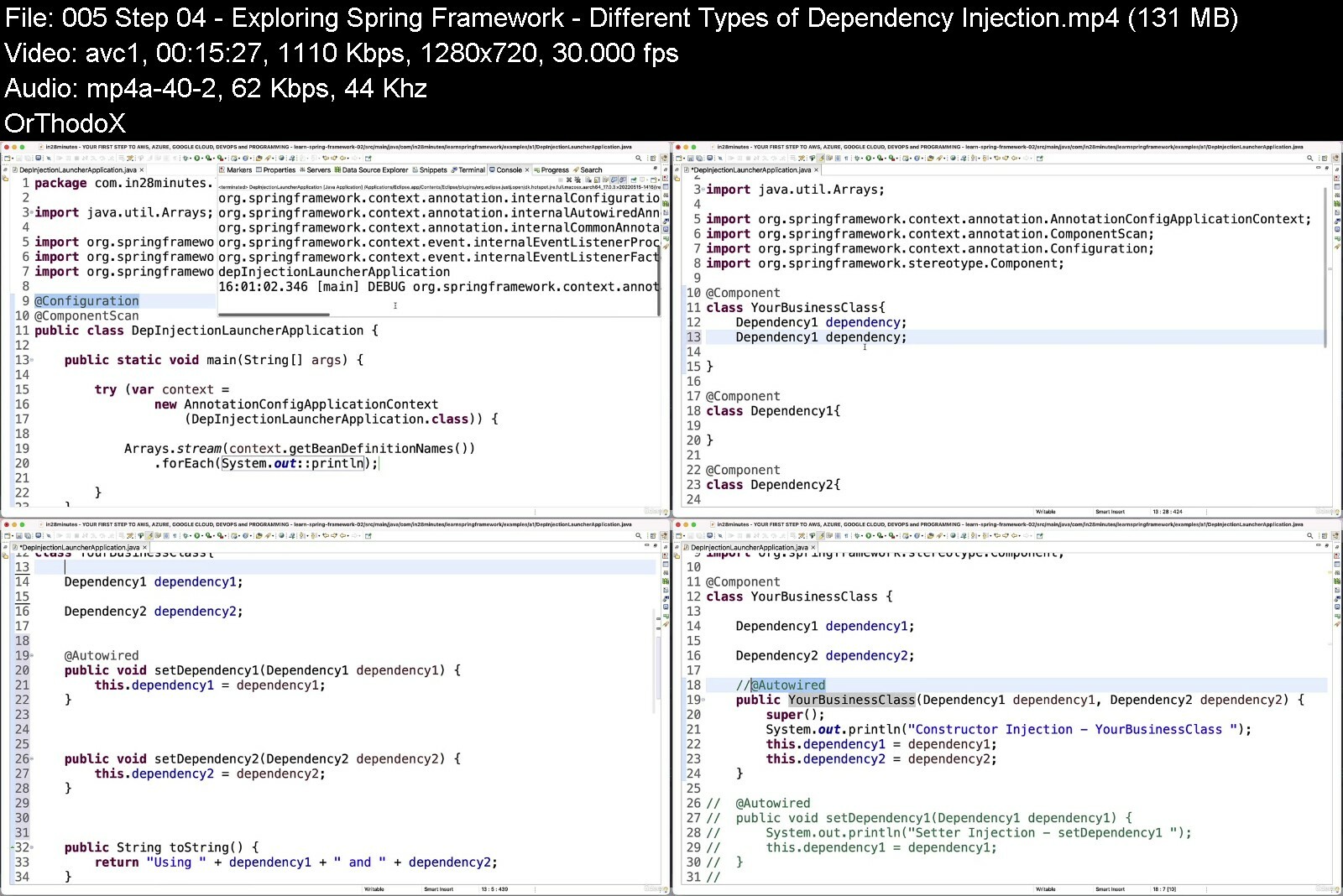
[NEW] Master Spring Boot 3 & Spring Framework 6 with Java
Last updated 2/2023
Created by in28Minutes Official
MP4 | Video: h264, 1280x720 | Audio: AAC, 44.1 KHz, 2 Ch
Genre: eLearning | Language: English | Duration: 380 Lectures ( 37h 55m ) | Size: 14.1 GB


5 Java Spring Boot Projects - REST API, Full Stack React, Docker & AWS. With Spring Data JPA, Spring Security & Testing.


What you'll learn
You will learn to build a Web Application, REST API and Full Stack Application with Spring Boot and Spring Frameworks
You will Master Fundamentals of Spring Framework from Zero, no previous experience required
You will Learn Spring Framework the MODERN WAY - The way Real Projects use it!
You will learn the magic of Spring Boot - Auto Configuration, Spring Initializr and Starter Projects
You will Learn the Best Practices in Developing Awesome Java Spring Applications from an Expert with 20 Years of Programming Experience
You will learn to use a wide variety of Spring Boot Starter Projects - Spring Boot Web, Spring Boot Data JPA
You will Acquire ALL the SKILLS to demonstrate an EXPERTISE with Spring Framework in Your Job Interviews
You will Develop a REAL-TIME project with React and Spring Boot from SCRATCH
You will Become the go to guy for Fixing Java Spring Framework problems in Your Project
You will Understand the LATEST frameworks and technologies, including Spring Boot, Maven, Eclipse, JUnit and Mockito.

Requirements
You have some programming experience with Java
You need ZERO experience with Spring or Spring Boot Frameworks
You have an attitude to learn while having fun :)

Description
You are having a dream! You are doing a course where you learn the fundamentals Java frameworks:#1: Spring Framework#2: Spring Boot#3: JPA and Hibernate. You also learn to build:#1: Web application with Spring and Spring Boot#2: An Amazing REST API with Spring Boot#3: Full stack application with Spring, Spring Boot, React and Spring SecurityIn addition, you also learn #1: Docker#2: Maven#3: Gradle#4: Spring AOP and #5: Spring Security You deploy the applications you build to AWS!You do NOT need to dream about that anymore. This is THE COURSE you need to learn everything you need to know about building real world Java applications and deploying them to the cloud using Spring and Spring Boot Frameworks.I'm Ranga Karanam. I'm the founder of in28minutes and creator of some of the worlds most popular courses on Cloud and DevOps. I'm certified on multiple clouds - Azure, GCP and AWS and I've helped a MILLION learners around the world acquire new tech skills. Rest assured you are in good hands. Spring and Spring Boot Frameworks are the No 1 frameworks for building enterprise apps in the Java world. In this course, you will learn Spring and Spring Boot from ZERO. I'm a great believer that the best way to learn is by doing and we designed this course to be hands-on. You will build a web application, a REST API and full stack application using Spring, Spring Boot, JPA, Hibernate, React, Spring Security, Maven and Gradle. You will learn to containerise applications using Docker. You will learn to deploy these applications to AWS.By the end of the course, you will know everything you would need to become a great Spring and Spring Boot Developer.Are you ready to become an expert on Spring and Spring Boot? Do you want to join 1 MILLION learners having Amazing Learning Experiences with in28Minutes?Look No Further!

Who this course is for
You are beginner Java programmer looking to learn Spring and Spring Boot Frameworks
You are beginner Java programmer looking to build web application, REST API or a Full Stack Application


newmasterspringboot3smgcd8.jpg


50419403cdb4y4fyf.jpg


Snowflake Complete Course for Clearing Interviews
Published 12/2022
Created by Janardhana Reddy
MP4 | Video: h264, 1280x720 | Audio: AAC, 44.1 KHz, 2 Ch
Genre: eLearning | Language: English | Duration: 33 Lectures ( 25h 30m ) | Size: 10.2 GB


You can easily learn Snowflake by using the PPTs I have given and by practicing the SQL queries given.


What you'll learn
Snowflake Cloud Database Concepts
Snowflake Data loading and Unloading
Snowflake Integration with AWS Cloud
All other new features of Snowflake
Practice with proper SQL queries

Requirements
Basic database or sql knowledge

Description
Snowflake Complete Course for Clearing Interviews: Snowflake is a advanced cloud based Database technology and there are lot of opportunities in the market for snowflake developers. Many organizations are migrating from their traditional data warehouses to Snowflake as it is cloud based and there are lot of f new feature in lesser cost. This course is mainly for people who are looking for Snowflake training and for people preparing for interviews, I am sure you can easily clear interviews after this course. You can easily learn Snowflake by using the PPTs I have given here and by practicing the SQL queries given. If you go through these videos, PPTs and practice all queries, you can easily clear your interviews on Snowflake. I have explained neatly with proper sql query example and I have given sample files for your practice as well. Also I have given some assignments for testing skills after practicing the sql queries. Also you can prepare for snowflake Snowpro Core certification with this course. Please watch video, go through PPT, practice the lab queries and that is it you can learn and implement snowflake easily. Thanks you very much and I wish you all the very best for your learnings and for your interviews.

Who this course is for
This Course is for the people who are looking for careers in Cloud database technologies and for Data analysts. You can easily learn all the new concepts of snowflake by practicing the examples I have provided here.


snowflakecompletecourpseh1.jpg


49893648c2a3gvdes.jpg


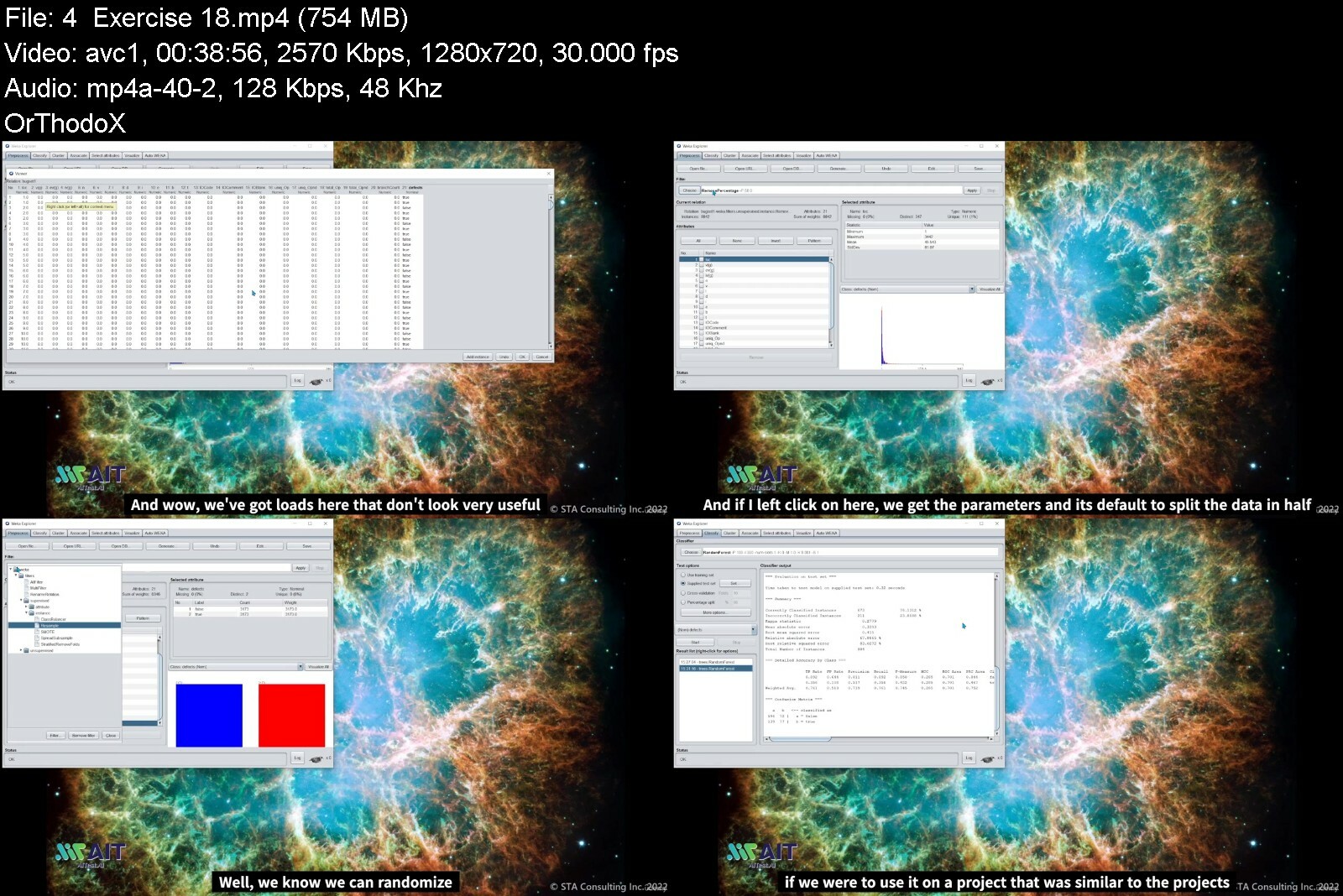
ISTQB CT-AI (Ai testing)
Published 11/2022
Created by STA consulting
MP4 | Video: h264, 1280x720 | Audio: AAC, 44.1 KHz, 2 Ch
Genre: eLearning | Language: English | Duration: 41 Lectures ( 12h 11m ) | Size: 12.8 GB


testing Ai based systems and using Ai for testing.


What you'll learn
Understand the current state and expected trends of AI.
Experience the implementation and testing of a ML model and recognize where testers can best influence its quality.
Understand the challenges associated with testing AI-Based systems, such as their self-learning capabilities, bias, ethics, complexity, non-determinism, transpa
Contribute to the test strategy for an AI-Based system.
Design and execute test cases for AI-based systems.
Recognize the special requirements for the test infrastructure to support the testing of AI-based systems.
Understand how AI can be used to support software testing.

Requirements

Who this course is for
anyone involved in testing AI-based systems and/or AI for testing. This includes people in roles such as testers, test analysts, data analysts, test engineers, test consultants, test managers, user acceptance testers, and software developers. This certification is also appropriate for anyone who wants a basic understanding of testing AI-based systems and/or AI for testing, such as project managers, quality managers, software development managers, business analysts, operations team members, IT directors, and management consultants. To gain this certification, candidates must hold the Certified Tester Foundation Level certificate.


istqbctaiaitestingsbf0o.jpg


1663446664438t8ed9.jpeg


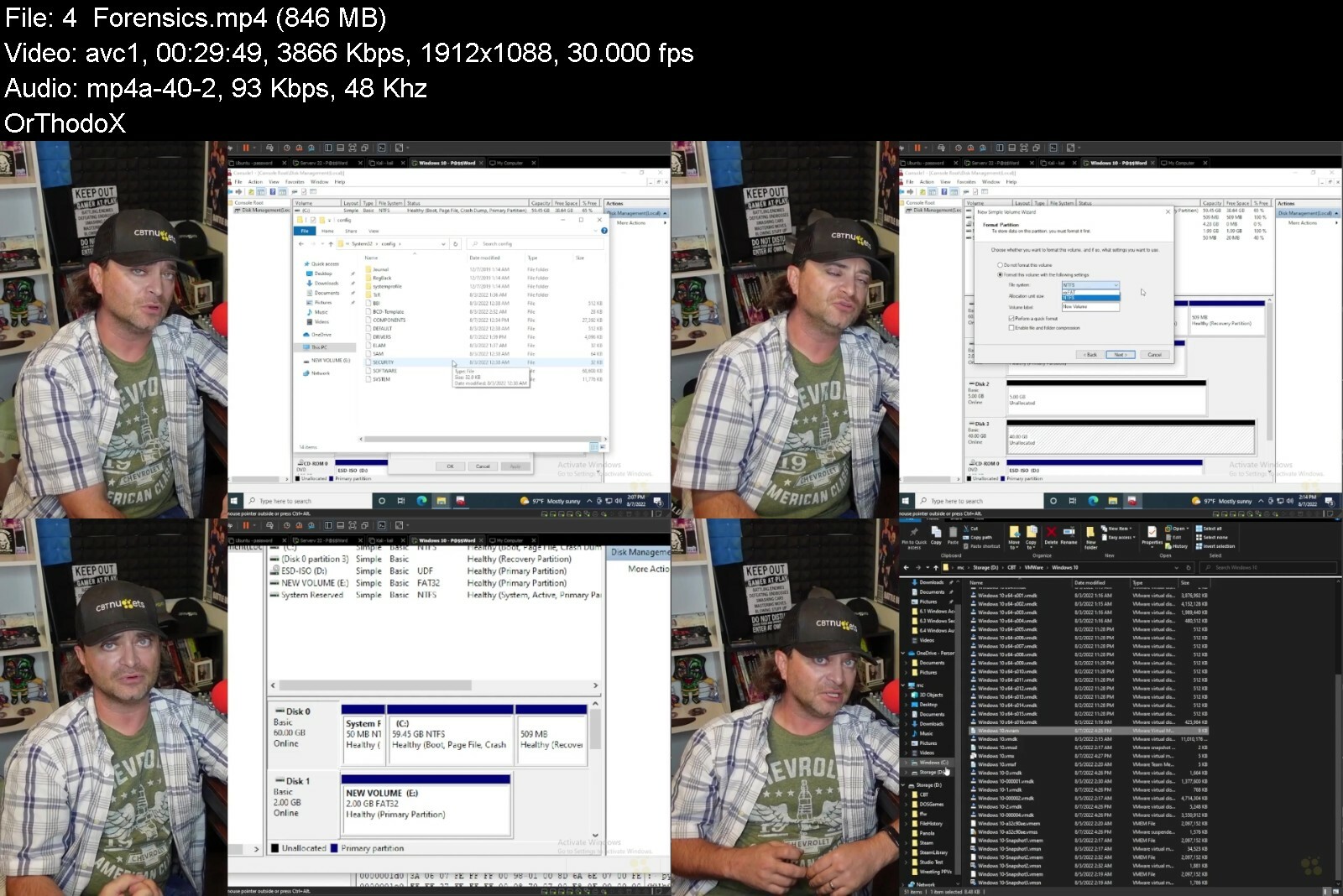
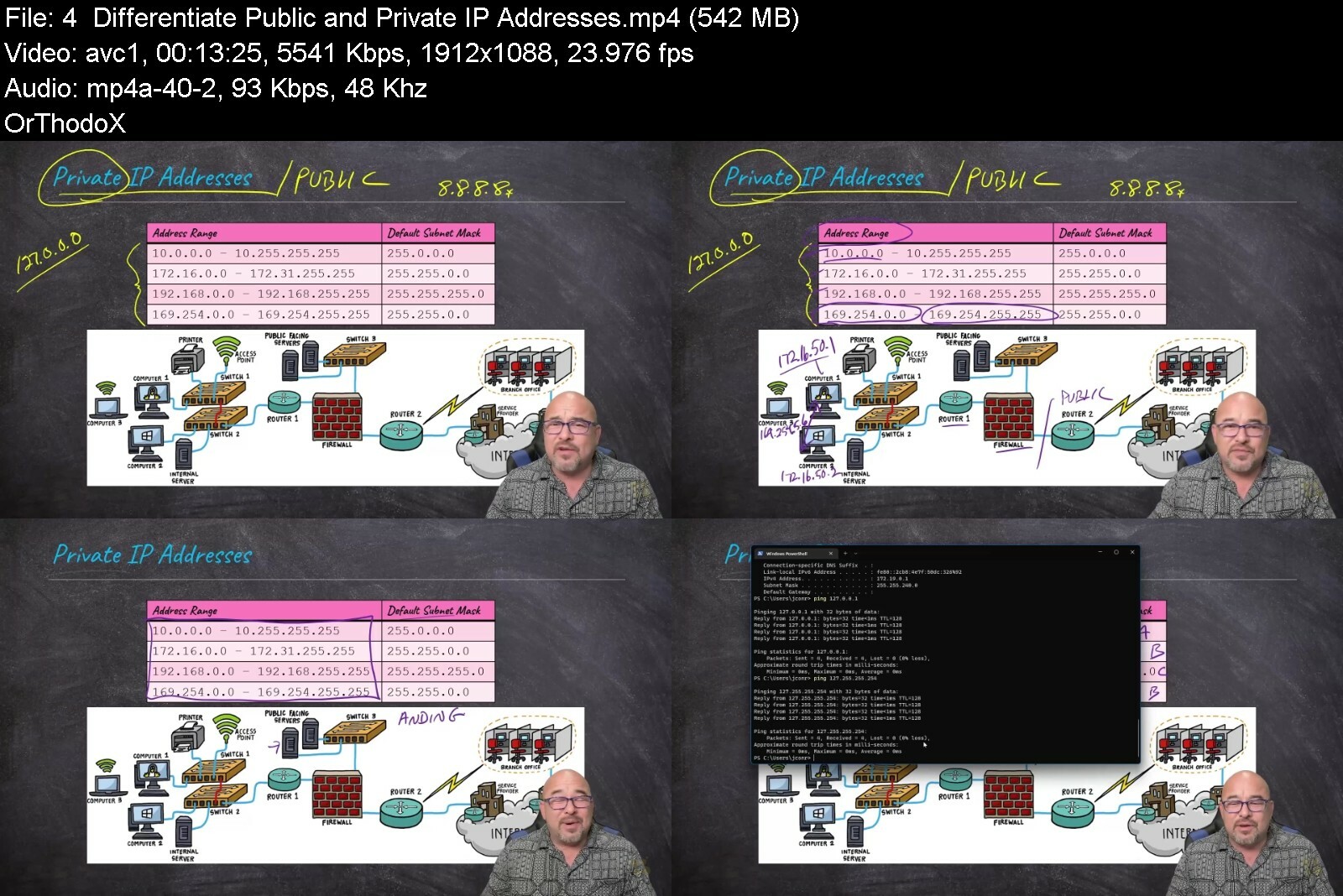
CBTNuggets - Enterprise Security Essentials
Released 09/2022
MP4 | Video: h264, 1920x1080 | Audio: AAC, 44.1 KHz, 2 Ch
Genre: eLearning | Language: English | Duration: 181 Lessons (24h) | Size: 43 GB


This intermediate GIAC Security Essentials training prepares security professionals to take the GSEC exam, which is the one required exam to earn the Security Essentials certification

The Global Information Assurance Certification is an industry credential IT professionals earn to prove that they re technically proficient in a specialized field. The GIAC Security Essentials is a broad certification that proves a security professional understands the theory of protecting large networks but more importantly, it s a certification that shows they re proficient in the real-world skills necessary to keep it safe.

The GSEC covers tons of different topics, tools and vendors. This GSEC course readies you with a wide set of skills and knowledge that the most advanced security professionals rely on.

For managers with GIAC products, this GIAC training can be used for GSEC exam prep, onboarding new security professionals, individual or team training plans, or as a GIAC reference resource.

Security Essentials: What You Need to Know
This Security Essentials training has videos that cover topics such as

Physical security controls that stop attacks before they begin
Interacting with and securing cloud-based network instances
Maintaining data security with secured containers
Architecting a network that can be monitored effectively
Reading, managing and understanding network logs

Who Should Take Security Essentials Training?
This Security Essentials training is considered professional-level GIAC training, which means it was designed for security professionals. This cybersecurity skills course is designed for security professionals with three to five years of experience with securing enterprise networks.

New or aspiring security professionals. If you re a brand new cybersecurity professional, this GSEC course is an advanced and challenging step in your career. This course covers active defense topics, physical security, cryptography, vulnerability scanning, and much more. If you want to go from a novice to an advanced security expert, this GSEC training is the fast-track to getting there.

Experienced security professionals. The GSEC is a great certification for cybersecurity professionals with a few years of experience, and this GSEC course will show you everything you need to succeed. Because the GSEC exam covers tons of different technologies and tools for securing enterprise networks, even the most experienced cybersecurity professionals should take this GSEC training so that they understand what will be on the exam.


enterprisesecurityessz9i3z.jpg


4935790328310rxfyn.jpg


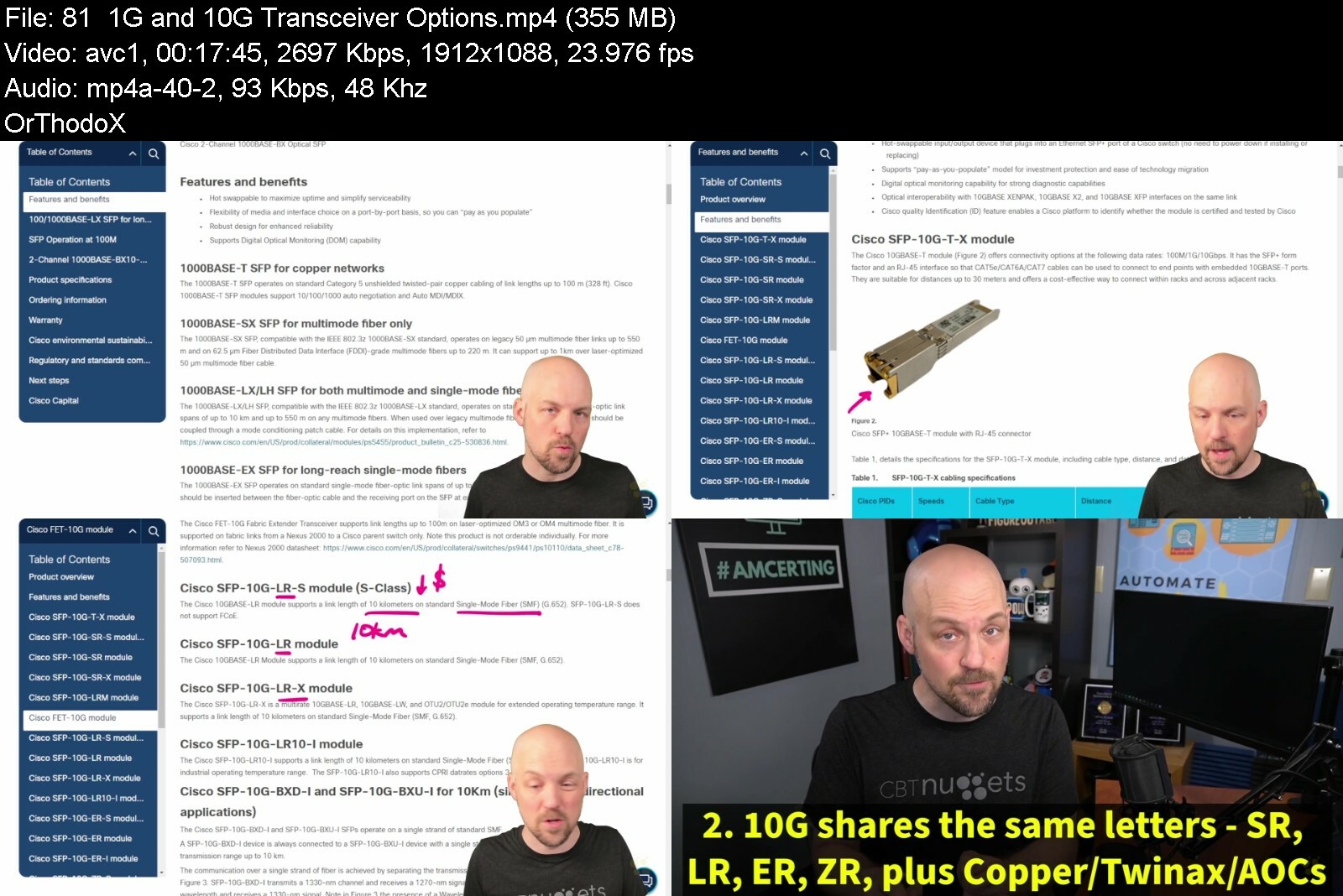
TOTAL: CompTIA A+ Certification Core 2 (220-1102)
Published 10/2022
MP4 | Video: h264, 1280x720 | Audio: AAC, 44.1 KHz, 2 Ch
Genre: eLearning | Language: English + srt | Duration: 137 lectures (17h 53m) | Size: 17.4 GB


Course 2: Everything you need to pass the A+ Certification Core 2 (220-1102) Exam, from Mike Meyers and Total Seminars


What you'll learn
How to pass the CompTIA A+ Certification Core 2 (220-1102) exam
The skills to be a great IT and computer tech
All about operating systems: Windows, Mac, Linux, iOS, Android
Scripting basics (Javascript, Python, Visual Basic and more)
How to secure your computer, mobile device, and network
Security concepts like malware, anti-malware, and networking security protocols
How to troubleshoot software and mobile issues
How to use command-line tools in Windows, Mac, and Linux
Industry standards and best practices for documentation, change management, disaster prevention and recovery, procedures and policies

Requirements
There are no specific prerequisites as the course covers all the topics in detail.
A basic familiarity with computers and networks is helpful.
CompTIA recommends having 9-12 months of on-the-job experience before taking the A+ exam. This is recommended but not required.

Description
Hey, Mike Meyers here. The Team at Total Seminars and I are excited to bring you this updated video series to help you pass the CompTIA A+ Certification Core 2 (220-1102) certification exam.

Between my bestselling A+, Network+, and Security+ books and my video courses, I've taught over 2 million people how to take and pass these CompTIA IT industry certification exams. I've got an easy-going, approachable, and funny teaching style that has helped newbies and experienced techs alike learn valuable IT skills. I've taught in-person seminars for the DEA and the FBI, and now I'm going to teach you,

I'm joined by my buddy, Steve Nicholson, who brings a ton of knowledge and experience to this course. He's taught thousands of college students, worked as a Chief Technical Officer, and even had a stint in the Marine Corps. Oh, and don't forget to ask him about the chickens at his house!

Total Seminars is the #1 name in CompTIA Certification training for over 25 years. We've taught more students than there are CompTIA certified techs. We can prepare you to take and pass the exam and make you a better IT tech in the process.

This is the second of a two-course series and is designed to prepare you to take and pass the CompTIA A+ Core 2 (220-1102) exam. It's an internationally-recognized, fundamental IT training certification. Not interested in certification? No problem! Even if you just want to learn about the basics of IT and computers, I've got you covered.

Course 1: TOTAL: CompTIA A+ Certification (220-1101)

Course 2: TOTAL: CompTIA A+ Certification (220-1102) (this course)

To become fully A+ certified you will need to pass both the 220-1101 and 220-1102 exams.

WHAT OUR STUDENTS ARE SAYING

**** OVER 7,000 5-STAR REVIEWS! ****

***** "I used these courses to pass the A+, Security+, and Network+ in a span of 2.5 months. I had no IT experience 4 months ago. Now I am a network engineer at a managed service provider with a great salary and solid upward mobility." - Ryan D.

***** Absolutely loved this course! Thank you Mike Meyers for having an effective and fun teaching style! I highly recommend this course for anyone interested in getting A+ certified! - Rebecca M.

***** I have not taken the exam yet but the course felt very informative and well laid out. Mike structures his teaching around like concepts. It helps ensure that you learn about the topic conceptually and technically. I have already begun to use many of lessons in my current professional role and have seen improvement in my ability to troubleshoot and diagnose computer related issues. Thanks Mike! - Joe M.

***** This course has helped me though all the old CompTIA content and has continued to help me progress though the new CompTIA 1001 -1002. Thanks MIKE!!! Your videos are awesome especially for this visual learner! Antwon S.

WHY SHOULD I TAKE THIS COURSE?

Technology is ranked as the #1 source of U.S. jobs. Are you looking to kickstart your career, improve your existing IT skills, or increase your chances of getting that IT job? Did you know 96% of HR managers use IT certifications as screening or hiring criteria during recruitment?

Some jobs that use A+ certifications are Support Specialists (avg. $54,500/yr.), Field Service Technicians (avg. $46,000/yr.), and Desktop Support Analysts (avg. $60,000/yr.)

More Certifications = More $$

* A+ Certification with no other certifications = $47,500 / year

* A+ Certification with 1 or 2 other active certs. = $84,250 / year

* A+ Certification with 3 or 4 other active certs. = $92,080 / year

* A+ Certification with 5 or 6 other active certs. = $97,310 / year

* A+ Certification with 7 or 8 other active certs. = $105,150 / year

Not looking for a cert? Maybe you're just interested in how to keep your home network router from constantly doing that annoying red-blinky-light thing. Or be the family hero and set up that awesome smart thermostat you've had in your Amazon cart for a year! Or perhaps you want to learn how to get your iPhone to work so you don't have to keep asking your friend's brother's aunt's niece for help. Whatever your motivation, this course is perfect to help give you a robust IT foundational knowledge in a way that's easy-to-understand. And, hopefully, you'll have a few laughs with me along the way.

WHAT'S INCLUDED?

SOOOOO much! This course is a great deal, check it out

Over 17 hours of video

PDFs that detail all the exam objectives covered in each episode (valuable studying tool)

PDFs of the CompTIA A+ Core 2 exam objectives

End-of-chapter quizzes to test your knowledge

Q&A section where you have access to me and my team of teaching assistants to answer any questions you might have

30-day money-back guarantee

Lifetime access

Certificate of completion

WHAT'S COVERED?

Exam Domain 1.0 Operating Systems - 31%

Operating system types and purposes (Windows, MacOS, iOS, Android, Linux, etc.)

Windows versions

OS installation

Command-line tools

Exam Domain 2.0 Security - 25%

Physical security (locks, badge readers, guards, etc.)

Logical security concepts (Active Directory, antivirus/anti-malware, firewalls, certificates, etc.)

Wireless security protocols (WPA2, WPA3, RADIUS, etc.)

Detect and prevent malware

Social engineering threats, attacks, and vulnerabilities (hackers, phishing, DDoS, brute force, man-in-the-middle, etc.)

Secure workstations and mobile devices

Exam Domain 3.0 Software Troubleshooting - 22%

Troubleshoot Microsoft OS, PC security, mobile OS, and application issues

Malware removal

Exam Domain 4.0 Operational Procedures - 22%

Best practices for documentation, change management, disaster prevention and recovery, safety procedures, and more

Different types of licenses and policies

Professional conduct

Scripting (JavaScript, Python, Visual Basic, etc.)

Remote access technologies

EXAM INFO

Exam code: 220-1102

Max. 90 questions (multiple choice, drag-and-drop, and performance-based)

Length of exam: 90 minutes

Passing score: 700 (on a scale of 100-900)

Exam cost: $239 (get discount vouchers and save go to Total Seminars' web site)

Languages: English, German, Japanese, Portuguese, Thai, and Spanish.

Recommended experience: 9-12 months' hands-on experience in a lab or in the field

To become fully A+ certified you will need to pass both the 220-1101 and 220-1102 exams.

Who this course is for
Anyone looking to take and pass the CompTIA A+ Certification Core 2 (220-1102) certification exam
Anyone who wants to improve their skills as a computer or IT technician
Anyone who wants to learn awesome stuff about Windows, MacOS, Linux, mobile, IT security, scripting and more


totalcomptiaacertificzvf5f.jpg


blystcxh8jfhnaxtkvljh2kega.jpg


Arduino Step By Step: Getting Started 2022
Last updated 10/2022
MP4 | Video: h264, 1280x720 | Audio: AAC, 44.1 KHz
Language: English | Size: 14.90 GB | Duration: 18h 41m

The original comprehensive course designed for new Arduino Makers


What you'll learn
Build simple circuits around the Arduino Uno, that implement simple functions.
Write simple Arduino sketches that can get sensor reading, make LEDs blink, write text on an LCD screen, read the position of a potentiometer, and much more.
Understand what is the Arduino.
Understand what is prototyping.
Understand analog and digital inputs and outputs
Understand the ways by which the Arduino can communicate with other devices
Use the multimeter to measure voltage, current, resistance and continuity
Use protoboards to make projects permanent
be productive with the Arduino IDE, write, compile and upload sketches, install libraries
Understand what is Arduino programming, it's basic concepts, structures, and keywords
Detect and measure visible light, color, and ultraviolet light
Measure temperature, humidity and acceleration
Measure the distance between the sensor and an object in front of it
Detect a person entering a room
Detect a noise
Make noise and play music
Display text on a liquid crystal display
Learn about the Arduino IDE 2.0 and the Arduino Web Editor

Requirements
A Windows, Mac or Linux computer
An Arduino Uno
Electronics parts like resistors, LEDs, sensors, as listed in Section 1 of the course
Essential tools: a mini breadboard, jumper wires, a multimeter, a soldering iron and solder, wire cutter
Be excited about electronics!

Description
UPDATED: OCTOBER 2022My flagship course designed for people new to electronics and programming has received a comprehensive update!I have added new lectures in the first half of the course. You will find the new lectures in sections Know your Arduino Uno , Arduino boards and kits , and The Arduino IDE .In these lectures, I cover the latest developments in Arduino software and hardware, including topics such as the Arduino Web IDE, the upcoming Arduino IDE 2.0, and the modern Arduino MKR and Nano IoT board families.I have also verified all links to external websites and other resources, like data sheets, and in many cases, we have added new links to external resources.------------------------------UPDATED: January 2020I have updated this course with a new section in which you will learn how to use arrays in your Arduino sketches. This is a very useful skill, as you can program repetitive tasks with just a few lines of code. Enjoy!---------------------------------------This is the original, legendary Arduino course on Udemy by Tech Explorations, fanatically supported by Dr Peter Dalmaris. It is trusted by thousands of students and contains over 16 hours of content, quizzes, a GitHub code repository, thousands of active student discussions, and countless downloadable and linked resources.Please don't be confused by other courses with a similar name.---------------------------------------This course is for the new Arduino Maker. Do you have a passion for learning? Are you excited about becoming a Maker with the Arduino?If you answered "yes!" to both, you are ready to start!In this course, I emphasized the importance of getting the basics right and learning to mastery. As an educator for over 15 years, I know first-hand that hitting a roadblock because you lack the fundamental knowledge to progress can be demotivating. In Arduino Step by Step Getting Started, I make sure that in the more than 18 hours of video content, mini projects and quizzes, we cover all the basics so you can enjoy learning about the Arduino.By the end of the course, you will have a good understanding of the capabilities of the Arduino Uno, the best Arduino for people getting started, and you will be familiar with the capabilities of several of its cousins. You will be comfortable with the basic prototyping tools and their usage, the basics of the Arduino programming environment, language and programming.You will be able to use a variety of components, from simple buttons and LEDs to visible colour and ultraviolet light and other environmental sensors.Apart from knowing how to use the components I demonstrate in this course, you will also learn how to read datasheets, how to use libraries on your own, and how to learn the skills you need to create the gadgets you want. With knowledge comes freedom, and I will help you get there.I invite you to review the free lectures in the first section of the course to learn more details about it. If you are excited about becoming a Maker with the Arduino, join many other Makers and me in Arduino Step by Step Getting Started!I look forward to learning with you!

Overview

Section 1: Introduction to the course

Lecture 1 What is this course about?

Lecture 2 Parts you will need

Lecture 3 Tools you will need

Lecture 4 How to get the most out of this course

Lecture 5 Update 2022 brief

Section 2: Know your Arduino

Lecture 6 Introduction to this section

Lecture 7 The Arduino Uno over the years

Lecture 8 Getting to know the Arduino Uno: Atmega328P, USB, Shields

Lecture 9 Getting to know the Arduino Uno: Pins, power, clock

Lecture 10 Using the digital output pins

Lecture 11 Using the digital input pins

Lecture 12 Using the analog output pins

Lecture 13 Using the analog input pins

Section 3: Introduction to communications

Lecture 14 Introduction to this section

Lecture 15 Serial (UART) communications

Lecture 16 I C (TWI) communications

Lecture 17 SPI communications

Section 4: Arduino boards

Lecture 18 Introduction to this section

Lecture 19 Arduinos past and present

Lecture 20 Classic Arduinos

Lecture 21 Meet some members of the Arduino family

Lecture 22 Introducing the Arduino Mega 2560

Lecture 23 Introducing the Arduino Due

Lecture 24 Introducing the Arduino Zero

Lecture 25 Introducing the Arduino 101

Lecture 26 Introducing the Arduino Pro Mini

Lecture 27 Introducing Arduino-compatible boards

Lecture 28 Modern Arduinos

Lecture 29 Arduino MKR

Lecture 30 Arduino Nano

Lecture 31 Kits

Lecture 32 Arduino Student Kit

Lecture 33 Arduino Explore IoT Kit

Lecture 34 Seeed Studio Arduino Sensor kit

Lecture 35 DFRobot Beginner Kit for Arduino

Section 5: Prototyping basics

Lecture 36 Introduction to this section

Lecture 37 Using the breadboard

Lecture 38 Using jumper wires

Lecture 39 The absolutely essential tools

Lecture 40 Powering your Arduino with power supplies

Lecture 41 Using the multimeter to measure voltage

Lecture 42 Using the multimeter to measure current

Lecture 43 The multimeter - Resistance and continuity

Lecture 44 The Arduino Student Kit multimeter

Lecture 45 Introduction to soldering - the soldering iron

Lecture 46 Soldering - preparation and using holders

Lecture 47 Soldering - using wire cutters and fume extractor

Lecture 48 Soldering - Simple maintenance tips for your solder iron

Lecture 49 A demonstration of soldering a header onto a breakout board

Lecture 50 An introduction to protoboards

Section 6: The Arduino IDE

Lecture 51 Introduction to this section

Lecture 52 Arduino IDE 1.8

Lecture 53 Arduino IDE 2.0

Lecture 54 An introduction to the Arduino IDE

Lecture 55 Getting and installing the Arduino IDE

Lecture 56 The Arduino IDE - Understanding the Preferences pane

Lecture 57 The Arduino IDE - Understanding the Menu items

Lecture 58 How to upload a sketch to your Arduino

Lecture 59 How to upload a sketch to your Arduino - For Windows users

Section 7: Arduino programming

Lecture 60 Introduction to this section

Lecture 61 An introduction to Arduino programming

Lecture 62 Understand the basic parts of an Arduino sketch

Lecture 63 Getting started with custom functions

Lecture 64 Creating custom functions and the return keyword

Lecture 65 Using variables

Lecture 66 Understanding variable scope

Lecture 67 Understanding constants

Lecture 68 Introduction to control structures: The "if" statement

Lecture 69 Introduction to control structures: The "while" statement

Lecture 70 Introduction to control structures: The "For" statement

Lecture 71 Introduction to control structures: The "Switch" statement

Lecture 72 Digital output - how to control an LED

Lecture 73 Digital input - how to read the state of a button

Lecture 74 Analog input - how to read the state of a potentiometer

Lecture 75 Analog output - how to create a fading LED

Lecture 76 Introduction to the RGB (color) LED

Lecture 77 Wiring the RGB LED

Lecture 78 RGB LED: creating colors

Lecture 79 Using a library to control an RGB LED with PWM

Lecture 80 Learning more with the Arduino language documentation

Section 8: Arduino programming: Arrays

Lecture 81 Introduction to this section

Lecture 82 Introduction to Arrays

Lecture 83 Arrays, Example 1

Lecture 84 Arrays, Example 2

Lecture 85 Arrays, Example 3

Lecture 86 Arrays, Example 4

Section 9: Measuring light and color

Lecture 87 Introduction to this section

Lecture 88 What is a photoresistor and how to wire it

Lecture 89 How to select the appropriate fixed resistor for a photoresistor

Lecture 90 Using the Ultra-Violet light sensor

Lecture 91 An introduction to the RGB Color sensor

Lecture 92 Wiring the RGB Color sensor

Lecture 93 Mini project: copy a color to an RGB LED using an RGB Color sensor

Section 10: Measuring temperature, humidity and pressure

Lecture 94 Introduction to environment sensors

Lecture 95 Using a DHT22 sensor to measure temperature and humidity

Lecture 96 An introduction to the Thermistor

Lecture 97 Wiring the Thermistor

Lecture 98 How to calculate the temperature from the thermistor resistance

Lecture 99 Thermistor: getting a temperature using a library

Lecture 100 Thermistor: improving the accuracy of analog readings with AREF

Lecture 101 An introduction to measuring temperature with the TMP36

Lecture 102 Wiring the TMP36 and a demonstration sketch

Lecture 103 An alternate wiring of the TMP36

Lecture 104 An introduction to the MCP9808 for very accurate temperature readings

Lecture 105 MCP9808: Wiring

Lecture 106 Using the MCP9808, demo and sketch walkthrough

Lecture 107 MCP9808: A closer look at I2C addressing

Lecture 108 An introduction to measuring barometric pressure with the BMP180

Lecture 109 Wiring the BMP180 and first sketch walkthrough

Lecture 110 A first demo sketch for the BMP180

Lecture 111 A second demo sketch for the BMP180

Section 11: Detecting acceleration

Lecture 112 Introduction to detecting acceleration

Lecture 113 Introduction to detecting acceleration with the ADXL335

Lecture 114 Wiring the ADXL335

Lecture 115 Plugging the ADXL335 directly in the Arduino, and detect its orientation

Lecture 116 Write the sketch for detecting orientation with the ADXL335

Section 12: Detecting objects with the infrared motion sensor

Lecture 117 Introduction to this section

Lecture 118 Introduction to the Passive infra-Red (PIR) motion sensor

Lecture 119 A simple PIR experiment with an LED

Lecture 120 A demonstration of using the PIR sensor with the Arduino

Lecture 121 PIR sensor first demonstration sketch walkthrough

Lecture 122 PIR sensor second demonstration sketch walkthrough

Section 13: Sensing distance

Lecture 123 Introduction to sensing distance

Lecture 124 Introduction to the ultrasonic distance sensor

Lecture 125 Wiring and understanding Trigger and Echo

Lecture 126 How to calculate distance

Section 14: Sensing sound

Lecture 127 Introduction to sensing sound

Lecture 128 Introduction to the analog sound sensor

Lecture 129 A demonstration and sketch of the analog sound sensor

Lecture 130 A demonstration and sketch of the digital sound sensor

Section 15: Making noise with a buzzer

Lecture 131 Introduction to this section

Lecture 132 Introduction to the buzzer

Lecture 133 Playing music

Lecture 134 Control the sound volume

Section 16: The Liquid Crystal Display

Lecture 135 Introduction to this section

Lecture 136 Introduction to the LCD

Lecture 137 LCD wiring in 4-bit parallel mode

Lecture 138 LCD demonstration sketch

Lecture 139 Display sensor data in the LCD

Lecture 140 Connect LCD using the I2C adaptor

Lecture 141 Using the RGB LCD and buttons shield

Section 17: Video Responses

Lecture 142 Why use 3 resistors for the RGB LED, vs. just one resistor on the cathode?

Section 18: Conclusion and Bonus Lecture

Lecture 143 Recap: what you have learned and what's next

Lecture 144 Bonus Lecture

Students over 10 years of age, or younger with with adult supervision. Young students should be supervised at all times when using a soldering iron.,Students with a little or no prior experience with electronics or programming.




arduinostepbystepgettitiea.jpg


v4icfu8y4z0p8unsr26asprctf.jpg


Comptia Linux+ Xk0-004 Latest Online Certcamp & Mock Exam
Last updated 11/2022
MP4 | Video: h264, 1280x720 | Audio: AAC, 44.1 KHz
Language: English | Size: 12.10 GB | Duration: 16h 49m

Get free Mock Exam and Flash Cards - Prepared and Developed by CompTIA Certified Trainers & Professionals.


What you'll learn
Hardware & System Configuration
System Operation & Maintenance
Security
Linux Troubleshooting & Diagnostics
Automation & Scripting

Requirements
2 years of IT Experience is highly recommended or equivalent knowledge in Networking and Operating Systems.

Description
Certcop (A division of Secbay Inc.) A proud member of CompTIASecbay and its partners have provided successful training to many top-edge companies worldwide. They have successfully delivered instructor-led classroom as well as virtual-live training and certification for many industry leaders such as DoD, DHS, US Army, US Navy, US Airforce, Unisys, ICE, BAH, Booz Allen Hamilton, Freddie Mac, Guidewell Source, Disney, Navarro, Apple, Amazon, Deloitte, Seagate and many more.CompTIA Linux+CompTIA Linux+ is an intermediate-level IT certification that gives Linux knowledge to IT workers. It verifies the skills required of an entry-level Linux systems administrator. It is suitable for people who desire to take on the role of Linux administrator but lack considerable expertise or certification.Candidates for the new CompTIA Linux+ certification must only pass one exam. The new certification, however, is no longer qualified for the LPI 2-for-1 offer.The CompTIA Linux+ certification is the only job-focused Linux certification that covers the most recent basic abilities required by hiring managers.Unlike prior certifications, the new exam contains performance-based and multiple-choice questions to identify people who are capable of performing the job.The exam covers tasks connected with all major Linux distributions, laying the groundwork for advanced vendor/distro knowledge.Program objectives1.0 Hardware and System Configuration 2.0 Systems Operation and Maintenance3.0 Security4.0 Linux Troubleshooting and Diagnostics 5.0 Automation and Scripting

Overview
Section 1: Introduction

Lecture 1 Introduction to linux+

Lecture 2 Preparing Your Environment

Lecture 3 Sifting Through Services

Lecture 4 Managing Files And Directories

Lecture 5 Searching And Analyzing Text Part 1

Lecture 6 Working With Text Part 2

Lecture 7 Explaining The Boot Process

Lecture 8 Maintaining System Startup And Services

Lecture 9 Configuring Network Connections

Lecture 10 Gui Environments

Lecture 11 Adjusting Localization Options

Lecture 12 Administering Users And Groups

Lecture 13 Handling Storage

Lecture 14 Protecting Files

Lecture 15 Governing Software

Lecture 16 Kernel Modules

Lecture 17 Applying Ownership And Permissions

Lecture 18 Looking At Access And Authentication

Lecture 19 Implementing Logging Services

Lecture 20 Linux Firewalls

Lecture 21 Embracing Security Best Practices

Lecture 22 Network Performance

Lecture 23 Managing Performance In Linux

Lecture 24 Troubleshooting User Issues

Section 2: Free Mock Exam and Flash Cards

Lecture 25 Free Flashcards

Network admins, System admins, Unix Admins and who wish to gain a solid understanding Linux+ its usage in real world applications.


comptialinuxxk0004latwhdjk.jpg


qomrmuokdvxh3t45idtrnuxca1.jpg


Cisco Bgp Masterclass For Enterprise Network Engineers
Published 11/2022
MP4 | Video: h264, 1280x720 | Audio: AAC, 44.1 KHz
Language: English | Size: 12.96 GB | Duration: 15h 46m

Become a BGP expert with full hands-on lab exercises included.


What you'll learn
Become an expert in the BGP Border Gateway Protocol on Cisco routers.
Gain hands-on BGP configuration and troubleshooting experience through practice labs.
Develop advanced level BGP networking skills to work on enterprise production networks.
Explore how BGP technologies work in real world environments.

Requirements
You should have Cisco CCNA level knowledge of networking. See my CCNA course first if you don't already have this.
You will need or CML software installed on your laptop to do the course lab exercises. Full instructions on how to install and use the software are included in the course.
(You can alternatively use the free GNS3 or EVE-NG software to do the lab exercises.)

Description
If you want to take your networking career to the next level by mastering BGP on Cisco routers, then this course is for you! It gives you a deep understanding of how BGP works, and how to configure and troubleshoot it.This is the one course you need to master BGP on Cisco routers.Full lab exercises are included so you'll get the hands-on practical skills you need to work on real world networks, and it's the only BGP course online where all questions posted in the Q&A section are answered.It offers an easy to understand, structured approach to shortcut your path to mastering BGP.In this course, you will: Develop advanced level Cisco BGP networking knowledge and practical skills Walk through complete and easy to understand explanations of each BGP concept Follow simple step by step instructions to build your own fully featured lab on your laptop Gain hands on configuration and troubleshooting experience through comprehensive lab exercises Learn how advanced networking really works through real world examples throughout the course Gain demonstrable knowledge and practical experience to supercharge your networking careerSupercharge Your Learning with Hands-on PracticeThis course is chock full of activities. You ll get over 150 pages of hands-on lab exercises with detailed answers to check your understanding every step of the way and build your configuration and troubleshooting skills. Full diagrams and lab setup files are included so you can get started immediately with just your laptop. No hardware equipment is required.All slides in the course are also included in supplemental study notes format with expanded bullet points clearly explaining the concepts. Why Learn from MeIn this course, you won t just gain the book smarts to understand BGP. You ll also hone your hands-on skills to succeed as a network engineer in the real world. I m a professional instructor who has been entrusted by Cisco since 2007 to develop and deliver training courses for their own engineers and partners. I ve also designed multiple training courses for the largest service providers in the Asia Pacific region such as IBM, Verizon, and the Australian National Broadband Network. I ve spent years distilling my decades worth of networking experience from the field into mentoring and supporting other systems engineers, and I m passionate about passing my knowledge of Cisco networks onto others.As a student in this course, you ll get lifetime access to the course materials and answers to every question you ask in the Q&A board. I love interacting with my students: anything you want to know, please ask. ValueIf you take a comparable BGP course at a training centre it will cost you thousands of dollars, and when it s over you can t experience the tutorials again or ask the instructor any more questions. When you take my course you can learn anytime you want in the comfort of your own home, and I m always here for you whenever you need any help.Not sure about the best way to pay for this course? Ask your manager at work if they ll expense it. They won t have to pay the large fees of traditional classroom learning or have to cover your absence for a week. They get huge value from this investment in your future.When you re done with the course, you ll have truly mastered BGP. I m excited to share all of my knowledge with you.Join me on this journey to turbocharging your career!

Overview
Section 1: Welcome

Lecture 1 Introduction and Welcome to the Course

Lecture 2 How to Make the Most of This Course

Section 2: How to Set Up the Lab

Lecture 3 Introduction

Lecture 4 Cisco CML Installation Notes and FAQ

Lecture 5 CML Cisco Modeling Labs Installation

Lecture 6 How to use the CML Lab Exercises

Section 3: Route Filtering

Lecture 7 Introduction

Lecture 8 Route Filtering Overview

Lecture 9 Route Filtering with ACLs and Distribute Lists

Lecture 10 Route Filtering with ACLs and Distribute Lists Lab Demo

Lecture 11 Route Filtering with Prefix Lists and Distribute Lists

Lecture 12 Route Filtering with Prefix Lists and Distribute Lists Lab Demo

Lecture 13 Route Filtering with Route Maps and Distribute Lists

Lecture 14 Route Filtering with Route Maps and Distribute Lists Lab Demo

Lecture 15 Route Filtering Configuration - Lab Exercises

Lecture 16 Route Filtering Troubleshooting - Lab Exercises

Section 4: BGP Border Gateway Protocol

Lecture 17 Introduction

Lecture 18 The Need for BGP

Lecture 19 BGP Route Propagation

Lecture 20 BGP for Enterprises

Lecture 21 BGP Characteristics

Lecture 22 iBGP Neighbors

Lecture 23 eBGP Neighbors

Lecture 24 BGP Adjacencies

Lecture 25 BGP Neighbors Lab Demo

Lecture 26 Advertising Routes in BGP

Lecture 27 Advertising Routes in BGP Lab Demo

Lecture 28 BGP Path Selection Overview

Lecture 29 BGP AS Path

Lecture 30 BGP Origin

Lecture 31 Applying BGP Policy

Lecture 32 BGP Weight

Lecture 33 BGP Weight Lab Demo

Lecture 34 BGP Local Preference

Lecture 35 BGP Local Preference Lab Demo

Lecture 36 BGP MED Multi Exit Discriminator

Lecture 37 BGP MED Lab Demo

Lecture 38 AS Path Prepending

Lecture 39 AS Path Prepending Lab Demo

Lecture 40 BGP Route Filtering Overview

Lecture 41 AS Path Filtering and RegEx

Lecture 42 BGP Filtering - Preventing Transit

Lecture 43 BGP Filtering - Internet Routes Subset

Lecture 44 BGP Filtering with ACLs and Prefix Lists Lab Demo

Lecture 45 BGP AS Path Filtering Lab Demo

Lecture 46 BGP Well Known Communities

Lecture 47 Private BGP Communities

Lecture 48 BGP Communities Lab Demo

Lecture 49 BGP IPv6 Neighbors and Address Families

Lecture 50 BGP for IPv6 Lab Demo

Lecture 51 BGP Path Attribute Categories

Lecture 52 BGP Configuration - Lab Exercises

Lecture 53 BGP Troubleshooting - Lab Exercises

IT engineers who want to develop advanced level BGP networking skills.,IT professionals who want a comprehensive resource on Cisco BGP networking theory, configuration and troubleshooting.


ciscobgpmasterclassfoduc5h.jpg


apluscore1qgfwm.png


CBTNuggets - CCT Routing & Switching - 100-490 RSTECH - Cisco Certification Training
Released 10/2022
MP4 | Video: h264, 1920x1080 | Audio: AAC, 44.1 KHz, 2 Ch
Genre: eLearning | Language: English | Duration: 122 Lessons (17h 4m) | Size: 13.9 GB


This foundational CCT Routing & Switching training covers the objectives in the 100-490 RSTECH exam, which is the one required exam to earn the CCT Routing & Switching certification

Computer networks are incredible pieces of genius, built on generations of technological advancement, developed with countless dollars and engineers, all so that you, sitting at your computer, can see any cat video you want, instantaneously.

For anyone who manages their routing and switching training, this Cisco training can be used for 100-490 RSTECH exam prep, onboarding new network technicians, individual or team training plans, or as a Cisco reference resource.

CCT Routing & Switching: What You Need to Know
For any network technician using this training for exam preparation, our CCT Routing & Switching course maps to the Cisco 100-490 RSTECH exam objectives, and covers topics such as

Identifying Cisco router and switch models
Using different Cisco IOS software modes
Reading and writing the Cisco Command Line Interface
Providing onsite support and maintenance of Cisco routers, switches and operating environments

Who Should Take CCT Routing & Switching Training?
This CCT Routing & Switching training is considered professional-level Cisco training, which means it was designed for network technicians with 1 to 3 years of experience -- or no experience at all. This CCT Routing & Switching course is valuable for new or aspiring IT professionals, experienced network technicians looking to validate foundational skills, and non-technical professionals.

Networking user training. This CCT Routing & Switching training is particularly helpful for non-IT professionals because it exposes a world that's usually hidden to the people who benefit from it. If you have any sort of responsibility for a network that uses Cisco equipment -- that might be supervising IT techs, providing HR support to an IT team, or scheduling upgrade training for IT staff -- understanding how Cisco networks function will make you more effective and more capable.

New or aspiring IT professionals. If you're just starting out as a network technician, or you know that you want to eventually become one, the CCT is the lowest rung on a ladder that you can climb to nearly any career in IT you want. After mastering the basics of routing & switching, the world of Cisco certifications are open to you, from professional-level Data Center to expert-level Security. Start your career at the entry level with the CCT.


cctroutingswitching10atiyv.jpg


apluscore29md6j.png


CBTNuggets - CompTIA A+ Core 2 - 220-1102 - CompTIA Certification Training
Released 10/2022
MP4 | Video: h264, 1920x1080 | Audio: AAC, 44.1 KHz, 2 Ch
Genre: eLearning | Language: English | Duration: 197 Lessons (28h 9m) | Size: 28.5 GB


This entry-level CompTIA A+ (220-1102) training prepares learners to work with, manage, and troubleshoot problems with common software and operating systems

The A+ certification from CompTIA is one of the most well-known entry-level IT certifications in the world. The CompTIA A+ covers computer hardware, Windows and Unix-based operating systems, and networking fundamentals. Like other CompTIA certifications, the CompTIA A+ is vendor-agnostic, which means its lessons apply equally to any operating system or manufacturer.

This course covers the second of the two exams you'll need to pass to earn the A+. The 220-1102 exam covers operating systems, security, software, and operational procedures.

Once you're done with this CompTIA training, you'll know how to work with, manage, and troubleshoot problems with common software and operating systems.

For IT managers, this CompTIA training can be used to onboard new technical support specialists, curated into individual or team training plans, or as a CompTIA reference resource.

CompTIA A+ (220-1102): What You Need to Know
This CompTIA A+ (220-1102) training has videos that cover topics such as

Navigating, using, and managing different operating systems
Recognizing basic network and system security features and risks
Troubleshooting problems with applications and other software
Documenting steps taken to fix technology

Who Should Take CompTIA A+ (220-1102) Training?
This CompTIA A+ (220-1102) training is considered foundational-level CompTIA training, which means it was designed for technical support specialists. This desktop hardware skills course is valuable for new IT professionals with at least a year of experience with desktop support and experienced technical support specialists looking to validate their CompTIA skills.

New or aspiring technical support specialists. It's hard to imagine a better first step for a new or aspiring technical support specialist than training for the A+. And if certification doesn t interest you, taking this course is still recommended as it will make you a more competent and capable IT specialist. But earning the cert can help you with promotions and advancement.

Experienced technical support specialists. If you've been working in IT for a few years, this CompTIA A+ training can help in two ways. First, it can help you pass the A+ 220-1102 exam and earn a career-defining certification. Second, it will help fill in knowledge gaps you have related to troubleshooting device software and operating systems


comptiaacore22201102crnc3s.jpg


43310620e18n7ca4.jpg


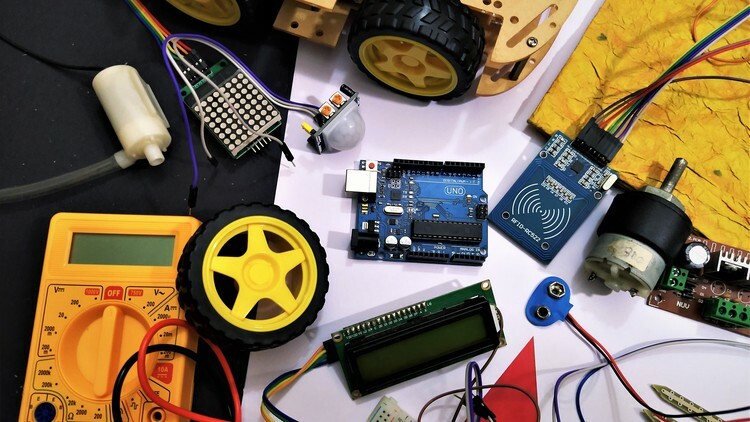
Arduino UNO and Basic Electronics - Complete beginner course
Published 10/2022
MP4 | Video: h264, 1280x720 | Audio: AAC, 44.1 KHz, 2 Ch
Genre: eLearning | Language: English | Duration: 93 lectures (19h 11m) | Size: 10.5 GB


Learn Arduino UNO and Electronics from basics with 35+ interesting activities and 8 exciting projects


What you'll learn
Learn about the concepts of electricity.
Understand what Arduino UNO is.
Learn about Arduino UNO, electronics, Embedded C programming language from basics.
Build 8 physical robotics projects. (Detailed explanation, circuits and list of components are included).
Learn general concepts of programming.
Understand Embedded C programming language step by step from basics.
Learn about different sensors like ultrasonic, temperature, moisture, IR sensor (many more)from basics.
More than 40 activities included using various component through out the course for better practice and better understanding of different electronic components.
Learn the correct method to trim and join 2 wires, join wires with components etc.
Learn about how to perform soldering step by step (Basics).
Series and parallel connections.
Learn to measure resistance of a resistor by 2 different methods.
Learn about AC DC properties.
L:earn to measure current,. voltage from a circuit/ component using a multimeter.
Learn to work with libraries in Arduino.
Learn about more than 20 different electronics components.

Requirements
A laptop or a Desktop will be required.
No prior knowledge on Arduino is required.
No prior knowledge on coding is required.
No prior knowledge on electronics required.
In this course majority of the portion is covered in the simulation software. But if you are interested in making the projects or performing the activities physically then Arduino UNO and required components can be purchased (List of components for each project is included in the course itself).
Last but not the least, a lot of excitement and tinkering mind to play with electronics is required :) :) !!

Description
Hello there!

Welcome to "Arduino UNO and Basic electronics - Complete course".

This is a combined course consisting of topics related to the Arduino UNO and basic electronics, both! This course is designed in such a way that it gives theoretical and practical learning experience with lots of activities for practice on each topic and also contains 8 real life projects from which few are based on real life examples. We will learn about Arduino UNO and basic electronics (various sensors, electronic components, etc. ; activities such as: soldering, wire trimming are also included) from scratch and step by step.

What will you learn ?

Learn about Arduino UNO from scratch based on block coding.

Experience real life look a like electronics components in simulation software first and later on use them in real life as well.

Learn about basics of coding by using practical and user friendly method called block coding. No prior experience in coding is required for learning block coding.

Learn in-depth things about different electronic components like their usages/ functionalities, specifications, capacities, connections, working principles, etc.

Have hands on learning tutorials even for trimming of wires, Soldering and see build the 8 projects and much more.

Learn about embedded C language from scratch to intermediate with activities and examples. The text based programming language, Embedded C (Nothing but, extension of C language) is being taught in a different way in this course by comparing it with the block based coding language which makes it easier for the learner to understand the working of the text based code and have a better understanding on the code.

Learn to make a circuit in simulation and real life by reading the electronic circuit diagrams.

Learning style of this course

First, theory is being taught and after that supporting examples or practice activities are conducted for proper understanding of that particular topic.

Know about the "How, when and why" behind the electronic components.

Step by step process from scratch.

All the sections are supported by quiz's for knowing evaluating the learners knowledge.

Quick response by the course creator for doubts related to course topics asked by the learners so that learning does not stop!

Some Do It Yourself (DIY) or self making project ideas based on basic electronics and Arduino UNO which are fun to make and play based on real life usages!

This course is designed from basics and organized in a user friendly structure. This course is for everyone who are new in this field and wants to learn something new and exciting about Arduino UNO and Basic electronics, and for those students as well who are experienced but they want to practice or brush-up their knowledge. This course will not make you job ready or a professional in this field but will surely give you a stepping stone to move ahead in this field of electronics and robotics.

By the end of the course you will be having enough skill sets which will help you in selecting the right electronics components for your projects, it will also help you to handle the electronic components in the correct way and let you code and make projects on your own.

Looking forward to see you soon! Join me in the course - "Arduino UNO and Basic electronics - Complete course" to develop and brush up your skill sets..

Happy Learning :) !!

Who this course is for
This course is for all the students from any field or grade who wants to learn and explore new things or clear there concepts about Arduino UNO, Electronics and want to learn how to create innovative things on their own using Arduino UNO and learn to deal with electronic components.
Anyone who wants to create some cool school/college project and wants to learn something new and exciting.
Anyone who wants to initiate there career in Electronics, Robotics, Coding.
This course is for everyone who likes to tinker with Arduino, Robots, Electronics and love to innovate.
This course is for all the individuals who like to think out of the box!
Anyone who wants to find out the amazing side of Arduino UNO and basic electronics !!


arduinounoandbasicele4riyf.jpg


Zurück
Oben Unten