• Regeln für den Video-Bereich:

    In den Börsenbereich gehören nur Angebote die bereits den Allgemeinen Regeln entsprechen.

    Einteilung

    - Folgende Formate gehören in die angegeben Bereiche:
    - Filme: Encodierte Filme von BluRay, DVD, R5, TV, Screener sowie Telesyncs im Format DivX, XviD und x264.
    - DVD: Filme im Format DVD5, DVD9 und HD2DVD.
    - HD: Encodierte Filme mit der Auflösung 720p oder darüber von BluRay, DVD, R5, TV, Screener sowie Telesyncs im Format x264.
    - 3D: Encodierte Filme von BluRay, die in einem 3D Format vorliegen. Dies gilt auch für Dokus, Animation usw.
    - Serien: Cartoon/Zeichentrick, Anime, Tutorials, Dokumentationen, Konzerte/Musik, Sonstiges sind demnach in die entsprechenden Bereiche einzuordnen, auch wenn sie beispielsweise im High Definition-Format oder als DVD5/DVD9/HD2DVD vorliegen. Ausnahme 3D.
    - Bereich Englisch: Englische Releases gehören immer in diesen Bereich.
    - Bereich Talk: Der Bereich, in dem über die Releases diskutiert werden kann, darf, soll und erwünscht ist.


    Angebot/Beitrag erstellen

    - Ein Beitrag darf erst dann erstellt werden, wenn der Upload bei mindestens einem OCH komplett ist. Platzhalter sind untersagt.
    - Bei einem Scenerelease hat der Threadtitel ausschließlich aus dem originalen, unveränderten Releasenamen zu bestehen. Es dürfen keine Veränderungen wie z.B. Sterne, kleine Buchstaben o.ä. vorgenommen werden. Ausnahme Serienbörse:
    - Bei einem Sammelthread für eine Staffel entfällt aus dem Releasename natürlich der Name der Folge. Beispiel: Die Simpsons S21 German DVDRip XviD - ITG
    - Dementsprechend sind also u.a. verboten: Erweiterungen wie "Tipp", "empfehlenswert", "only", "reup", usw. / jegliche andere Zusatzinformation oder Ergänzung, welche nicht in obiger Beschreibung zu finden ist.

    Aufbau des Angebots und Threadtitel

    Der Titel nach folgendem Muster erstellt zu werden. <Name> [3D] [Staffel] [German] <Jahr> <Tonspur> [DL] [Auflösung] <Quelle> <Codec> - <Group>
    Beispiel: The Dark Knight German 2008 AC3 DVDRip XviD - iND
    Beispiel: The Dark Knight 2008 DTS DL BDRip x264 - iND
    Beispiel: The Dark Knight 2008 AC3 DL BDRip XviD - iND
    Beispiel: The Dark Knight German 2008 AC3 720p BluRay x264 iND
    Beispiel: The Dark Knight 2008 DTS DL 1080p BluRay x264 iND
    Beispiel: Die Simpsons S01 German AC3 DVDRip XviD iND
    Beispiel: Die Simpsons S20 German AC3 720p BluRay x264 iND
    Beispiel: Sword Art Online II Ger Sub 2014 AAC 1080p WEBRip x264 - peppermint
    Entsprechend sind also u.a. verboten: Sonderzeichen wie Klammern, Sterne, Ausrufezeichen, Unterstriche, Anführungszeichen / Erweiterungen wie "Tipp", "empfehlenswert", "only", "reup", usw. / jegliche andere Zusatzinformation oder Ergänzung, welche nicht in obiger Beschreibung zu finden ist
    Ausnahmen hiervon können in den Bereichen geregelt sein.

    Die Beiträge sollen wie folgt aufgebaut werden:
    Überschrift entspricht dem Threadtitel
    Cover
    kurze Inhaltsbeschreibung
    Format, Größe, Dauer sind gut lesbar für Downloader außerhalb des Spoilers zu vermerken
    Nfo sind immer Anzugeben und selbige immer im Spoiler in Textform.
    Sind keine Nfo vorhanden z.B. Eigenpublikationen, sind im Spoiler folgende Dateiinformationen zusätzlich anzugeben :
    Quelle
    Video (Auflösung und Bitrate)
    Ton (Sprache, Format und Bitrate der einzelnen Spuren)
    Untertitel (sofern vorhanden)
    Hosterangabe in Textform außerhalb eines Spoiler mit allen enthaltenen Hostern.
    Bei SD kann auf diese zusätzlichen Dateiinformationen verzichtet werden.

    Alle benötigten Passwörter sind, sofern vorhanden, in Textform im Angebot anzugeben.
    Spoiler im Spoiler mit Kommentaren :"Schon Bedankt?" sind unerwünscht.


    Releases

    - Sind Retail-Release verfügbar, sind alle anderen Variationen untersagt. Ausnahmen: Alle deutschen Retail-Release sind CUT, in diesem Fall sind dubbed UNCUT-Release zulässig.
    - Im Serien-Bereich gilt speziell: Wenn ein Retail vor Abschluss einer laufenden Staffel erscheint, darf diese Staffel noch zu Ende gebracht werden.62
    - Gleiche Releases sind unbedingt zusammenzufassen. Das bedeutet, es ist zwingend erforderlich, vor dem Erstellen eines Themas per Suchfunktion zu überprüfen, ob bereits ein Beitrag mit demselben Release besteht. Ist dies der Fall, ist der bereits vorhandene Beitrag zu verwenden.
    - P2P und Scene Releases dürfen nicht verändert oder gar unter einem iND Tag eingestellt werden.


    Support, Diskussionen und Suche

    - Supportanfragen sind entweder per PN oder im Bereich Talk zu stellen.
    - Diskussionen und Bewertungen sind im Talk Bereich zu führen. Fragen an die Uploader haben ausschließlich via PN zu erfolgen, und sind in den Angeboten untersagt.
    - Anfragen zu Upload-Wünschen sind nur im Bereich Suche Video erlaubt. Antworten dürfen nur auf Angebote von MyBoerse.bz verlinkt werden.


    Verbote

    - Untersagt sind mehrere Formate in einem einzigen Angebotsthread, wie beispielsweise das gleichzeitige Anbieten von DivX/XviD, 720p und 1080p in einem Thread. Pro Format, Release und Auflösung ist ein eigener Thread zu eröffnen.
    - Grundsätzlich ebenso verboten sind Dupes. Uploader haben sich an geeigneter Stelle darüber zu informieren, ob es sich bei einem Release um ein Dupe handelt.
    - Gefakte, nur teilweise lauffähige oder unvollständige Angebote sind untersagt. Dies gilt auch für eigene Publikationen, die augenscheinlich nicht selbst von z.B. einer DVD gerippt wurden. Laufende Serien, bei denen noch nicht alle Folgen verfügbar sind, dürfen erstellt und regelmäßig geupdatet werden.
    - Untersagt sind Angebote, welche nur und ausschließlich in einer anderen Sprache als deutsch oder englisch vorliegen. Ausnahmen sind VORHER mit den Moderatoren zu klären.


    Verstoß gegen die Regeln

    - Angebote oder Beiträge, die gegen die Forenregeln verstoßen, sind über den "Melden"-Button im Beitrag zu melden.
  • Bitte registriere dich zunächst um Beiträge zu verfassen und externe Links aufzurufen.

*** Bestes IPTV *** bester Preis *** gratis Test ***


Englische Tutorials

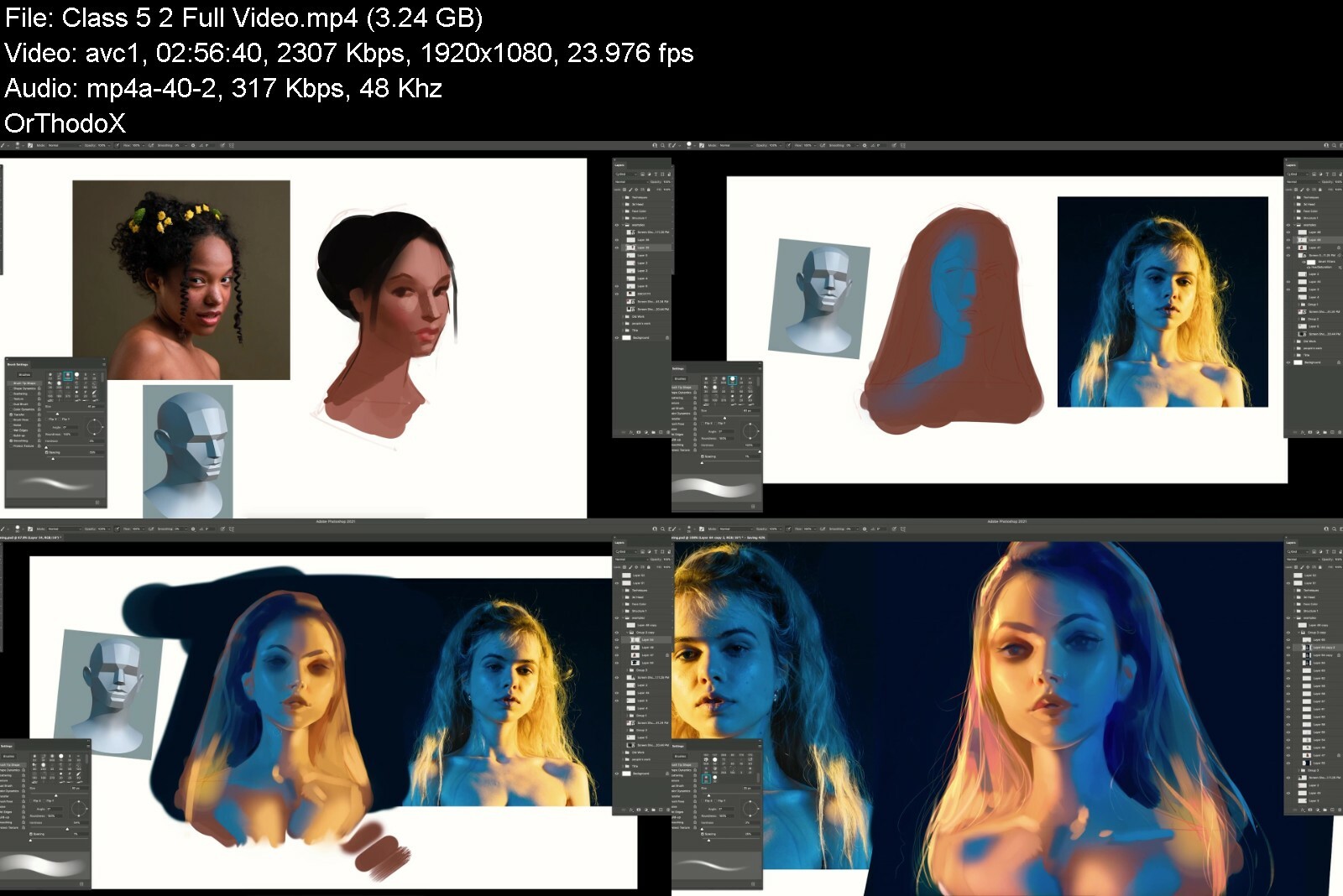
Digital Art BootCamp

skpyv85rauitex7sfxxwc5iuq.jpeg


Digital Art BootCamp
MP4 | Video: h264, yuv420p, 1920x1080 | Audio: aac, 48000 Hz | Duration: 50+ hours of content | 61.6 GB
Genre: eLearning | Language: English

Your art journey is about to begin! Get ready to be a part of a passionate & driven family of students
What you'll get
Digital Art Bootcamp Access
22 Total Classes
50+ hours of content
PSDs, Brushes, Files
Disclaimer: Class 9.1 and 9.2 come from here. Credit goes to user goodnights.
Forgive me for the reupload, I hope I did it right this time and you can enjoy this content!

Homepage

digitalartbootcampkbcnt.jpg


Download links


Make Your English Better Idiomatic Expressions

4894638a46fbof4w.jpg


Make Your English Better Idiomatic Expressions
Published 09/2022
MP4 | Video: h264, 1280x720 | Audio: AAC, 44.1 KHz, 2 Ch
Genre: eLearning | Language: English | Duration: 25 lectures (6h 6m) | Size:5 GB


English Language Idiomatic Expressions


What you'll learn
Goal #1: We aim to build overall knowledge of the English language.
Goal #2: We aim to integrate professional conversation with everyday conversation.
Goal #3: We aim to build confidence through video learning, material learning, improved listening skills and outside the box thinking.
Goal #4: We aim to help you provide another benefit for yourself so that you can attract better employment opportunities.
Requirements
You must have the minimum of a basic knowledge of English at the A-1 or A-2 level to be able to participate in this set of videos.
Description
As a private English teacher for over a decade, the creator of these courses found that many students expressed their frustration at feeling locked and insecure with their English language abilities. They felt that they were losing opportunities to present and to excel in their respected company. It is our desire, as it has always been, to give English learners the ability to improve on what they have already learned while growing in their knowledge and confidence. Idiomatic Expressions are a form of art and entertainment. They give words emotions and paint a picture of wonder and intrigue. Your knowledge of Idioms is a key part of your English language skills.We expect that you will grow in your knowledge and confidence regarding the English language. It is important for you to access the lessons and work through each one. You will be challenged to complete the assigned homework at the end of each lesson video and another answer video will review the completed material. We have seen many students pass through our program and have fine-tuned the lessons over the years to make this possible. Individual results may vary, but you are giving yourself the green light to prosper and to find success.
Who this course is for
Individuals that want to improve their knowledge, recognition, understanding and use of English Idiomatic Expressions


makeyourenglishbetter0rizi.jpg


Download from RapidGator


Download from NitroFlare


ITProTV - Microsoft 365 Fundamentals (MS-900) (2022)

8de2e8a9ab76465190a21hbex5.png


ITProTV - Microsoft 365 Fundamentals (MS-900) (2022)
Released 09/2022
MP4 | Video: h264, 1920x1080 | Audio: AAC, 44.1 KHz, 2 Ch
Genre: eLearning | Language: English | Duration: 36 Lessons (12h 52m) | Size: 7.9 GB

In this course, you will learn foundational-level knowledge of the considerations and benefits of adopting cloud services in general and the Software as a Service (SaaS) cloud model. You will also learn about available options and benefits gained by implementing Microsoft 365 cloud service offerings.


microsoft365fundamentb5cqk.jpg


Download links


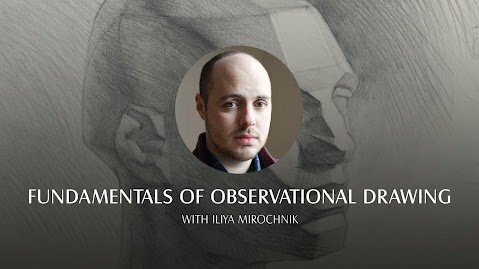
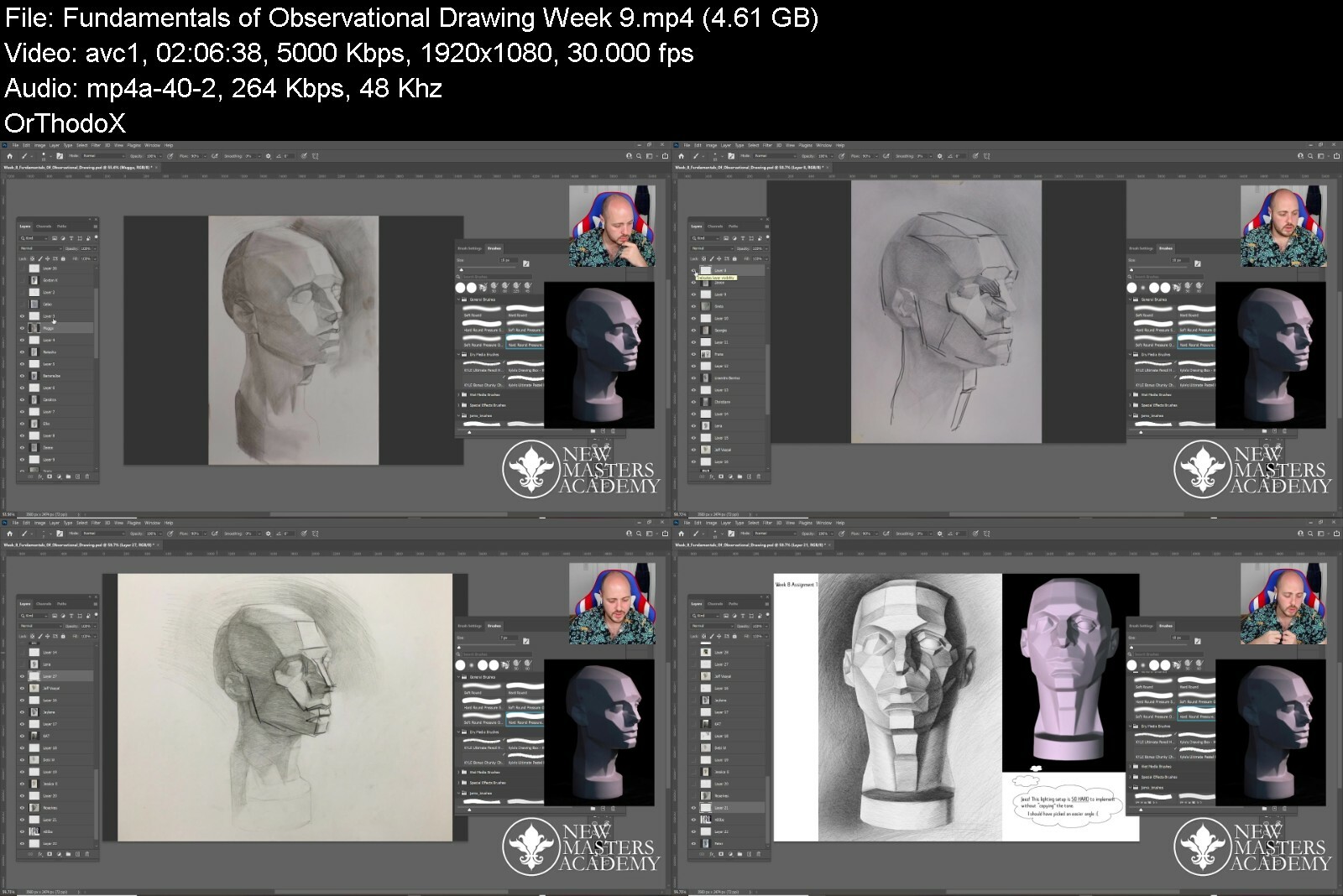
Fundamentals of Observational Drawing

be5ysmiwygrkdoz3sfkc4dcn4.jpeg


Fundamentals of Observational Drawing
MP4 | Video: h264, yuv420p, 1920x1080 | Audio: aac, 48000 Hz | Duration: 18h | 37.8 GB
Genre: eLearning | Language: English

In this 8-week Live Class, Fundamentals of Observational Drawing, instructor Iliya Mirochnik will share with you his knowledge of the Russian Drawing Approach; a technique that has remained nearly unaltered in Russia for over 250 years. It is an excellent tool for learning the fundamentals of observation, construction, and light theory. With the help of Iliya's intuitive assignments, 3D models, and reference images, this course will give you a strong drawing foundation. The skills you gain from this course will benefit you through your artistic career.
Classes are live once per week, Saturdays 9:30 am-11:30 am PT Starting January 22nd 2022

Homepage

fundamentalsofobservanmd0j.jpg


Download from RapidGator


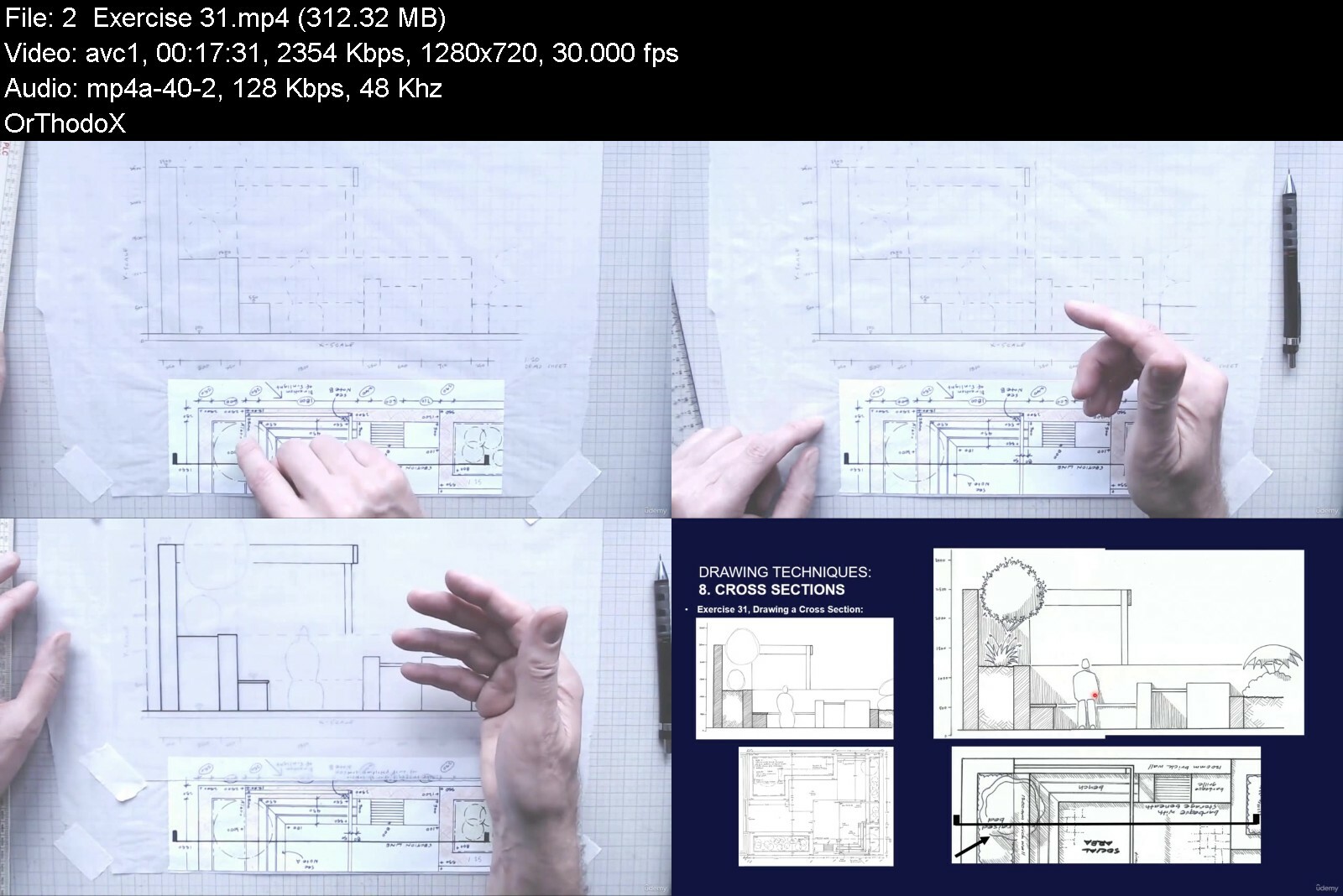
The Complete Garden Design Course - 2. Drawing Techniques

47386200e413kzf2b.jpg


The Complete Garden Design Course - 2. Drawing Techniques
Published 09/2022
MP4 | Video: h264, 1280x720 | Audio: AAC, 44.1 KHz, 2 Ch
Genre: eLearning | Language: English | Duration: 59 lectures (6h 12m) | Size: 5.15 GB


All the skills needed to explore designs and to illustrate finished garden plans in a clear, accurate and attractive way


What you'll learn
How to set up a drawing surface and the standard guidelines of hand drawing
How to use the essential items of drawing equipment by following a number of exercises
The techniques of drawing to scale and how to use a scale rule
Sketching techniques that will help you develop design ideas and experiment with different garden layouts
A range of symbols, line styles, patterns and lettering that are used to illustrate designs and to help you develop your own style of drawing and presentation
How to bring together the full range of drawing techniques to create a presentation-standard drawing of a real-life garden design
Ways to illustrate your designs in 3D
Different ways of applying colour to a finished drawing
Requirements
Some items of drawing equipment are required which are listed at the beginning of the course
Description
This course will teach you all the essential drawing skills to enable you to develop and communicate your garden designs in a clear, professional and attractive way.
Most garden designers and landscape architects start their training using hand drawing techniques, and continue to use these skills, alongside digital applications, throughout their career to explore different design options and to present their completed designs.
This course starts with the standard guidelines on hand drawing and sketching, and progresses in gradual stages to more advanced skills of portraying garden designs in 3D. To begin with you will learn how to set up your drawing surface and practice the use of all the items of drawing equipment you will need for the rest of the course.
The course continues with lessons on how to use a scale rule and how to draw to scale, and then an introduction to the full range of symbols, line styles, patterns, shadow rendering and annotation techniques you will need to illustrate your garden designs and to develop your individual style of drawing and presentation.
Next the course covers how all these techniques are brought together to create professional, presentation-standard drawings of real-life garden designs, and this is followed by demonstrations on different ways of applying colour to garden plans.
Because the best way to develop drawing skills is through practice, this course includes 37 individual drawing exercises for you to complete in your own time. Demonstrations of the exercises are filmed from above a drawing board, and supported by downloads of instructions, templates and base plans
The presentation of this course also comprises more than 70 slides to accompany a commentary on drawing techniques. The slides display images, sketches, photos and illustrations along with bullet points summarising the main points of the commentary. The bullet points are a useful reminder if you need to look back over the main features of the course. The slides also include numerous examples of illustrated plans and drawings which demonstrate the standard of drawing and presentation you will be able to achieve by the end of this course,
You can take this course either on its own or as part of 'The Complete Garden Design Course' series of courses which will give you a thorough grounding in the art of garden design. After completing this series of courses, you will have learnt all the skills you will need to confidently undertake your own garden design projects.
Who this course is for
This course has been written for anyone who wants to learn how to create presentation standard drawings that will communicate you designs in the clearest, most accurate and attractive way. You may be someone who wants to know how draw up and illustrate a design of your own garden, or someone who is interested in starting a career in garden design, or a student studying garden design or landscape architecture. Or you might be working as a garden contractor, a garden designer or a landscape architect. Or perhaps you are simply interested in learning some drawing and illustration techniques


thecompletegardendesiirffl.jpg


Download from RapidGator


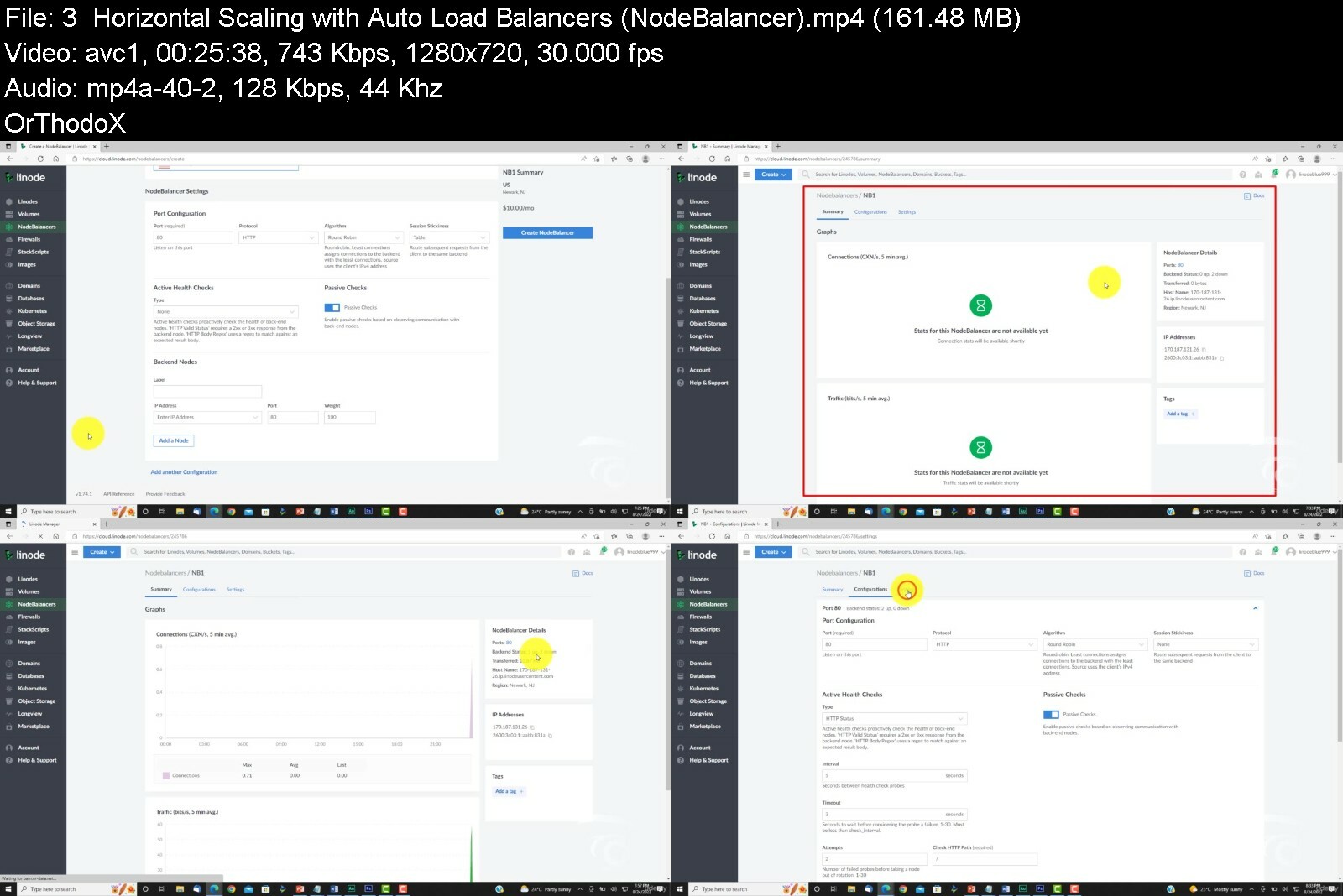
AWS and Linode: The Ultimate Guide to Cloud Computing [IaaS]

4874958fd10q6fct.jpg


AWS and Linode: The Ultimate Guide to Cloud Computing [IaaS]
Published 09/2022
MP4 | Video: h264, 1280x720 | Audio: AAC, 44.1 KHz, 2 Ch
Genre: eLearning | Language: English | Duration: 136 lectures (13h 4m) | Size: 7 GB


Cloud Computing | Linux Foundations | Apache | NGINX | DBMS | Firewalls | Load Balancers | AWS IAM | Amazon EC2


What you'll learn
Cloud Computing Fundamentals
Cloud Computing Service Models (IaaS, PaaS, SaaS)
Cloud Server Deployment and Configuration on Linode
Foundations of Linux
LAMP Stack Installation and Configuration
Foundations of Server Security (Network & Hosted Firewalls, UFW)
Scaling Instances Vertically and Horizontally
Cloud Deployment Models (Private, Public, Community)
AWS Foundations (Account Registration and Basic Security)
AWS IAM Foundations (Users, Groups, Policies, Roles, Access Keys)
Amazon Elastic Compute Cloud (EC2) Foundations
IAM Roles for EC2
Secure Socket Shell (SSH) for Instance Administration
Requirements
Basic Computer Skills
No programming experience needed. You will learn everything you need to know.
Description
This course offers a comprehensive guide for aspiring cloud practitioners interested in learning the complete lifecycle of virtual instance deployment and configuration on popular cloud platforms like AWS and Linode. The course starts right from the basics, where we explore various cloud computing service models. This includes infrastructure as a service, platform as a service, and software as a service. From there students gain hands-on experience with creating and administering remote virtual instances, complete with Ubuntu, Apache, MariaDB, and PHP. Students will learn the difference between popular web servers like Apache and NGINX, along with a detailed overview of various database management systems. This includes both SQL and NoSQL databases, in addition to database transaction standards such as ACID and CAP Theorem. In addition to a theoretical deep dive, the course demonstrates how to install, configure, and secure LAMP stack on Ubuntu for hosting dynamic, database driven web apps. We offer a detailed segment on server security, where students will configure both software and network firewalls for their instance using strict firewall policies, UFW and custom SSH ports. At this stage students will also learn to scale their servers both vertically and horizontally using application load balancers.
The second half of the course provides a comprehensive guide to Amazon Web Services. We start with demonstrating how to setup, secure, and navigate an AWS account. This includes setting up billing alerts and multi-factor authentication. From there, we take a deep dive into AWS Identity and Access management for enhanced account security, and the management of user accounts for various AWS services. Here we explore IAM User management and permissions, IAM Groups, IAM Policies, and access key rotation. Following the IAM section, we'll jump into the Amazon Elastic Compute Cloud (EC2) service. In this module students lean to deploy virtual instances on AWS using Amazon Machine Images, Elastic IPs, and Launch Templates. We will also explore IAM roles for EC2, EC2 Security Groups, SSH key pair authentication, and remote administration using both terminal and EC2 Instance connect.
As you can see this course covers a tremendous bit of ground and we hope you're just as excited about this course as we are, if so - hit that enroll button and let's get started.
Who this course is for
Students interested in Cloud Computing
Students interested in Deploying and Configuring Remote Instances
Students interested in the Foundations of Linux
Students interested in the Foundations of Web Server Software (Apache & NGINX)
Students interested in Server Security (Network & Hosted Firewalls, UFW)
Students interested in learning the Foundations of AWS (IAM, EC2)


awsandlinodetheultima2qd8r.jpg


Download from RapidGator


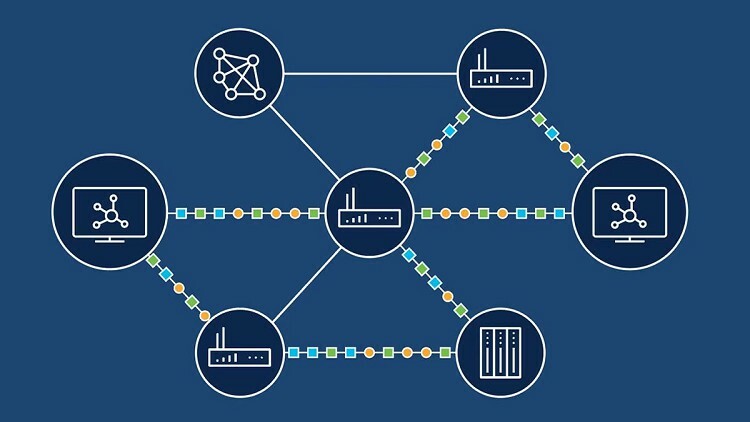
Most Complete Teaching of EIGRP

48957445f9fi5c7v.jpg


Most Complete Teaching of EIGRP
Published 09/2022
MP4 | Video: h264, 1280x720 | Audio: AAC, 44.1 KHz, 2 Ch
Genre: eLearning | Language: English | Duration: 125 lectures (19h 24m) | Size: 7.82 GB


Enhanced Interior Gateway Routing Protocol


What you'll learn
EIGRP Fundamentals and Basic Configuration
EIGRP Neighborship Process
EIGRP Path Metric Calculation
EIGRP Convergence
EIGRP Load-Balancing
EIGRP Summarization
EIGRP Stub Router and Site
EIGRP WAN Considerations
EIGRP Filtering with ACL and IP Prefix-List
EIGRP Filtering with Route-Map and Gateway
EIGRP Offset List
Troubleshooting EIGRP for IPv4
EIGRP for IPv4 Trouble Tickets
EIGRP for IPv6 (EIGRPv6)
EIGRPv6 and Named EIGRP Trouble Tickets
Requirements
CCNA
Description
Enhanced Interior Gateway Routing Protocol (EIGRP) is an advanced distance-vector routing protocol that is used on a computer network for automating routing decisions and configuration. The protocol was designed by Cisco Systems as a proprietary protocol, available only on Cisco routers. In 2013 Cisco decided to allow other vendors freely implement limited version of EIGRP with some of its associated features such as High Availability (HA), while withholding other EIGRP features such as EIGRP stub, needed for DMVPN and large-scale campus deployment, exclusively for themselves. Information needed for implementation was published with informational status as RFC 7868 in 2016, which did not make it into an Internet Standards Track specification and allowed Cisco to retain control of the EIGRP protocol.
EIGRP is used on a router to share routes with other routers within the same autonomous system. Unlike other well known routing protocols, such as RIP, EIGRP only sends incremental updates, reducing the workload on the router and the amount of data that needs to be transmitted.
EIGRP replaced the Interior Gateway Routing Protocol (IGRP) in 1993. One of the major reasons for this was the change to classless IPv4 addresses in the Internet Protocol, which IGRP could not support.
Who this course is for
Network Engineers


mostcompleteteachingoj5en9.jpg


Download from RapidGator


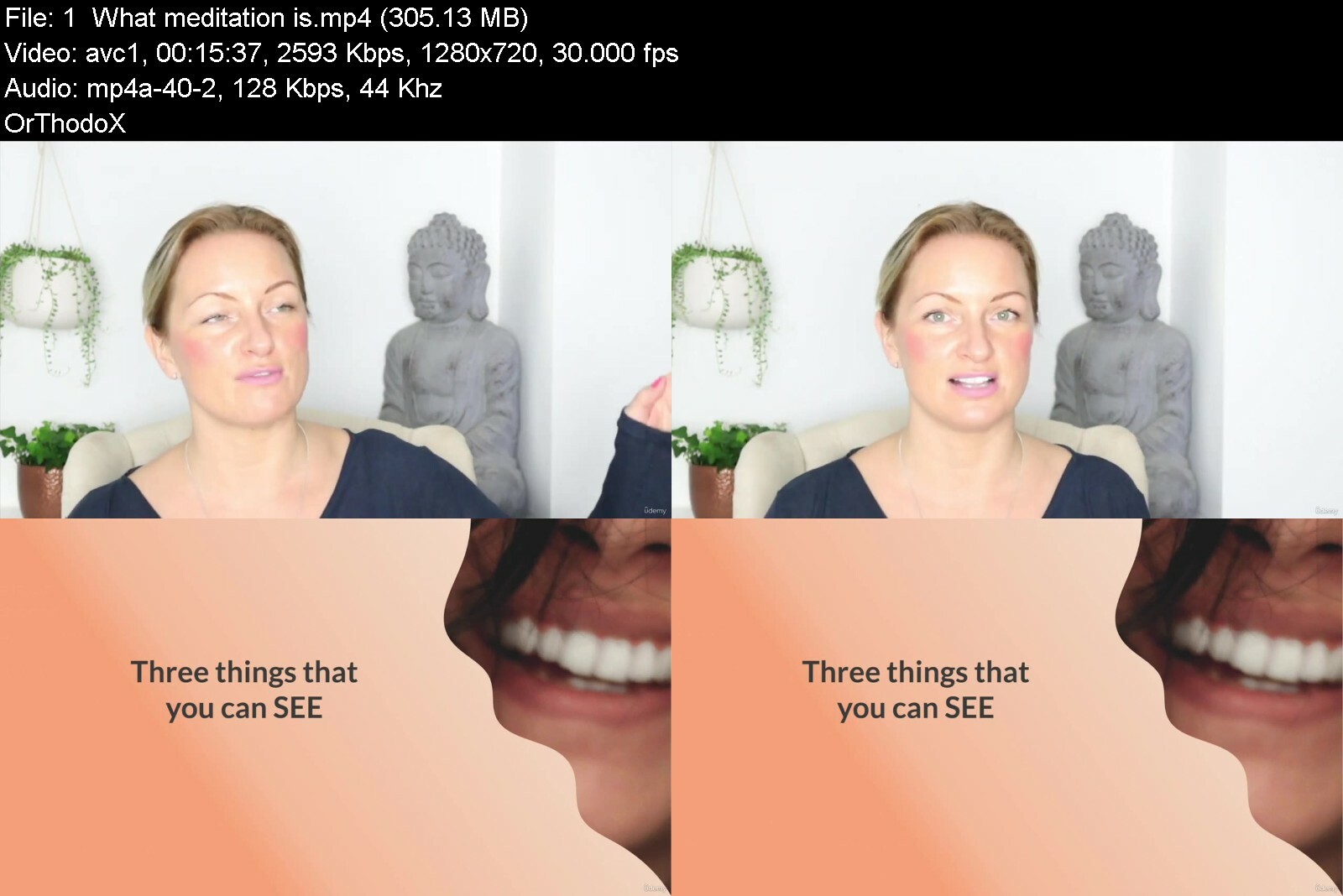
Meditation & Me - My Zendays

4623868014545jcfu.jpg


Meditation & Me - My Zendays
Published 09/2022
MP4 | Video: h264, 1280x720 | Audio: AAC, 44.1 KHz, 2 Ch
Genre: eLearning | Language: English + srt | Duration: 31 lectures (4h 22m) | Size: 5.1 GB


Meditation helps you to alleviate stress and anxiety and boosts your happiness and wellbeing


What you'll learn
Learn to calm your mind with meditation
What meditation is, the basics for getting started, the My Zendays meditation technique (aka YOUR NEW SUPERPOWER!)
The benefits of meditation and the scientific evidence to back it up
Why meditation and mindfulness are best friends, and why mindfulness is the key to living a happier life
The power of conscious breathing and how to use your breath to create instant mind and body calm
How to form new habits
Deepen your connection to your intuition and create or strengthen your connection to your future self
Requirements
No previous meditation experience required.
A beginners mind - openness and curiosity
A desire and willingness to learn
A quiet space and somewhere comfortable to sit
Description
Maybe you've tried meditation before but weren't sure if you were doing it "right", or maybe your mind was so full of thoughts you thought "this isn't working - meditation isn't for me!"
That's about to change. Put any past experience to one side - I'm here to tell you that you need this in your life, we all do.
Especially if you find it difficult to switch "off". Why? Because without intending to, we have conditioned ourselves to be constantly switched "on" and it's exhausting. We're busy and stressed and disconnected from ourselves.
It's time to come home to yourself.
This course has changed the lives of many people. Over 4 weeks you will learn
Week 1: The My Zendays meditation technique - your new SUPERPOWER! This is a blend of the most powerful techniques I have practiced and studied over the last 5 years.
Week 2: The incredible benefits of meditation and the scientific proof (more energy, better sleep, better sex, way more bliss, joy and happiness)
Week 3: Learn why mindfulness is the key to living a happier life and put into practice these simple and practical steps to integrate it into your life
Week 4: Deepen your connection to yourself, your intuition and experience the power of meeting your future self
If you're curious about what meditation and mindfulness can do for you, and you want a no-nonsense Teacher to guide you, then let's go!
Who this course is for
People who would like a practical guide to meditation and mindfulness
People who want to understand how and why meditation and mindfulness works as well as building their own practice


meditationmemyzendays0liwb.jpg


Download from RapidGator


The Procreate Watercolor Masterclass

g1jrvhytfodkigneli61o3se1s.jpg


The Procreate Watercolor Masterclass
Published 9/2022
MP4 | Video: h264, 1280x720 | Audio: AAC, 44.1 KHz
Language: English | Size: 5.00 GB | Duration: 4h 13m

Create natural looking watercolors using the power of Procreate


What you'll learn
How to create realistic watercolor paintings inside Procreate
How to use brand new techniques for beautiful and flexible effects
How to use Layer Blend Modes to create natural watercolor paper effects
How to use a never seen before color methodology
Requirements
A working version of Procreate, ideally on an iPad
An Apple pencil would be really useful

Description
This is a course all about creating beautiful watercolors in Procreate. Watercolor can be a challenging way of painting - you need the right tools, techniques and to understand the nature of watercolor. I've used real life watercolors for many years so I*can explain how they work, plus I have developed multiple new digital techniques especially for this course!I'll take you right from initial brush strokes using the dozens of different brushes you get with the course. You'll practice your first brushstrokes using various sketches, color swatches and files that I supply. Then I take you through a series of follow along tutorials which give you increasingly advanced techniques and resources. Some of these techniques and resources you won't have seen before. That's because I've used my 35+ years experience as a professional designer/illustrator to create brand new directions using the tools Procreate gives us.As well as over 4 hours of follow along/have a go yourself tuition, I'm giving you: 35 new watercolor brushes plus 72 brush heads, 22 watercolor splats, 56 watercolor splotches, 14 watercolor stencils, 12 watercolor textures, 18 white plus 18 gray paper textures, 20 pieces of line art to practice with, 52 color swatches based off real world paints, and 256... new ways of working with color. You are getting serious value for money with The Procreate Watercolor Masterclass.This course is also a masterclass in using layer blend modes, clipping layers, layer masks plus various layer adjustments. Does any of that sound interesting? Yes? Great!On this course you will:Learn to create natural looking watercolorsLearn professional grade techniques plus new techniques developed for this courseEffective watercolor techniqueEffective masking done digitallyHow to control digital watercolor but also how to use it expressivelyGet a masterclass in Layer Masks, Clipping Masks & Layer Blend ModesCreate backgrounds for your artworkDid you ever feel stuck for something to paint once you completed a course like this? I've got various sketches waiting for you. Did you ever feel discouraged because you weren't sure about what to put in the background? I'll show you how to go wild with watercolor splodges! Were you ever unsure about which color to pick? I have 256 color secrets just waiting to be revealed...If you can scribble with an Apple pencil on an iPad, you can do this. But even though I have plenty of sketches for you to work from (if you want) the end result is determined by the choices you make along the way, so there's plenty of room for you to create beautiful artwork your way.Sometimes it's not about the countless hours you spend practicing a skill. It's about know-how. Enroll today, and I'll show you how.See you on the course!
Overview
Section 1: Your Digital Watercolor Journey Starts Here!
Lecture 1 Hello and Welcome to the Course!
Lecture 2 Say Hello to Your Watercolor Brush Set
Lecture 3 Our First Project: Simple Watercolor, Part 1
Lecture 4 Our First Project: Simple Watercolor, Part 2
Lecture 5 Our First Project: Simple Watercolor, Part 3
Lecture 6 Paint a Pear, Master the Basics - Part 1, Virtual Masking Fluid
Lecture 7 Paint a Pear - Part 2, Create a Palette
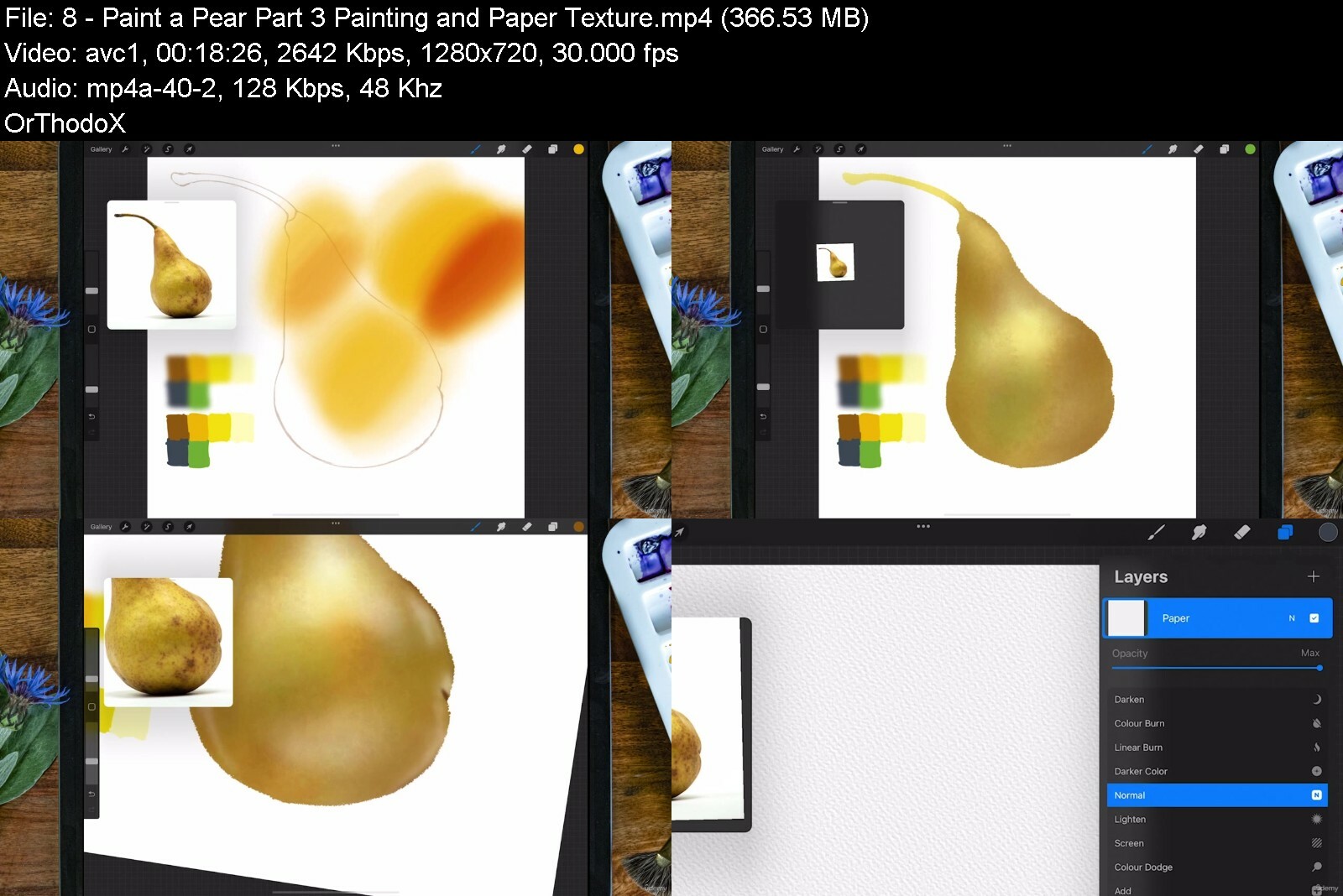
Lecture 8 Paint a Pear - Part 3, Painting and Paper Texture
Lecture 9 Paint a Pear - Part 4, Add Details
Lecture 10 Kelly the Kingfisher and Some Little Blobs of Joy...
Lecture 11 Kelly: Blocking in our Kingfisher
Lecture 12 Kelly: Laying Down Big Washes
Lecture 13 Kelly: Textures and Glazing
Lecture 14 Kelly: Using Line Brushes
Lecture 15 Kelly: Refine Your Edges
Lecture 16 Kelly: Darken Your Watercolor Borders
Lecture 17 Kelly: Finishing and some Splats!
Lecture 18 Bonus Content! Adding a Background
Lecture 19 Time to Get Completely Creative! Part One
Lecture 20 Time to Get Completely Creative! Part 2
Lecture 21 Your Turn! Practice What You've Learned
People who want to learn the right techniques to create great art!


theprocreatewatercolor0i1a.jpg


Download from RapidGator


AWS, JavaScript, React | Deploy Web Apps on the Cloud

4874962431f9femv.jpg


AWS, JavaScript, React | Deploy Web Apps on the Cloud
Published 09/2022
MP4 | Video: h264, 1280x720 | Audio: AAC, 44.1 KHz, 2 Ch
Genre: eLearning | Language: English | Duration: 266 lectures (25h 1m) | Size: 12.4 GB

Cloud Computing | Linux Foundations | LAMP Stack | DBMS | Apache | NGINX | AWS IAM | Amazon EC2 | JavaScript | React


What you'll learn
Foundations of Cloud Computing on AWS and Linode
Cloud Computing Service Models (IaaS, PaaS, SaaS)
Deploying and Configuring a Virtual Instance on Linode and AWS
Secure Remote Administration for Virtual Instances using SSH
Working with SSH Key Pair Authentication
The Foundations of Linux (Maintenance, Directory Commands, User Accounts, Filesystem)
The Foundations of Web Servers (NGINX vs Apache)
Foundations of Databases (SQL vs NoSQL), Database Transaction Standards (ACID vs CAP)
Key Terminology for Full Stack Development and Cloud Administration
Installing and Configuring LAMP Stack on Ubuntu (Linux, Apache, MariaDB, PHP)
Server Security Foundations (Network vs Hosted Firewalls).
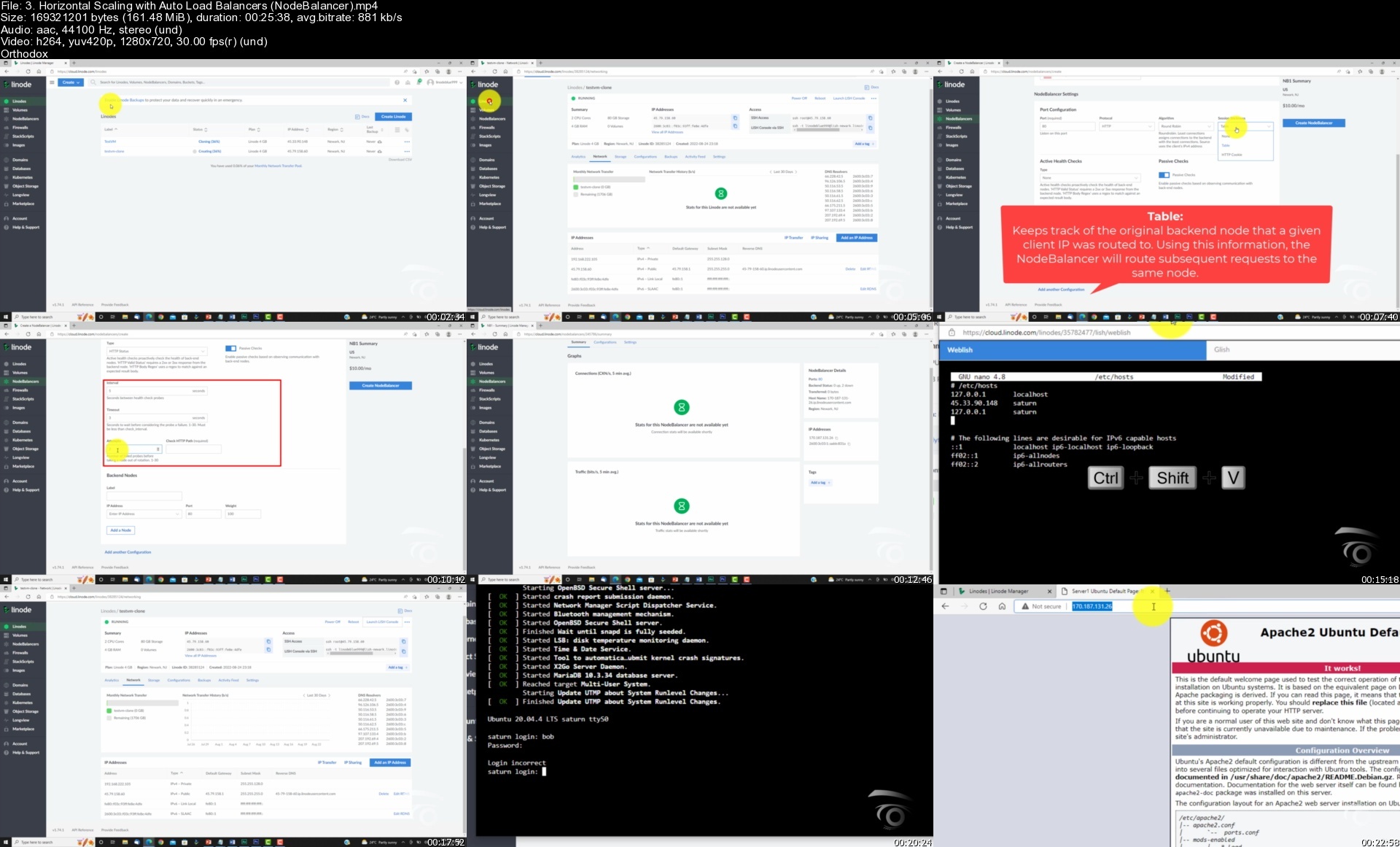
Horizontal and Vertical Scaling of a virtual instance on Linode using NodeBalancers
Creating Manual and Automated Server Images and Backups on Linode
Understanding the Cloud Computing Phenomenon as Applicable to AWS
The Characteristics of Cloud Computing as Applicable to AWS
Cloud Deployment Models (Private, Community, Hybrid, VPC)
Foundations of AWS (Registration, Global vs Regional Services, Billing Alerts, MFA)
AWS Identity and Access Management (Mechanics, Users, Groups, Policies, Roles)
Amazon Elastic Compute Cloud (EC2) - (AMIs, EC2 Users, Deployment, Elastic IP, Security Groups, Remote Admin)
Foundations of the Document Object Model (DOM)
Manipulating the DOM
Foundations of JavaScript Coding (Variables, Objects, Functions, Loops, Arrays, Events)
Foundations of ReactJS (Code Pen, JSX, Components, Props, Events, State Hook, Debugging)
Intermediate React (Passing Props, Destrcuting, Styling, Key Property, AI, Conditional Rendering, Deployment)
Building a Fully Customized E-Commerce Site in React
Intermediate React Concepts (JSON Server, Fetch API, React Router, Styled Components, Refactoring, UseContext Hook, UseReducer, Form Validation)

Requirements
Basic computer skills.
Basic knowledge of markup languages (HTML and CSS).
No programming experience needed. You will learn everything you need to know.


Description
Welcome to our latest course. Here, you will learn how to deploy fully scalable React web apps on some of the most powerful cloud computing platforms available, including AWS and Linode. The course starts with exploring the foundations of cloud computing where we dive into a comprehensive overview of the three main cloud service models. This includes: Infrastructure as a Service, Platform as a Service, and Software as a Service. From there we offer an in-depth guide to deploying and configuring virtual instances and the foundations of remote server administration and server security using SSH. Students are then introduced to Linux, where we explore various Linux distributions, the Linux filesystem, and essential Linux maintenance and directory commands.

Once students have a handle on working with Linux, we'll dive into the foundations of Web Servers. Here, we'll explore two industry leaders in the server software space including Apache and NGINX. Students will learn the benefits and use cases of each server technology, combined with an in-depth technical analysis of their performance in production environments. From there we'll explore database management systems, including both SQL and NoSQL databases, coupled with database transaction standards. In this section students gain valuable insights into a variety of different database options available, and the best use case for each depending on the project type and complexity.

With a firm handle on the theoretical aspects of web servers and DBMSes, we jump into a practical guide to setting up LAMP stack on Ubuntu through terminal for MacOS and PuTTY for Windows. Here we configure Linux with Apache, MariaDB, and PHP. Students will also learn how to upload data to a MariaDB database, and fetch records from within PHP scripts. The course then takes a theoretical and practical deep dive into server security. Here, we explore both network and hosted firewalls. We emphasize the pitfalls of lax server configurations, and provide a step-by-step guide to enabling and setting up UFW for Ubuntu. Students will also learn how to configure custom ports for SSH tunneling as an added layer of security.

The second half of the course provides a comprehensive guide to Amazon Web Services. We start with demonstrating how to setup, secure, and navigate an AWS account. This includes setting up billing alerts and multi-factor authentication. From there, we take a deep dive into AWS Identity and Access management for enhanced account security, and the management of user accounts for various AWS services. Here we explore IAM User management and permissions, IAM Groups, IAM Policies, and access key rotation. Following the IAM section, we'll jump into the Amazon Elastic Compute Cloud (EC2) service. In this module students lean to deploy virtual instances on AWS using Amazon Machine Images, Elastic IPs, and Launch Templates. We will also explore IAM roles for EC2, EC2 Security Groups, SSH key pair authentication, and remote administration using both terminal and EC2 Instance connect.

After students have a mastery of cloud computing, the next segment explores the development and deployment of interactive web apps using both JavaScript and React. Here we start with JavaScript foundations including the document object model, and DOM manipulation. From there, we hop into JavaScript variables, arithmetic operations, data types, objects, arrays, loops, functions, and events. The JavaScript section concludes with two hands-on projects where students build a background color changer, and photo gallery. After completion of the JavaScript section, students will use their new found skills to build out dynamic front-end UI components using the React JS library. Through a series of hands-on projects, students will build a calculator, Connect-4 Game clone, and a fully customizable e-commerce site. The react modules start from the basics and work up to several intermediate level concepts. This includes: working with code pen, JSX, Functional components, Props, Callbacks, Events, the React State hook, conditional rendering, Fetch API, Refactoring, and much more.

As you can see this course covers a tremendous bit of ground. Best of all it's co-authored by Tim Maclachlan - a renowned senior full-stack developer with over 20 years of commercial development experience. As a multi-faceted developer, Tim specializes in algorithmic, analytical and mobile development. To date, he's written hundreds of applications and worked in a number of industries from commercial aviation and military, to banking and finance. Tim has a genuine passion for teaching others how to become better coders and looks forward to interacting with his students.

With that said, we hope you're just as excited about this course as we are, if so - hit that enroll button and let's get started.

Who this course is for
Students interested in the Foundations of Cloud Computing including Cloud Service and Deployment Models
Students interested in working with Powerful Cloud Computing Platforms including AWS and Linode
Students interested in learning the Foundations of Linux and the Ubuntu Linux Distribution
Students interested in installing and configuring LAMP Stack on a remote Virtual Instance
Students interested in the Foundations of Web Server technology including Apache and NGINX
Students interested in the Foundations of Database Management Systems (DBMS), including SQL and NoSQL databases.
Students interested in administering cloud servers using AWS
Students interested in learning about AWS Identity and Access Management (IAM)
Students interested in deploying and configuring Amazon EC2 Instances
Students interested in learning the Foundations of JavaScript Coding & DOM manipulation
Students interested in building interactive front-end UI's using React JS

Homepage


3.horizontalscalingwimxiyn.jpg


T-Shirt Design Master Class - From Zero To Hero 2022

8oysmmk7svdndlyfhlye01kc7g.jpg


T-Shirt Design Master Class - From Zero To Hero 2022
Published 9/2022
MP4 | Video: h264, 1280x720 | Audio: AAC, 44.1 KHz
Language: English | Size: 9.12 GB | Duration: 12h 15m

Learn T-Shirt Design quickly & easily and Be Master T-Shirt Designer without any previous knowledge with this course!


What you'll learn
Easy to learn
Creating Full and Complete Eye Catching t-shirt designs
The best practices around the theory of T-shirt design , such as symmetry, color and font choices and topics
Design Print Ready T-Shirt Graphics
Become familiar with the different technologies out their for printing so you can make your design work in any format
Complete workflow for T-shirt design processes utilizing a shirt that we actually ready to final use
creating solid vectors
Artwork making for T-shirt designing
Tracing any kind of image for getting ready-made vectors and artwork
creating design elements
Get a lot of premium T-shirt mockups so, then you won't need to buy or download any other further mockups
Requirements
No prior knowledge or experience with This Course is required

Description
Do You want to learn T-shirt designing to design your t-shirt or create any kind of professional or advanced level designs?So, this is the perfect course for you to get started.Hi, my name is Afridi Biswas, and I've used Adobe Illustrator for t-shirt designing for the last 9 years. I know how confusing and intimidating Adobe Illustrator can be to a beginner t-shirt designer, that's why I've created this course. It was designed for all levels of students! If you are a beginner, no problem I will help you to learn for all the fundamentals in the step by step and If you are on an intermediate level, It would be too much easy to skill up your design quality. Feel free to read the outline of the course here -1- applying textures over design, 2- editing text for eye-catching designs 3- Font styling for getting audience attraction 4- creating solid vectors 5- Artwork making for t-shirt designing 6- Tracing any kind of image for getting ready-made vectors and artwork 7- creating design elements8- Get a lot of premium extra fonts 9- Making a presentation to Launch your final Design or T-shirt 10- Get a lot of premium T-shirt mockups so, then you won't need to buy or download any other mockups 11- Creating a lot full and complete t-shirt designs12- It's the best benefit for this course which is there I will guide you on these 10 Live Classes and there will 10 Different premium high professional Complete T-shirt designs guidance! This will enough for anyone to become a professional T-shirt designer!Everything is included once you enrolled 1- you get premium video content, 2-You have downloadable project files and assets, so you can follow along 3- And of the curse, you get premium support from me! 4- As an extra feature, I will give you premium Fonts, Elements, Mockups. So, as you can see there you will get the full premium support from me.The print on demand t-shirt business is growing fast, but so is the competition. It will take some time for your business to grow, so take action and get started now!Your enrollment includes lifetime updates! I'm so excited to hear that you are watching this video, and I'm excited about what you do! With Udmy's 30 days 100% money-back guaranty! There is no reason to hesitate! Click the enroll button and see you inside the class.What are you thinking about? Click the enroll button and let's jump to the class!Regards-Afridi

Overview

Section 1: Introduction Of T shirt designing

Lecture 1 Introduction

Section 2: Size and Color correction for t shirt designing

Lecture 2 Keeping T shirt Canvas Size in proper way in Adobe Illustrator CC.

Lecture 3 Idea generation for T shirt designs color

Section 3: Pathfinders task for t shirt designing

Lecture 4 How to use pathfinder tool in Adobe Illustrator CC.

Lecture 5 How to work with pathfinder tool over Text in Adobe Illustrator CC

Lecture 6 Exercise Class Now make a design to using text and pathfinder with your mind.

Section 4: Fonts Using in T shirt designing

Lecture 7 Font Effect making for t shirt design in Adobe Illustrator CC

Lecture 8 Another Font Effect making for T shirt design in Adobe Illustrator CC

Lecture 9 Another Font Effecting for T shirt designing in Adobe Illustrator CC

Lecture 10 Another Font Effecting for T shirt designing in Adobe Illustrator CC

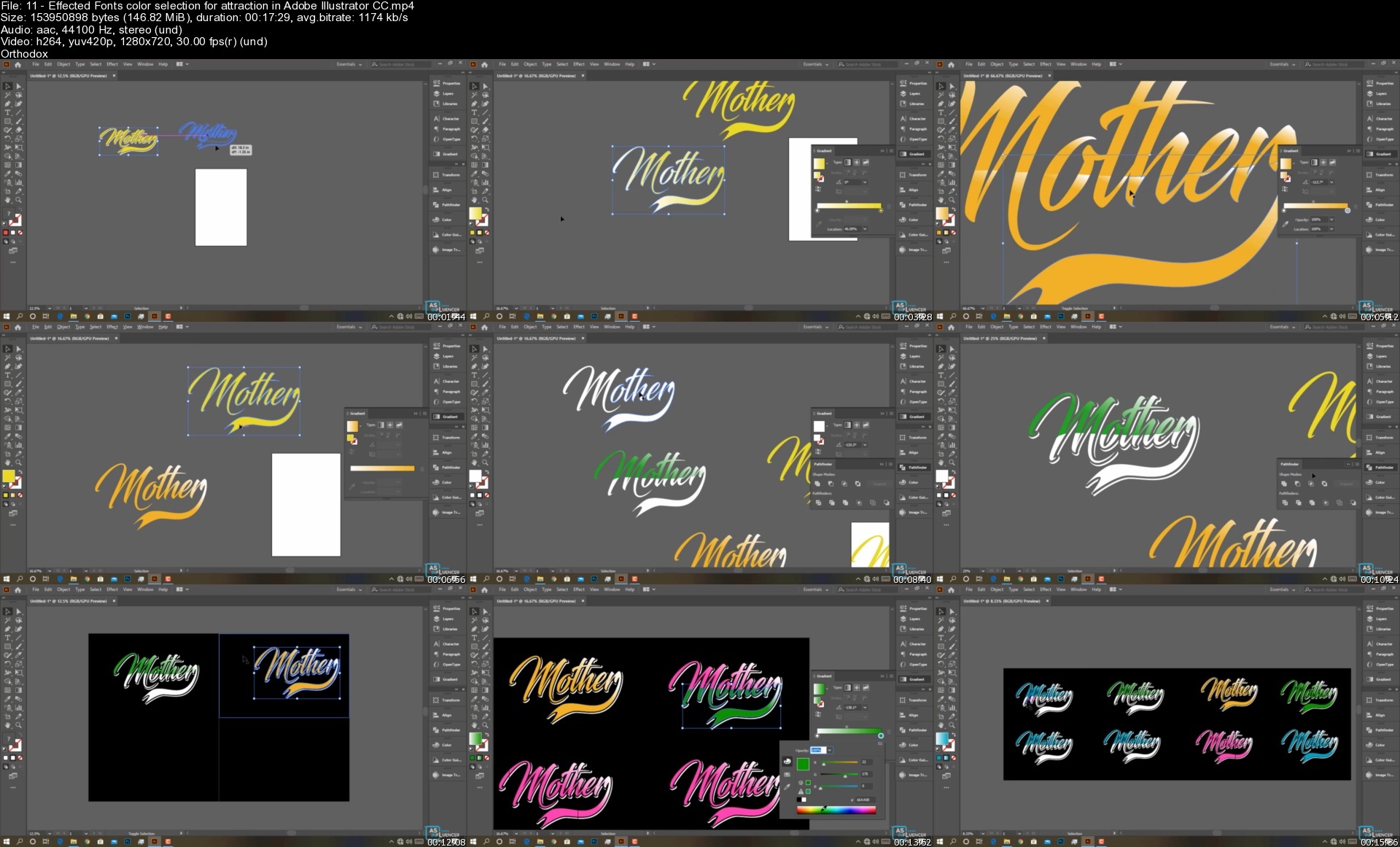
Lecture 11 Effected Fonts color selection for attraction in Adobe Illustrator CC

Lecture 12 Quick Reminder

Lecture 13 How to warp effected font in Adobe Illustrator CC

Lecture 14 Exercise

Section 5: Using Best Elements for T-shirt designing

Lecture 15 Exercise Class You have to Convert or trace this (JPG,PNG) image into vector.

Lecture 16 Additional content elements

Lecture 17 About it

Section 6: Pen tools task for t shirt designing

Lecture 18 How to create round Shape with pen tool in Adobe Illustrator CC

Lecture 19 How to create solid vector in Adobe Illustrator CC

Lecture 20 How to Copy another design elements or vector in Adobe Illustrator CC

Lecture 21 Exercise Class Copy this design elements and compare it with yours.

Lecture 22 Exercise Class Try to create a new vector with pen tool.

Section 7: Text effect for t shirt designing

Lecture 23 Additional Fonts From Me

Lecture 24 About this Extra Elements

Section 8: Pattern creation for t shirt designing

Lecture 25 pattern Making in Adobe Illustrator CC.

Lecture 26 How to apply this previous pattern effect over text in Adobe Illustrator CC.

Lecture 27 Another Types pattern making in Adobe Illustrator CC.

Lecture 28 How to apply this previous pattern effect over text in Adobe Illustrator CC.

Lecture 29 Exercise Class

Section 9: Texture creation for t shirt designing

Lecture 30 How to Apply textures in Adobe Illustrator CC.

Lecture 31 Easy Way for textures applying in Adobe Illustrator CC.

Lecture 32 How to warp textured text in Adobe Illustrator CC.

Lecture 33 Exercise Class

Section 10: Vector Designing for T shirt Designing

Lecture 34 Bikes Artwork making for t shirt designing in Adobe Illustrator CC.

Lecture 35 Skull Artwork making for t shirt designing in Adobe Illustrator CC.

Lecture 36 Another Artwork making for t shirt designing in Adobe Illustrator CC.

Lecture 37 Previous Artwork would be include with T shirt design in Adobe Illustrator CC.

Section 11: T shirt design Presentation in Adobe Photoshop CC

Lecture 38 T shirt Mockup placement in Adobe Photoshop CC.

Lecture 39 Custom T shirt Mockup Sources.

Lecture 40 Additional T shirt Mockups from me

Lecture 41 How to make T shirt presentation with any t shirt image in Adobe Photoshop CC.

Section 12: Ultimate t-shirt designing class with everything in Adobe Illustrator CC

Lecture 42 Modern Styles T shirt design in Adobe Illustrator CC

Lecture 43 Typography T shirt design in Adobe Illustrator CC

Section 13: Advance T-Shirt Designs

Lecture 44 Advance Levels Awesome DAD T shirt Design

Lecture 45 Advance Levels Body Builders T shirt

Lecture 46 Crazy guy T shirt design

Anyone who wants to be a master of T-Shirt Designer,Anyone who wants to learn graphic design,This course is perfect for very beginner-level illustrator users.

Homepage


11effectedfontscolorsueiqb.jpg


Hacking Éthique : Tests D'Intrusion Et Sécurité Web

vbwvmbsydmsbq1nx2kctg2ue7y.jpg


Hacking Éthique : Tests D'Intrusion Et Sécurité Web
Dernière mise à jour : 9/2022
MP4 | Video: h264, 1280x720 | Audio: AAC, 44.1 KHz
Language: Français | Size: 5.67 GB | Duration: 7h 21m

Apprenez à sécuriser vos sites contre les failles web (website penetration testing)


What you'll learn
Comprendre et savoir détecter les failles web.
Comprendre comment corriger les problèmes de sécurité des applications web.
Comprendre le fonctionnement d'un site web.
Comprendre comment mettre en place un environnement de test volontairement faillible.
Requirements
Vous devez avoir des notions de bases sur Internet et l'informatique.
Vous devez avoir une machine Windows avec 6Go de RAM ou plus
Vous devez savoir différencier "Hacking éthique" de "piratage informatique"

Description
Bienvenue dans ce cours vidéo sur la sécurité web ! Ce cours se focalise entièrement sur la sécurisation de sites web.
Nous passerons par la démarche classique du hacking éthique : apprendre et comprendre les attaques afin de nous en protéger concrètement.Vous allez mettre en place un environnement de test avec des machines virtuelles Kali Linux,
Metasploitable et Windows 10 afin d'installer des applications web volontairement vulnérables que l'on pourra attaquer sans rien casser.Vous découvrirez les diverses failles web à travers des modules pratiques vous permettant de passer d'un niveau débutant à un niveau plus avancé.Le cours est divisé en 10 sections : 1. Mettre en place un environnement de testVous allez installer Kali Linux, Metasploitable et Windows 10 en tant que machines virtuelles. La méthode d'installation a été simplifiée au maximum pour vous éviter toutes démarches fastidieuses.2. Comprendre le fonctionnement d'un site webNous mettrons en place les fondations avant de continuer : comment fonctionne un site web et comment interagissent les divers composants, comment fonctionnent DNS, HTTP et HTTPS.3. Comprendre la récupération d'informations et s'en protégerUne étape trop souvent oubliée qui permet à un attaquant d'en apprendre beaucoup sur votre site web et sur votre organisation. Nous passerons en revue divers services et outils permettant à des attaquants de découvrir de précieuses informations sur vos produits et ressources. Vous saurez les utiliser sur vos sites avant qu'on ne le fasse contre vous et afin de corriger les problèmes en amont.4. Comprendre l'injection SQL et s'en protégerNous passerons longuement en revue la faille web la plus populaire du moment. Vous découvrirez différentes façons de l'exploiter et comprendrez l'importance de non seulement vous en protéger mais en plus de bien savoir le faire.5. Injection SQL avancéeNous donnerons davantage d'exemples et nous expliquerons pourquoi les concepts de sécurité doivent bien être maîtrisés pour offrir une sécurité efficace et complète.6. Comprendre les problèmes d'authentification et de sessionLes vols de sessions, la faille CSRF (Cross site request forgery) et les bruteforces sont au programme de cette section. Vous obtiendrez des démonstrations de ces problèmes de sécurité ainsi que les moyens de vous en prémunir.7. Comprendre les problèmes d'Inclusion de fichiersLes failles LFI (Local File Inclusion) et RFI (Remote File Inclusion) aussi appelées "Faille Include" seront étudiées. Vous découvrirez que ce n'est pas parce qu'une faille n'est pas très connue qu'elle n'est pas très dangereuse...8. Comprendre et éviter les Mauvaises configurations de sécuritéDans cette section, nous allons regrouper les soucis courants liés à des mauvaises configurations de sécurité : la faille file upload permettant à un pirate d'uploader des fichiers arbitraires sur un serveur, le clickjacking, l'injection de commandes et le déni de service.9. Comprendre et éviter la faille XSS (Cross-site scripting)Probablement l'une des failles les plus connues qui permet à un attaquant d'injecter du script arbitraire dans des sites web vulnérables. Vous découvrirez les différentes possibilités d'exploitation et les contre-mesures.10. Utilisation de composants vulnérables et scans automatisésIl s'agit d'une section très importante dans laquelle on insistera sur la faille humaine qui rend toute notre infrastructure vulnérable. Démonstration avec un plugin vulnérable et un thème backdooré sous Wordpress. Avec bien entendu des conseils de sécurité spécifiques à WordPress.Nous passerons à l'exécution d'outils automatisés afin d'épauler le hacker éthique dans sa tâche de sécurisation de sites web.14. ConclusionConclusion de ce cours et derniers conseils.
Le cours s'adresse aux débutants et initiés en priorité. Vous saurez à la fin de chaque session comment détecter et corriger concrètement les diverses vulnérabilités. Vous aurez également un quiz de fin de section et diverses ressources additionnelles pour compléter les vidéos. Note : il est recommandé de suivre le cours "Hacking éthique : le cours complet" avant de suivre celui-ci car il fait simplement suite aux explications données. Ce que vous saurez faire à la fin de ce cours :• Comprendre et savoir détecter les failles web• Comprendre comment corriger les problèmes de sécurité des applications web• Comprendre le fonctionnement d'un site web• Comprendre comment mettre en place un environnement de test volontairement faillible• Et bien d'autres... À propos :Cyberini est un centre de formation spécialisé en hacking éthique créé en 2017 et noté 4,6/5 sur le thème "Qualité des cours" d'après un sondage Typeform auprès de 100 étudiants entre mars et décembre 2020.Michel KARTNER est le fondateur de Cyberini.Formateur cybersécurité indépendant depuis 2013, il détient un Master en réseaux informatiques et systèmes embarqués.Il a été consultant cybersécurité junior dans une grande entreprise internationale où il travaillait à la fois sur des projets clients et des projets internes.Fortes de + de 40 000 étudiants, les formations Cyberini sont appréciées pour leur côté pratique et directement utilisable au quotidien et/ou dans le cadre professionnel. Le support technique est inclut par défaut, sans frais supplémentaires, ainsi que toutes les mises à jour."Michel n'est pas un pirate, c'est un hacker éthique qui aide les internautes à se protéger."- Complément d'enquête émission dédiée aux écoutes téléphoniques - FRANCE 2NOTES IMPORTANTES: - Les systèmes, méthodologies et programmes cités dans ce cours sont utilisés à but éducatif et préventif uniquement, et dans le cadre d'une utilisation à titre privé. Toutes les autorisations ont été reçues au préalable et toutes les précautions nécessaires ont été mises en place pour assurer un apprentissage légal et sans risque pour autrui. Cependant, Il VOUS incombe de vérifier toutes les lois applicables à votre situation et toutes les règles ou contrats en vigueur, notamment avec des prestataires/hébergeurs utilisés. En rejoignant ce cours, vous vous déclarez ainsi seul(e) responsable de vos actions, et aucune responsabilité de la part de l'instructeur ne sera engagée quant à la mauvaise utilisation du contenu enseigné. En d'autres termes, ce cours n'est pas destiné aux apprentis PIRATES informatiques, qui n'auront pas ce qu'ils cherchent et qui seront écartés du cours s'ils contreviennent à cette ligne de conduite. - Ce cours n'est affilié à aucun autre cours sur le Hacking dont je ne suis pas l'auteur (Cyberini/Michel Kartner). Attention au contenu recopié ou très similaire dont je ne pourrai fournir aucune approbation ni support.Un cours by Cyberini (Michel Kartner).

Overview

Section 1: Mise en place de notre environnement de test

Lecture 1 Pourquoi se mettre dans la peau d'un pirate ?

Lecture 2 Pourquoi sécuriser son site ?

Lecture 3 Installer Virtualbox et aperçu du Lab

Lecture 4 Installer Kali Linux en tant que machine virtuelle (màj 2020)

Lecture 5 Installer Kali Linux sous macOS

Lecture 6 Agrandir la taille de fenêtre (Additions invité)

Lecture 7 CHECK LIST ANTI ERREURS

Lecture 8 Résolution d'erreurs avec Kali et Virtualbox

Lecture 9 Installer Metasploitable en tant que machine cible

Lecture 10 Installer Windows 10 en tant que machine cible

Lecture 11 Connecter les machines entre elles

Lecture 12 Installation de XAMPP et Mutillidae 2

Lecture 13 Si vous rencontrez une erreur avec Mutillidae 2

Section 2: Comprendre le fonctionnement d'un site web

Lecture 14 AU SUJET DES VERSIONS DE KALI

Lecture 15 Comprendre l'architecture web

Lecture 16 Comprendre le fonctionnement de DNS jusqu'au résolveur

Lecture 17 Comprendre le fonctionnement de DNS après le résolveur

Lecture 18 Faire un exemple pratique avec DIG

Lecture 19 Comprendre le fonctionnement d'HTTP

Lecture 20 Comprendre le fonctionnement d'HTTPS

Lecture 21 Les types de vulnérabilités web (référentiel OWASP top 10)

Lecture 22 Note importante avant de continuer

Section 3: La récupération d'informations

Lecture 23 Rechercher (et masquer) les informations WHOIS

Lecture 24 Faire une recherche WHOIS inversée

Lecture 25 Découvrir les technologies utilisées sur un site web avec BuiltWith

Lecture 26 Remonter dans l'historique d'un site web

Lecture 27 Rechercher des informations via DNS

Lecture 28 Maitriser le Google Hacking

Lecture 29 Utiliser Recon-ng pour le reconnaissance web

Lecture 30 Utiliser Maltego pour le reconnaissance web

Section 4: Comprendre l'injection SQL et s'en protéger

Lecture 31 Qu'est-ce que SQL ?

Lecture 32 Utiliser MySQL en ligne de commande sous Metasploitable

Lecture 33 Qu'est-ce que l'injection SQL ?

Lecture 34 Injections SQL et Dorks

Lecture 35 Injection SQL dans un champ password sous Metasploitable

Lecture 36 Injection SQL intermédiaire sous Metasploitable

Lecture 37 Exemple de sécurité contre la faille SQL

Lecture 38 Exploitation avec l'injection SQL

Lecture 39 Exploitation avec l'Injection SQL à l'aveugle

Section 5: Injection SQL avancée

Lecture 40 Contourner les filtres avec les caractères d'échappement

Lecture 41 Contourner les filtres avec l'encodage

Lecture 42 Lire des fichiers avec l'injection SQL

Lecture 43 Se protéger concrètement contre l'injection SQL

Lecture 44 Comprendre le fichier PHP.ini

Section 6: Problèmes d'authentification et de session

Lecture 45 Bruteforce de DVWA avec Hydra

Lecture 46 Comprendre les Vols de session, et contre-mesures

Lecture 47 Comprendre le Vol de session via le réseau et contre-mesures

Lecture 48 Comprendre la faille CSRF (Cross-site request forgery)

Lecture 49 Se protéger contre la faille CSRF

Lecture 50 Enumération des utilisateurs avec Burp Suite (Kali 64 bits uniquement)

Section 7: Inclusion de fichiers

Lecture 51 Inclusion de fichier via les Entités XML Externes

Lecture 52 Inclusion de fichier via la faille Include locale

Lecture 53 Shell PHP & Backdoor avec la faille RFI (Remote File Inclusion)

Lecture 54 Se prémunir contre les failles include

Section 8: Mauvaises configurations de sécurité

Lecture 55 Maitriser le Directory Browsing

Lecture 56 Comprendre et éviter la faille Upload

Lecture 57 Faille File Upload Avancée et sécurisation

Lecture 58 Comprendre et se défendre contre le ClickJacking

Lecture 59 Détecter l'Injection de commandes & les Dénis de service

Section 9: Comprendre et éviter la Faille XSS (Cross-site Scripting)

Lecture 60 Comprendre la Faille XSS Réfléchie

Lecture 61 Installation du site vulnérable sous la VM Windows

Lecture 62 Installation et utilisation de Beef (Mise à jour)

Lecture 63 Faille XSS Stockée et exploitation avec Beef XSS Framework

Lecture 64 Faille XSS basée sur le DOM

Lecture 65 Faille XSS via les paramètres GET et POST

Lecture 66 Faille XSS via les entêtes HTTP

Lecture 67 Se protéger contre la faille XSS

Section 10: Eviter l'utilisation de composants vulnérables et scans automatisés

Lecture 68 Plugin Wordpress vulnérable

Lecture 69 Thème Wordpress et Backdoor

Lecture 70 Conseils de sécurité sous Wordpress

Lecture 71 Scan du site web avec Owasp Zap

Lecture 72 Scan du site web avec WPScan

Lecture 73 Scan du site web avec Nikto

Section 11: Conclusion

Lecture 74 Conclusion de ce cours et derniers conseils

Lecture 75 SESSION BONUS : Obtenez votre certification en cybersécurité

Les (futurs) webmasters ou développeurs web.,Les étudiants en (sécurité) informatique.,Les propriétaires de petites entreprises.,Les personnes souhaitant se mettre à jour dans ce milieu.,Les personnes souhaitant se lancer sur le web.

Homepage


43seprotegerconcretemcoebo.jpg


Zurück
Oben Unten