• Regeln für den Video-Bereich:

    In den Börsenbereich gehören nur Angebote die bereits den Allgemeinen Regeln entsprechen.

    Einteilung

    - Folgende Formate gehören in die angegeben Bereiche:
    - Filme: Encodierte Filme von BluRay, DVD, R5, TV, Screener sowie Telesyncs im Format DivX, XviD und x264.
    - DVD: Filme im Format DVD5, DVD9 und HD2DVD.
    - HD: Encodierte Filme mit der Auflösung 720p oder darüber von BluRay, DVD, R5, TV, Screener sowie Telesyncs im Format x264.
    - 3D: Encodierte Filme von BluRay, die in einem 3D Format vorliegen. Dies gilt auch für Dokus, Animation usw.
    - Serien: Cartoon/Zeichentrick, Anime, Tutorials, Dokumentationen, Konzerte/Musik, Sonstiges sind demnach in die entsprechenden Bereiche einzuordnen, auch wenn sie beispielsweise im High Definition-Format oder als DVD5/DVD9/HD2DVD vorliegen. Ausnahme 3D.
    - Bereich Englisch: Englische Releases gehören immer in diesen Bereich.
    - Bereich Talk: Der Bereich, in dem über die Releases diskutiert werden kann, darf, soll und erwünscht ist.


    Angebot/Beitrag erstellen

    - Ein Beitrag darf erst dann erstellt werden, wenn der Upload bei mindestens einem OCH komplett ist. Platzhalter sind untersagt.
    - Bei einem Scenerelease hat der Threadtitel ausschließlich aus dem originalen, unveränderten Releasenamen zu bestehen. Es dürfen keine Veränderungen wie z.B. Sterne, kleine Buchstaben o.ä. vorgenommen werden. Ausnahme Serienbörse:
    - Bei einem Sammelthread für eine Staffel entfällt aus dem Releasename natürlich der Name der Folge. Beispiel: Die Simpsons S21 German DVDRip XviD - ITG
    - Dementsprechend sind also u.a. verboten: Erweiterungen wie "Tipp", "empfehlenswert", "only", "reup", usw. / jegliche andere Zusatzinformation oder Ergänzung, welche nicht in obiger Beschreibung zu finden ist.

    Aufbau des Angebots und Threadtitel

    Der Titel nach folgendem Muster erstellt zu werden. <Name> [3D] [Staffel] [German] <Jahr> <Tonspur> [DL] [Auflösung] <Quelle> <Codec> - <Group>
    Beispiel: The Dark Knight German 2008 AC3 DVDRip XviD - iND
    Beispiel: The Dark Knight 2008 DTS DL BDRip x264 - iND
    Beispiel: The Dark Knight 2008 AC3 DL BDRip XviD - iND
    Beispiel: The Dark Knight German 2008 AC3 720p BluRay x264 iND
    Beispiel: The Dark Knight 2008 DTS DL 1080p BluRay x264 iND
    Beispiel: Die Simpsons S01 German AC3 DVDRip XviD iND
    Beispiel: Die Simpsons S20 German AC3 720p BluRay x264 iND
    Beispiel: Sword Art Online II Ger Sub 2014 AAC 1080p WEBRip x264 - peppermint
    Entsprechend sind also u.a. verboten: Sonderzeichen wie Klammern, Sterne, Ausrufezeichen, Unterstriche, Anführungszeichen / Erweiterungen wie "Tipp", "empfehlenswert", "only", "reup", usw. / jegliche andere Zusatzinformation oder Ergänzung, welche nicht in obiger Beschreibung zu finden ist
    Ausnahmen hiervon können in den Bereichen geregelt sein.

    Die Beiträge sollen wie folgt aufgebaut werden:
    Überschrift entspricht dem Threadtitel
    Cover
    kurze Inhaltsbeschreibung
    Format, Größe, Dauer sind gut lesbar für Downloader außerhalb des Spoilers zu vermerken
    Nfo sind immer Anzugeben und selbige immer im Spoiler in Textform.
    Sind keine Nfo vorhanden z.B. Eigenpublikationen, sind im Spoiler folgende Dateiinformationen zusätzlich anzugeben :
    Quelle
    Video (Auflösung und Bitrate)
    Ton (Sprache, Format und Bitrate der einzelnen Spuren)
    Untertitel (sofern vorhanden)
    Hosterangabe in Textform außerhalb eines Spoiler mit allen enthaltenen Hostern.
    Bei SD kann auf diese zusätzlichen Dateiinformationen verzichtet werden.

    Alle benötigten Passwörter sind, sofern vorhanden, in Textform im Angebot anzugeben.
    Spoiler im Spoiler mit Kommentaren :"Schon Bedankt?" sind unerwünscht.


    Releases

    - Sind Retail-Release verfügbar, sind alle anderen Variationen untersagt. Ausnahmen: Alle deutschen Retail-Release sind CUT, in diesem Fall sind dubbed UNCUT-Release zulässig.
    - Im Serien-Bereich gilt speziell: Wenn ein Retail vor Abschluss einer laufenden Staffel erscheint, darf diese Staffel noch zu Ende gebracht werden.62
    - Gleiche Releases sind unbedingt zusammenzufassen. Das bedeutet, es ist zwingend erforderlich, vor dem Erstellen eines Themas per Suchfunktion zu überprüfen, ob bereits ein Beitrag mit demselben Release besteht. Ist dies der Fall, ist der bereits vorhandene Beitrag zu verwenden.
    - P2P und Scene Releases dürfen nicht verändert oder gar unter einem iND Tag eingestellt werden.


    Support, Diskussionen und Suche

    - Supportanfragen sind entweder per PN oder im Bereich Talk zu stellen.
    - Diskussionen und Bewertungen sind im Talk Bereich zu führen. Fragen an die Uploader haben ausschließlich via PN zu erfolgen, und sind in den Angeboten untersagt.
    - Anfragen zu Upload-Wünschen sind nur im Bereich Suche Video erlaubt. Antworten dürfen nur auf Angebote von MyBoerse.bz verlinkt werden.


    Verbote

    - Untersagt sind mehrere Formate in einem einzigen Angebotsthread, wie beispielsweise das gleichzeitige Anbieten von DivX/XviD, 720p und 1080p in einem Thread. Pro Format, Release und Auflösung ist ein eigener Thread zu eröffnen.
    - Grundsätzlich ebenso verboten sind Dupes. Uploader haben sich an geeigneter Stelle darüber zu informieren, ob es sich bei einem Release um ein Dupe handelt.
    - Gefakte, nur teilweise lauffähige oder unvollständige Angebote sind untersagt. Dies gilt auch für eigene Publikationen, die augenscheinlich nicht selbst von z.B. einer DVD gerippt wurden. Laufende Serien, bei denen noch nicht alle Folgen verfügbar sind, dürfen erstellt und regelmäßig geupdatet werden.
    - Untersagt sind Angebote, welche nur und ausschließlich in einer anderen Sprache als deutsch oder englisch vorliegen. Ausnahmen sind VORHER mit den Moderatoren zu klären.


    Verstoß gegen die Regeln

    - Angebote oder Beiträge, die gegen die Forenregeln verstoßen, sind über den "Melden"-Button im Beitrag zu melden.
  • Bitte registriere dich zunächst um Beiträge zu verfassen und externe Links aufzurufen.

*** Bestes IPTV *** bester Preis *** gratis Test ***


Englische Tutorials

Hubspot For Sales - Sequences, Workflows & Reporting

auewv3my7izulbiktv4rz1girs.jpg


Hubspot For Sales - Sequences, Workflows & Reporting
Published 9/2022
MP4 | Video: h264, 1280x720 | Audio: AAC, 44.1 KHz
Language: English | Size: 7.12 GB | Duration: 7h 31m

A deep dive into HubSpot Sequences, Workflows & Reporting for Sales professionals


What you'll learn
Close hot leads the automated way with HubSpot Sequences
Build simple HubSpot Workflows to save time with data entry, lead assignment and other sales tasks
Build complex HubSpot Workflows with Conditional Segmentation to build multiple sales journeys for your customers
Create a comprehensive Reporting Dashboard to measure sales performance
Use the HubSpot Forecasting tool to monitor progress towards sales goals
Requirements
You need to know your way around the HubSpot CRM (adding contacts to HubSpot, creating lists, emails, and forms)
You need access to Automation (At least Sequences!) and Reporting in your HubSpot account

Description
Are you a Sales professional using HubSpot? If you're familiar with the HubSpot basics and know your way around the HubSpot CRM, it's now time to take things to the NEXT LEVEL.In this course, we cover HubSpot Sequences, Workflows, and Reporting for Sales professionals and teams - You'll learn how to leverage the power of Automation to close more deals without manual effort. If you want to learn HubSpot Advanced Sales features with a special focus on Automation and Reporting, this course is for you.At the end of the course you will be able to:1) Create effective HubSpot Sequences to close deals without manual input Send automated emails that look and sound personalSet up reminder alerts to help you with your to-do'sAutomate tasks for calls, to-do's, and others2) Plan, draft, build and publish Workflows from scratch by yourselfBuild simple Workflows to save time with data entry, lead assignment, updating properties, and other administrating workBuild complex Workflows with Conditional Segmentation (using Branches to segment your audience into different groups based on specific conditions you define - targeted messaging is the most efficient way to move leads down the Sales funnel!)Tweak your Workflow Strategy thanks to our real-world examples3) Monitor closely your sales performance with HubSpot Reporting and ForecastingSet up comprehensive Reporting dashboards Build all types of reports by yourself - Single Object Reports, Funnel Reports, Attribution Reports, and moreUse the HubSpot forecasting tool to monitor progress towards your Sales goals in a visual wayATTENTION:This course is NOT an introduction to HubSpot - If you need a HubSpot intro or a refresher course, check out my Instructor Profile. I have a course called HubSpot for Sales Professionals - this one will be more suitable for you!This course requires access to HubSpot Automation (Sequences at least) and Reporting - In this course, we cover Sequences, Reporting, and Workflows. You can definitely skip the Workflows section if you have limited access to this feature, however, Sequences and Reporting are a must-have! Ensure you have access to both before you purchase this course. I am a certified independent HubSpot expert providing HubSpot account management and training services to companies and professionals from all over the world. I have 14+ years of experience in Digital Marketing (4 working exclusively with HubSpot) and love helping businesses and professionals grow by learning HubSpot.This is one of my student testimonials:I just completed the course - and my only reaction is: WOW! Super valuable for entrepreneurs, consultants (such as myself), and small businesses. Thalita successfully managed to transfer her rich knowledge in a meticulous manner. This course is easy to comprehend and incorporate into your business strategy. I honestly never knew what were the actual possibilities of the HubSpot platform and now I finally do! Thank you so much for this course! Tamara Biljman, Content Strategist- Feel free to check out my website for more testimonials.I take pride in assisting my students and coaching clients throughout the learning journey, so feel free to ask me any questions at any time during the course.--ThalitaThis course is an independently developed course offered by Thalita Milan and has not been created, endorsed, or verified by HubSpot, Inc. HubSpot, Inc. shall not have any liability with respect to this course offered by me, Thalita Milan.
Overview
Section 1: Introduction
Lecture 1 Introduction
Lecture 2 You need access to Automation and Reporting for this course
Lecture 3 READ THIS BEFORE YOU START
Section 2: Close hot leads the automated way - Intro to Sales Sequences
Lecture 4 Intro to Sequences & a Sequence example
Lecture 5 Have an overview of the Sequences tab
Lecture 6 Choose how you want to create your Sequence - from scratch or with a template
Lecture 7 Understand the Sequence structure - Learn about Enrollment & Unenrollment
Lecture 8 Use the 4 basic Sequence Actions - Automated email, email, to do and call
Section 3: Create your Sales Sequence and close deals without manual input
Lecture 9 Automate emails to contacts inside of your Sequence
Lecture 10 OPTIONAL - Review how you create email templates for your Sequences
Lecture 11 Send email reminders to yourself inside of Sequences
Lecture 12 Set up call reminders and task reminders inside of Sequences
Section 4: Publish your Sales Sequence & start closing deals without manual effort
Lecture 13 Define your Sequence Settings
Lecture 14 Sequence Enrollment tip - How to automatically remove people from a Sequence
Lecture 15 Sequence Enrollment tip - How to automatically enroll people into a Sequence
Lecture 16 Sequence Enrollment tip - How to MANUALLY enroll people into your Sequence
Lecture 17 Quick tip! Keep an eye on the numbers - Sequence Analytics
Lecture 18 Watch me create a Sequence from beginning to end
Section 5: Intro to HubSpot Workflows
Lecture 19 Quick note before you go ahead
Lecture 20 Intro to Workflows & a Workflow example
Lecture 21 Learn the main differences between Workflows and Sequences
Lecture 22 Have an overview of the Workflows tab
Lecture 23 Learn about workflow enrollment and unenrollment
Lecture 24 Create a Workflow from scratch
Lecture 25 The 2 main elements of a Workflow - Triggers & Actions
Section 6: Choose your Workflow Triggers
Lecture 26 Actions that your audience takes as a Workflow Trigger
Lecture 27 Information stored as HubSpot Properties as a Workflow Trigger
Lecture 28 Other types of Triggers
Lecture 29 Using multiple triggers at once - The filters AND & OR
Lecture 30 Advanced hacks for multiple triggers
Section 7: Select your Workflow Actions
Lecture 31 Quick intro to HubSpot Workflow Actions
Lecture 32 Assign contacts to specific team members (Owner Assignment)
Lecture 33 Create tasks for you and other team members
Lecture 34 Add Delays between Actions
Lecture 35 Get HubSpot to create records for you
Lecture 36 Streamline internal communications
Lecture 37 Get HubSpot to automatically update properties for you
Section 8: Exclusive Workflow Actions & Workarounds
Lecture 38 Intro to Exclusive Workflow Actions
Lecture 39 Send automated emails to contacts
Lecture 40 Add contacts to a list via Automation
Lecture 41 Advanced Actions - Webhook, Custom code & Format data
Section 9: Building your first simple workflow
Lecture 42 Learn about your Workflow's important settings
Lecture 43 Set your Workflow goals
Lecture 44 Set Re-enrollment criteria for your Workflow
Lecture 45 Test your Workflow before publishing!
Lecture 46 Turn on your workflow!
Lecture 47 Watch me create a basic Workflow from beginning to end
Lecture 48 If you need to manually unenroll people from your Workflow, do this
Section 10: Building an Advanced-level Workflow
Lecture 49 Intro to Advanced Workflows
Lecture 50 Build a timely Workflow on specific day in the calendar - Advanced triggers
Lecture 51 Handy images to help you understand the next lecture :)
Lecture 52 Apply Conditional Formatting to your Workflow - The VALUE equals branch
Lecture 53 How to find out it which branch a contact was redirected to
Lecture 54 Apply Conditional Formatting to your Workflow - The IF/THEN branch
Lecture 55 When segmenting based on properties, should I go for IF/THEN or VALUE EQUALS?
Lecture 56 Enrolling other objects into your Workflow
Lecture 57 Choose a trigger based on a property different than the object enrolled
Lecture 58 OPTIONAL - An alternative solution to last lecture´s "problem"
Lecture 59 Save time with a quick hack - The GO TO action
Lecture 60 Watch me create a Complex Workflow from beginning to end
Section 11: Monitor your sales performance - Reporting fundamentals
Lecture 61 Intro to HubSpot Reporting & the easiest way to use Reports
Lecture 62 ExplorE the Analytics Tool
Lecture 63 Build an individual Report from a Template
Lecture 64 The 2 main elements you need to build ANY report
Lecture 65 How do update an existing report?
Lecture 66 Update the Date Range of a Report
Lecture 67 Narrow down the data
Lecture 68 Change the Report's data completely
Lecture 69 Create a Deal-based Report from scratch
Section 12: Use Advanced Reporting features - Other Reports & Forecasting
Lecture 70 Create a Funnel report to monitor Deals progress
Lecture 71 The difference between next step conversion and cumulative conversion
Lecture 72 Create a Contact-based Funnel report
Lecture 73 Measure ROI with an Attribution Report
Lecture 74 Choose the right Attribution Model
Lecture 75 Create an Attribution report from scratch
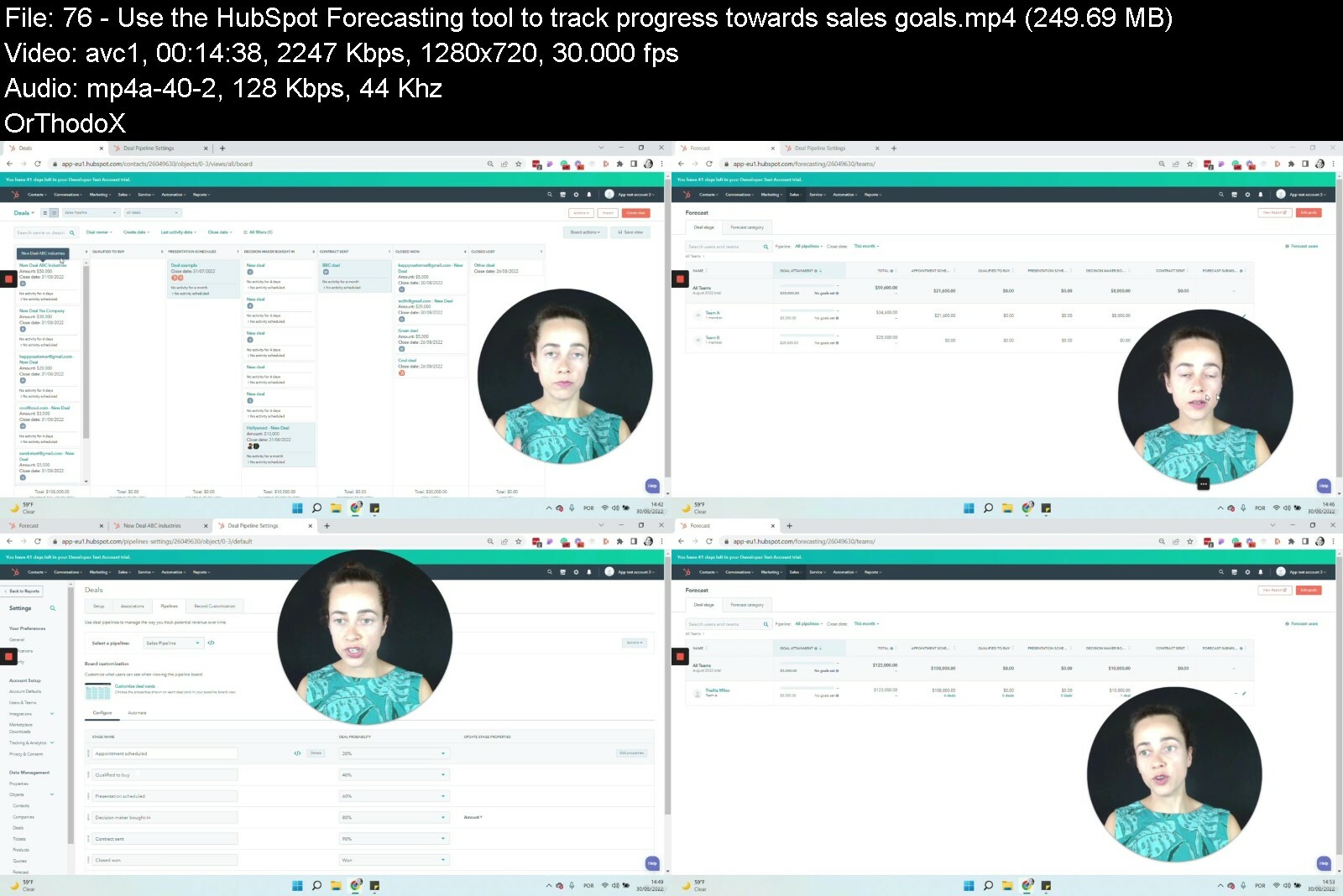
Lecture 76 Use the HubSpot Forecasting tool to track progress towards sales goals
Lecture 77 Add revenue goals to your Forecasting tool
Lecture 78 Check out the category model for Forecasting
Lecture 79 Set up sales goals not related to revenue
Section 13: And to finalize...
Lecture 80 Thanks for watching
Section 14: BONUS Section
Lecture 81 BONUS lecture
Anyone looking to learn HubSpot Sequences, Workflows and Reporting,Sales professionals using HubSpot


hubspotforsalessequenvrccs.jpg


Download from RapidGator


Download from Keep2Share



Python and Django Full Stack Web Developer Bootcamp for 2023

4869242c62fp0cou.jpg


Python and Django Full Stack Web Developer Bootcamp for 2023
Published 09/2022
MP4 | Video: h264, 1280x720 | Audio: AAC, 44.1 KHz, 2 Ch
Genre: eLearning | Language: English | Duration: 197 lectures (31h 53m) | Size: 10.5 GB


Learn to build websites with HTML , CSS , Bootstrap , Javascript , jQuery , Python 3 , and Django!


What you'll learn
Create a fully functional web site using the Full-Stack with Django 1.11
Learn how to use HTML to create website content
Use CSS to create beautifully styled sites
Learn how to take advantage of Bootstrap to quickly style sites
Use Javascript to interact with sites on the Front-End
Learn how to use jQuery to quickly work with the DOM
Understand HTTP requests
Create fantastic landing pages
Learn the power of Python to code out your web applications
Use Django as a back end for the websites
Implement a full Models-Views-Templates structure for your site
Requirements
A computer with an internet connection and download privileges
Description
The BEST course on the platform.
Welcome to the Python and Django Full Stack Web Developer Bootcamp! In this course we cover everything you need to know to build a website using Python, Django, and many more web technologies!
Whether you want to change career paths, expand your current skill set, start your own entrepreneurial business, become a consultant, or just want to learn, this is the course for you!
We will teach you the latest technologies for building great web applications with Python 3 and Django! But we don't just teach that, we also teach the Front End technologies you need to know, including HTML, CSS, and Javascript. This course can be your one stop shop for everything you need! It will serve as a useful reference for many of your questions as you begin your journey in becoming a web developer!
This course is designed so that anyone can learn how to become a web developer. We teach you how to program by using HD Video Lectures, Walkthrough Code Projects, Exercises, Concept Presentation Slides, Downloadable Code Notes, Reading Assignments, and much more!
Here is just a small sampling of the topics included in this course
HTML5
CSS3
Javascript
jQuery
Bootstrap 3 and 4
Document Object Model
Python
Django Basics
Django Templates
Django Forms
Django Admin Customization
ORM
Class Based Views
REST APIs
User Authentication
and much,much more!
Always keep learning!
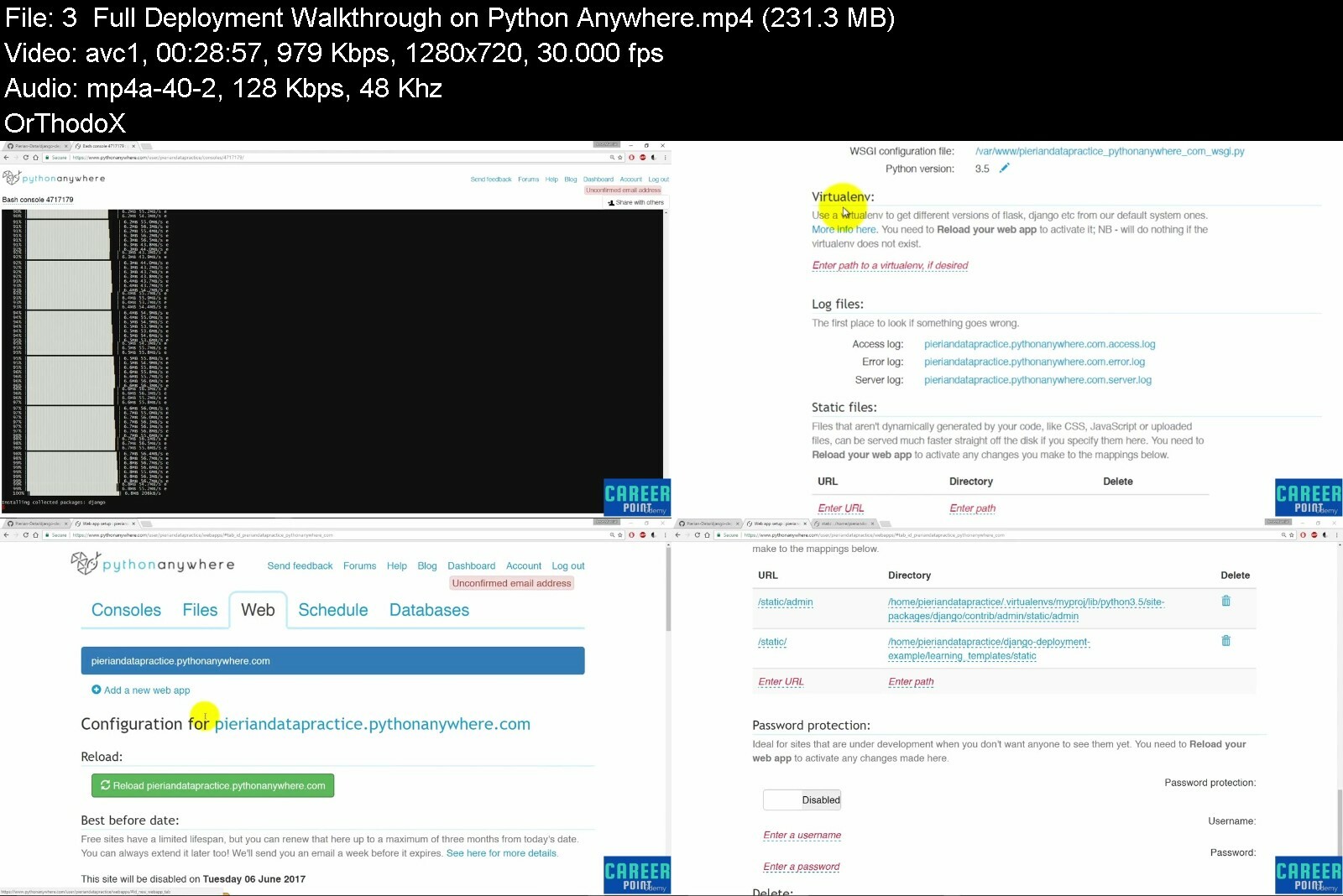
Career Point.
Who this course is for
Complete Beginners
Python Developers looking to get into Web Development
Professionals looking to bridge gaps in their knowledge


pythonanddjangofullstbec39.jpg


Download from RapidGator


Download from Keep2Share



Yoga Nidra - Yogic sleep

489597601568gf38.jpg


Yoga Nidra - Yogic sleep
Published 09/2022
MP4 | Video: h264, 1280x720 | Audio: AAC, 44.1 KHz, 2 Ch
Genre: eLearning | Language: English | Duration: 13 lectures (5h 20m) | Size: 5.9 GB


Practices for deep relaxation


What you'll learn
promote sleep and relaxation
reduce tension and overexcitement
Systematically leads away from the outwardly directed senses and into the body
Use the Sankalpa as your personal, positive intent
process and let go of emotions
use of visualisation for mental relaxation
strenghten positive feelings such as gratitude, happiness and compassion
Requirements
A comfortable and warm space to lie down.
Be undisturbed during the practice.
Description
What is Yoga Nidra?
Yoga Nidra is a practice of deep relaxation. It is a kind of mental sleep in which the physical, mental and emotional activity comes to rest.
It puts the brain in a state of fully conscious rest.
Deep relaxation can reduce general ailments such as stress and nervousness, and raise awareness of the forces in the unconscious.
Each practice will guide you through an extensive body scan. Each practice also contains breath awareness, visualisations or dream journeys. We Visualisations like the dream journeys serve our mental relaxation and clean our subconscious from hidden content.
This course begins with a few short and simple practices. You will then be guided through a practice to uncover your own Sankalpa.
The Sankalpa or intention, is one of the key elements of Yoga Nidra.
The Sankalpa is a seed that you plant into your subconscious mind. Use your Sankalpa in the beginning and end the end of your Yoga Nidra Practice. This resolution expresses your real needs and intentions. Follow your gut instinct and your heart for determining your Sankalpa.
Once you have found your own special Sankalpa, keep using it for as long as it needs to fulfil itself.
You can also stick to the same Sankalpa for years. An example would be: I am happy, I am healthy, I am loving, I am abundant, I am strong.
How does Yoga Nidra work?
During Yoga Nidra, the brain waves measurably change into alpha waves. These are quieter than the waking beta waves. In Yoga Nidra we are on the borderline between sleeping and waking.
When we remain alert and conscious in the alpha state, we gain deep and complete relaxation. This is more effective and pleasant than normal sleep and is a gateway to a higher level of consciousness.
With Yoga Nidra we strengthen the alpha waves and train relaxation on three levels: muscles, mind and feelings.
As a result, Yoga Nidra has a high quality of rest, the body and mind are refreshed.
Permanent stress weakens the body's resistance. The autonomic nervous system, the endocrine glands, the chemical and hormonal composition of the blood lose their balance more and more. All organs and body systems are damaged as a result.
During Yoga Nidra, the activity of the sympathetic nervous system decreases and that of the parasympathetic nervous system increases.
If the sympathetic nervous system is dominant we are in a state of irritation, if the parasympathetic nervous system is dominant we are in relaxation.
Due to the stressful demands of our time, modern humans are in permanent fight or flight mode.
Yoga Nidra lowers both systolic and diastolic blood pressure, as well as the effects of the stress hormones adrenaline and cortisol.
The organs come into a deep physiological state of rest and relaxation, which sets the regenerative mechanisms in motion. As a result, the body tissue is armed against stress.
The deep relaxation through Yoga Nidra in the muscles, thoughts and feelings gives the mental and many other energies their balance back.
Yoga Nidra trains our imagination and imagination. Where willpower fails, the imagination will succeed.
Unpredictable events can be transformed into sure success with the power of the creative imagination.
Who this course is for
For those who need a high quality of rest, to refresh the body and the mind.
All practices in this course are easy to follow. In Yoga Nidra there are no levels. Simply listen to the sound of my voice and follow the instructions.


yoganidrayogicsleepbrffg.jpg


Download from RapidGator


Download from Keep2Share


 
Gcse Mathematics Grade 1-9 Number

48602642e952x3e2s.jpg


Gcse Mathematics Grade 1-9 Number
Published 9/2022
MP4 | Video: h264, 1280x720 | Audio: AAC, 44.1 KHz
Language: English | Size: 11.09 GB | Duration: 30h 2m

Number topics


What you'll learn
Types of Number
BIDMAS
Multiples LCM
Factors HCF
Prime Factors
HCF and LCM using Primes
Fractions
Multiplication
Division
Powers
Standard Form
Fractions Decimals and Percentages
Recurring Decimals
Requirements
Basic number skills: addition, subtraction, multiplication, division

Description
This course will cover the Number topic of GCSE Mathematics from Grade 1 to Grade 9.The lessons will include the following topics: Types of Numbers, BIDMAS, Multiples, Factors, Primes, HCF and LCM, Fractions Cancelling Down, Adding and Subtracting Fractions, Mixed Numbers, Multiplying Fractions, Dividing Fractions, Ordering Fractions, Fractions of an Amount, Fractions from worded questions, Multiplying by Powers of 10, Multiplication, Division, Standard Form Converting, Standard Form Multiplying, Standard Form Dividing, Standard Form Adding and Subtracting, Rounding, Estimating, Bounds, Min and Max of Calculations, FDP, Recurring Decimals, Converting Recurring Decimal to a Fraction, Converting a Fraction to a Recurring Decimal. Each Lesson has the following features:prior Learning - Revises the topics required for the lessonLearning Objectives -*Look at 3 learning objectives, Must, Should and CouldIndependent Learning - To develop problem solving skillsExamples - Worked examples based on the learning objectivesAssessment point 1 - Based on the learning objectivesMatching Activity - To develop self assessment skillsTrue or False Activity - To look at misconceptions or general ideasAssessment point 2 - Based on leaning objectivesPlenary - Summary of the lesson and are questions similar to exam papersThis course is suitable to students from year 9, as the entry requirements are basic addition, subtraction multiplication and division. So anyone who is interested in learning mathematics can benefit from this course.
Overview
Section 1: Introduction
Lecture 1 Introduction
Section 2: Types of Number
Lecture 2 Types of Number
Lecture 3 BIDMAS
Lecture 4 BIDMAS Part 2
Lecture 5 BIDMAS Part 3
Lecture 6 Multiples
Lecture 7 Factors Part 1
Lecture 8 Factors Part 2
Lecture 9 Prime Factors
Lecture 10 HCF and LCM using Primes Part 1
Lecture 11 HCF and LCM using Primes Part 2
Section 3: Fractions
Lecture 12 Fractions Cancelling Down
Lecture 13 Adding and Subtracting Fractions Skill Builder
Lecture 14 Mixed Numbers
Lecture 15 Multiplying Fractions
Lecture 16 Dividing Fractions Part 1
Lecture 17 Dividing Fractions Part 2
Lecture 18 Ordering Fractions Part 1
Lecture 19 Ordering Fractions Part 2
Lecture 20 Adding and Subtracting Fractions
Lecture 21 Fractions of an Amount
Lecture 22 Expressing a Number as a Fraction of another Number
Section 4: Number Operations
Lecture 23 Multiplying Powers of 10 Part 1
Lecture 24 Multiplying Powers of 10 Part 2
Lecture 25 Multiplying Powers of 10 Part 3
Lecture 26 Multiplication Part 1
Lecture 27 Multiplication Part 2
Lecture 28 Division Part 1
Lecture 29 Division Part 2
Lecture 30 Negative Skill Builder
Lecture 31 Powers
Lecture 32 Roots Skill Builder
Section 5: Standard Form
Lecture 33 Standard Form Part 1
Lecture 34 Standard Form Part 2
Lecture 35 Standard Form Multiplying
Lecture 36 Standard Form Dividing
Lecture 37 Standard Form Adding and Subtracting
Section 6: Rounding and Estimating
Lecture 38 Rounding
Lecture 39 Estimating
Lecture 40 Bounds Part 1
Lecture 41 Bounds Part 2
Lecture 42 Min and Max of Calculations Part 1
Lecture 43 Min and Max of Calculations Part 2
Lecture 44 Min and Max of Calculations Part 3
Section 7: Fractions Decimals and Percentages
Lecture 45 FDP
Lecture 46 Recurring Decimals
Lecture 47 Converting Recurring Decimals to Fractions
Lecture 48 Converting Fractions to Recurring Decimals
From Beginner GCSE Grade 1 to Expert GCSE grade 9.


gcsemathematicsgrade187i8e.jpg


Download from RapidGator


Download from Keep2Share


SAP MM - Materials Management Full Course

48729569dd1291fq5.jpg


SAP MM - Materials Management Full Course
Published 09/2022
MP4 | Video: h264, 1280x720 | Audio: AAC, 44.1 KHz, 2 Ch
Genre: eLearning | Language: English | Duration: 53 lectures (26h 29m) | Size: 11.3 GB


SAP Material Management module from scratch and learn all business Processes (Beginners to Experienced Level)


What you'll learn
Enterprise Structure - SAP MM
Procure to Pay Cycle - SAP MM
Master Data
Purchase Requisition
Request for Quotation and Quotation
Purchase Order
Release Strategy Procedure
Output Type Determination
Automatic PO
Pricing Procedure
Scales
Contracts (Outline Agreements)
Scheduling Agreements
Invoice Verification Receipt
Stock Transfer Order
Subcontracting
Vendor Consignment
Pipeline
Requirements
Advantage if had basic idea on Industry
Description
SAP MM is a very vast subject. It takes at least 30 to 40 hours of learning. The goal of the course is to simplify this process as much as possible. The word "simplify" - that is really the key. This course does not claim to be the most comprehensive course in MM, nor the most advanced course in MM. It has just one goal - to let you learn SAP MM as simple as possible.
This course is designed to tell you everything you need to know about SAP MM in a very gentle way. Since this course is designed from a freshers' perspective, if you are already an SAP functional consultant ( in other areas of SAP ), then the pace of this course might be a bit slow.
In this course, I provided an explanation of the above topics. I tried to give business usage examples along with configuration which will be handled by SAP Consultants. I also provided the testing of each process which will be helpful to both SAP Consultants and End Users.
I provided doubts end of every session videos which helps to clarify a few of your questions.
After this course, the students will be able to identify and analyze the business requirements for any organization related to the Procurement to Payment process cycle and configure SAP S4 HANA Sourcing and Procurement accordingly.
After taking this course, the Learners will be able to work both as a Consultant and End-User and can also take SAP S/4HANA Sourcing & Procurement certification exam
Who this course is for
Procurement Officers
Graduates
SAP MM Consultants
Beginners and Experienced level in SAP


sapmmmaterialsmanagemzselb.jpg


Download from RapidGator


Download from Keep2Share



Proko - Digital Painting Fundamentals by Jon Neimeister

eyjwyxroijoichjvzhvjdwcc7s.jpg


Proko - Digital Painting Fundamentals by Jon Neimeister
Video: MPEG4 Video (H264) 1920x1080 23.976fps 2287kbps | Audio: AAC 48000Hz stereo 253kbps Genre: eLearning | Duration: 15h 16m | Language: English | File size: 11.9 GB

There's never been a better time to be a digital artist. The market is saturated with tons of software, and the demand for digital artists is higher than ever! The industry is overflowing with opportunities like never before, and tons of artists are finding success as independent creators.


prokodigitalpaintingfetdbp.jpg


Download from RapidGator


Download from Keep2Share


Proko - The Shading Course - Fundamentals of Realism, Light & Shadow

eyjwyxroijoichjvzhvjdxmf0y.jpg


Proko - The Shading Course - Fundamentals of Realism, Light & Shadow
Video: MPEG4 Video (H264) 1920x1080 30fps 1599kbps | Audio: AAC 48000Hz stereo 253kbps Genre: eLearning | Duration: 8h 45m | Language: English | File size: 9.5 GB

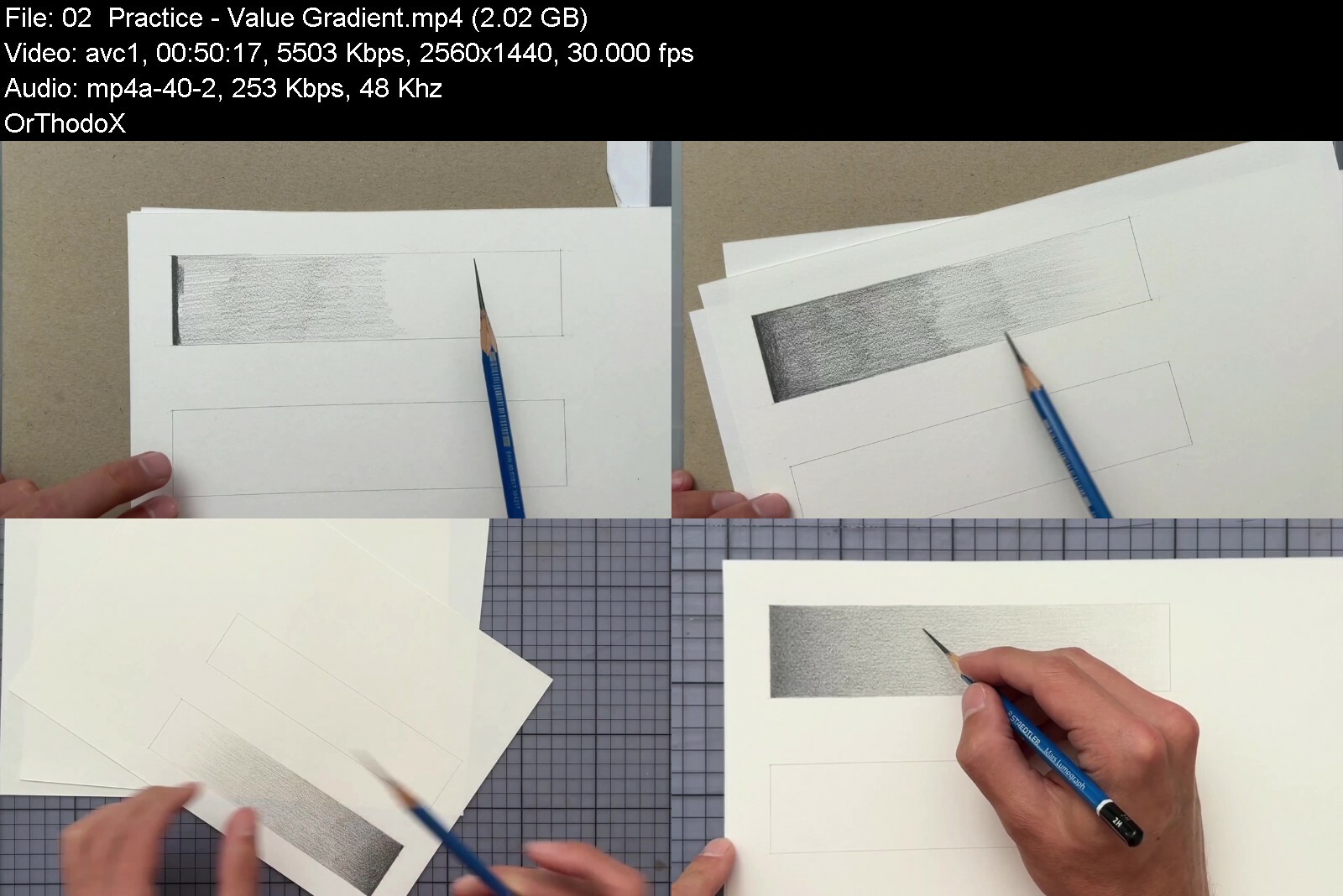
Learn how to draw realistic light & shadow. The Shading Course is an 8-week online course. And so much more than that! It is a transformative experience built on my 10+ years of experience in teaching and coaching artists. In the course, I'll guide you through 20+ exercises that help you develop an intuitive understanding of light. This course will change the way you draw. You'll understand why some of your previous drawings/paintings have turned out looking flat or somehow "wrong". Understanding light is a superpower, and I'm so looking forward to seeing what you'll create with it!

Proko - The Shading Course - Fundamentals of Realism, Light & Shadow

prokotheshadingcoursejwdgb.jpg


Download from RapidGator


Download from Keep2Share



The Scale - Fundamentals Of Islamic Jurisprudence

yuk8bej7acoykvr79nwwjjdd1o.jpg


The Scale - Fundamentals Of Islamic Jurisprudence
Published 9/2022
MP4 | Video: h264, 1280x720 | Audio: AAC, 44.1 KHz
Language: English | Size: 7.85 GB | Duration: 14h 46m

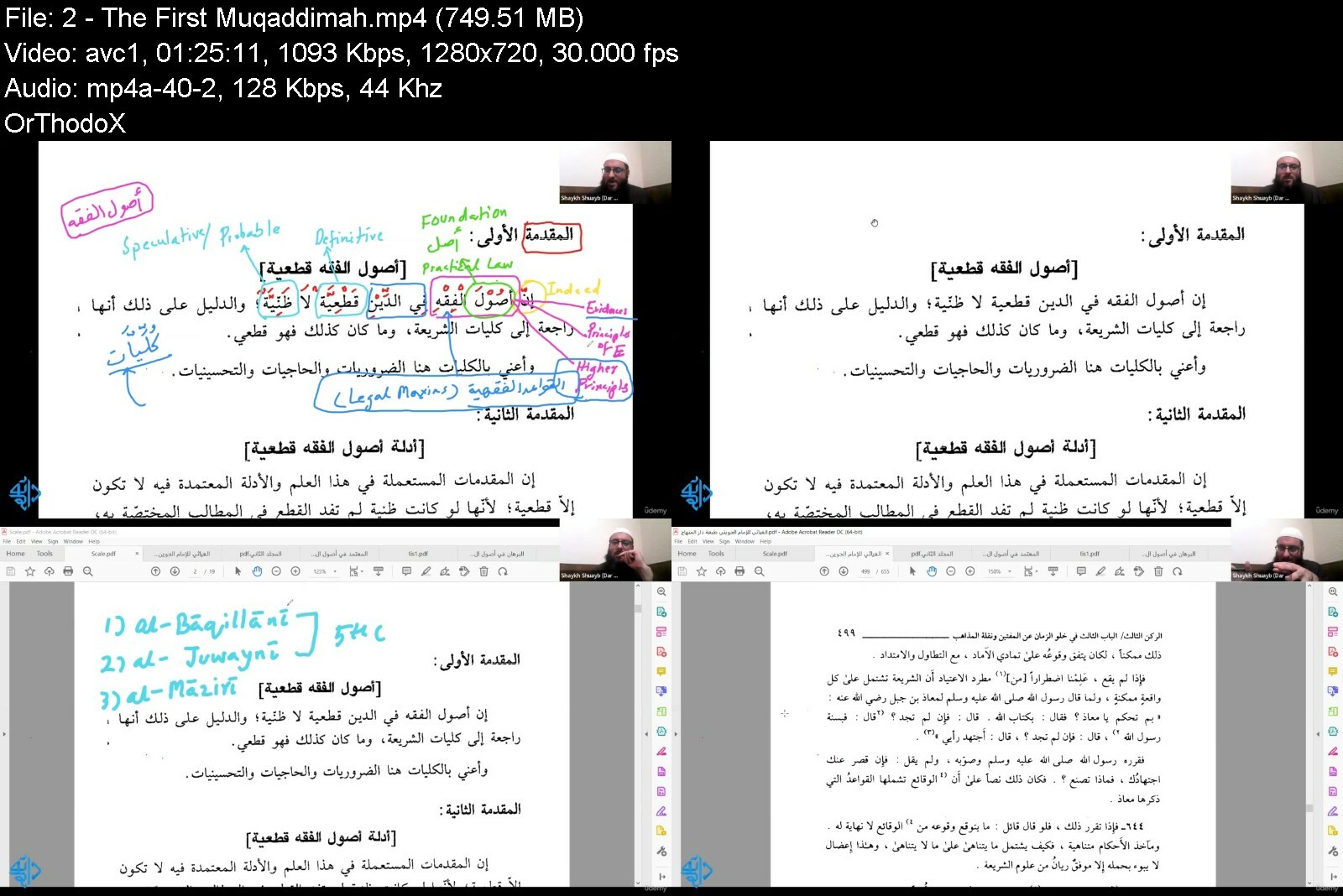
Learning Islamic Jurisprudence through the Muqaddimmāt of Al-Muwāfaqāt by al-Imām al-Shātibī (d. 790 H)


What you'll learn
Learn Islamic Jurisprudence through the 13 Muqaddimāt (Introductions), which summarize the purpose and themes discussed in Al-Muwāfaqāt Fi Usul Al-Shari'ah
Get acquainted with Islamic legal philosophy, theory of knowledge, and the methodology of interpreting the divine texts
Equip ourselves with proper tools to foster a better understanding (al-Fahm) of our world-view
Be able to appreciate the challenges we are facing in the modern age and times
Requirements
Understanding of Basics of Islam
Elementary understanding of Usul-Al-Fiqh will be helpful

Description
Islamic Law occupies a significant place in contemporary academic discourses. The main reason for that is the modern Islamic resurgence founded on the call for the restoration and implementation of the Shari'ah. Its effect can be witnessed in the making of the religious movements all the way to global politics.Al-Muwāfaqāt Fi Usul Al-Shari'ah, the text we will use as a basis for this course is one of the masterpieces of Islamic Law and Jurisprudence. In this work, the great jurisprudent Abu Ishāq al-Shātibi. (d. 790) advocated for the revivalist theory of Maqāsid al-Shari'ah (Higher Intents of Islamic Law). The themes discussed in it are a fine blend of Legal Philosophy, Epistemology, and Hermeneutics.In this 14+ course, we will cover the 13 Muqaddimāt (Introductions), which summarize the purpose and themes discussed in this work. Each Muqaddimāh covers a core principle and foundation of Islamic Jurisprudence.The aim is to get acquainted with Islamic legal philosophy, theory of knowledge, and the methodology of interpreting the divine texts, equipping ourselves with proper tools to foster a better understanding (al-Fahm) of our world-view and the challenges we are facing in the modern age and times.At the end of the course, the student will be acquainted with the Higher Principles of Islamic Legal System and Philosophy.
Overview
Section 1: Introduction
Lecture 1 Introduction
Section 2: Muqaddimah
Lecture 2 The First Muqaddimah
Lecture 3 The Second Muqaddimah
Lecture 4 The Third Muqaddimah
Lecture 5 The Fourth Muqaddimah
Lecture 6 The Fifth Muqaddimah
Lecture 7 The Sixth Muqaddimah
Lecture 8 The Seventh Muqaddimah
Lecture 9 The Eighth Muqaddimah
Lecture 10 The Ninth Muqaddimah
Lecture 11 The Tenth Muqaddimah
Lecture 12 The Eleventh Muqaddimah
Lecture 13 The Twelfth Muqaddimah
Anyone interested in understanding Islamic law, Islamic legal theory & Islamic jurisprudence,Any Talib e Ilm (Student of Knowledge)


thescalefundamentalsojreaq.jpg


Download from RapidGator


Download from Keep2Share


Understanding Autodesk Maya

4559472f86d9pcjt.jpg


Understanding Autodesk Maya
Published 09/2022
MP4 | Video: h264, 1280x720 | Audio: AAC, 44.1 KHz, 2 Ch
Genre: eLearning | Language: English | Duration: 82 lectures (21h 30m) | Size: 10.8 GB


Maya Essential Trainings


What you'll learn
Create 3D backgrounds/environments and characters
An understanding of the 3D world
Autodesk Maya fundamentals, and knowing how to manipulate the functionalities of the software
Understand the principles of animation
Understand the fundamentals of rigging
Understanding the application of materials and textures
Requirements
A computer installed with Windows/Linux/OS X
At least a core i5, Minimum of 8GB RAM, A good Graphics card[Nvidia, GTX.....]
Internet connection
A three-buttoned mouse
Description
Maya is a modeling, animation, and rendering package for Windows, Linux, and Macintosh. It's used a lot in feature films, video games, and television. Learning Maya will give you a great entry into any of those fields. Maya is a 3D computer Graphic Application which is used in the development of video games, 3D applications, animated films, TV series, and any visual effects. This software can create heavy models, which help us give Ultra 3D effects that create a realistic view at the user end. In addition to simulating the movements of objects and particles, Maya makes it possible to portray emotions in animated characters by enhancing facial expressions and the realism of body language.
In this course, you get an overview and understanding of the 3D process, which involves modeling, texturing, lighting, animation, rendering, and compositing. The course will introduce you to the functionalities of the software, enabling you to understand the interface and tools within for 3D Design.
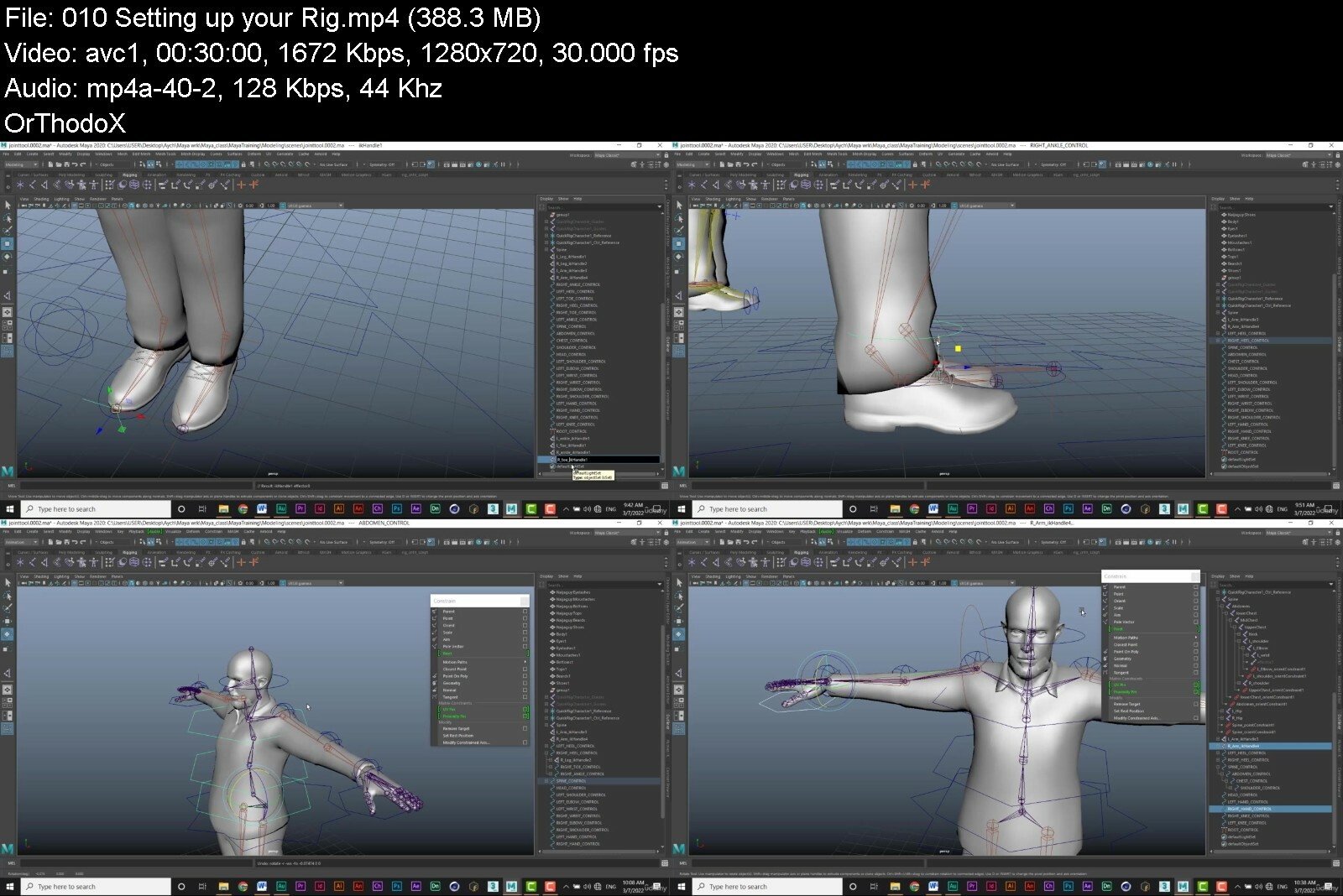
After completing this course you will be able to perform the following: Autodesk Maya fundamentals, Knowing how to manipulate the functionalities of the software, An understanding of the 3D world, Create 3D backgrounds/environments and characters, Animate created models, Understand the principles of animation, Understand the fundamentals of rigging, Understanding the application of materials and textures, And so much more....
Who this course is for
Beginner level
Refresher course for intermediate level


understandingautodeskbzc9p.jpg


Download from RapidGator


Download from Keep2Share



Zuletzt bearbeitet:
Intro To Music Technology

qmeefcvmpx9fs3c5u3f2occcon.jpg


Intro To Music Technology
Published 9/2022
MP4 | Video: h264, 1280x720 | Audio: AAC, 44.1 KHz
Language: English | Size: 6.82 GB | Duration: 5h 41m

Explore the fascinating world available on smartphones, tablets, laptops, and more!


What you'll learn
This is an overview of the fascinating field accessible if you have a desire to make music. You do not need to play an instrument just be open to new techniques
Instead of 30 college class hours, this overview is less than 6 fun hours! It opens your eyes and ears to new ways of making music.
These applications are inviting, and you may risk wanting to have more timeout play and explore, this is a good problem!
I have taught over 1,000 college students in my award-winning degree program and many have made successful songs and have also won awards!
Requirements
Pad/iPhone platform, but most of the apps run on a PC as well. No tools are necessary but are very helpful.

Description
This is a dynamically illustrated lecture course.It is similar to the course David Musial, the award-winning instructor, created & taught for nearly 20 years to over 1,000 college students in the New York City area, yet updated for today's technology. Some of his students have gone on to win famous awards in the field. It is an easy, fast-flowing expressive lecture with no quizzes and lots of unique demonstrations.MUSIC TECHNOLOGY is the integration of the art form and utilization of a diverse array of creative hardware and software tools available to musicians, producers, and engineers to help them compose, improvise/create, arrange, orchestrate, and record music. In the early days, one would need to go to a very expensive professional recording studio with properly acoustically tuned performance and control rooms. These are still very important, but today much can be done on a device in your hand or in your home, such as a smartphone, tablet, laptop, or desktop. Many classic legendary sound synthesizers have been emulated, and many new virtual instruments have been created that we can access on these devices. This course gives an overview of acoustics, home or project studio layout, and an overview of all the above to better understand the art form and what's available to you.David has been using music technology for over 40 years. He earned sponsorships and scholarships to continue to Master Music Technology at the prestigious The Juilliard School of Music & New York University for graduate studies, where he won "Instructor-Of-The Year" in the field as an adjunct professor. A bachelor's degree in Music Technology he created and directed won the title "Most Innovative Changing The Industry!" He won many awards in his field, including "The Most Innovative Changing The Industry!" David has worked under the greatest in the industry. His students have earned a Grammy, #1 record chart positions, and dream jobs in the industry. Music Technology was their foundation!This course will give you a fun, informative overview.
Overview
Section 1: Welcome to the Introduction To Music Technology
Lecture 1 Introduction
Lecture 2 Analog Synthesis BASICS
Section 2: iPad Tablet Apps
Lecture 3 Animoog on an iPad & iPhone
Lecture 4 GarageBand
Lecture 5 Moog Model D on an iPad & iPhone
Lecture 6 Moog Model 15 on an iPad & iPhone
Section 3: THE STUDIO & ACOUSTICS 101
Lecture 7 Studio Design
Lecture 8 Mics, Isolation & Vocal Booth
Lecture 9 Patch Bays & Some Audio Connectors
Lecture 10 Bit and Sample Rates
Lecture 11 Audio To Digital Interfaces
Lecture 12 Audio MIDI Setup
Section 4: KEYBOARDS & SYNTHESIZERS
Lecture 13 Synthesizers & Keyboard Modules
Lecture 14 Synthesizer Voices and Polyphony
Lecture 15 Plug-Out Roland Synthesizer
Lecture 16 Vocoding and The Talk Box
Lecture 17 ROLI LUMI & Seaboard
Lecture 18 Basics of Sampling
Lecture 19 Synthestation Virtual Orchestral Mock-Ups
Section 5: INTRO TO DIGITAL AUDIO WORKSTATIONS "DAWs"
Lecture 20 GarageBand
Lecture 21 Logic Audio
Lecture 22 Pro Tools with Autotune & Melodyne
Lecture 23 LUNA DAW by Universal Audio & Plugins
Lecture 24 FL Studio, Audacity and more DAW's
Lecture 25 Ableton Live & Akai Push
Lecture 26 Band-In-A-Box
Section 6: INSTRUMENT PLUGINS
Lecture 27 What are "Plugins"
Lecture 28 EastWest "PLAY" Rack
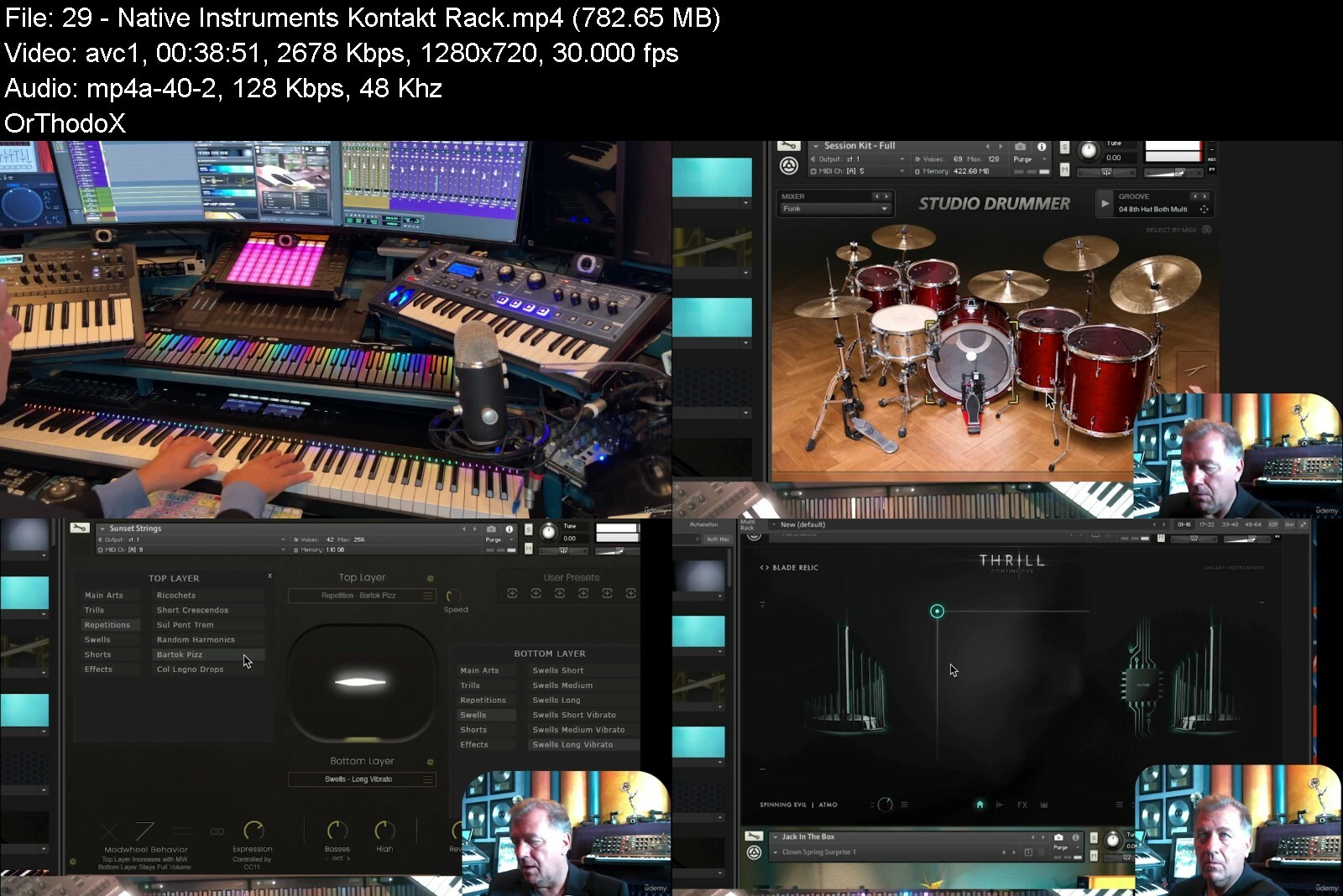
Lecture 29 Native Instruments Kontakt Rack
Lecture 30 Reason Rack and DAW
Lecture 31 XPand! 2 Rack
Lecture 32 MOTU MachFive 3
Lecture 33 Omnisphere - Snyapse 3 - Cherry Audio
Lecture 34 FM Synthesis with Opzilla
Lecture 35 WAVES E88 Electric Piano
Lecture 36 WAVES Clavinet
Lecture 37 Hexeract Synth
Section 7: EFFECTS PLUGINS
Lecture 38 Reverberation Plugins
Lecture 39 Effects "EFX" Plugins
Section 8: DIGITAL MUSIC NOTATION
Lecture 40 Notation Apps Overview
Section 9: AUDIO MASTERING 101
Lecture 41 Mastering
Section 10: CLOSING
Lecture 42 Closing - Intro To Music Technology by David Musial
This course is for adult beginners to intermediate musicians with a curiosity related to exploring computer music and engineering apps. Professor Musial has taught over 1,000 college students since 1990. Many took a similar course and went on to quickly accel in the field.,If you like to press buttons without reading the directions for a video game, you may love this course. There are so many unique sound creation opportunities in the device which is already in your hand, and you will now know how to use it!,If you have any youngsters in your family who are often spending time gaming, you may be able to introduce them to other "apps" which are in their devices. You may inspire them to explore Music Technology!,Anyone who like to just "dabble" on a piano, or maybe has a DJ interest, should find this course intriguing.


introtomusictechnologr3i1w.jpg


Download from RapidGator


Download from Keep2Share


Beachbody - Rough Around the Edges

beachbodyrougharoundtjqixb.jpg


Beachbody - Rough Around the Edges
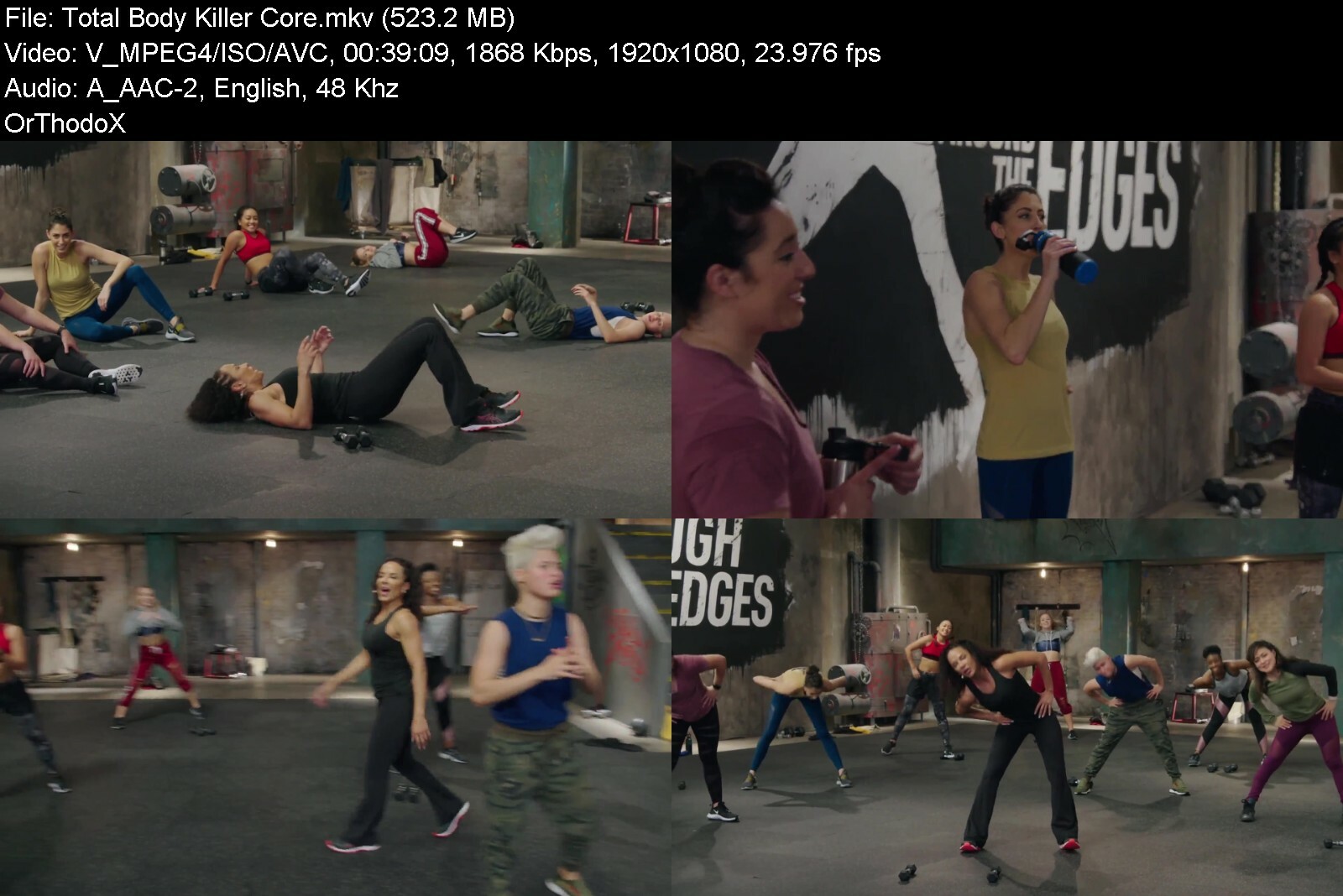
Stephanie Saunders | Duration: 6:53 h | Video: H264 1920x1080 | Audio: AAC 48 kHz 2ch | 7,59 GB | Language: English

Rough Around The Edges is an intense, results-driven series of workouts led and inspired by a team of professional stuntwomen.
These athletes have spent years tuning their bodies to perform at the highest possible level.
And now they're bringing their skills and know-how to Rough Around The Edges to help you become the best possible version of yourself you can be.
Each workout challenges your body in a different way.
You'll use kickboxing combos to burn fat, karate-inspired exercises to sculpt your core, superhero moves to build incredible strength, and much more.
Just show up and work hard, and you'll be rewarded with amazing, head-turning results.


beachbodyrougharoundtckiss.jpg


Download from RapidGator


Download from Keep2Share



Yoga Teacher Course: Asana Adjustments

4851280505b3mhfv1.jpg


Yoga Teacher Course: Asana Adjustments
Published 09/2022
MP4 | Video: h264, 1280x720 | Audio: AAC, 44.1 KHz, 2 Ch
Genre: eLearning | Language: English | Duration: 24 lectures (4h 38m) | Size: 5.74 GB


Bring your classes to another level and help your students to improve their practices


What you'll learn
Theory of Asana
Variations, benefits, contraindications of over 90 asanas
Adjustments with hands and belt
Adjustment guidelines
Requirements
To be an experienced yoga practitioner and teacher
Description
Greetings, welcome to the online course of asana alignment and adjustments for yoga teachers. My name is Rafael Díaz and I'm happy to share with you this knowledge and techniques that will be a great add-on to your classes and thus you will be able to help your students in improving their practices. This course is divided into two sections.
The first provides an in-depth theoretical background of asana, showcasing details of alignment, variations, benefits and contraindications of over 90 postures. The next section is the practical demonstration of adjustments using hands and belts. For this we will follow the Ashtanga Vinyasa sequence. These same adjustments can be applied to any asana style you may teach. As always, practice is of utmost importance, you should meet with a student or fellow teacher to practice these adjustments. There are countless different body types, and only with experience will you be able to adapt the postures and adjustments according to your student's abilities, always respecting their limits to avoid any injury. This program is only a guide to give another tool to enhance your classes.
In total, this online course is composed of 24 lessons, over 4 hours of video on demand.
Who this course is for
Yoga teachers
Yoga teacher training students


yogateachercourseasanubdz0.jpg


Download from RapidGator


Download from Keep2Share

 
Zurück
Oben Unten