• Regeln für den Video-Bereich:

    In den Börsenbereich gehören nur Angebote die bereits den Allgemeinen Regeln entsprechen.

    Einteilung

    - Folgende Formate gehören in die angegeben Bereiche:
    - Filme: Encodierte Filme von BluRay, DVD, R5, TV, Screener sowie Telesyncs im Format DivX, XviD und x264.
    - DVD: Filme im Format DVD5, DVD9 und HD2DVD.
    - HD: Encodierte Filme mit der Auflösung 720p oder darüber von BluRay, DVD, R5, TV, Screener sowie Telesyncs im Format x264.
    - 3D: Encodierte Filme von BluRay, die in einem 3D Format vorliegen. Dies gilt auch für Dokus, Animation usw.
    - Serien: Cartoon/Zeichentrick, Anime, Tutorials, Dokumentationen, Konzerte/Musik, Sonstiges sind demnach in die entsprechenden Bereiche einzuordnen, auch wenn sie beispielsweise im High Definition-Format oder als DVD5/DVD9/HD2DVD vorliegen. Ausnahme 3D.
    - Bereich Englisch: Englische Releases gehören immer in diesen Bereich.
    - Bereich Talk: Der Bereich, in dem über die Releases diskutiert werden kann, darf, soll und erwünscht ist.


    Angebot/Beitrag erstellen

    - Ein Beitrag darf erst dann erstellt werden, wenn der Upload bei mindestens einem OCH komplett ist. Platzhalter sind untersagt.
    - Bei einem Scenerelease hat der Threadtitel ausschließlich aus dem originalen, unveränderten Releasenamen zu bestehen. Es dürfen keine Veränderungen wie z.B. Sterne, kleine Buchstaben o.ä. vorgenommen werden. Ausnahme Serienbörse:
    - Bei einem Sammelthread für eine Staffel entfällt aus dem Releasename natürlich der Name der Folge. Beispiel: Die Simpsons S21 German DVDRip XviD - ITG
    - Dementsprechend sind also u.a. verboten: Erweiterungen wie "Tipp", "empfehlenswert", "only", "reup", usw. / jegliche andere Zusatzinformation oder Ergänzung, welche nicht in obiger Beschreibung zu finden ist.

    Aufbau des Angebots und Threadtitel

    Der Titel nach folgendem Muster erstellt zu werden. <Name> [3D] [Staffel] [German] <Jahr> <Tonspur> [DL] [Auflösung] <Quelle> <Codec> - <Group>
    Beispiel: The Dark Knight German 2008 AC3 DVDRip XviD - iND
    Beispiel: The Dark Knight 2008 DTS DL BDRip x264 - iND
    Beispiel: The Dark Knight 2008 AC3 DL BDRip XviD - iND
    Beispiel: The Dark Knight German 2008 AC3 720p BluRay x264 iND
    Beispiel: The Dark Knight 2008 DTS DL 1080p BluRay x264 iND
    Beispiel: Die Simpsons S01 German AC3 DVDRip XviD iND
    Beispiel: Die Simpsons S20 German AC3 720p BluRay x264 iND
    Beispiel: Sword Art Online II Ger Sub 2014 AAC 1080p WEBRip x264 - peppermint
    Entsprechend sind also u.a. verboten: Sonderzeichen wie Klammern, Sterne, Ausrufezeichen, Unterstriche, Anführungszeichen / Erweiterungen wie "Tipp", "empfehlenswert", "only", "reup", usw. / jegliche andere Zusatzinformation oder Ergänzung, welche nicht in obiger Beschreibung zu finden ist
    Ausnahmen hiervon können in den Bereichen geregelt sein.

    Die Beiträge sollen wie folgt aufgebaut werden:
    Überschrift entspricht dem Threadtitel
    Cover
    kurze Inhaltsbeschreibung
    Format, Größe, Dauer sind gut lesbar für Downloader außerhalb des Spoilers zu vermerken
    Nfo sind immer Anzugeben und selbige immer im Spoiler in Textform.
    Sind keine Nfo vorhanden z.B. Eigenpublikationen, sind im Spoiler folgende Dateiinformationen zusätzlich anzugeben :
    Quelle
    Video (Auflösung und Bitrate)
    Ton (Sprache, Format und Bitrate der einzelnen Spuren)
    Untertitel (sofern vorhanden)
    Hosterangabe in Textform außerhalb eines Spoiler mit allen enthaltenen Hostern.
    Bei SD kann auf diese zusätzlichen Dateiinformationen verzichtet werden.

    Alle benötigten Passwörter sind, sofern vorhanden, in Textform im Angebot anzugeben.
    Spoiler im Spoiler mit Kommentaren :"Schon Bedankt?" sind unerwünscht.


    Releases

    - Sind Retail-Release verfügbar, sind alle anderen Variationen untersagt. Ausnahmen: Alle deutschen Retail-Release sind CUT, in diesem Fall sind dubbed UNCUT-Release zulässig.
    - Im Serien-Bereich gilt speziell: Wenn ein Retail vor Abschluss einer laufenden Staffel erscheint, darf diese Staffel noch zu Ende gebracht werden.62
    - Gleiche Releases sind unbedingt zusammenzufassen. Das bedeutet, es ist zwingend erforderlich, vor dem Erstellen eines Themas per Suchfunktion zu überprüfen, ob bereits ein Beitrag mit demselben Release besteht. Ist dies der Fall, ist der bereits vorhandene Beitrag zu verwenden.
    - P2P und Scene Releases dürfen nicht verändert oder gar unter einem iND Tag eingestellt werden.


    Support, Diskussionen und Suche

    - Supportanfragen sind entweder per PN oder im Bereich Talk zu stellen.
    - Diskussionen und Bewertungen sind im Talk Bereich zu führen. Fragen an die Uploader haben ausschließlich via PN zu erfolgen, und sind in den Angeboten untersagt.
    - Anfragen zu Upload-Wünschen sind nur im Bereich Suche Video erlaubt. Antworten dürfen nur auf Angebote von MyBoerse.bz verlinkt werden.


    Verbote

    - Untersagt sind mehrere Formate in einem einzigen Angebotsthread, wie beispielsweise das gleichzeitige Anbieten von DivX/XviD, 720p und 1080p in einem Thread. Pro Format, Release und Auflösung ist ein eigener Thread zu eröffnen.
    - Grundsätzlich ebenso verboten sind Dupes. Uploader haben sich an geeigneter Stelle darüber zu informieren, ob es sich bei einem Release um ein Dupe handelt.
    - Gefakte, nur teilweise lauffähige oder unvollständige Angebote sind untersagt. Dies gilt auch für eigene Publikationen, die augenscheinlich nicht selbst von z.B. einer DVD gerippt wurden. Laufende Serien, bei denen noch nicht alle Folgen verfügbar sind, dürfen erstellt und regelmäßig geupdatet werden.
    - Untersagt sind Angebote, welche nur und ausschließlich in einer anderen Sprache als deutsch oder englisch vorliegen. Ausnahmen sind VORHER mit den Moderatoren zu klären.


    Verstoß gegen die Regeln

    - Angebote oder Beiträge, die gegen die Forenregeln verstoßen, sind über den "Melden"-Button im Beitrag zu melden.
  • Bitte registriere dich zunächst um Beiträge zu verfassen und externe Links aufzurufen.


Englische Tutorials

Linkedin Learning Building an Ethereum Blockchain App 6 Building Your First Ethereum App-XQZT

230079000_01-03-compiling_your_simple_smart_contract_c.jpg


Linkedin Learning Building an Ethereum Blockchain App 6 Building Your First Ethereum App-XQZT | MKV | 704.04 MiB

2 616 kb/s 1280x720 | AAC 2 CH eng


NFO:
File List:

File: linkedin.learning.building.an.ethereum.blockchain.app.6.building.your.first.ethereum.app-xqzt-sample.mkv
Size: 22589665 bytes (21.54 MiB), duration: 00:01:09, avg.bitrate: 2619 kb/s
Audio: aac, 48000 Hz, stereo (eng)
Video: h264, yuv420p, 1280x720, 29.97 fps(r) (eng)
Subtitles: eng


Download ( Size: 704.04 MiB ):
Filehosts: Nitroflare, Rapidgator


oHeopzn.png

1 Link/s
964027B26B.png


5hSo1Ay.png

1 Link/s
1B9A27F159.png


Linkedin Learning Building an Ethereum Blockchain App 7 Smart Contracts-XQZT

230079180_01-05-ethereum_tokens_c.jpg


Linkedin Learning Building an Ethereum Blockchain App 7 Smart Contracts-XQZT | MKV | 1.73 GiB

2 524 kb/s 1280x720 | AAC 2 CH eng


NFO:
File List:

File: linkedin.learning.building.an.ethereum.blockchain.app.7.smart.contracts-xqzt-sample.mkv
Size: 22422177 bytes (21.38 MiB), duration: 00:01:11, avg.bitrate: 2526 kb/s
Audio: aac, 48000 Hz, stereo (eng)
Video: h264, yuv420p, 1280x720, 29.97 fps(r) (eng)
Subtitles: eng


Download ( Size: 1.73 GiB ):
Filehosts: Nitroflare, Rapidgator


oHeopzn.png

2 Link/s
7250CE482C.png


5hSo1Ay.png

2 Link/s
FE16C3F571.png


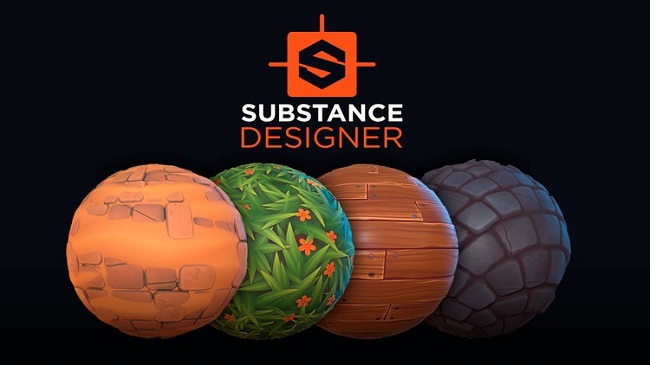
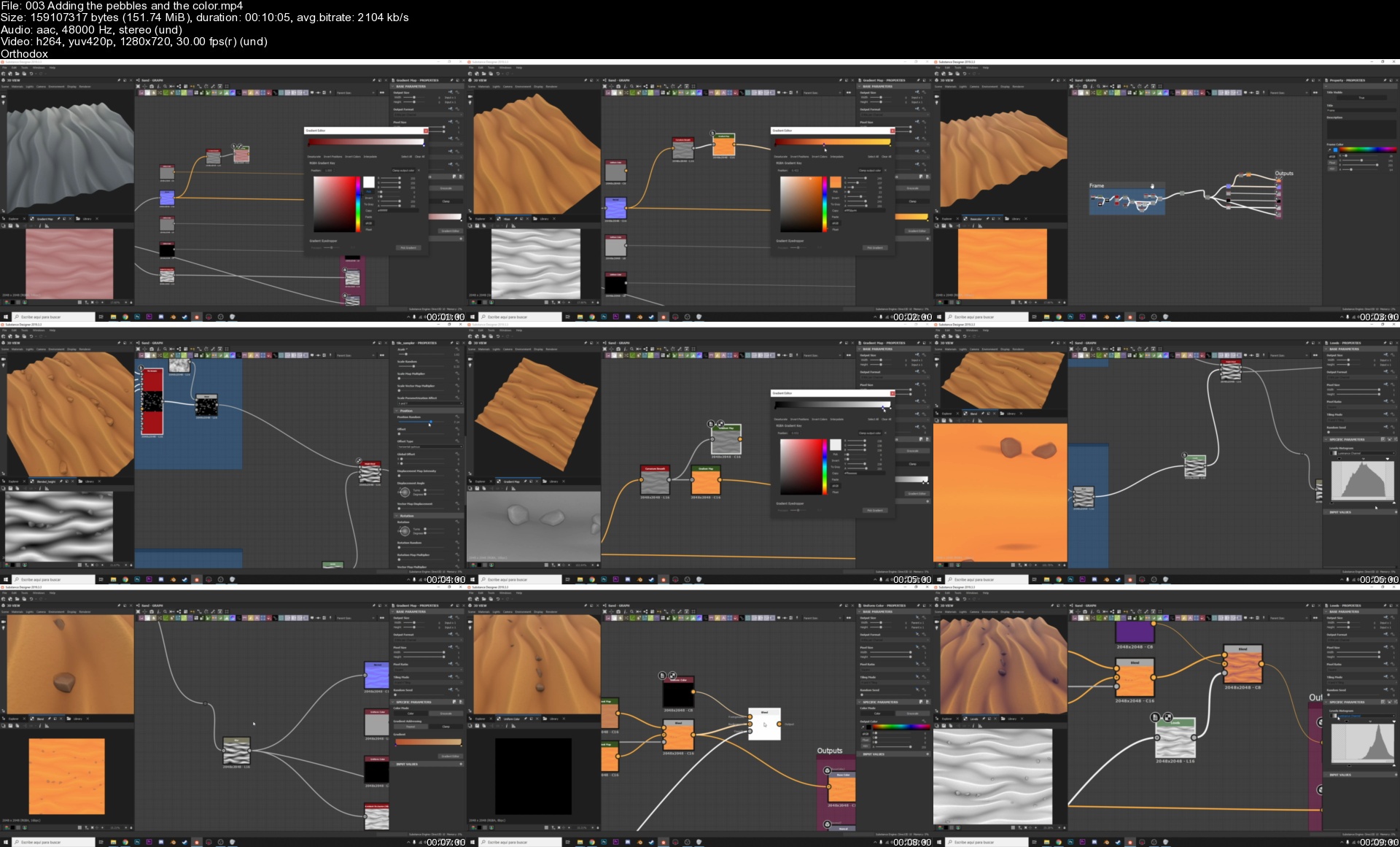
Substance Designer 2020: Stylized material creation

ttffkxzk2jnw.jpg


Substance Designer 2020: Stylized material creation
MP4 | Video: h264, 1280x720 | Audio: AAC, 44.1 KHz, 2 Ch
Genre: eLearning | Language: English + srt | Duration: 61 lectures (7h 23m) | Size: 6.1 GB

Learn all the fundamentals to create materials from scratch using the powerful node system of Substance Designer

What you'll learn:
How the PBR workflow works and how to apply it to create textures in Substance Designer
How to create more than six stylized materials with Substance Designer
A great variety of nodes and techniques to get specific textures and fit different requirements
How to export materials and configure them in different rendering engines like Marmoset Toolbag and Unreal Engine
You will create high quality stylized materials and textures with Substance Designer
You will become a master in procedural material creation with Substance Designer!

Requirements
You only need the Substance Designer software (You can use the 30 days free trial)
(Optional) Marmoset Toolbag to render your materials
(Optional) Unreal Engine to create terrains


Description
In this course you will learn how the PBR workflow works and all the necessary fundamentals to create high materials and stylized textures in Substance Designer and how to use them in any rendering or video game engine.

We are going to see how the to navigate in the interfase and all the panels of Substance Designer, we are going to see how to use the blending modes and the masks to blend images and create any type of texture variations and we are going to see the most important nodes available in the program.

With the fundamentals clear we are going to apply this knowledge creating a first basic material to follow all the material creation workflow.

After the experience with the first material we continue to create one by one 6 stylized and more advanced materials with new methods, new concepts and using a great variety of techniques we can apply from the endless library of nodes that Substance Designer has.

We are going to see how to blend this materials between them to create new combination of materials.

In the last chapter we will see how can we render our materials to create an appealing and professional presentation for portfolio and how can we configure this materials to create terrains with them in Unreal Engine.

Who this course is for
Students and artists who want to learn the most efficient workflow to create procedural and high quality materials
Anyone interested in learn the creation of procedural materials and textures
Game artists who want to expand their knowledge in material creation

Homepage


003addingthepebblesanzej6e.jpg


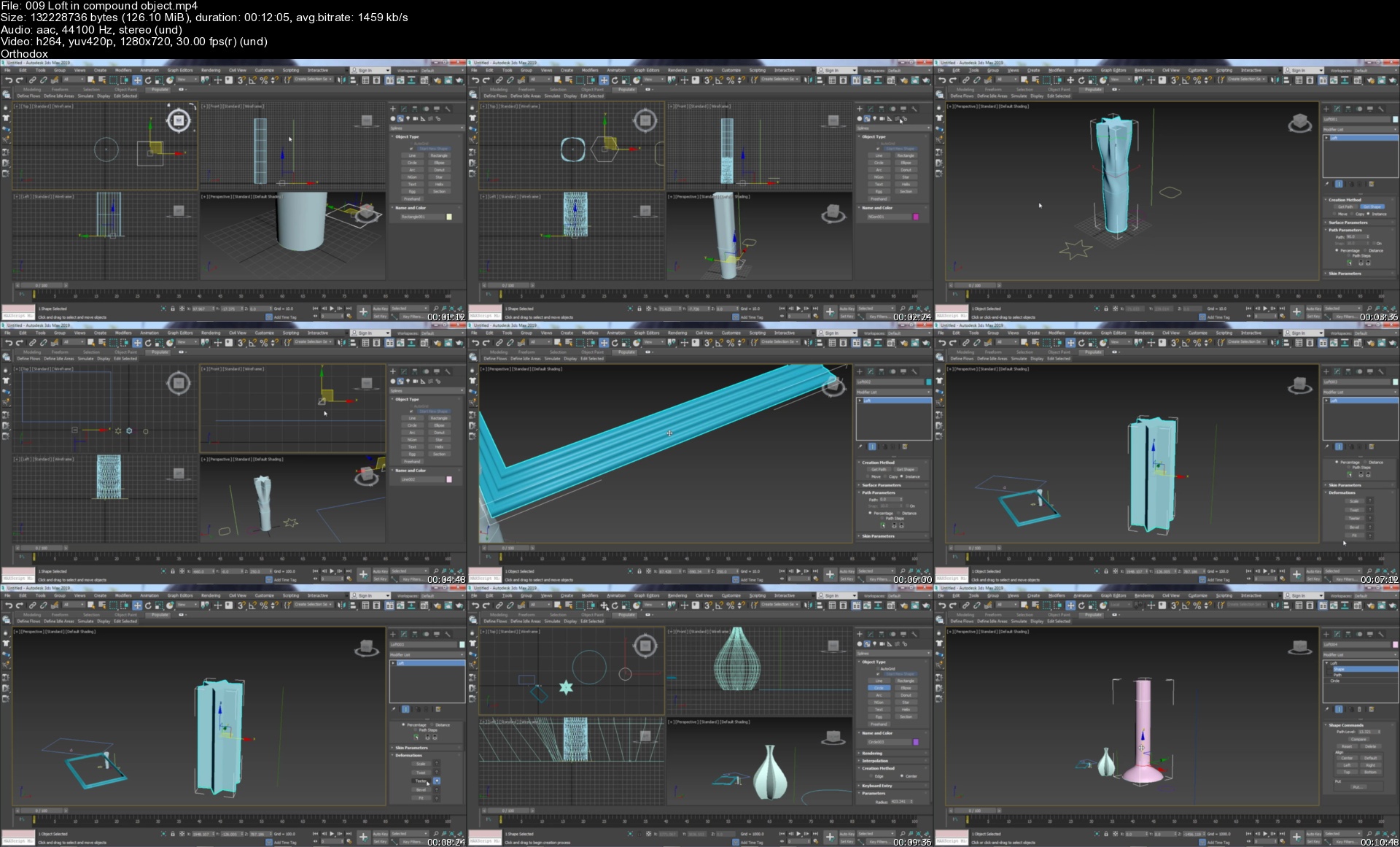
Learn 3ds Max Full Course From 20 Plus Years Experienced Sir

cmtebaogtvswwasuhlztdslksq.jpg


Learn 3ds Max Full Course From 20 Plus Years Experienced Sir
Genre: eLearning | MP4 | Video: h264, 1280x720 | Audio: AAC, 44.1 KHz
Language: English | Size: 18.9 GB | Duration: 28h 17m

After learning this "ZERO TO HERO" 3DS MAX Course, you will be expert in 3D Generalist and make well future.


What you'll learn
3ds max complete course from beginners to expert. This course is suitable for everyone. The learning material in this course is as follows
Like Workspaces, Preferences , tools, 3d objects, Units, Grids,
Pro Boolean and Loft Command, Editable Poly, Complete Material Editor,
Polygon modeling techniques, nurms, Complete poly modeling, introduction to splines,
Modelling an Interior Room, Architect modeling, creating, Furniture modeling and texturing,
Animation advanced training, Motion Paths, V-Ray Lighting setup and Parameters,
Unwrap UVW, (HDRI) High-dynamic-range imaging, Rigging, Face modeling, object modeling, Tips and Tricks, Useful Websites Tricks, Useful Websites
Events designing, Game object( environment ) modeling and animation, Walk through, Logo Designing and Animation
Stereo camera setup, 360 view modeling, 2d images to 3d conversion,
Occlusion, Particle Flow, Dynamics, real time Dynamics, Real stick Object modeling Lighting and Texturing, Cloth Modeling and Behavior
Smoke and fire modeling and animation, projection lighting, easy scene creation for movies,
Day and Night Lighting, Working on shadows, Complete Camera Parameters,
modeling around 100 objects, Spline IK, work on Script, 3d camera tracking Import and export to after effects, Element 3d in After effects,
Array, Motion Blur, Complete map Parameters,
Graphics & View Ports, complete Modifiers, User Interface, How to modify basic geometry, like Workspaces, Preferences, Tools, 3D Objects, Units, Grid, Graphics
Photoshop tools, Compositing in after effects, passes, Stereo camera setup, 360 view modelling, 2D images to 3d conversion, Photoshop tools, Compositing in aft
Common student problems, Edge modeling techniques Pro Boolean and Loft Commands, Editable Poly, Complete Material Editor, Common Student Problems, Edge Modeling
modeling for Architectural Students, Smoke and fire modeling and animation, projection lighting, easy scene creation for films, modeling for architectural stude
Spline modification, Bevel profile modifier Polygon modeling techniques, nurms, Complete poly modeling, Introduction to splines, spline modification, Bevel prof
Maps, Rendering, photo realistic 3d renderings, ,an interior room modelling, architect modelling, construction, furniture modeling and textures, maps, rendering
Create a Material Library in 3ds Max, UVW Map, Real World Scale,Lighting explanation, Multi Sub Materials, Animation Advanced Training, Motion Paths, V-Ray Ligh
Bounce Animation Method Explanation, Day and Night Lighting, Working on Shadows, Complete Camera Parameters, Bounce Animation Method Explanation,
environment modeling and real time day light creation, import shape from illustrator, corel draw and Photoshop and modeling,


Description
3ds Max, formerly known as a 3D studio and 3D studio Max, is a 3D professional modeling, animation, and rendering application designed for the entertainment business. It may be used to create 3D animations, models, interactive games, and visual effects. It is crucial in the creation of 2D cross-section shapes for 3D models. It uses a specific character called inverse kinematics to bring characters to life.

In this course you will learn that what you can see, feel or imagine, you can create in 3ds Max software. 3ds Max Complete Course from Beginner to Expert. In this, you will get to learn. Workspaces, Preferences, Tools, 3d objects, Units, Grids, Graphics & View Ports, as well as Complete Modifiers, User Interface, Basic Geometry, Pro Boolean and Loft Command, Editable Poly, Complete Material Editor, Student's Common problems, Edge modeling techniques, and Polygon modeling techniques, nurms, Absolute poly modeling, Layout of splines , Spline modification, Bevel profile modifier, Designing Interior Room , Architect modeling and creating, Furniture modeling and texturing, Maps, Rendering, photo realistic 3d renderings, Animation basics & advanced training, Motion Paths, Arnold Lighting setup and Parameters, Create Create a Material Library in 3ds Max, UVW Map, Real World Scale, Lighting explanation, Multi Sub Objects, Unwrap UVW, UVW map (HDRI) High-dynamic-range imaging, Rigging, Face modeling, object modeling, Tips and Tricks, Useful Websites, Events designing, Game object( environment ) modeling and animation, as well as Walk through, Logo Designing and Animation , Stereo camera setup, 360 view modeling, 2d images to 3d conversion, Photoshop tools, Compositing in after effects, passes, Occlusion, Particle Flow, Dynamics, real time Dynamics, Real stick Object modeling Lighting and Texturing , Cloth Modeling and Behavior , as well as Smoke and fire modeling and animation, projection lighting, easy scene creation for movies, modeling for Architectural Students, Day and Night Lighting, Working on shadows, Full Camera Parameters, Bounce Animation Method Explanation, , Spline IK, work on Script, 3d camera tracking Import and export to after effects, Element 3d in After effects, Array, Motion Blur, Complete map Parameters, environment modeling and real time day light creation, as well as import shape from illustrator, corel draw and Photoshop and modeling,

I will be teaching modeling (making) of about 100 objects in this course. Which no one else will teach except me. In this course, I have shared my complete experience of 20 years. Do take this course. And make way for your golden future. The fee for my course is only as much as you spend on petrol for one month's tuition. If you understand this course completely, then you will be immediately employed in any company like an experienced employee. In this course, I have told all the options of 3ds Max. Take this course without delay. I will continue to do your help online even after the completion of the course. That is, I will join you till Lifetime.


Who this course is for:
Beginner to expert who will Want to be engineer
Want to go to the gaming line
Want to vfx in movie line
Which are architect
civil engineering
Who are mechanical engineers
automobile engineer
advertisements
And everything you can touch and Imagine
And whatever you can feel, And whatever you can imagine, You can make all that in 3ds max
Event Area Designer

Homepage

009loftincompoundobjetdjt4.jpg


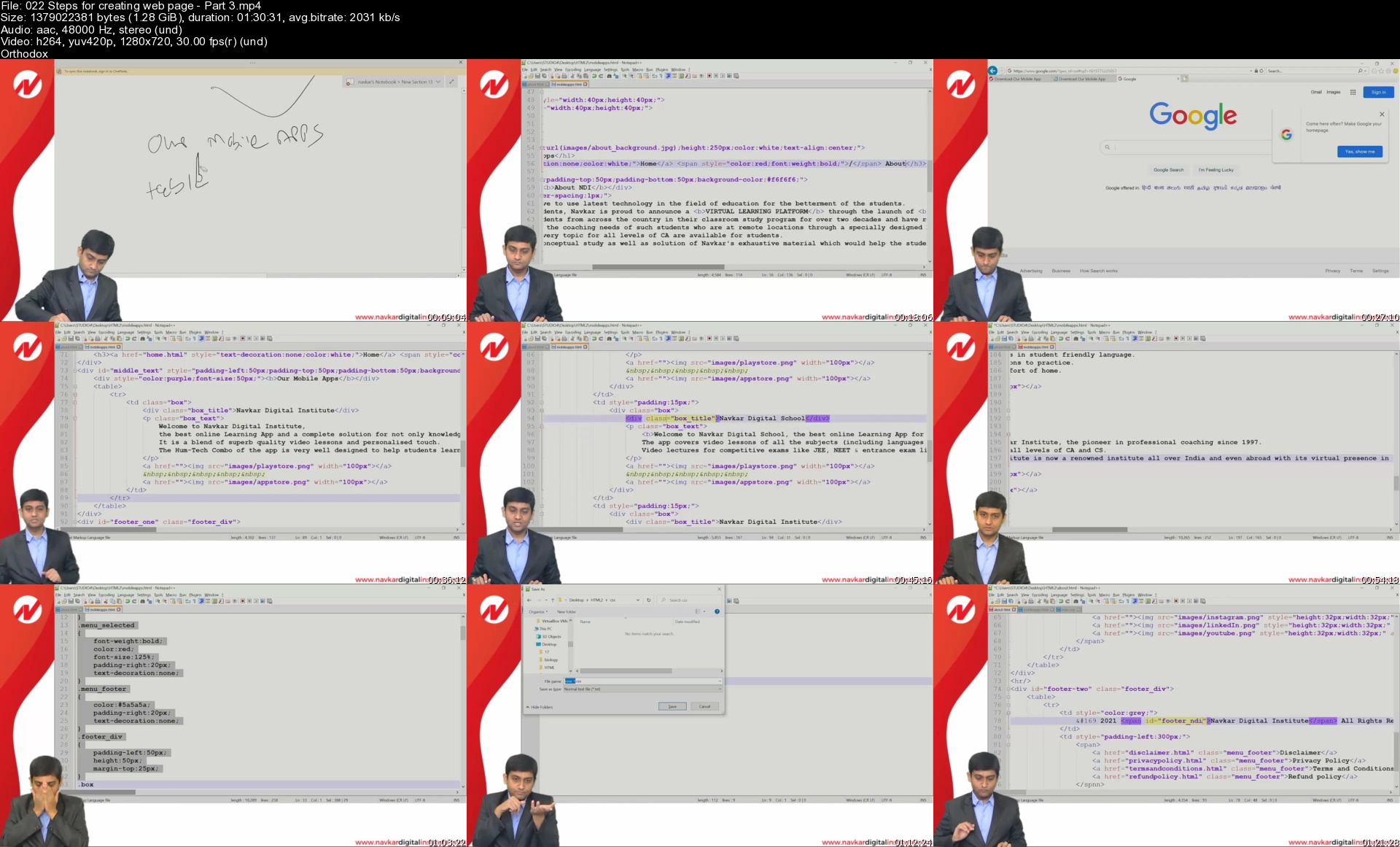
Learn HTML & Web Designing

42233424610esk3d.jpg


Learn HTML & Web Designing
MP4 | Video: h264, 1280x720 | Audio: AAC, 44.1 KHz, 2 Ch
Genre: eLearning | Language: English + srt | Duration: 41 lectures (36h 49m) | Size: 29.9 GB

Learn HTML and web designing course for Beginners

What you'll learn:
HTML
Web Designing - HTML
HTML Features
HTML Basics

Requirements
None


Description
In this fast-paced world it's imperative to use latest technology in the field of education for the betterment of the students. Navkar Institute has been coaching students from across the country in their classroom study program for over two decades and have received many requests to do something for the students who are not able to attend classroom program because of locational constraint. Navkar Digital Institute aims to serve the coaching needs of such students who are at remote locations through a specially designed Distance Learning Program.

In this course, you will learn:

The fundamentals of modern and semantic HTML, CSS, and building layouts in a small separate project, which will prepare you for the main course project.

How to use well-established website components and layout patterns in order to come up with professional-looking designs

How to make any website work on any mobile device, no matter the design and layout (responsive design)

How to find and use free design assets such as images, fonts, and icons

Important developer skills such as reading documentation, fixing code errors on your own, and using professional web development tools

Building websites allows you to do fun and creative work, from anywhere in the world, and it even pays well. Web development is one of the most future-proof and highest-paying industries in the world. And HTML and CSS is the entry point to this world!

Who this course is for
HTML Basics
HTML
Web Designing - HTML
HTML Basics

Homepage


022stepsforcreatingwepejfz.jpg


Linkedin Learning Android Development Retrofit with Kotlin-XQZT

230225176_05-04-use_query_parameters_with_retrofit_c.jpg


Linkedin Learning Android Development Retrofit with Kotlin-XQZT | MKV | 361.95 MiB

280 kb/s 1280x720 | AAC 2 CH eng


NFO:
File List:

File: linkedin.learning.android.development.retrofit.with.kotlin-xqzt-sample.mkv
Size: 2450283 bytes (2.34 MiB), duration: 00:01:10, avg.bitrate: 280 kb/s
Audio: aac, 48000 Hz, stereo (eng)
Video: h264, yuv420p, 1280x720, 30.00 fps(r) (eng)
Subtitles: eng


Download ( Size: 361.95 MiB ):
Filehosts: Nitroflare, Rapidgator


oHeopzn.png

1 Link/s
41DF26D627.png


5hSo1Ay.png

1 Link/s
4CA0E5699A.png


Linkedin Learning Using SQL with C Plus Plus-XQZT

230225448_02-01-setup_for_xcode_on_a_mac_c.jpg


Linkedin Learning Using SQL with C Plus Plus-XQZT | MKV | 267.37 MiB

346 kb/s 1280x720 | AAC 2 CH eng


NFO:
File List:

File: linkedin.learning.using.sql.with.c.plus.plus-xqzt-sample.mkv
Size: 3070374 bytes (2.93 MiB), duration: 00:01:11, avg.bitrate: 346 kb/s
Audio: aac, 48000 Hz, stereo (eng)
Video: h264, yuv420p, 1280x720, 30.00 fps(r) (eng)
Subtitles: eng


Download ( Size: 267.37 MiB ):
Filehosts: Nitroflare, Rapidgator


oHeopzn.png

1 Link/s
62B09E201C.png


5hSo1Ay.png

1 Link/s
2AC154973F.png


Linkedin Learning GitHub Code Challenges-XQZT

230225576_02-10-use_hidden_secrets_in_projects_c.jpg


Linkedin Learning GitHub Code Challenges-XQZT | MKV | 153.52 MiB

451 kb/s 1280x720 | AAC 2 CH eng


NFO:
File List:

File: linkedin.learning.github.code.challenges-xqzt-sample.mkv
Size: 3943872 bytes (3.76 MiB), duration: 00:01:10, avg.bitrate: 451 kb/s
Audio: aac, 48000 Hz, stereo (eng)
Video: h264, yuv420p, 1280x720, 30.00 fps(r) (eng)
Subtitles: eng


Download ( Size: 153.52 MiB ):
Filehosts: Nitroflare, Rapidgator


oHeopzn.png

1 Link/s
6ED77814CE.png


5hSo1Ay.png

1 Link/s
5E66C679AC.png


Linkedin Learning Building an Ethereum Blockchain App 8 Supply Chain Smart Contract dApp-XQZT

230225727_01-13-supply_chain_smart_contract_functions_part_2_c.jpg


Linkedin Learning Building an Ethereum Blockchain App 8 Supply Chain Smart Contract dApp-XQZT | MKV | 2.06 GiB

2 013 kb/s 1280x720 | AAC 2 CH eng


NFO:
File List:

File: linkedin.learning.building.an.ethereum.blockchain.app.8.supply.chain.smart.contract.dapp-xqzt-sample.mkv
Size: 17874031 bytes (17.05 MiB), duration: 00:01:11, avg.bitrate: 2014 kb/s
Audio: aac, 48000 Hz, stereo (eng)
Video: h264, yuv420p, 1280x720, 29.97 fps(r) (eng)
Subtitles: eng


Download ( Size: 2.06 GiB ):
Filehosts: Nitroflare, Rapidgator


oHeopzn.png

3 Link/s
1DA198BD38.png


5hSo1Ay.png

3 Link/s
192FDA9CB3.png


Magical Classroom Scene Creating for Games

1en5rsslg3krcnourooqc5kjj3.jpg


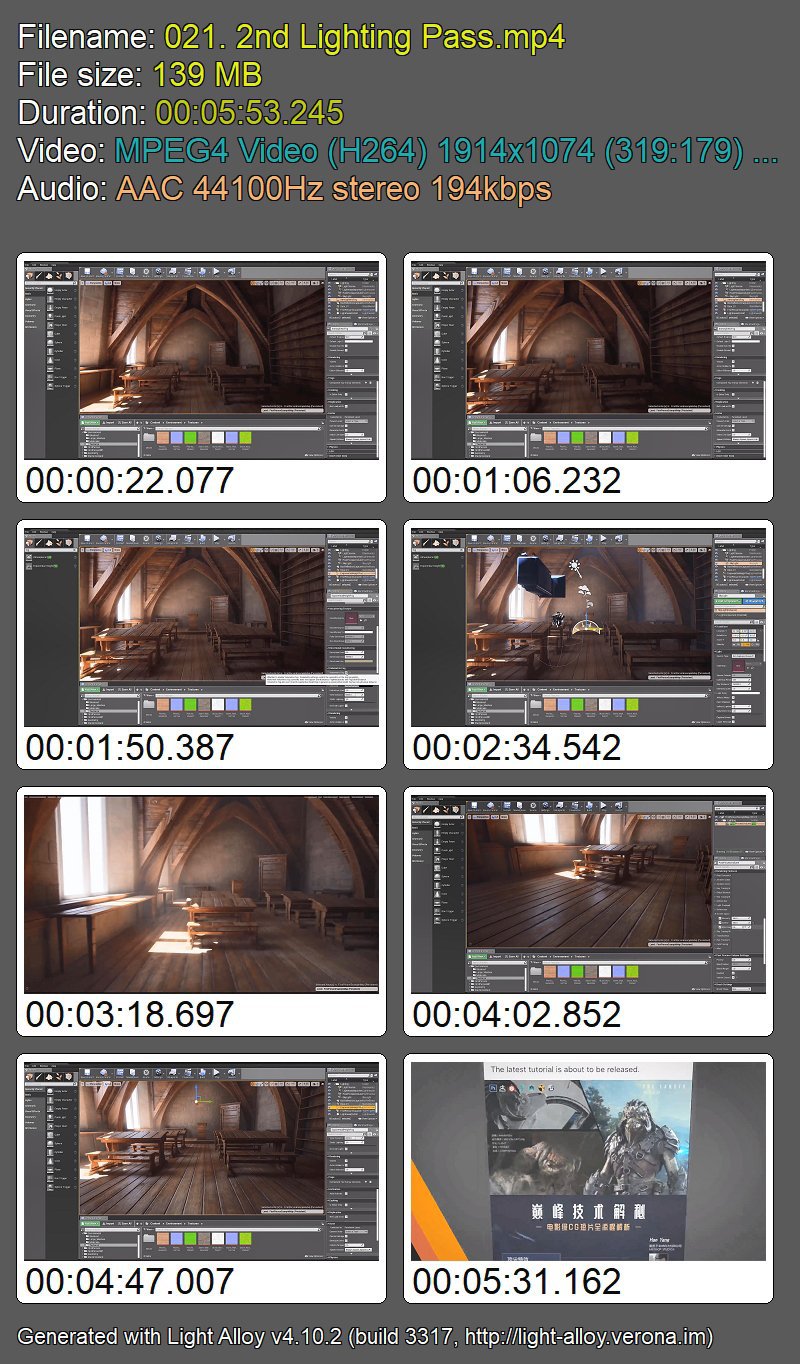
Magical Classroom Scene Creating for Games
Ognyan Aleksandrov Zahariev | Duration: 120h 00m | Video: H264 1914x1074 | Audio: AAC 44,1 kHz 2ch | 142 GB | Language: English

This course will take you through the entire process of making a Harry Potter style magical classroom scene with multiple software, including scene concept planning, reference material collecting, main scene gray models constructing, wooden podium, iron ring, paper book, candle, chalk, glass jar and other material assets creating, texture mapping, UE4 lighting settings and real-time rendering, etc.

In addition, you will learn the entire process of sculpting owls in ZBrush, including body modeling and hair sculpting skills. The assets of this course are all created from scratch. Through this course, you will be able to master the trick of completing a real-time scene independently.

Homepage


77wpa8n6udirdjyzehxzd9ijkr.jpg


[links]https://rapidgator.net/file/024b820e293cb5df47e6c073a95ddc54/Magical_Classroom.part001.rar.html


[/links]
 
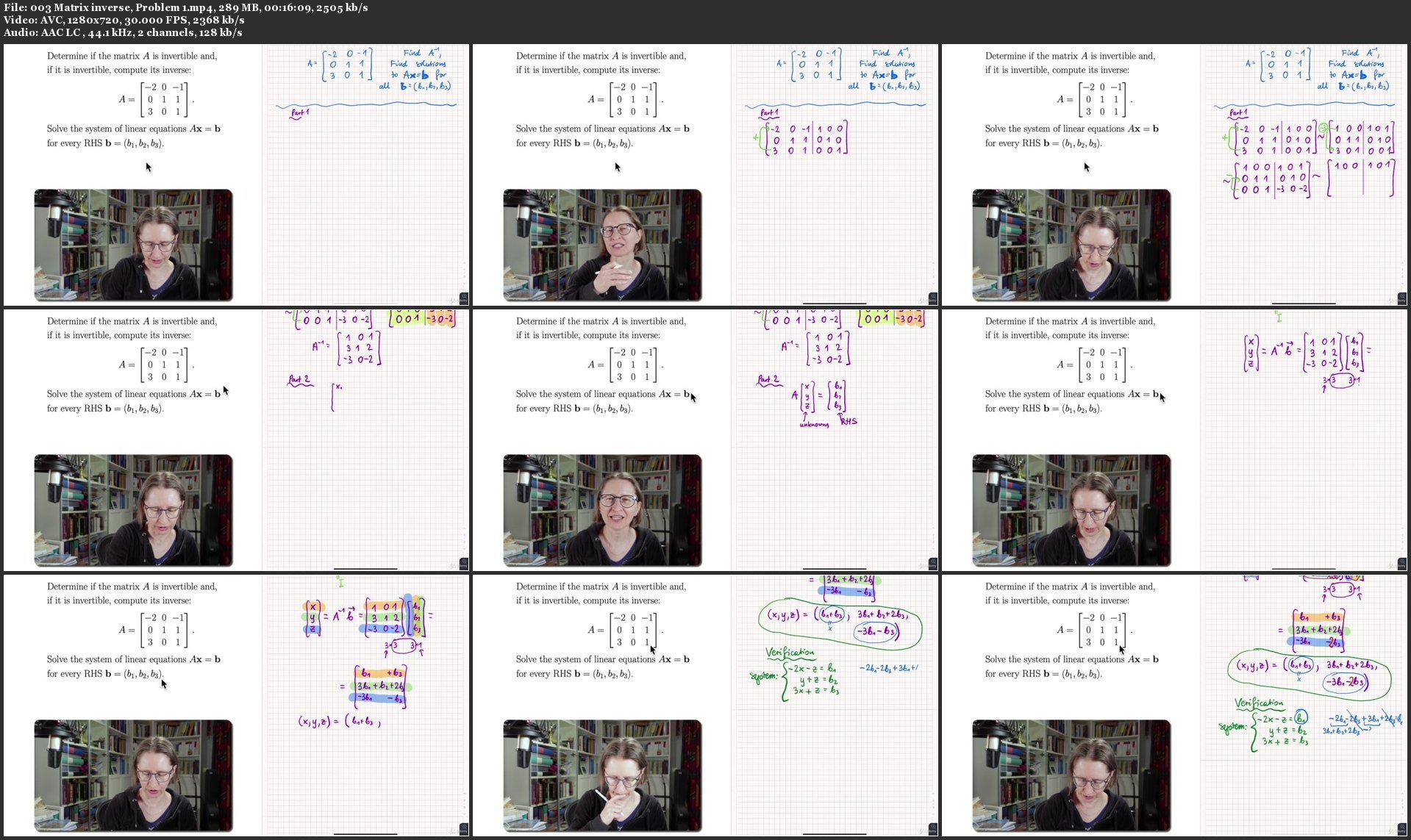
Linear Algebra and Geometry 1

0086ab91ofj25.jpg


Linear Algebra and Geometry 1
MP4 | Video: h264, 1280x720 | Audio: AAC, 44.1 KHz, 2 Ch
Genre: eLearning | Language: English + srt | Duration: 222 lectures (45h 55m) | Size: 33.8 GB

Systems of equations, matrices, vectors, and geometry

What you'll learn:
How to solve problems in linear algebra and geometry (illustrated with 175 solved problems) and why these methods work.
Solve systems of linear equation with help of Gauss-Jordan or Gaussian elimination, the latter followed by back-substitution.
Interpret geometrically solution sets of systems of linear equations by analysing their RREF matrix (row equivalent with the augmented matrix of the system).
Matrix operations (addition, scaling, multiplication), how they are defined, how they are applied, and what computational rules hold for them.
Matrix inverse: determine whether a matrix is invertible; compute its inverse: both with (Jacobi) algorithm and by the explicit formula; matrix equations.
Determinants, their definition, properties, and different ways of computing them; determinant equations; Cramer's rule for n-by-n systems of equations.
Vectors, their coordinates and norm; geometrical vectors and abstract vectors, their addition and scaling: arithmetically and geometrically (in 2D and 3D).
Vector products (scaling, dot product, cross product, scalar triple product), their properties and applications; orthogonal projection and vector decomposition.
Analytical geometry in the 3-space: different ways of describing lines and planes, with applications in problem solving.
Compute distances between points, planes and lines in the 3-space, both by using orthogonal projections and by geometrical reasoning.
Determine whether lines and planes are parallel, and compute the angles between them (using dot product and directional or normal vectors) if they intersect.
How to geometrically interpret n-by-2 and n-by-3 systems of equations and their solution sets as intersection sets between lines in 2D or planes in 3D.
Understand the connection between systems of linear equations and matrix multiplication.
Invertible Matrix Theorem and its applications; apply determinant test in various situations.

Requirements
High-school maths, mainly arithmetics, some trigonometry


Description
Chapter 1 Systems of linear equations

S1. Introduction to the course

S2. Some basic concepts

You will learn: some basic concepts that will be used in this course. Most of them are known from high-school courses in mathematics, some of them are new; the latter will appear later in the course and will be treated more in depth then.

S3. Systems of linear equations; building up your geometrical intuition

You will learn: some basic concepts about linear equations and systems of linear equations; geometry behind systems of linear equations.

S4. Solving systems of linear equations; Gaussian elimination

You will learn: solve systems of linear equations using Gaussian elimination (and back-substitution) and Gauss--Jordan elimination in cases of systems with unique solutions, inconsistent systems, and systems with infinitely many solutions (parameter solutions).

S5. Some applications in mathematics and natural sciences

You will learn: how systems of linear equations are used in other branches of mathematics and in natural sciences.

Chapter 2 Matrices and determinants

S6. Matrices and matrix operations

You will learn: the definition of matrices and their arithmetic operations (matrix addition, matrix subtraction, scalar multiplication, matrix multiplication). Different kinds of matrices (square matrices, triangular matrices, diagonal matrices, zero matrices, identity matrix).

S7. Inverses; Algebraic properties of matrices

You will learn: use matrix algebra; the definition of the inverse of a matrix.

S8. Elementary matrices and a method for finding A inverse

You will learn: how to compute the inverse of a matrix with Gauss--Jordan elimination (Jacobi's method).

S9. Linear systems and matrices

You will learn: about the link between systems of linear equations and matrix multiplication.

S10. Determinants

You will learn: the definition of the determinant; apply the laws of determinant arithmetics, particularly the multiplicative property and the expansion along a row or a column; solving equations involving determinants; the explicite formula for solving of n-by-n systems of linear equations (Cramer's rule), the explicite formula for inverse to a non-singular matrix.

Chapter 3 Vectors and their products

S11. Vectors in 2-space, 3-space, and n-space

You will learn: apply and graphically illustrate the arithmetic operations for vectors in the plane; apply the arithmetic operations for vectors in R^n.

S12. Distance and norm in R^n

You will learn: compute the distance between points in R^n and norms of vectors in R^n, normalize vectors.

S13. Dot product, orthogonality, and orthogonal projections

You will learn: definition of dot product and the way you can use it for computing angles between geometrical vectors.

S14. Cross product, parallelograms and parallelepipeds

You will learn: definition of cross product and interpretation of 3-by-3 determinants as the volume of a parallelepiped in the 3-space.

Chapter 4 Analytical geometry of lines and planes

S15. Lines in R^2

You will learn: several ways of describing lines in the plane (slope-intercept equation, intercept form, point-vector equation, parametric equation) and how to compute other kinds of equations given one of the equations named above.

S16. Planes in R^3

You will learn: several ways of describing planes in the 3-spaces (normal equation, intercept form, parametric equation) and how to compute other kinds of equations given one of the equations named above.

S17. Lines in R^3

You will learn: several ways of describing lines in the 3-space (point-vector equation, parametric equation, standard equation) and how to compute other kinds of equations given one of the equations named above.

S18. Geometry of linear systems; incidence between lines and planes

You will learn: determine the equations for a line and a plane and how to use these for computing intersections by solving systems of equations.

S19. Distance between points, lines, and planes

You will learn: determine the equations for a line and a plane and how to use these for computing distances.

S20. Some words about the next course

You will learn: about the content of the second course.

Also make sure that you check with your professor what parts of the course you will need for your final exam. Such things vary from country to country, from university to university, and they can even vary from year to year at the same university.

A detailed description of the content of the course, with all the 222 videos and their titles, and with the texts of all the 175 problems solved during this course, is presented in the resource file "Outline_Linear_Algebra_and_Geometry_1.pdf" under video 1 ("Introduction to the course"). This content is also presented in video 1.

Who this course is for
University and college engineering

Homepage


0086ab92uck46.jpg


AloMoves - Total20

l7pgti5olxc2h3dmejxs5r3je8.jpg


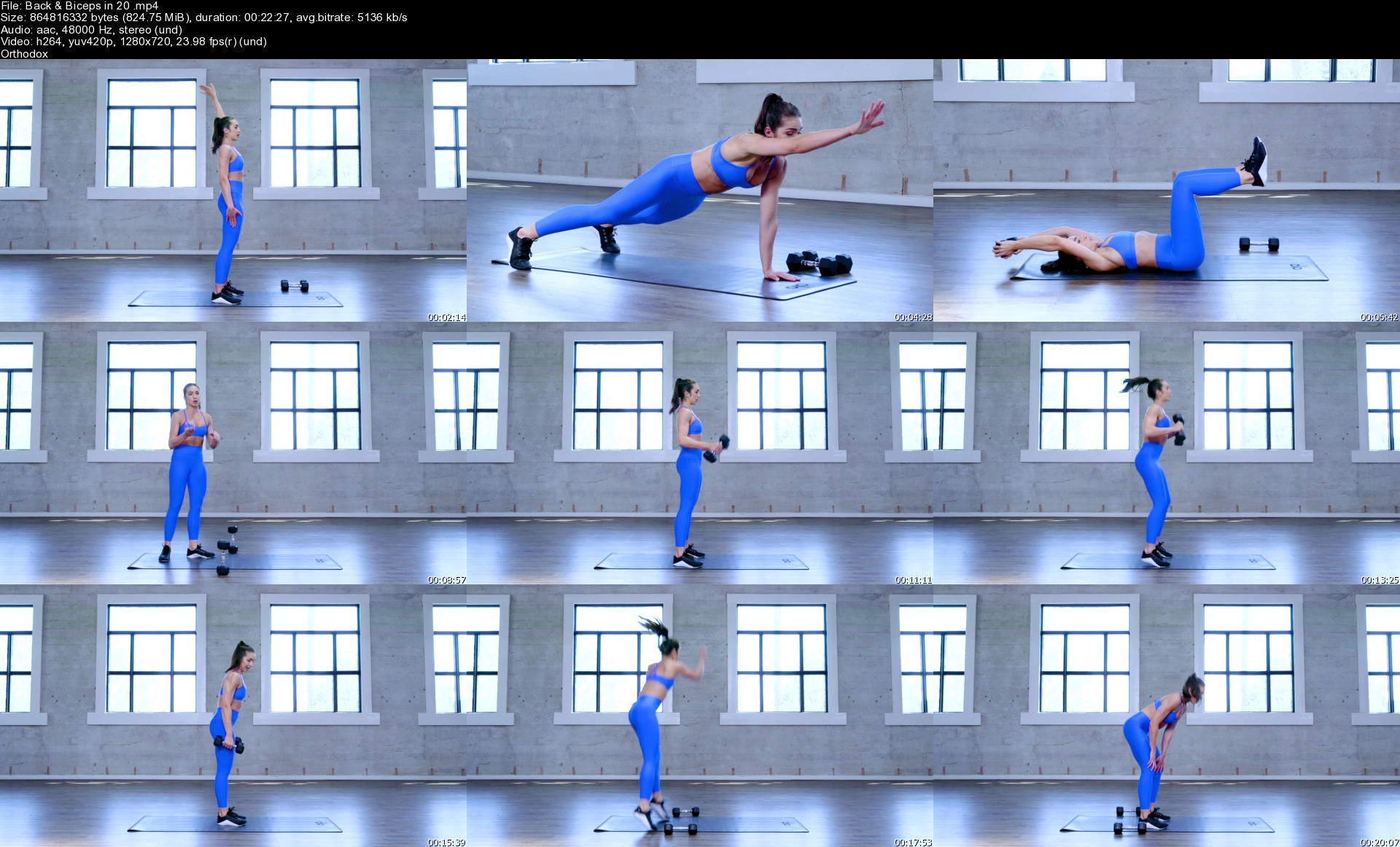
AloMoves - Total20
MP4 | Video: h264, 1280x720 | Audio: AAC, 44.1 KHz, 2 Ch
Difficulty: Intermediate | Genre: eLearning | Language: English | Duration: 8 Videos (3h 9m) | Size: 6.96 GB

Instructor : Roxie Jones Hit your strength and cardio goals in just 20 minutes a day. Total20 is a collection of short workouts designed to transform your strength and stamina in the most efficient, effective way. Each class works with a quick, high-energy tempo - expect EMOMs, AMRAPS, and non-stop movement in all planes of motion to help you break a serious sweat. You'll focus on high volume and low weight, which will work your body to its max output and get you stronger in a short amount of time. Stack the workouts together or take on one session so you can go after your goals and get onto the rest of your day.

In this series, you will:

- Boost your strength and cardio endurance
- Customize your workout with targeted and total-body classes
- Fit in a complete workout in only 20 minutes

EQUIPMENT
Bands
Chair
Weights
Block

Homepage

backbicepsin20sffjwd.jpg


Zurück
Oben Unten