• Regeln für den Video-Bereich:

    In den Börsenbereich gehören nur Angebote die bereits den Allgemeinen Regeln entsprechen.

    Einteilung

    - Folgende Formate gehören in die angegeben Bereiche:
    - Filme: Encodierte Filme von BluRay, DVD, R5, TV, Screener sowie Telesyncs im Format DivX, XviD und x264.
    - DVD: Filme im Format DVD5, DVD9 und HD2DVD.
    - HD: Encodierte Filme mit der Auflösung 720p oder darüber von BluRay, DVD, R5, TV, Screener sowie Telesyncs im Format x264.
    - 3D: Encodierte Filme von BluRay, die in einem 3D Format vorliegen. Dies gilt auch für Dokus, Animation usw.
    - Serien: Cartoon/Zeichentrick, Anime, Tutorials, Dokumentationen, Konzerte/Musik, Sonstiges sind demnach in die entsprechenden Bereiche einzuordnen, auch wenn sie beispielsweise im High Definition-Format oder als DVD5/DVD9/HD2DVD vorliegen. Ausnahme 3D.
    - Bereich Englisch: Englische Releases gehören immer in diesen Bereich.
    - Bereich Talk: Der Bereich, in dem über die Releases diskutiert werden kann, darf, soll und erwünscht ist.


    Angebot/Beitrag erstellen

    - Ein Beitrag darf erst dann erstellt werden, wenn der Upload bei mindestens einem OCH komplett ist. Platzhalter sind untersagt.
    - Bei einem Scenerelease hat der Threadtitel ausschließlich aus dem originalen, unveränderten Releasenamen zu bestehen. Es dürfen keine Veränderungen wie z.B. Sterne, kleine Buchstaben o.ä. vorgenommen werden. Ausnahme Serienbörse:
    - Bei einem Sammelthread für eine Staffel entfällt aus dem Releasename natürlich der Name der Folge. Beispiel: Die Simpsons S21 German DVDRip XviD - ITG
    - Dementsprechend sind also u.a. verboten: Erweiterungen wie "Tipp", "empfehlenswert", "only", "reup", usw. / jegliche andere Zusatzinformation oder Ergänzung, welche nicht in obiger Beschreibung zu finden ist.

    Aufbau des Angebots und Threadtitel

    Der Titel nach folgendem Muster erstellt zu werden. <Name> [3D] [Staffel] [German] <Jahr> <Tonspur> [DL] [Auflösung] <Quelle> <Codec> - <Group>
    Beispiel: The Dark Knight German 2008 AC3 DVDRip XviD - iND
    Beispiel: The Dark Knight 2008 DTS DL BDRip x264 - iND
    Beispiel: The Dark Knight 2008 AC3 DL BDRip XviD - iND
    Beispiel: The Dark Knight German 2008 AC3 720p BluRay x264 iND
    Beispiel: The Dark Knight 2008 DTS DL 1080p BluRay x264 iND
    Beispiel: Die Simpsons S01 German AC3 DVDRip XviD iND
    Beispiel: Die Simpsons S20 German AC3 720p BluRay x264 iND
    Beispiel: Sword Art Online II Ger Sub 2014 AAC 1080p WEBRip x264 - peppermint
    Entsprechend sind also u.a. verboten: Sonderzeichen wie Klammern, Sterne, Ausrufezeichen, Unterstriche, Anführungszeichen / Erweiterungen wie "Tipp", "empfehlenswert", "only", "reup", usw. / jegliche andere Zusatzinformation oder Ergänzung, welche nicht in obiger Beschreibung zu finden ist
    Ausnahmen hiervon können in den Bereichen geregelt sein.

    Die Beiträge sollen wie folgt aufgebaut werden:
    Überschrift entspricht dem Threadtitel
    Cover
    kurze Inhaltsbeschreibung
    Format, Größe, Dauer sind gut lesbar für Downloader außerhalb des Spoilers zu vermerken
    Nfo sind immer Anzugeben und selbige immer im Spoiler in Textform.
    Sind keine Nfo vorhanden z.B. Eigenpublikationen, sind im Spoiler folgende Dateiinformationen zusätzlich anzugeben :
    Quelle
    Video (Auflösung und Bitrate)
    Ton (Sprache, Format und Bitrate der einzelnen Spuren)
    Untertitel (sofern vorhanden)
    Hosterangabe in Textform außerhalb eines Spoiler mit allen enthaltenen Hostern.
    Bei SD kann auf diese zusätzlichen Dateiinformationen verzichtet werden.

    Alle benötigten Passwörter sind, sofern vorhanden, in Textform im Angebot anzugeben.
    Spoiler im Spoiler mit Kommentaren :"Schon Bedankt?" sind unerwünscht.


    Releases

    - Sind Retail-Release verfügbar, sind alle anderen Variationen untersagt. Ausnahmen: Alle deutschen Retail-Release sind CUT, in diesem Fall sind dubbed UNCUT-Release zulässig.
    - Im Serien-Bereich gilt speziell: Wenn ein Retail vor Abschluss einer laufenden Staffel erscheint, darf diese Staffel noch zu Ende gebracht werden.62
    - Gleiche Releases sind unbedingt zusammenzufassen. Das bedeutet, es ist zwingend erforderlich, vor dem Erstellen eines Themas per Suchfunktion zu überprüfen, ob bereits ein Beitrag mit demselben Release besteht. Ist dies der Fall, ist der bereits vorhandene Beitrag zu verwenden.
    - P2P und Scene Releases dürfen nicht verändert oder gar unter einem iND Tag eingestellt werden.


    Support, Diskussionen und Suche

    - Supportanfragen sind entweder per PN oder im Bereich Talk zu stellen.
    - Diskussionen und Bewertungen sind im Talk Bereich zu führen. Fragen an die Uploader haben ausschließlich via PN zu erfolgen, und sind in den Angeboten untersagt.
    - Anfragen zu Upload-Wünschen sind nur im Bereich Suche Video erlaubt. Antworten dürfen nur auf Angebote von MyBoerse.bz verlinkt werden.


    Verbote

    - Untersagt sind mehrere Formate in einem einzigen Angebotsthread, wie beispielsweise das gleichzeitige Anbieten von DivX/XviD, 720p und 1080p in einem Thread. Pro Format, Release und Auflösung ist ein eigener Thread zu eröffnen.
    - Grundsätzlich ebenso verboten sind Dupes. Uploader haben sich an geeigneter Stelle darüber zu informieren, ob es sich bei einem Release um ein Dupe handelt.
    - Gefakte, nur teilweise lauffähige oder unvollständige Angebote sind untersagt. Dies gilt auch für eigene Publikationen, die augenscheinlich nicht selbst von z.B. einer DVD gerippt wurden. Laufende Serien, bei denen noch nicht alle Folgen verfügbar sind, dürfen erstellt und regelmäßig geupdatet werden.
    - Untersagt sind Angebote, welche nur und ausschließlich in einer anderen Sprache als deutsch oder englisch vorliegen. Ausnahmen sind VORHER mit den Moderatoren zu klären.


    Verstoß gegen die Regeln

    - Angebote oder Beiträge, die gegen die Forenregeln verstoßen, sind über den "Melden"-Button im Beitrag zu melden.
  • Bitte registriere dich zunächst um Beiträge zu verfassen und externe Links aufzurufen.

++ Premium IPTV ++ 7000 Live Sender ++ UHD Qualität ++ Mediathek mit 18.000 Inhalten ++


VenneTV


Englische Tutorials

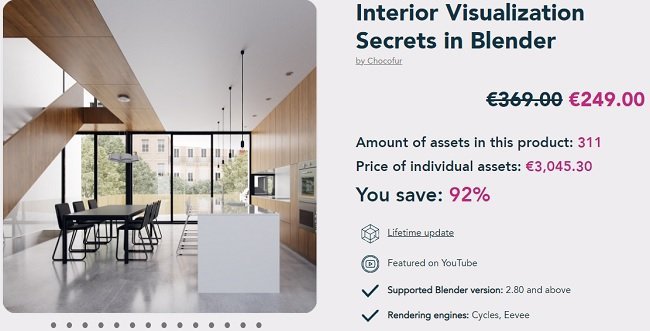
Interior Visualization Secrets in Blender
6cnjpmfowiosc7x26u0ez4qkw3.jpg


Interior Visualization Secrets in Blender
MP4 | ENG | Video: h264, yuv420p, 1920x1080 | Audio: aac, 48000 Hz | Duration: 15h:52m | Size File: 27.2 GB
Genre: eLearning

Knowing the Complete Interior Visualization Workflow in Blender is the key to become a successful 3D Artist. Learn from a professional who does this for over a decade!

The only course explaining the Complete Interior Visualization Workflow

From the client's brief and technical drawings to the final image and post-production. This course will guide you step by step through 3D modeling, materials, illumination, and more.
See how it works!

Created by professional, doing it for a living for over 10 years

The course is full of practical tips and bulletproof, field-tested techniques. I've improved my workflow over the years in countless, real-life, commercial projects.
Find more about the author!

Packed with 84 Videos, 50 Images, 12 Online Chapters, and Bonuses

I made this course to be your online resource that can be always re-visited. Over 13 hours of videos, images, slideshows, and written tips are there to provide the best possible learning experience.
Read more about the bonuses!

Includes 12 Interior Scenes and over 300 Blender Models

This is the only course that allows you to learn from the Blender files I use daily to deliver the images to my clients! Plus it includes over 300 interior 3D models that will speed up your daily workflow. You can preview the models at the bottom of this page.

Updated with the new 3 chapters

Homepage
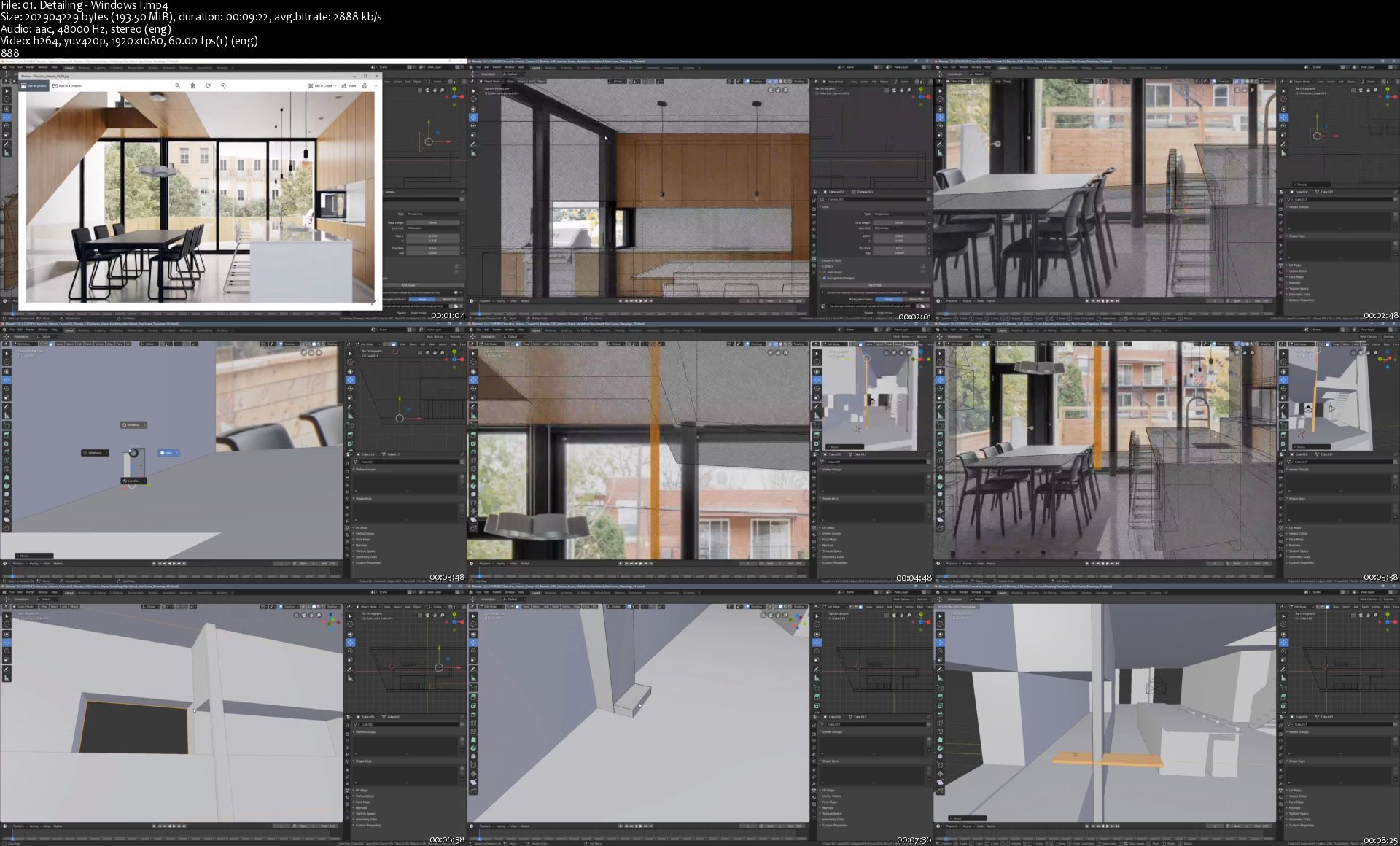
01.detailingwindowsishqjyc.jpg


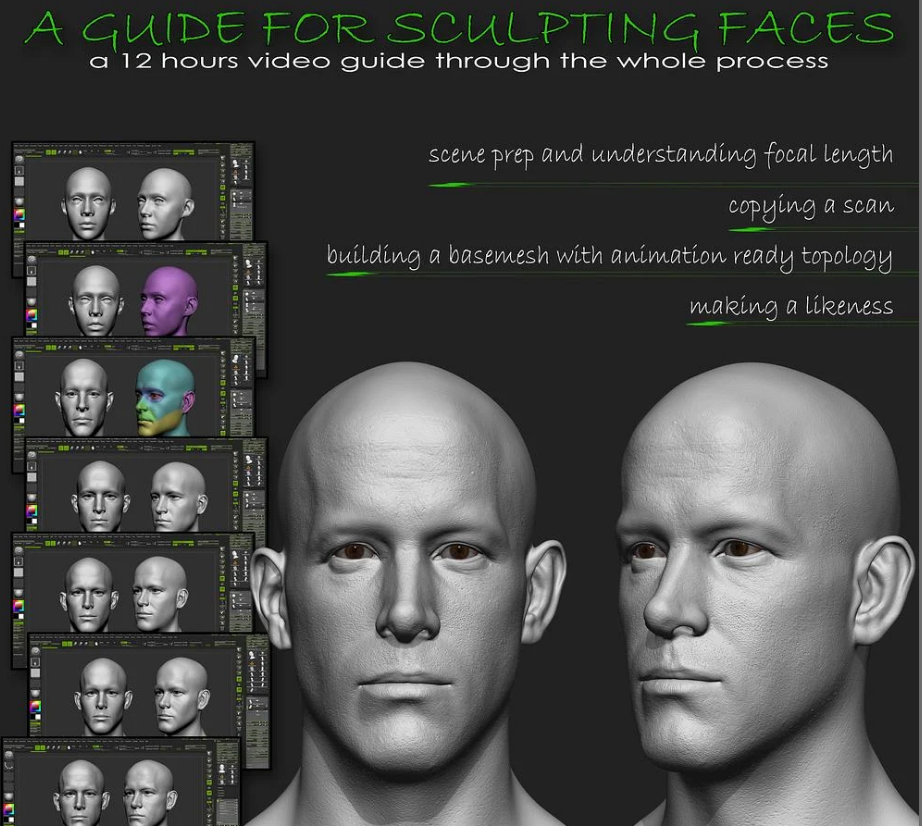
A guide to sculpting faces

gumroadaguidetosculptiwj04.png


A guide to sculpting faces
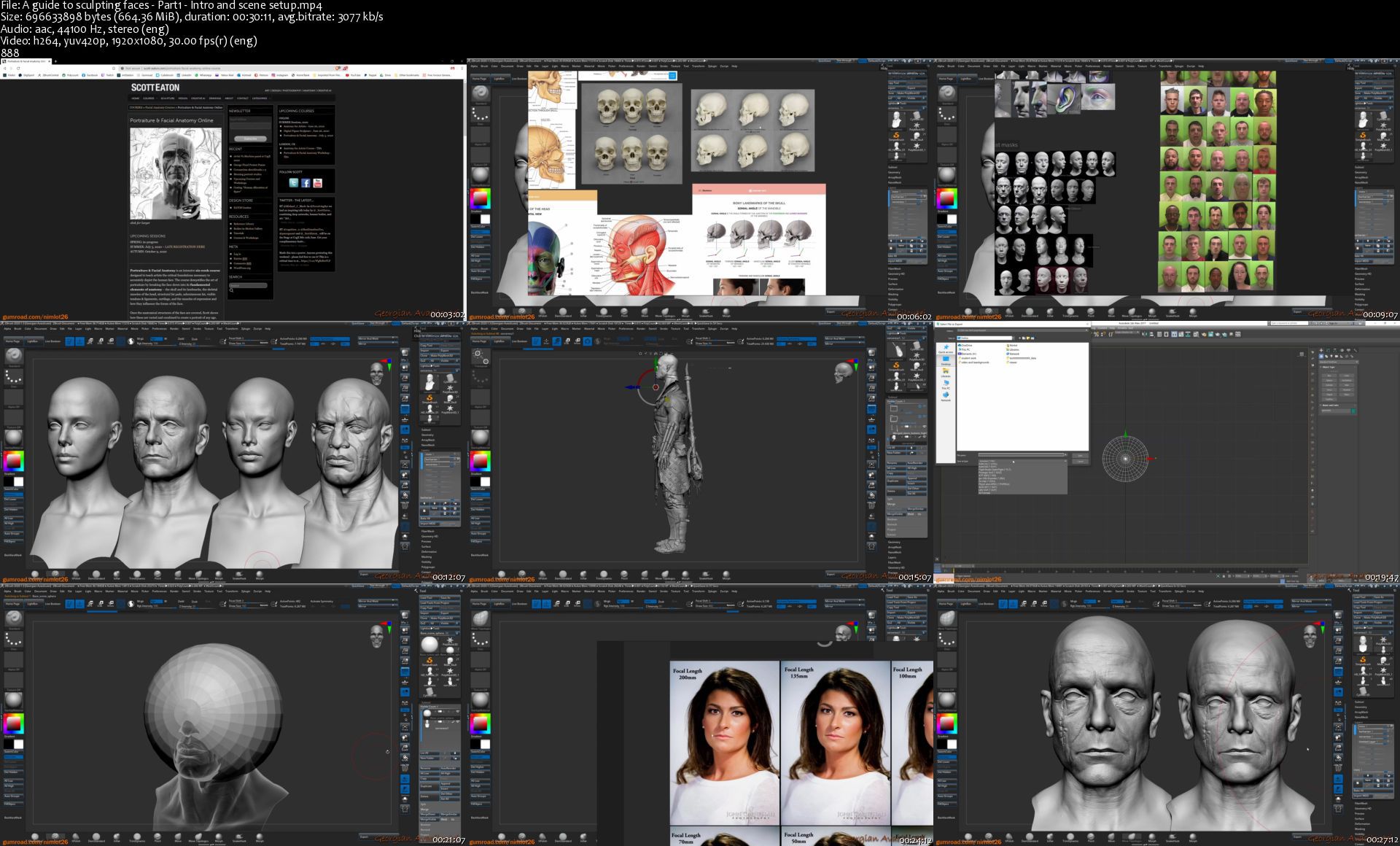
Duration: 12h | Project Files Included | Video: 1920x1080, 48kHz | 15.3 GB
Genre: eLearning | Language: English

I've made this guide to share with you guys the process that I teach my students to follow when they first dive into making faces for their characters. The goal of it is to learn how to make a head and have it ready for production.
The tutorial is split into 5 videos, lasts a bit over 12 hours and covers up the whole process.from replicating a scan then build up a nice topology ready for animation and moving into sculpting a likeness in the end.

Most of the tutorial is in Zbrush but we cover up retopo in Topogun, uvs in RizomUV and some baking in Marmoset Toolbag.

What will you get:

- 5 videos that sum up a bit more than 12 hours of explained process.

1. Intro and scene setup

2. Copying a scan using dynamesh

3. Making topology and uvs ready for animation

4. Making a likeness

5.Microskin details and refinement

- Final ztl file

- Pureref board with plenty of useful information and references

aguidetosculptingfacensjhb.jpg


School of Motion - Expression Session

pmarjm5pkrqfxu6uebkir5ujog.jpg


School of Motion - Expression Session
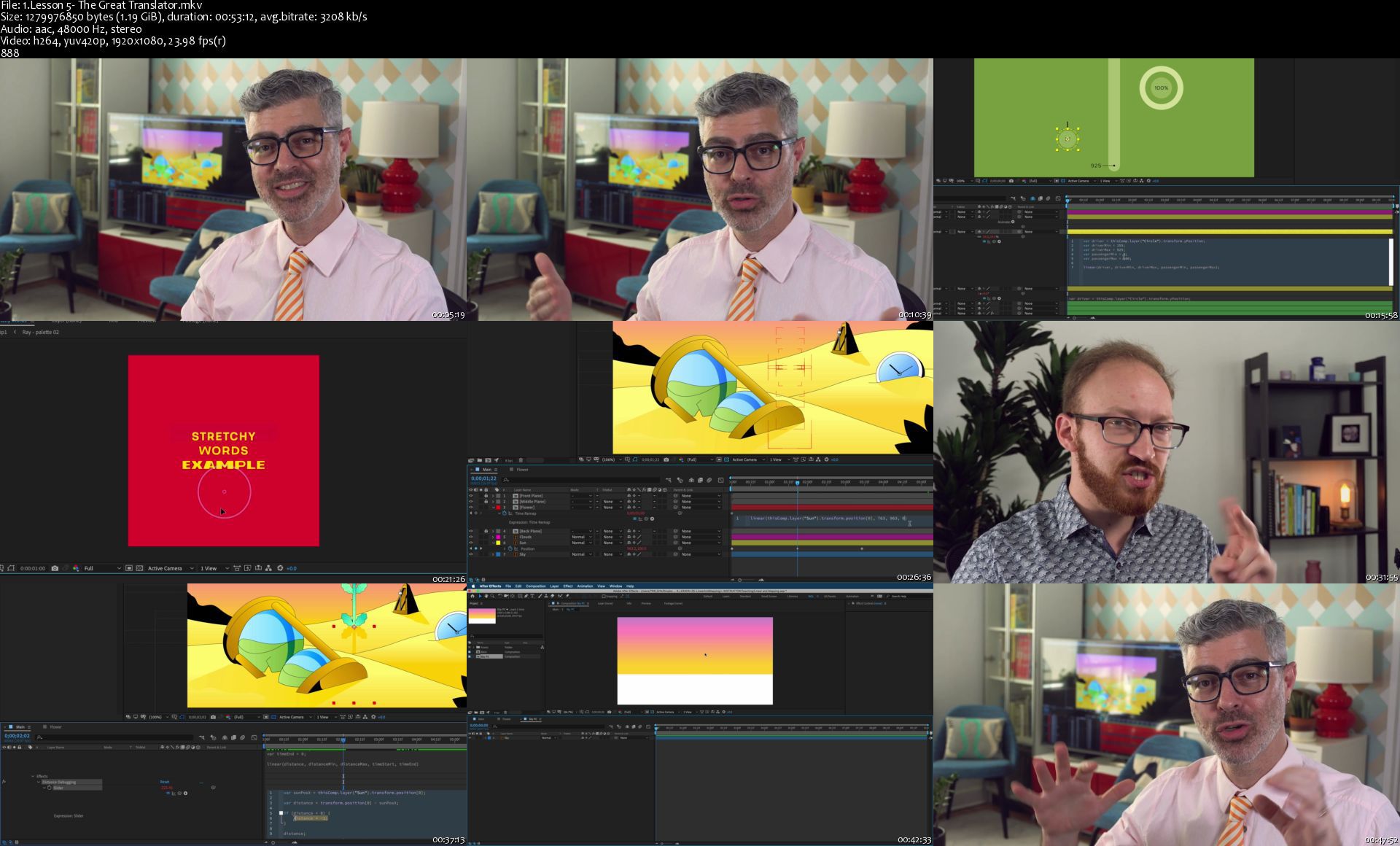
MP4 | Video: h264, 1920x1080 | Audio: AAC, 48000 Hz, 2 Ch
Language: English | Size: 32 GB | Duration: 27h 26m

Expression Session will teach you how to approach, write and implement expressions in After Effects. Over the course of 12 weeks, you'll go from rookie to seasoned coder.

Expressions are a Motion Designer's secret weapon. They can automate repetitive tasks, build flexible rigs for animators, and allow you to do some amazing things that are impossible with keyframes. This class will show you how and, more importantly, why to use them.

Homepage

1.lesson5thegreattranzxjh8.jpg


TTC - Microsoft Word Essentials for Mac

008370c0p9ji2.jpg


TTC - Microsoft Word Essentials for Mac
Duration: 10h 51m | Video: .MP4 1280x720, 30 fps(r) | Audio: AAC, 44100Hz, 2ch | Size: 9.12 GB
Genre: eLearning | Language: English

As one of the cornerstones of the Office suite, Word 2016 for Mac is a powerful word processor that allows users to create both simple and sophisticated documents. This series explores the essentials to getting started with Word 2016 for Mac. We begin with basic skills such as navigating a document, selecting text, inputting basic text, and proofing a document. The series also explores all aspects of character and paragraph formatting as well as page formatting and layout. While this series is designed for beginner users, it has lots of great tips and tricks for experienced users as well. This series is specifically for locally installed Word 2016 on Mac OS.

Homepage

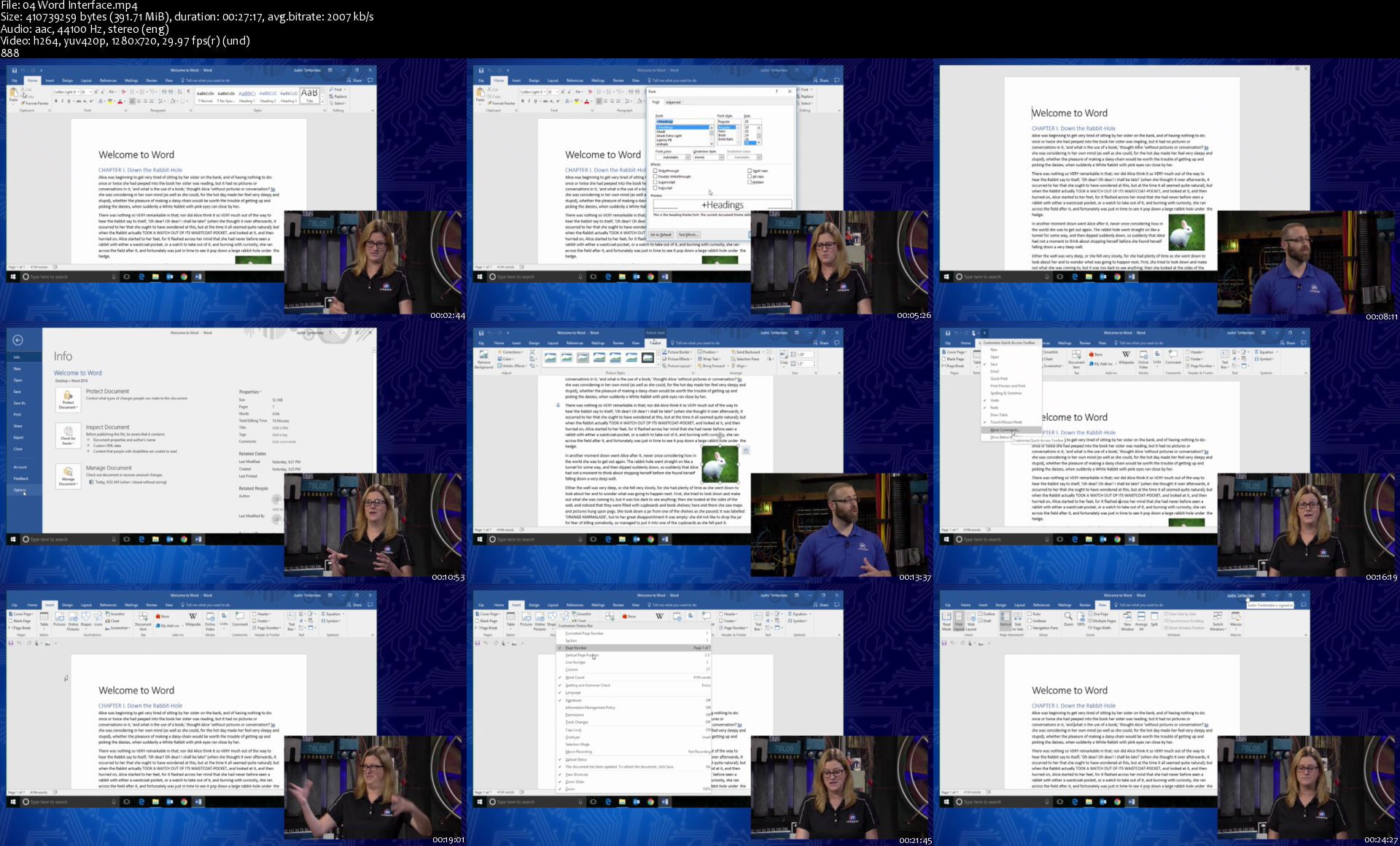
04wordinterfaces2djaa.jpg


Laravel 8 - Build Advance Ecommerce Project A-Z

zqwpvlcthg59xcm4vb1qyhwk6l.jpg


Laravel 8 - Build Advance Ecommerce Project A-Z
MP4 | Video: h264, 1280x720 | Audio: AAC, 44.1 KHz, 2 Ch
Genre: eLearning | Language: English + srt | Duration: 321 lectures (75h 10m) | Size: 52 GB

In This Course, You Will Build Three Different Project With Laravel 8 Include Advance Professional Ecommerce Site AZ

What you'll learn:
Create Complete Three Project with Laravel 8
Full Site Multiple Language Option
Advance Order Tracking System
Stock Management System
User Role Management
Product Return Order
Advance Product Apply Coupon
Product Review System
Product Search Option
Product Discount Price
Multiple Online Payment Getaway System
Product Mailing System
Product Reports Management
Product Wishlist Option
Advance Product Add to Cart Option
Advance JavaScript Uses
Site Setting Option
Site SEO Option
Image Upload System
Multiple Image Upload System
Adding Professional Theme for Backend
Adding Professional Theme for Frontend
Laravel 8 Multi Auth with Jetstream Fortify
Laravel 8 AZ Basic Fundamentals
Ecommerce Blog Management
Generate Order Invoice in PDF
Checkout Page Setup
Lecture By Lecture Project Source Code
Change Password Option

Requirements
You have to know basic PHP
OOP (Basic)
Basic HTML, CSS, Bootstrap
Local Server: Xampp / Wampp / Vertrigo / Mamp
Text Editor / IDE: Sublime Text, Visual Studio Code, Netbeans, PHPStrom, Atom etc


Description
Laravel 8 Advance Ecommerce Project AZ

If you are very serious about learning laravel 8 from beginner to advance. Build up your laravel skill then this course will be the best choice for you. In this course, you will build three different projects. One will be How to build a company website with Laravel 8. Then Laravel 8 Multi Authentication and last you will build one complete Advance Ecommerce Project with Laravel 8. You will build every project from scratch. This is not just a functional course it's a real-life project course. Which helps you to become a professional developer.

Why We Should Learn Laravel?

Laravel is a first development life cycle and less code functionality

it's easy to learn

making web applications faster

configuration error and exception handling

automation testing work.

URL Routing Configuration is very high in Laravel.

Scheduling tasks configuration and management

It has a huge community

Unlimited resource.

Most importantly it's very easy to get a job if you have Laravel skills.

What is your benefit?

As I told you this complete project course which beings you from Beginner to the Advance level by creating the complete most advanced Ecommerce Project. You will be able to understand how to complete one project, how to handle project bugs. You will be able to start work for your client. Add this project to your portfolio and university assignment And most importantly you will get my support within 24 hours. If you have any issues just let me know about this I will be in your touch.

What is the Best Part of this Course?

Create Complete Three Project with Laravel 8

Full Site Multiple Language Option

Advance Order Tracking System

Stock Management System

User Role Management

Product Return Order

Advance Product Apply Coupon

Product Review System

Product Search Option

Product Discount Price

Multiple Online Payment Getaway System

Product Mailing System

Product Reports Management

Product Wishlist Option

Advance Product Add to Cart Option

Advance JavaScript Uses

Site Setting Option

Site SEO Option

Image Upload System

Multiple Image Upload System

Adding Professional Theme for Backend

Adding Professional Theme for Frontend

Laravel 8 Multi Auth with Jetstream Fortify

Laravel 8 AZ Basic Fundamentals

Ecommerce Blog Management

Generate Order Invoice in PDF

Checkout Page Setup

Lecture By Lecture Project Source Code

Change Password Option

and much more functions ..

In this course, you will not just learn you actually doing it. Learn and apply this to a live project with me.

Sound Great right?

-------------------------------------------------- -------------------------------------------------- -----------------

Click the "Enroll Now" button at the top right now!

I am excited to see you in the course!

Sincerely,

Kazi ariyan

Who this course is for
Who want to become Laravel Developer.
Students who want to take their PHP skills to another level should take this course
This course is for beginners to advanced laravel developers who want to increase their skills
University Project Assignment
Add This Experience in Work Portfolio

Homepage

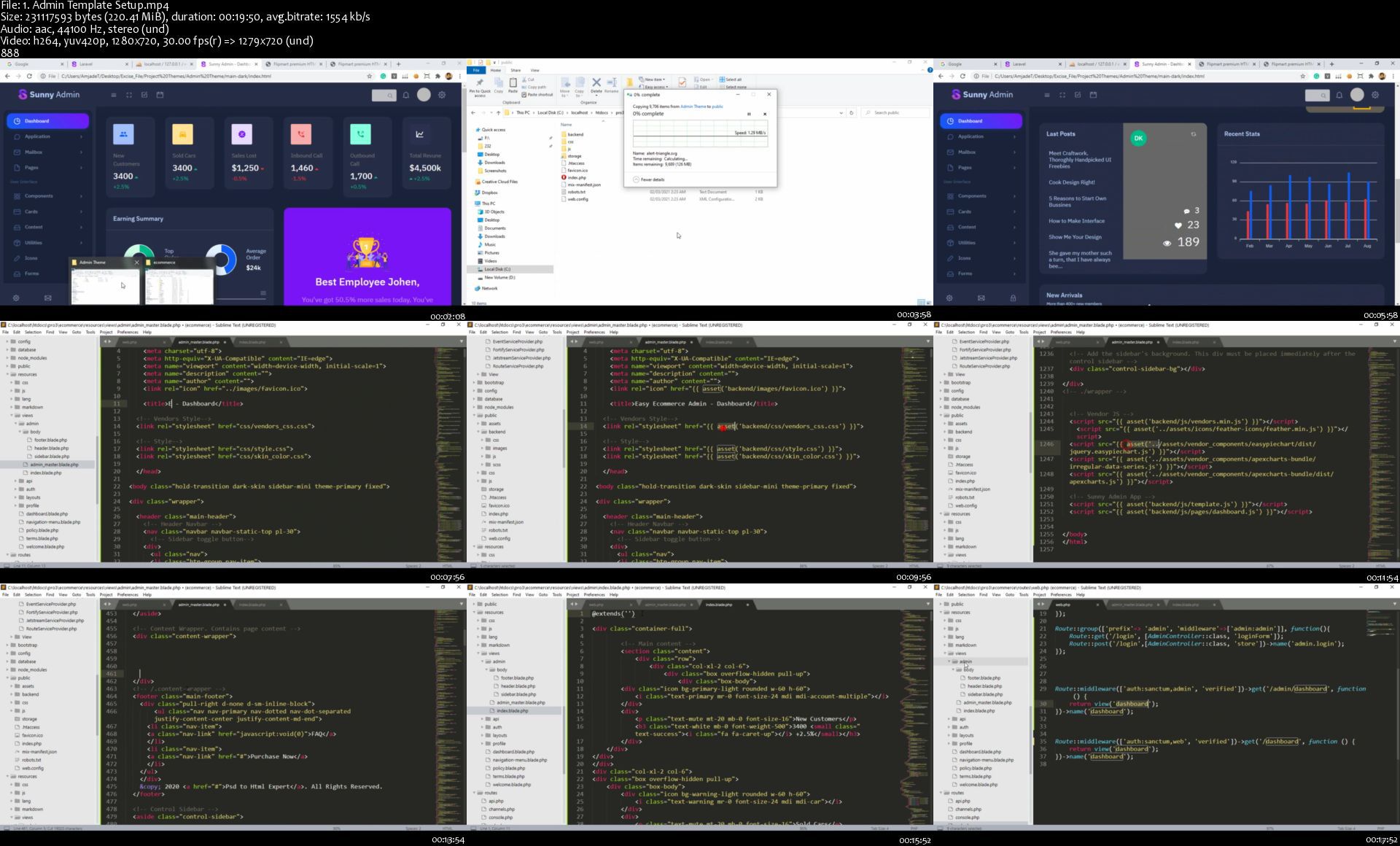
1.admintemplatesetupsi8j3t.jpg


TTC - Microsoft Word Essentials

0083700f1lkd2.jpg


TTC - Microsoft Word Essentials
Duration: 9h 59m | Video: .MP4 1280x720, 30 fps(r) | Audio: AAC, 48000 Hz, 2ch | Size: 8.39 GB
Genre: eLearning | Language: English

Since 1983, Microsoft Word has been the premier word processing application for students and working professionals in nearly every industry imaginable. Even these very words were first drafted in Word.

Word is one of the cornerstones of the Microsoft Office suite of applications, and certainly one of the most prominent-right up there with Excel and PowerPoint. With it, anyone can create simple and sophisticated documents, from memos and bulleted talking points to multi-page reports and entire novels.

But anyone who's worked in Word-from beginners to seasoned professionals-knows what it's like to get frustrated with the program. Why are your tab stops not working the way you want them to? Why can't you copy and paste columns without them looking strange? The solution for most of us: to develop long, complicated, inefficient workarounds that can actually do more harm to our project than good.

Enter ITProTV and The Great Courses with a better way to work in this fundamental piece of Microsoft software. Spanning 25 lessons and covering everything from beginner basics to advanced tips and tricks, Microsoft Word Essentials will finally put this program under your complete control. Under the engaging, helpful guidance of Microsoft Word guru Vonne Smith and co-hosts Ronnie Wong and Daniel Lowrie, you'll learn everything you need to make Word work for you and your individual project needs, including:

Interface and document views;
Character and paragraph formatting;
Margins, headers, and footers;
List and style formatting; and
Section and page breaks.
New to the program? Watch the lessons in order as a step-by-step guide. Already experienced working in Word docs? Focus on what you might have trouble with and uncover intermediate skills and insights. Either way, this course is your chance to master one of life's most important word processing programs. And while this course uses the 2016 version of Word for the PC, much of what you learn here will be easily transferable to other editions and operating systems.

An Organized, Accessible Look at Word

All you need to get started learning with Word Essentials is to have Word installed on your favorite personal computer or laptop. No previous experience in the application is required, other than a basic familiarity with the Windows 10 operating system.

While there are so many different facets to Word, these lessons bring everything together in an organized, accessible manner that builds off what you know and takes all the intimidation out of what may seem, at first glance, to be a highly intimidating application.

Smith and her co-hosts organize the lessons into three separate areas.

Introduction: Start right at the beginning and gain a greater familiarity with how to create and navigate around a new document. Then, it's time to start inputting text; learn other interesting things Word does by default; and master the basics of proofing, printing, copying, and pasting.
Text Formatting: In this section of the course, you'll examine the ins and outs of making text look nice. Along the way, you'll focus on tab stops, how to format things through the power of lists, and how to work within styles (and yes, so much of Word is based on styles-more than you might think).
Page Layout: The final third of Microsoft Word Essentials is devoted to all things page related. Get into the weeds of everything from margins and columns to page numbers and cover pages. This is the part of the course where you learn how to give your document a look that says, "This was made by a professional!"
From Time-Consuming to Time-Saving

Every single one of these lessons is packed with tips, insights, shortcuts, and keystrokes that make the complex accessible and take your word processing skills from time-consuming to time-saving. Learning how to easily navigate shortcuts while you're in the application will make your life so much easier when it comes to your next word processing project.

For example, there's a lot going on in Word. So, whenever you're trying to navigate your way around something you're unfamiliar with, remember this advice as you move your mouse around the screen trying to figure out what is what: "Select to effect; hover to discover; and when in doubt, right click."

Here are some of the other topics about Word that you'll learn throughout this course.

The Difference between Save and Save As. The Save As feature is useful for when you don't necessarily want to commit to any changes on an existing document-but you don't want to get rid of them, either.
Working within Different Page Views. Page Views include the Print Layout View (the view most Word users work in), Read Mode (the view in which you can have your work read aloud to you), and Web Layout (the view that shows how your document would look on a web page).
Customizing Find and Replace Options. This feature helps you to avoid combing through hundreds of pages to find and replace a single word, and to avoid accidentally replacing words you are not trying to replace.
New Ways to Think about Word

Both ITProTV and The Great Courses are devoted to helping laypeople make sense of complex subjects, which makes them great partners for presenting this start-to-finish, nuts-and-bolts guide to Word.

Encompassing over 10 hours of learning material and including more than 50 downloadable resources for you to refer to in your everyday word processing, Microsoft Word Essentials has everything you need to get started-or to improve-the way you work inside this all-important application. Equal parts casual and informative, Vonne Smith and her two co-hosts will change the way you think about instructional courses.

There's a lot to learn when it comes to Word, and these lessons never make you feel like you're being bogged down in technical information. Rather, they'll have you eager to experiment with this application and discover how to make it work best for your personal or professional needs.

Homepage

04wordinterfaces2djaa.jpg


.
 
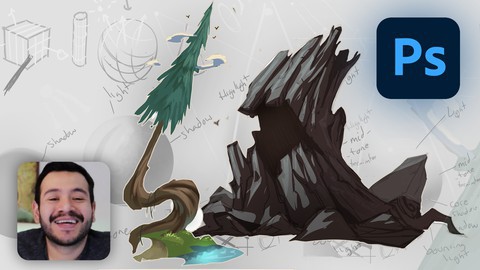
Concept Art | Prop Design in Photoshop 2020

007bc096xwjxc.jpg


Concept Art | Prop Design in Photoshop 2020
Duration: 8h 58m | Video: .MP4, 1280x720 30 fps | Audio: AAC, 44.1 kHz, 2ch | Size: 6.09 GB
Genre: eLearning | Language: English

Learn Concept Art and Design amazing props using Photoshop

What you'll learn
Photoshop
Prop Design
Design for Animation and Videogames

Requirements
Passion for design and concept art
Access to the software: Photoshop
Mac or PC able to run Photoshop
Willingness to work hard


Description
Learning Concept Art is amazingly fun and in very detailed videos I will guide you through the process of designing props for videogames, animation, and more! I want to make the learning process easy for you, going through all the tools and fundamentals in an easy and detailed way.

In this course, we design props from scratch. From looking at references to drawing techniques, this is the course for you.

We will do a series of exercises, to make sure that after finishing this course, you'll have the knowledge required to design your own props for any projects you might be working on.

You'll learn tips and shortcuts that will accelerate your workflow and make you understand the fundamentals of concept art.

I will be available for you through the whole course, feel free to send me a message if you encounter any issue. I will help you solve it and understand why it presented itself.

So please, take this course now.


Who this course is for:
Begginer and aspiring artists looking to learn the basics of Concept Art
Students that have already some Photoshop knowledge and want to get into Concept Art
People that know how to draw and want to make the jump into digital tools, such as Photoshop for Concept Art

Homepage

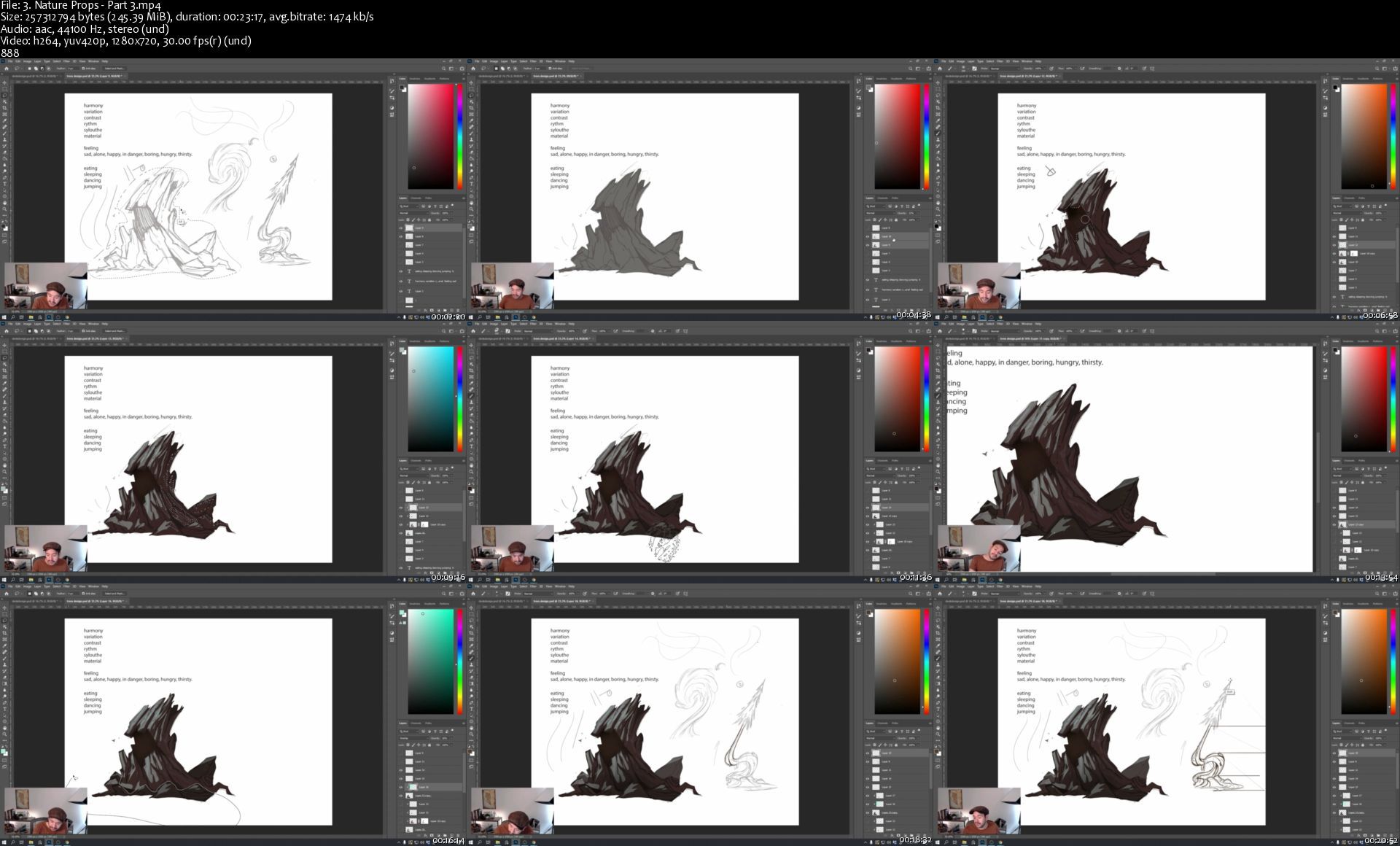
3.naturepropspart3snekxx.jpg


Maya 2020 for Absolute Beginners

008352eazrki1.jpg


Maya 2020 for Absolute Beginners
Duration: 15h 57m | Video: .MP4 1280x720, 30 fps(r) | Audio: AAC, 48000 Hz, 2ch | Size: 8.8 GB
Genre: eLearning | Language: English

Are you looking for a Maya course which is completely made for absolute beginners. May be you are currently using other 3d software like max or blender and want to try on your hand on Maya.

My name is Abraham Leal, I am 3D Artist and producer and I have 9 years of experience in the industry.

BENIFITS:

At the end of this course, your will be able to model, texture, rig, animate and use dynamics on simple beginner level projects.

IN THIS CLASS, WE WILL BE COVERING:

Poly Modelling
UV Unwrapping
Basic Texturing
Animation
Principles of rigging
Rendering in Arnold
Bifrost and MASH

I have designed this course for absolute beginner students who might think Maya is a complex software and who want to learn the complete pipeline that we use inside of it for a wide variety of projects. In this class I will be using Maya 2020 so make sure to have the latest update installed.

Homepage

54module6dynamicsnclonsk61.jpg


Low-Budget Photography Masterclass

ahie4mnbmlnxri48uttvk3yjul.jpg


Low-Budget Photography Masterclass
MP4 | ENG | Video: h264, yuv420p, 3840x2160 | Audio: aac, 44100 Hz | Duration: 2h:11m | Size File: 6.08 GB
Genre: eLearning

Eleven video lessons to have you take great pictures, with no excuses, especially when it comes to gear!

This course will definitively prove that you DO NOT have to spend a lot of money to take great pictures. I'll take you on a shopping spree for very low-cost items at my local "dollar stores" and budget online buys that almost anyone can afford. Then I'll show you how to use these items in the real world to take breathtaking pictures.

Homepage

lowbudgetphotography0hgklu.jpg


Learn Agile NOW: Scrum for Product Owner and Scrum Master

learnagilenowscrumform7jfo.jpg


Learn Agile NOW: Scrum for Product Owner and Scrum Master
Created by Dejan Majkic | Last updated 4/2021
Duration: 6h 32m | 14 sections | 60 lectures | Video: 1280x720, 44 KHz | 5.9 GB
Genre: eLearning | Language: English + Sub

Agile and Scrum for Product Owner and Scrum Master Explained Course


What you'll learn
What is Agile Software development and Why to use Agile?
Why Agile Rocks?
Agile Myth Busters - 13 Myths in details
What is Product, Product Vision, Product Strategy, Product Roadmap, examples and how to create them
The Scrum Guide 2020 - What has been changed?
What is Empiricism and why it is important for Scrum
Scrum framework
Why Agile Rocks?
Agile MythBusters: 13 Agile Myths
Scrum team: Scrum Product Owner, Scrum Master, Development team
The Difference Between Agile and Scrum
Changes for the Scrum Masters in relation to Scrum Guide 2020
Product Goal Introduction
Scrum events (What is Sprint, Sprint Goal, mandatory events, duration, who attends...)
Product Backlog refinement (Backlog Grooming)
The Theme, Epics, User Stories, and Tasks with examples and technique for time estimation
Scrum Artifacts (Product Backlog, Sprint Backlog, Increment) and what is Scrum Board
Definition of Ready (DoR), Definition of Done (DoD) and Acceptance criteria with tips for writing
Introduction to Evidence-Based Management EBM (2020 Edition)
Scrum Certification, (Scrum org and Scrum Alliance), tips for all those who want to prepare for the exam on their own
100 Carefully Selected Questions and Answers for Scrum certification.
Your first job as a Product owner - where to start in case you will have to work on an EXISTING PRODUCT or a brand new product
Agile Testing Job Interview Questions and Answers
Recap, Last Words and your next steps...
Show more
Show less

Requirements
There are no pre-requisites for this course. I explain everything from the ground up

Description
Do you want to be successful in Agile and Scrum? WELCOME TO Upskilling Agile: Scrum for Product Owner and Scrum Master COURSE
This Agile and Scrum Course saves money, and it is short and clear enough. You will learn:
Module 1 - Introduction to Agile and Scrum Masterclass
Lesson 1: This is an introduction to this Masterclass training. Students will have a brief overview of what will be talking about and what they will learn.
Lesson 2: The Scrum Guide 2020 - What has been changed? Let's walk through the list of the majority of changed elements.

5.productroadmapskmji1.jpg


Learn Animation Production with Blender 2.9

io5nqszaebbuhnhanpyfhd5jp4.jpg


Learn Animation Production with Blender 2.9
MP4 | Video: h264, 1280x720 | Audio: AAC, 48000 Hz
Language: English | Size: 9.09 GB | Duration: 10h 52m

In this course we will create an animated scene solely in Blender, from the first polygon to the final render. We will begin by bringing in and setting-up reference images that will help us create the 3D models of the ship, the cargo container, and the landing bay. We will then use Blender's Node Editor to create the materials and textures for the 3D objects. Once that is complete we will begin work on creating the star fields, as well as the planet and cloud layers.

To prepare the ship for animation, you will learn how to create the rig for the landing gear, so that we can animate the legs and control the ship's bounce when it lands. You will also learn how to use Blender's Graph Editor as we animate the ship coming in for a landing. And we will have some fun animating a texture to create the plasma-drive engines, and create a jet exhaust animation for the rear of the ship.

You'll learn how to import characters into the scene and how to render a final animation. We will then bring in music and sound effects and mix the audio to picture in Blender's Video Sequence Editor. Lastly, we will render out a video clip with both picture and sound.

If you've ever wanted to create your own animated scenes in Blender, then this course is for you. Using only free, open-source software you can create anything you can imagine.

So join me for this complete course where you'll Learn Animation Production with Blender 2.9.


Homepage

3.003beginningthecargxgjwf.jpg


Learn Microsoft Power BI Completely 2021

xqzddrknco2uowc43zq4fv6k57.jpg


Learn Microsoft Power BI Completely 2021
MP4 | Video: h264, 1280x720 | Audio: AAC, 44.1 KHz, 2 Ch
Genre: eLearning | Language: English + srt | Duration: 136 lectures (14h 21m) | Size: 7.5 GB

Learn Power BI with data modeling, data visualization and DAX from the +15 experienced BI Architect with minimum theory

What you'll learn:
Learn Power BI completely in deeply technical and functional details.
Use business intelligence platform end-to-end.
Write your efficient DAX calculations to manipulate and generate your data values.
Be familiar about data modeling to adapt the various concept studies.
Understand the business intelligence requirements with Power BI environment

Requirements
Download Microsoft Power BI Desktop (Free).
Experience with Excel Power Query, Power Pivot and DAX is a plus, but not required.
Being curious about business intelligence.


Description
Power BI is the most popular business intelligence tool in the world with Microsoft support guarantee. This valuable platform provides you new perspective to gain more job force and sustainability in your work life.

If you are looking for the adaptive education with the real work life , here is the right place to meet. Lessons are focused on result-oriented topic explanations with maximum practice purpose. The education key objective is about teaching the reality for the work life's perpective in adaptive and right learning ways.

We are providing more than 14 hours with high quality video sessions attaching with the completed Power BI report study file in order to verify what you have learned.

We are explaining 60 calculation types by providing an extended lesson timing for the DAX ability support that is the significantly important subject in the advanced data visualization processes.

Lesson language is in intermediate level english which supports to everyone without any requirement of the advanced and native speaking language skills for the easier comprehensibility in every countries.

This study platform is created by business intelligence architect and developer who know the valid learning ways and important-useful key points.

You will be learning on 10 sections

Introduction

Getting The Data

Working In The Query Editor

Data Model

DAX Calculations

Visualizing Data

Creating Report

Performance Tuning

Best Practices

Extra Readings

with totally 136 readings.

Join and enjoy with the journey!

Who this course is for
Any person curious about business intelligence.
BI Analyst
BI Developers
BI Architects
Data Analyst
Data Architect
Developer
Business Analyst
Analyst

Homepage

2.modelrelationshipss4tkfu.jpg


Zurück
Oben Unten