• Regeln für den Video-Bereich:

    In den Börsenbereich gehören nur Angebote die bereits den Allgemeinen Regeln entsprechen.

    Einteilung

    - Folgende Formate gehören in die angegeben Bereiche:
    - Filme: Encodierte Filme von BluRay, DVD, R5, TV, Screener sowie Telesyncs im Format DivX, XviD und x264.
    - DVD: Filme im Format DVD5, DVD9 und HD2DVD.
    - HD: Encodierte Filme mit der Auflösung 720p oder darüber von BluRay, DVD, R5, TV, Screener sowie Telesyncs im Format x264.
    - 3D: Encodierte Filme von BluRay, die in einem 3D Format vorliegen. Dies gilt auch für Dokus, Animation usw.
    - Serien: Cartoon/Zeichentrick, Anime, Tutorials, Dokumentationen, Konzerte/Musik, Sonstiges sind demnach in die entsprechenden Bereiche einzuordnen, auch wenn sie beispielsweise im High Definition-Format oder als DVD5/DVD9/HD2DVD vorliegen. Ausnahme 3D.
    - Bereich Englisch: Englische Releases gehören immer in diesen Bereich.
    - Bereich Talk: Der Bereich, in dem über die Releases diskutiert werden kann, darf, soll und erwünscht ist.


    Angebot/Beitrag erstellen

    - Ein Beitrag darf erst dann erstellt werden, wenn der Upload bei mindestens einem OCH komplett ist. Platzhalter sind untersagt.
    - Bei einem Scenerelease hat der Threadtitel ausschließlich aus dem originalen, unveränderten Releasenamen zu bestehen. Es dürfen keine Veränderungen wie z.B. Sterne, kleine Buchstaben o.ä. vorgenommen werden. Ausnahme Serienbörse:
    - Bei einem Sammelthread für eine Staffel entfällt aus dem Releasename natürlich der Name der Folge. Beispiel: Die Simpsons S21 German DVDRip XviD - ITG
    - Dementsprechend sind also u.a. verboten: Erweiterungen wie "Tipp", "empfehlenswert", "only", "reup", usw. / jegliche andere Zusatzinformation oder Ergänzung, welche nicht in obiger Beschreibung zu finden ist.

    Aufbau des Angebots und Threadtitel

    Der Titel nach folgendem Muster erstellt zu werden. <Name> [3D] [Staffel] [German] <Jahr> <Tonspur> [DL] [Auflösung] <Quelle> <Codec> - <Group>
    Beispiel: The Dark Knight German 2008 AC3 DVDRip XviD - iND
    Beispiel: The Dark Knight 2008 DTS DL BDRip x264 - iND
    Beispiel: The Dark Knight 2008 AC3 DL BDRip XviD - iND
    Beispiel: The Dark Knight German 2008 AC3 720p BluRay x264 iND
    Beispiel: The Dark Knight 2008 DTS DL 1080p BluRay x264 iND
    Beispiel: Die Simpsons S01 German AC3 DVDRip XviD iND
    Beispiel: Die Simpsons S20 German AC3 720p BluRay x264 iND
    Beispiel: Sword Art Online II Ger Sub 2014 AAC 1080p WEBRip x264 - peppermint
    Entsprechend sind also u.a. verboten: Sonderzeichen wie Klammern, Sterne, Ausrufezeichen, Unterstriche, Anführungszeichen / Erweiterungen wie "Tipp", "empfehlenswert", "only", "reup", usw. / jegliche andere Zusatzinformation oder Ergänzung, welche nicht in obiger Beschreibung zu finden ist
    Ausnahmen hiervon können in den Bereichen geregelt sein.

    Die Beiträge sollen wie folgt aufgebaut werden:
    Überschrift entspricht dem Threadtitel
    Cover
    kurze Inhaltsbeschreibung
    Format, Größe, Dauer sind gut lesbar für Downloader außerhalb des Spoilers zu vermerken
    Nfo sind immer Anzugeben und selbige immer im Spoiler in Textform.
    Sind keine Nfo vorhanden z.B. Eigenpublikationen, sind im Spoiler folgende Dateiinformationen zusätzlich anzugeben :
    Quelle
    Video (Auflösung und Bitrate)
    Ton (Sprache, Format und Bitrate der einzelnen Spuren)
    Untertitel (sofern vorhanden)
    Hosterangabe in Textform außerhalb eines Spoiler mit allen enthaltenen Hostern.
    Bei SD kann auf diese zusätzlichen Dateiinformationen verzichtet werden.

    Alle benötigten Passwörter sind, sofern vorhanden, in Textform im Angebot anzugeben.
    Spoiler im Spoiler mit Kommentaren :"Schon Bedankt?" sind unerwünscht.


    Releases

    - Sind Retail-Release verfügbar, sind alle anderen Variationen untersagt. Ausnahmen: Alle deutschen Retail-Release sind CUT, in diesem Fall sind dubbed UNCUT-Release zulässig.
    - Im Serien-Bereich gilt speziell: Wenn ein Retail vor Abschluss einer laufenden Staffel erscheint, darf diese Staffel noch zu Ende gebracht werden.62
    - Gleiche Releases sind unbedingt zusammenzufassen. Das bedeutet, es ist zwingend erforderlich, vor dem Erstellen eines Themas per Suchfunktion zu überprüfen, ob bereits ein Beitrag mit demselben Release besteht. Ist dies der Fall, ist der bereits vorhandene Beitrag zu verwenden.
    - P2P und Scene Releases dürfen nicht verändert oder gar unter einem iND Tag eingestellt werden.


    Support, Diskussionen und Suche

    - Supportanfragen sind entweder per PN oder im Bereich Talk zu stellen.
    - Diskussionen und Bewertungen sind im Talk Bereich zu führen. Fragen an die Uploader haben ausschließlich via PN zu erfolgen, und sind in den Angeboten untersagt.
    - Anfragen zu Upload-Wünschen sind nur im Bereich Suche Video erlaubt. Antworten dürfen nur auf Angebote von MyBoerse.bz verlinkt werden.


    Verbote

    - Untersagt sind mehrere Formate in einem einzigen Angebotsthread, wie beispielsweise das gleichzeitige Anbieten von DivX/XviD, 720p und 1080p in einem Thread. Pro Format, Release und Auflösung ist ein eigener Thread zu eröffnen.
    - Grundsätzlich ebenso verboten sind Dupes. Uploader haben sich an geeigneter Stelle darüber zu informieren, ob es sich bei einem Release um ein Dupe handelt.
    - Gefakte, nur teilweise lauffähige oder unvollständige Angebote sind untersagt. Dies gilt auch für eigene Publikationen, die augenscheinlich nicht selbst von z.B. einer DVD gerippt wurden. Laufende Serien, bei denen noch nicht alle Folgen verfügbar sind, dürfen erstellt und regelmäßig geupdatet werden.
    - Untersagt sind Angebote, welche nur und ausschließlich in einer anderen Sprache als deutsch oder englisch vorliegen. Ausnahmen sind VORHER mit den Moderatoren zu klären.


    Verstoß gegen die Regeln

    - Angebote oder Beiträge, die gegen die Forenregeln verstoßen, sind über den "Melden"-Button im Beitrag zu melden.
  • Bitte registriere dich zunächst um Beiträge zu verfassen und externe Links aufzurufen.

++ Premium IPTV ++ 7000 Live Sender ++ UHD Qualität ++ Mediathek mit 18.000 Inhalten ++


VenneTV


Englische Tutorials

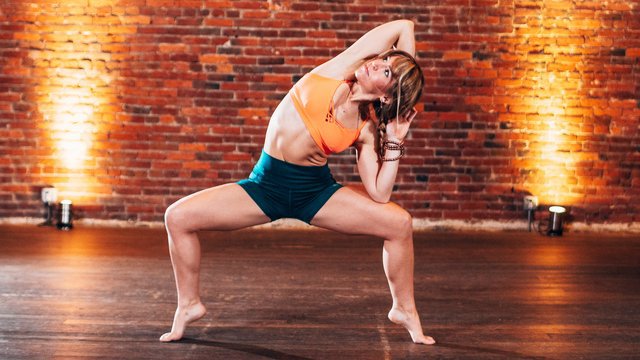
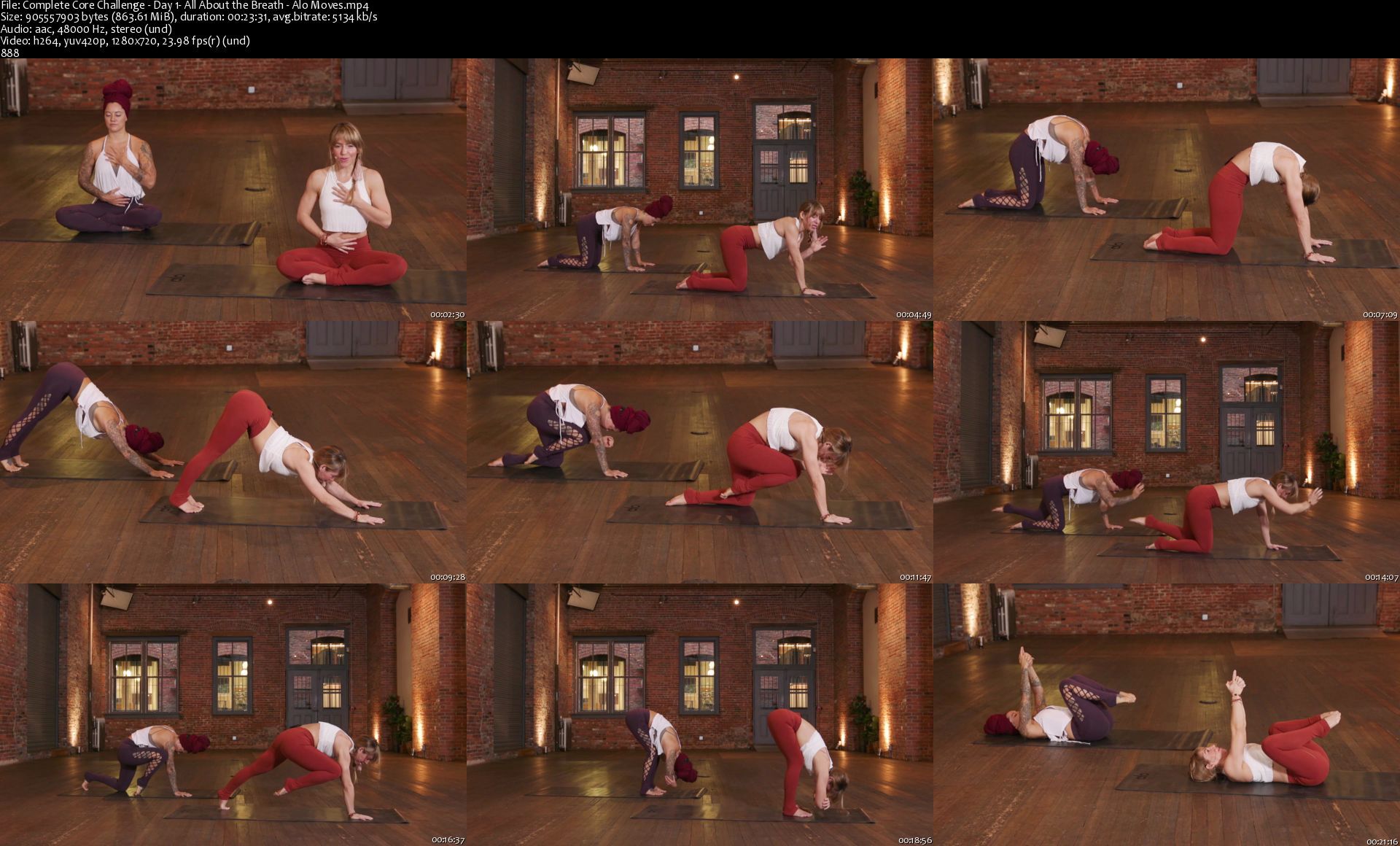
Alomoves - Complete Core Challenge
dlz7jdbrwscqftn4ymbv8c9krc.jpg


Alomoves - Complete Core Challenge
MP4 | Video: h264, 1280x720 | Audio: AAC, 48 KHz, 2 Ch
Difficulty: Intermediate | Genre: eLearning | Language: English | Duration: 14 Videos (4h 27m) | Size: 9.58 GB

Build graceful strength and practice with ease by understanding how to move from your core. This series fills in the gaps of the popularized six-pack ab routine to ignite your core from all angles.

During this 14-day challenge, we isolate, engage, and strengthen five of the major abdominal wall muscles: transverse abdominis, psoas, rectus abdominus, and internal and external obliques. Using targeted drills and efficient exercises, we activate your core as a whole from every angle. Whether your goal is to hold a handstand, find fluidity in your practice, or have better posture, this plan will bring a sense of strength and lightness to your movements both on and off the mat.

Included are 12 quick yet fiery classes and two 30-minute flows. In the short drill classes, we activate, isolate, and strengthen each of these areas in multiple directions. You will learn to incorporate breath and how to fine-tune movements to build even strength across your entire midline. The two "Burn Classes" put the drills into practice. You will not only implement the techniques from previous classes, but apply the strength you have developed.

This series is ideal for someone looking for a fun way to strengthen their core, especially those looking to bring grace, control, and deepened skill to their movements. Modifications and various options are provided to make this series as approachable as possible.

EQUIPMENT
Yoga Blocks
Strap
Blanket (Optional)
Barre Ball

Homepage
completecorechallengeick2s.jpg


Character sculpting with Blender

00805ab4gskp3.jpg


Character sculpting with Blender
MP4 | h264, 1920x1080 | Lang: English | Audio: aac, 44800 Hz | 11h:28m | 19.3 GB

Learn everything you need to create 3D characters with Blender's sculpt mode tools

Content:

In this course you will learn the entire workflow to follow to create characters and many of the most important tools that Blender offers us.

What we will see in the course:

The basics of Blender's sculpt mode

All the brushes and mesh filters in sculpt mode

Practical sculpting exercises

Character project:

Blocking our character with basic objects and fundamentals of anatomy

Blocking of all accessories with simple objects and basic modeling

Polishing of all the body of the character to get a clean model

Polishing of all the accesories and the texture detailing of the different materials on the surface

Posing of our character

Render of our character to create a presentation for the portfolio

The downloadable resources of all the chapters

Access to the students Facebook group

What is included

40+ Videos (Full HD 1080p / MP4, more than 11 hours with english audio)
All the important files of the course including the Blender files of all the chapters.

71creatingthelighting1jjz4.jpg


Aprende Python para principiantes y conviértete en experto

7bvgcsow8adaxksfbt8kcrakqm.jpg


Aprende Python para principiantes y conviértete en experto
MP4 | h264, 1280x720 | Lang: Spanish | Audio: aac, 48000 Hz | 21h 47m | 25.6 GB


What you'll learn
En este curso aprenderás a programar en Python desde cero. Si eres nueva o nuevo en el mundo de la programación este curso es ideal para ti debido a que comenzamos desde las bases de la programación y poco a poco aumentamos los conocimientos tanto de programación como del lenguaje Python. Si ya cuentas con experiencia previa programando, este curso también te será de utilidad ya que contamos con níveles intermedio y avanzado que exploran más posibilidades con Python como programación orientada a objetos.
Temario:
*Módulo 1 Introducción
-¿Qué es la programación?
-¿Por qué Python?
-Instalación y puesta a punto
*Módulo 2 Programación Secuencial
-Tipos de dato
-Variables
-Operadores aritméticos
-Operadores lógicos
-Operadores relacionales
-Entrada y salida de datos
*Módulo 3 Programación Estructurada
-Control selectivo
+Estructura selectiva simple
+Estructura selectiva doble
+Estructura selectiva múltiple
-Control repetitivo
+Estructura repetitiva "mientras"
+Estructura repetitiva "para"
-Procedimientos y funciones
Nivel Intermedio
*Módulo 4 Estructuras de Datos
-Listas (y más sobre cadenas)
-Pilas
-Colas
-Tuplas
-Conjuntos
-Diccionarios
*Módulo 5 Archivos y Módulos
*Módulo 6 Errores y Excepciones
Nivel Avanzado
*Módulo 7 Programación Orientada a Objetos
-Clase y Objeto
-Composición
-Herencia
-Polimorfismo
*Módulo 8 Bases de Datos no Relacionales
-Formato JSON
Requirements
Este curso no requiere conocimientos previos para ser completado con éxito.

Description
En este curso aprenderás desde las bases de la programación en Python 3 hasta la programación orientada a objetos y las bases de datos no relacionales con formato JSON. El curso está dividido en ocho módulos los cuales a su vez están agrupados en tres níveles: Básico, Intermedio y Avanzado.

Este curso está pensado para ser los más accesible posible a estudiantes de cualquier nível entregando las bases para cada tema de forma tal que te den la confianza y seguridad de dominar cada uno de los temas tratados.

El contenido del curso es el siguiente:

Nivel Básico

*Módulo 1 Introducción

-¿Qué es la programación?

-¿Por qué Python?

-Instalación y puesta a punto

*Módulo 2 Programación Secuencial

-Tipos de dato

-Operadores aritméticos

-Operadores lógicos

-Operadores relacionales

-Constantes y variables

-Entrada y salida de datos

*Módulo 3 Programación Estructurada

-Control selectivo

+Estructura selectiva simple

+Estructura selectiva doble

+Estructura selectiva múltiple

-Control repetitivo

+Estructura repetitiva "mientras"

+Estructura repetitiva "para"

-Procedimientos y funciones

Nivel Intermedio

*Módulo 4 Estructuras de Datos

-Listas (y más sobre cadenas)

-Pilas

-Colas

-Tuplas

-Conjuntos

-Diccionarios

*Módulo 5 Archivos y Módulos

*Módulo 6 Errores y Excepciones

Nivel Avanzado

*Módulo 7 Programación Orientada a Objetos

-Clase y Objeto

-Herencia

-Polimorfismo

-Composición

*Módulo 8 Bases de Datos no Relacionales

-Formato JSON


Who this course is for:
Tanto principiantes en el mundo de la progrmación como desarrolladores con experiencia previa debido a que está separado por niveles que se adecúan a distintos tipos de estudiantes.


Homepage

4.archivosparte4sumj63.jpg


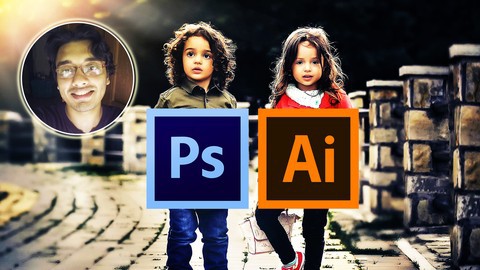
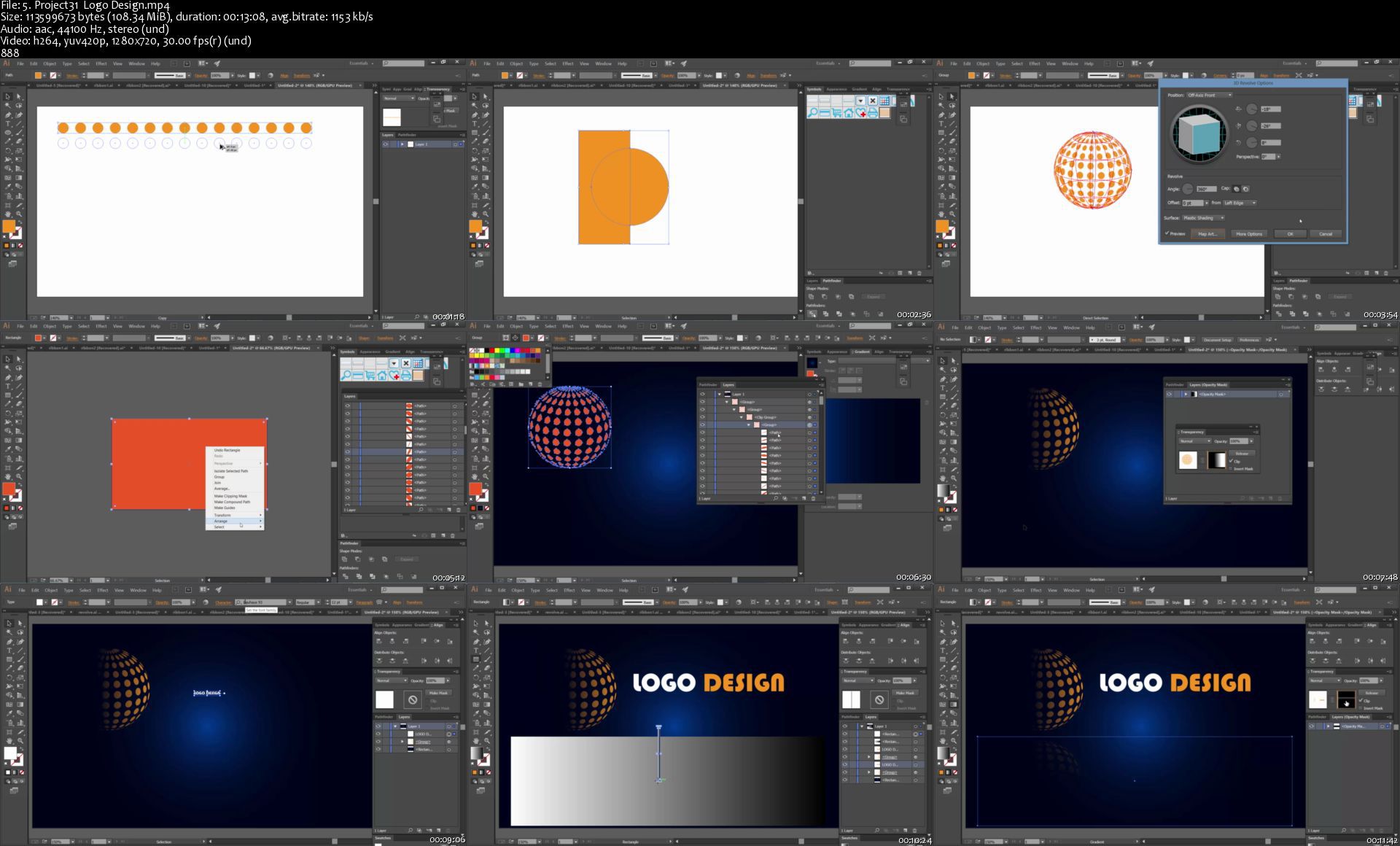
Photoshop and Illustrator MasterCourse : 100+ Projects

00805cafmljq6.jpg


Photoshop and Illustrator MasterCourse : 100+ Projects
MP4 | h264, 1280x720 | Lang: English | Audio: aac, 44100 Hz | 40h 40m | 25.0 GB

Learn Photoshop and Illustrator from Scratch to Master Level with 100+ Projects ,350+ Lectures,40+ Hours Video Content


What you'll learn
After Taking this course , you will Master Both Photoshop and Illustrator .
You will gain enormous confidence in yourself, that you can take up any professional Project
You are going to Become an Active Designer as we will practice with new different images every month
You can Manipulate Images as your wish . You can create your own Fantasy World
You can design Cartoon faces , Awesome Professional Logos , Abstract Backgrounds , Design Effects , Text Effects etc ..
You can do Photo Retouching , Restoration , with Photo Manipulation
You can Master The wizard : 'The Pen Tool'
Requirements
For Photoshop , having Photoshop CC version is preferable and for Illustrator also having Illustrator CC version is preferable .
If you are new to Photoshop or Illusrator , dont worry . You are going to become master after completing this course :) . So dont worry about your current experience or knowledge regarding Photoshop or Illustrator
Description
Are you searching for a 1-Stop Course , where you can Learn both Photoshop and Illustrator from Scratch to Master Level , where you can Learn Designing Awesome Logos , Cartoon Faces , Flowers , Mandalas, Design Effects , Text Effects , Animation Effects , Retouching & Restoration and The Dream of every Designer - Photo Manipulation - Creating Magical Effects !! Creating Fantasy Environment !!

Welcome to this Mega Course - Photoshop and Illustrator MasterCourse which Consists of :

40+ Hours Video Content

Over 100's of Projects Included

More than 350 Lectures

In Illustrator , we are going to cover the following Topics :

Design Effects

Text Effects

Designing Professional Logos

Abstract Backgrounds

Designing Awesome Flowers

Designing Cartoon Faces

Designing Mandalas

Mastering Effects

Mastering 3D in Illustrator

and many more .

In Photoshop we are going to cover the Following Topics :

Design Effects

Text Effects

Retouching

Restoration

Masking

Mastering Pen Tool in Depth (for selecting anything , even Person [for Photo Manipulation])

Awesome Animation Effects

Business Card Design

Photo Manipulation Tips , Tricks and Techniques

and many more .

Every Month , we are going to have different Projects , may it be some Photoshop project or Illustrator Project , so that you can maintain yourself as an Active Designer

Practice Images and Resource Files are Included . More Practice Images will be shared and solved

After taking this course,you will Master Both Photoshop and Illustrator .You will gain enormous confidence in yourself, that you can take up any professional Project. You can Manipulate Images as your wish . You can create your own Fantasy World.You can design Cartoon faces , Awesome Professional Logos , Abstract Backgrounds , Design Effects , Text Effects etc ..

I am really feeling honored to walk you through everything step by step and while taking lectures , if at any point , you feel like you need any help from me regarding this course , please feel free to let me know

So , are you excited to become a Professional High Level Designer and ready to dive into Design World and explore every bits of it ?

Lets get Started !! Enroll in this course and take the first step to become an Active Photoshop and Illustrator Designer.


Who this course is for:
This course is for all of those , who want to Learn Photoshop and Illustrator and want to become Professional Designer
If you want to Learn Photoshop and Illustrator from scratch , this course is for you
If you want to increase your design skills , this course is for you
If you want to design Awesome Logos , Cartoon Faces , Mandalas , Abstract Backgrounds in Illustrator , this course is for you
If you want to Learn Retouching , Restoration , Design Effects , Text Effects , then this course is for you
If you want to Master Pen Tool , this course is for you
If you want to Learn Photo Manipulation Tips Tricks , this course is for you

5.project31logodesignlujth.jpg


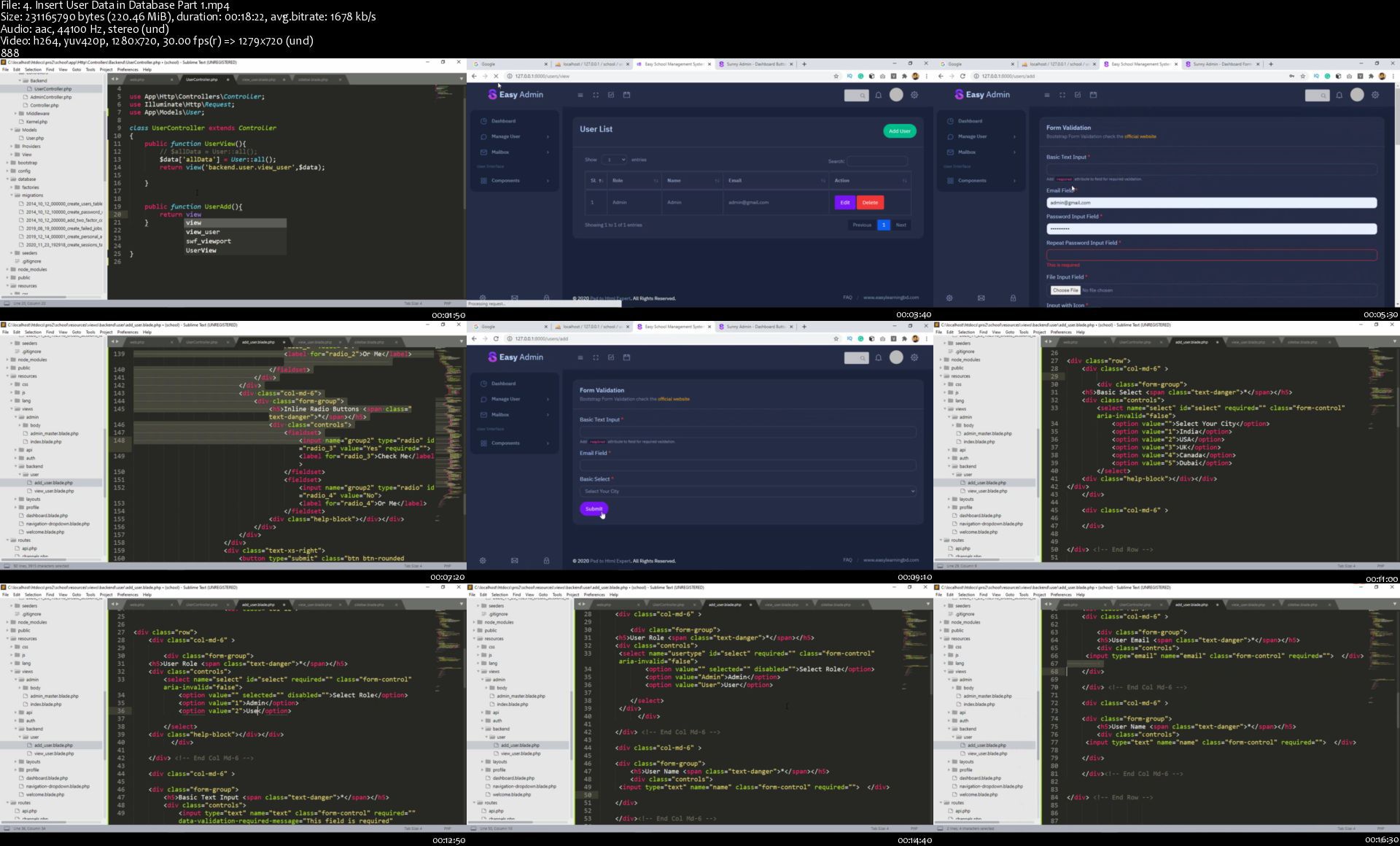
Laravel 8 - Advance Course Build School Management System

008063ed1fkeh.jpg


Laravel 8 - Advance Course Build School Management System
MP4 | h264, 1280x720 | Lang: English | Audio: aac, 44100 Hz | 59h 57m | 35.8 GB

In This Course, You Will Learn Laravel 8 Fundamentals With Project and Complete Advance School Management System Project


What you'll learn:
Create Complete School Management System Project with Laravel 8
Laravel 8 A-Z Basic Fundamentals
Laravel 8 Multi Auth with Jetstream Fortify
Adding Professional Theme
Multiple CRUD Function
Adding Toster in Project
Change Password Option
Dynamic Company Website
Three Different Projects
Advance Manage User Option
Advance Manage User Profile Option
Student Registration Management
Student PDF Generate
Students Roll Generate
Employee Registration
Employee Leave Management
Manage Employee Salary Increment
Employee Attendance Management
Manage Employees Salary
Employee Attendance Report
Students ID Card Generate
Manage Students Result
Multiple JavaScript Functions
Handlebars JS Functions

Requirements
You have to know basic PHP
Local Server : Xampp/Wampp/Vertrigo/Mamp
Text Editor/IDE: Sublime Text, Visual Studio Code, Netbeans, PHPStrom, Atom etc


Description
Laravel 8 - Advanced Project Base Course.

Build Three Different Project with Laravel 8.

Dynamic Company Website with Admin Panel

Laravel Jetstream Authentication A-Z

Complete School Management System Software Project.

Laravel is an open-source PHP framework, which is robust and easy to understand. It follows a model-view-controller design pattern. Laravel reuses the existing components of different frameworks which helps in creating a web application. The web application thus designed is more structured and pragmatic

Why We Should Learn Laravel ?

Laravel is a first development life cycle and less code functionality

it's easy to learn

making web applications faster

configuration error and exception handling

automation testing work.

URL Routing Configuration is very high in Laravel.

Scheduling tasks configuration and management

It has a huge community

Unlimited resource.

What is your benefit ?

As i said This is complete Project base course. You will build three different project. One will be Dynamic Company Website. Jetstream Authentication A-Z and Complete School Management System Software. This complete three project course which beings you to Beginner to Advance level. You will able to understand how to complete projects, how to handle project bugs, Core structures of MVC and much more. You will be able to start work for your client. Add this project in your profolio and university assignment And most importantly you will get my support with in 24 hours. If you have any issues just let me know about this i will be in your touch.

What is the Best Part of this Course?

Create Complete School Management System Project with Laravel 8

Laravel 8 A-Z Basic Fundamentals

Laravel 8 Multi Auth with Jetstream Fortify

Adding Professional Theme

Multiple CRUD Function

Adding Toster in Project

User Change Password Option

Image Upload System

Dynamic Company Website

Advance Manage User Option

Advance Manage User Profile Option

Student Registration Management

Student PDF Generate

Students Roll Generate

Employee Registration

Employee Leave Management

Manage Employee Salary Increment

Employee Attendance Management

Manage Employees Salary

Employee Attendance Report

Students ID Card Generate

Multiple JavaScript Functions

Multiple Image Upload

Handlebars JS Functions

and much more functions ..

This course you will not just learn you actually doing it. Learn and apply this on live project with me.

Sound Great right?

-----------------------------------------------------------

Click the "Enroll Now" button at the top right now!

I am excited to see you in the course!

Sincerely,

easy Learning

Who this course is for
Students who want to take their PHP skills to another level should take this course
This course is for beginners to advanced laravel developers who want to increase their skills
University Project Assignment
Who want to become Advance Laravel Developer.

4.insertuserdataindattfjww.jpg


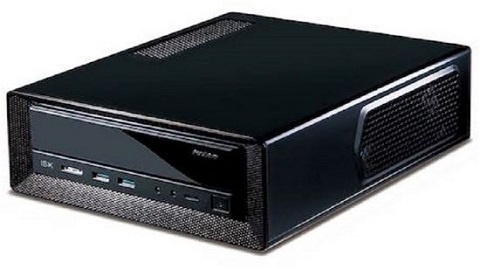
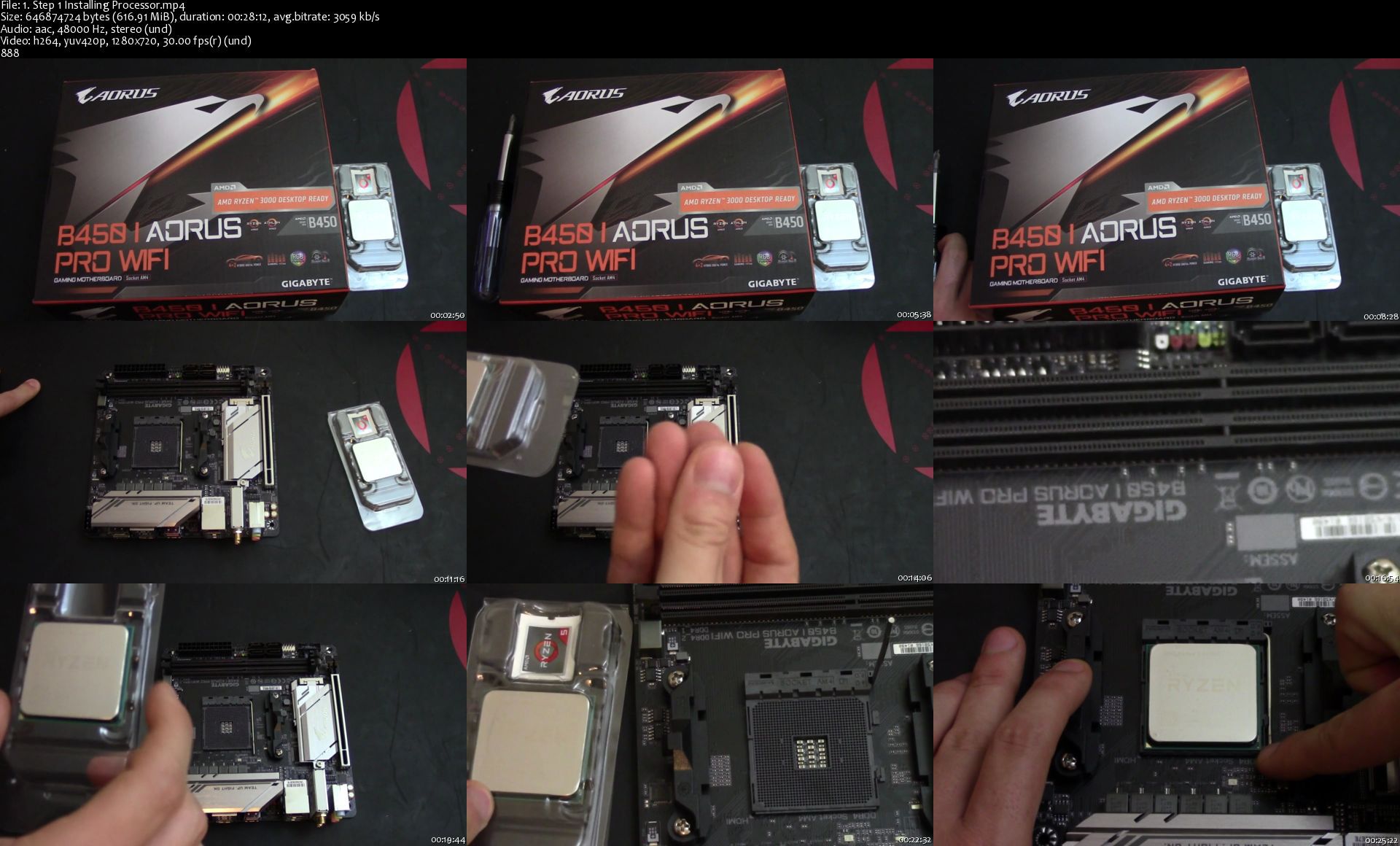
How To Build a General Use/Home Theater Mini PC

00805e8ctkjrc.jpg


How To Build a General Use/Home Theater Mini PC
MP4 | h264, 1280x720 | Lang: English | Audio: aac, 44100 Hz | 5h 38m | 7.18 GB

Learn how to build a home theater or general use PC


What you'll learn:
How to build a home theater/general use pc

Requirements
Basic computer knowledge of components, i have a course for teaching you about each component and component selection


Description
Learn how to build a compact PC

This kind of PC would be great for "general use"

Examples: Streaming movies, browsing the web, playing web based games, and maybe some AAA games at 720p.

Also this would be a great work PC.

Examples: doing taxes, word documents, 1080p video editing, excel, website building, digital art, light animation, programming, etc.

Start at going over the components for the build individually and reviewing the hardware for the build

Then begin computer assembly

Finally do your first boot and install windows to then be able to use your custom pc.

Main hand tool used in this course is a various size screwdrivers

Also a optional tool that i recommend is a anti static wristband that is attached to a grounded outlet or the case of the computer so that you cannot shock and damage your components

I am using a mod mat in this video which is a mat designed for PC builders with built in anti static hand strap support however this is not necessary.

Some modifications of case components were performed off camera make sure that if you are not comfortable doing these kinds of modifications you seek support before attempting.

Thanks for checking out the course make sure you preview all the free lectures you can to make sure the course is for you.

Who this course is for
Beginner pc builders

1.step1installingproc1jj3e.jpg


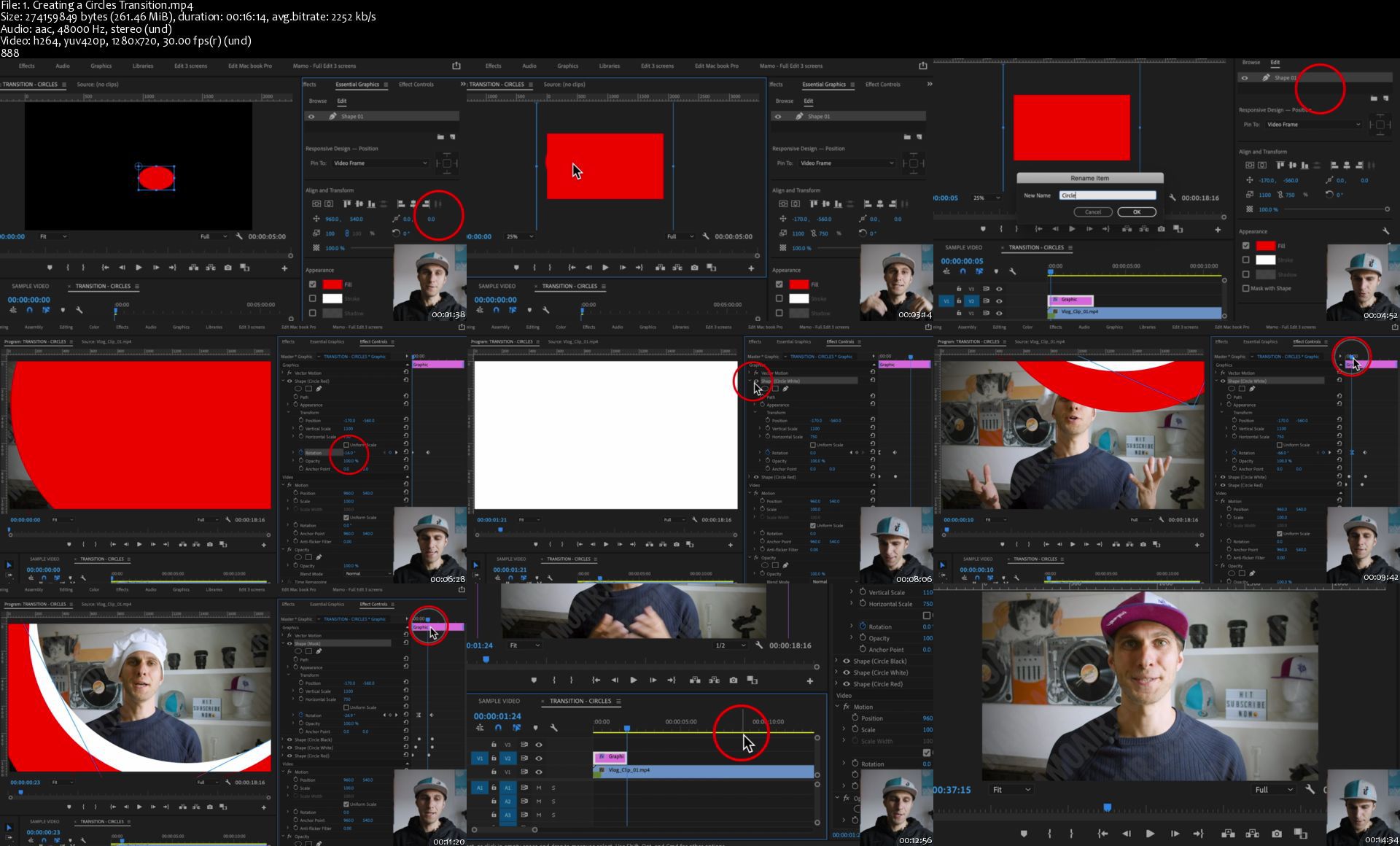
Create a Youtube GRAPHIC PACKAGE in Adobe Premiere Pro 2020

oe1lxlyhdtv0rafrg6v7l02jgo.jpg


Create a Youtube GRAPHIC PACKAGE in Adobe Premiere Pro 2020
MP4 | Video: h264, 1280x720 | Audio: AAC, 44.1 KHz, 2 Ch
Genre: eLearning | Language: English + .srt | Duration: 25 Lectures (4h 34m) | Size: 5.15 GB

Improve your video editing skills as you build a Youtube graphic package for your videos in Adobe Premiere Pro 2020

What you'll learn:
How to build an animated graphic package for your professional videos, youtube and social media.
How to use the Essential Graphics of Adobe Premiere Pro
How to draw custom shapes
How to animate shapes with keyframes
How to use masks
Where to get social media brand resources, including logos and guidelines to use these assets following each company's rules.
How to create animated openers, transitions, lower-third graphics, subscribe buttons, endboards.
How to dress the animations with sound effects
How to export the graphics with audio
Some useful keyboard shortcuts.
You'll get professional video editing and graphic design tips.
How to save your graphics as presets

Requirements
Students should have Adobe Premiere Pro installed on their computers to follow along.
You'll need at least 500MBs of free disk space on your computer
Be able to unzip ".ZIP" files for the material provided.
Be familiar with Adobe Premiere Pro software
Knowing already the basics of video editing in Premiere Pro
Some knowledge of video making terms and concepts like video resolution, aspect ratio, frames, frame rate, time code.
Knowing the basics of what keyframes are and how to animate graphics


Description
Do you need a graphic package for your videos? Do you want to learn how to create animated transitions, openers, subscribe buttons and end-boards for your youtube channel?

Whether for professional work or your vlogs, you can now do so yourself with this course by using the Essential Graphics of Adobe Premiere Pro 2021.

WHAT YOU'LL LEARN:

You could, of course, buy a pre-made graphic package for your videos but joining this course is definitely a better investment for your future because, not only you'll get the graphic package, but you'll also learn how to build it yourself, and with some creativity and practice your graphic-work will be endless.

If you do video editing, making animated graphics in Premiere Pro will also benefit your workflow and will allow you to use a single software for either these aspects of content production.

And of course, we'll cover the some useful keyboard shortcuts.

IT WILL BE FUN!

We'll work together on a different animated graphic asset in each section and this will give you the ability to get familiar with animations, graphic design in general and keyframes. These graphic items will be completely customisable allowing you to change the duration of the animations, colours, fonts, sizes, adding your own logo and make it yours!

Together we'll build:

- 1 opener

- 1 lower-third graphic

- 3 transitions

- 1 subscribe button

- 1 endboard

You'll also get sound effects, included in the course, to bring those animations to life.

Finally you'll be asked to customise your graphic package and share one of your latest videos or vlogs.

MY PROMISE TO YOU

Once you'll have completed the course, you'll be familiar with the Essential Graphics of Adobe Premiere Pro and you'll be able to create animated graphics on your own.

You'll also have understood:

- how and when to use animated graphics

- how to draw custom shapes

- how to animate shapes with keyframes

- how to use masks

- how to save your graphic as presets

- how to dress the animations with sound effects

- how to export the graphics with audio

- how to use the responsive design mode of Essential Graphics Panel

- where to get social media brand resources, including logos and guidelines to use these assets following each company's rules.

PS: This course was built on Adobe Premiere Pro 2020 of Creative Cloud, Version 14.0.0 and 14.3.0 on a Mac Computer and it is suitable for Windows users too.

For Windows users

If, when importing the material into Premiere Pro, you see some warning board about "._.DS.Store", just keep pressing "OK" and ignore all the files named "._.DS.Store", ".DS.Store" and also the video files starting with "._"

These are only files of reference not needed to follow the course normally.

Who this course is for
You are a vlogger and you want to build a graphic package for your youtube channel and social media.
You are a professional and want to learn how to create animated graphics in Premiere Pro
You're switching from a different video editing software and you want to learn graphics in Adobe Premiere Pro.

Homepage

1.creatingacirclestraz4kc5.jpg


Build your Lighting Knowledge

00806136nvjc3.png


Build your Lighting Knowledge
Duration: 9h 42m | .MP4 1280x720, 30 fps(r) | AAC, 48000 Hz, 2ch | 5.86 GB
Genre: eLearning | Language: English

Create Dynamic Portraits When You Know The Fundamentals Of Lighting
Understanding how and where light is found when taking a photograph is one of the most essential learnings when taking a portrait. It's easy to spend a lot of time working on complicated lighting set-ups when your best light is often right in front of you. Join well-known portrait photographer Peter Hurley as he simplifies the process by walking you through the fundamentals of lighting. He'll explain natural light and how to work with what's available. He'll discuss how to work with continuous light and the best way to use strobes. Over the course of this class you'll be able to photograph a portrait using:
Natural Lighting Continuous LIghting
Strobe Lighting
A mixture of variable lighting to create a dynamic portrait with a simple set up

More Info

008061358tjtp.jpg


DesignCode - Swift Advanced (Updated 01/2021)

ohr6ah8msbutfd9zfgdt2u3j2d.jpg


DesignCode - Swift Advanced (Updated 01/2021)
Meng To | Duration: 9h+ | Video: H264 1920x1080 | Audio: AAC 48 kHz 2ch | 6,87 GB | Language: English + .vtt

Swift Advanced takes you through Swift's features, from low-level programming to high-level abstractions.

Fitures:

• Flat navigation using a bottom bar
• Table View Controller: Contacts, messages, bookmarks and all other vertical data
• Web View Controller: Display and control web content without leaving the app
• Default Transitions: Add an animation between your screens
• CocoaPods: Dependency manager for your Xcode projects
• Delegation: One object acting on behalf of another

Homepage

uyvk9pftrqf2rzjwvsyup6mkyv.jpg


DesignCode - Build a web app with React Hooks

k6gldgtertxglsndfqrirb0ja2.jpg


DesignCode - Build a web app with React Hooks
Meng To | Duration: 4h+ | Video: H264 3840x2160 | Audio: AAC 44,1 kHz 2ch | 6,25 GB | Language: English + .vtt

Learn how we built the new Design+Code site with React Hooks using Gatsby, Netlify, and advanced CSS techniques with Styled Components.

In this course, you'll learn step-by-step how to build parts of Design+Code 4 from scratch. Everything you'll code exists on the live site, using exactly the same tech stack. You'll use the bleeding edge techniques in React and CSS 3 that will prepare you for your next job, or to make your developers' lives a little easier. The UI templates, source code will be provided along with text content, videos and chat support for better understanding. You don't need programming experience since it'll be explained visually from a designer's perspective, but having minimal knowledge of HTML, CSS will help you tremendously. Finally, you can take a test after completing the course to gain a certificate.

Homepage

r7rb8kztfdmnvrfmu3kha20k0z.jpg


Master Responsive Web Design CSS Grid, Flexbox & Animations

00806596b4jar.jpg


Master Responsive Web Design CSS Grid, Flexbox & Animations
MP4 | h264, 1280x720 | Lang: English | Audio: aac, 44100 Hz | 12h 23m | 5.42 GB

Build Responsive Websites using the latest Web Technologies like CSS3 Grid, CSS3 Flexbox, CSS Transitions & Animations


What you'll learn:
Build real-world responsive websites with a beautiful and truly modern design
Learn the Mobile First approach to building websites
CSS3 Grid Layout
CSS3 Flexbox Layout
CSS Transitions & Rotations
CSS Animations
Mobile First Design
Web Design

Requirements
Basic HTML
Basic CSS
Basic PC / Mac knowledge


Description
Hi there, my name is Norbert B. Menyhart and together we are going to learn how to build professional responsive websites, from Desktop to Tablet and Mobile.

For this you will first get started with modern Technologies like:

CSS3 Flexbox Layout

CSS3 Grid Layout

CSS Transitions, Translations, rotations

CSS @keyframes

CSS Animations

@media queries for Desktop, Tablet and Mobile design

Mobile First Approach

CSS3 Variables

Real Life Projects, Projects, Project...

Then we will build a ton of Projects together:

a simple but elegant restaurant website.

a responsive portfolio website.

a Bootstrap website.

and more projects to come.

We will cover everything you need to build your first website and get you Started in the World of a Web Designer. From creating your first landing page to building your large website.

We will also learn about the most popular code editor in the World: Visual Studio Code aka VS-Code.

You will.

Learn how to work with responsive images and icons. and stunning full screen background images and probably one too many gradients.

Learn how to create forms and to choose great fonts for your website.

Learn how to work with Bootstrap 4 to easily add carousels, cards and complex looking menus.

Setup a domain name with hosting so that your website is live on the internet for others to see.

Time to upgrade yourself?

Sign up for the course and let's learn how to build responsive websites.


Who this course is for:

This course is for people who want to start getting a well rounded understanding of website design

Entrepreneurs

This course is suited for people that want to learn the basics of website design

This course is suited for people that don't have any experience with coding a website

Who this course is for
beginner web developer
beginner front end developer
beginner css
beginner html
beginner web designers

6.displaygridgridtempxvkw3.jpg


Machine Learning And Data Science With Python Bootcamp 2021

00807a1a01jzu.jpg


Machine Learning And Data Science With Python Bootcamp 2021
Duration: 15h 39m | .MP4 1280x720, 30 fps(r) | AAC, 44100 Hz, 2ch | 5.48 GB
Genre: eLearning | Language: English

Learn Machine learning and data science with python and solve real world machine learning problems


What you'll learn
Numpy
Pandas
Matplotlib
Sklearn

Requirements
Basics of python


Description
The Importance of Machine Learning

Machine learning has several very practical applications that drive the kind of real business results - such as time and money savings - that have the potential to dramatically impact the future of your organization. At Interactions in particular, we see tremendous impact occurring within the customer care industry, whereby machine learning is allowing people to get things done more quickly and efficiently. Through Virtual Assistant solutions, machine learning automates tasks that would otherwise need to be performed by a live agent - such as changing a password or checking an account balance. This frees up valuable agent time that can be used to focus on the kind of customer care that humans perform best: high touch, complicated decision-making that is not as easily handled by a machine. At Interactions, we further improve the process by eliminating the decision of whether a request should be sent to a human or a machine: unique Adaptive Understanding technology, the machine learns to be aware of its limitations, and bail out to humans when it has a low confidence in providing the correct solution.

Machine learning has made dramatic improvements in the past few years, but we are still very far from reaching human performance. Many times, the machine needs the assistance of human to complete its task. At Interactions, we have deployed Virtual Assistant solutions that seamlessly blend artificial with true human intelligence to deliver the highest level of accuracy and understanding.

Finding Better Career Opportunities

Machine learning is being used in different fields; health care, finance, business and others, and that's why it empowers any person working in any field. A report done by TMR noted that machine learning as a service is predicted to grow to $19.9 billion by the end of 2025, from a mere $1.07 billion in 2016. Actually, a lot of companies are now investing in machine learning since it covers different things, such as image recognition, medicine, cyber security, facial recognition and more.

When you come to understand and learn machine learning, you open more gates for yourself in the future. It is not just about finding a better career opportunity, but it is also about taking your business to another level or making it part of something global.

Receiving Better Salaries

Better career opportunities always bring better salaries along with them, and learning machine learning will bring you better career opportunities with a better salary. According to Indeed, the average machine learning engineer salary is approximately $146,085 which is about 344% increase since 2015.

Machine Learning Jobs are on the rise

One of the other important reasons why it would benefit you to learn more about machine learning is being able to fill any of the job posts that are posted. The top tech companies are always searching for machine learning engineers who can build algorithms. According to Indeed, the number of machine learning jobs have been rising from 2014, stating that the number of machine learning engineer job postings outstrip the number of searches for machine learning. This lack could actually lead to a gap between the number of jobs posted and the number of employees to fill them, and that's why it's important to learn machine learning.

You Could Also Land for a Data Scientist Job

In addition to becoming a machine learning engineer, machine learning could actually help you land for a data scientist job since it is directly linked to data science. Learning machine learning will always make you a hot choice for employers since you will be able to serve them in both ways; as a machine learning engineer and a data scientist. This means that you can analyze data, extract value from it, and later use this information to train a computer how to predict results.


Who this course is for:
Beginners in machine learning

More Info

1.polynomialregressiohek7j.jpg


Zurück
Oben Unten