• Regeln für den Video-Bereich:

    In den Börsenbereich gehören nur Angebote die bereits den Allgemeinen Regeln entsprechen.

    Einteilung

    - Folgende Formate gehören in die angegeben Bereiche:
    - Filme: Encodierte Filme von BluRay, DVD, R5, TV, Screener sowie Telesyncs im Format DivX, XviD und x264.
    - DVD: Filme im Format DVD5, DVD9 und HD2DVD.
    - HD: Encodierte Filme mit der Auflösung 720p oder darüber von BluRay, DVD, R5, TV, Screener sowie Telesyncs im Format x264.
    - 3D: Encodierte Filme von BluRay, die in einem 3D Format vorliegen. Dies gilt auch für Dokus, Animation usw.
    - Serien: Cartoon/Zeichentrick, Anime, Tutorials, Dokumentationen, Konzerte/Musik, Sonstiges sind demnach in die entsprechenden Bereiche einzuordnen, auch wenn sie beispielsweise im High Definition-Format oder als DVD5/DVD9/HD2DVD vorliegen. Ausnahme 3D.
    - Bereich Englisch: Englische Releases gehören immer in diesen Bereich.
    - Bereich Talk: Der Bereich, in dem über die Releases diskutiert werden kann, darf, soll und erwünscht ist.


    Angebot/Beitrag erstellen

    - Ein Beitrag darf erst dann erstellt werden, wenn der Upload bei mindestens einem OCH komplett ist. Platzhalter sind untersagt.
    - Bei einem Scenerelease hat der Threadtitel ausschließlich aus dem originalen, unveränderten Releasenamen zu bestehen. Es dürfen keine Veränderungen wie z.B. Sterne, kleine Buchstaben o.ä. vorgenommen werden. Ausnahme Serienbörse:
    - Bei einem Sammelthread für eine Staffel entfällt aus dem Releasename natürlich der Name der Folge. Beispiel: Die Simpsons S21 German DVDRip XviD - ITG
    - Dementsprechend sind also u.a. verboten: Erweiterungen wie "Tipp", "empfehlenswert", "only", "reup", usw. / jegliche andere Zusatzinformation oder Ergänzung, welche nicht in obiger Beschreibung zu finden ist.

    Aufbau des Angebots und Threadtitel

    Der Titel nach folgendem Muster erstellt zu werden. <Name> [3D] [Staffel] [German] <Jahr> <Tonspur> [DL] [Auflösung] <Quelle> <Codec> - <Group>
    Beispiel: The Dark Knight German 2008 AC3 DVDRip XviD - iND
    Beispiel: The Dark Knight 2008 DTS DL BDRip x264 - iND
    Beispiel: The Dark Knight 2008 AC3 DL BDRip XviD - iND
    Beispiel: The Dark Knight German 2008 AC3 720p BluRay x264 iND
    Beispiel: The Dark Knight 2008 DTS DL 1080p BluRay x264 iND
    Beispiel: Die Simpsons S01 German AC3 DVDRip XviD iND
    Beispiel: Die Simpsons S20 German AC3 720p BluRay x264 iND
    Beispiel: Sword Art Online II Ger Sub 2014 AAC 1080p WEBRip x264 - peppermint
    Entsprechend sind also u.a. verboten: Sonderzeichen wie Klammern, Sterne, Ausrufezeichen, Unterstriche, Anführungszeichen / Erweiterungen wie "Tipp", "empfehlenswert", "only", "reup", usw. / jegliche andere Zusatzinformation oder Ergänzung, welche nicht in obiger Beschreibung zu finden ist
    Ausnahmen hiervon können in den Bereichen geregelt sein.

    Die Beiträge sollen wie folgt aufgebaut werden:
    Überschrift entspricht dem Threadtitel
    Cover
    kurze Inhaltsbeschreibung
    Format, Größe, Dauer sind gut lesbar für Downloader außerhalb des Spoilers zu vermerken
    Nfo sind immer Anzugeben und selbige immer im Spoiler in Textform.
    Sind keine Nfo vorhanden z.B. Eigenpublikationen, sind im Spoiler folgende Dateiinformationen zusätzlich anzugeben :
    Quelle
    Video (Auflösung und Bitrate)
    Ton (Sprache, Format und Bitrate der einzelnen Spuren)
    Untertitel (sofern vorhanden)
    Hosterangabe in Textform außerhalb eines Spoiler mit allen enthaltenen Hostern.
    Bei SD kann auf diese zusätzlichen Dateiinformationen verzichtet werden.

    Alle benötigten Passwörter sind, sofern vorhanden, in Textform im Angebot anzugeben.
    Spoiler im Spoiler mit Kommentaren :"Schon Bedankt?" sind unerwünscht.


    Releases

    - Sind Retail-Release verfügbar, sind alle anderen Variationen untersagt. Ausnahmen: Alle deutschen Retail-Release sind CUT, in diesem Fall sind dubbed UNCUT-Release zulässig.
    - Im Serien-Bereich gilt speziell: Wenn ein Retail vor Abschluss einer laufenden Staffel erscheint, darf diese Staffel noch zu Ende gebracht werden.62
    - Gleiche Releases sind unbedingt zusammenzufassen. Das bedeutet, es ist zwingend erforderlich, vor dem Erstellen eines Themas per Suchfunktion zu überprüfen, ob bereits ein Beitrag mit demselben Release besteht. Ist dies der Fall, ist der bereits vorhandene Beitrag zu verwenden.
    - P2P und Scene Releases dürfen nicht verändert oder gar unter einem iND Tag eingestellt werden.


    Support, Diskussionen und Suche

    - Supportanfragen sind entweder per PN oder im Bereich Talk zu stellen.
    - Diskussionen und Bewertungen sind im Talk Bereich zu führen. Fragen an die Uploader haben ausschließlich via PN zu erfolgen, und sind in den Angeboten untersagt.
    - Anfragen zu Upload-Wünschen sind nur im Bereich Suche Video erlaubt. Antworten dürfen nur auf Angebote von MyBoerse.bz verlinkt werden.


    Verbote

    - Untersagt sind mehrere Formate in einem einzigen Angebotsthread, wie beispielsweise das gleichzeitige Anbieten von DivX/XviD, 720p und 1080p in einem Thread. Pro Format, Release und Auflösung ist ein eigener Thread zu eröffnen.
    - Grundsätzlich ebenso verboten sind Dupes. Uploader haben sich an geeigneter Stelle darüber zu informieren, ob es sich bei einem Release um ein Dupe handelt.
    - Gefakte, nur teilweise lauffähige oder unvollständige Angebote sind untersagt. Dies gilt auch für eigene Publikationen, die augenscheinlich nicht selbst von z.B. einer DVD gerippt wurden. Laufende Serien, bei denen noch nicht alle Folgen verfügbar sind, dürfen erstellt und regelmäßig geupdatet werden.
    - Untersagt sind Angebote, welche nur und ausschließlich in einer anderen Sprache als deutsch oder englisch vorliegen. Ausnahmen sind VORHER mit den Moderatoren zu klären.


    Verstoß gegen die Regeln

    - Angebote oder Beiträge, die gegen die Forenregeln verstoßen, sind über den "Melden"-Button im Beitrag zu melden.
  • Bitte registriere dich zunächst um Beiträge zu verfassen und externe Links aufzurufen.

++ Premium IPTV ++ 7000 Live Sender ++ UHD Qualität ++ Mediathek mit 18.000 Inhalten ++


VenneTV


Englische Tutorials

NativeScript with Angular Pro
nyy0w6j6py0hsputt9wzlfrjki.png


NativeScript with Angular Pro
MP4 | Video: h264, 1280x720 | Audio: AAC, 44.1 KHz, 2 Ch
Genre: eLearning | Language: English | Duration: 99 Lessons (8h 58m) | Size: 5.53 GB

The complete course for developing NativeScript with Angular mobile applications for iOS and Android. Summary
This course is an advanced course that covers everything from iOS and Android application lifecycle control to testing, transpiling, and deploying your applications, using the NativeScript framework with Angular.


What you'll learn
This course will help you become and expert in cross-platform mobile app development by mastering the advanced topics in NativeScript and Angular. You will use a practical approach to the advanced topics by building an end-to-end mobile application, solving a real-world problem at an enterprise level.

You will begin with covering the important features of NativeScript that you might not be aware of, which can make your work easier. Then we'll cover advanced topics like the core concepts, user interface, plugins, templates, performance optimisations, framework modules, etc. You will also cover unit testing, debugging along with advanced CLI workings. And of course, we'll cover deployment to app stores.

We'll go into some best practices as well as troubleshooting techniques that will be useful. By the end of the course, you will have upgraded your skills by mastering the advanced topics in NativeScript and will have a skilled advantage to grow in your career.

Homepage
lesson24si8jch.jpg


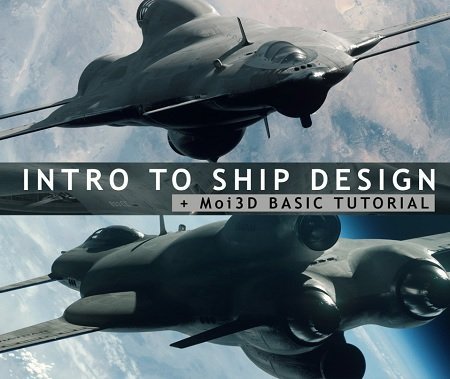
Gumroad - Intro to ship design + Moi3D basics

mfhom52c6ukemy1hxn1l6hmko8.jpg


Gumroad - Intro to ship design + Moi3D basics
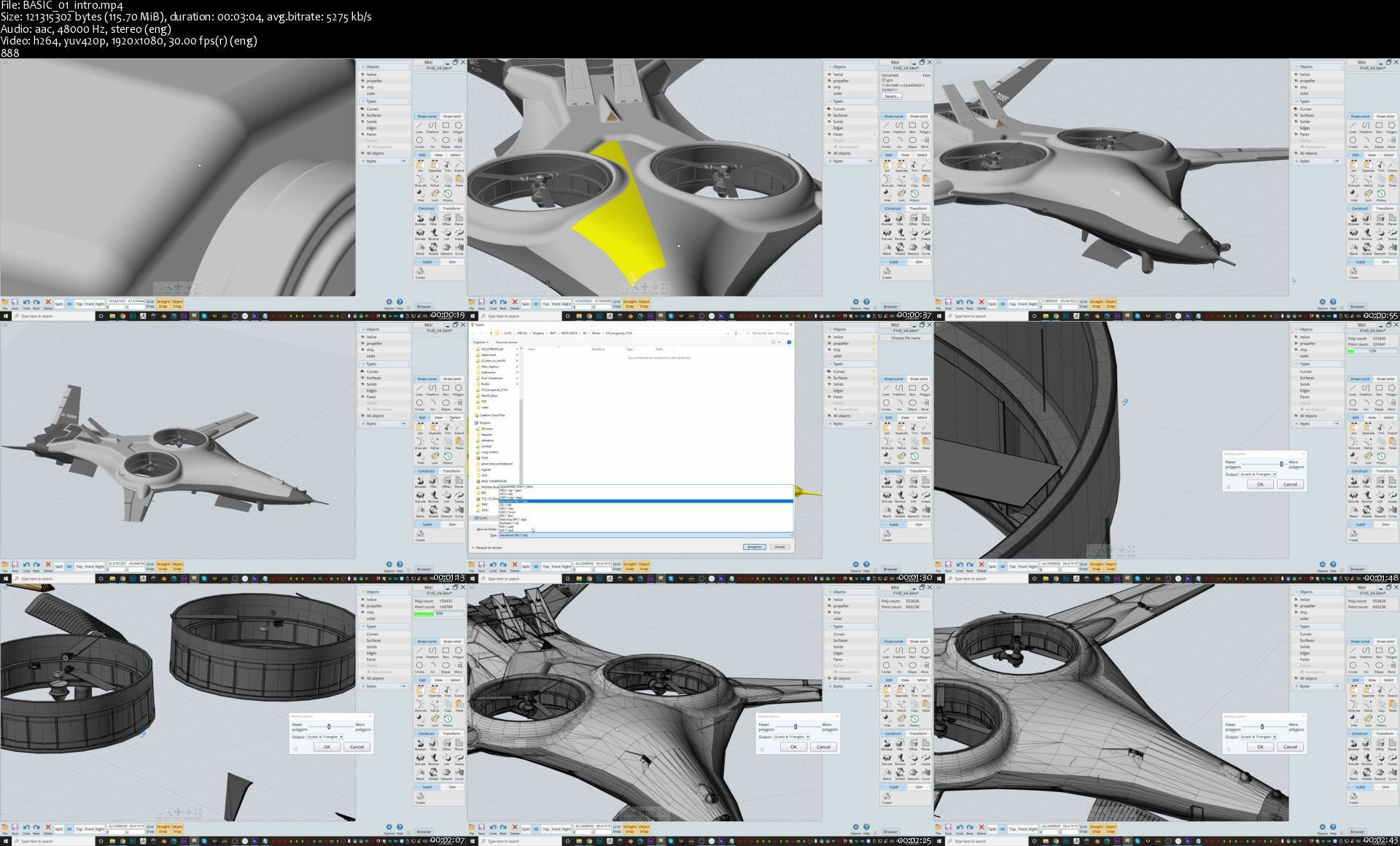
Duration: 5h | Video: .MP4 1920x1080, 30 fps | Audio: AAC, 48 KHz, 2 channels | Size: 12.4 GB
Genre: eLearning | Language: English

In this tutorial I will show you the basics of Moi3D and how to create a ship from start to finish, using Moi3D, Blender, Octane render and Photoshop. The tutorial is accessible to everyone. I will guide you through the process of designing your spaceship going from very simple shapes to a more complex and finished design, all in a matter of just a few hours.

If you are a Blender user like me, you will see that it shares many similar shortcuts with Moi3D, which I found to be very convenient.

If you don't have Octane, no problem! You can get the same result with any other good rendering engine.

What you get:
• 5 hours of narrated videos (normal speed)
• PART I: Covers Moi3D basics and all my tips & shortcuts: 1 hour
• PART II: Ship demo, covers all the steps to designing a ship in Moi3D: 3h20
• PART III: Kitbashing in blender, setting-up the scene in Octane Render, Final touch-ups in Photoshop: 1 hour.
• My shortcuts (allow you to be faster, Blender friendly)
• Textures used, Renders, JPGs, PSDs, Blender scenes, OBJs, Octane scene.
• Kitbash set: 1x jet engine, 1x space engine, 1x cockpit, 1x small prop, .OBJ, .BLEND

Why use Moi3D?
It is a CAD modeling tool, meaning there is no limit to detail.

It is very fast and efficient, and you can create shortcuts for almost every action.

The export system (.OBJ, .FBX etc.) is very powerful, and allows you to control the density of the geometry from very low to very high poly, and oh, it exports very cool UV automatically as well !

One of my favorite tools by far, I hope you find it as useful as I do!

Instructor: By. Timofey Stepanov

Homepage

basic01intros0mka5.jpg


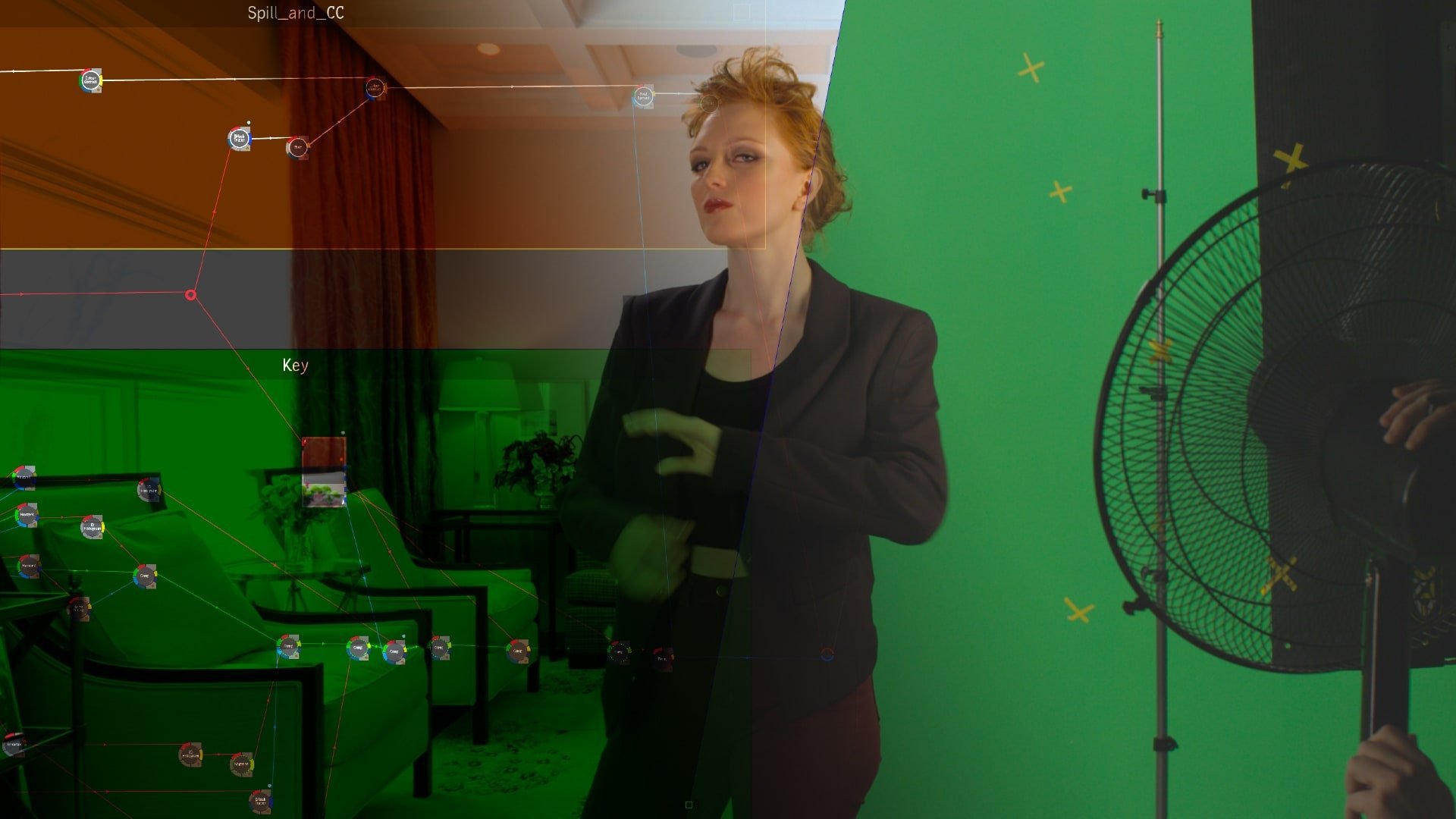
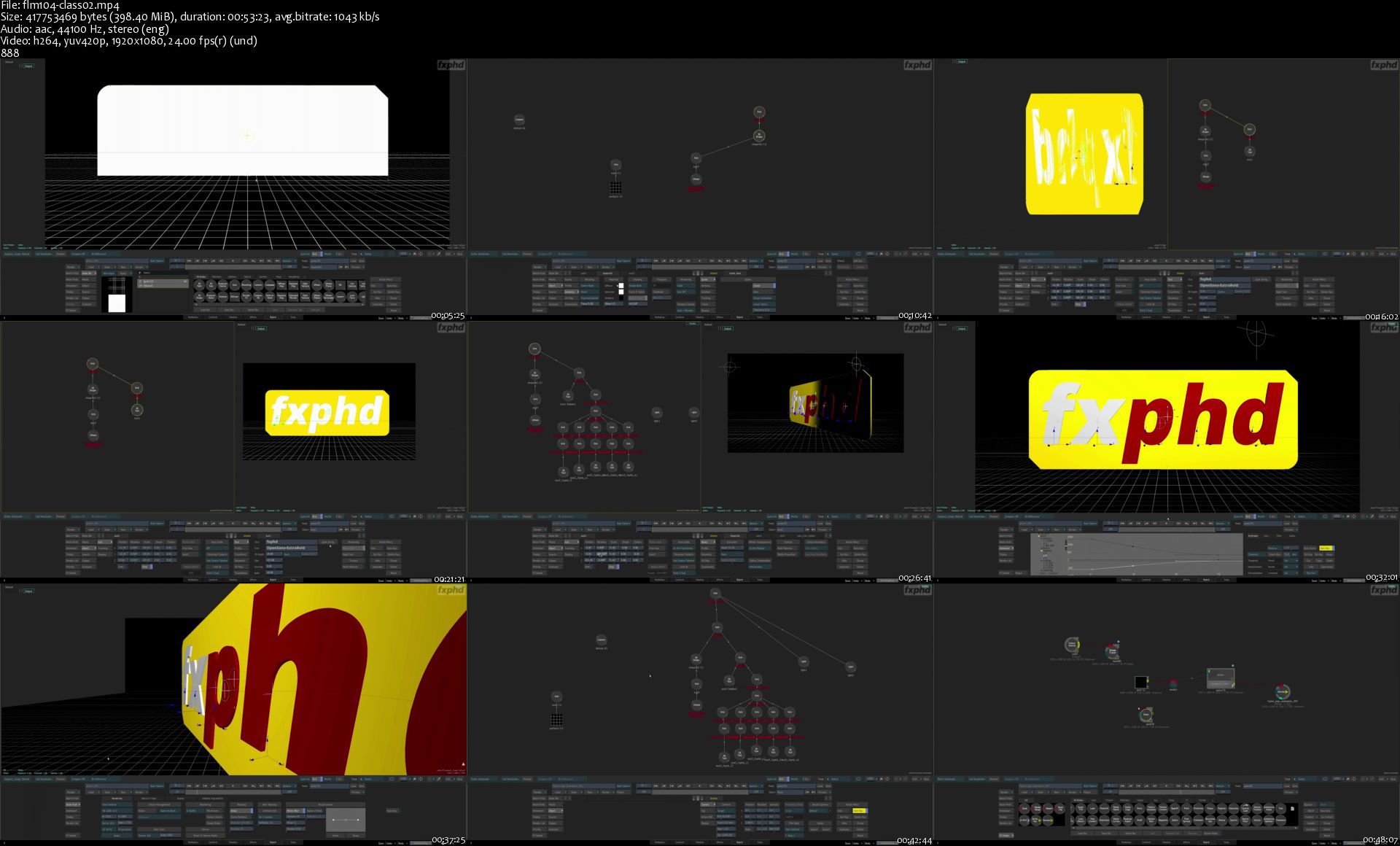
FXPHD: Introduction to Flame - Part 1 & 2

opzsdckfhecwccnohhabgfyjs7.jpg


FXPHD: Introduction to Flame - Part 1 & 2
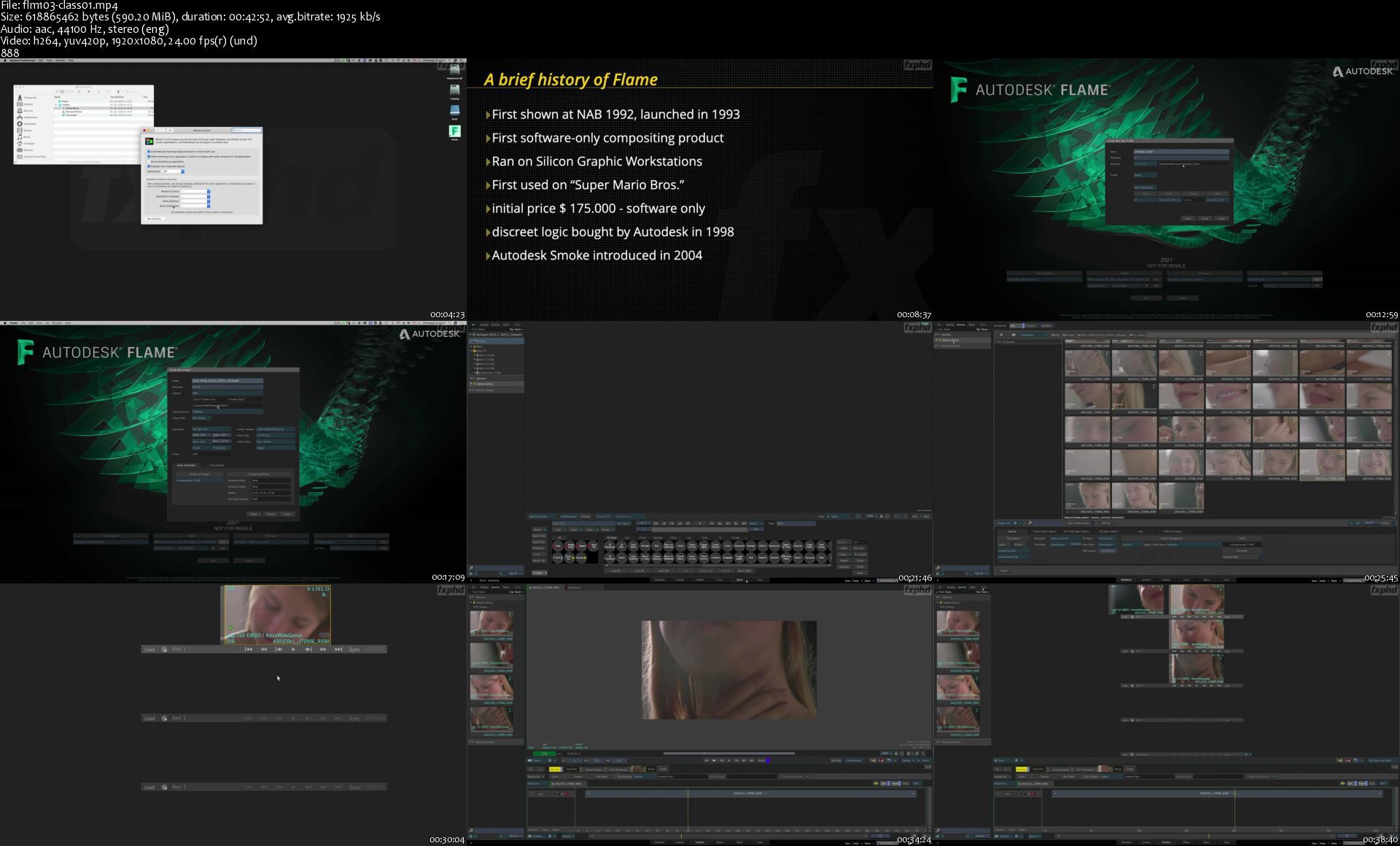
Duration: 9h 50min | Video: .MP4 1920x1080, 24 fps | Audio: AAC, 44.1 KHz, 2 channels | Size: 8.45 GB
Genre: eLearning | Language: English

Flame has the reputation of a mystery box. While widely used in the realm of commercials and advertising for everything from editing, vfx, grading to finishing, it has the perception to have a steep learning curve. This course aims to demystify Flame and provide a solid foundation in all the different areas in which Flame can be used. Starting with media management and editing, you'll quickly dive into the rabbit hole of node-based compositing, utilizing many tools unique to Flame.

With a balance between technical background and hands-on work, this course will introduce you to tools inside of flame that can seem overwhelming at first, but by taking it step by step you will soon be able to master this great tool. Flame for Mac OS is available on the fxphd VPN so you can follow along with the course.

Christoph Zapletal is a Freelance Flame and Nuke Artist and has been working in the industry for a little over twenty years. One of his specialities is beauty work and retouching. Beyond that, he is an Instructor at SAE Institute and a frequent contributor to Digital Production Magazine.

Introduction to Flame - Part 1 Content
CLASS 1: INTRODUCTION After a brief introduction to mandatory and optional equipment, we take a brief look at the rich history of Flame. Following that, we finally start to dip our toes into Flame by taking a tour of the interface, focusing on both the viewer and the desktop.

CLASS 2: EDITING
Flame offers both gestural and track-based editing. We'll take a look at both techniques and also setup the desktop to resemble a more familiar NLE working enviroment.

CLASS 3: TRACKS, VERSIONS AND CONFORMING
Let's add some more tracks to our timeline and also learn what differentiates Tracks from Versions. A close look into the FX Ribbon is also on the table as is a guide to conforming sequences from third party NLE's

CLASS 4: COLOR CORRECTION AND BATCH FX
An in-depth look at both the classic Colour cCorrector as well as the Colour Warper. After that we transition our effects from the timeline into Batch FX to take full advantage of Flame's node based compositing environment.

CLASS 5: IMPORT, COLOR MANAGEMENT AND ANIMATION
The days of dealing with a single color space are over, so we take a good look on how to manage different colour spaces in your timeline. You'll also learn how to correctly import file formats like PSDs or OpenEXR. Finally, some fun with animating some titles.

CLASS 6: KEYING SHOT, PART 1
Moving to the Batch tab, you'll begin keying a shot using Flame's Master Keyer and also explore the concepts of Batch Groups and BFX Clips.

CLASS 7: KEYING SHOT, PART 2
Refining the edges of the key for a better result. An exploration of the concept of iterations, followed by a deep-dive into tracking inside Action and the GMask Tracer.

CLASS 8: KEYING SHOT, PART 3
With the matte complete, a switch over to dispelling, color correction and edge treatment. After a brief stop in the paint node, we finish things off by adding a subtle light wrap to our talent. Along the way we explore the render node and how Flame manages rendered media.

Introduction to Flame - Part 2 Content
CLASS 1: ROTO AND TRACKING While these two topics may be considered grunt work, they are essential for making good composites. So we return to the GMask Tracer to explore it in even more detail and also look at corner pin tracking.

CLASS 2: 3D COMPOSITING INSIDE ACTION
Starting from scratch, we build a small logo animation. In the process, we'll explore how to intelligently parent different objects in Action, setup lights, animate the camera, and finish off the class with a quick examination of displacement maps.

CLASS 3: MULTI-PASS COMPOSITING AND BATCH GROUPS FROM THE TIMELINE
A node-based compositing system really shines when it is supplied with decent passes from CGI, and Flame is no exception. We take an up-close look at comping CGI in Flame, starting with a proper shader rebuild. From there, we'll utilize both matte passes and the depth pass to further enhance our pack shot. After that, we'll discuss a neat workflow on how to tie your Batch Groups to the Timeline of your project.

CLASS 4: INTRODUCTION TO GRADING AND MASTER GRADE
After a brief introduction of the underlying architecture of the grading environment, we explore the Master Grade tool in all its varieties and flavours.

CLASS 5: THE IMAGE TOOLSET AND THE EFFECTS TAB
Using different keyers and all-new machine learning tools, the Image Toolset is a great way to set up your secondary colour correction. Once we're done mastering this tool inside of batch, we switch over to the Effects Tab, where we learn how to quickly navigate between different shots, tracks and timelines.

CLASS 6: WORKFLOW STRATEGIES, EXPORT AND ARCHIVING
To finish off the course, we examine how to best apply the various tools you learned to master in all the previous classes. After that, a close look at how to properly export your finished work and, of course, archive it off your system for storage and later reuse.

Homepage

flm103class01sy7kzi.jpg

flm104class02sttkm1.jpg


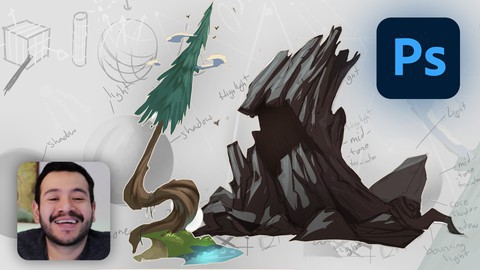
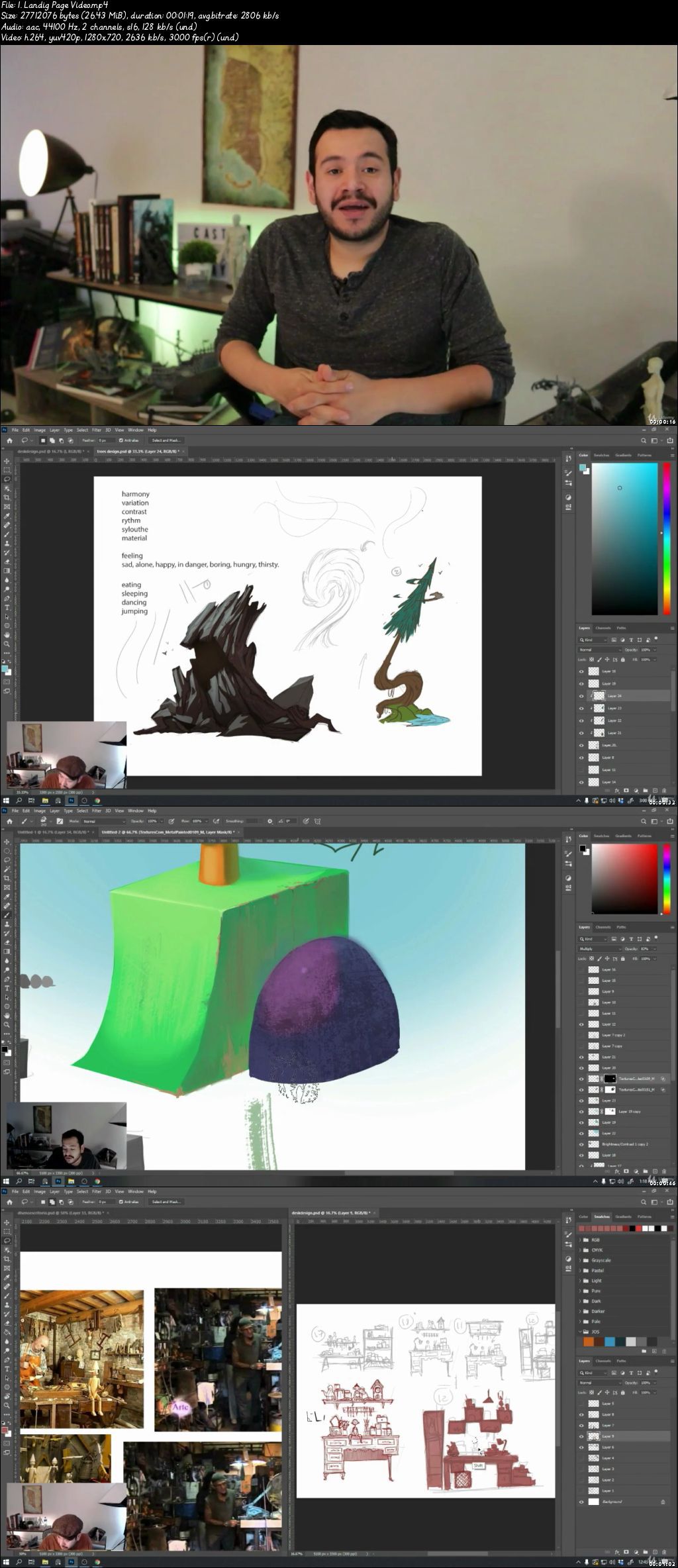
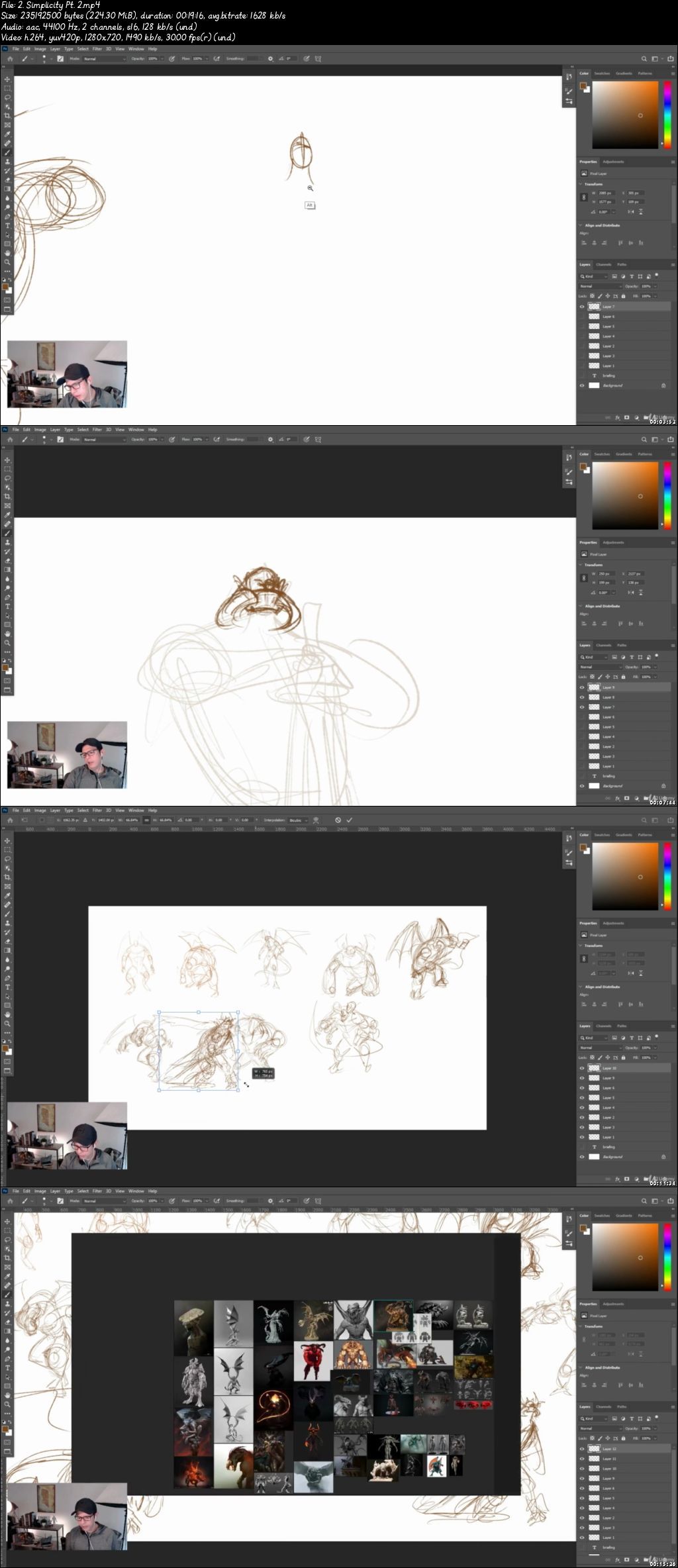
Concept Art | Prop Design in Photoshop 2020

007bc0966okdt.jpg


Concept Art | Prop Design in Photoshop 2020
Video: .mp4 (1280x720, 30 fps(r)) | Audio: aac, 44100 Hz, 2ch | Size: 6.09 GB
Genre: eLearning Video | Duration: 28 lectures (8 hour, 58 mins) | Language: English

Learn Concept Art and Design amazing props using Photoshop


What you'll learn

Photoshop
Prop Design
Design for Animation and Videogames

Requirements

Passion for design and concept art
Access to the software: Photoshop
Mac or PC able to run Photoshop
Willingness to work hard


Description

Learning Concept Art is amazingly fun and in very detailed videos I will guide you through the process of designing props for videogames, animation, and more! I want to make the learning process easy for you, going through all the tools and fundamentals in an easy and detailed way.

In this course, we design props from scratch. From looking at references to drawing techniques, this is the course for you.

We will do a series of exercises, to make sure that after finishing this course, you'll have the knowledge required to design your own props for any projects you might be working on.

You'll learn tips and shortcuts that will accelerate your workflow and make you understand the fundamentals of concept art.

I will be available for you through the whole course, feel free to send me a message if you encounter any issue. I will help you solve it and understand why it presented itself.

So please, take this course now.

Who this course is for:

Begginer and aspiring artists looking to learn the basics of Concept Art
Students that have already some Photoshop knowledge and want to get into Concept Art
People that know how to draw and want to make the jump into digital tools, such as Photoshop for Concept Art

007bc09739jz7.jpeg


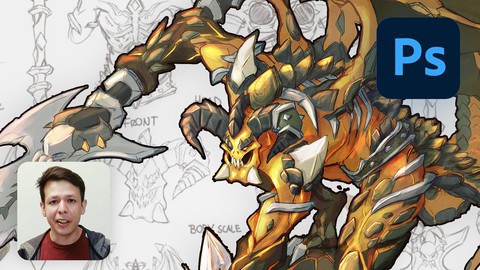
Character Concept Art & Design in Photoshop 2020

007bc0ddxpjca.jpg


Character Concept Art & Design in Photoshop 2020
Video: .mp4 (1280x720, 30 fps(r)) | Audio: aac, 44100 Hz, 2ch | Size: 14.7 GB
Genre: eLearning Video | Duration: 70 lectures (17 hour, 27 mins) | Language: English

Learn Concept Art and Design Amazing Characters using Photoshop


What you'll learn

Concept Art
Character Design
Creature Design
Photoshop

Requirements

Access to the software: Photoshop (or equivalent)
Mac or PC capable of running Photoshop (or equivalent)


Description

Learning Character Design can be very time-consuming when doing it by yourself. I want to make the learning process easy for you, going through all the tools and concepts of Concept Art and Character Design in very detailed videos.

In this course, we will create a Character and Call Out Sheets from A to Z. From planning the concept, exploring ideas, developing views, exploring colors, and all the necessary callouts to create and design professional characters.

We will do a series of explorations, from poses ideas and color explorations, to make sure that after finishing this course, you'll have the knowledge required to design your own characters.

You'll learn tips and shortcuts that will accelerate your workflow and make you understand the fundamentals of character design.

I will be available for you through the whole course, feel free to send me a message or post any questions in the Q&A section if you encounter any issue, I will do my best to help you solve these issues.

So please, take this course now.

Who this course is for:

Students that want to get started in the Concept Art world.
Begginer and aspiring artists looking to improve and learn new skills.

007bc0de3ukno.jpeg


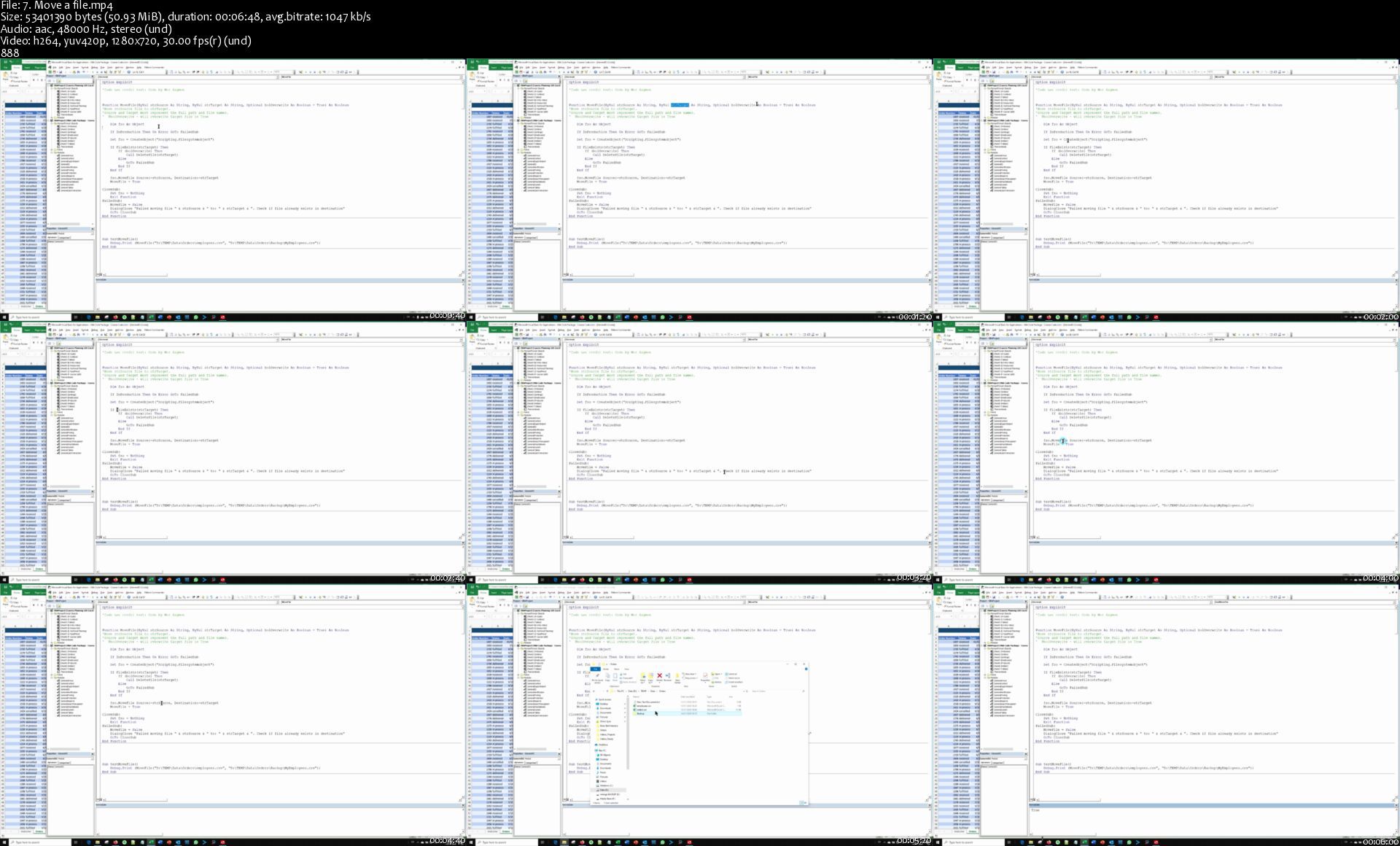
105 Excel VBA Functions Explained

d7kmvfinsuwtavoanhygbcukn6.jpg


105 Excel VBA Functions Explained
Genre: eLearning | MP4 | Video: h264, 1280x720 | Audio: aac, 48000 Hz
Language: English | VTT | Size: 5.85 GB | Duration: 11.5 hours


What you'll learn
Advanced use of Excel VBA in business applications development
Computer programming techniques implemented in Excel VBA
Layout a strong foundation for efficient, professional business applications built with Excel VBA

Requirements
Basic Excel knowlegde: Worksheets, Cells, Formulas, Tables, Ranges
Basic Excel VBA knowlegde: Subs, Functions, Variables, Conditional Flow, Loops

Description
"Since I have started your 105 Excel VBA Functions course on Udemy I have become a big fan of your approach. This course is not just a basic VBA course but it actually generates useful tips for real life problems" - Marcel Eggen, The Netherlands

In this course I'll walk you through 105 Excel VBA functions that have been proven in real life business applications I developed for my customers over the years.

Unlike a boring walk-through of explaining VBA, here you learn in the fastest way possible, which is learning by example.

In addition to giving you actual code you can use today, each of the 105 pieces of code include a video where I explain the code line by line, along with imporant programming best practices and VBA masters secrets.

You will not find any course like it anywhere!

You will have the option of downloading* all of these functions and using them in your own programs!

I have also included user interaction dialog boxes for a professional look and a pleasant user experience. Use these User Forms to create more dialog boxes for your specific applications.

By understanding my thought process and how these functions are written, you will improve your own VBA skills when writing your own functions.

In addition, if you plan to create Excel VBA applications for clients, or even within your company, when you download this functions library of mine, you will have a solid foundation for actual business applications built with Excel.

I have used these functions in projects for companies like: Citadis, Re-solutions Insurance, Hospitality Designs, Customer Faithful and many others.

This library will save you tons of time and frustration you would otherwise invest to create these functions yourself.

* Your name and email are required if you wish to download the 105 Excel VBA Functions Pack


Who this course is for:
People looking to develop a professional Excel VBA career
Excel VBA developers looking to take it to the next level by developing business-grade information systems on Excel VBA
Advanced Excel users curious about Excel VBA


Homepage

7.moveafiles00kcc.jpg


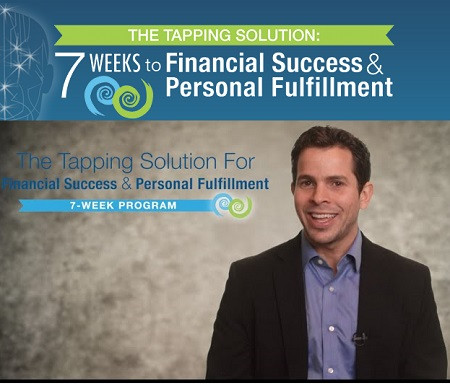
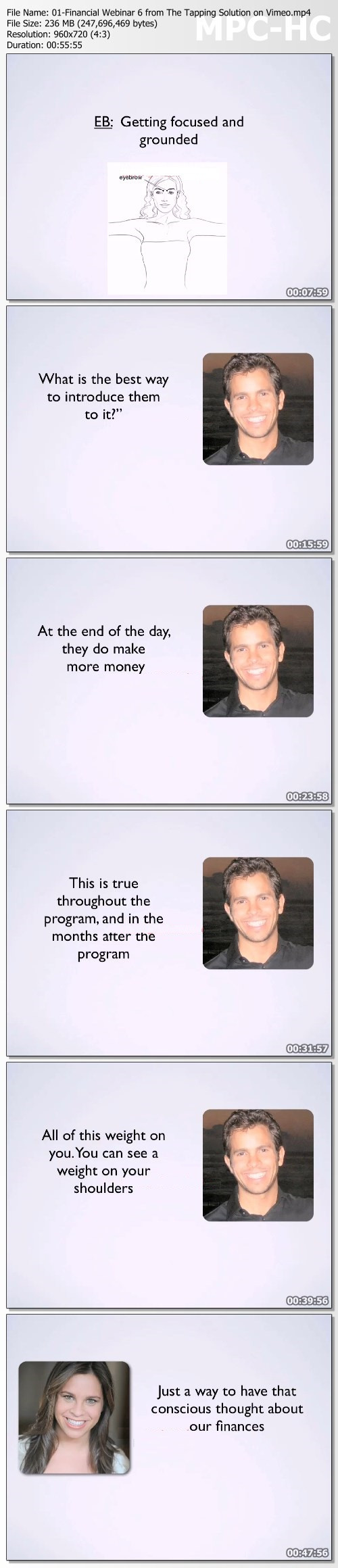
Nick Ortner - 7 Weeks to Financial Success & Personal Fulfillment

05a8a23a2acdaba1149551430e04c038.jpg

Nick Ortner - 7 Weeks to Financial Success & Personal Fulfillment | 7.11 GB​
In this program, we are not only going to transform your experience with money and success, we are also going to focus on creating more abundance and deep passionate joy.

What You Get:
- Module 1: Overcoming Overwhelm
- Module 2: What Are You Really After?
- Module 3: Quieting the Critical Voice
- Module 4: Money & Your Past
- Module 5: Ending Procrastination & Self-Sabotage
- Module 6: Standing Out in the World
- Module 7: Outrageous Dreams

Bonus:
- Bonus Classes
- Additional Resources to Dive Deeper
- Supplemental Bonuses
- Your Questions Answered

HOmepage:

Screenshots
b0a4a891fc2a4ba216238b9244e2cf6f.jpg


Link Download
​
Extract files with WinRar 5 or Latest !
 
Nik Maguire - Course Selling Masterclass

fed7c1161f4f87704efd2be41e8604c3.jpg

Nik Maguire - Course Selling Masterclass | 1.08 GB​
"Self-funding Funnels Recover Advertising Costs And Increase Enrolments Enabling Schools To Scale Rapidly Without Additional Ad-spend!"

What You Get:
- How to make marketing and advertising your school self-funding.
- Sell more courses through smart course structuring!
- Massively Increase student enrolments at no additional cost.
- See a self-funding funnel being built in real-time using Teachable.
- Email automations to automatically up-sell selected students.
- Features Teachable school demonstrating self-funding in 24 hours and 50 course sales in 1 week!

HOmepage:

Screenshots
132620085da7499db5ee131635a6d959.jpg


Link Download
​
Extract files with WinRar 5 or Latest !
 
Udemy - SciFi Weapon Design in Blender

ppy9vhci9m590mu4hkaynmakz1.jpg


Udemy - SciFi Weapon Design in Blender
Duration: 26h | Video: .MP4 1920x1080, 30 fps | Audio: AAC, 24 KHz, 2 channels | Size: 24.7 GB
Genre: eLearning | Language: English

This course will cover a fun and creative way to learn hard surface modeling in Blender by creating a beautiful SciFi weapon from scratch. You will learn how to block out the model, detail it, use hard-surface techniques for clean composition, and apply materials to give it a beautiful final render, all done completely within Blender. Who is it for?
Quick answer: Everyone
This course is ideally for those who at least know the basic tool set within Blender (scaling, extruding, moving, menus, etc). Master or advanced knowledge of Blender is absolutely not required. However, if you are a complete beginner or are brand new to hard surface with no prior experience, I would suggest enrolling in our SciFi Crate Design in Blender course first (which can be found on our Udemy page here as well).

What will the course cover?
Hard Surface Modeling
Boolean and Bevel techniques
How to clean up shading errors
How to fix artifacts and mesh distortions
Vanilla (no addons) Blender workflow
Boolean cleanup
Topology Fixes
Subdivision Surface workflow with booleans
Materials
Lighting
Composition
Rendering

What you'll learn
Hard Surface Modeling
3D Modeling
Lighting
Rendering
Composition
Materials
Blender
Fixing Shading and artifact issues
Boolean and Bevel workflow

Homepage

041tertiarydetailspt.3pjhn.jpg


How Computers Work for Programmers

007bbd3dx9jj0.jpg


How Computers Work for Programmers
Video: .mp4 (1280x720, 30 fps(r)) | Audio: aac, 48000 Hz, 2ch | Size: 5.29 GB
Genre: eLearning Video | Duration: 28 lectures (4 hour, 4 mins) | Language: English

Learn about computer structure and the Operating System


What you'll learn

General Unix
Binary and Number Representation
Types and Number Representation
The CPU
Memory
Peripherals and buses
The Operating System
Virtual Memory

Requirements

Basic programming knowledge is recommended.


Description

In a nutshell, this course is intended to be a shop class for computer science. Young computer science students are taught to "drive" the computer; but where do you go to learn what is under the hood? Trying to understand the operating system is unfortunately not as easy as just opening the bonnet. The current Linux kernel runs into the millions of lines of code, add to that the other critical parts of a modern operating system (the compiler, assembler and system libraries) and your code base becomes unimaginable. Further still, add a University level operating systems course (or four), some good reference manuals, two or three years of C experience and, just maybe, you might be able to figure out where to start looking to make sense of it all.

To keep with the car analogy, the prospective student is starting out trying to work on a Formula One engine without ever knowing how a two stroke motor operates. During their shop class the student should pull apart, twist, turn and put back together that two stroke motor, and consequentially have a pretty good framework for understanding just how the Formula One engine works. Nobody will expect them to be a Formula One engineer, but they are well on their way!


Who this course is for:

Programmers who wish to have a deeper understanding of how computers work.
Anyone who is interested in how computers work.

007bbd3ejck42.jpeg


Creatureartteacher: How To Paint Light

mfco51mbylhxzt7d8kbvezukd9.jpg


Creatureartteacher: How To Paint Light
Duration: 10+h | Video: .MP4 1920x1080, 23.98 fps | Audio: AAC, 48 KHz, 2 channels | Size: 5.56 GB
Genre: eLearning | Language: English

Aaron Blaise shows his approach to on How to Paint Light. In this NEW course artist and animator Aaron Blaise ("Brother Bear", "Mulan", "The Lion King") takes you through his easy to follow approach and explains how he thinks about painting light to create believable images. Aaron has been a professional artist for over 30 Years! Watch as Aaron creates original images right in front of you and explains his thought process in real time. He takes it from the very beginning and teaches you the basics through more advanced techniques. Then he guides you each step of the way.

Note: Aaron works in Photoshop for these demos.

Topics include:
Understanding Simple Shapes in Light & Shadow
Creating "Realism" & 3D Effects
Understanding shadows
Basic & Advanced lighting on Faces
How Value, Hue and Color Temperature effect light
Painting Techniques & Tips
Value & Color Illusions
Lighting a scene to create a sense of Atmosphere & Drama
Alternate Lighting of a Scene to change the mood!
Working with Colored & Bounced Light
+ Much, Much More!
PLUS you'll also get a bundle of bonus material including:
Layered files & jpegs of the final images that Aaron creates in the course.

Instructor: Aaron Blaise

Homepage

07basiclightandshadowdtjs3.jpg


React12 io - Build an Instagram Clone with React

161567456_020-signup-form-validation-and-error-handling_c.jpg


React12 io - Build an Instagram Clone with React | MP4 | 4.83 GiB

403 kb/s 1920x1080 | AAC 128 kb/s 2 CH


File List:

File: 001.1-react-core-concepts.mp4
Size: 128124774 bytes (122.19 MiB), duration: 00:42:25, avg.bitrate: 403 kb/s
Audio: aac, 44100 Hz, stereo (und)
Video: h264, yuv420p, 1920x1080, 30.00 fps(r) (und)


Download ( Size: 4.83 GiB ):
Filehosts: Nitroflare, Rapidgator


oHeopzn.png

3 Link/s
7884A88518.png


5hSo1Ay.png

3 Link/s
67627CCB26.png


Zurück
Oben Unten