• Regeln für den Video-Bereich:

    In den Börsenbereich gehören nur Angebote die bereits den Allgemeinen Regeln entsprechen.

    Einteilung

    - Folgende Formate gehören in die angegeben Bereiche:
    - Filme: Encodierte Filme von BluRay, DVD, R5, TV, Screener sowie Telesyncs im Format DivX, XviD und x264.
    - DVD: Filme im Format DVD5, DVD9 und HD2DVD.
    - HD: Encodierte Filme mit der Auflösung 720p oder darüber von BluRay, DVD, R5, TV, Screener sowie Telesyncs im Format x264.
    - 3D: Encodierte Filme von BluRay, die in einem 3D Format vorliegen. Dies gilt auch für Dokus, Animation usw.
    - Serien: Cartoon/Zeichentrick, Anime, Tutorials, Dokumentationen, Konzerte/Musik, Sonstiges sind demnach in die entsprechenden Bereiche einzuordnen, auch wenn sie beispielsweise im High Definition-Format oder als DVD5/DVD9/HD2DVD vorliegen. Ausnahme 3D.
    - Bereich Englisch: Englische Releases gehören immer in diesen Bereich.
    - Bereich Talk: Der Bereich, in dem über die Releases diskutiert werden kann, darf, soll und erwünscht ist.


    Angebot/Beitrag erstellen

    - Ein Beitrag darf erst dann erstellt werden, wenn der Upload bei mindestens einem OCH komplett ist. Platzhalter sind untersagt.
    - Bei einem Scenerelease hat der Threadtitel ausschließlich aus dem originalen, unveränderten Releasenamen zu bestehen. Es dürfen keine Veränderungen wie z.B. Sterne, kleine Buchstaben o.ä. vorgenommen werden. Ausnahme Serienbörse:
    - Bei einem Sammelthread für eine Staffel entfällt aus dem Releasename natürlich der Name der Folge. Beispiel: Die Simpsons S21 German DVDRip XviD - ITG
    - Dementsprechend sind also u.a. verboten: Erweiterungen wie "Tipp", "empfehlenswert", "only", "reup", usw. / jegliche andere Zusatzinformation oder Ergänzung, welche nicht in obiger Beschreibung zu finden ist.

    Aufbau des Angebots und Threadtitel

    Der Titel nach folgendem Muster erstellt zu werden. <Name> [3D] [Staffel] [German] <Jahr> <Tonspur> [DL] [Auflösung] <Quelle> <Codec> - <Group>
    Beispiel: The Dark Knight German 2008 AC3 DVDRip XviD - iND
    Beispiel: The Dark Knight 2008 DTS DL BDRip x264 - iND
    Beispiel: The Dark Knight 2008 AC3 DL BDRip XviD - iND
    Beispiel: The Dark Knight German 2008 AC3 720p BluRay x264 iND
    Beispiel: The Dark Knight 2008 DTS DL 1080p BluRay x264 iND
    Beispiel: Die Simpsons S01 German AC3 DVDRip XviD iND
    Beispiel: Die Simpsons S20 German AC3 720p BluRay x264 iND
    Beispiel: Sword Art Online II Ger Sub 2014 AAC 1080p WEBRip x264 - peppermint
    Entsprechend sind also u.a. verboten: Sonderzeichen wie Klammern, Sterne, Ausrufezeichen, Unterstriche, Anführungszeichen / Erweiterungen wie "Tipp", "empfehlenswert", "only", "reup", usw. / jegliche andere Zusatzinformation oder Ergänzung, welche nicht in obiger Beschreibung zu finden ist
    Ausnahmen hiervon können in den Bereichen geregelt sein.

    Die Beiträge sollen wie folgt aufgebaut werden:
    Überschrift entspricht dem Threadtitel
    Cover
    kurze Inhaltsbeschreibung
    Format, Größe, Dauer sind gut lesbar für Downloader außerhalb des Spoilers zu vermerken
    Nfo sind immer Anzugeben und selbige immer im Spoiler in Textform.
    Sind keine Nfo vorhanden z.B. Eigenpublikationen, sind im Spoiler folgende Dateiinformationen zusätzlich anzugeben :
    Quelle
    Video (Auflösung und Bitrate)
    Ton (Sprache, Format und Bitrate der einzelnen Spuren)
    Untertitel (sofern vorhanden)
    Hosterangabe in Textform außerhalb eines Spoiler mit allen enthaltenen Hostern.
    Bei SD kann auf diese zusätzlichen Dateiinformationen verzichtet werden.

    Alle benötigten Passwörter sind, sofern vorhanden, in Textform im Angebot anzugeben.
    Spoiler im Spoiler mit Kommentaren :"Schon Bedankt?" sind unerwünscht.


    Releases

    - Sind Retail-Release verfügbar, sind alle anderen Variationen untersagt. Ausnahmen: Alle deutschen Retail-Release sind CUT, in diesem Fall sind dubbed UNCUT-Release zulässig.
    - Im Serien-Bereich gilt speziell: Wenn ein Retail vor Abschluss einer laufenden Staffel erscheint, darf diese Staffel noch zu Ende gebracht werden.62
    - Gleiche Releases sind unbedingt zusammenzufassen. Das bedeutet, es ist zwingend erforderlich, vor dem Erstellen eines Themas per Suchfunktion zu überprüfen, ob bereits ein Beitrag mit demselben Release besteht. Ist dies der Fall, ist der bereits vorhandene Beitrag zu verwenden.
    - P2P und Scene Releases dürfen nicht verändert oder gar unter einem iND Tag eingestellt werden.


    Support, Diskussionen und Suche

    - Supportanfragen sind entweder per PN oder im Bereich Talk zu stellen.
    - Diskussionen und Bewertungen sind im Talk Bereich zu führen. Fragen an die Uploader haben ausschließlich via PN zu erfolgen, und sind in den Angeboten untersagt.
    - Anfragen zu Upload-Wünschen sind nur im Bereich Suche Video erlaubt. Antworten dürfen nur auf Angebote von MyBoerse.bz verlinkt werden.


    Verbote

    - Untersagt sind mehrere Formate in einem einzigen Angebotsthread, wie beispielsweise das gleichzeitige Anbieten von DivX/XviD, 720p und 1080p in einem Thread. Pro Format, Release und Auflösung ist ein eigener Thread zu eröffnen.
    - Grundsätzlich ebenso verboten sind Dupes. Uploader haben sich an geeigneter Stelle darüber zu informieren, ob es sich bei einem Release um ein Dupe handelt.
    - Gefakte, nur teilweise lauffähige oder unvollständige Angebote sind untersagt. Dies gilt auch für eigene Publikationen, die augenscheinlich nicht selbst von z.B. einer DVD gerippt wurden. Laufende Serien, bei denen noch nicht alle Folgen verfügbar sind, dürfen erstellt und regelmäßig geupdatet werden.
    - Untersagt sind Angebote, welche nur und ausschließlich in einer anderen Sprache als deutsch oder englisch vorliegen. Ausnahmen sind VORHER mit den Moderatoren zu klären.


    Verstoß gegen die Regeln

    - Angebote oder Beiträge, die gegen die Forenregeln verstoßen, sind über den "Melden"-Button im Beitrag zu melden.
  • Bitte registriere dich zunächst um Beiträge zu verfassen und externe Links aufzurufen.


Englische Tutorials

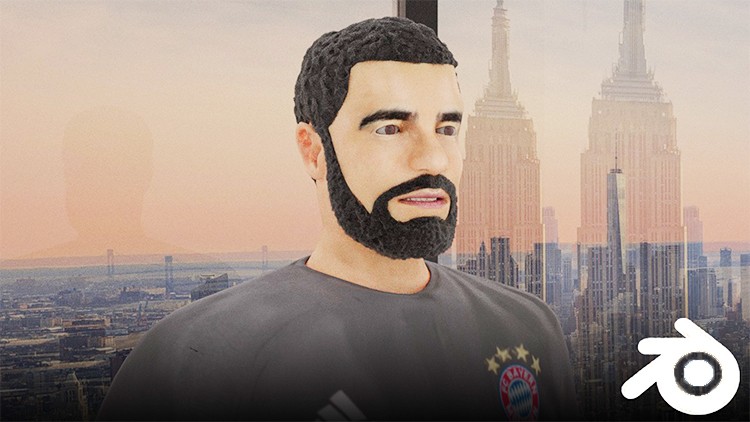
Create a Realistic Character Animation of Drake in Blender
2723526-92f2-3.jpg


Create a Realistic Character Animation of Drake in Blender
Video: .MP4, 1280x720 30 fps | Audio: AAC, 44.1 kHz, 2ch | Duration: 35:41:58
Genre: eLearning | Language: English | Size: 30.9 GB

Modelling | Texturing | Advanced Rigging | Normal Map Rigging | Drivers and Shape-keys | Lip-Syncing | Animation | e.t.c

What you'll learn
How to model a character in Blender
How to create an advanced rig in Blender
Weight painting in Blender
How to UV unwrap a character in blender
How to texture a character in Blender
Hair in Blender
How to sculpt and bake normal maps in Blender
How to rig and animate normal maps in Blender
Lip Syncing in Blender
How to animate a character in Blender
Rendering in Blender

Requirements
Computer capable of running blender 2.8
Photoshop

Description
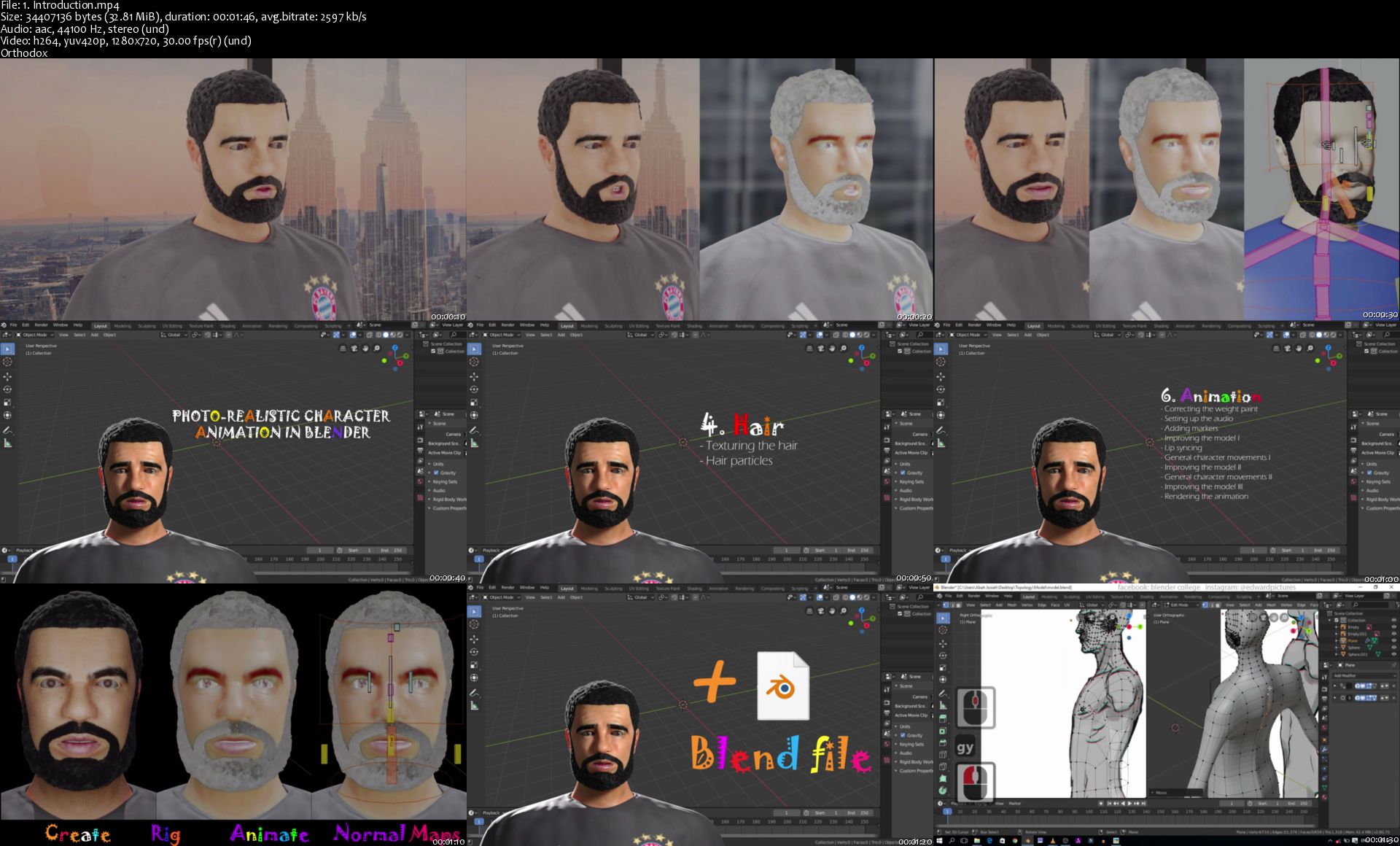
This is a complete and extensive step by step demonstration course that will show you all steps involved in creating, rigging and animating a realistic character in blender from start to finish. After this course, you would have learnt valuable workflows which will help improve your productivity in blender.
Topics covered include:
1. Modelling in blender
- Setting up background image
- Modelling the head
- Modelling the shirt
- Modelling the trousers
- Modelling the shoes
- Modelling the hands
2. Advanced character rig in blender
- Adding and setting up deformation bones
- Adding IK bones
- Adding finger controllers
- Setting up IK bones
- Setting up the character rig I
- rigging the eyes
- Weight painting and correction
- Setting up FK bones
- Setting up the character rig II
- Adding the teeth and tongue
- Adding and setting up shapekeys
- Adding and setting up drivers for shapekeys
- Creating and using custom bone shapes
- Adding a user interface for the rig controllers
3. Texturing
- Texturing the eyeballs
- Adding seams to the model
- Positioning the UV's
- Texturing the head
- Texturing the shirt
- Texturing the trousers
- Texturing the socks and the shoes
- Texturing the hands
- Sculpting and baking normals
- Creating the bump map
- Creating the specular map
- Subsurface scattering
- Improving the model I
- Normal map rigging
- Improving the model II
4. Hair
- Texturing the hair
- Hair particles
5. Pose library
6. Animation
- Correcting the weight paint
- Setting up the audio
- Adding markers
- Improving the model I
- Lip syncing
- General character movements I
- Improving the model II
- General character movements II
- Improving the model III
- Rendering the animation
This course will help you hone your blending skills and i hope you enjoy it.

Who this course is for:
Computer literate
Blender enthusiasts who want a character creation process from scratch to finish
Enthusiasts who want to learn to create an advanced character rig
Enthusiasts who want to learn how to animate a character
Enthusiasts who want to learn how to rig and animate normal maps

Homepage
1-Introduction-s.jpg


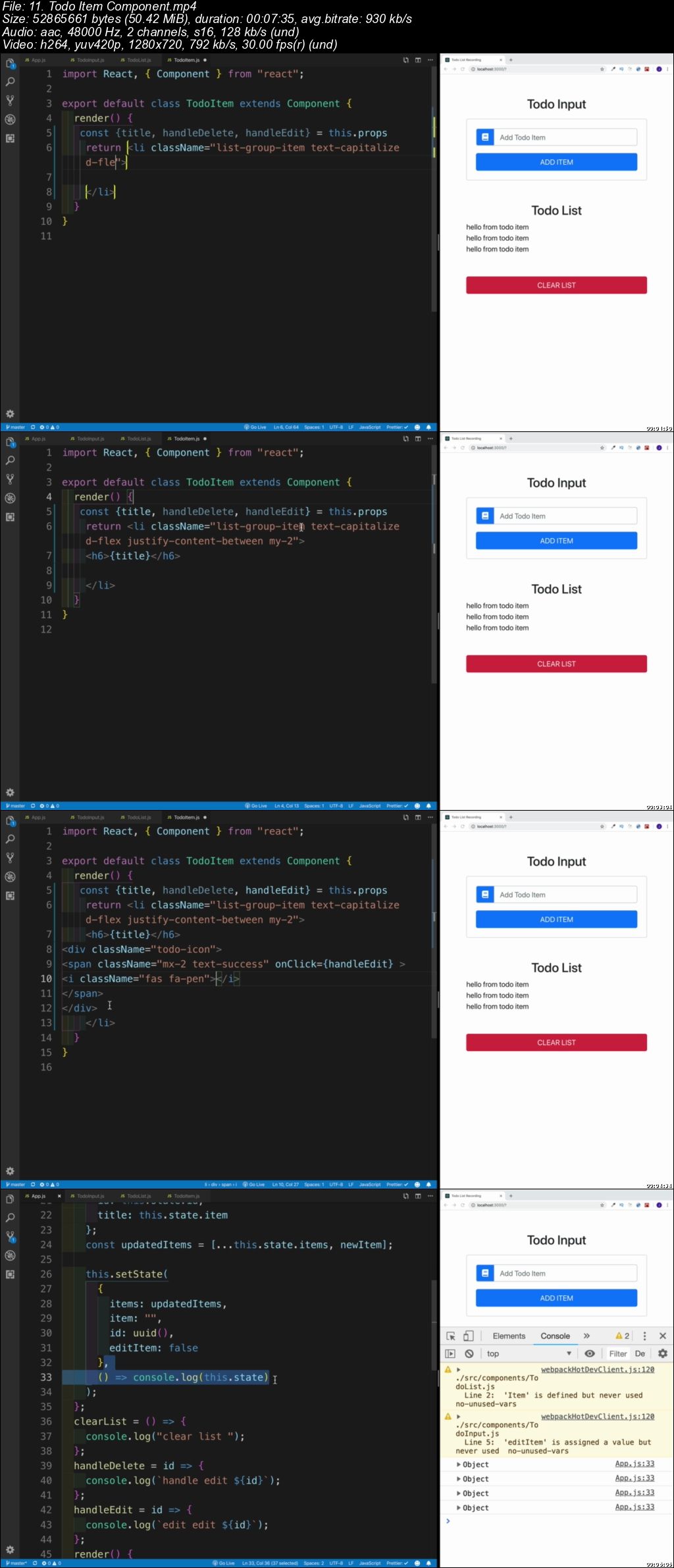
React Tutorial and Projects Course (Updated 1/2020)

007218b7.jpg


React Tutorial and Projects Course
Video: .mp4 (1280x720, 30 fps(r)) | Audio: aac, 48000 Hz, 2ch | Size: 21.5 GB
Genre: eLearning Video | Duration: 345 lectures (43h 41m) | Language: English

Step by Step Learn React.js and Create Interesting Projects


What you'll learn

Make Great Projects Using React

Requirements

Strong Knowledge of HTML, CSS, JS is Required. ES6 is optional.

Description

React was released by Facebook's web development team in 2013 as a view library. React is one of the best choices for building modern web applications. React has a slim API, a robust and evolving ecosystem and a great community. In this course we will be learning React by creating various projects.If you want to learn more than just same old tutorial and instead create interesting projects using React.js this course is for you.

All Project Intros are available for preview.

Project Nr 1 - Person List Project

Project Nr 2 - City Tours Project

Project Nr 3 - React To Do Project

Project Nr 4 - Beachwalk Resort Project

Project Nr 5 - Tech Store E-commerce Project

REACT HOOKS PROJECTS

Project Nr 6 - Budget Calculator Project

Project Nr 7 - CocktailDB API Project

Project Nr 8 - Vintage Tech Project

REDUX PROJECTS

Project Nr 9 - Counter/Tutorial Project

Who this course is for:

Everyone who wants to learn React

007218b8.jpg


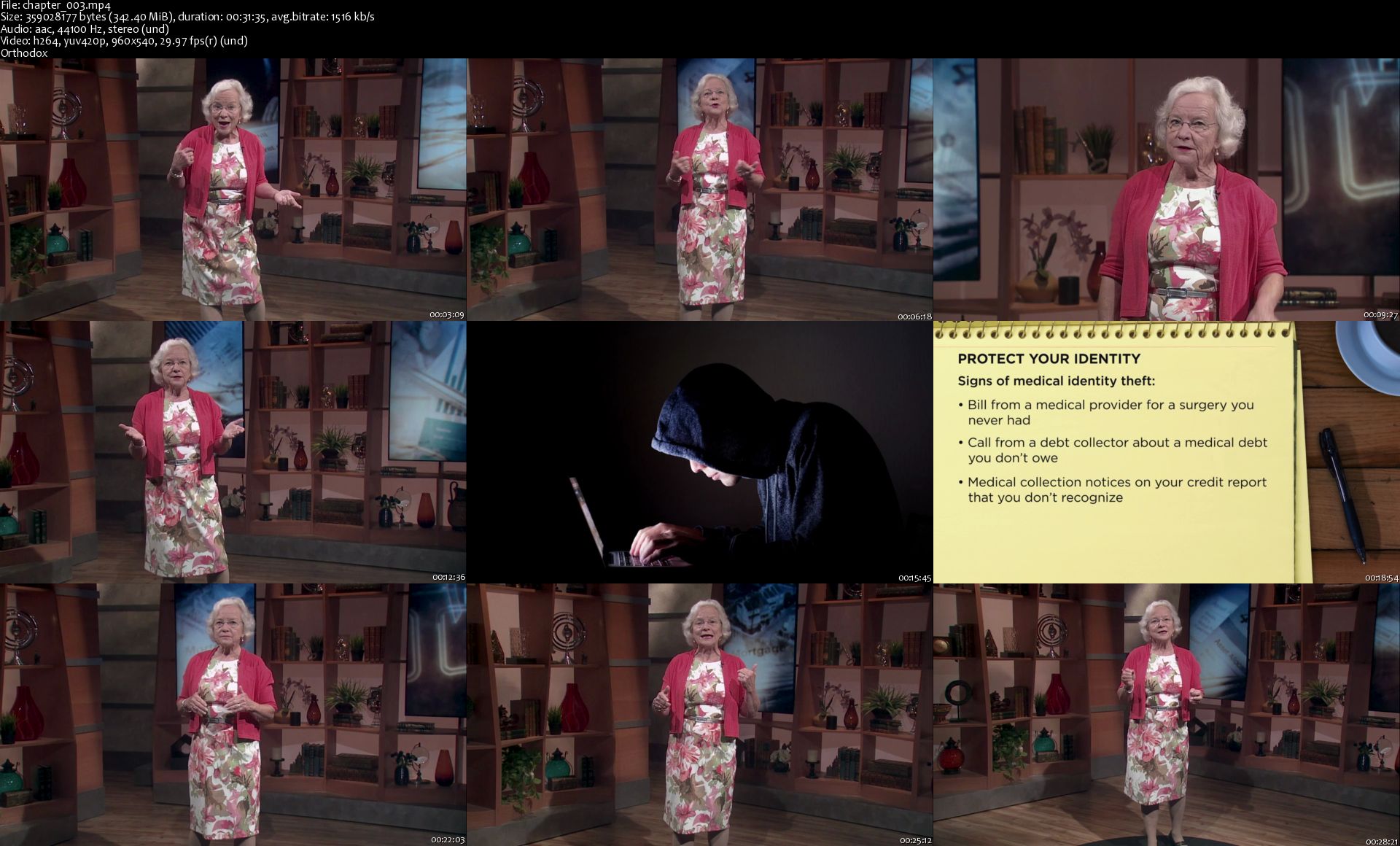
Getting Your Legal House in Order

2-Hi-BEDOr-PWJ4-Sv-Qr-Xz-Fg7a-P5f2-TIx-Ud-A.png


Getting Your Legal House in Order
MP4 | Video: 960x540 | Audio: AAC, 44.1Khz , 2ch | Duration: 9 hours | Language: English | 5.9 GB

The law impacts nearly every aspect of our lives, yet we seldom stop to reflect on the tools, documents, and procedures that allow our society to function. Property and contracts, insurance and credit, taxes and estate planning: These issues may be intimidating, but getting on top of your legal affairs is one of the best things you can do for yourself and your family. The good news is that a few simple concepts, a little organization, and some step-by-step planning can help you get your legal life into the best shape possible.

Full Description

chapter-003-s.jpg


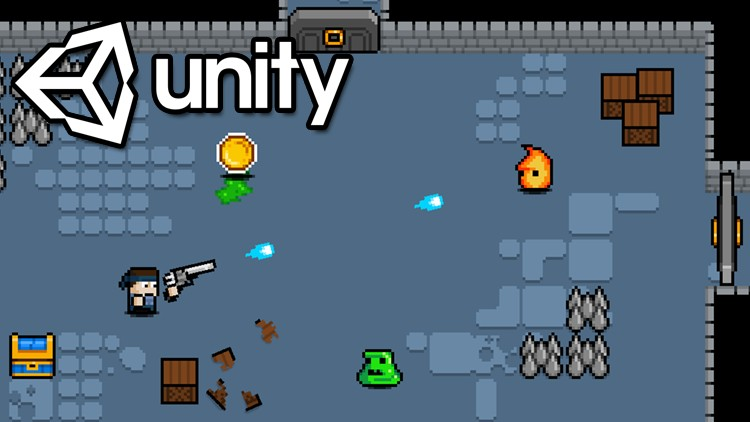
Learn To Create A Roguelike Game In Unity 2019

VJMV6h-KDgw-AY4w2-Qq-YC0-I2-CEzn-OSJ4-UE.png


Learn To Create A Roguelike Game In Unity 2019
h264, yuv420p, 1280x720 |ENGLISH, aac, 48000 Hz, stereo, s16 | 19h 20mn | 6.7 GB
Instructor: James Doyle

Game development made easy. Learn C# using Unity and create your very own classic RPG!
What you'll learn

Learn C#, a modern versatile programming language.
Understand the capabilities of 2D development in Unity.
Develop strong and transferrable problem solving skills.
Gain an understanding of the game development process.
Learn how object oriented programming works in practice.

Requirements

Mac or PC capable of running Unity 3D
A copy of Unity 2019.2 or newer

Description

Learn how to create and program your very own Roguelike Dungeon Crawling game using Unity, an industry-standard game development program used by large gaming studios and indie developers across the world.

In this course you won't just be learning programming concepts, but tying these concepts to real game development uses. You will have access to a course forum where you can discuss the topics covered in the course as well as the next steps to take once the course is complete.

This course has been designed to be easily understandable to everyone, so whether you're a complete beginner, an artist looking to expand their game development range or a programmer interested in understanding game design, this course will help you gain a greater understanding of development.

At the end of this course you will have developed the ability to create such game elements as:

Full top-down character movement with Dashing

Generating Procedural Levels

Full Weapon Collection & Switching System

Enemies with different movement and firing patterns

Multiple Characters & Character Switching

Shooting System

Complete Health System

Creating tile-based maps in Unity

Shop system

In-Game Maps

Boss Battles

And more!...

Start learning today and let me help you become a game developer!
Who this course is for:

Anyone who wants to make their own 2D games.
People who want to create and publish their own games.
Complete beginners with an interest in learning game development.
Developers who want to re-skill across to game development.
People interested in working in the game design industy.
Competent and confident with using a computer.

Homepage

002-The-Unity-Layout-s.jpg


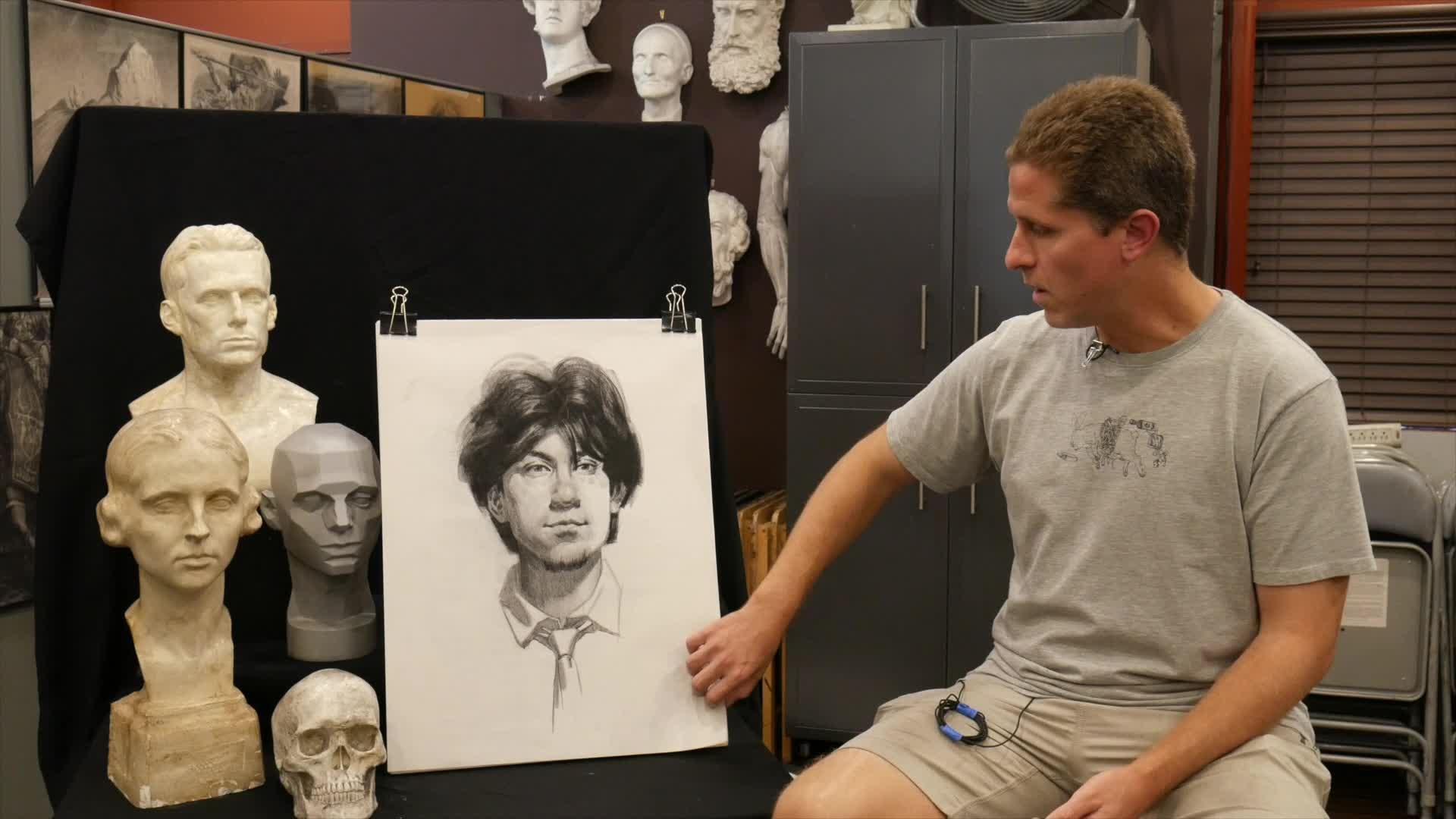
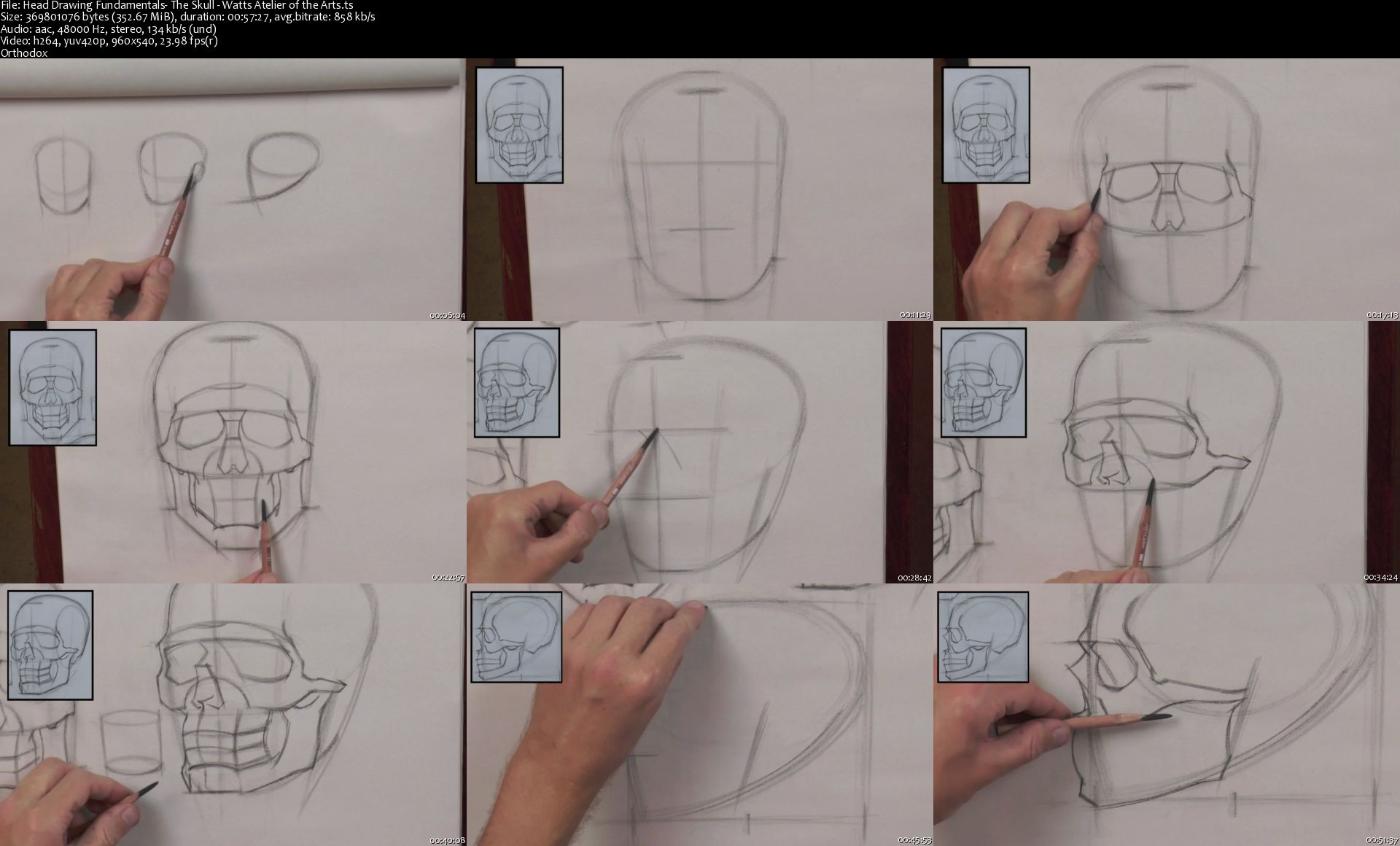
Wattsatelier - Head Drawing Fundamentals

Tw-Xd-CRm5xv-OKYWnn-BN6-ZNJUGwk-XUXas-Q.jpg


Wattsatelier - Head Drawing Fundamentals
Video: .MP4, 1920x1080 30 fps | Audio: AAC, 48 kHz, 2ch | Duration: 10 h
Genre: eLearning | Language: English | Size: 9.6 GB

Join Brian Knox, as he breaks down and then builds up the process of constructing the human head. This course will instill a solid knowledge of the underlying structure of the human head. Using a combination of constructive and rhythmical approaches, students will learn how to first block in major forms, then break down the features and planes of the face, adding more information in a structured way, working ultimately towards a full value drawing.

Materials
• Wolf's Carbon 6B charcoal pencil

• Smooth Newsprint

• Single Edge Razor Blade

• Sanding Pad

• Kneaded Eraser

Homepage

Head-Drawing-Fundamentals-The-Skull-Watts-Atelier-of-the-Arts.jpg


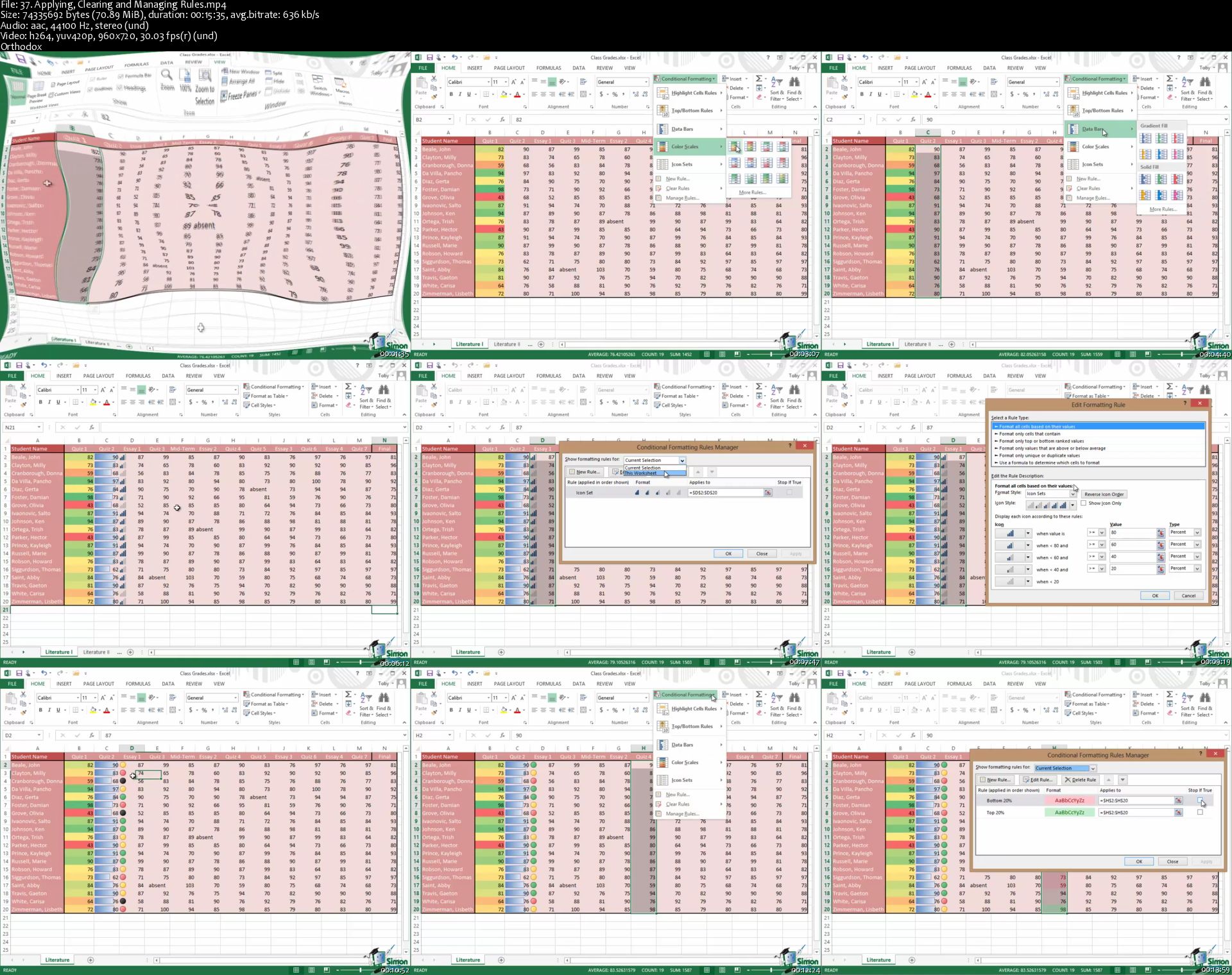
The Ultimate Microsoft Office 2013 Training Bundle 71 Hours

b-Zmy6hyf5jd-VNti-Zj8-Dibjigslmm1-Pac.png


The Ultimate Microsoft Office 2013 Training Bundle 71 Hours
Genre: eLearning | MP4 | Video: h264, 960x720 | Audio: aac, 44100 Hz
Language: English | VTT | Size: 13.4 GB | Duration: 71.5 hours


What you'll learn
Introductory tutorials for Microsoft Excel 2013
Introductory tutorials for Microsoft Word 2013
Introductory tutorials for Microsoft Outlook 2013
Introductory tutorials for Microsoft PowerPoint 2013
Introductory tutorials for Microsoft Access 2013
Introductory tutorials for Microsoft Publisher 2013
Advanced training for Excel 2013
Advanced training for Access 2013

Requirements
Microsoft Office 2013
Description
Master the Ins and Outs of Microsoft Office and Boost Your Office's Productivity.

Spreadsheets with Excel 2013
Documents with Word 2013
E-mail with Outlook 2013
Presentations with PowerPoint 2013
Databases with Access 2013
Print Publications with Publisher 2013
Make Your Office More Efficient with Microsoft's Premier Office Management Software

Whether you need to create a spreadsheet for data analysis, a database of customer contacts, or a brochure that outlines the strengths and appeal of your organization, Microsoft Office is the choice of many office professionals. Enjoy significant control over your calendar and communication with Outlook or create engaging presentations with PowerPoint.

Many people are aware of the basics of what Office can do, but learning the more advanced capabilities of the programs in Office gives you greater flexibility and opportunities for creativity. Microsoft Office is designed to make accomplishing office tasks easier and more efficient.

Contents and Overview

The course is designed for individuals and office professionals who need to master the capabilities of the latest edition of Microsoft Office.

Through over 71 hours of video lectures and 8 quizzes, you'll learn everything you need to know to make your office run more efficiently with Office 2013.

Excel 2013 Beginning/Intermediate: Create basic spreadsheets and use formulas for tracking expenses.
Excel 2013 Advanced: Use complex formulas and perform data analysis on your organization's revenue and expense patterns.
Word 2013: Create documents, embed videos, and set up for online collaboration for joint projects for school or work.
Outlook 2013: Gain control of your inbox and avoid accumulating hundreds of unanswered emails.
PowerPoint 2013: Make slick presentations for your next business meeting using animation, audio/video, and collaborative tools.
Access 2013 For Beginners and Access 2013 Advanced: Become a master of data management, tracking customer information and buying patterns.
Publisher 2013: Create professional looking print publications to communicate the strengths and purpose of your organization.
When you complete this course, you'll be well on your way to becoming a master at workplace efficiency with the tools available in Microsoft Office 2013.

** Updated June 2017. Course transcripts now available.

Who this course is for:
Anyone new to Microsoft Office or upgrading from a previous version

Homepage

37-Applying-Clearing-and-Managing-Rules-s.jpg


DaVinci Resolve 15: The Complete Video Editing Course

G6-Ddqk-Tlv71-DLK8p4ub-Iugz-G9rl-ZUq0-B.png


DaVinci Resolve 15: The Complete Video Editing Course
Genre: eLearning | MP4 | Video: h264, 1280x720 | Audio: aac, 48000 Hz
Language: English | VTT | Size: 7.93 GB | Duration: 13 hours


What you'll learn
Edit an entire video from beginning to end, using professional and efficient techniques.
By the end of the course, you'll have edited your own short documentary using either the supplied footage (video clips, photos, graphics, music, etc.), or your own footage!
Start a project with the right settings for any type of video, from any camera.
Edit your videos, and make them more dynamic with cutaway footage and photos.
Export and save your videos for HD playback.
Design clean and professional titles for you videos.
Add motion to your titles, photos, and videos... making them more visually interesting.
Color correct your video to fix issues with white balance and exposure.
Add a feeling to your video with color grading.
Apply visual effects to your videos to make them look better.
Edit green screen footage and, add backgrounds that actually look good.

Requirements
Students will need to install DaVinci Resolve 15 on their computers to follow along. There are A LOT OF PRACTICE EXERCISES throughout this course with downloadable practice clips. We want you to follow along.
We teach this course using DaVinci Resolve 15. If you have a older or newer version, you should still be able to learn with this course.
For Windows users, Windows 10 is needed. A computer with at least 16GB RAM, dedicated GPU and a fast Processor is recommended.
Description
Start editing your video professionally with Blackmagic Design's DaVinci Resolve!

If you are looking for a free video editing application that will allow you to edit videos however you want them, DaVinci is the best answer. DaVinci Resolve is used by amateur and professional video editors across the world for every type of production from business & marketing videos, music videos to documentaries, feature films. This full course is the best way to jump right in and start editing.

Make videos the way you imagine them!

Practice editing while you learn. This course includes practice video files so you can follow along and actually learn by doing.

We'll be teaching the course using the DaVinci Resolve 15 application, but if you have a previous version, or even a newer version, you can still learn to edit with this course.

What makes us qualified to teach you?

The lead instructor for this course, Kashif A. has partnered with Phil Ebiner of Video School Online to put together this DaVinci Resolve masterclass. Kashif is a best-selling instructor of top-rated courses that get great reviews such as:

An incredible learning experience. The instructor is very clear and easily understood. - Walter Simmons

Teaching by an expert teacher. - Abdulkadir Cabuğa

Excellent! I couldn't ask for a better tutorial on whiteboard animations. The course is very thorough, and provides enough practice activities to apply the skills. -
Shamuel

Our Promise to You

We'll be here for you every step of the way. If you have any questions about the course content or anything related to this topic, you can always post a question in the course or send us a direct message.

What is this DaVinci Resolve course all about?

In this complete guide to DaVinci Resolve video editing course, you'll not only learn all of the editing tools available in DaVinci Resolve, but also how to edit with the mindset of a professional editor.

This course will cover everything you need to know to start video editing, including:

Starting a project
Editing your videos
Adding video and audio transitions
Adding professional and modern titles (even some with motion)
Improving audio and finding great free music for your projects
Correcting and grading the color of your video to give it a great style
Adding visual effects to your projects
Editing green screen (chroma key) footage
Exporting your video for high-quality playback on any device
Advanced efficiency tips
So much more!
BONUS: As a bonus, you'll receive supplemental video and audio clips to practice with while I teach you with.

By the end of this course, your confidence as a video editor will soar You'll have a thorough understanding of how to use DaVinci Resolve for fun or as a career opportunity.

Go ahead and click the enroll button, and I'll see you in lesson 1!

Cheers,

Phil & Kashif

Who this course is for:
You are a video creator (or want to make videos), and are wanting to edit videos with THE BEST FREE video editing application today.
You might know how to edit with Final Cut, iMovie, Sony Vegas, Premiere Pro, Windows Movie Maker, Camtasia, Screenflow, etc. But you want to transition to editing with DaVinci Resolve.
You are a complete beginner who has never opened DaVinci Resolve (or have never learned how to use it properly).
You have played around with DaVinci Resolve, but need some help becoming a more efficient editor.

Homepage

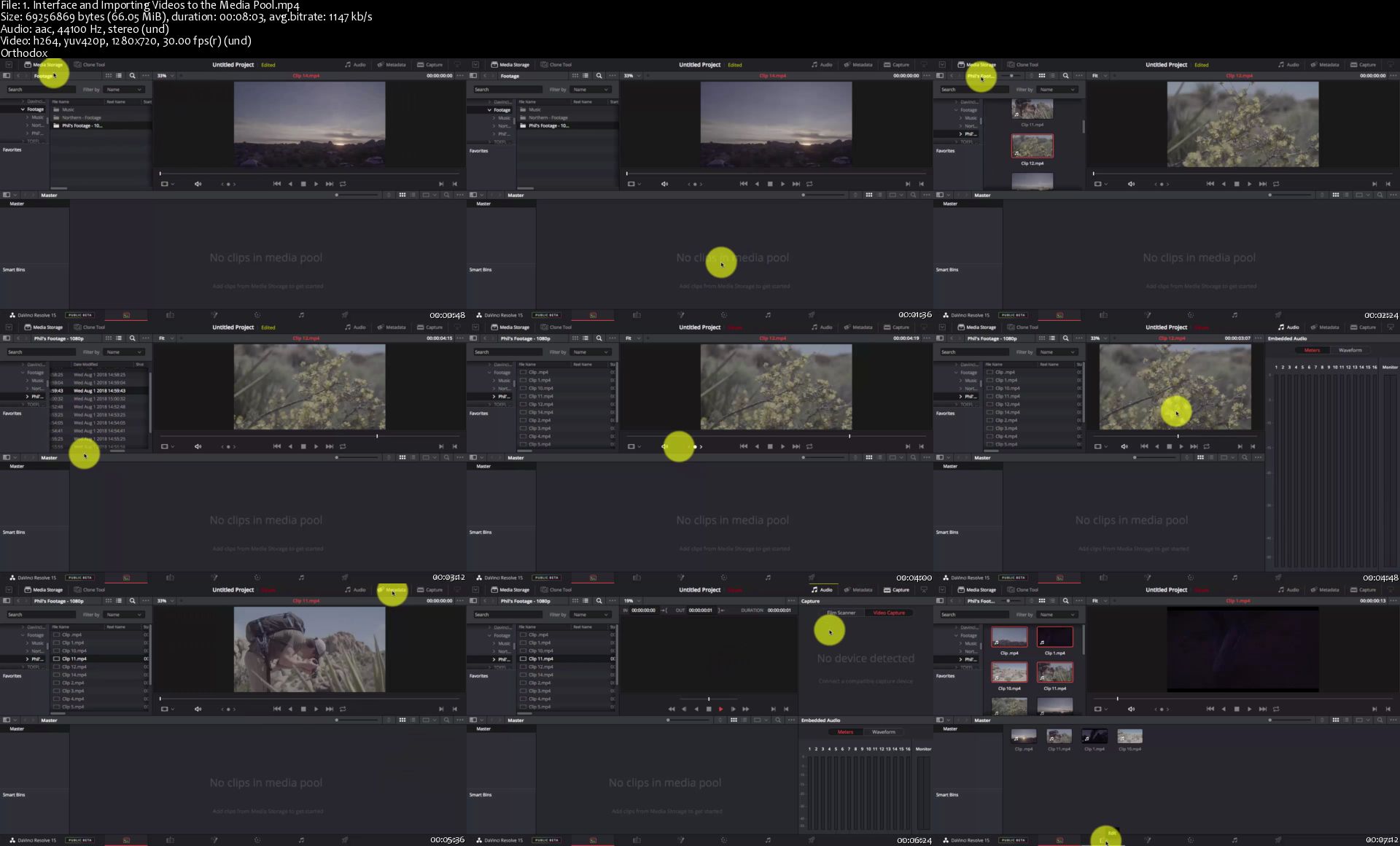
1-Interface-and-Importing-Videos-to-the-Media-Pool-s.jpg


VLSI Digital Design using Verilog and hardware: Handson temp

n4b-RN62-Dix-Lm-Py-He-DExi-Vui9rrh-Ynp-TL.png


VLSI Digital Design using Verilog and hardware: Handson_temp
Genre: eLearning | MP4 | Video: h264, 1920x1080 | Audio: aac, 48000 Hz
Language: English | Size: 8.48 GB | Duration: 18.5 hours


What you'll learn
After the course students with little Verilog knowledge will finish this course empowered with the ability to write efficient hardware designs and perform high-level HDL simulations.
Write RTL Verilog code for synthesis
Write Verilog test fixtures or Test benches for simulation
Target and optimize Xilinx FPGAs by using Verilog
Run a timing simulation by using Xilinx ISim libraries
Create and manage designs within the Xilinx Design Suite
Correctly model combinational and sequential hardware blocks
Write User constraints files for any FPGA board.
Knowledge-intensive and industry-oriented program

Requirements
Basics in any programming and part of Electronics
Description
Course Description:

This course is a thorough introduction to the Verilog language. The emphasis is on writing Verilog model, both behavioral and structural source code and Register Transfer Level (RTL). This Sessions addresses targeting Xilinx FPGA devices . There is a lecture section for each main topic. This presents a basic foundation for the language. The Knowledge gained can be applied to any digital design by using a top-down or Bottom-up synthesis design approach. This course combines lectures with lab exercises to strengthen key concepts. You will also learn advanced coding techniques that will increase your overall Verilog.

Objective:

The Main goal of this course is to make you familiar with developing a RTL Verilog model, both behavioral and structural, using as much of the language as possible, and writing a verification test cases and User constraints files for that model.

Who should take this course?

This course is Designed for designers who are new to Verilog and who wish to become familiar with the language with a particular emphasis on writing RTL code for synthesis. And Engineers who want to use Verilog effectively for modeling, design, and synthesis of digital designs.

At the end of my course, students will be able to :

After the course students with little Verilog knowledge will finish this course empowered with the ability to write efficient hardware designs and perform high-level HDL simulations. and

Ø Write RTL Verilog code for synthesis

Ø Write Verilog test fixtures or Test benches for simulation

Ø Target and optimize Xilinx FPGAs by using Verilog

Ø Run a timing simulation by using Xilinx ISim libraries

Ø Create and manage designs within the Xilinx Design Suite

Ø Correctly model combinational and sequential hardware blocks

Ø Write User constraints files for any FPGA board.

What will students need to know or do before starting the course? :

Ø Basic digital design knowledge

Software Tools

Ø Download the Xilinx ISE Design suite 14.4 System Edition and Install In to your System.

Hardware

Ø Digilent NEXYS 2 Board WITH Spartan 3E -500E or 1200 E .

Who this course is for:
Bachelors in Electronics with minimum programming knowledge

Homepage

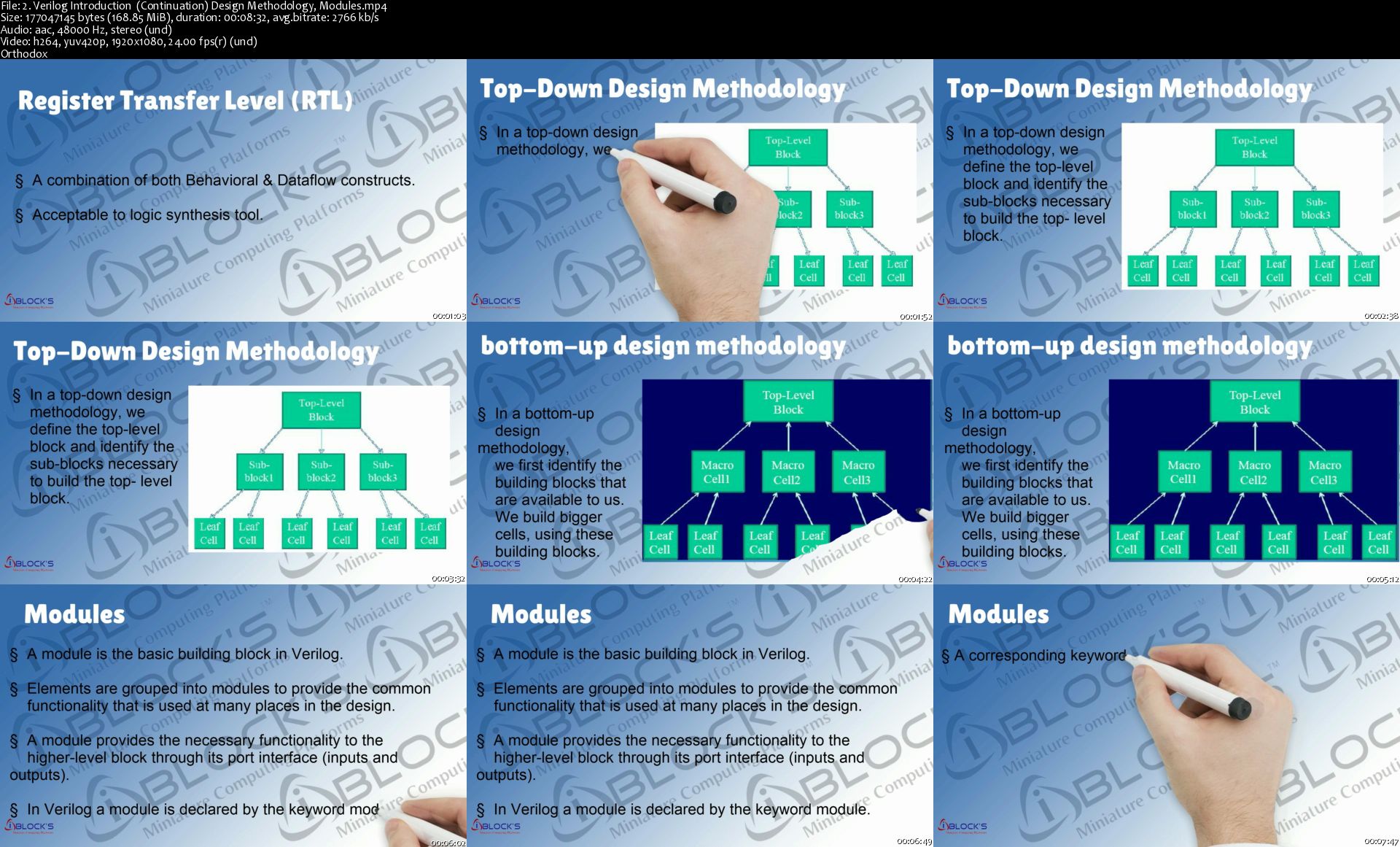
2-Verilog-Introduction-Continuation-Design-Methodology-Modu.jpg


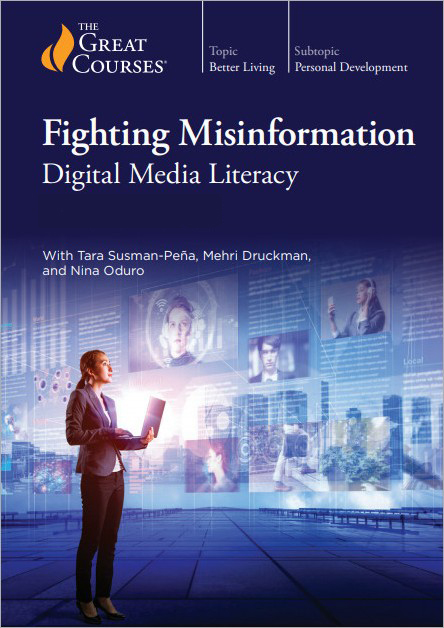
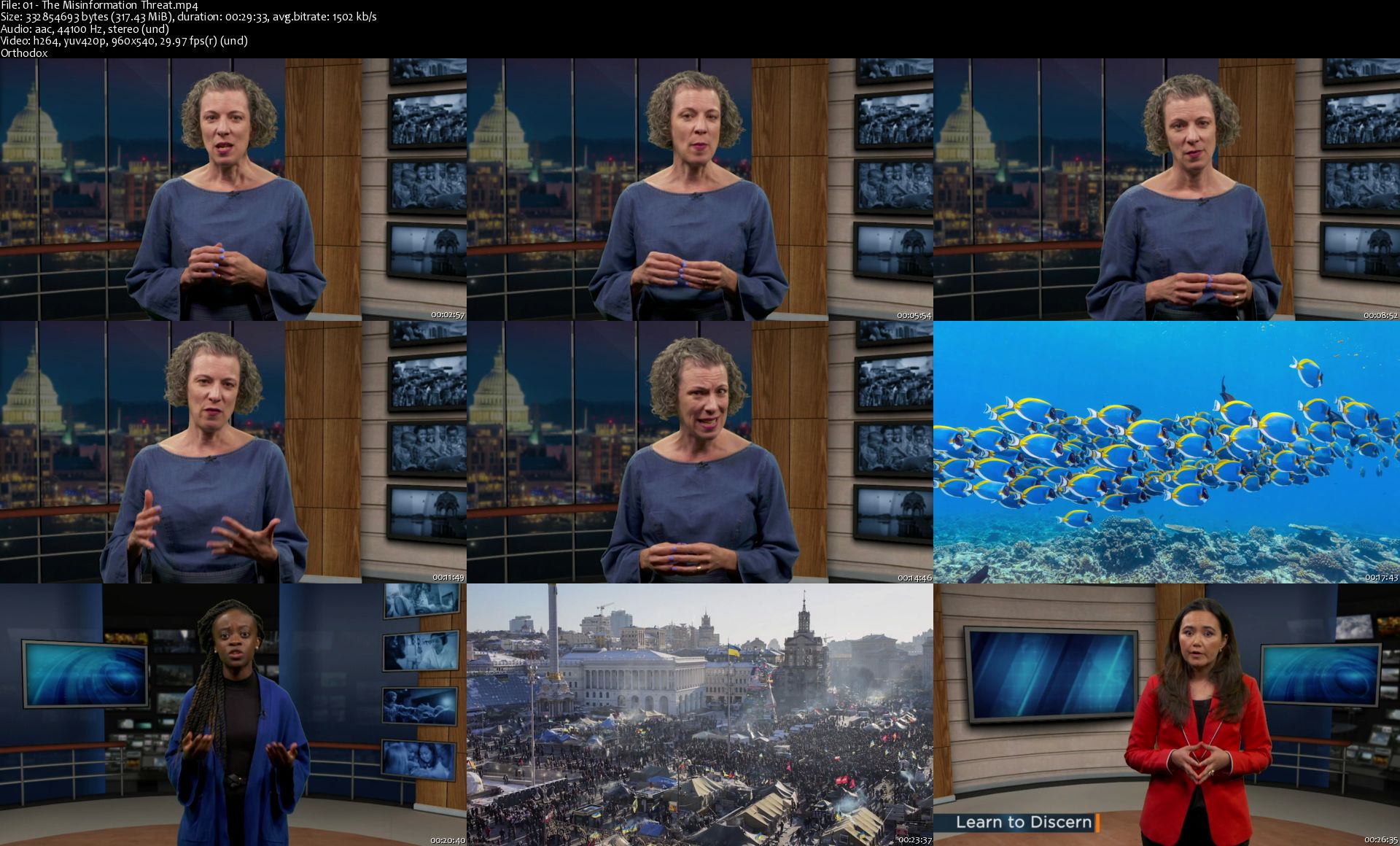
TTC Video - Fighting Misinformation: Digital Media Literacy

G3-G0m-VNUGnx-Tk8-RQ0-Ij-Qm-Noj22mar-DB8.jpg


TTC Video - Fighting Misinformation: Digital Media Literacy
Video: .MP4, AVC, 1372 kbps, 960x540 | Audio: English, AAC, 128 kbps, 2 Ch | Duration: 8x26m | 2.27 GB
Course No. 5043 | Lecturers: Tara Susman-Peña, Mehri Druckman, Nina Oduro | + PDF Guidebook

Have no doubt: The threat of misinformation is real. It has been used intentionally by those who would sow ignorance, division, and discord; it has been repeated unintentionally by those unprepared to critically analyze the media around them. With this course, you can better discern false information and slow its spread in your own community. But the first step in stopping the spread of misinformation lies with you-and, as you'll learn, it's not as complicated as you might think.

Full Description

Wag-E0e-DB02-Gg-Nc73-PWn-Cp8pk-K8-F0d-NW9.jpg


Homepage

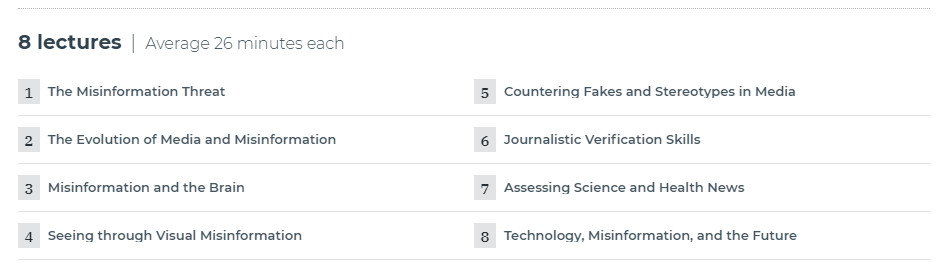
01-The-Misinformation-Threat-s.jpg


The Professional Photographer's Digital Workflow

1200.jpg


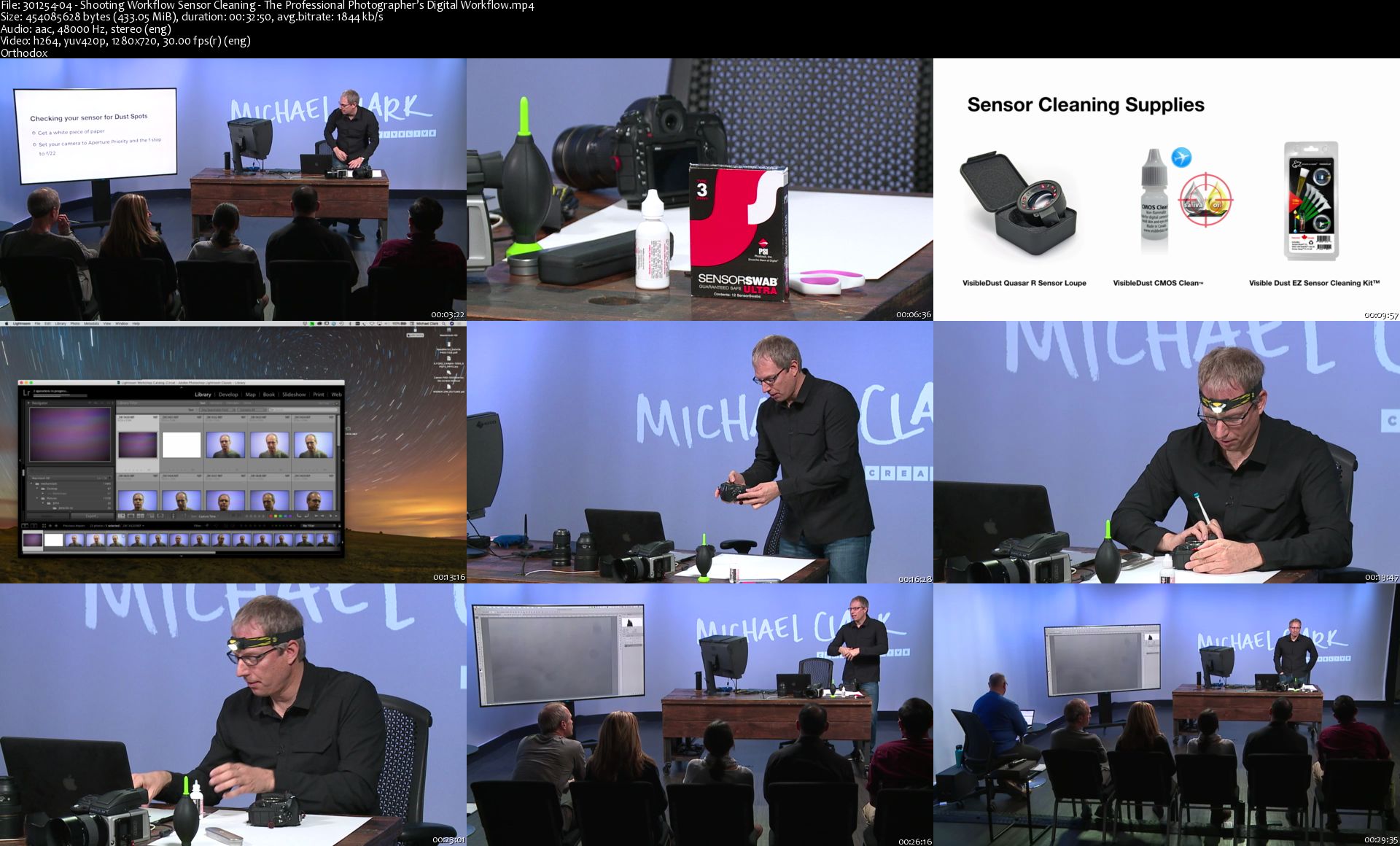
The Professional Photographer's Digital Workflow
Video: .MP4, 1280x720 30 fps | Audio: AAC, 48kHz, 2ch | Duration: 9h 58m
Genre: eLearning | Language: English + Subtitles | Size: 5.5 GB

Know How You Want To Edit Before You Take The Image Setting up a practical and efficient workflow with your photography feels like a daunting part of your business. Internationally recognized photographer Michael Clark introduces you to techniques to allow you more time to shoot the images you want. His workflow philosophy is that you must first know how you are going to edit the image in post production to know how you need to shoot it.

In this class Michael teaches:

Best practices for a shooting workflow from setting up your camera to histograms and exposure
How to clean the sensor on your DSLR camera
Color management workflow including your work environment and monitor calibration
An overview of Lightroom® and multiple ways to speed up your workflow including file folder and batch naming as well as metadata and archival processes
Techniques to finalizing your images in Photoshop® with basic adjustments and retouching
Making fine art prints, choosing your printer, paper, understanding ICC profiles, and much more!
Michael covers everything you need to know in order to streamline your post production workflow in Lightroom® and Photoshop® and best practices for printing your art at home. Digital photography is far more complicated than shooting film ever was. Knowing the best practices for a digital workflow will make you a better photographer.

Homepage

301254-04-Shooting-Workflow-Sensor-Cleaning-The-Professional.jpg


The Complete STAAD.Pro Course For Structural Engineers-Part3

lub-Ver1p-Se-Doz-Max-ILDGPUs-DHywu-RV0d.png


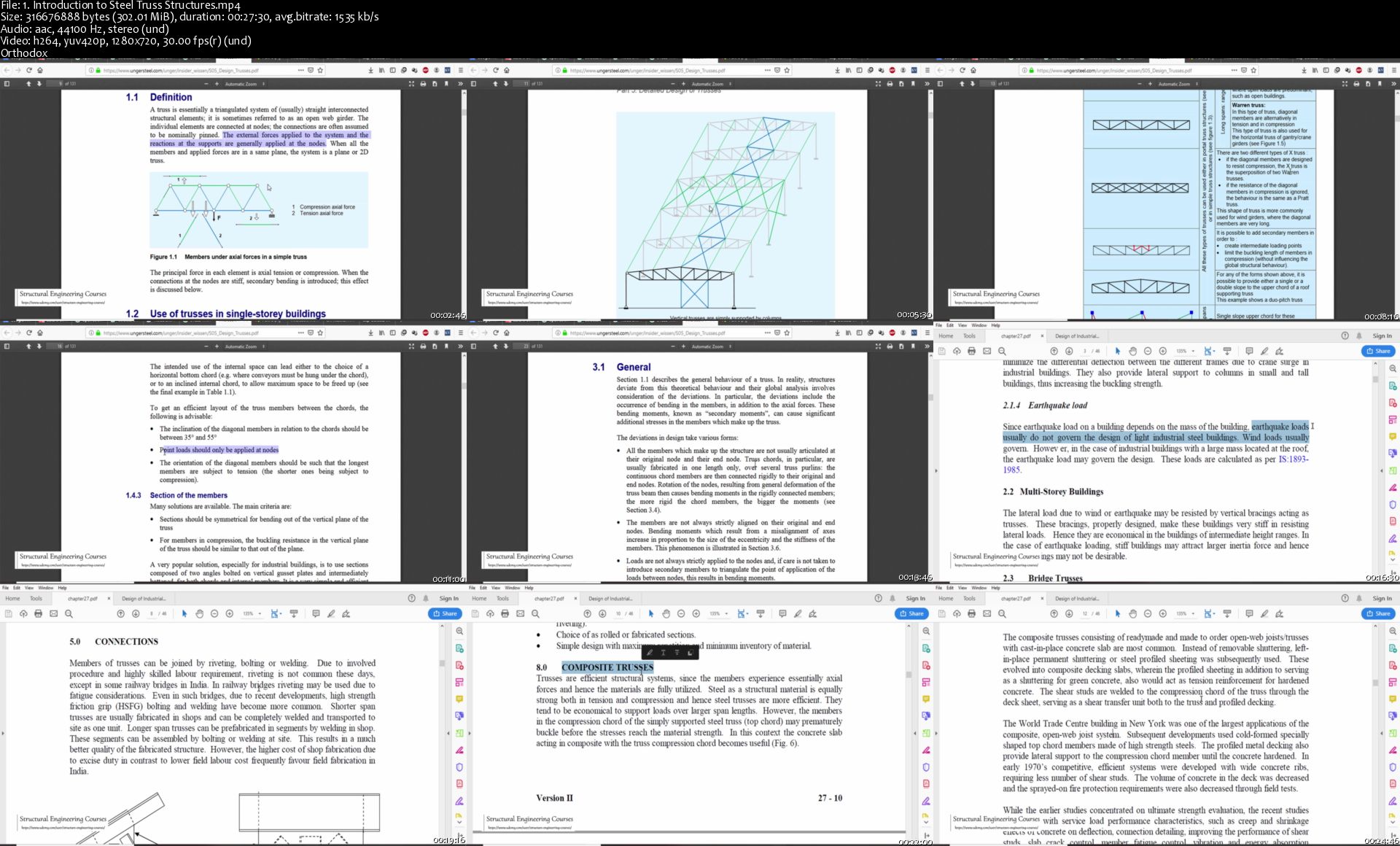
The Complete STAAD.Pro Course For Structural Engineers-Part3
Genre: eLearning | MP4 | Video: h264, 1280x720 | Audio: aac, 44100 Hz
Language: English | Size: 5.21 GB | Duration: 8.5 hours


What you'll learn
Design of Steel Truss Structures as per AISC 360
Wind Load Calculations as per ASCE 07-16 and IS 875-2015
Linear Buckling Analysis of I-Shape Columns , Girders etc.
Design of Pre Engineered Structure as per Indian and American Design Standards
Design of Lattice Truss Structures as per Indian Standards

Requirements
STAAD Pro
Basic Knowledge of Civil and Structural Engineering
Description
Design of Truss Structures as per AISC 360

In this lecture series, first of all you shall learn the absolute basics of Introduction to Steel Truss Structures. Manual Design of Purlins and Sag Rods are explained in detail as per AISC 360. You shall learn how to model , analyze and design steel truss structures as per AISC 360.

Linear Buckling Analysis of Structures

Linear Buckling Analysis is a very interesting concept ,which form the basis of design of many types of structural elements. You shall learn how to do buckling analysis of Column Manually. After getting your concepts cleared , you shall learn how to perform buckling analysis of I shaped Steel Girders , I shape Columns and Cooling Tower.

Design of Pre-Engineered Building as per Indian Standard IS800

Pre-Engineered Buildings are somewhat difficult to model and analyze. The Instructor explains the anatomy of PEB structures first. You shall learn how to model , analyze and design the structures. Wind load calculations is taught in great detail.

Design of Lattice Steel Truss Structure as per Indian Design Standards

This lecture series starts with Introduction to Lattice Steel Truss Structures.The modelling , analysis and design of Steel Truss Lattice Structures are taught with practical examples. Difference in behavior of Conventional PEB structure with Lattice Steel Truss Structures is taught in great detail. You shall learn how to read the design results and optimize the steel structures.

Design of Pre-Engineered Building as per American Standard AISC 360 and ASCE 07

This is the only lecture series on the internet that shall explain you how to calculate the Wind loads as per American Standard ASCE07. The Portal frame analysis for the structure is performed as per AISC 360. The design of the Portal is done and the results are analyzed.

Non-Linear Static Analysis of Steel Structures (Pushover Analysis)

In this lecture series , Non-Linear Static Analysis of Steel Structure is done in the STAAD. The pushover analysis is taught in great detail in this lecture series. The modelling is done for a planar structure in STAAD. The pushover curved is generated and the results are ascertained.

Who this course is for:
Civil Engineers
Structural Engineers
Architects
Civil Engineering Students
Steel Fabricators

Homepage

1-Introduction-to-Steel-Truss-Structures-s.jpg


PMP Certification Exam Prep Course 35 PDU Contact Hours/PDU

KGALt-YD4-Tso-B46fo-Rh-Pkoyp-Iq-Juf3d-UO.png


PMP Certification Exam Prep Course 35 PDU Contact Hours/PDU
Genre: eLearning | MP4 | Video: h264, 1280x720 | Audio: aac, 44100 Hz
Language: English | VTT | Size: 18.1 GB | Duration: 20.5 hours


What you'll learn
Students will learn to pass the PMP Certification Exam on the first try.
35 Contract Hours/PDU Certificate form A PMI Registered Education Provider
Steps to fill out the PMP application
All 49 PMBOK processes will be covered in depth
All EVM, communication, and estimating formulas
Exam tips and tricks
Introduction to agile project management
400+ Exam Like Questions

Requirements
No requirements.
Description
Passing the PMP certification exam is a must for any individual looking to move up the corporate ladder in any company. This course will cover all the topics needed to pass your PMP exam on the first try. Topics such as the 49 processes, EVM and network diagram will be covered.

This course is taught by Instructor and PMP author Andrew Ramdayal. Andrew has over 53 certifications and has authored a few best selling books for the PMP exam. Andrew has taught this course to thousands of students around the world both in the classroom and online.

Unlike other providers, we are a PMI Registered Education provider: #3333 and this course is accredited by PMI.

This course will include the following:

35 PMI Approved Contacts hours/PDU Certificate needed to take your PMP exam.

Based on the PMBOK Guide 6th Edition

20+ Hours of expert instruction from a certified PMP Instructor and one of Amazon best selling authors for the PMP exam books.

230+ Videos

400+ realistic exam questions

Course Slides and PDF's with all the processes and formulas

Expert instructions with filling out the PMP application

Full length mock exam

Every year we help thousands to pass their PMP certification exam and we can help you also.

Who this course is for:
All students looking to become PMP Certified.

Homepage

2-Enterprise-Environmental-Factors-s.jpg


Zurück
Oben Unten