• Regeln für den Video-Bereich:

    In den Börsenbereich gehören nur Angebote die bereits den Allgemeinen Regeln entsprechen.

    Einteilung

    - Folgende Formate gehören in die angegeben Bereiche:
    - Filme: Encodierte Filme von BluRay, DVD, R5, TV, Screener sowie Telesyncs im Format DivX, XviD und x264.
    - DVD: Filme im Format DVD5, DVD9 und HD2DVD.
    - HD: Encodierte Filme mit der Auflösung 720p oder darüber von BluRay, DVD, R5, TV, Screener sowie Telesyncs im Format x264.
    - 3D: Encodierte Filme von BluRay, die in einem 3D Format vorliegen. Dies gilt auch für Dokus, Animation usw.
    - Serien: Cartoon/Zeichentrick, Anime, Tutorials, Dokumentationen, Konzerte/Musik, Sonstiges sind demnach in die entsprechenden Bereiche einzuordnen, auch wenn sie beispielsweise im High Definition-Format oder als DVD5/DVD9/HD2DVD vorliegen. Ausnahme 3D.
    - Bereich Englisch: Englische Releases gehören immer in diesen Bereich.
    - Bereich Talk: Der Bereich, in dem über die Releases diskutiert werden kann, darf, soll und erwünscht ist.


    Angebot/Beitrag erstellen

    - Ein Beitrag darf erst dann erstellt werden, wenn der Upload bei mindestens einem OCH komplett ist. Platzhalter sind untersagt.
    - Bei einem Scenerelease hat der Threadtitel ausschließlich aus dem originalen, unveränderten Releasenamen zu bestehen. Es dürfen keine Veränderungen wie z.B. Sterne, kleine Buchstaben o.ä. vorgenommen werden. Ausnahme Serienbörse:
    - Bei einem Sammelthread für eine Staffel entfällt aus dem Releasename natürlich der Name der Folge. Beispiel: Die Simpsons S21 German DVDRip XviD - ITG
    - Dementsprechend sind also u.a. verboten: Erweiterungen wie "Tipp", "empfehlenswert", "only", "reup", usw. / jegliche andere Zusatzinformation oder Ergänzung, welche nicht in obiger Beschreibung zu finden ist.

    Aufbau des Angebots und Threadtitel

    Der Titel nach folgendem Muster erstellt zu werden. <Name> [3D] [Staffel] [German] <Jahr> <Tonspur> [DL] [Auflösung] <Quelle> <Codec> - <Group>
    Beispiel: The Dark Knight German 2008 AC3 DVDRip XviD - iND
    Beispiel: The Dark Knight 2008 DTS DL BDRip x264 - iND
    Beispiel: The Dark Knight 2008 AC3 DL BDRip XviD - iND
    Beispiel: The Dark Knight German 2008 AC3 720p BluRay x264 iND
    Beispiel: The Dark Knight 2008 DTS DL 1080p BluRay x264 iND
    Beispiel: Die Simpsons S01 German AC3 DVDRip XviD iND
    Beispiel: Die Simpsons S20 German AC3 720p BluRay x264 iND
    Beispiel: Sword Art Online II Ger Sub 2014 AAC 1080p WEBRip x264 - peppermint
    Entsprechend sind also u.a. verboten: Sonderzeichen wie Klammern, Sterne, Ausrufezeichen, Unterstriche, Anführungszeichen / Erweiterungen wie "Tipp", "empfehlenswert", "only", "reup", usw. / jegliche andere Zusatzinformation oder Ergänzung, welche nicht in obiger Beschreibung zu finden ist
    Ausnahmen hiervon können in den Bereichen geregelt sein.

    Die Beiträge sollen wie folgt aufgebaut werden:
    Überschrift entspricht dem Threadtitel
    Cover
    kurze Inhaltsbeschreibung
    Format, Größe, Dauer sind gut lesbar für Downloader außerhalb des Spoilers zu vermerken
    Nfo sind immer Anzugeben und selbige immer im Spoiler in Textform.
    Sind keine Nfo vorhanden z.B. Eigenpublikationen, sind im Spoiler folgende Dateiinformationen zusätzlich anzugeben :
    Quelle
    Video (Auflösung und Bitrate)
    Ton (Sprache, Format und Bitrate der einzelnen Spuren)
    Untertitel (sofern vorhanden)
    Hosterangabe in Textform außerhalb eines Spoiler mit allen enthaltenen Hostern.
    Bei SD kann auf diese zusätzlichen Dateiinformationen verzichtet werden.

    Alle benötigten Passwörter sind, sofern vorhanden, in Textform im Angebot anzugeben.
    Spoiler im Spoiler mit Kommentaren :"Schon Bedankt?" sind unerwünscht.


    Releases

    - Sind Retail-Release verfügbar, sind alle anderen Variationen untersagt. Ausnahmen: Alle deutschen Retail-Release sind CUT, in diesem Fall sind dubbed UNCUT-Release zulässig.
    - Im Serien-Bereich gilt speziell: Wenn ein Retail vor Abschluss einer laufenden Staffel erscheint, darf diese Staffel noch zu Ende gebracht werden.62
    - Gleiche Releases sind unbedingt zusammenzufassen. Das bedeutet, es ist zwingend erforderlich, vor dem Erstellen eines Themas per Suchfunktion zu überprüfen, ob bereits ein Beitrag mit demselben Release besteht. Ist dies der Fall, ist der bereits vorhandene Beitrag zu verwenden.
    - P2P und Scene Releases dürfen nicht verändert oder gar unter einem iND Tag eingestellt werden.


    Support, Diskussionen und Suche

    - Supportanfragen sind entweder per PN oder im Bereich Talk zu stellen.
    - Diskussionen und Bewertungen sind im Talk Bereich zu führen. Fragen an die Uploader haben ausschließlich via PN zu erfolgen, und sind in den Angeboten untersagt.
    - Anfragen zu Upload-Wünschen sind nur im Bereich Suche Video erlaubt. Antworten dürfen nur auf Angebote von MyBoerse.bz verlinkt werden.


    Verbote

    - Untersagt sind mehrere Formate in einem einzigen Angebotsthread, wie beispielsweise das gleichzeitige Anbieten von DivX/XviD, 720p und 1080p in einem Thread. Pro Format, Release und Auflösung ist ein eigener Thread zu eröffnen.
    - Grundsätzlich ebenso verboten sind Dupes. Uploader haben sich an geeigneter Stelle darüber zu informieren, ob es sich bei einem Release um ein Dupe handelt.
    - Gefakte, nur teilweise lauffähige oder unvollständige Angebote sind untersagt. Dies gilt auch für eigene Publikationen, die augenscheinlich nicht selbst von z.B. einer DVD gerippt wurden. Laufende Serien, bei denen noch nicht alle Folgen verfügbar sind, dürfen erstellt und regelmäßig geupdatet werden.
    - Untersagt sind Angebote, welche nur und ausschließlich in einer anderen Sprache als deutsch oder englisch vorliegen. Ausnahmen sind VORHER mit den Moderatoren zu klären.


    Verstoß gegen die Regeln

    - Angebote oder Beiträge, die gegen die Forenregeln verstoßen, sind über den "Melden"-Button im Beitrag zu melden.
  • Bitte registriere dich zunächst um Beiträge zu verfassen und externe Links aufzurufen.

++ Premium IPTV ++ 7000 Live Sender ++ UHD Qualität ++ Mediathek mit 18.000 Inhalten ++


VenneTV


Englische Tutorials

ionic 5: Crear aplicaciones IOS, Android y PWAs con Angular

Hwtnypw-Vw-L3g3m-VXBXc-Dys5-Aw-Jks-ZKn-H.jpg


ionic 5: Crear aplicaciones IOS, Android y PWAs con Angular
Created by Fernando Herrera | Video: h264, 1280x720 | Audio: AAC 48KHz 2ch | Duration: 29:00 H/M | Lec: 275 | 16.5 GB | Language: Spanish | Sub: Spanish [Auto-generated]

Google Play Store, Apple App Store, PWAs, Push Notifications, despliegues en la web, tabletas y mucho más


What you'll learn
Crear aplicaciones móviles para IOS, Android, tabletas y aplicaciones web con el mismo código
Crear PWAs utilizando ionic
Subir tu aplicación a Google Play Store y/o Apple App Store
Dominar el framework de ionic
Usar recursos nativos del dispositivo
Comprender sobre el desarrollo web y desarrollo móvil
Aprender a crear aplicaciones híbridas

Requirements
Es necesario conocer las bases de Angular ( Angular 2 o superior)
Conocimiento básico de html, css y js es necesario
No es necesario conocimiento previo de ionic
No es necesario conocer Java, Objective-C, Swift u otro lenguaje de programación
Es necesario poder realizar instalaciones en el equipo
Para desplegar aplicaciones en la Apple App Store, es necesario una Mac

Description
ionic es un framework que nos permite tomar nuestro conocimiento de Angular y crear aplicaciones multiplataforma que pueden correr en Android, IOS, convertirse en una PWA o crear una aplicación web, todo con un mismo repositorio de código.

Este es un curso sumamente completo que abarca todos los temas necesarios para crear aplicaciones y desplegarlas en Google PlayStore o Apple AppStore, sin contar que también haremos PWAs y despliegues en la web de nuestras aplicaciones.

Puntualmente, estos son los temas que cubrimos en el curso:

ionic framework desde cero

Conceptos importantes de Angular (componentes, lazyload y módulos)

Creación de aplicaciones reales

Creación de PWAs

Diseño adaptativo

Firebase Hosting

Push Notification Grupales

Push Notification a usuarios en específico

Uso la página de Onesignal para envío de mensajes grupales

Uso de la API de OneSignal para mensajes push automáticos o controlados

Explicación de la mayoría de componentes de ionic con su respectiva configuración

CRUD

Generación de un backend propio

Manejo y creación de JsonWebTokens

Subida de archivos

Consumo de diversas APIS

Aplicaciones verticales y horizontales

Aplicaciones con diseños atractivos

Uso de Mapbox para mapas

Uso de Plugins de cordova

ShareAPI de Google

Mapbox API

Compartir en Redes sociales y cualquier otra aplicación instalada en el móvil

Generación de Archivos de texto y envío de los mismos

Despliegue de aplicaciones en Apple AppStore

Despliegue de aplicaciones en Google PlayStore

Alphas y Betas de Google

Test Flight de Apple

Configuración de simuladores para IOS y Android

Uso del DevApp

Storage Nativo

indexedDB

Animaciones personalizadas

Y muchos otros temas más

Este es un curso extenso con muchas clases y tareas, muchas aplicaciones y ejercicios para asegurar el aprendizaje del framework haciendo ejercicios prácticos y reales, todo lo haremos de cero, cada línea de código será explicada y ustedes mismos lo harán y probarán para que vean los resultados por ustedes mismos.

Who this course is for?
Una persona con conocimiento básico de Angular
Una persona que desee crear aplicaciones móviles
Una persona que quiera crear PWAs que tengan el aspecto nativo de una app móvil
Personas que quieran saber cómo desplegar sus aplicaciones en Google Play Store y Apple App Store

Homepage
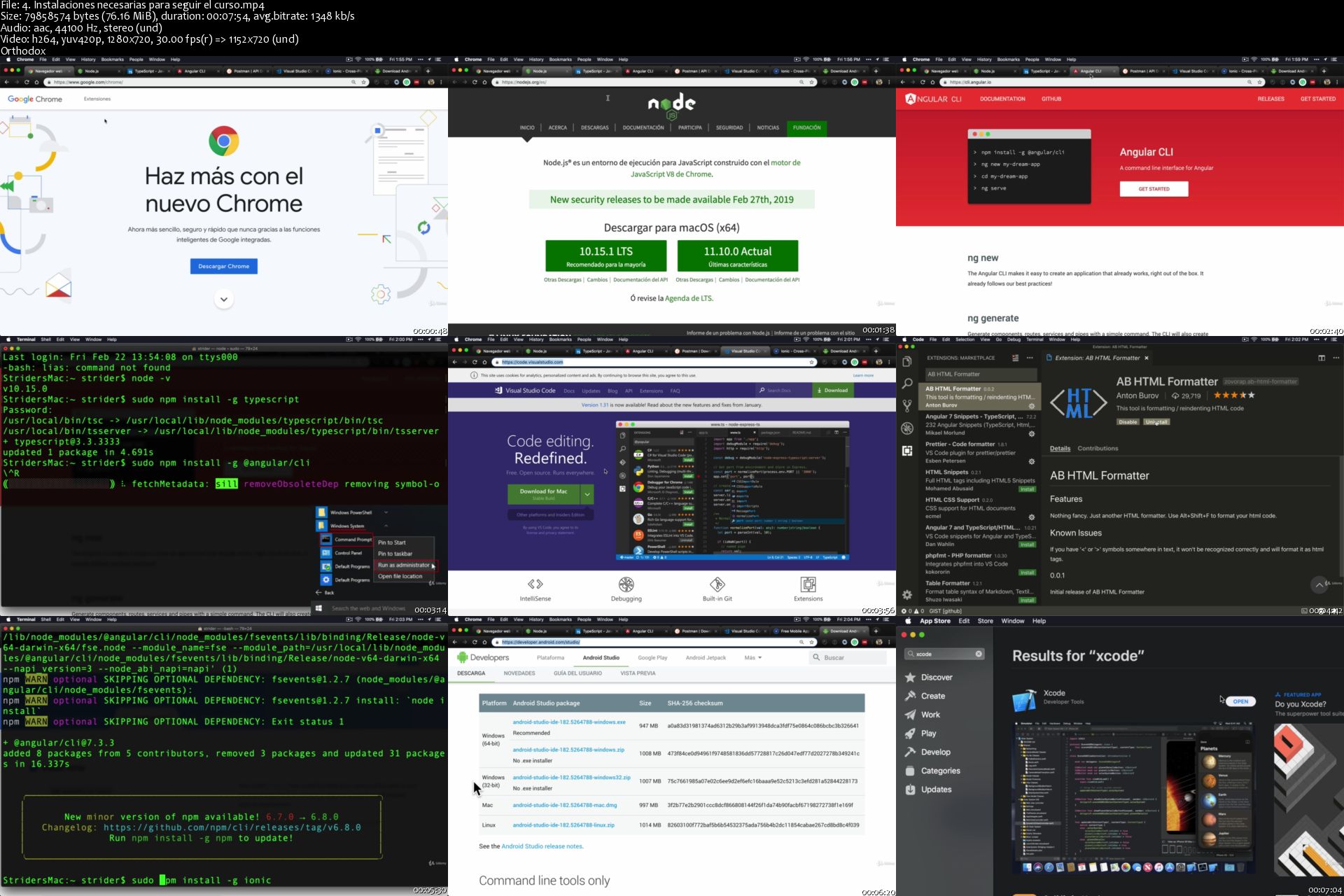
4-Instalaciones-necesarias-para-seguir-el-curso-s.jpg


Go (Golang): The Complete Bootcamp

006fbe50.jpg


Udemy - Go (Golang): The Complete Bootcamp (2019)
WEBRip | English | MP4 + PDF Guides | 1280 x 720 | AVC ~1288 Kbps | 30 fps
AAC | 128 Kbps | 44.1 KHz | 2 channels | Subs: English | ~22 hours | 15.02 GB
Genre: Video Tutorial / Programming

Deeply understand and master the Go Programming Language (Golang) from scratch 1000+ hands-on exercises and projects


What you'll learn

Watch the free videos to see for yourself how I teach Go programming in depth.
Pass interviews: Master the Go Internals In-Depth
Practice with 1000+ Exercises (with included solutions)
Master the full power of Interfaces (Go OOP)
Master the Map Internals: Map Header
Master the Slice Internals: Slice Header and Memory Allocations
Encode and Decode JSON using Structs
Create a Log File Parser
Create a Spam Masker
Create an Animated Console-Based Retro Led Clock using Arrays
Create a Bouncing Ball Animation using Slices
Create a Dictionary Program using Maps
And more.

WHY THIS COURSE:

Don't waste your time with outdated Go courses taught by popular but rookie Go Instructors.

Get an in-depth understanding of Go by building dozens of projects.

Reinforce your knowledge by 1000+ hands-on exercises with full solutions.

Learn with ultra-detailed, entertaining, and easy to understand animations.

Learn a lot of tips and tricks that you can't find easily anywhere else.

Don't learn only theory or practice: Both! What, Why, How, When, and Where to use?

PROJECTS:

Design and create a log parser program and analyze the results using slices, maps, and structs

Create a spam masker program

Create a store that can encode and decode JSON

Create a dictionary program

Create a command-line bouncing ball animation

Create a character set program

Create a command-line digital retro led clock

Create a unique words finder program using Standard Input

Create a program that scans the directories and finds empty files

Create a lucky number game using randomization

Create a mood printer using randomization

.and more.

WHAT'S INCLUDED:

Go OOP: Interfaces

Interface Internals: Dynamic type and value

Implicit interface satisfaction

Type assertion and Type Switch

Empty interface: []interface{} vs interface{}

Bonus: Go time layout format.

Go OOP: Methods

How methods work behind the scenes

Value, Pointer, and Nil Receivers

Promoted Methods

Pointers

Slices

Internals: Backing Array, Slice Header, and Capacity

Learn the internals to prevent unnecessary memory allocations

Make, Copy, Full Slice Expressions and Append Mechanics

Maps

Map Internals

Using maps as sets

Structs

JSON Encoding and Decoding

Struct Field Tags (JSON etc.)

Struct Embedding

I/O

Getting and Processing Command-Line Arguments

Printing with Printf

Working with Files

Using bufio.Scanner

Go Type System Mechanics

Underlying, Predeclared, and Unnamed Types

Untyped Constants and iota

Type Inference

Creating your own types

Go tools

Debugging Go code

Go Doc and others.

UTF-8 Encoding and Decoding

Strings, Runes, utf8 package

How to create your own Go package

How to run multiple Go files

How to use third-party packages

Declaration Styles

Blank Identifier, Short Declaration, Redeclaration, Data Types, Scopes, Naming Conventions

Control flow statements

If, Short If, Switch, Loops, Range Loops, Goto

Error Handling and shadowing gotchas

Randomization

.and more.

WHY GO?

Go is one of the most desired, easy to learn, and the highest paying programming languages. There are 1+ million Go programmers around the world, and the number is increasing each day exponentially. It's been used by Google, Facebook, Twitter, Uber, Docker, Kubernetes, Heroku, and many others.

Go is Efficient like C, C++, and Java, and Easy to use like Python and Javascript. It's Open-Source, Simple, Powerful, Efficient, Cross-Platform (OS X, Windows, Linux, .), Compiled, Garbage-Collected, and Concurrent.

Go is best for Command-line Tools, Web APIs, Distributed Network Applications like Microservices, Database Engines, Big-Data Processing Pipelines, and so on.

Go has been designed by one of the most influential people in the industry:

Unix: Ken Thompson

UTF-8, Plan 9: Rob Pike

Hotspot JVM (Java Virtual Machine): Robert Griesemer

Who this course is for:
Beginners who have never programmed before.
Programmers switching languages to Go.
Intermediate Go programmers who want to level up their skills!

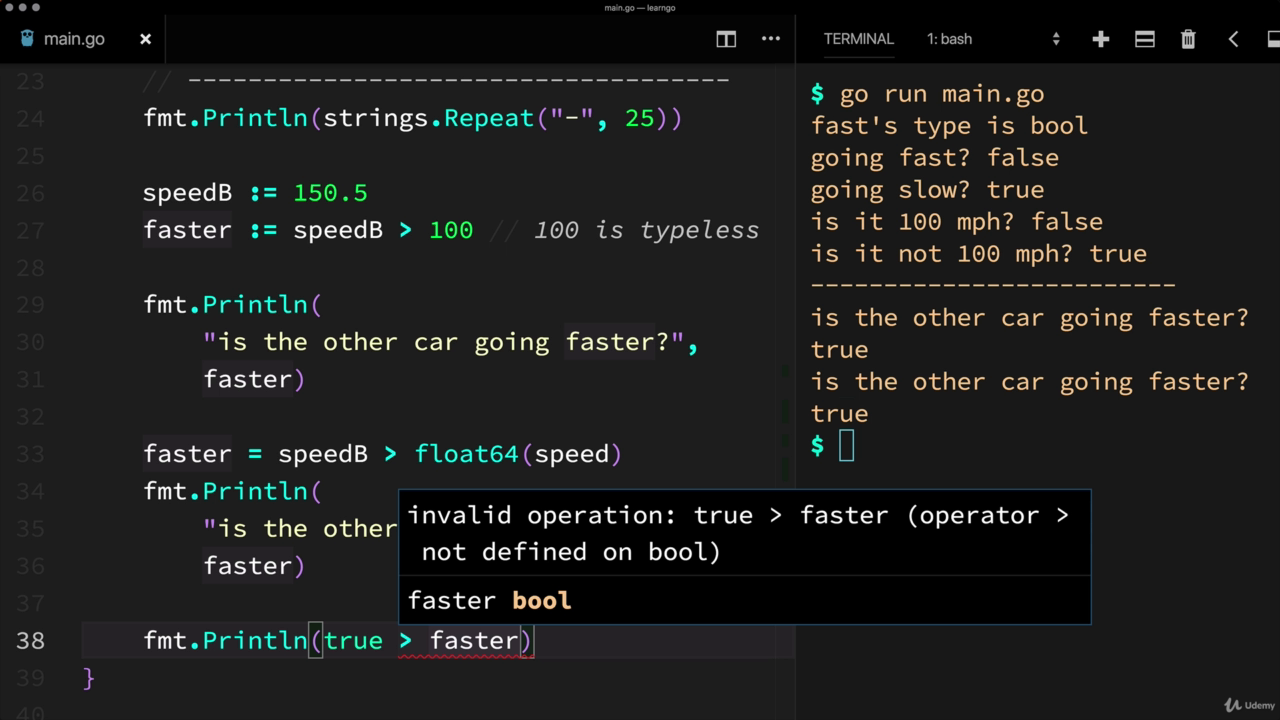
006fbe56.png
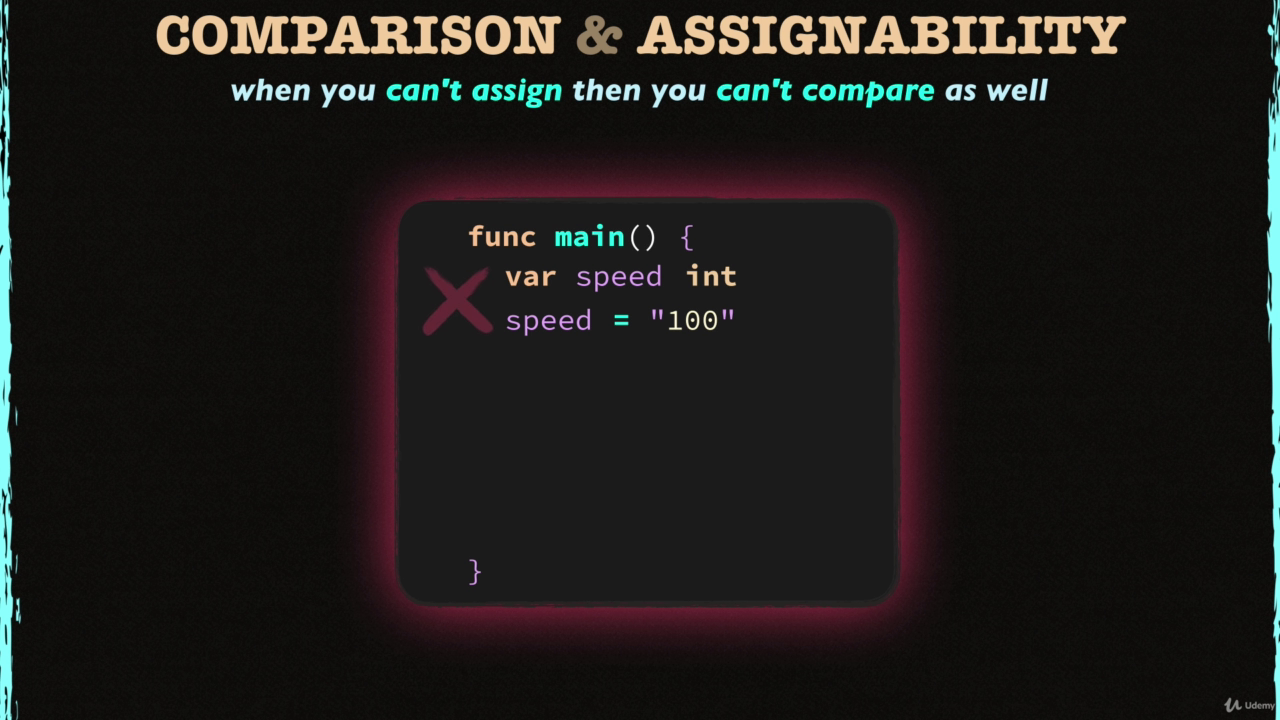
006fbe57.png

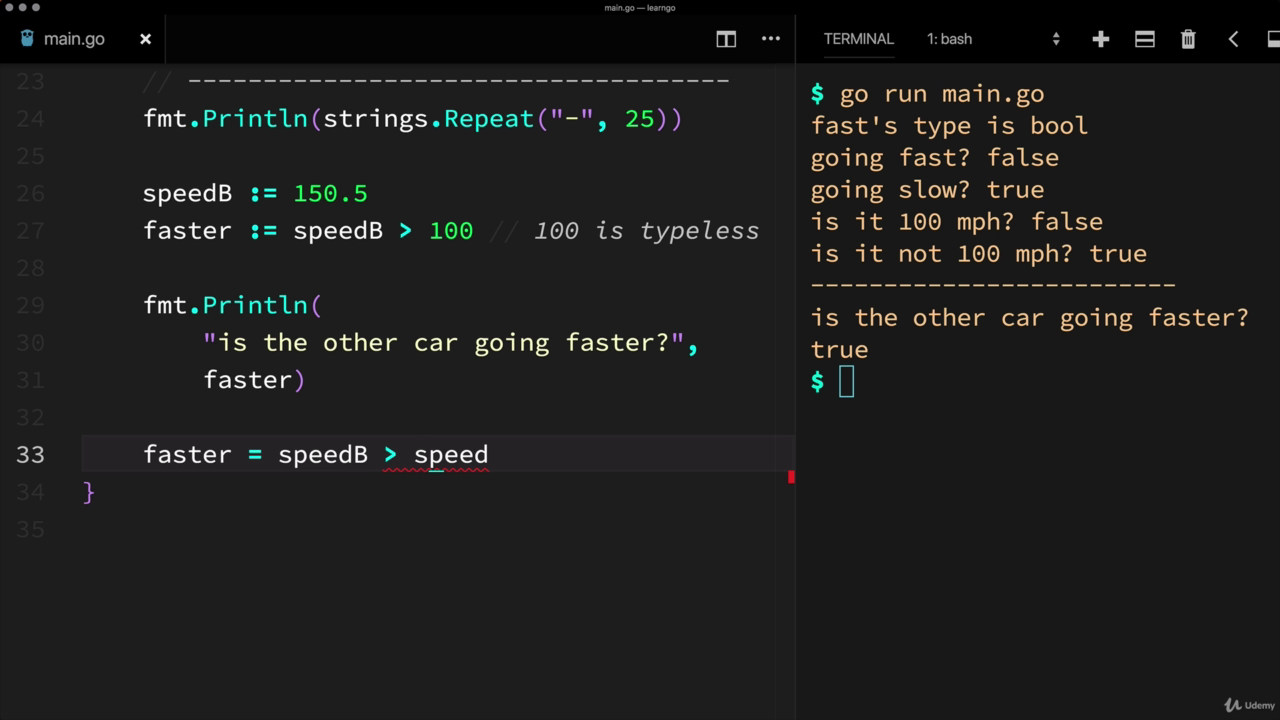
006fbe58.png
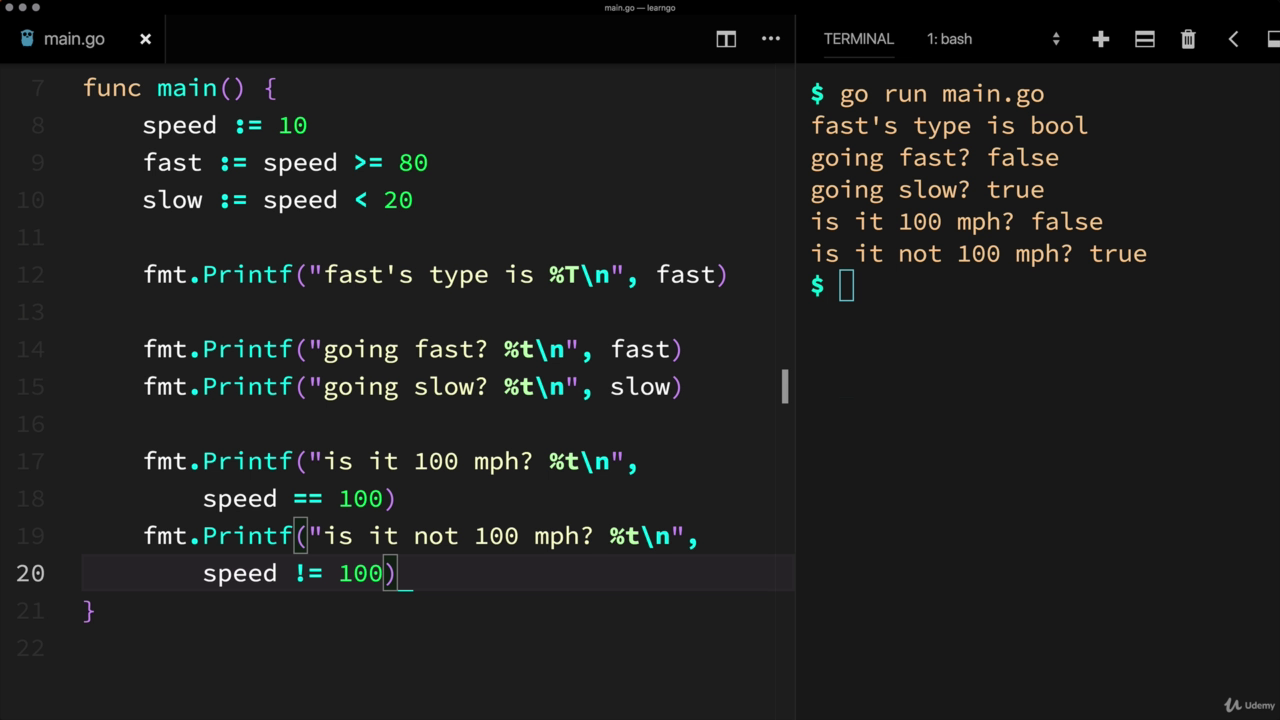
006fbe59.png


Microsoft Excel - Excel from Beginner to Advanced (Updated 10/2019)

006e5402.jpg


Microsoft Excel - Excel from Beginner to Advanced (Updated)
.MP4 | Video: 1280x720, 30 fps(r) | Audio: AAC, 44100 Hz, 2ch | 6.72 GB
Duration: 16 hours | Genre: eLearning Video | Language: English

Excel with this A-Z Microsoft Excel Course. Microsoft Excel 2010, Excel 2013, Excel 2016


What you'll learn

Master Microsoft Excel from Beginner to Advanced
Build a solid understanding on the Basics of Microsoft Excel
Learn the most common Excel functions used in the Office
Harness the full power of Microsoft Excel by automating your day to day tasks through Macros and VBA
Maintain large sets of Excel data in a list or table
Create dynamic reports by mastering one of the most popular tools, PivotTables
Wow your boss by unlocking dynamic formulas with IF, VLOOKUP, INDEX, MATCH functions and many more
Access to a Professional Trainer with 10+ years of Excel Training

Requirements

This course was created with Excel 2013. But all features will work in Excel 2010, 2013, 2016 and most will work in 2007.

Description

Microsoft Excel all in One Package

This Microsoft Excel course combines 4 different courses.

Microsoft Excel 101 - An Introduction to Excel
Microsoft Excel 102 - Intermediate Level Excel
Microsoft Excel 103 - Advanced Level Excel
Master Microsoft Excel Macros and VBA in 6 Simple Projects

Material recorded with Excel 2013 but works in 2010, 2013, and 2016

Enroll now to go through a deep dive of the most popular spreadsheet tool on the market, Microsoft Excel. As your instructor I will use my 15+ years of Excel training to guide you step by step through the beginner to advanced level and beyond.

As you participate in each of the 4 courses you will master Excel tools that will clear away the pain of stumbling through your daily tasks. You will start with the basics, building a solid foundation that will give you further knowledge as you progress into intermediate and advanced level topics.

At completion of this course you will have mastered the most popular Excel tools and come out with confidence to complete any Excel tasks with efficiency and grace. Below are just a few of the topics that you will master:

Creating effective spreadsheets
Managing large sets of data
Mastering the use of some of Excel's most popular and highly sought after functions (SUM, VLOOKUP, IF, AVERAGE, INDEX/MATCH and many more.)
Create dynamic report with Excel PivotTables
Unlock the power and versatility of Microsoft Excel's AddIn, PowerPivot
Audit Excel Worksheet formulas to ensure clean formulas
Automate your day to day Excel tasks by mastering the power of Macros and VBA

So, what are you waiting for, enroll now and take the next step in mastering Excel and go from Excel Newb to Excel Guru!

Who this course is for:

This Microsoft Excel courses will take you through 4 levels of Microsoft Excel topics (Beginner, Intermediate, Advanced and Macros/VBA).
If your looking to take your Excel skills from beginner to advanced level and beyond, then this course is for you.

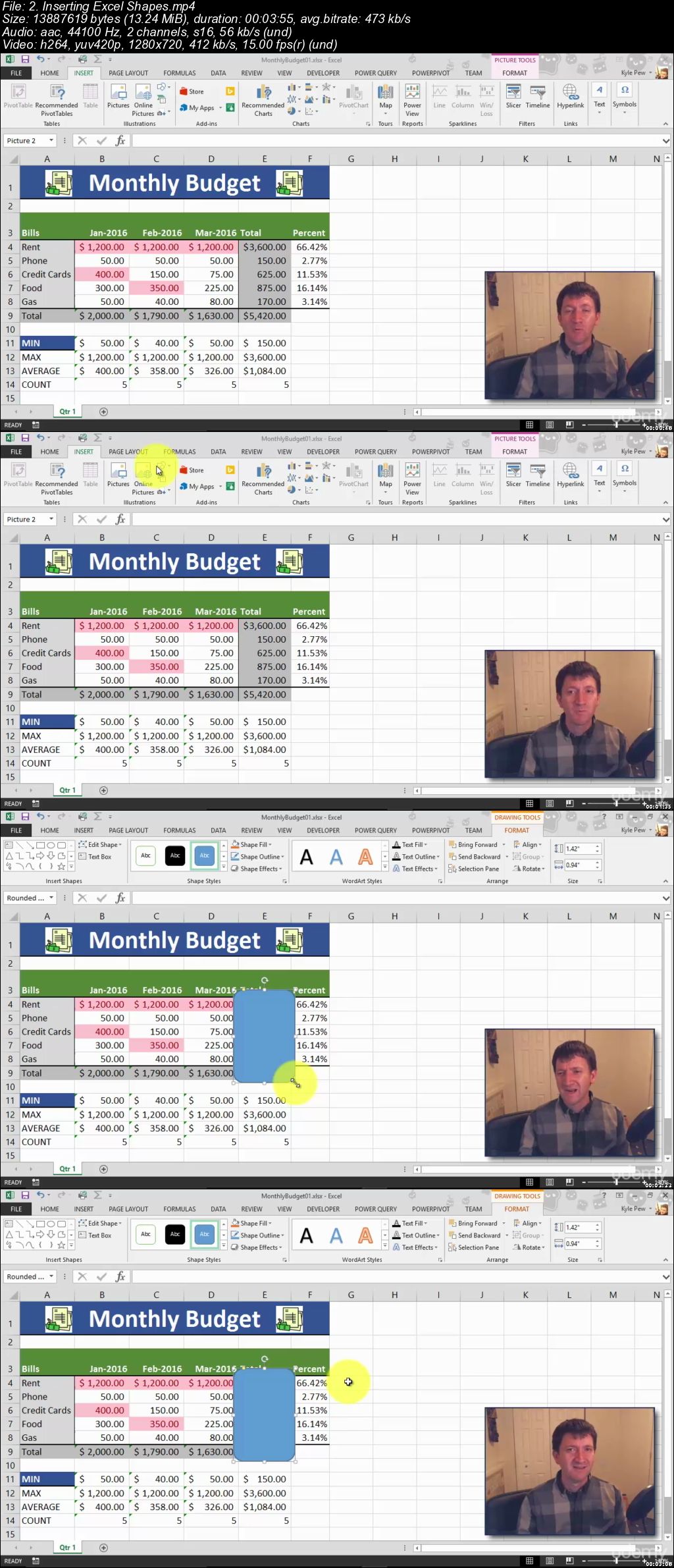
006e5403.jpg


The Ultimate Acrylic Painting Course

image.jpg


The Ultimate Acrylic Painting Course
Video: .MP4, 1280x720, 30 fps | Audio: AAC, 48 kHz, 2ch | Duration: 11h 31m
Genre: eLearning | Language: English | Size: 8.74 GB

This course has it all! From Your First Brushstroke to Your Ultimate Masterpiece! One course - all aspects of acrylic.

Anyone can master acrylic painting with the right skills! In this all-inclusive acrylic painting course, you will learn to achieve a wide range of painting techniques. Gain confidence to create any painting effect, style and image you desire!
Learn from the nation's foremost acrylic expert and international best-selling author of acrylic painting books, including Acrylic Revolution. As a bonus gift, Instructor Nancy Reyner includes four pdf books at no additional cost with this course. This is a $95 value if purchased separately.

Nancy's professional and easy-to-follow videos show you all the ways to use acrylic - from traditional painting methods such as glazing, stippling, color mixing and dry brushing, as well as NEW contemporary methods such as flinging, pouring, sanding, layering, and hundreds more painting tips to get successful results.
This course can be used in two ways; a do-it-yourself course AND a reference guide. Follow each video in order like a workshop. Use it again and again as a handy resource guide to quickly access acrylic techniques whenever you need to.
Warning - this course may cause extreme side effects such as creative joy and a genuine painting addiction!

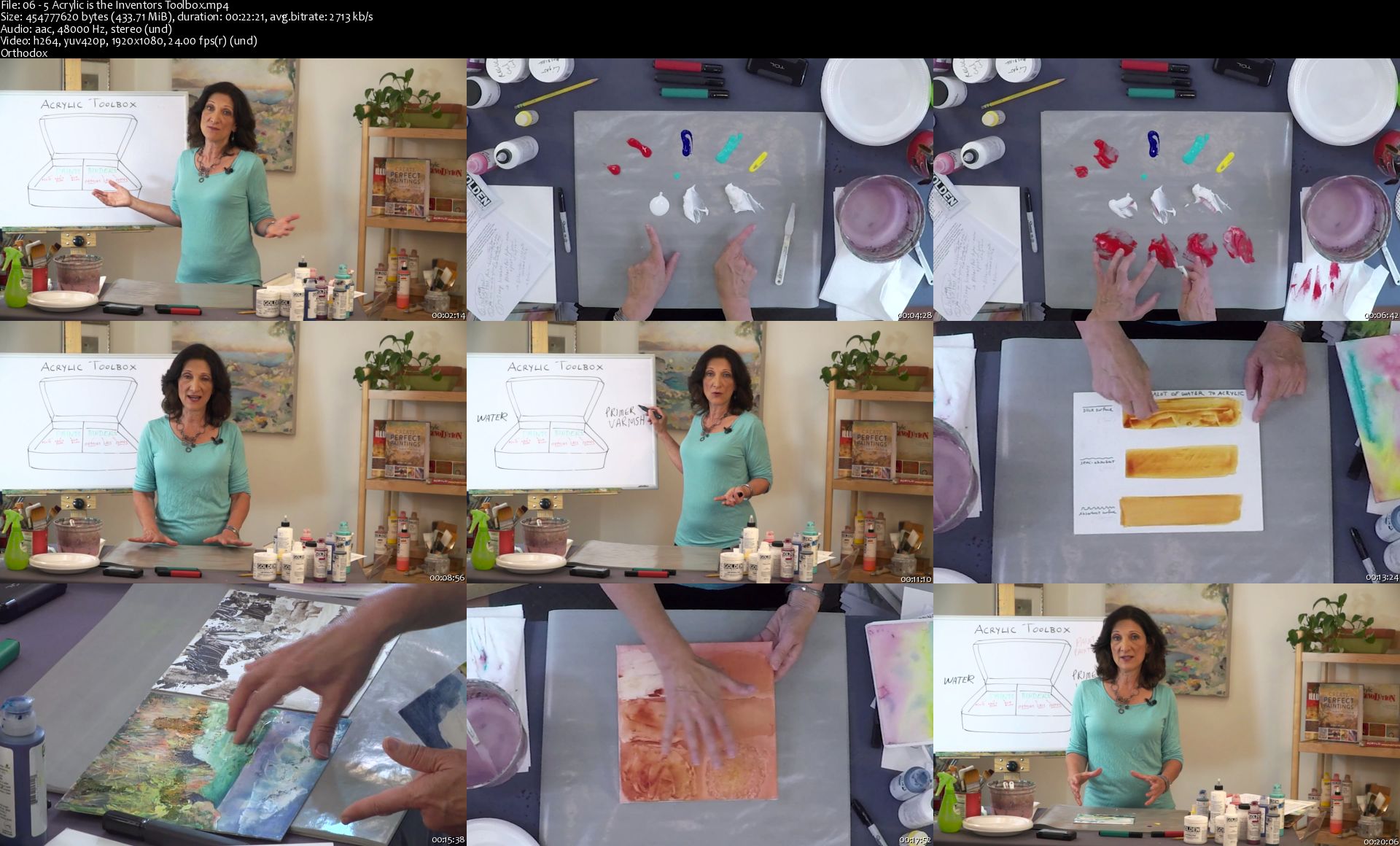
06-5-Acrylic-is-the-Inventors-Toolbox-s.jpg


Learn Ethical Hacking From Scratch [updated 11/2019]

ey-SEldqg-DDSi-Od-Od-Jr-Dxp-DLksv5d-KIQZ.png


Learn Ethical Hacking From Scratch (updated 11/2019)
Genre: eLearning | MP4 | Video: h264, 1280x720 | Audio: aac, 48000 Hz
Language: English | VTT | Size: 9.19 GB | Duration: 14.5 hours


What you'll learn
135+ ethical hacking & security videos.
Start from 0 up to a high-intermediate level.
Learn ethical hacking, its fields & the different types of hackers.
Install a hacking lab & needed software (on Windows, OS X and Linux).
Hack & secure both WiFi & wired networks.
Understand how websites work, how to discover & exploit web application vulnerabilities to hack websites.
Use 30+ hacking tools such as Metasploit, Aircrack-ng, SQLmap.....etc.
Discover vulnerabilities & exploit them to hack into servers.
Hack secure systems using client-side & social engineering.
Secure systems from all the attacks shown.
Install & use Kali Linux - a penetration testing operating system.
Learn linux basics.
Learn linux commands & how to interact with the terminal.
Learn Network Hacking / Penetration Testing.
Network basics & how devices interact inside a network.
Run attacks on networks without knowing its key.
Control Wi-Fi connections without knowing the password.
Create a fake Wi-Fi network with internet connection & spy on clients.
Gather detailed information about networks & connected clients like their OS, ports ...etc.
Crack WEP/WPA/WPA2 encryptions using a number of methods.
ARP Spoofing / ARP Poisoning.
Launch various Man In The Middle attacks.
Access any account accessed by any client on the network.
Sniff network traffic & analyse it to extract important info such as: passwords, cookies, urls, videos, images ..etc.
Intercept network traffic & modify it on the fly.
Discover devices connected to the same network.
Inject Javascript in pages loaded by clients connected to the same network.
Redirect DNS requests to any destination (DNS spoofing).
Secure networks from the discussed attacks.
Edit router settings for maximum security.
Discover suspicious activities in networks.
Encrypt traffic to prevent MITM attacks.
Discover open ports, installed services and vulnerabilities on computer systems.
Hack servers using server side attacks.
Exploit buffer over flows & code execution vulnerabilities to gain control over systems.
Hack systems using client side attacks.
Hack systems using fake updates.
Hack systems by backdooring downloads on the fly.
Create undetectable backdoors.
Backdoor normal programs.
Backdoor any file type such as pictures, pdf's ...etc.
Gather information about people, such as emails, social media accounts, emails and friends.
Hack secure systems using social engineering.
Send emails from ANY email account without knowing the password for that account.
Analyse malware.
Manually detect undetectable malware.
Read, write download, upload and execute files on compromised systems.
Capture keystrokes on a compromised system.
Use a compromised computer as a pivot to hack other systems.
Understand how websites & web applications work.
Understand how browsers communicate with websites.
Gather sensitive information about websites.
Discover servers, technologies & services used on target website.
Discover emails & sensitive data associated with a specific website.
Discover subdomains associated with a website.
Discover unpublished directories & files associated with a target website.
Discover websites hosted on the same server as the target website.
Exploit file upload vulnerabilities to gain control over target website.
Discover, exploit and fix code execution vulnerabilities.
Discover, exploit & fix local file inclusion vulnerabilities.
Discover, exploit & fix SQL injection vulnerabilities.
Bypass login forms and login as admin using SQL injections.
Exploit SQL injections to find databases, tables & sensitive data such as usernames, passwords...etc
Read / Write files to the server using SQL injections.
Learn the right way to write SQL queries to prevent SQL injections.
Discover reflected XSS vulnerabilities.
Discover Stored XSS vulnerabilities.
Hook victims to BeEF using XSS vulnerabilities.
Fix XSS vulnerabilities & protect yourself from them as a user.
Discover MITM & ARP Spoofing attacks.

Requirements
Basic IT Skills
No Linux, programming or hacking knowledge required.
Computer with a minimum of 4GB ram/memory.
Operating System: Windows / OS X / Linux.
For WiFi cracking (10 lectures ONLY) - Wireless adapter that supports monitor mode (more info provided in the course).
Description
Welcome this comprehensive Ethical Hacking course! This course assumes you have NO prior knowledge in hacking and by the end of it you'll be able to hack systems like black-hat hackers and secure them like security experts!

This course is highly practical but it won't neglect the theory; we'll start with ethical hacking basics, breakdown the different penetration testing fields and install the needed software (on Windows, Linux and Mac OS X), then we'll dive and start hacking straight away. From here onwards you'll learn everything by example, by analysing and exploiting different systems such as networks, servers, clients, websites .....etc, so we'll never have any boring dry theoretical lectures.

The course is divided into a number of sections, each section covers a penetration testing / hacking field, in each of these sections you'll first learn how the target system works, the weaknesses of this system, and how to practically exploit theses weaknesses to hack into this system, not only that but you'll also learn how to secure systems from the discussed attacks. By the end of the course you will have a strong foundation in most hacking or penetration testing fields.

The course is divided into four main sections:

1. Network Hacking - This section will teach you how to test the security of both wired & wireless networks. First, you will learn network basics, how they work, and how devices communicate with each other. Then it will branch into three sub sections:

Pre-connection attacks: in this subsection you'll learn a number of attacks that can be executed without connecting to the target network, and without the need to know the network password; you'll learn how to gather information about the networks around you, discover connected devices, and control connections (deny/allow devices from connecting to networks).

Gaining Access: Now that you gathered information about the networks around you, in this subsection you will learn how to crack the key and get the password to your target network weather it uses WEP, WPA or even WPA2.

Post Connection attacks: Now that you have the key, you can connect to the target network, in this subsection you will learn a number of powerful techniques that allow you to gather comprehensive information about the connected devices, see anything they do on the internet (such as login information, passwords, visited urls, images, videos ....etc), redirect requests, inject evil code in loaded pages and much more! All of these attacks work against both wireless and wired networks. You will also learn how to create a fake WiFi network, attract users to connect to it and use all of the above techniques against the connected clients.

2. Gaining Access - In this section you will learn two main approaches to gain full control or hack computer systems:

Server Side Attacks: In this subsection you will learn how to gain full access to computer systems without user interaction. You will learn how to gather useful information about a target computer system such as its operating system, open ports, installed services, then use this information to discover weaknesses and vulnerabilities and exploit them to gain full control over the target. Finally you will learn how to automatically scan servers for vulnerabilities and generate different types of reports with your discoveries.

Client Side Attacks - If the target system does not contain any weaknesses then the only way to hack it is by interacting with the users, in this subsection you'll learn how to get the target user to install a backdoor on their system without even realising, this is done by hijacking software updates or backdoornig downloadeds on the fly. This subsection also teaches you how to use social engineering to hack into secure systems, so you'll learn how to gather comprehensive information about system users such as their social accounts, friends, their mails.....etc, you'll learn how to create trojans by backdooring normal files (such as an image or a pdf) and use the gathered information to spoof emails so they appear as if they're sent from the target's friend, boss or any email account they're likely to interact with, to social engineer them into running your torjan.

3. Post Exploitation - In this section you will learn how to interact with the systems you compromised so far. You'll learn how to access the file system (read/write/upload/execute), maintain your access, spy on the target (capture key strikes, turn on the webcam, take screenshots....etc) and even use the target computer as a pivot to hack other systems.

4. Website / Web Application Hacking - In this section you will learn how websites work, how to gather information about a target website (such as website owner, server location, used technologies ....etc) and how to discover and exploit the following dangerous vulnerabilities to hack into websites:

File Upload.

Code Execution.

Local File Inclusion.

Remote File Inclusion.

SQL Injection.

Cross Site Scripting (XSS).

At the end of each section you will learn how to detect, prevent and secure systems and yourself from the discussed attacks.

All the techniques in this course are practical and work against real systems, you'll understand the whole mechanism of each technique first, then you'll learn how to use it to hack into the target system, so by the end of the course you'll be able to modify the these techniques to launch more powerful attacks, and adopt them to suit different situations and different scenarios.

With this course you'll get 24/7 support, so if you have any questions you can post them in the Q&A section and we'll respond to you within 15 hours.

Notes:

This course is created for educational purposes only, all the attacks are launched in my own lab or against systems that I have permission to test.

This course is totally a product of Zaid Sabih & zSecurity and no other organisation is associated with it or a certification exam. Although, you will receive a Course Completion Certification from Udemy, apart from that NO OTHER ORGANISATION IS INVOLVED.

Who this course is for:
Anybody interested in learning ethical hacking / penetration testing
Anybody interested in learning how hackers hack computer systems
Anybody interested in learning how to secure systems from hackers

Homepage

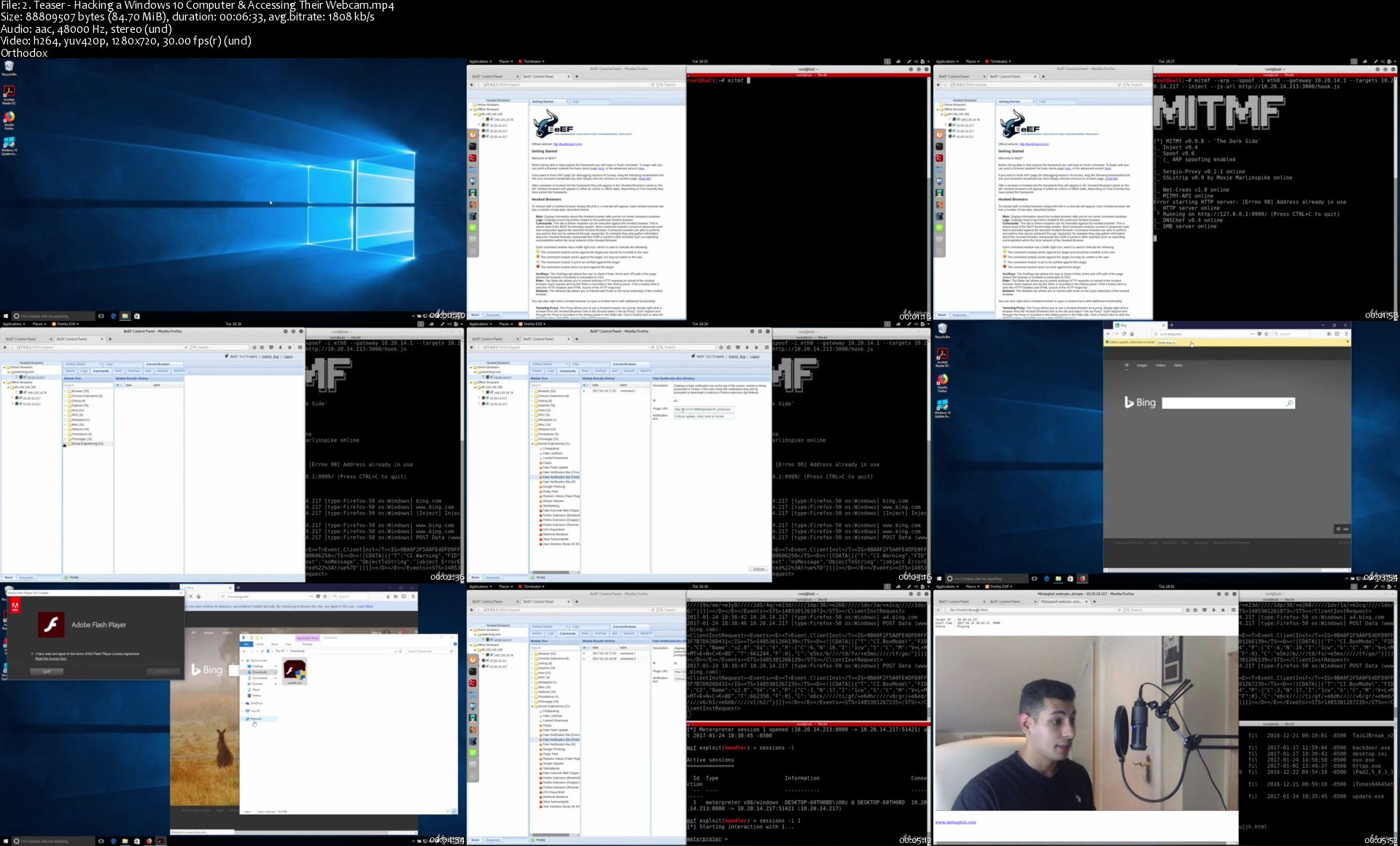
2-Teaser-Hacking-a-Windows-10-Computer-Accessing-Their-Webc.jpg


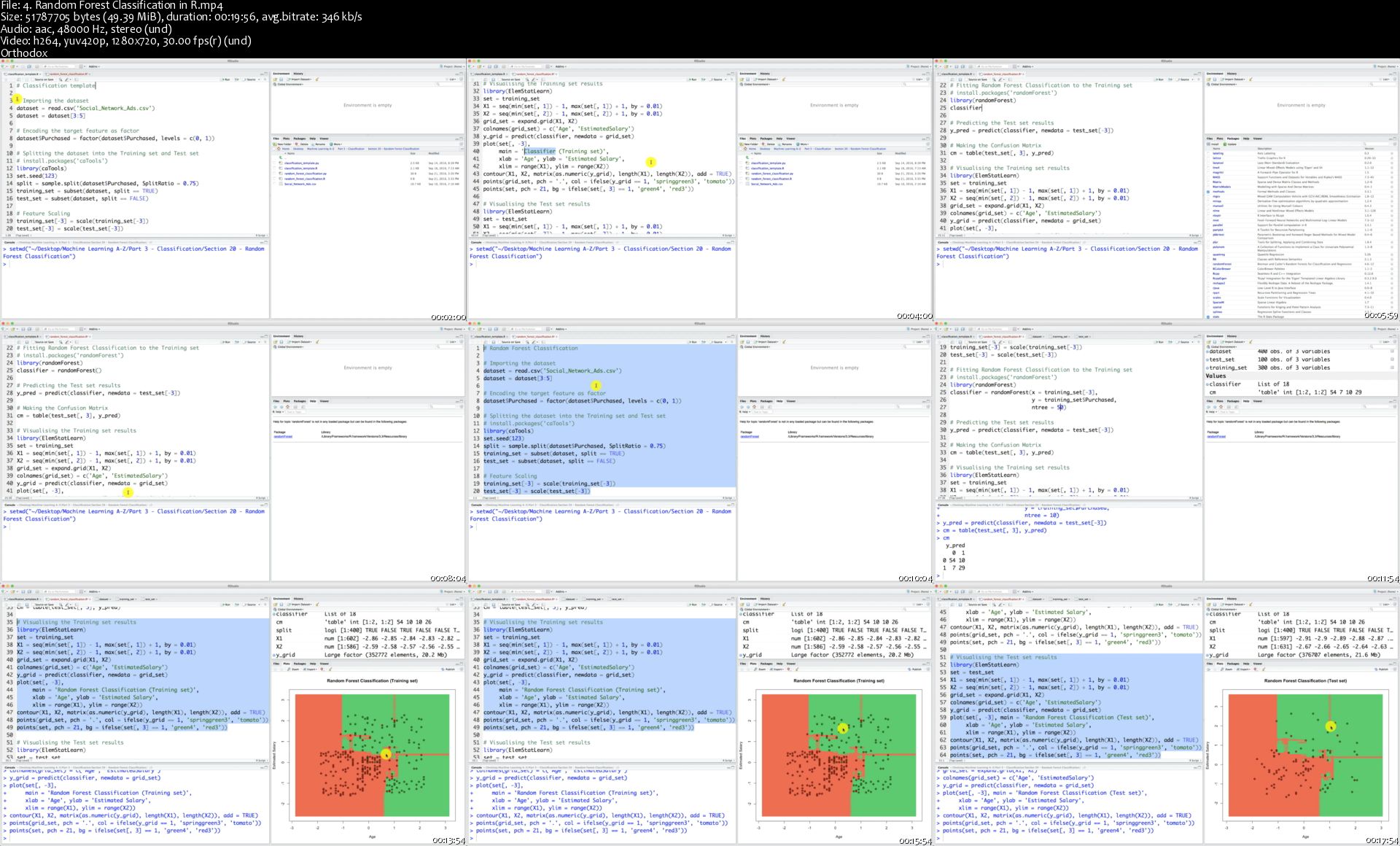
Machine Learning A-Z: Hands-On Python & R In Data Science (Updated 11/2019)

00476cdc.jpg


Machine Learning A-Z: Hands-On Python & R In Data Science (Updated 11/2019)
Video: .MP4, 1280x720 30 fps | Audio: AAC, 48kHz, 2ch | Duration: 41:19:46
Genre: eLearning | Language: English + Subtitles | Size: 6.32 GB

Learn to create Machine Learning Algorithms in Python and R from two Data Science experts. Code templates included.
What you'll learn
Master Machine Learning on Python & R
Have a great intuition of many Machine Learning models
Make accurate predictions
Make powerful analysis
Make robust Machine Learning models
Create strong added value to your business
Use Machine Learning for personal purpose
Handle specific topics like Reinforcement Learning, NLP and Deep Learning
Handle advanced techniques like Dimensionality Reduction
Know which Machine Learning model to choose for each type of problem
Build an army of powerful Machine Learning models and know how to combine them to solve any problem

Requirements
Just some high school mathematics level.
Description
Interested in the field of Machine Learning? Then this course is for you!
This course has been designed by two professional Data Scientists so that we can share our knowledge and help you learn complex theory, algorithms and coding libraries in a simple way.
We will walk you step-by-step into the World of Machine Learning. With every tutorial you will develop new skills and improve your understanding of this challenging yet lucrative sub-field of Data Science.
This course is fun and exciting, but at the same time we dive deep into Machine Learning. It is structured the following way:
Part 1 - Data PreprocessingPart 2 - Regression: Simple Linear Regression, Multiple Linear Regression, Polynomial Regression, SVR, Decision
Tree Regression, Random Forest RegressionPart 3 - Classification: Logistic Regression, K-NN, SVM, Kernel SVM, Naive Bayes, Decision Tree Classification, Random Forest ClassificationPart 4 - Clustering: K-Means, Hierarchical ClusteringPart 5 - Association Rule Learning: Apriori, EclatPart 6 - Reinforcement Learning: Upper Confidence Bound, Thompson SamplingPart 7 - Natural Language Processing: Bag-of-words model and algorithms for NLPPart 8 - Deep Learning: Artificial Neural Networks, Convolutional Neural NetworksPart 9 - Dimensionality Reduction: PCA, LDA, Kernel PCAPart 10 - Model Selection & Boosting: k-fold Cross Validation, Parameter Tuning, Grid Search, XGBoost
Moreover, the course is packed with practical exercises which are based on real-life examples. So not only will you learn the theory, but you will also get some hands-on practice building your own models.
And as a bonus, this course includes both Python and R code templates which you can download and use on your own projects.
Who this course is for:
Anyone interested in Machine Learning.
Students who have at least high school knowledge in math and who want to start learning Machine Learning.
Any intermediate level people who know the basics of machine learning, including the classical algorithms like linear regression or logistic regression, but who want to learn more about it and explore all the different fields of Machine Learning.
Any people who are not that comfortable with coding but who are interested in Machine Learning and want to apply it easily on datasets.
Any students in college who want to start a career in Data Science.
Any data analysts who want to level up in Machine Learning.
Any people who are not satisfied with their job and who want to become a Data Scientist.
Any people who want to create added value to their business by using powerful Machine Learning tools.

Homepage

4-Random-Forest-Classification-in-R-s.jpg


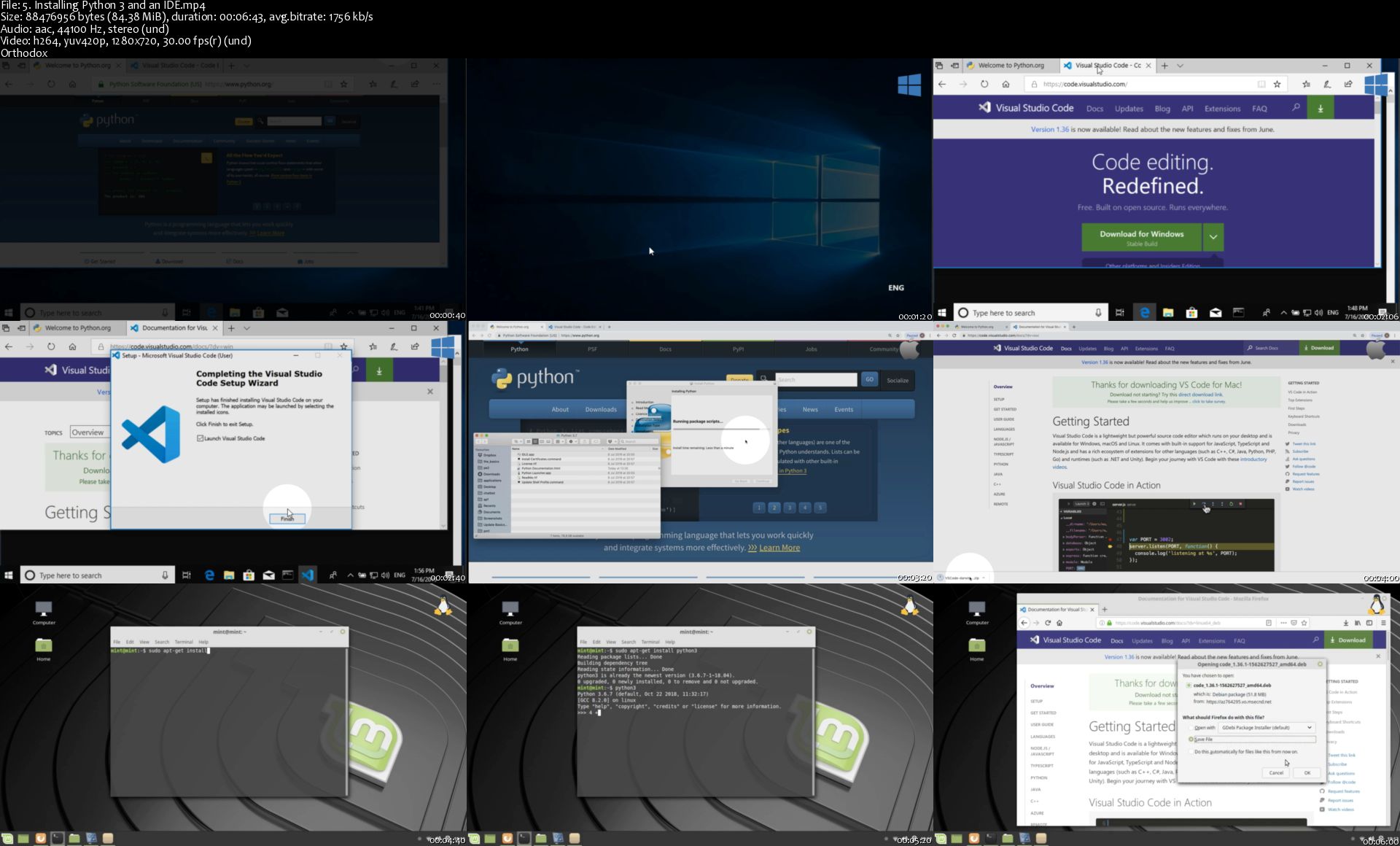
The Python Mega Course: Build 10 Real World Applications (Updated 10/2019)

692188-9da7-13.jpg


The Python Mega Course: Build 10 Real World Applications (Updated 10/2019)
Video: .MP4, 1280x720 30 fps | Audio: AAC, 44.1 kHz, 2ch | Duration: 24:08:33
Genre: eLearning | Language: English + Subtitles | Size: 5.25 GB

A complete Python course, where you will learn Python 3, and build 10 amazing and professional Python apps as a bonus.
What you'll learn
Go from a total beginner to a confident Python programmer
Create 10 real-world Python programs (no toy programs)
Solidify your skills with bonus practice activities throughout the course
Create an app that translates English words
Create a web-mapping app on the browser
Create a portfolio website and publish it on a real server
Create a desktop app for storing data for books
Create a webcam video app that detects moving objects
Create a web scraper
Create a data visualization app
Create a database app
Create a geocoding web app
Create a website blocker
Send automated emails
Analyze and visualize data
Use Python to schedule programs based on computer events.
Learn OOP (Object-Oriented Programming)
Learn GUIs (Graphical-User Interfaces)

Requirements
A computer (Windows, Mac, or Linux).
No prior knowledge of Python is required.
No previous programming experience needed.
Description
The Python Mega Course is the most practical course you will find on the web today. So far, over 140,000 students have used the course to learn Python programming and to build real-world applications in Python 3. You will learn how to build Python apps during this course, even if you know nothing about programming. You will start from scratch and progressively build up your skills by creating some awesome Python programs ranging from webcam object detection apps, to data collector web apps that query data from SQL databases, to data visualization dashboards on the browser. The course has it all to make you an all-round Python programmer that not only knows Python but also the technologies you need to know to create professional applications.
The course follows a modern-teaching approach where students learn by doing. You will start Python from scratch by creating simple programs first. Once you learn the basics, you will then start with the fun part, which is building 10 real-world applications. You will code the apps, guided step-by-step by easy video explanations and continuous support from the course instructor. The applications you will build in the course consist of database apps, web apps, desktop apps, web scraping scripts, webcam object detectors, web maps, data visualization dashboards, and more. These programs are not only great examples to help master Python, but you can also use them for your portfolio.
By buying the course you will gain lifetime access to all of its videos, coding exercises, quizzes, code notebooks, cheat sheets, and the Q&A inside the course, where you can ask your questions and get an answer on the same day. On top of that, you are covered by the Udemy 30-day money-back guarantee, so you can easily return the course if you don't like it.
If you don't know anything about Python, do not worry! In the first 12 sections, you will learn Python basics such as functions, loops, and conditionals and learn how to apply the basics by doing some examples. If you already know the basics, then the first 12 sections can serve as a refresher. The other 20 sections focus entirely on building real-world applications. The applications you will build cover a wide range of interesting topics:
Web applications
Desktop applications
Database applications
Web scraping
Web mapping
Data analysis
Data visualization
Computer vision
Object-Oriented Programming
Specifically, the 10 Python applications you will build are:
A program that returns English-word definitions
A program that blocks access to distracting websites
A web map visualizing volcanoes and population data
A portfolio website
A desktop-graphical program with a database backend
A webcam motion detector
A web scraper of real estate data
An interactive web graph
A database web application
A web service that converts addresses to geographic coordinates
To consider yourself a professional programmer you need to know how to write professional programs and there's no other course that teaches you that, so join thousands of other students who have successfully applied their Python skills in the real world. Sign up and start learning the amazing Python programming language today!
Frequently Asked Questions
Will I be able to learn Python and find a job after completing this course?
I have heard of quite a few success stories where students have rigorously followed the course and have found a job afterwards. However, whether you will be able to learn Python and be job-ready, heavily depends on you.
If you merely watch the videos, without trying anything on your own, you will hardly learn anything. Instead, you have to try the code you see in the videos on your computer, change the code, run it, improve it further, run it again, fix the possible errors, try making a similar app, repeat, ask questions in the Q&A when you get stuck, and try to solve all the exercises in the course. That way you will certainly learn how to program with Python and be able to find a job.
How much time will I need to complete the course?
That depends on two factors:
(1) Your background: Someone coming from a math or computer science background may be able to complete the course in a shorter time compared to someone coming from a social science background for example.
(2) The effort you put in: If you just watch the videos, you may finish the course in two days. However, simply watching the videos is not enough. You need to experiment with the code you see in the videos. The more you experiment with it the better you become.
Depending on the two factors I mentioned above, students spend from one week to three months to complete the course, most spending one month.
I don't know anything about programming. Will I still be able to learn Python?
This course assumes you have no previous knowledge of programming. Whenever a programming term is mentioned (e.g. a variable) the meaning of the term is explained thoroughly so you not only understand how to use that particular term in Python, you also understand what that term means in programming.
Will I get support if I get stuck?
Yes. Feel free to drop a question in the Q&A, and me, or my teaching assistant, will answer your questions within the same day.
Does this course cover Python 2 or Python 3?
Python 3
What IDE/editor is used in the course?
Visual Studio Code is used in the course. It is very new and probably the best IDE that exists today. However, you can use your favorite IDE. The code will work the same, no matter the IDE.
Does the course expire?
No. Once you buy the course it's yours. I update the content regularly and all the updates are also included for free in the one-time purchase you make.
Who this course is for:
Those with no prior knowledge of Python.
Those who know Python basics and want to master Python

Homepage

5-Installing-Python-3-and-an-IDE-s.jpg


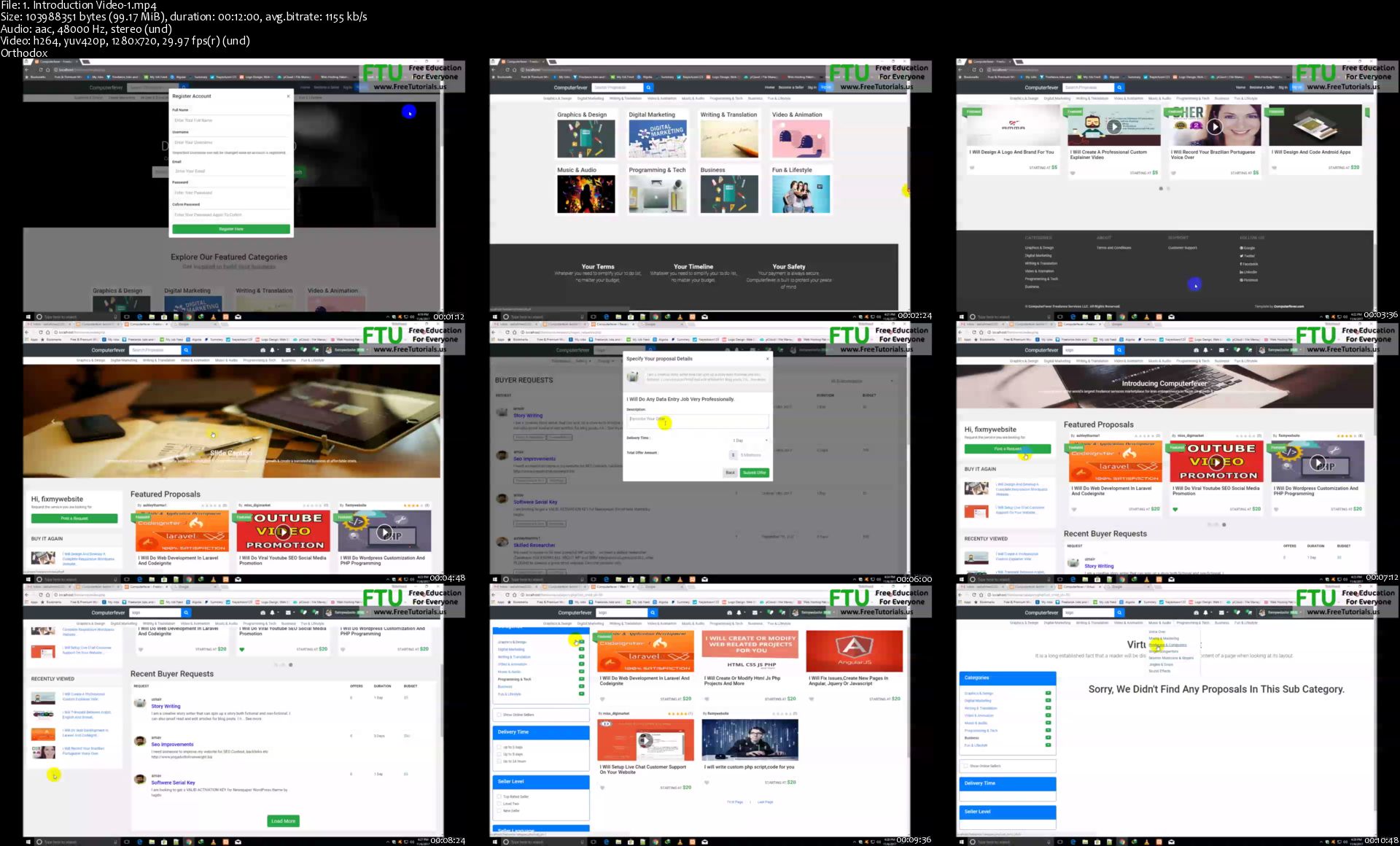
Modern Freelancing Website In PHP&MYSQLI With Bootstrap 4

0-JEM9-YMSWwf-LPq-BYd-Kn-E6k-QRd-NW1yaxz.png


Modern Freelancing Website In PHP&MYSQLI With Bootstrap 4
Genre: eLearning | MP4 | Video: h264, 1280x720 | Audio: aac, 48000 Hz
Language: English | VTT | Size: 26.4 GB | Duration: 122 hours


What you'll learn
Students will learn to make Fully Responsive Design - shows beautifully on different devices.
Students will learn to make Buyer Requests Section - Complete system for sending buyers requests for sellers.
Students will learn to make Submitting An Offer Functionality On Buyers Requests.
Students will learn Creating Proposals
Students will learn to make Featured Proposals
Students will learn to add Video In Proposals
Students will learn to add Custom Proposal Video Player
Students will learn to make Manage Selling Proposals Sales (Active, DELIVERED, Completed, Cancelled, All)
Students will learn to make Manage Buying Proposals Purchases (Active, DELIVERED, Completed, Cancelled, All)
Students will learn to make Proposals Coupons For Discount System
Students will learn to make PayPal & stripe integration for buying proposals
Students will learn to make Proposals Favorites System
Students will learn to make Proposals Reviews & ratings System
Students will learn to make share Proposals on social media networks using buttons
Students will learn to make Admin Proposals Approval/Validation System
Students will learn to make SEO Friendly Proposals Url's
Students will learn to make Inbox Conversations System
Students will learn to make E-Mail notification for new messages System
Students will learn to make E-Mail notification for new Orders System
Students will learn to make Advanced Notifications System
Students will learn to make Google ReCaptcha System Functionality
Students will learn to make Password strengthen functionality
Students will learn to make Advanced Level Filters for searching online,offline and top levels proposals
Students will learn to make Withdrawal Minimum Limit - only let users request a withdrawal if their available balance is more than the set amount.
Students will learn to make Set Days Before Withdrawals
Students will learn to make PayPal Withdrawals System
Students will learn to make Stripe/PayPal Payment System
Students will learn to make Pay via Shopping Account Balance
Students will learn to make Referral System
Students will learn to make Encrypted Encoded Passwords
Students will learn to make Sellers Levels System
Students will learn to make Sellers SEO friendly Url's
Students will learn to make Seller Skills Functionality
Students will learn to make Seller Languages Functionality
Students will learn to make Customer Support Center Inquiry Type Functionality
You can Manage your Contacts (Buyers,Sellers)
Students will learn to make Advanced User Account Settings
Students will learn to make Terms & Conditions Page
Students will learn making a dynamic and responsive admin with full functionalities to control the website
Admin can Login as a User in any account
Admin Can Add Review
Admin Can Block/Ban Users Accounts System
Resolution Center Functionality for giving the authority to admin to resolve any dispute between seller and buyer.
Orders Revision Request,Cancellation Request,Decline Cancellation Request Functionality
Students will learn to make Orders Percentage Commissions System
Students will learn to make Categories and sub categories
Students will learn to make Admin Panel Custom CSS
Students will learn to make Admin Panel Files
In short, at the end of my course,students will be able to make any kind of advance freelancing website in php&mysqli with the assistance of bootstrap 4.

Requirements
Students need to have a code editor ,xampp software and a browser for starting this course.
Description
Have you ever wondering how to build your next marketplace Web application?

I have made this advanced freelancing website for those students who want to learn to make any kind of freelancing website by purely using PHP and MySQL functions with the assistance of Bootstrap 4 framework to make it complete responsive and dynamic.Often people use bootstrap for this purpose and the good thing about the usage of bootstrap kinds of framework is that students can easily make any kind of theme responsive without indulging themselves in any complicated issues. Therefore I have made this freelancing website to make the students fully expert in all the essential PHP & MySQL functions and Bootstrap 4 framework.So I am very hopeful that after joining this course and learning it, you will get a good control over making any kind of advance level responsive plus dynamic freelancing website with all its complete functionalities with the assistance of Bootstrap 4, PHP & MySQL. I have focused to make the students fully experts in the usage of all the essential PHP & MySQL functions and Bootstrap 4, so you could learn their usage very well.So I assure you that after joining this course and learning it completely, you will be able to run your own freelancing company like fiverr,freelancer and upwork.

Who this course is for:
Students who want to learn to make an advance freelancing website in php&mysqli with bootstrap 4 can join this course.
Anyone who wants to work with Bootstrap 4
Anyone who has a dream to build a freelancing company
Entrepreneurs who want to launch a website like fiverr

Homepage

1-Introduction-Video-1-s.jpg


Phlearn Pro - Soft Portrait Retouching

9-RXo-YOo-AYQFgkvr37k-AQSUk-FYEHRFSh-O.jpg


Phlearn Pro - Soft Portrait Retouching
Video: .MP4, 1280x720, 30 fps | Audio: AAC, 48 kHz, 2ch | Duration: 5.5h
Genre: eLearning | Language: English | Size: 6.69 GB

Photographers and retouchers are often asked to capture the most important moments in people's lives. Help create lasting memories with soft and timeless portrait retouching in Photoshop!

Follow along as we create two maternity portraits from capture to completion! Learn how to retouch hair and clothing, dodge and burn in Adobe Camera RAW, and use frequency separation to preserve delicate details.

Homepage

02-Sitting-Pose-Photoshoot-s.jpg


The Ultimate Excel VBA Userform with Access Database

di-Sz-Frwc4-QDAb-Lyg5ln-Yhr-Hsyzox605j.jpg


The Ultimate Excel VBA Userform with Access Database
Created by BY MMB | Last updated 11/2019
Duration: 9.5 hours | Video: h264, 1280x720 | Audio: AAC, 44 KHz, 2 Ch | 5 GB
Genre: eLearning | Language: English + Sub | 30 lectures


What you'll learn

Directly apply to your own work

Create Access Databese

SQL Queries (Select,Sum,Like,Where...)

Master Excel VBA & Macros & Userforms

Build Advanced Algorithms and Multi-User Program

IF THEN Statements, For Next-For Each Loops...

Login Form and User/Password Control

Designing Modern Looking Forms

All Form Controls

Create Advanced Reporting Tool Like Business Object/Business Intelligent(SAP)

Requirements

You Should Have 32 Bit of Office or Latest Version of 2016/2019 (64 Bit)
Having at least a basic knowledge of VBA will give you a better understanding of this course.

Description

Hello there. I'm Mustafa BOLAT
This is the only complete userform course on Udemy. So far, you've seen courses that only tell you the code, but not how to use it. With this course you will be able to do excellent work with Excel Macro.
In this tutorial, you will learn not only advanced code writing, but also database connections, algorithm development,
multi-user structures and query methods. After completing the training, it will be very easy for you to learn and develop any software language.
This is not an easy course. A very difficult course. But it is so much fun :)
Let's start training now. I'm waiting for you.
\n
***** Please Watch The Preview Video Completely *****
Welcome to The Ultimate Excel VBA Userform with Access Databese, Udemy's only Advanced Userform course!
Imagine developing an advanced program without the need for any other programs or software knowledge other than Excel. I know you have had such a request for a very long time. That's why I decided to make this course.
Unlock Your Talents
Logic of Developing
How to Create Algorithms
Loop Codes in a Loop
Access to Excel Connection
VBA SQL Queries
Add New/Update/Delete Record
Multi-user Program
(SAP)Business Object-Like Reporting System
Charts in Userform
Visually Perfect Software

Who this course is for:

Anyone who wants to develop advanced algorithms, build multi-user programs and exceed the limits of Excel can participate in this training.

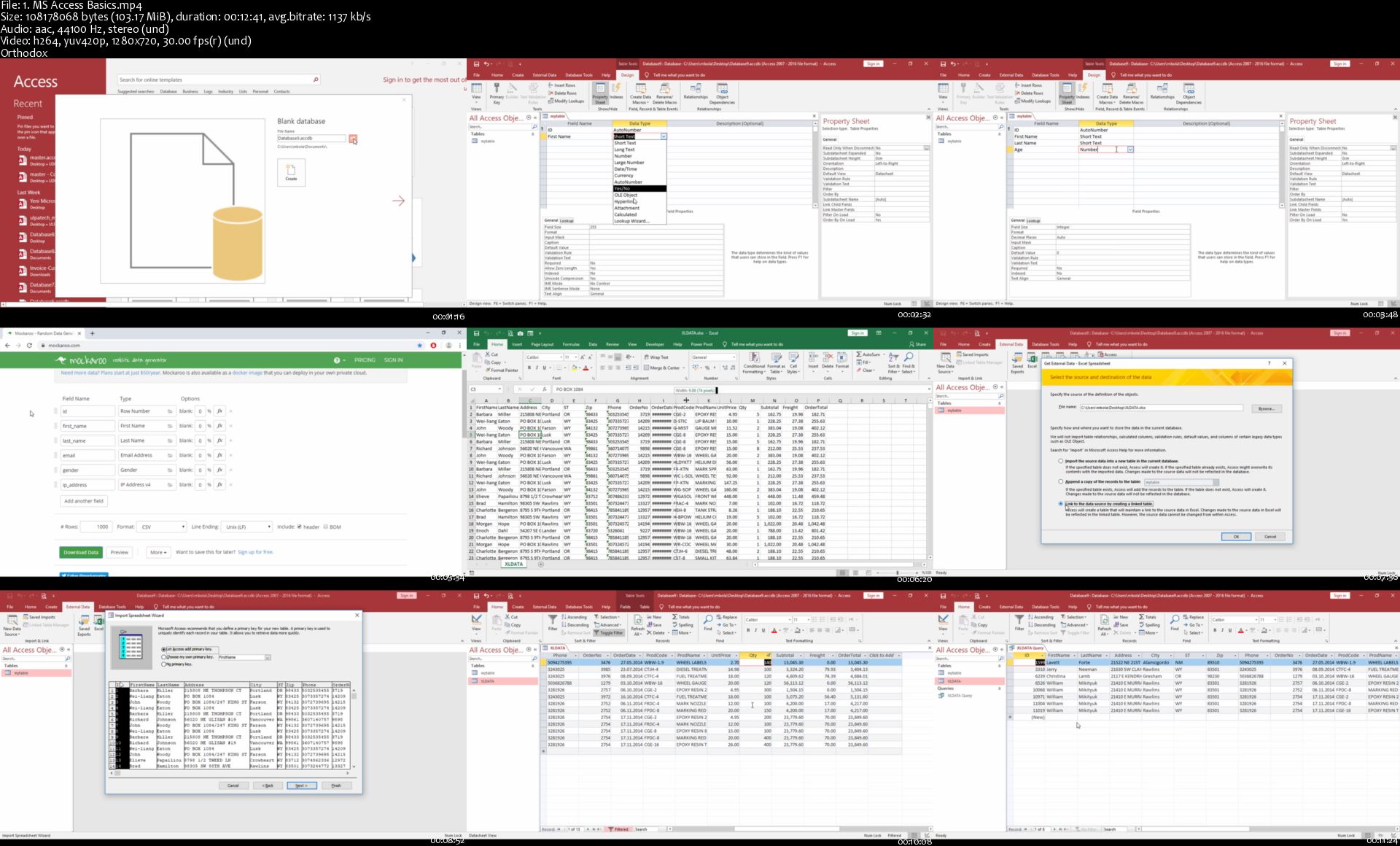
1-MS-Access-Basics-s.jpg


Flutter: Tu guía completa de desarrollo para IOS y Android

a-QEUwpt-Dyy-Ao3e9-I3s-Pk7hi-REa4tlk-Pv.jpg


Flutter: Tu guía completa de desarrollo para IOS y Android
BESTSELLER | Created by Fernando Herrera | Video: h264, 1280x720 | Audio: AAC 48KHz 2ch | Duration: 28:46 H/M | Lec: 266 | 15.6 GB | Language: Spanish | Sub: Spanish [Auto-generated]

Push, Cámara, Mapas, REST API, SQLite, CRUD, Tokens, Storage, Preferencias de usuario, PlayStore, AppStore, Bloc y más!

What you'll learn
Saber conceptos de programación estructurada es recomendado
10GB de espacio en disco para instalaciones
Puedes seguir el curso en Windows o en Mac perfectamente
Querer aprender, realizar las tareas y ejercicios

Requirements
Access to a computer with an internet connection.

Description
Bienvenido a mi curso de Flutter en español, el cual tiene por objetivo enseñarte todo lo que necesitas de sobre el lenguaje de Dart y Flutter para poder crear aplicaciones hermosas y principalmente funcionales que son aplicables a la vida real.

El curso fue creado para ayudarte a empezar en el desarrollo de aplicaciones móviles nativas usando una sola base de código con el SDK de Google Flutter, aquí tocaremos los siguientes temas:

1- State Management

2- Tokens

3- Widgets comunes y no tan comunes

4- Dart

5- Firebase REST API y REST Auth

6- Cámara

7- Galería de imágenes

8- Carga de archivos a la mediante servicios REST

9- Modelos

10- Providers

11- Patrón Bloc

12- Streams

13- Notificaciones Push

14- Futures

15- Despliegues en la AppStore

16- Despliegues en la PlayStore

17- Generación de APKs de 64 bits

18- Diseños de aplicaciones móviles

19- Lectura de archivos JSON

20- CRUD hacia servicios REST

21- SQLite - CRUD

22- PageViews

23- InfiniteScrolls

24- Pull to refresh

25- Uso de mapas

26- Preferencias de usuario

27- Storage nativo

28- Instalaciones de paquetes

29- Formularios

30- Y mucho más.

El curso cubre todo lo necesario crear aplicaciones móviles para IOS y Android, esto incluye su despliegue en las tiendas. Una vez termines el curso tendrás el conocimiento necesario para emprender tu camino para crear tus propias aplicaciones en Flutter que no solo funcionan bien, sino que se vean bien.

El curso ha sido cuidadosamente creado para que te diviertas haciéndolo con ejercicios y tareas prácticas, es 90% práctico y 10% teórico, con presentaciones cortas pero ilustrativas para explicar conceptos fundamentales de todo desarrollo en Flutter.

También me he preocupado mucho de que cada clase sea de menos de 10 minutos y que termine en algo en concreto, con el objetivo de ir progresando poco a poco, aunque efectivamente hay pocas clases que pasan de los 10 minutos, pero es por una razón específica.

En el curso se realizan varias aplicaciones y muchos proyectos, cada sección es diferente y con sus propios retos, con el objetivo que en el menor tiempo posible, puedas adquirir todo lo que necesitas para considerarte desarrollador de aplicaciones en Flutter.

Importante:

No es necesario una Mac, puedes hacerlo en Linux y Windows perfectamente, pero para desplegar en la AppStore y probar en IOS, si es necesario la Mac.

Se requiere al menos 8GB de espacio en disco.

Who this course is for?
Personas que conozcan sobre programación estructurada
Todos aquellos que deseen aprender el SDK de Flutter de Google
Personas que quieran aprender a realizar despliegues en las tiendas móviles
Personas que quieran comprender más sobre el diseño en Flutter

Homepage

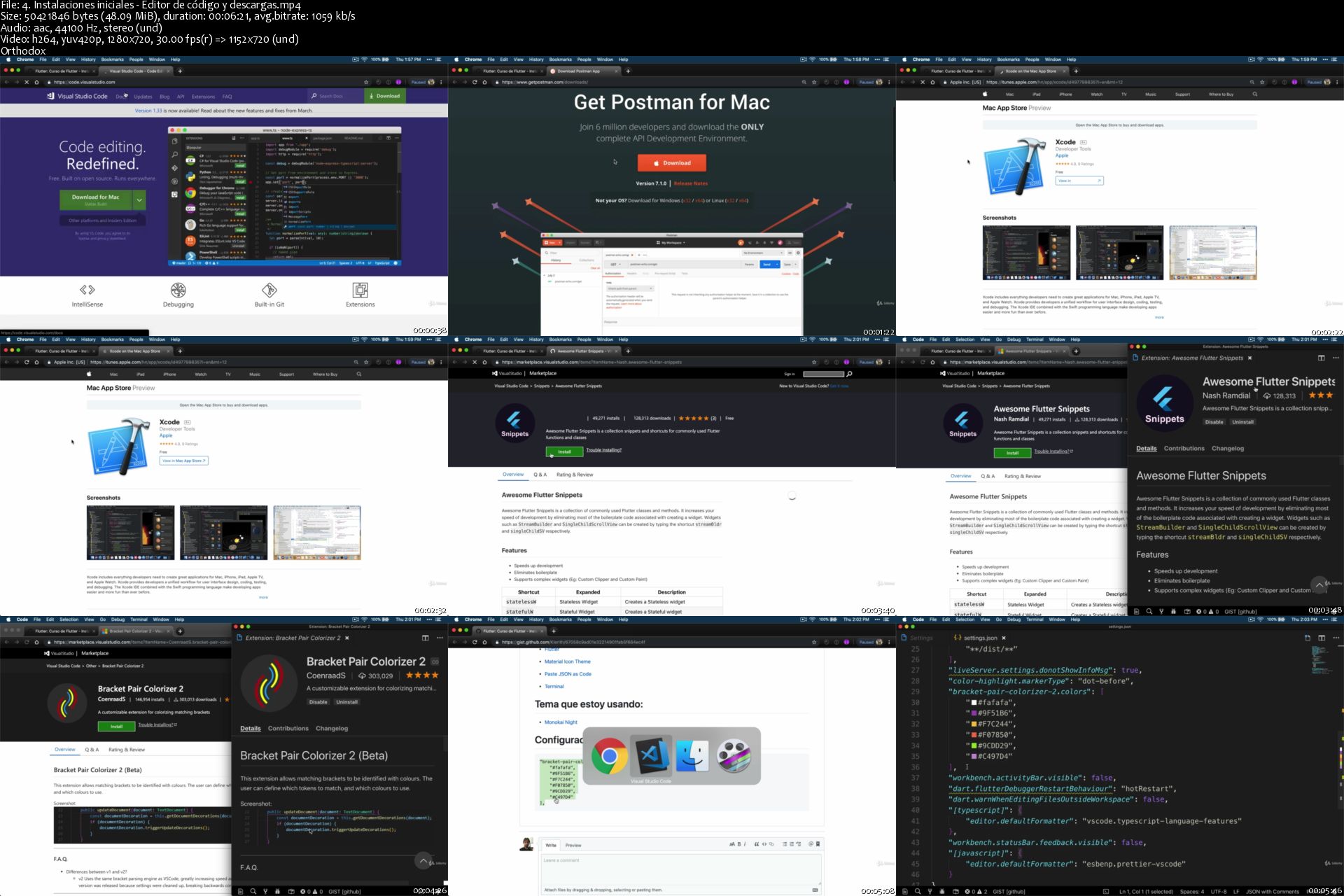
4-Instalaciones-iniciales-Editor-de-c-digo-y-descargas-s.jpg


Ultimate Photoshop Training: From Beginner to Pro (Updated 11/2019)

1046722-cbd7-2.jpg


Ultimate Photoshop Training: From Beginner to Pro (Updated 11/2019)
Created by Cristian Doru Barin | Last updated 11/2019
Duration: 12.5 hours | Video: h264, 1280x720 | Audio: AAC, 48 KHz, 2 Ch | 8.6 GB
Genre: eLearning | Language: English + Sub | 164 lectures


What you'll learn

Design icons, business cards, illustrations, and characters

Clean up face imperfections, improve and repair photos

Use creative effects to design stunning text styles

Remove people or objects from photos

Cut away a person from their background

Master selections, layers, and working with the layers panel

Requirements

No previous knowledge of Photoshop required.
If you have Photoshop installed, that's great. If not, I'll teach you how to get it on your computer.

Description

*** Added new content about Artboards ***
- MASSIVE GIVEAWAY: OVER 250 PREMIUM PSD FILES FOR MY STUDENTS!\n- latest Photoshop version;\n- Mac hotkeys;\n- cheat sheets so you can easily review the information;\n
This is the ultimate Photoshop training course that will take you from absolute beginner to proficient Photoshop user in no time at all.
Learn how to use the program with ease while having fun!

My approach is simple: we focus on real world cases and I present the best techniques that require minimal effort yet produce maximum results. All my content is focused on getting the job done in the least amount of time possible. I'll be using the latest version of the program - Photoshop CC 2019, but all the content is explained for all users, no matter what version you have installed. Photoshop Elements is not compatible with this course.
What will you learn?

Get the best Photoshop version

Customize the program to best suit you

Create new projects and share your work

Master layers and the layers panel

Move, select, and edit layers

Work with the Pen Tool like a pro

Create and modify shapes

Design flat illustrations

Create and animate emojis

Remove skin issues and retouch portraits

Design business cards

Create app icons

Design cute characters

Manipulate and repair photos in creative ways

. and so much more!

Why is this course different?

Progressive difficulty: we start slow and we build our way up

Tons of activities, exercises, and challenges

Cheatsheets you can review to refresh your memory

Impeccable sound and video quality

Quality instructor support: I respond to most questions in under 12 hours

All lectures are straight to the point - minimal effort, maximum results

Learn by working, not by memorizing!

By the end of this course you will be able to use the program with ease. You'll feel in control as you pursue and complete more ambitious projects. Whether you are contemplating a career change, considering freelancing opportunities, or developing a personal hobby, get started today on your Photoshop journey!

Who this course is for:

This course is perfect for beginner-level Photoshop users.
If you're an intermediate or advanced user, please check out my curriculum especially the practice activities and assignments to see if this course is a good fit for you.
This course is not for students who want to learn about one particular topic in depth, for example, painting with brushes in Photoshop. Instead, this is a comprehensive course that gives you a solid foundation on all the major topics in Photoshop.

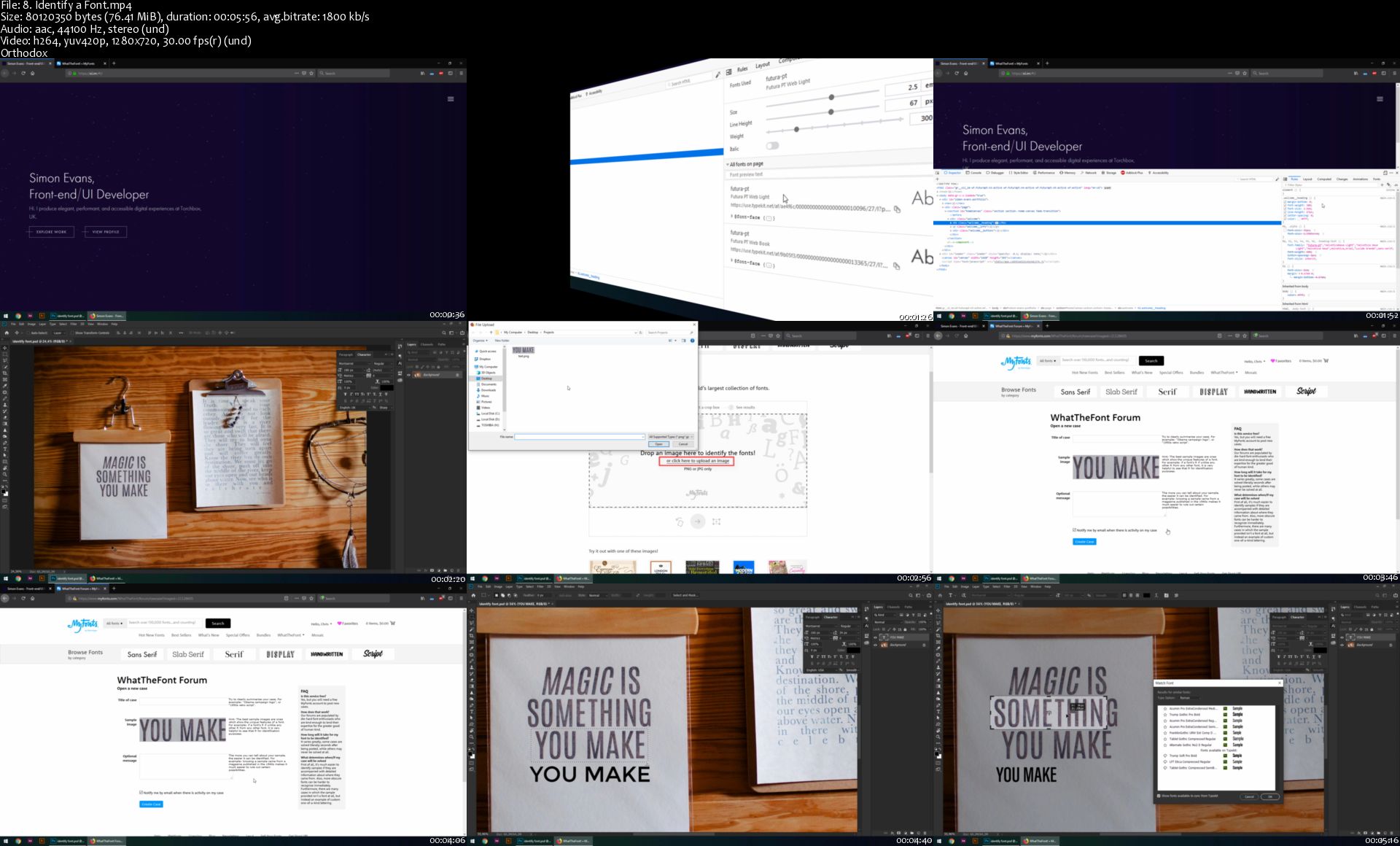
8-Identify-a-Font-s.jpg


Zurück
Oben Unten