• Regeln für den Video-Bereich:

    In den Börsenbereich gehören nur Angebote die bereits den Allgemeinen Regeln entsprechen.

    Einteilung

    - Folgende Formate gehören in die angegeben Bereiche:
    - Filme: Encodierte Filme von BluRay, DVD, R5, TV, Screener sowie Telesyncs im Format DivX, XviD und x264.
    - DVD: Filme im Format DVD5, DVD9 und HD2DVD.
    - HD: Encodierte Filme mit der Auflösung 720p oder darüber von BluRay, DVD, R5, TV, Screener sowie Telesyncs im Format x264.
    - 3D: Encodierte Filme von BluRay, die in einem 3D Format vorliegen. Dies gilt auch für Dokus, Animation usw.
    - Serien: Cartoon/Zeichentrick, Anime, Tutorials, Dokumentationen, Konzerte/Musik, Sonstiges sind demnach in die entsprechenden Bereiche einzuordnen, auch wenn sie beispielsweise im High Definition-Format oder als DVD5/DVD9/HD2DVD vorliegen. Ausnahme 3D.
    - Bereich Englisch: Englische Releases gehören immer in diesen Bereich.
    - Bereich Talk: Der Bereich, in dem über die Releases diskutiert werden kann, darf, soll und erwünscht ist.


    Angebot/Beitrag erstellen

    - Ein Beitrag darf erst dann erstellt werden, wenn der Upload bei mindestens einem OCH komplett ist. Platzhalter sind untersagt.
    - Bei einem Scenerelease hat der Threadtitel ausschließlich aus dem originalen, unveränderten Releasenamen zu bestehen. Es dürfen keine Veränderungen wie z.B. Sterne, kleine Buchstaben o.ä. vorgenommen werden. Ausnahme Serienbörse:
    - Bei einem Sammelthread für eine Staffel entfällt aus dem Releasename natürlich der Name der Folge. Beispiel: Die Simpsons S21 German DVDRip XviD - ITG
    - Dementsprechend sind also u.a. verboten: Erweiterungen wie "Tipp", "empfehlenswert", "only", "reup", usw. / jegliche andere Zusatzinformation oder Ergänzung, welche nicht in obiger Beschreibung zu finden ist.

    Aufbau des Angebots und Threadtitel

    Der Titel nach folgendem Muster erstellt zu werden. <Name> [3D] [Staffel] [German] <Jahr> <Tonspur> [DL] [Auflösung] <Quelle> <Codec> - <Group>
    Beispiel: The Dark Knight German 2008 AC3 DVDRip XviD - iND
    Beispiel: The Dark Knight 2008 DTS DL BDRip x264 - iND
    Beispiel: The Dark Knight 2008 AC3 DL BDRip XviD - iND
    Beispiel: The Dark Knight German 2008 AC3 720p BluRay x264 iND
    Beispiel: The Dark Knight 2008 DTS DL 1080p BluRay x264 iND
    Beispiel: Die Simpsons S01 German AC3 DVDRip XviD iND
    Beispiel: Die Simpsons S20 German AC3 720p BluRay x264 iND
    Beispiel: Sword Art Online II Ger Sub 2014 AAC 1080p WEBRip x264 - peppermint
    Entsprechend sind also u.a. verboten: Sonderzeichen wie Klammern, Sterne, Ausrufezeichen, Unterstriche, Anführungszeichen / Erweiterungen wie "Tipp", "empfehlenswert", "only", "reup", usw. / jegliche andere Zusatzinformation oder Ergänzung, welche nicht in obiger Beschreibung zu finden ist
    Ausnahmen hiervon können in den Bereichen geregelt sein.

    Die Beiträge sollen wie folgt aufgebaut werden:
    Überschrift entspricht dem Threadtitel
    Cover
    kurze Inhaltsbeschreibung
    Format, Größe, Dauer sind gut lesbar für Downloader außerhalb des Spoilers zu vermerken
    Nfo sind immer Anzugeben und selbige immer im Spoiler in Textform.
    Sind keine Nfo vorhanden z.B. Eigenpublikationen, sind im Spoiler folgende Dateiinformationen zusätzlich anzugeben :
    Quelle
    Video (Auflösung und Bitrate)
    Ton (Sprache, Format und Bitrate der einzelnen Spuren)
    Untertitel (sofern vorhanden)
    Hosterangabe in Textform außerhalb eines Spoiler mit allen enthaltenen Hostern.
    Bei SD kann auf diese zusätzlichen Dateiinformationen verzichtet werden.

    Alle benötigten Passwörter sind, sofern vorhanden, in Textform im Angebot anzugeben.
    Spoiler im Spoiler mit Kommentaren :"Schon Bedankt?" sind unerwünscht.


    Releases

    - Sind Retail-Release verfügbar, sind alle anderen Variationen untersagt. Ausnahmen: Alle deutschen Retail-Release sind CUT, in diesem Fall sind dubbed UNCUT-Release zulässig.
    - Im Serien-Bereich gilt speziell: Wenn ein Retail vor Abschluss einer laufenden Staffel erscheint, darf diese Staffel noch zu Ende gebracht werden.62
    - Gleiche Releases sind unbedingt zusammenzufassen. Das bedeutet, es ist zwingend erforderlich, vor dem Erstellen eines Themas per Suchfunktion zu überprüfen, ob bereits ein Beitrag mit demselben Release besteht. Ist dies der Fall, ist der bereits vorhandene Beitrag zu verwenden.
    - P2P und Scene Releases dürfen nicht verändert oder gar unter einem iND Tag eingestellt werden.


    Support, Diskussionen und Suche

    - Supportanfragen sind entweder per PN oder im Bereich Talk zu stellen.
    - Diskussionen und Bewertungen sind im Talk Bereich zu führen. Fragen an die Uploader haben ausschließlich via PN zu erfolgen, und sind in den Angeboten untersagt.
    - Anfragen zu Upload-Wünschen sind nur im Bereich Suche Video erlaubt. Antworten dürfen nur auf Angebote von MyBoerse.bz verlinkt werden.


    Verbote

    - Untersagt sind mehrere Formate in einem einzigen Angebotsthread, wie beispielsweise das gleichzeitige Anbieten von DivX/XviD, 720p und 1080p in einem Thread. Pro Format, Release und Auflösung ist ein eigener Thread zu eröffnen.
    - Grundsätzlich ebenso verboten sind Dupes. Uploader haben sich an geeigneter Stelle darüber zu informieren, ob es sich bei einem Release um ein Dupe handelt.
    - Gefakte, nur teilweise lauffähige oder unvollständige Angebote sind untersagt. Dies gilt auch für eigene Publikationen, die augenscheinlich nicht selbst von z.B. einer DVD gerippt wurden. Laufende Serien, bei denen noch nicht alle Folgen verfügbar sind, dürfen erstellt und regelmäßig geupdatet werden.
    - Untersagt sind Angebote, welche nur und ausschließlich in einer anderen Sprache als deutsch oder englisch vorliegen. Ausnahmen sind VORHER mit den Moderatoren zu klären.


    Verstoß gegen die Regeln

    - Angebote oder Beiträge, die gegen die Forenregeln verstoßen, sind über den "Melden"-Button im Beitrag zu melden.
  • Bitte registriere dich zunächst um Beiträge zu verfassen und externe Links aufzurufen.

++ Premium IPTV ++ 7000 Live Sender ++ UHD Qualität ++ Mediathek mit 18.000 Inhalten ++


VenneTV


Englische Tutorials

Udemy - SAS Programming BASE certification course for SAS Beginners

RBa-K3-Bpn-Oo-Eg-ACFOAip-Wpubm-Qg-HWn-Vge.jpg


Udemy - SAS Programming BASE certification course for SAS Beginners
BESTSELLER | Created by Toyin Akin | Video: h264, 1280x720 | Audio: AAC 48KHz 2ch | Duration: 13:55 H/M | Lec: 116 | 5.70 GB | Language: English | Sub: English [Auto-generated]

suitable for the new practical SAS programming certificate: SAS Certified Specialist: Base Programming Using SAS 9.4


What you'll learn
This course is suitable for the new practical BASE programming credential: SAS Certified Specialist: Base Programming Using SAS 9.4
Software installation (SAS University Edition /SAS studio): the complete & step-by-step guide; detailed explanation on File path/directory in SAS studio
Get Data in various format into SAS: (read .txt file, .csv file, Excel file, format input (using SAS informat to read dates; use SAS format to display SAS date values). Proc Import, Proc Export, Proc Content)
Create temporary and permanent SAS data sets (SET statement, LIBNAME statement, SAS libraries )
Combine data sets (Concatenate, Append, interleave, Match Merge (one -to-one merge, one-to-many merge))
Use SAS Functions to manipulate SAS date values (Explanation on how SAS stores date and time values, SAS functions include MDY, YEAR, QTR, MONTH, DAY, WEEKDAY, TODAY, DATE, INTCK, DATDIF, YRDIF)
Use SAS Functions to manipulate character and numeric data values (use SAS functions to Convert Character & Numeric Value (auto-convert; PUT & INPUT functions), Other SAS functions include: SCAN, SUBSTR, TRIM, UPCASE, LOWCASE, PROPCASE, CATX, INDEX, TRANWRD, INT, ROUND)
Conditionally execute SAS statements: IF-THEN/ELSE, DO and END statements
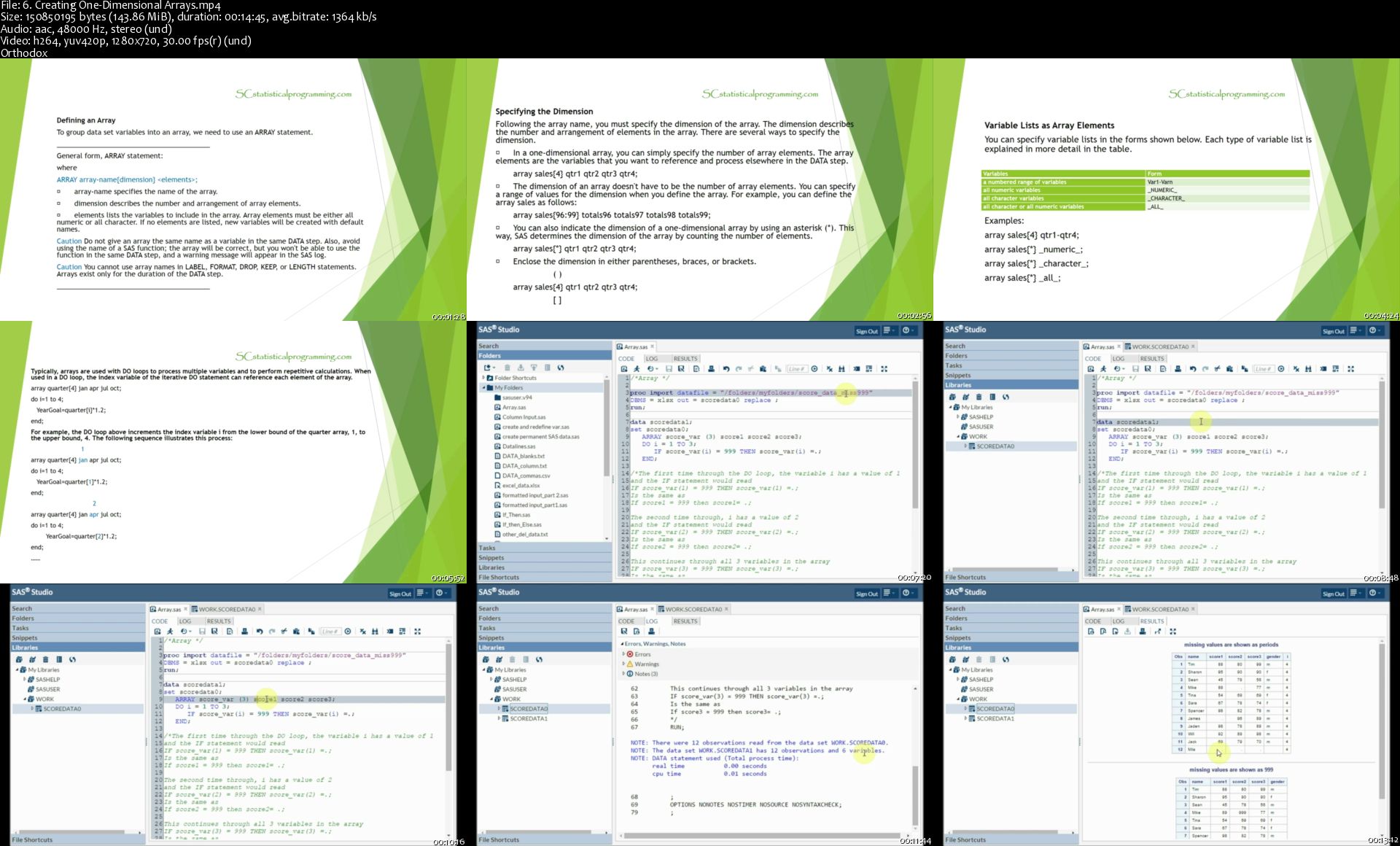
Simplify your data with Array (One dimensional array; two dimensional array; Creating Variables in an ARRAY Statement; Assigning Initial Values to Arrays & Creating Temporary Array Elements)
Process data with DO LOOPS (the basic of DO LOOPS; constructing DO LOOPS; Conditionally Executing DO Loops using DO UNTIL and DO WHILE; Using Conditional Clauses with the Iterative DO Statement)
Work with data & Creating labels and formats (Use assignment statements in the DATA step; Use LABEL and FORMAT statements to modify attributes in a DATA step; Define the length of a variable using the LENGTH statement; Control which observations and variables using DROP, KEEP statements and DROP=, KEEP= options, and IF statement)
SAS Statistical Procedures: Proc SORT; Proc PRINT; Proc MEANS; Proc FREQ; Proc UNIVARIATE
Generate list reports using the PRINT procedure (using VAR, SUM, WHERE, ID and BY statements)
Generate reports using ODS statements (Identify ODS destinations, create HTML, PDF, RTF, and Excel files with ODS statements)
Reconstruct/Reshape SAS Data sets in DATA step and using Proc TRANSPOSE
SAS advanced topic: Proc SQL Essentials
SAS advanced topic: SAS Macros Essentials

Requirements
Basic computer skills

Description
Do you want to start learning SAS programming easily and quickly? This course is the most complete SAS BASE certification programming course for

absolute SAS beginners

anyone interested in passing the SAS BASE certification exam

suitable for the new practical SAS programming certificate: SAS Certified Specialist: Base Programming Using SAS 9.4

Coding exercises and projects are perfect for for the practical coding questions for the new SAS BASE certificate exam

You may compare the contents covered in this course with the official SAS BASE certification Exam contents (the new practical exam is SAS Certified Specialist: Base Programming Using SAS 9.4) and SAS BASE certification prep guide (due to Udemy policy, I can not include the SAS link here).

Course Highlights:

step by step/ code by code explanations for easy and efficient learning experiences

most complete SAS BASE course for beginners and the SAS BASE certification exam(suitable for the new practical SAS programming certificate: SAS Certified Specialist: Base Programming Using SAS 9.4)

This course is a combined course to offer the maxim benefit for my students, it includes contents from the following individual courses

1. SAS programming for beginners

2. SAS programming on data manipulation and preparation part 1: modify variables

3. SAS programming on data manipulation and preparation part 2: combine/merge data sets

4. Overview / Essentials for SAS advanced topics: SAS SQL (Proc SQL) and SAS Macro Language

5. Additional topics: Error handling, Generate reports using ODS statements

downloadable data and SAS programs used in the course (the course materials are ONLY for practice, they are protected by copyright)

Quizzes, coding exercises and projects for practice. After all, practice makes perfection!

Coding exercises and projects are perfect for for the practical coding questions for the new certificate exam on SAS Certified Specialist: Base Programming Using SAS 9.4

A Note on Course ratings and reviews:

Please be considerate and sincere when you provide ratings and reviews. This will encourage me providing more contents to the course and better service to you! For any SAS programming courses, course ratings above 4.5 are considered good ratings.

Many students who take this course as a main course have passed the SAS BASE certification. This course is a truly cost-value effective one for both individual users and Udemy for business users.

So Please provide fair ratings to this course with the consideration of the comparison among other available SAS courses. Thank you!

Current course contents: (Please see course curriculum for more detailed information on sections and lectures included in this course)

Software installation (SAS University Edition /SAS studio): the complete & step-by-step guide; detailed explanation on File path/directory in SAS studio

Navigate/work in SAS environment

Get Data in various format into SAS: (read .txt file, .csv file, Excel file, format input (using SAS informat to read dates; use SAS format to display SAS date values). Proc Import)

Create temporary and permanent SAS data sets (SET statement, LIBNAME statement, SAS libraries )

Combine data sets (Concatenate, Append, interleave, Match Merge (one -to-one merge, one-to-many merge))

Use SAS Functions to manipulate SAS date values (Explanation on how SAS stores date and time values, SAS functions include MDY, YEAR, QTR, MONTH, DAY, WEEKDAY, TODAY, DATE, INTCK, DATDIF, YRDIF)

Use SAS Functions to manipulate character and numeric data values (use SAS functions to Convert Character & Numeric Value (auto-convert; PUT & INPUT functions), Other SAS functions include: SCAN, SUBSTR, TRIM, UPCASE, LOWCASE, PROPCASE, CATX, INDEX, TRANWRD, INT, ROUND)

Conditionally execute SAS statements: IF-THEN/ELSE, DO and END statements

Simplify your data with Array (One dimensional array; two dimensional array; Creating Variables in an ARRAY Statement; Assigning Initial Values to Arrays & Creating Temporary Array Elements)

Process data with DO LOOPS (the basic of DO LOOPS; constructing DO LOOPS; Conditionally Executing DO Loops using DO UNTIL and DO WHILE; Using Conditional Clauses with the Iterative DO Statement)

Work with data & Creating labels and formats (Use assignment statements in the DATA step; Use LABEL and FORMAT statements to modify attributes in a DATA step; Define the length of a variable using the LENGTH statement; Control which observations and variables using DROP, KEEP statements and DROP=, KEEP= options, and IF statement)

SAS Statistical Procedures: Proc SORT; Proc PRINT; Proc MEANS; Proc FREQ; Proc UNIVARIATE, Proc Export, Proc Content

Generate list reports using the PRINT procedure (using VAR, SUM, WHERE, ID and BY statements)

Generate reports using ODS statements (Identify ODS destinations, create HTML, PDF, RTF, and Excel files with ODS statements)

Reconstruct/Reshape SAS Data sets in DATA step and using Proc TRANSPOSE

SAS advanced topic: Proc SQL Essentials

SAS advanced topic: SAS Macros Essentials

References:

SAS certification prep guide: base programming by SAS Institute

The little SAS book: a primer / Lora D. Delwiche and Susan J. Slaughter

Learning SAS by example: a programmer's guide / Ron Cody

Note: A SAS software licence allows SC statistical programming to create and sell video-based SAS programming online courses.

Who this course is for?
absolute SAS beginners
Anyone interested in taking SAS BASE certification exam

Homepage
6-Creating-One-Dimensional-Arrays-s.jpg


Red Hat Linux Certified System Admin - SA3

k-J2-Xtm-RDZCXvp-It3i4toms-OZEjz2ywc-T.jpg


Red Hat Linux Certified System Admin - SA3
Highiest Rated| h264, yuv420p, 1280x720 |English, aac, 44100 Hz, 2 channes, s16 | 9h 52 mn | 6.4 GB
Instructor: Shikhar Verma

Prepare for RHCE Exam and is desinged for experienced Linux system administrator
What you'll learn

Preparation of RHCSA - Certified Red Hat Enterprise Linux System Administrator
Overview of Systemd
Features of Systemd
Network Manager Overview
Network Teaming
Teaming Policies and its configurations
Managing DNS Servers
Concepts of DNS Severs
How DNS works over the internet
Types of DNS Servers
Configuring iSCSI Targets & Initiators
iSCSI Fundamentals
Network File Systems
Confguration of NFS and how it works
Variables, for loops
if else & case statements
Apache Web Server
Writing Bash Scripts
Postfix Mail Server
Introduction Dovecot, Imap & pop3
Thunderbird - Mail User Agent ( Configure Mail Box)

Requirements

PC or Laptop with internet Connection

Description

Course Description:

Red Hat Certified System Admin - SA3

The RHCE Training Syllabus comprises of 3 Module , first two module is from RHCSA Part (RH124 , RH134), if you go with Red Hat System Administration III (RH254) course then it will be RHCE Training.

RHCSA : Red Hat Certified System Administrator

Red Hat Certified System Admin - SA1

Red Hat Certified System Admin - SA2

RHCE : Red Hat Certified Engineer

· Red Hat Certified System Admin - SA3 ==> This course module will teach to third book

This course specifically designed for students who have completed Linux Certified System Admin - SA1/SA2. Linux System Administration is designed for experienced Linux system administrators with the Red Hat Certified System Administrator (RHCSA) certification or equivalent skills.
This course is intended to help students broaden their ability to administer Linux systems at an enterprise level.

Course Outline

Introduction

· Red Hat System Administration II

· Installation of Red Hat Enterprise Linux 7

Controlling Services & Daemons

· Overview of Systemd in RHEL 7

· About Daemons, Process & Services

· Primary advantages of systemd over init

· Features of systemd

· Practice Lab Sessions

Managing IPv4 Networking

· NetworkManager Overview

· Viewing networking information

· Familiar with nmcli command

· Configure & modify the Nic Interface using nmcli

· Practice Lab Sessions

Network Teaming

· Overview of Network Teaming

· Policies of Network Teaming

· Creating teaming virtual interface - (how to configure NIC Teaming as Active Backup (Failover)

· Managing Network Teaming

Managing DNS for Servers

· Overview of DNS Servers

· Concepts of DNS

· Root Name Servers

· How dns works over the internet?

· BIND Packages

· Types of DNS Servers

· Overview of Resource records

· Configuration Steps of DNS Server

· Practice Lab Session

Configuring iSCSI Targets & Initiators

· About iSCSI

· iSCSI fundamentals

· iSCSI Components terminology

· Practice Lab Sessions

NFS

· Overview of NFS

· Services of NFS

· How NFS works?

· Various configuration files of NFS

Writing Bash Scripts

· Bash Shell Scripting basics

· Writing Bash Scripts

· Variables & for loops

· Practice Lab Sessions

Conditional Structures

· if/then Statement

· case statement

· Practice Lab Sessions

Firewalld

· Overview of firewalld in RHEL 7

· Features of firewalld & its advantages over iptables

· Enable/Disable a Service

· Lab on port forwarding

· Managing Rich Rules

· Lab Session on Rich Rules

· Masquerading & port forwarding

· Practice Lab Sessions

Apache Web Server Administration

· Basic Setup

· Verify installation

· Package files

· Main configuration file(s)

· Backup

· Edit the httpd.conf configuration file

· ServerRoot

· PidFile

· ServerName

· Add site to /etc/hosts file

· DocumentRoot

· ErrorLog

· Listen

· Create your HTML documents

· Start the Web Server

· Access the web site

· Summary of basic setup

· Directory tags

· Order (allow, deny)

· Indexes

· Virtual Hosts

· .htaccess

· Create .htaccess file

· Create .htpasswd file

· Copy .htaccess to restricted directory

· Configure httpd.conf to allow authentication via .htaccess

· Encrypted Sessions

· Main configuration file(s)

· Edit the ssl.conf configuration file

· Openssl & Mod_ssl

· LoadModule

· Listen

· VirtualHost

· Create SSL certificate

· Create Certificate Authority (CA)

· Create server key

· Edit ssl.conf configuration file

· Server Certificate

· Server Private Key

· Certificate Authority

Postfix Mail Server Configuration

· The structure of the Email System

1.1 Mail User Agent

1.2 Mail Transfer Agent

1.3 Mail Delivery Agent

1.4 SMTP

· Configuring an RHEL Email System

· Postfix Pre-Installation Steps

· Installing Postfix on RHEL 7

· Configuring Postfix

· Starting Postfix on an RHEL System

· Configure a Null Client

· Relayhost

· Introduction Dovecot, Imap & pop3

· Configuring Dovecot

· Thunderbird - Mail User Agent ( Configure Mail Box)

Who this course is for:

There is no formal prerequisites for this course; however, previous system administrator experience on other operating system would be very beneficial.

Homepage

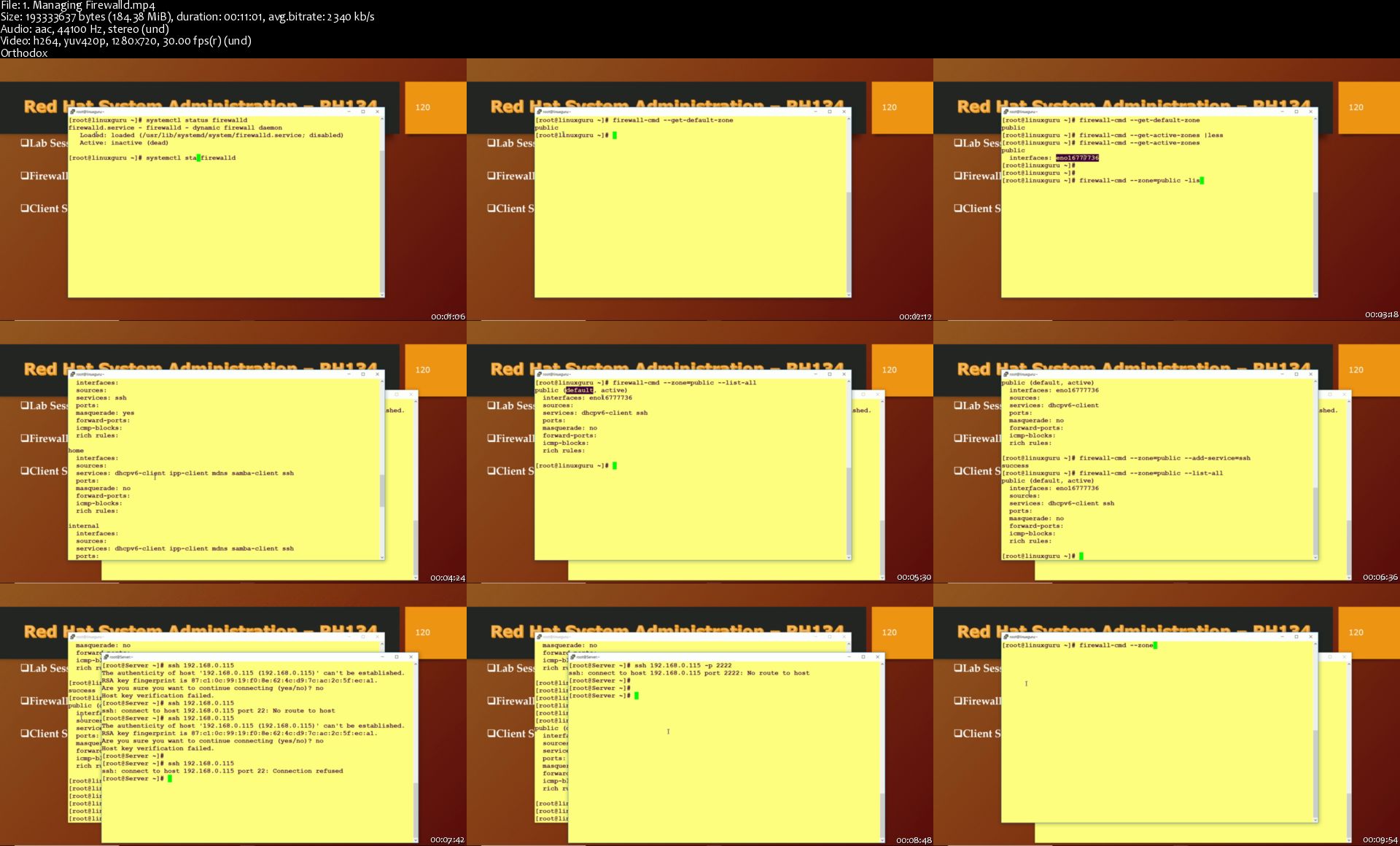
1-Managing-Firewalld-s.jpg


Red Hat Linux Certified System Admin - SA2

k-J2-Xtm-RDZCXvp-It3i4toms-OZEjz2ywc-T.jpg


Red Hat Linux Certified System Admin - SA2
Highiest Rated| h264, yuv420p, 1280x720 |English, aac, 44100 Hz, 2 channes, s16 | 10h 39 mn | 8.2 GB
Instructor: Shikhar Verma

Prepare for RHCSA Exam and focuses on the key tasks needed to become a full time Linux Administrator
What you'll learn

Preparation of RHCSA - Certified Red Hat Enterprise Linux System Administrator
Using Regular Expressions with Grep
Creating And Editing Test Files with VIM
Scheduling Linux Tasks
Controlling access to files with ACLS- Access Control Lists
Adding Disks, Partitions, And File Systems to a Linux System
Swap space concepts
Managing Logical Volume Management (LVM) Storage
Overview of Firewalls
Firewalld Components
Automating Installation with kickstart
Lab sessions after every theoretically Lectures
SELinux Security
Changing SELinux Contexts
SELinux Booleans
Troubleshooting SELinux

Requirements

PC or Laptop with internet Connection

Description

The RHCE Training Syllabus comprises of 3 Modules, first two module is from RHCSA , if you go with Red Hat System Administration III course then it will be RHCE Training.

RHCSA : Red Hat Certified System Administrator

Red Hat Certified System Admin - SA1

Red Hat Certified System Admin - SA2 ==> This course module will teach to second part of the RHCSA.

RHCE : Red Hat Certified Engineer

· Red Hat Certified System Admin - SA3

Course Description:

Linux Certified System Admin - SA2

This course specifically designed for students who have completed Linux Certified System Admin - SA1.

Linux Certified System Admin - SA2 focuses on the key tasks needed to become a full time Linux Administrator and to validate those skills via the Red Hat Certified System Administrator exam.

Course Outline

Introduction

Red Hat System Administration II

Installation of Red Hat Enterprise Linux 7

Automating Installation with kickstart

Overview of kickstart Server

Features & configuration of kickstart server

Graphical mode to configure the kickstart config file

Deploying a new virtual system with kickstart

Practice Lab Sessions

Regular expressions with grep or pattern matching

Overview of pattern matching

Regular expressions fundamental

Match the regular expressions

Practice Lab Sessions

Vim Editor - Creating & Editing text files

Overview of Vim Editor

Different versions & modes of Vim

Command Mode, Ex Mode & Exit Mode

Use of Yank in Vim

Practice Lab Sessions

Scheduling cron jobs

at command - scheduling one-time job

Practice Lab sessions

Overview of crontab format

How to schedule jobs at specific time

Practice Lab Sessions

Access control Lists ACL's

Overview of ACL

Use of command getfacl & setfacl

Default ACL

Securing files with ACLs

Practice Lab Sessions

Disks, Partitions, and File Systems to a Linux System

Overview of Disks & partitions

Partition tables , MBR Schemes and GPT

Primary, Extended & Logical partitions

Practice Lab Sessions

Logical Volume Manager Administration

LVM Architecture Overview

LVM Components

LVM Logical Volumes

Logical Volume Creation Overview

Growing a File System on a Logical Volume

Logical Volume Backup

LVM Administration with CLI Commands

Using CLI Commands

Physical Volume Administration

Creating Physical Volumes

Displaying Physical Volumes

Preventing Allocation on a Physical Volume

Resizing a Physical Volume

Removing Physical Volumes

Volume Group Administration

Creating Volume Groups

Adding Physical Volumes to a Volume Group

Displaying Volume Groups

Removing Physical Volumes from a Volume Group

Changing the Parameters of a Volume Group

Activating and Deactivating Volume Groups

Removing Volume Groups

NFS Network File Systems

Overview of NFS Server

Installation and configuration of NFS Server

Service in nfs

rpc, rpcbind services

How nfs works?

Configuration file in NFS

Firewalld

Overview of firewalld in RHEL 7

Features of firewalld & its advantages over iptables

firewalld components

how packet flows

Limiting network communications

Practice Lab Sessions

Managing SELinux Security

Introduction - SELinux

SELinux Security Concepts

Changing SELinux Modes

Practice Lab Sessions

Changing SELinux Contexts

SELinux Booleans

Audit logs & troubleshooting SELinux

Who this course is for:

There is no formal prerequisites for this course; however, previous system administrator experience on other operating system would be very beneficial.

Homepage

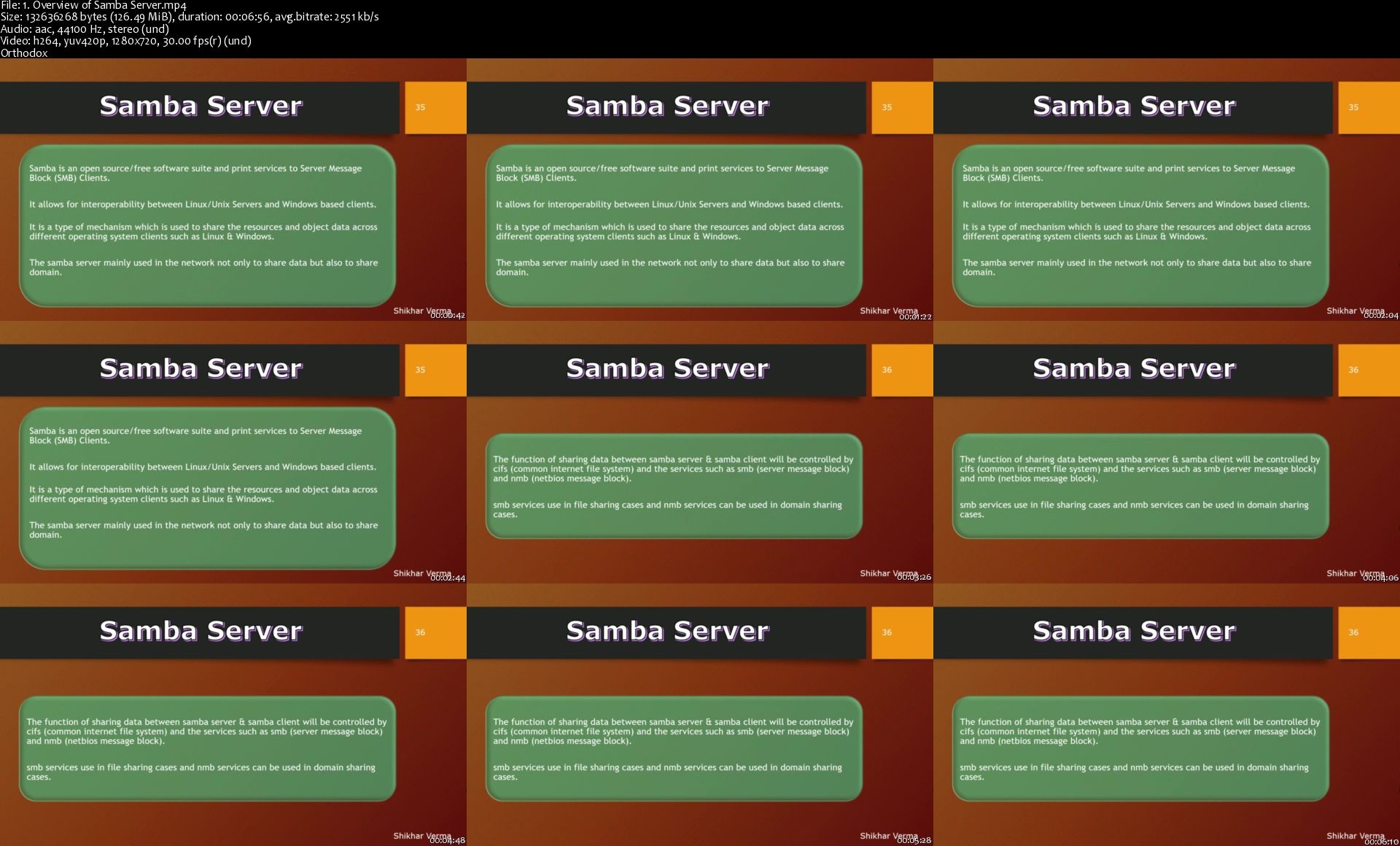
1-Overview-of-Samba-Server-s.jpg


Red Hat Linux Certified System Admin - SA1

k-J2-Xtm-RDZCXvp-It3i4toms-OZEjz2ywc-T.jpg


Red Hat Linux Certified System Admin - SA1
BestSeller| h264, yuv420p, 1280x720 |English, aac, 44100 Hz, 2 channes, s16 | 10h 26 mn | 5 GB
Instructor: Shikhar Verma

Prepare for RHCSA Exam and gain sufficient skill to perform core system administration tasks
What you'll learn

Installation of Red Hat Enterprise Linux 7
Accessing the Command Line
Managing Files From the Command Line
Getting Help in Red Hat Enterprise Linux
Creating, Viewing, and Editing Text Files
Managing Local Linux Users and Groups
Controlling Access to Files with Linux FileSystem Permissions
Monitoring and Managing Linux Processes
Controlling Services and Daemons
Configuring and Securing OpenSSH Service
Managing Red Hat Enterprise Linux Networking
Installing and Updating Software Packages
sftp with lab session
rsync command

Requirements

PC or Laptop with internet Connection

Description

Course Description:

Red Hat Linux Certified System Admin - SA1 based on RHEL 7

RHCSA - Certified Red Hat Enterprise Linux System Administrator

Course Outline

Introduction

Red Hat System Administration 1

Installation of Red Hat Enterprise Linux 7 using vmware workstation

Understanding the Command Line

Accessing the command line using the Local & remote Console

Lab Session on Local Console Access

Access & view the Command Line Using the Desktop

Lab Session on the GNOME 3 Desktop Environment

Executing & Implementing Commands Using the Bash Shell

Lab: Accessing the Command Line

Operate Files & Directories From the Command Line

Overview of the Linux File System Hierarchy

Locating Files by Name

Lab : Locating Files and Directories

Command-Line Tools

Matching File Names Using Path Name

Lab: Managing Files with Shell Expansion

Various useful command to get help in RHEL

man Command

Lab: Using the man Command

Reading Documentation Using pinfo Command

Lab: Using the pinto Command

Reading Documentation in /usr/share/doc

Practice: Viewing Package Documentation

Getting Help From RedHat

Lab session on Creating and Viewing an SoS Report

Viewing, Creating & and Editing Text Files

Redirecting Output to a File or Program

I/0 Redirection

Editing Text Files

Lab on Editing & viewing file with Vim

Editing Text Files with a Graphical Editor

Lab Copying Text Between Windows

Lab: Creating, Viewing, and Editing Text Files

User Management

Understanding different types of groups and creation of groups

Creation of users in different groups

Understanding Passwd, Shadow Files

Understanding passwd aging

Creation of quotas for users, groups and file systems

Understanding users security files

password aging policy using chage commands

TROUBLESHOOTING

Permissions in Linux

Linux File System Permissions

User based Permissions group

Permission types

Practice: Managing File Security from the Command Line

Managing Default Permissions and File Access

Practice: Controlling New File Permissions and Ownership

Special permissions like Setuid, setguid & Sticky bit etc

Two Labs to demonstrate the permissions from real IT industry environment.

Linux Processes

Processes

Lab Session on Processes Management

Controlling Jobs

Lab: Background and Foreground Processes

Killing Processes

Practice: Killing Processes

Monitoring Process Activity

Practice: Monitoring Process Activity

Lab: Monitoring and Managing Linux Processes

Managing Services and Daemons

Controlling Services and Daemons

Identifying Automatically Started System Processes

Lab session on Identify the Status of systemd Units

Controlling System Services

Lab session on using systemctl to Manage & Controlling Services & Daemons

Configuring and Securing SSH Service

Accessing the Remote Command Line with SSH

Practice: Accessing the Remote Command Line

Configuring SSH Key-based Authentication

Practice: Using SSH Key-based Authentication

Customizing SSH Service Configuration

Practice: Restricting SSH Logins

Lab: Configuring and Securing OpenSSH Service

Analyzing Logs

System Log Architecture - System Logging

Lab to understand System Logging Components

Overview of System log Files

Finding Log Entries

Reviewing systemd Journal Entries

Lab Finding Events With journalctl

Maintaining Accurate Time

Practice: Adjusting System Time

Lab: Analyzing and Storing Logs

Managing Red Hat Enterprise Linux Networking

Networking Concepts

Practice: Networking Concepts

Validating Network Configuration

Practice: Examining Network Configuration

Configuring Networking with nmcli

Practice: Configuring Networking with nmcli

Editing Network Configuration Files

Practice: Editing Network Configuration Files

Configuring Host Names and Name Resolution

Practice: Configuring Host Names and Name Resolution

Lab: Managing Red Hat Enterprise Linux Networking

Archiving and Copying Files Between Systems

Managing Compressed tar Archives

Practice: Backing Up and Restoring Files From a tar Archive

Copying Files Between Systems Securely

Practice: Copying Files Over the Network With scp

Synchronizing Files Between Systems Securely

Practice: Synchronizing Two Directories Securely With rsync

Lab: Archiving and Copying Files Between Systems

Installing and Updating Software Packages

How to attach Systems to Subscriptions for Software Updates

RPM Software Packages and Yum

Managing Software Updates with yum

Practice: Installing and Updating Software with yum

Enabling yum Software Repositories

Practice: Enabling Software Repositories & working with RPM files

Linux File Systems

Overview about Linux File Systems

Identify File Systems and Devices

Practice Lab Session

Mounting and Unmounting File Systems

Making Soft & Hard Links Between Files

Locating Files on the System

Practice: Locating Files on the System

Various Practice Lab Session

Who this course is for:

There is no formal prerequisites for this course; however, previous system administrator experience on other operating system would be very beneficial.

Homepage

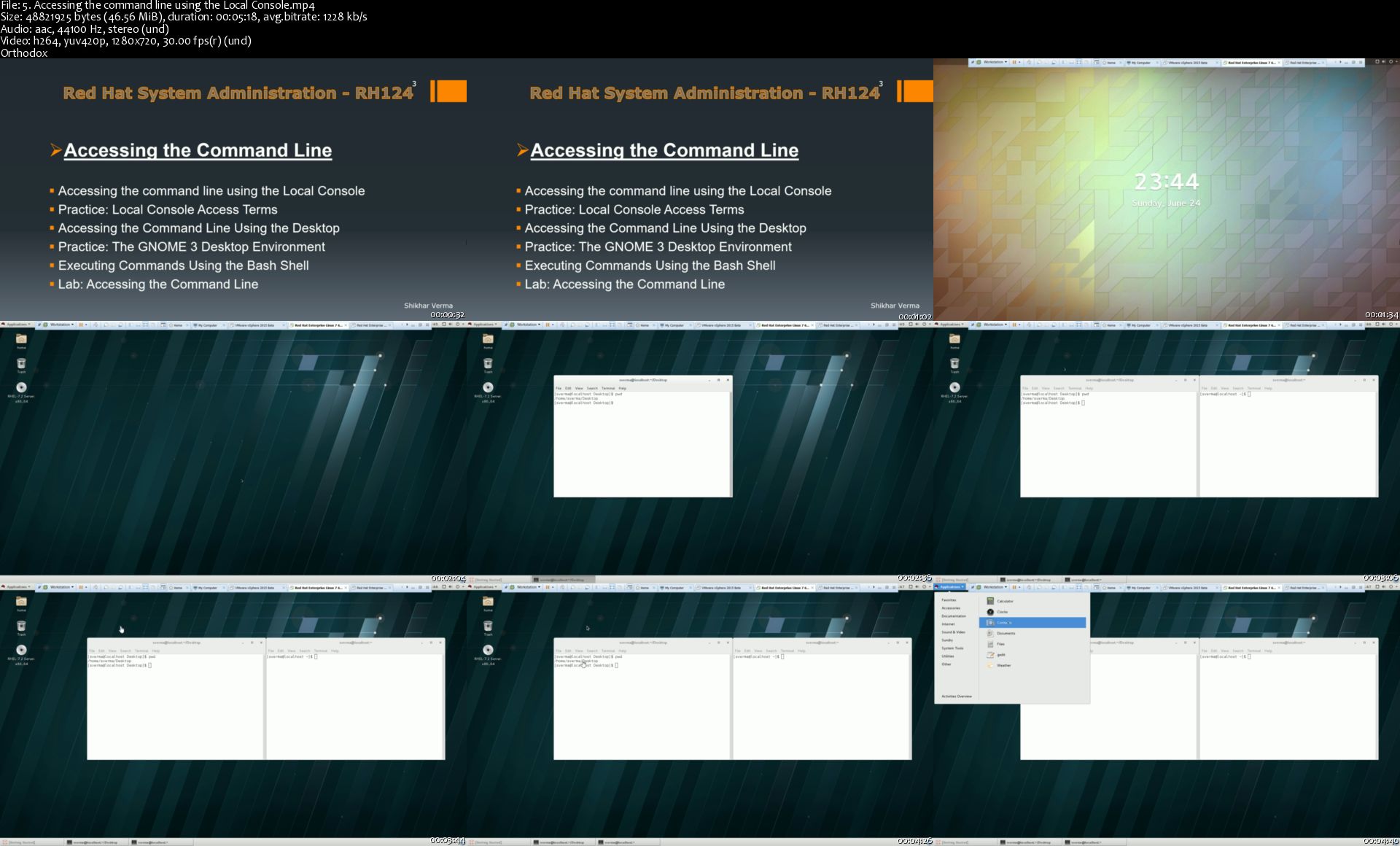
5-Accessing-the-command-line-using-the-Local-Console-s.jpg


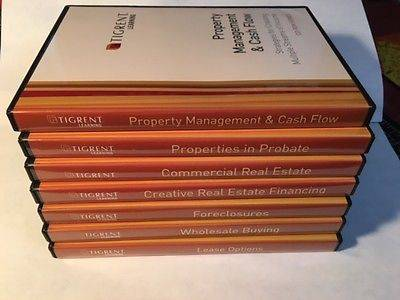
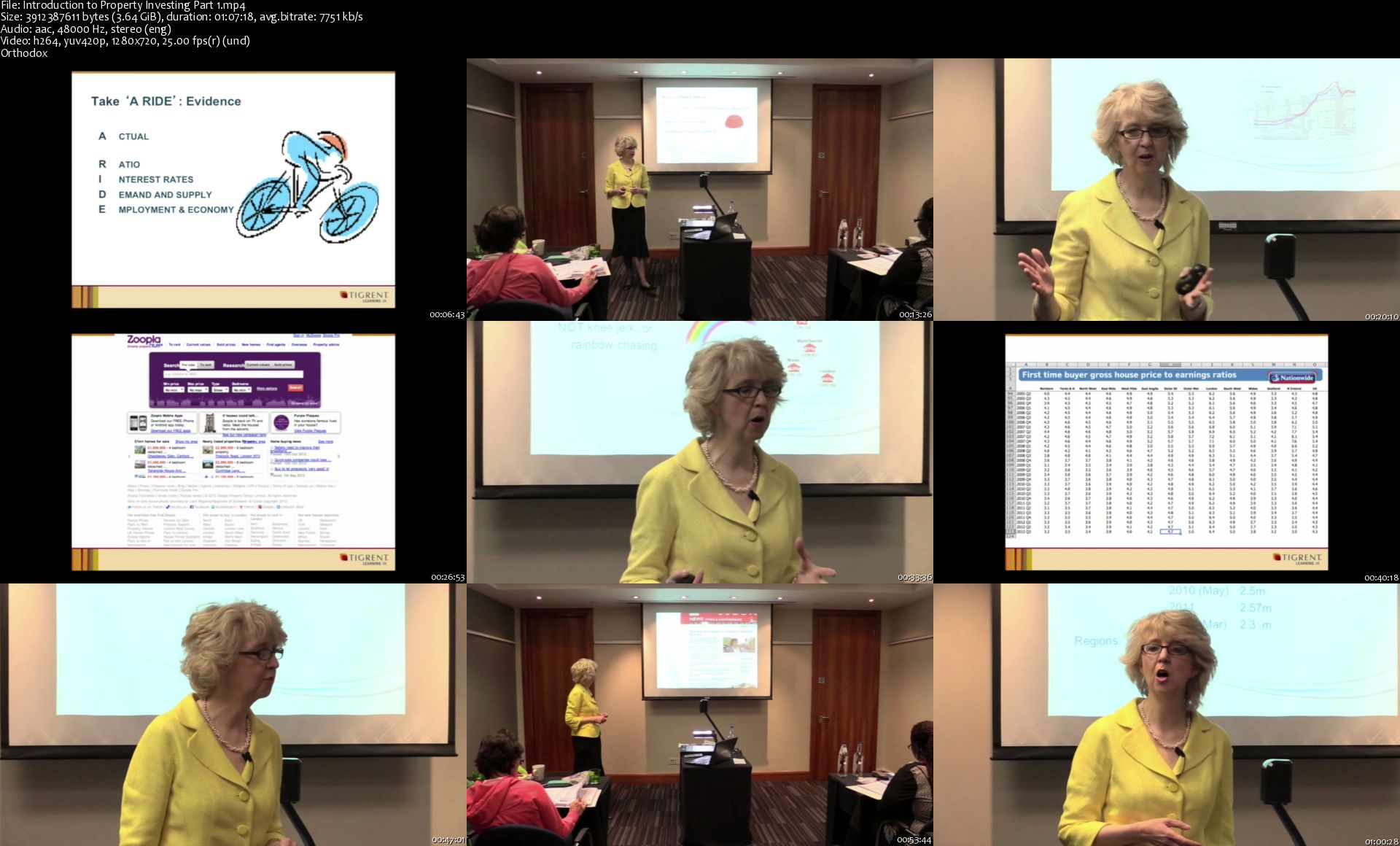
Tigrent Property Investing Seminar

e-Va-Rg7s-TKc-N4j04-Gdz-Ej-Iq-IPZa-D7d-CVs.png


Tigrent Property Investing Seminar
MP4 + Guides | Video: 1280x720 | Audio: AAC, 48Khz , 2ch | Duration: 3h 42 min | Language: English | 12.5 GB

Advanced University This intensified training teaches you the real ins and outs of identifying, negotiating, buying and managing investment property. You will analyse, evaluate, assess and review properties with the speakers, mentors and fellow customers. All of these techniques are designed to help you take the next step toward your successful property investing career. Get introduced to the experts, learn how to deal with them, negotiate with them and take action on potential deals. This is where you really start to take control of your financial future.
Distressed Property & Repossessions
This classroom style training takes you deep into the reality of development, refurbishment and repossession. We analyse properties, their prices and then assess the most efficient ways to achieve maximums gains in all markets and conditions.

Lease / Purchase Options
Held in Richmond, this course was designed just over two years ago and has begun to revolutionise the UK property markets. As the only educators on Lease Options, we have taught most of the current UK investors in this strategy.

Buy-to-Let
Developed and run by one of the UK's leading experts, this advanced training will take you from one, two, three properties to how to successfully run a sizable portfolio, efficiently and effectively. With over 30 years experience the trainer will provide tips and tricks that alone will save you thousands.

This training also features the best methods of locating properties that fit your needs and the pricing policies that surround them. Understand how to use loans and grants that may be available to you, this is reality training at its best with top notch instruction from the industries best.

House of Multiple Occupancy (HMO)

These are a breed of the BUY-TO-LET market, but because of the nature of their benefits along with their potential downfalls we designed a specific 3 day course around this strategy.

Again Tigrent Learning devised this course over 13 months and we introduced this to our customers in 2003 as the industry leaders in understanding the strategies that go with HMO.

Commercial Property

As customers developed their individual strategies Tigrent Learning was requested to design an advanced training course looking at why and how to invest in commercial property.

Introduction-to-Property-Investing-Part-1-s.jpg


Photoshop CC 2020 MasterClass

8-GESng-YWl-YG6-Q4qsv-Yg-Gtjz-VJ7-ESB3-FK.jpg


Photoshop CC 2020 MasterClass
h264, yuv420p, 1280x720 |English, aac, 44100 Hz, 2 channels, s16 | 13h 23 mn | 5.1 GB
Instructor: Martin Perhiniak

Master the World's Best Imaging and Design Application and Become an Adobe Certified Associate.
What you'll learn

Learn all the different kind of Selection techniques
Master Masking to be able to seamlessly combine images together
Learn how to retouch photos like a pro
Understand the differences and pros/cons between different image file formats
Learn useful keyboard shortcuts and best practices
Learn Photoshop from the very beginning the way a professional would use it

Requirements

Any version of Adobe Photoshop, preferably not older than Photoshop CS6. Ideally Photoshop CC (Creative Cloud).
Prior knowledge is not needed
Exercise Files and Study Guides are provided

Description

One of Udemy's highest rated Photoshop courses - by one of the Top 10 Adobe Instructors in the world - this course teaches you to use this industry-leading image editing application as a creative professional. The whole course content, including examples, techniques, exercises and quizzes have been carefully selected and refined to offer the most efficient and enjoyable way to master Adobe Photoshop.

This course has been purposely designed for users of all experiences, from complete beginners to existing Photoshop users, who want to take their skills to the next level. Being able to confidently work in Photoshop is an essential skill for any Photographer or Graphic Designer, but it is an equally useful tool for Retouchers, UI/UX designers, Web Developers, Digital Artists and various other areas within and outside of the creative industry.

'One of the best courses on Udemy I've taken. It covers both the topic at hand and also how to get certified in it - all in a format that's relaxing and enjoyable. The instructor is impressive. Very knowledgeable man.'

Joe Pillera

More about Adobe Photoshop:

If you can think it, you can make it with Photoshop CC, the world's best imaging and graphic design software. Create and enhance photographs, illustrations and 3D artwork. Design websites and mobile apps. Edit videos, simulate real-life paintings and more. It's everything you need to make any idea real.

A closer look at what you will learn:

First of we will start with the basics, so you feel totally at ease with the interface, navigation, preferences, setting up new documents and applying simple adjustments to images.

The next chapter will teach you everything you need to know about one of the most crucial features in Photoshop, working with Layers.

Moving on you will learn about all the drawing tools and techniques, focusing on creating and working with Brushes and Vector Shapes.

The following chapters will walk you through core skills that are essential to work non-destructively in Photoshop: Transformations, Selections, Masking, Smart Objects and Adjustment Layers.

The next chapter is all about retouching techniques. You will learn the difference between technical and creative image retouching and all the features and techniques professionals use for enhancing images for adverts, movie posters and the beauty industry.

You will also learn about all the different types of image files, the pros and cons of each of them and how to work with the robust Adobe Camera RAW editor.

There is also a whole chapter dedicated to working with type in Photoshop, which can be extremely important when working on adverts and posters.

The final two chapters will ensure you understand how to save and export your work and learn more advanced Photoshop workflows including 3D Layers, the Timeline panel, Lightroom integration and so much more.

This course includes:

94 Videos (12 hours of total playtime)

Interactive quizzes testing what you learnt in each chapter

Downloadable working files

Course content updated with the latest CC 2019 new features

All future updates to InDesign will be included in this course for no extra payment

Estimated completion time: 25 hours (including finishing all exercises and quizzes)

Preparation guide for the official Adobe Certified Associate exam: Visual design using Photoshop

Completion certificate upon finishing the entire course

Martin is an Adobe Certified Instructor - voted as one of the Top 10 Adobe instructors in the world - with years of experience teaching in classrooms, seminars and webinars. He also worked professionally in the creative industry for over 10 years on a wide range of projects for clients such as Disney, Accenture, Mattel, etc.

Who will find it useful:

Perfect for anyone looking to start or develop their career in the creative industry.

Complete beginners will be able to master the software from the very beginning to the most advanced features.

Self-taught users and existing professionals can use the course to take their skills and knowledge to the next level, refine their workflows and learn to do everything the right way!

Existing and more experienced users of Illustrator may also discover hidden gems and workflows or catch up with all the new features released in CC 2019.

'This course is not only educational but also really entertaining. I'm honestly really glad I bought this course. I'm loving it and honestly from these videos you can really tell that Photoshop is this guy's true passion. I'm ready to be a pro!!!!!'

Anna

Skills you will gain:

Creating photo montages and combining images in various creative ways.

Retouching photographs like a professional, seamlessly removing or adding any details.

Enhancing tonal values, color, contrast, sharpness, clarity, reducing noise and compression artifacts in images.

Exporting to various image formats for both print and screen with confidence.

Designing engaging compositions using photos, typography and special effects.

Creating digital art with the powerful Brush engine and using blend modes.

Are you ready to become a Photoshop pro? Enroll on this course now and get started!

Who this course is for:

This course is aimed at anyone who wants to get into the creative industry and gain a rock solid foundation of Photoshop. Although it is providing a beginner to intermediate level learning experience it can be useful for experienced Photoshop users too as there are many self-taught users who are missing out on a lot of techniques and features.

Homepage

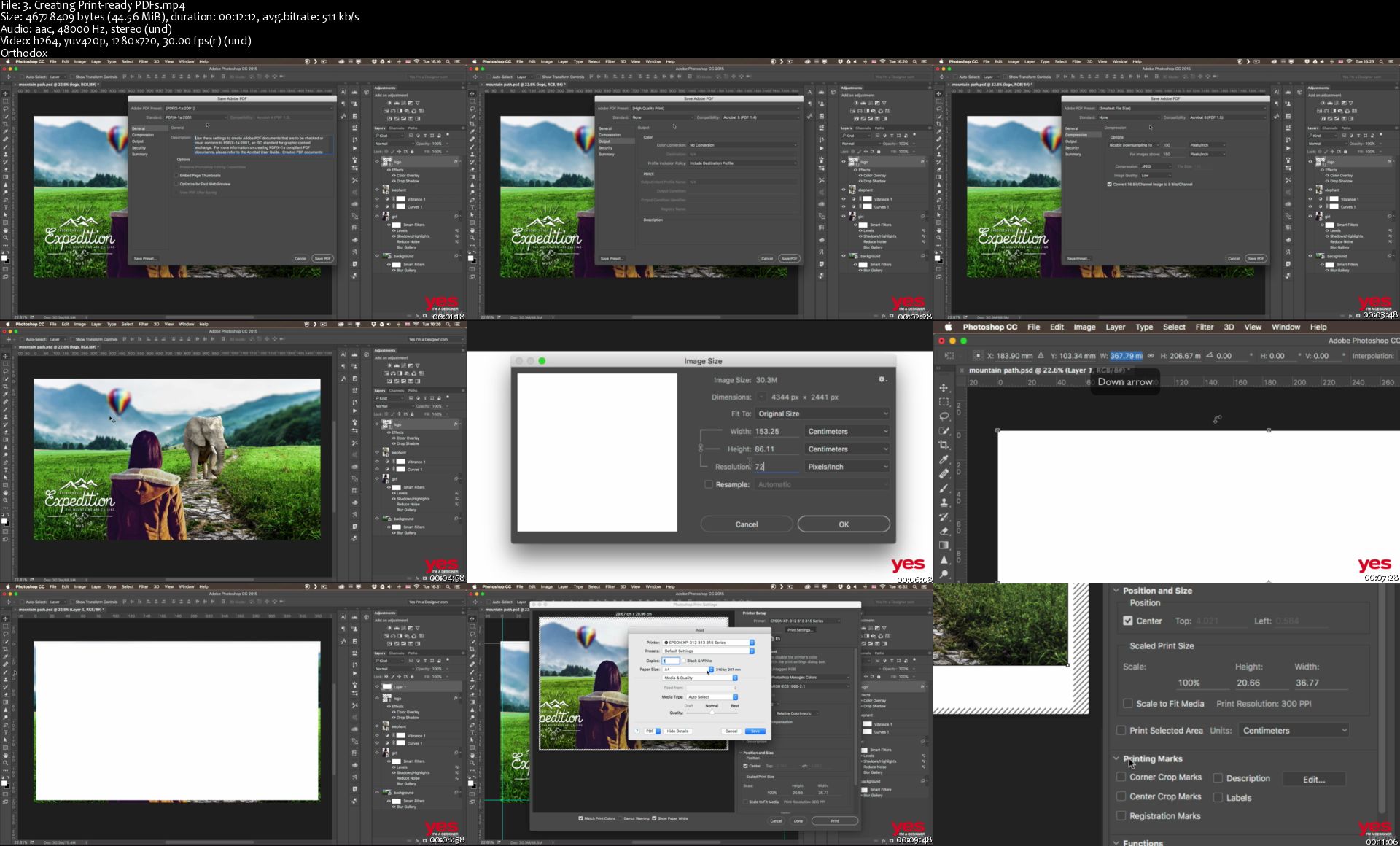
3-Creating-Print-ready-PDFs-s.jpg


Full Stack Web Development for Beginners- Part 4: Final Project, Node, Express & MongoDB

image.jpg


Full Stack Web Development for Beginners- Part 4: Final Project, Node, Express & MongoDB
Video: .MP4, 1280x720, 30 fps | Audio: AAC, 44.1kHz, 2ch | Duration: 10h 7m
Genre: eLearning | Language: English | Size: 6.34 GB

Welcome to Full Stack Web Development for Beginners!
This course is designed to teach beginners everything they need to know to build full stack websites and applications!
This is part four of this huge course, teaching you all about Node, Express, Mongo, Mongoose, Routing, Templating, Authentication and deployment!
This course is all about moving to the back end of websites where you will learn lots of amazing things.
We start off with Node and the Express framework where we set up a travel booking application called let's travel.
We will build this project throughout the course so everything you learn will be immediately put into practice.
Node and express are really popular and learning these technologies will leave you in high demand.
After this, we move onto routing and templating.
This allows us to switch between pages and navigate through our app, along with setting up templates to display not just content we have created, but also to render data from databases too.
And databases are what the next section is all about, where we look at MongoDB and Mongoose.
You will learn so much including modelling our data, create, read, update and delete actions, along with filtering and aggregation to get back the exact data we need.
After this we push on with styling and adding lots of nice features to our project, along with learning many next generation Javascript techniques from ES6 and beyond.
You will also learn how to allow users to upload images, and how we can save and retrieve these images from cloud storage.
Of course, most apps nowadays need to deal with user accounts and authentication, and this is something we will also learn about while applying all this to our project.
You will learn how to create user accounts, logging in and out, validating the users information, authentication, storing passwords safely and so much more.
We finish off our app by allowing the user to place orders and save to the database.
Then we create an account are where the user can log in and see any bookings which they have made, and also admin users can go into the admin section too to see a list of all orders from the site.
The course ends by showing you some security tips and recommendations to prepare your application for production.
We then push our app to a live server for the rest of the world to see.
All while explaining things in a straightforward, simple to understand way which even beginners will understand, along with reinforcing things with a fun, yet challenging project as we go.
I hope your excited to learn about Javascript, Node, Express, Mongo, user accounts and authentication, routing, deployment and so much more, in the final part of this course..

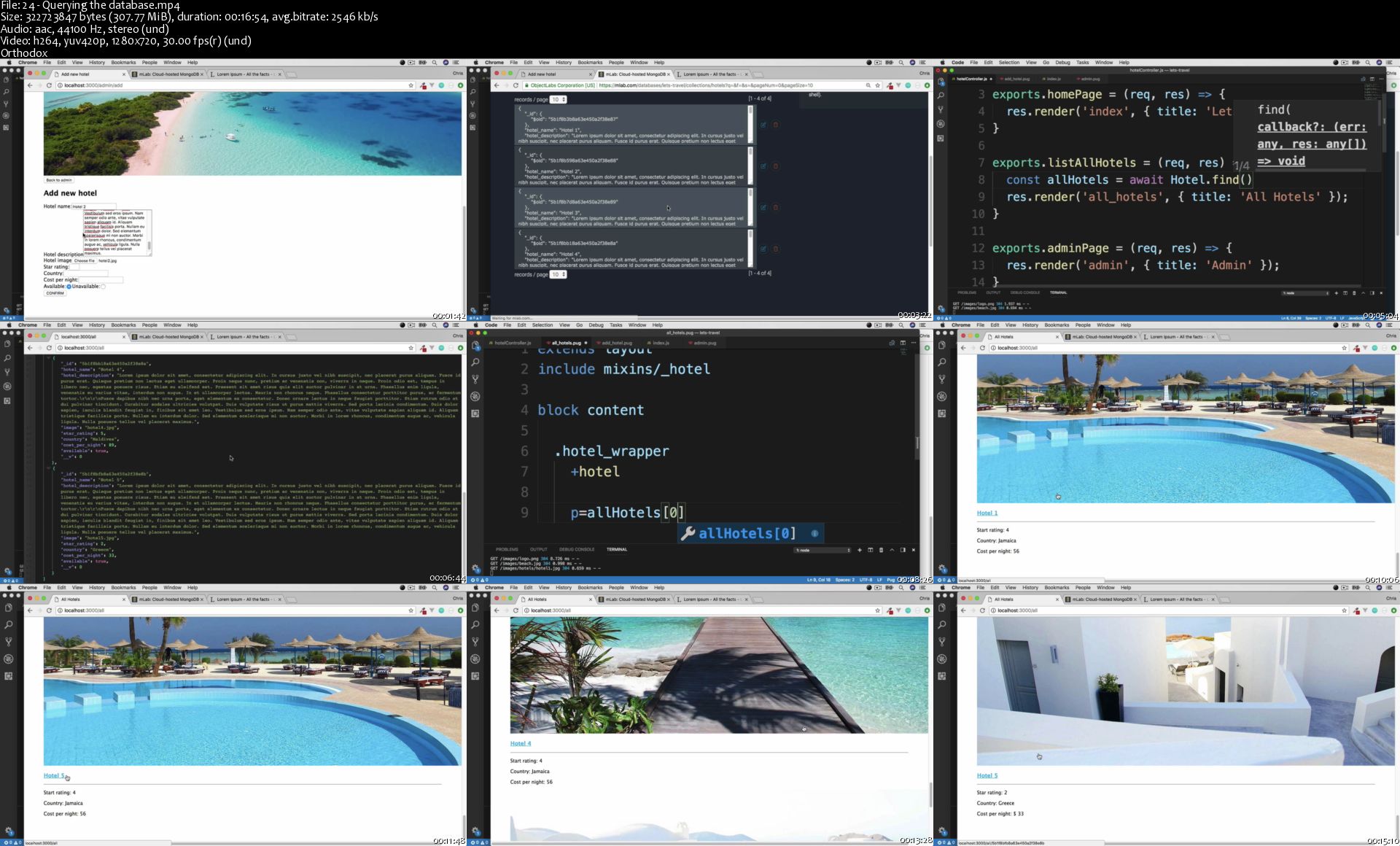
24-Querying-the-database-s.jpg


ESL: Idioms Usage, Pronunciation, and Intonation

wo7-SDSb-Ott0w-JYHns4-Zf-R9-Gmhq-Ylb2g-H.jpg


ESL: Idioms Usage, Pronunciation, and Intonation
h264, yuv420p, 1280x720 |English, aac, 48000 Hz, 2 channels | 8h 19 mn | 10.6 GB
Instructor: K Marcel

Learning meanings and pronunciation of Idioms and collocations is key to unlocking fluency in English Language.
What you'll learn

Understand and Use Phrasal Verbs, Idioms, and Collocations
Mimic Native Pronunciation and Intonation
Better Understand Sentence Structure

Requirements

Essential Idioms in English: Phrasal Verbs and Collocations (ISBN-13: 978-0131411760 ISBN-10: 0131411764) 5th Edition, by Robert J. Dixson is recommended
A free comprehensive course pack including exercises, tests, and answer keys is included with the course.

Description

This course, Idioms Usage, Pronunciation and Intonation, will teach you to hear, understand, and use English phrasal verbs, idioms, and collocations. It will also help improve your intonation and pronunciation through a practice called "shadowing".

This is a complete course, approximately the equivalent of what you would learn in a college-level speaking and listening class over the course of a semester (10-15 weeks). We will complete 13 lessons, each covering about a dozen expressions taken from the textbook Essential Idioms in English: Phrasal Verbs and Collocations (fifth edition) by Robert J. Dixson (ISBN 0-13-141176-4). While the textbook is not required, it is highly recommended. Each lesson includes:

* A video lesson

*Text exercises and answers (also on video)

*A sentence scramble exercise and answers (also on video)

*A dictation exercise and answers (also on video)

*A shadowing exercise on video

*A lesson test and answers

If you want to understand the English around you, the English that is spoken every day, in every interaction, and you want to USE the English that will allow you to sound more natural and connected to the language, this is the course for you!

This course includes about 10 hours of video which are broken down into sections so that you can study at your own pace.

Included in this course is a very complete course pack that will allow you to practice what you learn in the lessons. And, it's free!

Don't let idioms "hold you back"! "Jump in" and "get to it" "right away"!
Who this course is for:

This course is designed for high-beginner to intermediate ESL students; it is not intended for native speakers of English.

Homepage

2-Lesson-12-Idioms-s.jpg


DJI Drones: How To Become The Ultimate Pilot

1-Vo-V4-P6-Tuo-Dxd5-Ro-QHS5g-GVo-J9cdp-Utq.jpg


DJI Drones: How To Become The Ultimate Pilot
BestSeller| h264, yuv420p, 1280x720 |English, aac, 48000 Hz, 2 channels | 8h 19 mn | 6.4 GB
Instructor: Alex Shoolman

Fly with confidence, get professional videos, stay safe and get in the air quickly!
What you'll learn

HOW TO FLY: Learn everything from taking off to the most advanced flight modes
GORGEOUS VIDEOS: Know your drone and get the best videos with professional results
CONFIDENCE: Take to the sky for the first time knowing you won't crash your new drone
SAFETY: Know your countries laws, what to do and not do plus how to keep your drone safe
MONIES WORTH: Learn everything your drone can do and get your monies worth out of it
ANSWERS: Learn all the specs, details and info about your drone

Requirements

While not required, access to a DJI Spark, Mavic Pro or Phantom 4 Pro drone is recommended
Owners of the Mavic Air, Phantom 3 etc will also greatly benefit from this course
A desire to learn all about your new drone and get awesome videos with it
Ask me any questions via Twitter and get a fast response!

Description

**** Compatible with DJI Spark, Mavic Pro or Phantom 4 Drones ****

Fly with confidence
Fly safely and within your laws
Fly without crashing or damaging your new drone
Get silky smooth, cinematic videos, even if you're a beginner!
Get a great value course with heaps of base and advanced content

Get up and flying within a few hours all while knowing that you're not only flying within the law, but that you're not going to crash and have thousands of dollars go up in smoke.

You'll be able to capture those silky smooth, cinematic videos you've all seen in no time plus you'll learn what to look out for and how to avoid the most common mistakes pilots make.

DJI Drones: How To Become The Ultimate Pilot is brought to you by Alex, an Australian finance and technology writer that has been helping people crush their mortgages as well learn and get the best out of technology for over 5 years.

This material is covered with simple steps and clear demonstrations of how to fly. With hours and hours of one on one videos comprised of 49 sections you'll learn exactly what buttons to press and the best way to use your drone.

This course could very easily save you THOUSANDS of dollars by preventing you from crashing your drone or damaging it long term by doing the wrong thing. Best of all, this course will be with you right from the basics, all the way up to advanced flying modes and tips on how to perform cinematic video recording, panoramas and more.

What You Will Get

Lifetime Access
30-Day Money Back Guarantee
8.5+ Hours of Practical And Flying Videos
Confidence that you know how to fly within the law
A dedicated section on how to avoid crashing or damaging your drone
A huge advantage over everyone else that will get you flying your drone fast
The new ability to produce gorgeous, professional grade videos and photos
Not just vague descriptions but specific, step-by-step instructions that cover everything

What You Will Learn

Why flying indoors often results in new pilots crashing their drone
How to get those silky smooth videos that everyone loves to watch, even if you're new
Special points that are unique to your drone on how to avoid long term damage
The specifications of your drone and how complex they really are
The reason there are so many restrictions on drones and where you can fly them
A huge mistake many pilots make when storing their drone in the car and how to avoid it
How to fly your drone to get the best videos and why most people fail
What other great 3rd party apps are out there to get the most out of your drone

Join this course 100% risk free today!
Who this course is for:

Anyone who has just bought a new DJI Spark, Mavic Pro or Phantom 4 drone
Anyone who is thinking of buying a DJI Spark, Mavic Pro or Phantom 4 drone
Anyone who's been flying for a while but wants to get better video results
Anyone who wants to learn all the details about these amazing pieces of technology

Homepage

2-Section-2-2-Setting-Up-Your-Drone-s.jpg


Build Your Blog With WordPress

image.jpg


Build Your Blog With WordPress
Video: .MP4, 1920x1080, 30 fps | Audio: AAC, 48 kHz, 2ch | Duration: 8h 8m
Genre: eLearning | Language: English | Size: 5.05 GB

Confused with how to launch your own WordPress blog? Then, this is the one stop place for you!
The main aim of this course is to allow anyone to launch his/her own top quality and high performing WordPress blog with minimum cost and maximum benefits!
All the steps to launch a high quality WordPress blog are introduced and practically explained in the simplest way possible!
Things that you will learn in this course are the following,
0. Introduction And Course Overview
1. What Is WordPress?
2. What Is The Difference Between WordPress. org And WordPress. com?
3. Why Should You Use WordPress?
4. How WordPress Works?
5. What Are The Requirements To Setup WordPress Blog?
6. Web Hosting: Cloud vs VPS (Virtual Private Server) vs Dedicated vs Shared Hosting?
7. What is LEMP Stack and LEMP Stack Architecture?
8. Why To Setup Own LEMP Stack Instead Of Using Managed Platform?
9. Create DigitalOcean Account And Setup A New DigitalOcean Droplet
10. Point Your DigitalOcean Droplet IP Address To GoDaddy Domain
11. How To Secure DigitalOcean Droplet With SSH Keys For Root Privileged User?
12. How To Do Basic Server Updates In DigitalOcean Droplet?
13. How To Install Nginx Web Server In DigitalOcean Droplet?
14. How To Install And Configure MariaDB In DigitalOcean Droplet?
15. How To Install And Configure PHP In DigitalOcean Droplet?
16. How To Configure Nginx To Use The PHP Processor In DigitalOcean Droplet?
17. How To Configure Ubuntu Firewall In DigitalOcean Droplet?
18. How To Install Let's Encrypt SSL For Your Domain In DigitalOcean Droplet?
19. How To Enable HTTP/2 Server Push With Nginx In DigitalOcean Droplet?
20. How To Install WordPress In DigitalOcean Droplet?
21. How To Configure Gzip Module In Nginx On DigitalOcean Droplet?
22. How To Create Monitoring Alert Policies in DigitalOcean For Droplets?
23. Why To Use Cloudflare With Your WordPress Blog?
24. Create Cloudflare Account And Add Cloudflare Name Servers In Your GoDaddy Account Settings
25. How To Add DigitalOcean Droplet IP Address In Cloudflare DNS Records?
26. What And Which Settings To Enable In Cloudflare For Your WordPress Blog?
27. How To Block An IP Address Or Country From Accessing Your WordPress Blog?
28. How To See Real IP Address Of The Visitors In Nginx Server Logs When Using Cloudflare?
29. What Is Genesis Framework? Why To Use Genesis Framework And It's Child Theme?
30. How To Remove Featured Post Layout In Eleven40 Pro Theme?
31. How To Install Genesis Framework, Child Theme And It's Basic Customization?
32. How To Customize WordPress For Basic Settings?
33. How To Add Categories And Menu In WordPress?
34. Where To Get Copyright Free Images?
35. Which Free Photo Editors To Use For Making Professional Looking Images?
36. How To Create Blog Post On WordPress?
37. How To Add Pages To WordPress?
38. How To Make A Logo Using Adobe Illustrator CC And Add It On WordPress Blog?
39. How To Make A Favicon And Add It On WordPress Blog?
40. How To Remove Fixed Menu And Tagline In Eleven40 Pro Theme?
41. How To Change Menu, Sub Menu Color And Add Other Effects In Eleven40 Pro Theme?
42. How To Change Archive, Search Results, Pagination Color In Eleven40 Pro Theme?
43. How To Change Post Title Font Size And Other Font Size of Different Sections In Eleven40 Pro Theme?
44. How To Change And Customize Footer Credits Text In Eleven40 Pro Theme?
45. How To Remove Website Field And Add Custom Message In Comment Section In Eleven40 Pro Theme?
46. How To Remove Default Google Fonts And Add Your Own Choice Google Fonts In Eleven40 Pro Theme?
47. How To Customize "Read More." In Eleven40 Pro Theme?
48. How To Change Search Text And Delete "Filed under" & "Tagged with" In Eleven40 Pro Theme?
49. How To Add Author Box In Eleven40 Pro Theme?
50. How To Add Social Icons In WordPress?
51. How To Make Your WordPress Blog GDPR Compliance? (Disclaimer)
52. How To Set Up A Business Email With Google G Suite For Your Domain?
53. How To Send WordPress Emails Using Gmail SMTP With WP Mail SMTP?
54. How To Add Contact Form 7 For WordPress Blog?
55. Akismet - Spam Protection for WordPress
56. OneSignal - WordPress Push Notification Plugin
57. UpdraftPlus - WordPress Backup Plugin
58. Social Pug - Social Sharing WordPress Plugin
59. Google Analytics Dashboard for WP (GADWP) - Monitor And Analyse User Statistics
60. Uptime Robot - Monitor Website Uptime And Downtime
61. How To Add Your WordPress Blog To Google Search Console?
62. How To Configure Yoast WordPress SEO Plugin For WordPress Blog?
63. How To Create Sitemap For Your WordPress Blog?
64. How To Add Sitemap Of Your WordPress Blog To Google Search Console?
65. How To Add www Version Of Your Domain To Google Search Console?
66. How To Setup W3 Total Cache Plugin For WordPress Blog?
67. What Is Content Delivery Network (CDN)?
68. How Does Content Delivery Network (CDN) Works?
69. How To Setup BunnyCDN To Speed Up Performance Of WordPress Blog?
70. How To Configure BunnyCDN with W3 Total Cache Plugin For WordPress Blog?
71. How To Optimize Images For WordPress Blog Posts?
72. How To Disable Emojis In WordPress Blog?
73. How To Disable Embeds In WordPress Blog?

19-18-How-To-Install-Let-s-Encrypt-SSL-For-Your-Domain-In-Dig.jpg


Eric Thayne - Six Figure Filmmaker (Update 1)

099e42b3787d752ef939f8d2b9592e9e.jpg

Eric Thayne - Six Figure Filmmaker (Update 1) | 22.64 GB​
Six Figure Filmmaker is a personalized coaching program designed to help you go full time with your video business in the next 12 months, and make at least $10k on every project you do... EVEN if you don't have the best camera OR if there are no good clients in your area.

And if you're already full time, then you'll be able to scale your business to six figures and beyond!
So here's what you're gonna get:
The 8 Week "Cinema Mastery" Masterclass ($1997 VALUE)
The "Perfect Passion Project" Blueprint ($1997 VALUE)
The Six Figure Filmmaker Course ($1997 VALUE)
The "Six Figure Framework" Portal ($2497 VALUE)
Deep Dive Private Coaching Call FIRST 5 ONLY ($1000 VALUE)
LIVE Weekly Group Coaching Sessions ($20,800 VALUE)
10K CLUB Awards ($147 VALUE)

HOmepage:

Screenshots
55688adcb1d993435a226cdd3b828e83.jpg


Link Download
​
Extract files with WinRar 5 or Latest !
 
Justin Jackson - Marketing For Developers

1ac2b61f80cea1fbbfd8468438322a30.jpg

Justin Jackson - Marketing For Developers | 8.42 GB​
A book and course for programmers who want to learn marketing
Only one factor predict's a product's success
It's not the quality of your code.
It's not "scratching your own itch."
It's not the programming framework you chose.
It's not test-driven development or continuous integration.

What makes an app successful? Having product/market fit!
Programmers who earn significant revenue from their products validate demand before they start coding.
One of the biggest mistakes developers make is they think they know what people need. But building something that meets a need isn't enough. You have to create something people want.
Marketing for Developers is the guide you've been waiting for
The book and course will teach you everything you need to know.

The beginning: everyone starts with no audience, no product, and no revenue. It's OK if you're just starting out!
Build something people want: you'll learn how to choose your target market, understand what motivates them, and pick a product idea.
Use the lean marketing stack: identify the right tools, configure them, and track the right analytics events.
Pre-launch: design a landing page that converts, write blog posts, optimize for search and build buzz.
Launch and grow: promote your application with confidence, get more traffic, creating campaigns that convert, and get your first paying customers.

The full bundle includes:
27 video lessons on everything from building an audience to running Facebook ads
A copy of the 5-star rated Marketing for Developers book
15 interview videos with experienced founders like Des Traynor, Josh Pigford, Tracy Osborn, Nathan Barry, Ryan Hoover, and Brennan Dunn
Interactive workbooks: write down your notes, save them, export them as PDF
18 downloads and bonuses: Product Hunt Handbook, competitor survey questions (PDF), launch checklist, and more!

HOmepage:

Screenshots
65562a13599c1f4afbef119a9b561088.jpg


Link Download
​
Extract files with WinRar 5 or Latest !
 
Zurück
Oben Unten