• Regeln für den Video-Bereich:

    In den Börsenbereich gehören nur Angebote die bereits den Allgemeinen Regeln entsprechen.

    Einteilung

    - Folgende Formate gehören in die angegeben Bereiche:
    - Filme: Encodierte Filme von BluRay, DVD, R5, TV, Screener sowie Telesyncs im Format DivX, XviD und x264.
    - DVD: Filme im Format DVD5, DVD9 und HD2DVD.
    - HD: Encodierte Filme mit der Auflösung 720p oder darüber von BluRay, DVD, R5, TV, Screener sowie Telesyncs im Format x264.
    - 3D: Encodierte Filme von BluRay, die in einem 3D Format vorliegen. Dies gilt auch für Dokus, Animation usw.
    - Serien: Cartoon/Zeichentrick, Anime, Tutorials, Dokumentationen, Konzerte/Musik, Sonstiges sind demnach in die entsprechenden Bereiche einzuordnen, auch wenn sie beispielsweise im High Definition-Format oder als DVD5/DVD9/HD2DVD vorliegen. Ausnahme 3D.
    - Bereich Englisch: Englische Releases gehören immer in diesen Bereich.
    - Bereich Talk: Der Bereich, in dem über die Releases diskutiert werden kann, darf, soll und erwünscht ist.


    Angebot/Beitrag erstellen

    - Ein Beitrag darf erst dann erstellt werden, wenn der Upload bei mindestens einem OCH komplett ist. Platzhalter sind untersagt.
    - Bei einem Scenerelease hat der Threadtitel ausschließlich aus dem originalen, unveränderten Releasenamen zu bestehen. Es dürfen keine Veränderungen wie z.B. Sterne, kleine Buchstaben o.ä. vorgenommen werden. Ausnahme Serienbörse:
    - Bei einem Sammelthread für eine Staffel entfällt aus dem Releasename natürlich der Name der Folge. Beispiel: Die Simpsons S21 German DVDRip XviD - ITG
    - Dementsprechend sind also u.a. verboten: Erweiterungen wie "Tipp", "empfehlenswert", "only", "reup", usw. / jegliche andere Zusatzinformation oder Ergänzung, welche nicht in obiger Beschreibung zu finden ist.

    Aufbau des Angebots und Threadtitel

    Der Titel nach folgendem Muster erstellt zu werden. <Name> [3D] [Staffel] [German] <Jahr> <Tonspur> [DL] [Auflösung] <Quelle> <Codec> - <Group>
    Beispiel: The Dark Knight German 2008 AC3 DVDRip XviD - iND
    Beispiel: The Dark Knight 2008 DTS DL BDRip x264 - iND
    Beispiel: The Dark Knight 2008 AC3 DL BDRip XviD - iND
    Beispiel: The Dark Knight German 2008 AC3 720p BluRay x264 iND
    Beispiel: The Dark Knight 2008 DTS DL 1080p BluRay x264 iND
    Beispiel: Die Simpsons S01 German AC3 DVDRip XviD iND
    Beispiel: Die Simpsons S20 German AC3 720p BluRay x264 iND
    Beispiel: Sword Art Online II Ger Sub 2014 AAC 1080p WEBRip x264 - peppermint
    Entsprechend sind also u.a. verboten: Sonderzeichen wie Klammern, Sterne, Ausrufezeichen, Unterstriche, Anführungszeichen / Erweiterungen wie "Tipp", "empfehlenswert", "only", "reup", usw. / jegliche andere Zusatzinformation oder Ergänzung, welche nicht in obiger Beschreibung zu finden ist
    Ausnahmen hiervon können in den Bereichen geregelt sein.

    Die Beiträge sollen wie folgt aufgebaut werden:
    Überschrift entspricht dem Threadtitel
    Cover
    kurze Inhaltsbeschreibung
    Format, Größe, Dauer sind gut lesbar für Downloader außerhalb des Spoilers zu vermerken
    Nfo sind immer Anzugeben und selbige immer im Spoiler in Textform.
    Sind keine Nfo vorhanden z.B. Eigenpublikationen, sind im Spoiler folgende Dateiinformationen zusätzlich anzugeben :
    Quelle
    Video (Auflösung und Bitrate)
    Ton (Sprache, Format und Bitrate der einzelnen Spuren)
    Untertitel (sofern vorhanden)
    Hosterangabe in Textform außerhalb eines Spoiler mit allen enthaltenen Hostern.
    Bei SD kann auf diese zusätzlichen Dateiinformationen verzichtet werden.

    Alle benötigten Passwörter sind, sofern vorhanden, in Textform im Angebot anzugeben.
    Spoiler im Spoiler mit Kommentaren :"Schon Bedankt?" sind unerwünscht.


    Releases

    - Sind Retail-Release verfügbar, sind alle anderen Variationen untersagt. Ausnahmen: Alle deutschen Retail-Release sind CUT, in diesem Fall sind dubbed UNCUT-Release zulässig.
    - Im Serien-Bereich gilt speziell: Wenn ein Retail vor Abschluss einer laufenden Staffel erscheint, darf diese Staffel noch zu Ende gebracht werden.62
    - Gleiche Releases sind unbedingt zusammenzufassen. Das bedeutet, es ist zwingend erforderlich, vor dem Erstellen eines Themas per Suchfunktion zu überprüfen, ob bereits ein Beitrag mit demselben Release besteht. Ist dies der Fall, ist der bereits vorhandene Beitrag zu verwenden.
    - P2P und Scene Releases dürfen nicht verändert oder gar unter einem iND Tag eingestellt werden.


    Support, Diskussionen und Suche

    - Supportanfragen sind entweder per PN oder im Bereich Talk zu stellen.
    - Diskussionen und Bewertungen sind im Talk Bereich zu führen. Fragen an die Uploader haben ausschließlich via PN zu erfolgen, und sind in den Angeboten untersagt.
    - Anfragen zu Upload-Wünschen sind nur im Bereich Suche Video erlaubt. Antworten dürfen nur auf Angebote von MyBoerse.bz verlinkt werden.


    Verbote

    - Untersagt sind mehrere Formate in einem einzigen Angebotsthread, wie beispielsweise das gleichzeitige Anbieten von DivX/XviD, 720p und 1080p in einem Thread. Pro Format, Release und Auflösung ist ein eigener Thread zu eröffnen.
    - Grundsätzlich ebenso verboten sind Dupes. Uploader haben sich an geeigneter Stelle darüber zu informieren, ob es sich bei einem Release um ein Dupe handelt.
    - Gefakte, nur teilweise lauffähige oder unvollständige Angebote sind untersagt. Dies gilt auch für eigene Publikationen, die augenscheinlich nicht selbst von z.B. einer DVD gerippt wurden. Laufende Serien, bei denen noch nicht alle Folgen verfügbar sind, dürfen erstellt und regelmäßig geupdatet werden.
    - Untersagt sind Angebote, welche nur und ausschließlich in einer anderen Sprache als deutsch oder englisch vorliegen. Ausnahmen sind VORHER mit den Moderatoren zu klären.


    Verstoß gegen die Regeln

    - Angebote oder Beiträge, die gegen die Forenregeln verstoßen, sind über den "Melden"-Button im Beitrag zu melden.
  • Bitte registriere dich zunächst um Beiträge zu verfassen und externe Links aufzurufen.

++ Premium IPTV ++ 7000 Live Sender ++ UHD Qualität ++ Mediathek mit 18.000 Inhalten ++


VenneTV


Englische Tutorials

QuickBooks Pro Desktop 2019 & 2018 Start to Finish
4-GEd-CXIs-E3sn-Vtbe1d-GFZLDTJm6adf8h.jpg


QuickBooks Pro Desktop 2019 & 2018 Start to Finish
$199.99 | Created by Robert (Bob) Steele | Last updated 6/2019
Duration: 59 hours | Video: h264, 1280x720 | Audio: AAC, 44 KHz, 2 Ch | 18 GB
Genre: eLearning | Language: English + Sub | 475 lectures

What you'll learn

Build a QuickBooks 2019 & or 2018 company file, enter the accounting data needed for business, and process and interpret reports. Learners will understand not only the data entry process but the reasoning behind the data entry and the process that needs to be set up before data can be input. Learners will learn more than just how to generate and print reports. Learners will get an understand of what the reports mean and how Quickbooks 2018 is making them, what functions the software is using to process the data into reports. Learners will understand what is needed to manage the accounting data in a computerized data system.

QuickBooks components

QuickBooks Home Page

QuickBooks Data Imput

Setting Up New QuickBooks File

QuickBooks Invoice

QuickBooks Receive Payment

QuickBooks Make Deposit

QuickBooks Bills

QuickBooks Pay Bills

QuickBooks Payroll

QuickBooks Registers

QuickBooks Lists

QuickBooks Financial Statements

QuickBooks Forms

Export Reports From QuickBooks to Excel

Requirements

QuickBooks Pro Software would be best although we can review the content without the software

Description

This course will provide a comprehensive understanding of QuickBooks Pro 2019 & 2018 in a format that can be understood by beginners, but which also covers more than just data input. 
Accounting professionals can also learn a lot from the course as we take theory concepts and apply them to the processes of accounting software. 
If you are a student at an accredited academic institution, you may be eligible for a free trial version of QuickBooks from Intuit, which is a great tool allowing you to maximize the use of this course.
To locate this option, try an internet search for "QuickBooks Free for Students." Remember that we are looking for results from Intuit, the owner of QuickBooks.
Why choose this course?\n
1. Comprehensive, current video content
Although this course provides much more than just video lectures, it does include almost 30 hours of video content. The amount of video content will increase a lot but we plan on having 25 to 30 hours of content related to each release of software. In other words, there is around 25 to 30 hours related to QuickBooks Pro 2018 and we plan on having a similar amount for QuickBooks Pro 2019.

2. We also include:
PDF Printable Instructions - Printable documents allow us to have a hard copy reference we can always refer to. A PDF copy can be downloaded and used while not connected to the internet. The ability to work offline a huge benefit for the QuickBooks Pro 2018 software and PDF files help take advantage of this benefit.
Back-up files and data - back up files allow us to jump forward in the class content and still be able to follow along with the same set of date. Back-up files also allow us to rework a problem with the same data set. The ability to restore back-up files provides the capability to continue with a problem using the same set of data as the example even if we had made an error or two in the prior problem. Back-up files are another big advantage QuickBooks Pro 2018 has over other accounting software, including QuickBooks online. This course will utilize this advantage.
Who will we be learning from?
You will be learning from somebody who has technical experience in accounting concepts and in accounting software like QuickBooks, as well as experience teaching and putting together curriculum.
You will be learning from somebody who is a:
CPA - Certified Public Accountant
CGMA - Chartered Global Management Accountant
Master of Science in Taxation
CPS - Certifies Post-Secondary Instructor
Curriculum Development Export
As a practicing CPA the instructor has worked with many technical accounting issues and helped work through them and discuss them with client of all levels.
As a CPS and professor, the instructor has taught many accounting classes and worked with many students in the fields of accounting, business, and business applications.
The instructor also has a lot of experience designing courses and learning how students learn best and how to help students achieve their objectives. Experience designing technical courses has also help in being able to design a course in a logical fashion and deal with problems related to technical topics and the use of software like QuickBooks Pro.
How will we be Taught?
We will learn by doing, by providing a presentation, and providing the tools to work through the processes presented. Learning QuickBooks is something best learned by doing, by applying skills to the QuickBooks application.
In addition to video instructions we will provide PDF files that can be downloaded and printed. The PDF files allow us a supplemental resource and can be used offline. The PDF files provide us with a hard copy reference to refer back to and something we can use to help explain concepts to others.
We will also provide backup files which give us much more flexibility to move around the course and correct mistakes as we learn. If we are new to QuickBooks we recommend working through the material from start to finish but if we have experience or are interested in a particular topic we can jump forward, using the backup file to restore the data to a point closer to the area we are working on.
If we make an error and our data is not matching up we can restore the backup file and rework the problem or restore the following data file to a later lecture and keep moving forward with our data matching the examples shown.
A partial list of topics covered is below. The number series may change, however.
Getting Started & QuickBooks Pro overview
1.10 Restore Backup File QuickBooks 2018
Business Transactions Involving Cash
1.15 Home Page Vendors Section
1.20 Home Page - Customer Section
1.28 Home Page Employee Section
1.30 Reports
1.35 Forms
1.37 Lists
1.40 Help Options
1.45 Print & Export
1.50 Backup file
Balance Sheet and Balance Sheet Options
2.10 Balance Sheet
2.15 Balance Sheet Display Options
2.20 Remove Date Time From Reports
2.25 Balance Sheet Fonts & Numbers
2.30 Balance Sheet Header & Footer
2.35 Comparative Balance Sheet
2.40 Summary Balance Sheet
2.45 Memorize Reports Group
2.50 Memorize Report
Profit & Loss / Income Statement
3.10 Profit and Loss
3.15 Income Statement Custom
3.20 Comparative Profit & Loss
3.25 Vertical Analysis Profit & Loss
3.30 Percent of Expense Profit & Loss
Other Reports & Graphs
4.10 Sales Graph
4.15 Income & Expense Graph
4.20 Sales by Customer Report
4.25 Sales by Item Report
4.30 Accounts Receivable Aging Report
4.35 Accounts Payable Aging Report
4.40 Accounts Payable Graph
4.50 Accounts Receivable Graph
4.55 Custom Comparative Profit & Loss
4.60 Export Balance Sheet to Excel
New Features QuickBooks 2018
10 Multi Monitor Support PowerPoint
20 Cash Accrual Toggle PowerPoint
30 Past due stamp invoice PowerPoint
40 Search Chart of Accounts PowerPoint
Start a New Company File
6.05 Set up new company & Preferences
6.10 Set up Item
6.15 Customers Set up
6.20 Set up Vendors and beginning balance
6.25 Set up new accounts & Opening Balance
6.30 Adjust New Accounts
6.35 Payroll Set up
6.40 New Employees
6.45 Transaction List
Enter Data for the first month of operations
7.05 Record Deposits from Owner and Loan
7.10 Record Transaction in Register Invest & Purchase Furniture
7.17 Purchase Order
7.20 Create Invoice
7.25 Receive Payment PowerPoint - Copy
7.30 Record Cash Sale PowerPoint - Copy
7.35 Record Deposit PowerPoint - Copy
7.40 Write check for inventory purchase order
7.45 Invoice Preordered Inventory PowerPoint - Copy
7.50 Receive Payment Make Deposit PowerPoint - Copy
7.55 Write Check for expenses PowerPoint - Copy
7.60 Pay Bill PowerPoint - Copy
7.65 Set up custom Jobs PowerPoint - Copy
7.70 Payroll PowerPoint - Copy
7.75 Job Sales Receipt For job PowerPoint - Copy
7.80 Review Reports & Export to Excel
Enter Data for the second month of operation
8.5 Loan Payments
8.10 Deposit Short Term Investment Payment
8.15 Purchase order New Item Payment
8.20 Receive inventory with bill
8.25 Sales Receipt & Deposit
8.30 Advanced Payment from Customer
8.35 Apply Credit to Invoice
8.40 Record Sale on Account
8.45 Advance Customer Payment
8.50 Bills Track and Pay
8.55 Customer Payment on Account
8.60 Pay sales tax
8.65 Pay Payroll Taxes tax
8.70 Enter Bills & Pay Bills
8.75 Enter Service Item & Invoice
8.77 Purchase music equipment with debt
8.80 Enter Payroll
8.85 Payroll
8.90 Rental Income
8.95 Comparative financial Statements
Bank Reconciliations
9.10 Bank Rec Jan
9.15 Bank Rec Feb
Adjusting Entries and Reversing Entries
10.10 Short term loan
10.15 Short term portion
10.20 Accrued Interest
10.25 Invoice Adjusting Entry
10.30 Reversing Entry Accrued Interest
10.35 Reversing Entry Accounts Receivable
10.40 Prepaid Insurance Adjusting Entry
10.45 Depreciation Adjusting Entry
10.50 Unearned Revenue
10.55 Reverse Unearned Revenue
10.60 Journal & Financial Statements
Budgeting
11.10 Budgeted Profit and Loss
11.15 Budgeted Balance Sheet
Please Join Use for QuickBooks Pro 2018 Course. It will be Great :)


Who this course is for:

Business Owners
Accounting Professionals
Accounting Students
Anybody who wants to learn accounting software
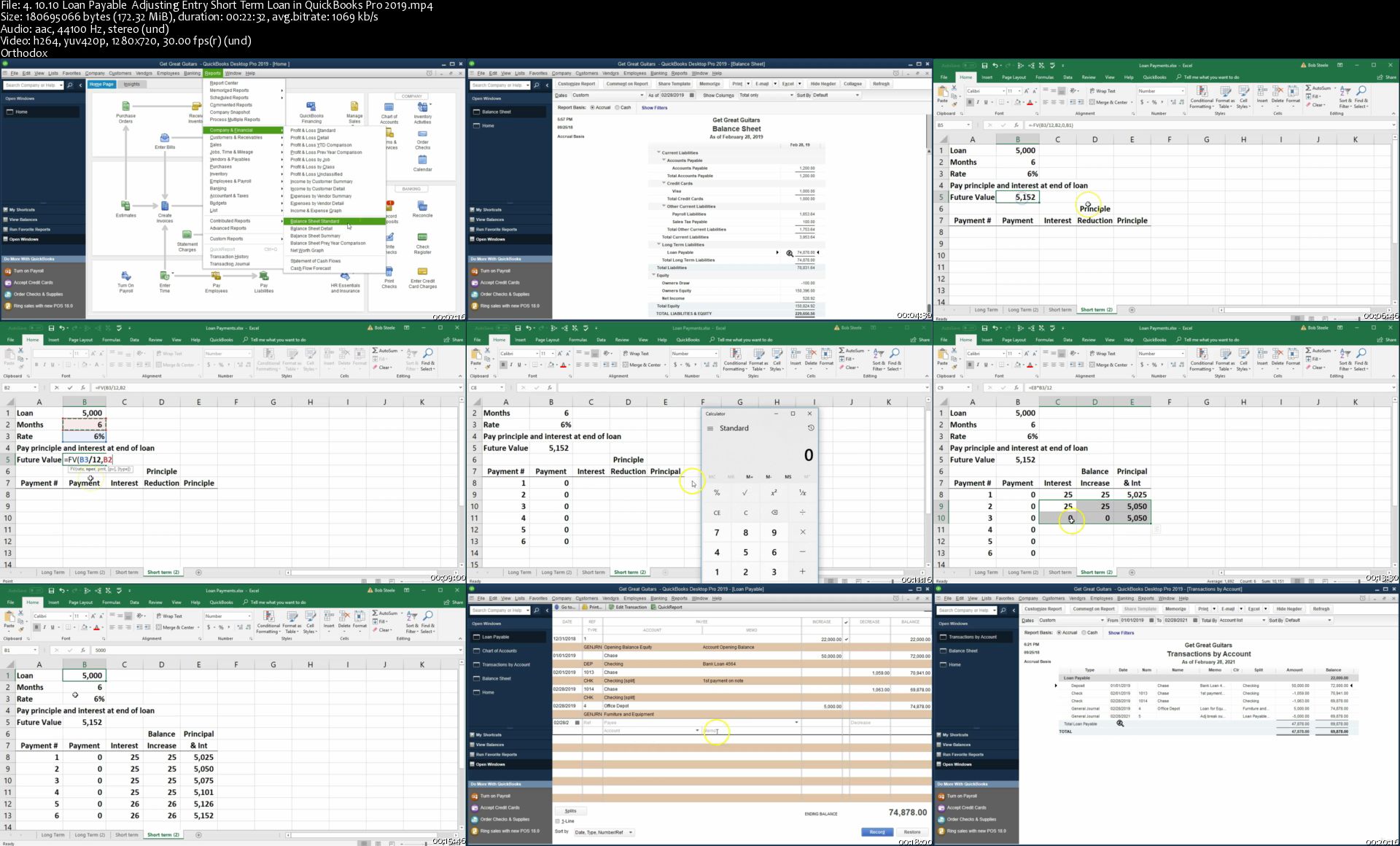

4-10-10-Loan-Payable-Adjusting-Entry-Short-Term-Loan-in-Quick-B.jpg


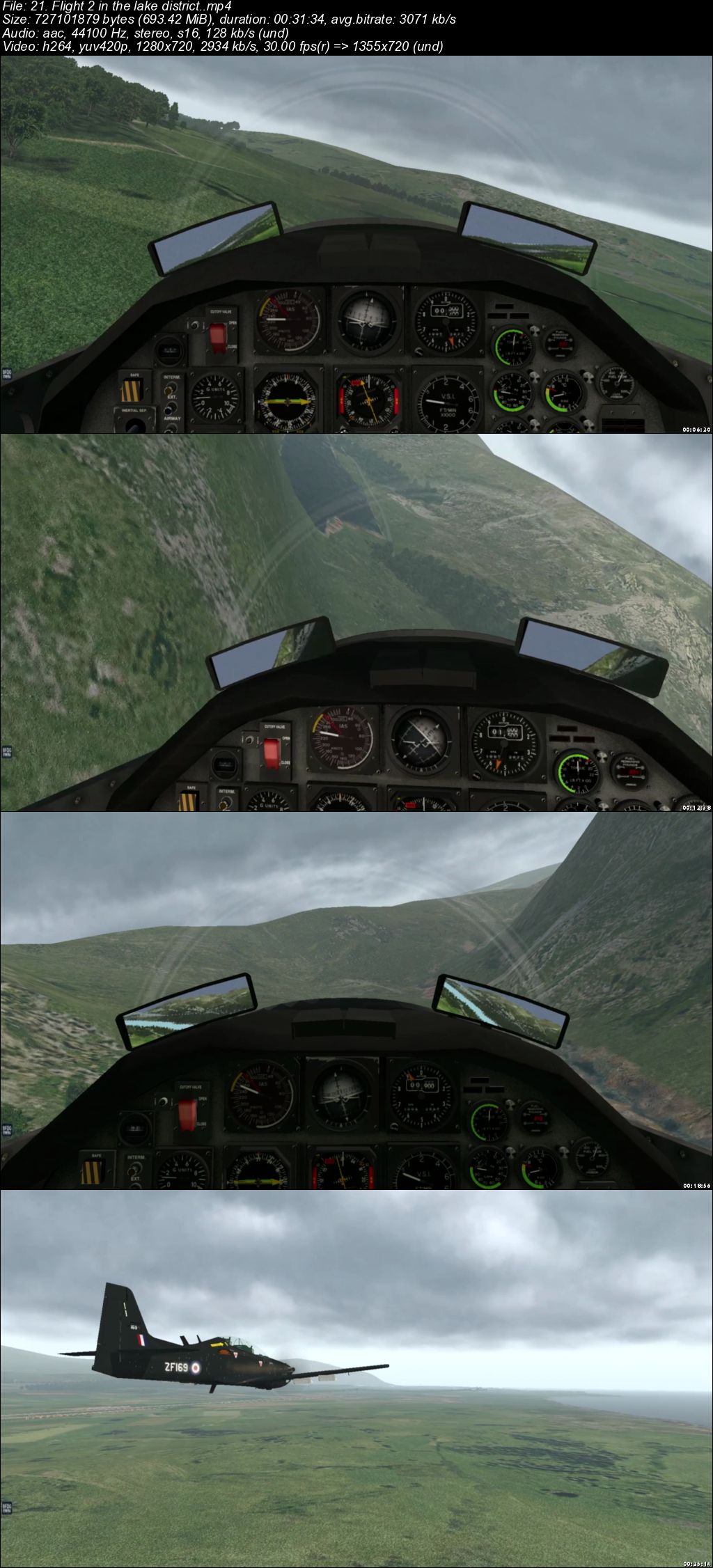
Learning advanced flying at PPL level.

006b4759.jpg


Learning advanced flying at PPL level
.MP4 | Video: 1280x720, 30 fps(r) | Audio: AAC, 44100 Hz, 2ch | 6.74 GB
Duration: 5.5 hours | Genre: eLearning | Language: English

Learn advanced flying in an RAF Advanced trainer


What you'll learn

Advanced flying at PPL level.
low level navigation

Requirements

To participate you will need a PC and basic aircraft controllers.
the more the better.

Description

Based at RAF Linton-on-Ouse in Yorkshire the RAF teach their up and coming fighter pilots to fly in the Short Tucano. You can now follow this course and find out about advanced flying at PPL level. The download is available and you can actually learn to fly the Tucano on your PC and perform advanced flying without having to join up. Everything from high angle off attack stall awareness and recovery, spin recovery, inverted flying, low level and formation flying too. Loads of fun and you get to appreciate what a good aircraft the Tucano really is.

Who this course is for:

Beginners wanting to pass a PPL and move onto more advanced aircraft.
The Short Tucano.

006b475a.jpg


A Beginner's Guide to Augmented Reality with Unity

gv-BIAx-Yk5ij-WPF4o-Ilzg-Er5oc-VP1-ZXwf.jpg


A Beginner's Guide to Augmented Reality with Unity
Udemy / Penny de Byl | Duration: 10 h 54 m | Video: H264 1280x720 | Audio: AAC 44,1 kHz 2ch | 7,44 GB | Language: English + .vtt | 2019

Learn to Create Mobile AR Applications with Wikitude, Integrating ARKit & ARCore for iOS and Android

Want to learn how to meld the real with the virtual? Want to create engaging applications with direct links between the physical world and computerised information, 3D models and animations? Want to learn how to use image pattern recognition to use digital camera feeds to control and orientate the virtual world? Then this course on augmented reality is for you.

Augmented Reality is one of the hottest topics in computer science and now with the availability of high-powered mobile devices with their top quality cameras, the technology is literally in the palm of your hand. Add the ease of use of the Unity Game Engine and Wikitude AR SDK, making such applications for yourself is a snap. All students enrolled in this course are entitled to a free Wikitude student license.

In this course, Penny introduces augmented reality techniques using her internationally acclaimed holistic teaching style and expertise from over 25 years of teaching, research and work in games and computer graphics. Through-out the course you will follow along with hands-on workshops designed to teach you the fundamental techniques used for designing and developing augmented reality mobile applications.

From examining its earliest origins to understanding the mash-up of computerised environments with the real world, we will be creating numerous applications for iOS, Android, Mac and PC from simple games to location detection.

Homepage

kf-Jh-Yq-Pa1-FDSBs-YT1-L3g5sq-DCV71-JDo4.jpg


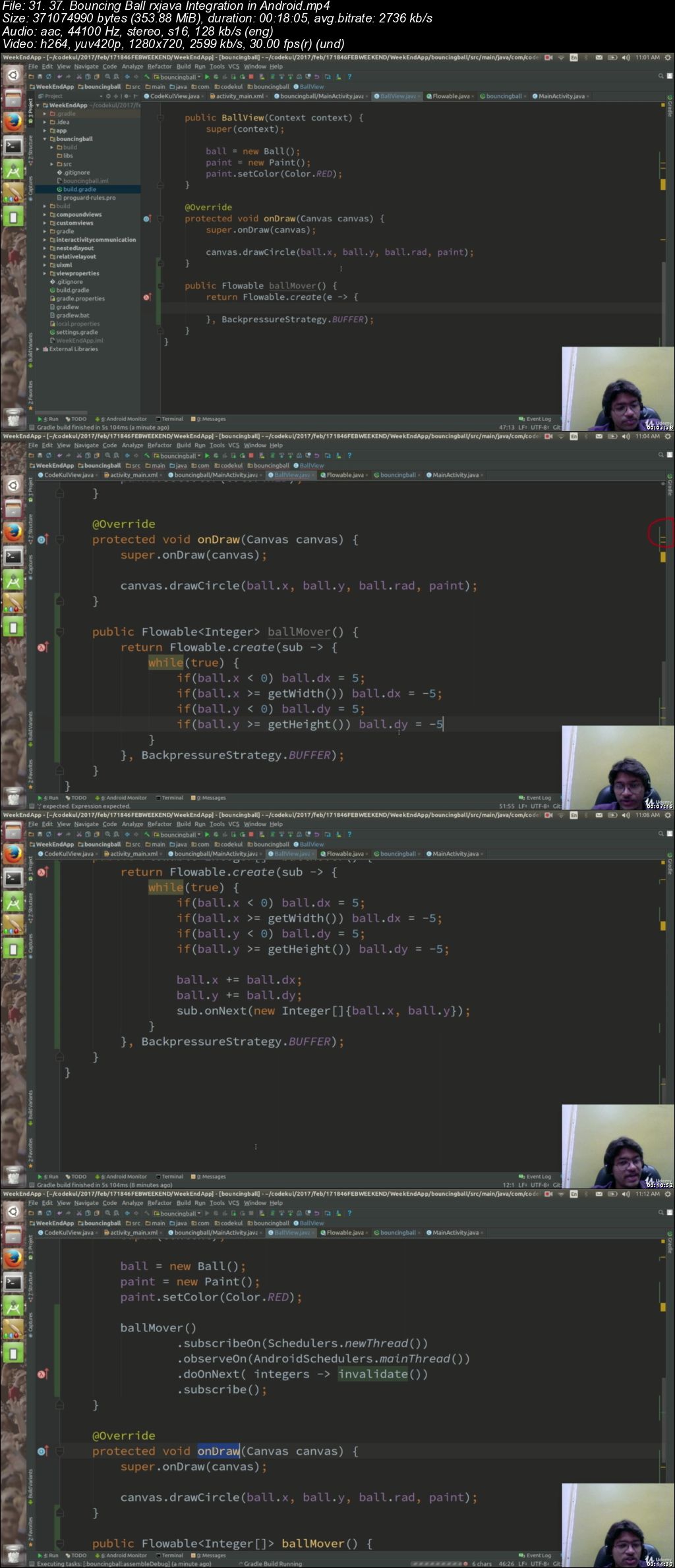
Beginners Android App Development Course Stepwise-Classroom

006b49dc.jpg


Beginners Android App Development Course Stepwise-Classroom
.MP4 | Video: 1280x720, 30 fps(r) | Audio: AAC, 44100 Hz, 2ch | 22.2 GB
Duration: 19.5 hours | Genre: eLearning | Language: English

Best way of learning is, learning in the classroom. Here is detailed android app development course for true learners.

What you'll learn

GitHub : Creating Git Account and own repositories, Basics operations Clone, Pull and Push
Gradle : Understanding the gradle, Gradle tasks, gradle modules, creating and executing tasks
View : Detailed understanding of views, ViewGroups and Layouts, What is Context, Custom and Compound views, view measurement units, Animation
Activities : Inter Activity Communication, Activity in detail, Lifecycle,
Fragments : Inter Fragment Communication, Loading Fragment by FrameLayout and fragment tag, Activity and Fragment communication
Resources : What are resources, assets, providing resources, alternative resources.
Dialog : Dialog Fragment, Alert , Date and Time Picker, Progress Dialog, Custom Dialog
Runtime changes : Handling Runtime changes by androids and custom way, Managing configuration qualifiers
Storage : Shared Preferences, Internal and External Storage, SQLite, Content Providers and reading contacts
Broadcast Receivers : Registering broadcast receiver, sending broadcast, sticky broadcasts
Services : Service, Intent Service and AIDL . E.g Music player demo app
Runtime Permissions : Checking permissions, granting or denying permissions, handling any kind of permissions
Http and Web Services : Understanding web services, Understanding and Using volley (GET, POST and Other calls )
Location and Google Maps : Location Manager, Geocoding, Google Map, adding markers, polylines, circles etc
Sensors : Understanding of sensors, implementing sensors
Wifi : Connecting to wifi, scanning wifi, listing connected wifi
Bluetooth : Understanding Bluetooth API, Getting paired devices, Scanning and Connecting to remote devices, Data transfer
Deployment : Deploying app to play stores and caution steps.

Requirements

Little knowledge of Java programming language
Moderate Interest in mobile app development
Ample of curiosity, learner and student attitude

Description

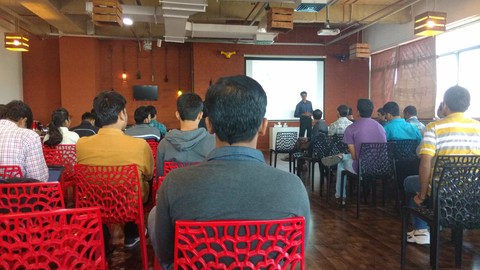
Learning in the classroom is well proven way of learning. By considering importance of classroom training; we have taken another approach while creating this series. These are simply screen recordings of the classroom lectures which are conducted really. We have tried to maintain authenticity classroom environment as much as possible and we hope you will love our way which is fusion of online and classroom training.

We will teach you android app development as you learn in classroom, you will get to know each and every concept at very much deeper level.

Just follow me and I will make you android expert in just 20 Hours. Check our Reviews before enrolling to the course on Google or Facebook. We hope you will love our series and learn android app development.

I am thanking in advance for enrolling for Android classroom course.

Who this course is for:

Beginners : Each and every concept is explained and coded in detail. This approach is really beneficial for those who are willing to learn android app development from scratch.
Experience : Those who have built some apps but still willing to know more or understand what exactly they have implemented ? How things work behind the curtain ? This course will explore minute details to experts and professionals.

006b49dd.jpg


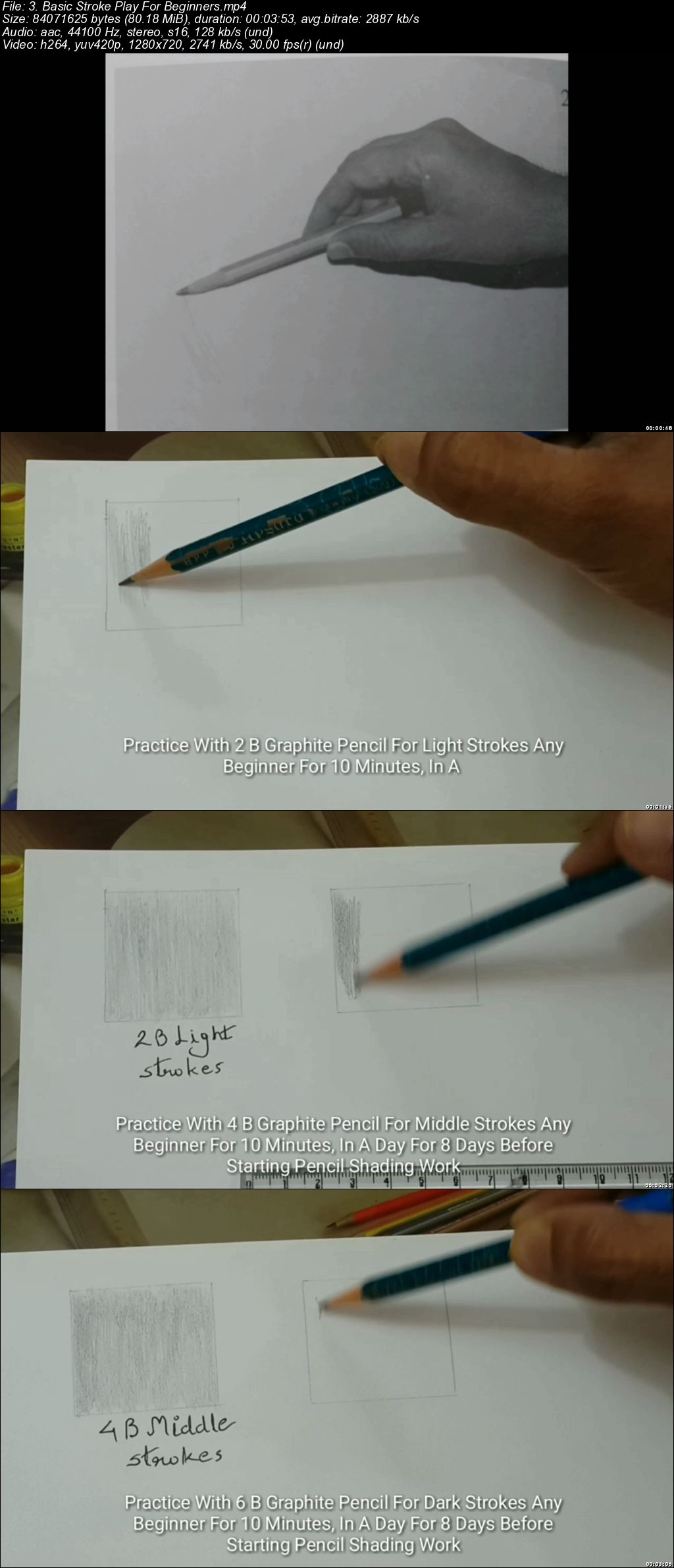
Draw Hyper Realistic Of Man Eye In Pencil Sketch

Dw-L7-FMla-Oipyhm0-Hb-U8-RDt-RRRk-Pwm-Jg0.jpg


Draw Hyper Realistic Of Man Eye In Pencil Sketch
MP4 | Video: h264, 1280x720 | Audio: AAC, 44.1 KHz, 2 Ch
Genre: eLearning | Language: English + .VTT | Duration: 6 hour | Size: 7.36 GB

Draw Photo Realistic Pencil Sketch

What you'll learn

Students Will Learn How To Make A Hyper Realistic Or Almost Photo Realistic Different Types Of Human Eye Making In Pencil Shading

Requirements

Good Drawing Paper H , 2 B, 4 B, 6 B, Graphite Pencils, Ereser , Sharper,

Description

1. Hii guys this is n s limaye the ace artist from india

2. Guys here I came to introduce How To Draw The Hyper Realistic Man Eye In Pencil Shading Medium.

3. Guys I Make This Course step by step & easy way..so that anybody can understand it.

4. The making reason of this course especially for art lovers....

5. I hope you like my efforts. So guys enjoy this course Thanks..

Who this course is for:

Those Students Who Curious To Explore & Learn How To Draw Hyper Realism Work In Pencil Sketch

Dqsy-M2-Lw-BUVo-Gq-Ujc-H982-Z57-I1lw-RPCv.jpg


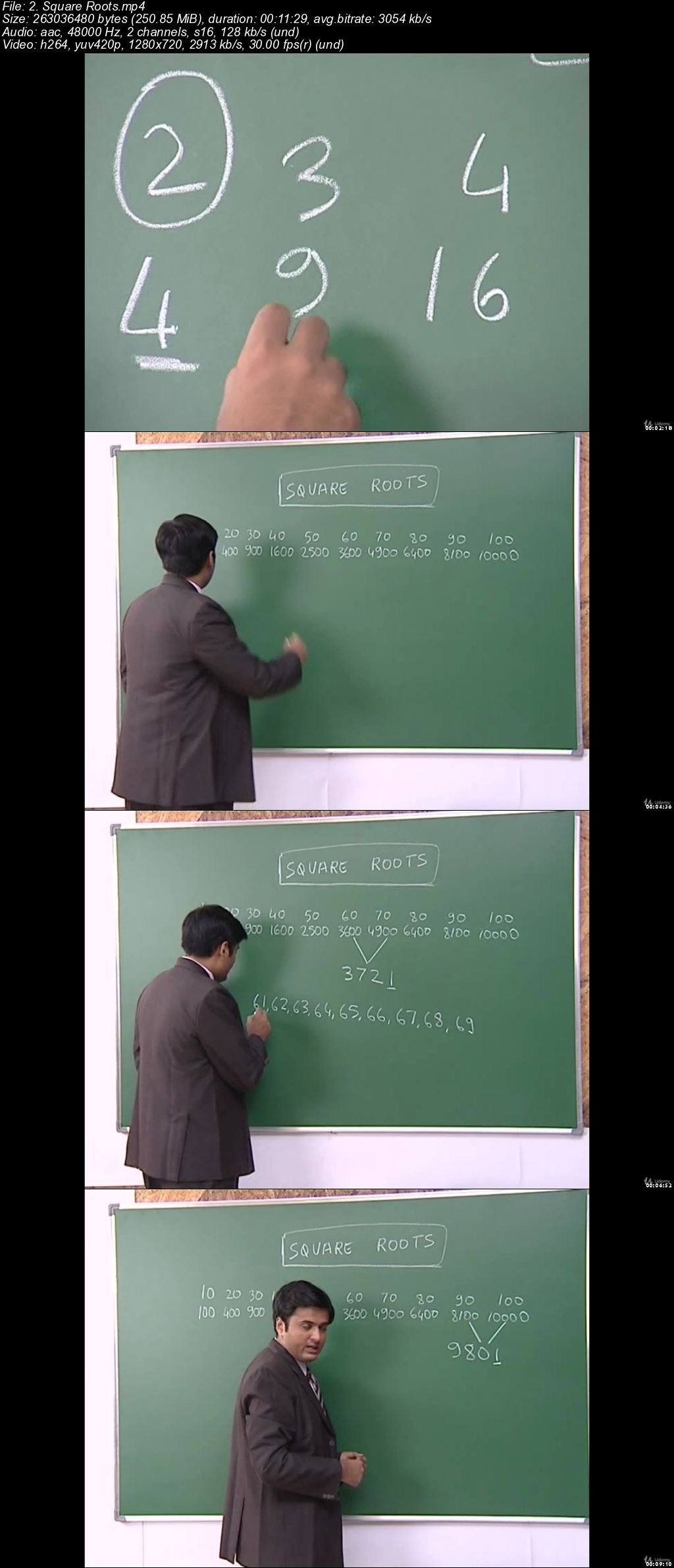
Vedic Math & Memory Techniques (2 in 1) (Easy Language)

XG4-Fo-OWOAxg-FGRC0-L67-D9-LOewaw-HNle-L.jpg


Vedic Math & Memory Techniques (2 in 1) (Easy Language)
MP4 | Video: h264, 1280x720 | Audio: AAC, 48 KHz, 2 Ch
Genre: eLearning | Language: English + .VTT | Duration: 5.5 hour | Size: 6.97 GB

The popular educational television series that featured on Telesky Shopping TV worldwide on Vedic Math and Memory

What you'll learn

Vedic Mathematics + Memory Techniques (Fast Math for High School, GMAT, SAT, MBA, O Levels, etc.)

Requirements

None

Description

Can you find the cube root of 262,144 or 704,969 in just two seconds ?

Can you find out a person's birth date without him telling you ?

Can you multiply 997 by 999 in your mind in just five seconds ?

Can you remember all the states and capitals of USA in a short time ?

Can you find how much money a person has without him telling you ?

Can you find the square root of 9604 or 998001 in your mind ?

This is the entire video recording of the educational series that was featured on leading TV channels across the globe by Telesky Shoppping. In this series you will learn the complete course of Vedic Mathematics and Memory Techniques.

Vedic Math will be helpful for people struggling with math. Students opting for GMAT, SAT, O Levels, MBA Entrance and various other entrance tests of high school will find these math short-cut tricks extremely helpful in calculating quickly and saving a lot of valuable time which will give them a definite edge over others.

Additionally the bonus content of Memory Techniques will help you learn history dates, geography maps, foreign languages and scientific terms in a way that you will never forget.

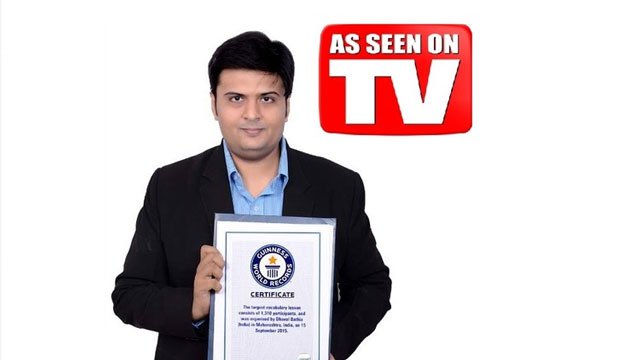
The course is presented by International Bestselling Author, TEDx speaker and Guinness World Record Holder - Mr. Dhaval Bathia.

Who this course is for:

Anyone of age 12 and above

zd3-Px-Lxl-Idztw1j98z0-Xfr-PUVGd2-MWsm.jpg


Data Science and Machine Learning Masterclass with R

006b4dc3.jpg


Data Science and Machine Learning Masterclass with R
MP4 | Video: AVC 1280x720 | Audio: AAC 44KHz 2ch | Duration: 12.5 Hours | Lec: 152 | 7.80 GB
Genre: eLearning | Language: English

Data Science by IITan - Data Science :Data Manipulation , Data Science Data Visualization, Data Science : Data Analytics

Are you planing to build your career in Data Science in This Year?

Do you the the Average Salary of a Data Scientist is $100,000/yr?

Do you know over 10 Million+ New Job will be created for the Data Science Filed in Just Next 3 years??

If you are a Student / a Job Holder/ a Job Seeker then it is the Right time for you to go for Data Science!

Do you Ever Wonder that Data Science is the "Most Hottest" Job Globally in 2018 - 2019!


Above, we just give you a very few examples why you Should move into Data Science and Test the Hot Demanding Job Market Ever Created!


The Good News is That From this Hands On Data Science and Machine Learning in R course You will Learn All the Knowledge what you need to be a MASTER in Data Science.


Why Data Science is a MUST HAVE for Now A Days?

The Answer Why Data Science is a Must have for Now a days will take a lot of time to explain. Let's have a look into the Company name who are using Data Science and Machine Learning. Then You will get the Idea How it BOOST your Salary if you have Depth Knowledge in Data Science & Machine Learning!

Here we list a Very Few Companies : -

Google - For Advertise Serving, Advertise Targeting, Self Driving Car, Super Computer, Google Home etc. Google use Data Science + ML + AI to Take Decision

Apple: Apple Use Data Science in different places like: Siri, Face Detection etc

Facebook: Data Science , Machine Learning and AI used in Graph Algorithm for Find a Friend, Photo Tagging, Advertising Targeting, Chatbot, Face Detection etc

NASA: Use Data Science For different Purpose

Microsoft: Amplifying human ingenuity with Data Science

So From the List of the Companies you can Understand all Big Giant to Very Small Startups all are chessing Data Science and Artificial Intelligence and it the Opportunity for You!

006b4dc4.jpg


Java Programming Masterclass for Software Developers (Updated 08/2019)

P1a-Znl-Oo0wu-DDUhl2-Acy-Q7r-Hb-Q5s3-W3-S.jpg


Java Programming Masterclass for Software Developers (Updated 08/2019)
BESTSELLER | Created by Tim Buchalka, Tim Buchalka's Learn Programming Academy, Goran | Video: h264, 1280x720 | Audio: AAC 48KHz 2ch | Duration: 78:55 H/M | Lec: 392 | 37.6 GB | Language: English | Sub: English

High-quality tutorials providing you with the most sustainable practices available to make Minecraft plugins.

What you'll learn
Learn the core Java skills needed to apply for Java developer positions in just 14 hours.
Be able to sit for and pass the Oracle Java Certificate exam if you choose.
Be able to demonstrate your understanding of Java to future employers.
Learn industry "best practices" in Java software development from a professional Java developer who has worked in the language for 18 years.
Acquire essential java basics for transitioning to the Spring Framework, Java EE, Android development and more.

Requirements
A computer with either Windows, Mac or Linux to install all the free software and tools needed to build your new apps (I provide specific videos on installations for each platform).
A strong work ethic, willingness to learn, and plenty of excitement about the awesome new programs you're about to build.
Nothing else! It's just you, your computer and your hunger to get started today.

Description
You've just stumbled upon the most complete, in-depth Java programming course online. With over 260,000 students enrolled and tens of thousands of 5 star reviews to date, these comprehensive java tutorials cover everything you'll ever need.

Whether you want to:

- build the skills you need to get your first Java programming job

- move to a more senior software developer position

- pass the oracle java certification exam

- or just learn java to be able to create your own java apps quickly.

...this complete Java Masterclass is the course you need to do all of this, and more.

Are you aiming to get your first Java Programming job but struggling to find out what skills employers want and which course will give you those skills?

This course is designed to give you the Java skills you need to get a job as a Java developer. By the end of the course you will understand Java extremely well and be able to build your own Java apps and be productive as a software developer.

Lots of students have been success with getting their first job or a promotion after going through the course.
Why would you choose to learn Java?

The reality is that there is a lot of computer languages out there. It's in the hundreds. Why would you choose the Java language?

The number one reason is its popularity. According to many official websites that track popularity of languages, Java is either #1 or in the top 3. Popularity means more companies and their staff are using it, so there are more career opportunities available for you if you are skilled in the language.

The last thing you want to do is pick a language that is not in mainstream use. Java came out in the 1990's and is still very popular today.

What version of Java should you learn?

Generally speaking you would want to learn the very latest version of a computer programming language, but thats not necessarily the case with Java.

Until recently Java releases were infrequent (one major release in 3 years was common). Companies standardised on specific versions of Java. Right now most companies are still focused on Java 8, which is a relatively old version, ****** back to 2015.

Oracle (the owners of Java) are now releasing new versions of Java every six months, and when the new version comes out the old version is no longer supported.

But to cater for most companies who tend to stick to specific versions of Java for a long time, they have marked the current version of Java - Java 11 as LTS - or Long Term support. That means that they guarantee to support this version for the long term - for a number of years at least.

Companies will stick to versions of Java that are supported in the long term. For career purposes you should learn the appropriate versions of Java that your future employer will likely be using. Right now thats Java 8 and Java 11 (Java 9 and Java 10 have been released and already been marked obsolete and are no longer supported).

The good news is that this course is focused on Java 8, and has recently been updated for Java 11.

Will this course give me core java skills?

Yes it will. Core Java is the fundamental parts of the java jdk (the java development kit) that programmers need to learn to move onto other more advanced technologies.

Who this course is for?
This course is perfect for absolute beginners with no previous coding experience, to intermediates looking to sharpen their skills to the expert level.
Those looking to build creative and advanced Java apps for either personal use or for high-paying clients as a self-employed contractor.
Those who love letting their own creative genius shine, whilst getting paid handsome amounts to do so.

Homepage

5-How-to-Get-Help-s.jpg


Todd Brown - Agora - Masters of Media Buying Mastermind (2019)

006b51d1.png


Todd Brown - Agora - Masters of Media Buying Mastermind (2019)
WEBRip | English | MP4 | 1280 x 720 | AVC ~1641 Kbps | 29.970 fps
AAC | 128 Kbps | 44.1 KHz | 2 channels | 09:49:24 | 7.75 GB
Genre: eLearning Video / Business, Sales, Marketing

"Experts, Egos, & The Most Magical Traffic Secrets Exposed, Ever!" What You Learn When You Lock 44 Top Traffic Experts In A Room For Two Days. Have you ever been curious what tricks traffic generation experts swap with one another when talking privately?

Well, I was.

I wanted to know the traffic generation methods the best of the best use to build their own businesses.

NOT the stuff they share with the public.

And NOT the stuff they teach in their courses.

I wanted to know their personal traffic generation methods; the stuff they spend their own money on.

So, I shelled-out close to twenty grand to host a private event. and find out.

I invited marketers from the Agora Companies, and over 45 of the most popular, most respected media buying and traffic generation experts on the planet.

All but one agreed to join us. (He's now dead to me.)

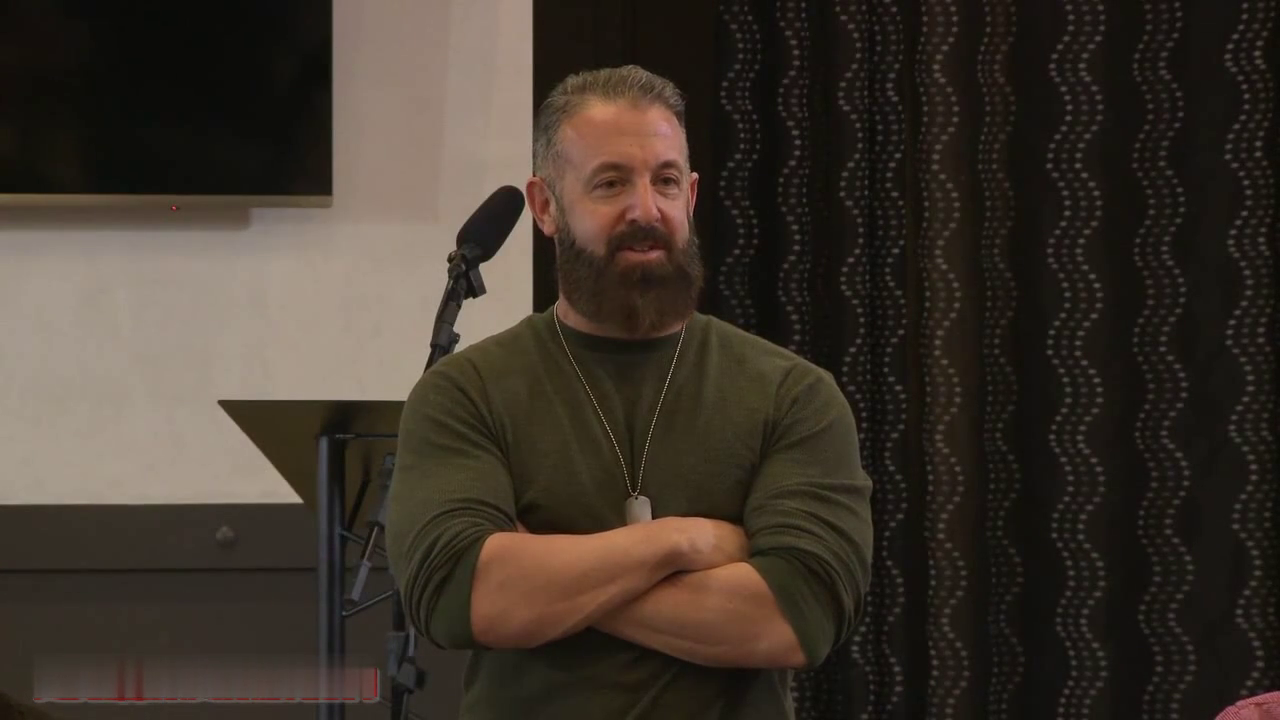
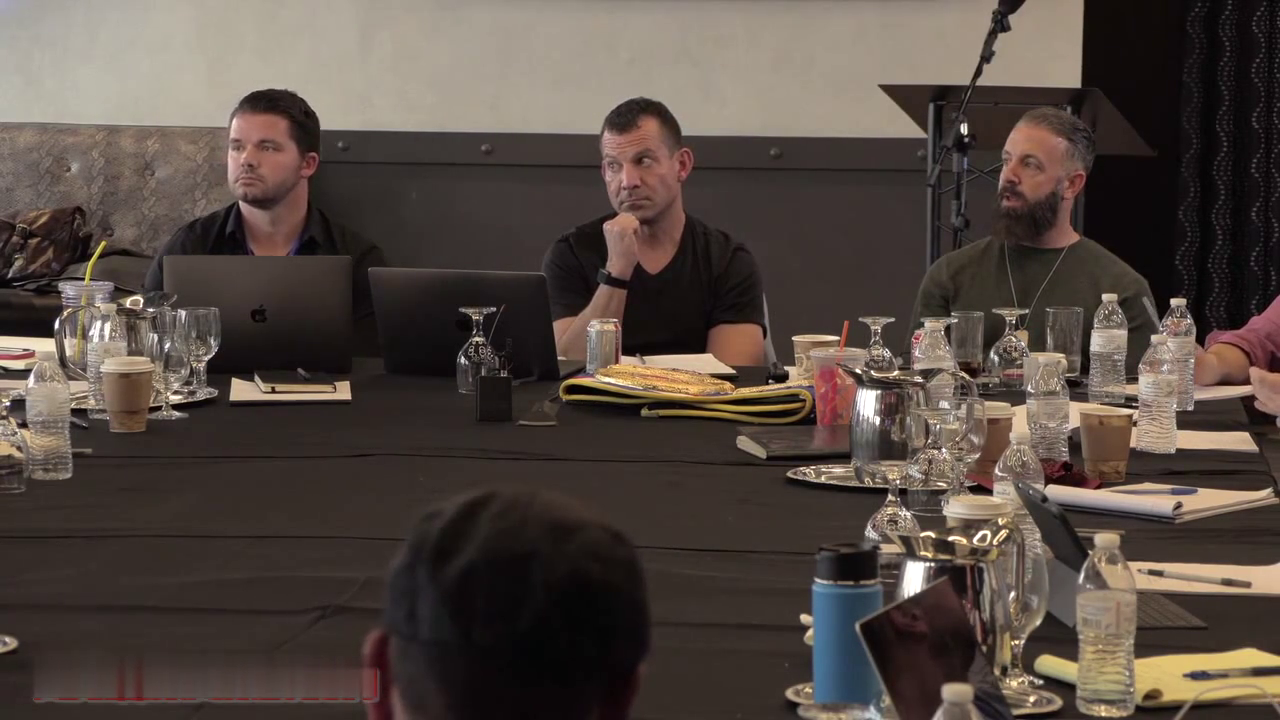
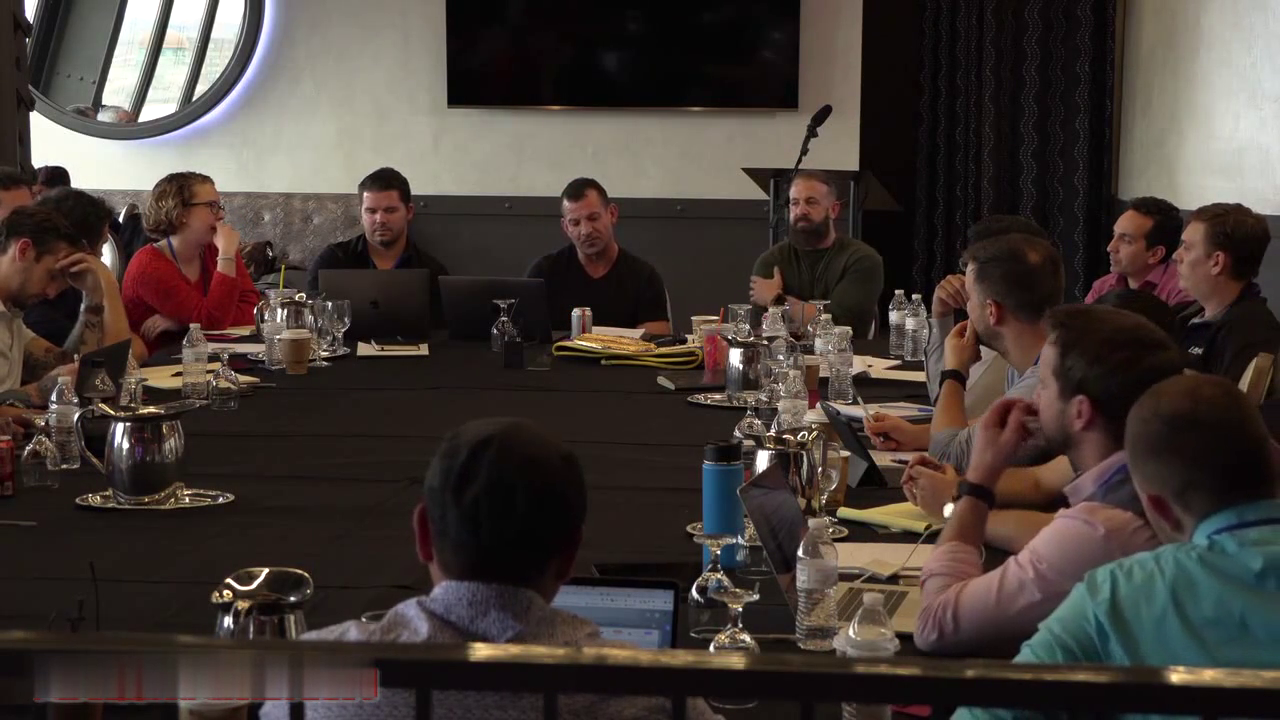
Then, for two days (February 15-16, 2019). in a private room at the Belvedere Hotel in Baltimore, Maryland. I pushed these experts to the max. Putting them on the spot, spurring them to give-up their best traffic insights.

And, to blaze a fire under their butts, I had a badass championship belt designed to award to whichever expert gave the most amount of value over the two days.

And, oh baby. this thing, of course, drove the experts WILD.

Out of ego, they wanted that belt. They were going nuts over it. Putting it up to their waists. Taking pics of it. Posting it on their social media.

Yeah. they wanted it. Bad.

Which is exactly why I had it created in the first place. All part of my plan. I wanted them charged-up to give, give, give their best stuff.

And boy did they!

(I'll tell you who won the belt in a bit.)

When all was said and done.

This gathering - what I appropriately call The Masters of Media Buying Mastermind - was "the MOST EPIC TRAINING event ever held on traffic generation and media buying, anywhere". Hands-down, bar none!

That's not my words. That's what almost all of the experts in the room said to me when we wrapped-up.

What made these two days so friggin' valuable?

Well, the volume of popular experts all gathered together for the first time, aside.

It's an easy question to answer; the stuff these guys revealed was INSANE!

I'm talking traffic generation strategies and tactics I not only never heard before, also presented with such clarity and depth even a non-media-buyer like me was able to get it all right away.

And, we covered A TON! I made sure of that. Because I had a ton of questions.

Check out the official agenda (below) sent to the experts in advance. We followed this baby to the tee:


Sick, right?!

In hindsight, I probably could have sold tickets to this bad boy for $15K or more a pop. And gotten it all day long.

I did have a pro A/V team record the entire thing for me and the experts in attendance.

I wanted to make sure I didn't miss a single word. And I wanted documentation of this historic gathering for posterity (and some bragging rights).

*** But, I have NO plans right now to ever sell these recordings.

If I do decide to sell them sometime in the future, you can be sure they'll command a pretty penny.

So, with all that being said.

This. right here. is your lil sneak peek (from my iPhone).

Behind The Curtain Of This Historic Gathering.

What process do you use to test and rollout new marketing funnels before you invest heavily in paid traffic?"

Posing this question is how I opened day one.

I wanted to understand what these top traffic experts do to test and prove new campaigns quickly. without wasting a bunch of money in the process.

Like. do they have a system for this?

The answer, I saw, is ABSOLUTELY.

For the next hour, the discussion was focused on the different workflowsused to roll-out new campaigns, the couple of metrics looked at to make decisions, and the benchmarks to hit before going out to paid traffic.

Really insightful stuff.

Probably, most valuable to me, was hearing Katie Vogel, the Chief Marketing Officer at Agora Financial, share how they prove-out their campaigns with email, first, to avoid any unnecessary costs.


I also explained the system we use at MFA for rolling-out new campaigns as Minimum Viable Funnels (MVF).

An MVF is the smallest number of funnel steps possible which can still confirm you have a winner.

It's the system we use all the time to see if we have a campaign which converts. BEFORE we waste any time creating any email sequences, upsells, down-sells, backend offers, or paid traffic.

SIMPLE INSIGHT #1: You need a system for quickly and safely proving the profitability of new marketing funnels before you roll them out to paid traffic. This is how you save yourself time and money.

"Once you see you have a campaign which is converting, what's your process for optimizing, then scaling it?"

This was a meaty session.

Cause we talked about optimizing a variety of different campaign models as well as different types of ads on different platforms (e.g. Facebook, Youtube, Google).

The one step all of these approaches have in common is the necessity of identifying your campaign constraint before you attempt to optimize or improve anything.

Your campaign constraint is nothing more than the step or page in your marketing funnel which is underperforming the most for its benchmark.

SIMPLE INSIGHT #2: It's easy to optimize a marketing funnel when you, first, identify the campaign constraint. This is why it's so important you have your tracking set-up properly. Done correctly, your tracking shows you the campaign constraint.

When we got the topic of scaling, a lot was shared about how to adjust your targeting, when to expand to new traffic sources, how to adjust your ad creative (i.e. images and copy), and even how to properly adjust your budget

Personally, I had no idea there's a right and wrong way to increase and decrease your traffic budget on something like Facebook.

Tom, one of the top marketers from Agora Financial, explained why adjusting your budget properly is so important, along with what he called your Daily Account Threshold.

Really insightful how something so small like changing your traffic budget can have a huge impact on your ability to scale on a platform like Facebook.

SIMPLE INSIGHT #3: Use a "timing system" for scaling your ad campaigns to best leverage the Facebook algorithm, and to prevent your account from getting flagged. It's important to make adjustments to your budgets properly. And in small increments.

"So let's talk about the mack daddy of all traffic sources, right now, Facebook. What's the most effective way you're using it today?"

This question set-off a firehose of discussion, with some really, really interesting insights.

Why?

Cause not only are these guys doing some unique stuff with the typical advertising methods on Facebook, they're also doing some cool, cutting-edge stuff.

Like, there was a discussion about how to crank-up the profitability of your Facebook ads by adding some simple text messaging.

And there was another discussion about some really effective scripting, timing, and delivery of Facebook Lives to really ratchet-up sales conversions.

As well, a chunk of time was invested in talking about the different types of videos which are most effective on Facebook. how to use those videos to identify the hottest prospects in a market. and ways to do it for pennies per prospect.

As well, a chunk of time was invested in talking about the different types of videos which are most effective on Facebook. how to use those videos to identify the hottest prospects in a market. and ways to do it for pennies per prospect.

This brought us to the end of day one. And. boy. was this a jam-packed day!

Day two.

"Alright, what's the best way to use YouTube, today, to drive crazy traffic? What do you guys got?"

Again, the floodgates opened.

A bunch of time was devoted to sharing the most effective video models to use in different places on YouTube.

Even specific storytelling hacks and scripting tricks were shared.

Then, the focus shifted to. how do you get your videos out in front of your perfect prospects.

And, how do you do it on the cheap. (I always love the cost-saving hacks.)

They also talked about how to set-up your videos inside of YouTube to take advantage of the algorithm. and get your videos listed at the top of the recommended section for your prospects.

"Okay, what about Native advertising? What's the best stuff you guys are doing?"

Immediately, Katie and Tom from Agora Financial jumped in to share what they're doing.

Of course, since AF's driving a disgusting amount of native traffic - like, a bonkers amount! - everybody in the room was excited to hear what the heck they're doing.

And Katie and Tom generously laid it all out for us:

How they choose the native platforms to use.
How they design their native ads.
How they choose the copy.
Where they drive traffic from their native ads.
What metics they use to manage their native ad campaigns.
How they scale their native ads.
. and more.
It was awesome, to say the least.

Then.

After lunch Rich Schefren took about 45 minutes to share a special presentation - the new, groundbreaking stuff he's doing with data, analytics, and targeting.

It opens a whole new world of targeting and follow-up for us.

He calls this new stuff we can now do Identity-Based Marketing.

Rich explained that today. NOW. because of the availability of data and website analytics, we (marketers) can use some amazing marketing tactics and strategies we couldn't before.

Stuff, I had absolutely no idea was possible. Mind-boggling tactics. And that's not being hypey.

Check it out. stuff like. (you ready for this!!).

How to send a compliant non-spam email to every person who visits your website, regardless of whether they opt-in or not.
How to display banner ads for your product across the web, to your prospects,. even if they've never visited your website before.
How to run targeted ads on Facebook for people actively shopping for your type of product or service.
And so much more. Just next-level stuff.

Needless to say, everyone in the room was blown-away by the impact this kind of new marketing can have.

We took a short break.

Then, got back to the main mastermind.

"Okay, talk to me about all the other traffic methods you're using that we haven't covered yet. What else is working like crazy for you?"

This opened a whole slew of discussions.

Everything from mobile ads. direct mail. newspaper advertising. email solo ads. all the way to joint ventures. chat bots. messenger marketing. and desktop notifications.

Tons of great stuff here.

Then, of course, it was time to for the group to vote on which expert won the championship belt and the title of Champion of The Masters Of Media Buying Mastermind.

Pretty friggin' cool, right?!

We then wrapped-up and let everyone do some additional networking.

Lots of laughs. And lots of new bonds and friendships formed.

Needless to say.

As attendees shared with me on the way out.

"The Masters of Media Buying Mastermind was EPIC!"

"Historic!"

"INSANELY VALUABLE!!"

And I'm grateful for every expert who was so generous with their knowledge and experience. Thank you all!

006b51f4.png
006b51f5.png
006b51f6.png
006b51f7.png


VRay NEXT for 3Ds Max - Complete Video Guide

Sns-Xb99zvk-Fb-YD0-H2kyc-NT98qq-G0-IP8-A.jpg


VRay NEXT for 3Ds Max - Complete Video Guide
Genre: eLearning | MP4 | Video: h264, 1280x720 | Audio: aac, 44100 Hz
Language: English | VTT | Size: 6.50 GB | Duration: 7 hours

Requirements
Basic Computer and 3D Software Knowledge
This course is good for beginners and advanced as one
We do go through many functions you even didn't know exist
Description
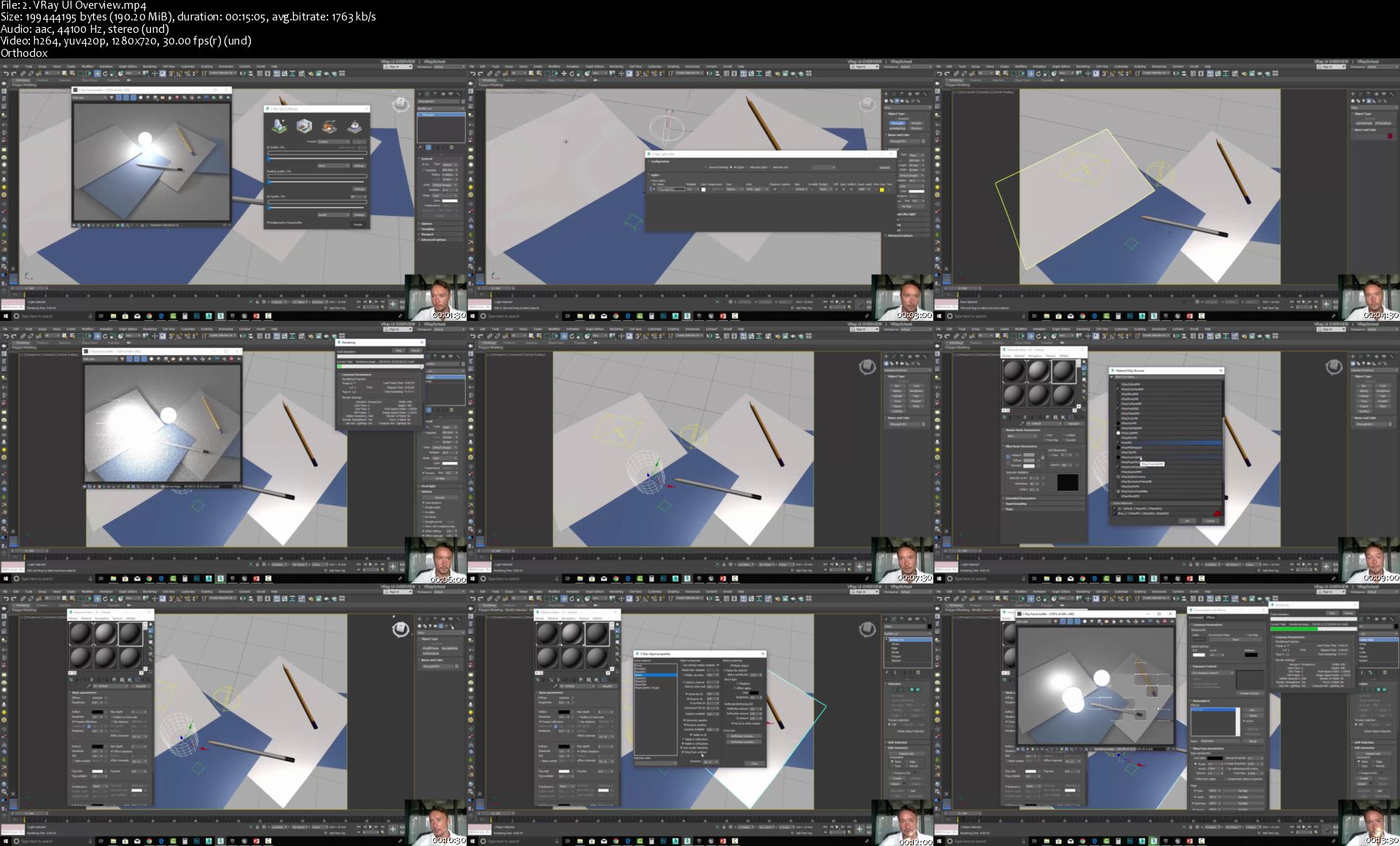
WELCOME TO V-RAY NEXT VIDEO MANUAL
The First Of It's Kind!

All functions and features of VRay NEXT in step-by-step - video examples. VRay got so many features and you don't want to miss any of them! NEW VRAY got completely new architecture and is the first HYBRID RENDERING engine that uses both CPU and GPU to process your renders as fast as possible!

You can check my tests where VRay NEXT can render up to x7 faster than 3.6 version.

In this class we will go through entire VRay functionality

UI and shortcuts

VRay Frame Buffer for color correction

GPU and CPU for production rendering and animation

Sampling and Rendering Optimization

VRay Lights; Sun, Sky, Dome, Portals

Exterior Fly-through Animation

Global Illumination optimization for interior and exteriors

VRay Physical Camera - Auto White Balance and Auto Exposure controls

Motion Blur and Depth of Field effects

VRay Materials, all kinds!

Volumetric fog effects and Arial Perspective

Dynamic objects; Fur, Grass, Proxy, Displacement, Instancer

Render Elements - VRay Passes Workflow

SPECIAL BONUS: 7.8GB of V-Ray Training Materials: 3Ds Max Scenes, HDRI Maps, Rendering Presets and more!

You can log in and download all demo scenes and training materials in order to get the same results as you can see in this demo reel - produce by ChaosGroup

12 V-Ray Scenes - Compatible with 3Ds Max 2016-2019

10 HOURS OF VRAY TRAINING

45 demonstrations are easy to follow - videos are well organized and contain up to 20 minutes of lecture, so you will not overload yourself with information. You can take a break anytime to comeback fresh and ready to learn more!

Training materials also include PDF handouts so you will see exactly the steps that I'm taking to achieve Photorealistic results with VRay NEXT.

OVER 7 HOURS of TRAINING

Why it is so Exclusive?

This class is the first of it's kind that includes the latest VRay next A-Z functions and features demonstrations - based of ChaosGroup learning materials. The scenes are professionally made so we could concentrate on what's the most important - is the demonstration of the tool! and BEST WAYS to use it.

Q&A

You will get access to the UDEMY FORUM where you can ask questions, upload images with errors and let me help you to figure out bugs and failures. I'm here to provide you full support and give you visual feedback so you could see what exactly needs to be fixed - and how to fix it!

All my comments and critique are constructive - you could learn so much from other students struggle and accomplishment - here we solve problems and deal with challenges!

CERTIFICATION

All that submit this course and pass the quick quiz, will be granted a COA certificate. "Certificate of Attendance" - Directly from ChaosGroup. This Certificate comes in form of PDF and has a serial number.

Click the BUTTON and JOIN US Today

Be The 1st To Master VRay NEXT

LEARN TO BE A PRO!

Who this course is for:
3D Artists
Architects
Interior Designers
Product Designers
3D Environment Artist

Homepage

2-VRay-UI-Overview-s.jpg


Kubernetes Certified Administrator by School of Devops®

Yt1wvz-Wo5osrnh-D1ne-Dd-AIpo-Qfw-QKd4-I.jpg


Kubernetes Certified Administrator by School of Devops®
Created by Gourav Shah, School of Devops | Video: h264, 1280x720 | Audio: AAC 48KHz 2ch | Duration: 12:50 H/M | Lec: 192 | 7.89 GB | Language: English | Sub: English [Auto-generated]

Mastering container orchestration with Kubernetes one step at a time. Prepare for CKA Exam

What you'll learn
Understand the need for a Container Orchestration System and Key Features of Kubernetes
Install and configure a Kubernetes Cluster
Create deployments with replicasets and setup highly available self healing application infrastructure
Setup service discovery and load balancing with Kubernetes Services, understand the service networking
Manage different types of workloads with Daemonsets, Statefulsets, Crons and Jobs
Understand how persistent storage works with PVs, PVCs, Storageclasses and dynamic provisioners
Setup Auto Scaling with Horizontal Pod Autoscaler
Create RBAC Policies, Roles/ClusterRoles and Bindings

Requirements
Docker Fundamentals - Running Containers, Building Images with Dockerfiles etc.
Basic YAML syntax
Basic Linux Commands

Description
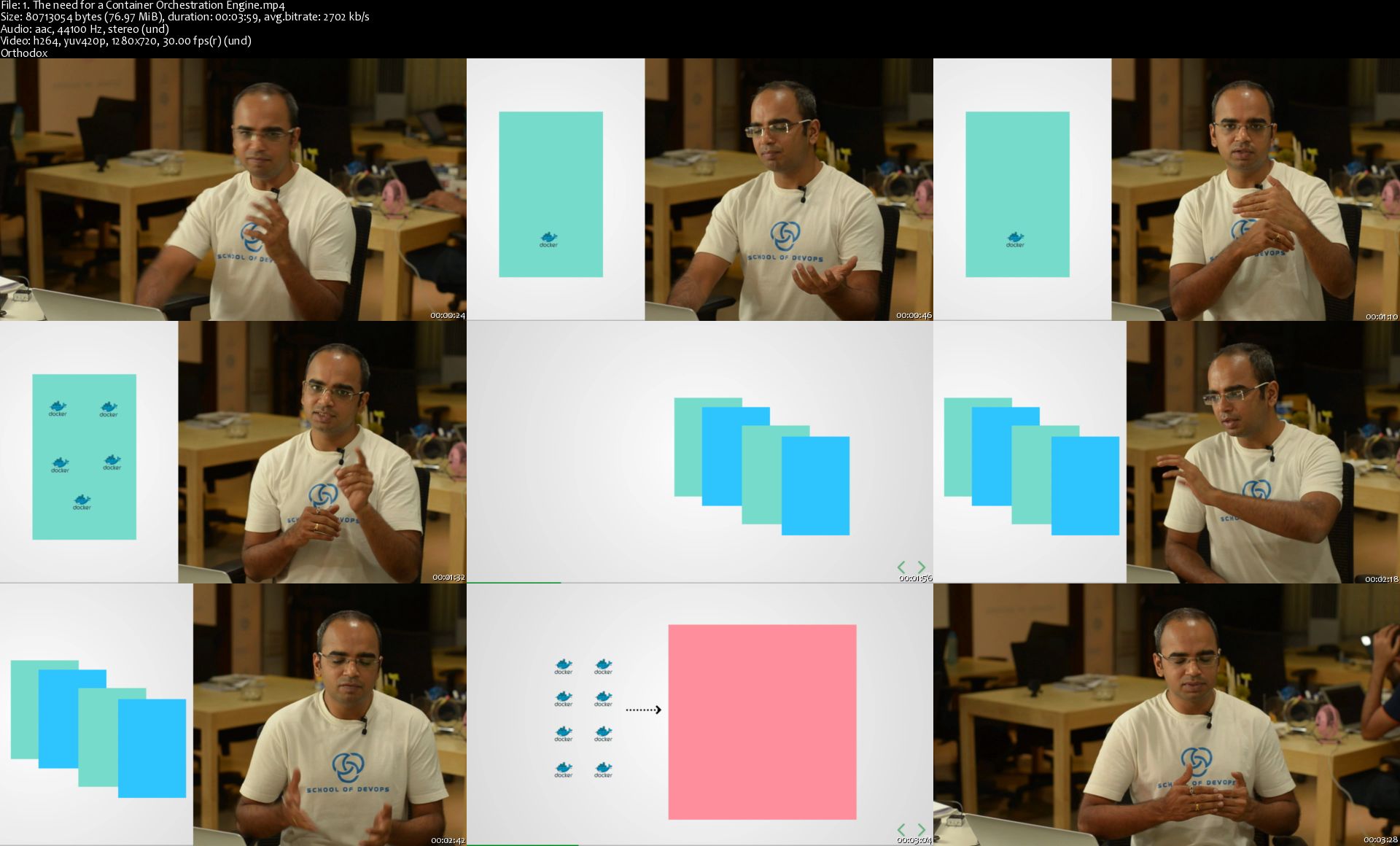
Just like how real world shipping containers revolutionised the way goods are packaged, handled and transported across the globe industry, Docker along with open container ecosystem is transforming the software delivery by brining in the standardisation. Docker offers a way to run isolated processes and also allows one to package an application along with its run time environment using primitives such as dockerfiles. However, when it comes to running docker in a production like environment, with container work loads spanning across more than one nodes, you need a COE ( Container Orchestration Engine). COEs offer clustering and convert your nodes into one super computer, make intelligent decisions as to where to schedule the containers, connect containers running on different nodes by setting up multi host network and offer many other interesting features such as fault tolerance, zero downtime deployments etc.

Kubernetes is the gold standard in the world of container orchestration. It was originally created by Google, based on their experience of building and managing containers at scale ( at Google Scale). However its now driven by Cloud Native Compute Foundation ( CNCF), an open body, which also offers the official certification i.e. "Kubernetes Certified Administrator". Kubernetes comes with mind boggling features, is very reliable, and extremely sophisticated container orchestration engine. It can let you convert your infrastructure into a Container as a Service (Platform), brining in some of the awe inspiring features such as Zero Down Time Deployments, Fault Tolerance, Auto Scaling, Cloud and Storage integrations, which were extremely difficult to implement. And it brings it to the masses with its truly open, lock in free eco system.

With Kubernetes' sophistication however, comes the complexity too. Even though I have been using Kubernetes for more than 2 years now, almost every month, I find something new about kubernetes, something really cool, be it cloud integrations, or the newly introduced RBAC, be it dynamic storage provisioning, or stateful sets, its a fascinating world once you start exploring it. However, you would definitely need a guide once you while you navigate the complex world of Kubernetes, and this course serves just that. its been created in a way that you start learning kubernetes fround grounds up, one small step at a time, feature by feature.

This course brings to you a distilled experience with my knowledge of building and managing infrastructures, experience of helping companies with their devops journey and more than 300 corporate trainings. This is a well researched program and I have tried many variants of applications, with different flows, took feedback, and iterated many times. Thats one of the reasons why it took us more than 4 months to even launch the course in its first form. We have also started incorporating some new and useful techniques including glassboard, mindmaps to explain the concepts better and make things easier. I and my team wants to make this program the best in the world, and are constantly working towards it.

Here is what this course would cover, one step at a time,

Introduction to Kubernetes and the key concepts
Setting up learning Environment
Pods
Replication Controllers and Replica Sets
Deployments
Services
ConfigMaps and Secrets
Persistent Storage
Our next version would include many additional topics including,

Release Strategies
Horizontal Pod Autoscaler
Helm Package Manager
RBAC
Ingress Controllers
CI/CD with Kubernetes

Who this course is for?
Developers who would like to deploy their applications with containers and like to understand how to leverage Kubernetes features
Operations or devops folks who would like to build Container as a Service and/or Operate it
Anyone who would like to understand Kubernetes from grounds up
Anyone who wants to run containers in Production or Production Like Environments
Anyone who wants to appear for Kubernetes Certified Administrator Exam from CNCF

Homepage

1-The-need-for-a-Container-Orchestration-Engine-s.jpg


Zurück
Oben Unten