• Regeln für den Video-Bereich:

    In den Börsenbereich gehören nur Angebote die bereits den Allgemeinen Regeln entsprechen.

    Einteilung

    - Folgende Formate gehören in die angegeben Bereiche:
    - Filme: Encodierte Filme von BluRay, DVD, R5, TV, Screener sowie Telesyncs im Format DivX, XviD und x264.
    - DVD: Filme im Format DVD5, DVD9 und HD2DVD.
    - HD: Encodierte Filme mit der Auflösung 720p oder darüber von BluRay, DVD, R5, TV, Screener sowie Telesyncs im Format x264.
    - 3D: Encodierte Filme von BluRay, die in einem 3D Format vorliegen. Dies gilt auch für Dokus, Animation usw.
    - Serien: Cartoon/Zeichentrick, Anime, Tutorials, Dokumentationen, Konzerte/Musik, Sonstiges sind demnach in die entsprechenden Bereiche einzuordnen, auch wenn sie beispielsweise im High Definition-Format oder als DVD5/DVD9/HD2DVD vorliegen. Ausnahme 3D.
    - Bereich Englisch: Englische Releases gehören immer in diesen Bereich.
    - Bereich Talk: Der Bereich, in dem über die Releases diskutiert werden kann, darf, soll und erwünscht ist.


    Angebot/Beitrag erstellen

    - Ein Beitrag darf erst dann erstellt werden, wenn der Upload bei mindestens einem OCH komplett ist. Platzhalter sind untersagt.
    - Bei einem Scenerelease hat der Threadtitel ausschließlich aus dem originalen, unveränderten Releasenamen zu bestehen. Es dürfen keine Veränderungen wie z.B. Sterne, kleine Buchstaben o.ä. vorgenommen werden. Ausnahme Serienbörse:
    - Bei einem Sammelthread für eine Staffel entfällt aus dem Releasename natürlich der Name der Folge. Beispiel: Die Simpsons S21 German DVDRip XviD - ITG
    - Dementsprechend sind also u.a. verboten: Erweiterungen wie "Tipp", "empfehlenswert", "only", "reup", usw. / jegliche andere Zusatzinformation oder Ergänzung, welche nicht in obiger Beschreibung zu finden ist.

    Aufbau des Angebots und Threadtitel

    Der Titel nach folgendem Muster erstellt zu werden. <Name> [3D] [Staffel] [German] <Jahr> <Tonspur> [DL] [Auflösung] <Quelle> <Codec> - <Group>
    Beispiel: The Dark Knight German 2008 AC3 DVDRip XviD - iND
    Beispiel: The Dark Knight 2008 DTS DL BDRip x264 - iND
    Beispiel: The Dark Knight 2008 AC3 DL BDRip XviD - iND
    Beispiel: The Dark Knight German 2008 AC3 720p BluRay x264 iND
    Beispiel: The Dark Knight 2008 DTS DL 1080p BluRay x264 iND
    Beispiel: Die Simpsons S01 German AC3 DVDRip XviD iND
    Beispiel: Die Simpsons S20 German AC3 720p BluRay x264 iND
    Beispiel: Sword Art Online II Ger Sub 2014 AAC 1080p WEBRip x264 - peppermint
    Entsprechend sind also u.a. verboten: Sonderzeichen wie Klammern, Sterne, Ausrufezeichen, Unterstriche, Anführungszeichen / Erweiterungen wie "Tipp", "empfehlenswert", "only", "reup", usw. / jegliche andere Zusatzinformation oder Ergänzung, welche nicht in obiger Beschreibung zu finden ist
    Ausnahmen hiervon können in den Bereichen geregelt sein.

    Die Beiträge sollen wie folgt aufgebaut werden:
    Überschrift entspricht dem Threadtitel
    Cover
    kurze Inhaltsbeschreibung
    Format, Größe, Dauer sind gut lesbar für Downloader außerhalb des Spoilers zu vermerken
    Nfo sind immer Anzugeben und selbige immer im Spoiler in Textform.
    Sind keine Nfo vorhanden z.B. Eigenpublikationen, sind im Spoiler folgende Dateiinformationen zusätzlich anzugeben :
    Quelle
    Video (Auflösung und Bitrate)
    Ton (Sprache, Format und Bitrate der einzelnen Spuren)
    Untertitel (sofern vorhanden)
    Hosterangabe in Textform außerhalb eines Spoiler mit allen enthaltenen Hostern.
    Bei SD kann auf diese zusätzlichen Dateiinformationen verzichtet werden.

    Alle benötigten Passwörter sind, sofern vorhanden, in Textform im Angebot anzugeben.
    Spoiler im Spoiler mit Kommentaren :"Schon Bedankt?" sind unerwünscht.


    Releases

    - Sind Retail-Release verfügbar, sind alle anderen Variationen untersagt. Ausnahmen: Alle deutschen Retail-Release sind CUT, in diesem Fall sind dubbed UNCUT-Release zulässig.
    - Im Serien-Bereich gilt speziell: Wenn ein Retail vor Abschluss einer laufenden Staffel erscheint, darf diese Staffel noch zu Ende gebracht werden.62
    - Gleiche Releases sind unbedingt zusammenzufassen. Das bedeutet, es ist zwingend erforderlich, vor dem Erstellen eines Themas per Suchfunktion zu überprüfen, ob bereits ein Beitrag mit demselben Release besteht. Ist dies der Fall, ist der bereits vorhandene Beitrag zu verwenden.
    - P2P und Scene Releases dürfen nicht verändert oder gar unter einem iND Tag eingestellt werden.


    Support, Diskussionen und Suche

    - Supportanfragen sind entweder per PN oder im Bereich Talk zu stellen.
    - Diskussionen und Bewertungen sind im Talk Bereich zu führen. Fragen an die Uploader haben ausschließlich via PN zu erfolgen, und sind in den Angeboten untersagt.
    - Anfragen zu Upload-Wünschen sind nur im Bereich Suche Video erlaubt. Antworten dürfen nur auf Angebote von MyBoerse.bz verlinkt werden.


    Verbote

    - Untersagt sind mehrere Formate in einem einzigen Angebotsthread, wie beispielsweise das gleichzeitige Anbieten von DivX/XviD, 720p und 1080p in einem Thread. Pro Format, Release und Auflösung ist ein eigener Thread zu eröffnen.
    - Grundsätzlich ebenso verboten sind Dupes. Uploader haben sich an geeigneter Stelle darüber zu informieren, ob es sich bei einem Release um ein Dupe handelt.
    - Gefakte, nur teilweise lauffähige oder unvollständige Angebote sind untersagt. Dies gilt auch für eigene Publikationen, die augenscheinlich nicht selbst von z.B. einer DVD gerippt wurden. Laufende Serien, bei denen noch nicht alle Folgen verfügbar sind, dürfen erstellt und regelmäßig geupdatet werden.
    - Untersagt sind Angebote, welche nur und ausschließlich in einer anderen Sprache als deutsch oder englisch vorliegen. Ausnahmen sind VORHER mit den Moderatoren zu klären.


    Verstoß gegen die Regeln

    - Angebote oder Beiträge, die gegen die Forenregeln verstoßen, sind über den "Melden"-Button im Beitrag zu melden.
  • Bitte registriere dich zunächst um Beiträge zu verfassen und externe Links aufzurufen.


Englische Tutorials

Learn the Proper Techniques of Foam Rolling - Krank Systems

ytr-L3-ON74g-Ax9d-Awa-R5vo-MIly-SQ7a5-EI.jpg


Learn the Proper Techniques of Foam Rolling - Krank Systems
MP4 | Video: AVC 1280x720 | Audio: AAC 48KHz 2ch | Duration: 33 mins | Lec: 10 | 186 MB | Language: English + Sub .VTT

Benefits and complete guide on foam rolling techniques. The importance of foam rolling during exercise.

What you'll learn
7 Lectures of proper foam rolling
The fundamentals of foam rolling
Proper warm-up techniques
Relieving ant soreness or tension
Learn to properly eat and fuel the body

Requirements
Foam rollers
Floor mat
Tenis or Lacross baoll

Description
Foam Rolling

Foam Rolling is a self-massage or self-myofascial release techniques used to relieve tightness and tension in the body with the use of your own body weight and a cylindrical foam roller. During exercise, the muscle group breaks down muscle fibers in order to adapt to the workout and grow stronger with continued use. However, the frequent muscle fiber use and exercise will cause friction among the muscles and develop knots, adhesions, or scar tissues and becomes the root of the soreness and tightness the body will feel. Incidentally, these side effects become the cause of why the body cannot recover quickly and prevents continuing of exercise.

KRANK Systems does not want this to prevent you from continuing your exercise routine and is the reason why we have developed different foam rolling techniques that will:

* Prevent injuries

* Reduce muscle friction and inflammation

* Soothe tight muscles

* Improve range of motion

* Improve flexibility and movement

* Increase blood flow and circulation to soft tissues

* Increase recovery process

Not only will our foam rolling techniques increase the recovery process so one can work out repeatedly without the soreness yet, it will also benefit prior to exercising for warming up and preparing the body to stand each workout.

The Importance of Foam Rolling:

The foam roller is an important tool that gym enthusiasts should own, and knowing how to foam roll can save you a lot of money down the road. We all want to be pain free and this will certainly help that cause. Foam rolling, also known as "the poor mans massage" helps release a lot of knots that everyone tends to carry. It is very important to untangle or release these knots in order for the body to move correctly and efficiently. It also helps create more blood circulation in the body and helps you achieve a better range of motion (R.O.M) through out your exercises.

Foam rolling should be done as frequent as possible. Wouldn't you want a massage as frequently as possible? You should strive to roll out before and after workouts. Roll out anywhere from 10-20 minutes.

We will also be giving our "Diet and Meal Guidline" to properly fuel your body.

Who this course is for?
Anyone who is actively exercising
Athletes and non athletes
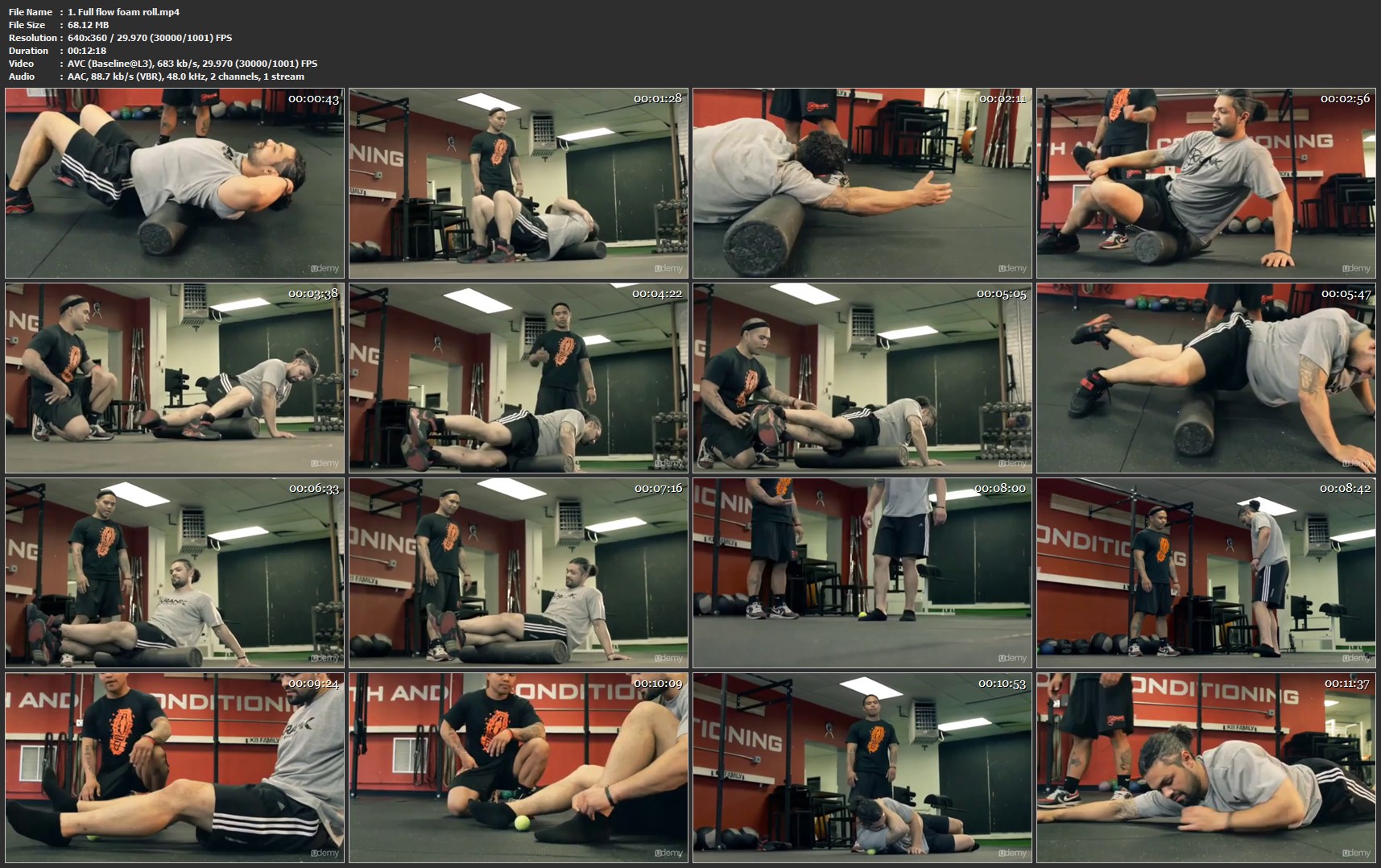
1-Full-flow-foam-roll-mp4.jpg


...
 
Learning HTML5 and HTML as fast as possible

Si-Whj0-E7-T6t1naz3-G9-E7i4-OKXw91g-B38.jpg


Learning HTML5 and HTML as fast as possible
$20 | | Last Updated 3/2019
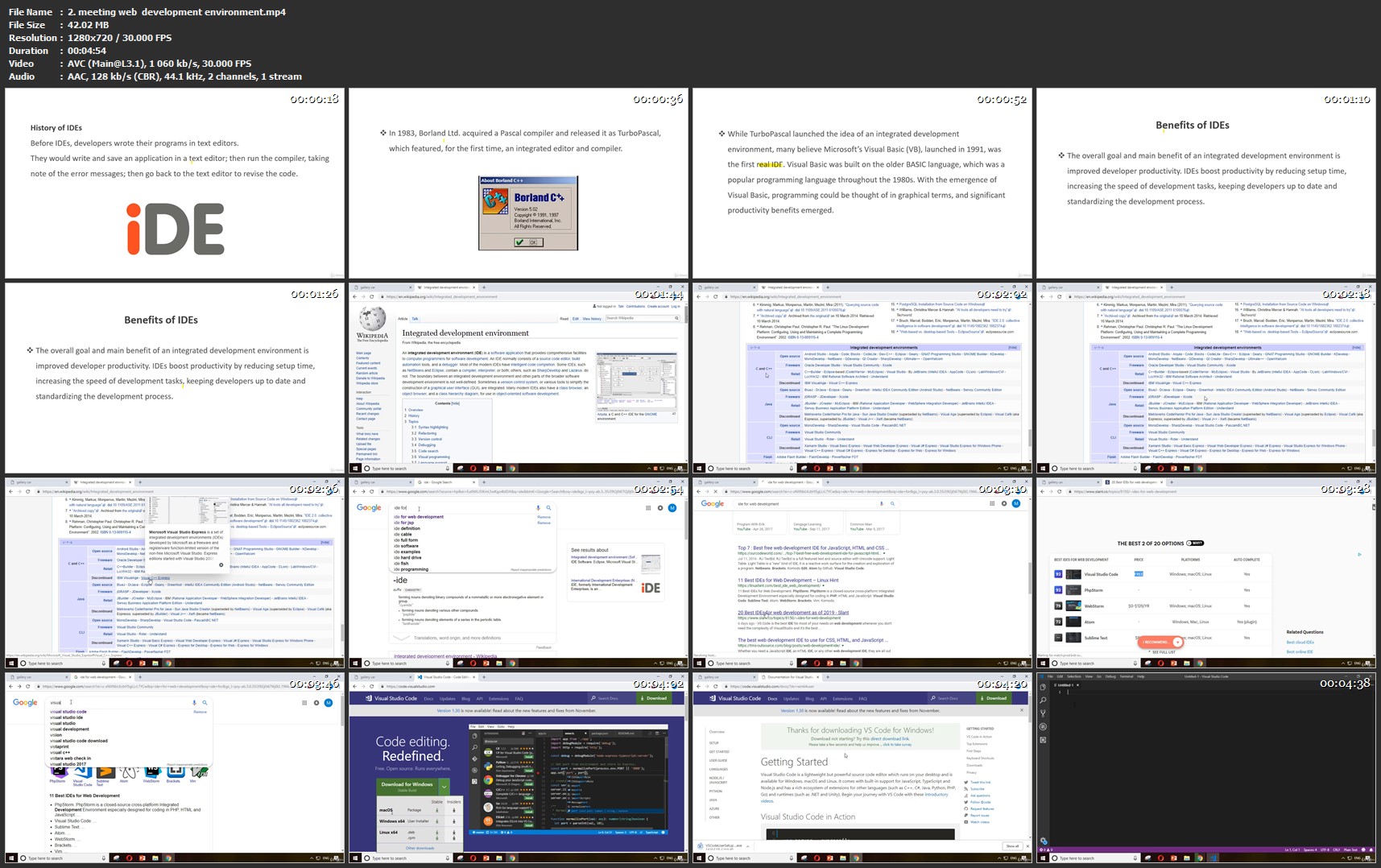
Duration: 1.5 hours | Video: h264, 1280x720 | Audio: AAC, 44 KHz, 2 Ch | 462 MB
Genre: eLearning | Language: English + Sub | 12 Lectures

Learn how to code in html fast and easy.

What you'll learn
Learning develop professional templates
The ability to read, write and understand HTML
The ability to create your own website with using HTML

Requirements
the browser and visual studio code text editor(optional)
Description
in this course we want to learn html and html5 for the persons who want to learn fast and complete with real examples in visual studio code IDE. you can start to enter into web development amazing world with this course.after this course we will continue our courses with css and javascript courses. and then get better job and better future. i am sure about that. this is the first course of the series of web development course.

Who this course is for:
the persons who want learn new things about HTML with real projects

2-meeting-web-development-environment-mp4.jpg


...
 
Master Android App Development in 2019!

image.jpg


Master Android App Development in 2019!
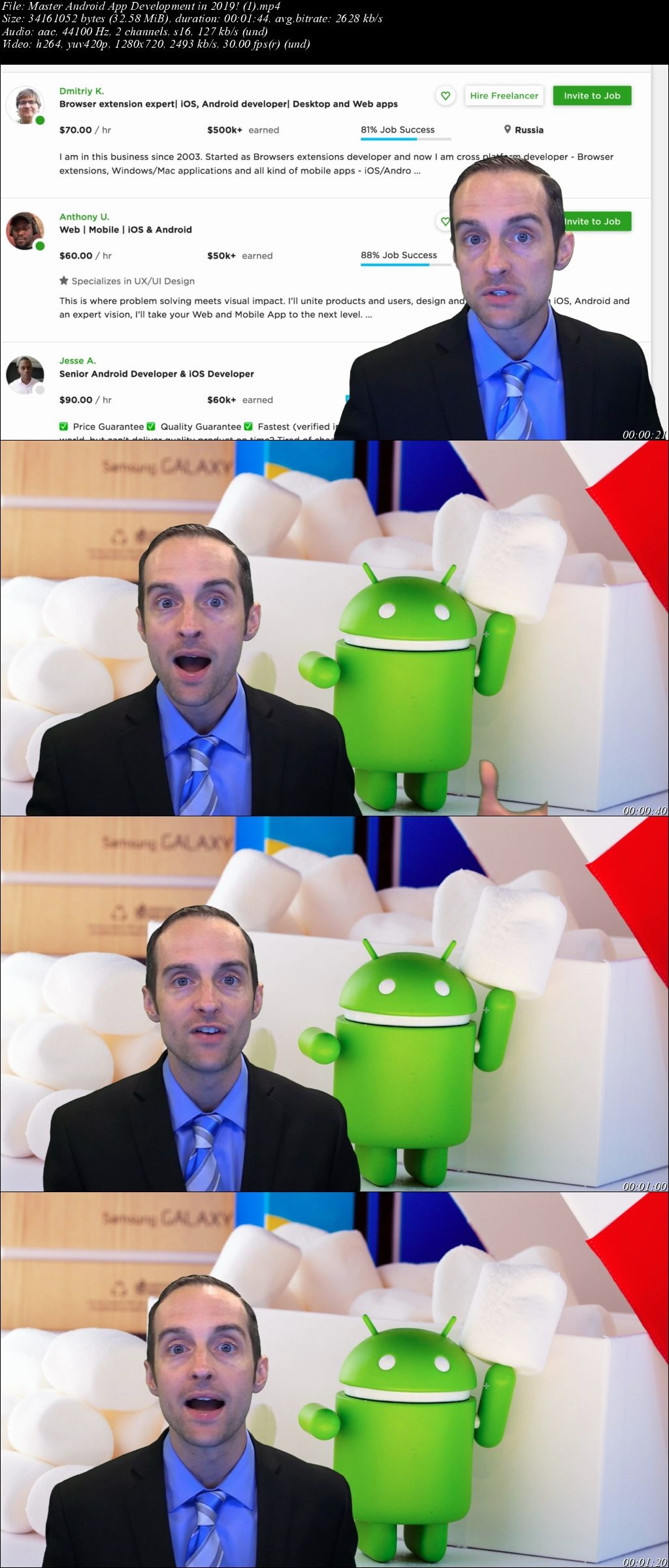
Video: .MP4, 1280x720 | Audio: AAC, 48kHz, 2ch | Duration: 8h 42m
Genre: eLearning | Language: English | Size: 5,72 GB

You can build your career as an android developer today by taking this complete course which begins with a look at why learning how to code android applications is an outstanding skill to learn for freelancing online and jumps straight into making your own android application within the first hour of the course! From there we cover the basics of java and continue to guide you to the point of becoming a master of android development in android studio!

23h-EH80-Bbqp-ZO5x4v-Yj-Cve-UQt-TFZ7dwa.jpg


...
 
Learning Integrated Content Marketing

00650f66.jpg


Learning Integrated Content Marketing
MP4 | Video: AVC 1280x720 | Audio: AAC 44KHz 2ch | Duration: 46M | 146 MB
Genre: eLearning | Language: English

Content marketing can benefit an entire organization. To maximize its impact, it should be integrated across the company: from customer service to the C-suite. Learn what it takes to get other teams to embrace content marketing and use it to achieve shared goals: better employee engagement, increased sales, and a seamless customer experience. Consultant Brian Honigman-a marketing advisor to organizations such as NATO and Samsung-helps you optimize your content for search, adapt it for sharing on social media, and use content to support your efforts across paid advertising, mobile app development, SMS and email campaigns, and more. Then he helps you integrate with public relations, internal communications, leadership, sales, customer services, and human resources to create a cohesive content marketing strategy that breaks down the silos of traditional marketing for true cross-functional success.

00650f68.jpg


...
 
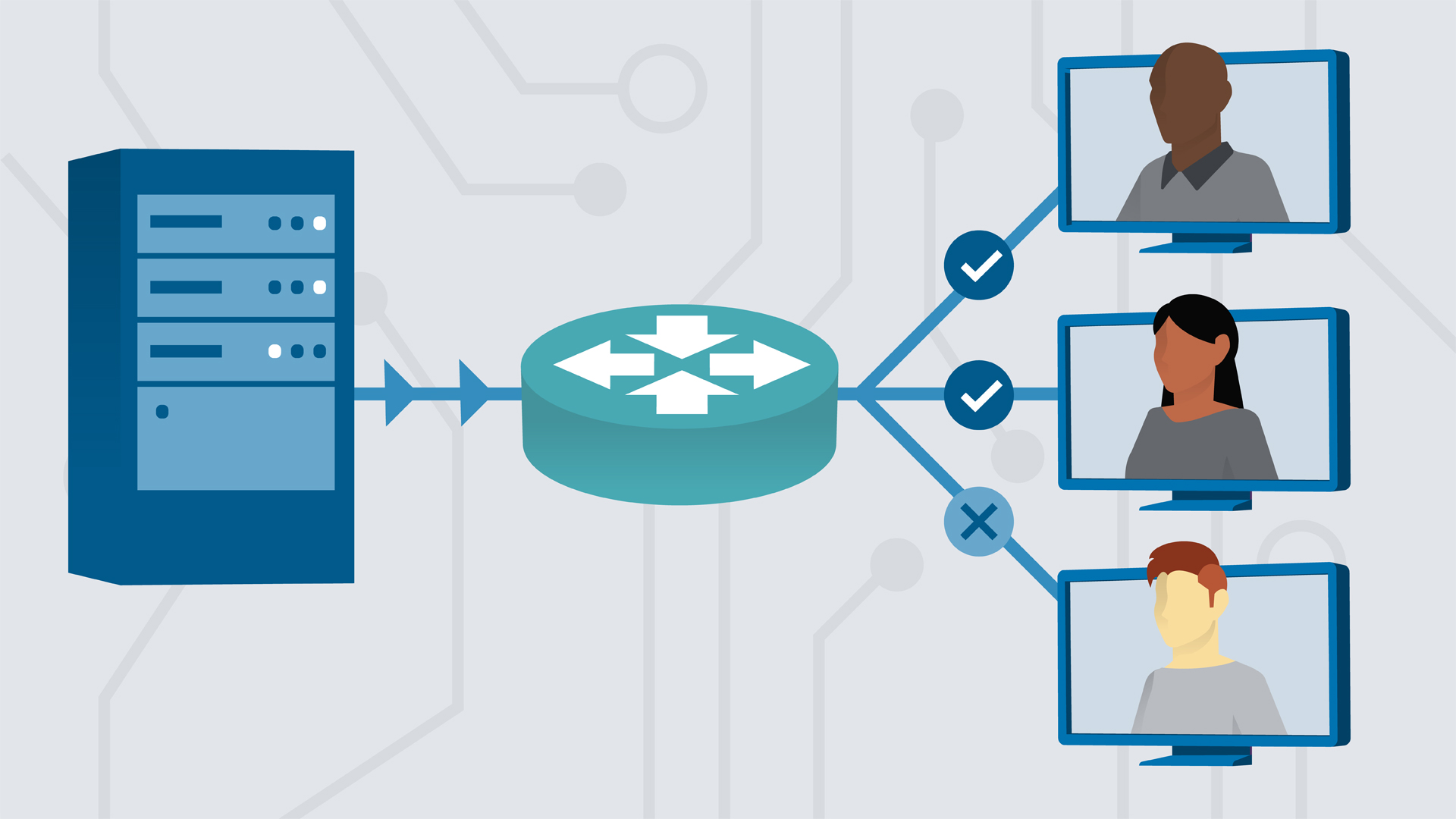
Learning Subnetting

00650f18.jpg


Learning Subnetting
MP4 | Video: AVC 1280x720 | Audio: AAC 44KHz 2ch | Duration: 1.5 Hours | 390 MB
Genre: eLearning | Language: English

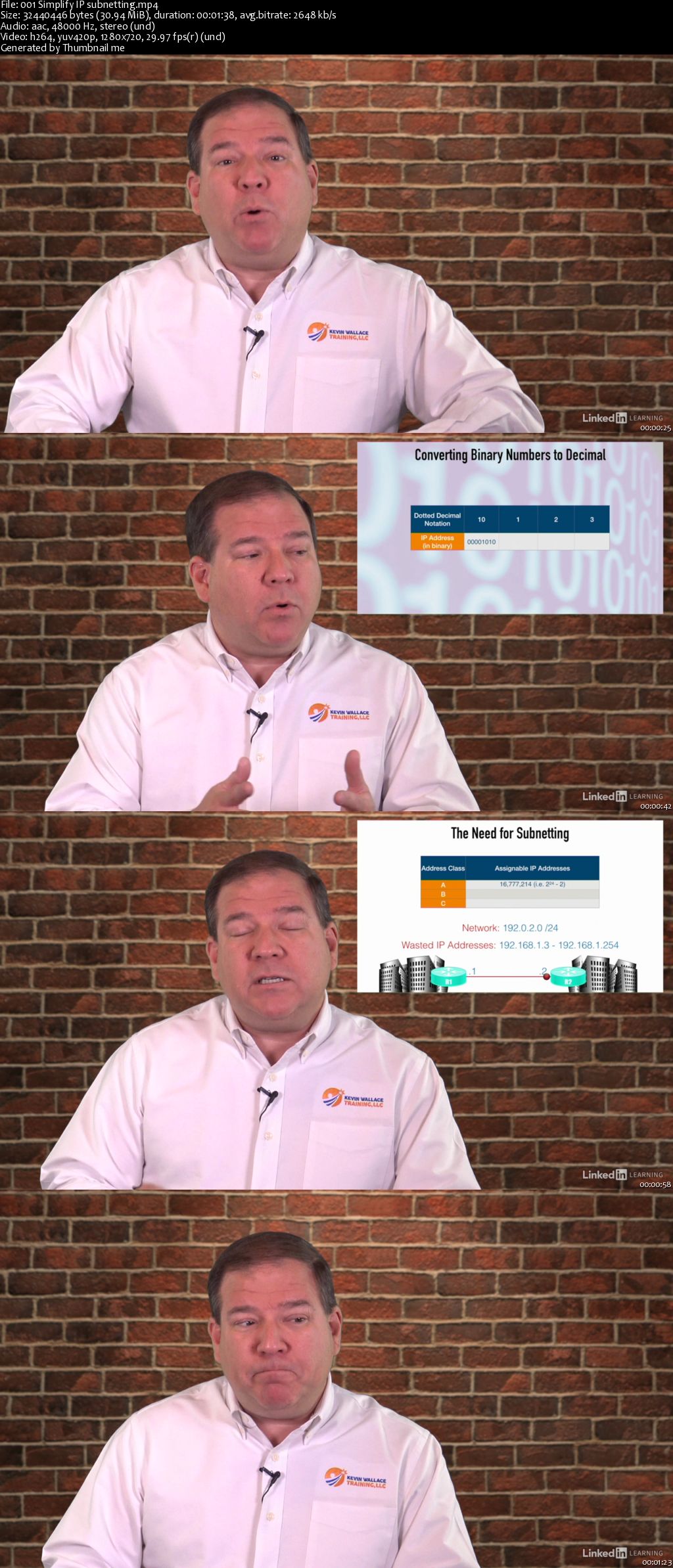
IP subnetting is one of the most challenging, yet most critical, skills for IT professionals to acquire. In this course, you can learn the basics of IPv4 addressing and master the skill of IP subnetting. Explore the structure of an IPv4 address and the difference between public and private IPv4 addresses. Learn how to convert between binary and decimal numbers. In these chapters, instructor Kevin Wallace explains how to determine the subnet bits you need in order to create a specific number of subnets, how many host bits are required to support a specific number of hosts, and the range of usable addresses for each subnet. Plus, learn how to troubleshoot incorrectly assigned IPv4 addresses and use Classless Interdomain Routing to efficiently summarize IP addresses.

Homepage

00650f19.jpg


...
 
Preparing for the GMAT

00552d45.jpg


Preparing for the GMAT
MP4 | Video: AVC 1280x720 | Audio: AAC 44KHz 2ch | Duration: 6.5 Hours | 624 MB
Genre: eLearning | Language: English

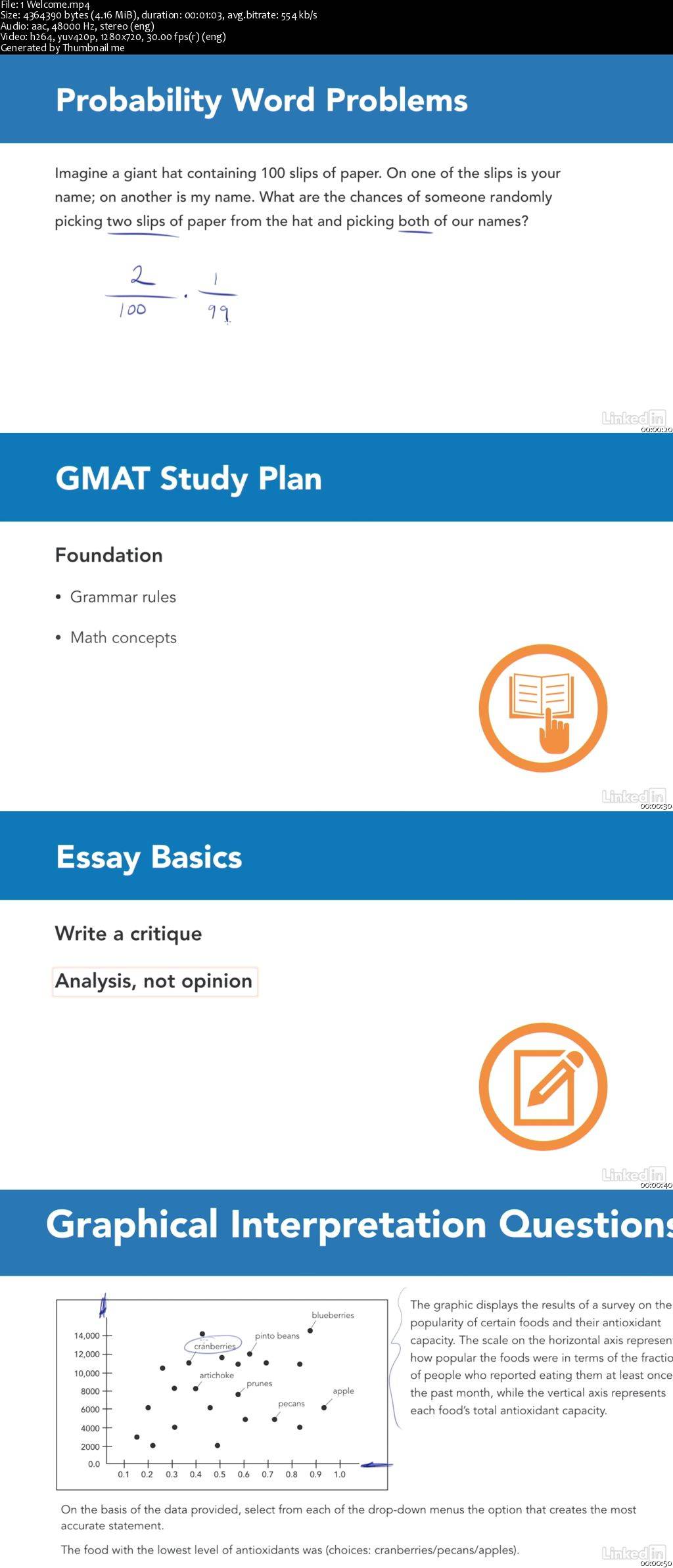
Prepare to take the GMAT business school entrance exam. In this course, Vince Kotchian offers an in-depth exploration of the GMAT to give you the most effective tools to maximize your score. Vince reviews all GMAT question types, offers detailed strategies, and provides tips for studying and taking the test. Learn how the exam is structured and scored and try sample questions from each of the GMAT's four sections: Quantitative, Verbal, Integrated Reasoning, and Writing. While preparing for the GMAT can feel overwhelming, this test prep course will break the test down and explain it simply and clearly-which will help you build your confidence and skill and increase your score.

00552d46.jpg


...
 
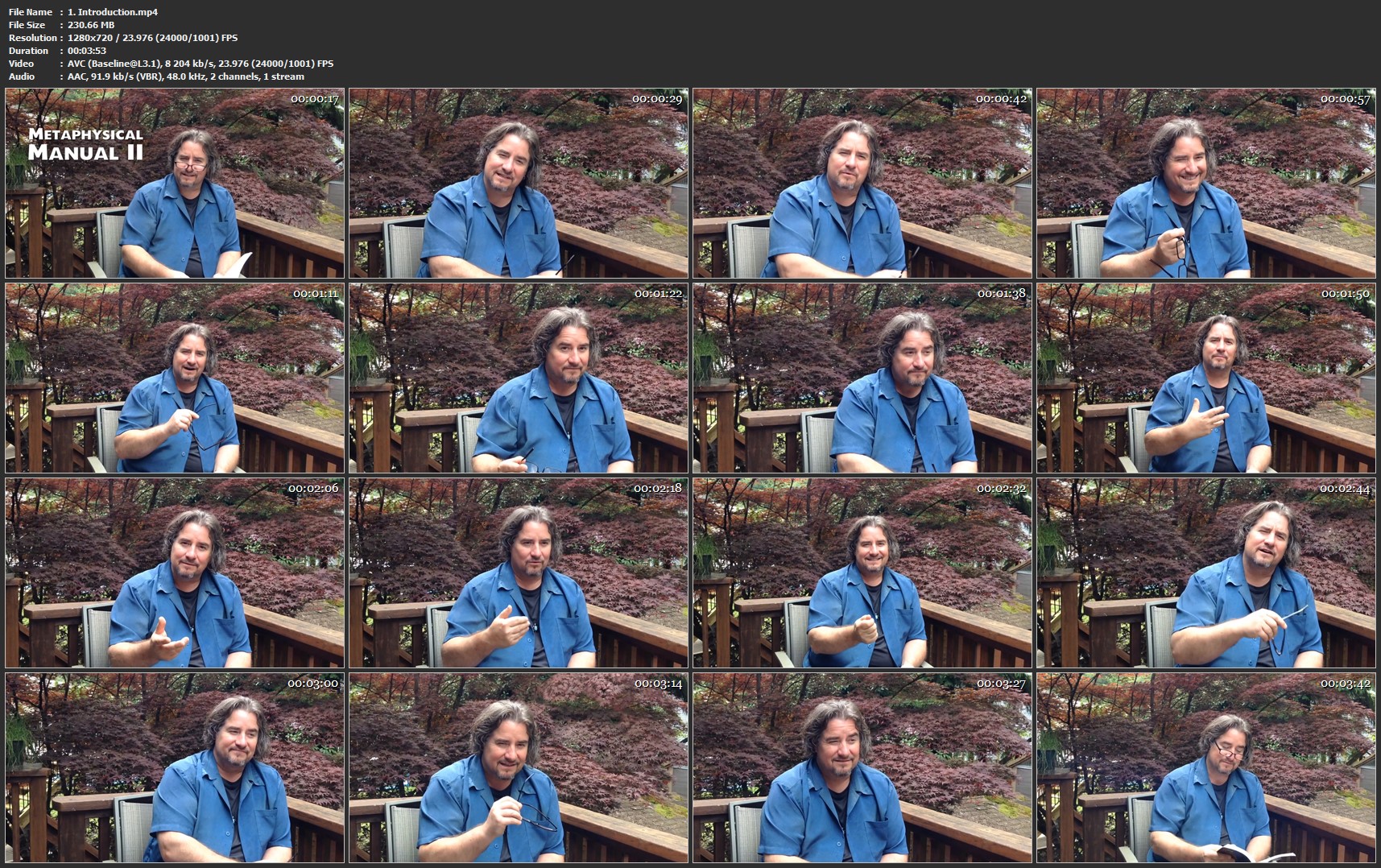
Metaphysical Awakening Symptoms - Spiritual Growth Explained

d-Eo-YUj-MFGgbh9-Oh-Jqy-PVyaob-Fd6b-KGy-X.jpg


Metaphysical Awakening Symptoms - Spiritual Growth Explained
MP4 | Video: AVC 1280x720 | Audio: AAC 48KHz 2ch | Duration: 40 mins | Lec: 11 | 2.18 GB | Language: English + Sub .VTT

Learn how to understand the coming life changes as you grow spiritually

What you'll learn
Understand how the energy coming into their body affects them
Understand the changes happening in their lives

Requirements
No prior knowledge is required
An open mind

Description
Are things changing in your life? Especially in ways that make no 'sense'? Are issues you thought you resolved a long time ago reappearing? Are your five senses becoming more and more acute? Do you have difficulty focusing? Are your dreams more vivid?

We live in a time of extreme change. And nowhere do we feel it more than in our own lives. Many people on the planet are realizing that they are not just a physical body. their spiritual side is waking up.

And if that describes you, then this course will help you understand the changes you are experiencing.

When we were children, we were told some of the changes to expect. Young boys knew that as they grew older hair would start to grow on their cheeks. Young girl knew that as they became women, their chests would develop.

But no one talks about what happens when you 'grow up' spiritually.

In this course, David Pilz take you through your spiritual puberty.

Discover the changes that you are going through are a normal part of your personal journey and how to deal with the energy as it flows through your body.

Who this course is for?
This course is for people who feel the physical world is only part of the story
No prior spiritual teaching is required

1-Introduction-mp4.jpg


...
 
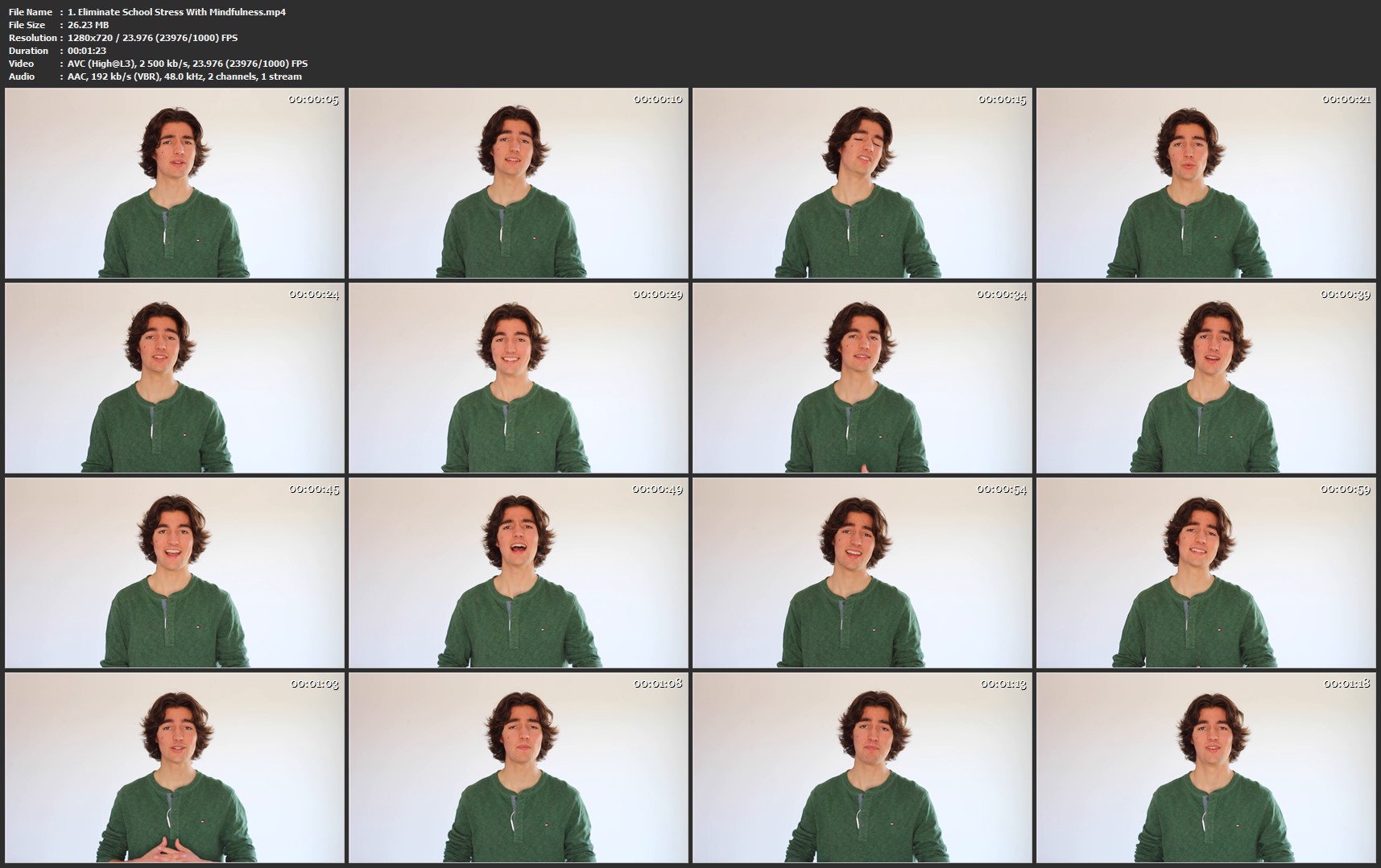
Meditation Initiation An Hour That Will Change Your Life

l-S0p82c-U4vr-FKdo7o-GYhw-SJf-YCami0-HE.jpg


Meditation Initiation An Hour That Will Change Your Life
MP4 | Video: AVC 1280x720 | Audio: AAC 48KHz 2ch | Duration: 1 Hours | Lec: 30 | 179 MB | Language: English + Sub .VTT

Dive right into the subject with this quick and simple approach to mindfulness meditation

What you'll learn
Learn about the effects of stress on your mind and body
Discover 4 different guided meditations
Practice mindfulness in your daily activities
Develop your consciousness
Make of meditation a habit
Learn about the effects of meditation

Requirements
Be open minded
Have a desire to improve
Be ready to do the exercises and practice

Description
This course is for people who feel stressed really often. Are you experiencing that constant tension in your body reflecting all your worries? Maybe you just want to live a more happy and relaxed life. This course is for you.

With me, you'll learn the most effective proven method to reduce you stress on a daily basis, which is called MINDFULNESS MEDITATION. This course will offer you the simplest and quickest way to understand what mindfulness really is about and how you can use it to reduce your anxiety.

In the lectures, we'll start by talking about stress, what it is, what it does to your body and mind. Then, we'll break together some misconceptions about meditation. I'll then introduce you to the philosophy of mindfulness meditation and what are the fundamental things to know before practicing it. You'll then be able to experience 4 different mindfulness techniques with the guided meditations that I recorded for you. We'll finish this course with some ''on the moment'' techniques that you'll use to reduce your stress instantly right before doing an exam, presentation or anything that is causing your anxiety. This course contains a lot of support material and at the end, you'll have access to a worksheet that will help you practice mindfulness all by yourself. You'll also have a bonus video showing you some of the best apps and books on mindfulness.

Who this course is for?
Students
Anyone who wish to live a stress-free life

1-Eliminate-School-Stress-With-Mindfulness-mp4.jpg


...
 
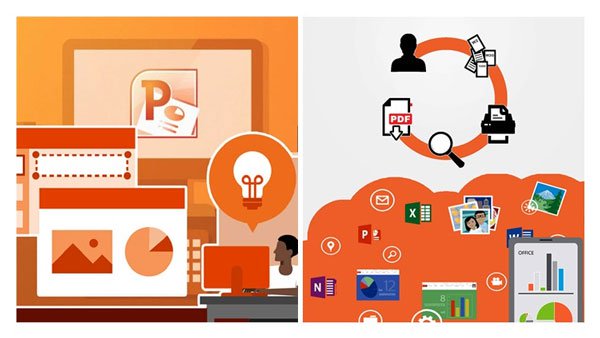
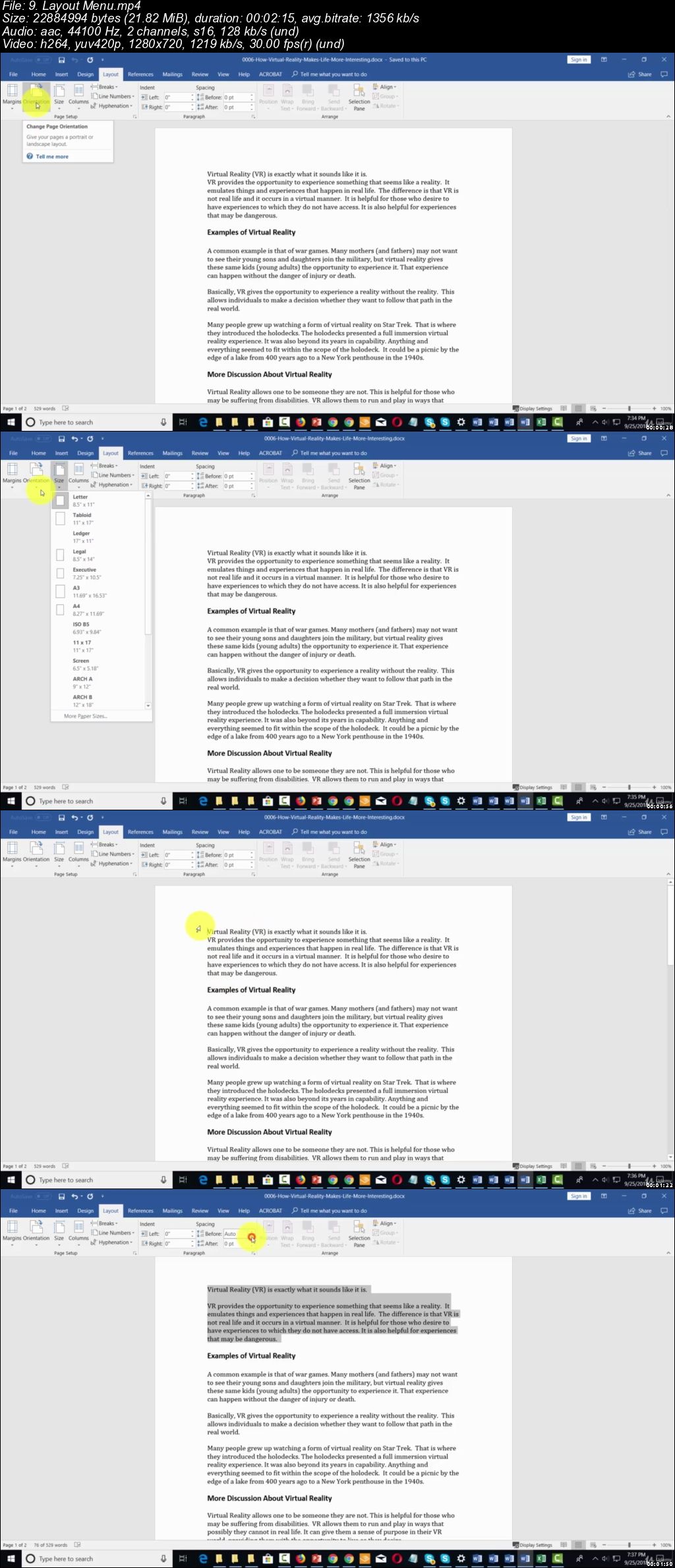
Office 365, Word, Excel & PowerPoint: 4 Course Bundle

o-Sq-LFTLsm-Pj3xk-JHr9-U00-PRAx-Wes-ISQ7.jpg


Office 365, Word, Excel & PowerPoint: 4 Course Bundle
MP4 | Video: h264, 1280x720 | Audio: AAC, 44.1 KHz, 2 Ch
Genre: eLearning | Language: English + .VTT | Duration: 3.5 hour | Size: 1.91 GB

Boost Your Productivity With Office 365, Write Better With Word, Manage Reports With Excel and Present With PowerPoint

What you'll learn

How to get started with Office 365.
Learn how to get use to the interface and configure your settings.
Learn how what are the applications available in it and what are the options to select when doing it.
How to quickly and easily collaborate with other people through the office apps.
How to chat with co-workers and your team members using a very easy to use feature.
How to get started with MS Word.
Learn how to create your first document and which features to select when doing it.
Learn how to work with MS Word templates and backgrounds.
How to quickly and easily work with text, colors and others.
How to format attractive word document that prints awesomely well.
How to use the configuration settings and organize your ideas properly before writing.
How to get started with MS Excel.
Learn how to create your first sheet and what are the options to select when doing it.
Learn how to work with MS Excel templates and properties.
How to quickly and easily work with text, formula and others.
How to format attractive excel sheets that prints awesomely well.
How to use the configuration settings and organize your data properly before working.
How to get started with PowerPoint.
Learn how to create your first presentation slide and what are the options to select when doing it.
Learn how to work with PowerPoint templates and backgrounds.
How to quickly and easily work with body text and headlines.
How to create attractive PowerPoint slides that will WOW your audience.
How to insert graphics in your presentation slides and how to make good use of it.
Learn how to clone multiple slides at once to speed up your time.
Learn the different techniques involved in creating presentations like the pros do.

Requirements

Microsoft Office desktop version for Windows installed and ready to use on your computer.

Description

Dear Friend,

Do you feel that you're lacking behind and you want to accomplish more with the little time you have?

What if you can organize better and work smarter so that you can enjoy more free time?

If you've given this a thought and you want to find a solution...

...then this will be the most important letter you will ever read.

Organize Better. Work Smarter.
Accomplish More.

So you want to know what's the fastest and most convenient way to improve your productivity and have more free time?

There's one software that you absolutely need to use to get it done.

In two word: "OFFICE 365".

That's right.

It's the best office management software you can have available.

It's the GOLD standard for organizing and managing your information in the business world.

But that's not all.

It's super easy to use and it's very flexible.

85 Million Monthly Active Users.

Before we go any further, let me give you some insights about Office 365.

Office 365 is the latest version of Microsoft Office. This latest version is cloud based, meaning it is available online and offline.

Office 365 runs on Windows 7 or higher and OS X 10.5.8 and higher.

Just like the previous version of Microsoft Office, the Home Premium version of Office 365 comes with Word, Excel, PowerPoint, Outlook, Publisher, OneNote, and Access.

Office 365 home premium subscribers get free 60 minutes of skype to landline calls every month.

By the end of 2017, Office 365 had over 85 million monthly active users.

In 2017 Microsoft posted a 35% increase in Office 365 adoption.

With Office 365, MIcrosoft has taken the lead in cloud based solution adoption. 40% of Europe's organisations with over 1,000 employees chose Office 365.

Office 365 uses OneDrive for over the distance collaborations.

Why You Need To Get Started Now:

Office 365 is in the cloud and that brings a whole new level of convenience.

The Office 365 license is good for five devices.

Office 365 comes with 27 GB of Skydrive cloud storage.

Collaborations is made easier with Office 365.

Work away from the office with Office 365 on your mobile.

Do you want to write better?

Do you need a reliable word processing software that will help you create text documents, print them on paper or even save them as PDF files?

If the answer is a big YES...

...then this will be the most important letter you will ever read.

The Best On The Planet

I have good news for you...

Heard of MS Word.

No word processor is as convenient as MS Word. From formatting to split view to tracking changes and project sharing, MS Word just makes things easier.

You can work on a document and have other people review and contribute to the content.

Even better, you can track all changes made to a Word document and even revert to an earlier version.

MS Word is the best word processing software on the planet and if you don't know how to use it yet, then you're missing out big time.

90% Market Share

Before we go any further, let me give you some insights about MS Word:

Microsoft first released Word on October 25 1983. When it was released it was known as Multi-Tool Word for Xenix systems.

From its time of release up to 1994, Word was boasting of an impressive 90% share market.

Word has different licenses for different stakeholders. Commercial versions of Word are licensed as a standalone product or as a component of Microsoft Office.

Word was made available on Mac and PC, besides these two, the only other desktop platform to be graced with its own version of Word was the Atari ST.

Auto Correct was introduced to the sixth version of Word in 1993. Before then, users had to correct their own typing, spelling and grammar mistakes.

In 2013, Microsoft introduced the first touch friendly version of Word.

Word is available on mobile devices and online for easy accessibility.

Word is included in the latest version of Microsoft Office, Office 365.

Why You Need To Get Started Now:

Word is available everywhere.

Create different file formats using Word.

Easy to use and integrate with other tools.

Identify and resolve grammar and spelling issues with Word.

Word is very convenient.

Are you looking for an easy to use software that can store and retrieve all your financial data in just a few clicks?

If the answer is YES, then...

...then this will be the most important letter you will ever read.

The Best Software For Managing & Reporting

I have good news for you...

Heard of MS Excel?

Excel is the most popular program for managing and reporting data.

This is largely due to its availability. All computers with windows have MS Excel installed in them.

It is also available on Mac OS, on different mobile devices.

With the latest version of Office, Office 365, Excel has become available online.

This means that users have access to the program from a range of devices, from almost any location.

MS Excel is used by over 1.2 billion people on the planet and if you don't know how to use it yet, then you're missing out big time.

Powerful & Very Reliable

Before we go any further, let me give you some insights about MS Excel:

Excel is a well known spreadsheet creating and editing software.

Excel was released by Microsoft in 1985. The initial contract was exclusive to Apple, it was not until two years later that the PC version was released.

In 1991, Microsoft released Excel 3.0 which was the first software to use the modern toolbar.

Since the 2003 version, over 1.2 billion users use Excel on a daily basis.

Using the functions and formulas on Excel, users can automatically calculate and update the results on their spreadsheets.

With basic programing skills, it is possible to use Excel and Visual Basic to create applications that manage tasks, analyze data and add interactive properties on a spreadsheet.

The 2007 Excel version introduced the ability to save documents in different formats including XLSX files.

Excel can be used together with some of the Microsoft office tools.

Why You Need To Get Started Now:

Excel helps you get your work done efficiently.

Put together amazing charts and diagrams with Excel.

Use Excel to stay on top of the trends.

Availability and convenience of Excel.

Bring and work on data on one platform.

Do you have a business proposal to present to your clients?

...or maybe you are just an infopreneur looking to sell your knowledge online.

If your answer is a big yes... then this could be the most important letter you will ever read.

Do It Like The Pros

Do you know what all the top speakers have in common when they deliver a message to their audience?

In one word: Powerpoint.

That's right.

They use Powerpoint to present their ideas to the public.

Why?

Because it's super easy to use and it's very flexible.

Did You Know.

PowerPoint was created by Robert Gaskins and Dennis Austin in 1987, then it was an independent company owned by Forethought, Inc.

The software was initially developed to work on Macintosh computers only. Microsoft decided to acquire PowerPoint the very same year it was developed, they paid $14million.

In 1993 PowerPoint became part of Microsoft Office.

PowerPoint's market share is estimated to be around 95% together with that of Microsoft office.

Currently, over 500 million people use PowerPoint, with about 30 million presentations being created everyday.

Over 6 million teachers around the world use PowerPoint for classroom lectures. While more than 120 Million people use PowerPoint to create business presentations.

PowerPoint is now available as an app across all mobile devices.

PowerPoint online is a cloud based version of PowerPoint that allows users to create, edit and share PowerPoint presentations. Users can work with others on shared projects, in real-time.

Why You Need To Get Started Now:

Stay on top of your presentations with PowerPoint mobile

PowerPoint online provides the highest level of convenience

Make use of PowerPoint templates in over 40 categories.

Keep your thoughts and ideas organized for a presentation

Keep the attention and engagement of your audience

I reveal my best tips for using some unknown tactics that only a few elite few knows.

You get to see everything. I explain everything to you. There will be no guesswork.

The Elite Team Group

professionals of Entrepreneurs, Market Experts and Online Tutors.

Who this course is for:

Absolute beginners.
New users for Office 365, Word, Excel and PowerPoint.
Anyone interested and want to refresh his memory for Office 365, Word, Excel and PowerPoint.

0z-Cyp-Psw-NA9e50-Nx-DZQ4cq-MPPt-Ui-ZW8-Z.jpg


...
 
Painting a Flower Bouquet in Watercolor : wet-in-wet

image.jpg


Painting a Flower Bouquet in Watercolor : wet-in-wet
Video: .MP4, 1280x720 | Audio: AAC, 48kHz, 2ch | Duration: 49m
Genre: eLearning | Language: English | Size: 929 MB

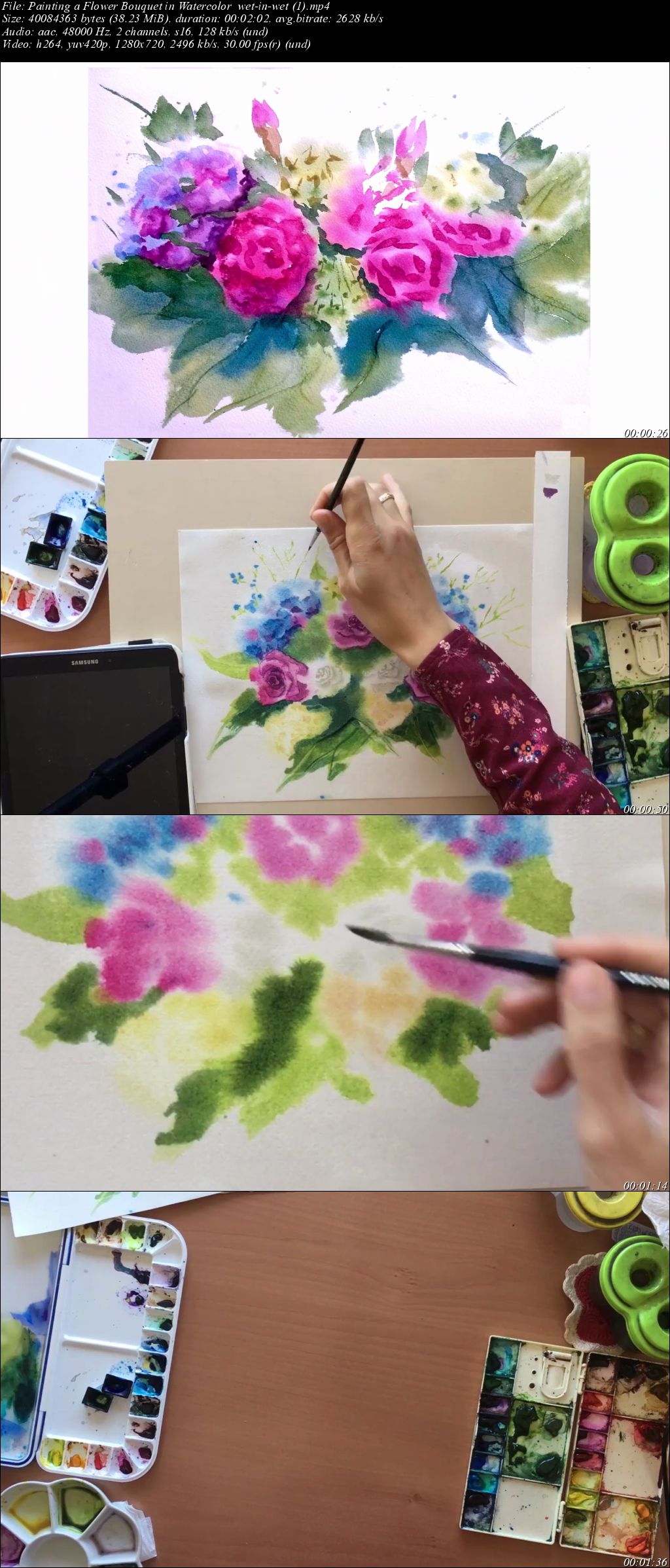
Welcome to the watercolor flower class about how to paint the mysterious flower bouquet using wet-in-wet technique.

Watercolor is a loose and unpredictable medium, especially when painting wet-in-wet, but knowing some key points will allow you to have fun playing with watercolor and at the end of the class to have a beautiful painting. Wet-in-wet technique is a pure collaboration between the artist and the paper, where both parts are interacting by turns.

With warm up relaxing exercises and easy rules for sure you will enjoy painting with watercolor your favourite flowers.

Your class project will be to create a watercolor painting of the flower bouquet showed in the class or any other flowers which inspired you, applying wet-in-wet technique. For more inspiration check my flower folder on Pinterest More Flowers!

The process is really simple and fun. There are 3 steps:

Create a base in a wet-on-wet technique
Define the shapes and give volume by adding contrasts
Add small details to assemble all elements into a complete composition and final strokes to give the painting a personality
As well we will use a plastic card as a creative tool in order to create dynamic effects.

That's all! Of cause I will show and explain the each step. Be sure that you will manage with it.

By the end of the class you will have the skills necessary to create loose flower bouquet that you can sell, frame, use in your illustration portfolio, or gift to a loved one.

The class will be useful for intermediate students who are already acquainted with watercolor basics. However, I also encourage the beginners to take the class and get acquainted with this technique. For better results I do suggest to use 100% cotton watercolor paper, grain fin, do not take the satin texture it is not suitable for this technique.

Looking forward to see your beautiful paintings!!

Ready to start?

Share your progress and final result in the Project Gallery of this class to inspire your classmates and to get my feedback.

For this class I will use the following materials:

Watercolor Paints (I used Van Gogh, White Nights, Daniel Smith)
Watercolor Paper (for better results I do suggest to use 100% cotton watercolor paper, grain fin texture. I used Arches/Fabriano 100% cotton, cold pressed185/200gsm)
Sharp pencil 6-7B (for sketch composition)
Eraser
Mopper brush (goat hair) or kitchen sponge for making paper wet
Small size watercolor brush (squirrel hair) (I used Art Secret #1)
Medium size round watercolor brush with a good tip (I used Da Vinci Kolinsky Sable #6).
Small size brushes (I used Winsor&Newton Kolisky Sable #2, #1, #0)
Plastic card (for dynamic effect in the leaves)
Water dispenser (it is optional, but it is quite convenient to use for maintaining the paper wet)
Paper towels
Paint palette (or just a ceramic plate)
Waterpots

Byh-Wv-ZTj-Fse-Z4q-Ou2ap-Cw3uq41l-JWh-Hx.jpg


...
 
Painting Bees in Watercolor, Gouache, & Watercolor Pencils

image.jpg


Painting Bees in Watercolor, Gouache, & Watercolor Pencils
Video: .MP4, 1280x720 | Audio: AAC, 48kHz, 2ch | Duration: 58m
Genre: eLearning | Language: English | Size: 1,04 GB

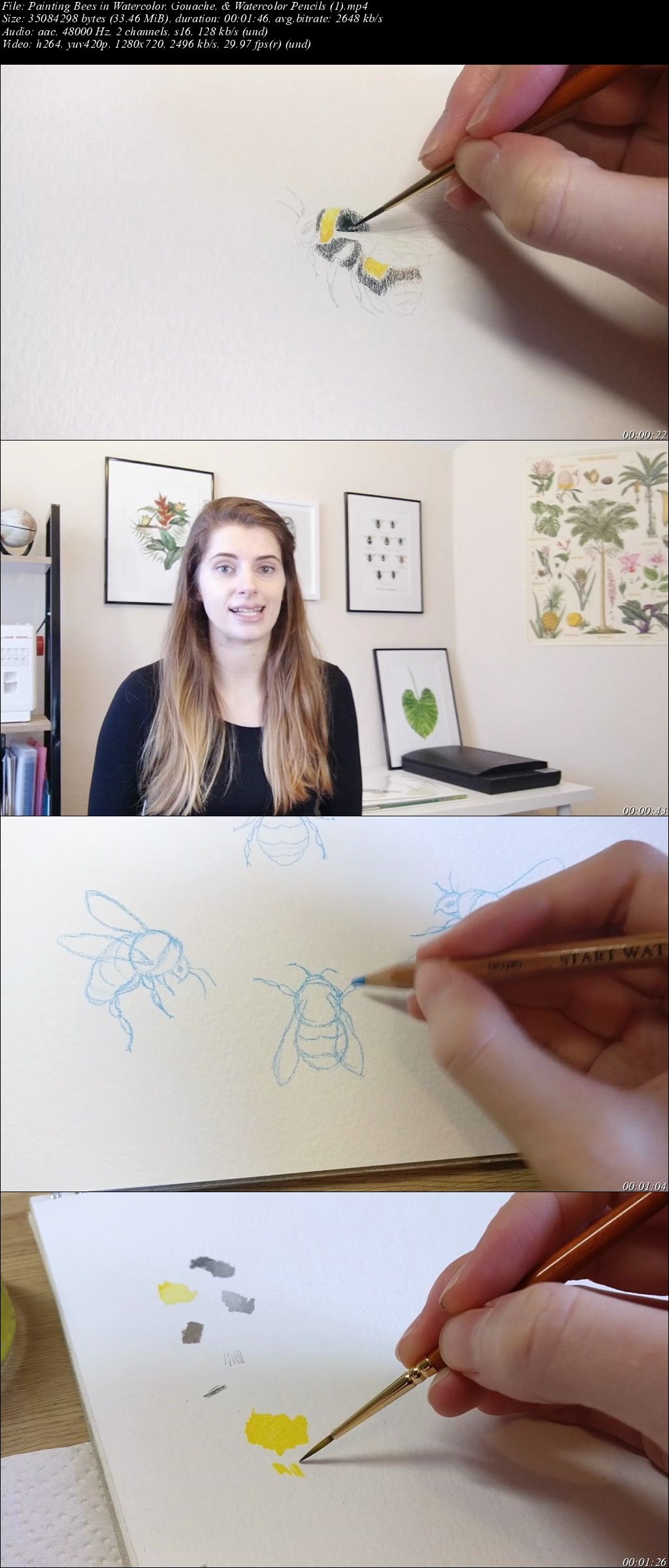
This class will show you how to paint a realistic bumblebee in 3 different ways - using watercolor paints, gouache, and watercolor pencils. You can have a go at all 3, or just pick the medium that interests you most.

Learn to draw realistic insects by studying their morphology
Try a new style of painting
Develop your skills in watercolor/gouache/watercolor pencils
Decorate your own cards and crafts with beautifully painted bees
This class is suitable for all levels. In 'Supplies & Setup' I'll take you through everything you need to get started, so if you're a beginner it's a video not to miss! Otherwise, if you're more experienced, feel free to dip into the videos that interest you most.

We'll be using bees as an example, but this class will be packed with tips and demonstrations to help you take on your next painting with confidence, as well as add another skill to your creative toolkit.

Let me know if you have any questions. I hope you enjoy the class and I can't wait to see your project photos!

Don't forget to follow me on Skillshare. Click the 'Follow' button next to my name and you'll be notified as soon as I post a new class.

Wh-INV7-H4-S3-B3uy-Rev-PGDxqr-Tokdv78-B4.jpg


...
 
Outlook: Tips and Tricks

00650f93.jpg


Outlook: Tips and Tricks
MP4 | Video: AVC 1280x720 | Audio: AAC 44KHz 2ch | Duration: 2.5 Hours | 397 MB
Genre: eLearning | Language: English

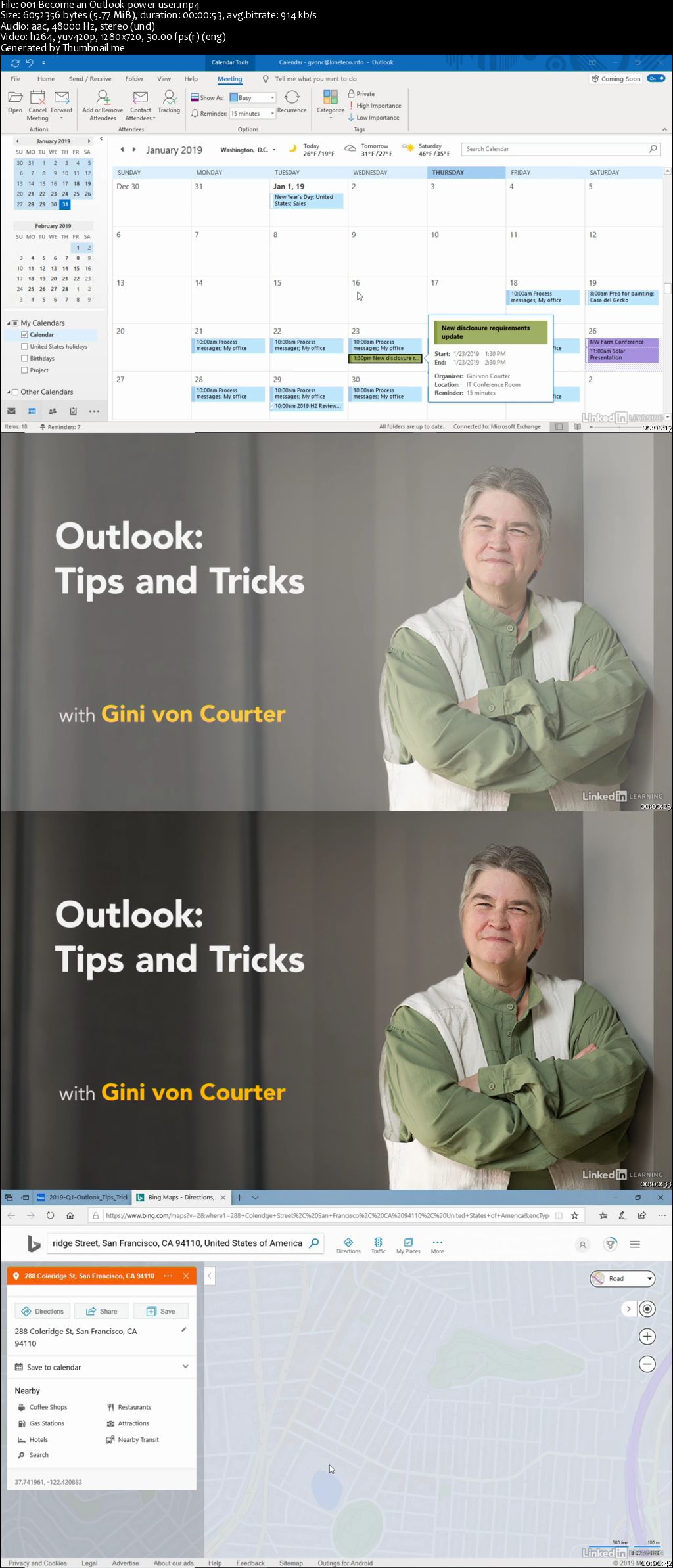
Learn tips, tricks, and shortcuts that will make you an Outlook power user. In this course, Gini von Courter shows how to save time, increase productivity, and keep yourself organized with Outlook. Gini begins with her top 10 productivity tips, and then shows how to quickly organize your inbox and manage incoming messages. Gini also shows how to manage appointments, work with contacts, and integrate your tasks with the rest of Outlook. Each video is standalone; you can watch the entire course or focus on just the information you need. Note that the training is recorded in Outlook for Office 365, but anyone using a recent version of Outlook-including 2019, 2016, and 2013-will be able to follow along.

Homepage

00650f9c.jpg


...
 
Zurück
Oben Unten