• Regeln für den Video-Bereich:

    In den Börsenbereich gehören nur Angebote die bereits den Allgemeinen Regeln entsprechen.

    Einteilung

    - Folgende Formate gehören in die angegeben Bereiche:
    - Filme: Encodierte Filme von BluRay, DVD, R5, TV, Screener sowie Telesyncs im Format DivX, XviD und x264.
    - DVD: Filme im Format DVD5, DVD9 und HD2DVD.
    - HD: Encodierte Filme mit der Auflösung 720p oder darüber von BluRay, DVD, R5, TV, Screener sowie Telesyncs im Format x264.
    - 3D: Encodierte Filme von BluRay, die in einem 3D Format vorliegen. Dies gilt auch für Dokus, Animation usw.
    - Serien: Cartoon/Zeichentrick, Anime, Tutorials, Dokumentationen, Konzerte/Musik, Sonstiges sind demnach in die entsprechenden Bereiche einzuordnen, auch wenn sie beispielsweise im High Definition-Format oder als DVD5/DVD9/HD2DVD vorliegen. Ausnahme 3D.
    - Bereich Englisch: Englische Releases gehören immer in diesen Bereich.
    - Bereich Talk: Der Bereich, in dem über die Releases diskutiert werden kann, darf, soll und erwünscht ist.


    Angebot/Beitrag erstellen

    - Ein Beitrag darf erst dann erstellt werden, wenn der Upload bei mindestens einem OCH komplett ist. Platzhalter sind untersagt.
    - Bei einem Scenerelease hat der Threadtitel ausschließlich aus dem originalen, unveränderten Releasenamen zu bestehen. Es dürfen keine Veränderungen wie z.B. Sterne, kleine Buchstaben o.ä. vorgenommen werden. Ausnahme Serienbörse:
    - Bei einem Sammelthread für eine Staffel entfällt aus dem Releasename natürlich der Name der Folge. Beispiel: Die Simpsons S21 German DVDRip XviD - ITG
    - Dementsprechend sind also u.a. verboten: Erweiterungen wie "Tipp", "empfehlenswert", "only", "reup", usw. / jegliche andere Zusatzinformation oder Ergänzung, welche nicht in obiger Beschreibung zu finden ist.

    Aufbau des Angebots und Threadtitel

    Der Titel nach folgendem Muster erstellt zu werden. <Name> [3D] [Staffel] [German] <Jahr> <Tonspur> [DL] [Auflösung] <Quelle> <Codec> - <Group>
    Beispiel: The Dark Knight German 2008 AC3 DVDRip XviD - iND
    Beispiel: The Dark Knight 2008 DTS DL BDRip x264 - iND
    Beispiel: The Dark Knight 2008 AC3 DL BDRip XviD - iND
    Beispiel: The Dark Knight German 2008 AC3 720p BluRay x264 iND
    Beispiel: The Dark Knight 2008 DTS DL 1080p BluRay x264 iND
    Beispiel: Die Simpsons S01 German AC3 DVDRip XviD iND
    Beispiel: Die Simpsons S20 German AC3 720p BluRay x264 iND
    Beispiel: Sword Art Online II Ger Sub 2014 AAC 1080p WEBRip x264 - peppermint
    Entsprechend sind also u.a. verboten: Sonderzeichen wie Klammern, Sterne, Ausrufezeichen, Unterstriche, Anführungszeichen / Erweiterungen wie "Tipp", "empfehlenswert", "only", "reup", usw. / jegliche andere Zusatzinformation oder Ergänzung, welche nicht in obiger Beschreibung zu finden ist
    Ausnahmen hiervon können in den Bereichen geregelt sein.

    Die Beiträge sollen wie folgt aufgebaut werden:
    Überschrift entspricht dem Threadtitel
    Cover
    kurze Inhaltsbeschreibung
    Format, Größe, Dauer sind gut lesbar für Downloader außerhalb des Spoilers zu vermerken
    Nfo sind immer Anzugeben und selbige immer im Spoiler in Textform.
    Sind keine Nfo vorhanden z.B. Eigenpublikationen, sind im Spoiler folgende Dateiinformationen zusätzlich anzugeben :
    Quelle
    Video (Auflösung und Bitrate)
    Ton (Sprache, Format und Bitrate der einzelnen Spuren)
    Untertitel (sofern vorhanden)
    Hosterangabe in Textform außerhalb eines Spoiler mit allen enthaltenen Hostern.
    Bei SD kann auf diese zusätzlichen Dateiinformationen verzichtet werden.

    Alle benötigten Passwörter sind, sofern vorhanden, in Textform im Angebot anzugeben.
    Spoiler im Spoiler mit Kommentaren :"Schon Bedankt?" sind unerwünscht.


    Releases

    - Sind Retail-Release verfügbar, sind alle anderen Variationen untersagt. Ausnahmen: Alle deutschen Retail-Release sind CUT, in diesem Fall sind dubbed UNCUT-Release zulässig.
    - Im Serien-Bereich gilt speziell: Wenn ein Retail vor Abschluss einer laufenden Staffel erscheint, darf diese Staffel noch zu Ende gebracht werden.62
    - Gleiche Releases sind unbedingt zusammenzufassen. Das bedeutet, es ist zwingend erforderlich, vor dem Erstellen eines Themas per Suchfunktion zu überprüfen, ob bereits ein Beitrag mit demselben Release besteht. Ist dies der Fall, ist der bereits vorhandene Beitrag zu verwenden.
    - P2P und Scene Releases dürfen nicht verändert oder gar unter einem iND Tag eingestellt werden.


    Support, Diskussionen und Suche

    - Supportanfragen sind entweder per PN oder im Bereich Talk zu stellen.
    - Diskussionen und Bewertungen sind im Talk Bereich zu führen. Fragen an die Uploader haben ausschließlich via PN zu erfolgen, und sind in den Angeboten untersagt.
    - Anfragen zu Upload-Wünschen sind nur im Bereich Suche Video erlaubt. Antworten dürfen nur auf Angebote von MyBoerse.bz verlinkt werden.


    Verbote

    - Untersagt sind mehrere Formate in einem einzigen Angebotsthread, wie beispielsweise das gleichzeitige Anbieten von DivX/XviD, 720p und 1080p in einem Thread. Pro Format, Release und Auflösung ist ein eigener Thread zu eröffnen.
    - Grundsätzlich ebenso verboten sind Dupes. Uploader haben sich an geeigneter Stelle darüber zu informieren, ob es sich bei einem Release um ein Dupe handelt.
    - Gefakte, nur teilweise lauffähige oder unvollständige Angebote sind untersagt. Dies gilt auch für eigene Publikationen, die augenscheinlich nicht selbst von z.B. einer DVD gerippt wurden. Laufende Serien, bei denen noch nicht alle Folgen verfügbar sind, dürfen erstellt und regelmäßig geupdatet werden.
    - Untersagt sind Angebote, welche nur und ausschließlich in einer anderen Sprache als deutsch oder englisch vorliegen. Ausnahmen sind VORHER mit den Moderatoren zu klären.


    Verstoß gegen die Regeln

    - Angebote oder Beiträge, die gegen die Forenregeln verstoßen, sind über den "Melden"-Button im Beitrag zu melden.
  • Bitte registriere dich zunächst um Beiträge zu verfassen und externe Links aufzurufen.


Englische Tutorials

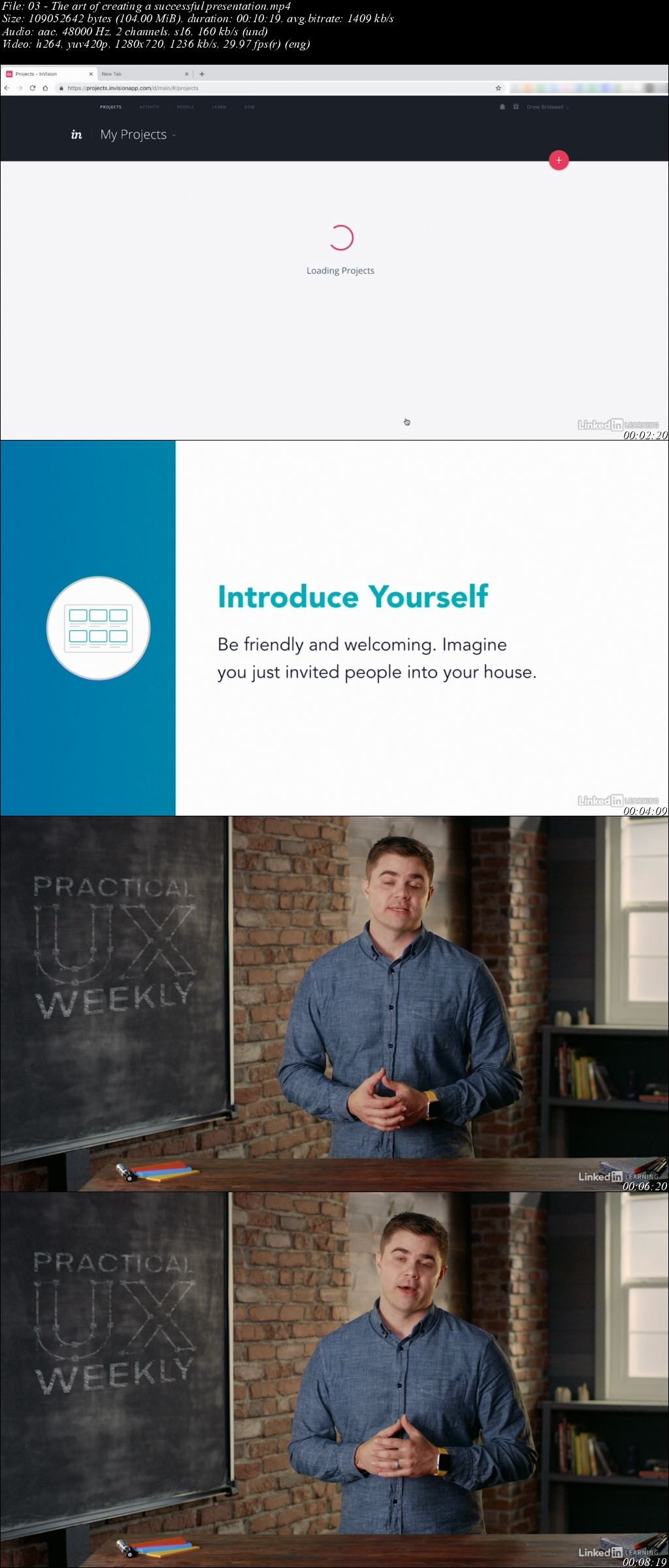
Practical UX Weekly (2019)

0049f241.jpg


Practical UX Weekly (2019)
MP4 | Video: h264, 1280x720 | Audio: AAC, 48 KHz, 2 Ch | Duration: 1h 46m
Genre: eLearning | Language: English + Sub | Size: 986 MB

Ever wondered how other UX designers troubleshoot problems and juggle conflicting priorities? In this weekly series, Drew Bridewell-a user experience designer and leader of the digital transformation team at InVision-shares his hard-earned knowledge and shows how to apply basic UX design principles to real-world projects. Drew discusses his daily workflow, shares tips and tricks for presenting your work and collaborating with others, introduces valuable tools, and walks you through a day in the life of a product designer. Tune in and start looking at your own design projects in a new light.

Homepage

g-Rz9-HUKBS0-CBg-Kp-FMYPb-APc-V4t-QFDBWU.jpg


...
 
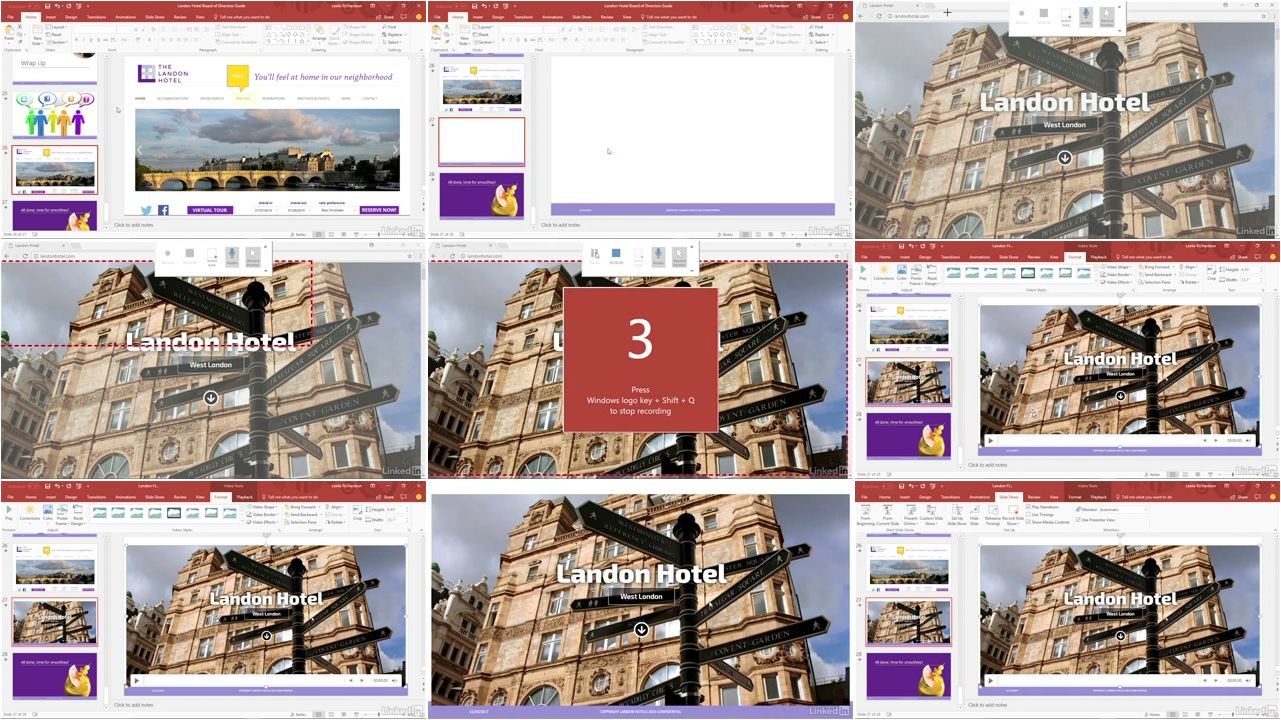
PowerPoint Tips Weekly (Updated)

005db885.jpg


PowerPoint Tips Weekly (Updated 3/27/2019)
MP4 | Video: h264, 1280x720 | Audio: AAC, 48 KHz, 2 Ch | Duration: 7h 46m
Genre: eLearning | Language: English + Sub | Size: 1,3 GB

You may already be familiar with the basics of Microsoft PowerPoint, but there's more to a great presentation than just bullets and text. This weekly series provides quick tips that will improve the look of your slide decks and better engage your audience. Staff instructors Garrick Chow, Nick Brazzi, and Jess Stratton provide new PowerPoint tips every Wednesday, focusing on topics such as creating balance in your slides, formatting, working with photos and video, animating text and objects, and more. Plus, learn how to extend PowerPoint and connect to cloud accounts such as OneDrive and Google Drive. It doesn't matter whether you use PowerPoint for Windows, PowerPoint for Mac, or work exclusively with Office 365; these tips will help all users maximize their productivity and success with PowerPoint.

Note: Because this is an ongoing series, viewers will not receive a certificate of completion.

Homepage

005db886.jpg


...
 
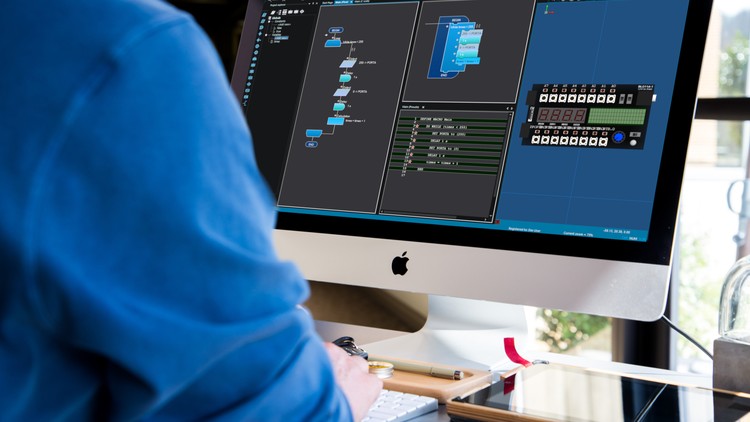
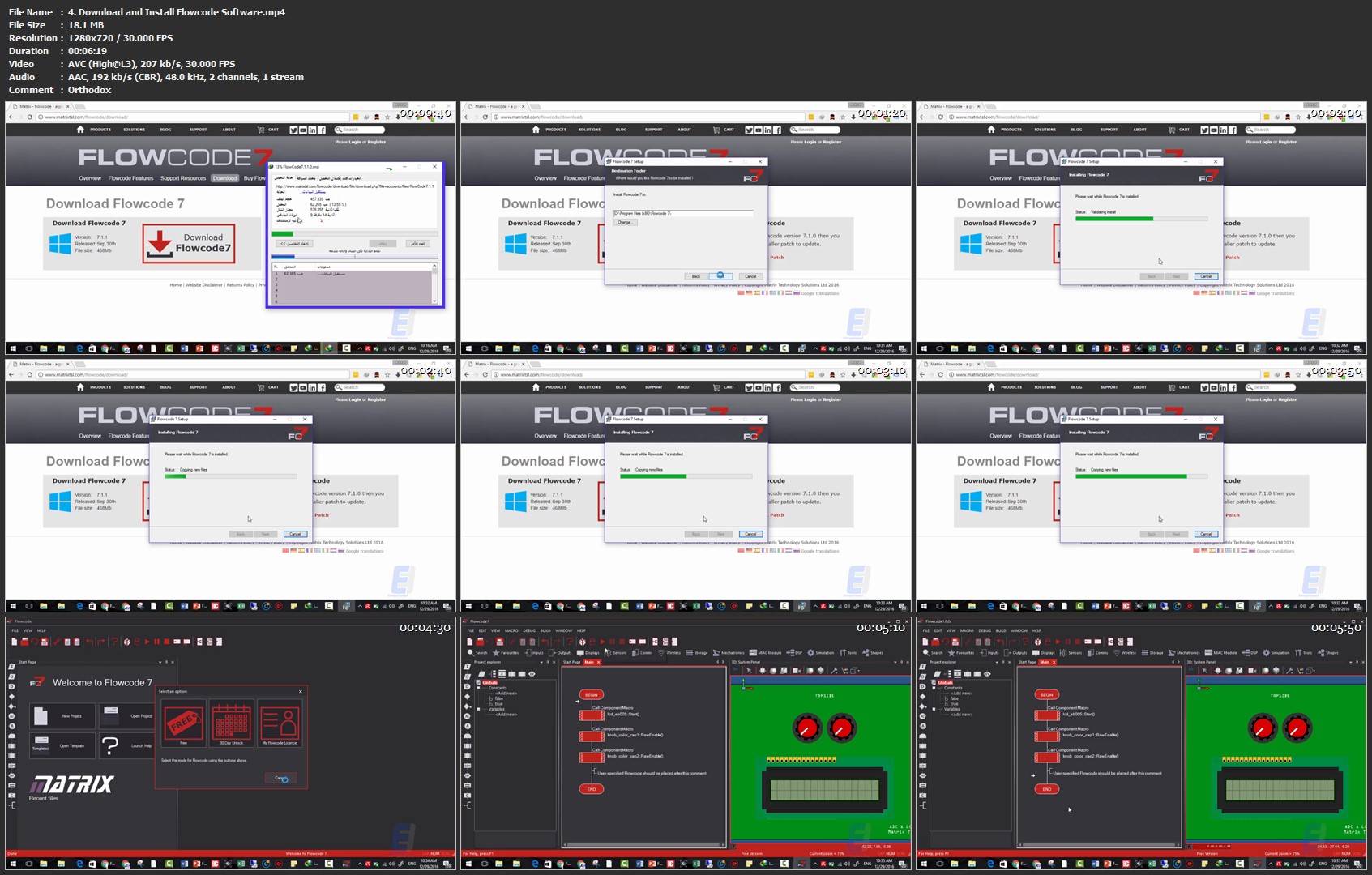
Program Microcontrollers With Drawings - Coding No More

1074550-4e4b-3.jpg


Program Microcontrollers With Drawings - Coding No More
Duration: 2 hours | Video: h264, 1280x720 | Audio: AAC, 48 KHz, 2 Ch | 295 MB
Genre: eLearning | Language: English + Sub | 22 Lectures

Stop writing long codes that waste your time and required skills and effort, Start Drawing your Code with Simple Shapes

What you'll learn
Program Any Microcontroller without writing a single code
Draw instead of writing codes
Create amazing projects

Requirements
Basic Knowledge in Microcontroller
Basic Knowledge in Electronics

Description
>>> This Course will take you to a new level of Microcontroller Programming, It will be a fun, easy, fast and enjoyable Programming Journey for you, you will learn how to Program Microcontrollers With Drawings, YES, Drawings!!, no more long codes, no more debugging pain <<<

>>> Continues Updates <<<

4 Star | More Than 800 STUDENTS!!! THANK YOU!!!

What students are saying:

Floyd Craig Wolverton says, "Good overview of this tool. Met my needs. I am interested in ways to teach people who say they hate programming to learn to create programs despite their predisposition. "

Imran Ahmad says, "Best explanation of everything, taking topics right from scratch. Great experience. "

Welcome to Program Microcontrollers With Drawings Course.

You will no longer hate programming Microcontrollers.

You won't have to write codes anymore, drag and drop simple shapes to make a fully functional block of drawings that function just like coding without having to write a single code.

As most of you know, writing a code is a complex process that required through understanding of C, assembly and other languages to give the ability to turn your idea into a project that is based on Microcontrollers, but what if I tell you that now you can program your microcontroller and make a fully functional project without writing a single line of code!!

That's not all after drawing, this program will give you the ability to view your code in assembly and c language in addition to generating a hex file that is ready to be downloaded to your microcontroller.

You think this is cool but not yet interested!, well how about the fact that this software allows you to build a fully functional simulation environment that will show you how your microcontroller work in action with modules for hundreds and hundreds of libraries such as LCD, 7 Segment, Buttons, Keypad, and other advanced modules.

Who this course is for:
Anyone interested in Microcontrollers
Anyone who have problem with coding and using programming languages
Anyone looking for a new adventure in Programming Microcontrollers
Anyone looking to simulate systems before production easily

4-Download-and-Install-Flowcode-Software-mp4.jpg


...
 
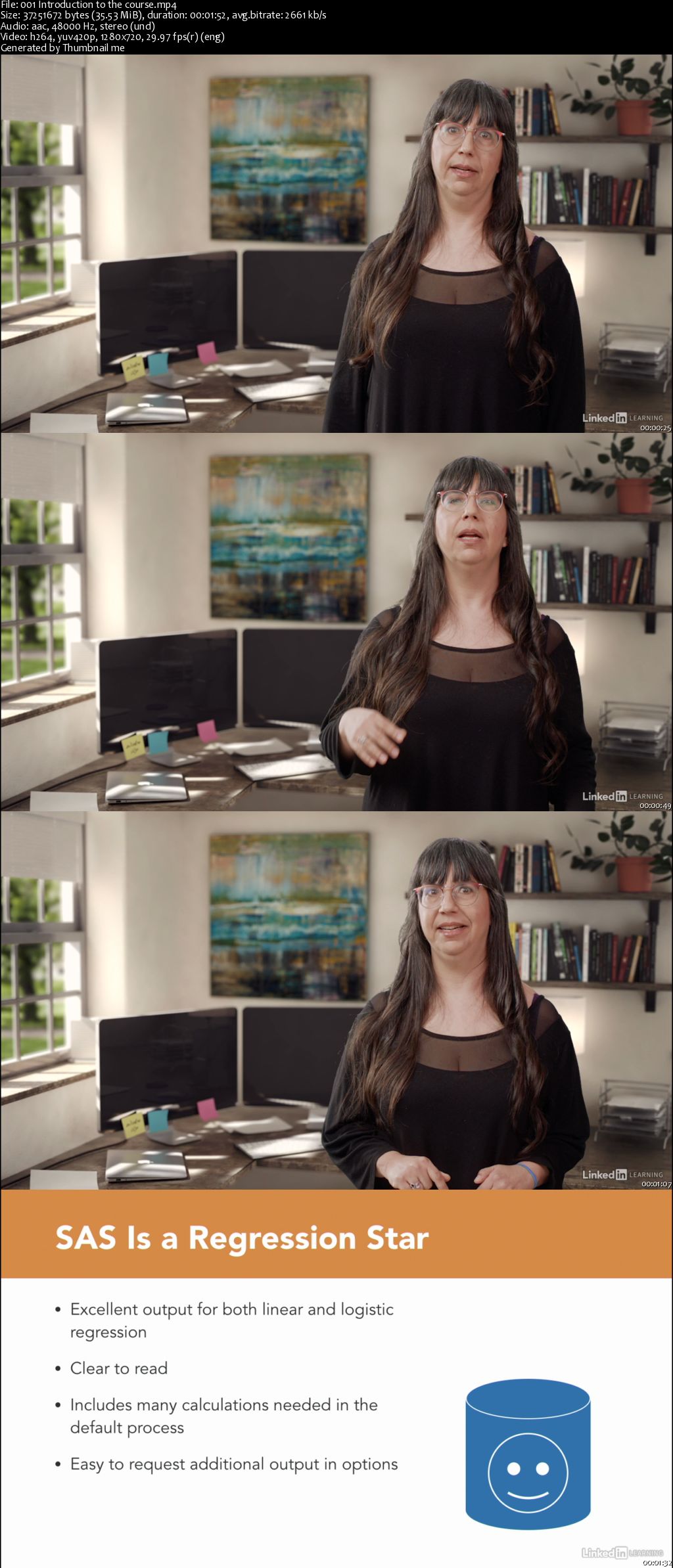
SAS Essential Training: Regression Analysis for Healthcare Research

00651deb.jpg


SAS Essential Training: Regression Analysis for Healthcare Research
MP4 | Video: AVC 1280x720 | Audio: AAC 44KHz 2ch | Duration: 3.5 Hours | 552 MB
Genre: eLearning | Language: English

SAS is a venerable data analytics platform that boasts millions of users worldwide and a slew of useful features. In this course, instructor Monika Wahi helps you deepen your SAS knowledge by showing how to use the platform to conduct a regression analysis of a health survey data center. Throughout the course, Monika demonstrates how to conduct regression analyses and present your model results in tables. She shows how to develop and present a linear regression model using PROC GLM as part of a hypothesis-driven analysis; how to do a logistic regression model in both PROC GENMOD and PROC LOGISTIC; and how to present and interpret your linear and logistic regression models. To wrap up, she goes over issues in regression and provides a few helpful tips.

Homepage

00651ded.jpg


...
 
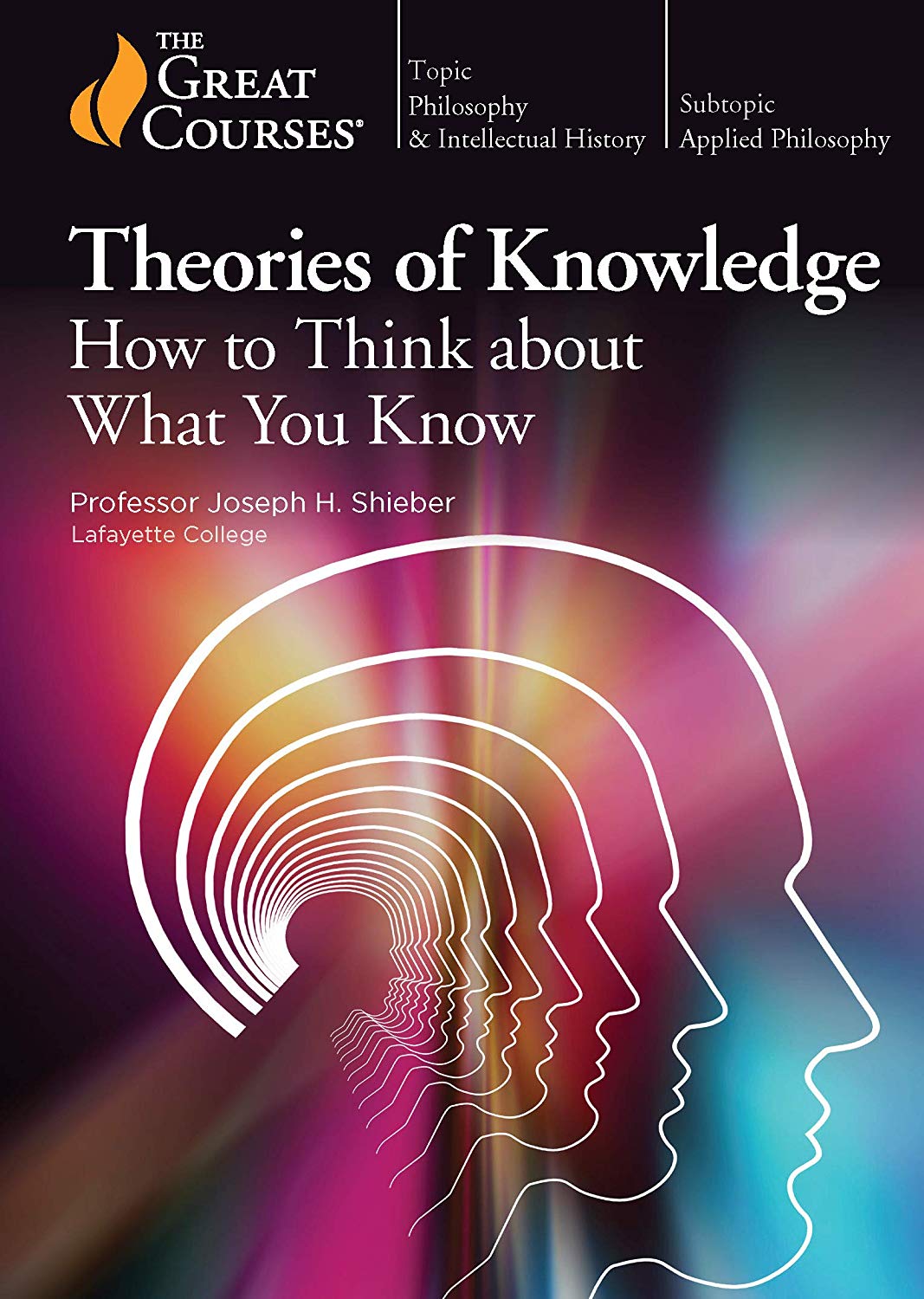
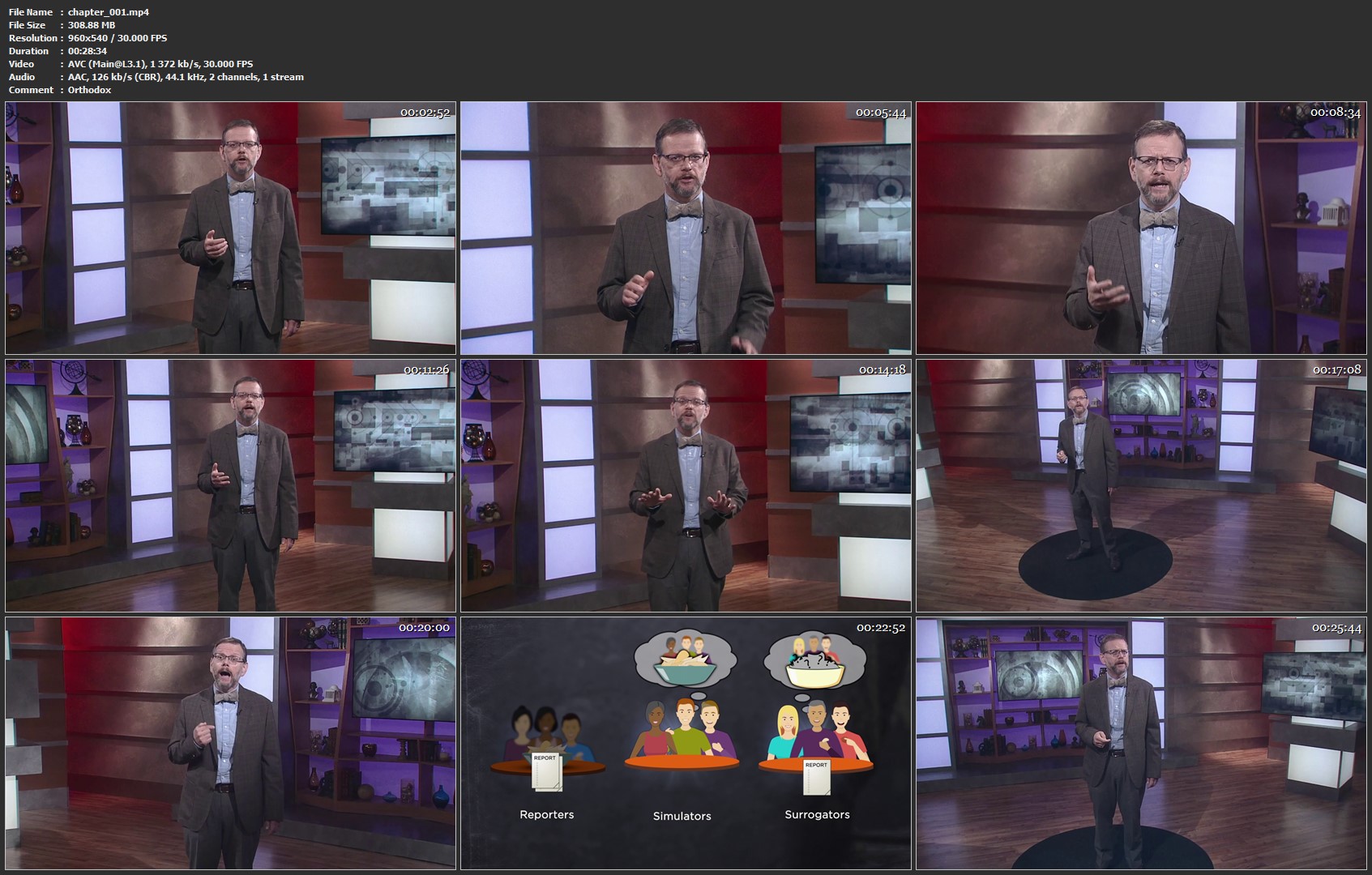
Theories of Knowledge: How to Think about What You Know

t-MC3ovp-JWzhj-IPP2-YVpi5r21-QORGvf-HZ.jpg


Theories of Knowledge: How to Think about What You Know
MP4 | Video: 960x540 | Audio: AAC, 44.1Khz , 2ch | Duration: 12 hours | Language: English | 7.3 GB

Humans have been attempting to understand for thousands of years what knowledge truly is and how we acquire it, but the more we learn about the human body, our brains, and the world around us, the more challenging the quest becomes. The 21st century is a fast-paced world of technological change and expanding social networks, a world where information is plentiful and cheap, but where truth seems in short supply.

Full Description

chapter-001-mp4.jpg


...
 
Security Tips Weekly (Updated)

005cd39d.jpg


Security Tips Weekly (Updated 4/1/2019)
MP4 | Video: h264, 1280x720 | Audio: AAC, 48 KHz, 2 Ch | Duration: 2h
Genre: eLearning | Language: English + Sub | Size: 280 MB

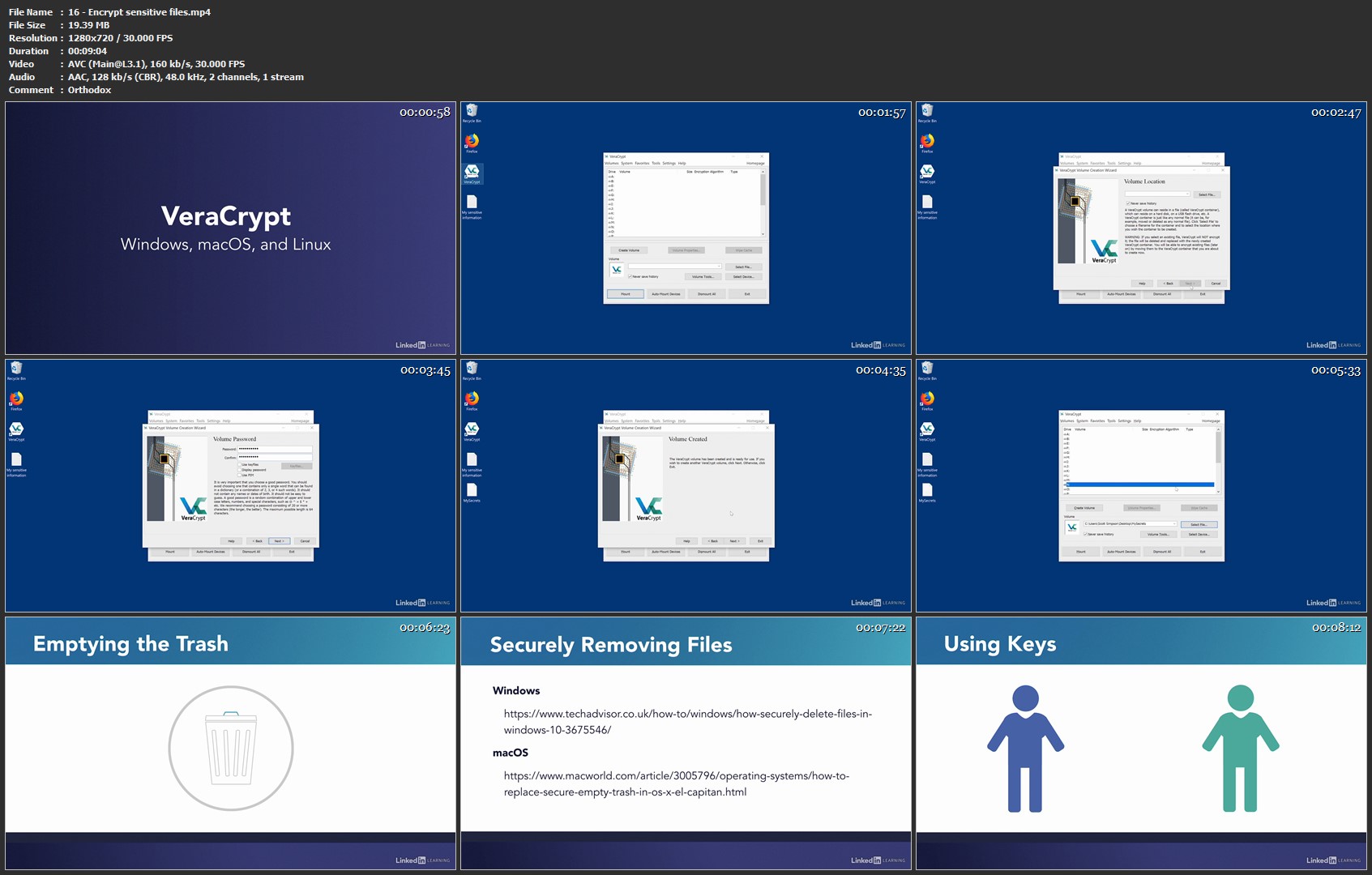
Security isn't just a concern for the tech savvy among us. It matters to everyone with a digital footprint. In this weekly series, instructor Scott Simpson shares practical tips that can help anyone broaden their knowledge of security-no technical pedigree required. Scott dives into topics ranging from password managers to phishing emails, sharing strategies and tools that can help you become more aware of your own security and how to keep your information safe. Tune in every Monday for a brand-new tip.

Note: Because this is an ongoing series, viewers will not receive a certificate of completion.

Homepage

16-Encrypt-sensitive-files-mp4.jpg


...
 
The Social Media Marketing Mega Bundle - 7 Courses In 1

967784-a4b1-3.jpg


The Social Media Marketing Mega Bundle - 7 Courses In 1
$200 | Created by James Canzanella | Last Updated 3/2019
Duration: 1.5 hours | Video: h264, 1280x720 | Audio: AAC, 44 KHz, 2 Ch | 313 MB
Genre: eLearning | Language: English + Sub | 19 Lectures

Your A-Z guide to growing your social media following, targeting your best audience, automating the process, and more!

What you'll learn
Define the perfect Facebook audience to target.
How to get more clicks to Facebook advertising pictures.
How to grow Twitter followers in 3 easy steps.
How to automate Twitter posting (for free).
How to grow Pinterest followers (starting from scratch).
How to optimize YouTube videos for more clicks, leads, and sales.
How to quickly and easily resize images for social media.

Requirements
Be able to sign up for YouTube.
Know how to set up a YouTube channel.
Know how to upload a YouTube video.
Know how to sign up for Twitter.
Know how to sign up for Pinterest.
Know how to easily navigate around various social media platforms.

Description
If you're interested in growing your social media accounts or getting many helpful tips when it comes to using social media, then this mega course is a MUST HAVE for you.

With 7 courses jam packed into this, you are going to get multiple ways to make specific social media platforms work for YOU. Here's just a fraction of the things you'll discover after enrolling in this course today.

The perfect Facebook targeting formula. How to get more clicks to your Facebook advertisements using free and simple tricks. How to grow your Twitter following with 3 easy steps (which is all 100% free). How to automate your Twitter posting (which is also 100% free). How to optimize your YouTube videos for more clicks, leads, and sales. How to quickly and easily resize images for social media, and a bunch more.

Seriously, if you are the least bit interested in social media, then you need to sign up for this course immediately. See you on the other side!

Who this course is for:
Social media marketers.
Digital marketers.
Internet marketers.
Affiliate marketers.
Online business owners.

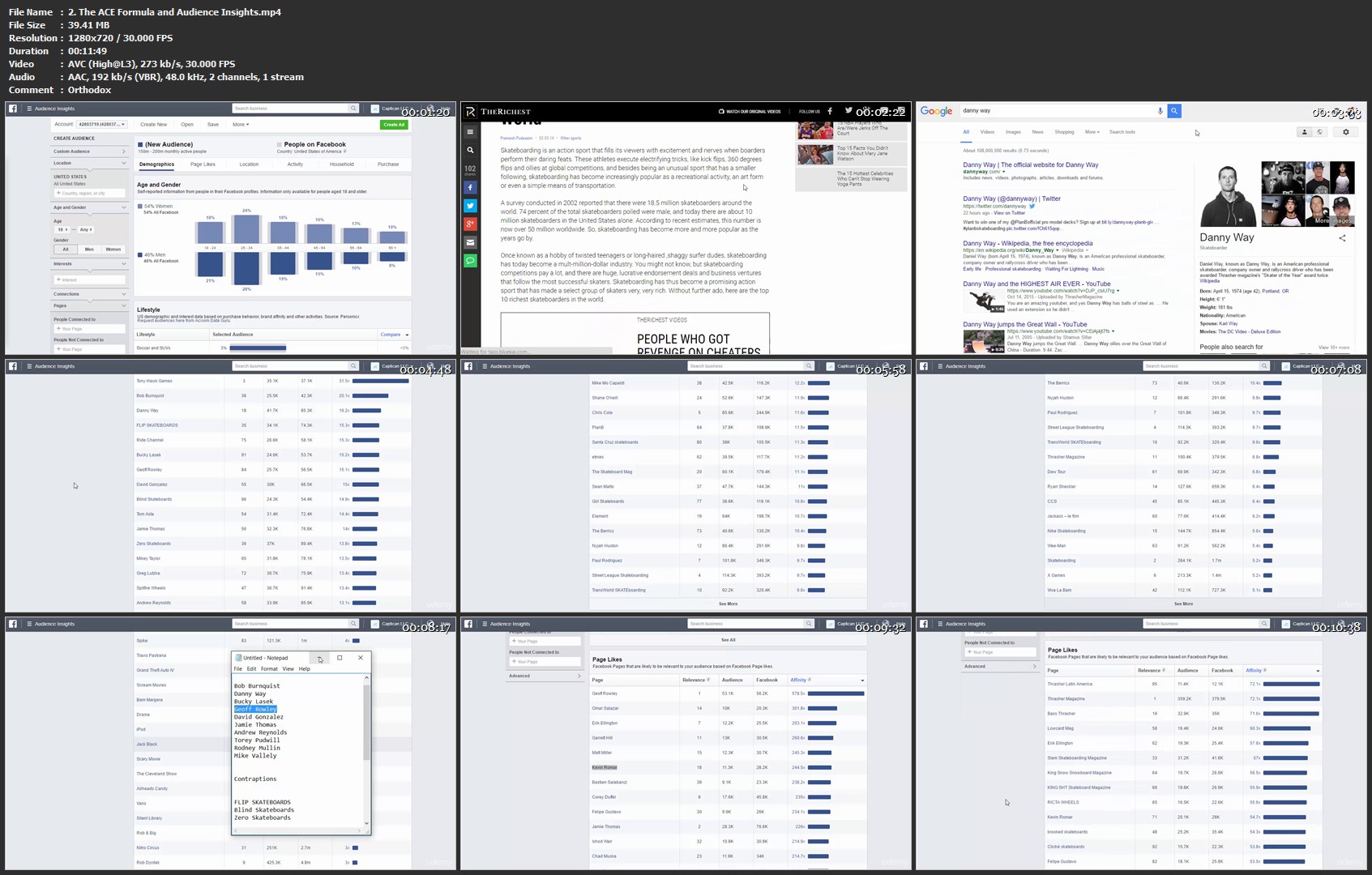
2-The-ACE-Formula-and-Audience-Insights-mp4.jpg


...
 
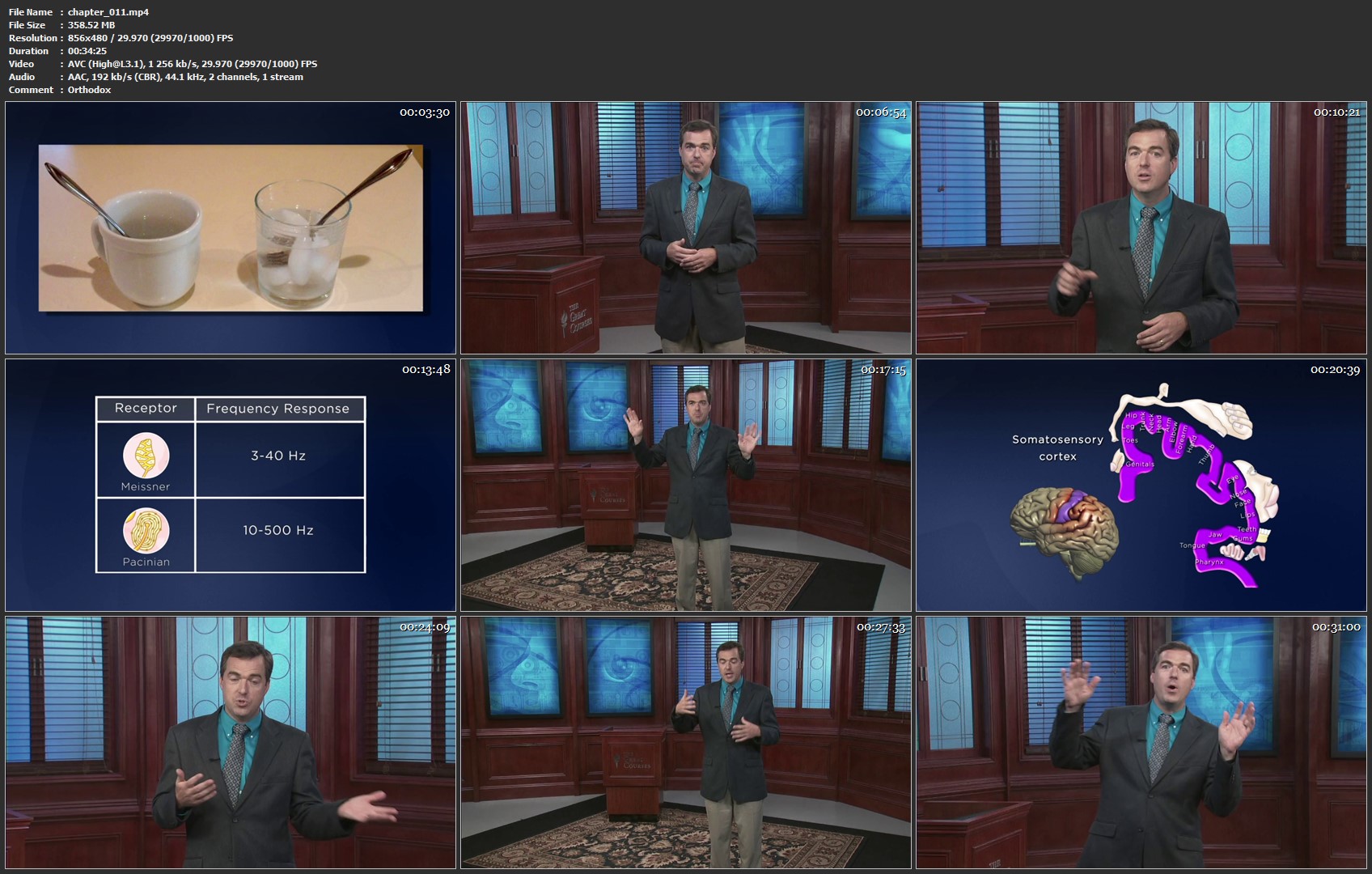
Understanding the Secrets of Human Perception

Msd-Fj9z-XAs-FQo7-Ac-Qq-I76fu65wl-Hb-Pp-Y.jpg


Understanding the Secrets of Human Perception
MP4 | Video: 856x480 | Audio: AAC, 44.1Khz , 2ch | Duration: 12 hours | Language: English | 7.4 GB

Your senses aren't just a part of you-they define you. Nothing that you experience in your life, from the most important to the most mundane, would be possible without the intricate power of your senses. But how much about them do you really know?

Full Description
Your ability to sense and perceive the world around you is so richly detailed and accurate as to be miraculous. No other animal, no expertly designed supercomputer-nothing in the entire universe of scientific exploration can even come close to matching the ability of your brain to use information sensed by your eyes, ears, skin, tongue, and nose to produce a rich sensory experience in a matter of milliseconds.

And in recent years, neurobiologists and other scientists have uncovered new insights into how your senses work and all the amazingly complex and fascinating things they can do, whether you're aware of them or not. Knowing how your senses work and the ways they shape how you see, interact with, and understand your life will help you think more critically about everything you sense and perceive, strengthen your appreciation for the everyday marvels of your senses, prepare you to be active consumers of new scientific evidence on how our senses work, and much more.

Discover the secret life of your senses with Understanding the Secrets of Human Perception, an intriguing and unforgettable 24-lecture course delivered by award-winning Professor Peter M. Vishton of The College of William & Mary-a masterful educator who has spent several decades immersed in exploring the frontiers of human perception. With him as your authoritative guide, you'll

consider each of your senses from a wide range of perspectives,
explore how your brain processes different sensory information,
consider how your senses work together and within the real-world context of the environment around you, and
discover how your senses connect you to the world and to other people.
Discover Why There's More to Your Senses than You Ever Imagined

"Perception feels so easy and functions so automatically that many people assume there must not be much to it," notes Professor Vishton at the start of this course. "Let me assure you that there is." And while this subject is one of great scientific depth, it is made accessible and approachable by Professor Vishton's engaging teaching style and his ability to organize the broad range of information out there into several core areas.

Hardware of Sensation and Perception: Key to understanding how perception works is knowing details about the biological "hardware" itself. Professor Vishton gives you a thorough tour of information about your eyes, tongue, ears, skin, and other sensory organs; the neurons that connect with them; and the brain systems that make sense of your surroundings.
Visual Perception: Because the vast majority of perception research has been conducted on the sense of vision and because humans are extensively visual creatures, you spend time on fundamental topics in the domain of visual perception. These topics include how you perceive motion, depth, and color.
Perceptual Systems and Development: You'll also consider how your perceptual systems develop throughout your life, from infancy to adulthood. Among the subjects you learn about are action control, perception and attention, subliminal perception, and perceptual learning.
Your Other Senses: Just as important to a well-rounded grasp of sensation and perception are your other, nonvisual modalities of perception. Professor Vishton offers you an expert's look at our latest knowledge about taste and olfaction, hearing, speech and language perception, touch, kinesthetic perception, and even the perception of pain.
Your Senses in the Real World: Finally, you'll see how everything comes together in a series of lectures devoted to real-world situations and interesting topics involving sensation and perception. Professor Vishton discusses illusions, the relationship between perception and emotions, the possibilities of fixing and replacing damaged sensory systems, and more.
Learn Eye-Opening Truths about How You Perceive Your World

In addition to information about how your senses work and interact, Understanding the Secrets of Human Perception is packed with amazing facts that will open your eyes to just how little you thought you knew about such an essential-almost subconscious-part of your daily life. Professor Vishton's highly enjoyable lectures will amaze you with eye-opening truths about how you sense your world.

We classically consider humans to have five senses, but in fact, you have many more. Strictly speaking, you have one sense of touch dedicated to pressure, another for heat and cold, another for vibration and texture-and that's just one of your traditional senses!
People often think that if you close one eye, you'll lose your ability to perceive depth. But because there are other sources of information that influence how you sense depth, you are still able to see and judge distances just fine!
Your brain can generate flavor preferences based on what your body needs. For example, peanut butter may not smell good to you, but if you are very hungry-particularly if your body has a need for protein and magnesium-peanut butter may suddenly smell fantastic!
There appears to be a neural reality to the expression "it hurts to watch." If you feel strong emotional ties to someone, then when he or she experiences pain, so do you; not just figurative pain but, to some extent, physical pain that can be measured.

And that's only a small sampling of the many insights you'll uncover as you journey deep inside the inner workings of human perception and sensation.

Enjoy Interactive Experiments, Tests, and Demonstrations

Of course, research and experimentation plays an integral part in shaping how we know what we know about human perception. In many of this course's lectures, Professor Vishton-who has explored human perception in research projects supported by the National Science Foundation and other organizations-invites you to participate in simple experiments, tests, and demonstrations while watching or listening that will hammer home your understanding of how your senses operate.

Stare at footage of a downward-moving waterfall for two minutes in order to see upward drifting motion-even where there is nothing actually moving. Professor Vishton explains what these visual "aftereffects"tell you about motion perception in general.
Listen to the repetition of a particular syllable with your eyes closed and then again while watching someone mouth a different syllable. When watching the video, your natural lip-reading abilities cause you to perceive a different sound, even though the sound itself never changes.
Plug your nose and take a bite of an onion to notice its sweetness and juiciness without the sting of its odor. What you perceive as taste is largely your sense of smell.
Combine this interactive way of learning with Professor Vishton's numerous awards and accolades-including The College of William & Mary's Alumni Fellowship Award for excellence in teaching-and you've got a world-class learning experience that will undoubtedly change the way you think about your senses. After you've taken Understanding the Secrets of Human Perception, you won't eat dinner, listen to a conversation, sit in a chair, or pick up an object in the same way again.

chapter-011-mp4.jpg


...
 
Using Git for Source Control in Visual Studio 2019

00651e77.jpg


Using Git for Source Control in Visual Studio 2019
MP4 | Video: AVC 1280x720 | Audio: AAC 44KHz 2ch | Duration: 2 Hours | 367 MB
Genre: eLearning | Language: English

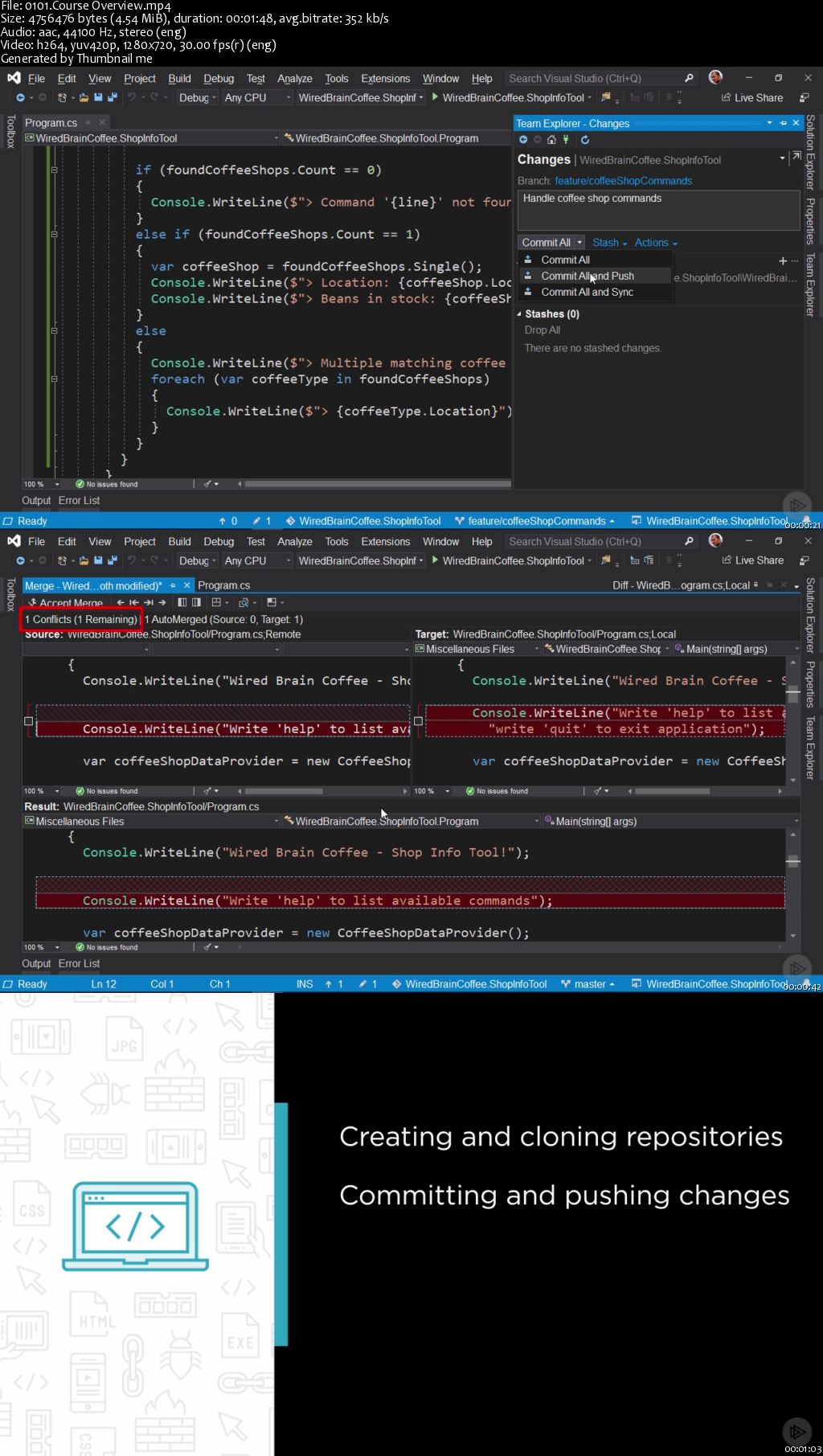
Git is the most commonly used version control system. In this course you will learn how to use Git in Visual Studio 2019 while working on a .NET application in the context of a small team.

At the core of working on a project with Git and Visual Studio 2019 is a thorough knowledge of Visual Studio's integrated Git support. In this course, Using Git for Source Control in Visual Studio 2019, you will learn the skills you need to use Git directly in Visual Studio 2019. First, you will learn how to create, push, and clone Git repositories. Next, you will discover how to commit and synchronize changes, and how to resolve merge conflicts. Finally, you will examine how to work with branches and how to create and review pull requests in Visual Studio 2019. When you're finished with this course, you'll have a foundational knowledge of working with Git in Visual Studio 2019 that will help you as you move forward to work on your projects that use Git as a version control system.

00651e76.jpg


...
 
Word Tips Weekly (Updated)

571619-636897066766648593-16x9.jpg


Word Tips Weekly (Updated 4/1/2019)
MP4 | Video: h264, 1280x720 | Audio: AAC, 48 KHz, 2 Ch | Duration: 8h 5m
Genre: eLearning | Language: English + Sub | Size: 1,28 GB

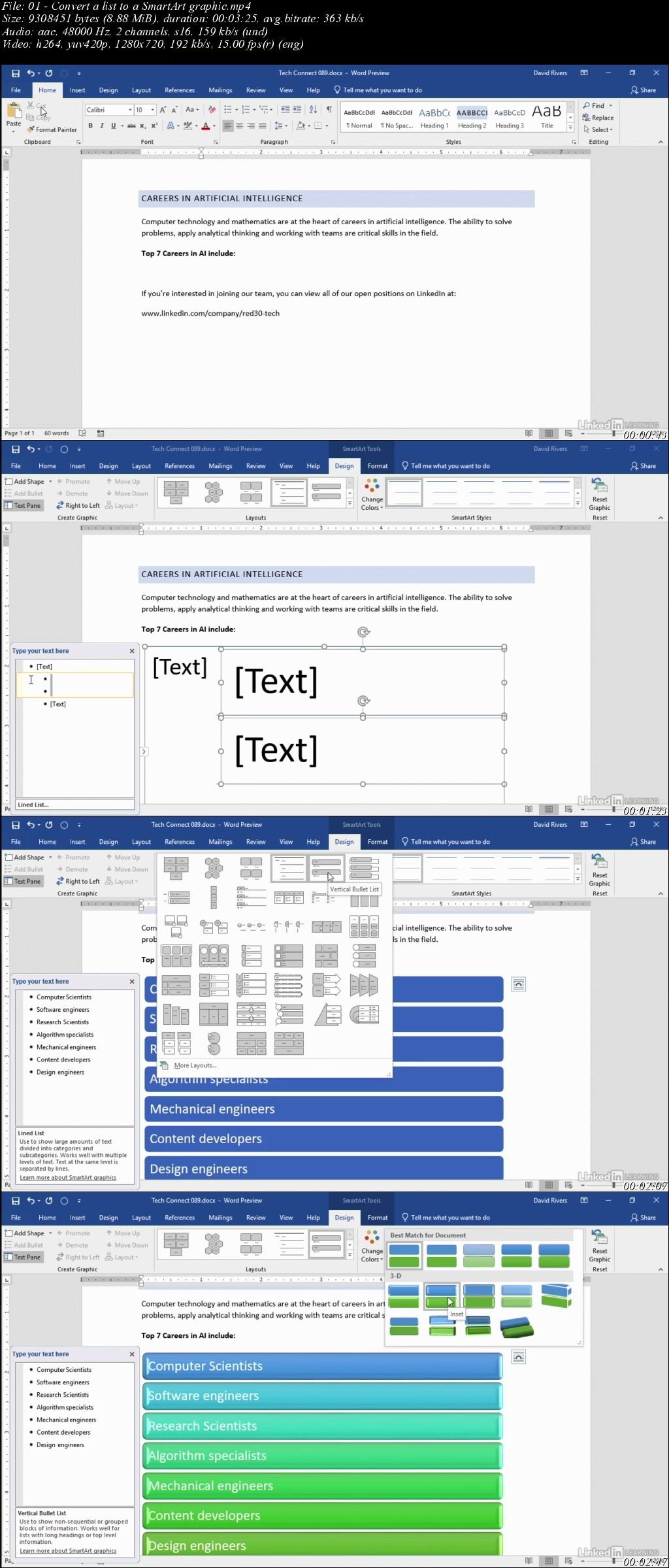
Become a Microsoft Word power user in just a few minutes a week. This tips-based series helps you deepen your proficiency with Word, covering a variety of tools and techniques you can use. Learn how to format documents, work with templates, customize built-in styles and themes, master Track Changes, and more. Check back each week for a new pro tip from expert David Rivers.

Note: Because this course an ongoing series, viewers will not receive a certificate of completion.

Homepage

T3-Sca9d4f0b-HNOLz-MFNjfb-T6-Jd2l-R8b-K.jpg


...
 
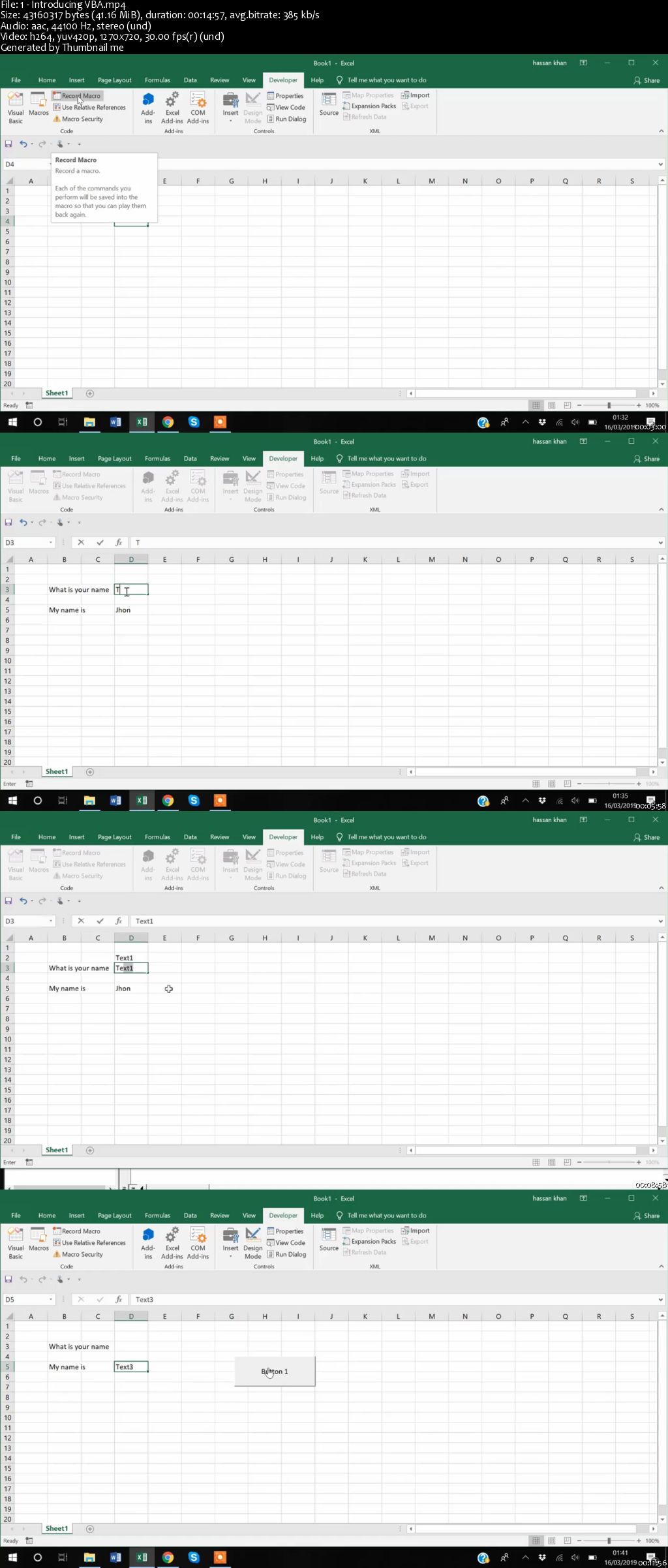
Visual Basic for Applications (VBA) for Microsoft Excel

006522b0.jpg


Visual Basic for Applications (VBA) for Microsoft Excel
MP4 | Video: AVC 1280x720 | Audio: AAC 44KHz 2ch | Duration: 2 Hours | 510 MB
Genre: eLearning | Language: English

Learn how to do amazing things in Microsoft Excel using Visual Basic for Applications (VBA) in this 9-part video series:

Introducing VBA. This first clip in this VBA video series introduces you to the world of Visual Basic for Applications (VBA). Learn what needs to be in place before using VBA such as the Developer tab in Microsoft Excel. We introduce macros as well.
Functions in VBA. This second clip in this VBA video series shows how to create a function in Visual Basic for Applications (VBA) in Microsoft Excel. Follow along through several practical examples.
For-loops in VBA. This third clip in this VBA video series shows how to create a loop in Visual Basic for Applications (VBA) in Microsoft Excel.
Nested loops in VBA. This fourth clip in this VBA video series shows how to leverage loops within loops (known as nested loops), in Visual Basic for Applications (VBA) in Microsoft Excel.
Summary Statistics in VBA. This fifth clip in this VBA video series shows how to leverage summary statistics in Visual Basic for Applications (VBA) in Microsoft Excel. Learn how to write to multiple Microsoft Excel sheets using functions such as Sum, Variance, and Average.
Macros in VBA. This sixth clip in this VBA video series shows how to create macros in Visual Basic for Applications (VBA), which work across multiple Microsoft Excel sheets.
Exporting Modules, Ranges, and Functions in VBA. This seventh clip in this VBA video series shows how to export modules, ranges, and functions to be used across Microsoft Excel files.
If Conditions in VBA. This eighth clip in this VBA video series explains how to create a conditional statement in Visual Basic for Applications (VBA) for Microsoft Excel.
User Forms in VBA. This ninth clip in this VBA video series shows you how to create a user form in Visual Basic for Applications (VBA) for Microsoft Excel.

006522b4.jpg


...
 
What's New in Visual Studio 2019

00651e82.jpg


What's New in Visual Studio 2019
MP4 | Video: AVC 1280x720 | Audio: AAC 44KHz 2ch | Duration: 1 Hour | 150 MB
Genre: eLearning | Language: English

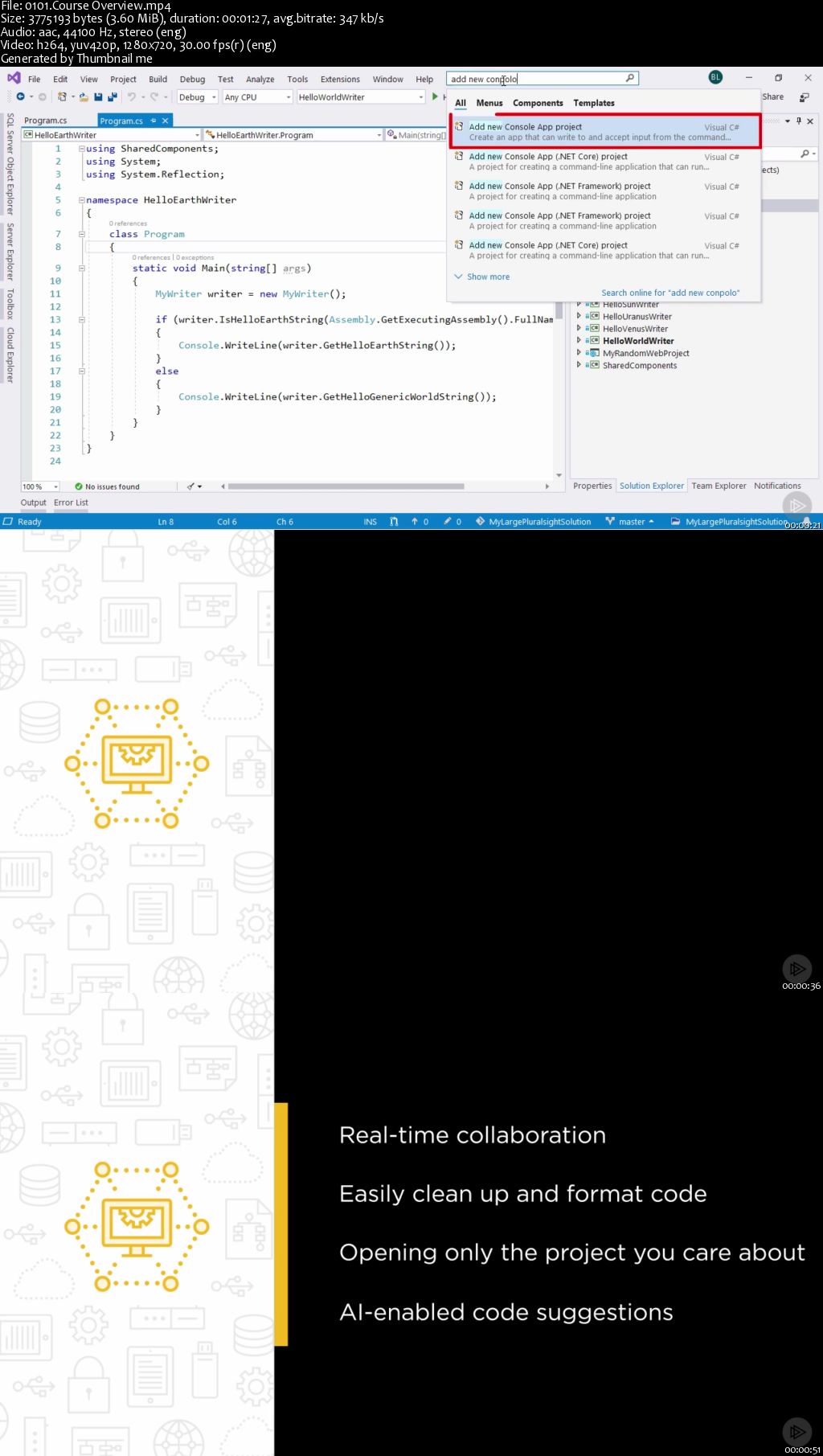
Visual Studio 2019 improves your software quality. In this one-hour course, you'll learn what's new in Visual Studio 2019 and how it will make you more productive.

Learn what's new in Visual Studio 2019. In this course, What's New in Visual Studio 2019, you will learn foundational knowledge of how to become productive with the new features in Visual Studio 2019. First, you will see what Visual Studio Live Share is. Next, you will discover the enhanced search and one-click code cleanup. Finally, you will explore how to manage Git pull requests from Visual Studio and what IntelliCode is. When you are finished with this course, you will have the skills and knowledge of Visual Studio 2019 needed to become more productive and improve your software quality.

00651e80.jpg


...
 
Zurück
Oben Unten