• Regeln für den Video-Bereich:

    In den Börsenbereich gehören nur Angebote die bereits den Allgemeinen Regeln entsprechen.

    Einteilung

    - Folgende Formate gehören in die angegeben Bereiche:
    - Filme: Encodierte Filme von BluRay, DVD, R5, TV, Screener sowie Telesyncs im Format DivX, XviD und x264.
    - DVD: Filme im Format DVD5, DVD9 und HD2DVD.
    - HD: Encodierte Filme mit der Auflösung 720p oder darüber von BluRay, DVD, R5, TV, Screener sowie Telesyncs im Format x264.
    - 3D: Encodierte Filme von BluRay, die in einem 3D Format vorliegen. Dies gilt auch für Dokus, Animation usw.
    - Serien: Cartoon/Zeichentrick, Anime, Tutorials, Dokumentationen, Konzerte/Musik, Sonstiges sind demnach in die entsprechenden Bereiche einzuordnen, auch wenn sie beispielsweise im High Definition-Format oder als DVD5/DVD9/HD2DVD vorliegen. Ausnahme 3D.
    - Bereich Englisch: Englische Releases gehören immer in diesen Bereich.
    - Bereich Talk: Der Bereich, in dem über die Releases diskutiert werden kann, darf, soll und erwünscht ist.


    Angebot/Beitrag erstellen

    - Ein Beitrag darf erst dann erstellt werden, wenn der Upload bei mindestens einem OCH komplett ist. Platzhalter sind untersagt.
    - Bei einem Scenerelease hat der Threadtitel ausschließlich aus dem originalen, unveränderten Releasenamen zu bestehen. Es dürfen keine Veränderungen wie z.B. Sterne, kleine Buchstaben o.ä. vorgenommen werden. Ausnahme Serienbörse:
    - Bei einem Sammelthread für eine Staffel entfällt aus dem Releasename natürlich der Name der Folge. Beispiel: Die Simpsons S21 German DVDRip XviD - ITG
    - Dementsprechend sind also u.a. verboten: Erweiterungen wie "Tipp", "empfehlenswert", "only", "reup", usw. / jegliche andere Zusatzinformation oder Ergänzung, welche nicht in obiger Beschreibung zu finden ist.

    Aufbau des Angebots und Threadtitel

    Der Titel nach folgendem Muster erstellt zu werden. <Name> [3D] [Staffel] [German] <Jahr> <Tonspur> [DL] [Auflösung] <Quelle> <Codec> - <Group>
    Beispiel: The Dark Knight German 2008 AC3 DVDRip XviD - iND
    Beispiel: The Dark Knight 2008 DTS DL BDRip x264 - iND
    Beispiel: The Dark Knight 2008 AC3 DL BDRip XviD - iND
    Beispiel: The Dark Knight German 2008 AC3 720p BluRay x264 iND
    Beispiel: The Dark Knight 2008 DTS DL 1080p BluRay x264 iND
    Beispiel: Die Simpsons S01 German AC3 DVDRip XviD iND
    Beispiel: Die Simpsons S20 German AC3 720p BluRay x264 iND
    Beispiel: Sword Art Online II Ger Sub 2014 AAC 1080p WEBRip x264 - peppermint
    Entsprechend sind also u.a. verboten: Sonderzeichen wie Klammern, Sterne, Ausrufezeichen, Unterstriche, Anführungszeichen / Erweiterungen wie "Tipp", "empfehlenswert", "only", "reup", usw. / jegliche andere Zusatzinformation oder Ergänzung, welche nicht in obiger Beschreibung zu finden ist
    Ausnahmen hiervon können in den Bereichen geregelt sein.

    Die Beiträge sollen wie folgt aufgebaut werden:
    Überschrift entspricht dem Threadtitel
    Cover
    kurze Inhaltsbeschreibung
    Format, Größe, Dauer sind gut lesbar für Downloader außerhalb des Spoilers zu vermerken
    Nfo sind immer Anzugeben und selbige immer im Spoiler in Textform.
    Sind keine Nfo vorhanden z.B. Eigenpublikationen, sind im Spoiler folgende Dateiinformationen zusätzlich anzugeben :
    Quelle
    Video (Auflösung und Bitrate)
    Ton (Sprache, Format und Bitrate der einzelnen Spuren)
    Untertitel (sofern vorhanden)
    Hosterangabe in Textform außerhalb eines Spoiler mit allen enthaltenen Hostern.
    Bei SD kann auf diese zusätzlichen Dateiinformationen verzichtet werden.

    Alle benötigten Passwörter sind, sofern vorhanden, in Textform im Angebot anzugeben.
    Spoiler im Spoiler mit Kommentaren :"Schon Bedankt?" sind unerwünscht.


    Releases

    - Sind Retail-Release verfügbar, sind alle anderen Variationen untersagt. Ausnahmen: Alle deutschen Retail-Release sind CUT, in diesem Fall sind dubbed UNCUT-Release zulässig.
    - Im Serien-Bereich gilt speziell: Wenn ein Retail vor Abschluss einer laufenden Staffel erscheint, darf diese Staffel noch zu Ende gebracht werden.62
    - Gleiche Releases sind unbedingt zusammenzufassen. Das bedeutet, es ist zwingend erforderlich, vor dem Erstellen eines Themas per Suchfunktion zu überprüfen, ob bereits ein Beitrag mit demselben Release besteht. Ist dies der Fall, ist der bereits vorhandene Beitrag zu verwenden.
    - P2P und Scene Releases dürfen nicht verändert oder gar unter einem iND Tag eingestellt werden.


    Support, Diskussionen und Suche

    - Supportanfragen sind entweder per PN oder im Bereich Talk zu stellen.
    - Diskussionen und Bewertungen sind im Talk Bereich zu führen. Fragen an die Uploader haben ausschließlich via PN zu erfolgen, und sind in den Angeboten untersagt.
    - Anfragen zu Upload-Wünschen sind nur im Bereich Suche Video erlaubt. Antworten dürfen nur auf Angebote von MyBoerse.bz verlinkt werden.


    Verbote

    - Untersagt sind mehrere Formate in einem einzigen Angebotsthread, wie beispielsweise das gleichzeitige Anbieten von DivX/XviD, 720p und 1080p in einem Thread. Pro Format, Release und Auflösung ist ein eigener Thread zu eröffnen.
    - Grundsätzlich ebenso verboten sind Dupes. Uploader haben sich an geeigneter Stelle darüber zu informieren, ob es sich bei einem Release um ein Dupe handelt.
    - Gefakte, nur teilweise lauffähige oder unvollständige Angebote sind untersagt. Dies gilt auch für eigene Publikationen, die augenscheinlich nicht selbst von z.B. einer DVD gerippt wurden. Laufende Serien, bei denen noch nicht alle Folgen verfügbar sind, dürfen erstellt und regelmäßig geupdatet werden.
    - Untersagt sind Angebote, welche nur und ausschließlich in einer anderen Sprache als deutsch oder englisch vorliegen. Ausnahmen sind VORHER mit den Moderatoren zu klären.


    Verstoß gegen die Regeln

    - Angebote oder Beiträge, die gegen die Forenregeln verstoßen, sind über den "Melden"-Button im Beitrag zu melden.
  • Bitte registriere dich zunächst um Beiträge zu verfassen und externe Links aufzurufen.


Englische Tutorials

RESTful API with Laravel: Build a real API with Laravel

kb-C15-XBvk-PQ7-MTh-Eq473pb-T3r-Wn3lr8-F.jpg


RESTful API with Laravel: Build a real API with Laravel
Udemy / JuanD MeGon | Duration: 14 h 30 m | Video: H264 1280x720 | Audio: AAC 48 kHz 2ch | 2,31 GB | Language: English + .vtt | 2019

Build a RESTful API for a market system using Laravel and dominates the challenging RESTful skills with Laravel

With Laravel creating every component will be a breeze; you will have a project with users, sellers, buyers, transactions, products and categories. Explore all types of relationships, one to many, many to many and much much more using Eloquent the Laravel ORM.

In this course, you learn how to develop a realistic, fully implemented, and professional RESTful API with Laravel.

0-ZVjt8z-YWc-Am-E5-I0-Q3-Yz-Nvb-QNAax0h-I0.jpg


...
 
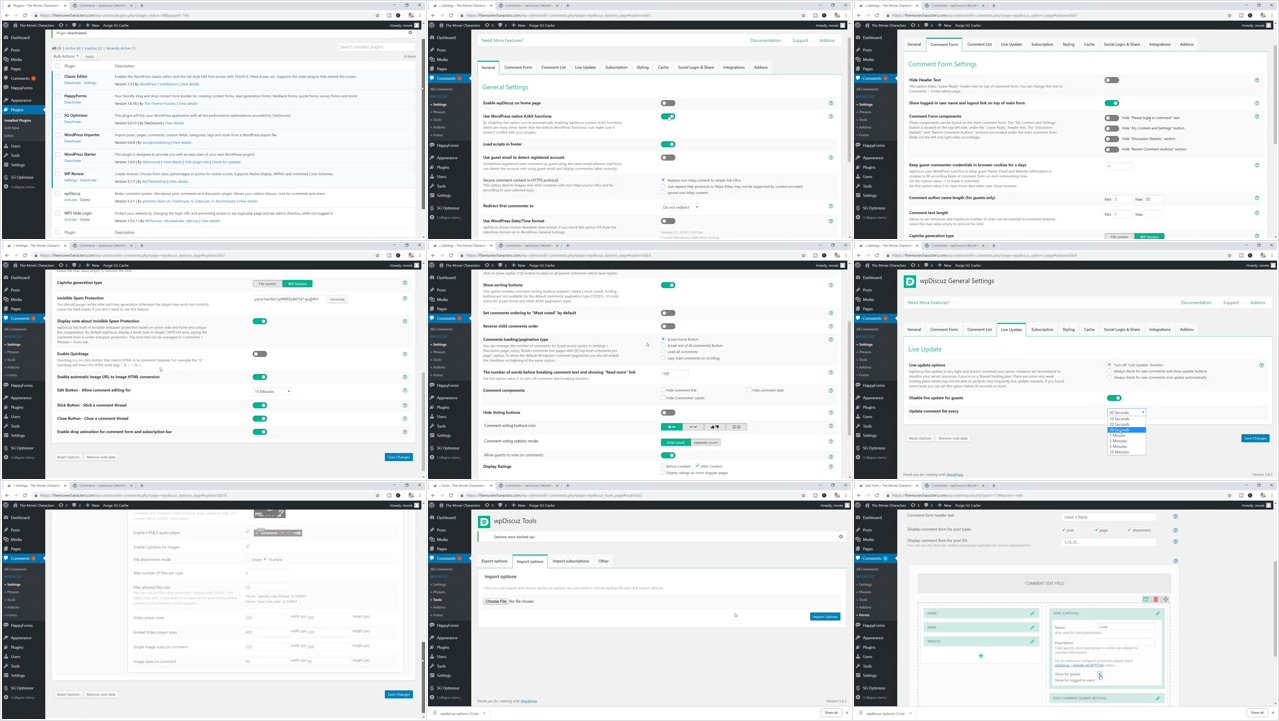
WordPress for Beginners - The Complete 2019 WordPress Guide

00650a3c.jpg


WordPress for Beginners - The Complete 2019 WordPress Guide
.MP4, AVC, 800 kbps, 1280x720 | English, AAC, 128 kbps, 2 Ch | 6h 15m | 5.12 GB
Instructor: Alexander Oni

** One of the most comprehensive WordPress courses you will ever take **

Build your very own website with this complete WordPress course - no experience, programming, or coding necessary!

Are you looking to build your WordPress website for personal use or maybe even for your business?

This course is perfect for you. This complete course is designed for beginners like you who have never built a WordPress website (or any website for that matter). You are going to learn how to use WordPress to build your website and best of all WordPress is FREE and you do not need to write any code to achieve this.

What skills are you going to learn in this course?

Okay you already know you will learn how to build a full website but to be more specific, here are some of the skills you will learn

Install WordPress either locally on your computer or live on the internet
Install SSL encryption on your website
Choose the right web hosting company
Create a professional web mail account
Work with themes and how to choose the right one
Configure a wide variety of WordPress plugins
Create and edit image galleries
Publish content with pages and posts
Create user accounts
Create privacy and policy pages
Integrate social media functionality into your website
Build your mailing list using Mailchimp
Back up your WordPress website in case of emergency.
Optimize your website so that it is noticed by Google, Bing and other major search engines
Set up comments and contact pages
Prevent spam comments
Speed up your website with caching plugins.
Export and Import content
Protect your website against hackers and malware
and much much more :)

PLUGINS YOU'LL LEARN HOW TO WORK WITH:

Plugins are programs that you can use to enhance both the functionality and design of your website and in this course you will learn how to work with the following plugins

Akismet
Happy Forms
Word Fence Security
WP Reviews
WpDiscuz
Acurax Social Media Widget
Social Buttons by Adder
Optin Forms
WPS Hide Login
Cookie Notice for GDPR
Recent Posts Extended Widget
Monster Insights
Yoast SEO
Smush
UpDraft Plus
Gutenberg Editor

Why learn from me?

Unlike a lot of other instructors with WordPress courses I am a real WordPress developer. I have been building websites with WordPress for almost 9 years now and during this time I have built hundreds of websites including some for very popular institutions like Johns Hopkins University.

I love WordPress! and I am also passionate about teaching people how to use this wonderful tool.

Who is this WordPress course for?

This course is perfect for anyone who has never built a website before. Its for individuals who want to build a website either for personal reasons or for their business but do not have any programming experience.

I can't wait to help you build your own WordPress website!

Enroll today and let me teach you how to build your WordPress website.

Alex aka 'The Web Monkey'

More Info

00650a3d.jpg


...
 
Agile & Multi-Platform Game Dev. with Unity - Tier 1

00650aac.jpg


Agile & Multi-Platform Game Dev. with Unity - Tier 1
.MP4 | Video: 1280x720, 30 fps(r) | Audio: AAC, 48000 Hz, 2ch | 1.52 GB
Duration: 11.5 hours | Genre: eLearning Video | Language: English

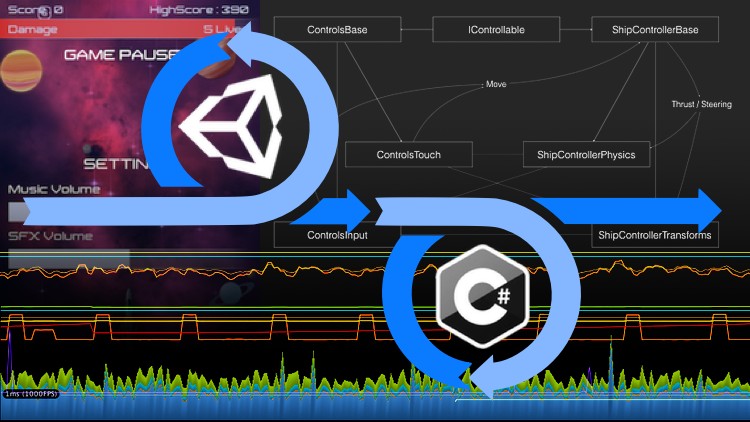
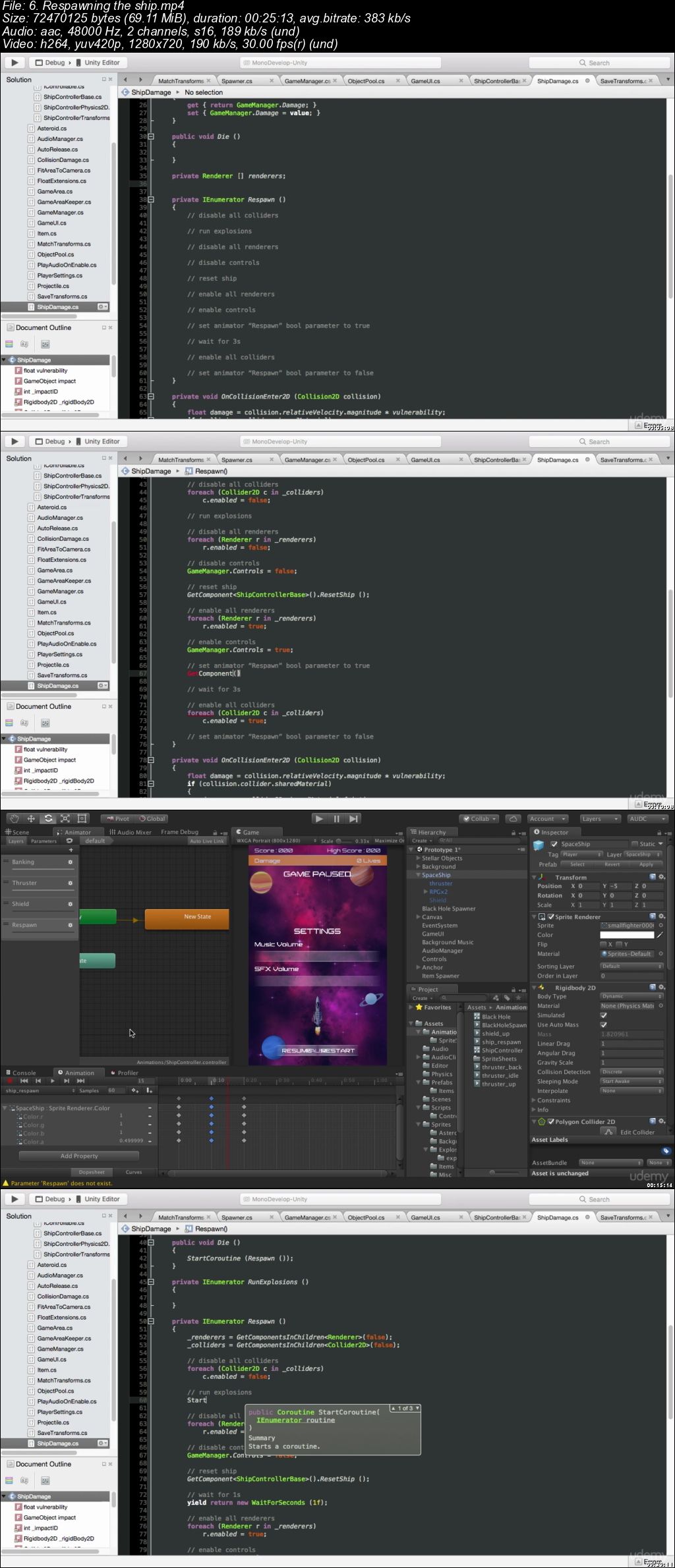
Learning game development basics, multi-platform pro tips, with Unity (5, 2017 or 2018), C#, and an Agile mindset.

What you'll learn

Import sprites, including animated sprite sheets, and putting them together in levels and reusable assets.
Develop a simple multi-platform controller to control a spaceship with both a keyboard and a touch device.
Build visible game level components with gismos.
Use visual debugging and vector maths to control where objects appear.
Setup 2D physics with colliders and rigid-bodies.
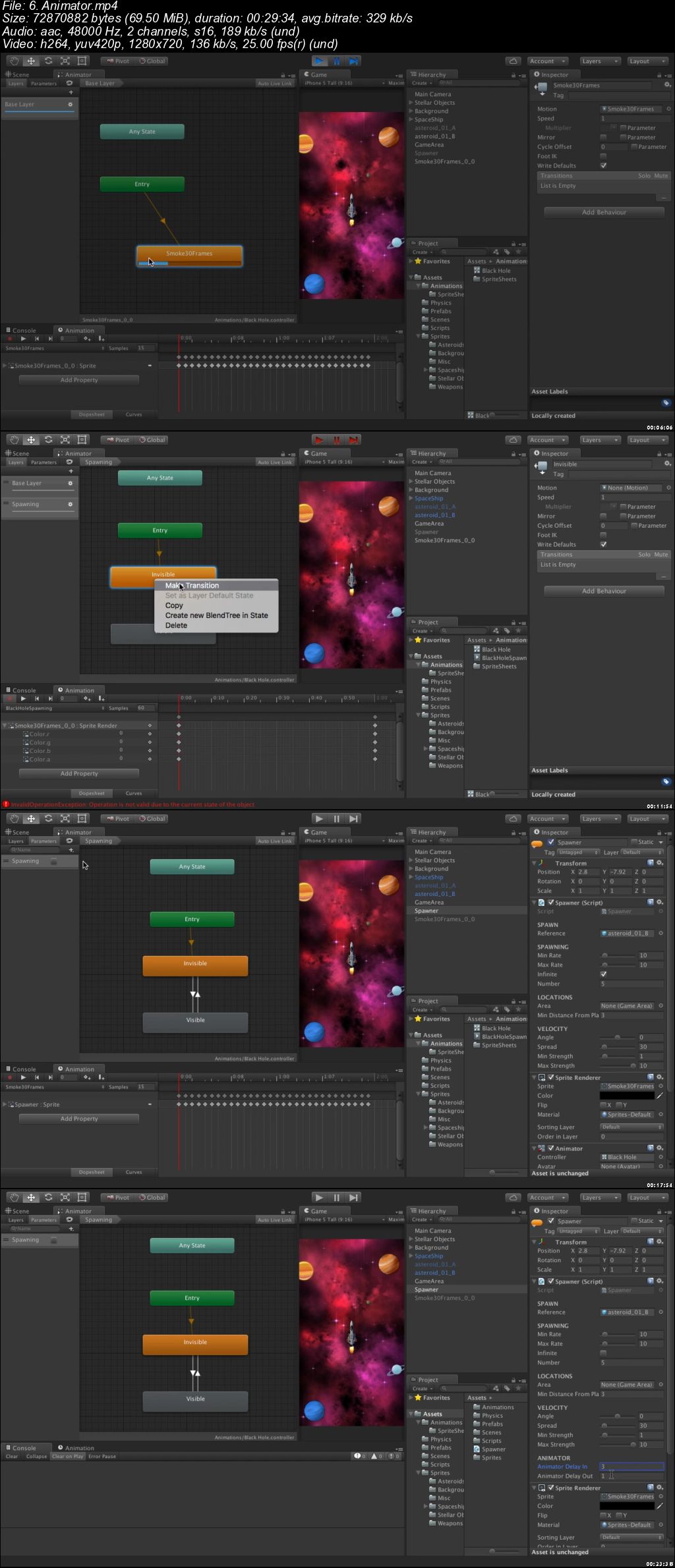
Use the Animator State Machine to drive conditional sprites animations.
Use MonoDevelop advanced features, such as Tasks, Code Templates and Debugging.
Know about all C# and Unity features you need to develop a game.
Save high-score and options settings.
Use Unity UI system to make a head's up display and options dialog.
Use the Audio Mixer to manage audio channels

Requirements

Install Unity 5.x, 2017.x or 2018.x
(Optional) Install Xcode and/or Android SDK

Description

In this series of videos, you'll learn how to develop a video game project using Unity, with Agile development practices in mind.

This course touches on the foundation principles and features of Unity. The course has been tested and is fully compatible with Unity 5.6, 2017.4 and 2018.1.

In Tier 1, we're going to touch on Unity's programming fundamentals to quickly deliver a prototype. For that, we're going to be developing a 2D space shooter. All the sprites, the sounds and other assets are provided, so that we can focus on programming.

This training is for anyone who wants to learn object oriented programming for video games. It has introduction chapters that people familiar with Unity can skip. All the programming basics are covered, and we touch on all major features of Unity. The training focuses on programming, and uses a 2D game project to keep things simple and stay away from fancy graphics features that already are well documented. Whether you know programming or not, whether you're new to Unity or already have some experience, this training will give you the good practices and help you organise yourself in the chaos of a video game project.

I'm a self-taught developer myself. I work with Unity since 2011, and was very lucky to meet with mentors who taught me a great deal about Object Oriented Programming. That's a lot to learn about when your background is not in engineering, though, I figured that if I could do it, anyone can.
I started to put this training course together a while back for a Master Class held with Unity, and decided to take it way beyond that, as I realised many developers were self-taught programmers, ex artist or designer, looking for that true programming knowledge.

I wanted to emphasise on Agile practices, while this is not an Agile training in itself, because of the huge demand for Agile programmers. Agile Development really is a mindset that you cannot push. From a programmer's perspective, it's mostly about letting go of your desire for completeness and architecture awesomeness, and willing to deliver playable software as early as possible. The responsibility given to programmers brings a lot of stress, with which comes the need to foresee, plan and control development. Then any change in the plan becomes a trouble.
Team confidence is key to Agile Development, and confidence comes with knowledge.
The more you know, the more you trust yourself, and the less you doubt.
The less you fear change, the less complex and overthought you need to make your code, and the sooner you deliver a prototype.
This training aims at empowering programmers with enough knowledge to be confident in their capability to react to design changes and always deliver the most business value in the time they're given.
Now, Agile Development isn't just about prototyping, and we'll also touch on Performances, Scalability and Reusability of the code, which is also key to maintain a project.

I really wanted this training to go beyond the usual academic training course. It does have a good share of theory, but everything is put into practice. Its course is well planned and offers a smooth learning curve, while its delivery is more like a live coding session in which I share what comes to my mind as to why I do things along with tips and tricks.

Who this course is for:

Artists and/or Designers willing to learn programming
Game Programmers willing to learn Unity
Non Game Programmers willing to learn game development

00650aad.jpg


...
 
Agile & Multi-Platform Game Dev. with Unity - Tier 2

00650ab5.jpg


Agile & Multi-Platform Game Dev. with Unity - Tier 2
.MP4 | Video: 1280x720, 30 fps(r) | Audio: AAC, 48000 Hz, 2ch | 1.40 GB
Duration: 7.5 hours | Genre: eLearning Video | Language: English

Mastering software architecture, performance optimisation and advanced Unity and C# features


What you'll learn

Use Unity Profiler to analyse performances and memory footprint.
Optimise performances with Object Pooling technique.
Use the Sprite Packer and optimise 2D rendering performances.
Use Object Oriented Programming Abstraction to architecture a multi-platform object controller.
Use Animator State Machines to drive conditional sprites animations.
Use Animator Blend Trees to blend animations based on input parameters.
Use Animation Curves to customise the controller behaviour.
Implement a switchable weapons mechanism.
Use Animator Layer weight to raise the ship shields.

Requirements

Install Unity 5.6, 2017.x or 2018.x
(Optional) Install Xcode and/or Android SDK
(Optional) Follow the Agile Unity Developer Course - Tier 1

Description

In this series of videos, you'll learn how to develop a video game project using Unity 5, with Agile development practices in mind.

In Tier 1, we touched on Unity's programming fundamentals to quickly deliver a prototype.

Tier 1 Complete Project is included so that you can jump right in!

In this second Tier will touch on Performances, Debugging, Design Patterns and other enhancements required to turn the prototype into a release.

This training is for anyone who wants to learn object oriented programming for video games. It has introduction chapters that people familiar with Unity can skip. All the programming basics are covered, and we touch on all major features of Unity. The training focuses on programming, and uses a 2D game project to keep things simple and stay away from fancy graphics features that already are well documented. Whether you know programming or not, whether you're new to Unity or already have some experience, this training will give you the good practices and help you organise yourself in the chaos of a video game project.

I'm a self-taught developer myself. I work with Unity since 2011, and was very lucky to meet with mentors who taught me a great deal about Object Oriented Programming. That's a lot to learn about when your background is not in engineering, though, I figured that if I could do it, anyone can. I started to put this training course together a while back for a Master Class held with Unity, and decided to take it way beyond that, as I realised many developers were self-taught programmers, ex artist or designer, looking for that true programming knowledge.

I wanted to emphasise on Agile practices, while this is not an Agile training in itself, because of the huge demand for Agile programmers. Agile Development really is a mindset that you cannot push. From a programmer's perspective, it's mostly about letting go of your desire for completeness and architecture awesomeness, and willing to deliver playable software as early as possible. The responsibility given to programmers brings a lot of stress, with which comes the need to foresee, plan and control development. Then any change in the plan becomes a trouble. Team confidence is key to Agile Development, and confidence comes with knowledge. The more you know, the more you trust yourself, and the less you doubt. The less you fear change, the less complex and overthought you need to make your code, and the sooner you deliver a prototype. This training aims at empowering programmers with enough knowledge to be confident in their capability to react to design changes and always deliver the most business value in the time they're given. Now, Agile Development isn't just about prototyping, and we'll also touch on Performances, Scalability and Reusability of the code, which is also key to maintain a project.

I really wanted this training to go beyond the usual academic training course. It does have a good share of theory, but everything is put into practice. Its course is well planned and offers a smooth learning curve, while its delivery is more like a live coding session in which I share what comes to my mind as to why I do things along with tips and tricks.

Who this course is for:

Artists and/or Designers willing to learn programming
Game Programmers willing to learn Unity
Non Game Programmers willing to learn game development

00650ab6.jpg


...
 
Animate 2D Lip Syncing: FlipaClip on iPad

image.jpg


Animate 2D Lip Syncing: FlipaClip on iPad
Video: .MP4, 1280x720 | Audio: AAC, 48kHz, 2ch | Duration: 44m
Genre: eLearning | Language: English | Size: 836 MB

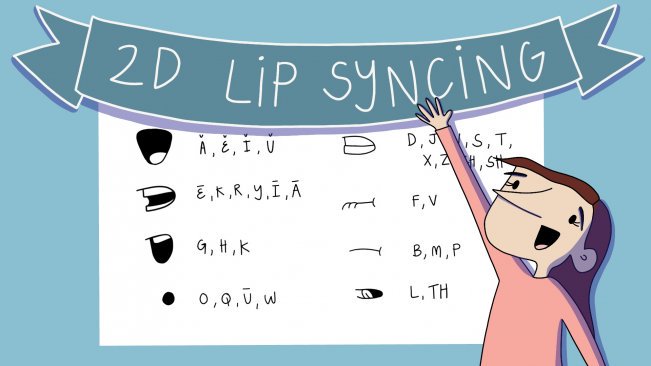
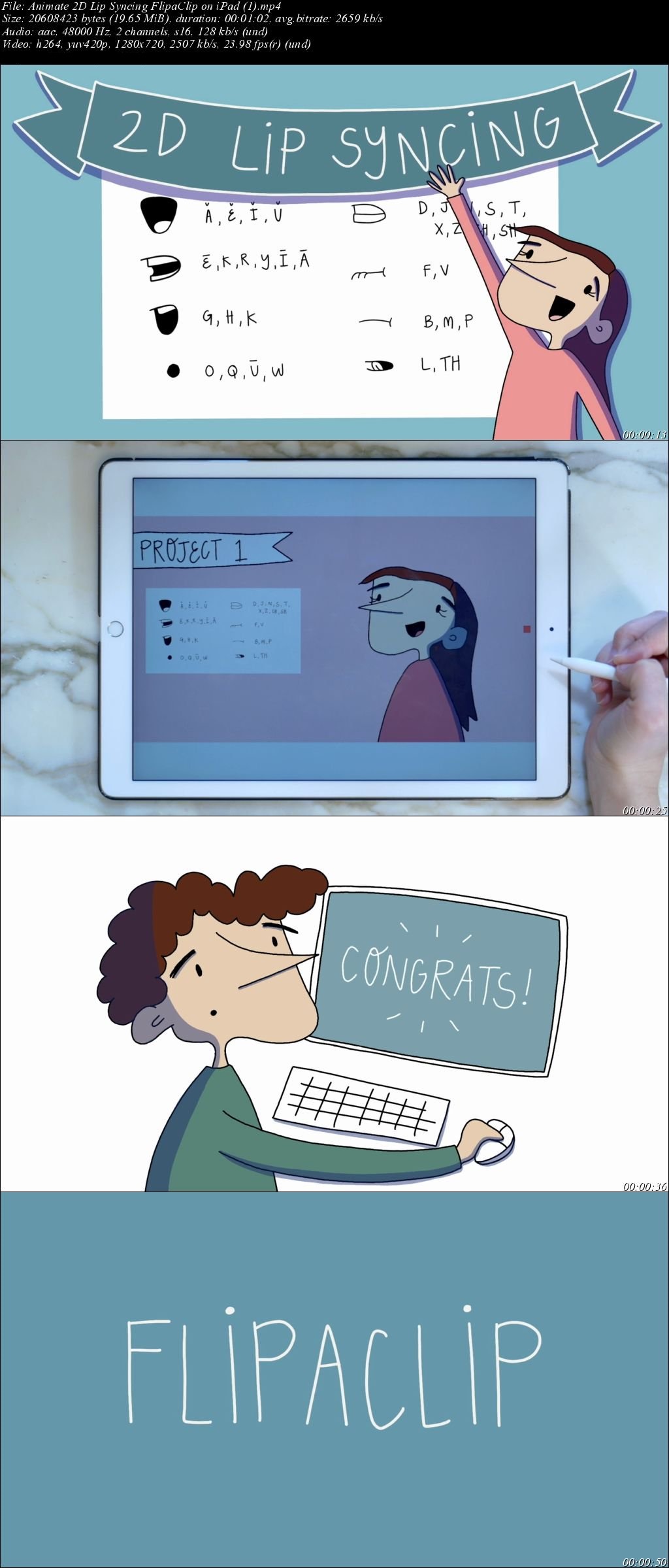
In this class, we'll go over all the basics of 2D lip syncing! We'll start by going over all of the mouth shapes, practicing a few simple lip syncs, moving the animation naturally while speaking, and all that will lead up to our final class project.

During this class, we'll be using the free app, FlipaClip, but the methods we learn will work on any 2D animation app.

If you want to learn all the basics of FlipaClip, you can check out my other Skillshare class by clicking here.

If you want to download the Lip Sync Reference Chart, click here.

Homepage

7-LKQpg-C1m34-Zer6s-ZRUdbareneej-EWOL.jpg


...
 
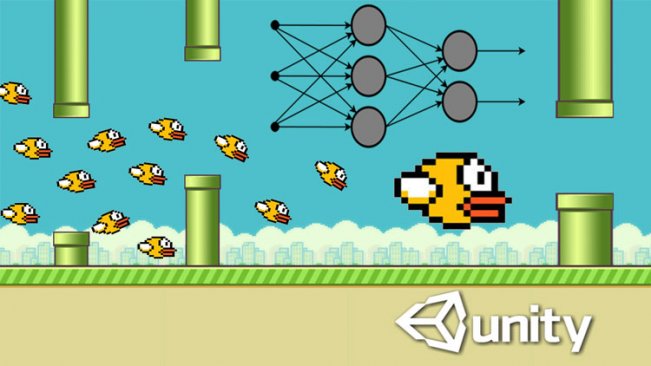
Artificial Intelligence & Machine Learning with Unity3D - A.I. learns to play Flappy Bird

image.jpg


Artificial Intelligence & Machine Learning with Unity3D - A.I. learns to play Flappy Bird
Duration: 1h 8m | Video: h264, 1280x720 | Audio: AAC, 48kHz, 2 Ch | 806 MB
Genre: eLearning | Language: English | Level: Beginner

About This Class
This crash-course is about machine Learning & Artificial Intelligence with Unity3D.

Why using Unity3D for Artificial Intelligence?

Unity3D is the perfect environment in order to train your own AIs. Let's take the example of a Self-driving Car. What you need is complex environments where there are a lots of realistic physical interactions. You could provide these datas from interactions with the real world, but this is extreme inefficient and time consuming.

Since games become more and more realistic you can provide these informations from virtual environments. And for that Unity is perfectly positioned.

So, no matter if you are a game developer who wants to create AIs for games or if you are a hobby researcher who just want to play with machine Learning . The ML-Agents toolkit is the perfect start in order to create your own AIs.

What do we learn in this crash-course?

This course is structured into 4 major sections:

Introduction
This section covers everything in order to get a quick start with the ML-Agents Toolkit. You will learn: -Set up of the ML-Agents toolkit with Tensorflow
-What is a neural-network?
-The Key Components of the Ml-Agents toolkit
3D Roller Ball AI This lecture will give you a first impression of the Ml-Agents toolkit in practice. You will learn how to set up the environment and all the necessary components in order to train the AI.
A.I. learns to play Flappy Bird Instead wasting your time with playing this game, we will code our own A.I. that learns to play Flappy Bird by using Reinforcement Learning. After training the AI is able to achieve an unlimited score in this game.
Self-driving Car The Self-driving Car is the probably the most famous example for Artificial Intelligence, so we will cover this as well. To train the Car we will use a technique called Imitation Learning. Imitation Learning is special, because this method uses the inputs from a human Player in order to train the neural network.

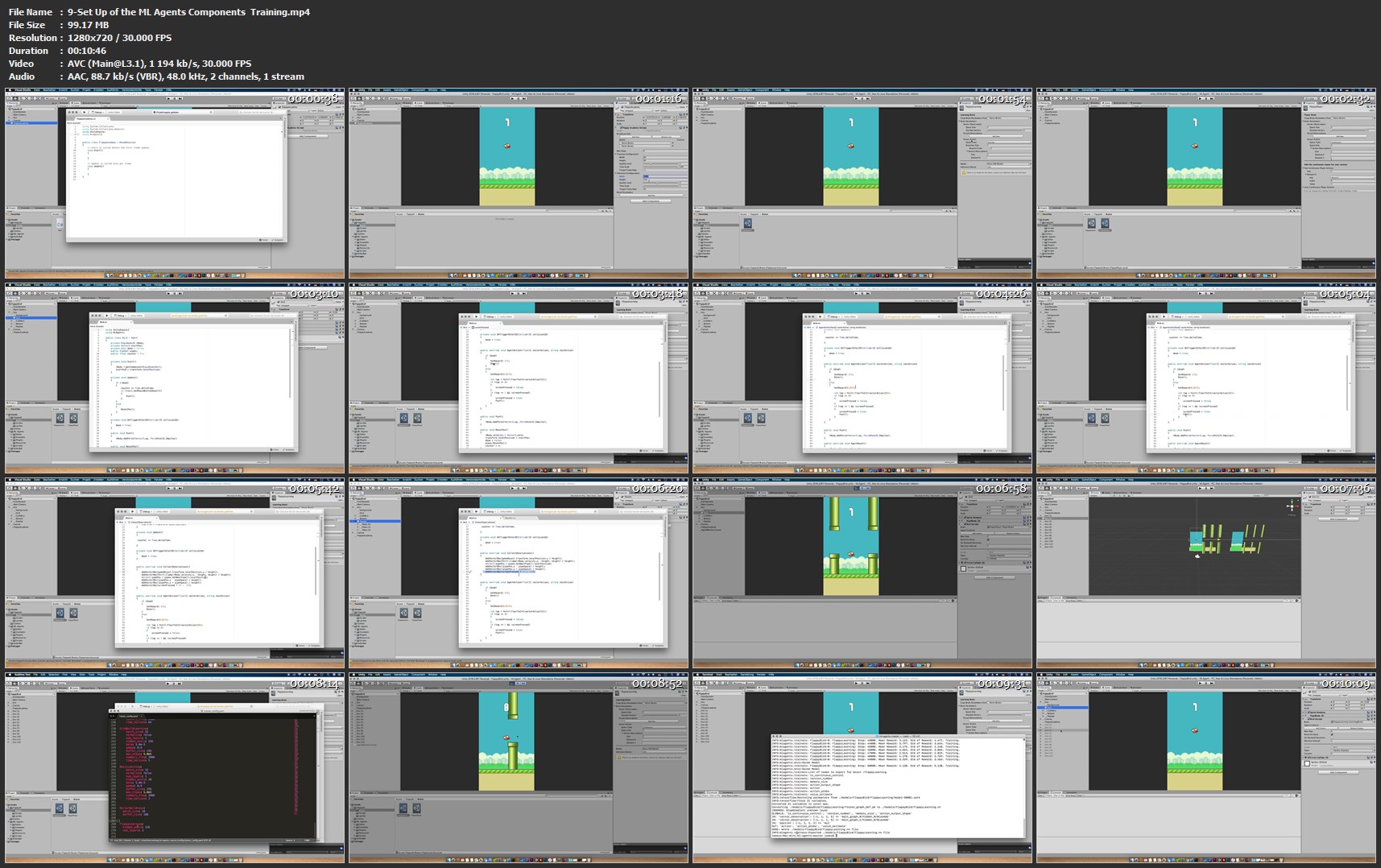
9-Set-Up-of-the-ML-Agents-Components-Training-mp4.jpg


...
 
An Ultimate Guide to Unity 3d

image.jpg


An Ultimate Guide to Unity 3d
Video: .MP4, 1280x720 | Audio: AAC, 44kHz, 2ch | Duration: 19m
Genre: eLearning | Language: English | Size: 87 MB

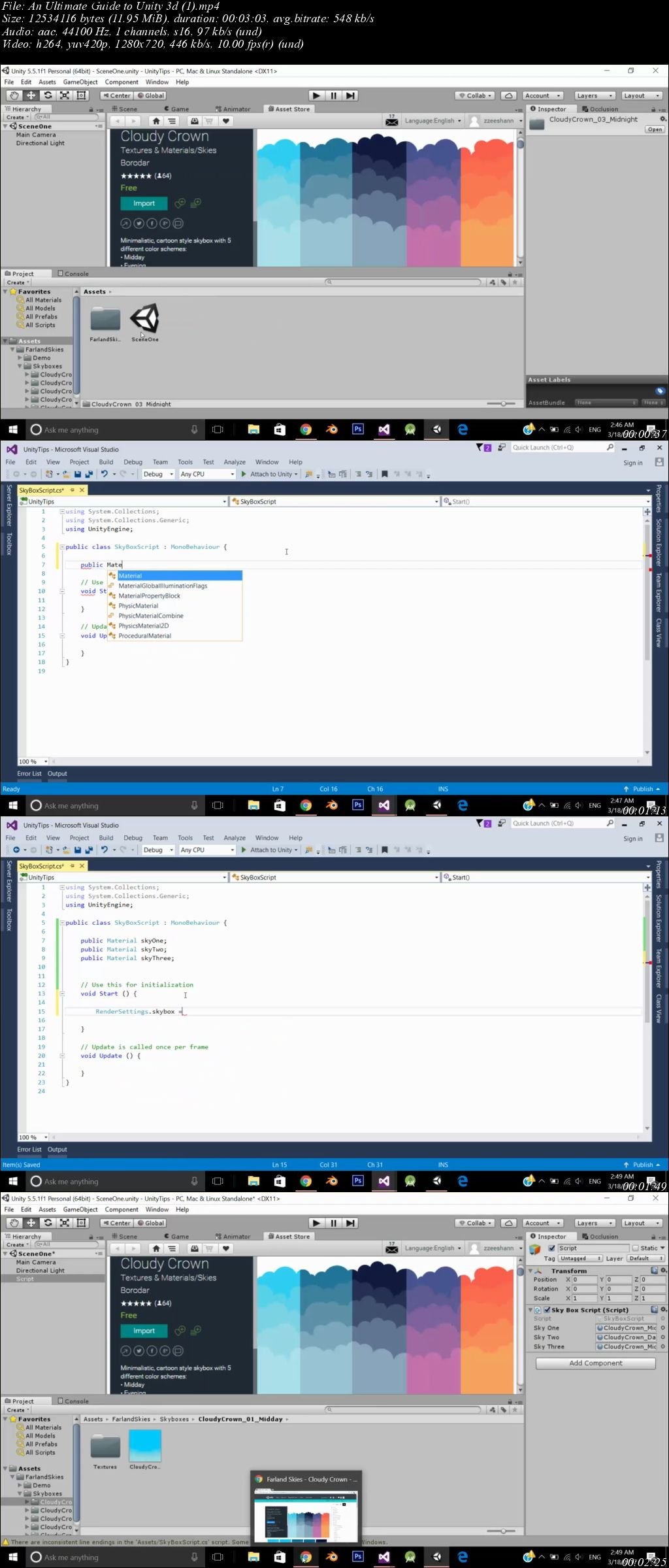
This is an ultimate guide to unity 3d game development engine where you will learn that how to fine shine your pre made games in unity 3d to stand out in the crowd of many people and make a perfect streams of income out of that.

Homepage

FWV0e-Nt-MAiuv819xzj-DBagmkyfp-K30-OI.jpg


...
 
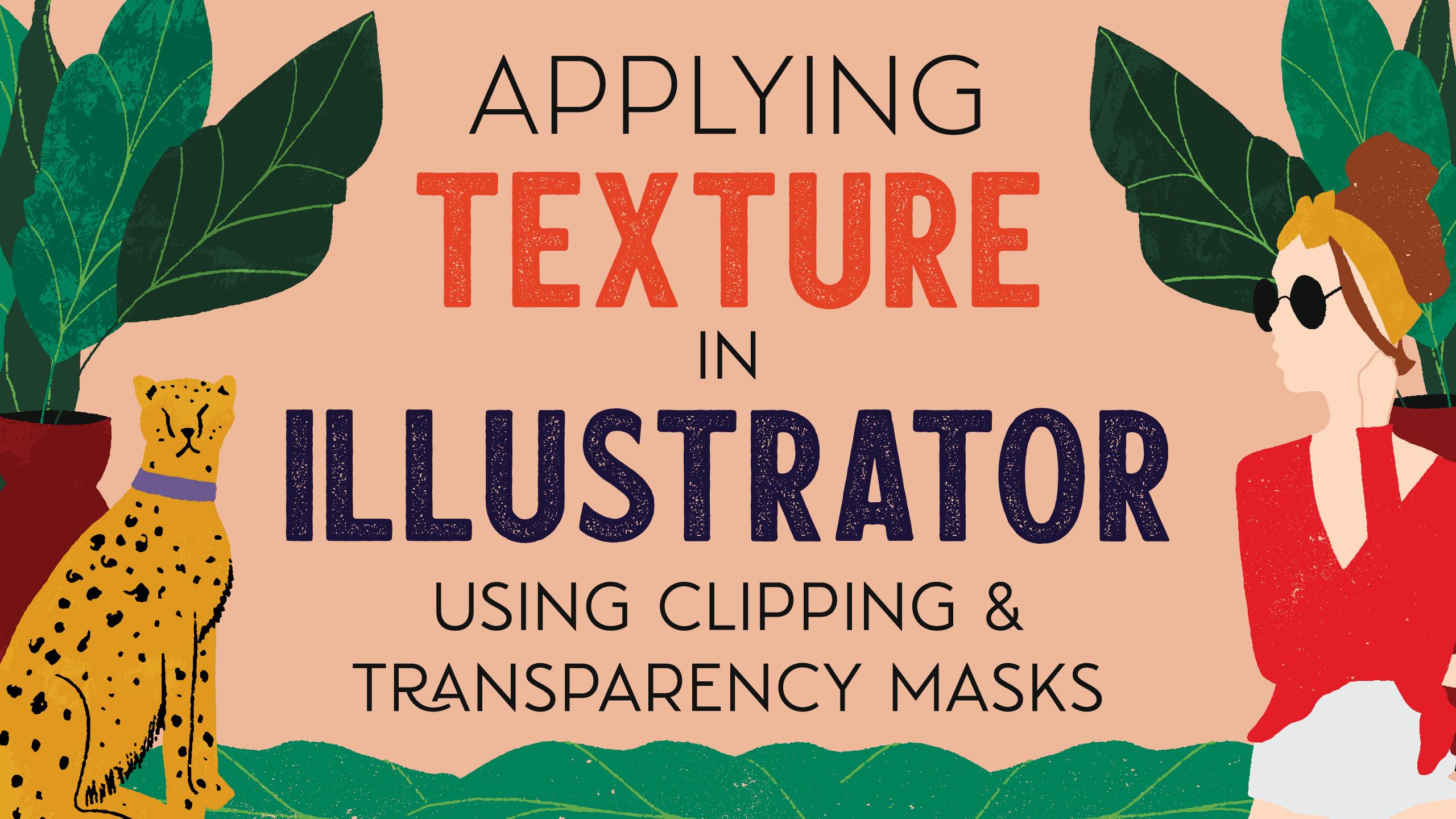
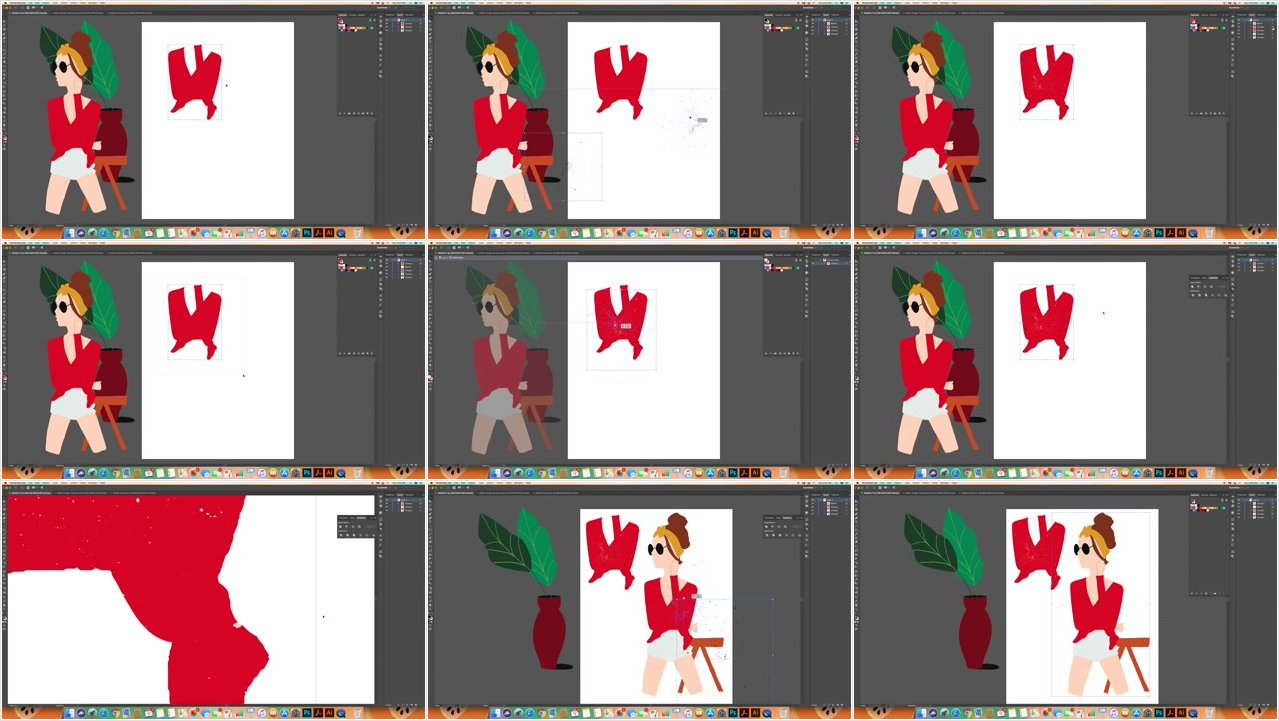
Applying Texture in Illustrator Using Clipping and Transparency Masks

00650393.jpg


Applying Texture in Illustrator Using Clipping and Transparency Masks
.MP4, AVC, 2500 kbps, 1280x720 | English, AAC, 128 kbps, 2 Ch | 18m | 230 MB
Instructor: Josie Adams

Want to liven up your flat vector images with a little yummy texture? Then this class is for you! Whether you are a fan of the grunge look or want to give your artwork more of a hand-painted vibe, this class will teach you how to apply clipping and/or transparency masks to do just that.

You will need to have some existing knowledge of the basics of Adobe Illustrator before taking this course, but not that much. This class assumes that you already know how to create shapes in Illustrator and group them together. That's really all you need to know ahead of time, though. Can't wait to see what you create!

Homepage

00650392.jpg


...
 
BPMN 2.0 with Brian : Your Business Process Modeling Guide (Updated)

ji-Jx-Bf66geh-BBHg-S5-E6g-Xus-P1ynzs-Z9-L.jpg


BPMN 2.0 with Brian : Your Business Process Modeling Guide (Updated)
$200 | Created by Brian Prenderville | Last Updated 3/2019
Duration: 2.5 hours | Video: h264, 1280x720 | Audio: AAC, 44 KHz, 2 Ch | 842 MB
Genre: eLearning | Language: English + Sub | 58 Lectures

Learn how to map great business processes using BPMN 2.0

What you'll learn
Studen'ts will be able to map business processes using Business Process Model and Notation (BPMN) 2.0. BPMN is an internationally recognised standard for documenting business processes.

Requirements
No previous knowledge of Business Process Model and Notation is required.

Description
After taking this course you will increase your value to organisations by having the skill required to model great business processes using BPMN 2.0. Perfect for beginners, this course will also be of interest to existing BPMN modelers who just need a bit of a brush up on the fundamentals.

This course takes the format of lecture and tutorial. After each new concept is introduced it is followed by practical application. You can follow along and replay the videos as much as you need, or just jump to a particular section in order to recap on a particular element.

Multiple choice questions and practical exercises using real word examples ensure that your BPMN journey is a rich and rewarding experience. You can rest assured that you are in safe hands with the knowledge that your instructor has taught BPMN to hundreds of people from countries all around the world, to companies with more than 40,000 employees and to consultants from organisations such as KPMG.

I use Signavio as the modeling tool of choice for this course. However, BPMN is tool agnostic so you can follow along with whatever tool you wish, some of which will be discussed in one of the earlier lectures.

Who this course is for:
This course is designed for people new to BPMN 2.0 and for those who may be currently using BPMN 2.0 but would like a refreseher.


...
 
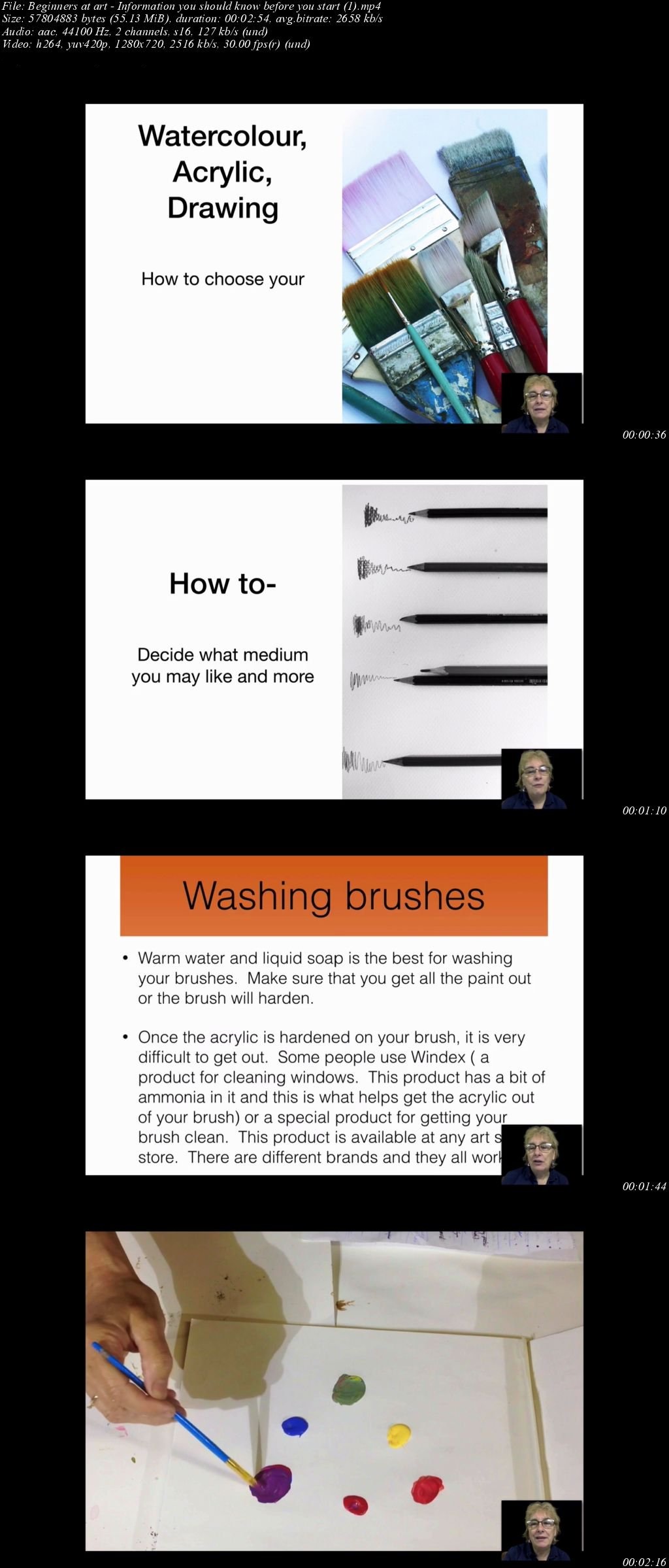
Beginners at art - Information you should know before you start

image.jpg


Beginners at art - Information you should know before you start
Video: .MP4, 1280x720 | Audio: AAC, 44kHz, 2ch | Duration: 36m
Genre: eLearning | Language: English | Size: 561 MB

This course has all the basic information that you need to get started painting. You will learn how to pick a canvas, acrylic paint and brushes. You will learn how to choose watercolour paper, brushes and paint. You will learn how to varnish your painting. You will learn many tips and tricks to painting that will help you become a better painter.

Homepage

COUlnhe-Os3-UWCUpt-MMab-EMk-U6b-G9o-RW0.jpg


...
 
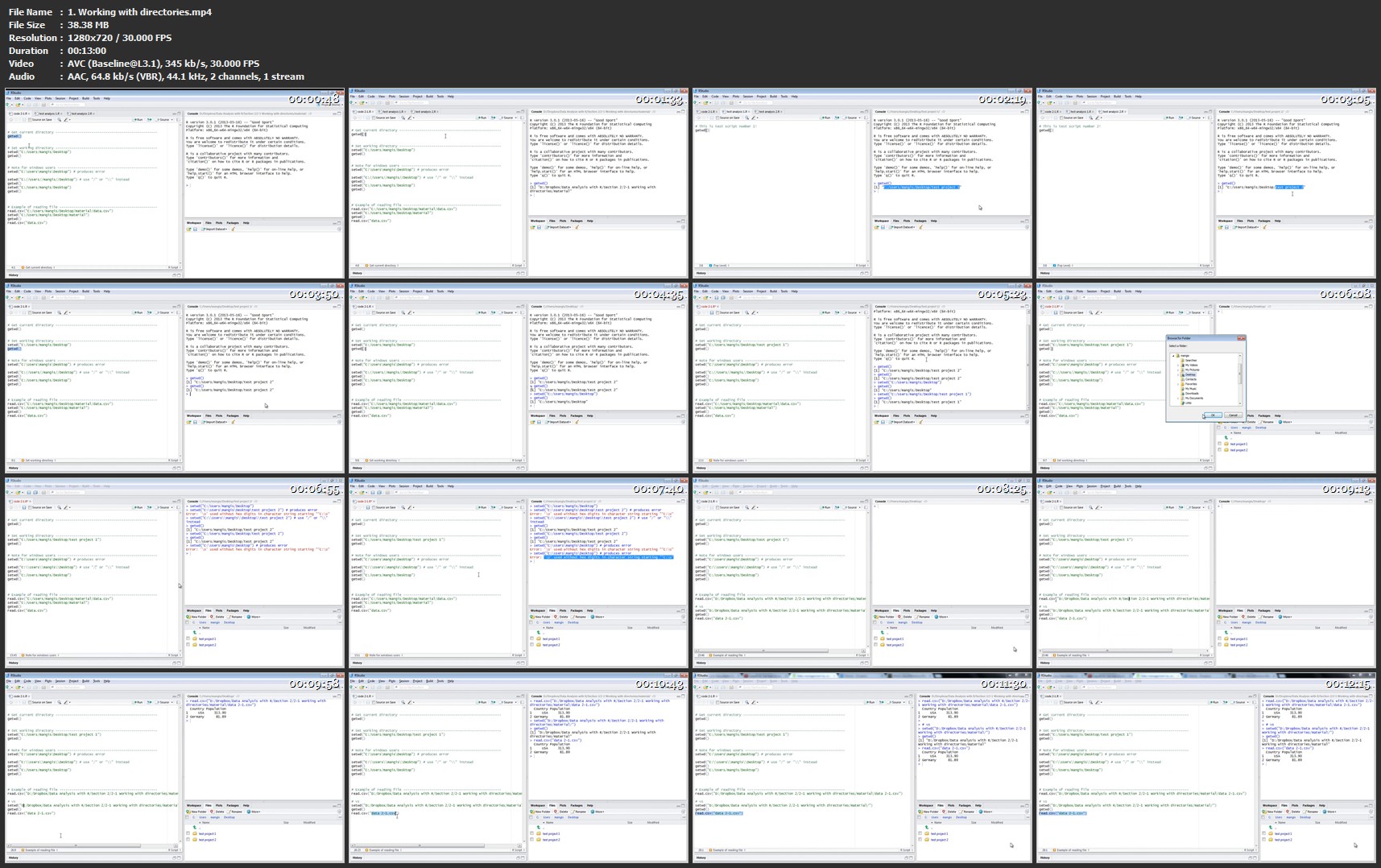
Udemy - Data Analysis with R

GQdli-Yi5-My-OGze-CJrb-Hf-UMXz-L5-AJx-WKd.jpg


Udemy - Data Analysis with R
MP4 | Video: AVC 1280x720 | Audio: AAC 48KHz 2ch | Duration: 5 Hours | Lec: 44 | 621 MB| Language: English + Sub .VTT

Learn data analytics in easy to follow stages for beginners

What you'll learn
Data Science project at the end of the course
Learn programming concepts
Conduct your independent data analysis
Learn by examples
Assignments after each section
Have fun by doing all above
Introduction to data science and analytics

Requirements
Internet connection
Computer with Mac, Windows or Linux
Desire to master data analysis

Description
Data analysis becomes essential part of every day life. After this course, you will be able to conduct data analysis task yourself. Gain insights from the data.

Will be using R - widely used tool for data analysis and visualization.

Data Science project will be core course component - will be working on it after mastering all necessary background. Doing data analysis from ground up to final insights.

Starting from very basics we will move to various input and output methods. Yet another important concept - visualization capabilities. After the course you will be able to produce convincing graphs.

Background behind functional programming will be presented - including building your own functions.

After finishing the course you will feel much more comfortable programming in other languages as well. This is because R being fully empowered programming language itself. Main programming concepts presented:

Various data types
Conditional statements
For and While loops
No previous programming knowledge required.

Finally, data mining and data science techniques in R delivered in clear fashion together with assignments to make sure you understand topics. Main statistical capabilities behind data science covered.

Course is interactive. Specific topic covered in each lecture. Each lecture includes multiple examples. All material covered in videos are available for download! This way student is able to program himself - break things and fix them.

Students will finish course in approximately 7-10 days working 3 hours per day. Time spent working individually included.

After each section assignment should be completed to make sure you understand material in the section. After you are ready with the solution - watch video explaining concepts behind assignment.

I will be ready to give you a hand by answering your questions.

Finally, this course is specifically designed to get up to speed fast. Biggest emphasis put on real examples and programming yourself. This distinguishes this course from other material available online - usual courses includes vague slides and long textbooks with no real practise.

Who this course is for?
Beginners data analysts
Students
Users of other analysis tools
Those who loves data

Homepage

1-Working-with-directories-mp4.jpg


...
 
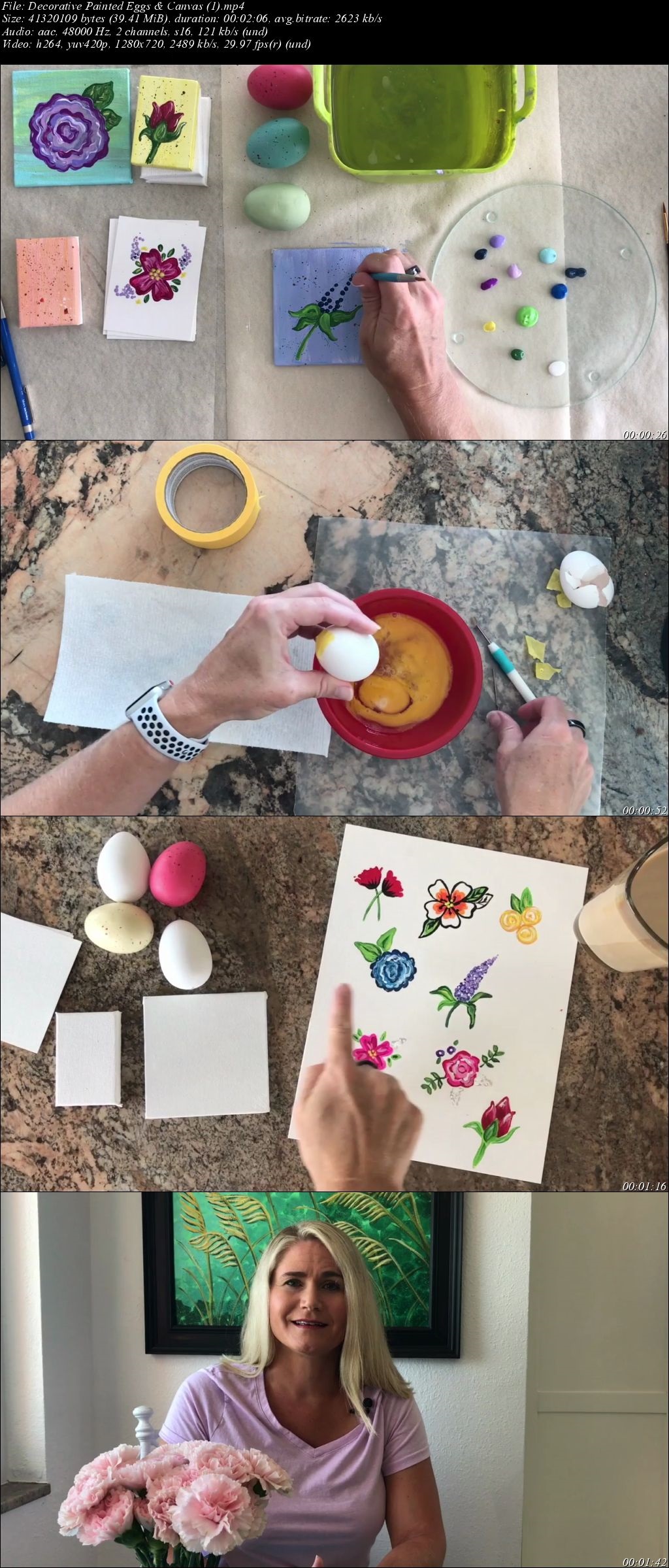
Decorative Painted Eggs & Canvas

image.jpg


Decorative Painted Eggs & Canvas
Video: .MP4, 1280x720 | Audio: AAC, 48kHz, 2ch | Duration: 1h
Genre: eLearning | Language: English | Size: 1,11 GB

About This Class

Join me to create decoratively painted eggs using acrylic paints (craft acrylics or artist's acrylics) on a variety of substrate: plastic crafting eggs, real blown-out eggs, home decor plastic eggs, or mini-canvases.

This class is geared towards beginning and intermediate acrylic artists. I will demonstrate seven flowers to paint on substrate.

Lesson #1: Poppies
Lesson #2: Line Art Flower
Lesson #3: Tri-Rose Cluster
Lesson #4: Cabbage Rose
Lesson #5: Lupine
Lesson #6:Cluster #1
Lesson #7: Cluster #2
Bonus Lesson: Rosebud
There are lessons on creating a Quick Egg Drying Stand, as well as Some Tips on Using Real Eggs, and a Class on Varnishing the Eggs.

There are two lessons for Canvases

Creating Egg Inspired Backgrounds on Canvas
Painting A Floral Image on Canvas
Included in the Class is a Class Wrap Up with some tips on variations on the seven lessons.

Homepage

bh4y-Kkg17-OEju4-M0-Aa-UK9-EYCUN22-Fho-R.jpg


...
 
Zurück
Oben Unten