• Regeln für den Video-Bereich:

    In den Börsenbereich gehören nur Angebote die bereits den Allgemeinen Regeln entsprechen.

    Einteilung

    - Folgende Formate gehören in die angegeben Bereiche:
    - Filme: Encodierte Filme von BluRay, DVD, R5, TV, Screener sowie Telesyncs im Format DivX, XviD und x264.
    - DVD: Filme im Format DVD5, DVD9 und HD2DVD.
    - HD: Encodierte Filme mit der Auflösung 720p oder darüber von BluRay, DVD, R5, TV, Screener sowie Telesyncs im Format x264.
    - 3D: Encodierte Filme von BluRay, die in einem 3D Format vorliegen. Dies gilt auch für Dokus, Animation usw.
    - Serien: Cartoon/Zeichentrick, Anime, Tutorials, Dokumentationen, Konzerte/Musik, Sonstiges sind demnach in die entsprechenden Bereiche einzuordnen, auch wenn sie beispielsweise im High Definition-Format oder als DVD5/DVD9/HD2DVD vorliegen. Ausnahme 3D.
    - Bereich Englisch: Englische Releases gehören immer in diesen Bereich.
    - Bereich Talk: Der Bereich, in dem über die Releases diskutiert werden kann, darf, soll und erwünscht ist.


    Angebot/Beitrag erstellen

    - Ein Beitrag darf erst dann erstellt werden, wenn der Upload bei mindestens einem OCH komplett ist. Platzhalter sind untersagt.
    - Bei einem Scenerelease hat der Threadtitel ausschließlich aus dem originalen, unveränderten Releasenamen zu bestehen. Es dürfen keine Veränderungen wie z.B. Sterne, kleine Buchstaben o.ä. vorgenommen werden. Ausnahme Serienbörse:
    - Bei einem Sammelthread für eine Staffel entfällt aus dem Releasename natürlich der Name der Folge. Beispiel: Die Simpsons S21 German DVDRip XviD - ITG
    - Dementsprechend sind also u.a. verboten: Erweiterungen wie "Tipp", "empfehlenswert", "only", "reup", usw. / jegliche andere Zusatzinformation oder Ergänzung, welche nicht in obiger Beschreibung zu finden ist.

    Aufbau des Angebots und Threadtitel

    Der Titel nach folgendem Muster erstellt zu werden. <Name> [3D] [Staffel] [German] <Jahr> <Tonspur> [DL] [Auflösung] <Quelle> <Codec> - <Group>
    Beispiel: The Dark Knight German 2008 AC3 DVDRip XviD - iND
    Beispiel: The Dark Knight 2008 DTS DL BDRip x264 - iND
    Beispiel: The Dark Knight 2008 AC3 DL BDRip XviD - iND
    Beispiel: The Dark Knight German 2008 AC3 720p BluRay x264 iND
    Beispiel: The Dark Knight 2008 DTS DL 1080p BluRay x264 iND
    Beispiel: Die Simpsons S01 German AC3 DVDRip XviD iND
    Beispiel: Die Simpsons S20 German AC3 720p BluRay x264 iND
    Beispiel: Sword Art Online II Ger Sub 2014 AAC 1080p WEBRip x264 - peppermint
    Entsprechend sind also u.a. verboten: Sonderzeichen wie Klammern, Sterne, Ausrufezeichen, Unterstriche, Anführungszeichen / Erweiterungen wie "Tipp", "empfehlenswert", "only", "reup", usw. / jegliche andere Zusatzinformation oder Ergänzung, welche nicht in obiger Beschreibung zu finden ist
    Ausnahmen hiervon können in den Bereichen geregelt sein.

    Die Beiträge sollen wie folgt aufgebaut werden:
    Überschrift entspricht dem Threadtitel
    Cover
    kurze Inhaltsbeschreibung
    Format, Größe, Dauer sind gut lesbar für Downloader außerhalb des Spoilers zu vermerken
    Nfo sind immer Anzugeben und selbige immer im Spoiler in Textform.
    Sind keine Nfo vorhanden z.B. Eigenpublikationen, sind im Spoiler folgende Dateiinformationen zusätzlich anzugeben :
    Quelle
    Video (Auflösung und Bitrate)
    Ton (Sprache, Format und Bitrate der einzelnen Spuren)
    Untertitel (sofern vorhanden)
    Hosterangabe in Textform außerhalb eines Spoiler mit allen enthaltenen Hostern.
    Bei SD kann auf diese zusätzlichen Dateiinformationen verzichtet werden.

    Alle benötigten Passwörter sind, sofern vorhanden, in Textform im Angebot anzugeben.
    Spoiler im Spoiler mit Kommentaren :"Schon Bedankt?" sind unerwünscht.


    Releases

    - Sind Retail-Release verfügbar, sind alle anderen Variationen untersagt. Ausnahmen: Alle deutschen Retail-Release sind CUT, in diesem Fall sind dubbed UNCUT-Release zulässig.
    - Im Serien-Bereich gilt speziell: Wenn ein Retail vor Abschluss einer laufenden Staffel erscheint, darf diese Staffel noch zu Ende gebracht werden.62
    - Gleiche Releases sind unbedingt zusammenzufassen. Das bedeutet, es ist zwingend erforderlich, vor dem Erstellen eines Themas per Suchfunktion zu überprüfen, ob bereits ein Beitrag mit demselben Release besteht. Ist dies der Fall, ist der bereits vorhandene Beitrag zu verwenden.
    - P2P und Scene Releases dürfen nicht verändert oder gar unter einem iND Tag eingestellt werden.


    Support, Diskussionen und Suche

    - Supportanfragen sind entweder per PN oder im Bereich Talk zu stellen.
    - Diskussionen und Bewertungen sind im Talk Bereich zu führen. Fragen an die Uploader haben ausschließlich via PN zu erfolgen, und sind in den Angeboten untersagt.
    - Anfragen zu Upload-Wünschen sind nur im Bereich Suche Video erlaubt. Antworten dürfen nur auf Angebote von MyBoerse.bz verlinkt werden.


    Verbote

    - Untersagt sind mehrere Formate in einem einzigen Angebotsthread, wie beispielsweise das gleichzeitige Anbieten von DivX/XviD, 720p und 1080p in einem Thread. Pro Format, Release und Auflösung ist ein eigener Thread zu eröffnen.
    - Grundsätzlich ebenso verboten sind Dupes. Uploader haben sich an geeigneter Stelle darüber zu informieren, ob es sich bei einem Release um ein Dupe handelt.
    - Gefakte, nur teilweise lauffähige oder unvollständige Angebote sind untersagt. Dies gilt auch für eigene Publikationen, die augenscheinlich nicht selbst von z.B. einer DVD gerippt wurden. Laufende Serien, bei denen noch nicht alle Folgen verfügbar sind, dürfen erstellt und regelmäßig geupdatet werden.
    - Untersagt sind Angebote, welche nur und ausschließlich in einer anderen Sprache als deutsch oder englisch vorliegen. Ausnahmen sind VORHER mit den Moderatoren zu klären.


    Verstoß gegen die Regeln

    - Angebote oder Beiträge, die gegen die Forenregeln verstoßen, sind über den "Melden"-Button im Beitrag zu melden.
  • Bitte registriere dich zunächst um Beiträge zu verfassen und externe Links aufzurufen.


Englische Tutorials

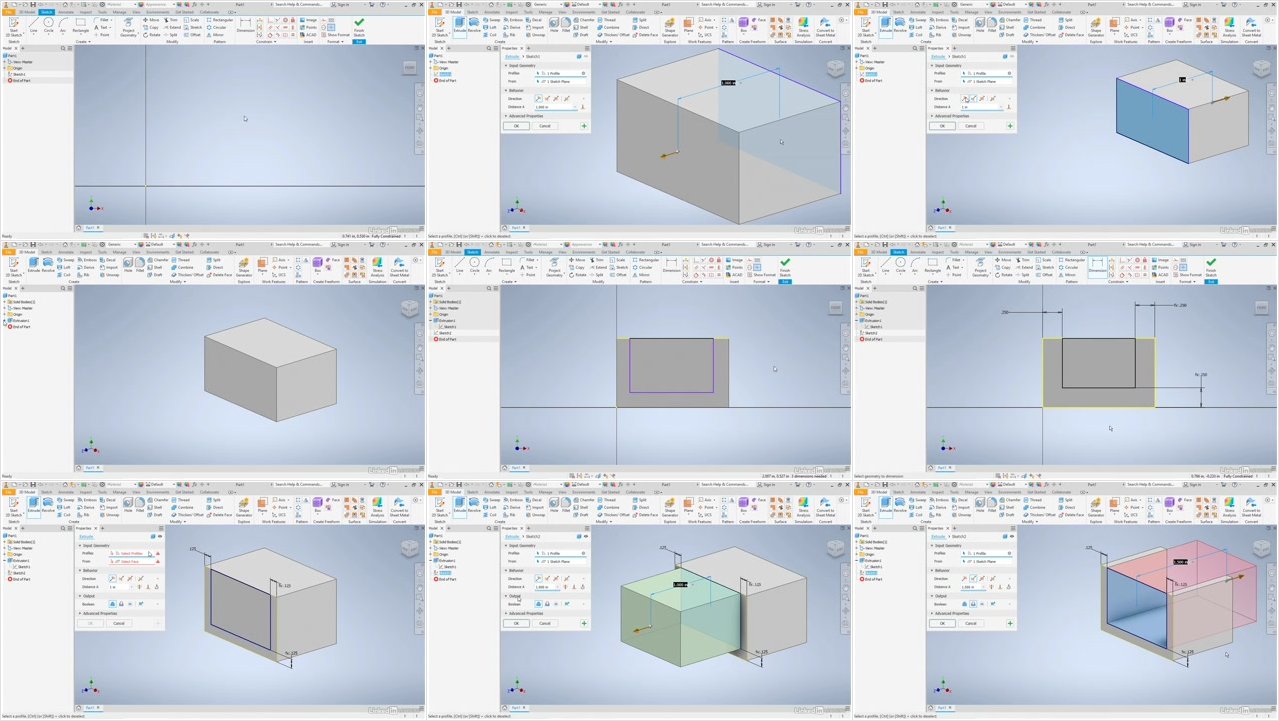
Autodesk Inventor 2020 Essential Training

0064d716.jpg


Autodesk Inventor 2020 Essential Training
.MP4, AVC, 280 kbps, 1280x720 | English, AAC, 128 kbps, 2 Ch | 4h 26m | 851 MB
Instructor: John Helfen

Get up and running with Inventor 2020, the professional product and mechanical design software from Autodesk. In this course, instructor John Helfen reviews the essential tools and techniques of this parametric design system, explaining how to build parts and assemblies and document them in a way that helps others understand how your designs can be manufactured. Learn how to create a sketch and turn it into a 3D part with the Extrude, Revolve, and Loft tools. Find out how to combine multiple parts into an assembly to test the interactions-before you spend time and money on manufacturing. Finally, discover how to document your designs with drawings, and enhance them with visual styles and annotations.

Topics include:

The Inventor workflow
Navigating the interface
Sketching
Drawing lines and geometry
Dimensioning
Modifying sketch geometry
Creating work planes, axes, and points
Projecting geometry
Modeling parts
Building parts with placed features
Creating patterns
Adding parts to an assembly
Using constraints to position parts
Creating drawing views
Creating basic annotations

More Info
0064d717.jpg


...
 
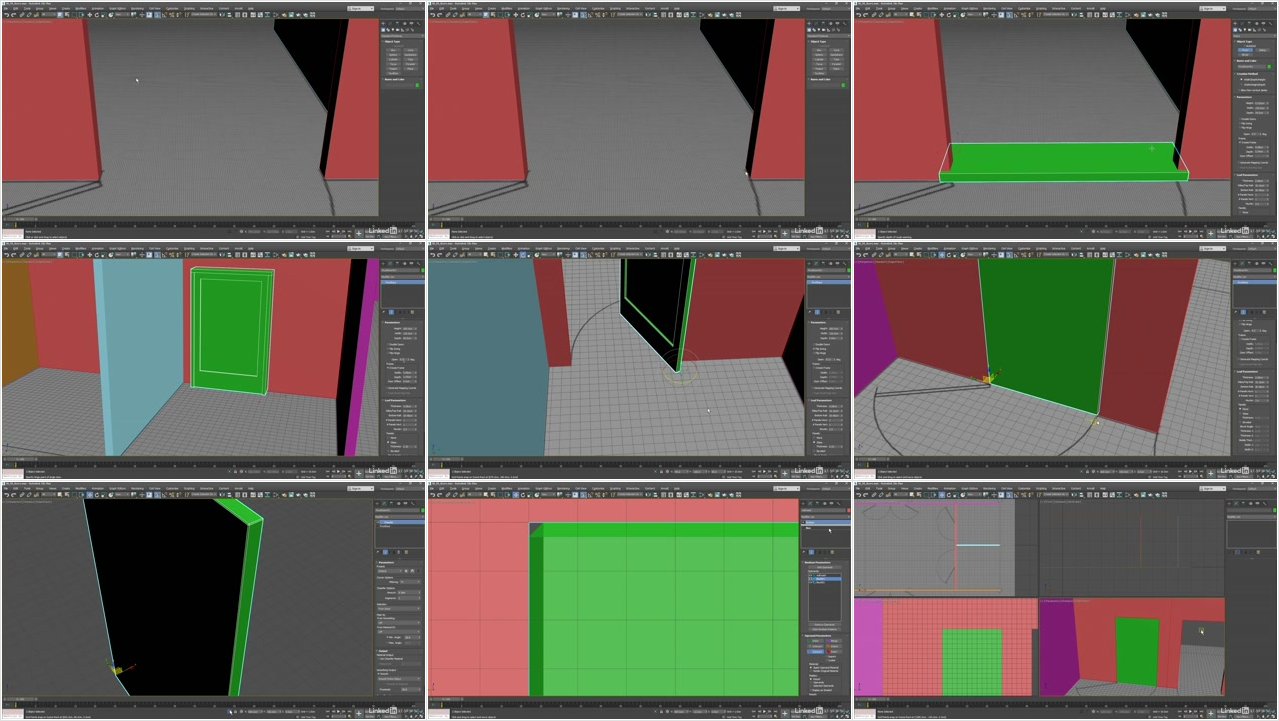
3ds Max 2020 Essential Training

0064d70e.jpg


3ds Max 2020 Essential Training
.MP4, AVC, 335 kbps, 1280x720 | English, AAC, 128 kbps, 2 Ch | 10h 55m | 1.91 GB
Instructor: Aaron F. Ross

3ds Max is best known for its modeling and rendering tools. These strengths come into play in architecture, manufacturing, game development, industrial design, and motion graphics. There are dozens of features and techniques to master, from sculpting and texturing to lighting and rendering. This course covers 3ds Max from the ground up, providing an overview of the entire package, as well as essential skills that 3D artists need to create professional models and animations. Learn how to get around the 3ds Max interface and customize it to suit your preferences. Discover how to model different objects using splines, polygons, subdivision surfaces, and freeform modeling. Instructor Aaron F. Ross also shows how to construct hierarchies, add cameras and lights, animate with keyframes, and more.

Topics include:

Customizing the interface
Duplicating and collecting objects
Modeling with splines
Parametric modeling with modifiers
Polygon and subdivision surface modeling
Freeform modeling
Framing shots with cameras
Lighting with daylight
Building materials
Mapping textures
Linking objects in hierarchies
Creating and editing keyframes
Rendering an image sequence

More Info

0064d70f.jpg


...
 
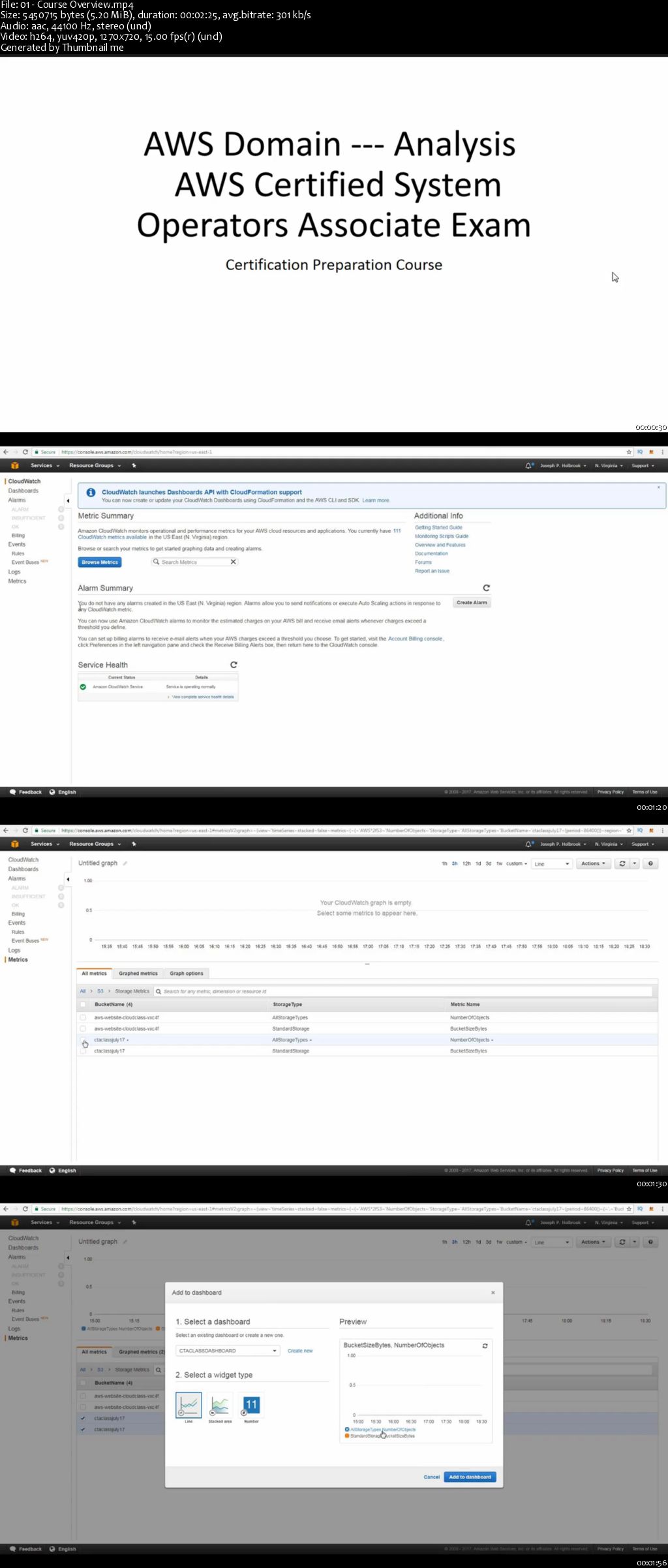
AWS Monitoring and Management

0064d94b.jpg


AWS Monitoring and Management
MP4 | Video: AVC 1280x720 | Audio: AAC 44KHz 2ch | Duration: 3 Hours | 509 MB
Genre: eLearning | Language: English

The course covers in detail Domain 3.0 of AWS System Operations Exam. This part of the exam is focused on Monitoring and Managing your AWS Cloud. So if your thinking of taking the hardest Associate exam this will certainly help in Domain 3.0. 3 Domain 3.0: Analysis3.1 Optimize the environment to ensure maximum performance3.2 Identify performance bottlenecks and implement remedies3.3 Identify potential issues on a given application deployment Amazon CloudWatch is a monitoring service for AWS cloud resources and the applications you run on AWS. You can use Amazon CloudWatch to collect and track metrics, collect and monitor log files, set alarms, and automatically react to changes in your AWS resources. Amazon CloudWatch can monitor AWS resources such as Amazon EC2 instances, Amazon DynamoDB tables, and Amazon RDS DB instances, as well as custom metrics generated by your applications and services, and any log files your applications generate. You can use Amazon CloudWatch to gain system-wide visibility into resource utilization, application performance, and operational health. You can use these insights to react and keep your application running smoothly. 1) Optimize the environment to ensure maximum performance 2) Identify performance bottlenecks and implement solutions. 3) Identify potential issues on a given application deployment 4) Students will gain significant insight into the exam and also over 40 Test Tips

0064d94f.jpg


...
 
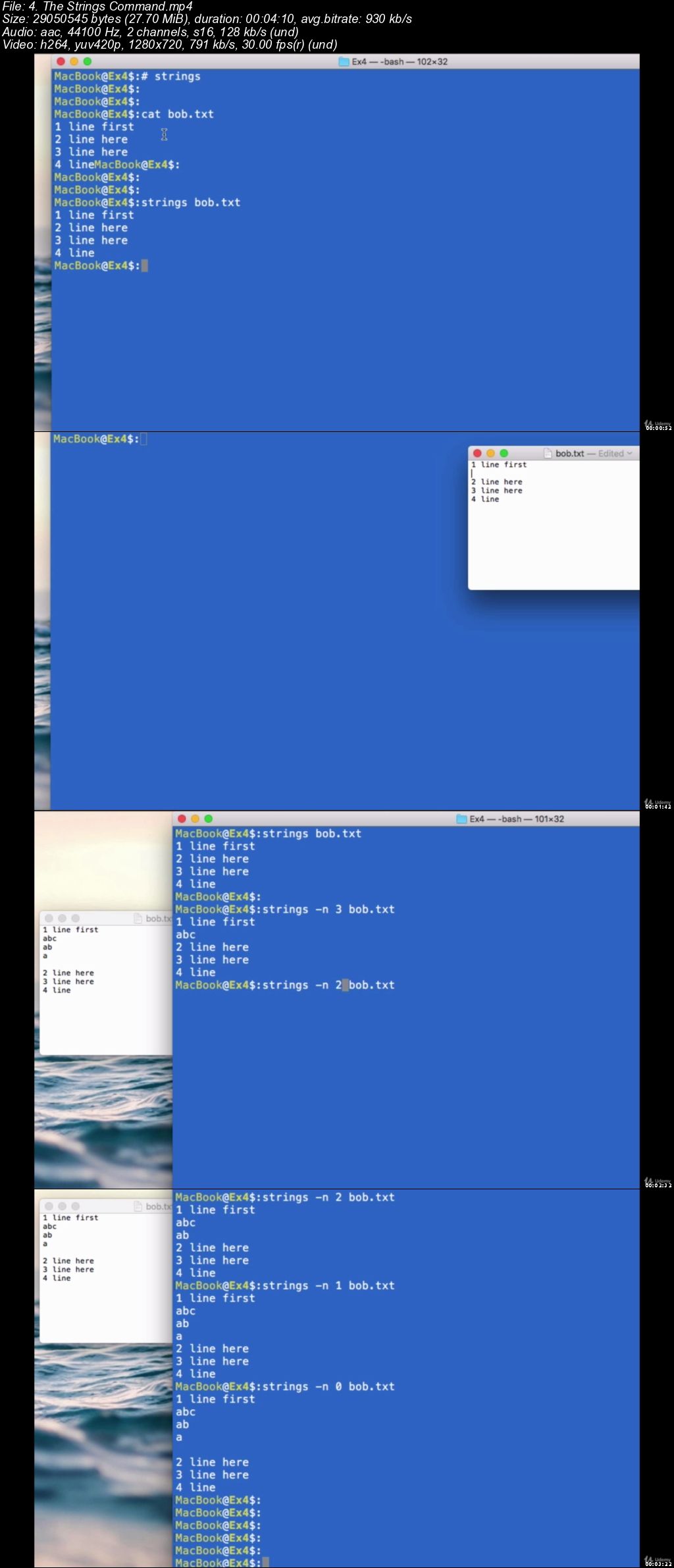
Bash Shell Scripting. Learn by Creating 6 Real World Scripts

0064edb5.jpg


Bash Shell Scripting. Learn by Creating 6 Real World Scripts
.MP4 | Video: 1280x720, 30 fps(r) | Audio: AAC, 44100 Hz, 2ch | 2.63 GB
Duration: 6 hours | Genre: eLearning Video | Language: English

Real World approach to learn Bash Scripting. Learn by creating practical bash shell programs


What you'll learn

Be able to write your own Shell scripts
If-Else statements
Strings, variables and files manipulation
Advanced Arithmetic expressions
Loops through files and folders
The Path Environment Variables
Create 6 Shell Scripts that solves a real world problem
Input and Output Redirection
Arrays
Wildcards
and more.

Requirements

Extremely Basic knowledge of the terminal

Description

Do you know any real and practical Bash Shell script?

There is a lot of abstract Bash Scripting that shows you isolated elements of bash programming.

However this can go only so far. You will not be ready for real world programming if you have a theory based knowledge.

In this course, after covering ALL the basics of terminal and bash scripting without wasting any time,

we will focus on 6 Real World Bash Scripts that you can use in your everyday life as a programmer.

They are carefully selected to be of incremental complexity, and build your skills thoroughly.

We will present and explain in details a command or a practice in Bash Scripting ONLY when it will be used in one of our main real world scripts, and we will build it together step by step, showing you the best practices when programming a real script.

In this way, not only will you learn ALL the fundamental ( and even some advanced ) elements in Bash Scripting, but you will know how to apply those in a Real scenario to solve a Real Problem.

Everything is explained at a slow pace and thoroughly to make sure you can follow along.

Even if you never used the command line, the First 2 Sections will teach you all the tools necessary to use the command line and start writing your shell scripts, nothing important is left out, nothing useless is left in.

By the end of the course you'll be writing your own Shell Scripts, in particular you will learn how to:

Use the command line

Automate tasks using Shell Scripts

Create and use variables in your scripts

Manipulate variables to a wide extent

Use Wildcards

Use Input and output Redirection

Source subshells

Make decisions by using if-else statements

Loop through files and folders

Make decision based on strings, variables or files

Use arithmetic expression

Use advanced computations with the BC command line environment

Scripts with parameters and how to "shift"

Change the Internal field separator plus why and when to do so.

Use Arrays

How to properly use your PATH, and a script to work with it

Create Shell Scripts that solves real world problems

and much more.

You wiill write Scripts that:

Move back any numbers of directory you want in the terminal

Find the longest string inside any text file

Performs computations that terminal normally does not allow

Read files in your Linux system that have particular separators (not the usual space)

Get clear Information of files in your PATH, the most important environment variable of your system

Use arrays to know how many times your files were modified during the day

Writing these scripts will allow you to develop an actual skill in creating scripts to solve real problems.

You can Become a Programmer in Bash Scripting who knows how to solve actual problems.

and You can start now.

Who this course is for:

Anyone who would like to learn how to automate tasks with the terminal
Anyone familiar with the Terminal but not with Shell Scripting
Anyone who wants to learn by creating
Anyone who wants to see and learn simple real world bash scripts

0064edb6.jpg


...
 
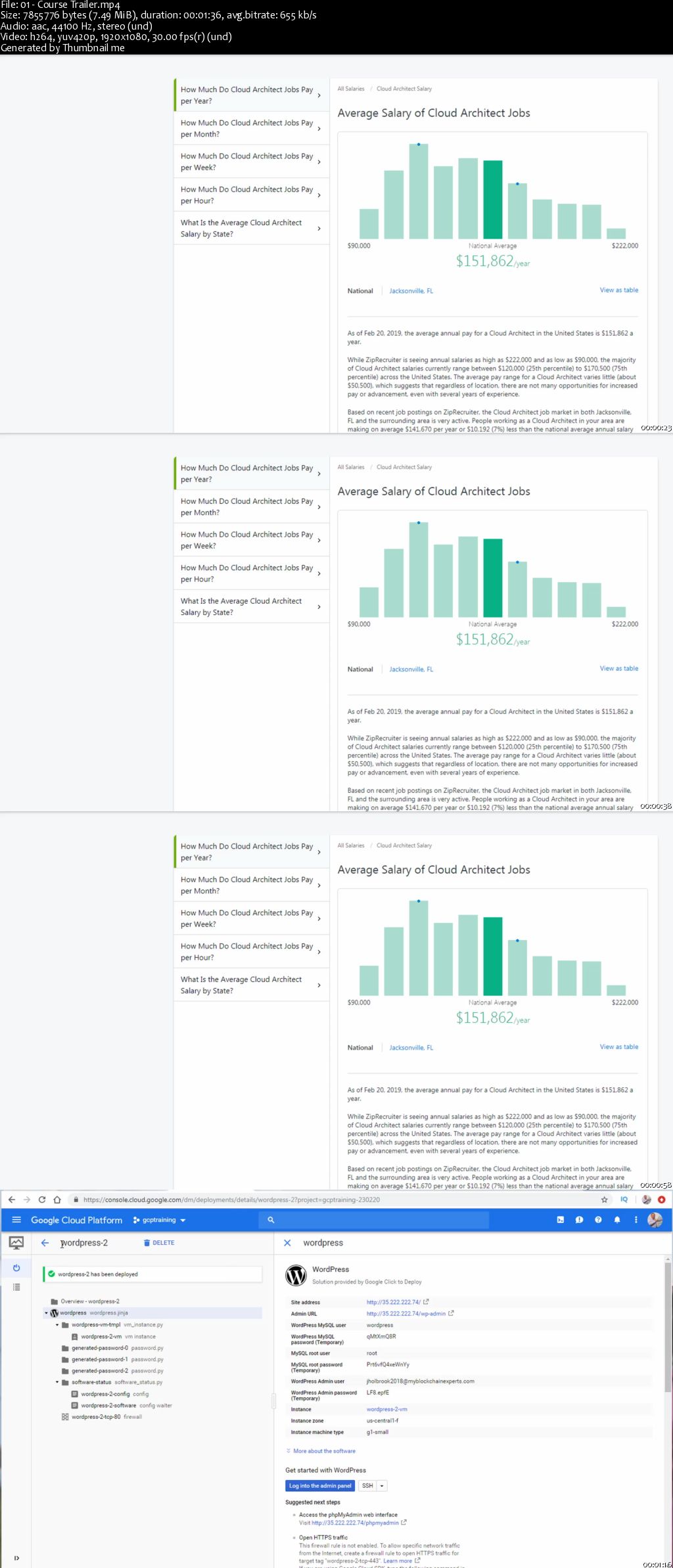
Become a High Earning Cloud Architect

0064d918.jpg


Become a High Earning Cloud Architect
MP4 | Video: AVC 1280x720 | Audio: AAC 44KHz 2ch | Duration: 9.5 Hours | 2.35 GB
Genre: eLearning | Language: English

The demand for Cloud Architects is very high and you as a technical guru can take advantage of this. If your currently a Solutions Architect, System Administrator or Developer this course is a great transition. As your well credentialed instructor I will be working with you for over 10 hours going thru what a Cloud Architect needs to know. We will cover the basics of cloud, then we will cover cloud frameworks, cloud ecosystems, cloud migrations, cloud analysis, etc. This is a vendor neutral course where you will learn the basics but i will apply the fundamentals to the three major providers so you can take this knowledge and run. We will touch on Google Cloud, Amazon Web Services and MS Azure for IaaS/PaaS. Salesforce and Servicenow for SaaS as well as O365 briefly. Lastly, I will go thru what you need to look for in a Cloud role and the best resources for finding a new job or gig. The materials are based on the The Professional Cloud Solutions Architect certification which equips solution architects with insights and familiarity with the topology and ecosystems that are being created as a result of cloud technology adoption and operating models. These materials are Vendor neutral. What you'll learn Explain the history of cloud computing and its impact on business and IT architecture Demonstrate the key engineering concepts of operating "as a service" Explain the impact of cloud computing on service management Understand consumer and provider perspectives in setting up cloud environments Evaluate and design a cloud solution architecture Plan the transitioning and transformation to a cloud environment Are there any course requirements or prerequisites? No Prereqs Wanting to become a Cloud Architect! Having some knowledge in ITIL fundamentals would be helpful.

0064d91f.jpg


...
 
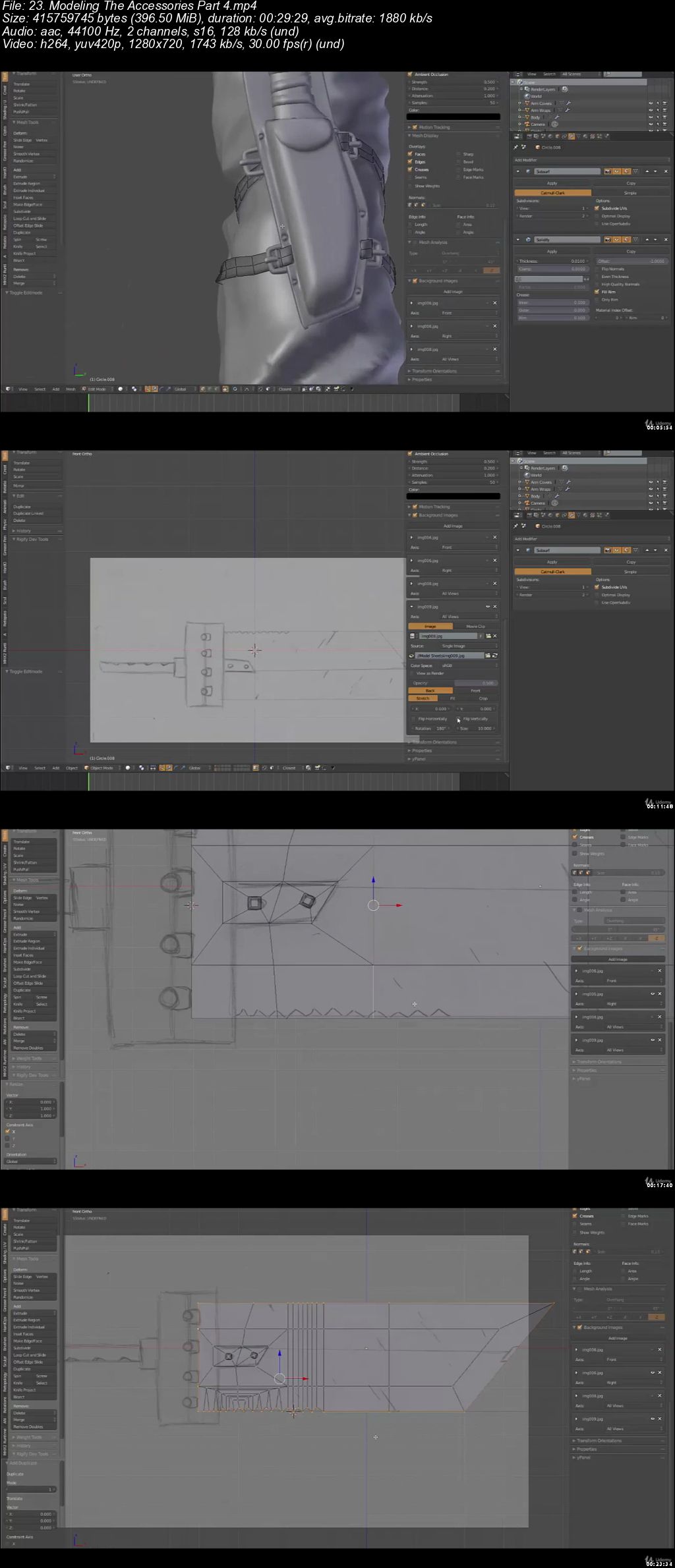
Character Modeling in Blender 2.7 - 3D modeling with Blender

0064deca.jpg


Character Modeling in Blender 2.7 - 3D modeling with Blender
.MP4 | Video: 1280x720, 30 fps(r) | Audio: AAC, 44100 Hz, 2ch | 8.86 GB
Duration: 10 hours | Genre: eLearning Video | Language: English

Learn Character Modeling In Blender 2.7 and create an amazing character


What you'll learn

Learn 3D modeling with Blender 2.7
Learn Blender's user interface, navigation, and selection technique
Model complex details
Work with modifiers in Blender

Requirements

Have Blender 2.7 installed on your PC

Description

This course will give you the necessary skills and knowledge to create own 3D characters with Blender 2.7. You don't need to have any previous experience in 3D modeling, but if you do, then this course is a great way get you started with Blender.

Through this course, we will create a wonderful project using a step-by-step approach. You will start by getting to know the modeling tools available in Blender as you create a 3D character and then you will discover more advanced tools.

The tools and techniques are introduced in a practical way, so you can apply them in your own projects later.

By the time you're done, you'll understand how the whole process fits together, and how to use Blender to create outstanding characters for all media. You'll also build strong Blender skills you can apply in any 3D project, whether it involves characters or not.

Who this course is for:

Anyone who wants to learn how to use Blender

0064decb.jpg


...
 
First Look: Visual Studio 2019

0064d416.jpg


First Look: Visual Studio 2019
MP4 | Video: AVC 1280x720 | Audio: AAC 44KHz 2ch | Duration: 30M | 73 MB
Genre: eLearning | Language: English

Curious about what Visual Studio 2019 has to offer? In this short course, get a first look at the new features and improved functionality offered in Visual Studio 2019. Instructor Walt Ritscher goes over changes to the Visual Studio UI and discusses productivity-boosting enhancements, including how to use IntelliCode to get relevant code suggestions. Plus, learn about the Live Share collaboration feature built into Visual Studio 2019, which you can use to easily share your work with colleagues.

0064d418.jpg


...
 
DevOps Culture

0064d92c.jpg


DevOps Culture
MP4 | Video: AVC 1280x720 | Audio: AAC 44KHz 2ch | Duration: 2.5 Hours | Lec: 14 | 1.46 GB
Genre: eLearning | Language: English

Executive Level

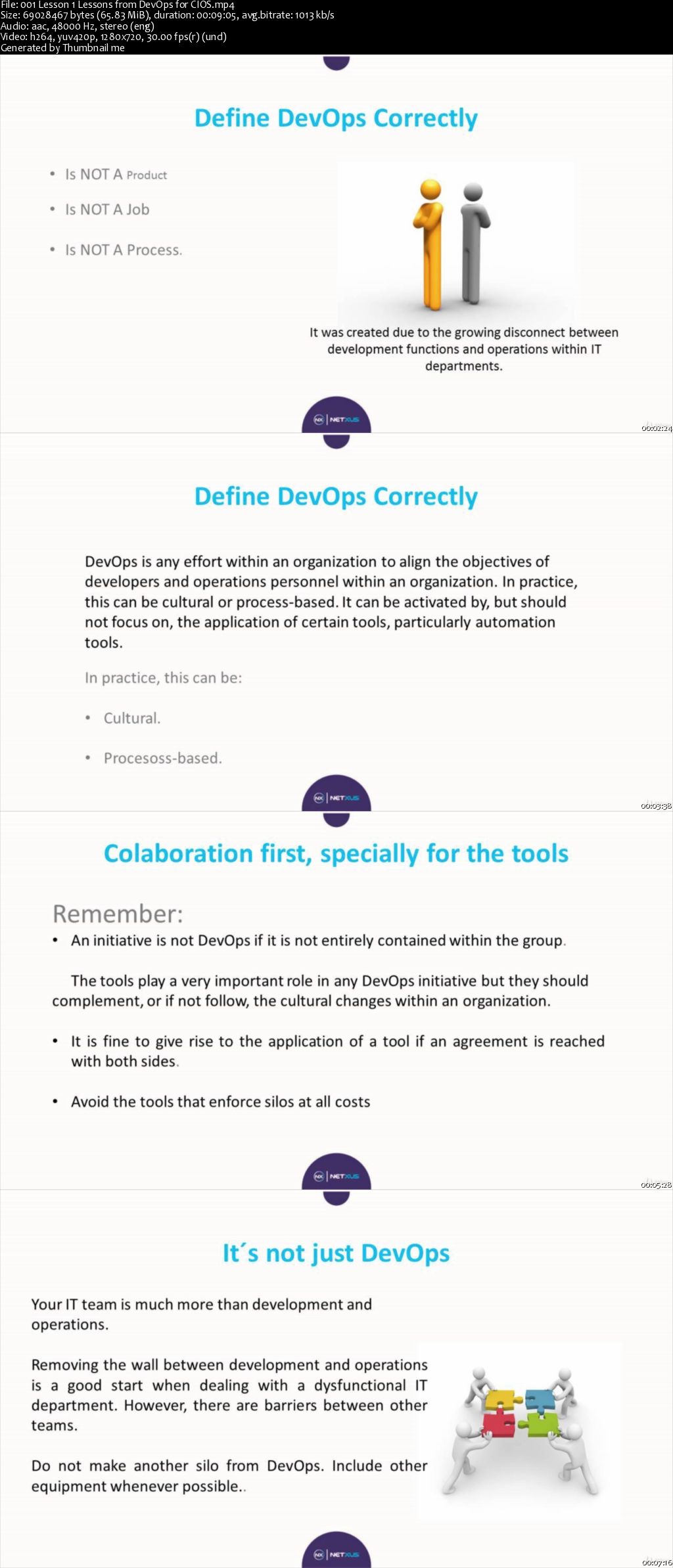
This course will provide general and fundamental knowledge of what DevOps is and what is not DevOps.

It is not a course of use of software tools.

It is not a continuous delivery implementation course.

This course will give you the possibility to understand the importance of DevOps, a bit of mapping with Scrum and other techniques.

This is a course that will help you understand DevOps as a culture, its history, its use.

This course has a chapter on how with LEGOS you can simulate a development environment and operations with problems until the arrival of the DevOps culture where everything changes.

0064d935.jpg


...
 
Haskell Programming Course for Beginner to Advanced

0064ef4c.jpg


Haskell Programming Course for Beginner to Advanced
.MP4 | Video: 1280x720, 30 fps(r) | Audio: AAC, 48000 Hz, 2ch | 1 GB
Duration: 3 hours | Genre: eLearning Video | Language: English

A Complete Guide for Functional Programming Haskell


What you'll learn

Functional Programming
Decision Making
Haskell Functions
Haskell Modules
Function Composition
Haskell Input and Output
Functor in Haskell
Monads in Haskell
Zippers in Haskell
Debugging with GHCi
GHCi and Interactive Haskell etc.

Requirements

The learners have a reasonable exposure to any programming environment and knowledge of basic concepts such as variables, commands, syntax, etc.

Description

Haskell is a widely used purely functional language. Functional programming is based on mathematical functions. Besides Haskell, some of the other popular languages that follow Functional Programming paradigm include: Lisp, Python, Erlang, Racket, F#, Clojure, etc. Haskell is more intelligent than other popular programming languages such as Java, C, C++, PHP, etc. In this course, we will discuss all the concepts and functionalities of Haskell using relevant examples for easy understanding.

This course has been prepared for learners to let them understand the concepts of functional programming using Haskell as a programming language.

We assume that the learners have a reasonable exposure to any programming environment and knowledge of basic concepts such as variables, commands, syntax, etc.

Who this course is for:

This course is ideal for anyone with a little experience in imperative or object-oriented programming language and wants to learn about functional programming or Haskell.

0064ef4d.jpg


...
 
How you become a Master in PowerPoint and win your audience

0064d8b9.jpg


How you become a Master in PowerPoint and win your audience
MP4 | Video: AVC 1280x720 | Audio: AAC 44KHz 2ch | Duration: 2 Hours | Lec: 55 | 270 MB
Genre: eLearning | Language: English

Beginner to Pro

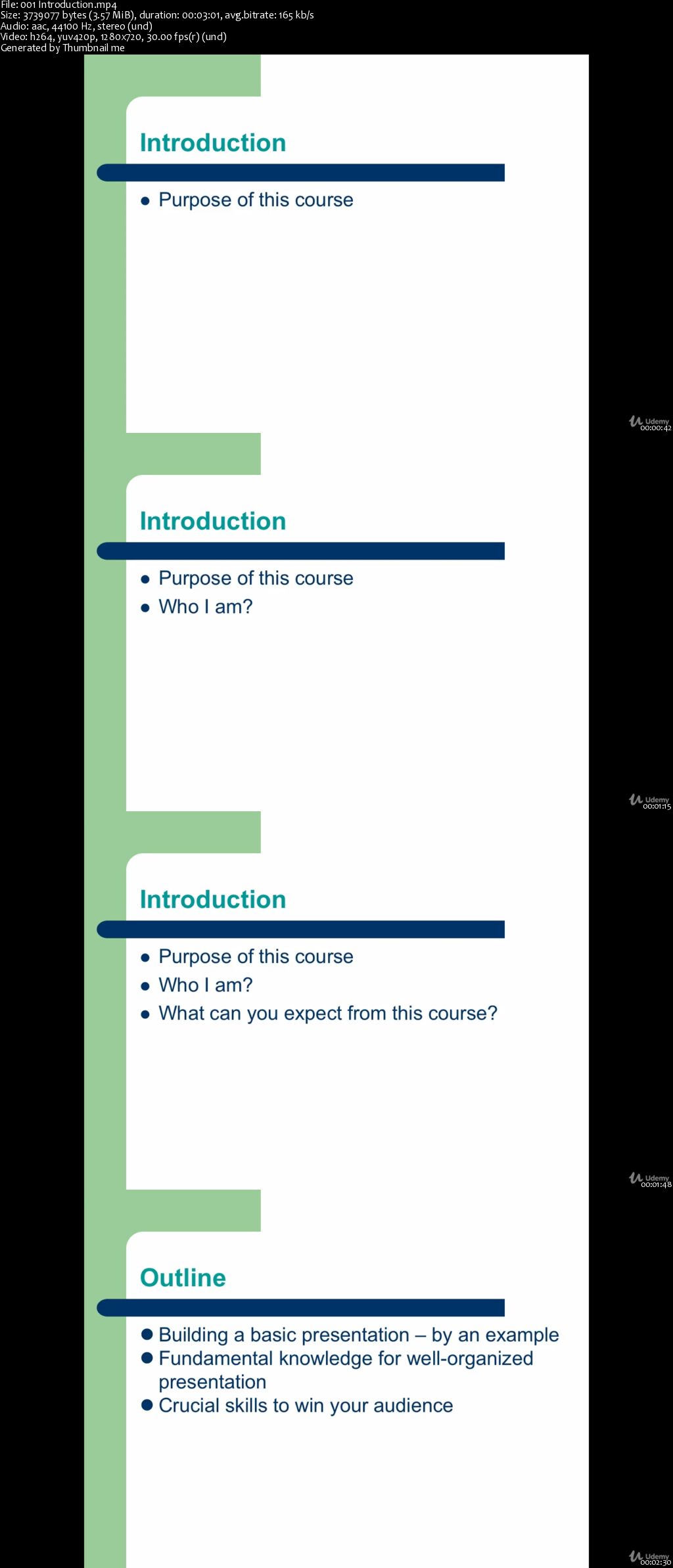
Do you want to become a Master in Powerpoint presentations and win your audience? This course will help you to learn step by step how you can build a simple PowerPoint presentation and helps you to develop your already existing PowerPoint presentation knowledge, even if you know nothing about this program.


This course is designed to help you create great, professional PowerPoint presentations. It works with all the different PowerPoint programs: 2010, 2013, 2016.

This course provides you also a wide range of crucial skills how you can win your audience for all kinds of presentations, such as market a product, a company presentation or a lecture in the University.

This module is divided into different sections, which are built in one logical chronology. You can watch the section each in turn, but also skip one section if you are only interested in one particular topic.

0064d8be.jpg


...
 
How to Start a Startup / Business

0064d89e.jpg


How to Start a Startup / Business
MP4 | Video: AVC 1280x720 | Audio: AAC 44KHz 2ch | Duration: 37M | Lec: 7 | 465 MB
Genre: eLearning | Language: English

An introductory course for anyone interested in starting a startup or business.

Have you spent hours, days, months or even years sitting around dreaming about starting your own business? Why haven't you started? Do you think it's too hard to get started? Don't know where to start?

If so, then this course is for you. "How to Start a Startup / Business" is designed for anyone to understand the basics of what it takes to start a business. By the end of this short course you will be able to get your startup up and running!

0064d8a1.jpg


...
 
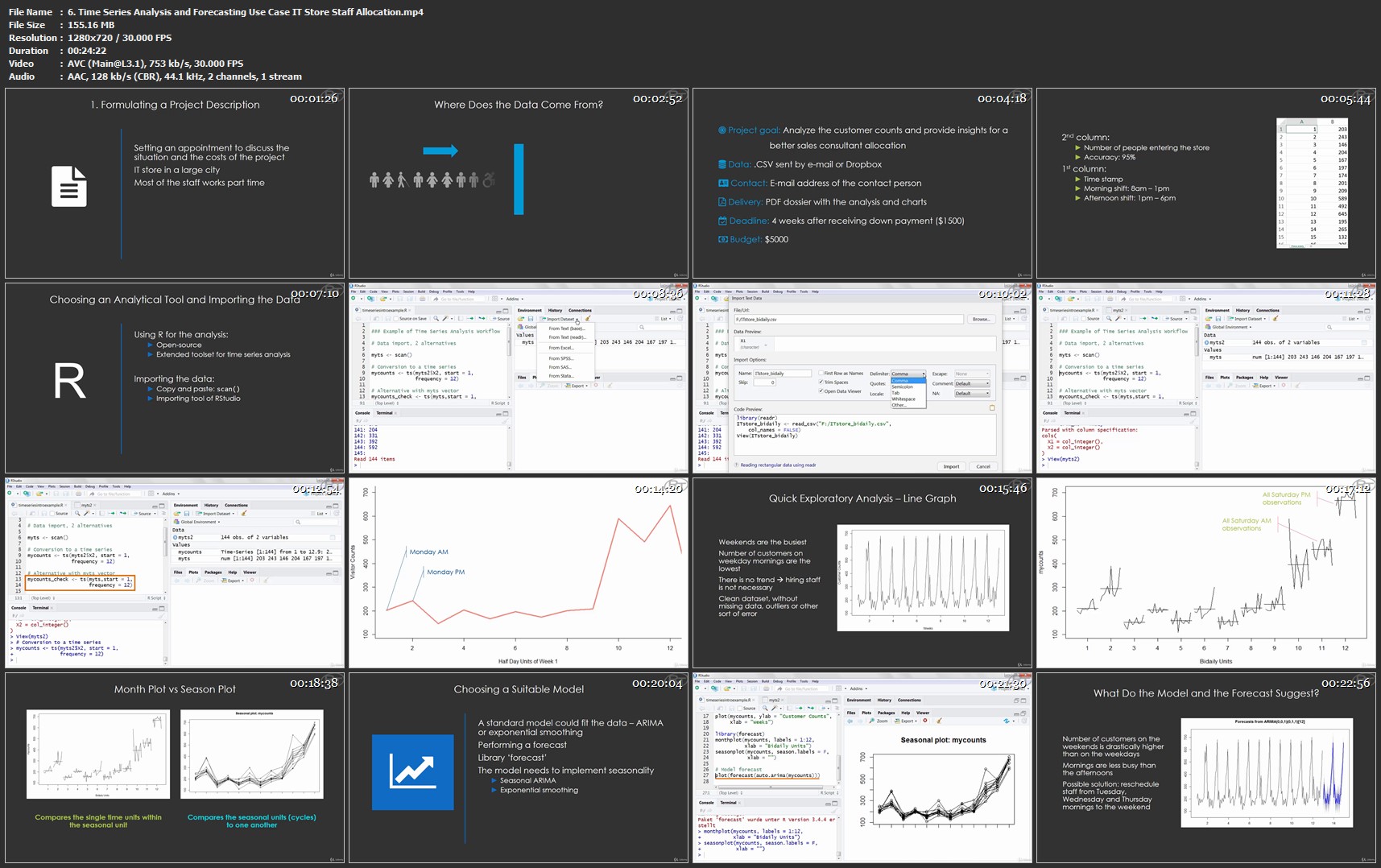
Introduction to Time Series Analysis and Forecasting in R

0o-Eh-KXx-G1j20x8qy-NXGUpk-Ty-BDt-Rh-EIi.jpg


Introduction to Time Series Analysis and Forecasting in R
BESTSELLER | Video: AVC 1280x720 | Audio: AAC 48KHz 2ch | Duration: 8.5 Hours | Lec: 74 | 2.88 GB | Language: English + Sub .VTT

Work with time series and all sorts of time related data in R - Forecasting, Time Series Analysis, Predictive Analytics

What you'll learn
use R to perform calculations with time and date based data
create models for time series data
use models for forecasting
identify which models are suitable for a given dataset
visualize time series data
transform standard data into time series format
clean and pre-process time series
create ARIMA and exponential smoothing models
know how to interpret given models
identify the best time series libraries for a given problem
compare the accuracy of different models

Requirements
computer with R and RStudio ready to use
interest in statistics and programming
time to solve the exercises
basic knowledge of R (course R Base)
NO advanced statistics or maths knowledge required

Description
Understand the Now - Predict the Future!

Time series analysis and forecasting is one of the key fields in statistical programming. It allows you to

see patterns in time series data
model this data
finally make forecasts based on those models
Due to modern technology the amount of available data grows substantially from day to day. Successful companies know that. They also know that decisions based on data gained in the past, and modeled for the future, can make a huge difference. Proper understanding and training in time series analysis and forecasting will give you the power to understand and create those models. This can make you an invaluable asset for your company/institution and will boost your career!

What will you learn in this course and how is it structured?
You will learn about different ways in how you can handle date and time data in R. Things like time zones, leap years or different formats make calculations with dates and time especially tricky for the programmer. You will learn about POSIXt classes in R Base, the chron package and especially the lubridate package.

You will learn how to visualize, clean and prepare your data. Data preparation takes a huge part of your time as an analyst. Knowing the best functions for outlier detection, missing value imputation and visualization can safe your day.

After that you will learn about statistical methods used for time series. You will hear about autocorrelation, stationarity and unit root tests.

Then you will see how different models work, how they are set up in R and how you can use them for forecasting and predictive analytics. Models taught are: ARIMA, exponential smoothing, seasonal decomposition and simple models acting as benchmarks. Of course all of this is accompanied with plenty of exercises.

Where are those methods applied?
In nearly any quantitatively working field you will see those methods applied. Especially econometrics and finance love time series analysis. For example stock data has a time component which makes this sort of data a prime target for forecasting techniques. But of course also in academia, medicine, business or marketing techniques taught in this course are applied.

Is it hard to understand and learn those methods?
Unfortunately learning material on Time Series Analysis Programming in R is quite technical and needs tons of prior knowledge to be understood.

With this course it is the goal to make understanding modeling and forecasting as intuitive and simple as possible for you.

While you need some knowledge in statistics and statistical programming, the course is meant for people without a major in a quantitative field like math or statistics. Basically anybody dealing with time data on a regular basis can benefit from this course.

How do I prepare best to benefit from this course?
It depends on your prior knowledge. But as a rule of thumb you should know how to handle standard tasks in R (course R Basics).

What R you waiting for?

Who this course is for?
this course is for people working with time series data
this course is for people interested in R
this course is for people with some beginner knowledge in both R programming and statistics
this course is for people working in various fields like (and not limited to): academia, marketing, business, econometrics, finance, medicine, engineering and science
generally if you have time series data on your table and you do not know what to do with it, take this course!

Homepage

6-Time-Series-Analysis-and-Forecasting-Use-Case-IT-Store-Staff.jpg


...
 
Zurück
Oben Unten