• Regeln für den Video-Bereich:

    In den Börsenbereich gehören nur Angebote die bereits den Allgemeinen Regeln entsprechen.

    Einteilung

    - Folgende Formate gehören in die angegeben Bereiche:
    - Filme: Encodierte Filme von BluRay, DVD, R5, TV, Screener sowie Telesyncs im Format DivX, XviD und x264.
    - DVD: Filme im Format DVD5, DVD9 und HD2DVD.
    - HD: Encodierte Filme mit der Auflösung 720p oder darüber von BluRay, DVD, R5, TV, Screener sowie Telesyncs im Format x264.
    - 3D: Encodierte Filme von BluRay, die in einem 3D Format vorliegen. Dies gilt auch für Dokus, Animation usw.
    - Serien: Cartoon/Zeichentrick, Anime, Tutorials, Dokumentationen, Konzerte/Musik, Sonstiges sind demnach in die entsprechenden Bereiche einzuordnen, auch wenn sie beispielsweise im High Definition-Format oder als DVD5/DVD9/HD2DVD vorliegen. Ausnahme 3D.
    - Bereich Englisch: Englische Releases gehören immer in diesen Bereich.
    - Bereich Talk: Der Bereich, in dem über die Releases diskutiert werden kann, darf, soll und erwünscht ist.


    Angebot/Beitrag erstellen

    - Ein Beitrag darf erst dann erstellt werden, wenn der Upload bei mindestens einem OCH komplett ist. Platzhalter sind untersagt.
    - Bei einem Scenerelease hat der Threadtitel ausschließlich aus dem originalen, unveränderten Releasenamen zu bestehen. Es dürfen keine Veränderungen wie z.B. Sterne, kleine Buchstaben o.ä. vorgenommen werden. Ausnahme Serienbörse:
    - Bei einem Sammelthread für eine Staffel entfällt aus dem Releasename natürlich der Name der Folge. Beispiel: Die Simpsons S21 German DVDRip XviD - ITG
    - Dementsprechend sind also u.a. verboten: Erweiterungen wie "Tipp", "empfehlenswert", "only", "reup", usw. / jegliche andere Zusatzinformation oder Ergänzung, welche nicht in obiger Beschreibung zu finden ist.

    Aufbau des Angebots und Threadtitel

    Der Titel nach folgendem Muster erstellt zu werden. <Name> [3D] [Staffel] [German] <Jahr> <Tonspur> [DL] [Auflösung] <Quelle> <Codec> - <Group>
    Beispiel: The Dark Knight German 2008 AC3 DVDRip XviD - iND
    Beispiel: The Dark Knight 2008 DTS DL BDRip x264 - iND
    Beispiel: The Dark Knight 2008 AC3 DL BDRip XviD - iND
    Beispiel: The Dark Knight German 2008 AC3 720p BluRay x264 iND
    Beispiel: The Dark Knight 2008 DTS DL 1080p BluRay x264 iND
    Beispiel: Die Simpsons S01 German AC3 DVDRip XviD iND
    Beispiel: Die Simpsons S20 German AC3 720p BluRay x264 iND
    Beispiel: Sword Art Online II Ger Sub 2014 AAC 1080p WEBRip x264 - peppermint
    Entsprechend sind also u.a. verboten: Sonderzeichen wie Klammern, Sterne, Ausrufezeichen, Unterstriche, Anführungszeichen / Erweiterungen wie "Tipp", "empfehlenswert", "only", "reup", usw. / jegliche andere Zusatzinformation oder Ergänzung, welche nicht in obiger Beschreibung zu finden ist
    Ausnahmen hiervon können in den Bereichen geregelt sein.

    Die Beiträge sollen wie folgt aufgebaut werden:
    Überschrift entspricht dem Threadtitel
    Cover
    kurze Inhaltsbeschreibung
    Format, Größe, Dauer sind gut lesbar für Downloader außerhalb des Spoilers zu vermerken
    Nfo sind immer Anzugeben und selbige immer im Spoiler in Textform.
    Sind keine Nfo vorhanden z.B. Eigenpublikationen, sind im Spoiler folgende Dateiinformationen zusätzlich anzugeben :
    Quelle
    Video (Auflösung und Bitrate)
    Ton (Sprache, Format und Bitrate der einzelnen Spuren)
    Untertitel (sofern vorhanden)
    Hosterangabe in Textform außerhalb eines Spoiler mit allen enthaltenen Hostern.
    Bei SD kann auf diese zusätzlichen Dateiinformationen verzichtet werden.

    Alle benötigten Passwörter sind, sofern vorhanden, in Textform im Angebot anzugeben.
    Spoiler im Spoiler mit Kommentaren :"Schon Bedankt?" sind unerwünscht.


    Releases

    - Sind Retail-Release verfügbar, sind alle anderen Variationen untersagt. Ausnahmen: Alle deutschen Retail-Release sind CUT, in diesem Fall sind dubbed UNCUT-Release zulässig.
    - Im Serien-Bereich gilt speziell: Wenn ein Retail vor Abschluss einer laufenden Staffel erscheint, darf diese Staffel noch zu Ende gebracht werden.62
    - Gleiche Releases sind unbedingt zusammenzufassen. Das bedeutet, es ist zwingend erforderlich, vor dem Erstellen eines Themas per Suchfunktion zu überprüfen, ob bereits ein Beitrag mit demselben Release besteht. Ist dies der Fall, ist der bereits vorhandene Beitrag zu verwenden.
    - P2P und Scene Releases dürfen nicht verändert oder gar unter einem iND Tag eingestellt werden.


    Support, Diskussionen und Suche

    - Supportanfragen sind entweder per PN oder im Bereich Talk zu stellen.
    - Diskussionen und Bewertungen sind im Talk Bereich zu führen. Fragen an die Uploader haben ausschließlich via PN zu erfolgen, und sind in den Angeboten untersagt.
    - Anfragen zu Upload-Wünschen sind nur im Bereich Suche Video erlaubt. Antworten dürfen nur auf Angebote von MyBoerse.bz verlinkt werden.


    Verbote

    - Untersagt sind mehrere Formate in einem einzigen Angebotsthread, wie beispielsweise das gleichzeitige Anbieten von DivX/XviD, 720p und 1080p in einem Thread. Pro Format, Release und Auflösung ist ein eigener Thread zu eröffnen.
    - Grundsätzlich ebenso verboten sind Dupes. Uploader haben sich an geeigneter Stelle darüber zu informieren, ob es sich bei einem Release um ein Dupe handelt.
    - Gefakte, nur teilweise lauffähige oder unvollständige Angebote sind untersagt. Dies gilt auch für eigene Publikationen, die augenscheinlich nicht selbst von z.B. einer DVD gerippt wurden. Laufende Serien, bei denen noch nicht alle Folgen verfügbar sind, dürfen erstellt und regelmäßig geupdatet werden.
    - Untersagt sind Angebote, welche nur und ausschließlich in einer anderen Sprache als deutsch oder englisch vorliegen. Ausnahmen sind VORHER mit den Moderatoren zu klären.


    Verstoß gegen die Regeln

    - Angebote oder Beiträge, die gegen die Forenregeln verstoßen, sind über den "Melden"-Button im Beitrag zu melden.
  • Bitte registriere dich zunächst um Beiträge zu verfassen und externe Links aufzurufen.

*** Bestes IPTV *** bester Preis *** gratis Test ***


Englische Tutorials

Using MiniProfiler in ASP.NET Core

00649635.jpg


Using MiniProfiler in ASP.NET Core
MP4 | Video: AVC 1280x720 | Audio: AAC 44KHz 2ch | Duration: 33M | 390 MB
Genre: eLearning | Language: English

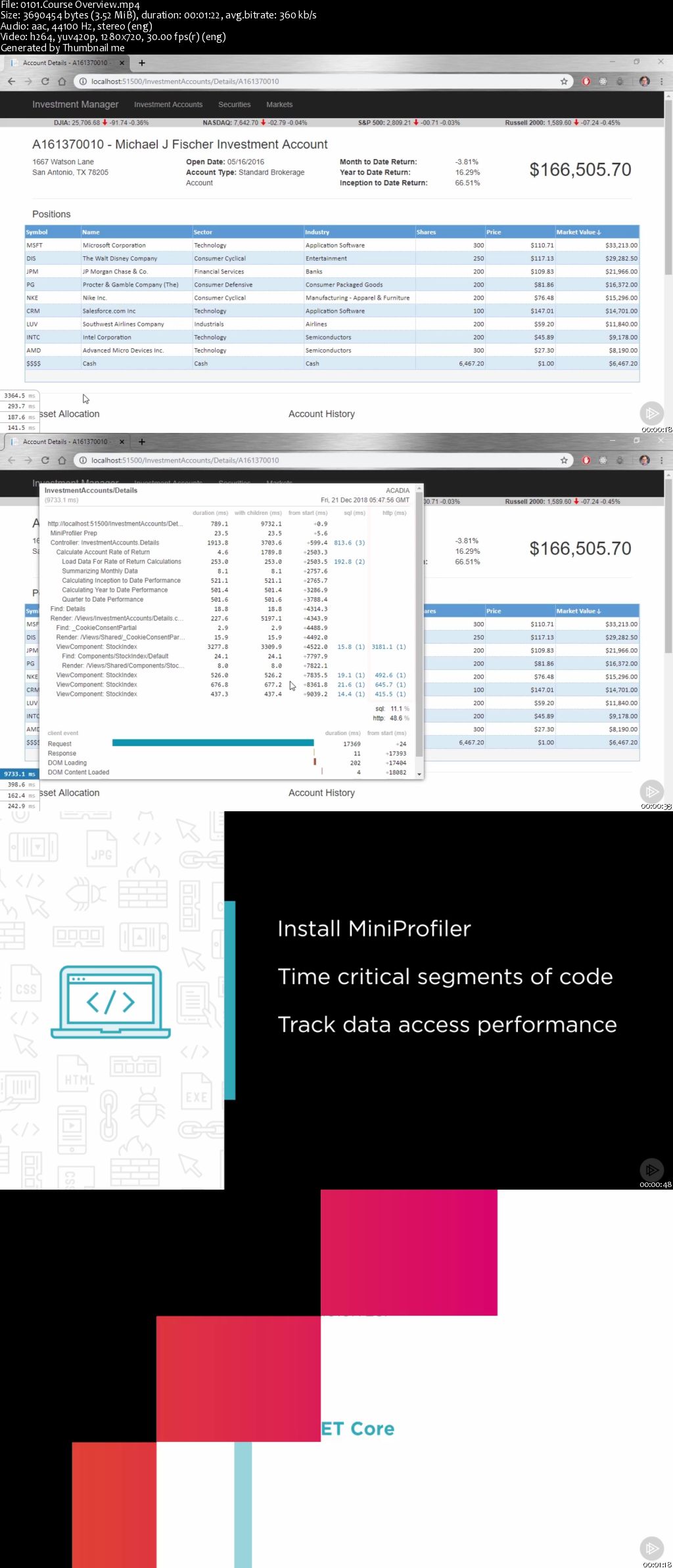
This course will help you enable MiniProfiler, which can show you the timing of different code segments within your HTTP request, report on what SQL Statements were run during a request, and even help to detect problems.

As developers, we want to get fast feedback about how our code is performing, and MiniProfiler is a library that helps us do just that. In this course, Using MiniProfiler in ASP.NET Core, you will learn how you can have the information you need to understand how your application is performing, quickly. First, you will see how to install MiniProfiler. Next, you will learn how you can time critical segments of code and how to track your data access performance. Finally, you will learn how you can track all of the HTTP calls your application makes in a really simple and elegant way. By the end this course, you'll know how to use MiniProfiler to gain insights into what your application is doing and how it is performing that you never had before.

00649636.jpg


...
 
Udemy - Elixir for beginners

00649662.jpg


Elixir for beginners
MP4 | Video: AVC 1280x720 | Audio: AAC 44KHz 2ch | Duration: 4 Hours | Lec: 43 | 893 MB
Genre: eLearning | Language: English

Practical Hands-on Elixir

Elixir is a dynamic, functional language designed for building scalable and maintainable applications. It leverages the Erlang VM, known for running low-latency, distributed and fault-tolerant systems, while also being successfully used in web development and the embedded software domain.

Elixir is a functional, dynamic language built on top of Erlang and the Erlang VM. Erlang is a language that was originally written in 1986 by Ericsson to help solve telephony problems like distribution, fault-tolerance, and concurrency. Elixir, written by José Valim, extends Erlang and provides a friendlier syntax into the Erlang VM. It does this while keeping the performance of the same level as Erlang.

Features of Elixir

Scalability − All Elixir code runs inside lightweight processes that are isolated and exchange information via messages.

Fault Tolerance − Elixir provides supervisors which describe how to restart parts of your system when things go wrong, going back to a known initial state that is guaranteed to work. This ensures your application/platform is never down.

Functional Programming − Functional programming promotes a coding style that helps developers write code that is short, fast, and maintainable.

Build tools − Elixir ships with a set of development tools. Mix is one such tool that makes it easy to create projects, manage tasks, run tests, etc. It also has its own package manager - Hex.

Erlang Compatibility − Elixir runs on the Erlang VM giving developers complete access to Erlang's ecosystem.

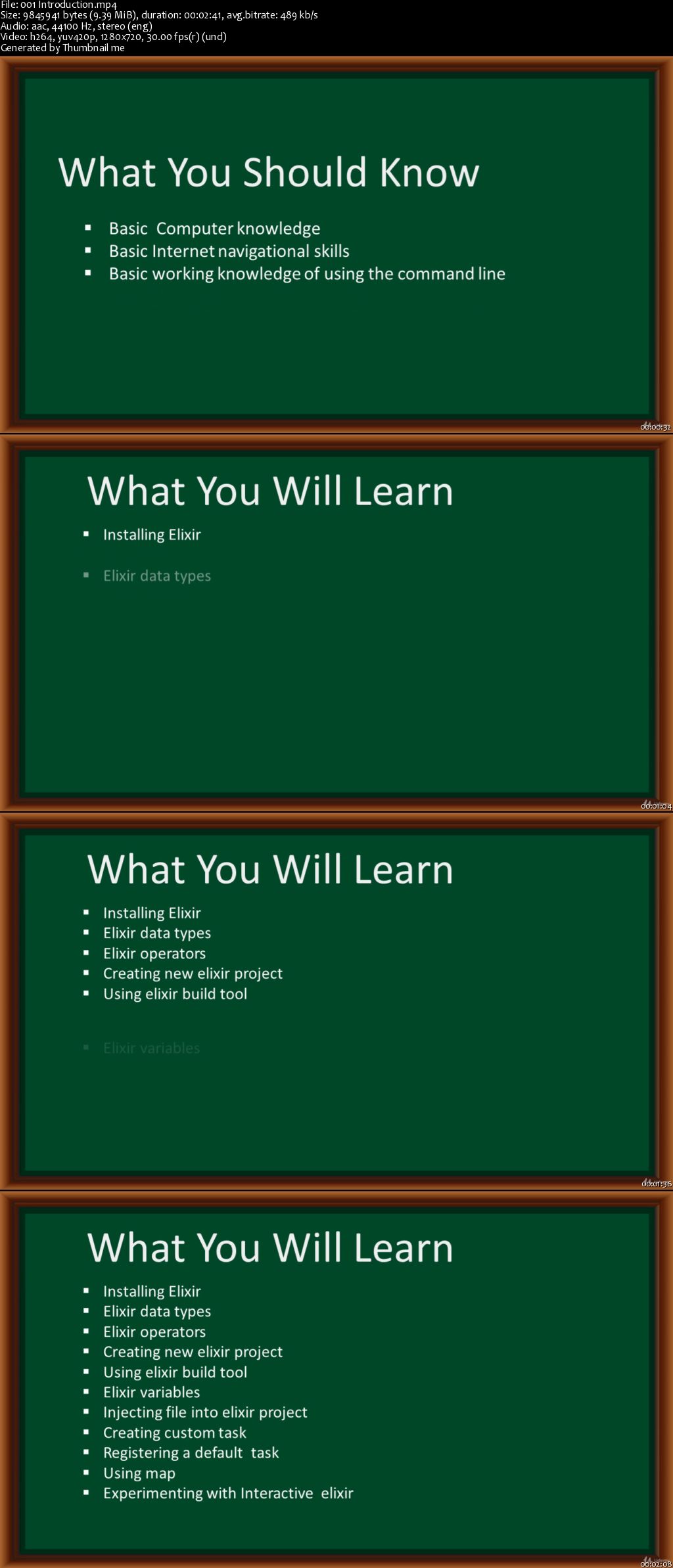
Topics covered in this course includes:


Installing Elixir
Displaying output
Elixir build tool
Application structure
Creating a new elixir project
Reading from afile
Injecting a file into elixir project
Creating a custom task
Using elixir packages
Data types
Operators
using Elixir Map
Variables
Functions and Modules
Filtering data
Sorting data

00649663.jpg


...
 
Object Oriented Analysis, Design & Programming with UML

Ozy-HPEZl7r8f-Gq-Qz-WLw3-GZt09-PMvni-Ec.jpg


Object Oriented Analysis, Design & Programming with UML
MP4 | Video: AVC 1280x720 | Audio: AAC 48KHz 2ch | Duration:7 Hours | Lec: 88 | 0.98 GB | Language: English

Learn OO Analysis, Design & Programming using UML in C++, Java & C#
What you'll learn
Understand what is object oriented analysis, design & programming
Understand how to analyze a problem using object oriented analysis
Implement OO design in C++, C# & Java
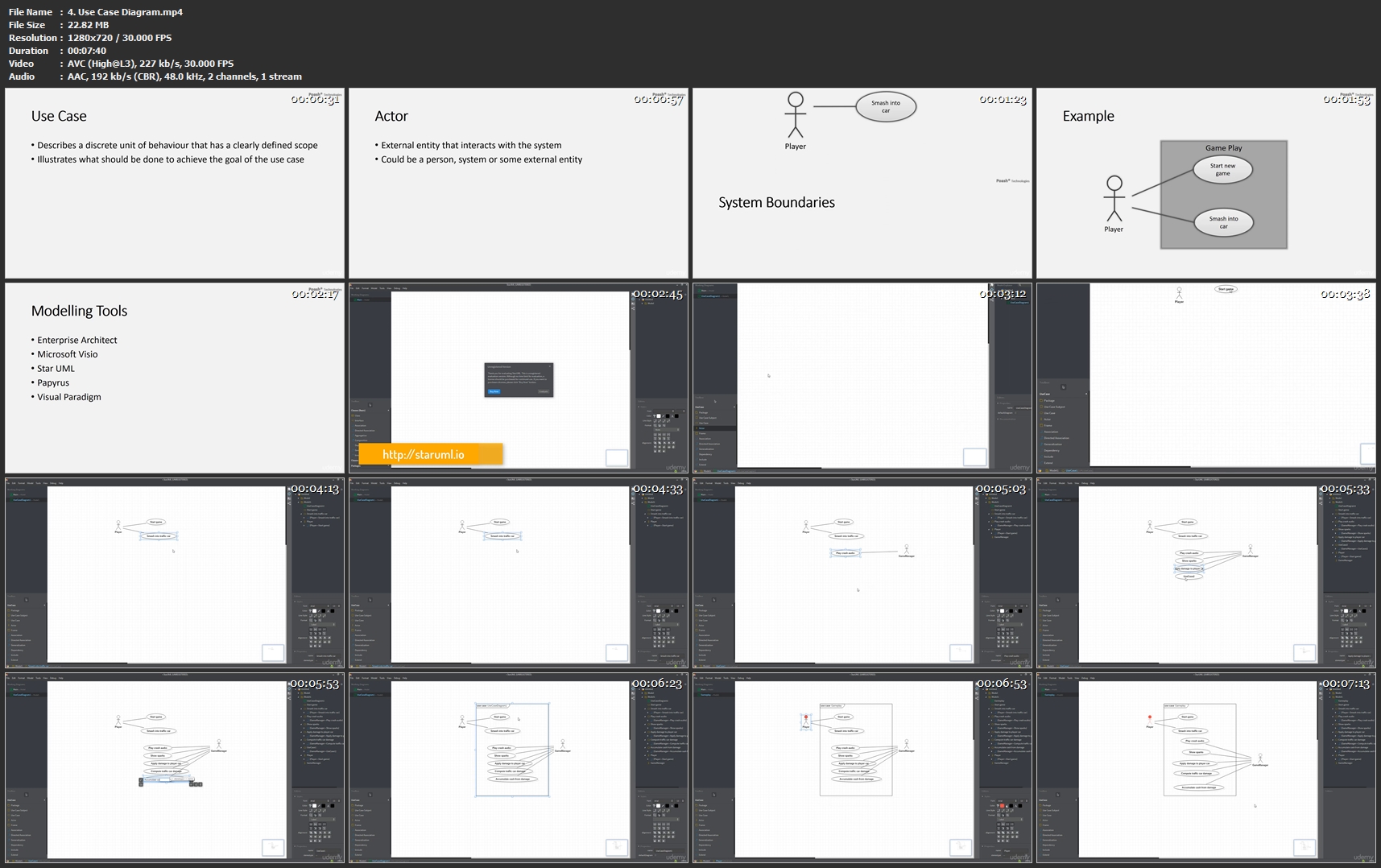
Create common UML diagrams, such as use case, state, class, activity, etc

Requirements
Basic knowledge of any programming language
Basic understanding of common C concepts like pointers, functions, arrays, macros, etc (for C++ programmers only)

Description
This Object Oriented Analysis, Design & Programming course is a unique course that teaches students how to use object-oriented techniques to build software. The course will start with requirements gathering & end with implementation. In the process, you'll learn how to analyze and design classes, their relationships to each other in order to build a model of the problem domain. You'll also use common UML diagrams throughout this process, such as use-case, class, activity & other diagrams. The diagrams will be created through a free tool.

Lot of emphasis is placed on use cases to capture and manage requirements. Those are used subsequently to enforce OO concepts that produce a reusable design of the system that adapts to change. Finally, the design is implemented & programmed in three different programming languages - Java, C# & C++. During the implementation, you'll learn about the object-oriented concepts such as Abstraction, Encapsulation, Hierarchy, Polymorphism, interfaces, etc. All these concepts are explained with examples in all the three languages.

Finally, all the important concepts are applied in a textual game called Reckless Driver. Consequently, you'll have understood the entire process of Object Oriented Analysis, Design & Programming & you can implement these concepts in your own software.

Who this course is for?
Anyone who wants to learn OO analysis, design & programming
Anyone who wants to start with OO programming in C++, Java or C#
Students who want to understand the concepts of object oriented programming
Programmers new to object oriented programming
Software developers and designers looking to expand their existing knowledge of object oriented analysis & design

Homepage

4-Use-Case-Diagram-mp4.jpg


...
 
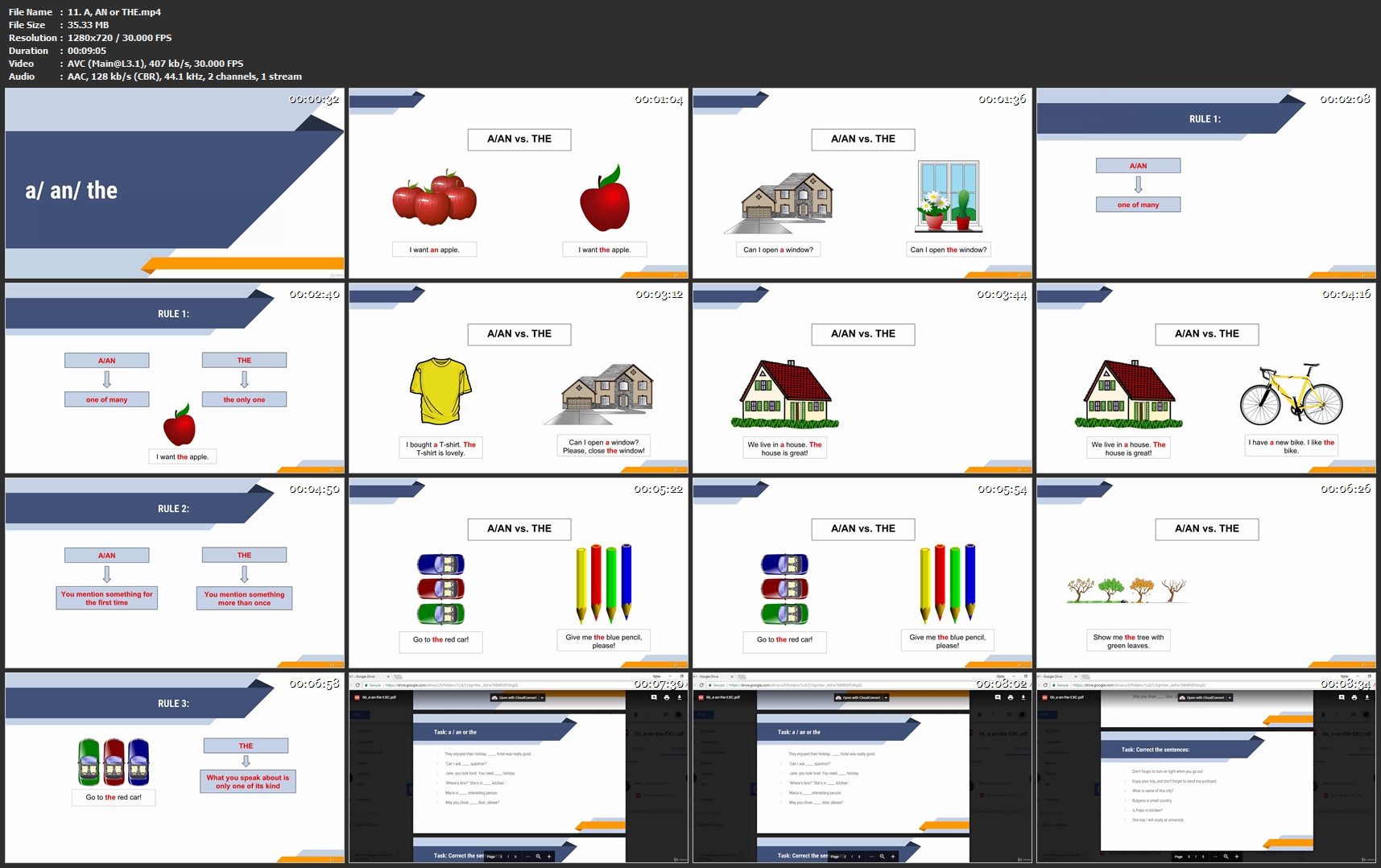
The Complete English Grammar Course - from A1 to C1 level

Sz-C5hgz5-O49-Mf-QCb-MXDwk-Gz-UEb-KXgw-T9.jpg


The Complete English Grammar Course - from A1 to C1 level
MP4 | Video: AVC 1280x720 | Audio: AAC 48KHz 2ch | Duration: 27.5 Hours | Lec: 307 | 6.42 GB | Language: English + Sub .VTT

Master English grammar - from beginner to advanced user, all in one English grammar course + FCE and CAE transformations
What you'll learn
You'll be able to speak with confidence
You'll master all grammar structures in English
You'll become fluent in the language
You'll be ready for a certificate course (B2 level)
You'll have practised many FCE and CAE key word sentence transformations
You'll know a bunch of useful phrasal verbs

Requirements
Elementary to pre-intermediate knowledge of English vocabulary
Basic reading skills

Description
Welcome to the unique Complete English Grammar Course - from A1 to C1 level course!

This course is created to help you build your grammar skills. With the numerous lectures and exercises, its aim is to be the one of a kind solution to all doubts in terms of using English structures.

NB! This is NOT a course for Native Speakers. The instructor is NOT a native speaker as well.

The English Grammar Course is designed to suit your needs perfectly well. If you are a complete beginner, or if you just want to revise the basics, start from the very first lecture and follow the step-by-step approach. If you follow my instructions during the video lectures and practise on your own after each video, you will be able to achieve great results at the end of the course.

When you've revised the basic structures, challenge yourself with the two advanced section - 150 FCE transformations and 150 CAE transformations. If you succeed in completing the exercises on your own, you may be really proud of the progress you've made!

This course is idea for everyone! Choose your level, choose your problem areas - start revising, start studying. Do not skip the exercises. This is the time you can check what you have actually remembered from the theory.

The one before the last section of the course if of great importance too - "Exercises that teach". Here you will find 40 + more tests and assignments, with their answers and explanations. ADVICE: Do not go for them, until you finish the whole course. Once you complete it, then use the exercises for revision. Do them step by step and answer any questions that may arise.

I'm so excited to have you here!

Good luck!

Who this course is for?
Everyone who wants to learn English grammar
Everyone who wants to improve their English
Every learner of English

Homepage

11-A-AN-or-THE-mp4.jpg


...
 
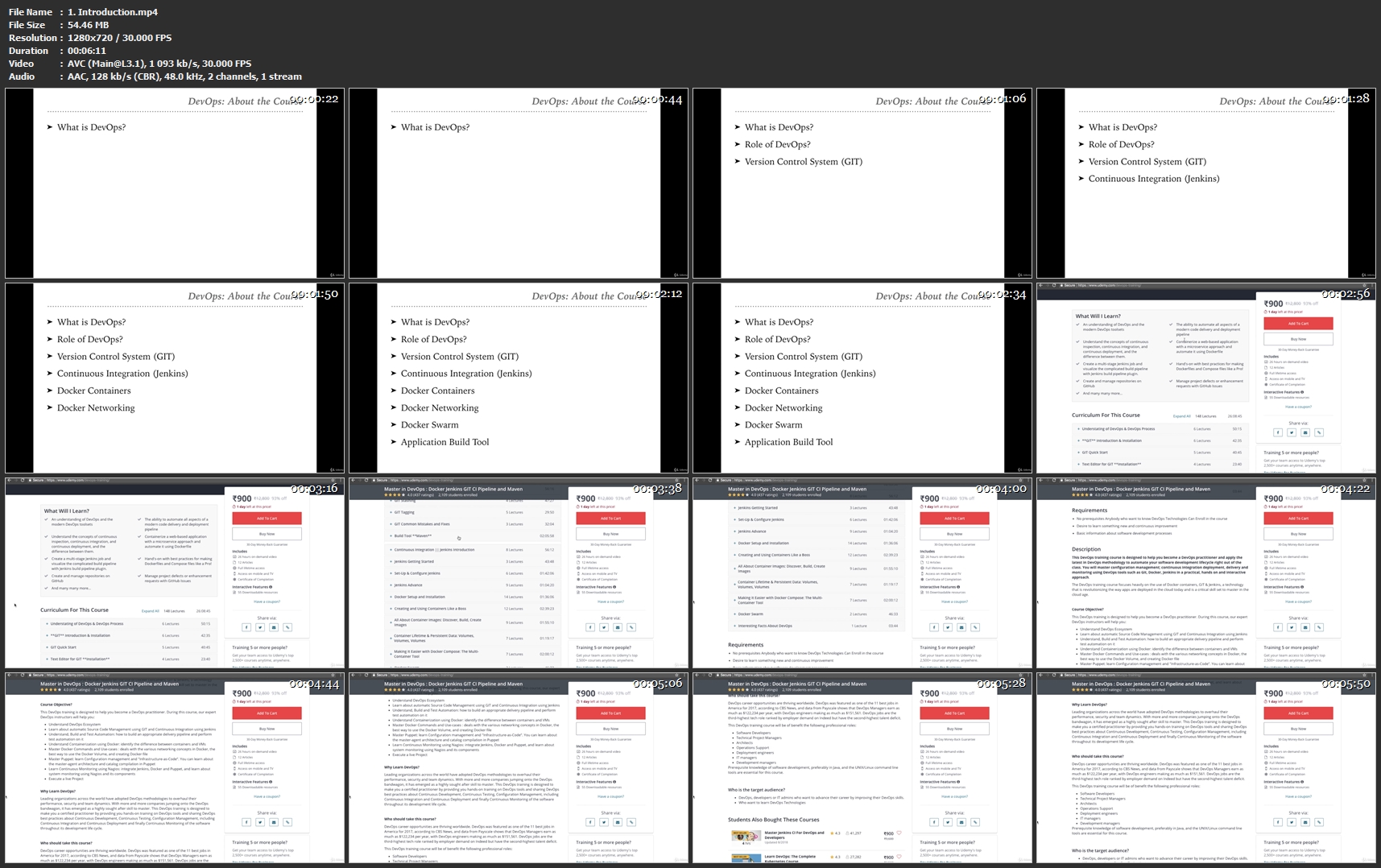
Master in DevOps Docker Jenkins GIT CI Pipeline and Maven

RMCm-SIhsmi-A2hrpm-K6-WW9t-Ken2-S7f-Gl7.jpg


Master in DevOps Docker Jenkins GIT CI Pipeline and Maven
MP4 | Video: AVC 1280x720 | Audio: AAC 48KHz 2ch | Duration: 27 Hours | Lec: 173 | 9.66 GB | Language: English + Sub .VTT

DevOps Certification Training Course: Docker, Docker Swarm, Jenkins, CI Code Pipeline, GIT

What you'll learn
An understanding of DevOps and the modern DevOps toolsets
The ability to automate all aspects of a modern code delivery and deployment pipeline
Understand the concepts of continuous inspection, continuous integration, and continuous deployment, and the difference between them.
Containerize a web-based application with a microservice approach and automate it using Dockerfile
Create a multi-stage Jenkins job and visualize the complicated build pipeline with Jenkins build pipeline plugin.
Hand's-on with best practices for making Dockerfiles and Compose files like a Pro!
Create and manage repositories on GitHub
Manage project defects or enhancement requests with GitHub Issues
And many many more.

Requirements
No prerequisites Anybody who want to know DevOps Technologies Can Enroll in the course
Desire to learn something new and continuous improvement
Basic information about software development processes

Description
This DevOps Certification Training Course will prepare you for a career in DevOps, the fast-growing field that bridges the gap between software developers and operations. You'll become en expert in the principles of continuous development and deployment, automation of configuration management, inter-team collaboration and IT service agility, using modern DevOps tools such as Git, Docker, Jenkins, Puppet. DevOps jobs are highly paid and in great demand, so start on your path today.

The DevOps training course focuses heavily on the use of Docker containers, GIT & Jenkins, a technology that is revolutionising the way apps are deployed in the cloud today and is a critical skill set to master in the cloud age.

This DevOps Certification Training Course will prepare you for a career in DevOps

Who this course is for?
DevOps, developers or IT admins who want to advance their career by improving their DevOps skills.
Who want to learn DevOps Technologies

Homepage

1-Introduction-mp4.jpg


...
 
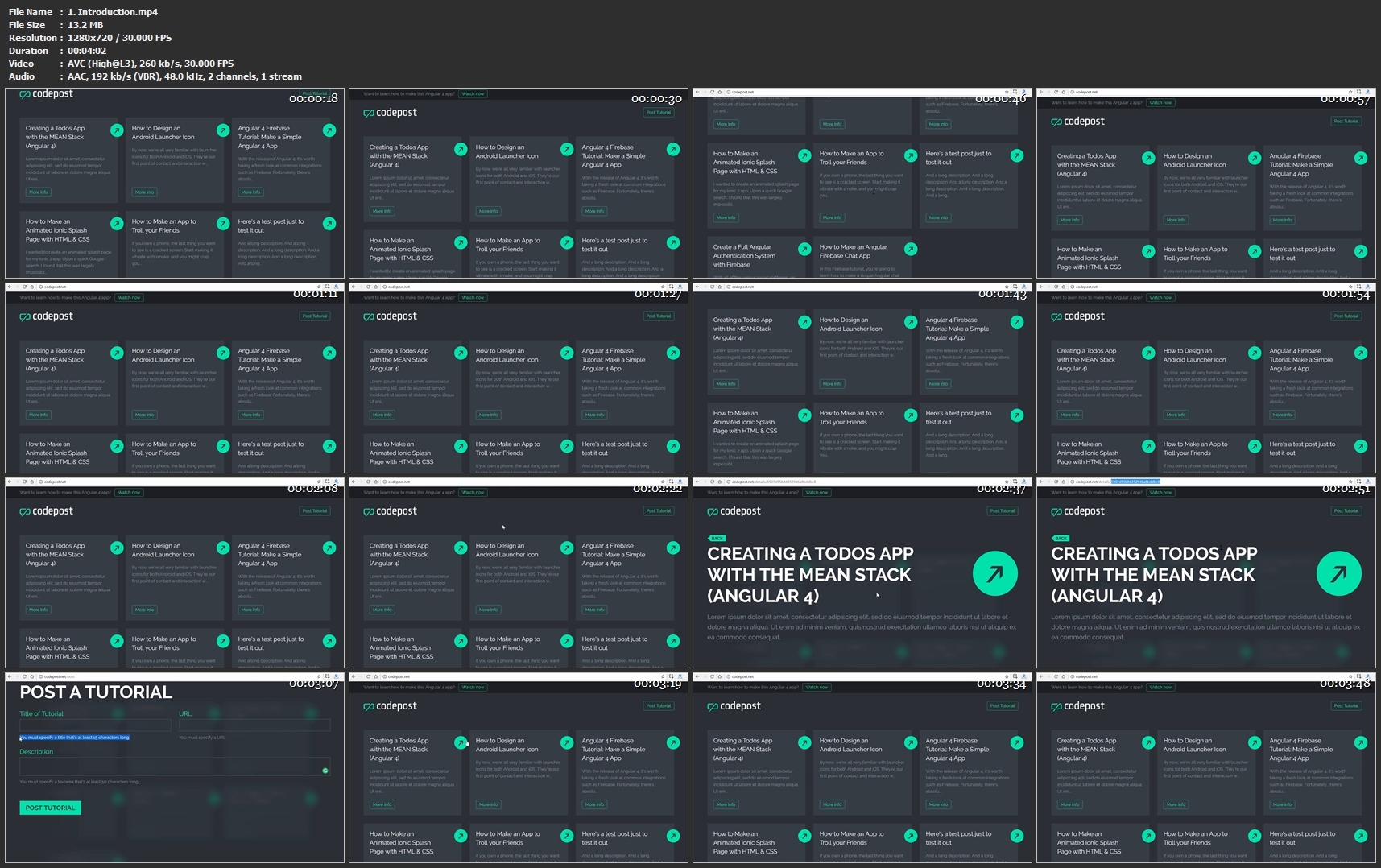
Create a MEAN App by Example - Full Stack Course

Ep-Xcy-Vz-Eyn-Sz4p-TKbajm3bt-C0opt-Iijn.jpg


Create a MEAN App by Example - Full Stack Course
MP4 | Video: AVC 1280x720 | Audio: AAC 48KHz 2ch | Duration: 3.5 Hours | Lec: 33 | 652 MB | Language: English + Sub .VTT

Go from Design to Code and Build a Beautiful Web App

What you'll learn
Design a logo
Interactive UI Mockup Design in Adobe Experience Design
Starting an Angular 4+ Project with the Angular CLI
Setting up an Express Server
Setting up MongoDB
Creating a RESTful API
Performing CRUD operations from Angular
Working with Angular Services & Components
Page Transition Animations
SVG-Based Animations
Make your Angular App Responsive
Creating an Animated Loading Logo

Requirements
Understand HTML
Understand CSS
Basic understanding of Javascript
Basic understanding of Angular

Description
Designers, coders, full stack dev's, get in here!

This course has something for everyone. You're going to learn how to build a beautiful web app using the MEAN stack.

This app is based on:

MongoDB
Express
Angular (version 4)
Nodejs
This, of course, is referred to as the MEAN stack. The MEAN stack is one of the most popular stacks to develop, so I'm showing you how to build an app called CodePost from scratch.

What will you learn?

Logo Design
Interactive UI Mockup Design in Adobe Experience Design (XD)
Starting an Angular 4+ Project with the Angular CLI
Setting up an Express Server
Setting up MongoDB
Creating a RESTful API
Performing CRUD operations from Angular
Working with Angular Services & Components
Page Transition Animations
SVG-Based Animations
Make your Angular App Responsive
Creating an Animated Loading Logo
...plus much more
This course is absolutely packed with a tremendous amount of useful information that you will most certainly use on other projects.

What software do I need?

This course is structured so that you can jump in and follow along at any point. If you're not interested in design, you won't need Illustrator or Adobe XD.

Adobe Illustrator for Logo Design
Adobe Experience Design (XD) for Prototyping
Code Editor (Visual Studio Code is Free)
Let's get started!

Who this course is for?
Aspiring Designers
Aspiring Developers
Aspiring Full Stack Developers

Homepage

1-Introduction-mp4.jpg


...
 
Spark in Motion

00649665.jpg


Spark in Motion
MP4 | Video: AVC 1280x720 | Audio: AAC 44KHz 2ch | Duration: 2 Hours 40M | 1.80 GB
Genre: eLearning | Language: English

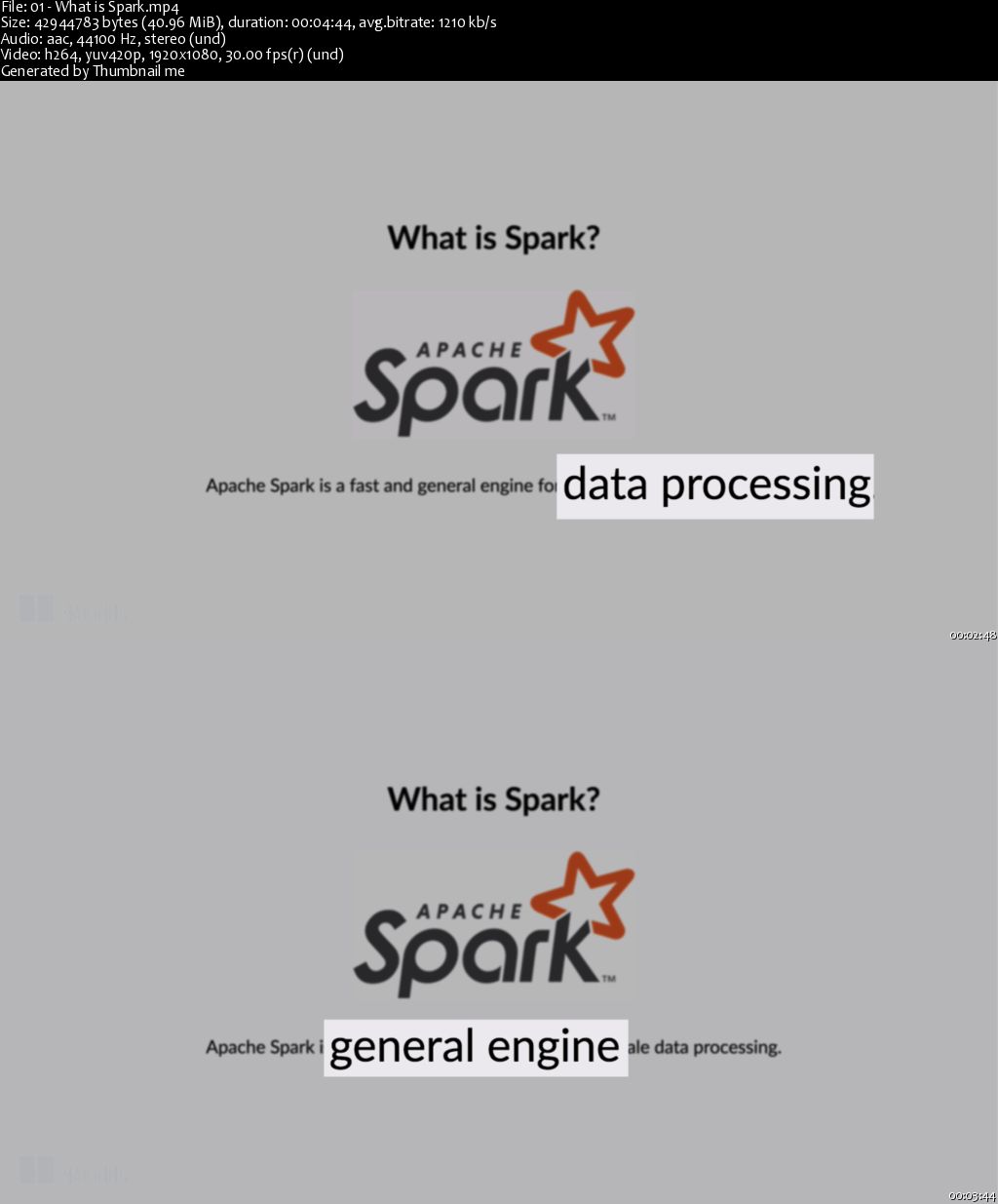
Spark in Motion teaches you how to use Spark for batch and streaming data analytics. In nearly 3 hours of hands-on video lessons, you'll get up and running with Spark, starting with the basic architecture of a Spark application. You'll explore data partitioning and accessing common application state, and then you'll deep-dive into using Spark SQL and dataframes for structured analytics. Finally, you'll use Spark Streaming to handle and process real-time data flowing into your application.

When you're doing analytics on big data systems, it can be a challenge to efficiently query, stream, filter, and consolidate data sharded across a cluster. Built especially for efficiently operating over large distributed datasets, the Spark data processing engine takes some of the weight off your shoulders. Spark features an easy-to-use interface, near-limitless upgrade potential, and performance that will knock your socks off. Spark simplifies your data infrastructure so you can focus on creating top-notch analytics.
Inside:

Exploring the Spark Ecosystem
Deploying Spark on a cluster
Analytics with SparkSQL
Real-time applications with Spark Streaming

00649666.jpg


...
 
Crear Documentos Pdf, Word, Excel en Php Generar Reportes

00649616.jpg


Crear Documentos Pdf, Word, Excel en Php Generar Reportes
MP4 | Video: AVC 1280x720 | Audio: AAC 44KHz 2ch | Duration: 1 Hours | Lec: 12 | 657 MB
Genre: eLearning | Language: Español

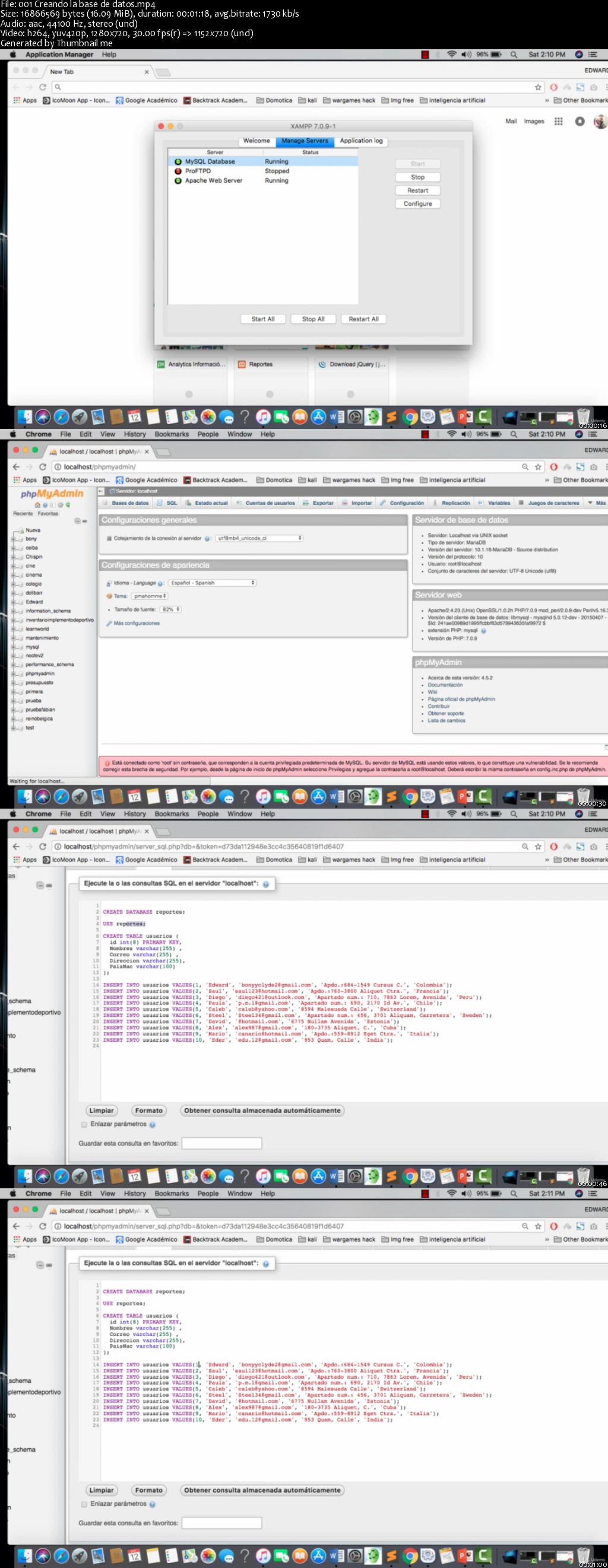
Aprende a Generar Archivos Pdf, Word, Excel con Php con datos directamente de base de datos

Bienvenido al curso Crear Documentos Pdf, Word, Excel en Php7- Generar Reportes en el que vas a aprender a generar archivos y reportes en PDF, WORD, EXCEL en PHP y la librería DOMPDF.


Vamos aprender a generar un documento PDF, WORD, EXCEL desde PHP con DOMPDF, una librería muy sencilla y útil para esta tarea.

00649620.jpg


...
 
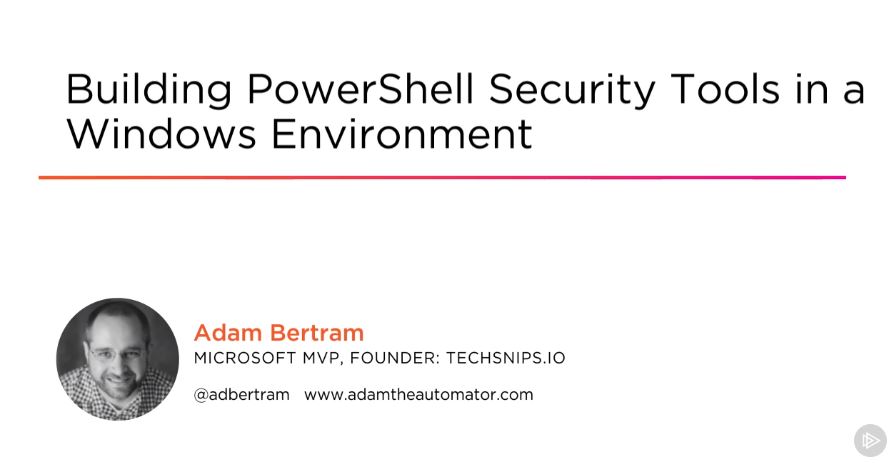
Building PowerShell Security Tools in a Windows Environment

00649652.jpg


Building PowerShell Security Tools in a Windows Environment
MP4 | Video: AVC 1280x720 | Audio: AAC 44KHz 2ch | Duration: 2 Hours 49M | 516 MB
Genre: eLearning | Language: English

System administrators aren't on the information security team, but by using the security tools you'll be building in this course in PowerShell, the security team will want to know where you got your skills!

IT security is everyone's responsibility. System administrators and IT professionals aren't information security gurus but they still need the tools to be an organization's first line of defense. In this course, Building PowerShell Security Tools in a Windows Environment, you will gain the ability to build PowerShell scripts and modules to discover potential and real security threats in your organization through reporting and change management. First, you will learn how to parse the Windows event log and query for and apply Windows patches. Next, you will discover to detect various changes in your environment. Finally, you will explore how to how to encrypt and decrypt sensitive information with PowerShell. When you are finished with this course, you will have the skills and knowledge of building PowerShell tools to query for and remediate common security threats needed to secure your IT organization.

0064965d.jpg


...
 
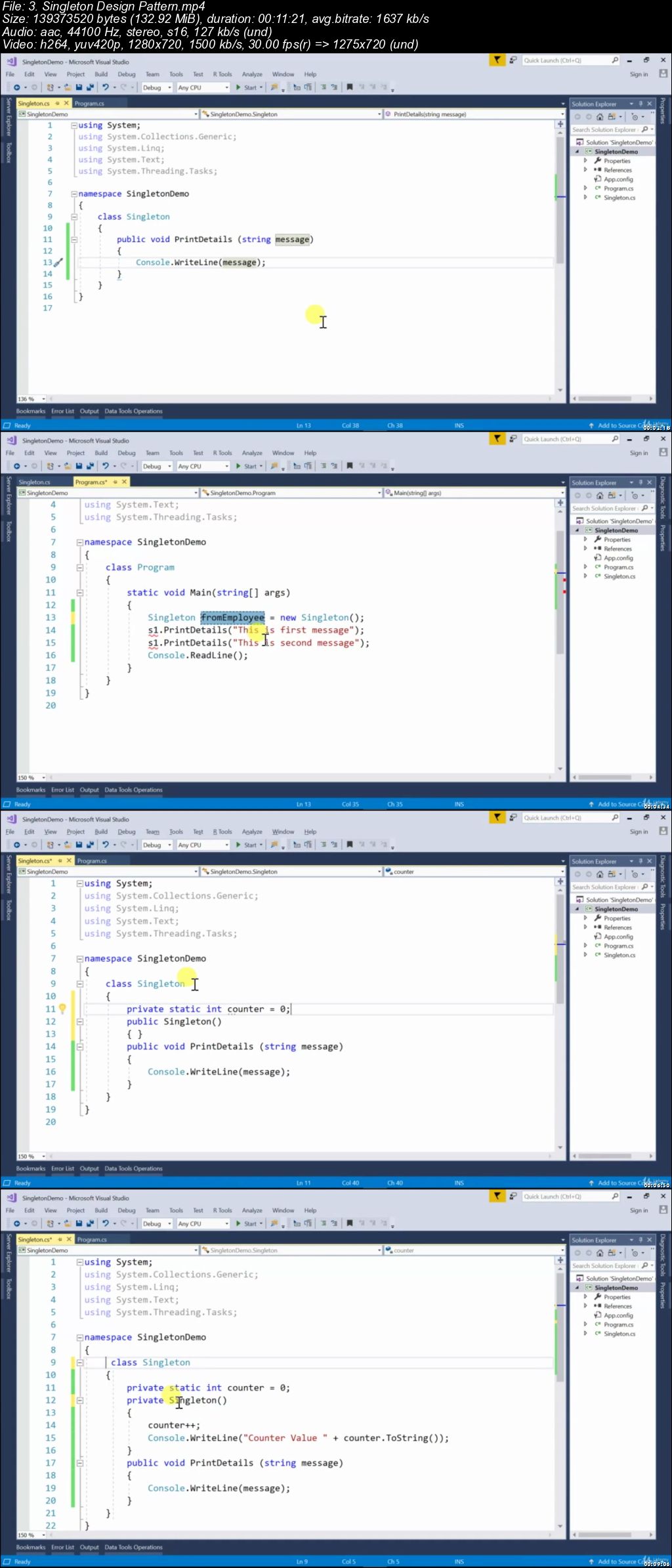
Solid&Design Patterns in C#

00649f76.jpg


Solid&Design Patterns in C#
.MP4 | Video: 1280x720, 30 fps(r) | Audio: AAC, 44100 Hz, 2ch | 0.97 GB
Duration: 1.5 hours | Genre: eLearning Video | Language: English

Learn the modern implementation of design patterns !


What you'll learn

Recognize and apply design patterns
Be able to demonstrate industry best practices in the implementations of C# design&solid patterns code you write.
You'll be able to write clear & better C# code
Write better programs

Requirements

Good understanding of object-oriented concepts like Abstraction, Inheritance, Polymorphism and Encapsulation.
Knowledge of Classes, Interfaces and Abstract classes will be very helpful.

Description

Course Overview

The SOLID principles are fundamental to designing effective, maintainable, object-oriented systems. Whether you've only just begun writing software or have been doing so for years, these principles, when used appropriately, can improve the encapsulation and coupling of your application, making it more malleable and testable in the face of changing requirements.

This course introduces foundational principles of creating well-crafted code and is appropriate for anyone hoping to improve as a developer.

Who this course is for:

Anyone interested in design patterns&solid principles

00649f77.jpg


...
 
Basics of SQL Server from scratch and Database Concepts

1945474-8519.jpg


Basics of SQL Server from scratch and Database Concepts
$20 | Created by Zia Ahmed Shaikh | Last Updated 1/2019
Duration: 2 hours | Video: h264, 1280x720 | Audio: AAC, 44 KHz, 2 Ch | 1 GB
Genre: eLearning | Language: English + Sub | 19 Lectures

A Foundation course for learning SQL Server from very beginning with working with SQL and GUI Interfaces.

What you'll learn
Understand concepts of Database from very basic level
Install SQL Server Database and Management Studio.
Create SQL Server Instances
Learn about available data types
Concept of primary keys, foreign keys and composite keys
Creating relations between tables
Create Relation Through Diagram (ERD)
Create, alter, drop tables
Filter data using where clause
Selecting distinct data
Delete records using delete statement
Generate SQL scripts using Management Studio
How to create multiple joins in one SQL query

Requirements
You should know how to use a computer, and hopefully know little basics of spreadsheet software like Excel.
No prior knowledge of SQL Server required.

Description
Welcome,

This small course is designed from beginners suitable for those who have no previous experience to SQL Server or even any other database. Before buying this course I recommend go through the content of this course carefully and make sure this course fulfills your needs. In this course we will be practically learning so many concepts of Database in SQL Server 2017 (Developer or Express Edition). We will start learning SQL Server using its GUI interface called Management Studio. Scope of this course includes:

Installation of SQL Server Database

Installation of SQL Server Management Studio (GUI Tool to work with SQL Server)

Working with Databases

Working with Tables

Creating Relations

Understanding Foreign Key and Primary Key concepts

Querying Data thorough T-SQL

Working of SELECT Statements

Working with WHERE Clause

Who this course is for:
Beginners as well as Intermediates.
This course is meant for you, if you have not used SQL Server much (or at all)
Want to learn what Databases are? How they work?
Key concepts of Databases and their implementation in SQL Server.
Want to learn how to manage Databases
Want to start to learn T-SQL

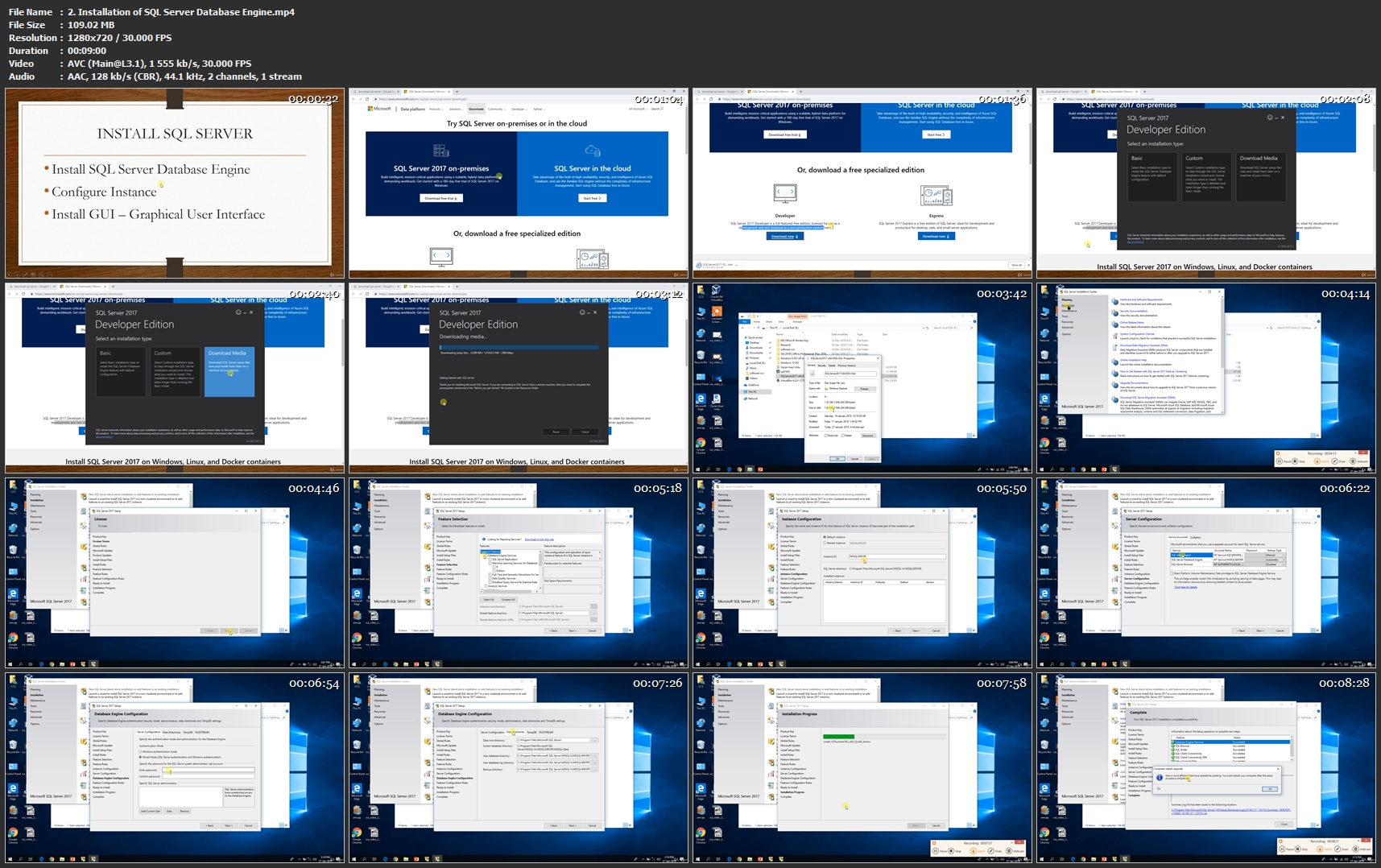
2-Installation-of-SQL-Server-Database-Engine-mp4.jpg


...
 
Microsoft Server 2016 - Hands-on Training Part I

1885370-b3a1-3.jpg


Microsoft Server 2016 - Hands-on Training Part I
$200 | Created by Prof. K | Last Updated 3/2019
Duration: 6 hours | Video: h264, 1280x720 | Audio: AAC, 44 KHz, 2 Ch | 3.2 GB
Genre: eLearning | Language: English + Sub | 49 Lectures

Install, Configure and Manage a Microsoft Server 2016 Domain Infrastructure using hands-on learning

What you'll learn
Install and configure a Windows Server 2016, implement storage and maintain server environments.
Configure Windows Server 2016 as a DHCP server
Configure Windows Server 2016 Domain Controllers
Add Windows 10 Workstations to your Server 2016 Domain
Create Group Policy Objects (GPOs) using Group Policy Management
Create users, groups and OUs using Active Directory Users & Computers
Install and manage Windows Server 2016 Core Edition
Install and manage IIS Web Management Services

Requirements
Completion of both of my Server 2012 courses, parts I and II (recommended)
Desktop PC or laptop with a minimum of 4 GB of RAM (8 GB preferred)
System BIOS with virtualization capabilities.
Internet access

Description
Speed Learn Server 2016!

This course is designed for speed learning Server 2016. The course is broken down into bite size manageable chunks with most of the video tutorials being less than 5 minutes long and any tutorial over 5 minutes comes with a lab file to easily follow along with.

Open your virtual machine, follow along using a short very concise video tutorial, move on to the next video, repeat.

Caveat

This course is a follow-on for both my Server 2012 courses, Parts I & II. It is highly recommended anyone contemplating signing up for this course to first complete both of my Server 2012 courses or have a good background working with Server 2012.

I did my best not to go over material covered in Server 2012 such as DNS. Most of the material covered in this course is unique and adds value to what was learned in both my Server 2012 courses.

This is Part I of a two-part series for learning Windows Server 2016 using hands on training. Part I is for those needing to become familiar with Server 2016, building and maintaining a Microsoft Server 2016 network from the ground up. In this first part, students will learn how to install and configure Windows Server 2016 just as they would as a network administrator or networking consultant.

Part one of the course trains the student on how to install, configure and manage the most common roles and services found on a Microsoft 2016 network. Part 2 of the course, will introduces the more advanced roles and features offered in Server 2016.

Windows Server 2016 -Hands-on Training Part I is a Comprehensive Windows Server 2016 Hands-on Training Course.

Section 1 of the course is completely open and free. If you can setup your virtual lab environment, you will have no issue with completing this course. Please do not enroll until you have completed Section 1 of the course.

Do you want to learn how to install and configure Windows Server 2016?

Do you prefer learning using hands-on as opposed to just a lecture and quiz?

If you have answered YES to above questions, then you are at the right place.

This course teaches you the administration skills for Installing and Configuring a Microsoft Windows Server 2016 domain.

This course provides a solid hands-on experience for learning Windows Server 2016 and is designed for those needing to demonstrate basic day-to-day administration and configuration skills required for Windows Server 2016 administering.

This course provides hands-on learning on how to install, maintain and configure Windows Server 2016. The course is structured using short tutorial videos and hands-on labs. Students open up their VM of Server 2016, watch a short video tutorial, if needed, review the hands-on lab, complete the lab and move to the next tutorial.

Students who take and complete this course will be able to install and configure Windows Server 2016 with Active Directory, DNS, DHCP, Group Policy, Certificates and other roles and features commonly found in a Windows Server 2016 domain.

The course labs consist of configuring three virtual machines to join a Windows Server 2016 network, creating Windows Server 2016 domain environment and installing and configuring different server roles and features.

Why I should take this course?

A solid hands-on training course with lab practice

Use applied learning to install, configure and maintain Microsoft Windows Server 2016

Help prepare for the Microsoft Windows Server 2016 Certification Exam 70-740

You will learn to install Windows Server 2016 Desktop Experience, Windows Server 2016 Core, and Windows 10 Pro as a client.

You will also learn Windows Server 2016 Networking, creating domain environment and installing and configuring different server roles

30-day satisfaction guaranteed

This is the course that could change your life.

An investment in your career is an investment in yourself. Don't procrastinate! There is no time like the present to take charge of your career.

You have 30 days' money back guarantee.!!!

And remember that once you purchase the course you will have lifetime access to the course and you have a 30 days' money back guarantee if you do not like the course because of any reason. So what are you thinking go ahead and click on "Enroll Now" button.

See you in the course.!!!

Who this course is for:
Anyone wanting help in preparing for a Microsoft exam.
Anyone with Microsoft server administration experince.
Anyone wanting to become more employable

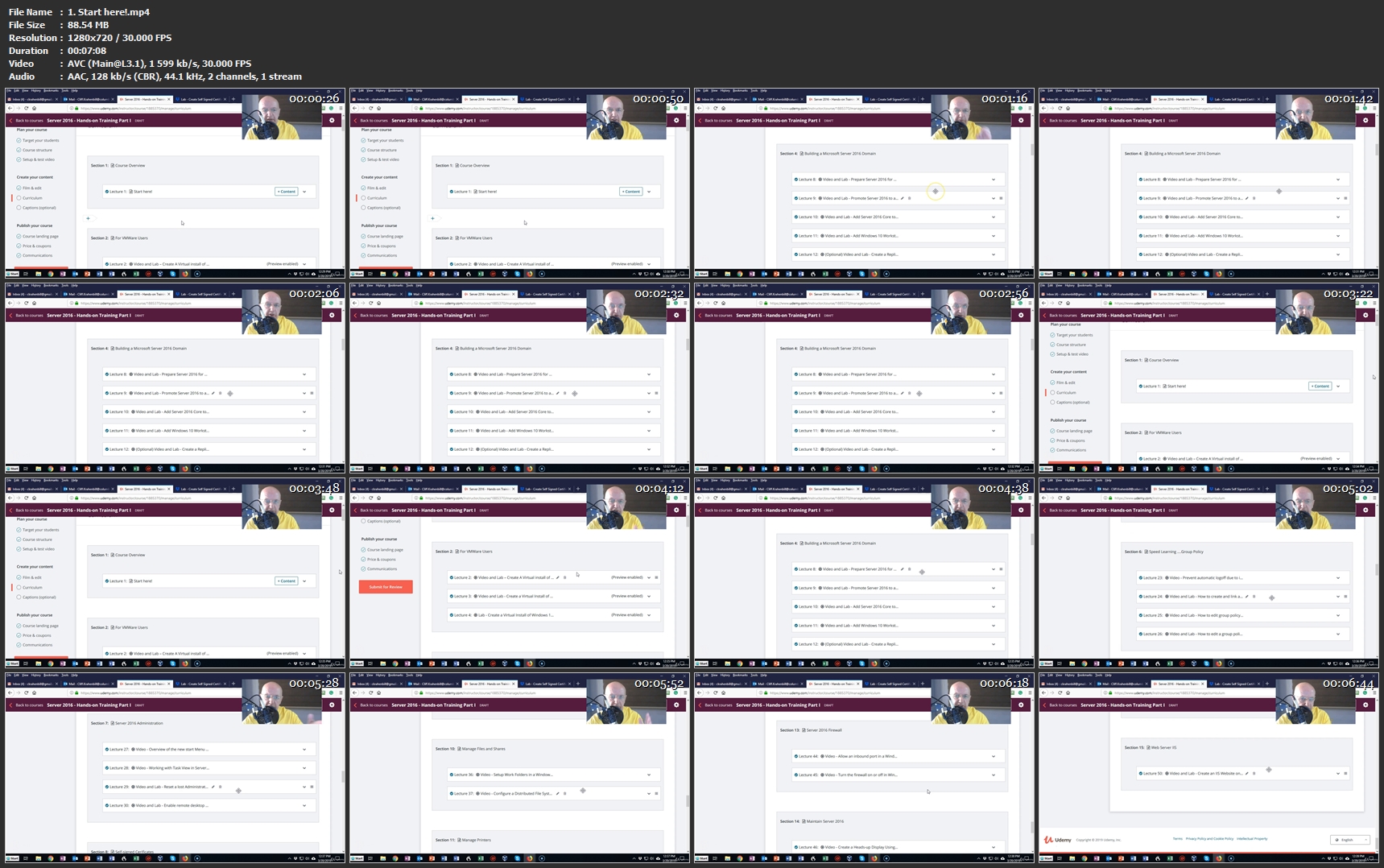
1-Start-here-mp4.jpg


...
 
Zurück
Oben Unten