Azure Kusto Query Language KQL For Log Analytics And Fabric

Azure Kusto Query Language | KQL | Databricks Accounts, workspace, Notebook, job, spark logs
What you'll learn
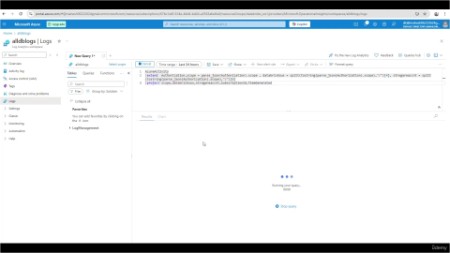
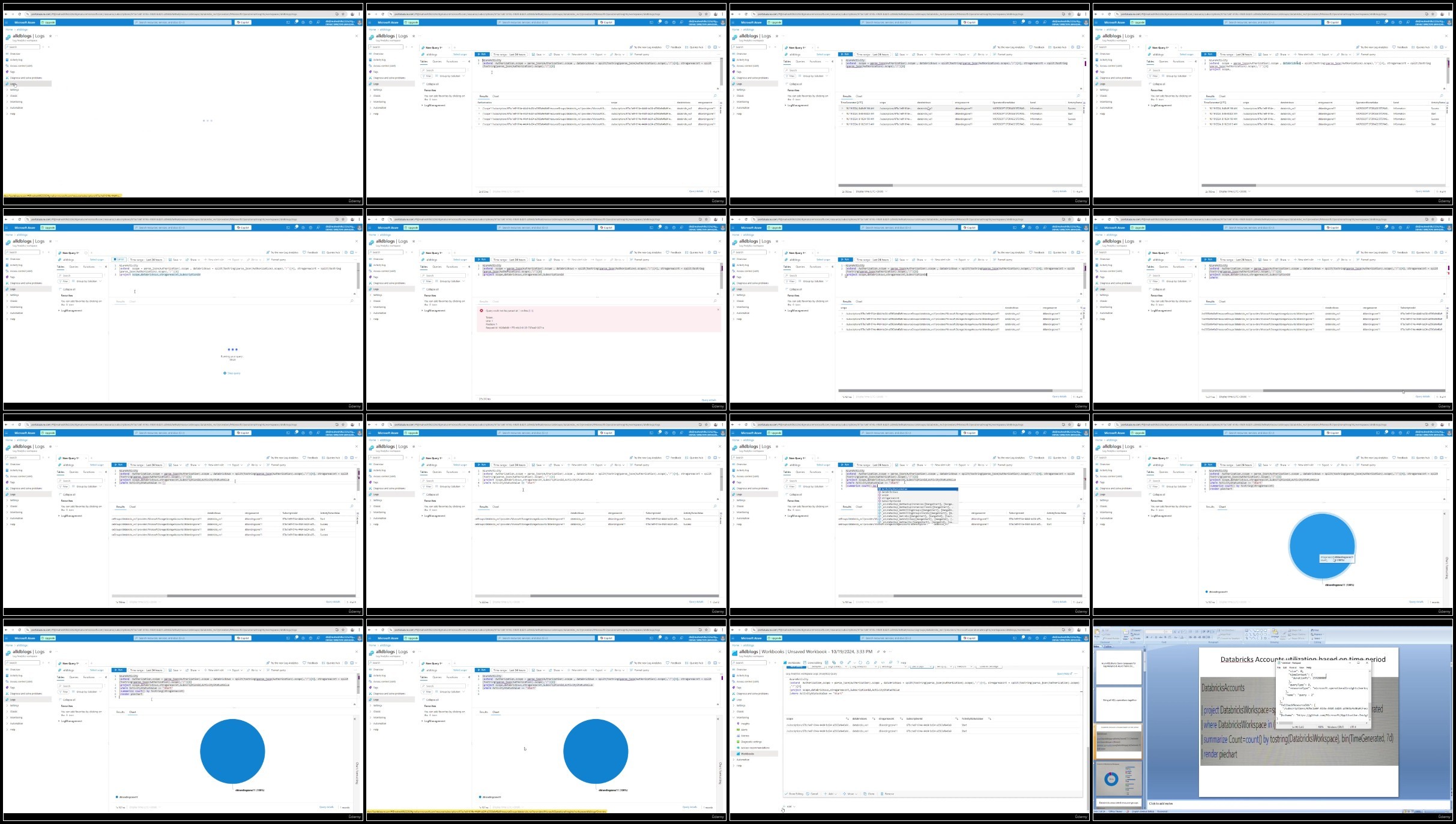
Azure Kusto Query Language KQL
Azure Log Analytics
Azure Workbook
Microsoft Azure Fabric KQL
Requirements
Basic understanding of Azure Data Engineer services like Storage account, databricks
Description
After completion of this you would be writing Azure Kusto Query Language KQL comfortably using the Azure Log analytics and implement the Log Analytics workbook with metrics related to the import azure service logs from Databricks, spark, Azure logs.Kusto Query Language (KQL) is a powerful tool to explore your data and discover patterns, identify anomalies and outliers, create statistical modeling, and more. KQL is a simple yet powerful language to query structured, semi-structured, and unstructured data. The language is expressive, easy to read and understand the query intent, and optimized for authoring experiences. Kusto Query Language is optimal for querying telemetry, metrics, and logs with deep support for text search and parsing, time-series operators and functions, analytics and aggregation, geospatial, vector similarity searches, and many other language constructs that provide the most optimal language for data analysis. The query uses schema entities that are organized in a hierarchy similar to SQLs: databases, tables, and columns.KQL (Kusto Query Language) was developed with certain key principals in mind, like - easy to read and understand syntax, provide high-performance through scaling, and the one that can transition smoothly from simple to complex query.Interestingly KQL is a read-only query language, which processes the data and returns results. It is very similar to SQL with a sequence of statements, where the statements are modeled as a flow of tabular data output from the previous statement to the next statement. These statements are concatenated with a pipe (|) character.In SQL, the queries start with the column names and we only get to know about the table name when we reach the "From" statement, whereas, in KQL, the query starts with the table name followed by the pipe character after which the conditions are defined. We will see how this works shortly.
Overview
Section 1: Introduction
Lecture 1 Introduction to Azure Kusto Query Language KQL
Lecture 2 KQL Project function operator
Lecture 3 KQL Extend operator
Lecture 4 KQL Split and Json parsing
Lecture 5 KQL aggregation functions sum and count
Lecture 6 KQL Final Query hands on
Lecture 7 Databricks Account logs using the KQL
Lecture 8 Databricks workspace logs using the KQL
Lecture 9 Databricks Notebook logs using the KQL
Lecture 10 Databricks Cluster logs using the KQL
Lecture 11 Databricks job logs using the KQL
Lecture 12 Databricks Unity catalog and Spark logs using the KQL
Any Data engineer/Analyst who is working on Azure services for building Kusto Query language KQL queries,Who want to create a unified Azure workbook dashboard with azure service logs using the Kusto Query language KQL
Say "Thank You"
rapidgator.net:
ddownload.com:
Published 10/2024
MP4 | Video: h264, 1920x1080 | Audio: AAC, 44.1 KHz
Language: English | Size: 400.76 MB | Duration: 1h 2m
MP4 | Video: h264, 1920x1080 | Audio: AAC, 44.1 KHz
Language: English | Size: 400.76 MB | Duration: 1h 2m
Azure Kusto Query Language | KQL | Databricks Accounts, workspace, Notebook, job, spark logs
What you'll learn
Azure Kusto Query Language KQL
Azure Log Analytics
Azure Workbook
Microsoft Azure Fabric KQL
Requirements
Basic understanding of Azure Data Engineer services like Storage account, databricks
Description
After completion of this you would be writing Azure Kusto Query Language KQL comfortably using the Azure Log analytics and implement the Log Analytics workbook with metrics related to the import azure service logs from Databricks, spark, Azure logs.Kusto Query Language (KQL) is a powerful tool to explore your data and discover patterns, identify anomalies and outliers, create statistical modeling, and more. KQL is a simple yet powerful language to query structured, semi-structured, and unstructured data. The language is expressive, easy to read and understand the query intent, and optimized for authoring experiences. Kusto Query Language is optimal for querying telemetry, metrics, and logs with deep support for text search and parsing, time-series operators and functions, analytics and aggregation, geospatial, vector similarity searches, and many other language constructs that provide the most optimal language for data analysis. The query uses schema entities that are organized in a hierarchy similar to SQLs: databases, tables, and columns.KQL (Kusto Query Language) was developed with certain key principals in mind, like - easy to read and understand syntax, provide high-performance through scaling, and the one that can transition smoothly from simple to complex query.Interestingly KQL is a read-only query language, which processes the data and returns results. It is very similar to SQL with a sequence of statements, where the statements are modeled as a flow of tabular data output from the previous statement to the next statement. These statements are concatenated with a pipe (|) character.In SQL, the queries start with the column names and we only get to know about the table name when we reach the "From" statement, whereas, in KQL, the query starts with the table name followed by the pipe character after which the conditions are defined. We will see how this works shortly.
Overview
Section 1: Introduction
Lecture 1 Introduction to Azure Kusto Query Language KQL
Lecture 2 KQL Project function operator
Lecture 3 KQL Extend operator
Lecture 4 KQL Split and Json parsing
Lecture 5 KQL aggregation functions sum and count
Lecture 6 KQL Final Query hands on
Lecture 7 Databricks Account logs using the KQL
Lecture 8 Databricks workspace logs using the KQL
Lecture 9 Databricks Notebook logs using the KQL
Lecture 10 Databricks Cluster logs using the KQL
Lecture 11 Databricks job logs using the KQL
Lecture 12 Databricks Unity catalog and Spark logs using the KQL
Any Data engineer/Analyst who is working on Azure services for building Kusto Query language KQL queries,Who want to create a unified Azure workbook dashboard with azure service logs using the Kusto Query language KQL
Screenshots
Say "Thank You"
rapidgator.net:
ddownload.com: