Free Download Scale Photo Up 2.0.20 | 1.56 GB
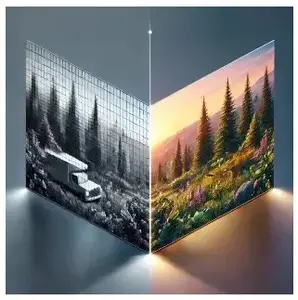
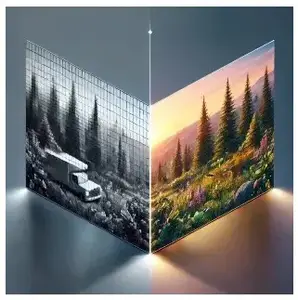
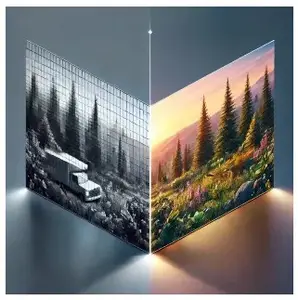
Scale Photo Up is an AI-powered image and video upscaling application designed to improve the resolution and visual quality of low-resolution media. It uses neural network processing to enlarge images and videos by up to 2X while reconstructing details, reducing noise, and smoothing imperfections.
The software is suitable for photographers, video editors, content creators, and anyone working with older or low-quality visual material. It can help improve pixelated photographs, archived video recordings, family memories, and social media clips that need additional resolution before being reused or edited.
By analyzing image content rather than simply stretching existing pixels, Scale Photo Up aims to produce clearer results while maintaining a natural appearance. Its processing capabilities make it useful for preparing older media for modern displays and content production.
Software OverviewLow-resolution images and videos often lose clarity when enlarged, resulting in visible pixelation, blurred edges, and reduced detail. Scale Photo Up addresses these limitations through AI-assisted upscaling that increases resolution while attempting to preserve and reconstruct visual information.
The application supports upscaling by 2X, using neural networks to analyze existing pixels and generate additional image details. Its processing also targets noise reduction and edge smoothing, helping improve the appearance of material captured with older cameras or recorded at lower resolutions.
Scale Photo Up can be used to enhance vintage films, scanned photographs, home videos, social media recordings, thumbnails, and B-roll footage. The resulting material can then be incorporated into editing projects, repurposed for online publishing, or preserved in a higher-resolution format.
Key Features
- AI-powered image and video upscaling.
- Resolution enlargement by up to 2X.
- Neural network-based reconstruction of missing visual details.
- Noise reduction for improved image clarity.
- Edge smoothing to reduce visible pixelation.
- Enhancement of low-resolution photographs and recordings.
- Upscaling support for vintage films and archived video content.
- Processing for social media clips, thumbnails, and B-roll footage.
- Standalone operation without cloud dependency.
- CPU-based processing support with NVIDIA GPU acceleration recommended.
Why Choose Scale Photo UpScale Photo Up provides an AI-based approach to improving low-resolution images and videos. Its 2X upscaling capability, combined with detail reconstruction and noise reduction, helps make older or pixelated material more suitable for modern viewing and editing.
The application is particularly useful for users who work with archived media, personal photographs, vintage recordings, and online content. Supporting both images and videos makes it a practical option for a variety of visual enhancement tasks.
System RequirementsWindows 10 version 17763.0 or higher
* NOTE: Software offers standalone operation with no cloud dependency. For optimal performance, an NVIDIA GPU is strongly recommended-enabling significantly faster processing, especially for video processing. While the software remains fully functional on CPU-only systems, processing speeds may vary based on hardware capabilities
Frequently Asked QuestionsWhat is Scale Photo Up used for?It is designed to increase the resolution of images and videos using AI-powered upscaling and detail reconstruction.
How much can Scale Photo Up enlarge media?The software supports upscaling by up to 2X.
Can it process both images and videos?Yes. Scale Photo Up supports image and video enhancement.
Does the application require cloud processing?No. It provides standalone operation without cloud dependency.
Is an NVIDIA GPU required?No. CPU-only systems are supported, but an NVIDIA GPU is strongly recommended for faster processing, especially when working with videos.
Home Page
Product Information
- Software Name: Scale Photo Up
- Version: 2.0.20
- Languages: English
- License type: Full Version
- File Size: 1.56 GB
FileHost : RapidGator | FreeDL | DDownload | AlfaFile