• Regeln für den Video-Bereich:

    In den Börsenbereich gehören nur Angebote die bereits den Allgemeinen Regeln entsprechen.

    Einteilung

    - Folgende Formate gehören in die angegeben Bereiche:
    - Filme: Encodierte Filme von BluRay, DVD, R5, TV, Screener sowie Telesyncs im Format DivX, XviD und x264.
    - DVD: Filme im Format DVD5, DVD9 und HD2DVD.
    - HD: Encodierte Filme mit der Auflösung 720p oder darüber von BluRay, DVD, R5, TV, Screener sowie Telesyncs im Format x264.
    - 3D: Encodierte Filme von BluRay, die in einem 3D Format vorliegen. Dies gilt auch für Dokus, Animation usw.
    - Serien: Cartoon/Zeichentrick, Anime, Tutorials, Dokumentationen, Konzerte/Musik, Sonstiges sind demnach in die entsprechenden Bereiche einzuordnen, auch wenn sie beispielsweise im High Definition-Format oder als DVD5/DVD9/HD2DVD vorliegen. Ausnahme 3D.
    - Bereich Englisch: Englische Releases gehören immer in diesen Bereich.
    - Bereich Talk: Der Bereich, in dem über die Releases diskutiert werden kann, darf, soll und erwünscht ist.


    Angebot/Beitrag erstellen

    - Ein Beitrag darf erst dann erstellt werden, wenn der Upload bei mindestens einem OCH komplett ist. Platzhalter sind untersagt.
    - Bei einem Scenerelease hat der Threadtitel ausschließlich aus dem originalen, unveränderten Releasenamen zu bestehen. Es dürfen keine Veränderungen wie z.B. Sterne, kleine Buchstaben o.ä. vorgenommen werden. Ausnahme Serienbörse:
    - Bei einem Sammelthread für eine Staffel entfällt aus dem Releasename natürlich der Name der Folge. Beispiel: Die Simpsons S21 German DVDRip XviD - ITG
    - Dementsprechend sind also u.a. verboten: Erweiterungen wie "Tipp", "empfehlenswert", "only", "reup", usw. / jegliche andere Zusatzinformation oder Ergänzung, welche nicht in obiger Beschreibung zu finden ist.

    Aufbau des Angebots und Threadtitel

    Der Titel nach folgendem Muster erstellt zu werden. <Name> [3D] [Staffel] [German] <Jahr> <Tonspur> [DL] [Auflösung] <Quelle> <Codec> - <Group>
    Beispiel: The Dark Knight German 2008 AC3 DVDRip XviD - iND
    Beispiel: The Dark Knight 2008 DTS DL BDRip x264 - iND
    Beispiel: The Dark Knight 2008 AC3 DL BDRip XviD - iND
    Beispiel: The Dark Knight German 2008 AC3 720p BluRay x264 iND
    Beispiel: The Dark Knight 2008 DTS DL 1080p BluRay x264 iND
    Beispiel: Die Simpsons S01 German AC3 DVDRip XviD iND
    Beispiel: Die Simpsons S20 German AC3 720p BluRay x264 iND
    Beispiel: Sword Art Online II Ger Sub 2014 AAC 1080p WEBRip x264 - peppermint
    Entsprechend sind also u.a. verboten: Sonderzeichen wie Klammern, Sterne, Ausrufezeichen, Unterstriche, Anführungszeichen / Erweiterungen wie "Tipp", "empfehlenswert", "only", "reup", usw. / jegliche andere Zusatzinformation oder Ergänzung, welche nicht in obiger Beschreibung zu finden ist
    Ausnahmen hiervon können in den Bereichen geregelt sein.

    Die Beiträge sollen wie folgt aufgebaut werden:
    Überschrift entspricht dem Threadtitel
    Cover
    kurze Inhaltsbeschreibung
    Format, Größe, Dauer sind gut lesbar für Downloader außerhalb des Spoilers zu vermerken
    Nfo sind immer Anzugeben und selbige immer im Spoiler in Textform.
    Sind keine Nfo vorhanden z.B. Eigenpublikationen, sind im Spoiler folgende Dateiinformationen zusätzlich anzugeben :
    Quelle
    Video (Auflösung und Bitrate)
    Ton (Sprache, Format und Bitrate der einzelnen Spuren)
    Untertitel (sofern vorhanden)
    Hosterangabe in Textform außerhalb eines Spoiler mit allen enthaltenen Hostern.
    Bei SD kann auf diese zusätzlichen Dateiinformationen verzichtet werden.

    Alle benötigten Passwörter sind, sofern vorhanden, in Textform im Angebot anzugeben.
    Spoiler im Spoiler mit Kommentaren :"Schon Bedankt?" sind unerwünscht.


    Releases

    - Sind Retail-Release verfügbar, sind alle anderen Variationen untersagt. Ausnahmen: Alle deutschen Retail-Release sind CUT, in diesem Fall sind dubbed UNCUT-Release zulässig.
    - Im Serien-Bereich gilt speziell: Wenn ein Retail vor Abschluss einer laufenden Staffel erscheint, darf diese Staffel noch zu Ende gebracht werden.62
    - Gleiche Releases sind unbedingt zusammenzufassen. Das bedeutet, es ist zwingend erforderlich, vor dem Erstellen eines Themas per Suchfunktion zu überprüfen, ob bereits ein Beitrag mit demselben Release besteht. Ist dies der Fall, ist der bereits vorhandene Beitrag zu verwenden.
    - P2P und Scene Releases dürfen nicht verändert oder gar unter einem iND Tag eingestellt werden.


    Support, Diskussionen und Suche

    - Supportanfragen sind entweder per PN oder im Bereich Talk zu stellen.
    - Diskussionen und Bewertungen sind im Talk Bereich zu führen. Fragen an die Uploader haben ausschließlich via PN zu erfolgen, und sind in den Angeboten untersagt.
    - Anfragen zu Upload-Wünschen sind nur im Bereich Suche Video erlaubt. Antworten dürfen nur auf Angebote von MyBoerse.bz verlinkt werden.


    Verbote

    - Untersagt sind mehrere Formate in einem einzigen Angebotsthread, wie beispielsweise das gleichzeitige Anbieten von DivX/XviD, 720p und 1080p in einem Thread. Pro Format, Release und Auflösung ist ein eigener Thread zu eröffnen.
    - Grundsätzlich ebenso verboten sind Dupes. Uploader haben sich an geeigneter Stelle darüber zu informieren, ob es sich bei einem Release um ein Dupe handelt.
    - Gefakte, nur teilweise lauffähige oder unvollständige Angebote sind untersagt. Dies gilt auch für eigene Publikationen, die augenscheinlich nicht selbst von z.B. einer DVD gerippt wurden. Laufende Serien, bei denen noch nicht alle Folgen verfügbar sind, dürfen erstellt und regelmäßig geupdatet werden.
    - Untersagt sind Angebote, welche nur und ausschließlich in einer anderen Sprache als deutsch oder englisch vorliegen. Ausnahmen sind VORHER mit den Moderatoren zu klären.


    Verstoß gegen die Regeln

    - Angebote oder Beiträge, die gegen die Forenregeln verstoßen, sind über den "Melden"-Button im Beitrag zu melden.
  • Bitte registriere dich zunächst um Beiträge zu verfassen und externe Links aufzurufen.

++ Premium IPTV ++ 7000 Live Sender ++ UHD Qualität ++ Mediathek mit 18.000 Inhalten ++


VenneTV


Automate your life with Python

babymore87

MyBoerse.bz Pro Member
6c5178f0fce1f8fba6630a45cd9dc3ef.webp

Automate your life with Python
Published 5/2026
MP4 | Video: h264, 1920x1080 | Audio: AAC, 44.1 KHz, 2 Ch
Language: English | Duration: 2h 31m | Size: 1.4 GB
Automate Your Life with Python: Backups, Email reminders & daily productivity tools

What you'll learn
Automate repetitive daily computer tasks using simple, practical Python scripts on Windows
Build and schedule automated email reminders and notifications to stay on top of your to-do list and meetings
Generate strong, random passwords and securely store them in an encrypted file on your computer
Perform batch processing on files: convert PDFs to editable text (and vice versa), resize images in bulk, and add watermarks automatically
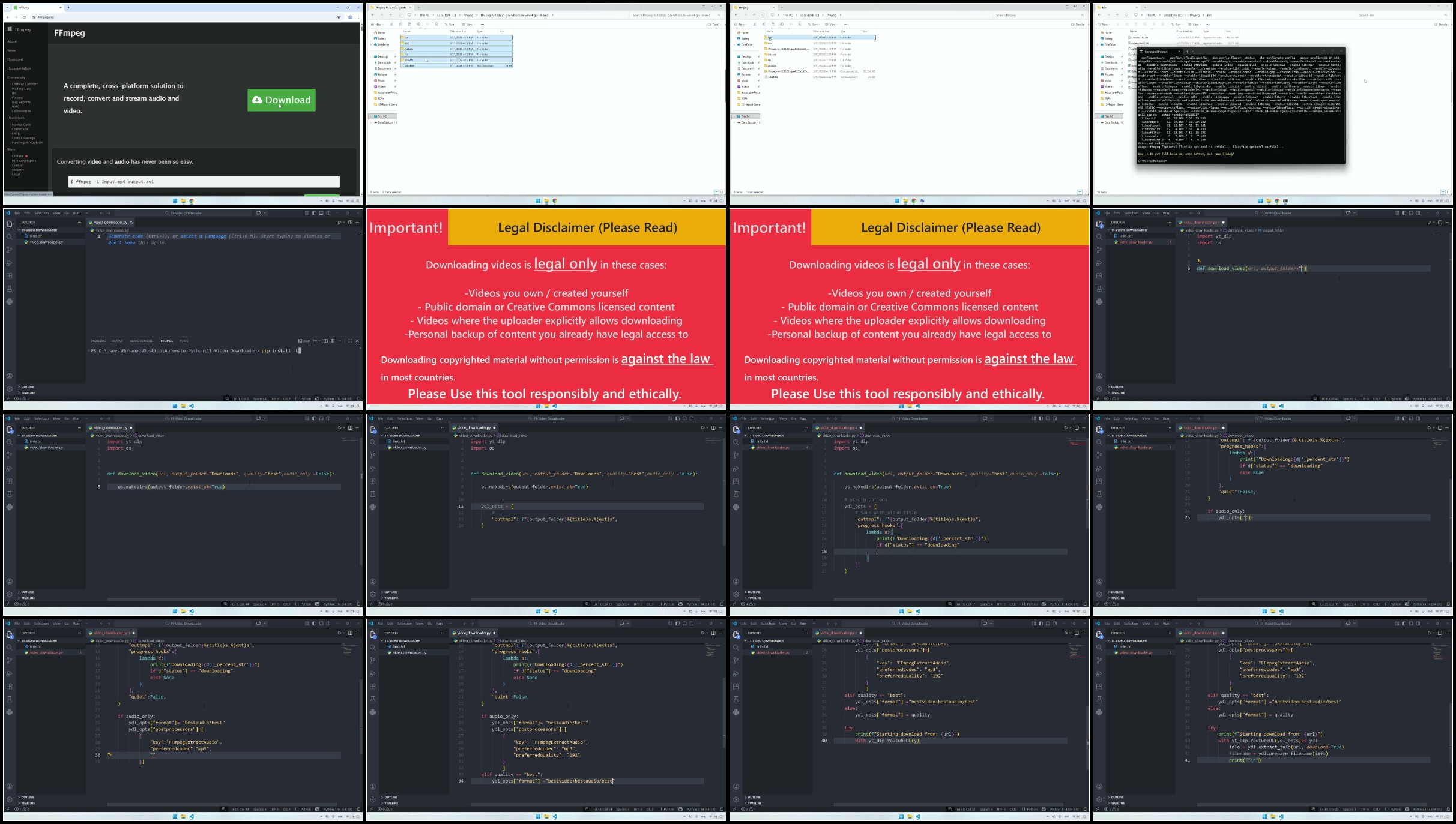
YouTube videos for offline use, take automated at intervals, and monitor laptop battery levels with smart alerts
Requirements
Basic Python knowledge is helpful but not strictly required
Description
Tired of wasting precious hours on repetitive computer tasks every single day?
What if your Windows 11 machine could quietly handle the boring stuff for you - so you could focus on the things that actually matter: your work, your family, your creativity, or simply relaxing without guilt?
Welcome toAutomate Your Life with Python - a hands-on, practical course designed to transform your daily routine using simple, powerful Python scripts you'll build yourself.
In just a few weeks, you will create 15 real, immediately useful automation tools that run on your own computer
- Automatically back up your most important folders (Documents, Pictures, Desktop) with dated zip archives
- Send yourself perfectly timed email reminders for meetings, tasks, and daily habits
- Auto Open Websites / Apps at the start of your PC
- Generate ultra-secure passwords and store them encrypted - no more sticky notes or weak repeats
- Get desktop pop-up reminders and full Pomodoro focus/break cycles with friendly notifications
- Batch-convert PDFs to word documents, resize hundreds of images in seconds
- Free Copyright YouTube videos for offline viewing and more!
No advanced programming experience is required. We start from a clean setup of Python and Visual Studio Code, then move straight into building tools you'll use every week. Each lecture includes crystal-clear code explanations, line-by-line walkthroughs, and tips on scheduling scripts to run automatically with Windows Task Scheduler.
By the end of this course, your computer won't just be a device - it will be your silent partner, quietly saving you hours of tedious work every single week.
If you're ready to stop doing things the hard way and start living smarter. this is the course that makes automation feel effortless and fun.
Enroll now - let Python take care of the small stuff so you can focus on the big wins.
See you inside!
Who this course is for
You're a student, freelancer, office worker, content creator, or small business owner who wants to reclaim hours each week
You want to learn practical Python by building real tools you'll actually use - not just theoretical exercises
You have basic (or even zero) Python experience and want to jump straight into useful, life-improving automation projects
You like the idea of your computer quietly working for you in the background while you focus on more important things

Recommend Download Link Hight Speed | Please Say Thanks Keep Topic Live
No Password - Links are Interchangeable

 

744117671_yxusj-57wbt5quo311.jpg

Automate Your Life With Python
Duration: 9h 52m | .MP4 1280x720, 30 fps(r) | AAC, 44100 Hz, 2ch | 4 GB
Genre: eLearning | Language: English​

Automate the web, Excel, emails, files, folders, and more with Python.

What you'll learn:
Learn to automate different tasks with Python
Learn Web Automation: Automate The News, WhatsApp and Tinder
Automate File and Folder Operation
Automate Text Processing
Automate Excel Reports
Automate Sending Emails
Learn Python as you build real-world programs
Automatically Import Data to Google Sheets with Python

Requirements:
Internet Access

Description:
Think of the most boring task you've ever done. Chances are, you can automate it with Python!
Python is the best programming language you can learn for automation. It's a simple yet powerful language that can help you automate your life.
Welcome to Automate your life with Python!
This is the most complete and project-oriented course. In this course, we're going to learn how to automate boring and repetitive tasks with Python. We'll automate everyday tasks. To name a few:

File and Folder Operation
Your Morning News
WhatsApp
Tinder
Text Processing: Automate TXT and CSV files
Google Sheets
Excel Reporting
Email

The best thing is that you don't need to be an expert in Python to do all of this. If you're an absolute beginner, you can watch the Python Crash Course included in this course and if you already know Python, I'll introduce your to all the Python libraries used for automation before writing code.

What makes this course different from the others, and why you should enroll?
This is the most updated and complete automation course in Python
This is the most project-based course you will find. We will automate repetitive tasks that you'd do manually otherwise
You will have an in-depth step by step guide on how to automate stuff with Python.
You will learn all the Python libraries used for automation
30 days money back guarantee by Udemy
By the end of this course, you'll be able to build your own automation using Python!

Join me now and let's automate your life with Python!

Who this course is for:
Anyone who wants to learn Python by automating tasks
Anyone who wants to take their Python skills to the next level by automating tasks


744117901_yxusj-xjx963mfr241.jpg

kTV1mSk0_o.jpg


197af3a0492124fe26a77544b7b3dde8.jpg

Automate your life with Python
Published 5/2026
MP4 | Video: h264, 1920x1080 | Audio: AAC, 44.1 KHz, 2 Ch
Language: English | Duration: 2h 31m | Size: 1.4 GB​

What you'll learn
Automate repetitive daily computer tasks using simple, practical Python scripts on Windows
Build and schedule automated email reminders and notifications to stay on top of your to-do list and meetings
Generate strong, random passwords and securely store them in an encrypted file on your computer
Perform batch processing on files: convert PDFs to editable text (and vice versa), resize images in bulk, and add watermarks automatically
Download YouTube videos for offline use, take automated screenshots at intervals, and monitor laptop battery levels with smart alerts

Requirements
Basic Python knowledge is helpful but not strictly required

Description
Tired of wasting precious hours on repetitive computer tasks every single day?
What if your Windows 11 machine could quietly handle the boring stuff for you so you could focus on the things that actually matter: your work, your family, your creativity, or simply relaxing without guilt?
Welcome toAutomate Your Life with Python a hands-on, practical course designed to transform your daily routine using simple, powerful Python scripts youll build yourself.
In just a few weeks, you will create 15 real, immediately useful automation tools that run on your own computer
- Automatically back up your most important folders (Documents, Pictures, Desktop) with dated zip archives
- Send yourself perfectly timed email reminders for meetings, tasks, and daily habits
- Auto Open Websites / Apps at the start of your PC
- Generate ultra-secure passwords and store them encrypted no more sticky notes or weak repeats
- Get desktop pop-up reminders and full Pomodoro focus/break cycles with friendly notifications
- Batch-convert PDFs to word documents, resize hundreds of images in seconds
- Download Free Copyright YouTube videos for offline viewing and more!
No advanced programming experience is required. We start from a clean setup of Python and Visual Studio Code, then move straight into building tools youll use every week. Each lecture includes crystal-clear code explanations, line-by-line walkthroughs, and tips on scheduling scripts to run automatically with Windows Task Scheduler.
If youre ready to stop doing things the hard way and start living smarter this is the course that makes automation feel effortless and fun.
Enroll now let Python take care of the small stuff so you can focus on the big wins.
See you inside!
Who this course is for
You're a student, freelancer, office worker, content creator, or small business owner who wants to reclaim hours each week
You want to learn practical Python by building real tools youll actually use not just theoretical exercises
You have basic (or even zero) Python experience and want to jump straight into useful, life-improving automation projects
You like the idea of your computer quietly working for you in the background while you focus on more important things

25-Video-Downloader-Code.jpg

 
Zurück
Oben Unten