• Regeln für den Video-Bereich:

    In den Börsenbereich gehören nur Angebote die bereits den Allgemeinen Regeln entsprechen.

    Einteilung

    - Folgende Formate gehören in die angegeben Bereiche:
    - Filme: Encodierte Filme von BluRay, DVD, R5, TV, Screener sowie Telesyncs im Format DivX, XviD und x264.
    - DVD: Filme im Format DVD5, DVD9 und HD2DVD.
    - HD: Encodierte Filme mit der Auflösung 720p oder darüber von BluRay, DVD, R5, TV, Screener sowie Telesyncs im Format x264.
    - 3D: Encodierte Filme von BluRay, die in einem 3D Format vorliegen. Dies gilt auch für Dokus, Animation usw.
    - Serien: Cartoon/Zeichentrick, Anime, Tutorials, Dokumentationen, Konzerte/Musik, Sonstiges sind demnach in die entsprechenden Bereiche einzuordnen, auch wenn sie beispielsweise im High Definition-Format oder als DVD5/DVD9/HD2DVD vorliegen. Ausnahme 3D.
    - Bereich Englisch: Englische Releases gehören immer in diesen Bereich.
    - Bereich Talk: Der Bereich, in dem über die Releases diskutiert werden kann, darf, soll und erwünscht ist.


    Angebot/Beitrag erstellen

    - Ein Beitrag darf erst dann erstellt werden, wenn der Upload bei mindestens einem OCH komplett ist. Platzhalter sind untersagt.
    - Bei einem Scenerelease hat der Threadtitel ausschließlich aus dem originalen, unveränderten Releasenamen zu bestehen. Es dürfen keine Veränderungen wie z.B. Sterne, kleine Buchstaben o.ä. vorgenommen werden. Ausnahme Serienbörse:
    - Bei einem Sammelthread für eine Staffel entfällt aus dem Releasename natürlich der Name der Folge. Beispiel: Die Simpsons S21 German DVDRip XviD - ITG
    - Dementsprechend sind also u.a. verboten: Erweiterungen wie "Tipp", "empfehlenswert", "only", "reup", usw. / jegliche andere Zusatzinformation oder Ergänzung, welche nicht in obiger Beschreibung zu finden ist.

    Aufbau des Angebots und Threadtitel

    Der Titel nach folgendem Muster erstellt zu werden. <Name> [3D] [Staffel] [German] <Jahr> <Tonspur> [DL] [Auflösung] <Quelle> <Codec> - <Group>
    Beispiel: The Dark Knight German 2008 AC3 DVDRip XviD - iND
    Beispiel: The Dark Knight 2008 DTS DL BDRip x264 - iND
    Beispiel: The Dark Knight 2008 AC3 DL BDRip XviD - iND
    Beispiel: The Dark Knight German 2008 AC3 720p BluRay x264 iND
    Beispiel: The Dark Knight 2008 DTS DL 1080p BluRay x264 iND
    Beispiel: Die Simpsons S01 German AC3 DVDRip XviD iND
    Beispiel: Die Simpsons S20 German AC3 720p BluRay x264 iND
    Beispiel: Sword Art Online II Ger Sub 2014 AAC 1080p WEBRip x264 - peppermint
    Entsprechend sind also u.a. verboten: Sonderzeichen wie Klammern, Sterne, Ausrufezeichen, Unterstriche, Anführungszeichen / Erweiterungen wie "Tipp", "empfehlenswert", "only", "reup", usw. / jegliche andere Zusatzinformation oder Ergänzung, welche nicht in obiger Beschreibung zu finden ist
    Ausnahmen hiervon können in den Bereichen geregelt sein.

    Die Beiträge sollen wie folgt aufgebaut werden:
    Überschrift entspricht dem Threadtitel
    Cover
    kurze Inhaltsbeschreibung
    Format, Größe, Dauer sind gut lesbar für Downloader außerhalb des Spoilers zu vermerken
    Nfo sind immer Anzugeben und selbige immer im Spoiler in Textform.
    Sind keine Nfo vorhanden z.B. Eigenpublikationen, sind im Spoiler folgende Dateiinformationen zusätzlich anzugeben :
    Quelle
    Video (Auflösung und Bitrate)
    Ton (Sprache, Format und Bitrate der einzelnen Spuren)
    Untertitel (sofern vorhanden)
    Hosterangabe in Textform außerhalb eines Spoiler mit allen enthaltenen Hostern.
    Bei SD kann auf diese zusätzlichen Dateiinformationen verzichtet werden.

    Alle benötigten Passwörter sind, sofern vorhanden, in Textform im Angebot anzugeben.
    Spoiler im Spoiler mit Kommentaren :"Schon Bedankt?" sind unerwünscht.


    Releases

    - Sind Retail-Release verfügbar, sind alle anderen Variationen untersagt. Ausnahmen: Alle deutschen Retail-Release sind CUT, in diesem Fall sind dubbed UNCUT-Release zulässig.
    - Im Serien-Bereich gilt speziell: Wenn ein Retail vor Abschluss einer laufenden Staffel erscheint, darf diese Staffel noch zu Ende gebracht werden.62
    - Gleiche Releases sind unbedingt zusammenzufassen. Das bedeutet, es ist zwingend erforderlich, vor dem Erstellen eines Themas per Suchfunktion zu überprüfen, ob bereits ein Beitrag mit demselben Release besteht. Ist dies der Fall, ist der bereits vorhandene Beitrag zu verwenden.
    - P2P und Scene Releases dürfen nicht verändert oder gar unter einem iND Tag eingestellt werden.


    Support, Diskussionen und Suche

    - Supportanfragen sind entweder per PN oder im Bereich Talk zu stellen.
    - Diskussionen und Bewertungen sind im Talk Bereich zu führen. Fragen an die Uploader haben ausschließlich via PN zu erfolgen, und sind in den Angeboten untersagt.
    - Anfragen zu Upload-Wünschen sind nur im Bereich Suche Video erlaubt. Antworten dürfen nur auf Angebote von MyBoerse.bz verlinkt werden.


    Verbote

    - Untersagt sind mehrere Formate in einem einzigen Angebotsthread, wie beispielsweise das gleichzeitige Anbieten von DivX/XviD, 720p und 1080p in einem Thread. Pro Format, Release und Auflösung ist ein eigener Thread zu eröffnen.
    - Grundsätzlich ebenso verboten sind Dupes. Uploader haben sich an geeigneter Stelle darüber zu informieren, ob es sich bei einem Release um ein Dupe handelt.
    - Gefakte, nur teilweise lauffähige oder unvollständige Angebote sind untersagt. Dies gilt auch für eigene Publikationen, die augenscheinlich nicht selbst von z.B. einer DVD gerippt wurden. Laufende Serien, bei denen noch nicht alle Folgen verfügbar sind, dürfen erstellt und regelmäßig geupdatet werden.
    - Untersagt sind Angebote, welche nur und ausschließlich in einer anderen Sprache als deutsch oder englisch vorliegen. Ausnahmen sind VORHER mit den Moderatoren zu klären.


    Verstoß gegen die Regeln

    - Angebote oder Beiträge, die gegen die Forenregeln verstoßen, sind über den "Melden"-Button im Beitrag zu melden.
  • Bitte registriere dich zunächst um Beiträge zu verfassen und externe Links aufzurufen.

++ Premium IPTV ++ 7000 Live Sender ++ UHD Qualität ++ Mediathek mit 18.000 Inhalten ++


VenneTV


DaVinci Resolve 21 Mastery Complete Video Editing Course

babymore87

MyBoerse.bz Pro Member
510850bf8d914807aa28758a7adfeb1f.webp

DaVinci Resolve 21 Mastery Complete Video Editing Course
Published 6/2026
Created by Faizan Amjed
MP4 | Video: h264, 1920x1080 | Audio: AAC, 44.1 KHz, 2 Ch
Level: All Levels | Genre: eLearning | Language: English | Duration: 102 Lectures ( 9h 3m ) | Size: 6.3 GB
Learn Video Editing , Compositing, Color Grading and Color Correction , Audio Mixing, VFX and More in Davinci Resolve 21

What you'll learn
⚡ How to , install, and set up DaVinci Resolve
⚡ Configure frame rates, codecs, and project settings
⚡ How to Import, organize footage using bins and timelines
⚡ How to Cut and trim using ripple delete, blade tools, and shortcuts
⚡ Balance dialogue, music, and sound effects
⚡ Record clean, studio-quality voiceovers
⚡ Fix exposure, white balance, and contrast
⚡ Use color wheels, curves, qualifiers, and power windows
⚡ Apply grading for mood and style
⚡ Use scopes and nodes (serial, layer, parallel)
⚡ Work with merge nodes, masks, and transforms
⚡ Key green screen footage
⚡ Apply ResolveFX and OpenFX effects
⚡ Design lower thirds, intros, and outros
⚡ Use Fusion Text, Text+, and Rich Text for advanced effects
⚡ Use power bins for reusable assets across projects
⚡ Practice with downloadable exercise files
⚡ Export correctly for YouTube, TikTok, social media, and client delivery
⚡ Complete a full project from import → edit → color correction → grading → export
Requirements
❗ Have a Computer With Internet Connection
❗ Windows 10 or any Mac OS.
❗ No Prior knowledge in DaVinci Resolve required.
Description
My name is Faizan, and I've been a professional video editor since 2012. Over the years, I've edited hundreds of projects - for clients, brands, and my own creative work. Now, my mission is simple: to help you become a confident, skilled video editor.
Whether you're a complete beginner or someone who's been avoiding DaVinci Resolve because the interface feels overwhelming - this course is built for you.
What You'll Master in This Course
This is a complete, A-to-Z guide to DaVinci Resolve 21, covering every major page of the software
Edit Page- Learn the full editing workflow, apply effects, transitions, Open FX, toolbar effects, and add professional titles.
Fusion - Demystify the Node System once and for all. You'll learn compositing, motion graphics, 3D text, 3D lighting, keyframe animation, background removal, and complex node-based effects - step by step.
Fairlight - Clean up and enhance your audio, remove background noise, and apply professional audio effects.
Color Page - This is where good footage becomes cinematic. Master color wheels, curves, the Color Warper, qualifiers, masks, tracking, scopes, node mixers, LUT creation, Surface Tracker, and Match Move Tracking.
Deliver/Export - Export your finished project exactly the way you need it - audio only, multiple timelines, transparent-background graphics, and more.
Why This Course Stands Out
Designed specifically for self-taught learners - no prior experience needed.
Afraid of the Node System? Don't be. It's broken down in a way that finally makes sense.
Course is recorded in DaVinci Resolve 21, fully applicable to Any version - if you have an older version, you'll still get enormous value.
Hands-on tasks throughout so you learn by doing, not just watching.
Covers everything - from downloading and installing the software all the way to professional export workflows.
Who this course is for
⭐ Who want to learn video editing from scratch
⭐ Who switching to DaVinci Resolve from another editor
⭐ Who want to understand color correction and color grading professionally
⭐ Who been intimidated by Fusion's node system
⭐ Who want to create motion graphics, VFX, and animated titles
Homepage

Recommend Download Link Hight Speed | Please Say Thanks Keep Topic Live
No Password - Links are Interchangeable

 

763840670_yxusj-s562zp32np7w.jpg

DaVinci Resolve 21 Mastery: Complete Video Editing Course
MP4 | Video: h264, 1920x1080 | Audio: AAC, 44.1 KHz, 2 Ch
Language: English | Duration: 9 hrs | Size 2.1 GB​

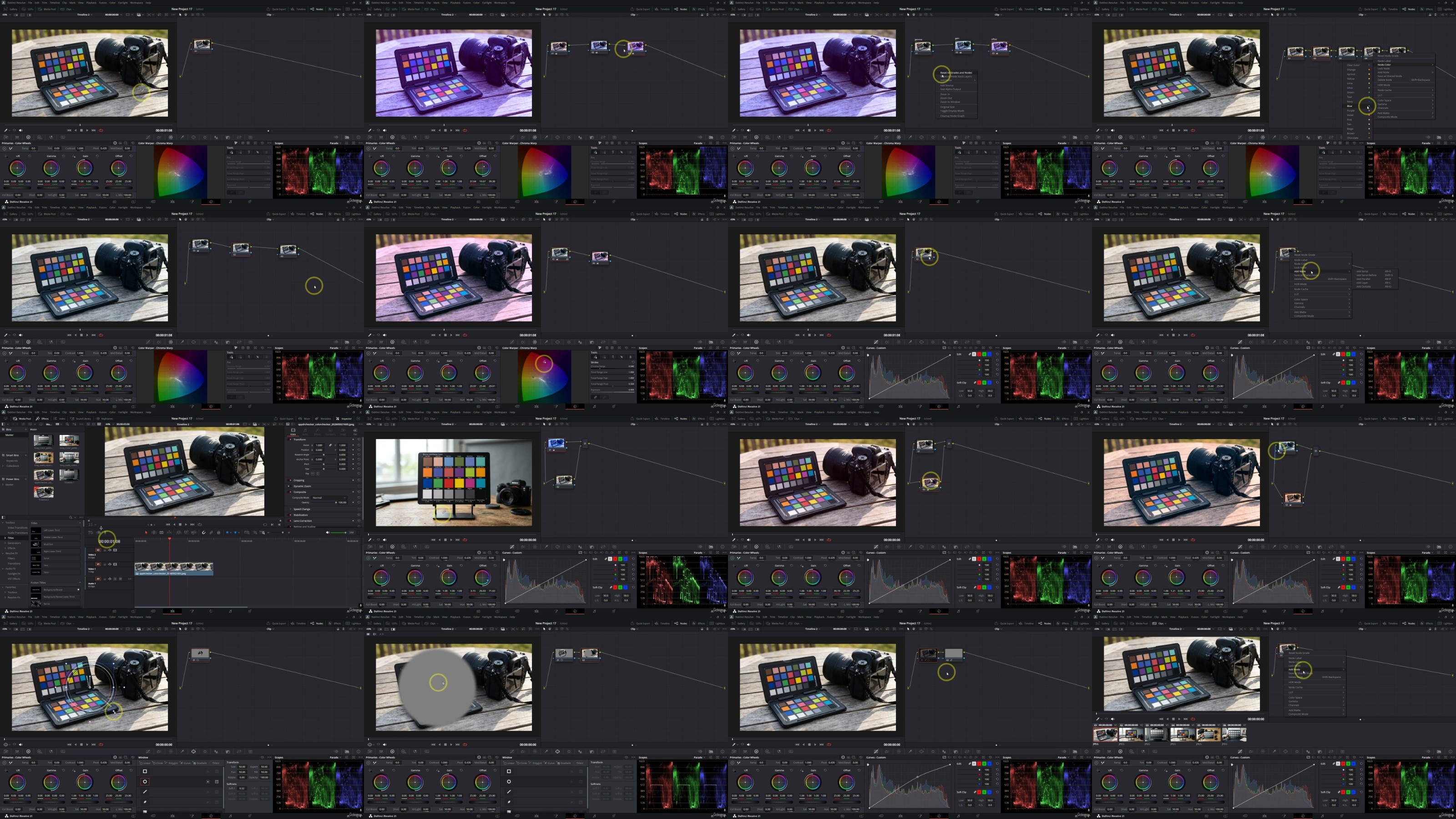
Starting with the fundamentals, you'll learn how to navigate the DaVinci Resolve interface, organize media, manage projects, and build an efficient editing workflow. As you progress, you'll master essential editing techniques including cutting, trimming, timeline management, multicam editing, transitions, titles, speed effects, and audio enhancement. Every lesson is structured to help you build confidence through real-world examples and practical exercises.

Beyond basic editing, this course explores the advanced tools that make DaVinci Resolve the industry standard. You'll discover professional color correction and cinematic color grading using nodes, scopes, and advanced grading techniques. Learn how to create polished visual effects, work with green screen footage, apply motion graphics, and improve your videos with professional audio mixing and sound design. By understanding these advanced features, you'll be able to transform ordinary footage into visually compelling content.

The course also focuses on productivity and professional workflows. You'll learn time-saving keyboard shortcuts, media organization strategies, project optimization techniques, and best practices for exporting videos for YouTube, social media platforms, business presentations, and commercial projects. These practical skills ensure that your editing process remains fast, efficient, and professional.

Designed with a step-by-step teaching approach, each lesson builds upon previous concepts, making it easy for complete beginners while still providing valuable insights for intermediate users looking to refine their skills. You'll gain hands-on experience by working on practical projects that reinforce every concept and prepare you for real-world editing challenges.

By the end of the course, you'll have the confidence to edit videos from start to finish, apply professional color grading, enhance audio quality, create engaging visual effects, and deliver polished content for any platform. More importantly, you'll develop an efficient editing workflow that can be applied to personal projects, freelance work, client productions, documentaries, promotional videos, online courses, and cinematic storytelling.

Whether your goal is to grow a YouTube channel, launch a freelance editing career, create compelling marketing content, or simply master DaVinci Resolve 21, this all-in-one course equips you with the knowledge, practical skills, and creative techniques needed to produce professional-quality videos with confidence.

yxusj-75-How-to-Use-Nodes.jpg

763840786_yxusj-ws7h038xqs92.jpg

 
Zurück
Oben Unten