




• Regeln für den Video-Bereich:

    In den Börsenbereich gehören nur Angebote die bereits den Allgemeinen Regeln entsprechen.

    Einteilung

    - Folgende Formate gehören in die angegeben Bereiche:
    - Filme: Encodierte Filme von BluRay, DVD, R5, TV, Screener sowie Telesyncs im Format DivX, XviD und x264.
    - DVD: Filme im Format DVD5, DVD9 und HD2DVD.
    - HD: Encodierte Filme mit der Auflösung 720p oder darüber von BluRay, DVD, R5, TV, Screener sowie Telesyncs im Format x264.
    - 3D: Encodierte Filme von BluRay, die in einem 3D Format vorliegen. Dies gilt auch für Dokus, Animation usw.
    - Serien: Cartoon/Zeichentrick, Anime, Tutorials, Dokumentationen, Konzerte/Musik, Sonstiges sind demnach in die entsprechenden Bereiche einzuordnen, auch wenn sie beispielsweise im High Definition-Format oder als DVD5/DVD9/HD2DVD vorliegen. Ausnahme 3D.
    - Bereich Englisch: Englische Releases gehören immer in diesen Bereich.
    - Bereich Talk: Der Bereich, in dem über die Releases diskutiert werden kann, darf, soll und erwünscht ist.


    Angebot/Beitrag erstellen

    - Ein Beitrag darf erst dann erstellt werden, wenn der Upload bei mindestens einem OCH komplett ist. Platzhalter sind untersagt.
    - Bei einem Scenerelease hat der Threadtitel ausschließlich aus dem originalen, unveränderten Releasenamen zu bestehen. Es dürfen keine Veränderungen wie z.B. Sterne, kleine Buchstaben o.ä. vorgenommen werden. Ausnahme Serienbörse:
    - Bei einem Sammelthread für eine Staffel entfällt aus dem Releasename natürlich der Name der Folge. Beispiel: Die Simpsons S21 German DVDRip XviD - ITG
    - Dementsprechend sind also u.a. verboten: Erweiterungen wie "Tipp", "empfehlenswert", "only", "reup", usw. / jegliche andere Zusatzinformation oder Ergänzung, welche nicht in obiger Beschreibung zu finden ist.

    Aufbau des Angebots und Threadtitel

    Der Titel nach folgendem Muster erstellt zu werden. <Name> [3D] [Staffel] [German] <Jahr> <Tonspur> [DL] [Auflösung] <Quelle> <Codec> - <Group>
    Beispiel: The Dark Knight German 2008 AC3 DVDRip XviD - iND
    Beispiel: The Dark Knight 2008 DTS DL BDRip x264 - iND
    Beispiel: The Dark Knight 2008 AC3 DL BDRip XviD - iND
    Beispiel: The Dark Knight German 2008 AC3 720p BluRay x264 iND
    Beispiel: The Dark Knight 2008 DTS DL 1080p BluRay x264 iND
    Beispiel: Die Simpsons S01 German AC3 DVDRip XviD iND
    Beispiel: Die Simpsons S20 German AC3 720p BluRay x264 iND
    Beispiel: Sword Art Online II Ger Sub 2014 AAC 1080p WEBRip x264 - peppermint
    Entsprechend sind also u.a. verboten: Sonderzeichen wie Klammern, Sterne, Ausrufezeichen, Unterstriche, Anführungszeichen / Erweiterungen wie "Tipp", "empfehlenswert", "only", "reup", usw. / jegliche andere Zusatzinformation oder Ergänzung, welche nicht in obiger Beschreibung zu finden ist
    Ausnahmen hiervon können in den Bereichen geregelt sein.

    Die Beiträge sollen wie folgt aufgebaut werden:
    Überschrift entspricht dem Threadtitel
    Cover
    kurze Inhaltsbeschreibung
    Format, Größe, Dauer sind gut lesbar für Downloader außerhalb des Spoilers zu vermerken
    Nfo sind immer Anzugeben und selbige immer im Spoiler in Textform.
    Sind keine Nfo vorhanden z.B. Eigenpublikationen, sind im Spoiler folgende Dateiinformationen zusätzlich anzugeben :
    Quelle
    Video (Auflösung und Bitrate)
    Ton (Sprache, Format und Bitrate der einzelnen Spuren)
    Untertitel (sofern vorhanden)
    Hosterangabe in Textform außerhalb eines Spoiler mit allen enthaltenen Hostern.
    Bei SD kann auf diese zusätzlichen Dateiinformationen verzichtet werden.

    Alle benötigten Passwörter sind, sofern vorhanden, in Textform im Angebot anzugeben.
    Spoiler im Spoiler mit Kommentaren :"Schon Bedankt?" sind unerwünscht.


    Releases

    - Sind Retail-Release verfügbar, sind alle anderen Variationen untersagt. Ausnahmen: Alle deutschen Retail-Release sind CUT, in diesem Fall sind dubbed UNCUT-Release zulässig.
    - Im Serien-Bereich gilt speziell: Wenn ein Retail vor Abschluss einer laufenden Staffel erscheint, darf diese Staffel noch zu Ende gebracht werden.62
    - Gleiche Releases sind unbedingt zusammenzufassen. Das bedeutet, es ist zwingend erforderlich, vor dem Erstellen eines Themas per Suchfunktion zu überprüfen, ob bereits ein Beitrag mit demselben Release besteht. Ist dies der Fall, ist der bereits vorhandene Beitrag zu verwenden.
    - P2P und Scene Releases dürfen nicht verändert oder gar unter einem iND Tag eingestellt werden.


    Support, Diskussionen und Suche

    - Supportanfragen sind entweder per PN oder im Bereich Talk zu stellen.
    - Diskussionen und Bewertungen sind im Talk Bereich zu führen. Fragen an die Uploader haben ausschließlich via PN zu erfolgen, und sind in den Angeboten untersagt.
    - Anfragen zu Upload-Wünschen sind nur im Bereich Suche Video erlaubt. Antworten dürfen nur auf Angebote von MyBoerse.bz verlinkt werden.


    Verbote

    - Untersagt sind mehrere Formate in einem einzigen Angebotsthread, wie beispielsweise das gleichzeitige Anbieten von DivX/XviD, 720p und 1080p in einem Thread. Pro Format, Release und Auflösung ist ein eigener Thread zu eröffnen.
    - Grundsätzlich ebenso verboten sind Dupes. Uploader haben sich an geeigneter Stelle darüber zu informieren, ob es sich bei einem Release um ein Dupe handelt.
    - Gefakte, nur teilweise lauffähige oder unvollständige Angebote sind untersagt. Dies gilt auch für eigene Publikationen, die augenscheinlich nicht selbst von z.B. einer DVD gerippt wurden. Laufende Serien, bei denen noch nicht alle Folgen verfügbar sind, dürfen erstellt und regelmäßig geupdatet werden.
    - Untersagt sind Angebote, welche nur und ausschließlich in einer anderen Sprache als deutsch oder englisch vorliegen. Ausnahmen sind VORHER mit den Moderatoren zu klären.


    Verstoß gegen die Regeln

    - Angebote oder Beiträge, die gegen die Forenregeln verstoßen, sind über den "Melden"-Button im Beitrag zu melden.
  • Bitte registriere dich zunächst um Beiträge zu verfassen und externe Links aufzurufen.

++ Premium IPTV ++ 7000 Live Sender ++ UHD Qualität ++ Mediathek mit 18.000 Inhalten ++


VenneTV


Complete After Effects & UIUX Design by using Photoshop

AgentofHeart

MyBoerse.bz Pro Member
09a2be384eed8e569be2f27e3f7b99ff.jpg

Complete After Effects & UI-UX Design by using Photoshop
MP4 | Video: 1280x720 30 fps | Audio: AAC, 44.1 kHz, 2ch | Duration: 11h 57m | 6.94 GB
Genre: eLearning | Language: English​

Learn Adobe After Effects, Photoshop, Adobe XD, Adobe Illustrator and make difference using After Effect & UI-UX Design What you'll learn
Create icons for Android and IOS applications using the Adobe Illustrator

Create an icon using the Adobe Photoshop
What is UI-User Interface?
What is UX-User Experience?
Adobe Illustrator
Adobe Photoshop
Adobe XD
Creating Icons for IOS and Android Apps
UI and UX Design
Making Decupe
Creating Icon Guide
Adobe Creative Cloud
Learn ways to create a custom app icon
Design the UI-UX of the online sales application
You will learn Adobe After Effects from scratch
Adobe After Effects Installation
After Effects interface and panels
Basic animation principles
What is keyframes and how to use it
Editing video using After Effects
Creating shapes using tools such as Pen tool in After Effects
Learning the basic effects and applying effects to your images or videos
How to Import and animate Illustrator Vector Graphics to After Effects.
Create Instagram Story in Adobe After Effects
Logo Animation
Text Animation
2D and 3D Animation in After Effects
Free Stock Video Sites
Converting 2D to 3D
Colour Effects
Creating effective videos for social media
Video Editing
Video Production
Film Making

Requirements
You don't need any prior knowledge, we tell everything from the beginning.
PC or Mac with 8 GB Ram (16 GB recommended) and 64 bit operating system
Basic computer skills
Watching the course videos completely, to the end and in order
Desire to have detailed knowledge about UI and UX Design
Desire to learn After Effects
Determination to learn and patience
Nothing else! It's just you, your computer and your ambition to get started today
Description
Hi there,

Welcome to the "Complete After Effects & UI-UX Design by using Photoshop" course.

Adobe After Effects is a digital visual effects, motion graphics, and compositing application developed by Adobe Systems and used in the post-production process of film making, video games, and television production.

If you want to make effective videos and animations by applying visual effects, you are in the right place, this course is a perfect match for you.

This"Complete After Effects & UI-UX Design by using Photoshop" course will take you from beginner to advance level. This course will be your gateway to learn UI and UX design with a step-by-step approach. We can assure you that only this course will be enough for you to learn UX-UI design.

Our passion is to carry our experience with the right examples to anyone who will enroll in this course. In this course, you will learn After Effects step-by-step. Because this course is designed for those who have no knowledge of After Effect but want to learn After Effects CC to the level of expertise. Therefore, while watching this course, you will have no questions about after effects.

Our course basically consists of two main parts. In the first part of the course, you will learn how to design UI-UX and create application icons. In the second part, you will learn to make impressive videos and animations using adobe after effects.

We'll be moving rapidly to give you the quickest, yet most thorough design building experience. The first part of the course consists of four main parts. In the first part, we will learn the concepts of User Interface (UI) and User Experience (UX) in detail. We will create our Creative Cloud membership. Finally, we will install the programs required for UI-UX design. In the second part, we will make icons for Android and iOS applications using the Adobe illustrator program. Later, we will also create an icon using the Adobe Photoshop program. In addition, we will design the UI-UX of the online sales application. Finally, we will learn about the Adobe XD program in detail. We will design the UI-UX of the weather application. We will also learn to share our designs with our teammates or developers. In addition to these, we will create the prototype of our designs. In short, we will teach you UI-UX design in a fun way and in a short time without tiring you.

What's important:

This course is expertly designed to teach everyone from complete beginners, right through to professionals as a refresher.

At the end of the course, you will improve your video editing skills and you will be able to make money via video production.

In this course you will learn;

What is UI-User Interface?

What is UX-User Experience?

Adobe illustrator

Adobe Photoshop.

Adobe XD

Creating Icons for iOS and Android App

UI and UX Design

Making Decupe

Creating Icon Guide

Adobe Creative Cloud

Learn after effects cc from scratch.

Adobe After Effects Installation

After Effects interface and panels

Basic animation principles

Video Editing

Video Production

Film Making

What is keyframes and how to use it?

Editing video using After Effects

Creating shapes using tools such as Pen tool in after effect

Learning the basic effects and applying effects to your images or videos

How to Import and animate Illustrator Vector Graphics to After Effects.

2D and 3D Animation in After Effects

Converting 2D to 3D

Logo Animation

Logo Design

Text Animation

Colour Effects

Creating effective videos for social media

Why would you want to take this course?

Our answer is simple: The quality of teaching.

OAK Academy based in London is an online education company. OAK Academy gives education in the field of IT, Software, Design, development in English, Portuguese, Spanish, Turkish and a lot of different language on Udemy platform where it has over 1000 hours of video education lessons. OAK Academy both increase its education series number by publishing new courses, and it makes students aware of all the innovations of already published courses by upgrading.

When you enroll, you will feel the OAK Academy`s seasoned developers expertise. Questions sent by students to our instructors are answered by our instructors within 48 hours at the latest.

This course will take you from a beginner to a more experienced level.

We will take you from beginner to expert level.

Fresh Content

It's no secret how technology is advancing at a rapid rate. New tools are released every day and it's crucial to stay on top of the latest knowledge. With this course, you will always have a chance to follow the latest trends.

You'll also get:

Lifetime Access to The Course

Fast & Friendly Support in the Q&A section

Udemy Certificate of Completion Ready for Download

Dive in now "Complete After Effects & UI-UX Design by using Photoshop" course

We offer full support, answering any questions.

See you in the course!

Who this course is for:
Anyone interested in UI-UX Design
Beginners in After Effects who want to start Learning Compositing ,Visual Effects and Motion Graphics
Those who want to create icons for applications
Intermediate After Effects Users who want to polish their skills and learn more techniques to create better videos
Those who have a career goal in the field of design
Those who want to upload effective images and videos to social media platforms such as YouTube and Instagram.
Junior UI-UX Designer
Video Editors, Video Production Teams who are looking to implement Visual Effects and Motion Graphics in their videos
Motion graphics artists and graphic designers
Those who want to learn how to make effective visual effects in the cinema sector
Those who want to step into the world of design


5fASaLlj_o.jpg


c929d60fafcdfbb1f5c2833b151eed14.jpg

Complete After Effects & UI-UX Design by using Photoshop
MP4 | Video: 1280x720 30 fps | Audio: AAC, 44.1 kHz, 2ch | Duration: 11h 57m | 6.94 GB
Genre: eLearning | Language: English​

Create icons for Android and IOS applications using the Adobe Illustrator

Create an icon using the Adobe Photoshop
What is UI-User Interface?
What is UX-User Experience?
Adobe Illustrator
Adobe Photoshop
Adobe XD
Creating Icons for IOS and Android Apps
UI and UX Design
Making Decupe
Creating Icon Guide
Adobe Creative Cloud
Learn ways to create a custom app icon
Design the UI-UX of the online sales application
You will learn Adobe After Effects from scratch
Adobe After Effects Installation
After Effects interface and panels
Basic animation principles
What is keyframes and how to use it
Editing video using After Effects
Creating shapes using tools such as Pen tool in After Effects
Learning the basic effects and applying effects to your images or videos
How to Import and animate Illustrator Vector Graphics to After Effects.
Create Instagram Story in Adobe After Effects
Logo Animation
Text Animation
2D and 3D Animation in After Effects
Free Stock Video Sites
Converting 2D to 3D
Colour Effects
Creating effective videos for social media
Video Editing
Video Production
Film Making

Requirements
You don't need any prior knowledge, we tell everything from the beginning.
PC or Mac with 8 GB Ram (16 GB recommended) and 64 bit operating system
Basic computer skills
Watching the course videos completely, to the end and in order
Desire to have detailed knowledge about UI and UX Design
Desire to learn After Effects
Determination to learn and patience
Nothing else! It's just you, your computer and your ambition to get started today
Description
Hi there,

Welcome to the "Complete After Effects & UI-UX Design by using Photoshop" course.

Adobe After Effects is a digital visual effects, motion graphics, and compositing application developed by Adobe Systems and used in the post-production process of film making, video games, and television production.

If you want to make effective videos and animations by applying visual effects, you are in the right place, this course is a perfect match for you.

This"Complete After Effects & UI-UX Design by using Photoshop" course will take you from beginner to advance level. This course will be your gateway to learn UI and UX design with a step-by-step approach. We can assure you that only this course will be enough for you to learn UX-UI design.

Our passion is to carry our experience with the right examples to anyone who will enroll in this course. In this course, you will learn After Effects step-by-step. Because this course is designed for those who have no knowledge of After Effect but want to learn After Effects CC to the level of expertise. Therefore, while watching this course, you will have no questions about after effects.

Our course basically consists of two main parts. In the first part of the course, you will learn how to design UI-UX and create application icons. In the second part, you will learn to make impressive videos and animations using adobe after effects.

We'll be moving rapidly to give you the quickest, yet most thorough design building experience. The first part of the course consists of four main parts. In the first part, we will learn the concepts of User Interface (UI) and User Experience (UX) in detail. We will create our Creative Cloud membership. Finally, we will install the programs required for UI-UX design. In the second part, we will make icons for Android and iOS applications using the Adobe illustrator program. Later, we will also create an icon using the Adobe Photoshop program. In addition, we will design the UI-UX of the online sales application. Finally, we will learn about the Adobe XD program in detail. We will design the UI-UX of the weather application. We will also learn to share our designs with our teammates or developers. In addition to these, we will create the prototype of our designs. In short, we will teach you UI-UX design in a fun way and in a short time without tiring you.

What's important:

This course is expertly designed to teach everyone from complete beginners, right through to professionals as a refresher.

At the end of the course, you will improve your video editing skills and you will be able to make money via video production.

In this course you will learn;

What is UI-User Interface?

What is UX-User Experience?

Adobe illustrator

Adobe Photoshop.

Adobe XD

Creating Icons for iOS and Android App

UI and UX Design

Making Decupe

Creating Icon Guide

Adobe Creative Cloud

Learn after effects cc from scratch.

Adobe After Effects Installation

After Effects interface and panels

Basic animation principles

Video Editing

Video Production

Film Making

What is keyframes and how to use it?

Editing video using After Effects

Creating shapes using tools such as Pen tool in after effect

Learning the basic effects and applying effects to your images or videos

How to Import and animate Illustrator Vector Graphics to After Effects.

2D and 3D Animation in After Effects

Converting 2D to 3D

Logo Animation

Logo Design

Text Animation

Colour Effects

Creating effective videos for social media

Why would you want to take this course?

Our answer is simple: The quality of teaching.

OAK Academy based in London is an online education company. OAK Academy gives education in the field of IT, Software, Design, development in English, Portuguese, Spanish, Turkish and a lot of different language on Udemy platform where it has over 1000 hours of video education lessons. OAK Academy both increase its education series number by publishing new courses, and it makes students aware of all the innovations of already published courses by upgrading.

When you enroll, you will feel the OAK Academy`s seasoned developers expertise. Questions sent by students to our instructors are answered by our instructors within 48 hours at the latest.

This course will take you from a beginner to a more experienced level.

We will take you from beginner to expert level.

Fresh Content

It's no secret how technology is advancing at a rapid rate. New tools are released every day and it's crucial to stay on top of the latest knowledge. With this course, you will always have a chance to follow the latest trends.

You'll also get:

Lifetime Access to The Course

Fast & Friendly Support in the Q&A section

Udemy Certificate of Completion Ready for Download

Dive in now "Complete After Effects & UI-UX Design by using Photoshop" course

We offer full support, answering any questions.

See you in the course!

Who this course is for:
Anyone interested in UI-UX Design
Beginners in After Effects who want to start Learning Compositing ,Visual Effects and Motion Graphics
Those who want to create icons for applications
Intermediate After Effects Users who want to polish their skills and learn more techniques to create better videos
Those who have a career goal in the field of design
Those who want to upload effective images and videos to social media platforms such as YouTube and Instagram.
Junior UI-UX Designer
Video Editors, Video Production Teams who are looking to implement Visual Effects and Motion Graphics in their videos
Motion graphics artists and graphic designers
Those who want to learn how to make effective visual effects in the cinema sector
Those who want to step into the world of design


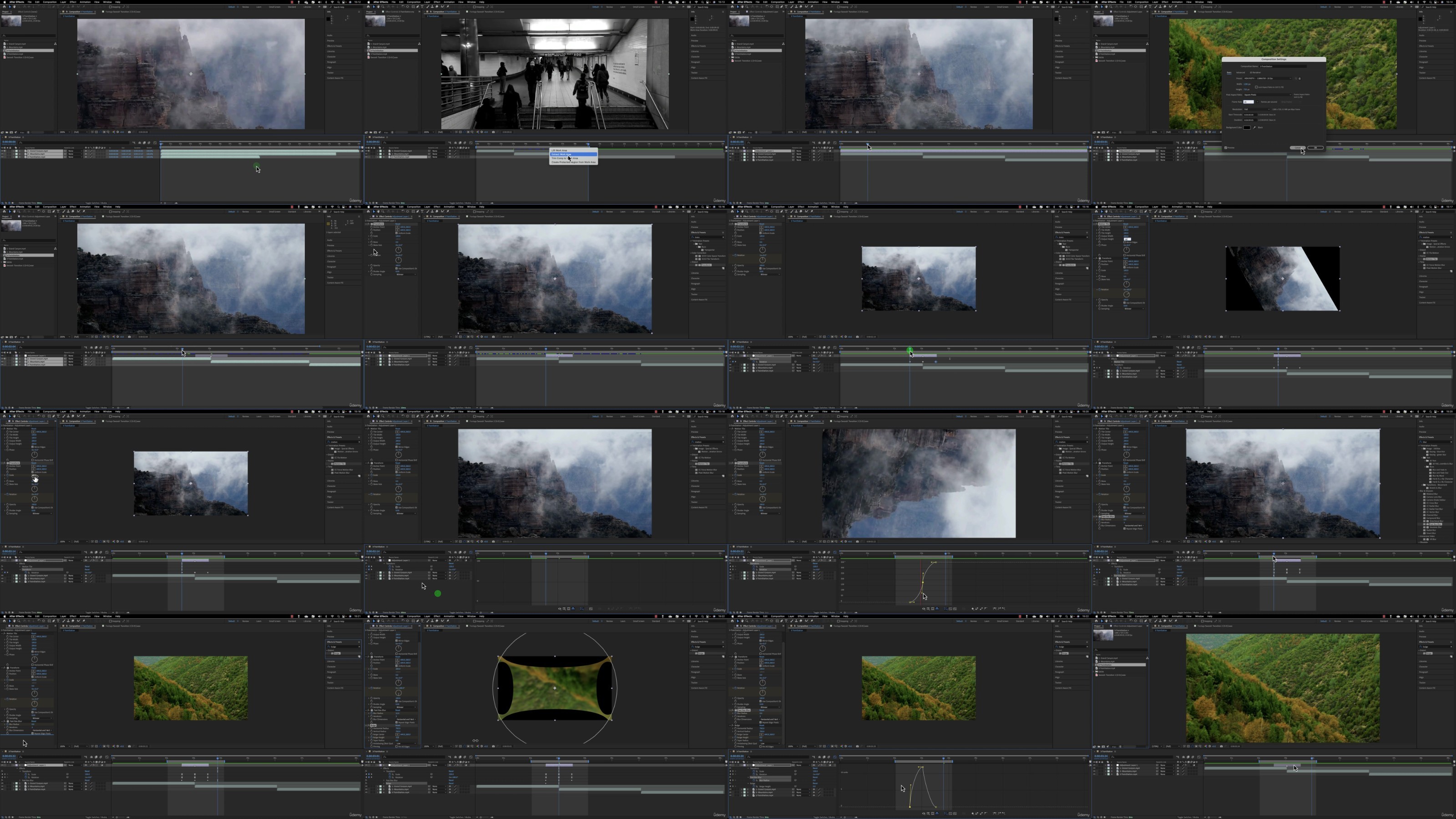
166-Building-the-Custom-Transition.jpg

 
Zurück
Oben Unten

